newton-physics/newton
GitHub: newton-physics/newton
Newton 是基于 NVIDIA Warp 构建的 GPU 加速物理仿真引擎,专为机器人学家和仿真研究人员提供高性能、可微分的机器人与多物理场仿真能力。
Stars: 5284 | Forks: 620
[](https://opensource.org/licenses/Apache-2.0)

[](https://codecov.io/gh/newton-physics/newton)
[](https://github.com/newton-physics/newton/actions/workflows/push_aws_gpu.yml)
# Newton
Newton 是一个基于 [NVIDIA Warp](https://github.com/NVIDIA/warp) 构建的 GPU 加速物理仿真引擎,专为机器人学家和仿真研究人员设计。
Newton 扩展并泛化了 Warp 的([已弃用](`,而不是下文提到的 `python -m newton.examples ` 命令。
### 示例选项
所有示例都共享一组通用的命令行选项。最常用的选项包括:
| 参数 | 描述 | 默认值 |
| --------------- | ------------------------------------------------------------------------ | ---------------------------- |
| `--viewer` | 使用的查看器:`gl`、`usd`、`rtx`、`rerun`、`viser` 或 `null`。 | `gl` |
| `--device` | 使用的计算设备,例如 `cpu`、`cuda:0`。 | `None` (默认 Warp 设备) |
| `--num-frames` | 要模拟的总帧数。 | `100` |
| `--output-path` | 输出 USD 文件的路径(由 `usd` 查看器使用)。 | `output.usd` |
要获取完整且始终最新的选项列表——以及特定示例添加的任何参数——请运行:
```
python -m newton.examples --help
```
### 示例用法
```
# 列出可用示例
python -m newton.examples --list
# 使用 USD viewer 运行并保存到 my_output.usd
python -m newton.examples basic_viewer --viewer usd --output-path my_output.usd
# 在选定设备上运行
python -m newton.examples basic_urdf --device cuda:0
# 组合选项
python -m newton.examples basic_viewer --viewer gl --num-frames 500 --device cpu
```
## 行为准则
## 项目治理、法律及成员
请参阅 [newton-governance 代码仓库](https://github.com/newton-physics/newton-governance) 获取有关项目治理的更多信息。
Basic Examples |
||
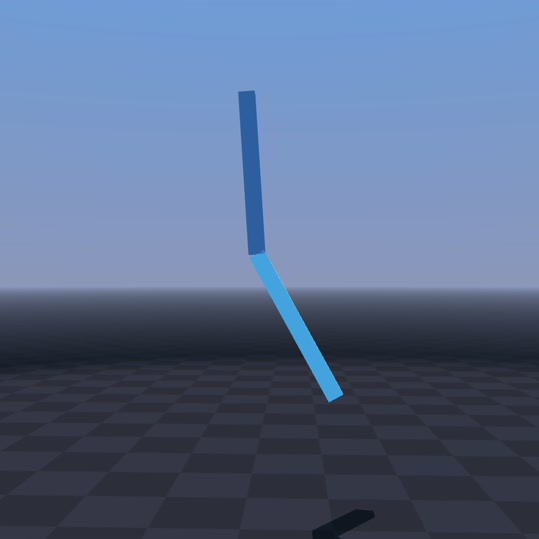
|
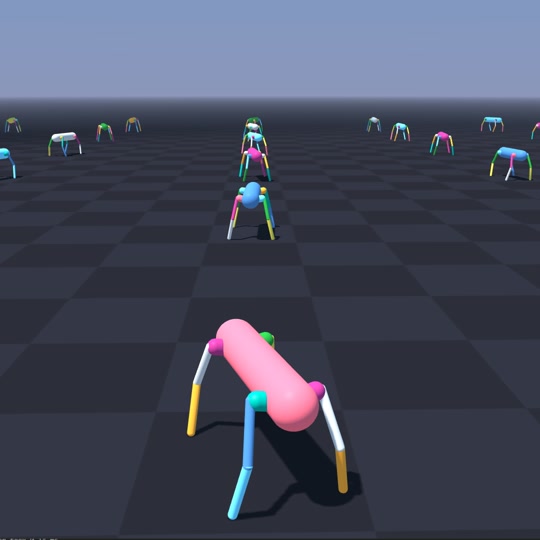
|
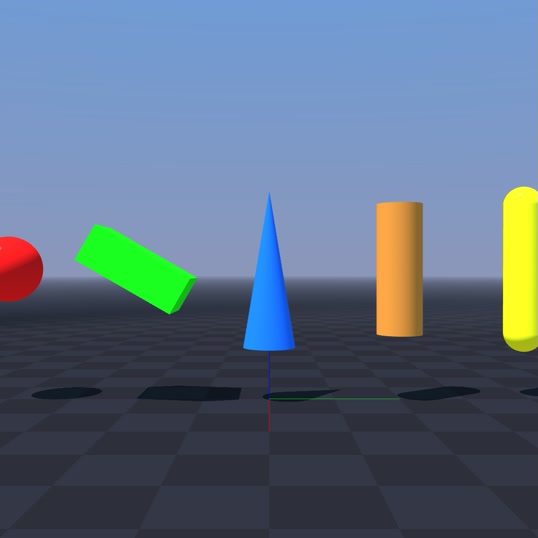
|
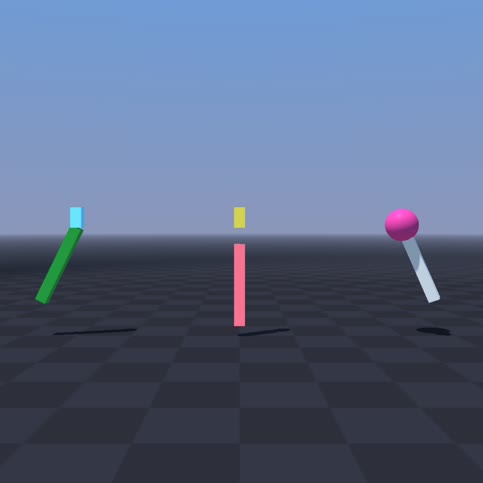
python -m newton.examples basic_pendulum
|
python -m newton.examples basic_urdf
|
python -m newton.examples basic_viewer
|
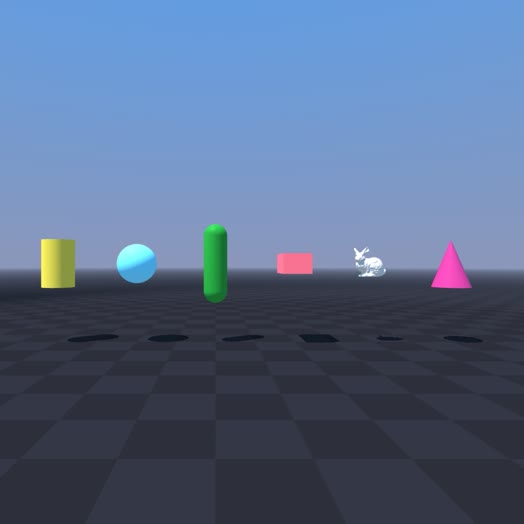
|
|
|
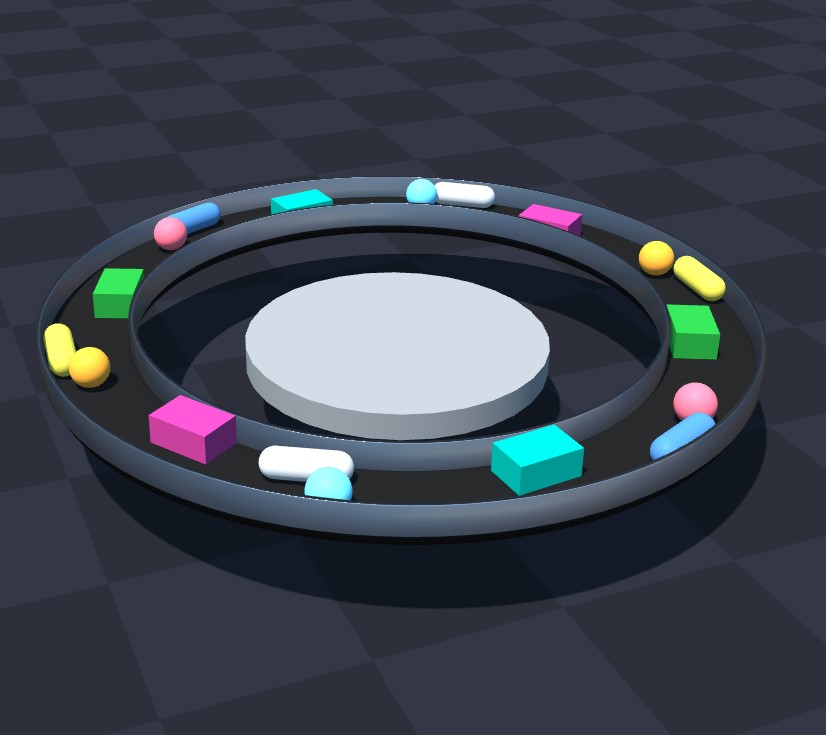
python -m newton.examples basic_shapes
|
python -m newton.examples basic_joints
|
python -m newton.examples basic_conveyor
|
|
|
|
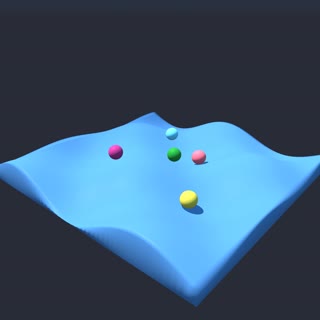
python -m newton.examples basic_heightfield
|
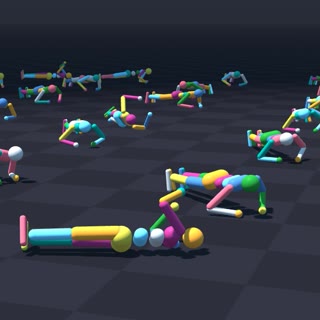
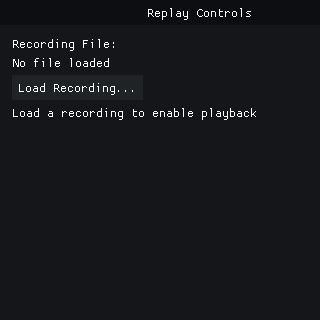
python -m newton.examples recording
|
python -m newton.examples replay_viewer
|
|
|
|
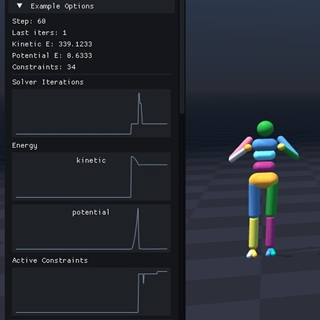
python -m newton.examples basic_plotting
|
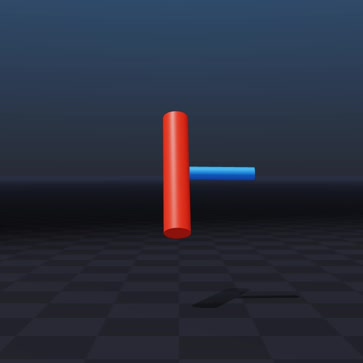
python -m newton.examples basic_dzhanibekov
|
|
Robot Examples |
||
|
|
|
python -m newton.examples robot_cartpole
|
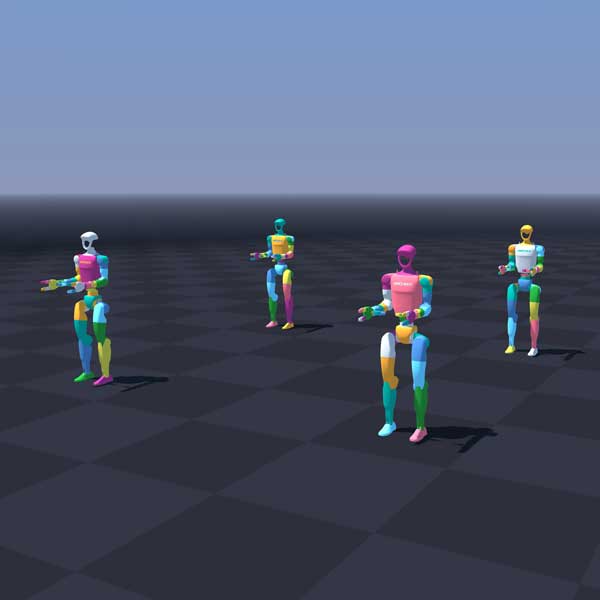
python -m newton.examples robot_g1
|
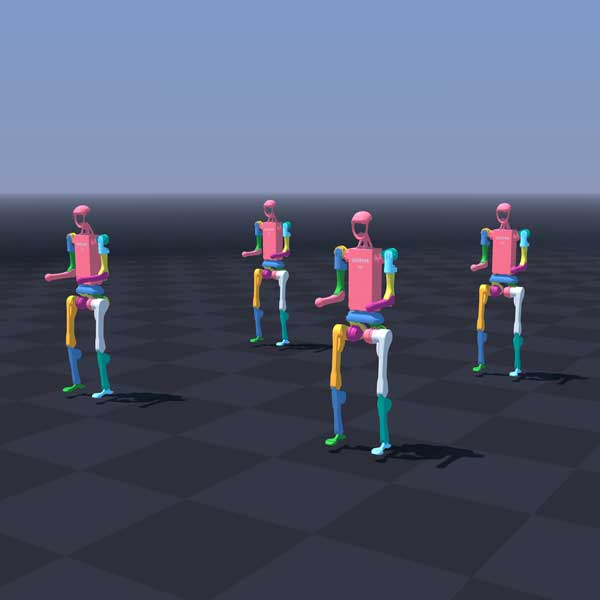
python -m newton.examples robot_h1
|
|
|
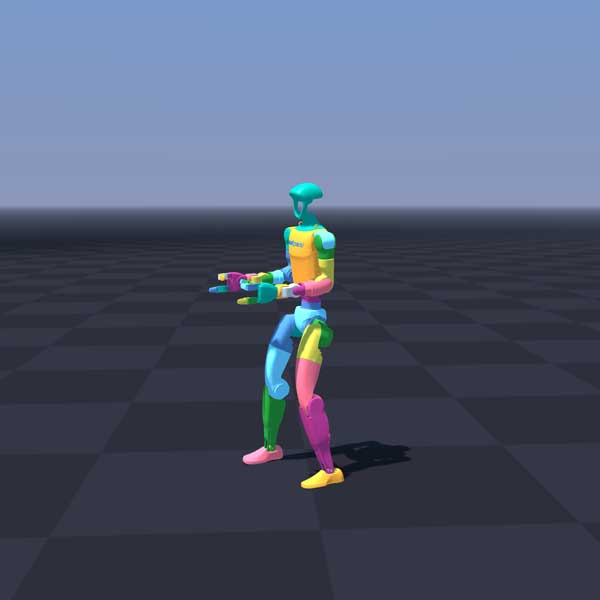
|
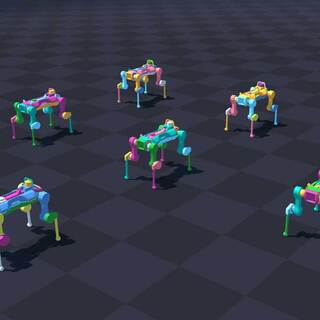
python -m newton.examples robot_anymal_d
|
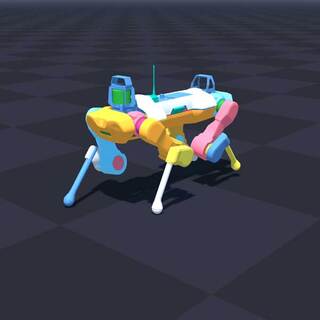
python -m newton.examples robot_anymal_c_walk
|
python -m newton.examples robot_policy
|
|
|
|
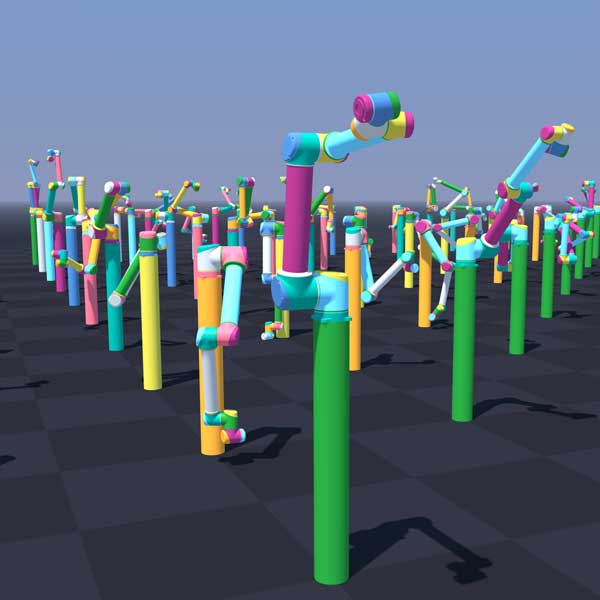
python -m newton.examples robot_ur10
|
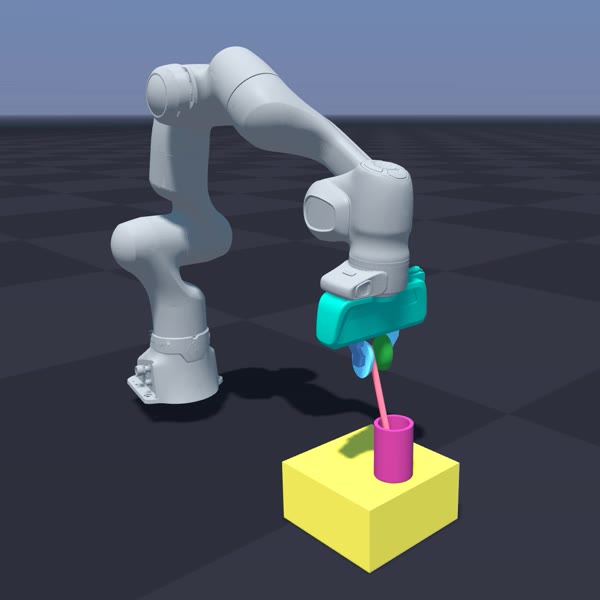
python -m newton.examples robot_panda_hydro
|
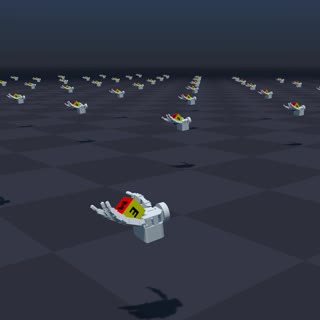
python -m newton.examples robot_allegro_hand
|
Cable Examples |
||
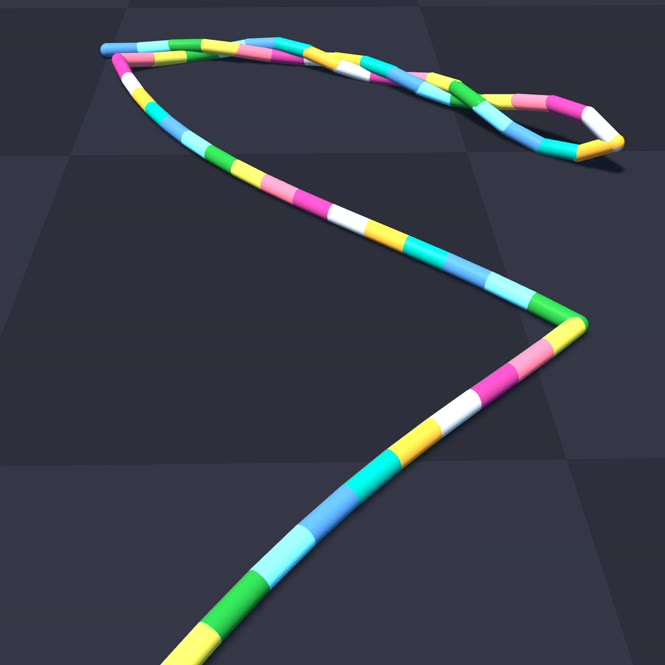
|
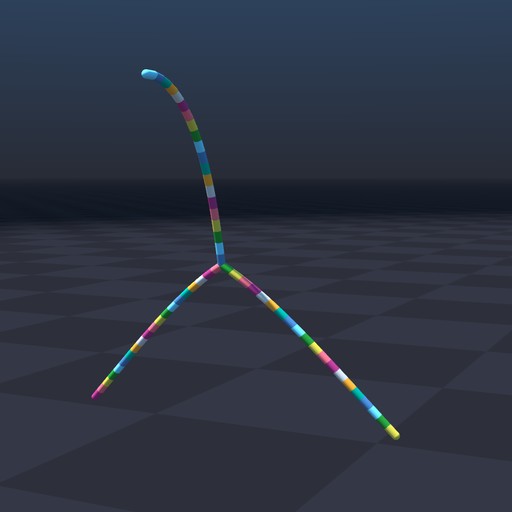
|
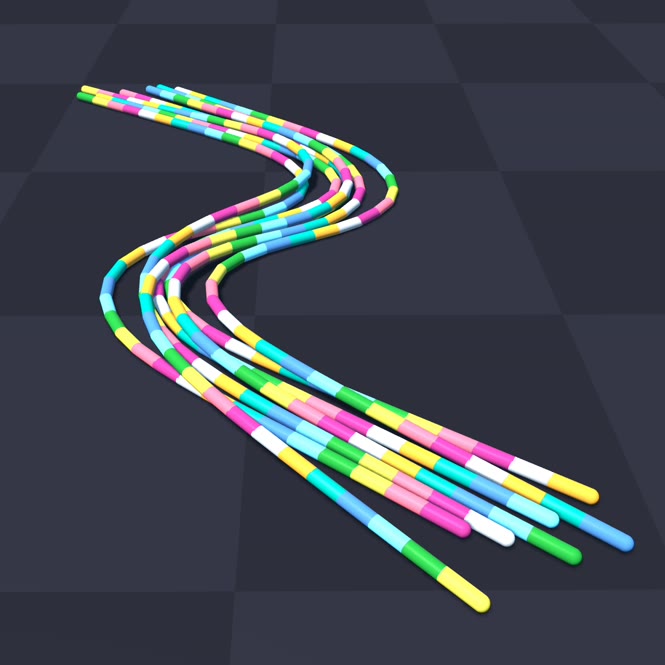
|
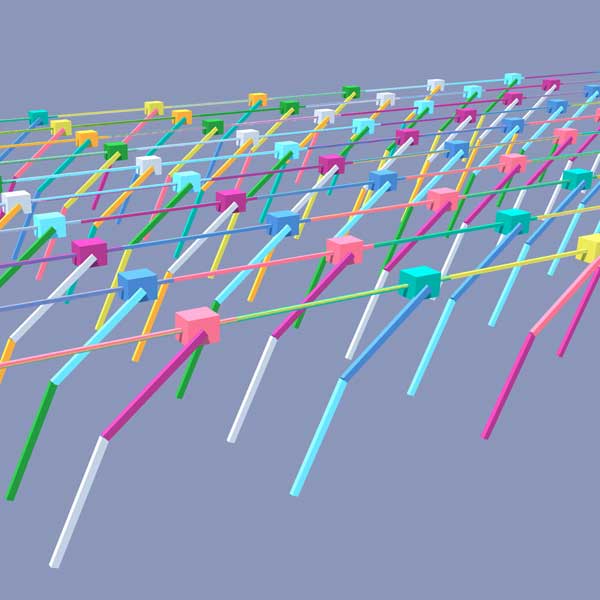
python -m newton.examples cable_twist
|
python -m newton.examples cable_y_junction
|
python -m newton.examples cable_bundle_hysteresis
|
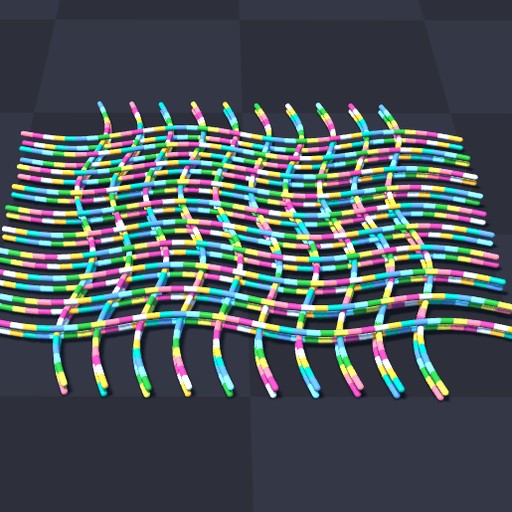
|
|
|
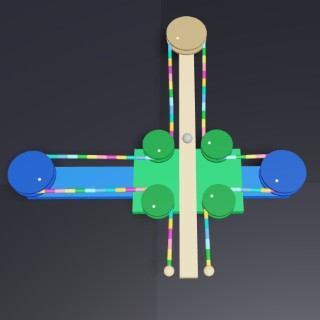
python -m newton.examples cable_pile
|
python -m newton.examples cable_cross_slide_table
|
|
Cloth Examples |
||
|
|
|
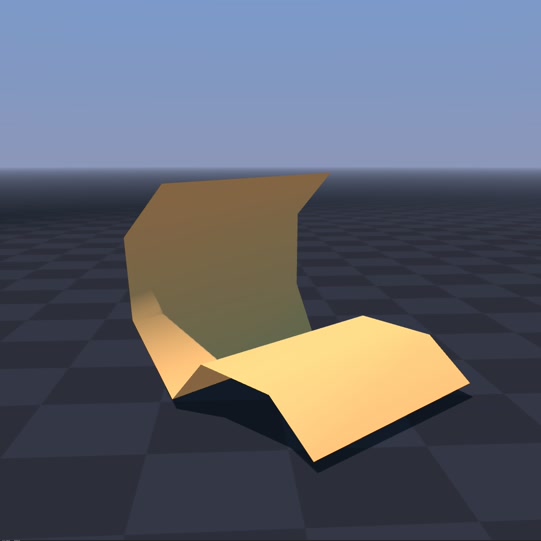
python -m newton.examples cloth_bending
|
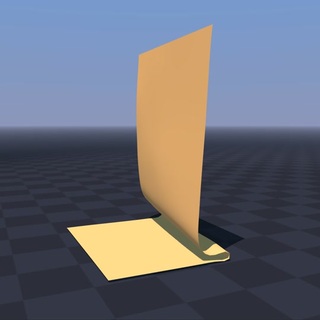
python -m newton.examples cloth_hanging
|
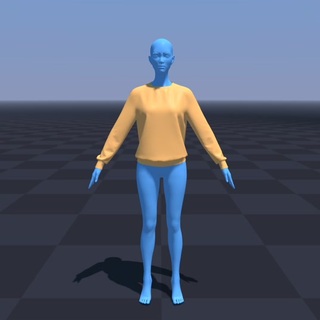
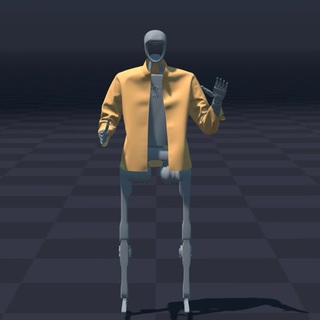
python -m newton.examples cloth_style3d
|
|
|
|
python -m newton.examples cloth_h1
|
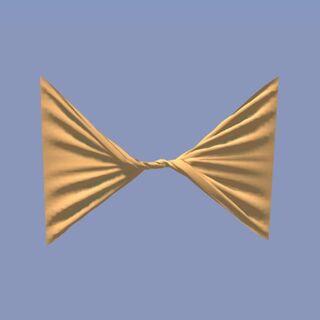
python -m newton.examples cloth_twist
|
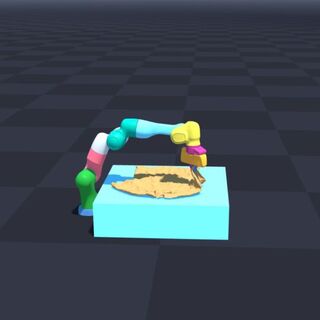
python -m newton.examples cloth_franka
|
|
|
|
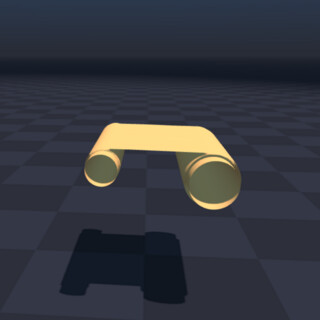
python -m newton.examples cloth_rollers
|
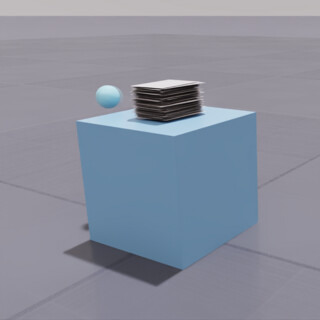
python -m newton.examples cloth_poker_cards
|
|
Inverse Kinematics Examples |
||
|
|
|
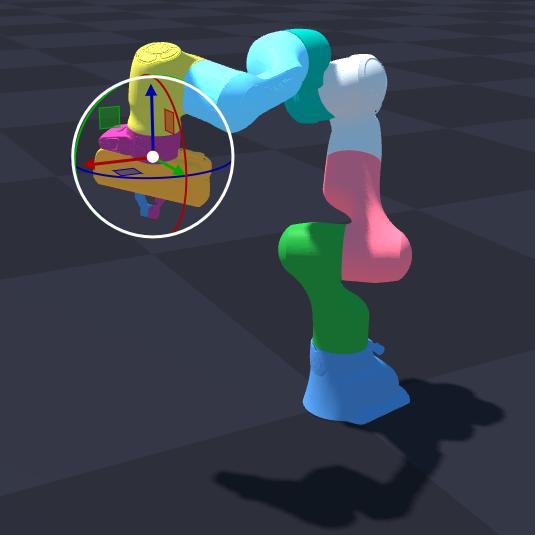
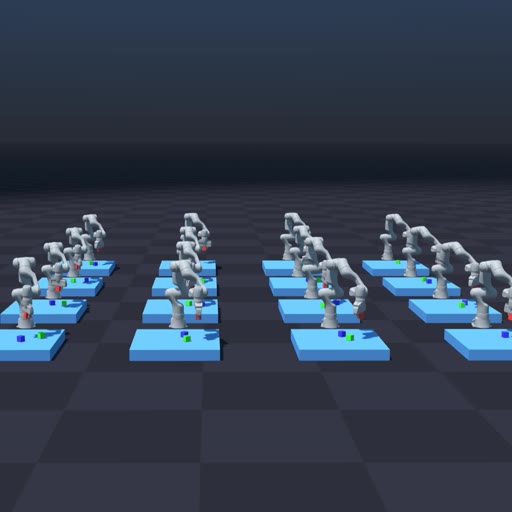
python -m newton.examples ik_franka
|
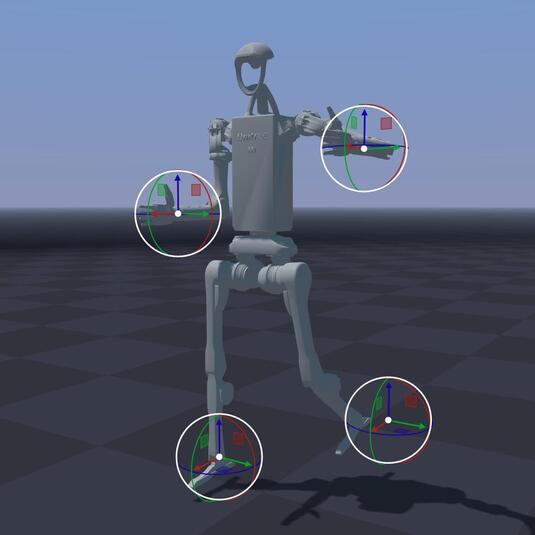
python -m newton.examples ik_h1
|
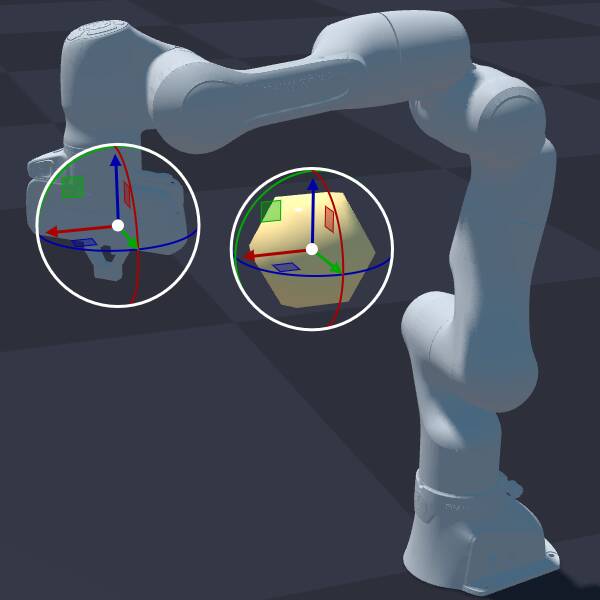
python -m newton.examples ik_custom
|
|
||
python -m newton.examples ik_cube_stacking
|
||
MPM Examples |
||
|
|
|
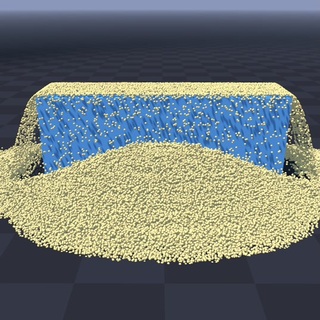
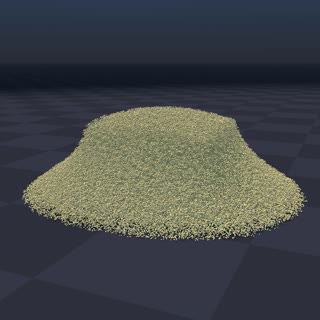
python -m newton.examples mpm_granular
|
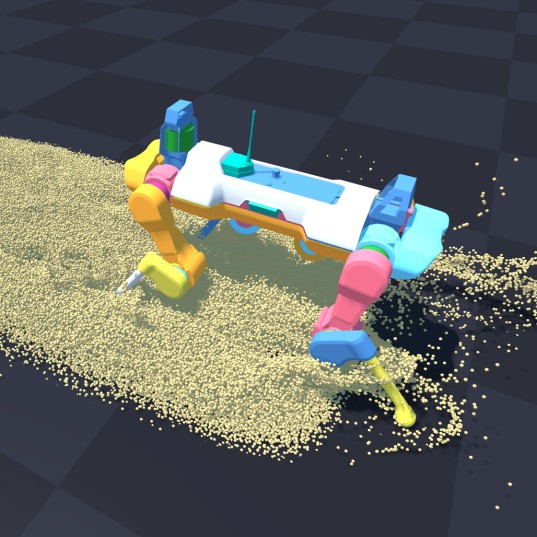
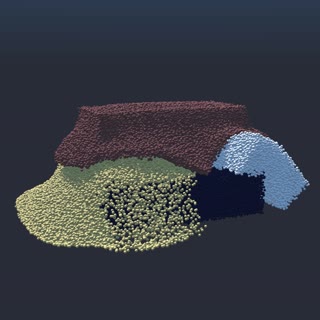
python -m newton.examples mpm_anymal
|
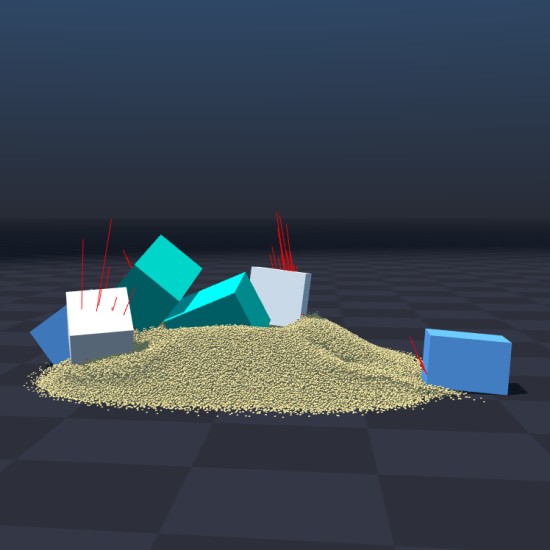
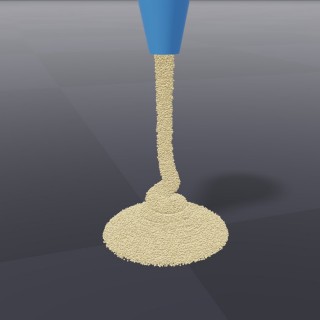
python -m newton.examples mpm_twoway_coupling
|
|
|
|
python -m newton.examples mpm_grain_rendering
|
python -m newton.examples mpm_multi_material
|
python -m newton.examples mpm_viscous
|
|
|
|
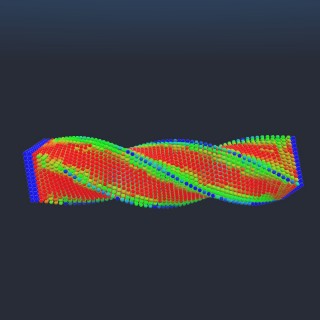
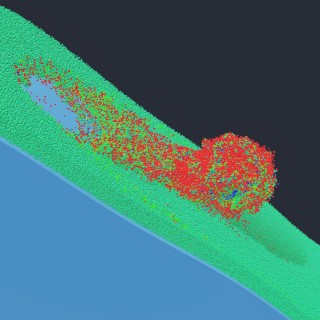
python -m newton.examples mpm_beam_twist
|
python -m newton.examples mpm_snow_ball
|
|
Sensor Examples |
||
|
|
|
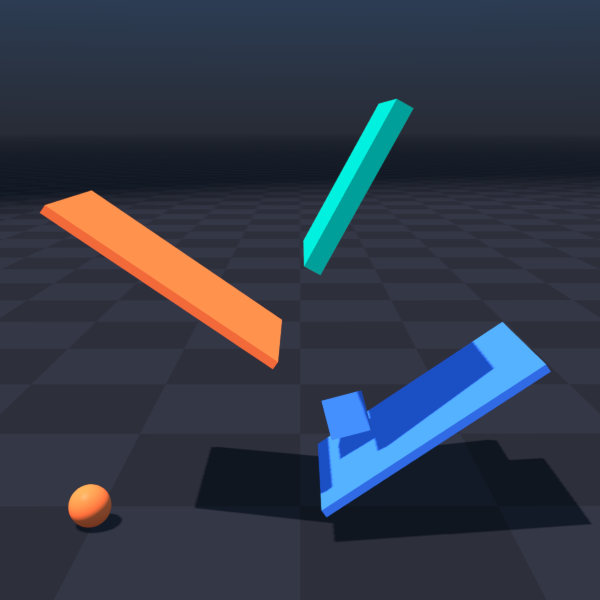
python -m newton.examples sensor_contact
|
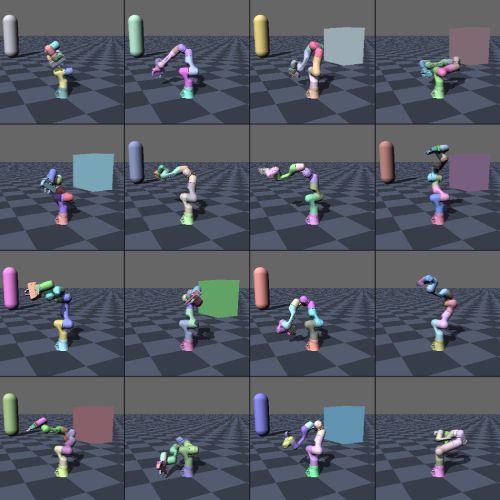
python -m newton.examples sensor_tiled_camera
|
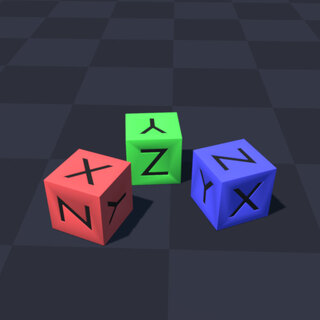
python -m newton.examples sensor_imu
|
Selection Examples |
||
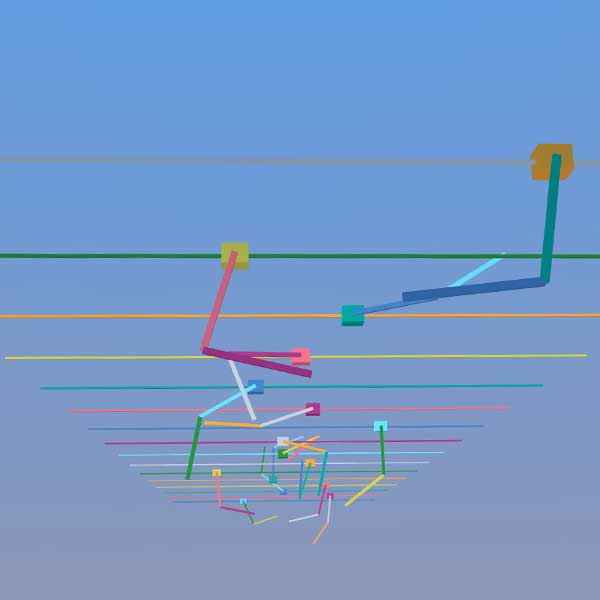
|
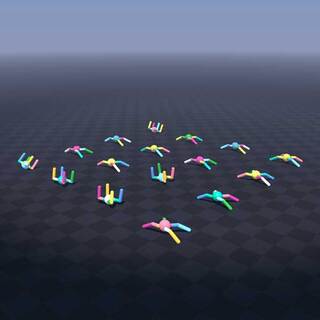
|
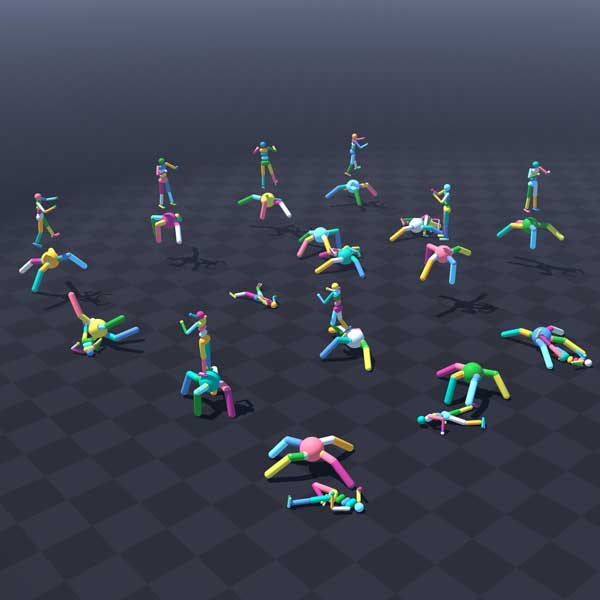
|
python -m newton.examples selection_cartpole
|
python -m newton.examples selection_materials
|
python -m newton.examples selection_articulations
|
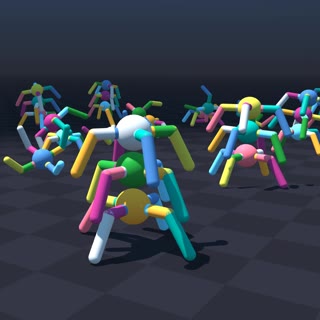
|
||
python -m newton.examples selection_multiple
|
||
DiffSim Examples |
||
|
|
|
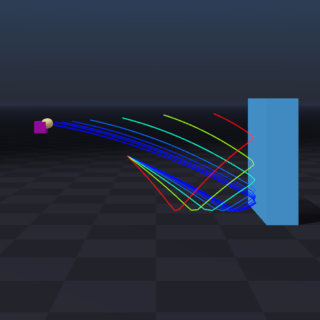
python -m newton.examples diffsim_ball
|
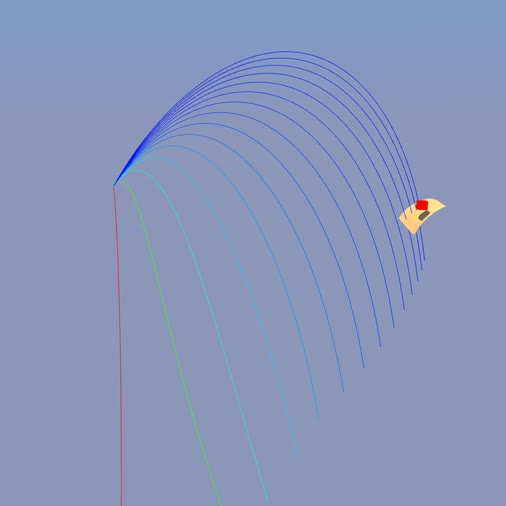
python -m newton.examples diffsim_cloth
|
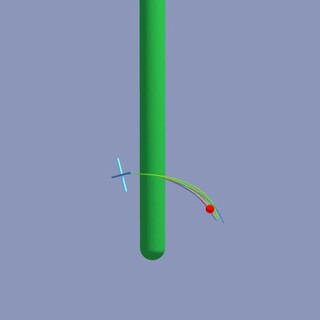
python -m newton.examples diffsim_drone
|
|
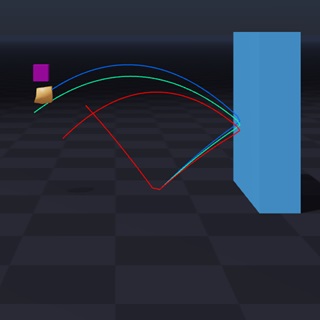
|
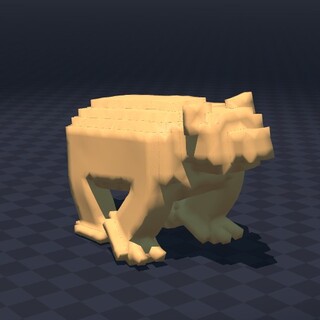
|
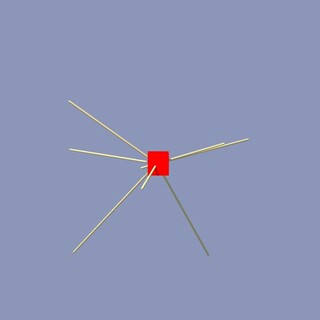
python -m newton.examples diffsim_spring_cage
|
python -m newton.examples diffsim_soft_body
|
python -m newton.examples diffsim_bear
|
Multi-Physics Examples |
||
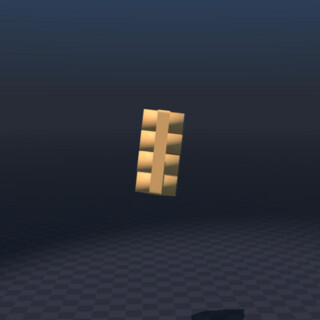
|
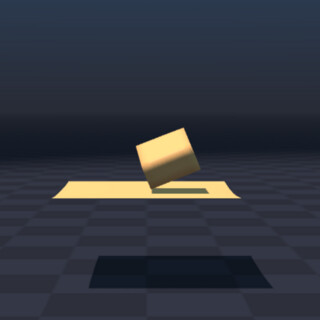
|
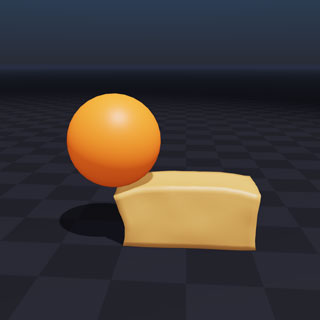
|
python -m newton.examples softbody_gift
|
python -m newton.examples softbody_dropping_to_cloth
|
python -m newton.examples rigid_soft_contact
|
Contacts Examples |
||
|
|
|
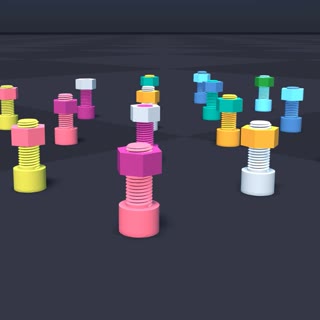
python -m newton.examples nut_bolt_hydro
|
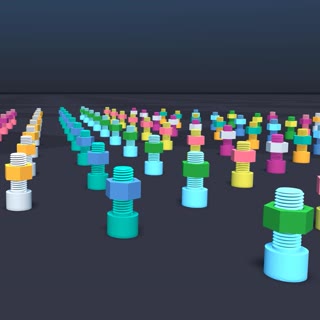
python -m newton.examples nut_bolt_sdf
|
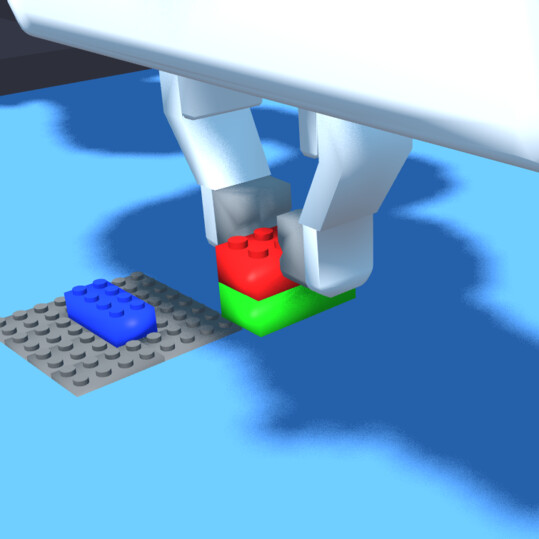
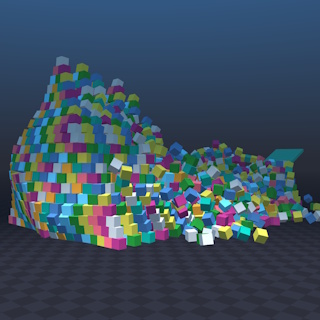
python -m newton.examples brick_stacking
|
|
|
|
python -m newton.examples pyramid
|
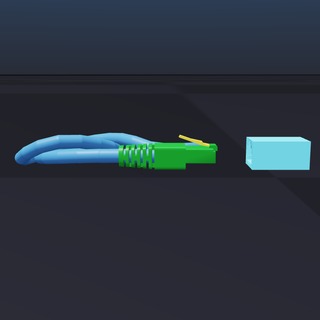
python -m newton.examples contacts_rj45_plug
|
|
Softbody Examples |
||
|
|
|
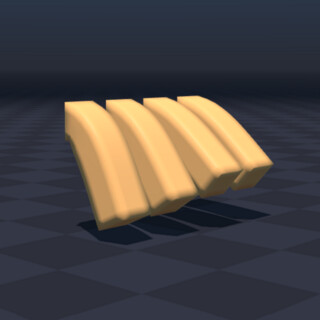
python -m newton.examples softbody_hanging
|
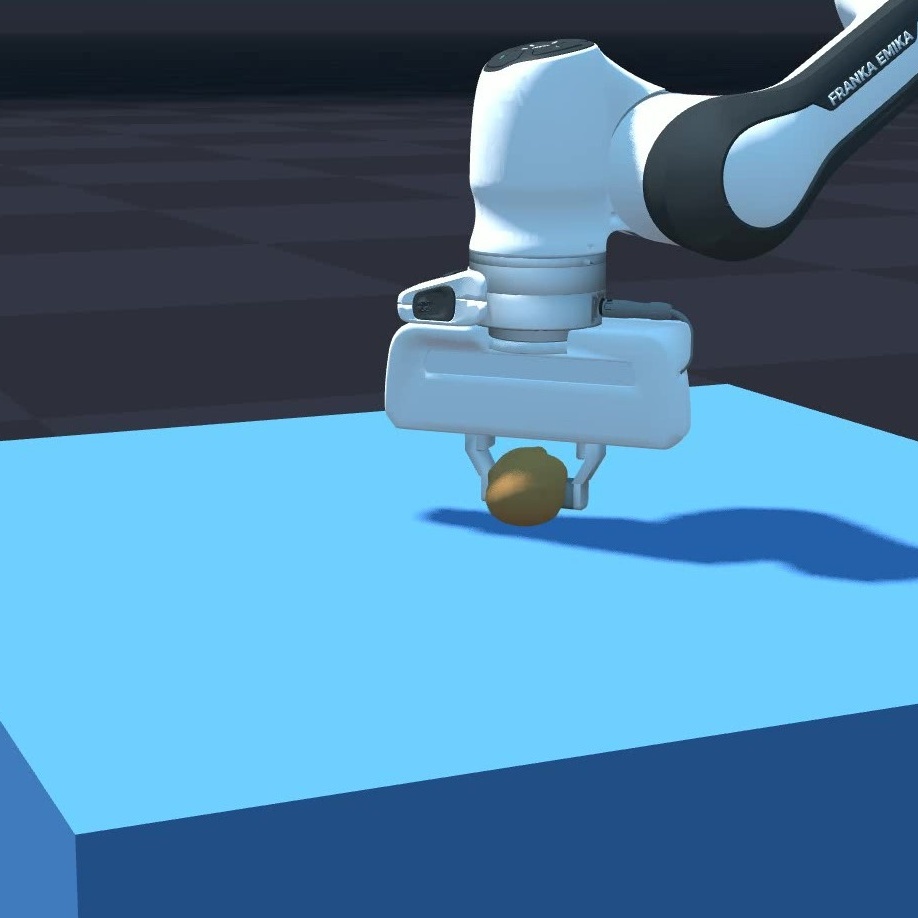
python -m newton.examples softbody_franka
|
|
Kamino Examples |
||
|
|
|
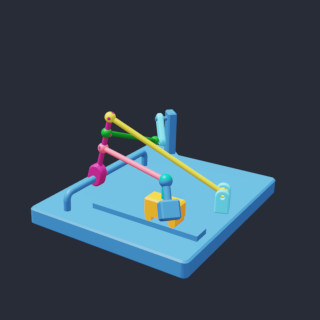
python -m newton.examples kamino_basic_dr_testmech
|
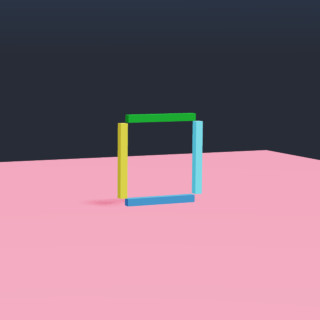
python -m newton.examples kamino_basic_fourbar
|
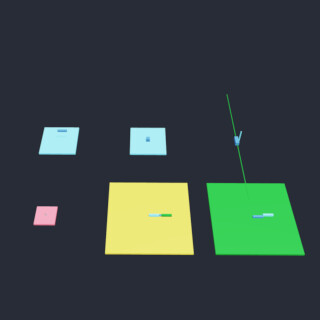
python -m newton.examples kamino_basic_heterogeneous
|
|
|
|
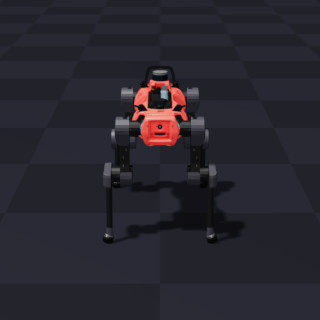
python -m newton.examples kamino_robot_anymal_d
|
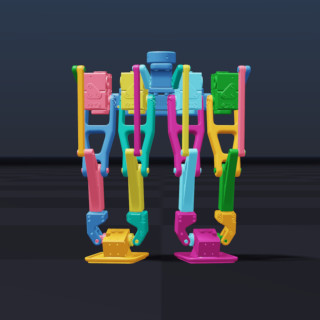
python -m newton.examples kamino_robot_dr_legs
|
|
标签:GPU加速, MuJoCo, NVIDIA Warp, 机器人学, 物理仿真, 物理引擎, 科研工具