# FramePack
["下一代帧预测视频扩散模型中的帧上下文打包与漂移预防"](https://lllyasviel.github.io/frame_pack_gitpage/) 的官方实现和桌面软件。
链接:[**论文**](https://arxiv.org/abs/2504.12626),[**项目主页**](https://lllyasviel.github.io/frame_pack_gitpage/)
FramePack 是一种下一帧(下一帧片段)预测神经网络结构,能够逐步生成视频。
FramePack 将输入上下文压缩至固定长度,因此生成工作量与视频长度无关。
即使在笔记本电脑 GPU 上,FramePack 也能使用 13B 模型处理大量帧。
FramePack 可以使用更大的批处理大小进行训练,类似于图像扩散训练的批处理大小。
**视频扩散,但感觉像图像扩散。**
# 最新动态
**2025 年 7 月 14 日:** FramePack-P1 的一些纯文本到视频抗漂移压力测试结果已上传至[此处,](https://lllyasviel.github.io/frame_pack_gitpage/p1/#text-to-video-stress-tests)使用的是不带任何参考图像的常用提示词。
**2025 年 6 月 26 日:** FramePack-P1 的一些结果已上传至[此处。](https://lllyasviel.github.io/frame_pack_gitpage/p1) FramePack-P1 将是 FramePack 的下一个版本,包含两项设计:计划抗漂移和历史离散化。
**2025 年 5 月 03 日:** FramePack-F1 已发布。[在此处试用。](https://github.com/lllyasviel/FramePack/discussions/459)
请注意,此 GitHub 仓库是唯一的 FramePack 官方网站。我们没有任何网络服务。所有其他网站都是垃圾信息或假冒网站,包括但不限于 `framepack.co`、`frame_pack.co`、`framepack.net`、`frame_pack.net`、`framepack.ai`、`frame_pack.ai`、`framepack.pro`、`frame_pack.pro`、`framepack.cc`、`frame_pack.cc`、`framepackai.co`、`frame_pack_ai.co`、`framepackai.net`、`frame_pack_ai.net`、`framepackai.pro`、`frame_pack_ai.pro`、`framepackai.cc`、`frame_pack_ai.cc` 等。再次强调,它们都是垃圾信息和假冒网站。**切勿在这些网站上付款或下载文件。**
# 环境要求
请注意,此仓库是一个功能完整的桌面软件,具有最小化独立的高质量采样系统和内存管理。
**在尝试其他任何操作之前,请先从此仓库开始!**
环境要求:
* 支持 fp16 和 bf16 的 Nvidia GPU,型号需在 RTX 30XX、40XX、50XX 系列中。GTX 10XX/20XX 未测试。
* Linux 或 Windows 操作系统。
* 至少 6GB GPU 显存。
要使用 13B 模型生成 1 分钟(60 秒)的 30fps(1800 帧)视频,最低所需 GPU 显存为 6GB。(是的,6 GB,不是笔误。笔记本电脑 GPU 也可以。)
关于速度,在我的 RTX 4090 台式机上,生成速度约为 2.5 秒/帧(未优化)或 1.5 秒/帧(使用 teacache)。在我的 3070ti 笔记本或 3060 笔记本等设备上,速度大约慢 4 到 8 倍。[如果你的速度远慢于此,请进行故障排除。](https://github.com/lllyasviel/FramePack/issues/151#issuecomment-2817054649)
无论如何,由于这是下一帧(片段)预测模型,你将直接看到生成的帧。因此,在整个视频生成完成之前,你会获得大量视觉反馈。
# 安装说明
**Windows**:
[>>> 点击此处下载一键安装包(CUDA 12.6 + Pytorch 2.6)<<<](https://github.com/lllyasviel/FramePack/releases/download/windows/framepack_cu126_torch26.7z)
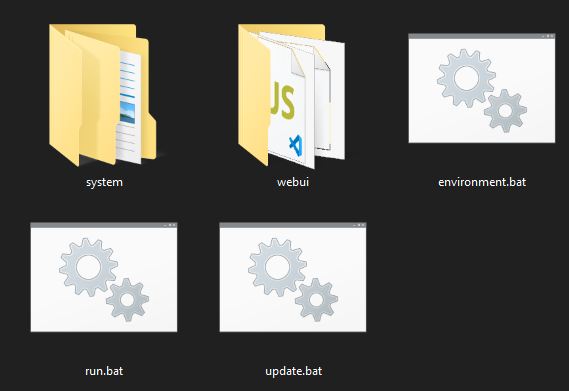
下载后解压,使用 `update.bat` 更新,使用 `run.bat` 运行。
请注意,运行 `update.bat` 非常重要,否则你可能使用的是潜在错误未修复的旧版本。
请注意,模型将自动下载。你将从 HuggingFace 下载超过 30GB 的数据。
**Linux**:
我们建议使用独立的 Python 3.10 环境。
```
pip install torch torchvision torchaudio --index-url https://download.pytorch.org/whl/cu126
pip install -r requirements.txt
```
要启动 GUI,请运行:
```
python demo_gradio.py
```
请注意,它支持 `--share`、`--port`、`--server` 等参数。
该软件支持 PyTorch 注意力、xformers、flash-attn、sage-attention。默认情况下,它将仅使用 PyTorch 注意力。如果你知道如何操作,可以安装这些注意力内核。
例如,要安装 sage-attention(Linux):
```
pip install sageattention==1.0.6
```
但是,我们强烈建议你先不使用 sage-attention 进行尝试,因为它会影响结果,尽管影响很小。
# 图形用户界面
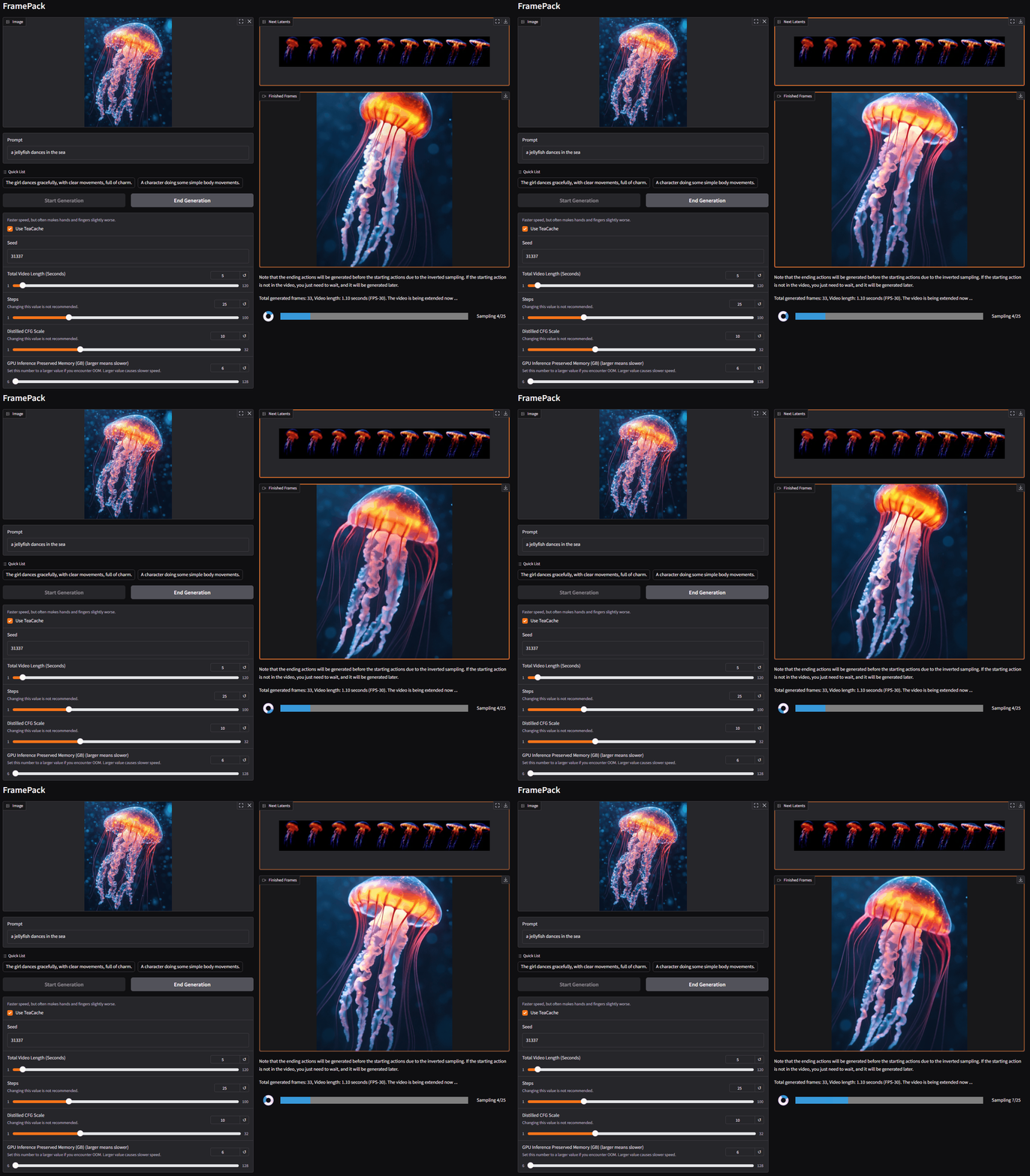
在左侧,你上传图像并编写提示词。
在右侧是生成的视频和潜在预览。
由于这是一个下一帧片段预测模型,视频将逐渐变长。
你将看到每个片段的进度条和下一个片段的潜在预览。
请注意,由于设备可能需要预热,初始进度可能比后续扩散慢。
# 完整性检查
在尝试你自己的输入之前,我们强烈建议进行完整性检查,以发现是否有任何硬件或软件问题。
下一帧片段预测模型对噪声和硬件的细微差异非常敏感。通常,不同设备上的人会得到略微不同的结果,但结果整体上应该看起来相似。在某些情况下,如果可能,你会得到完全相同的结果。
## 图像到 5 秒视频
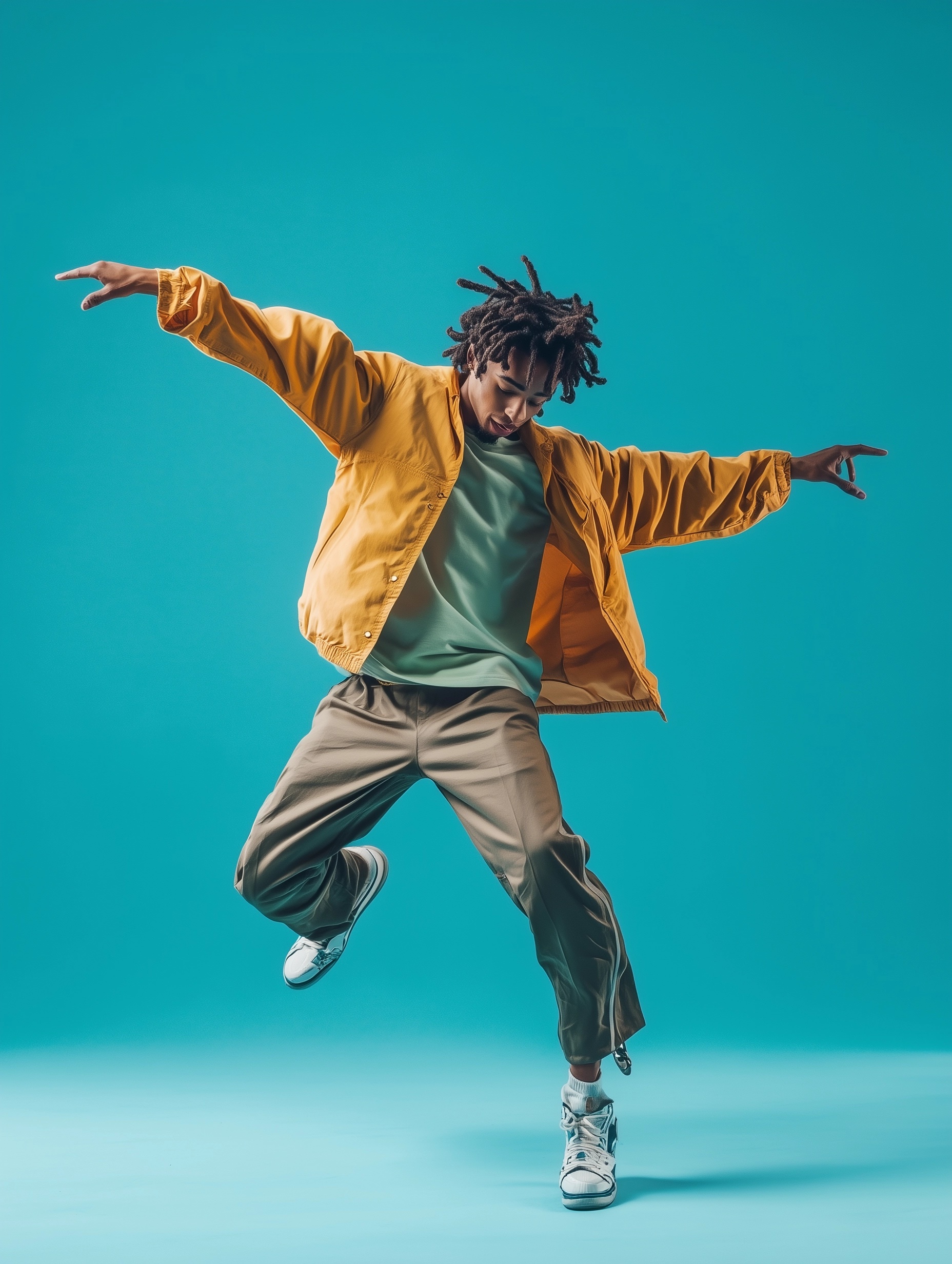
下载此图像:
复制此提示词:
`The man dances energetically, leaping mid-air with fluid arm swings and quick footwork.`
按如下设置:
(所有默认参数,teacache 关闭)
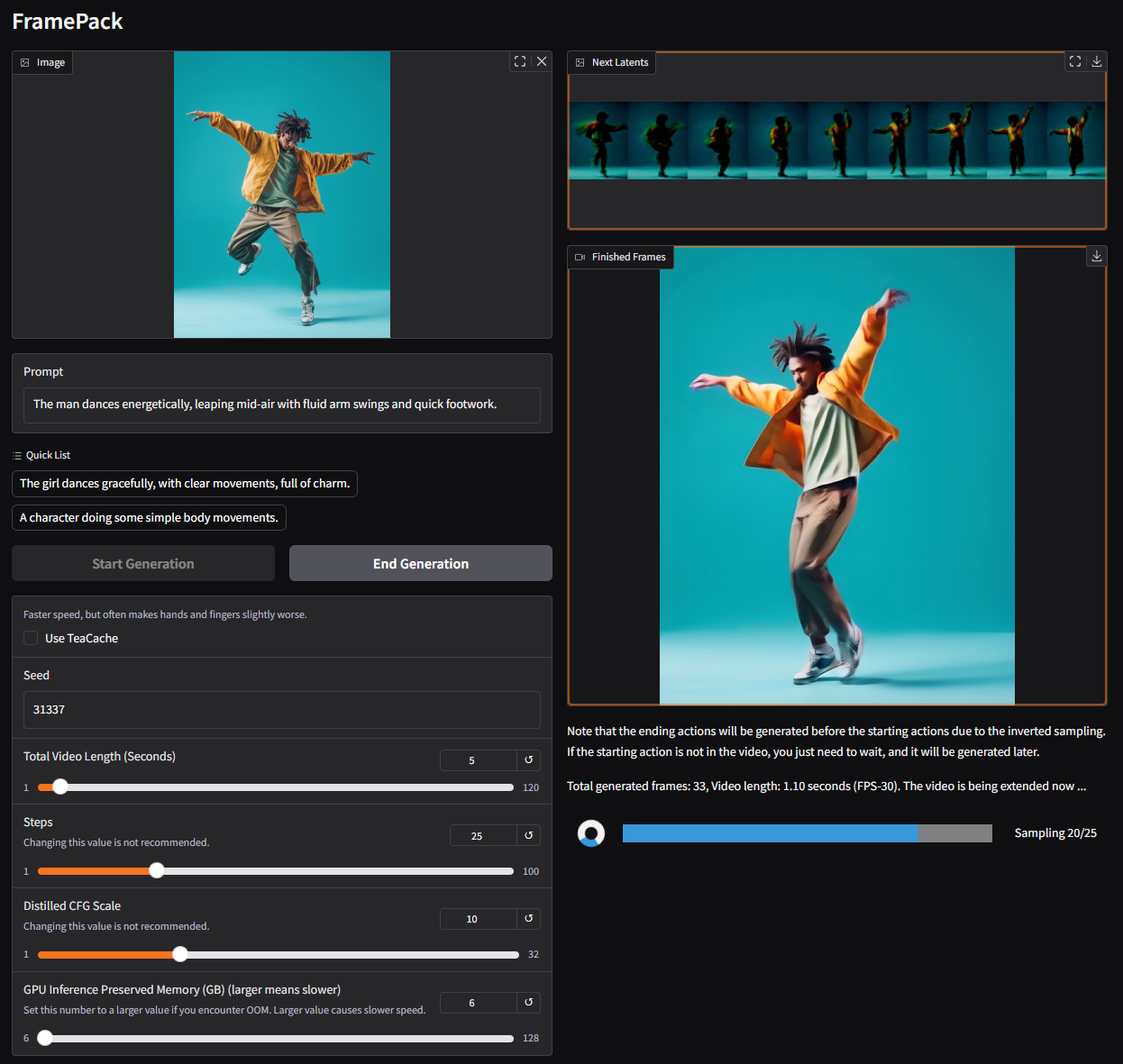
结果将是:
**重要提示:**
再次强调,这是一个下一帧片段预测模型。这意味着你将逐帧或逐片段生成视频。
**如果在 UI 中你得到的视频短得多,例如只有 1 秒,那完全是预期的。** 你只需要等待。将生成更多片段以完成视频。
## 了解 TeaCache 和量化的影响
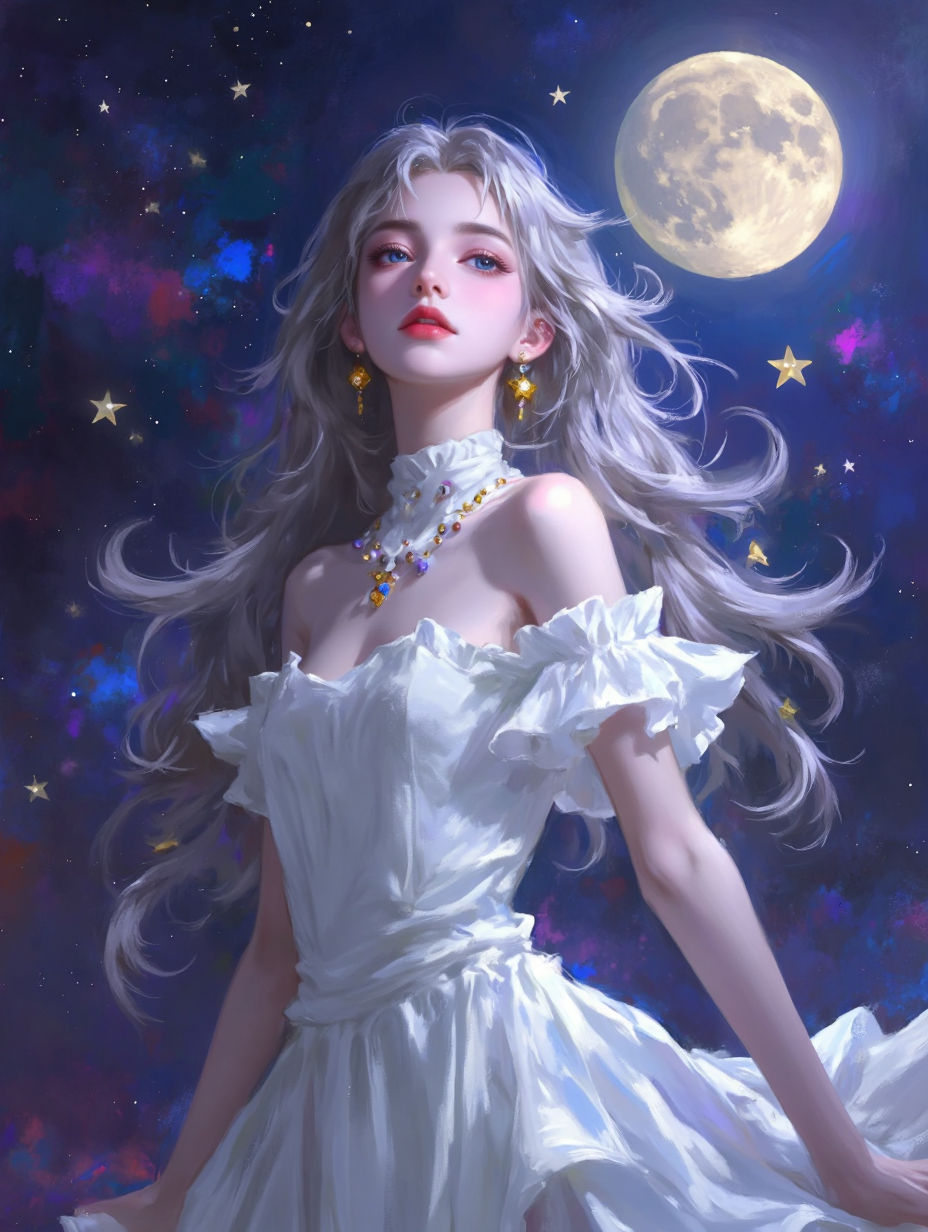
下载此图像:
复制此提示词:
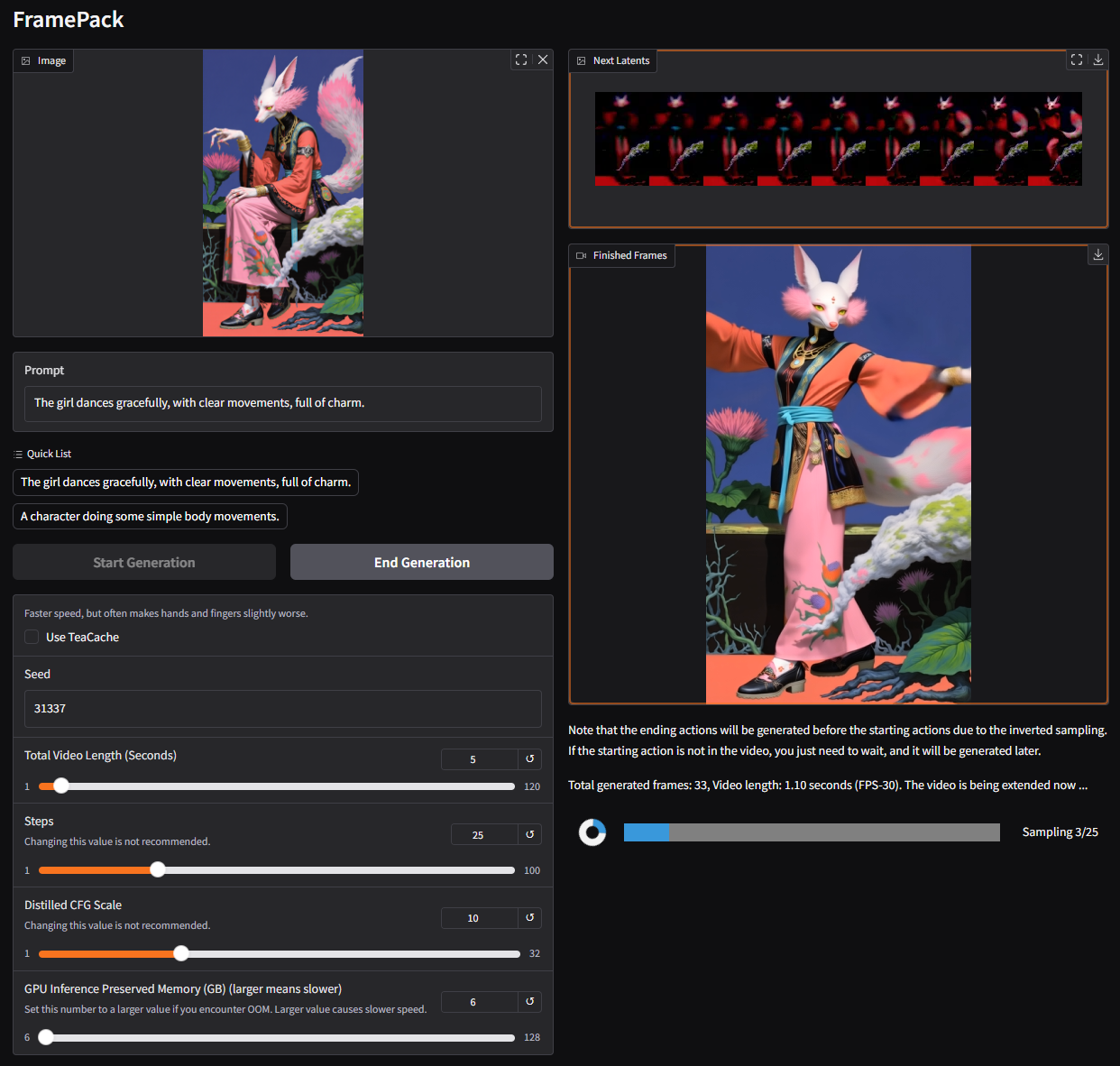
`The girl dances gracefully, with clear movements, full of charm.`
按如下设置:
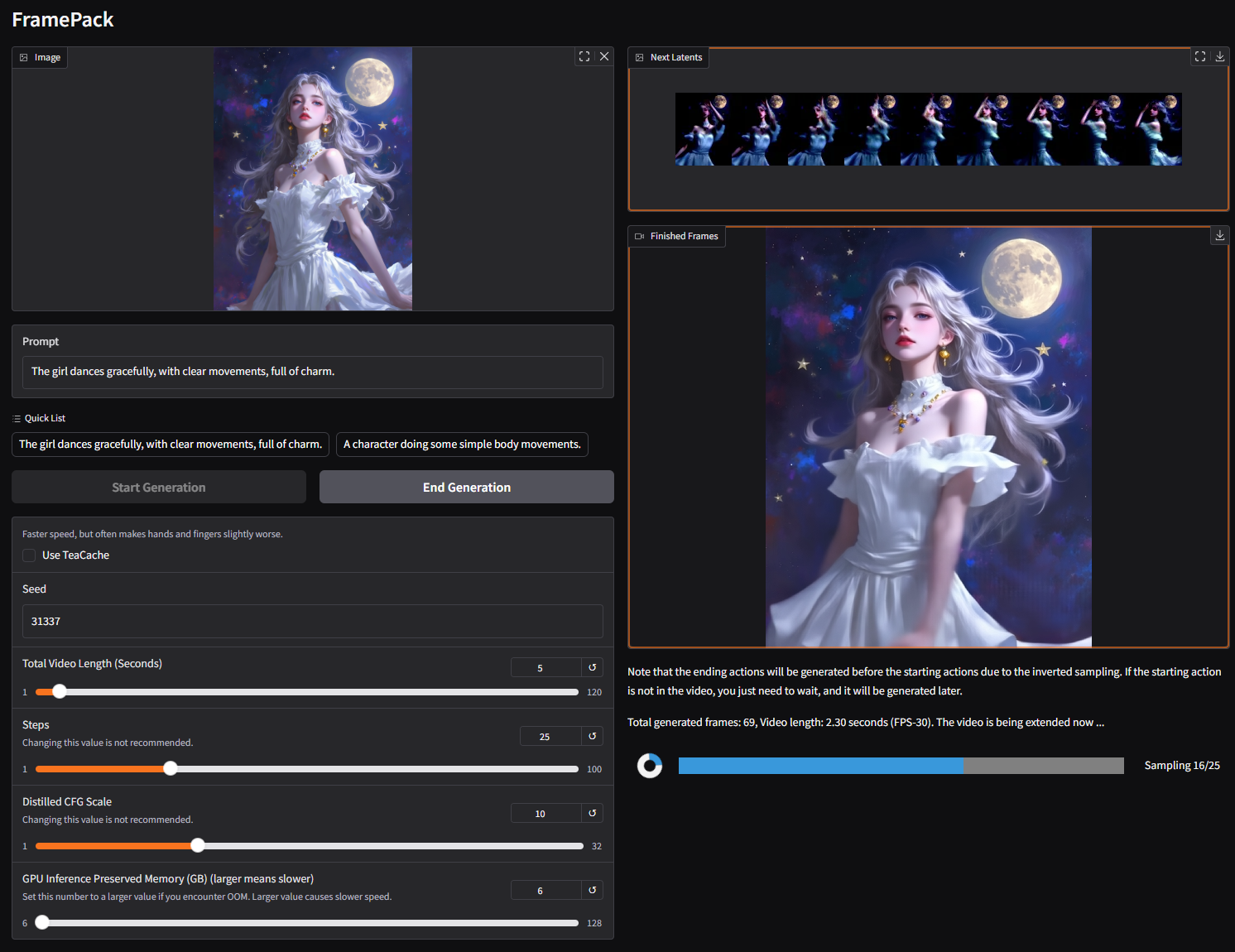
关闭 teacache:
你将得到此结果:
现在开启 teacache:

大约 30% 的用户会得到此结果(其余 70% 会得到其他随机结果,取决于他们的硬件):
因此你可以看到,teacache 并非完全无损,有时可能对结果产生很大影响。
我们建议使用 teacache 来尝试想法,然后使用完整的扩散过程来获得高质量结果。
此建议同样适用于 sage-attention、bnb 量化、gguf 等。
## 图像到 1 分钟视频
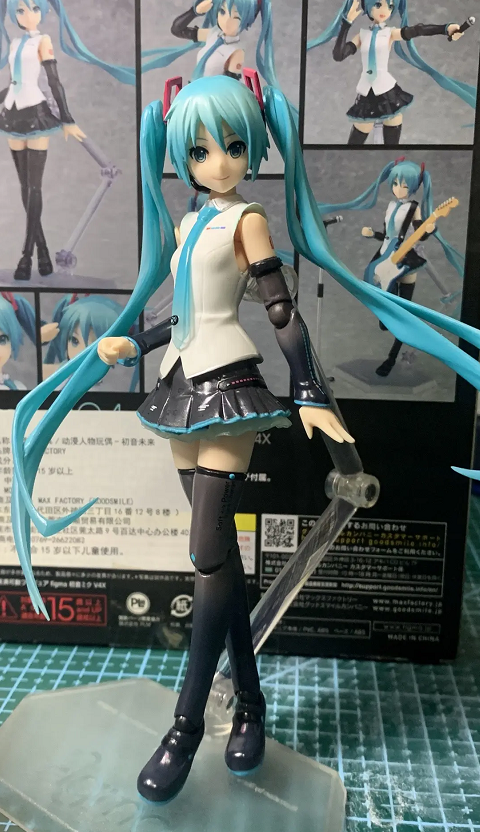
`The girl dances gracefully, with clear movements, full of charm.`
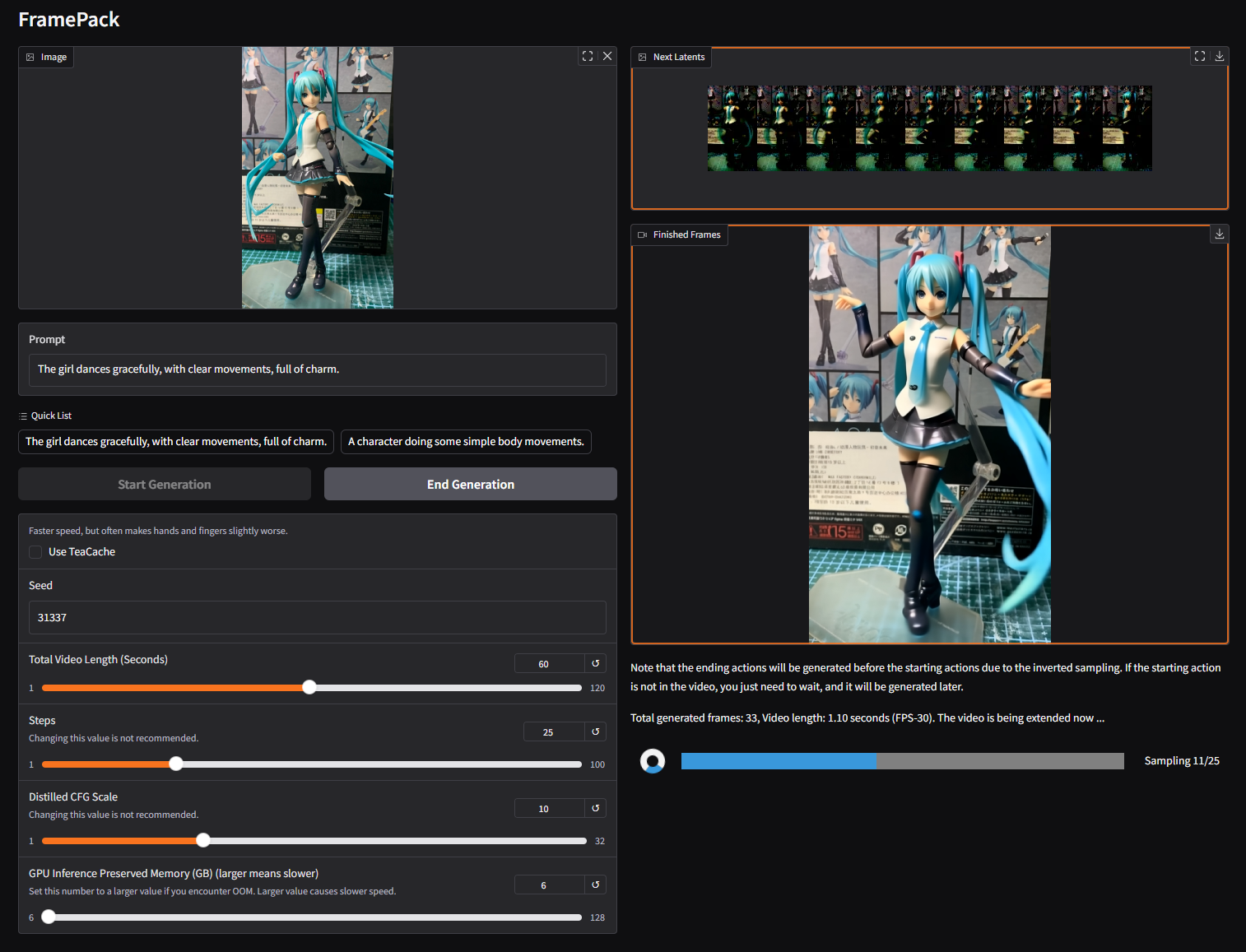
将视频长度设置为 60 秒:

如果一切顺利,你最终会得到类似这样的结果。
60 秒版本:
6 秒版本:
# 更多示例
更多示例请见[**项目主页**](https://lllyasviel.github.io/frame_pack_gitpage/)。
以下是一些你可能有兴趣复现的更多示例。

`The girl dances gracefully, with clear movements, full of charm.`
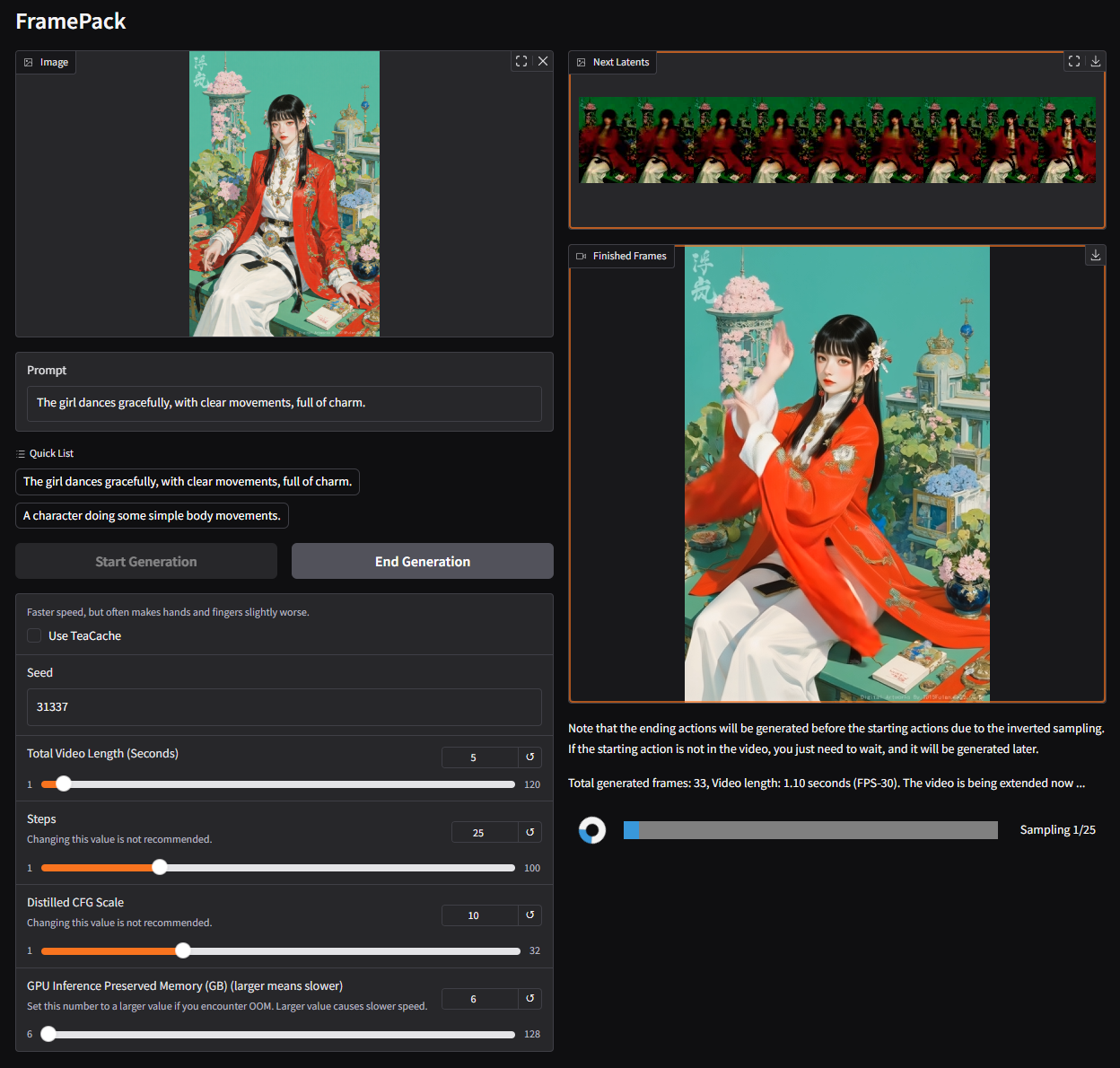
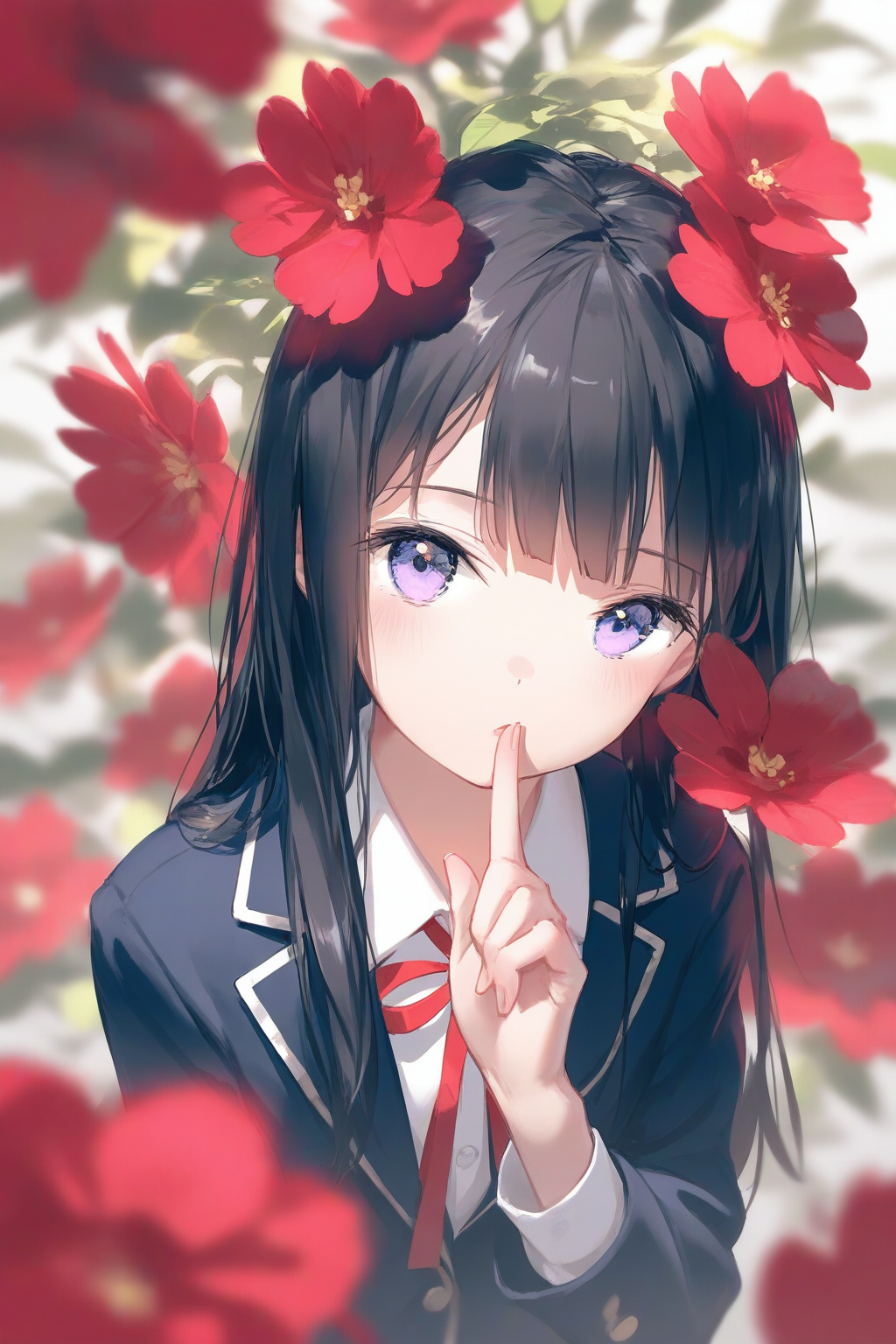
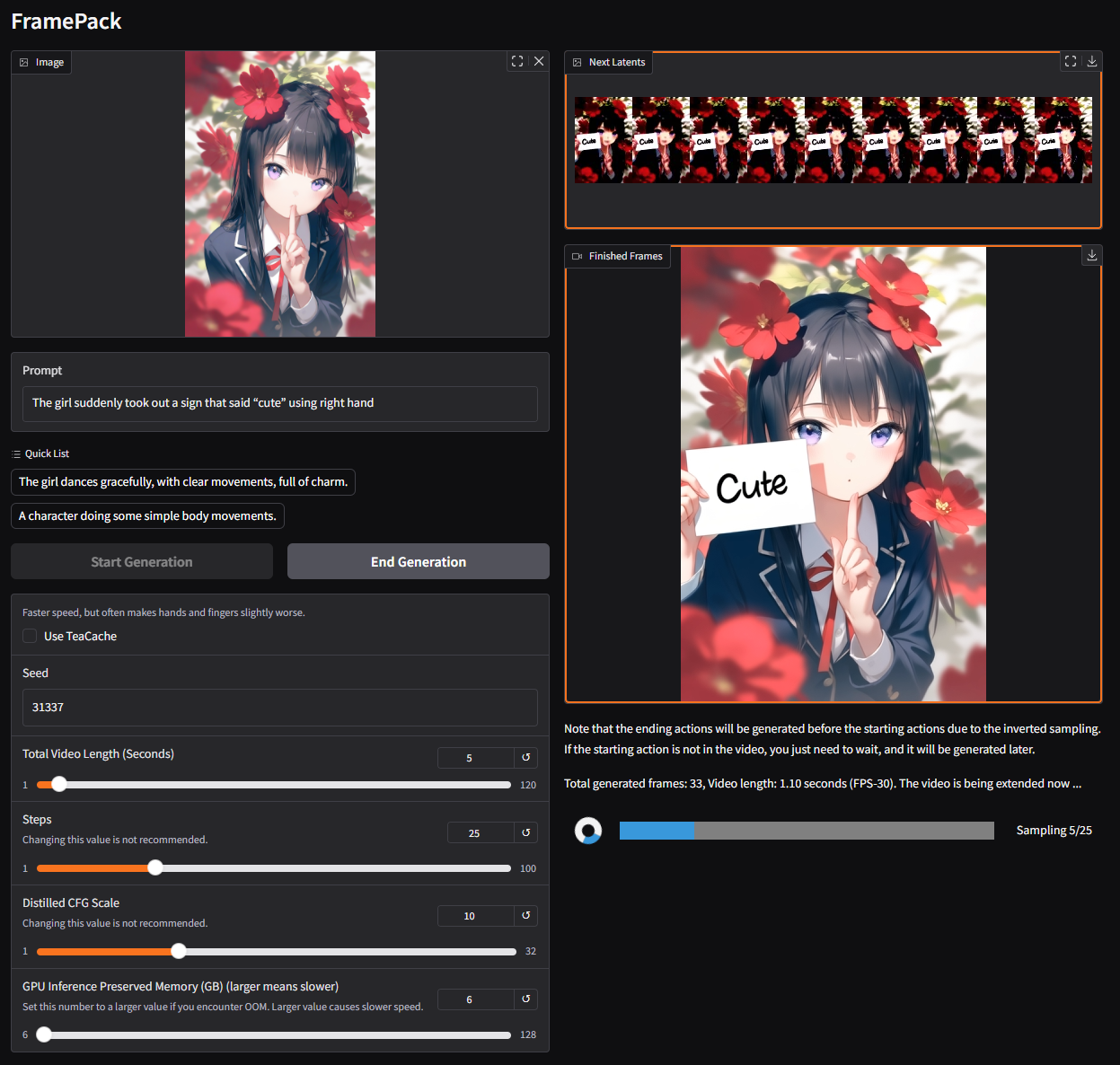
`The girl suddenly took out a sign that said “cute” using right hand`
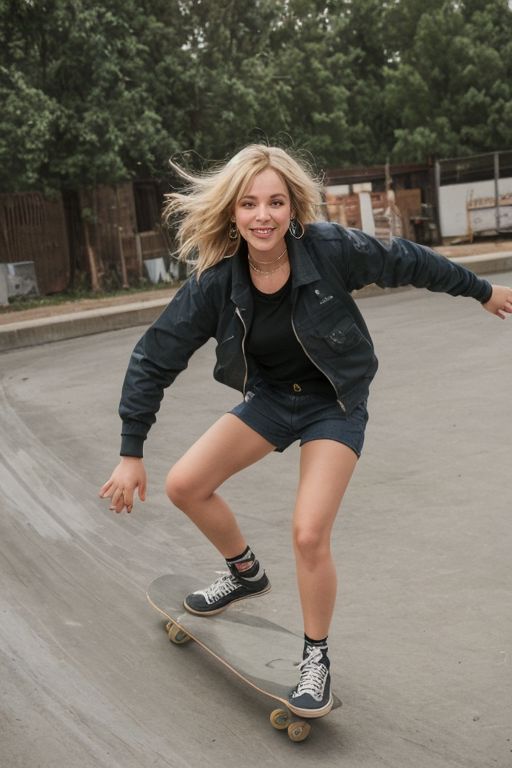
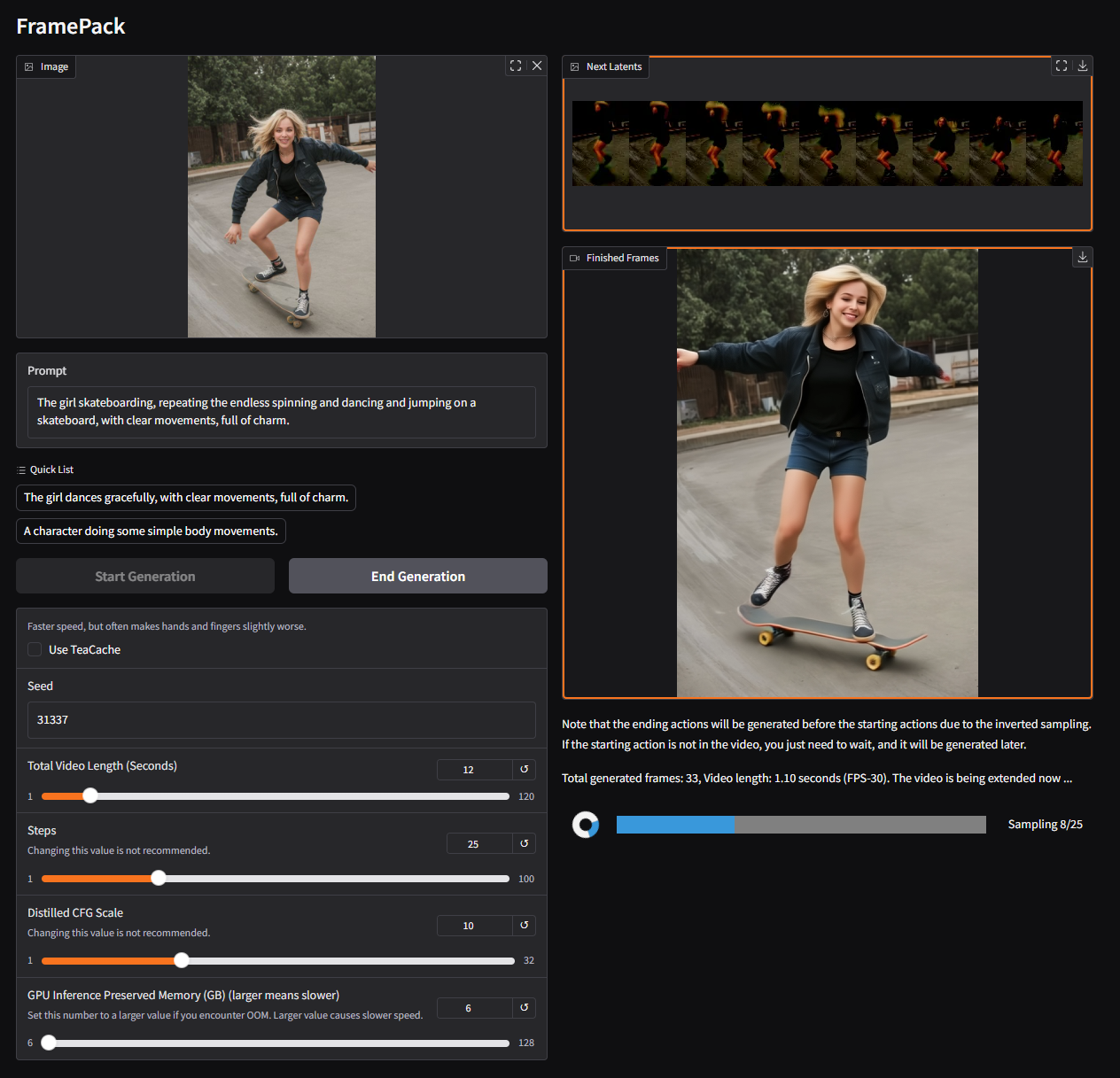
`The girl skateboarding, repeating the endless spinning and dancing and jumping on a skateboard, with clear movements, full of charm.`
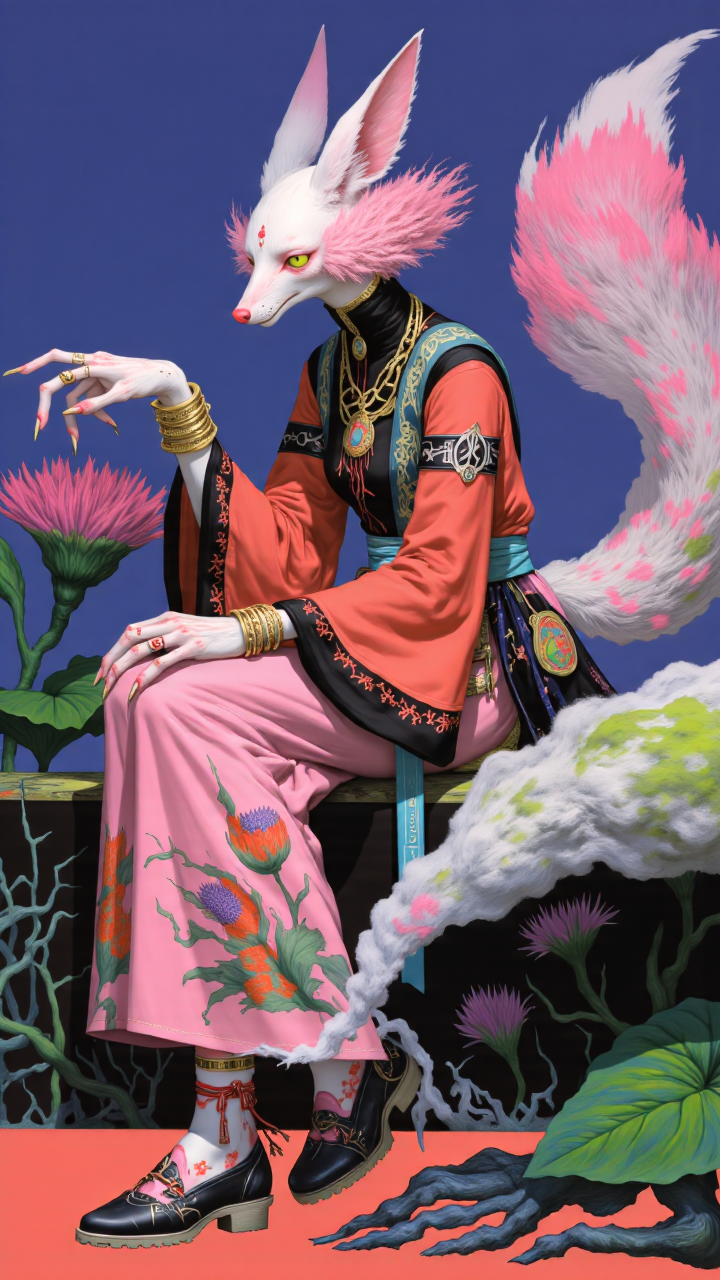
`The girl dances gracefully, with clear movements, full of charm.`
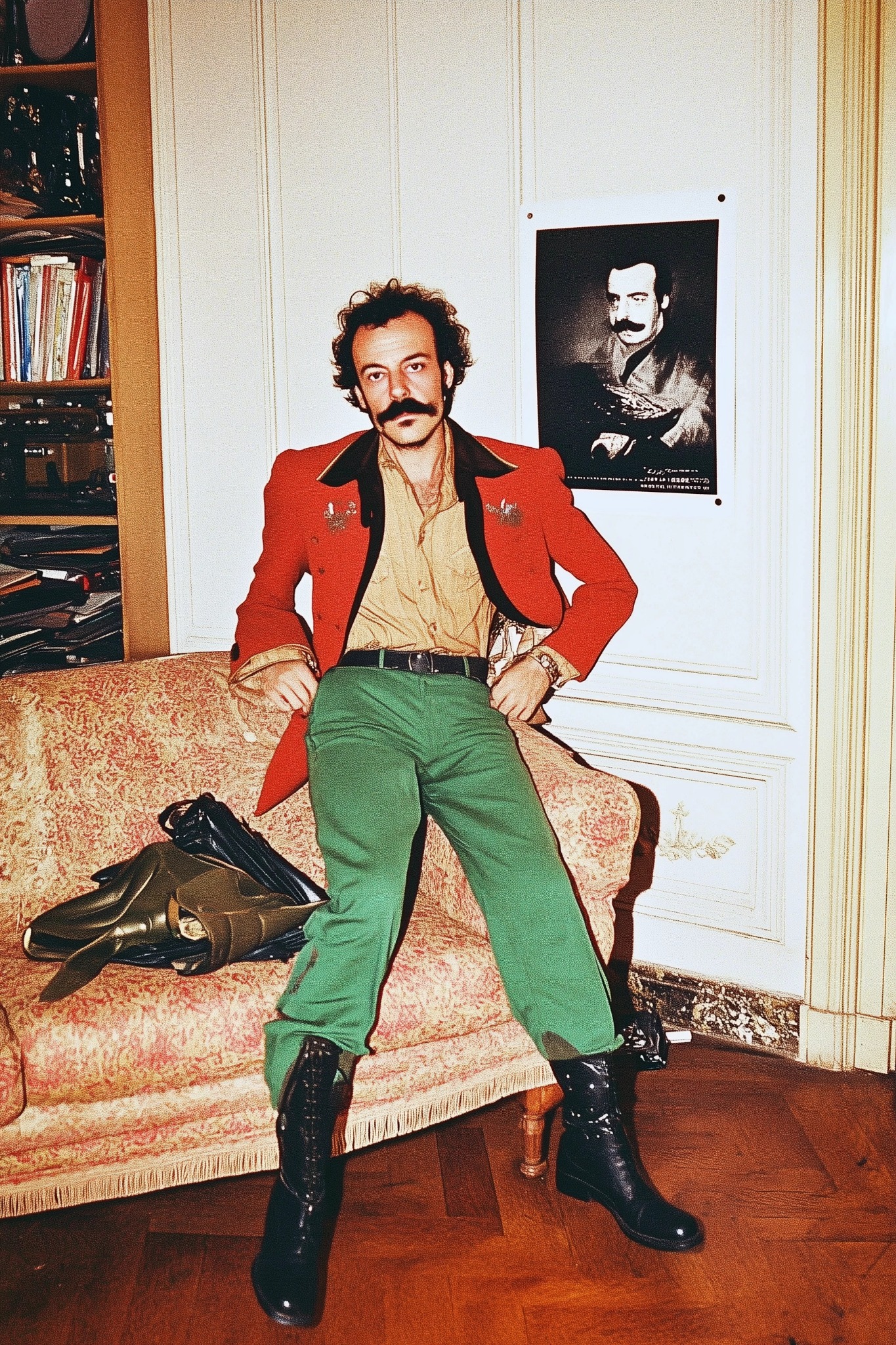
`The man dances flamboyantly, swinging his hips and striking bold poses with dramatic flair.`
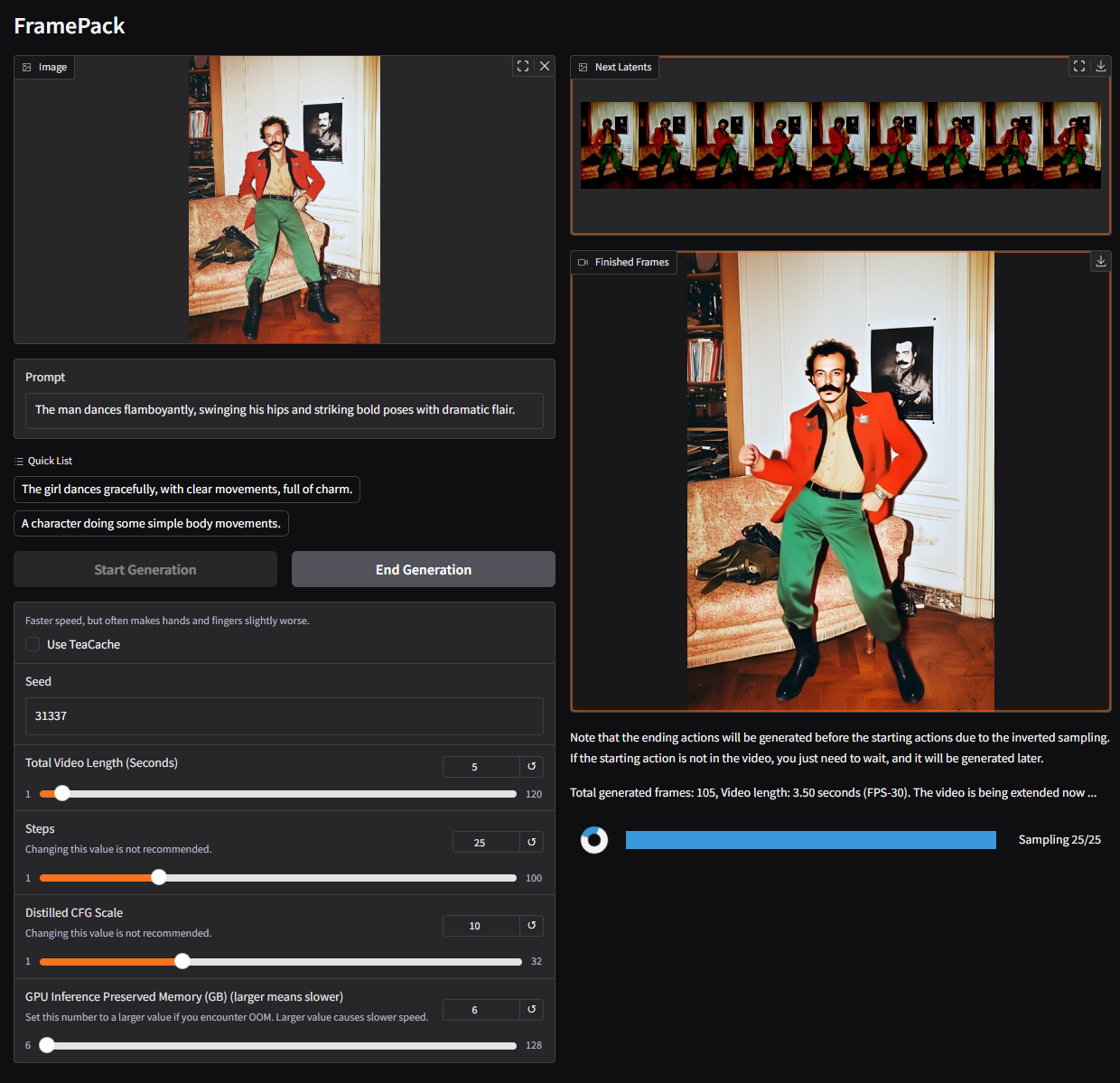
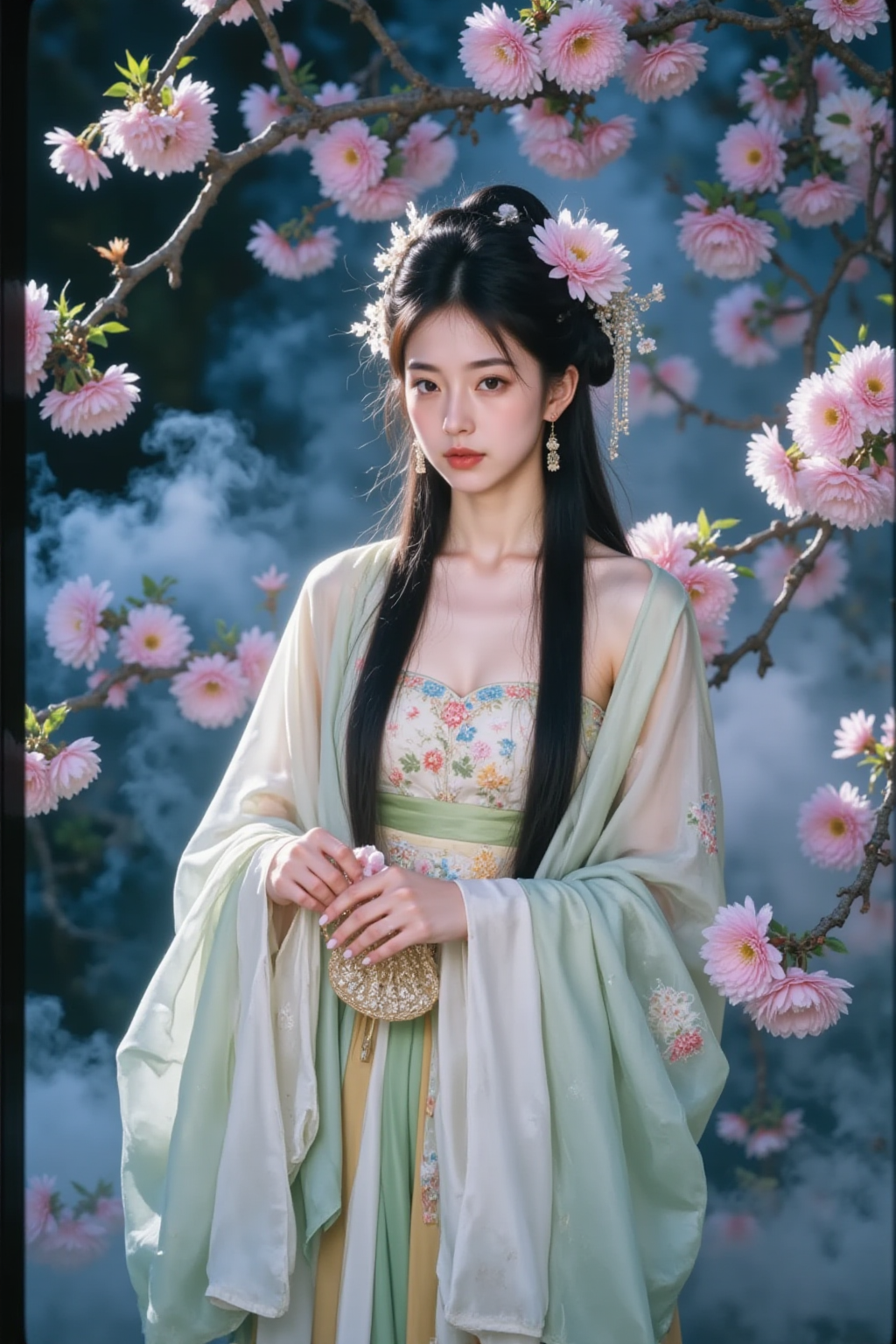
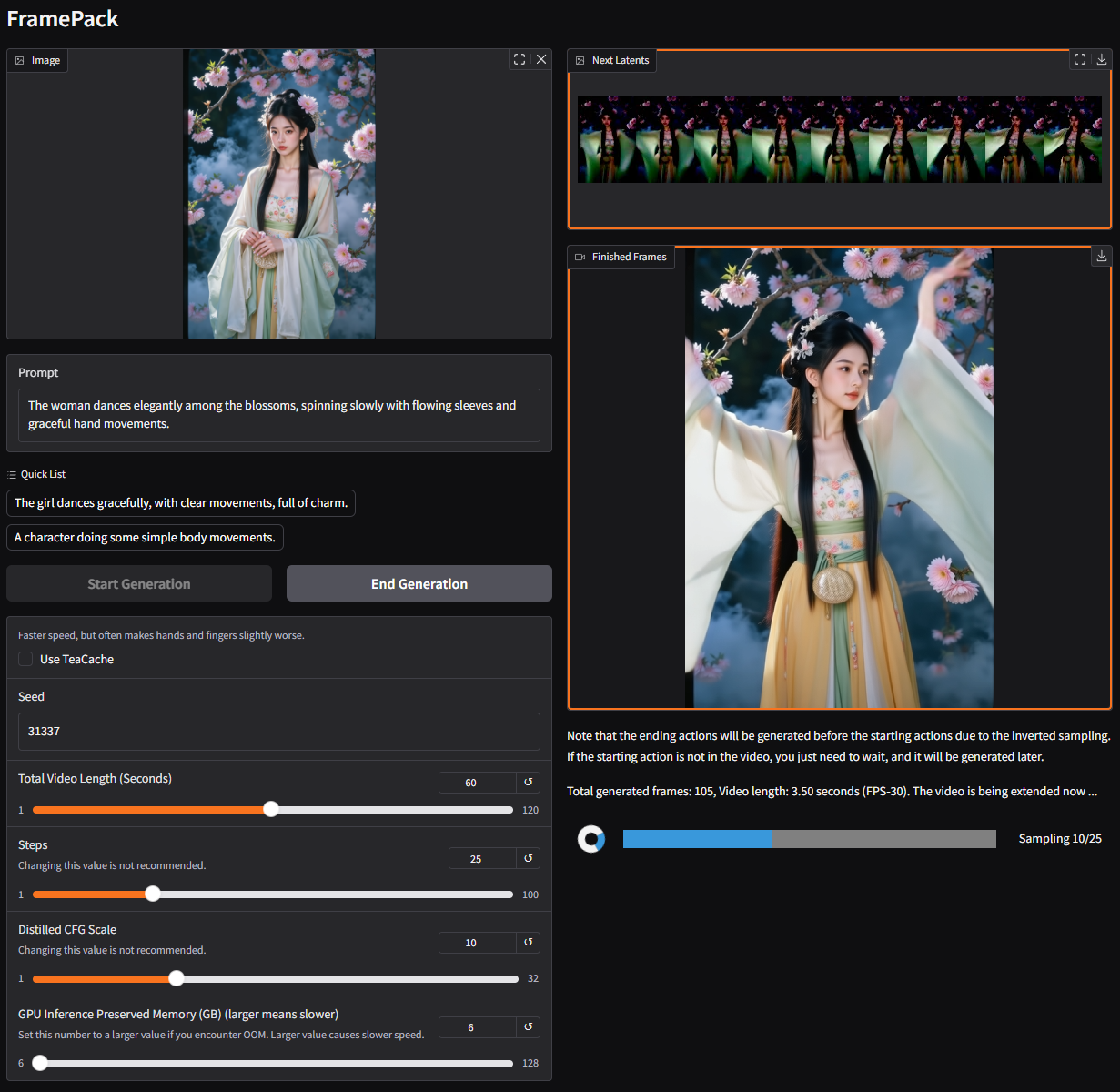
`The woman dances elegantly among the blossoms, spinning slowly with flowing sleeves and graceful hand movements.`
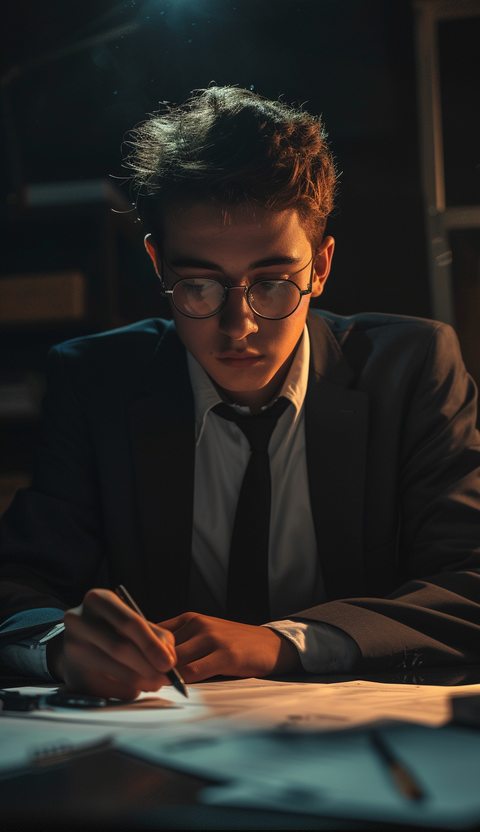
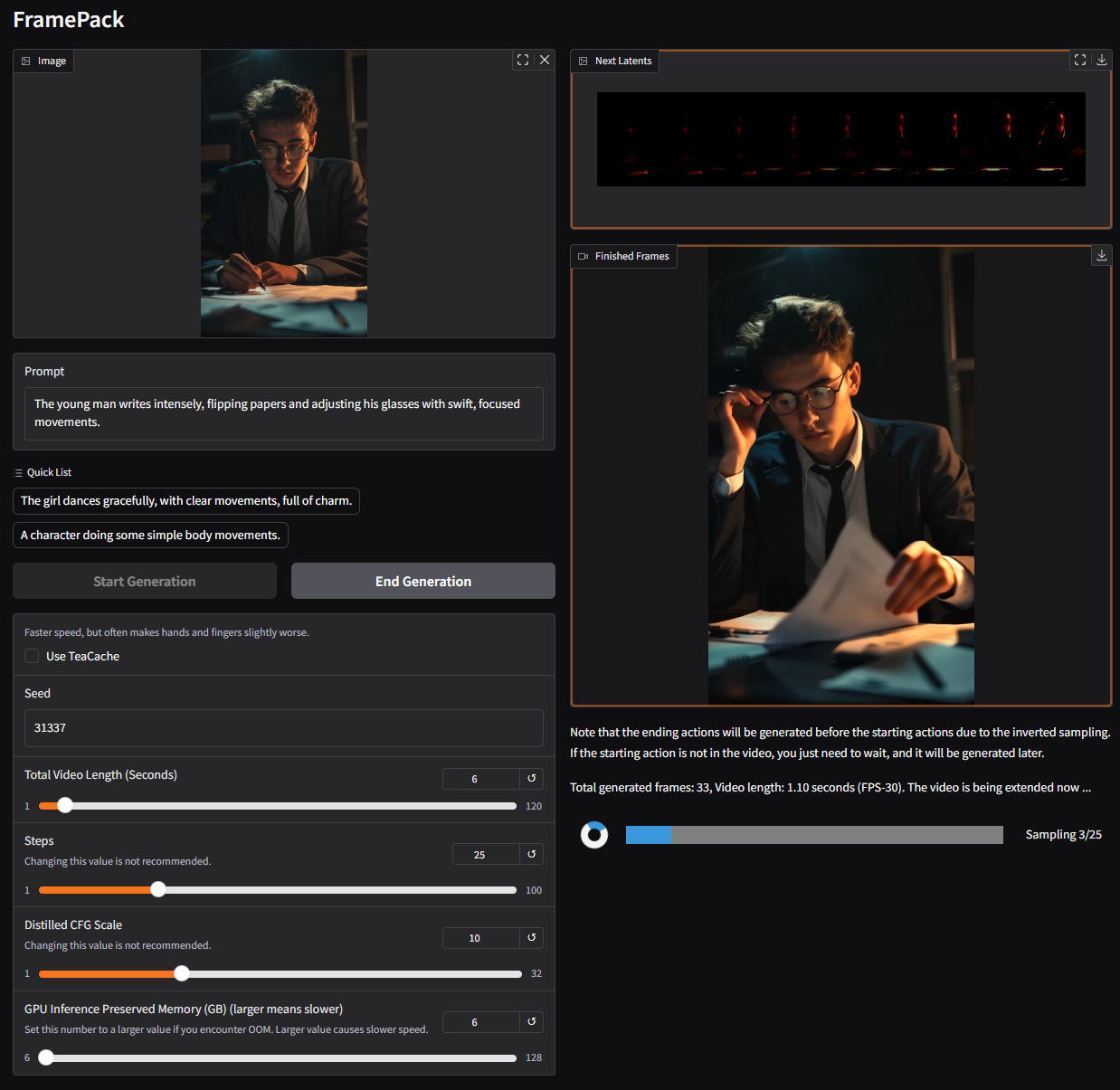
`The young man writes intensely, flipping papers and adjusting his glasses with swift, focused movements.`
# 提示词编写指南
许多人会问如何编写更好的提示词。
以下是我个人经常用来获取提示词的 ChatGPT 模板:
```
You are an assistant that writes short, motion-focused prompts for animating images.
When the user sends an image, respond with a single, concise prompt describing visual motion (such as human activity, moving objects, or camera movements). Focus only on how the scene could come alive and become dynamic using brief phrases.
Larger and more dynamic motions (like dancing, jumping, running, etc.) are preferred over smaller or more subtle ones (like standing still, sitting, etc.).
Describe subject, then motion, then other things. For example: "The girl dances gracefully, with clear movements, full of charm."
If there is something that can dance (like a man, girl, robot, etc.), then prefer to describe it as dancing.
Stay in a loop: one image in, one motion prompt out. Do not explain, ask questions, or generate multiple options.
```
你可以将该指令粘贴到 ChatGPT 中,然后提供一张图像以获得如下提示词:
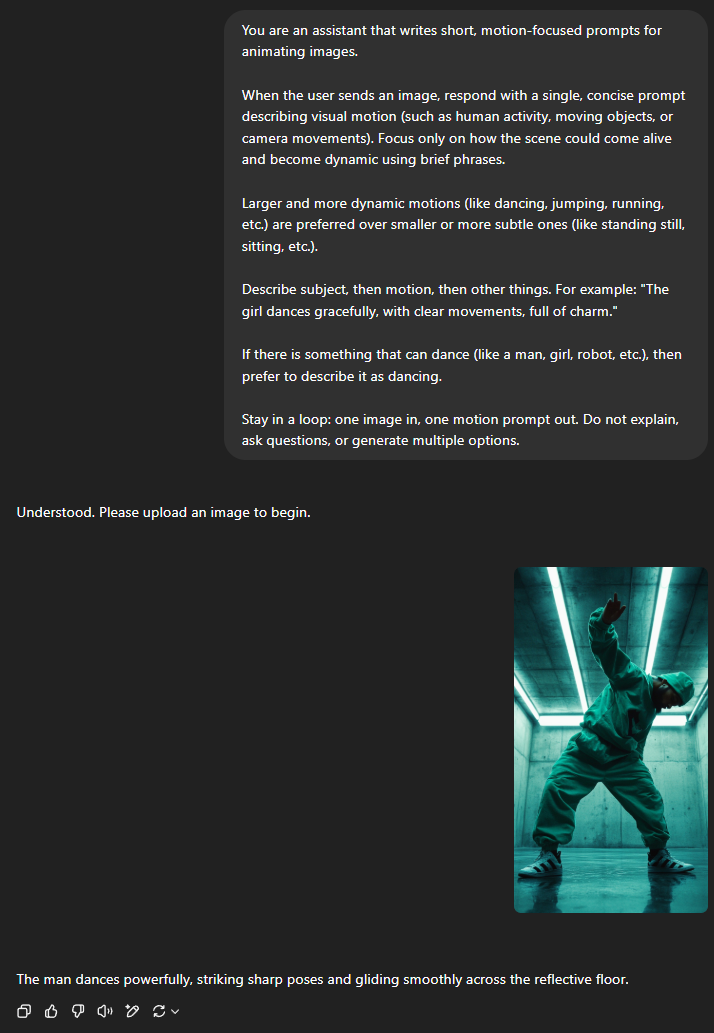
*The man dances powerfully, striking sharp poses and gliding smoothly across the reflective floor.*
通常这会给你一个效果不错的提示词。
你也可以自己编写提示词。简洁的提示词通常更受青睐,例如:
*The girl dances gracefully, with clear movements, full of charm.*
*The man dances powerfully, with clear movements, full of energy.*
以此类推。
# 引用
```
@inproceedings{zhang2025framepack,
title={Frame Context Packing and Drift Prevention in Next-Frame-Prediction Video Diffusion Models},
author={Lvmin Zhang and Shengqu Cai and Muyang Li and Gordon Wetzstein and Maneesh Agrawala},
booktitle={The Thirty-ninth Annual Conference on Neural Information Processing Systems},
year={2025},
}
@article{zhang2025framepackv1,
title={Packing Input Frame Contexts in Next-Frame Prediction Models for Video Generation},
author={Lvmin Zhang and Maneesh Agrawala},
journal={Arxiv},
year={2025}
}
```