CyrenaBurke/cloud-service-access-management-api
GitHub: CyrenaBurke/cloud-service-access-management-api
基于FastAPI和MongoDB Atlas构建的云服务订阅管理与访问控制后端API,实现了订阅计划管理、RBAC权限控制和实时配额执行。
Stars: 0 | Forks: 0
# 云服务访问管理 API
## 概述
云服务访问管理 API 是一个模拟基于订阅的云服务访问控制的后端系统。它允许管理员创建订阅计划、分配权限、管理用户,并根据每位客户的计划实时执行使用限制。
该项目演示了后端 API 设计、基于角色的访问控制、配额限制、定时验证以及基于 MongoDB 的数据存储。
1. 安装必需的依赖包
安装必需的 Python 包:
```
pip install fastapi uvicorn motor jinja2
```
2. 配置 MongoDB Atlas
3. 登录您的 MongoDB Atlas 账户。
4. 如果尚未创建数据库集群,请先创建一个。
5. 添加一个具有读/写权限的数据库用户。
6. 在 `app.py` 文件中更新连接字符串:
MONGO_URI = "mongodb+srv://:@cluster0.sgudd.mongodb.net/"
7. 确保数据库名称为 `cloud_services`,并且集合(`subscription_plans`、`permissions`、`user_subscriptions`、`user_usage_stats`)存在。
### 3. 目录结构
确保您的项目目录具有以下结构:
```
.
├── app.py # Main application file
├── templates/ # Directory for HTML templates
│ └── home.html # Home page template
├── static/ # Directory for static files (e.g., CSS, JS)
```
4. 添加 `home.html`
创建一个包含以下内容的 `templates/home.html` 文件:
```
Cloud Services
"
}
查看使用统计数据
- **接口**:`/api/customer/usage/{user_id}`
- **方法**:GET
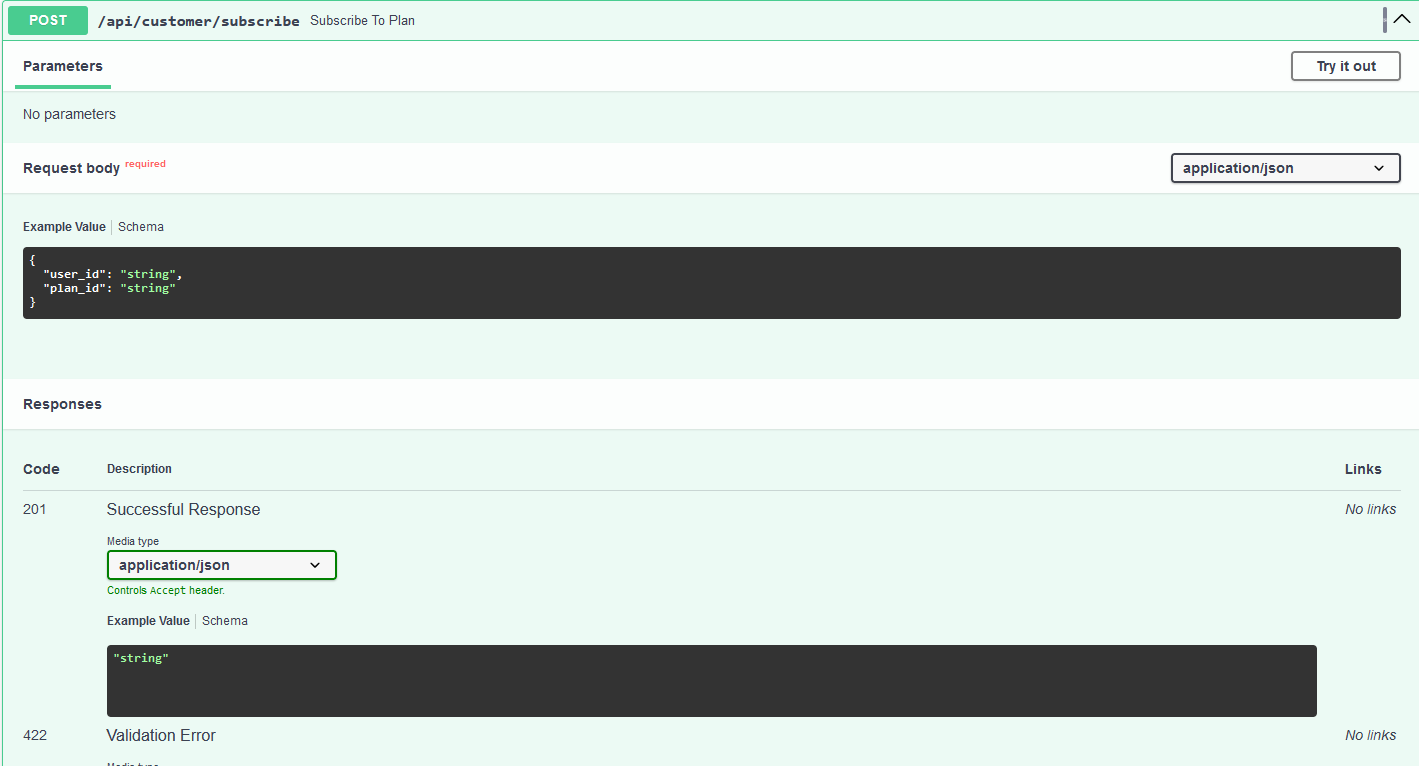
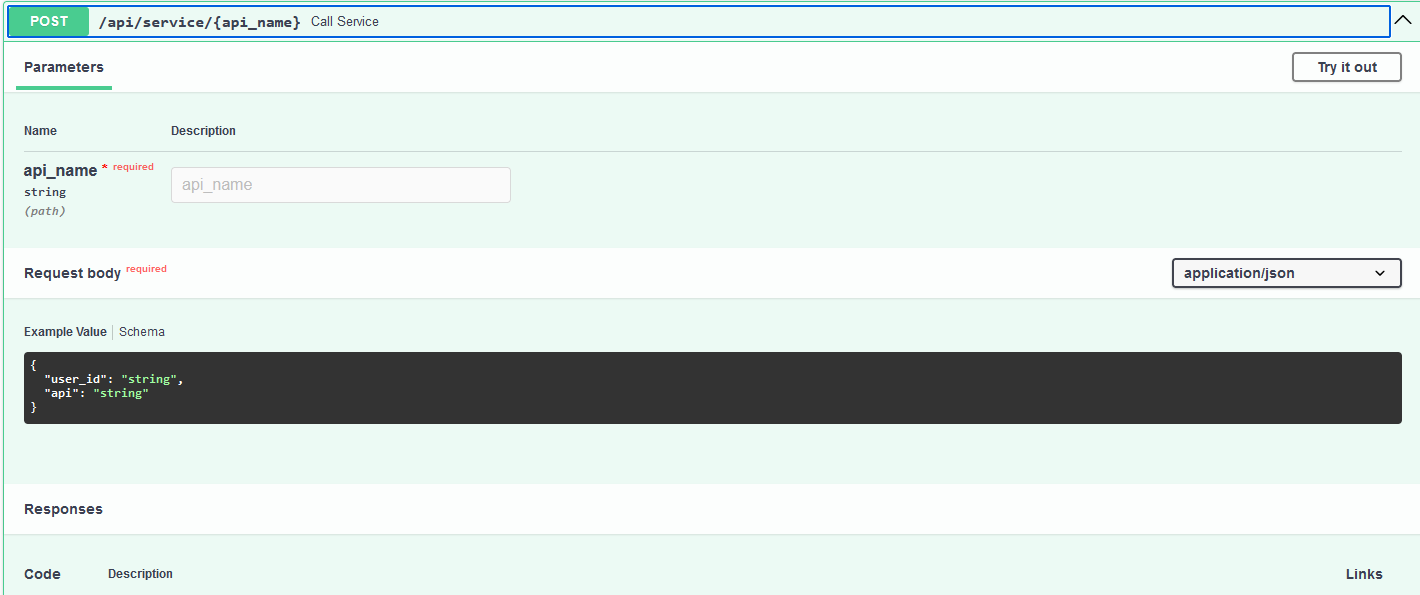
调用服务
- **接口**:`/api/service/{api_name}`
- **方法**:POST
- **请求体**:
{
"user_id": "user123",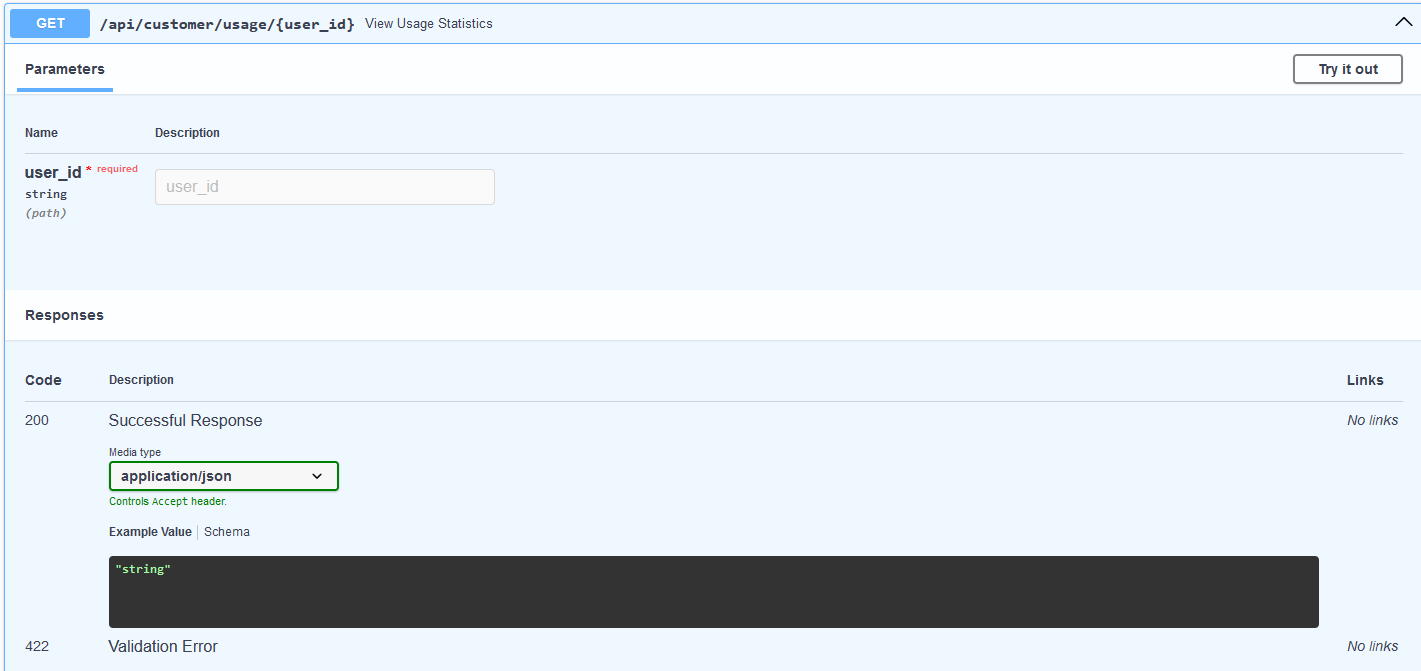,
"api": "service1"
}
**测试应用程序**
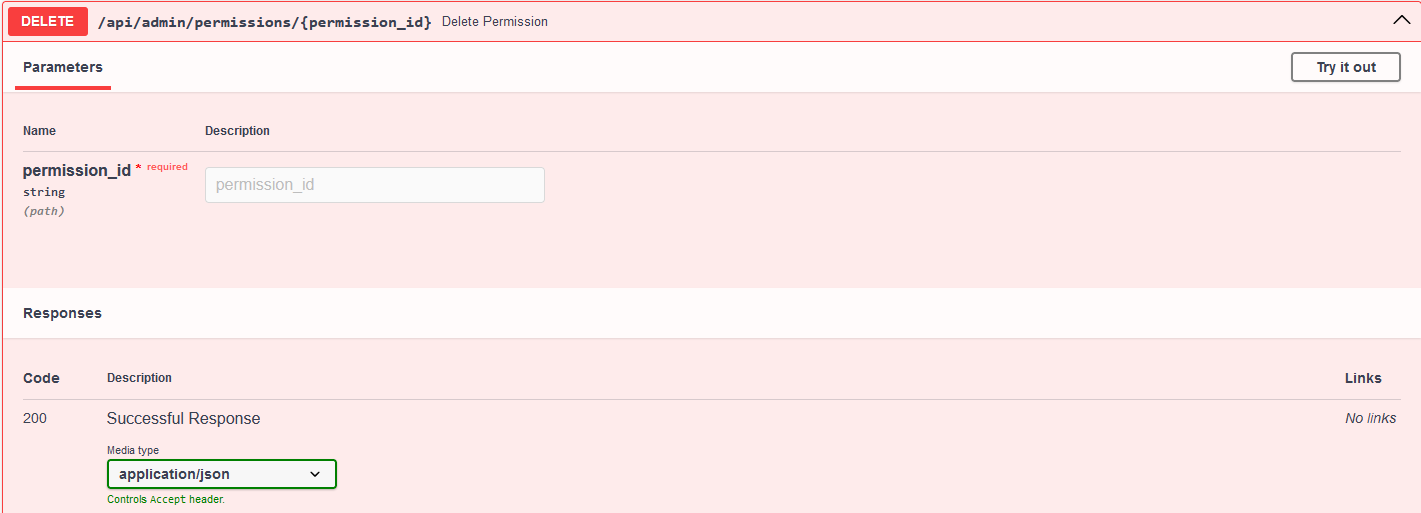
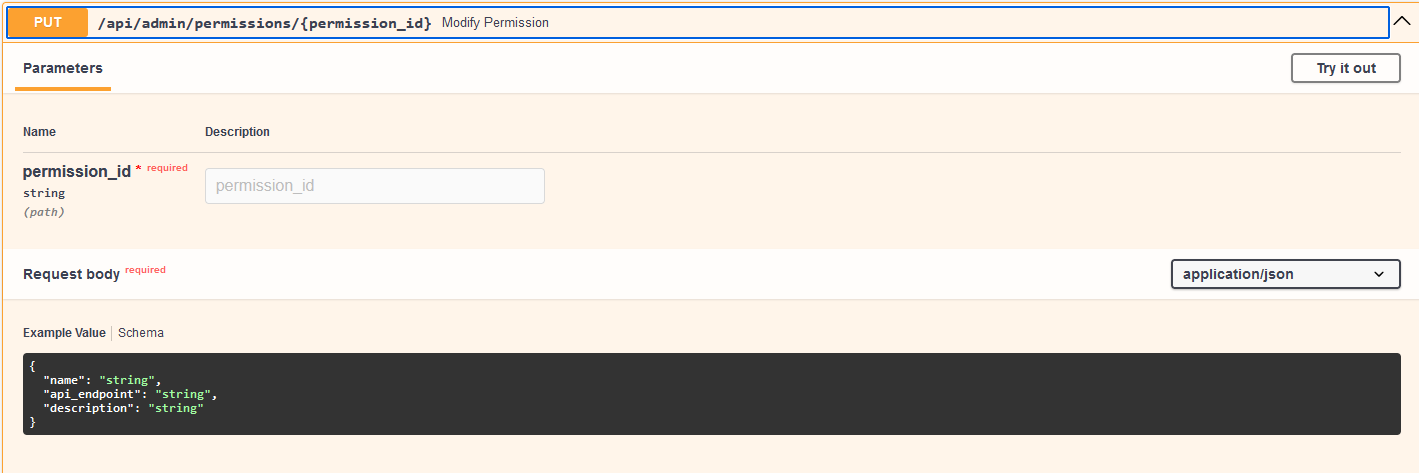
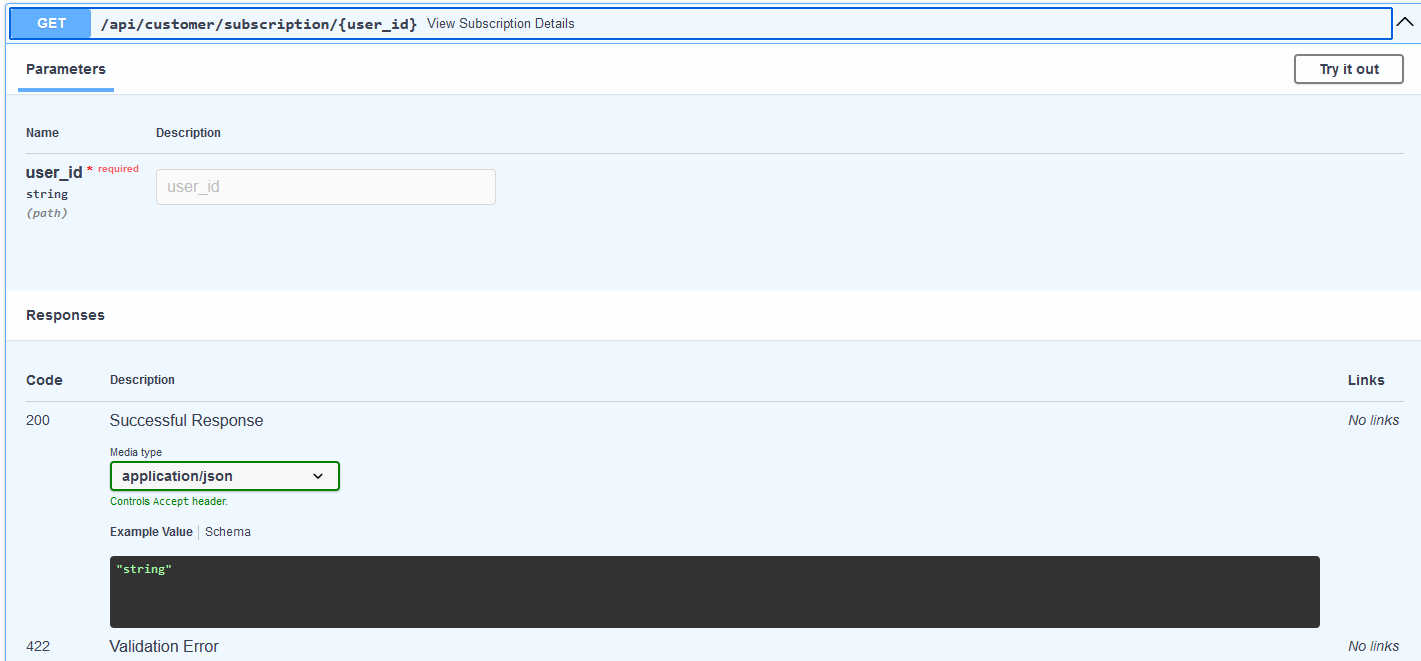
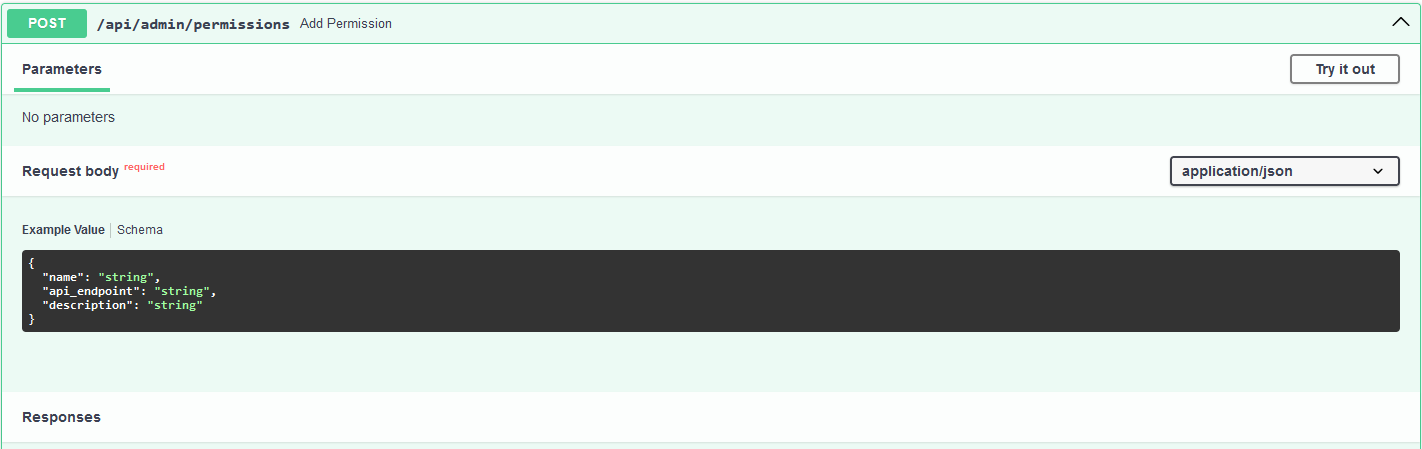
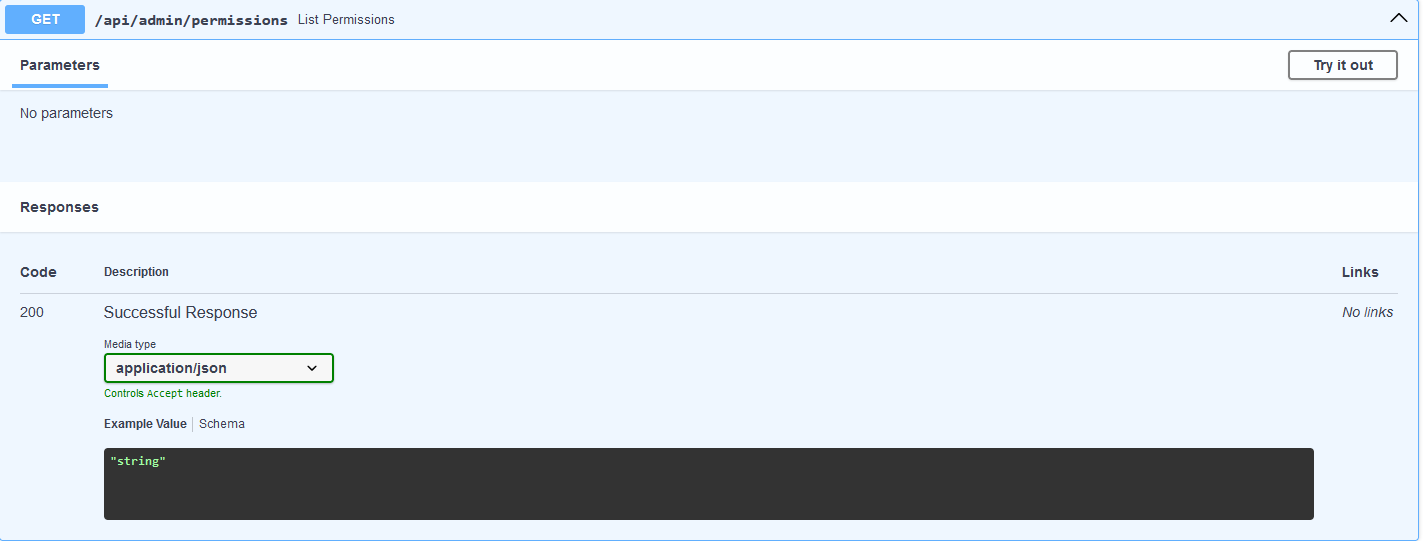
1. 使用 Swagger UI ([http://127.0.0.1:8000/docs](http://127.0.0.1:8000/docs)) 与 API 接口进行交互。
2. 监控 MongoDB Atlas 数据库以确保数据被正确保存。
**错误处理**
- **404 Not Found**:当请求的资源不存在时返回。
- **403 Forbidden**:当用户尝试访问受限资源时返回。
- **500 Internal
Server Error**:遇到意外问题时返回。
视频演示:
https://adcsuf-my.sharepoint.com/:v:/r/personal/aviyasingh_csu_fullerton_edu/Documents/Attachments/fastapi-swagger-ui_wGugpOl6.mp4?csf=1&web=1&e=yMt6Pb&nav=eyJyZWZlcnJhbEluZm8iOnsicmVmZXJyYWxBcHAiOiJTdHJlYW1XZWJBcHAiLCJyZWZlcnJhbFZpZXciOiJTaGFyZURpYWxvZy1MaW5rIiwicmVmZXJyYWxBcHBQbGF0Zm9ybSI6IldlYiIsInJlZmVycmFsTW9kZSI6InZpZXcifX0%3D
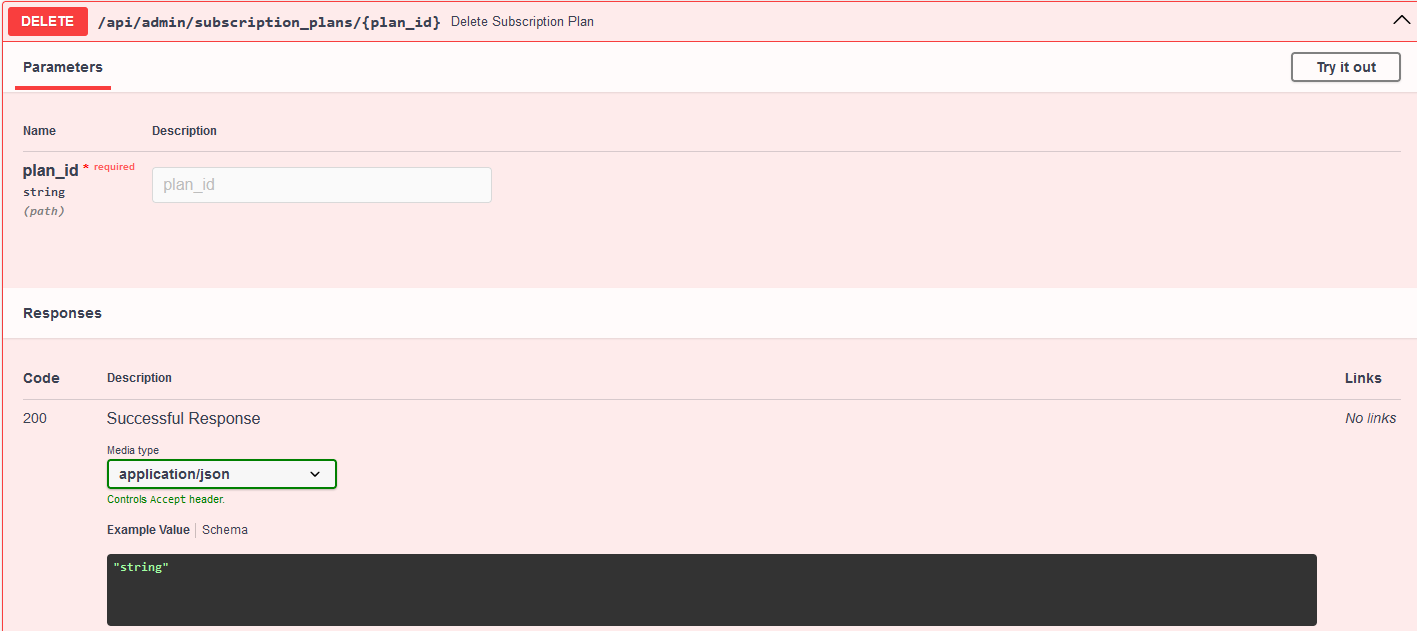
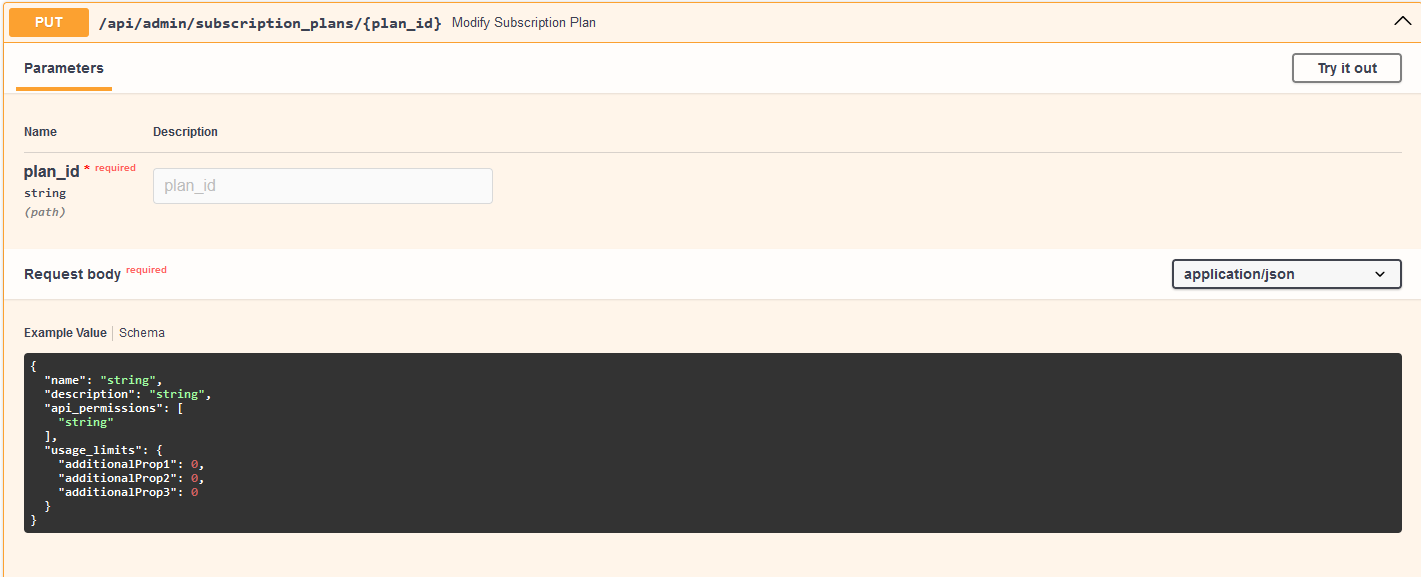
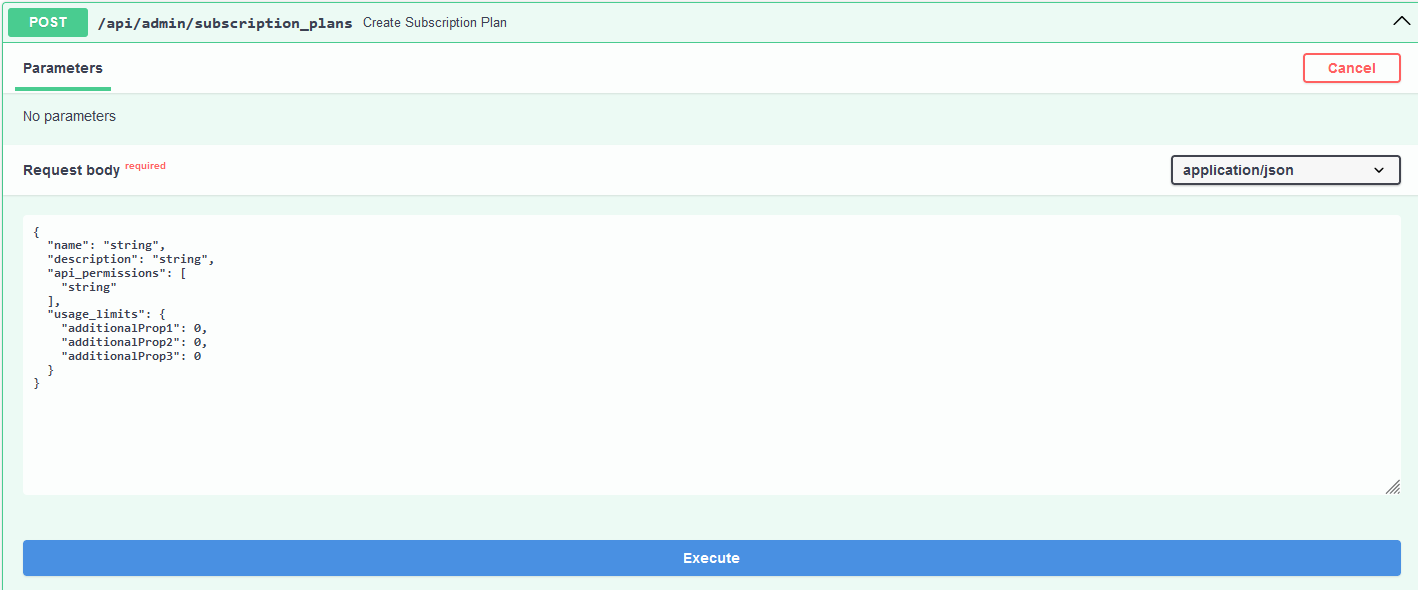
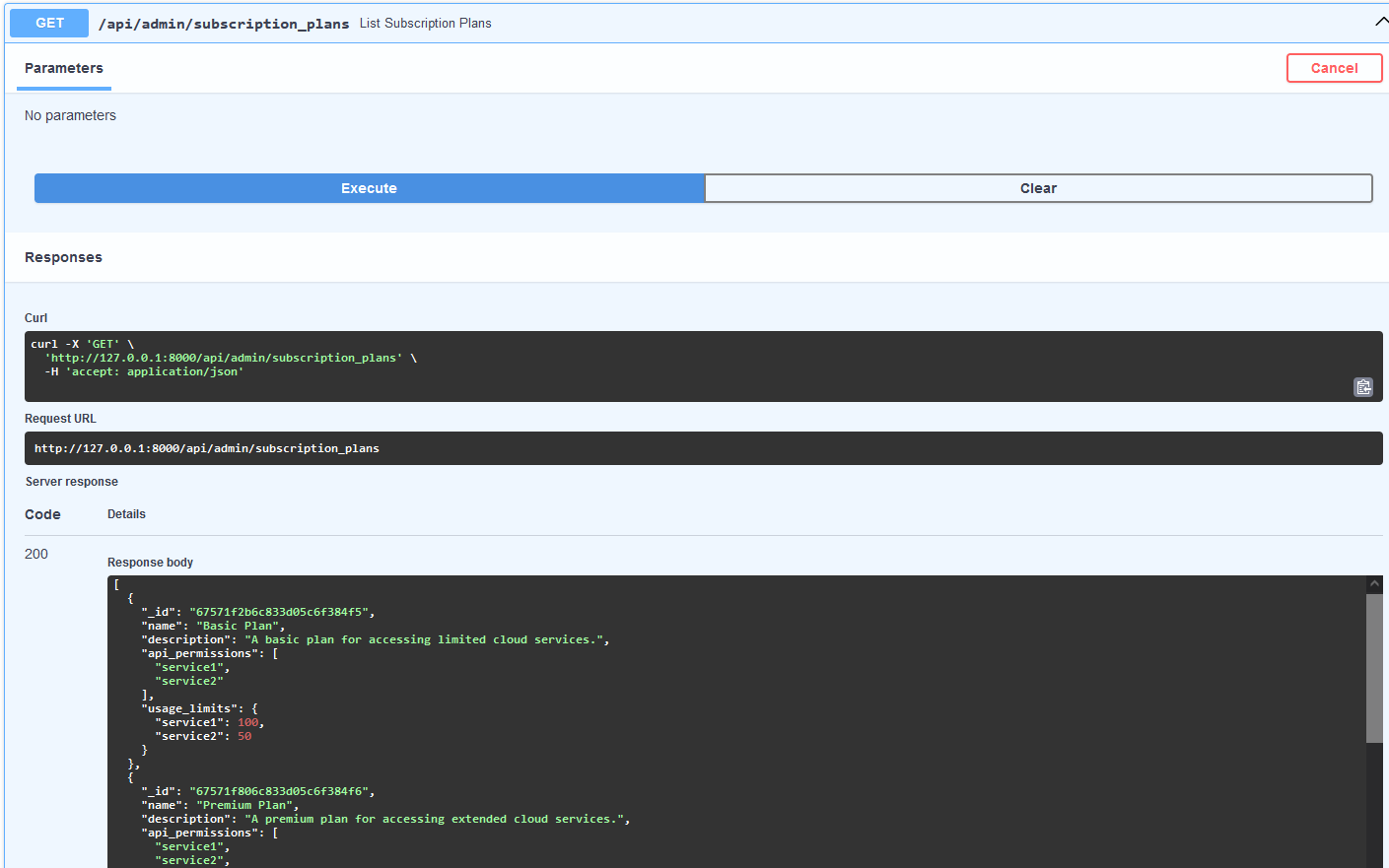
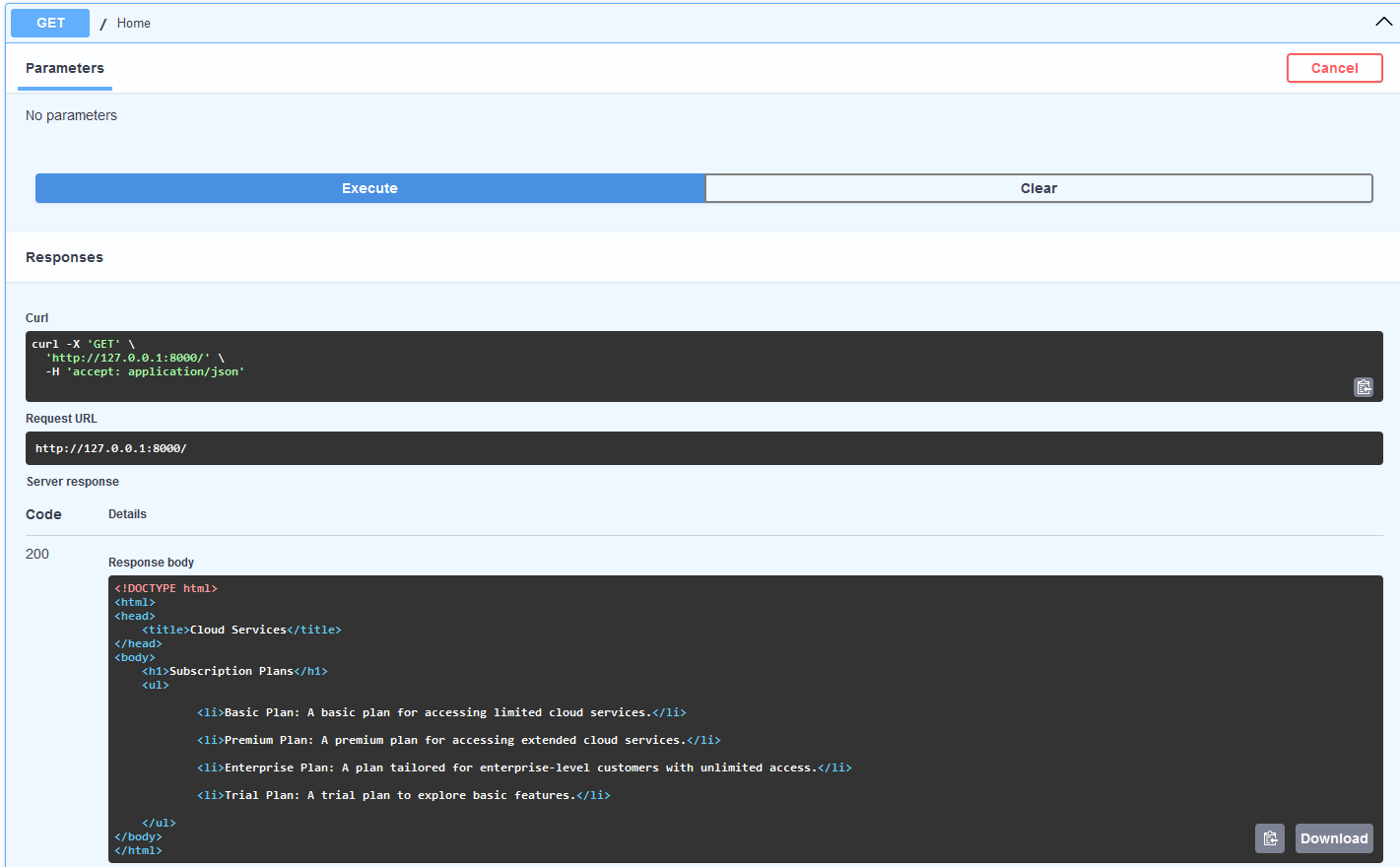
Subscription Plans
-
{% for plan in plans %}
- {{ plan['name'] }}: {{ plan['description'] }} {% endfor %}
标签:API设计, AV绕过, FastAPI, MongoDB Atlas, Motor, Python, RBAC权限, RESTful API, SaaS计费, Streamlit, Syscall, Uvicorn, Web开发, 云服务, 云资源管理, 使用限制, 后端API, 提示词优化, 数据库, 无后门, 用户管理, 订阅管理, 访问控制, 逆向工具, 配额执行