3r0th3r-CC/3r0th3r-cc.github.io
GitHub: 3r0th3r-CC/3r0th3r-cc.github.io
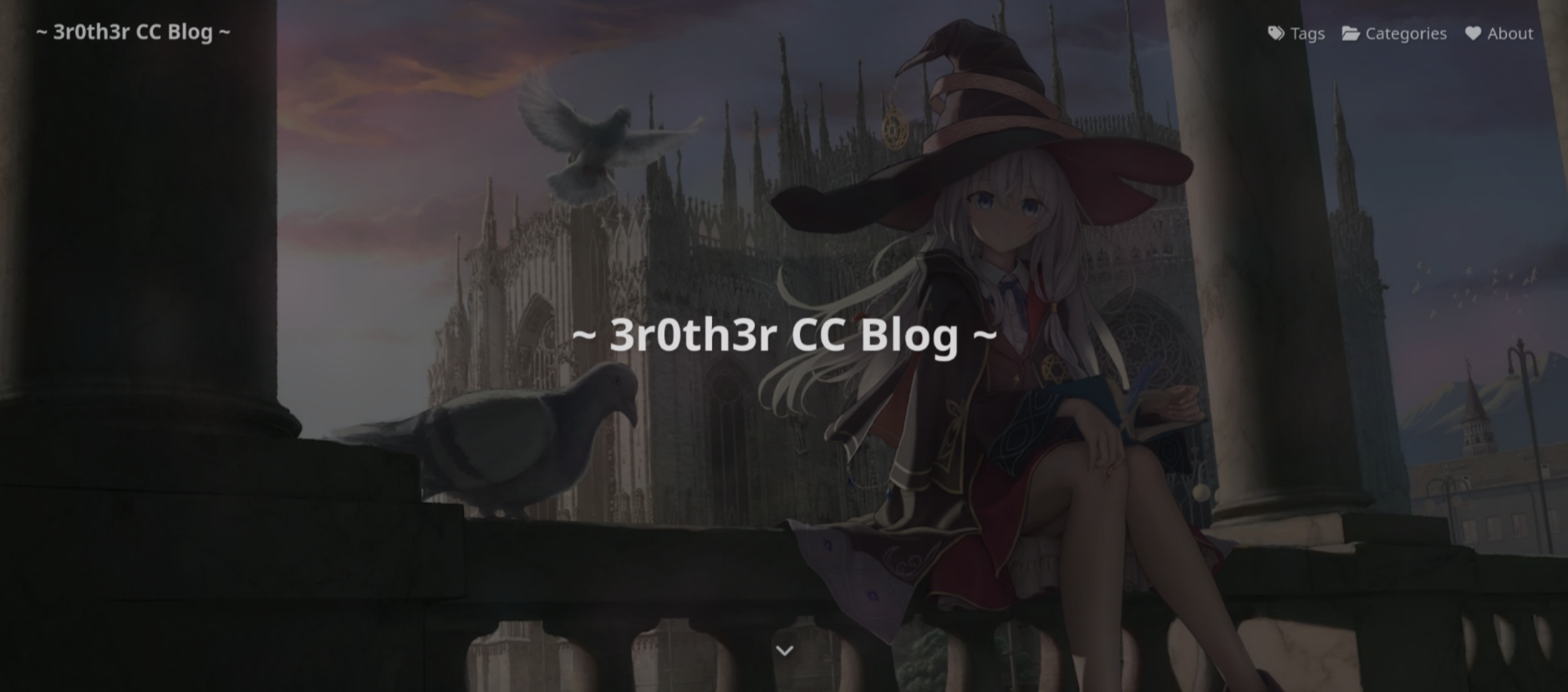
一个基于 Hexo 和 Butterfly 主题搭建的团队博客,主要用于发布 CTF 赛事解题 Writeup 及安全技术文章。
Stars: 0 | Forks: 0
# 3r0th3r CC 博客
:book: 主题文档:[English](https://butterfly.js.org/en/posts/butterfly-docs-en-get-started/)
## :closed_book: 最新博客文章
- [VishwaCTF 2025 Writeup](https://3r0th3r-cc.github.io/2025/03/11/VishwaCTF-2025-Writeup/)
- [Digital Dragons CTF 2024 Writeup](https://3r0th3r-cc.github.io/2024/08/25/Digital-Dragons-CTF-2024-Writeup/)
## :computer: 安装
### GIT
**HTTPS**
```
git clone -b master https://github.com/3r0th3r-CC/3r0th3r-cc.github.io.git
```
或者
**SSH**
```
git clone -b master git@github.com:3r0th3r-CC/3r0th3r-cc.github.io.git
```
### NPM
克隆仓库后,`cd` 进入该仓库并运行以下命令:
```
npm i hexo && sudo npm install hexo-cli -g
```
## :writing_hand: 写作
首先,让我们创建一个新分支 **(请不要直接在 master 分支上写作 ~~除非你是管理员~~)**:
```
git checkout -b
```
现在你可以创建一篇新文章并撰写你的内容了:
```
hexo new
```
如果你想查看你的文章在博客上的显示效果,只需运行以下命令:
```
hexo s
```
或者这个:
```
hexo server
```
然后访问 `http://localhost:4000` 即可查看该文章!
## :newspaper: 发布
运行以下命令以添加所有更改并创建 commit
```
git add -A && git commit -m ""
```
然后将其推送到[我们的仓库](https://github.com/3r0th3r-CC/3r0th3r-CC.github.io)
```
git push --set-upstream origin
```
或者,如果你之前已经推送过,可以使用这个
```
git push
```
**这是非常重要的部分**
1. 在[我们的仓库](https://github.com/3r0th3r-CC/3r0th3r-CC.github.io)中,点击 **Pull Requests**
2. 接着,点击 **New pull request** 并选择你想要与 **master** 分支合并的分支
3. 创建 pull request 后,如果没有冲突,将你的分支与 **master** 分支合并,然后将其删除
## :recycle: 更新
首先切换到 **master** 分支:
```
git checkout master
```
然后从远程仓库 `fetch` 并 `pull` 所有更改:
```
git fetch && git pull
```
现在你已经更新到最新版本了!
### 一些用于维护的链接
- 安装 NodeJS: https://nodejs.org/en/download/package-manager/all
- 将图片转换为 Favicon: https://favicon.io/favicon-converter/
- 将图片转换为 SVG: https://picsvg.com/
- GitHub Markdown: https://docs.github.com/en/get-started/writing-on-github/getting-started-with-writing-and-formatting-on-github/basic-writing-and-formatting-syntax
- 基础 HTML: https://www.w3schools.com/html/default.asp
- 基础 CSS: https://www.w3schools.com/css/default.asp
- 基础 JavaScript: https://www.w3schools.com/Js/default.asp
- 颜文字: https://kaomoji.ru/en/
标签:Hexo, MITM代理, Syscall, Web开发, 个人博客, 暗色界面, 网络安全研究, 自定义脚本, 静态网站