adithya-s-k/omniparse
GitHub: adithya-s-k/omniparse
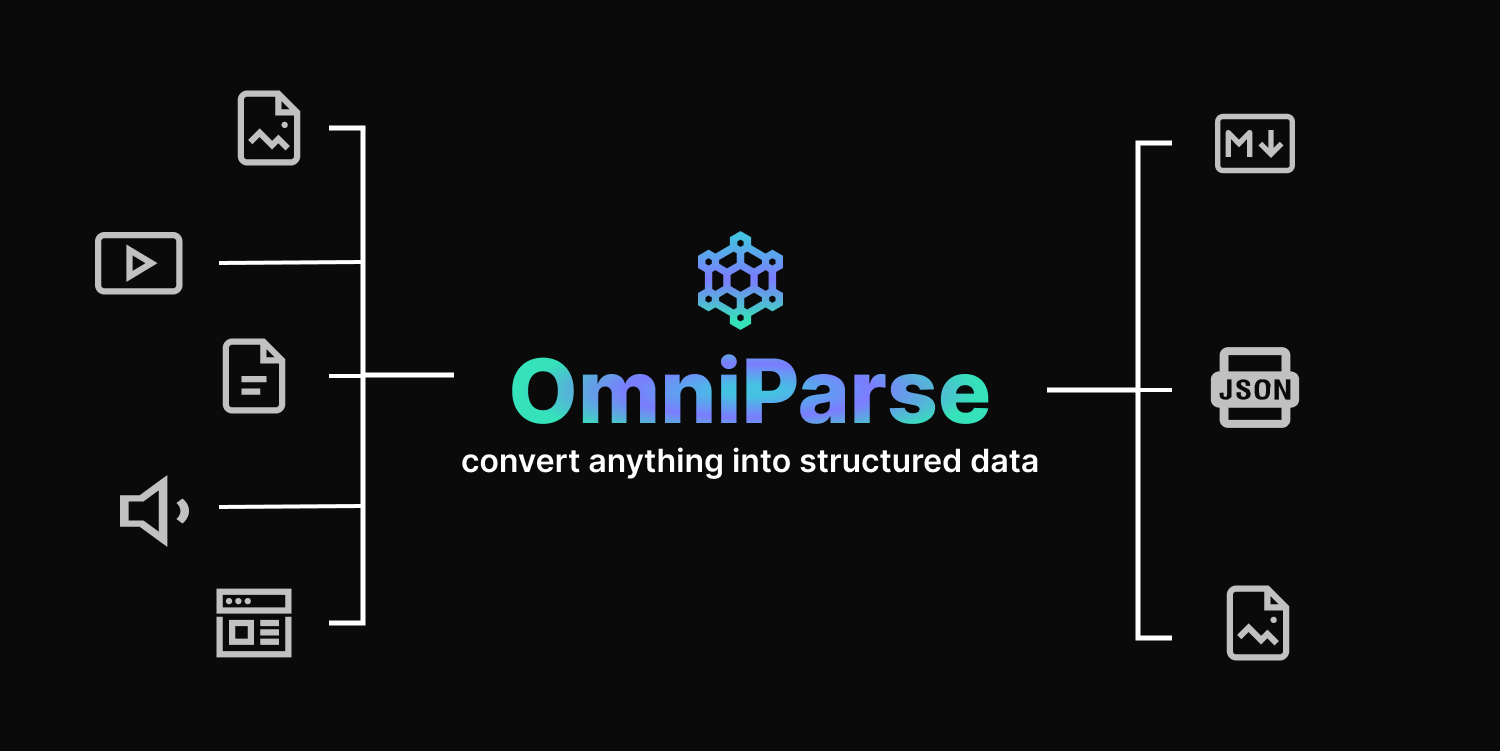
OmniParse 是一个完全本地运行的数据摄入与解析平台,能将文档、多媒体及网页等各类数据转化为对大语言模型友好的结构化 Markdown。
Stars: 7635 | Forks: 651
# OmniParse
[](https://github.com/adithya-s-k/omniparse/stargazers)
[](https://github.com/adithya-s-k/omniparse/network/members)
[](https://github.com/adithya-s-k/omniparse/issues)
[](https://github.com/adithya-s-k/omniparse/pulls)
[](https://github.com/adithya-s-k/omniparse/blob/main/LICENSE)
## 试用
[](https://colab.research.google.com/github/adithya-s-k/omniparse/blob/main/examples/OmniParse_GoogleColab.ipynb)
## 简介
https://github.com/adithya-s-k/omniparse/assets/27956426/457d8b5b-9573-44da-8bcf-616000651a13
## 功能
✅ 完全本地运行,无需外部 API \
✅ 适配单张 T4 GPU \
✅ 支持约 20 种文件类型 \
✅ 将文档、多媒体和网页转换为高质量的结构化 Markdown \
✅ 表格提取、图像提取/字幕生成、音频/视频转录、网页爬取 \
✅ 可通过 Docker 和 Skypilot 轻松部署 \
✅ 对 Colab 友好 \
✅ 由 Gradio 驱动的交互式 UI
### 为什么选择 OmniParse?
处理数据是一项挑战,因为数据具有各种形态和大小。OmniParse 旨在成为一个数据摄入/解析平台,您可以摄入任何类型的数据(如文档、图像、音频、视频和网页内容),并获得结构化且具有高度可操作性、对 GenAI (LLM) 友好的输出结果。
## 安装
```
git clone https://github.com/adithya-s-k/omniparse
cd omniparse
```
创建一个虚拟环境:
```
conda create -n omniparse-venv python=3.10
conda activate omniparse-venv
```
安装依赖项:
```
poetry install
# 或
pip install -e .
# 或
pip install -r pyproject.toml
```
### 🛳️ Docker
要使用 Docker 运行 OmniParse,请执行以下命令:
1. 从 Docker Hub 拉取 OmniParse API 的 Docker 镜像:
2. 运行 Docker 容器并暴露 8000 端口:
👉🏼[Docker 镜像](https://hub.docker.com/r/savatar101/omniparse)
```
docker pull savatar101/omniparse:0.1
# 如果你正在 gpu 上运行
docker run --gpus all -p 8000:8000 savatar101/omniparse:0.1
# 否则
docker run -p 8000:8000 savatar101/omniparse:0.1
```
或者,如果您想在本地构建 Docker 镜像:
然后,按如下方式运行 Docker 容器:
```
docker build -t omniparse .
# 如果你正在 gpu 上运行
docker run --gpus all -p 8000:8000 omniparse
# 否则
docker run -p 8000:8000 omniparse
```
## 用法
运行服务器:
```
python server.py --host 0.0.0.0 --port 8000 --documents --media --web
```
- `--documents`:加载所有帮助您解析和摄入文档的模型(Surya OCR 系列模型和 Florence-2)。
- `--media`:加载 Whisper 模型以转录音频和视频文件。
- `--web`:设置 selenium 爬虫。
下载模型:
如果您想在启动服务器之前下载模型
```
python download.py --documents --media --web
```
- `--documents`:加载所有帮助您解析和摄入文档的模型(Surya OCR 系列模型和 Florence-2)。
- `--media`:加载 Whisper 模型以转录音频和视频文件。
- `--web`:设置 selenium 爬虫。
## 支持的数据类型
| 类型 | 支持的扩展名 |
|-----------|-----------------------------------------------------|
| 文档 | .doc, .docx, .pdf, .ppt, .pptx |
| 图像 | .png, .jpg, .jpeg, .tiff, .bmp, .heic |
| 视频 | .mp4, .mkv, .avi, .mov |
| 音频 | .mp3, .wav, .aac |
| 网页 | 动态网页, http://.com |
- [API 端点](#api-endpoints)
- [文档解析](#document-parsing)
- [解析任意文档](#parse-any-document)
- [解析 PDF](#parse-pdf)
- [解析 PowerPoint](#parse-powerpoint)
- [解析 Word 文档](#parse-word-document)
- [媒体解析](#media-parsing)
- [解析任意媒体](#parse-any-media)
- [解析图像](#parse-image)
- [处理图像](#process-image)
- [解析视频](#parse-video)
- [解析音频](#parse-audio)
- [网站解析](#website-parsing)
- [解析网站](#parse-website)
### 文档解析
#### 解析任意文档
端点:`/parse_document`
方法:POST
解析 PDF、PowerPoint 或 Word 文档。
Curl 命令:
```
curl -X POST -F "file=@/path/to/document" http://localhost:8000/parse_document
```
#### 解析 PDF
端点:`/parse_document/pdf`
方法:POST
解析 PDF 文档。
Curl 命令:
```
curl -X POST -F "file=@/path/to/document.pdf" http://localhost:8000/parse_document/pdf
```
#### 解析 PowerPoint
端点:`/parse_document/ppt`
方法:POST
解析 PowerPoint 演示文稿。
Curl 命令:
```
curl -X POST -F "file=@/path/to/presentation.ppt" http://localhost:8000/parse_document/ppt
```
#### 解析 Word 文档
端点:`/parse_document/docs`
方法:POST
解析 Word 文档。
Curl 命令:
```
curl -X POST -F "file=@/path/to/document.docx" http://localhost:8000/parse_document/docs
```
### 媒体解析