chen08209/FlClash
GitHub: chen08209/FlClash
一款基于 ClashMeta 的开源跨平台代理客户端,支持多平台、订阅管理和 WebDAV 同步,界面简洁无广告。
Stars: 46401 | Forks: 2932
[**简体中文**](README_zh_CN.md)
## FlClash
[](https://github.com/chen08209/FlClash/releases/)[](https://github.com/chen08209/FlClash/releases/)[](LICENSE)
[](https://t.me/FlClash)
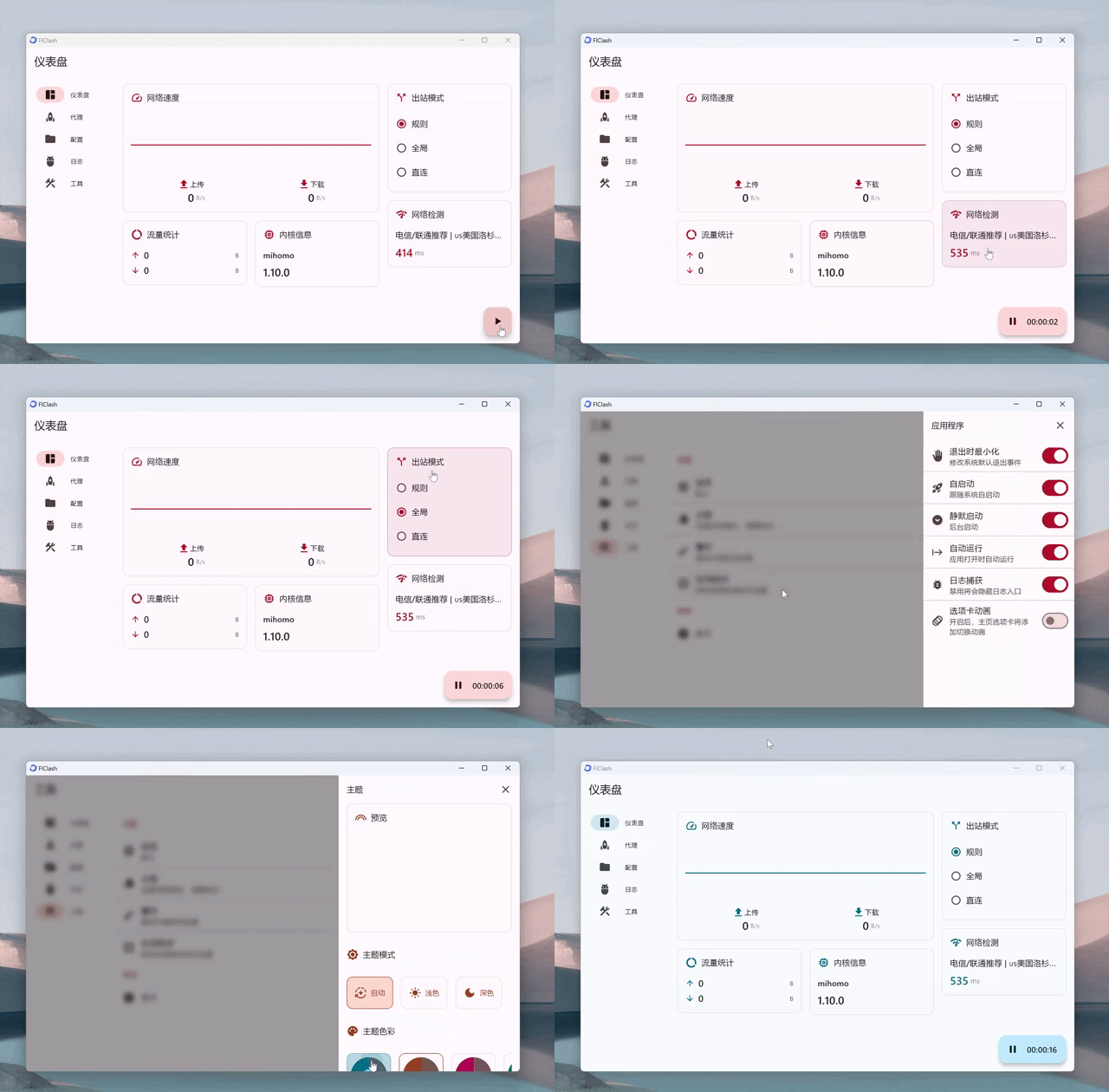
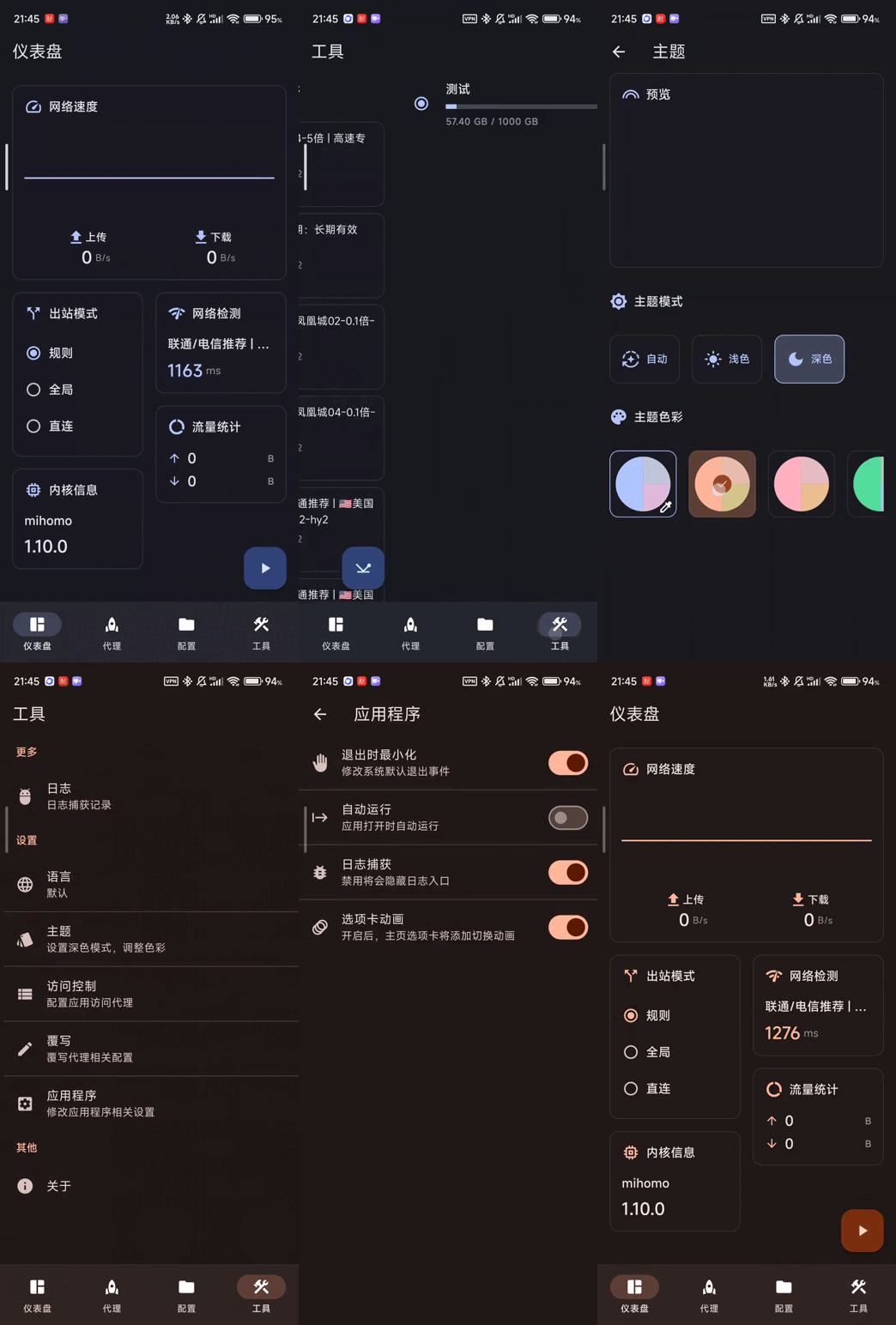
一个基于 ClashMeta 的多平台代理客户端,简单易用,开源且无广告。
桌面端:

 ## 构建
1. 更新子模块
git submodule update --init --recursive
2. 安装 `Flutter` 和 `Golang` 环境
3. 构建应用
- android
1. 安装 `Android SDK`、`Android NDK`
2. 设置 `ANDROID_NDK` 环境变量
3. 运行构建脚本
dart setup.dart android
- windows
1. 需要 Windows 客户端
2. 安装 `GCC`、`Inno Setup`
3. 运行构建脚本
dart setup.dart windows
- linux
1. 需要 Linux 客户端
2. 依赖将由 setup 脚本自动安装,或者手动安装:
sudo apt-get install -y libayatana-appindicator3-dev libkeybinder-3.0-dev
3. 运行构建脚本
dart setup.dart linux
- macOS
1. 需要 macOS 客户端
2. 运行构建脚本
dart setup.dart macos
## Star
支持开发者最简单的方法是点击页面顶部的 Star (⭐)。
## 构建
1. 更新子模块
git submodule update --init --recursive
2. 安装 `Flutter` 和 `Golang` 环境
3. 构建应用
- android
1. 安装 `Android SDK`、`Android NDK`
2. 设置 `ANDROID_NDK` 环境变量
3. 运行构建脚本
dart setup.dart android
- windows
1. 需要 Windows 客户端
2. 安装 `GCC`、`Inno Setup`
3. 运行构建脚本
dart setup.dart windows
- linux
1. 需要 Linux 客户端
2. 依赖将由 setup 脚本自动安装,或者手动安装:
sudo apt-get install -y libayatana-appindicator3-dev libkeybinder-3.0-dev
3. 运行构建脚本
dart setup.dart linux
- macOS
1. 需要 macOS 客户端
2. 运行构建脚本
dart setup.dart macos
## Star
支持开发者最简单的方法是点击页面顶部的 Star (⭐)。
标签:Clash, 代理客户端, 安全合规, 网络代理, 网络工具