JLChnToZ/VVMW
GitHub: JLChnToZ/VVMW
VizVid 是一款适用于 VRChat 的灵活模块化视频播放器前端,支持多种播放场景与跨平台客户端。
Stars: 178 | Forks: 16
# VizVid
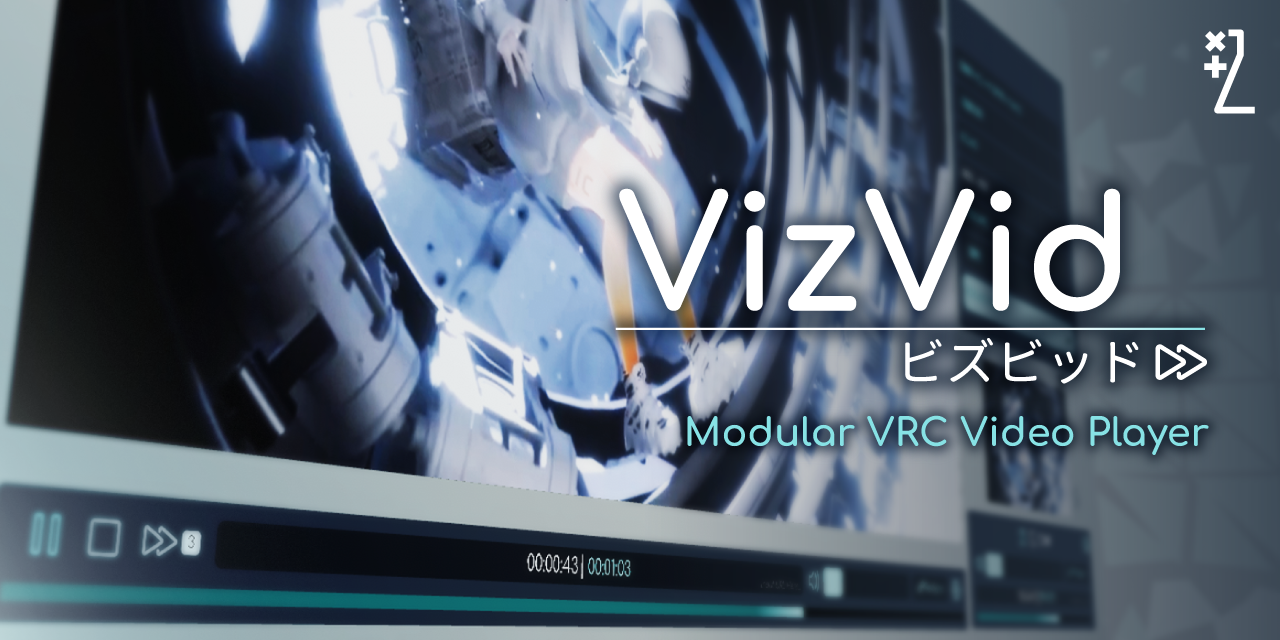
欢迎!VizVid 是一个适用于 VRChat 的通用视频播放器前端。它旨在涵盖多种使用场景,从休息室的“一起看”视频/直播播放器,到用于音乐表演的大型活动场地,甚至是展览或展示用的摊位。由于其目标客户群体的需求,它拥有灵活的架构,就像工厂生产的电子产品一样,但带有易于打开的后盖,方便用户根据自己的需求进行折腾调整。
## 功能
- 基础播放与进度条控制
- 预定义的播放列表与用户排队列表
- 用户输入 URL 的播放历史记录(自 v1.0.32 起)
- Quest (Android) 客户端专属 URL(仅适用于预定义的 URL、播放列表和 API)
- PNG/JPEG 图片查看器(自 v1.0.37 起)
- 低延迟模式,(已使用 RTSP/RTMP 流进行测试)
- 播放速度调整(自 v1.1.0 起)
- 智能请求处理,对切换视频的请求进行防抖处理,以避免触发速率限制错误(自 v1.1.0 起)
- 本地模式(在上传前,可切换是否与实例内的其他用户同步)
- 模块化的屏幕、音频和 UI 架构,支持多实例
- 同时提供屏幕内(on-screen)与独立(separated)的操作界面
- 可选的备用 URL 输入框,以更好地支持跨平台用户(自 v1.3.0 起)
- (几乎)一键更改界面颜色
- 同时支持传统 UI 和 TextMeshPro 设置(自 v1.0.32 起)
- 可本地拾取与缩放的屏幕
- 腕带(VR)/键盘(桌面)的重新同步按钮与音量控制
- 当本地用户进入特定区域时自动播放
- 视频播放时自动淡出背景音乐
- 专用组件可为每个实例/用户分配随机流链接(自 v1.3.0 起)
- 内置多种显示模式(拉伸、包含、覆盖、球面视频源)的自定义着色器(shader),可在材质选项中进行配置
- 为使用内置材质的屏幕提供亮度调整(自 v1.1.0 起)
- 带有自动语言检测的本地化系统(英语、中文、日语和韩语)
- 使用 [Udon Auth](https://xtl.booth.pm/items/3826907) 锁定的 UI。
- 基础的 [Audio Link](https://github.com/llealloo/vrc-udon-audio-link) 支持,在播放时会自动切换音频源,在较新版本(1.0.0+)中还会上报播放器状态(播放进度、音量、循环、随机播放等)。
- 基础的 [LTCGI](https://ltcgi.dev/) 集成,提供了可供使用的 CustomRenderTexture。
- 内置了修改版的 [YTTL](https://65536.booth.pm/items/4588619),用于显示已知来源的视频标题。
- 专为 [VRC Light Volumes](https://github.com/REDSIM/VRCLightVolumes) 提供的更新工具。
- 用于集成[您自己的 Udon 脚本]的简易 API。
- 隐私优先——我们保证不包含任何需要专用服务器才能运行的功能;同时,默认不开启需要外部资源的功能。
## 演示
请访问[官方演示世界](https://vrchat.com/home/world/wrld_7239d09c-7b25-43a5-8ccd-502d986b016a)!
## 文档
- [English Manual](https://xtlcdn.github.io/VizVid/docs/)
- [日本語マニュアル](https://xtlcdn.github.io/VizVid/docs/index_ja.html)
- [中文说明文件](https://xtlcdn.github.io/VizVid/docs/index_zh.html)
- [API 参考文档](https://xtlcdn.github.io/VizVid/api/Global.html)
## 安装
您可以使用以下方法:
- 通过 VCC(推荐):
1. 确保您已安装 VRChat Creator Companion,如果没有,请[在此下载](https://vrchat.com/download/vcc)。
2. 前往[我的包列表引导页](https://xtlcdn.github.io/vpm/),点击横幅下的“Add to VCC”按钮并按照说明操作。
3. 接着,您可以前往您自己世界项目的“Manage Project”页面,点击“+”按钮添加播放器组件。
4. 尽情享受吧!
- 通过命令行:
或者,如果您是喜欢使用命令行的高级极客,可以不使用 VCC,而是使用一个名为 [`vrc-get`](https://github.com/vrc-get/vrc-get) 的工具:
cd path/to/your/world/project/folder
vrc-get repo add https://xtlcdn.github.io/vpm/index.json
vrc-get install idv.jlchntoz.vvmw
- 通过 Booth:[点击这里](https://xtl.booth.pm/items/5056077)。
- 通过 GitHub Releases:[点击这里](https://github.com/JLChnToZ/VVMW/releases/latest)。
## 问题
如有任何问题,请在 [Discord 服务器](https://discord.gg/fkDueQMbj8)上联系我,或者如果您认为存在 Bug,请[在 GitHub 上提交 issue](https://github.com/JLChnToZ/VVMW/issues/new)。
## 许可证
[MIT](./Packages/idv.jlchntoz.vvmw/LICENSE)
## 更新日志
[点击这里](./CHANGELOG.md)
用 :heart: 在 :hong_kong: :taiwan: 打造。
标签:Unity, VRChat, 前端组件, 虚拟现实, 视频播放器