palera1n/palera1n
GitHub: palera1n/palera1n
一款针对旧款 iOS/iPadOS/tvOS 设备提供越狱能力的工具,破解 A8 至 A11 及 T2 芯片设备的系统完整性。
Stars: 6363 | Forks: 769
# palera1n
[](https://github.com/palera1n/palera1n/releases)
[](https://github.com/palera1n/palera1n/releases)
[](https://github.com/palera1n/palera1n/blob/main/LICENSE)
适用于 A8 到 A11 以及 T2 设备的越狱工具,支持 iOS/iPadOS/tvOS 15.0 及更高版本,bridgeOS 5.0 及更高版本。
| 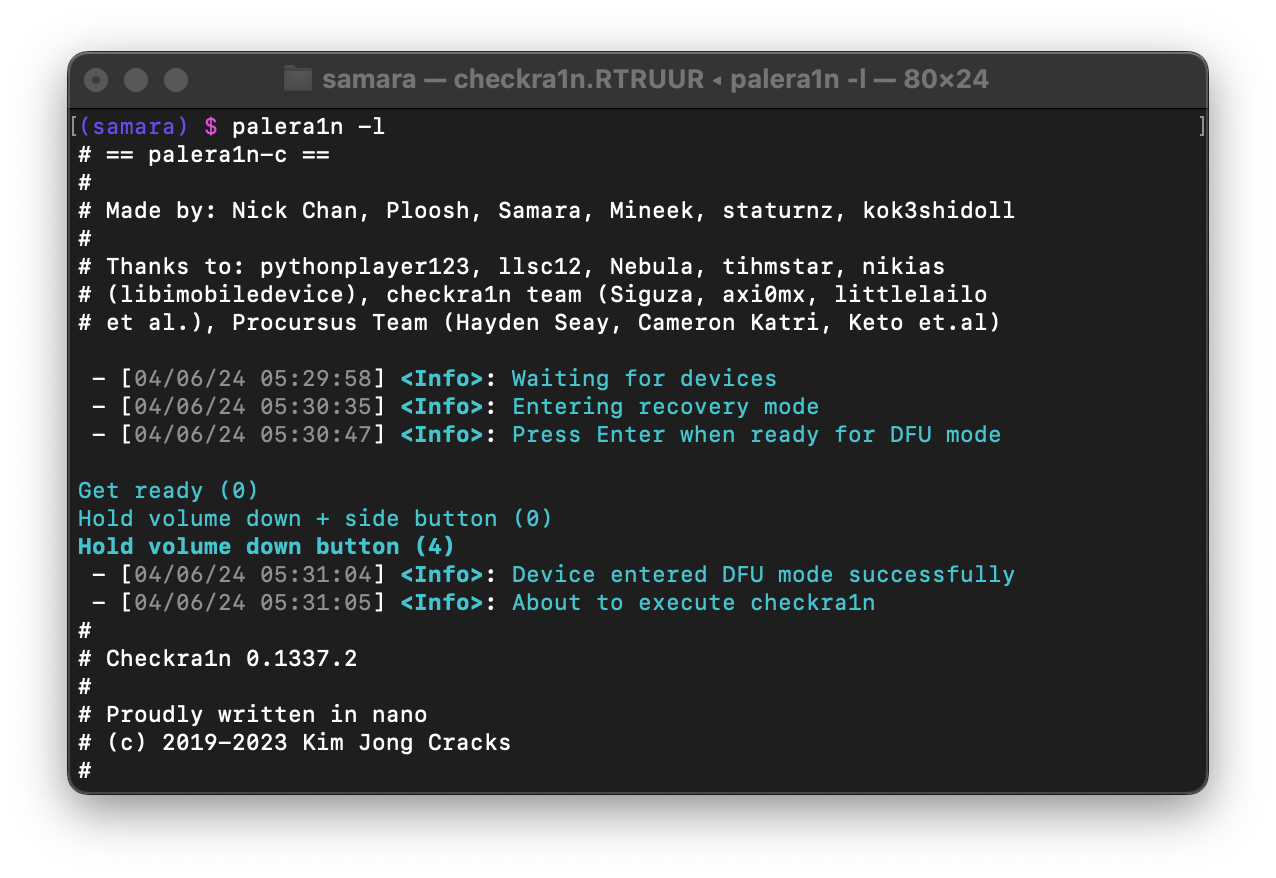 |
|:--: |
| 在终端中使用 palera1n 的屏幕截图 |
## 设备支持
| iPhone(s) | iPad(s) | iPod(s) | Apple TV(s) |
|- |- |- |- |
| iPhone 6s | iPad mini 4 | iPod Touch (7th generation) | Apple TV HD |
| iPhone 6s Plus | iPad (5th generation) | | Apple TV 4K (1st generation) |
| iPhone SE (2016) | iPad (6th generation) | | |
| iPhone 7 | iPad (7th generation) | | |
| iPhone 7 Plus | iPad Pro (9.7") | | |
| iPhone 8 | iPad Pro (12.9") (1st generation) | | |
| iPhone 8 Plus | iPad Pro (10.5") | | |
| iPhone X | iPad Pro (12.9") (2nd generation) | | |
| | iPad Air 2 | | |
## 电脑要求
1. 建议使用 **USB-A** 数据线,使用 USB-C 可能会在运行 palera1n 及进入 DFU 模式时出现问题。
2. **Linux 或 macOS 电脑**
## 用法
```
Usage: palera1n [-DEhpvVdsSLRnPI] [-e boot arguments] [-k Pongo image] [-o overlay file] [-r ramdisk file] [-K KPF file] [-i checkra1n file]
--version Print version
--force-revert Remove jailbreak
-d, --demote Demote
-D, --dfuhelper Exit after entering DFU
-e, --boot-args XNU boot arguments
-E, --enter-recovery Enter recovery mode
-h, --help Show this help
-i, --override-checkra1n Override checkra1n
-k, --override-pongo Override Pongo image
-K, --override-kpf Override kernel patchfinder
-L, --jbinit-log-to-file Make jbinit log to /cores/jbinit.log (can be read from sandbox while jailbroken)
-n, --exit-recovery Exit recovery mode
-I, --device-info Print info about the connected device
-o, --override-overlay Override overlay
-p, --pongo-shell Boots to PongoOS shell
-P, --pongo-full Boots to a PongoOS shell with default images already uploaded
-r, --override-ramdisk Override ramdisk
-R, --reboot-device Reboot connected device in normal mode
-s, --safe-mode Enter safe mode
-S, --no-colors Disable colors on the command line
-v, --debug-logging Enable debug logging
This option can be repeated for extra verbosity.
-V, --verbose-boot Verbose boot
Environmental variables:
TMPDIR temporary diretory (path the built-in checkra1n will be extracted to)
```
## 安装
访问 https://palera.in
## 免责声明
我们**不对**任何数据丢失或设备变砖的后果负责。在使用 palera1n 时,如果在操作过程中设备出现任何问题,用户应自行承担责任。
- 如果您的设备卡在恢复模式,请运行 futurerestore `--exit-recovery`,或使用 `irecovery -n`,亦或使用 `palera1n -n`。
- 如果通过这些方法无法退出恢复模式,请使用 iTunes 或 Finder 进行恢复。
- palera1n **将无法**在 VirtualBox、VMware 或任何不支持 PCI passthrough 的虚拟机中运行。
## 故障排除
请确保您遵循了[此处](https://palera.in)提供的指南,同时在寻求支持时,请务必提供有关您设备的完整详细信息,例如:
- iPhone/iPad/iPod/Apple TV
- iOS 版本
- 是否启用了密码?
- palera1n 的详细输出(在 palera1n 中指定 `-Vv`)
- Panic 日志,如果发生 panic,请发送您设备上最新的 `panic-full` 日志。
在此处创建 issue:https://github.com/palera1n/palera1n/issues/new/choose
## 致谢
[palera1n 的所有致谢信息可在此处找到](https://palera.in/)
如果没有显示适当的致谢,请给我们留言或创建一个 issue。
Apple T2 设备支持(点击展开)
| Apple T2 | |- | | Apple T2 iMac20,1 | | Apple T2 iMac20,2 | | | | Apple T2 MacBookAir8,1 | | Apple T2 MacBookAir8,2 | | Apple T2 MacBookAir9,1 | | | | Apple T2 MacBookPro15,1 | | Apple T2 MacBookPro15,2 | | Apple T2 MacBookPro15,3 | | Apple T2 MacBookPro15,4 | | Apple T2 MacBookPro16,1 | | Apple T2 MacBookPro16,2 | | Apple T2 MacBookPro16,3 | | Apple T2 MacBookPro16,4 | | | | Apple T2 iMacPro1,1 | | Apple T2 Macmini8,1 | | Apple T2 MacPro7,1 | | | | iBridge2,11 (Unknown Mac) | | iBridge2,13 (Unknown Mac) |标签:iOS, macOS, Web报告查看器, 客户端加密, 底层安全, 漏洞利用, 移动端工具, 越狱