realsenseai/librealsense
GitHub: realsenseai/librealsense
RealSense SDK 2.0 是一个跨平台的开源库,用于驱动 RealSense 深度相机并提供深度及彩色数据流的采集与处理能力。
Stars: 8894 | Forks: 5034


RealSense SDK 2.0 是一个用于 RealSense 深度相机的跨平台库。 该 SDK 支持深度和彩色数据流,并提供内参和外参校准信息。






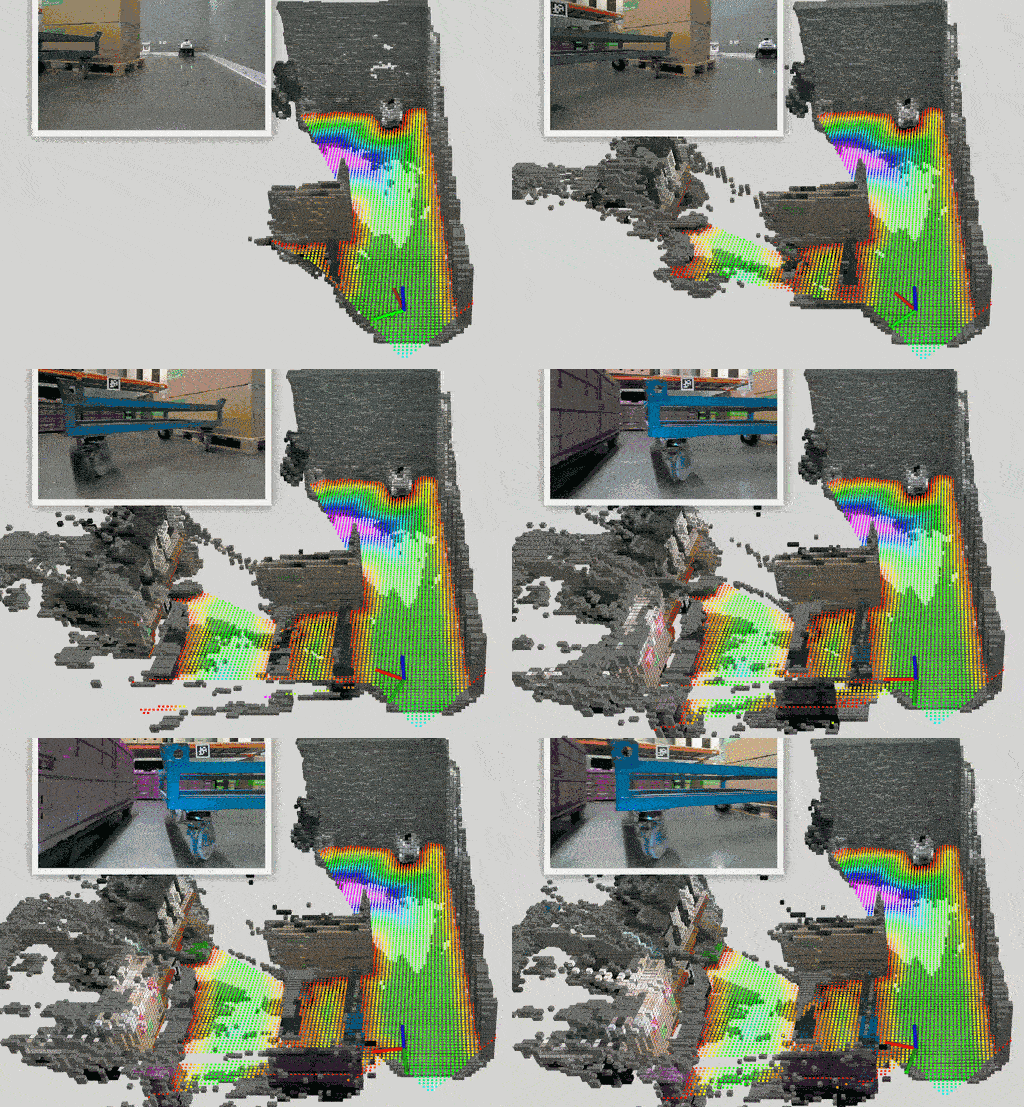 |
|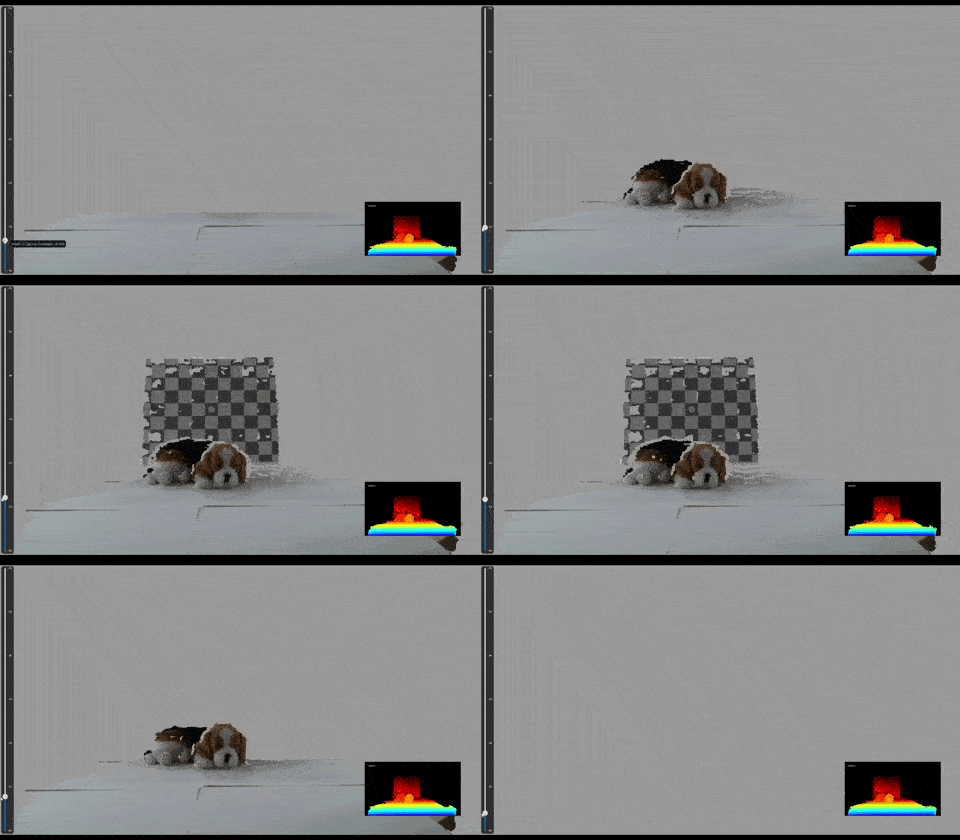 |
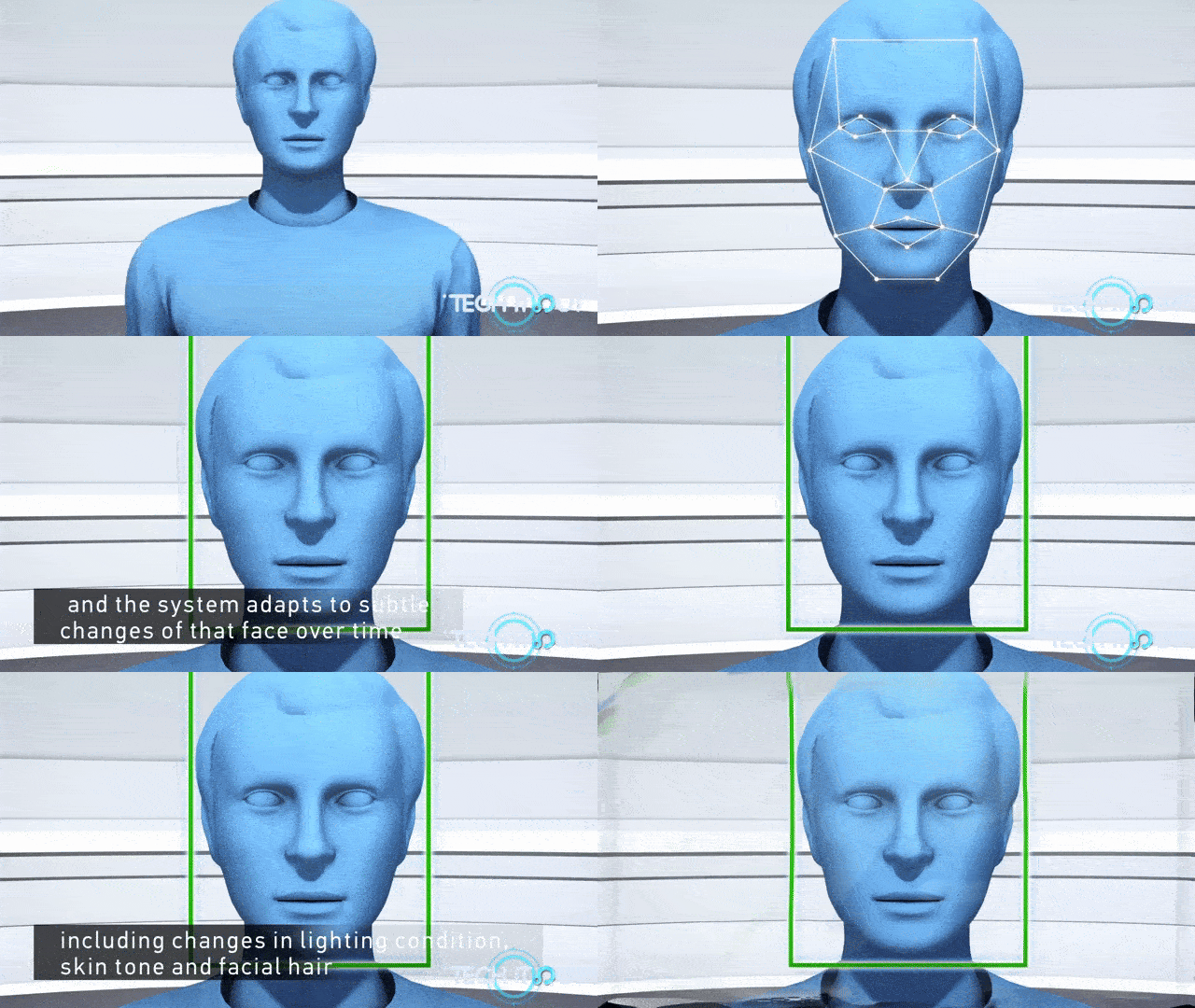
| 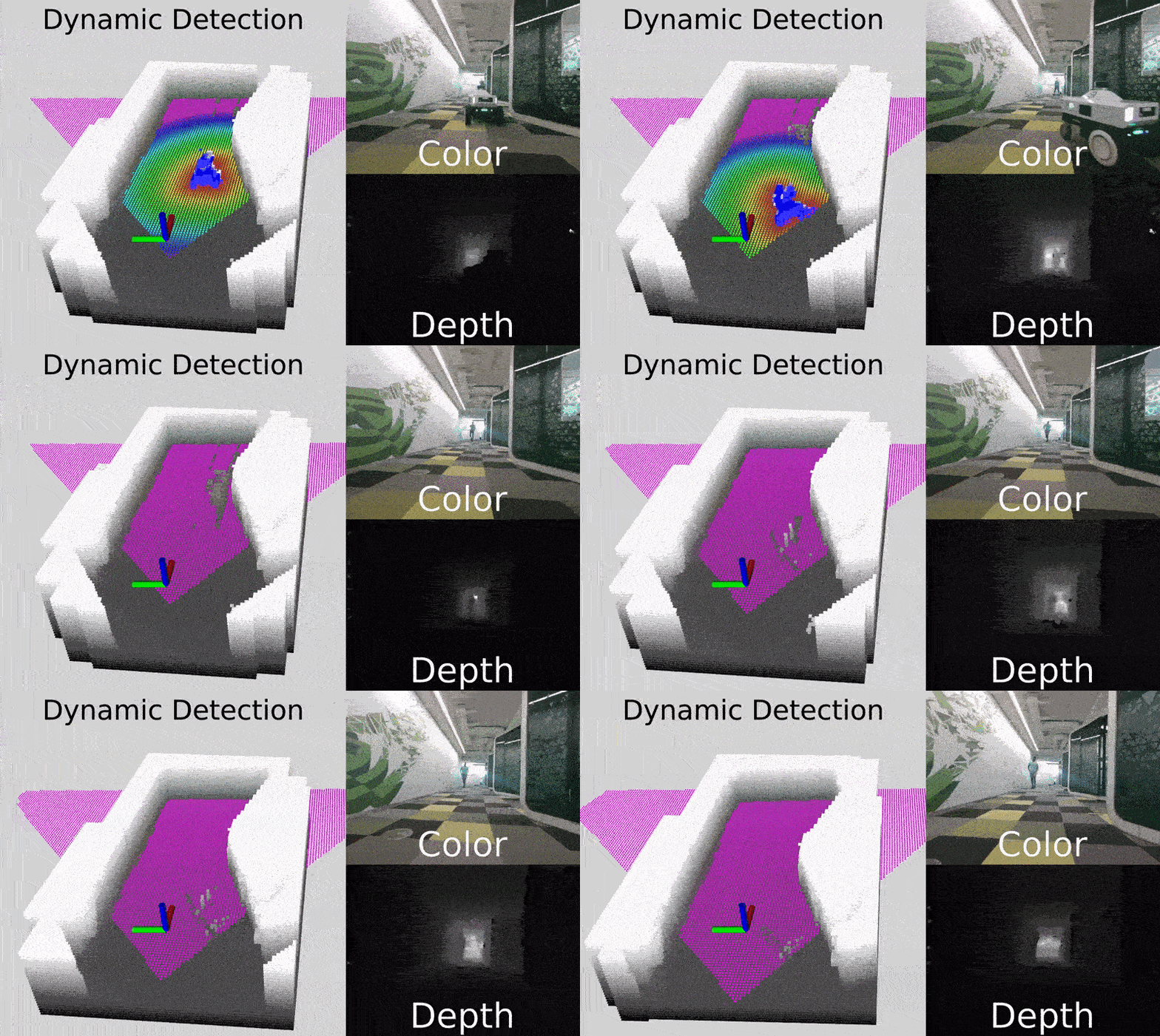 无人机 | 骨骼与人员追踪 | 人脸认证 |
:--------------------------: | :-----: | :----------------------: |
无人机 | 骨骼与人员追踪 | 人脸认证 |
:--------------------------: | :-----: | :----------------------: |
 |
|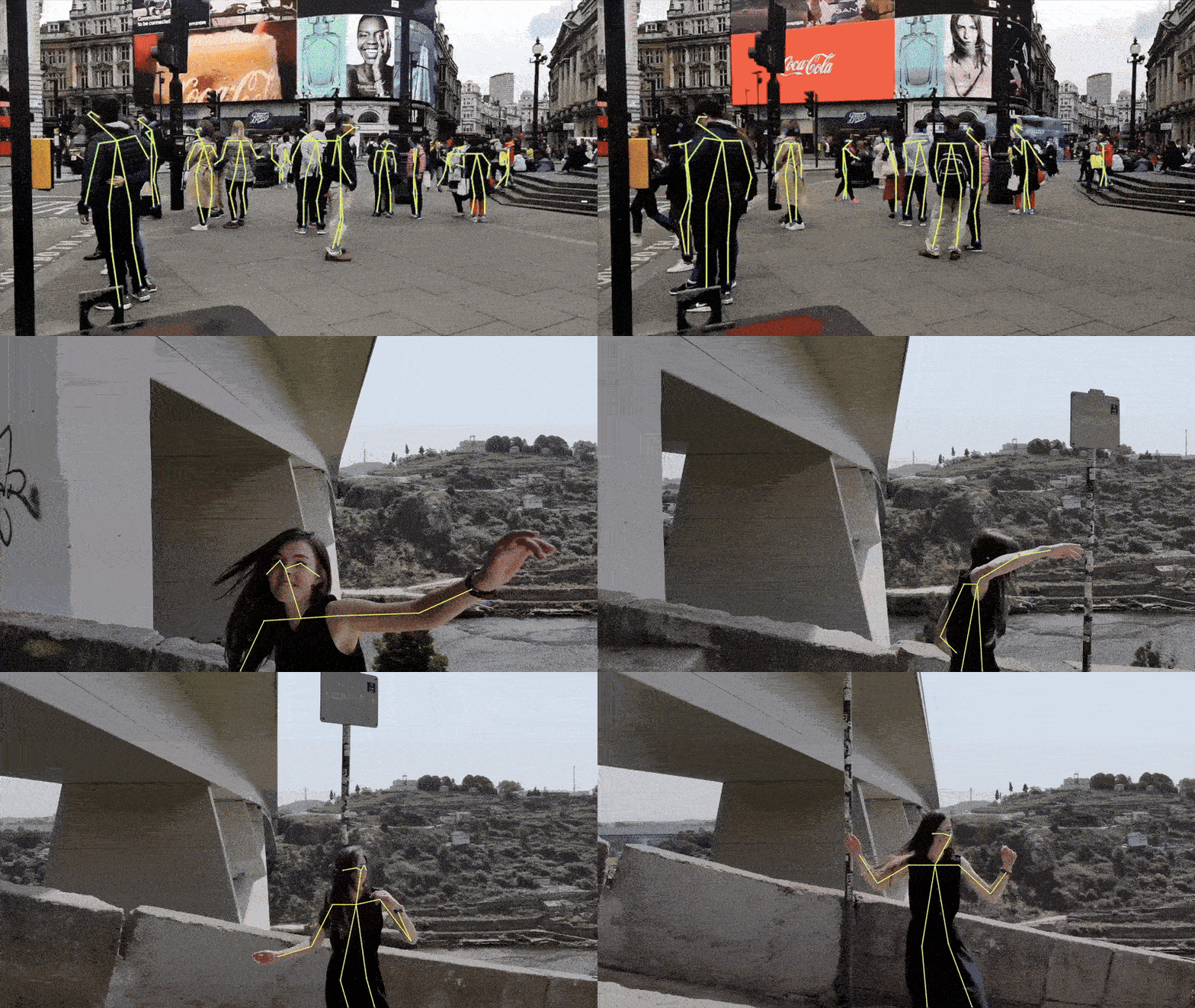 |
|  ## 为何选择 RealSense?
- **近距离和远距离的高分辨率彩色与深度**成像
- **开源 SDK**,包含丰富的示例和封装库(Python, ROS, C#, Unity 以及[更多...](https://github.com/realsenseai/librealsense/tree/master/wrappers))
- **活跃的开发者社区,以及机器人领域事实标准的 3D 立体相机**
- **跨平台**支持:Windows、Linux、macOS、Android 和 Docker
## 产品系列
RealSense 立体深度产品利用立体视觉计算深度,在各种光照和环境条件下提供高质量性能。
以下是一些支持的型号示例:
| 产品 | 图片 | 描述 |
|---------|-------|-------------|
| [**D555 PoE**](https://realsenseai.com/ruggedized-industrial-stereo-depth/d555-poe/) |
## 为何选择 RealSense?
- **近距离和远距离的高分辨率彩色与深度**成像
- **开源 SDK**,包含丰富的示例和封装库(Python, ROS, C#, Unity 以及[更多...](https://github.com/realsenseai/librealsense/tree/master/wrappers))
- **活跃的开发者社区,以及机器人领域事实标准的 3D 立体相机**
- **跨平台**支持:Windows、Linux、macOS、Android 和 Docker
## 产品系列
RealSense 立体深度产品利用立体视觉计算深度,在各种光照和环境条件下提供高质量性能。
以下是一些支持的型号示例:
| 产品 | 图片 | 描述 |
|---------|-------|-------------|
| [**D555 PoE**](https://realsenseai.com/ruggedized-industrial-stereo-depth/d555-poe/) | 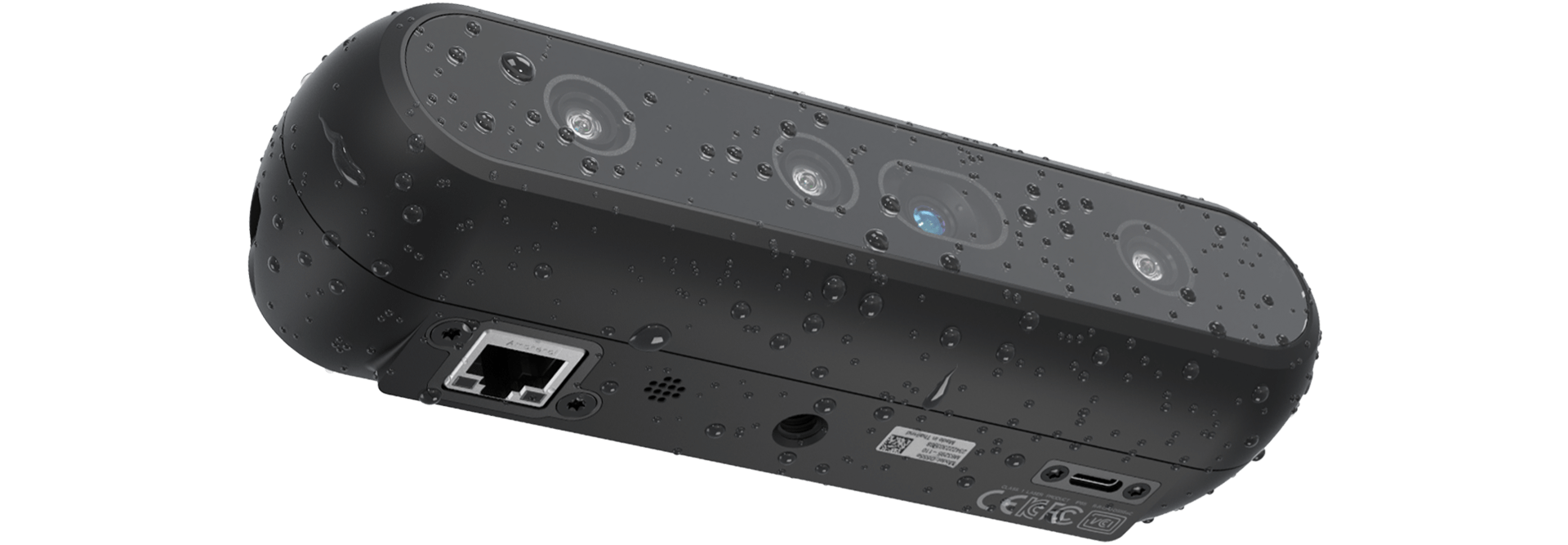 | RealSense™ 深度相机 D555 引入了片上以太网供电 接口,扩展了我们 USB 和 GMSL/FAKRA 产品的产品组合。 |
| [**D457 GMSL/FAKRA**](https://realsenseai.com/ruggedized-industrial-stereo-depth/d457-gmsl-fakra/) |
| RealSense™ 深度相机 D555 引入了片上以太网供电 接口,扩展了我们 USB 和 GMSL/FAKRA 产品的产品组合。 |
| [**D457 GMSL/FAKRA**](https://realsenseai.com/ruggedized-industrial-stereo-depth/d457-gmsl-fakra/) | 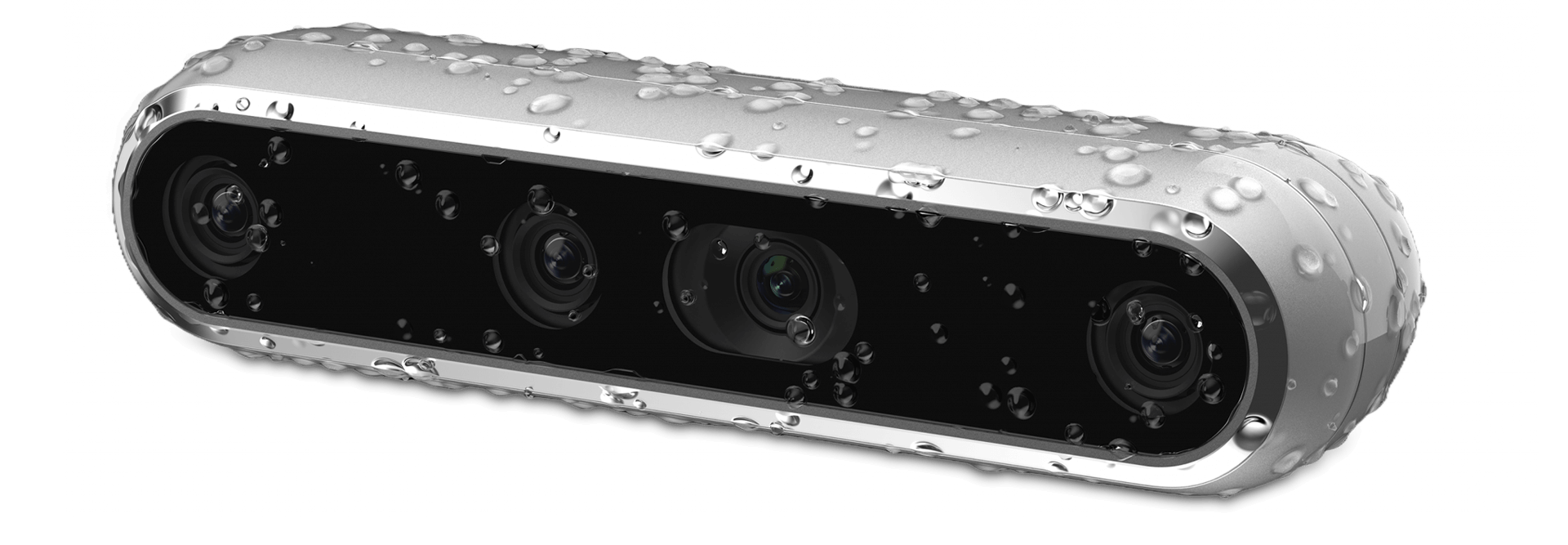 | RealSense™ 深度相机 D457 是我们首款 GMSL/FAKRA 高带宽立体相机。D457 具有 IP65 等级防护外壳,可防止灰尘进入和喷水。 |
| [**D455**](https://realsenseai.com/stereo-depth-cameras/real-sense-depth-camera-d455/) |
| RealSense™ 深度相机 D457 是我们首款 GMSL/FAKRA 高带宽立体相机。D457 具有 IP65 等级防护外壳,可防止灰尘进入和喷水。 |
| [**D455**](https://realsenseai.com/stereo-depth-cameras/real-sense-depth-camera-d455/) |  | RealSense D455 是一款长距离立体深度相机,具有 95 mm 基线、全局快门深度传感器、RGB 传感器和内置 IMU,可在远达 10 m 的距离提供准确的深度数据。 |
| [**D435if**](https://realsenseai.com/stereo-depth-cameras/depth-camera-d435i/) |
| RealSense D455 是一款长距离立体深度相机,具有 95 mm 基线、全局快门深度传感器、RGB 传感器和内置 IMU,可在远达 10 m 的距离提供准确的深度数据。 |
| [**D435if**](https://realsenseai.com/stereo-depth-cameras/depth-camera-d435i/) | 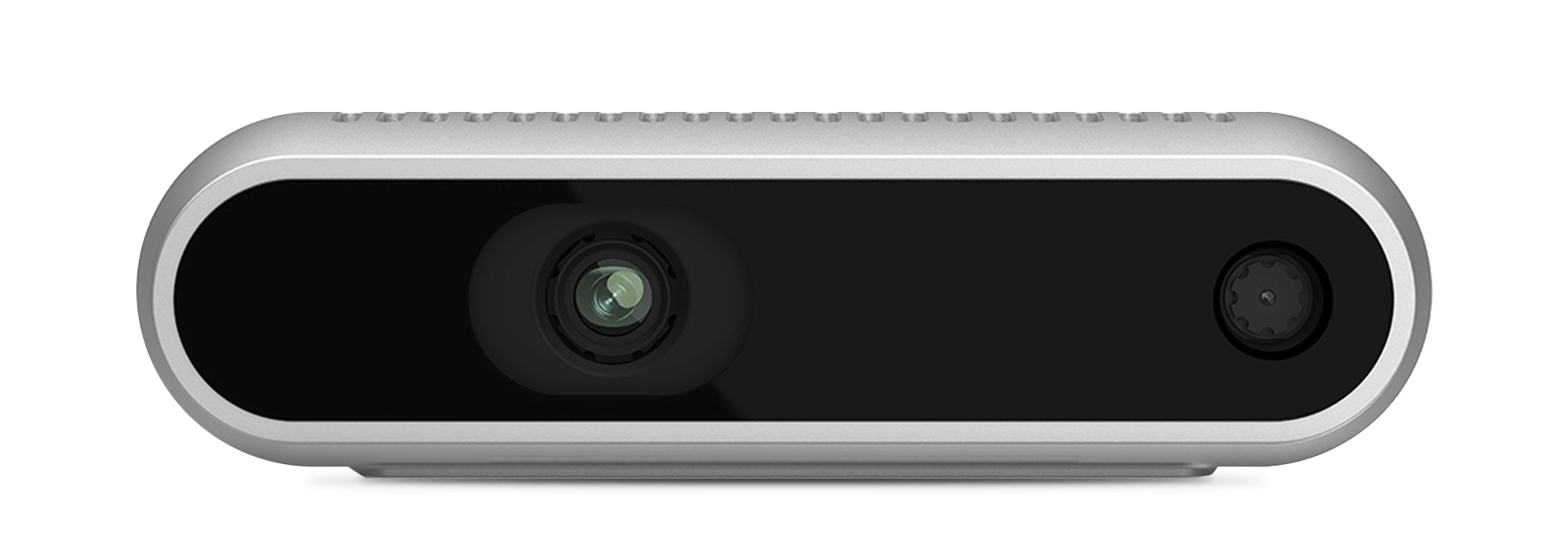 | D435if 是 [RealSense™ 带 IR 滤光片的深度相机系列](https://realsenseai.com/stereo-depth-with-ir-pass-filter/) 的一员,扩展了我们针对不断增长的机器人市场的产品组合。D400f 系列利用 IR 滤光片在许多机器人环境中增强深度质量和性能范围。|
| [**D405**](https://realsenseai.com/stereo-depth-cameras/stereo-depth-camera-d405/) |
| D435if 是 [RealSense™ 带 IR 滤光片的深度相机系列](https://realsenseai.com/stereo-depth-with-ir-pass-filter/) 的一员,扩展了我们针对不断增长的机器人市场的产品组合。D400f 系列利用 IR 滤光片在许多机器人环境中增强深度质量和性能范围。|
| [**D405**](https://realsenseai.com/stereo-depth-cameras/stereo-depth-camera-d405/) | 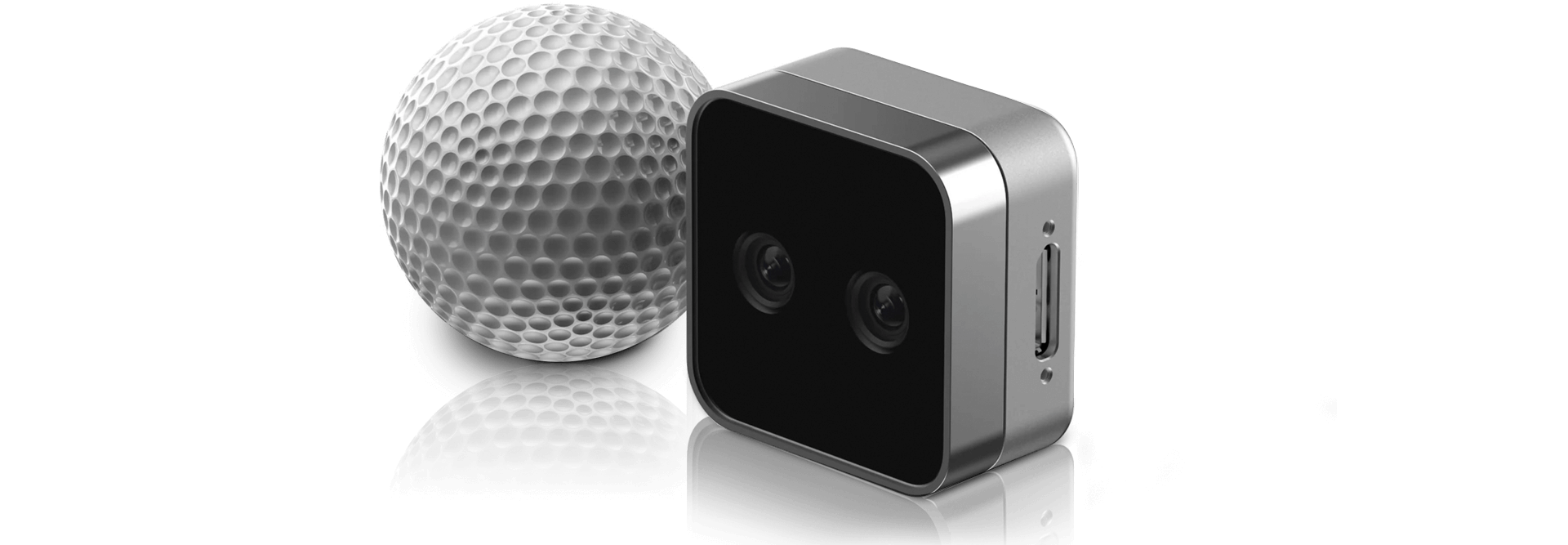 | RealSense™ 深度相机 D405 是一款短距离立体相机,为您的近距离计算机视觉需求提供亚毫米级精度。 |
## 快速入门
使用以下任一方法,在几分钟内即可开始使用 RealSense 进行开发。
### 1️. 预编译 SDK
如果您想插上相机并立即开始使用,这是最佳选择。
1. 从 [Releases 页面](https://github.com/realsenseai/librealsense/releases) 下载最新的 SDK 包。
2. 连接您的 RealSense 相机。
3. 运行包含的工具:
- [RealSense Viewer](./tools/realsense-viewer/): 查看数据流、调整设置、录制和回放。
- [Depth Quality Tool](./tools/depth-quality/): 测量精度和填充率。
### 安装指南 - 预编译 SDK
| RealSense™ 深度相机 D405 是一款短距离立体相机,为您的近距离计算机视觉需求提供亚毫米级精度。 |
## 快速入门
使用以下任一方法,在几分钟内即可开始使用 RealSense 进行开发。
### 1️. 预编译 SDK
如果您想插上相机并立即开始使用,这是最佳选择。
1. 从 [Releases 页面](https://github.com/realsenseai/librealsense/releases) 下载最新的 SDK 包。
2. 连接您的 RealSense 相机。
3. 运行包含的工具:
- [RealSense Viewer](./tools/realsense-viewer/): 查看数据流、调整设置、录制和回放。
- [Depth Quality Tool](./tools/depth-quality/): 测量精度和填充率。
### 安装指南 - 预编译 SDK


 ## Python 包
[](https://pypi.org/project/pyrealsense2/)
[](https://pypi.org/project/pyrealsense2-beta/)
**我应该使用哪一个?**
- **Stable(稳定版):** `pyrealsense2` — 与 SDK 标签对齐的经过验证的发布版本(推荐大多数用户使用)。
- **Beta(测试版):** `pyrealsense2-beta` — 用于抢先体验和测试的较新构建版本。更新频率更快。
### 安装
```
pip install pyrealsense2 # Stable
pip install pyrealsense2-beta # Beta
```
## 准备开始开发!
我们的库为使用 RealSense 深度相机提供了高级 API(以及低级 API)。
以下代码片段展示了如何开始流式传输帧并提取像素的深度值:
**C++**
```
#include
## Python 包
[](https://pypi.org/project/pyrealsense2/)
[](https://pypi.org/project/pyrealsense2-beta/)
**我应该使用哪一个?**
- **Stable(稳定版):** `pyrealsense2` — 与 SDK 标签对齐的经过验证的发布版本(推荐大多数用户使用)。
- **Beta(测试版):** `pyrealsense2-beta` — 用于抢先体验和测试的较新构建版本。更新频率更快。
### 安装
```
pip install pyrealsense2 # Stable
pip install pyrealsense2-beta # Beta
```
## 准备开始开发!
我们的库为使用 RealSense 深度相机提供了高级 API(以及低级 API)。
以下代码片段展示了如何开始流式传输帧并提取像素的深度值:
**C++**
```
#include 








You can find us at





标签:3D视觉, Bash脚本, C++, Intel RealSense, librealsense, Python, RealSense, RGB-D, ROS, ROS2, 人脸识别, 传感器, 内参, 图像处理, 外参, 开源, 手势识别, 数据擦除, 无后门, 标定, 流媒体, 测量, 深度摄像头, 深度相机, 点云, 物体追踪, 视觉SLAM, 计算机视觉, 逆向工具