tom-doerr/zsh_codex
GitHub: tom-doerr/zsh_codex
一款 ZSH 插件,让用户在命令行中通过自然语言注释借助多种 AI 后端自动生成代码和命令补全。
Stars: 1733 | Forks: 96
⌨️ 🦾 Zsh Codex
命令行中的 AI。





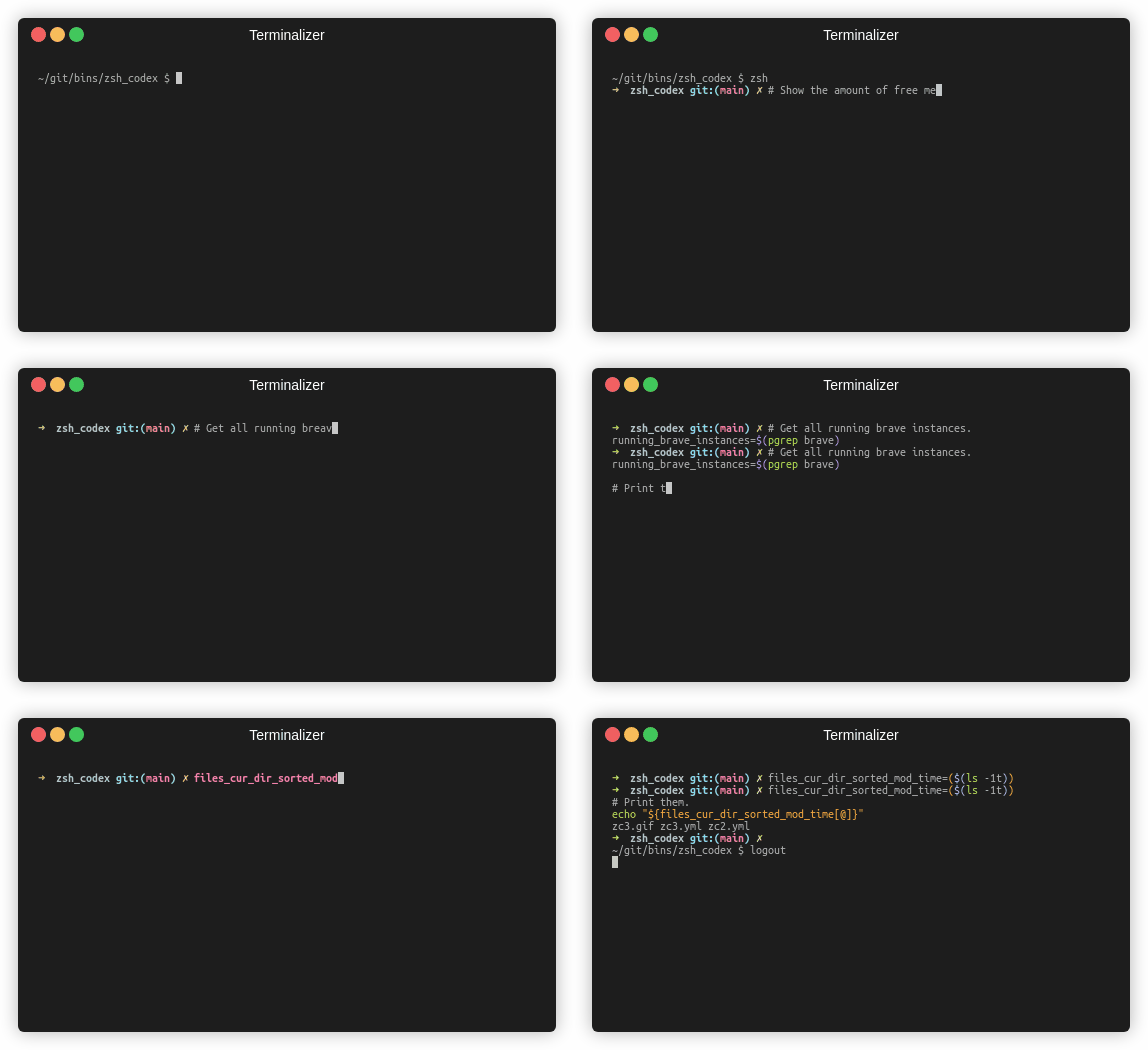
You just need to write a comment or variable name and the AI will write the corresponding code.
## 它是什么? 这是一个 ZSH 插件,可让你在命令行中使用 AI 驱动的代码补全功能。它现在同时支持 OpenAI 的 Codex 和 Google 的 Generative AI (Gemini)。OpenAI Codex 也是为 GitHub Copilot 提供支持的 AI,而 Gemini 是 Google 的高级语言模型。 ## 如何安装它? ### 手动安装 1. 安装 OpenAI 包、Google 包或 boto3。 ``` pip3 install openai ``` 或者 ``` pip3 install google-generativeai ``` 或者 ``` pip3 install boto3 ``` 2. 下载 ZSH 插件。 ``` git clone https://github.com/tom-doerr/zsh_codex.git ~/.oh-my-zsh/custom/plugins/zsh_codex ``` 3. 将以下内容添加到你的 `.zshrc` 文件中。 使用 oh-my-zsh: ``` plugins=(zsh_codex) bindkey '^X' create_completion ``` 不使用 oh-my-zsh: ``` # in your/custom/path you need to have a "plugins" folder and in there you clone the repository as zsh_codex export ZSH_CUSTOM="your/custom/path" source "$ZSH_CUSTOM/plugins/zsh_codex/zsh_codex.plugin.zsh" bindkey '^X' create_completion ``` 4. 在 `~/.config` 中创建一个名为 `zsh_codex.ini` 的文件。 示例: ``` ; Primary service configuration ; Set 'service' to match one of the defined sections below. [service] service = groq_service ; Example configuration for a self-hosted Ollama service. [my_ollama] api_type = openai api_key = dummy_key model = llama3.1 base_url = http://localhost:11434/v1 ; OpenAI service configuration ; Provide the 'api_key' and specify a 'model' if needed. [openai_service] api_type = openai api_key = ## 故障排除
### 未处理的 ZLE widget 'create_completion'
```
zsh-syntax-highlighting: unhandled ZLE widget 'create_completion'
zsh-syntax-highlighting: (This is sometimes caused by doing `bindkey
## 故障排除
### 未处理的 ZLE widget 'create_completion'
```
zsh-syntax-highlighting: unhandled ZLE widget 'create_completion'
zsh-syntax-highlighting: (This is sometimes caused by doing `bindkey
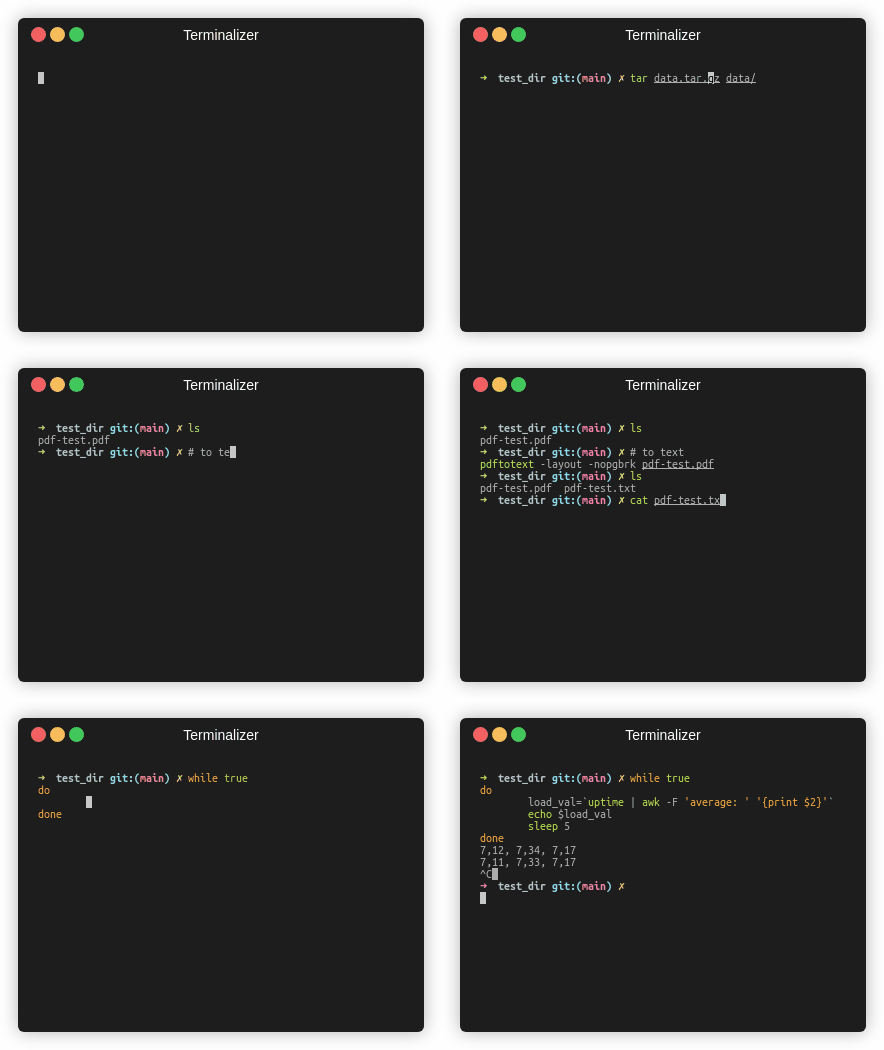
[Fish 版本](https://github.com/tom-doerr/codex.fish) [流量统计](https://tom-doerr.github.io/github_repo_stats_data/tom-doerr/zsh_codex/latest-report/report.html)
标签:AI代码补全, AI风险缓解, Petitpotam, SOC Prime, ZSH插件, 人工智能, 开发工具, 效率提升, 用户模式Hook绕过, 逆向工具