peterlee0127/DNS-Security-iOS
GitHub: peterlee0127/DNS-Security-iOS
一款在 iOS 和 macOS 上通过 DoH/DoT 协议加密 DNS 查询的隐私保护应用,让用户无需 VPN 即可安全地解析域名。
Stars: 13 | Forks: 4
## title: iOS 的 DNS 安全
description: 在 iPhone、iPad 和 Mac 上通过 DNS over HTTPS 和 DNS over TLS 实现 Private DNS。
# DNS 安全
通过 DNS over HTTPS 和 DNS over TLS 为 iOS 和 Mac 提供安全的 DNS。DNS 安全可保护 DNS 查询,且无需通过 VPN 服务器路由所有流量。
## App Store
- [DNS Security Lite](https://apps.apple.com/us/app/id1537782072)
- [DNS Security Pro](https://apps.apple.com/us/app/id1533938029)
## 当前功能
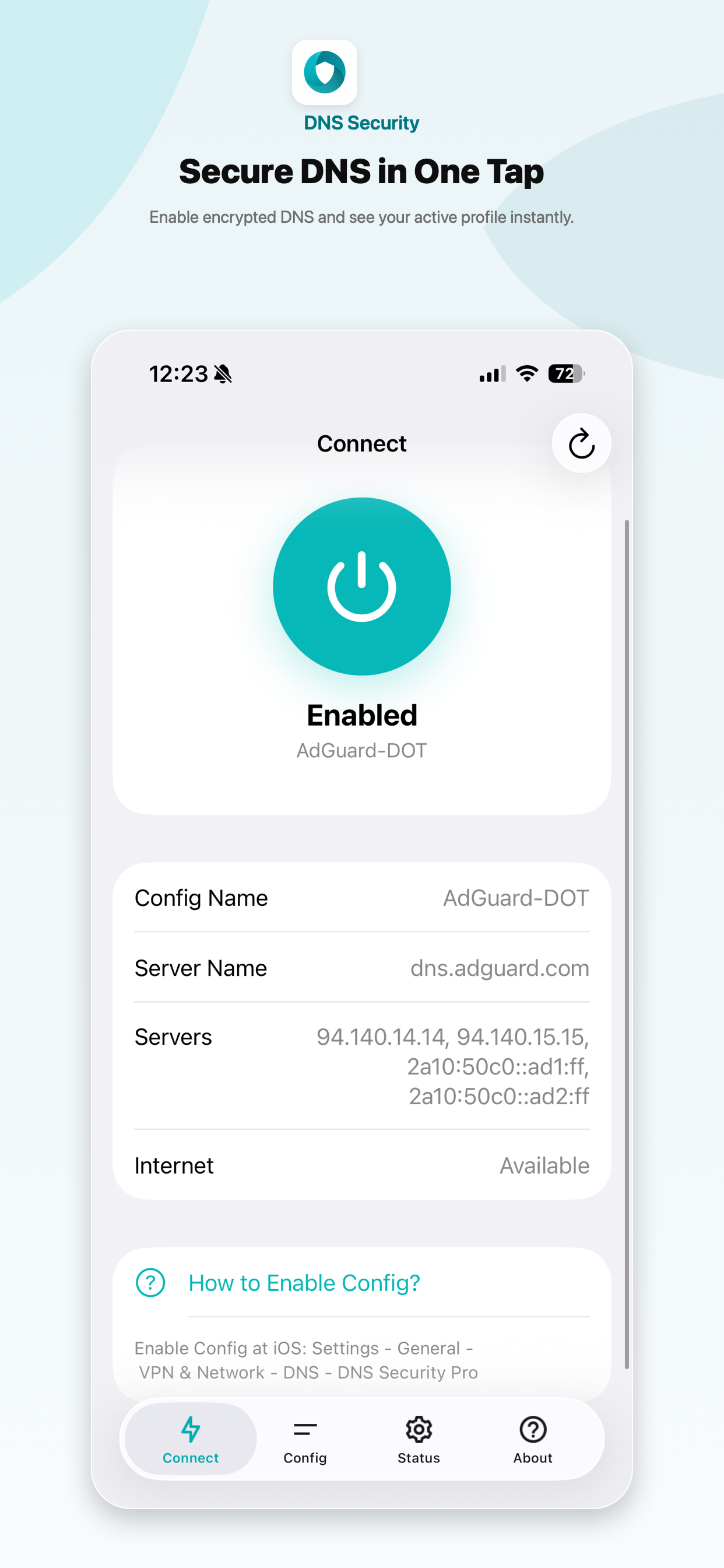
- 在“连接”选项卡中一键设置加密 DNS
- 内置受信任提供商的 DNS 配置文件
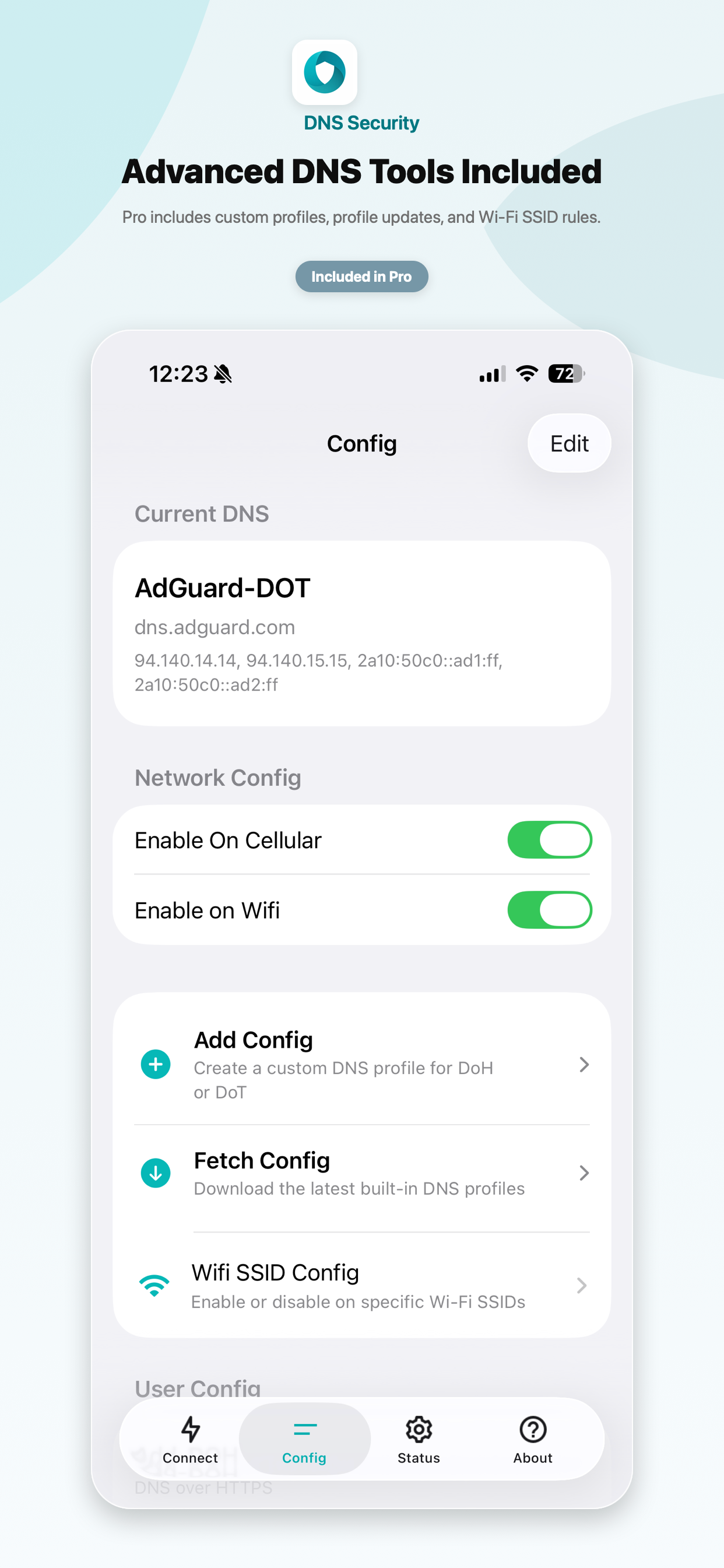
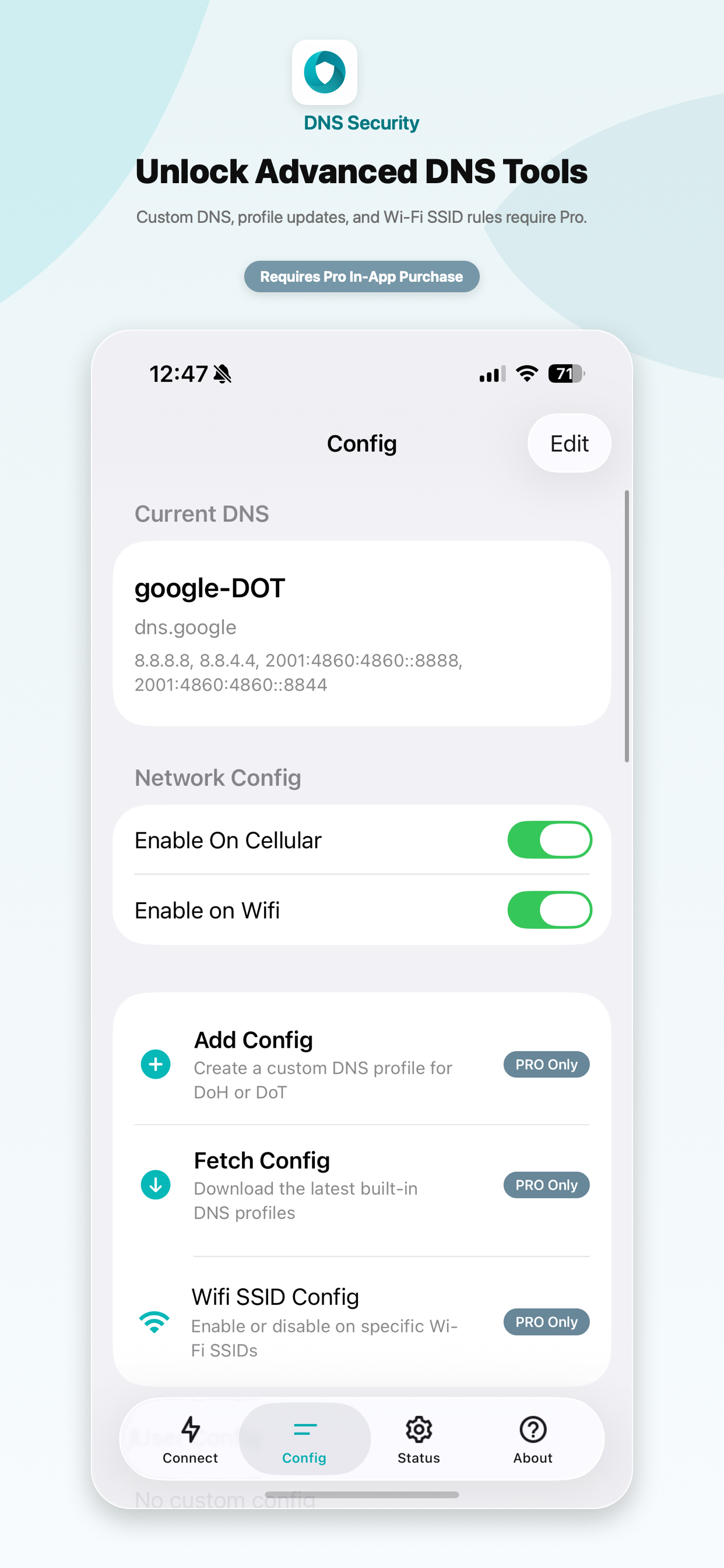
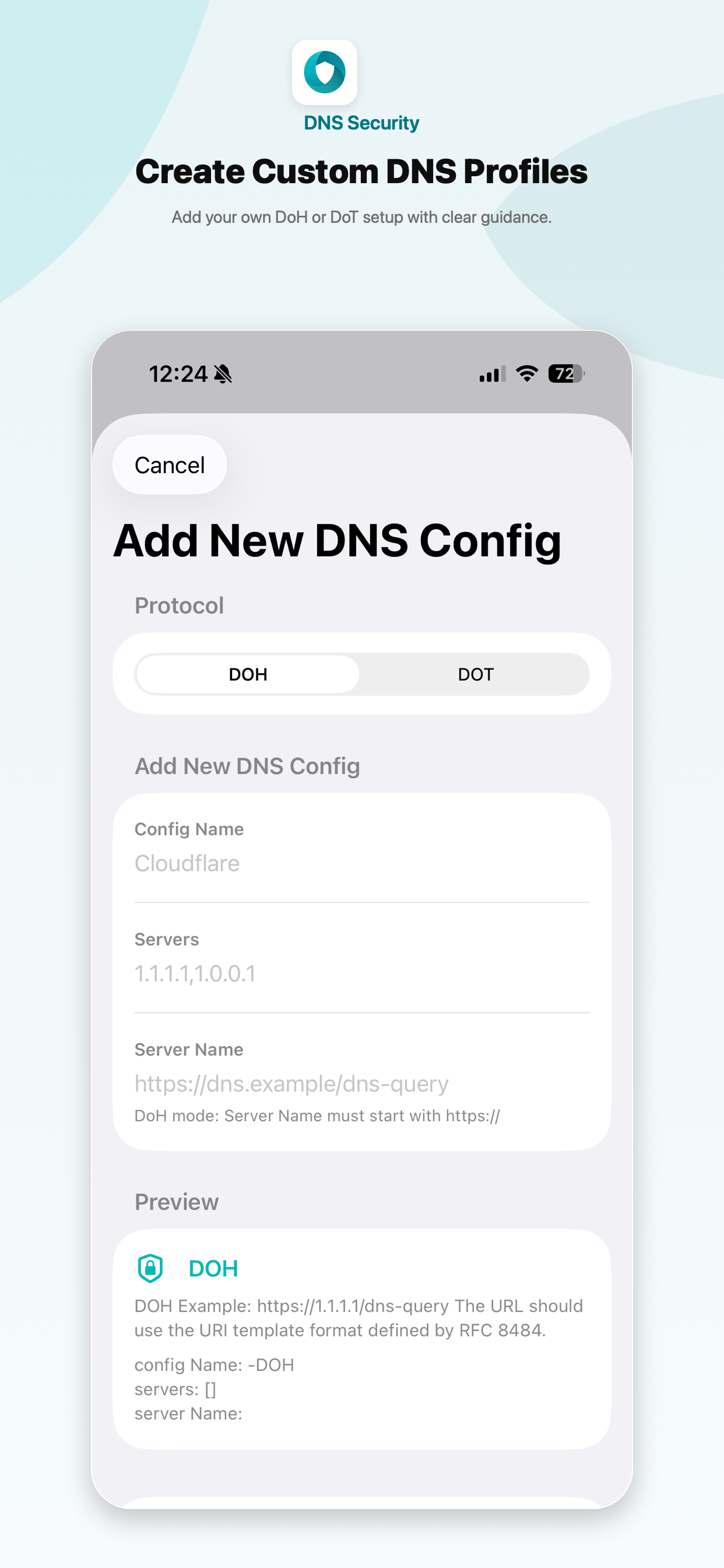
- 支持 DoH 和 DoT 的自定义 DNS 配置文件
- Wi-Fi SSID 启用/禁用规则
- DNS 状态验证
- 为 Pro 用户提供 Shortcuts 和 URL scheme 配置文件切换功能
- 应用内语言选择,并附带重启提示
- Lite 版本支持解锁 Pro,另外还有包含 Pro 功能的独立 Pro 应用
## 截图
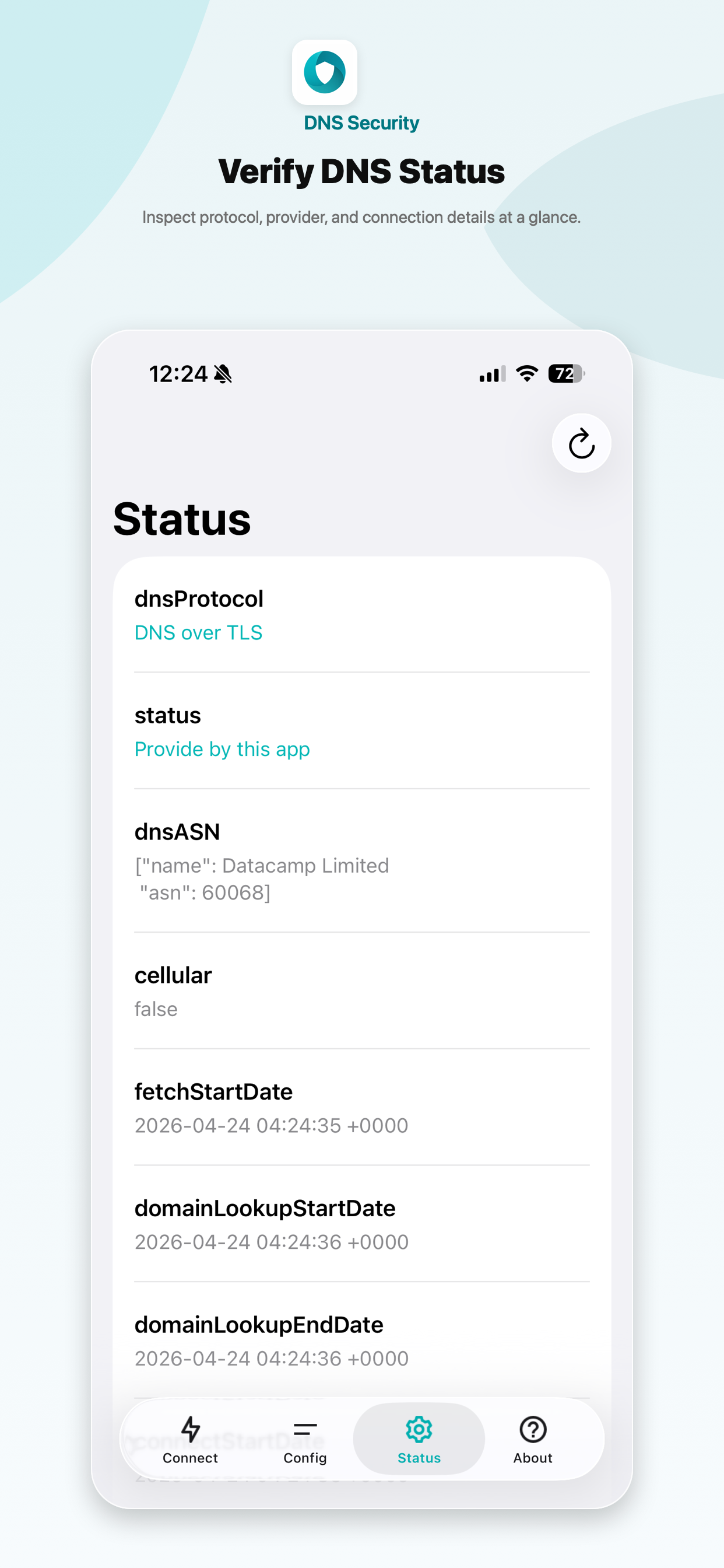
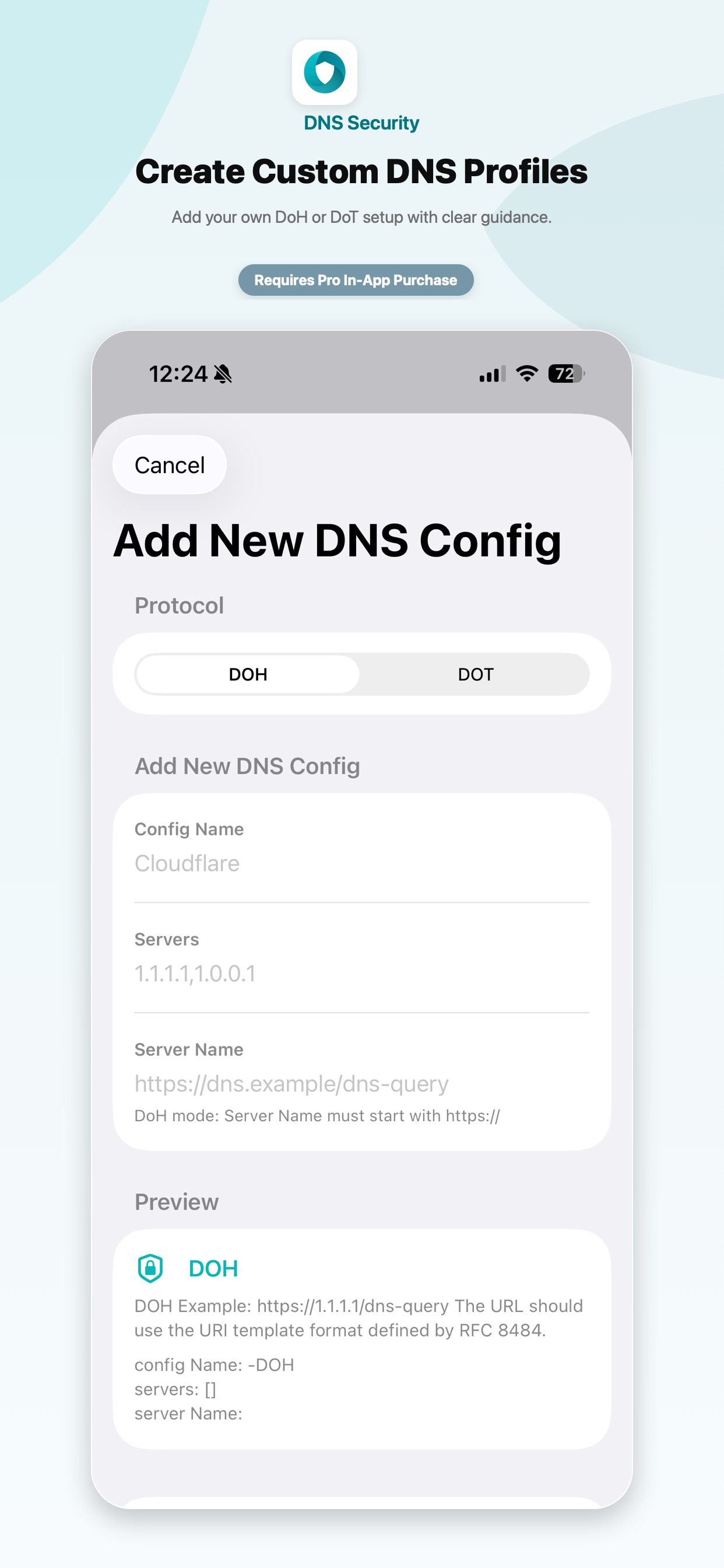
## 如何启用
1. 打开 DNS Security 并选择一个 DNS 配置文件。
2. 在“连接”选项卡中启用开关。
3. 打开 iOS 设置。
4. 进入“通用” - “VPN 与网络” - “DNS”。
5. 选择 DNS Security。
在 Mac 上,请在“系统设置” - “网络” - “VPN 与过滤器” - “过滤器与代理”中启用 DNS 代理。
## 隐私
DNS Security 仅通过您选择的提供商配置 DNS 解析。它不会通过应用服务器路由所有流量,也不会收集您的浏览数据。
## 更多
- [什么是 DNS over HTTPS/TLS?](dohdot)
- [隐私政策](policy)
标签:DNS, DoH, DoT, iOS应用, 网络安全, 网络安全, 隐私保护, 隐私保护