Tylous/Limelighter
GitHub: Tylous/Limelighter
LimeLighter 是一款代码签名工具,能够生成伪造代码签名证书或使用真实证书对可执行文件和 DLL 进行签名与验证。
Stars: 975 | Forks: 142
# LimeLighter
一款用于创建伪造代码签名证书并对可执行文件和 DLL 文件进行签名的工具,可帮助规避 EDR 产品并躲避 MSS 和 SOC 的审查。LimeLighter 也可以使用有效的代码签名证书对文件进行签名。Limelighter 可以使用完全限定域名(例如 `acme.com`)。
## 用法
```
./LimeLighter -h
.____ .__ .____ .__ .__ __
| | |__| _____ ____ | | |__| ____ | |___/ |_ ___________
| | | |/ \_/ __ \| | | |/ ___\| | \ __\/ __ \_ __ \
| |___| | Y Y \ ___/| |___| / /_/ > Y \ | \ ___/| | \/
|_______ \__|__|_| /\___ >_______ \__\___ /|___| /__| \___ >__|
\/ \/ \/ \/ /_____/ \/ \/
@Tyl0us
[*] A Tool for Code Signing... Real and fake
Usage of ./LimeLighter:
-Domain string
Domain you want to create a fake code sign for
-I string
Unsiged file name to be signed
-O string
Signed file name
-Password string
Password for real certificate
-Real string
Path to a valid .pfx certificate file
-Verify string
Verifies a file's code sign certificate
-debug
Print debug statements
```
要对文件进行签名,你可以使用 `Domain` 命令选项来生成伪造的代码签名证书。
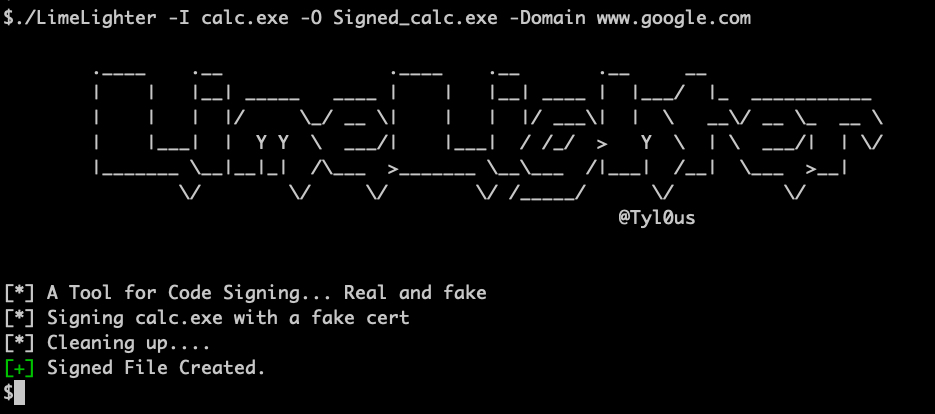
要使用有效的代码签名证书对文件进行签名,请使用 `Real` 和 `Password` 命令选项,以使用有效的代码签名证书对文件进行签名。
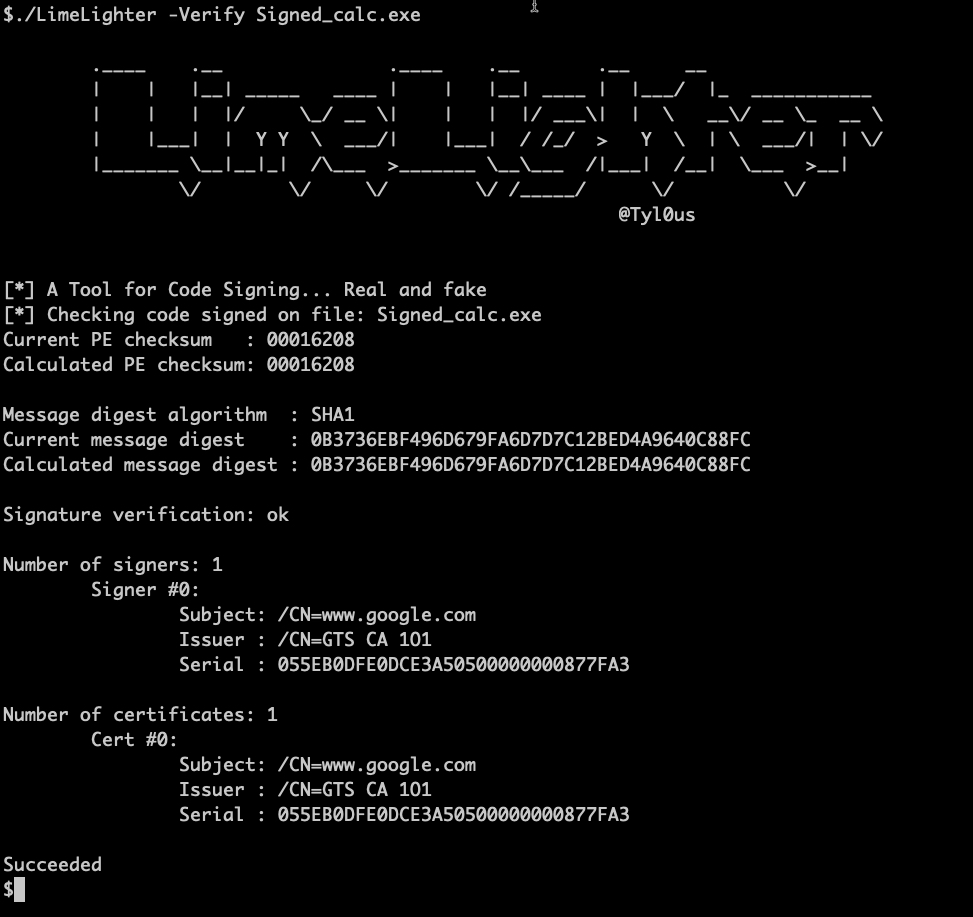
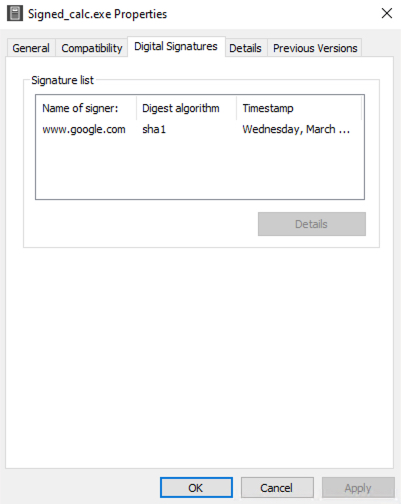
要验证已签名的文件,请使用 `verify` 命令。
标签:CVE, DNS 解析, EVTX分析, 二进制文件签名, 数字签名, 日志审计