bee-san/RustScan
GitHub: bee-san/RustScan
用Rust编写的极速端口扫描器,3秒内完成全端口扫描,支持脚本扩展和Nmap联动。
Stars: 19932 | Forks: 1335
➡️ [Discord][discord] | [安装指南][toc-install] | [使用指南][usage-guide] ⬅️
 **快速、智能、高效。**
     
**快速、智能、高效。**
     
# 🤔 这是什么?
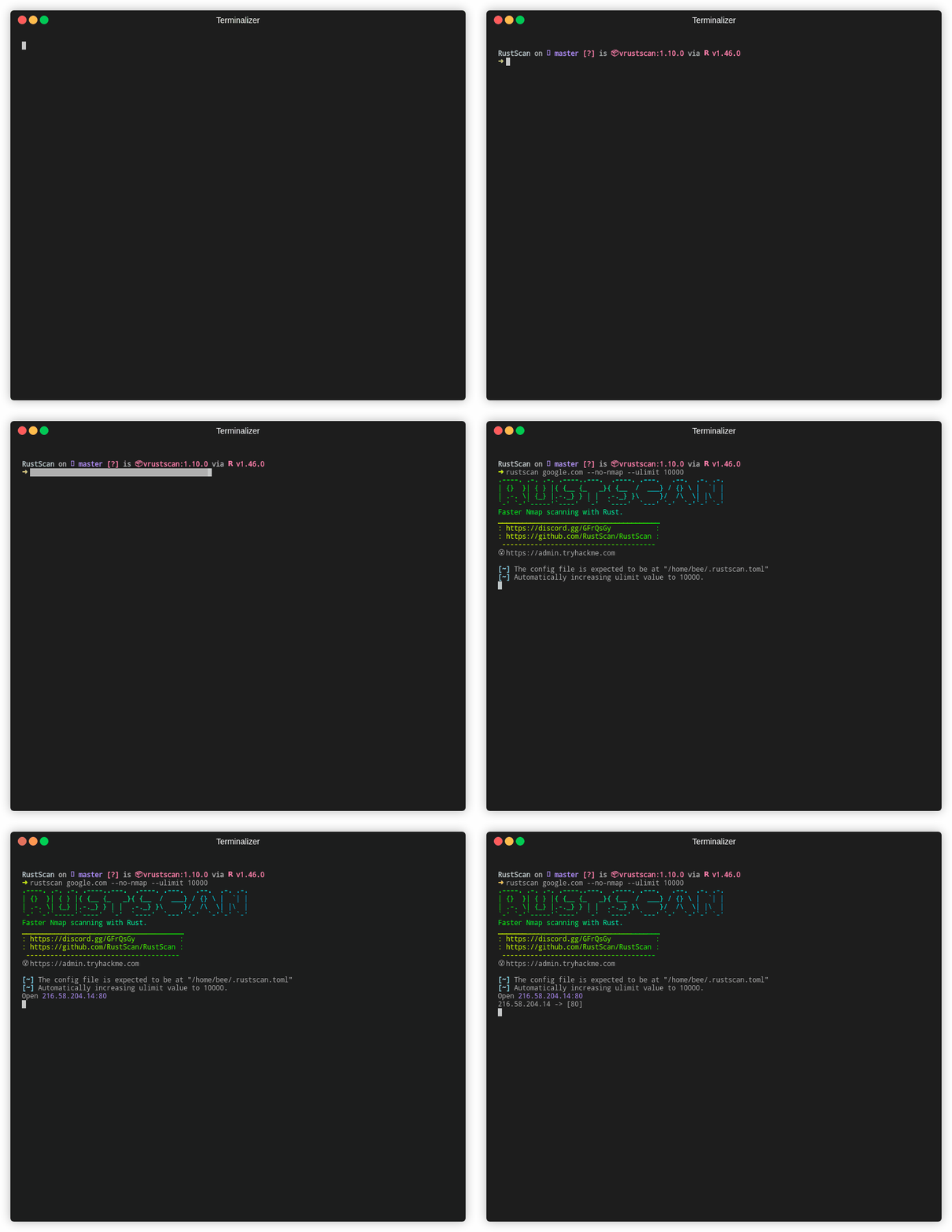
现代端口扫描器。**快速查找端口(最快仅需 3 秒)**。通过我们的脚本引擎运行脚本(支持 Python、Lua、Shell)。
# 🛠️ 安装
您可以从我们的[发布页面](https://github.com/RustScan/RustScan/releases)安装 RustScan 的二进制文件。
我们建议您通过包管理器安装,以便针对您的系统进行测试并确保正常工作。
RustScan 已在许多软件源中提供。您可以使用任何您喜欢的工具来安装它:
[](https://repology.org/project/rustscan/versions)
RustScan 官方仅支持通过 Cargo 安装,如果您想使用此方式,请先安装 Rust,然后执行 `cargo install rustscan`
示例安装包括:
MacOS:
```
brew install rustscan
```
Arch:
```
pacman -S rustscan
```
# ✨ 特性
## ‼️ 重要链接
| | | |
| :----------------------------------------: | :------------------------------------: | :-------------------------: |
| :book: [安装指南][toc-install] | :books: [文档][links-table-2] | :parrot: [Discord][discord] |
## 🙋 目录
# 🔭 为什么选择 RustScan?
RustScan 是对端口扫描器的现代诠释。时尚且快速。同时为您提供广泛的扩展性。
更不用说 RustScan 使用自适应学习来随时间自我改进,使其成为最适合**您**的端口扫描器。
## 🧋 速度

RustScan 保证速度。但是,如果您出于隐蔽性考虑想要运行慢速扫描,这也是可能的。
首先,让我们谈谈代码。
我们有测试来检查 RustScan 是否比以前的版本慢得多。如果是,持续集成就会失败,除非我们让它更快,否则我们无法将代码提交到 master 分支。
[HyperFine][speed-2] 用于监控 RustScan 随时间变化的性能,以回答“我们变快了吗?我们变慢了吗?”这个问题。
每个拉取请求都会由**一位**人员审查,但通常会有**两位**人员进行审查。我们会手动测试并确保代码不会对性能产生负面影响。
[在此阅读更多内容][speed-3]。
## ⚙️ 可扩展
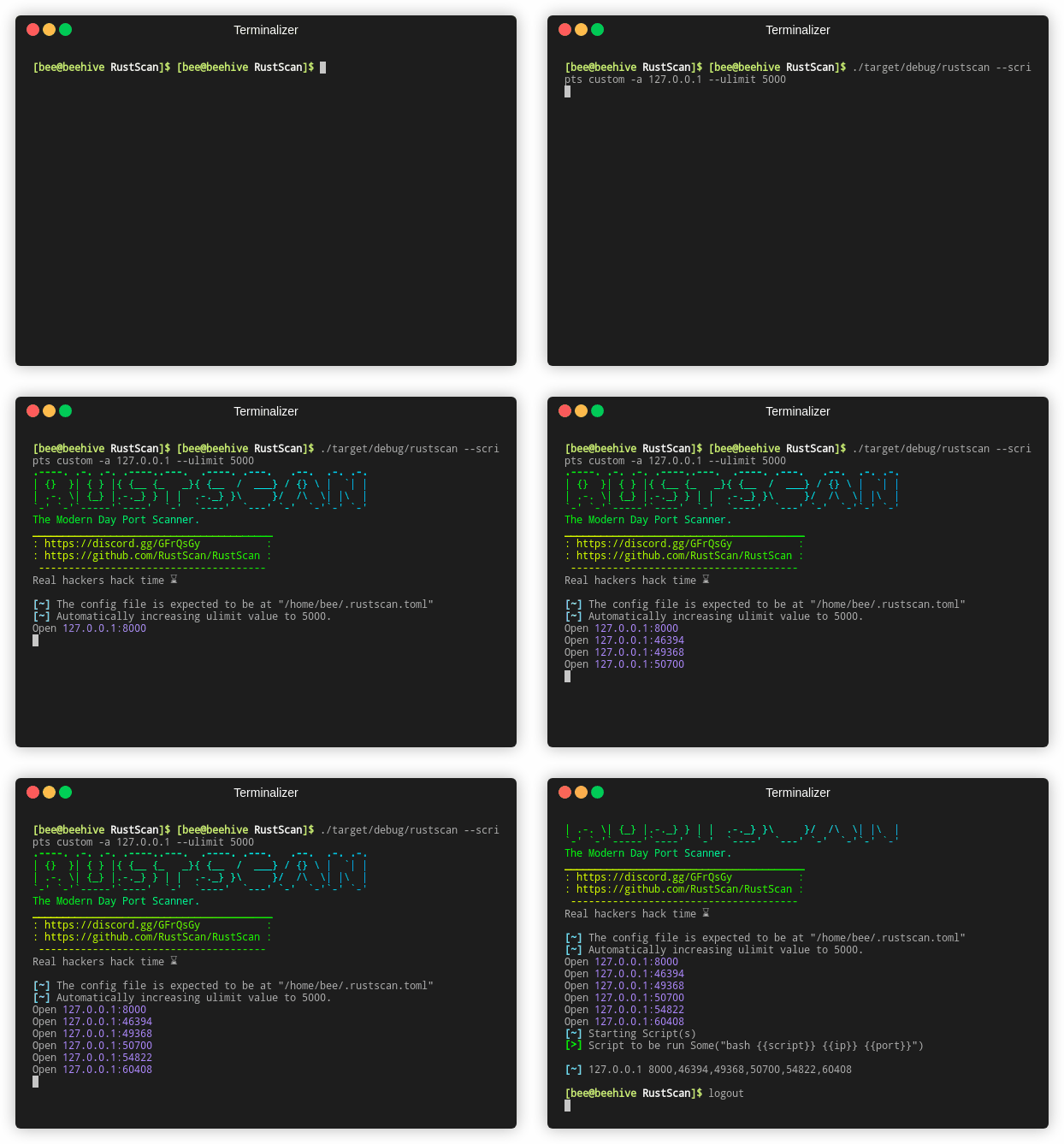
### _RustScan 将结果通过管道传输到自定义 Python 脚本_
RustScan 拥有一个新的脚本引擎,允许任何人使用大多数语言编写脚本。支持 Python、Lua 和 Shell。
想要将发现的端口通过管道传输到 Nmap 以进行进一步分析?没问题。想要在发现 SMB 端口开放时运行 `smb-enum`?也可以。
可能性是无限的——而且您可以使用任何您觉得舒服的语言来编写脚本。
[在此阅读更多内容][extensible-2]。
## 🌊 自适应
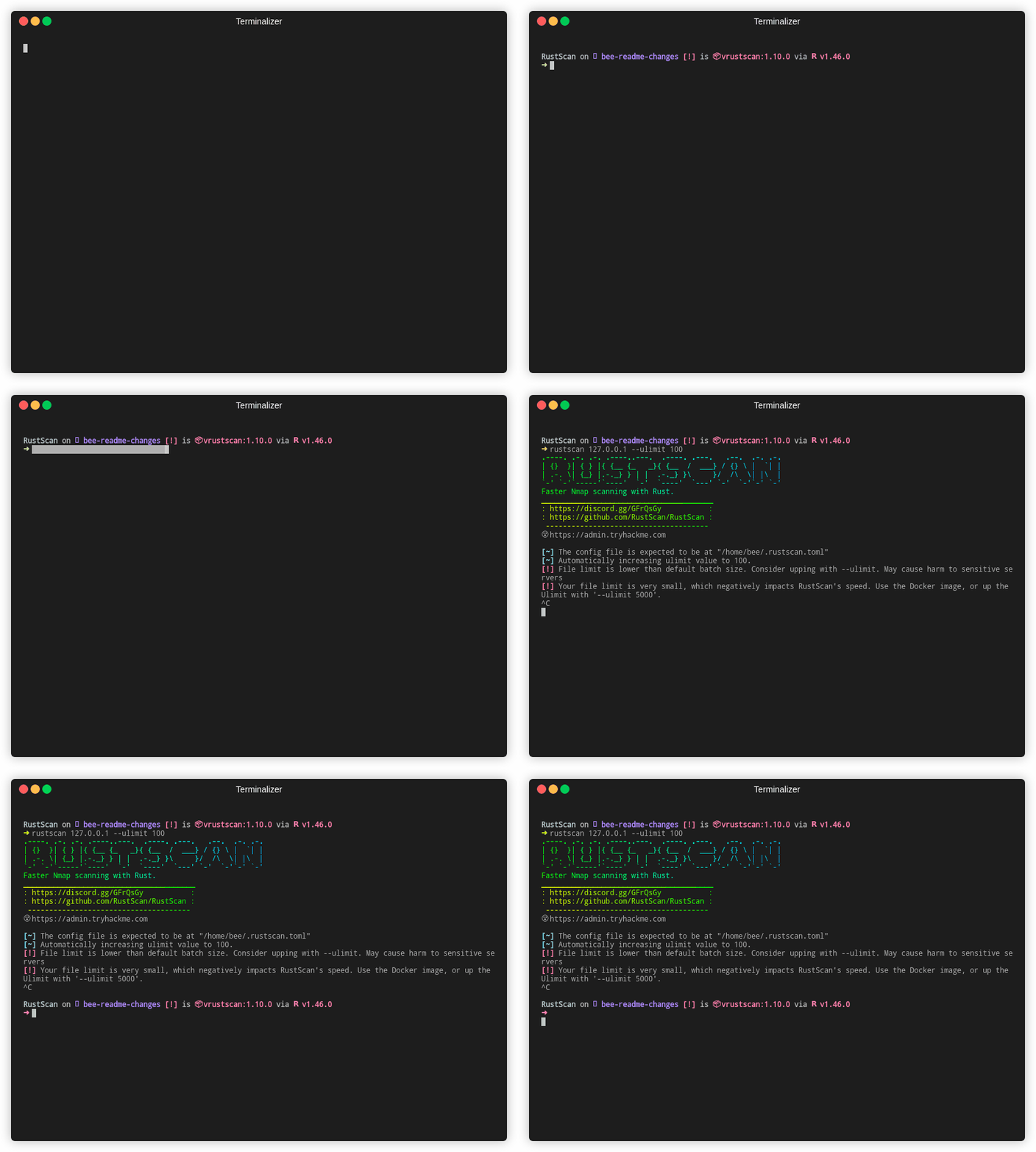
### _RustScan 自动微调自身以匹配主机操作系统_
RustScan 拥有一套名为“自适应学习”的酷炫功能。这些功能会“学习”您正在扫描的环境以及您_如何_使用 RustScan,从而**随时间自我改进**。
我们使用这个统称来指代任何符合此标准的功能。列表会不断变化,所以[查看我们的 Wiki 了解更多信息][adaptive-learning]。
## 👩🦯 无障碍
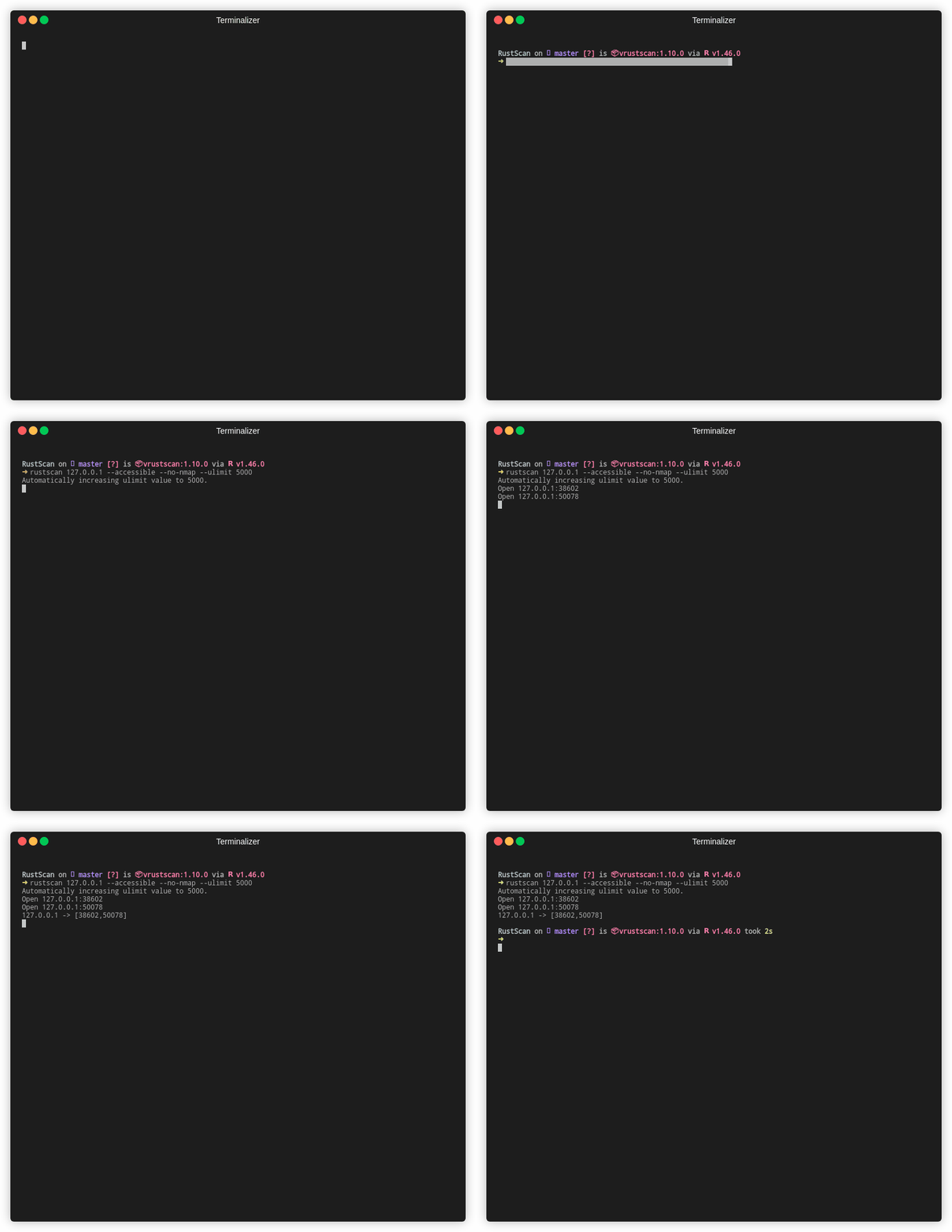
RustScan 是首批旨在实现完全无障碍的渗透测试工具之一。
[大多数渗透测试工具不具备无障碍性][accessible-2],这对整个行业产生了负面影响。
RustScan 进行持续集成测试以确保其无障碍性,并且我们一直在不断寻找改进无障碍性的方法,确保_每个人_都能使用 RustScan。
# 🤸 用法
我们有 2 份使用指南。[基础用法][usage-1]和[您可能想做的事情][usage-2]。
我们还有关于配置文件的文档,在[这里][config-file-here]。
本项目遵循 [all-contributors](https://github.com/all-contributors/all-contributors) 规范。欢迎任何形式的贡献!
[usage-1]: https://github.com/RustScan/RustScan/wiki/Usage "Basic Usage of Rustscan"
[config-file-here]: https://github.com/RustScan/RustScan/wiki/Config-File "RustScan Configuration File"
[accessible-2]: https://bees.substack.com/p/making-hacking-accessible "Making Hacking Accessible"
[extensible-2]: https://github.com/RustScan/RustScan/wiki/RustScan-Scripting-Engine "Scripting Engine"
[speed-2]: https://github.com/sharkdp/hyperfine "Hyperfine"
[speed-3]: https://github.com/RustScan/RustScan/wiki/Increasing-Speed-&-Accuracy "Increasing Speed & Accuracy"
[links-table-2]: https://github.com/bee-san/RustScan/wiki "Rustscan"
[discord]: http://discord.skerritt.blog "Discord blog"
[toc-install]: https://github.com/RustScan/RustScan/wiki/Installation-Guide "Installation Guide Wiki"
[usage-guide]: https://github.com/RustScan/RustScan#-usage
[adaptive-learning]: https://github.com/RustScan/RustScan/wiki/Adaptive-Learning "Adaptive Learning"
**快速、智能、高效。**
     
标签:Cutter, GUI应用, IDE集成, Nmap 替代, Qt框架, rizin, Rust, RustScan, Rust语言, 二进制可视化, 信息收集, 可视化界面, 安全审计, 带宽管理, 开源安全工具, 开源社区, 插件系统, 数据统计, 服务识别, 流量可视化, 渗透测试, 漏洞扫描, 用户界面自定义, 端口扫描, 红队工具, 网络侦察, 网络安全, 网络流量审计, 脚本引擎, 自动化扫描, 蓝队, 资产发现, 跨平台, 跨平台UI框架, 软件开发工具, 逆向工具, 逆向工程平台, 通知系统, 通知系统, 通知系统, 通知系统, 隐私保护, 高速扫描