hoffstadt/DearPyGui

GitHub: hoffstadt/DearPyGui

一个基于 Python 的快速、强大 GUI 框架,利用 GPU 即时渲染构建跨平台桌面应用。

Stars: 15375 | Forks: 783


Dear PyGui logo

一个现代、快速且功能强大的 Python GUI 框架

Python versions PYPI Downloads MIT License

static-analysis static-analysis Deployment Documentation Status

功能安装如何使用演示资源支持技术栈贡献者许可证画廊


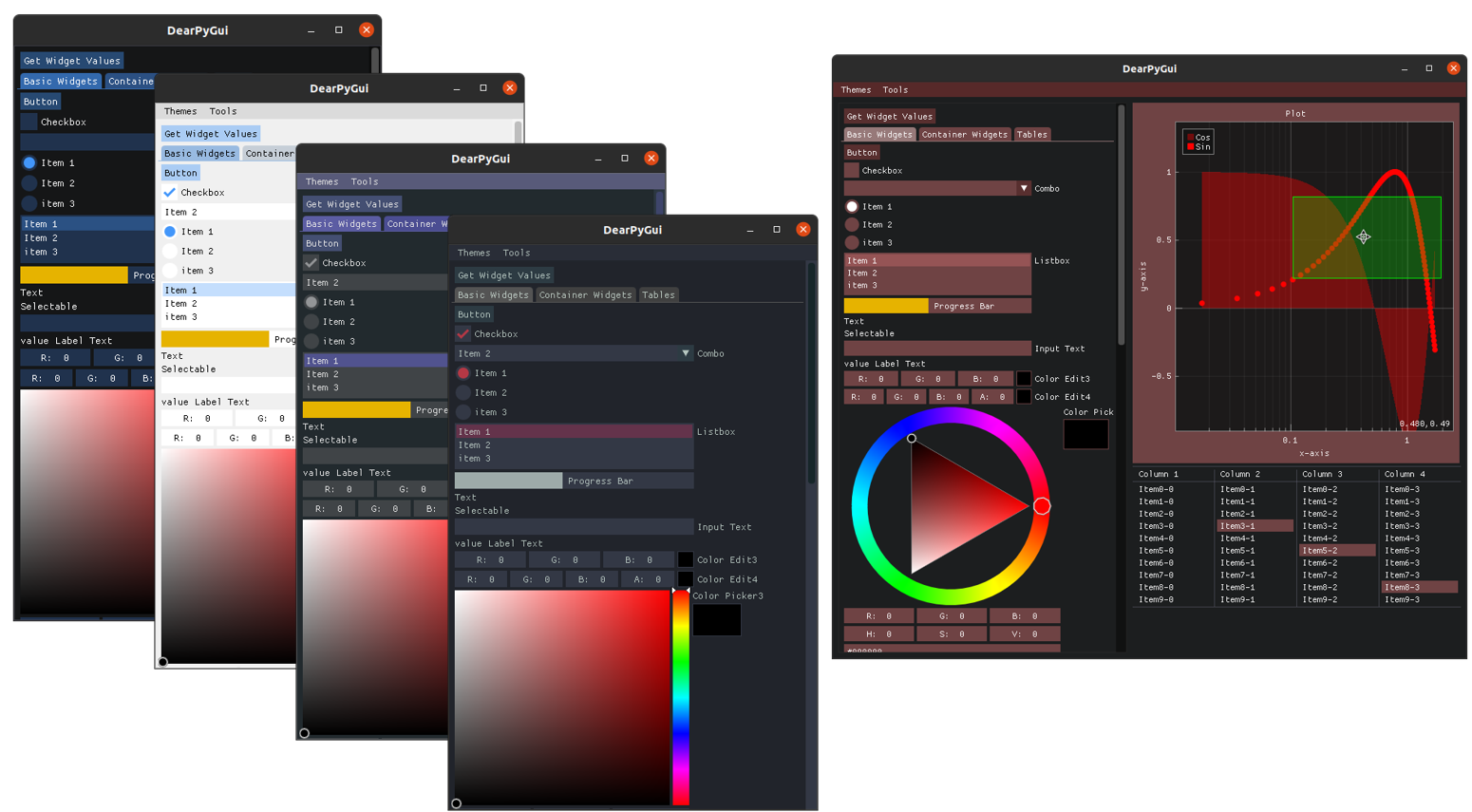
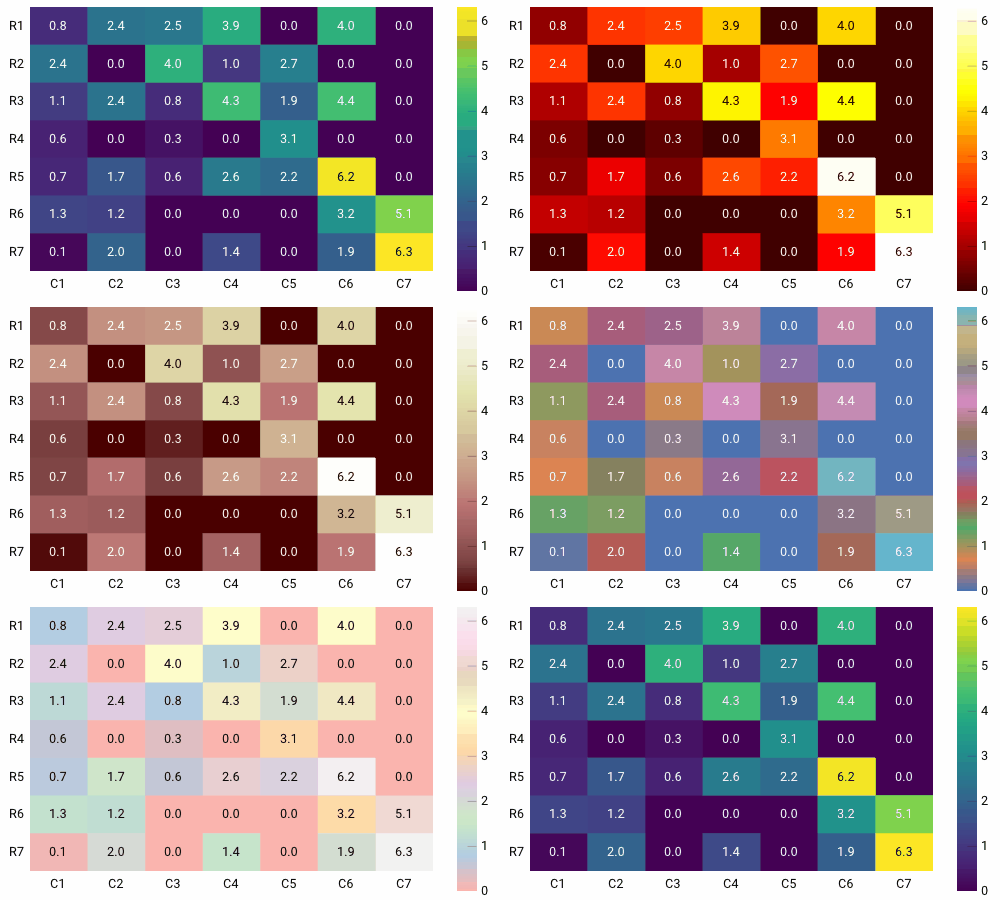
![Themes](https://static.pigsec.cn/wp-content/uploads/repos/2026/04/d24960580c105449.png) ## 特性 - **现代外观** — 完整的主题与样式控制 - **出色性能** — 基于 GPU 渲染与高效的 C/C++ 代码 - **稳定运行** — 支持异步函数 - **快速图表** — 以 60 fps 显示超过 100 万个数据点,支持缩放与平移 - **节点编辑器** — 直观的用户交互 - **内置演示** — 快速学习所有功能 - **开发者工具** — 主题与资源检查、运行时代码、性能分析器 - **跨平台** — Windows、Linux、macOS - **MIT 许可证**


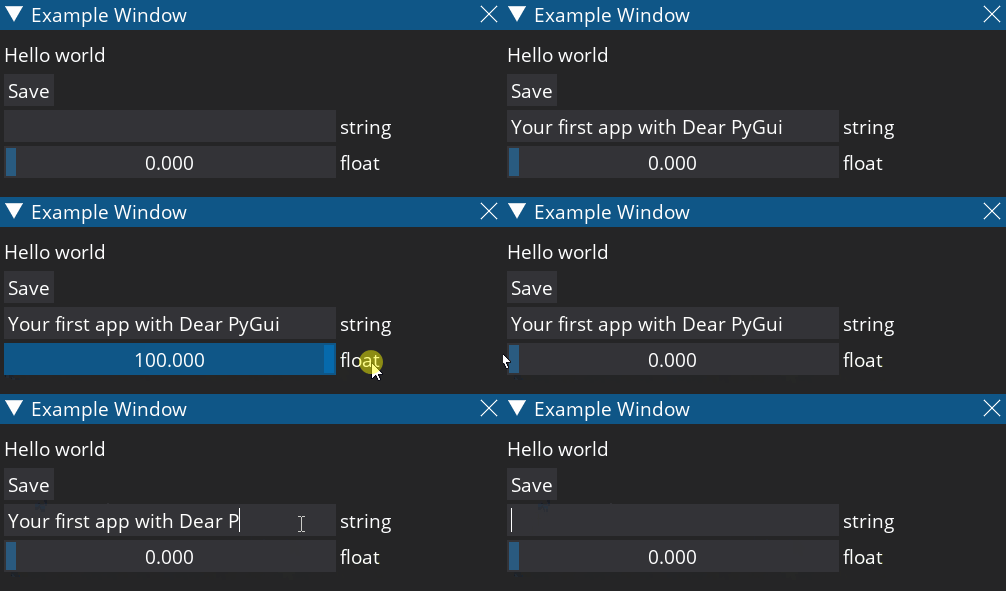
## 安装 确保你至少拥有 Python 3.8 64 位版本。 ``` pip install dearpygui or pip3 install dearpygui ``` ## 如何使用? 使用 Dear PyGui 就像以下 Python 脚本一样简单。 ``` import dearpygui.dearpygui as dpg def save_callback(): print("Save Clicked") dpg.create_context() dpg.create_viewport() dpg.setup_dearpygui() with dpg.window(label="Example Window"): dpg.add_text("Hello world") dpg.add_button(label="Save", callback=save_callback) dpg.add_input_text(label="string") dpg.add_slider_float(label="float") dpg.show_viewport() dpg.start_dearpygui() dpg.destroy_context() ```

Dear PyGui example window

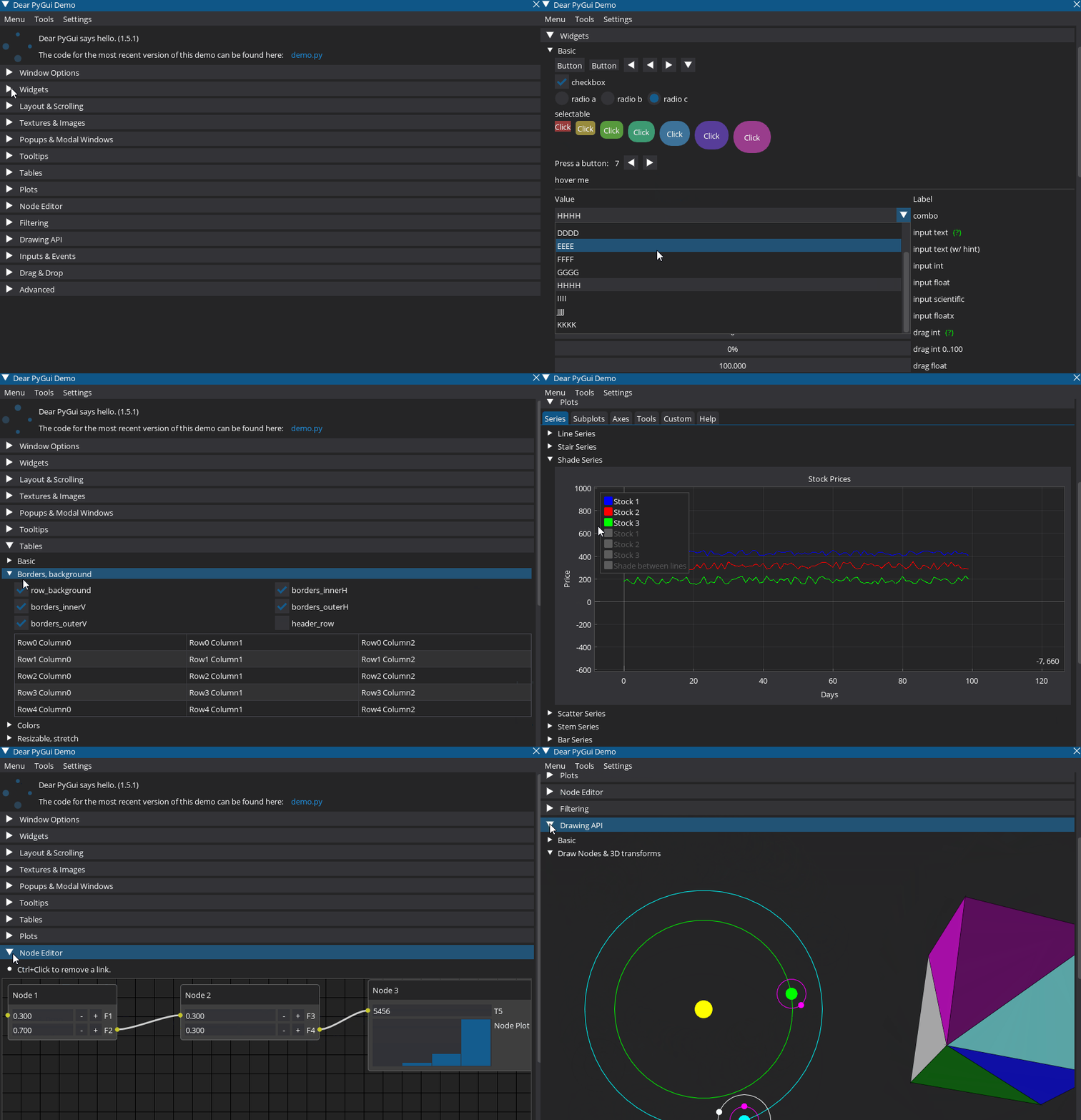
## 演示 内置演示展示了 Dear PyGui 的全部功能。要运行演示,你可以执行: ``` python -m dearpygui.demo ``` 或者你可以使用 [这个代码](https://dearpygui.readthedocs.io/en/latest/tutorials/first-steps.html#demo) 来运行演示。下面的印象展示了部分可用的控件和功能。因为演示的 Python 代码可以 被检查,你可以利用演示代码来构建自己的应用。

Dear PyGui demo

## 资源 - [API 文档](https://dearpygui.readthedocs.io/en/latest/index.html) :books: - [开发路线图](https://github.com/hoffstadt/DearPyGui/projects/4) - [常见问题](https://github.com/hoffstadt/DearPyGui/discussions/categories/frequently-asked-questions-faq) - [功能追踪器](https://github.com/hoffstadt/DearPyGui/issues?q=is%3Aissue+is%3Aopen+label%3A%22type%3A+feature%22) - [错误追踪器](https://github.com/hoffstadt/DearPyGui/issues?q=is%3Aissue+is%3Aopen+label%3A%22type%3A+bug%22) - [展示最佳实践的实用代码片段](https://github.com/my1e5/dpg-examples) - [展示应用案例(含源代码)](https://github.com/hoffstadt/DearPyGui/wiki/Dear-PyGui-Showcase) :star: - [展示旧版本 Dear PyGui 的应用案例](https://github.com/hoffstadt/DearPyGui/wiki/Showcase-apps-older-Dear-PyGui-versions) - [实用工具与控件](https://github.com/hoffstadt/DearPyGui/wiki/Tools-and-Widgets) ## 支持 如果你遇到问题或想提供帮助,可以前往以下地点。 - [Discord 论坛](https://discord.gg/tyE7Gu4) 💬 - [Reddit](https://www.reddit.com/r/DearPyGui/) [![Discord 聊天](https://img.shields.io/discord/736279277242417272?logo=discord)](https://discord.gg/tyE7Gu4)       [![Reddit](https://img.shields.io/reddit/subreddit-subscribers/dearpygui?label=r%2Fdearpygui)](https://www.reddit.com/r/DearPyGui/) ## 技术栈 Dear PyGui 基于 Dear ImGui 构建,包括 [ImPlot](https://github.com/epezent/implot) 和 [imnodes](https://github.com/Nelarius/imnodes) 扩展,与其他 Python GUI 框架有本质区别。其底层采用即时模式(immediate mode)范式,并利用计算机的 GPU 来实现高度动态的界面。与 Dear ImGui 为游戏开发者提供创建工具的方式类似,Dear PyGui 为 Python 开发者提供了快速构建强大 GUI 应用的简便方式。Dear PyGui 使用 C/C++ 编写,能够生成高性能的 Python 应用。目前支持以下平台。
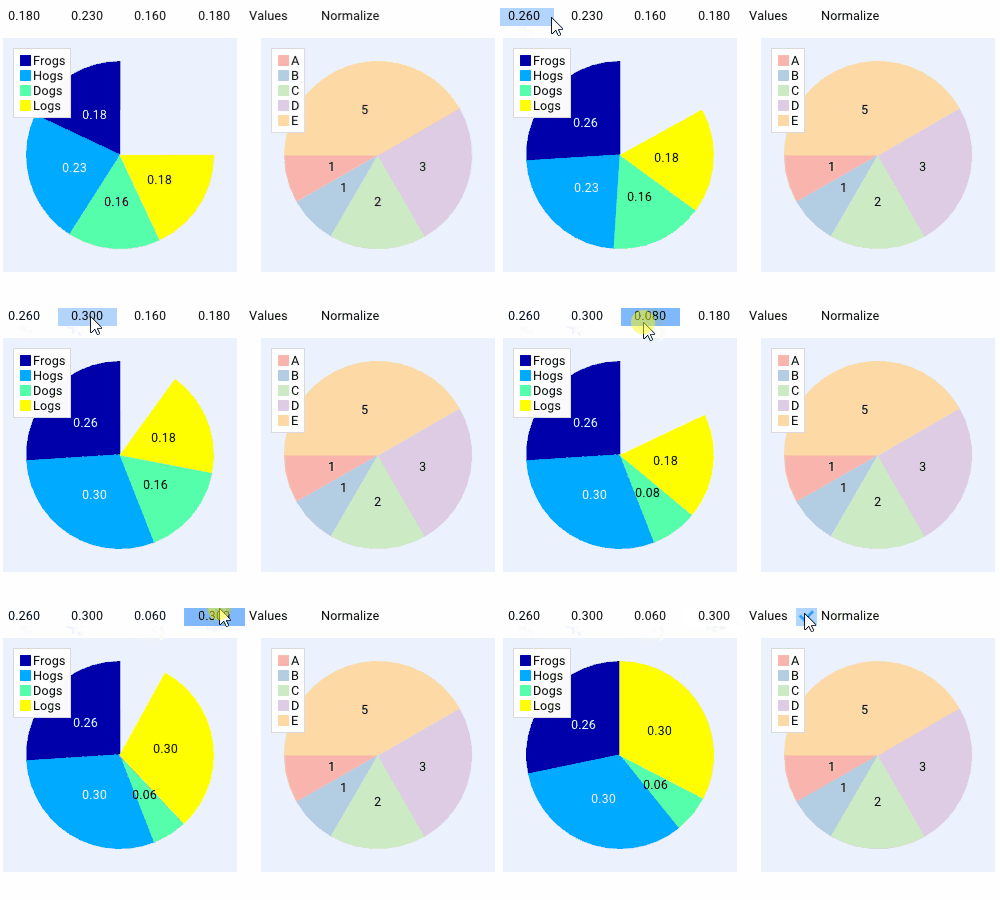
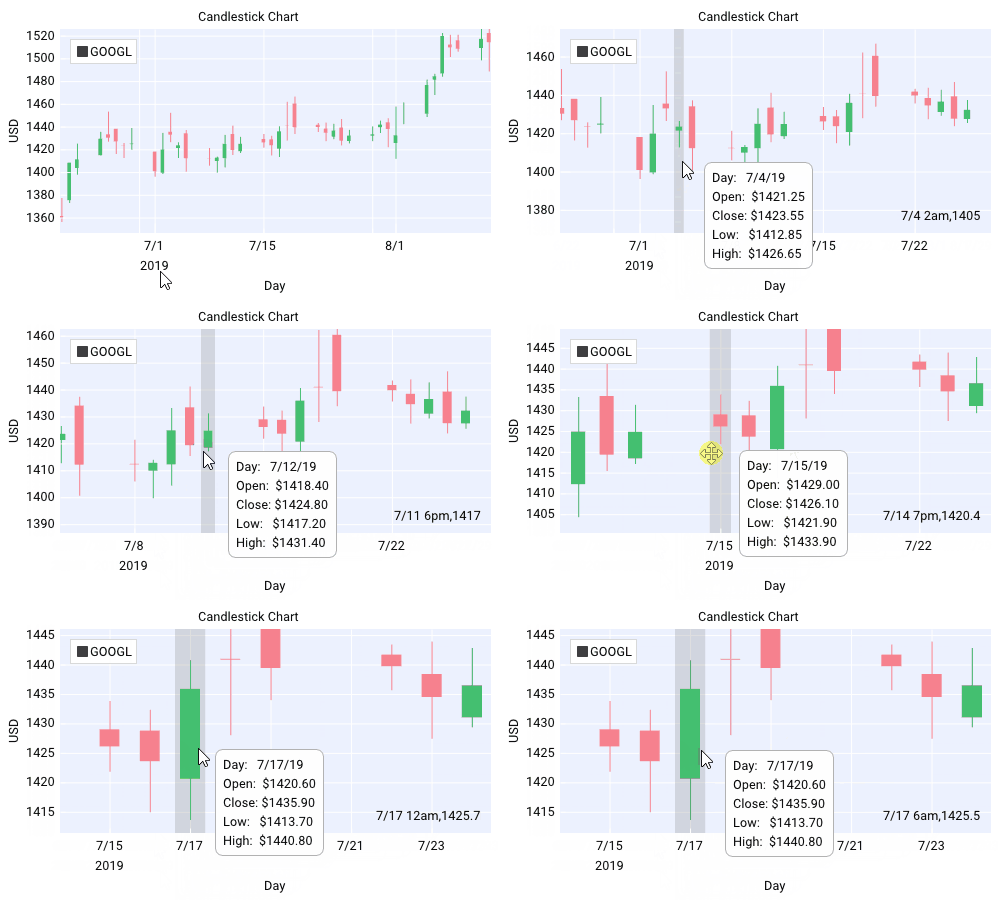
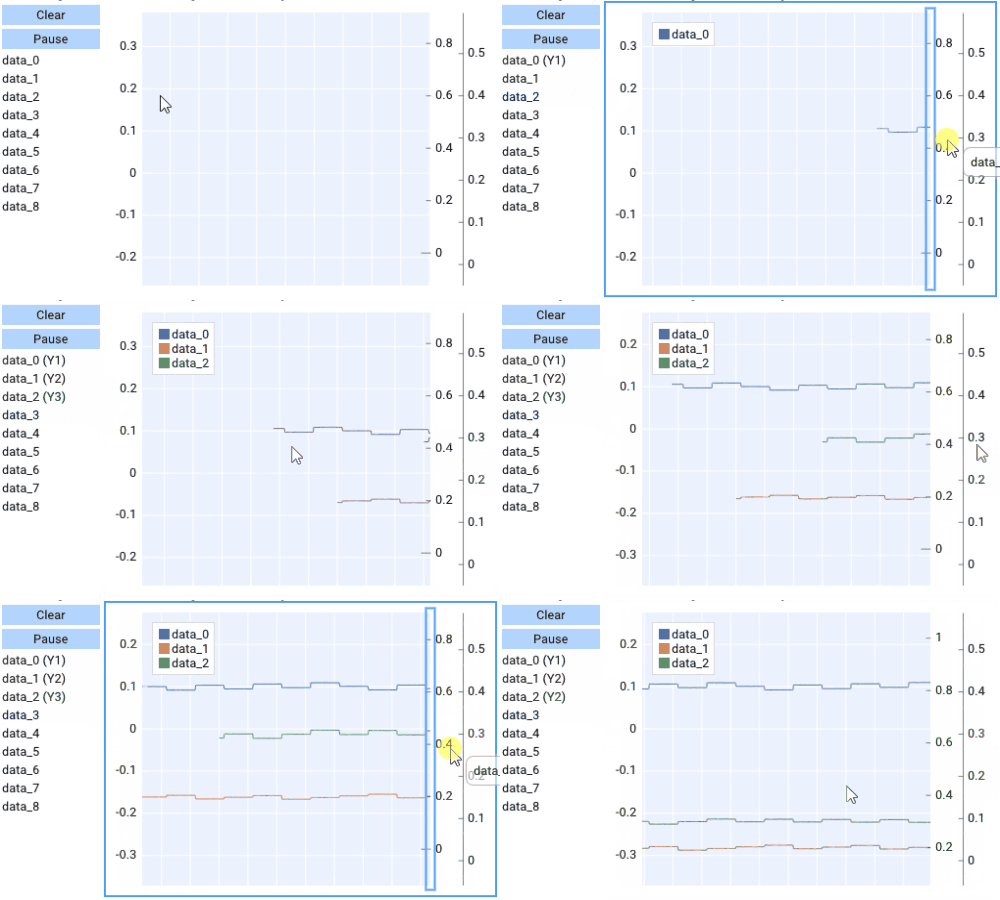
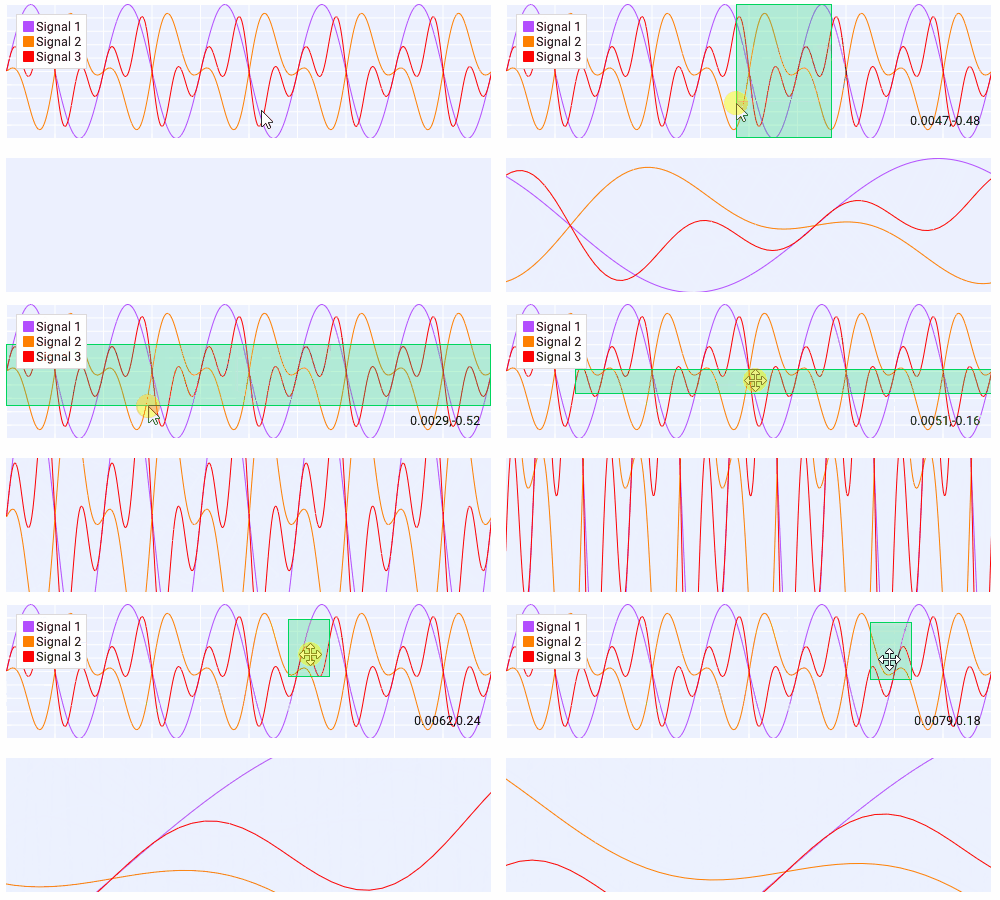
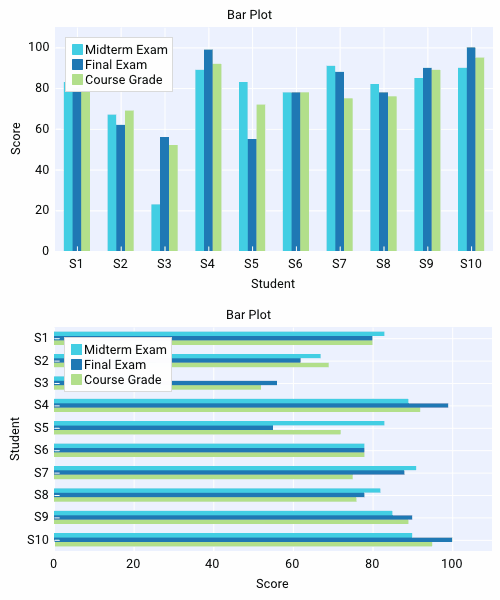
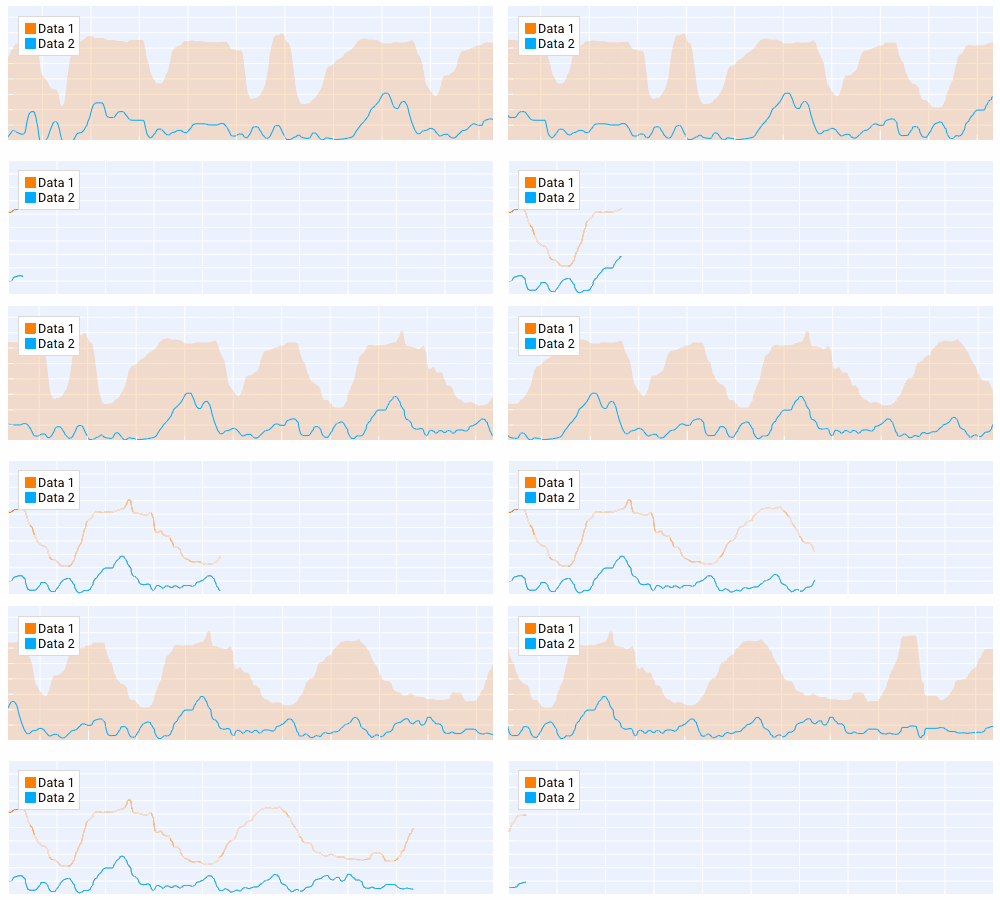
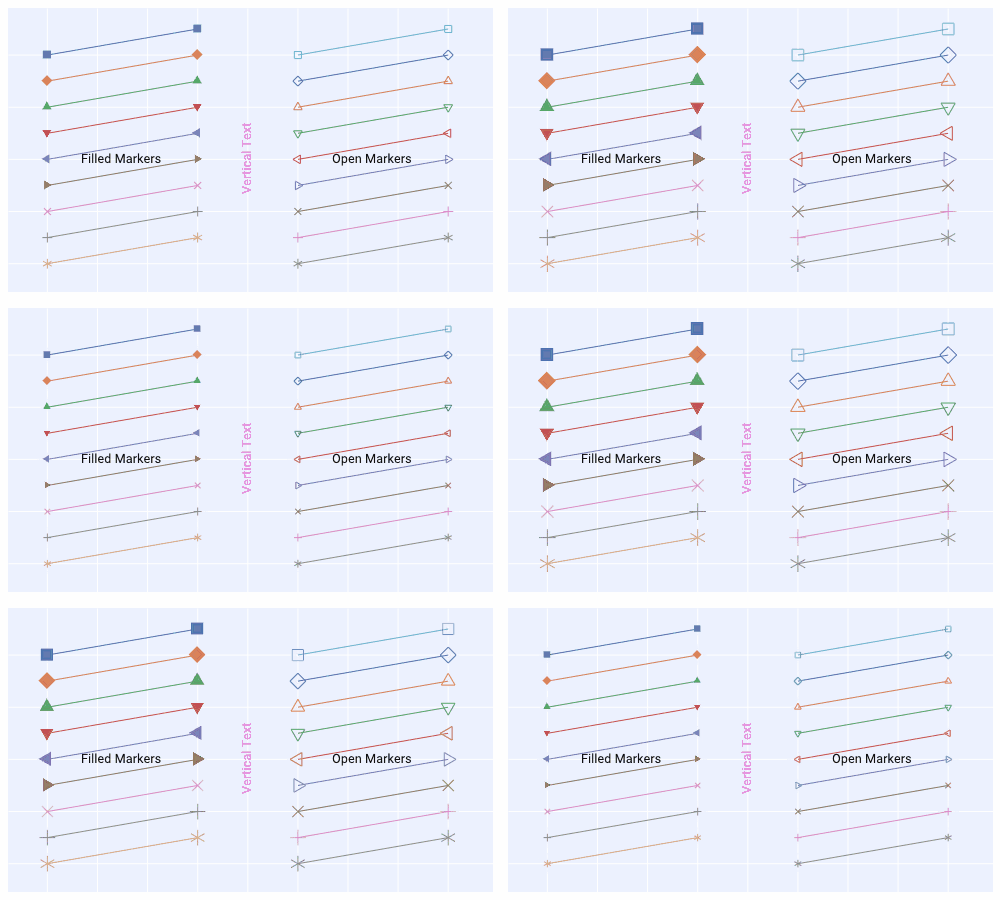
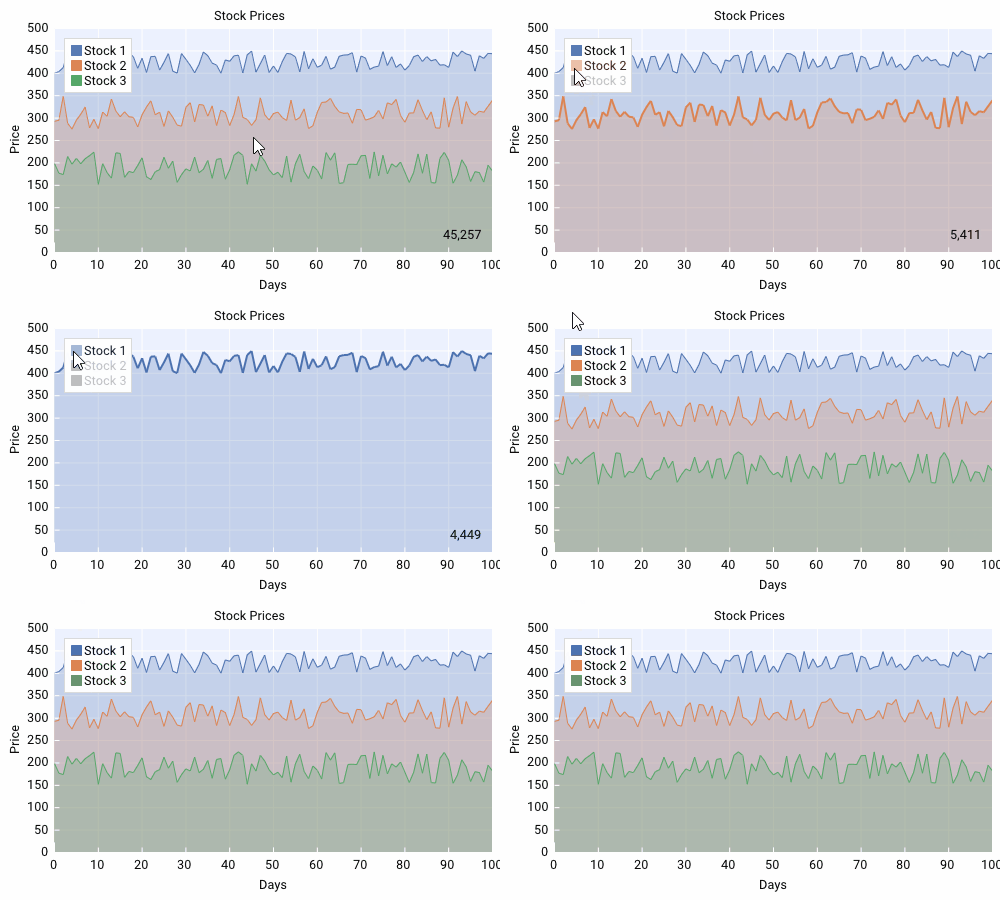
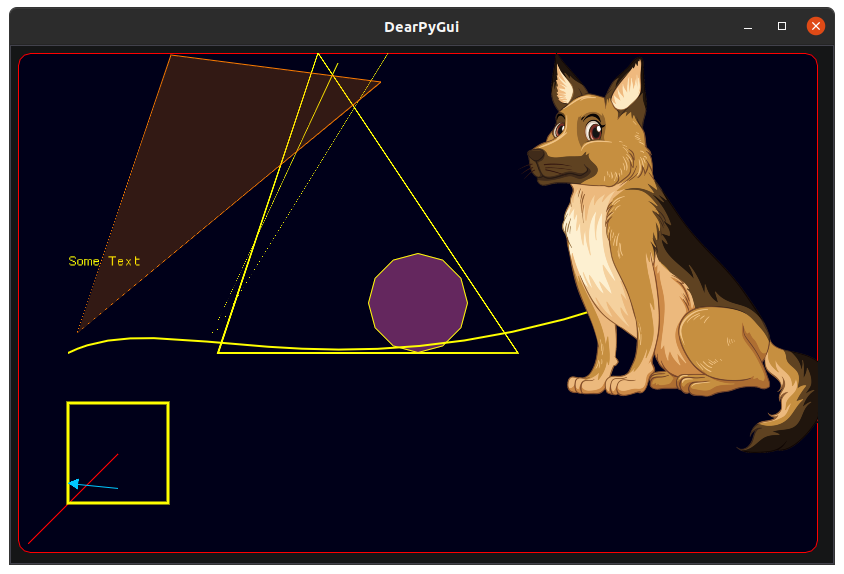
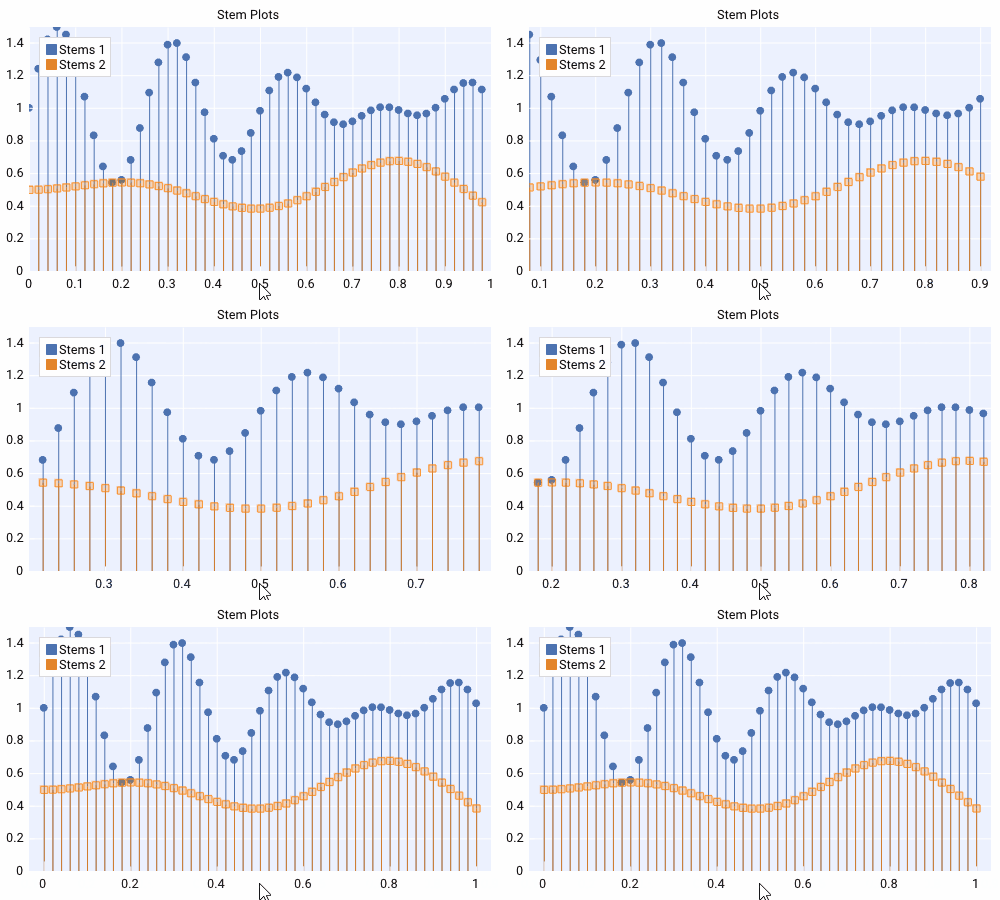
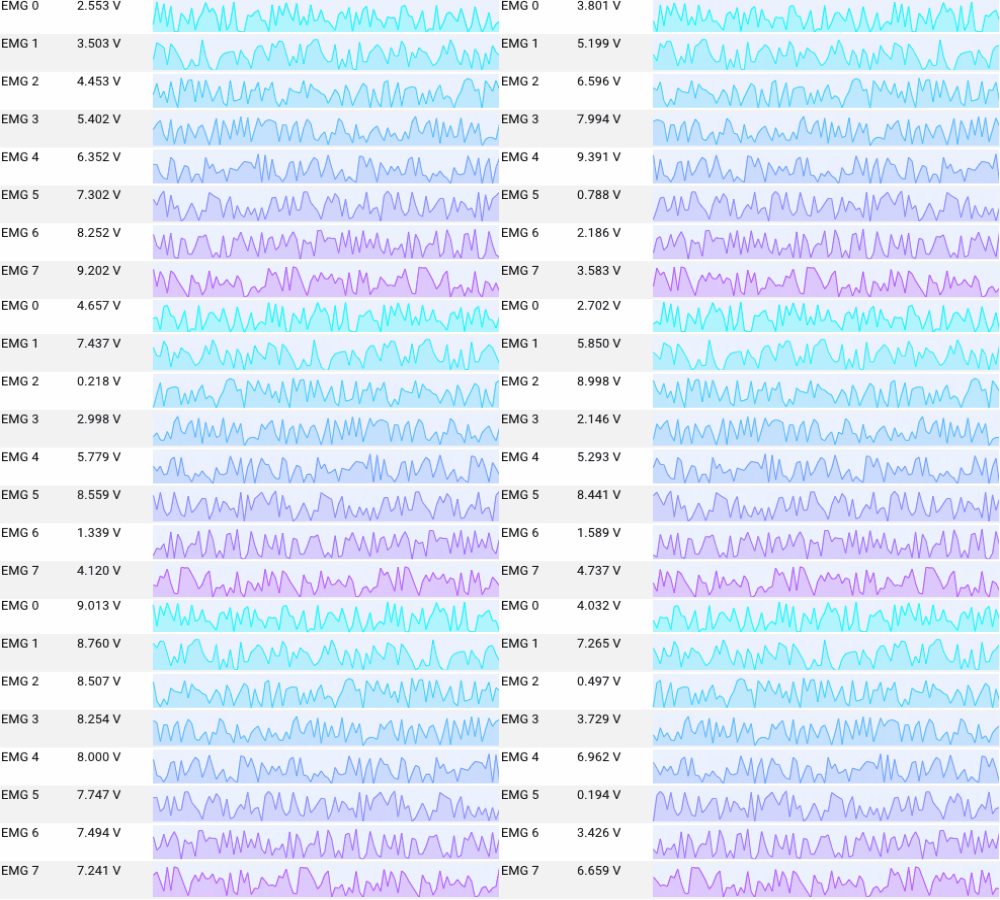
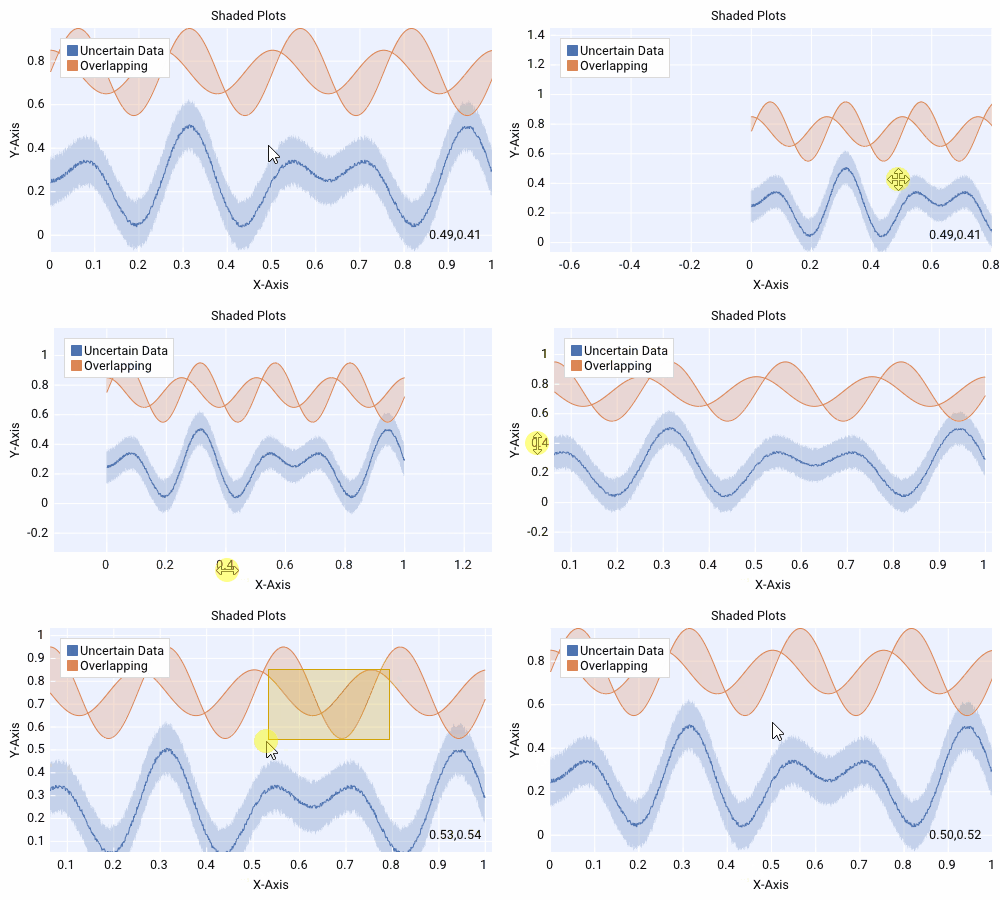
| Platform | Graphics API | Newest Version | |:---------|:-------------|:---------------| | **Windows 10** | _DirectX 11_ | [![PYPI](https://img.shields.io/pypi/v/dearpygui)](https://pypi.org/project/dearpygui/) | | **macOS** | _Metal_ | [![PYPI](https://img.shields.io/pypi/v/dearpygui)](https://pypi.org/project/dearpygui/) | | **Linux** | _OpenGL 3_ | [![PYPI](https://img.shields.io/pypi/v/dearpygui)](https://pypi.org/project/dearpygui/) | | **Raspberry Pi 4** | _OpenGL ES_ | [![PYPI](https://img.shields.io/badge/pypi-v1.6-blue)](https://img.shields.io/badge/pypi-v1.6-blue) | ## 致谢 - 由 [Jonathan Hoffstadt](https://github.com/hoffstadt)、[Preston Cothren](https://github.com/Pcothren) 及每一位直接或间接贡献者开发 - 感谢 [Omar Cornut](http://www.miracleworld.net/) 在 [Dear ImGui](https://github.com/ocornut/imgui) 上的出色工作 - 感谢 [Evan Pezent](http://evanpezent.com/) 在 [ImPlot](https://github.com/epezent/implot) 上的工作 - 感谢 [Johann Muszynski](https://github.com/Nelarius) 在 [imnodes](https://github.com/Nelarius/imnodes) 上的工作 ## 许可 Dear PyGui 根据 [MIT 许可证](https://github.com/hoffstadt/DearPyGui/blob/master/LICENSE) 授权。 ## 画廊 #### 绘图/图表 _Dear PyGui_ 包含基于 [ImPlot](https://github.com/epezent/implot) 构建的绘图 API                                     #### 节点编辑器 _Dear PyGui_ 包含基于 [imnodes](https://github.com/Nelarius/imnodes) 构建的节点编辑器 ![](https://github.com/hoffstadt/DearPyGui/blob/assets/readme/nodes2.png) #### 画布 _Dear PyGui_ 包含用于创建自定义绘图、图表甚至 2D 游戏的绘图 API。 ![](https://github.com/hoffstadt/DearPyGui/blob/assets/readme/tetris.png) ![](https://github.com/hoffstadt/DearPyGui/blob/assets/readme/3d.png) ![](https://github.com/hoffstadt/DearPyGui/blob/assets/readme/nodes1.png) ![](https://github.com/hoffstadt/DearPyGui/blob/assets/readme/space.png) ![](https://github.com/hoffstadt/DearPyGui/blob/assets/readme/snake.gif) ![](https://github.com/hoffstadtearPyGui/blob/assets/readme/drawing.png)
![BasicUsageExample](https://static.pigsec.cn/wp-content/uploads/repos/2026/04/4fff9dab5a105458.png) ![](https://github.com/hoffstadt/DearPyGui/blob/assets/readme/nodes3.png) ![](https://github.com/hoffstadt/DearPyGui/blob/assets/readme/3d1.png) ![](https://github.com/hoffstadt/DearPyGui/blob/assets/readme/game1.png) ![](https://github.com/hoffstadt/DearPyGui/blob/assets/readme/mandlebrot.gif) ![](https://github.com/hoffstadt/DearPyGui/blob/assets/readme/nodes4.png) ## SAST 工具 [PVS-Studio](https://pvs-studio.com/en/pvs-studio/?utm_source=website&utm_medium=github&utm_campaign=open_source) - static analyzer for C, C++, C#, and Java code.
标签:DearPyGui, GUI框架, PyGUI, Python, Python GUI库, UML, 云安全监控, 低依赖, 图形界面, 嵌入式构建, 工作流, 开源, 徽章状态, 快速开发, 持续部署, 文档完善, 无后门, 桌面应用, 现代GUI, 用户界面工具包, 逆向工具, 静态分析