slint-ui/slint
GitHub: slint-ui/slint
跨平台轻量级声明式 GUI 框架,支持多语言绑定,覆盖嵌入式到桌面端的原生界面开发。
Stars: 22898 | Forks: 906
 
[](https://github.com/slint-ui/slint/actions)
[](https://api.reuse.software/info/github.com/slint-ui/slint)
[](https://github.com/slint-ui/slint/discussions)
**Slint** 是一个开源的声明式 GUI 工具包,用于为嵌入式系统、桌面和移动平台构建原生用户界面。
使用简单的标记语言 `.slint` 编写一次 UI。将其与用 Rust、C++、JavaScript 或 Python 编写的业务逻辑连接起来。
## 为什么选择 Slint?
*Slint* 这个名字源于我们的设计目标:
- **可扩展**:Slint 应支持响应式 UI 设计,允许跨操作系统和处理器架构的跨平台使用,并支持多种编程语言。
- **轻量级**:Slint 应需要最少的资源(在内存和处理能力方面),但仍能在任何设备上提供流畅的、类似智能手机的用户体验。
- **直观**:设计师和开发者在享受 GUI 设计和开发过程的同时,应感到高效。设计创建工具对设计师来说应直观易用。同样,对于开发者而言,无论选择哪种编程语言,API 都应保持一致且易于使用。
- **原生**:使用 Slint 构建的 GUI 应符合最终用户对原生应用的期望,无论是桌面、移动、Web 还是嵌入式系统平台。UI 设计应编译为机器代码,并提供只有原生应用才能提供的灵活性:访问完整的操作系统 API,利用所有 CPU 和 GPU 核心,连接任何外设。
除了设计目标之外,Slint 的突出之处还在于:
- **独立的 UI 设计**:使用声明式语言将 UI 与业务逻辑分离。设计师可以与开发者并行工作。
- **工具支持**:通过我们的 Live Preview(实时预览)和编辑器集成快速迭代。使用 [Figma to Slint plugin](https://www.figma.com/community/plugin/1474418299182276871/figma-to-slint) 从 Figma 进行集成。
- **稳定的 API**:Slint 遵循稳定的 1.x API。我们谨慎演进,不会破坏您的代码。
看看其他人构建了什么:[#MadeWithSlint](https://madewithslint.com)
## 示例
### 嵌入式
| RaspberryPi | STM32 | RP2040 |
| ------------------------------------ | ----------------------------- | ------------------------------ |
| [Video of Slint on Raspberry Pi][#1] | [Video of Slint on STM32][#2] | [Video of Slint on RP2040][#3] |
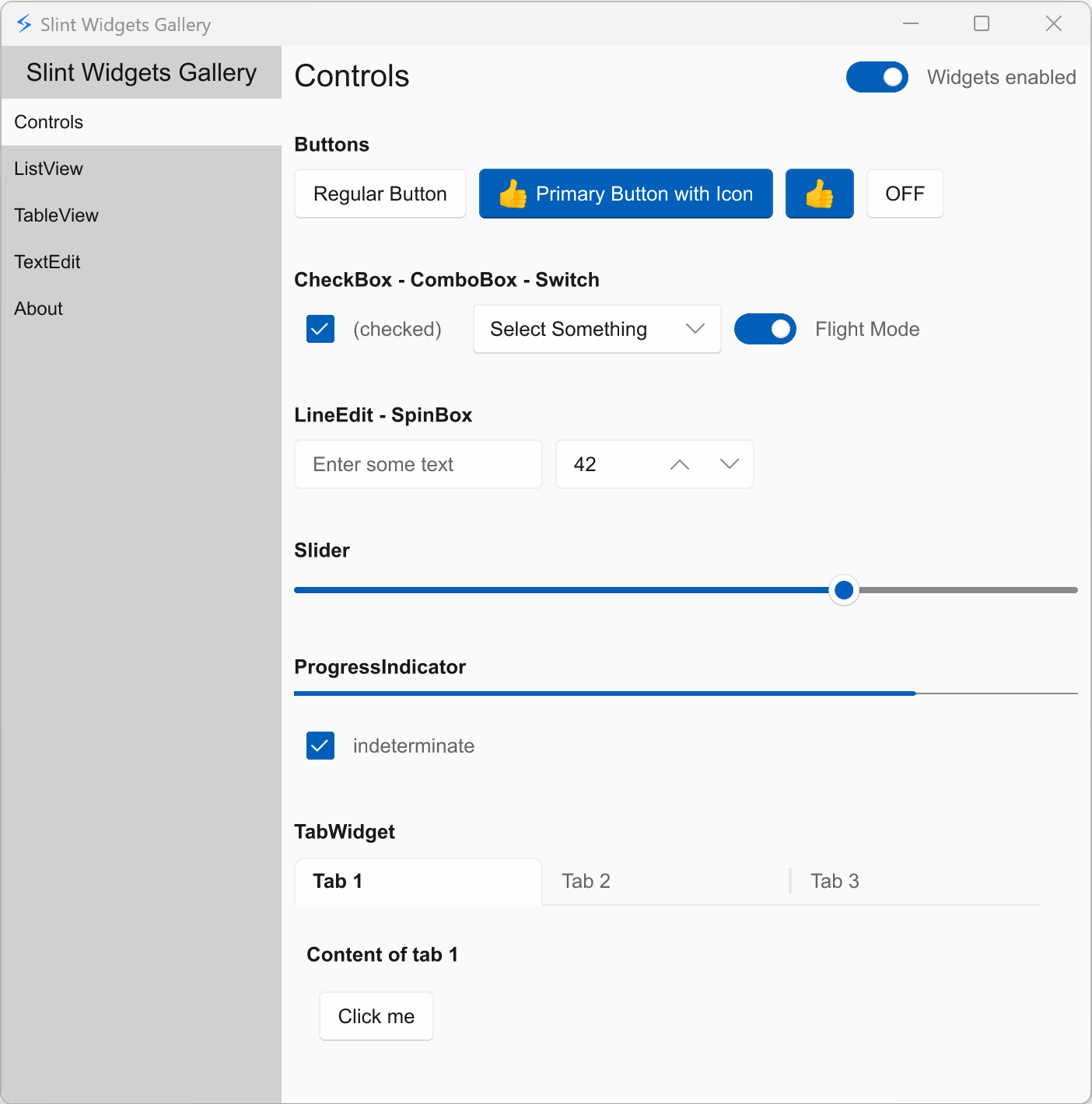
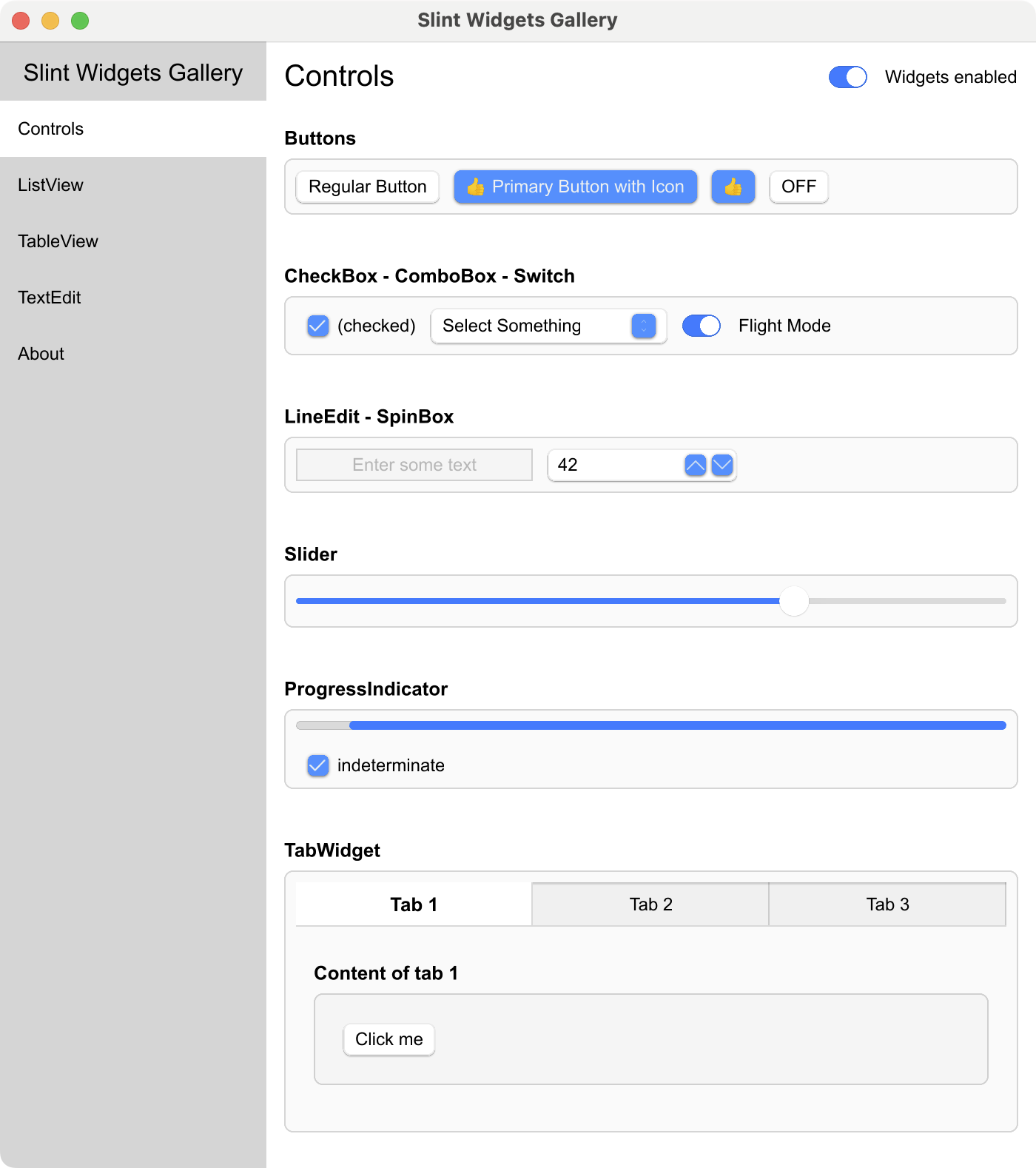
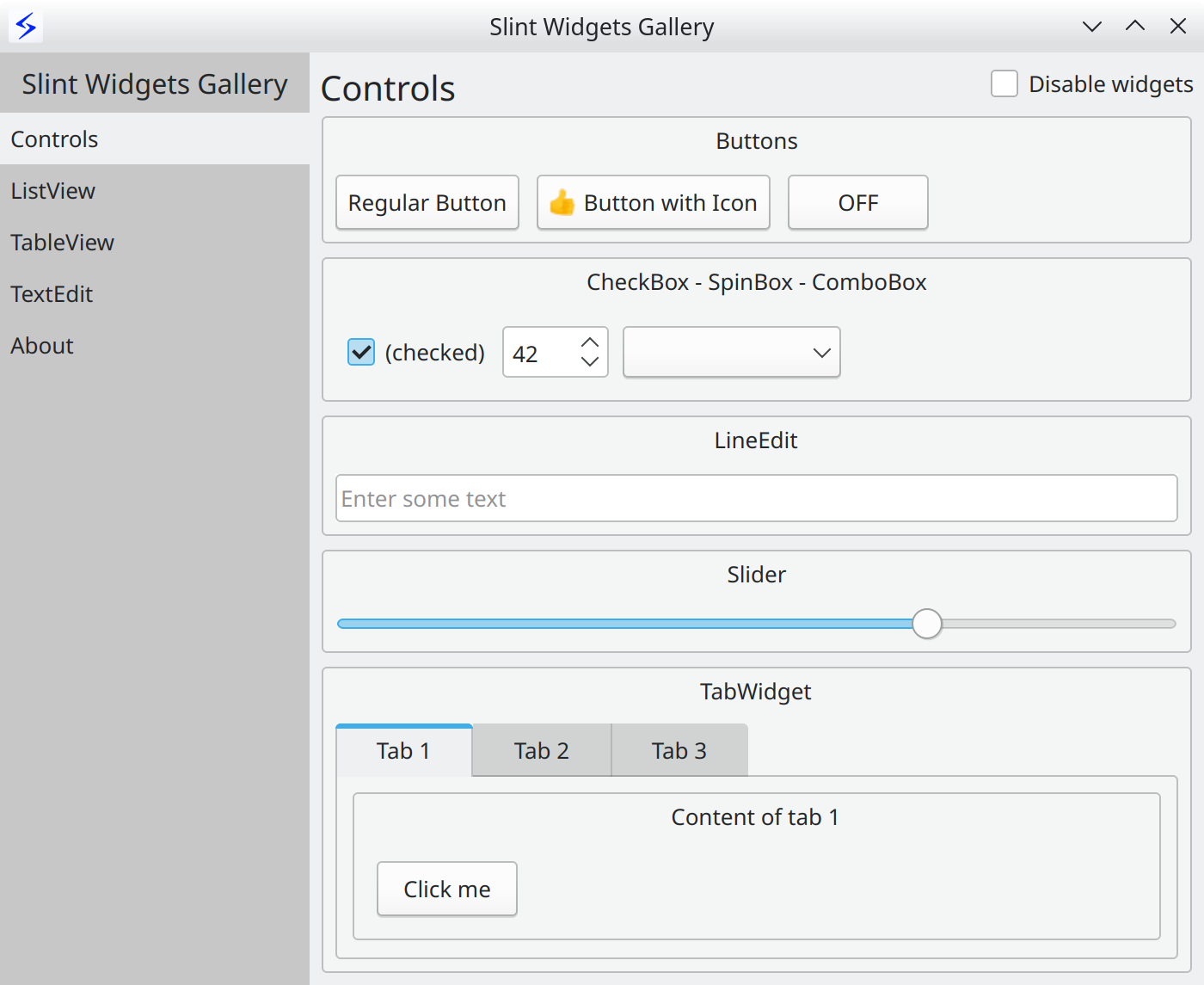
### 桌面
| Windows | macOS | Linux |
| ------------------------------------------- | ----------------------------------------- | ----------------------------------------- |
|  |  |  |
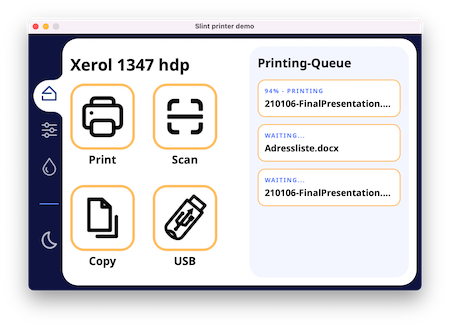
### Web (使用 WebAssembly)
| Printer Demo | Slide Puzzle | Energy Monitor | Widget Gallery | Weather demo |
| ------------------------------------------- | -------------------------------------------- | ---------------------------------------------------- | --------------------------------------------- | --------------------------------------------- |
| [][#8] | [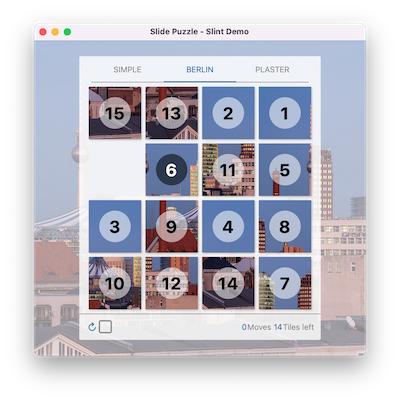][#10] | [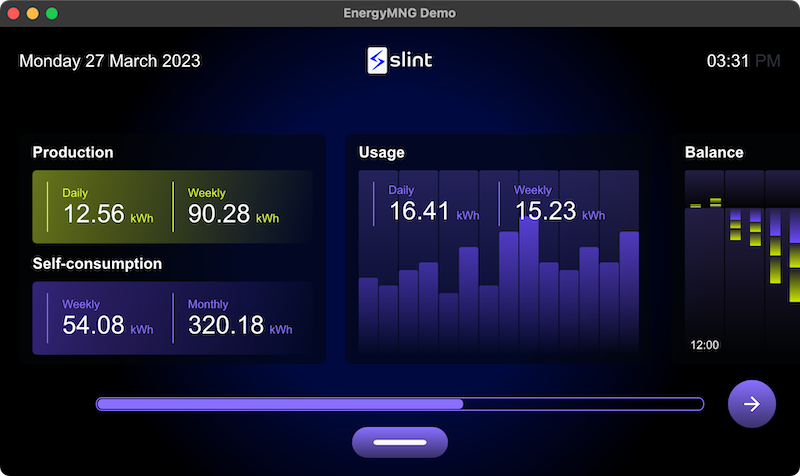][#12] | [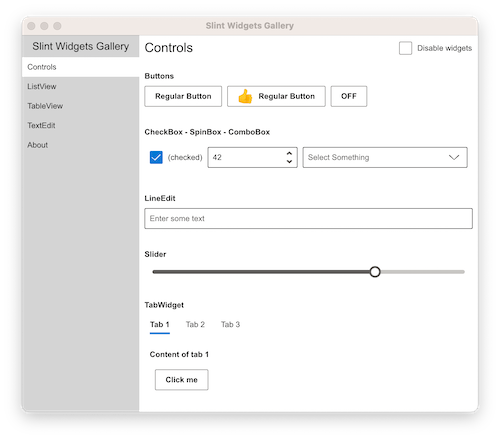][#14] | [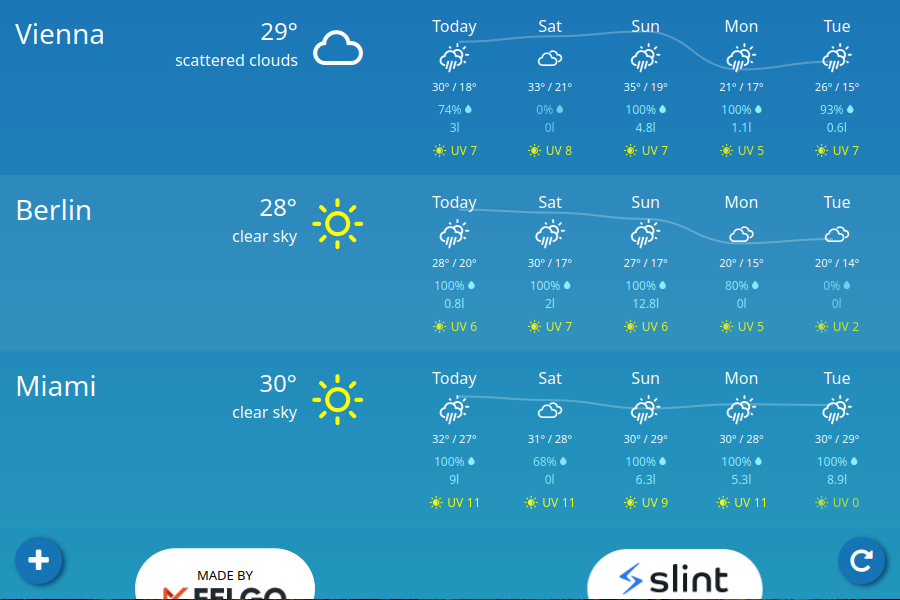][#30] |
更多示例和演示请参见 [examples folder](examples#examples)
## 入门指南
### Hello World
UI 定义在一种特定领域语言 中,该语言是声明式的、易于使用的、直观的,并提供了一种强大的方式来描述图形元素、它们的布局、层次结构、属性绑定以及数据在不同状态之间的流动。
这是必不可少的“Hello World”:
```
export component HelloWorld inherits Window {
width: 400px;
height: 400px;
Text {
y: parent.width / 2;
x: parent.x + 200px;
text: "Hello, world";
color: blue;
}
}
```
### 文档
有关更多详细信息,请查看 [Slint Language Documentation](https://slint.dev/docs/slint)。
[examples](examples) 文件夹包含示例和演示,展示了如何使用 Slint 标记语言以及如何从支持的编程语言与 Slint 用户界面进行交互。
`docs` 文件夹包含更多信息,包括 [build instructions](docs/building.md) 和 [internal developer docs](docs/development.md)。
请参阅 `api` 文件夹中每个语言目录的自述文件:
- [C++](api/cpp) ([Documentation][#15] | [Getting Started Template][#17])
- [Rust](api/rs/slint) [][#19] ([Documentation][#20] | [Tutorial Video][#22] | [Getting Started Template][#23])
- [JavaScript/NodeJS (Beta)](api/node) [][#25] ([Documentation][#26] | [Getting Started Template][#28])
- [Python (Beta)](api/python/slint) [][#32] ([Documentation][#33] | [Getting Started Template][#34])
## 架构
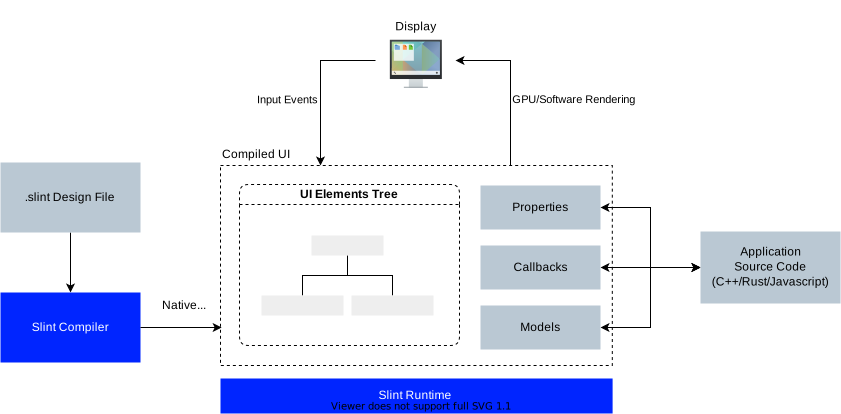
一个应用程序由用 Rust、C++ 或 JavaScript 编写的业务逻辑和编译为本机代码的 `.slint` 用户界面设计标记组成。
### 编译器
`.slint` 文件是提前编译的。`.slint` 中的表达式是纯函数,编译器可以对其进行优化。例如,编译器可以选择“内联”属性并删除那些常量或未更改的属性。
编译器使用典型的编译器阶段:词法分析、解析、优化,最后是代码生成。它为目标语言的代码生成提供不同的后端。C++ 代码生成器生成 C++ 头文件,Rust 生成器生成 Rust 代码,依此类推。还包括一个用于动态语言的解释器。
### 运行时
运行时库由一个支持在 `.slint` 语言中声明的属性的引擎组成。带有元素、项目和属性的组件布局在单个内存区域中,以减少内存分配。
渲染后端和样式可在编译时配置:
- `femtovg` 渲染器使用 OpenGL ES 2.0 进行渲染。
- `skia` 渲染器使用 [Skia](https://skia.org) 进行渲染。
- `software` 渲染器使用 CPU,无需额外依赖。
注意:当系统上安装了 Qt 时,`qt` 样式将可用,使用 Qt 的 QStyle 来实现原生外观的小部件。
### 工具
我们有一些工具可以帮助开发 .slint 文件:
- 一个 [**LSP Server**](./tools/lsp),它为许多编辑器添加了自动完成和 .slint 文件实时预览等功能。
- 它打包在一个可从市场获得的 [**Visual Studio Code Extension**](./editors/vscode) 中。
- 一个 [**slint-viewer**](./tools/viewer) 工具,用于显示 .slint 文件。`--auto-reload` 参数使您可以轻松地在处理 UI 时预览它(当无法使用 LSP 预览时)。
- [**SlintPad**](https://slintpad.com/),一个在线编辑器,无需安装任何东西即可试用 .slint 语法([sources](./tools/slintpad))。
- 一个 [**Figma to Slint**](https://www.figma.com/community/plugin/1474418299182276871/figma-to-slint) 插件。
请查看我们的 [Editors README](./editors/README.md),获取有关如何配置您喜欢的编辑器以使其与 Slint 良好配合的提示。
## 许可证
您可以根据自己的选择,在以下***任何***一种许可证下使用 Slint:
1. 使用 [Royalty-free License](LICENSES/LicenseRef-Slint-Royalty-free-2.0.md) 免费构建专有桌面、移动或 Web 应用程序,
2. 使用 [GNU GPLv3](LICENSES/GPL-3.0-only.txt) 免费构建开源嵌入式、桌面、移动或 Web 应用程序,
3. 使用 [Paid license](LICENSES/LicenseRef-Slint-Software-3.0.md) 构建专有嵌入式、桌面、移动或 Web 应用程序。
请参阅 [Slint licensing options on the website](https://slint.dev/pricing.html) 和 [Licensing FAQ](FAQ.md#licensing)。
## 常见问题解答
请参阅我们单独的 [FAQ](FAQ.md)。
## 关于我们 (SixtyFPS GmbH)
我们对软件充满热情——API 设计、跨平台软件开发和用户界面组件。我们的目标是让每个人都能从开发用户界面中获得乐趣:从 Python、JavaScript、C++ 或 Rust 开发者到 UI/UX 设计师。我们相信软件是有机增长的,保持开源是维持这种增长的最佳方式。我们的团队成员远程位于德国、芬兰和美国。
### 联系我们
欢迎加入 [Github discussions](https://github.com/slint-ui/slint/discussions)
进行一般聊天或提问。使用 [Github issues](https://github.com/slint-ui/slint/issues)
报告公开建议或错误。
我们在 [our Mattermost instance](https://chat.slint.dev) 中聊天,欢迎您旁听或提问。
您当然也可以通过电子邮件私下联系我们:[info@slint.dev](mailto://info@slint.dev)。
标签:AI工具, C++, CMS安全, GUI工具包, JavaScript, LangChain, Python, Rust, Slint, 原生应用, 可视化界面, 响应式设计, 声明式UI, 多语言绑定, 嵌入式系统, 开源, 数据可视化, 数据擦除, 无后门, 标记语言, 桌面应用, 用户界面框架, 移动应用, 网络流量审计, 跨平台开发, 轻量级, 逆向工具, 通知系统, 通知系统, 通知系统