charmbracelet/bubbletea

GitHub: charmbracelet/bubbletea

一个基于 Elm 架构的 Go 语言终端 UI 框架,通过声明式视图和状态管理帮助开发者构建现代化的交互式命令行应用。

Stars: 40345 | Forks: 1105

# Bubble Tea


Latest Release GoDoc Build Status

一种有趣、实用且带有状态管理功能的构建终端应用的方式。一个基于 [The Elm Architecture][elm] 的 Go 框架。Bubble Tea 非常适合简单和复杂的终端应用程序,无论是内联、全窗口,还是两者的混合。

Bubble Tea Example

Bubble Tea 已在生产环境中使用,并包含我们在开发过程中添加的许多功能和性能优化。其中包括高性能的基于单元格的渲染器、内置的颜色降采样、声明式视图、高保真的键盘和鼠标处理、原生剪贴板支持等。 要开始使用,请参阅下面的教程、[示例][examples]、[文档][docs] 以及一些常见的[资源](#libraries-we-use-with-bubble-tea)。 ## 顺便说一下 请务必查看 [Bubbles][bubbles],这是一个用于 Bubble Tea 的通用 UI 组件库。

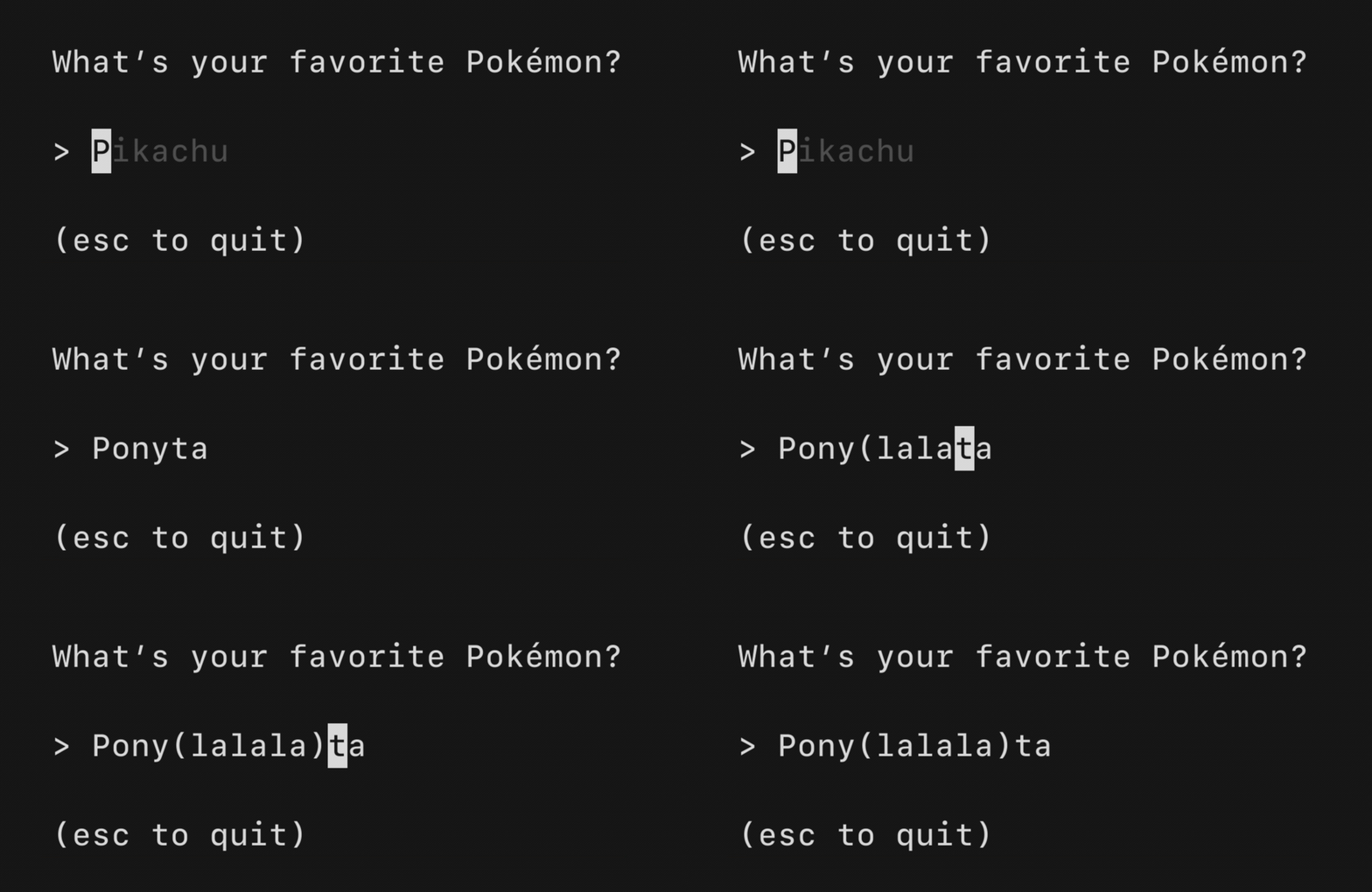
Bubbles Badge   Text Input Example from Bubbles

## 教程 Bubble Tea 基于 [The Elm Architecture][elm] 的函数式设计范式,这恰好与 Go 配合得很好。这是一种构建应用程序的令人愉快的方式。 本教程假设您具备 Go 的工作知识。 顺便说一下,该程序的未注释源代码可在 [GitHub][tut-source] 上找到。 ### 好了!让我们开始吧。 在本教程中,我们将制作一个购物清单。 首先,我们将定义我们的包并导入一些库。我们唯一的外部导入将是 Bubble Tea 库,我们将其简称为 `tea`。 ``` package main // These imports will be used later on the tutorial. If you save the file // now, Go might complain they are unused, but that's fine. // You may also need to run `go mod tidy` to download bubbletea and its // dependencies. import ( "fmt" "os" tea "charm.land/bubbletea/v2" ) ``` Bubble Tea 程序由一个描述应用程序状态的 **model** 和该 model 上的三个简单方法组成: - **Init**,一个返回应用程序运行的初始命令的函数。 - **Update**,一个处理传入事件并相应更新 model 的函数。 - **View**,一个根据 model 中的数据渲染 UI 的函数。 ### Model(模型) 所以让我们首先定义我们的 model,它将存储我们应用程序的状态。 它可以是任何类型,但通常 `struct` 是最合适的。 ``` type model struct { choices []string // items on the to-do list cursor int // which to-do list item our cursor is pointing at selected map[int]struct{} // which to-do items are selected } ``` ## 初始化 接下来,我们将定义应用程序的初始状态。`Init` 可以返回一个 `Cmd`,该命令可以执行一些初始 I/O。目前,我们不需要执行任何 I/O,所以对于命令,我们只需返回 `nil`,这转换为“无命令”。 ``` func initialModel() model { return model{ // Our to-do list is a grocery list choices: []string{"Buy carrots", "Buy celery", "Buy kohlrabi"}, // A map which indicates which choices are selected. We're using // the map like a mathematical set. The keys refer to the indexes // of the `choices` slice, above. selected: make(map[int]struct{}), } } ``` 之后,我们将在 `Init` 方法中定义应用程序的初始状态。`Init` 可以返回一个 `Cmd`,该命令可以执行一些初始 I/O。目前,我们不需要执行任何 I/O,所以对于命令,我们只需返回 `nil`,这转换为“无命令”。 ``` func (m model) Init() tea.Cmd { // Just return `nil`, which means "no I/O right now, please." return nil } ``` ### Update 方法 接下来是 update 方法。当“事情发生”时,会调用 update 函数。它的工作是查看发生了什么,并返回一个更新后的 model 作为响应。它也可以返回一个 `Cmd` 来让更多的事情发生,但目前不要担心那部分。 在我们的例子中,当用户按下向下箭头时,`Update` 的工作是注意到向下箭头被按下并相应地移动光标(或不移动)。 “发生了某事”以 `Msg` 的形式出现,它可以是任何类型。消息是发生的一些 I/O 的结果,例如按键、计时器滴答或来自服务器的响应。 我们通常使用类型切换来确定我们收到了哪种类型的 `Msg`,但您也可以使用类型断言。 目前,我们只处理 `tea.KeyPressMsg` 消息,当按键被按下时,这些消息会自动发送到 update 函数。 ``` func (m model) Update(msg tea.Msg) (tea.Model, tea.Cmd) { switch msg := msg.(type) { // Is it a key press? case tea.KeyPressMsg: // Cool, what was the actual key pressed? switch msg.String() { // These keys should exit the program. case "ctrl+c", "q": return m, tea.Quit // The "up" and "k" keys move the cursor up case "up", "k": if m.cursor > 0 { m.cursor-- } // The "down" and "j" keys move the cursor down case "down", "j": if m.cursor < len(m.choices)-1 { m.cursor++ } // The "enter" key and the space bar toggle the selected state // for the item that the cursor is pointing at. case "enter", "space": _, ok := m.selected[m.cursor] if ok { delete(m.selected, m.cursor) } else { m.selected[m.cursor] = struct{}{} } } } // Return the updated model to the Bubble Tea runtime for processing. // Note that we're not returning a command. return m, nil } ``` 您可能已经注意到上面的 ctrl+cq 随 model 一起返回了一个 `tea.Quit` 命令。这是一个特殊的命令,它指示 Bubble Tea 运行时退出,从而退出程序。 ### View 方法 最后,是时候渲染我们的 UI 了。在所有方法中,view 是最简单的。我们查看处于当前状态的 model,并使用它来构建一个 `tea.View`。view 声明了我们的 UI 内容,以及可选的终端功能,如 alt screen 模式、鼠标跟踪、光标位置等。 因为 view 描述了应用程序的整个 UI,所以您不必担心重绘逻辑和类似的事情。Bubble Tea 会为您处理这些。 ``` func (m model) View() tea.View { // The header s := "What should we buy at the market?\n\n" // Iterate over our choices for i, choice := range m.choices { // Is the cursor pointing at this choice? cursor := " " // no cursor if m.cursor == i { cursor = ">" // cursor! } // Is this choice selected? checked := " " // not selected if _, ok := m.selected[i]; ok { checked = "x" // selected! } // Render the row s += fmt.Sprintf("%s [%s] %s\n", cursor, checked, choice) } // The footer s += "\nPress q to quit.\n" // Send the UI for rendering return tea.NewView(s) } ``` ### 全部整合 最后一步是简单地运行我们的程序。我们将初始 model 传递给 `tea.NewProgram` 并让它运行: ``` func main() { p := tea.NewProgram(initialModel()) if _, err := p.Run(); err != nil { fmt.Printf("Alas, there's been an error: %v", err) os.Exit(1) } } ``` ## 接下来是什么? 本教程涵盖了构建交互式终端 UI 的基础知识,但在现实世界中,您还需要执行 I/O。要了解相关内容,请查看 [Command Tutorial][cmd]。这很简单。 还有几个 [Bubble Tea 示例][examples] 可用,当然,还有 [Go Docs][docs]。 ## 调试 ### 使用 Delve 进行调试 由于 Bubble Tea 应用程序会控制 stdin 和 stdout,因此您需要在 headless 模式下运行 delve,然后连接到它: ``` # 启动 debugger $ dlv debug --headless --api-version=2 --listen=127.0.0.1:43000 . API server listening at: 127.0.0.1:43000 # 从另一个 terminal 连接 $ dlv connect 127.0.0.1:43000 ``` 如果您没有显式提供 `--listen` 标志,则每次运行使用的端口都会有所不同,因此传入此标志可以更轻松地从脚本或您选择的 IDE 使用调试器。 此外,我们传入 `--api-version=2`,因为 delve 为了向后兼容性默认为版本 1。但是,delve 建议所有新开发都使用版本 2,并且某些客户端可能不再适用于版本 1。 有关更多信息,请参阅 [Delve 文档](https://github.com/go-delve/delve/tree/master/Documentation/api)。 ### 日志记录 您无法真正使用 Bubble Tea 记录到 stdout,因为您的 TUI 正忙于占用它!但是,您可以通过在启动 Bubble Tea 程序之前包含类似以下内容来记录到文件: ``` if len(os.Getenv("DEBUG")) > 0 { f, err := tea.LogToFile("debug.log", "debug") if err != nil { fmt.Println("fatal:", err) os.Exit(1) } defer f.Close() } ``` 要实时查看记录的内容,请在另一个窗口中运行程序时运行 `tail -f debug.log`。 ## 我们与 Bubble Tea 一起使用的库 - [Bubbles][bubbles]: 常见的 Bubble Tea 组件,例如文本输入、视口、微调器等 - [Lip Gloss][lipgloss]: 用于终端应用程序的样式、格式和布局工具 - [Harmonica][harmonica]: 一个用于平滑、自然运动的弹簧动画库 - [BubbleZone][bubblezone]: 用于 Bubble Tea 组件的简单鼠标事件跟踪 - [ntcharts][ntcharts]: 一个为 Bubble Tea 和 [Lip Gloss][lipgloss] 构建的终端图表库 ## 实战中的 Bubble Tea 有超过 [18,000 个应用程序](https://github.com/charmbracelet/bubbletea/network/dependents) 是使用 Bubble Tea 构建的!这里有一些例子。 ### 员工精选 - [chezmoi](https://github.com/twpayne/chezmoi): 跨多台机器安全管理您的 dotfiles - [circumflex](https://github.com/bensadeh/circumflex): 在终端中阅读 Hacker News - [gh-dash](https://www.github.com/dlvhdr/gh-dash): 一个用于 PR 和 issues 的 GitHub CLI 扩展 - [Tetrigo](https://github.com/Broderick-Westrope/tetrigo): 终端中的俄罗斯方块 - [Signls](https://github.com/emprcl/signls): 一个为作曲和现场表演设计的生成式 midi sequencer - [Superfile](https://github.com/yorukot/superfile): 一个超级文件管理器 ### 行业应用 - Microsoft Azure – [Aztify](https://github.com/Azure/aztfy): 将 Microsoft Azure 资源纳入 Terraform 管理 - Daytona – [Daytona](https://github.com/daytonaio/daytona): 一个 AI 基础设施平台 - Cockroach Labs – [CockroachDB](https://github.com/cockroachdb/cockroach): 一个云原生、高可用的分布式 SQL 数据库 - Truffle Security Co. – [Trufflehog](https://github.com/trufflesecurity/trufflehog): 查找泄露的凭证 - NVIDIA – [container-canary](https://github.com/NVIDIA/container-canary): 一个容器验证器 - AWS – [eks-node-viewer](https://github.com/awslabs/eks-node-viewer): 一个用于可视化 EKS 集群内动态节点使用情况的工具 - MinIO – [mc](https://github.com/minio/mc): 官方 [MinIO](https://min.io) 客户端 - Ubuntu – [Authd](https://github.com/ubuntu/authd): 一个用于基于云的身份提供商的认证守护进程 ### Charm 的东西 - [Glow](https://github.com/charmbracelet/glow): 一个 markdown 阅读器、浏览器和在线 markdown 存储 - [Huh?](https://github.com/charmbracelet/huh): 一个交互式提示和表单工具包 - [Mods](https://github.com/charmbracelet/mods): CLI 上的 AI,专为 pipeline 构建 - [Wishlist](https://github.com/charmbracelet/wishlist): 一个 SSH 目录(和堡垒机!) ### 还有更多来源 有关使用 Bubble Tea 构建的更多应用程序,请参阅 [Charm & Friends][community]。 您是否用 Bubble Tea 制作了一些很酷的东西想要分享?欢迎提交 [PR][community]! ## 反馈 我们很想听听您对这个项目的想法。随时给我们留言! - [Twitter](https://twitter.com/charmcli) - [The Fediverse](https://mastodon.social/@charmcli) - [Discord](https://charm.sh/chat) ## 致谢 Bubble Tea 基于 Evan Czaplicki 等人的 [The Elm Architecture][elm] 范式以及 TJ Holowaychuk 出色的 [go-tea][gotea]。它的灵感来自过去许多伟大的 [_Zeichenorientierte Benutzerschnittstellen_][zb]。 ## 许可证 [MIT](https://github.com/charmbracelet/bubbletea/raw/main/LICENSE) [Charm](https://charm.sh) 的一部分。 The Charm logo Charm热爱开源 • Charm loves open source • نحنُ نحب المصادر المفتوحة

标签:Bubble Tea, Charmbracelet, CLI框架, Elm架构, EVTX分析, Golang, Go语言, TUI, UI组件库, 人机交互, 函数式编程, 安全编程, 开发库, 开源框架, 持续集成, 控制台应用, 日志审计, 状态管理, 程序破解, 系统管理工具, 终端应用, 终端用户界面