simplefoc/Arduino-FOC
GitHub: simplefoc/Arduino-FOC
Stars: 2858 | Forks: 708
# SimpleFOClibrary - **Simple** Field Oriented Control (FOC) **library**
### A Cross-Platform FOC implementation for BLDC and Stepper motors
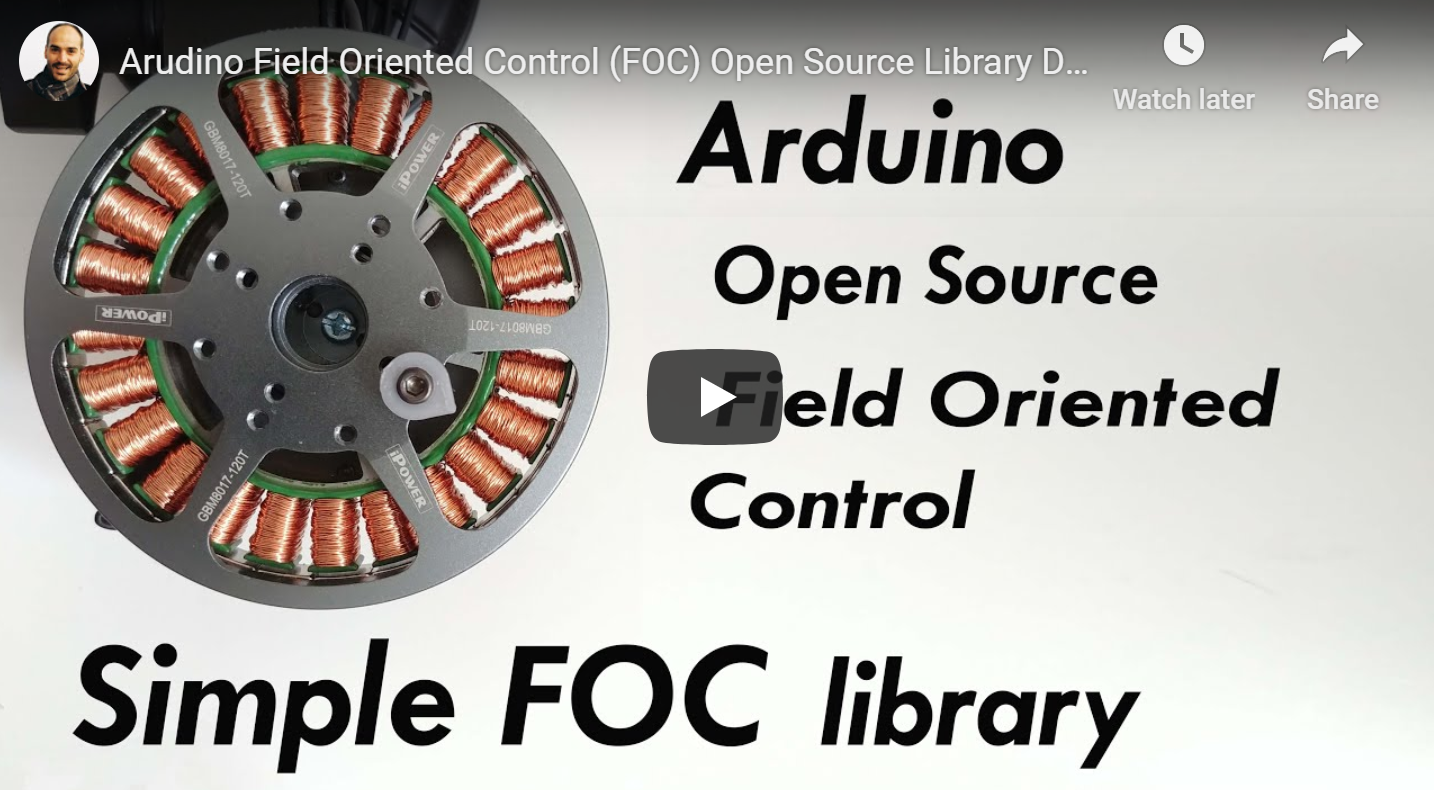
based on the Arduino IDE and PlatformIO [](https://github.com/simplefoc/Arduino-FOC/actions/workflows/arduino.yml) [](https://github.com/simplefoc/Arduino-FOC/actions/workflows/stm32.yml) [](https://github.com/simplefoc/Arduino-FOC/actions/workflows/esp32.yml) [](https://github.com/simplefoc/Arduino-FOC/actions/workflows/rpi.yml) [](https://github.com/simplefoc/Arduino-FOC/actions/workflows/samd.yml) [](https://github.com/simplefoc/Arduino-FOC/actions/workflows/teensy.yml) [](https://github.com/simplefoc/Arduino-FOC/actions/workflows/arduino_mbed.yml)     [](https://www.ardu-badge.com/badge/Simple%20FOC.svg) [](https://registry.platformio.org/libraries/askuric/Simple%20FOC) [](https://opensource.org/licenses/MIT) [](https://joss.theoj.org/papers/4382445f249e064e9f0a7f6c1bb06b1d) - 🎯 Demystify FOC algorithm and make a robust but simple Arduino library: [Arduino SimpleFOClibrary](https://docs.simplefoc.com/arduino_simplefoc_library_showcase) - Support as many motor + sensor + driver + mcu combinations out there - Make transitioning from one hardware combination to another as seamless as possible - 🎯 Develop modular and easy to use FOC supporting driver boards - For official driver boards see [SimpleFOCBoards](https://docs.simplefoc.com/boards) - Many many more boards developed by the community members, see [SimpleFOC Community](https://community.simplefoc.com/) ## Arduino *SimpleFOClibrary*  This video is a bit outdated but it demonstrates the *Simple**FOC**library* basic usage, electronic connections and shows its capabilities. ### Features - **Easy install**: - Arduino IDE: Arduino Library Manager integration - PlatformIO - **Open-Source**: Full code and documentation available on github - **Goal**: - Support as many [sensor](https://docs.simplefoc.com/position_sensors) + [motor](https://docs.simplefoc.com/motors) + [driver](https://docs.simplefoc.com/drivers) + [current sense](https://docs.simplefoc.com/current_sense) combinations as possible - Make transitioning from one hardware combination to another as seamless as possible - Provide up-to-date and in-depth documentation with API references and examples - **Easy to setup and configure**: - Easy hardware configuration - Each hardware component is a C++ object (easy to understand) - Easy [tuning the control loops](https://docs.simplefoc.com/motion_control) - Advanced control features: velocity and current feed-forward, improved velocity calculation - [*Simple**FOC**Studio*](https://docs.simplefoc.com/studio) configuration GUI tool for real-time tuning and monitoring - Built-in communication and monitoring via Serial, I2C, or custom protocols - **Cross-platform**: - Seamless code transfer from one microcontroller family to another - Supports multiple [MCU architectures](https://docs.simplefoc.commicrocontrollers): - Arduino: UNO R4, UNO, MEGA, DUE, Leonardo, Nano, Nano33, MKR .... - STM32 (Nucleo, Bluepill, B-G431B-ESC1, H7 family, etc.) - ESP32 (ESP32, ESP32-S2, ESP32-S3, ESP32-C3, ESP32-C6) - Teensy (3.x, 4.x) - RP2040/RP2350 (Raspberry Pi Pico) - SAMD (Arduino Zero, MKR boards) - MBED (Portenta, Nano 33 BLE) - Silabs - many more ... ## Documentation Full API code documentation as well as example projects and step by step guides can be found on our [docs website](https://docs.simplefoc.com/).  ## Getting Started Depending on if you want to use this library as the plug and play Arduino library or you want to get insight in the algorithm and make changes there are two ways to install this code. - Full library installation [Docs](https://docs.simplefoc.com/library_download) - PlatformIO [Docs](https://docs.simplefoc.com/library_platformio) ### Arduino *SimpleFOClibrary* installation to Arduino IDE #### Arduino Library Manager The simplest way to get hold of the library is directly by using Arduino IDE and its integrated Library Manager. - Open Arduino IDE and start Arduino Library Manager by clicking: `Tools > Manage Libraries...`. - Search for `Simple FOC` library and install the latest version. - Reopen Arduino IDE and you should have the library examples in `File > Examples > Simple FOC`. #### Using Github website - Go to the [github repository](https://github.com/simplefoc/Arduino-FOC) - Click first on `Clone or Download > Download ZIP`. - Unzip it and place it in `Arduino Libraries` folder. Windows: `Documents > Arduino > libraries`. - Reopen Arduino IDE and you should have the library examples in `File > Examples > Simple FOC`. #### Using terminal - Open terminal and run cd #Arduino libraries folder git clone https://github.com/simplefoc/Arduino-FOC.git - Reopen Arduino IDE and you should have the library examples in `File > Examples > Simple FOC`. ### Github Issues & Pull requests Please do not hesitate to leave an issue if you have problems/advices/suggestions regarding the code! If you are familiar, we accept pull requests to the dev branch! ## Arduino code example This is a simple Arduino code example implementing the velocity control program of a BLDC motor with encoder. NOTE: This program uses all the default control parameters. #include











// BLDCMotor( pole_pairs )
BLDCMotor motor = BLDCMotor(11);
// BLDCDriver( pin_pwmA, pin_pwmB, pin_pwmC, enable (optional) )
BLDCDriver3PWM driver = BLDCDriver3PWM(9, 10, 11, 8);
// Encoder(pin_A, pin_B, CPR)
Encoder encoder = Encoder(2, 3, 2048);
// channel A and B callbacks
void doA(){encoder.handleA();}
void doB(){encoder.handleB();}
void setup() {
// initialize encoder hardware
encoder.init();
// hardware interrupt enable
encoder.enableInterrupts(doA, doB);
// link the motor to the sensor
motor.linkSensor(&encoder);
// power supply voltage [V]
driver.voltage_power_supply = 12;
// initialise driver hardware
driver.init();
// link driver
motor.linkDriver(&driver);
// set control loop type to be used
motor.controller = MotionControlType::velocity;
// initialize motor
motor.init();
// align encoder and start FOC
motor.initFOC();
}
void loop() {
// FOC algorithm function
motor.loopFOC();
// velocity control loop function
// setting the target velocity or 2rad/s
motor.move(2);
}
You can find more details in the [SimpleFOC documentation](https://docs.simplefoc.com/).
## Example projects
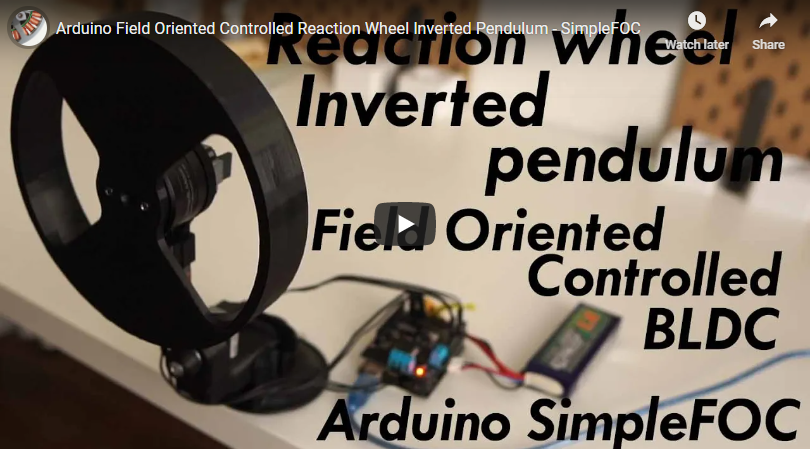
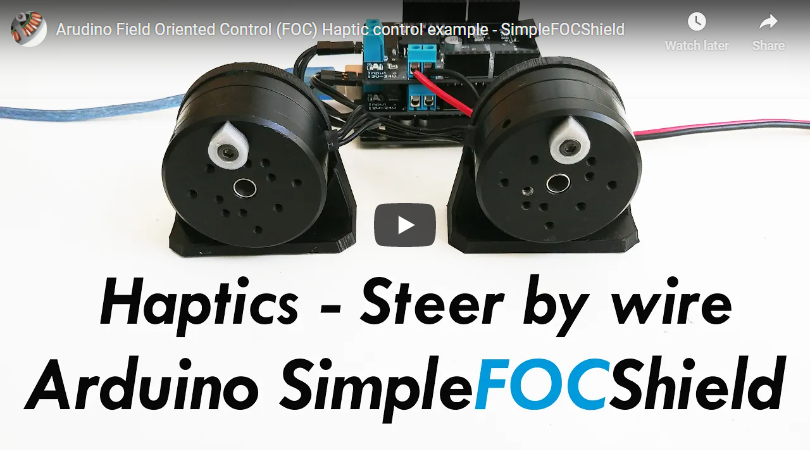
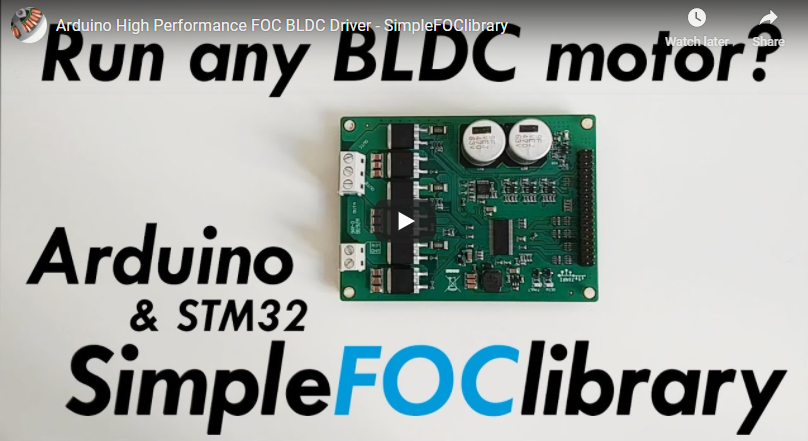
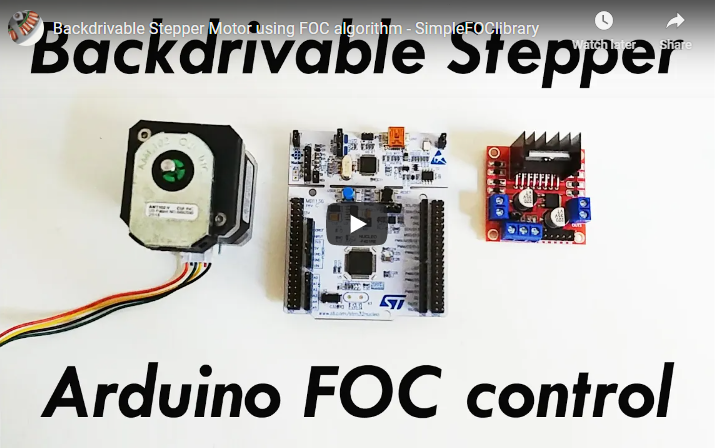
Here are some of the *Simple**FOC**library* and *Simple**FOC**Shield* application examples.
## Citing the *SimpleFOC*
We are very happy that *Simple**FOC**library* has been used as a component of several research project and has made its way to several scientific papers. We are hoping that this trend is going to continue as the project matures and becomes more robust!
A short resume paper about *Simple**FOC*** has been published in the Journal of Open Source Software:
### A Cross-Platform FOC implementation for BLDC and Stepper motors
based on the Arduino IDE and PlatformIO [](https://github.com/simplefoc/Arduino-FOC/actions/workflows/arduino.yml) [](https://github.com/simplefoc/Arduino-FOC/actions/workflows/stm32.yml) [](https://github.com/simplefoc/Arduino-FOC/actions/workflows/esp32.yml) [](https://github.com/simplefoc/Arduino-FOC/actions/workflows/rpi.yml) [](https://github.com/simplefoc/Arduino-FOC/actions/workflows/samd.yml) [](https://github.com/simplefoc/Arduino-FOC/actions/workflows/teensy.yml) [](https://github.com/simplefoc/Arduino-FOC/actions/workflows/arduino_mbed.yml)     [](https://www.ardu-badge.com/badge/Simple%20FOC.svg) [](https://registry.platformio.org/libraries/askuric/Simple%20FOC) [](https://opensource.org/licenses/MIT) [](https://joss.theoj.org/papers/4382445f249e064e9f0a7f6c1bb06b1d) - 🎯 Demystify FOC algorithm and make a robust but simple Arduino library: [Arduino SimpleFOClibrary](https://docs.simplefoc.com/arduino_simplefoc_library_showcase) - Support as many motor + sensor + driver + mcu combinations out there - Make transitioning from one hardware combination to another as seamless as possible - 🎯 Develop modular and easy to use FOC supporting driver boards - For official driver boards see [SimpleFOCBoards](https://docs.simplefoc.com/boards) - Many many more boards developed by the community members, see [SimpleFOC Community](https://community.simplefoc.com/) ## Arduino *SimpleFOClibrary*  This video is a bit outdated but it demonstrates the *Simple**FOC**library* basic usage, electronic connections and shows its capabilities. ### Features - **Easy install**: - Arduino IDE: Arduino Library Manager integration - PlatformIO - **Open-Source**: Full code and documentation available on github - **Goal**: - Support as many [sensor](https://docs.simplefoc.com/position_sensors) + [motor](https://docs.simplefoc.com/motors) + [driver](https://docs.simplefoc.com/drivers) + [current sense](https://docs.simplefoc.com/current_sense) combinations as possible - Make transitioning from one hardware combination to another as seamless as possible - Provide up-to-date and in-depth documentation with API references and examples - **Easy to setup and configure**: - Easy hardware configuration - Each hardware component is a C++ object (easy to understand) - Easy [tuning the control loops](https://docs.simplefoc.com/motion_control) - Advanced control features: velocity and current feed-forward, improved velocity calculation - [*Simple**FOC**Studio*](https://docs.simplefoc.com/studio) configuration GUI tool for real-time tuning and monitoring - Built-in communication and monitoring via Serial, I2C, or custom protocols - **Cross-platform**: - Seamless code transfer from one microcontroller family to another - Supports multiple [MCU architectures](https://docs.simplefoc.commicrocontrollers): - Arduino: UNO R4, UNO, MEGA, DUE, Leonardo, Nano, Nano33, MKR .... - STM32 (Nucleo, Bluepill, B-G431B-ESC1, H7 family, etc.) - ESP32 (ESP32, ESP32-S2, ESP32-S3, ESP32-C3, ESP32-C6) - Teensy (3.x, 4.x) - RP2040/RP2350 (Raspberry Pi Pico) - SAMD (Arduino Zero, MKR boards) - MBED (Portenta, Nano 33 BLE) - Silabs - many more ... ## Documentation Full API code documentation as well as example projects and step by step guides can be found on our [docs website](https://docs.simplefoc.com/).  ## Getting Started Depending on if you want to use this library as the plug and play Arduino library or you want to get insight in the algorithm and make changes there are two ways to install this code. - Full library installation [Docs](https://docs.simplefoc.com/library_download) - PlatformIO [Docs](https://docs.simplefoc.com/library_platformio) ### Arduino *SimpleFOClibrary* installation to Arduino IDE #### Arduino Library Manager The simplest way to get hold of the library is directly by using Arduino IDE and its integrated Library Manager. - Open Arduino IDE and start Arduino Library Manager by clicking: `Tools > Manage Libraries...`. - Search for `Simple FOC` library and install the latest version. - Reopen Arduino IDE and you should have the library examples in `File > Examples > Simple FOC`. #### Using Github website - Go to the [github repository](https://github.com/simplefoc/Arduino-FOC) - Click first on `Clone or Download > Download ZIP`. - Unzip it and place it in `Arduino Libraries` folder. Windows: `Documents > Arduino > libraries`. - Reopen Arduino IDE and you should have the library examples in `File > Examples > Simple FOC`. #### Using terminal - Open terminal and run cd #Arduino libraries folder git clone https://github.com/simplefoc/Arduino-FOC.git - Reopen Arduino IDE and you should have the library examples in `File > Examples > Simple FOC`. ### Github Issues & Pull requests Please do not hesitate to leave an issue if you have problems/advices/suggestions regarding the code! If you are familiar, we accept pull requests to the dev branch! ## Arduino code example This is a simple Arduino code example implementing the velocity control program of a BLDC motor with encoder. NOTE: This program uses all the default control parameters. #include











SimpleFOC: A Field Oriented Control (FOC) Library for Controlling Brushless Direct Current (BLDC) and Stepper Motors.
A. Skuric, HS. Bank, R. Unger, O. Williams, D. González-Reyes
Journal of Open Source Software, 7(74), 4232, https://doi.org/10.21105/joss.04232