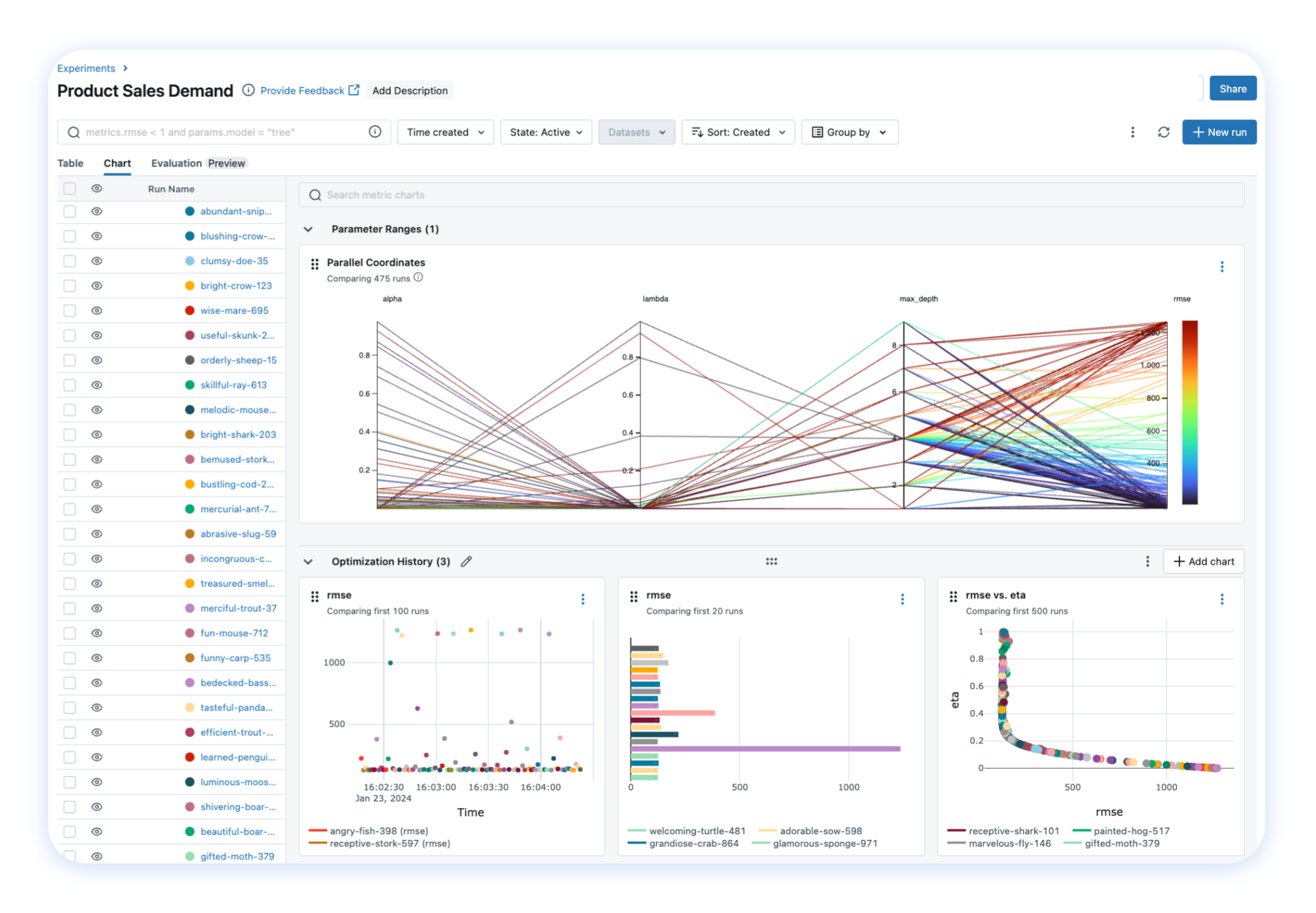
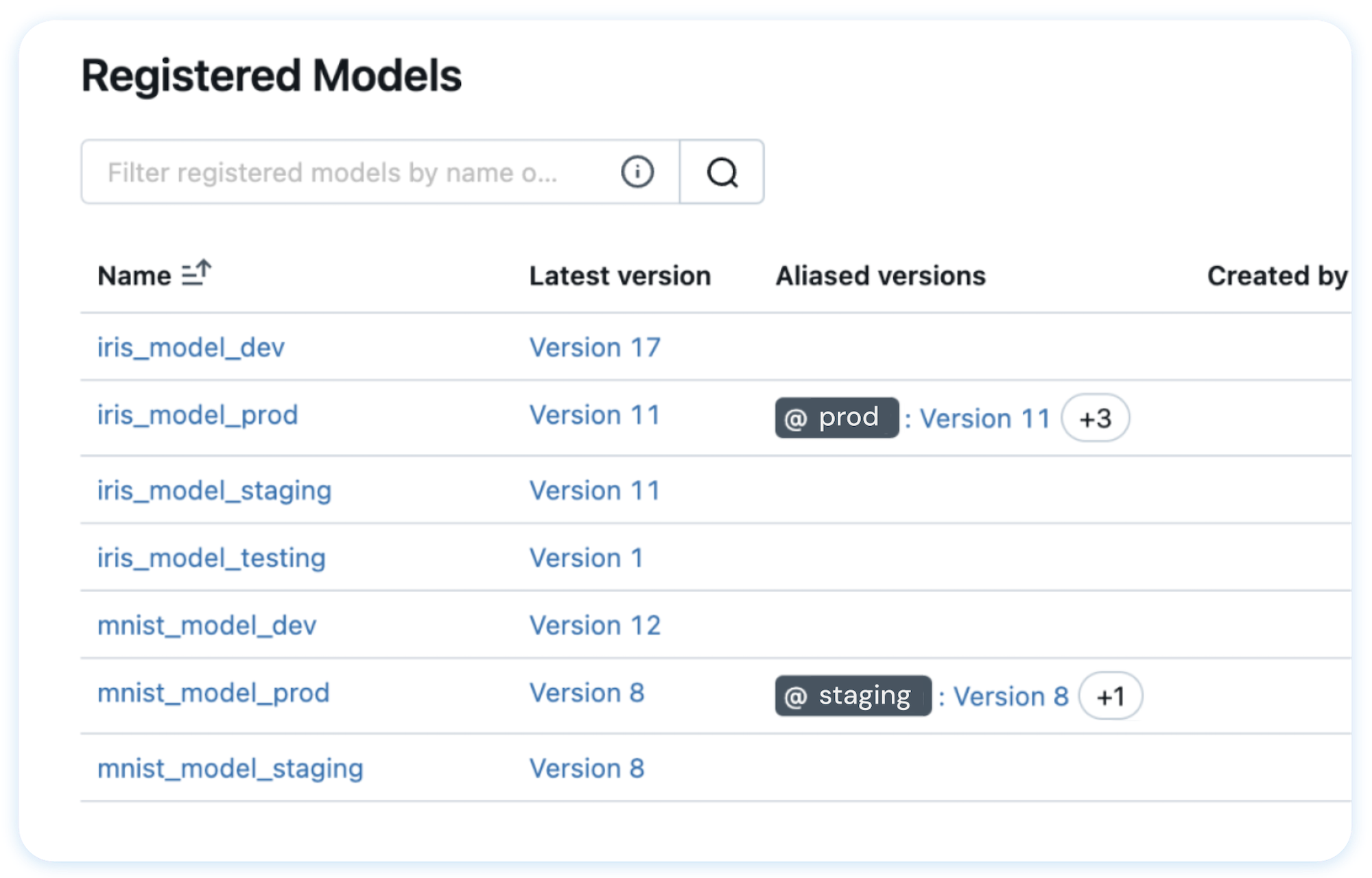
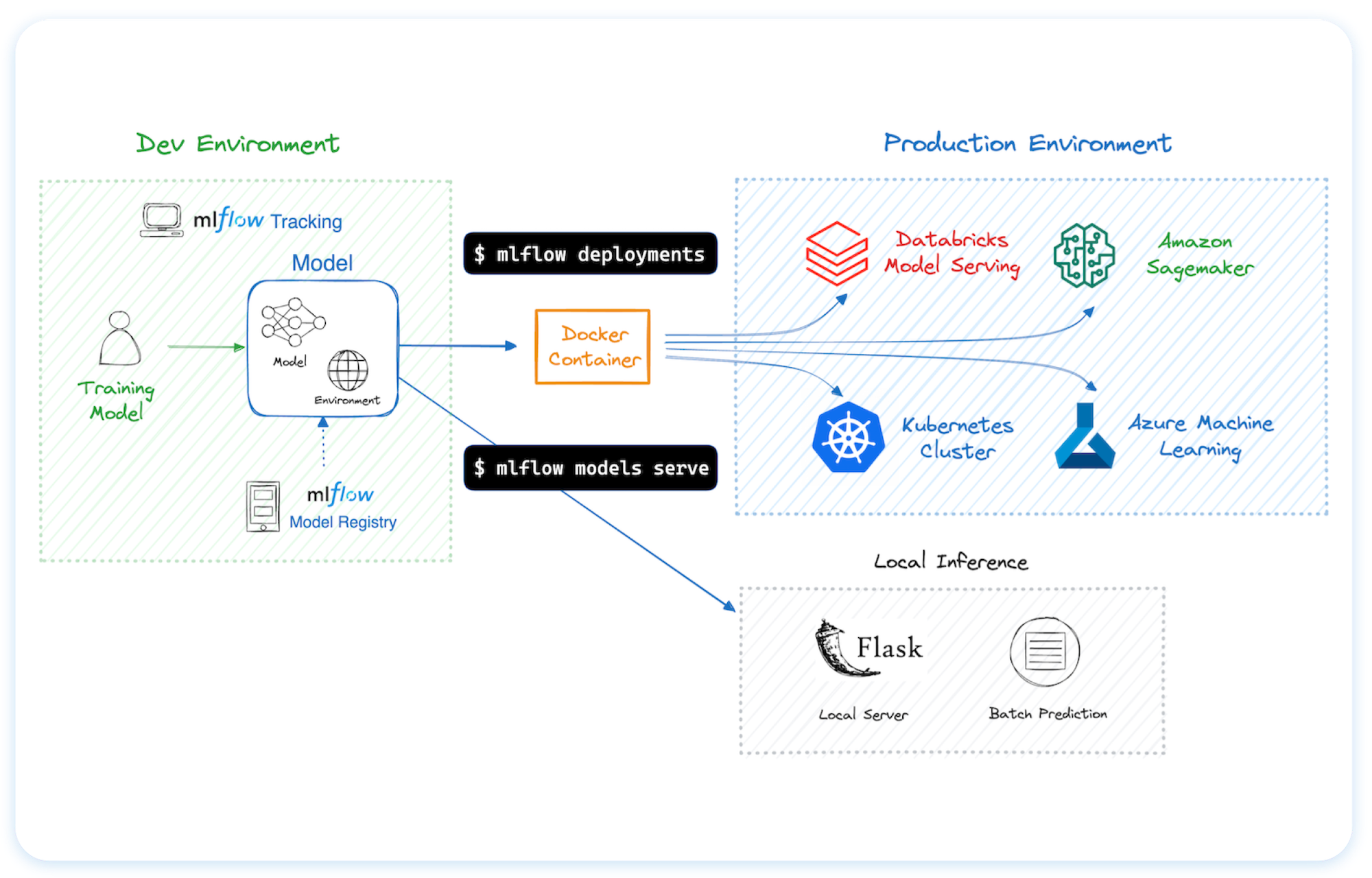
mlflow/mlflow
GitHub: mlflow/mlflow
开源 AI/ML 全生命周期管理平台,提供实验追踪、模型注册、LLM 可观测性与评估、一键部署等一体化能力。
Stars: 26540 | Forks: 5848

Open-Source Platform for Productionizing AI
MLflow 是一个开源开发者平台,旨在帮助您自信地构建 AI/LLM 应用程序和模型。通过集端到端的**实验跟踪 (experiment tracking)**、**可观测性 (observability)** 和**评估 (evaluations)** 于一体的集成平台,增强您的 AI 应用。
[](https://pypi.org/project/mlflow/)
[](https://pepy.tech/projects/mlflow)
[](https://github.com/mlflow/mlflow/blob/master/LICENSE.txt)


[](https://deepwiki.com/mlflow/mlflow)
## 🚀 安装说明
要安装 MLflow Python 包,请运行以下命令:
```
pip install mlflow
```
## 📦 核心组件
MLflow 是**唯一一个为您所有 AI/ML 需求提供统一解决方案的平台**,包括 LLM、Agents、深度学习 和传统机器学习。
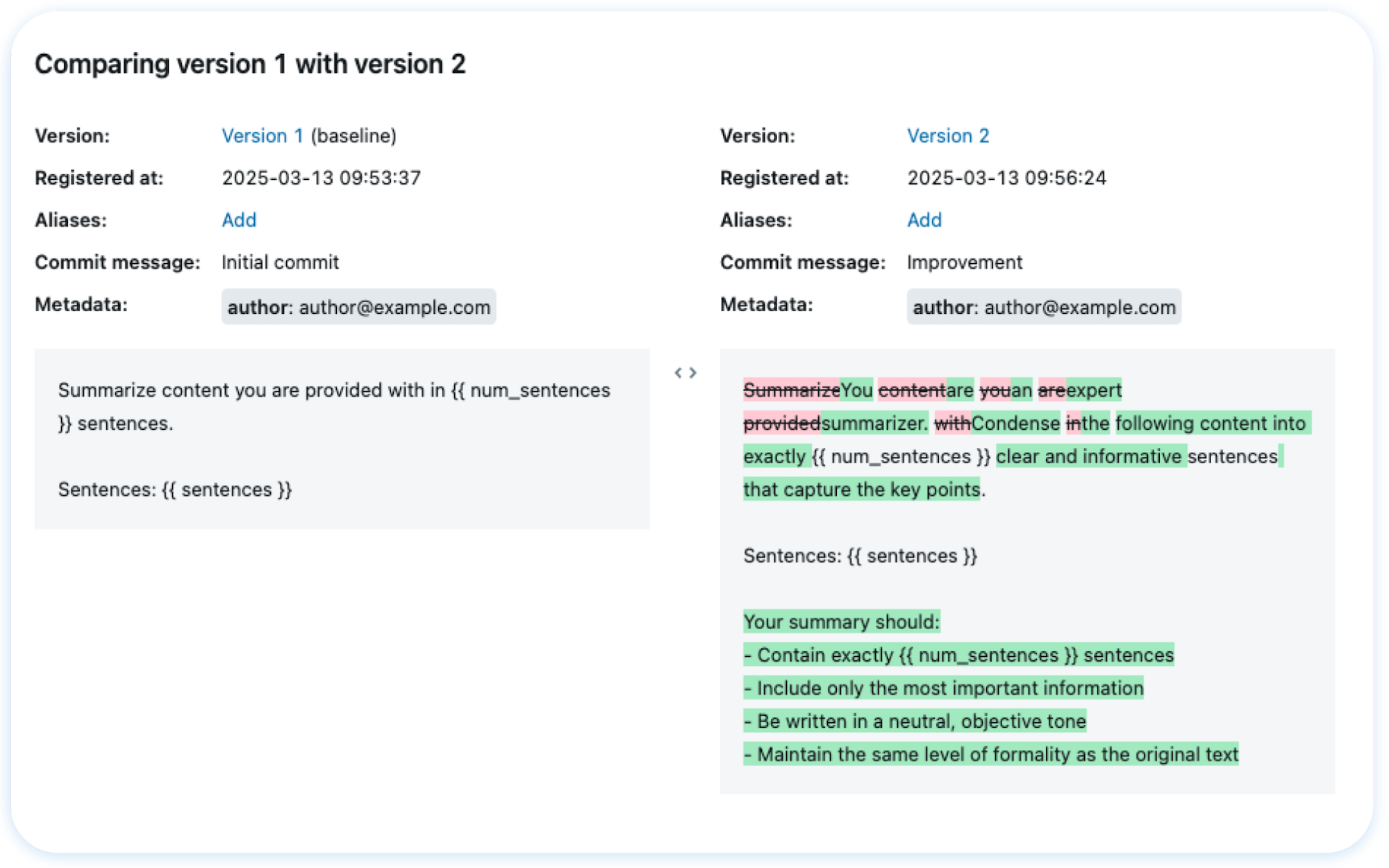
### 💡 面向 LLM / GenAI 开发者
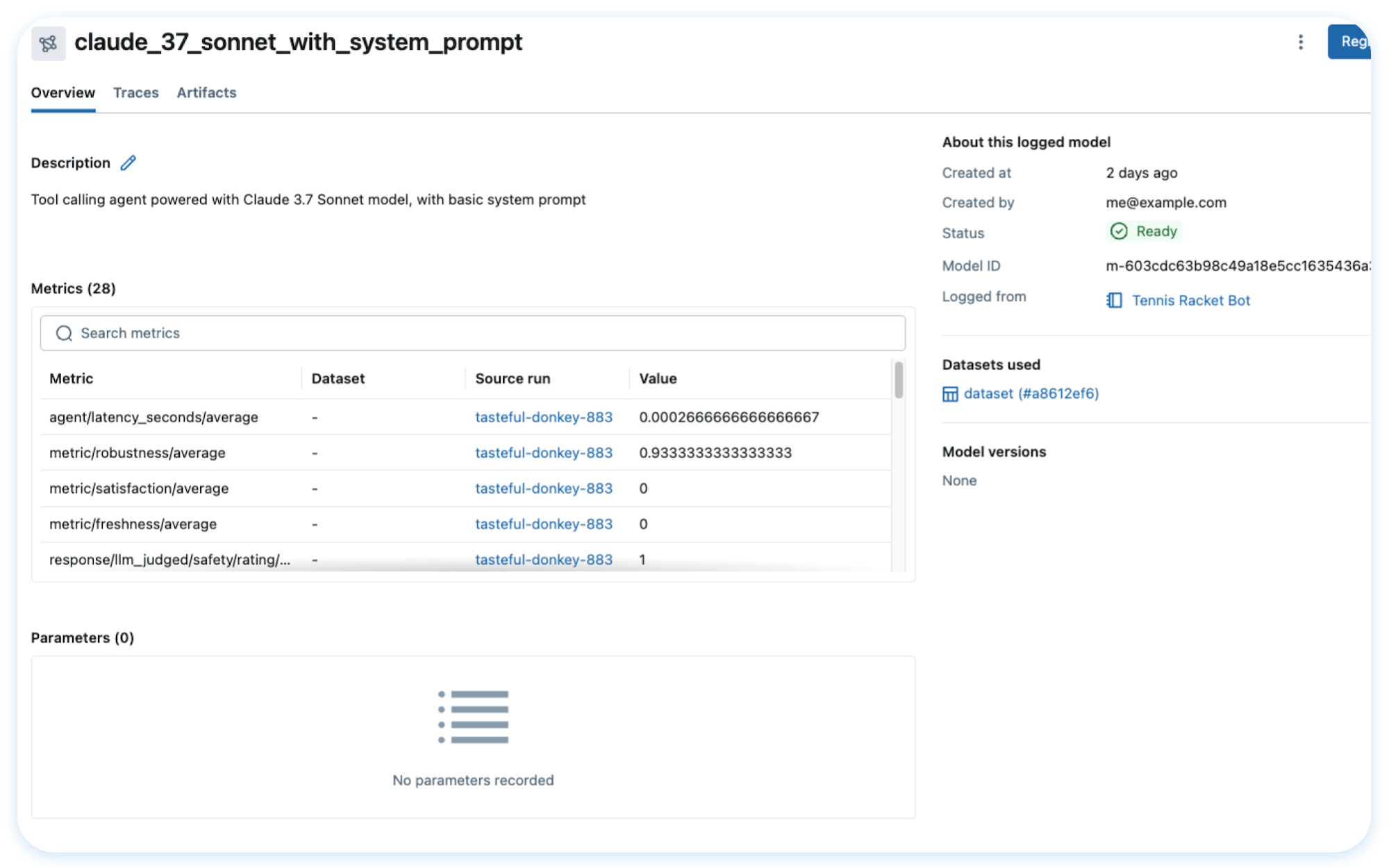
### 🎓 面向数据科学家
## 🌐 在任何地方托管 MLflow

您可以在多种不同的环境中运行 MLflow,包括本地机器、本地服务器和云基础设施。
MLflow 受到数千家组织的信赖,目前大多数主要云提供商都将其作为托管服务提供:
- [Amazon SageMaker](https://aws.amazon.com/sagemaker-ai/experiments/)
- [Azure ML](https://learn.microsoft.com/en-us/azure/machine-learning/concept-mlflow?view=azureml-api-2)
- [Databricks](https://www.databricks.com/product/managed-mlflow)
- [Nebius](https://nebius.com/services/managed-mlflow)
要在您自己的基础设施上托管 MLflow,请参阅[此指南](https://mlflow.org/docs/latest/ml/tracking/#tracking-setup)。
## 🗣️ 支持的编程语言
- [Python](https://pypi.org/project/mlflow/)
- [TypeScript / JavaScript](https://www.npmjs.com/package/mlflow-tracing)
- [Java](https://mvnrepository.com/artifact/org.mlflow/mlflow-client)
- [R](https://cran.r-project.org/web/packages/mlflow/readme/README.html)
## 🔗 集成
MLflow 与许多流行的机器学习框架和 GenAI 库原生集成。
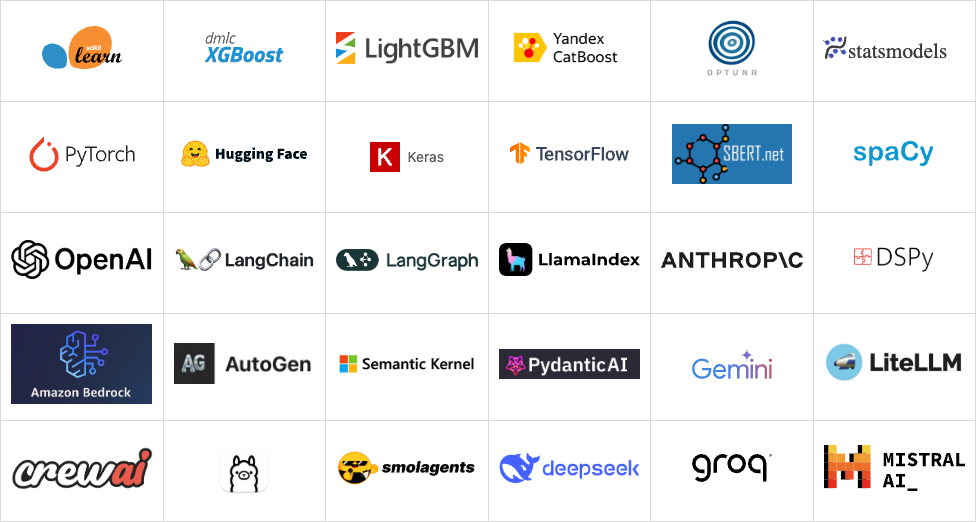
## 使用示例
### Tracing (可观测性) ([文档](https://mlflow.org/docs/latest/llms/tracing/index.html))
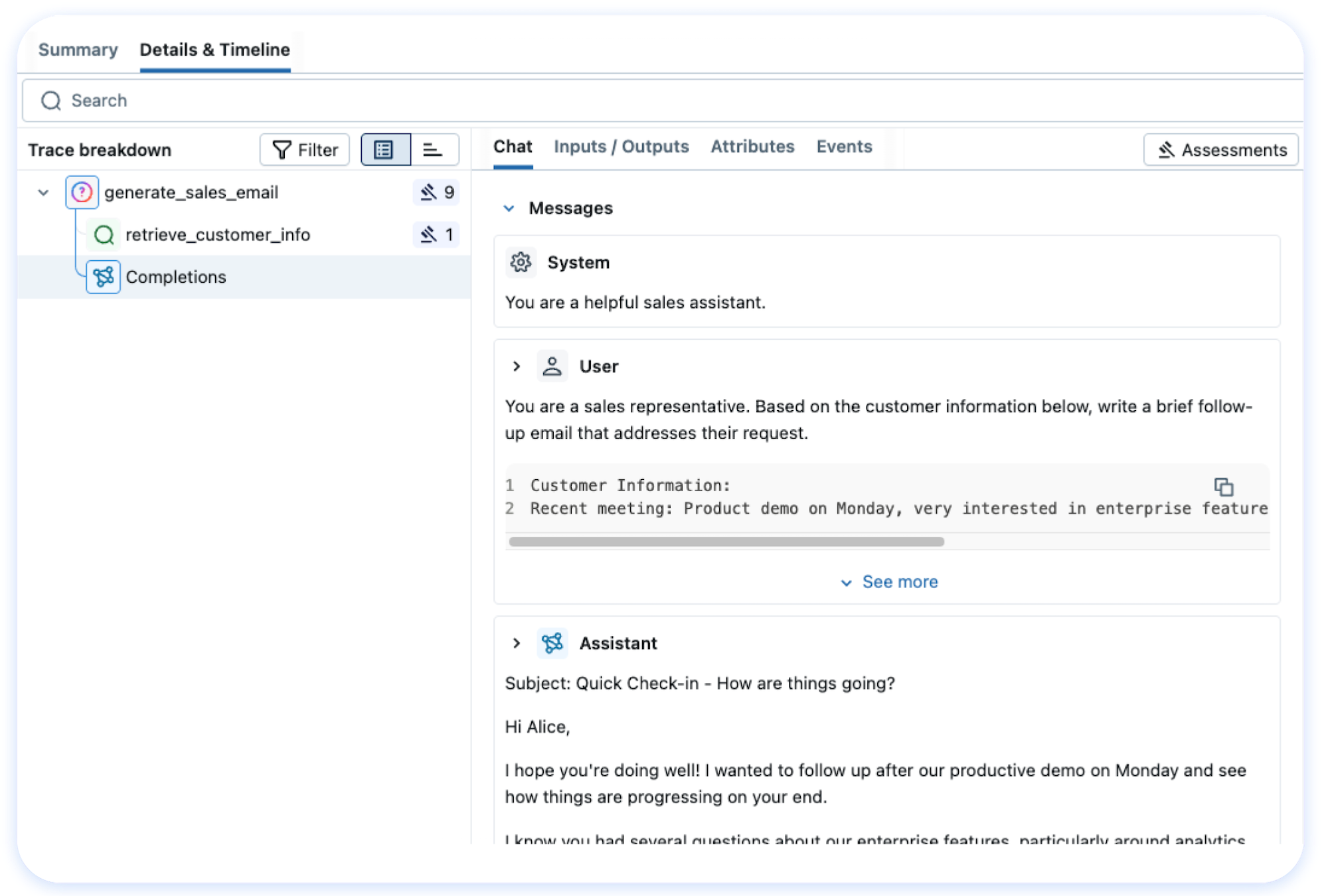
MLflow Tracing 为各种 GenAI 库(如 OpenAI、LangChain、LlamaIndex、DSPy、AutoGen 等)提供 LLM 可观测性。要在运行模型之前启用自动追踪,请调用 `mlflow.xyz.autolog()`。有关自定义和手动检测,请参阅文档。
```
import mlflow
from openai import OpenAI
# 为 OpenAI 启用追踪
mlflow.openai.autolog()
# 正常查询 OpenAI LLM
response = OpenAI().chat.completions.create(
model="gpt-4o-mini",
messages=[{"role": "user", "content": "Hi!"}],
temperature=0.1,
)
```
然后导航到 MLflow UI 中的 "Traces" 选项卡,查找 OpenAI 查询的追踪记录。
### 评估 LLM、Prompts 和 Agents ([文档](https://mlflow.org/docs/latest/genai/eval-monitor/index.html))
以下示例使用几个内置指标对问答任务运行自动评估。
```
import os
import openai
import mlflow
from mlflow.genai.scorers import Correctness, Guidelines
client = openai.OpenAI(api_key=os.getenv("OPENAI_API_KEY"))
# 1. 定义简单的 QA 数据集
dataset = [
{
"inputs": {"question": "Can MLflow manage prompts?"},
"expectations": {"expected_response": "Yes!"},
},
{
"inputs": {"question": "Can MLflow create a taco for my lunch?"},
"expectations": {
"expected_response": "No, unfortunately, MLflow is not a taco maker."
},
},
]
# 2. 定义预测函数以生成响应
def predict_fn(question: str) -> str:
response = client.chat.completions.create(
model="gpt-4o-mini", messages=[{"role": "user", "content": question}]
)
return response.choices[0].message.content
# 3. 运行评估
results = mlflow.genai.evaluate(
data=dataset,
predict_fn=predict_fn,
scorers=[
# Built-in LLM judge
Correctness(),
# Custom criteria using LLM judge
Guidelines(name="is_english", guidelines="The answer must be in English"),
],
)
```
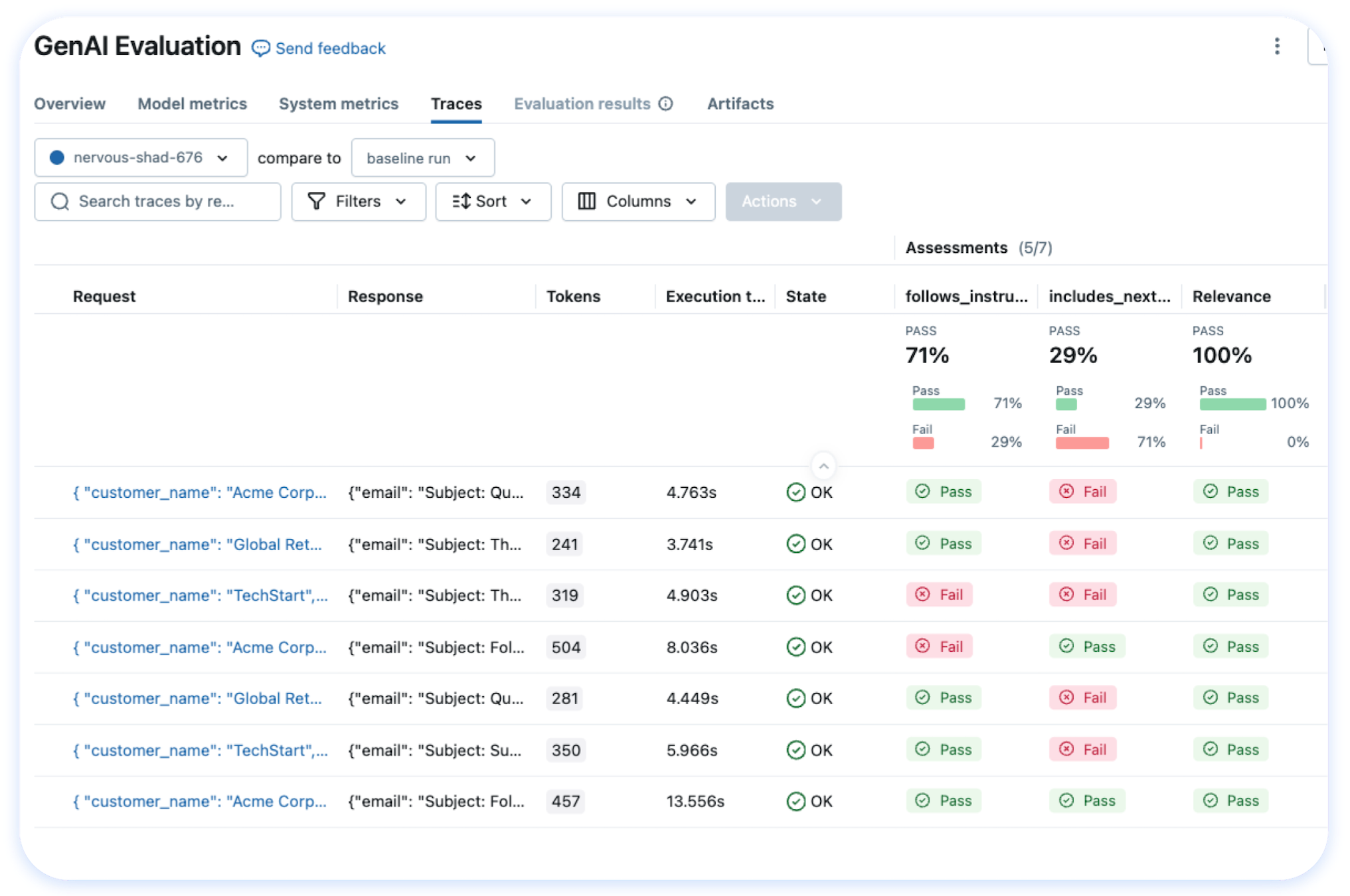
导航到 MLflow UI 中的 "Evaluations" 选项卡以查看评估结果。
### 跟踪模型训练 ([文档](https://mlflow.org/docs/latest/ml/tracking/))
以下示例使用 scikit-learn 训练一个简单的回归模型,同时启用 MLflow 的 [autologging](https://mlflow.org/docs/latest/tracking/autolog.html) 功能进行实验跟踪。
```
import mlflow
from sklearn.model_selection import train_test_split
from sklearn.datasets import load_diabetes
from sklearn.ensemble import RandomForestRegressor
# 为 scikit-learn 启用 MLflow 自动实验追踪
mlflow.sklearn.autolog()
# 加载训练数据集
db = load_diabetes()
X_train, X_test, y_train, y_test = train_test_split(db.data, db.target)
rf = RandomForestRegressor(n_estimators=100, max_depth=6, max_features=3)
# 模型拟合时 MLflow 自动触发日志记录
rf.fit(X_train, y_train)
```
上述代码完成后,在单独的终端中运行以下命令,并通过打印出的 URL 访问 MLflow UI。系统应自动创建一个 MLflow **Run**,用于跟踪训练数据集、超参数、性能指标、训练好的模型、依赖项等更多信息。
```
mlflow server
```
## 💭 支持
- 如需关于 MLflow 使用的帮助或问题(例如“我该如何做 X?”),请访问[文档](https://mlflow.org/docs/latest)。
- 在文档中,您可以向我们的 AI 聊天机器人提问。点击右下角的 **"Ask AI"** 按钮。
- 参加诸如办公时间 (office hours) 和聚会 (meetups) 等[虚拟活动](https://lu.ma/mlflow?k=c)。
- 如需报告错误、提交文档问题或功能请求,请[提交 GitHub issue](https://github.com/mlflow/mlflow/issues/new/choose)。
- 如需发布声明和其他讨论,请订阅我们的邮件列表 (mlflow-users@googlegroups.com)
或加入我们的 [Slack](https://mlflow.org/slack)。
## ✏️ 引用
如果您在研究中使用 MLflow,请使用 [GitHub 仓库页面](https://github.com/mlflow/mlflow) 顶部的 "Cite this repository" 按钮进行引用,该按钮将为您提供包括 APA 和 BibTeX 在内的引用格式。
## 👥 核心成员
MLflow 目前由以下核心成员维护,并得到了数百名才华横溢的社区成员的巨大贡献。
- [Ben Wilson](https://github.com/BenWilson2)
- [Corey Zumar](https://github.com/dbczumar)
- [Daniel Lok](https://github.com/daniellok-db)
- [Gabriel Fu](https://github.com/gabrielfu)
- [Harutaka Kawamura](https://github.com/harupy)
- [Joel Robin P](https://github.com/joelrobin18)
- [Matt Prahl](https://github.com/mprahl)
- [Pat Sukprasert](https://github.com/PattaraS)
- [Serena Ruan](https://github.com/serena-ruan)
- [Tomu Hirata](https://github.com/TomeHirata)
- [Weichen Xu](https://github.com/WeichenXu123)
- [Yuki Watanabe](https://github.com/B-Step62)
标签:Apex, API集成, GenAI, JS文件枚举, LLM, LLMOps, MLOps, Python, PyTorch, RAG评估, TensorFlow, Unmanaged PE, 人工智能, 可观测性, 子域名突变, 实验跟踪, 开发者平台, 开源, 提示词工程, 数据科学, 无后门, 机器学习, 模型注册表, 模型管理, 模型评估, 模型部署, 深度学习, 生命周期管理, 用户模式Hook绕过, 策略决策点, 请求拦截, 资源验证, 逆向工具