hunjanhar/the-daily-scribble-app
GitHub: hunjanhar/the-daily-scribble-app
一个内置完整 DevSecOps 流水线的全栈博客平台,演示从 Terraform 基础设施配置到 GitOps 自动化部署及多阶段安全扫描的端到端实践。
Stars: 0 | Forks: 0
# The Daily Scribble
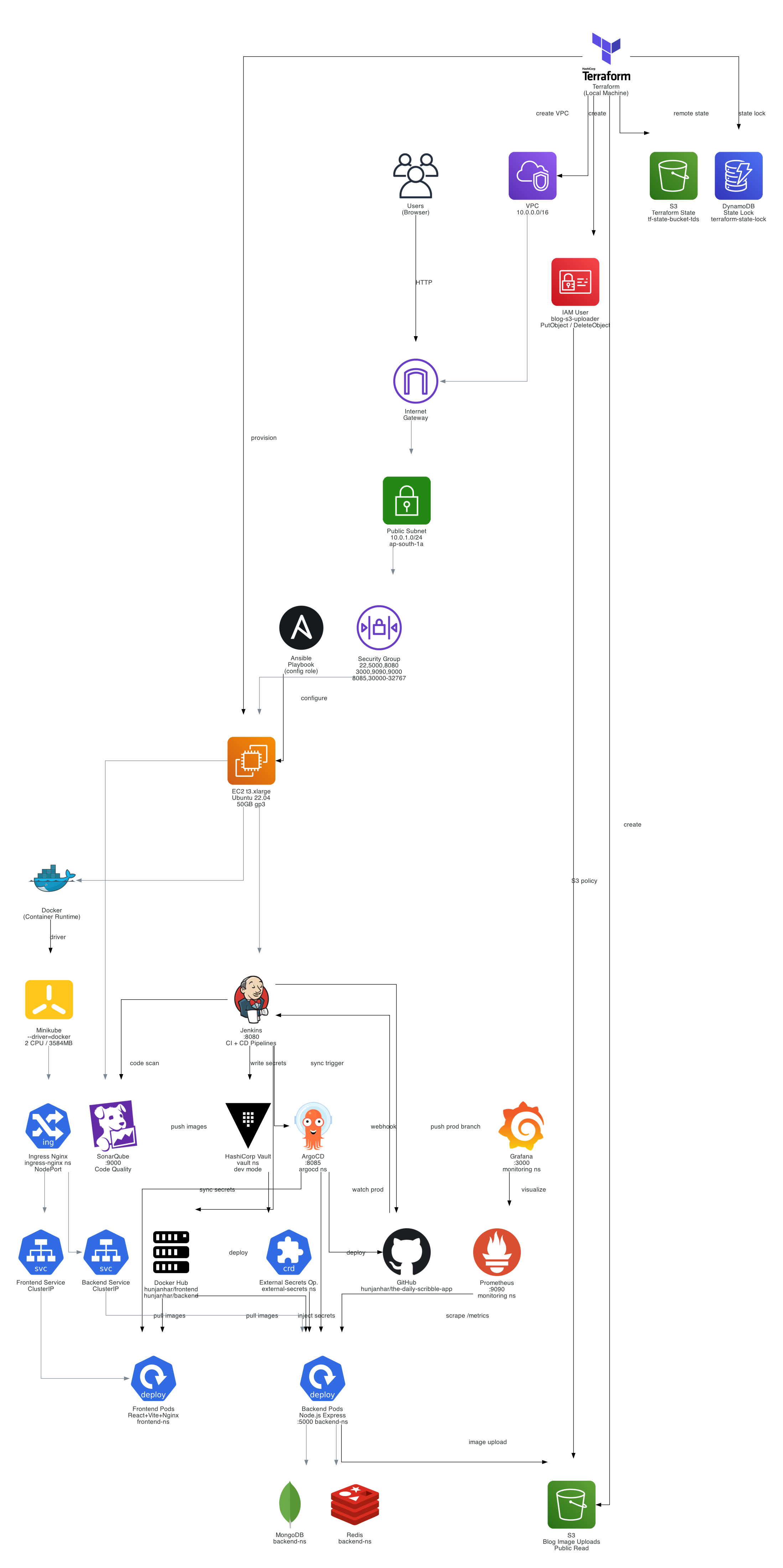
一个全栈博客平台,包含完整的 DevSecOps pipeline —— 从使用 Terraform 和 Ansible 进行基础设施配置,到在运行于 AWS EC2 内的 Minikube 上进行基于 GitOps 的部署。
## 项目概述
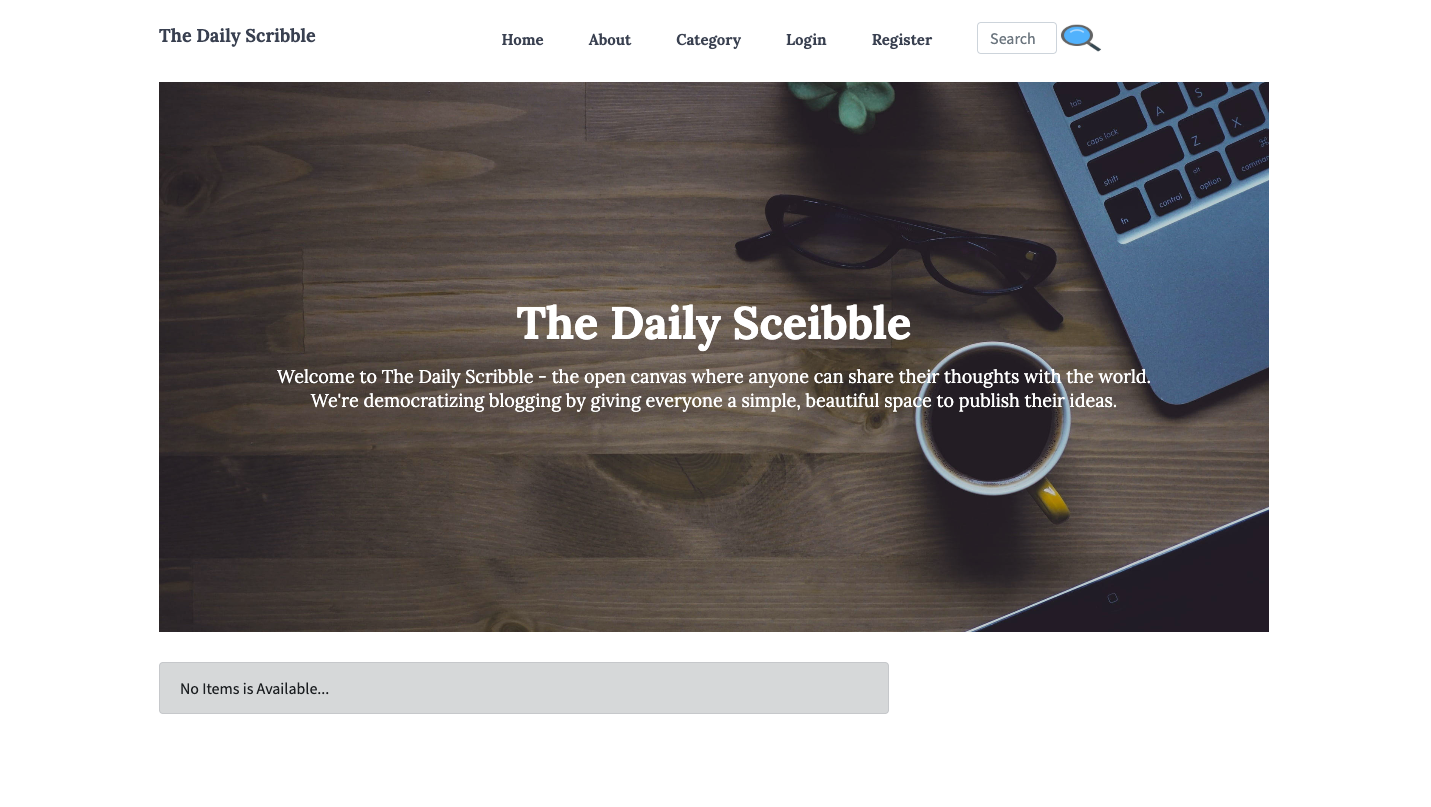
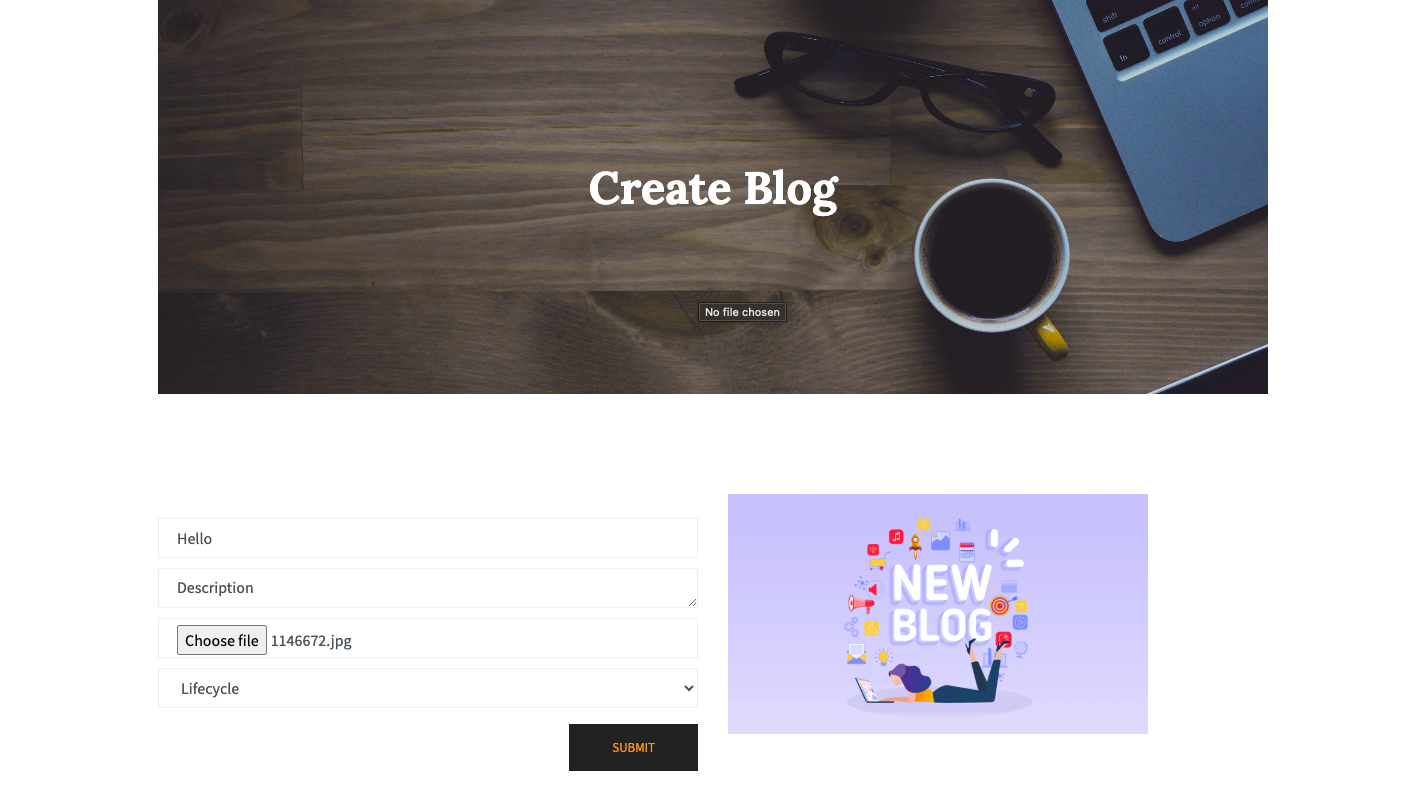
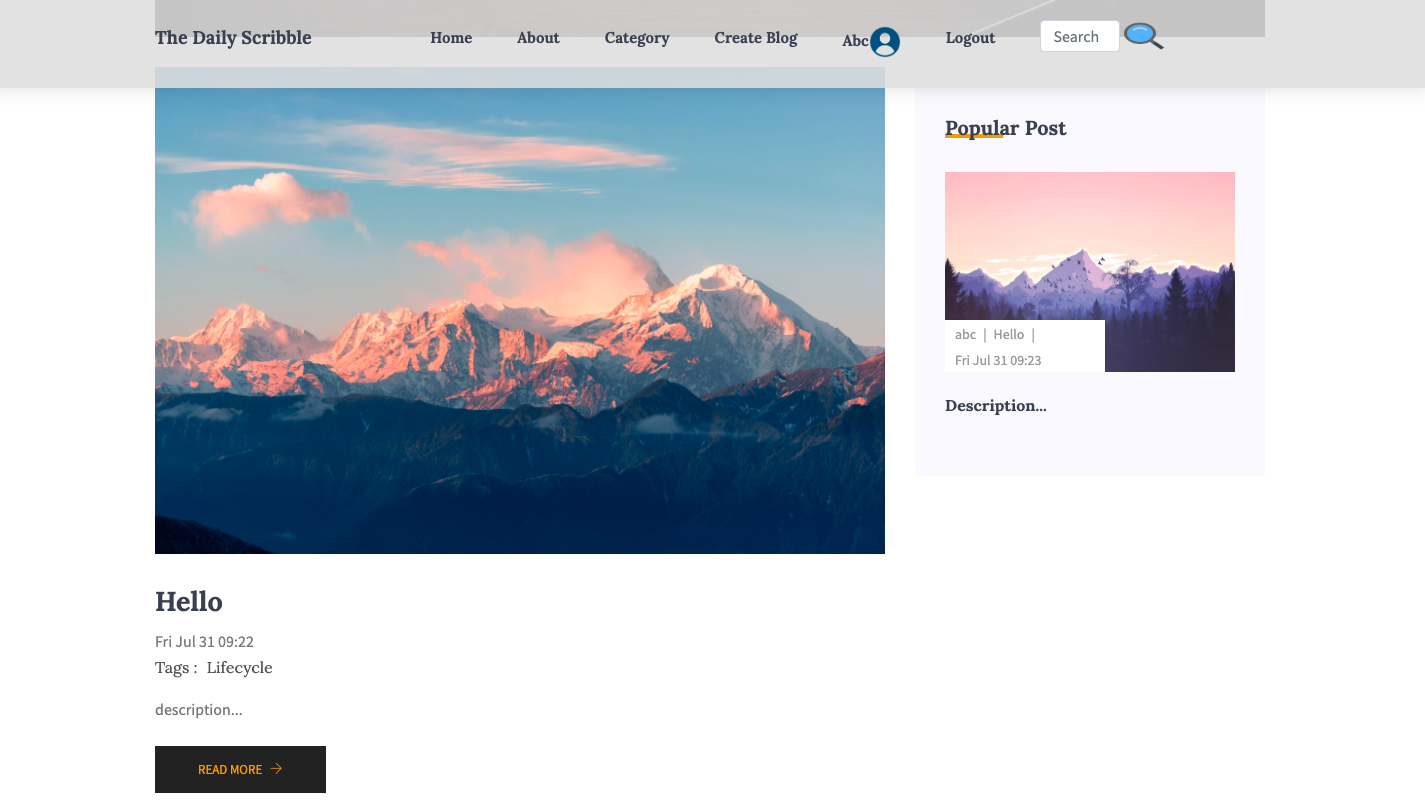
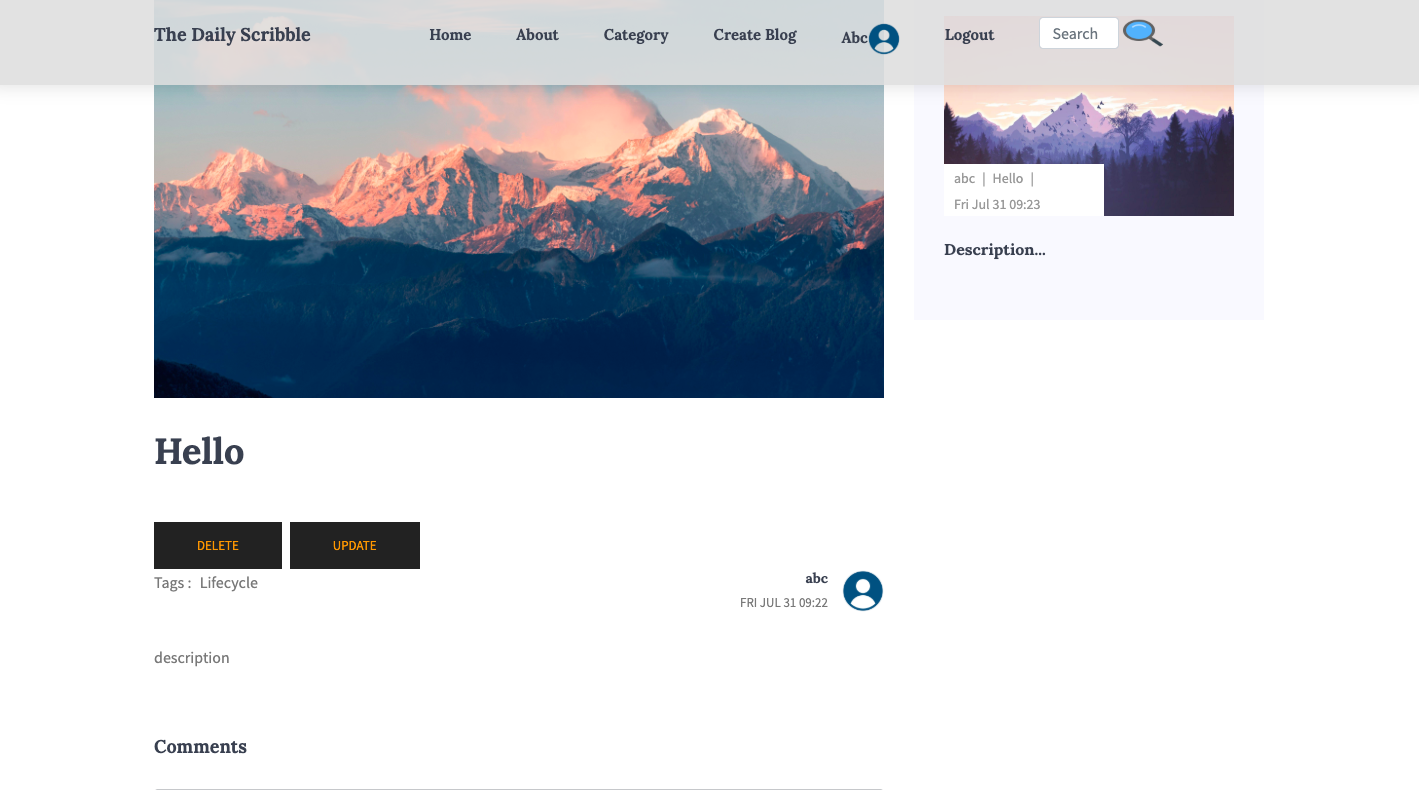
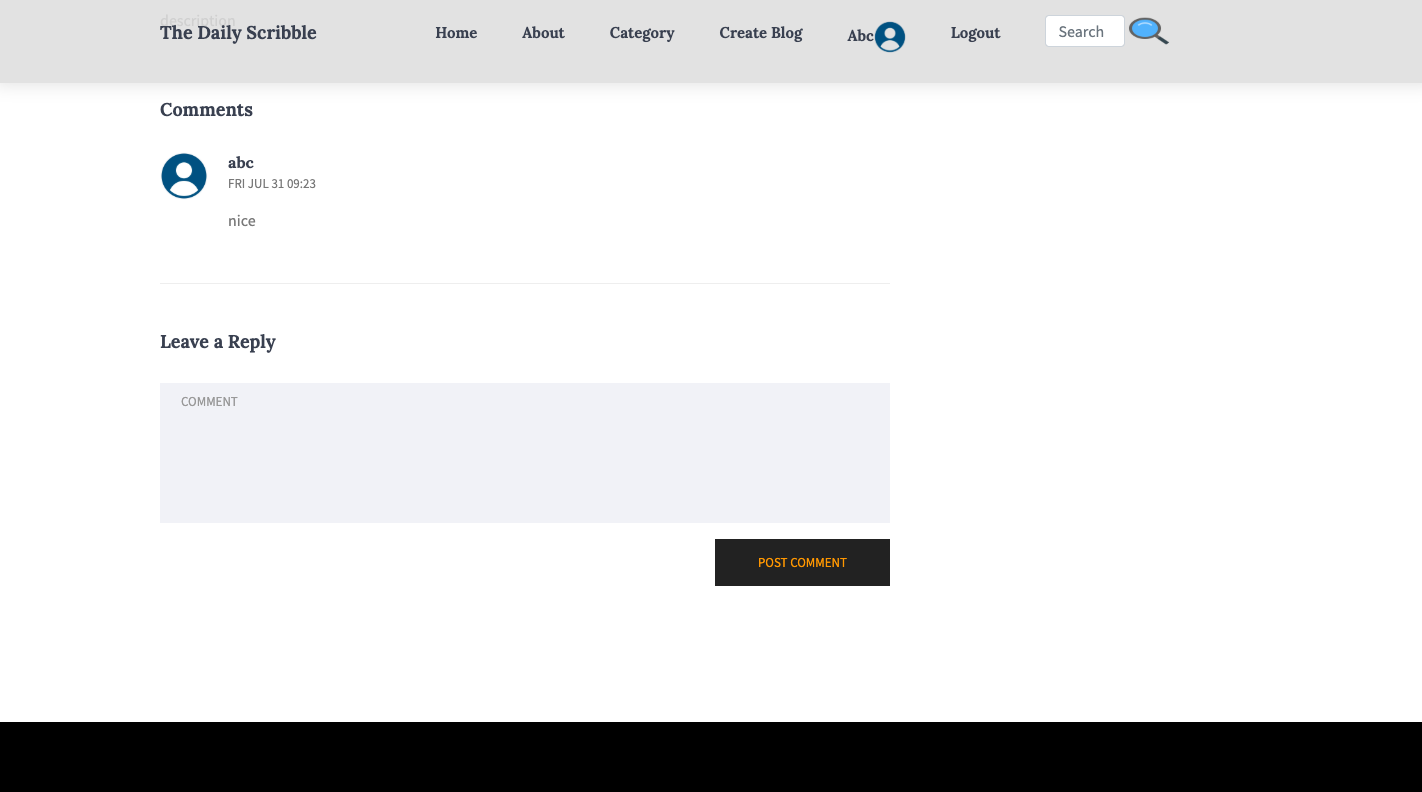
The Daily Scribble 是一个博客应用程序,用户可以在其中阅读和发布带有图片上传的帖子。该项目作为 DevSecOps 的展示而构建,演示了端到端的自动化:

- 通过 **Terraform** 配置基础设施(AWS VPC、EC2、S3、IAM)
- 通过 **Ansible** 配置 EC2(安装包括 Minikube 在内的所有工具)
- 应用程序在 EC2 实例上的 **Minikube** (Kubernetes) 内运行
- **Jenkins** 处理 CI(测试、扫描、构建、推送)和 CD(通过 ArgoCD 部署)
- **Vault + External Secrets Operator** 将 secrets 注入到 pods 中
- **Prometheus + Grafana** 监控应用程序指标
- **SonarQube、Trivy、TruffleHog、OWASP ZAP** 在每个阶段执行安全检查
## CI/CD Pipeline
### CI Pipeline (`Jenkinsfile.ci`)
由 `main` 分支上的 GitHub webhook 触发。
```
Cleanup Workspace
↓
Fetch Source Code (GitHub)
↓
Install Dependencies (npm install frontend + backend)
↓
Run Tests (Vitest + Jest in parallel)
↓
Security & Secrets Scan (TruffleHog + Trivy filesystem)
↓
SonarQube Code Analysis
↓
Export Docker Tag (BUILD_NUMBER-SHORT_COMMIT)
↓
Docker Build (frontend + backend)
↓
Trivy Image Scan (both images)
↓
Push to Docker Hub
↓
Trigger CD Pipeline (passes IMAGE_TAG)
```
Docker 镜像被标记为 `BUILD_NUMBER-SHORT_COMMIT` 并推送到:
- `hunjanhar/the-daily-scribble-frontend`
- `hunjanhar/the-daily-scribble-backend`
### CD Pipeline (`Jenkinsfile.cd`)
由 CI 使用 `IMAGE_TAG` 参数自动触发。
```
Cleanup Workspace
↓
Git Checkout (prod branch)
↓
Verify Images on Docker Hub
↓
Update k8s Manifests (sed image tags in prod-deployment/)
↓
Validate k8s Manifests (kubectl dry-run)
↓
Write Secrets to Vault (kv put secret/production/the-daily-scribble)
↓
Git Commit + Push (prod branch → GitHub)
↓
Apply ArgoCD App (if not already present)
↓
ArgoCD Sync + Health Check
↓
Port Forwards (ArgoCD :8085, Grafana :3000, Prometheus :9090, App :5000)
↓
OWASP ZAP DAST Scan
```
ArgoCD 监听 `prod` 分支并自动同步更改(已启用 prune + selfHeal)。
## 安全工具
| 工具 | 阶段 | 检查内容 |
|------|-------|----------------|
| TruffleHog | CI - pre-build | 源代码中的 Secrets/credentials |
| Trivy (fs) | CI - pre-build | 源依赖项中的漏洞 |
| SonarQube | CI - pre-build | 代码质量、bugs、code smells |
| Trivy (image) | CI - post-build | Docker 镜像中的漏洞 |
| OWASP ZAP | CD - post-deploy | 运行时 Web 应用程序安全 (DAST) |
忽略的 Trivy 模式定义在 `.trivyignore` 中。
## 项目结构
```
the_daily_scribble/
├── frontend/ # React + Vite application
├── backend/ # Node.js + Express API
├── terraform/ # AWS infrastructure
│ └── playbooks/
│ └── roles/config/tasks/ # Ansible tasks (all tooling installation)
├── remote-infa/ # Terraform remote state backend
├── .jenkins/
│ ├── Jenkinsfile.ci # CI pipeline
│ └── Jenkinsfile.cd # CD pipeline
├── vars/ # Jenkins shared library
├── argocd-config/
│ ├── argocd.yml # ArgoCD Application manifest
│ └── argocd-monitor.yml # ServiceMonitor for ArgoCD metrics
├── k8s/prod-deployment/ # Kustomize-based Kubernetes manifests
│ ├── frontend/ # Deployment, Service, Ingress
│ └── backend/ # Deployment, Service, ExternalSecret, etc.
└── docker-compose.yml # Local development stack
```
## 快速开始
### 前置条件
- 配置了适当 credentials 的 AWS CLI
- Terraform >= 1.x
- 本地安装了 Ansible
- 位于 `terraform/the-daily-scribble-ec2`(private)和 `.pub` 的 SSH key pair
### 1. 引导 Remote State(仅限首次)
```
cd remote-infa
terraform init
terraform apply
```
### 2. 配置 AWS 基础设施
```
cd terraform
terraform init
terraform apply
```
这将:
- 创建 VPC、subnet、IGW 和 security group
- 启动 EC2 t3.xlarge 实例
- 生成 Ansible inventory 文件 (`hosts.ini`)
- 自动运行 Ansible playbook 来配置 EC2
### 3. 访问服务
配置完成后,获取 EC2 公网 IP:
```
terraform output SERVER_IP
```
| 服务 | URL |
|---------|-----|
| Jenkins | `http://:8080` |
| SonarQube | `http://:9000` |
| ArgoCD | `http://:8085` |
| Grafana | `http://:3000` |
| Prometheus | `http://:9090` |
### 4. 配置 Jenkins
Jenkins 需要配置以下 credentials(Manage Jenkins → Credentials):
| Credential ID | 类型 | 描述 |
|---------------|------|-------------|
| `docker-registry-credentials-id` | Username/Password | Docker Hub credentials |
| `github-token` | Username/Password | 用于推送 prod 分支的 GitHub PAT |
| `sonar-token-id` | Secret text | SonarQube token |
| `SONAR_SERVER_URL` | Secret text | SonarQube 服务器 URL |
| `vault-root-token` | Secret text | Vault root token(在开发模式下为 `root-token`) |
| `mongo-url` | Secret text | MongoDB 连接字符串 |
| `redis-url` | Secret text | Redis 连接字符串 |
| `secret-key` | Secret text | JWT secret key |
| `aws-access-key-id` | Secret text | 来自 `terraform output aws-access-key-id` |
| `aws-secret-access-key` | Secret text | 来自 `terraform output -json aws-secret-access-key` |
| `aws-bucket-name` | Secret text | 来自 `terraform output aws-bucket-name` |
| `server-url` | Secret text | 应用程序的公网 URL |
| `ip` | Secret text | EC2 公网 IP |
| `EMAIL` | Secret text | 用于通知的电子邮件地址 |
### 5. 配置 Pipelines
创建两个指向此代码库的 Jenkins pipelines:
- **CI**:使用 `.jenkins/Jenkinsfile.ci`,分支 `main`
- **CD**:使用 `.jenkins/Jenkinsfile.cd`,分支 `prod`
这两个 pipelines 都使用此代码库中的共享库(在 Jenkins 中注册为本地共享库)。
## 许可证
参见 [许可证](./LICENCE)。
标签:DevSecOps, MITM代理, 上游代理, 博客平台, 特权提升, 监控可视化, 系统提示词, 自动化部署, 自定义脚本, 自定义请求头, 请求拦截