Pinvou/pinvou-agent
GitHub: Pinvou/pinvou-agent
一款开源桌面 AI Agent 工作区,将日常工作、视觉设计和编程开发整合为一体,专注于从对话产出实际交付物。
Stars: 288 | Forks: 36
# Pinvou Agent
**一个开源的桌面 AI agent 工作区,适用于工作、设计和编程。**
[English](README.md) · [简体中文](README.zh-CN.md)
[](https://github.com/Pinvou/pinvou-agent/actions/workflows/pr-check.yml)
[](LICENSE)
[](pinvou3-app/package.json)
[](#-quick-start)
[](https://github.com/Pinvou/pinvou-agent/stargazers)
[下载预览版](https://github.com/Pinvou/pinvou-agent/releases) · [官方网站](https://pinvou.com/) · [问题反馈](https://github.com/Pinvou/pinvou-agent/issues) · [交流讨论](https://github.com/Pinvou/pinvou-agent/discussions) · [安全](SECURITY.md)
▶ Watch the 90-second feature demo (Chinese)
Pinvou Agent 不仅仅是一个聊天窗口。它将日常工作、视觉设计和软件开发整合到一个桌面工作区中——专为那些最终应该产出**实际成果**,而不仅仅是又一个聊天回复的任务而设计。你可以使用工具、处理文件、构建个人知识库;通过 ACP 将专门的编程 agent 引入实际项目中;或者将一个 prompt 转化为可以继续编辑的视觉 artifact。
你可以使用本地模型来实现完全私密的闭环,连接任何兼容 OpenAI 的 endpoint,并通过 MCP 服务器、CLI 连接器、Skills 和工作流来扩展 agent 的能力。
## 🧭 一个工作区,三种工作方式
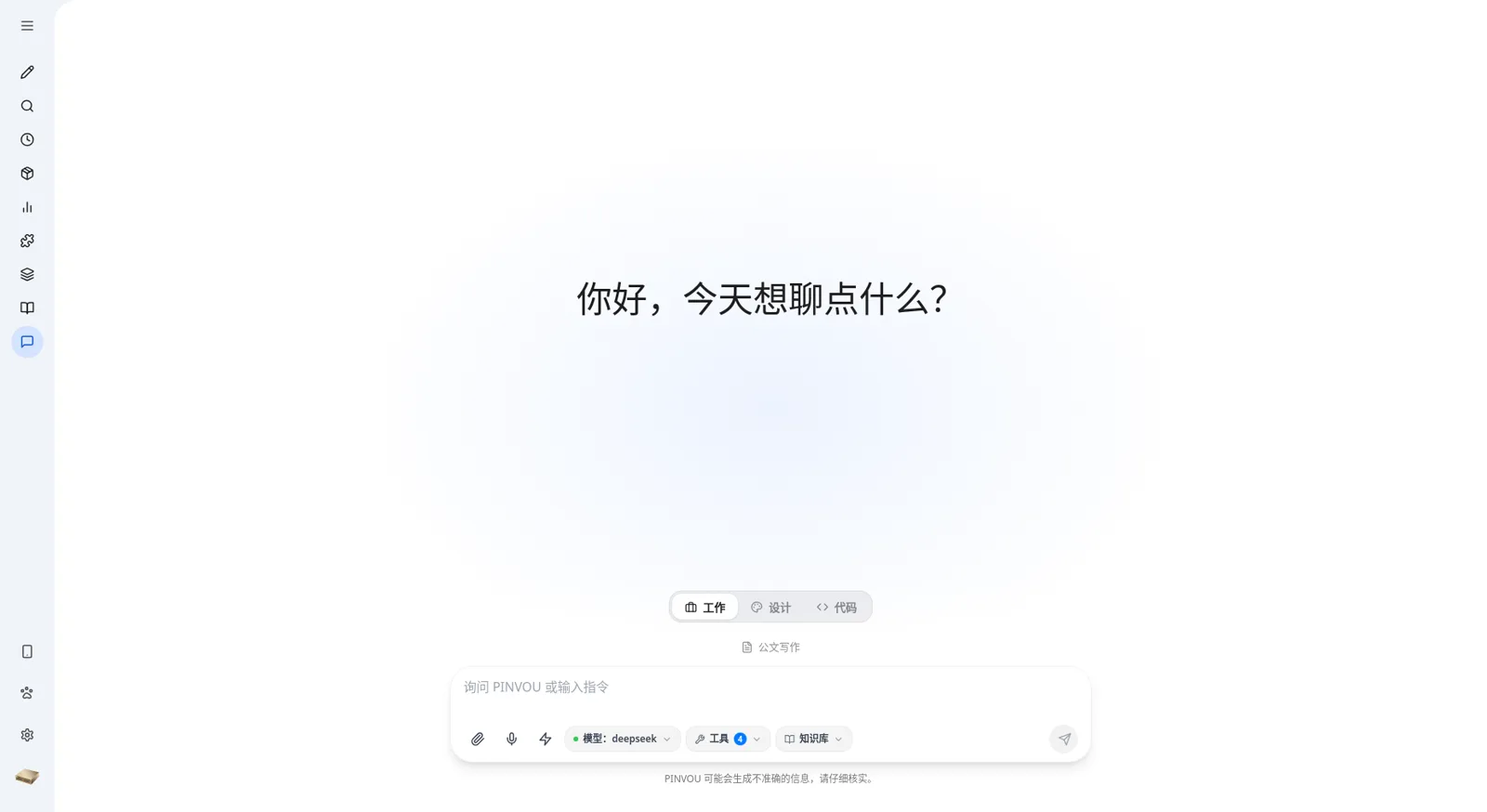
### 💼 工作:给 agent 一个真实的任务
结合附件、个人知识库、专家 persona、Skills、MCP 工具和工作流,进行研究、分析、撰写,并生成可重复使用的文件——而不仅仅是另一段聊天文本。
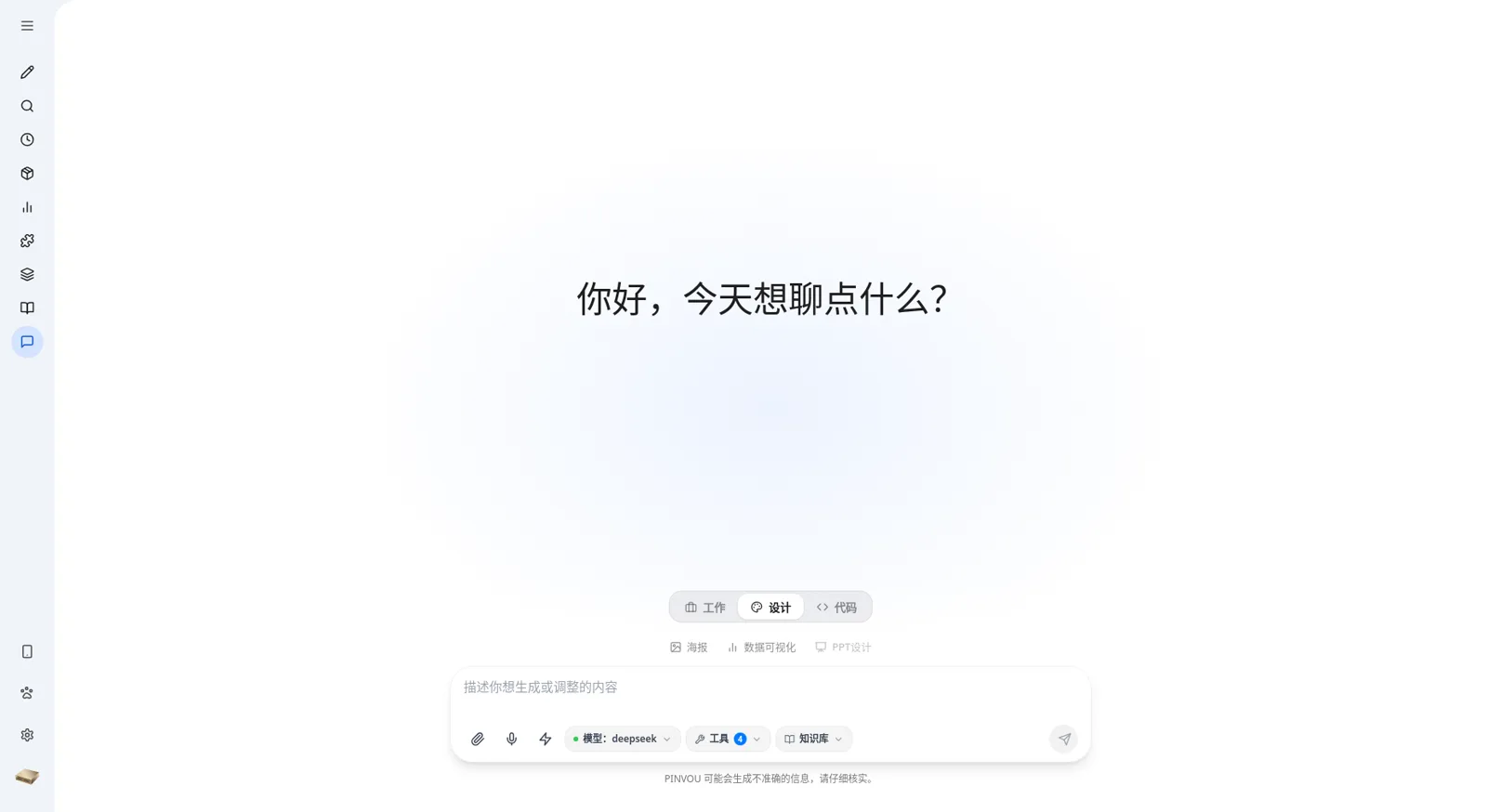
### 🎨 设计:从 prompt 到可编辑的视觉内容
使用自然语言创建海报和数据可视化。在设计模式下打开结果,直接选择元素并调整文案、字体、颜色、尺寸和布局——或者继续通过描述修改内容,让 agent 对当前设计进行迭代。
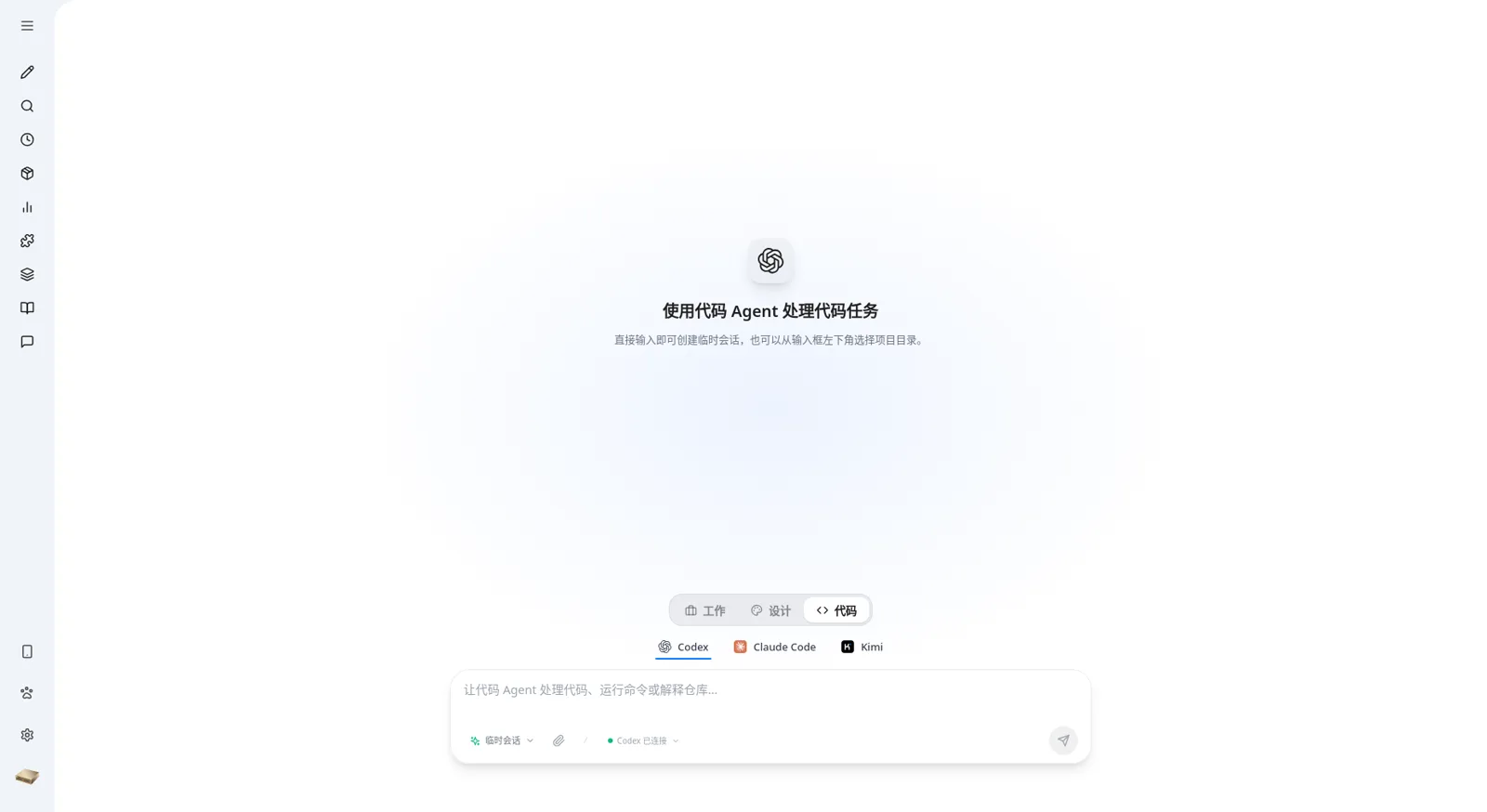
### 💻 编程:将编程 agent 引入实际项目
在同一个桌面工作区中,通过 [ACP](docs/multi-agent-acp.md) 使用 **Codex、Claude Code 或 Kimi**。编程 agent 可以读取和编辑实际项目或隔离的临时工作区、运行命令,并展示计划、工具步骤、权限请求和文件变更。会话始终与其工作区绑定,并且可以在重启应用后继续进行。
## ✨ 功能特性
### 🎯 从对话到交付物
- **多会话工作区**,支持标题搜索——消息、工具调用和 artifacts 会随每个会话持久保存
- **附件**支持,适用于 PDF、Office 文档、图片和文本——可以拖拽或粘贴添加
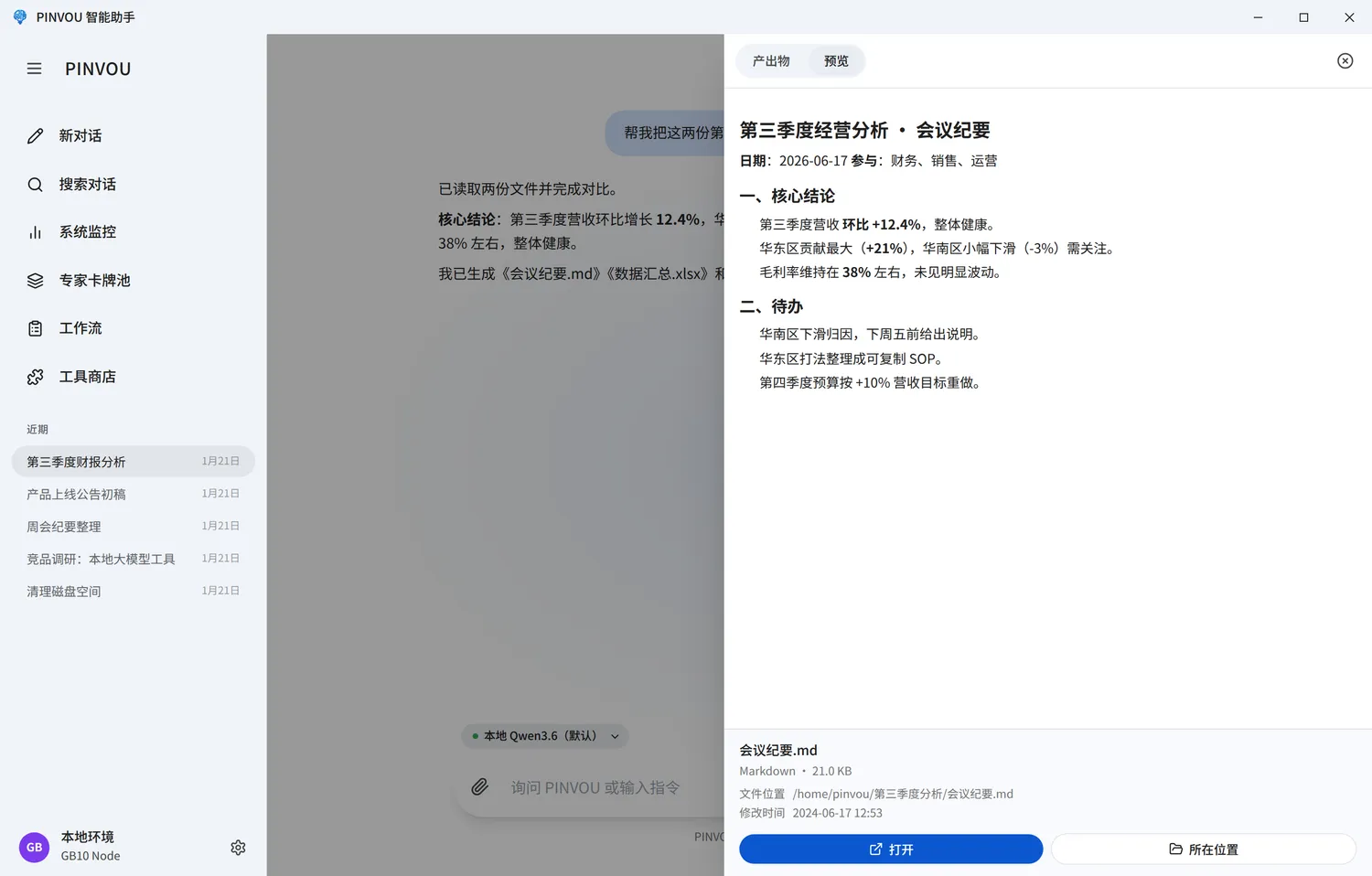
- **Artifact 面板**会自动收集 agent 创建或编辑的每个文件;可以在一个地方预览、定位和打开它们
- **可编辑的 Markdown artifacts**——可以直接编辑,或者选中一段文字让 agent 进行修改
- **Plan / YOLO 模式**——对于复杂任务,可以先审查计划;对于明确的任务,可以直接执行
### 🧠 知识与记忆
- **本地知识库**,具备文件管理、全文搜索和向量检索功能
- **记忆中心**可捕捉长期偏好和上下文,并支持显式的候选项审查和确认
- **Persona 卡池**——为不同领域创建、保存并应用专家角色
- **Skills、命令和工作流**可将经过验证的方法转化为稳定、可复用的能力
### 🔌 实用工具与连接器
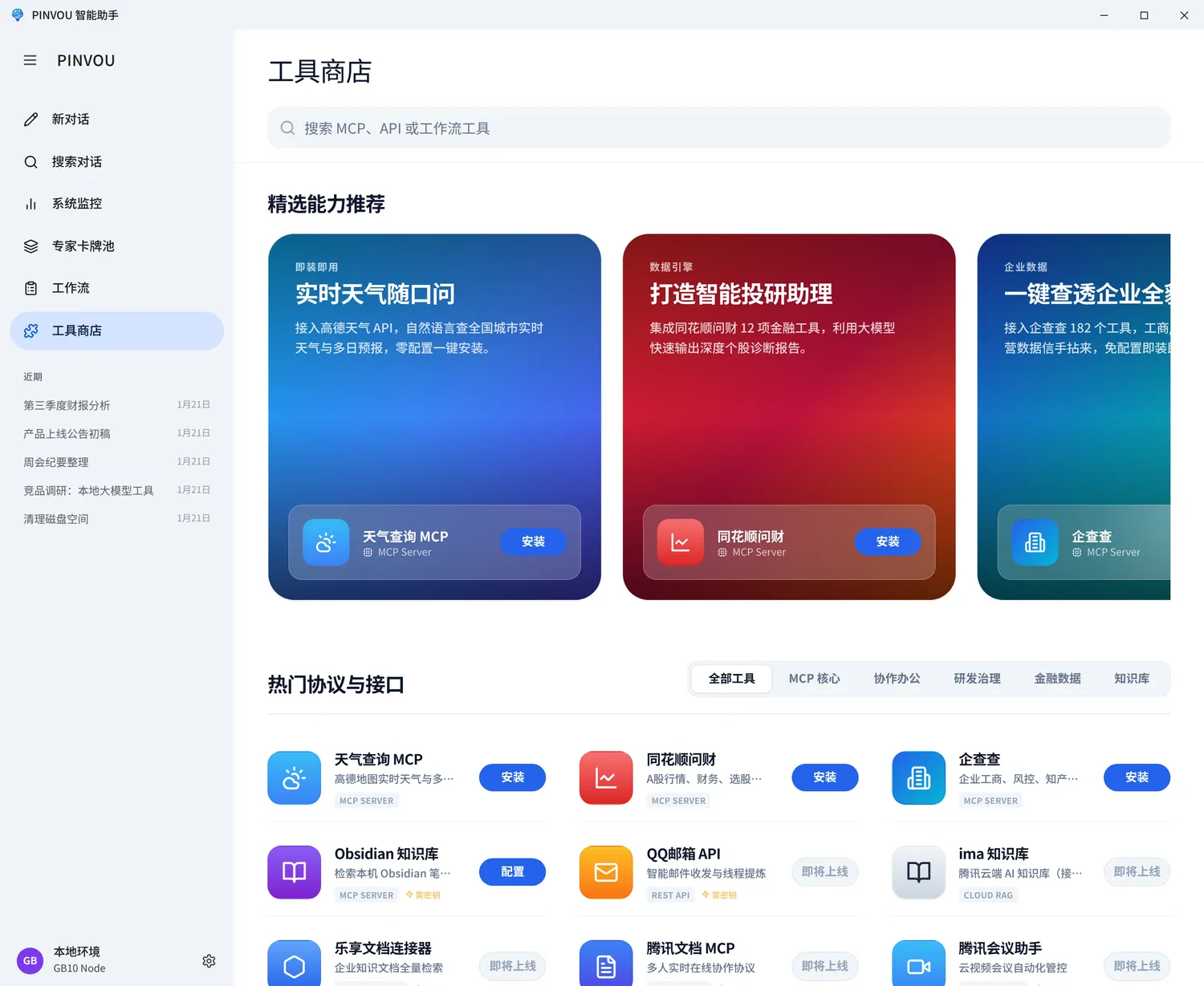
- **统一的工具商店**,适用于本地 MCP 服务器、远程 MCP 服务器、CLI 工具和 API 连接器
- 支持 **OAuth / SSO 授权**——无需手动粘贴密钥
- 为 **Feishu (Lark)、DingTalk、WeCom、Tencent Meeting、Tencent ima、Obsidian**、企业知识库以及法律/企业数据服务提供现成的连接器
- **远程控制**——通过手机扫描二维码,即可查看并操控正在运行的工作区
### 🖥️ 专为日常操作打造
- **本地语音输入**,支持按需下载语音模型
- 集中监控 GPU、内存、磁盘、模型服务和上下文使用情况
- Linux 上支持应用内更新,macOS 和 Windows 上支持 OTA 交付
- 会话、设置、知识和运行时扩展都统一存放在 `~/.pinvou3/` 目录下
## 📸 截图
 |
 |
| Design mode for posters and data visualizations |
Code mode with Codex, Claude Code, and Kimi |
 |
 |
| Extend the agent with tools and connectors |
Preview and deliver generated artifacts |
## 🤖 模型接入
Pinvou Agent 兼容**本地 vLLM** 以及任何**兼容 OpenAI 的 API**。你可以在应用中保存多个模型配置,并根据每个会话进行切换。内置模板涵盖本地 vLLM、DeepSeek、Kimi、Qwen、Doubao、MiniMax、Zhipu 和 MiMo——你也可以填写任何自定义的兼容 endpoint。
本地 vLLM 示例:
```
export DEEPSEEK_BASE_URL="http://127.0.0.1:8000/v1"
export DEEPSEEK_API_KEY="local-no-auth"
export DEEPSEEK_MODEL="your-model-name"
```
Endpoint、模型名称和 API 密钥也可以直接在应用设置中进行管理。对于受信任的开发网络中的非环回(non-loopback)普通 HTTP endpoint,需显式设置 `DEEPSEEK_ALLOW_INSECURE_HTTP=1`。
## 🚀 快速开始
### 前置条件
- 带有 submodule 支持的 Git
- Node.js 和 npm
- 当前版本的 Rust 工具链
- 适用于你平台的 [Tauri 2 系统依赖](https://v2.tauri.app/start/prerequisites/)
- 可访问的兼容 OpenAI 的模型 endpoint
源码树支持 **Linux、Windows 和 macOS**。macOS 的初始目标平台为 macOS 11 或更高版本的 Apple Silicon。
### 从源码运行
```
git clone --recursive https://github.com/Pinvou/pinvou-agent.git
cd pinvou-agent/pinvou3-app
npm ci
npm run dev
```
如果你在克隆时没有包含 submodule:
```
git submodule update --init --recursive
```
## 🏗️ 架构
[](https://v2.tauri.app/)
[](https://react.dev/)
[](https://vite.dev/)
[](https://www.rust-lang.org/)
```
React + Vite UI
↕ Tauri commands / events
pinvou3-app (desktop orchestration)
↕ EngineHandle / AgentHarness
CodeWhale (agent engine submodule)
├─ OpenAI-compatible model services
├─ MCP servers and CLI connectors
└─ Skills, Commands, Hooks, and Compaction
```
[CodeWhale](https://github.com/Pinvou/CodeWhale) 提供了 agent 引擎:模型调用、流式传输、工具执行、会话、MCP、Skills、hooks 和压缩。`pinvou3-app/` 负责桌面 UI、运行时配置、编排以及操作系统集成——它从不重复实现引擎本身具备的能力。
| 扩展目标 | 所属位置 |
|---|---|
| 添加特定领域的 agent 或工具包 | 一个 `SKILL.md` 包 |
| 连接外部 API | 独立的 MCP 服务器或连接器 |
| 指导模型行为 | 打包指令 (`instructions.md`) |
| 更改桌面 UI 或系统集成 | `pinvou3-app/` |
| 修复可复用的引擎问题 | CodeWhale fork,遵循 [fork 策略](docs/fork-policy.md) |
## 📁 仓库结构
```
pinvou3-app/ Tauri 2 + React/Vite desktop application
CodeWhale/ Agent engine submodule
pinvou3-app/resources/mcp-servers/
Independent local MCP servers
workflows/ Reusable workflows
scripts/ Tests, guards, build, and release helpers
docs/ Architecture and maintenance documentation
```
## 🧪 开发检查
在仓库根目录下运行以下命令:
```
(cd pinvou3-app && npm run lint:ui)
(cd pinvou3-app && npm run build:ui)
(cd pinvou3-app && npm test)
(cd pinvou3-app/src-tauri && cargo test --lib -- --test-threads=1)
./scripts/fork-guard.sh --fast
```
标签:AI智能体, Tauri, 代码助手, 可视化界面, 工作流自动化, 桌面应用, 知识管理, 自定义脚本