mkfih3r/eclypsa-ai
GitHub: mkfih3r/eclypsa-ai
一个结合 ReAct Agent 推理与 Go 高性能执行引擎的模块化、隐私优先的开源 AI 安全自动化平台,支持本地或云端 LLM 驱动自主安全任务。
Stars: 2 | Forks: 0
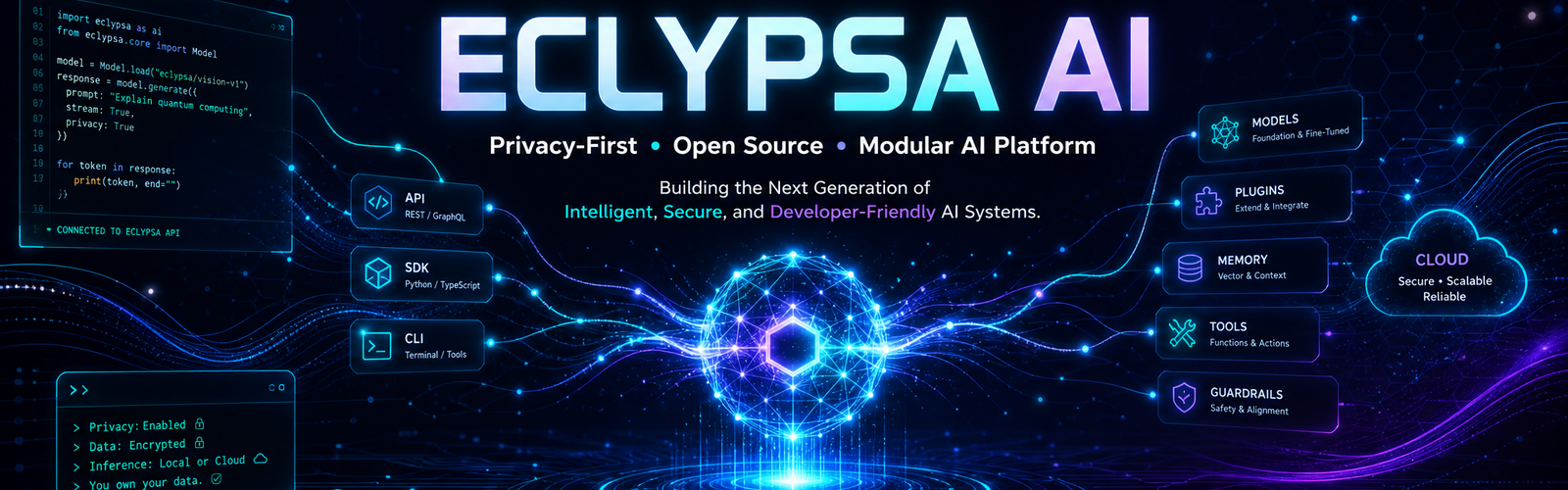
# 🛡️ ECLYPSA AI **专为安全与自动化设计的自主、隐私优先且高性能的 AI 平台** [](https://github.com/eclypsa-ai/eclypsa-ai/releases) [](https://www.python.org/) [](https://golang.org/) [](https://www.docker.com/) [](LICENSE)
Web Dashboard / CLI] -->|REST / CLI| B[ECLYPSA Core Engine] subgraph Core Engine Subsystem B --> C[API Gateway] B --> D[ReAct Agent Loop] B --> E[Config / Env Manager] end D --> F[Agent / Plugin Bridge] F --> G[Security Skills & Plugins
Go Native Engine / Python] F --> H[Universal LLM Backends
Ollama / OpenAI / Groq] ``` ## 📁 仓库结构 ``` eclypsa-ai/ ├── agent/ # Agent Framework (ReAct Engine, LLM Providers, Bridge) │ ├── bridge.py # Maps dynamic plugins to executable agent tools │ ├── context.py # Execution session context & step memory │ ├── executor.py # Base task executor │ ├── llm.py # Universal LLM Provider Interface (Ollama / OpenAI) │ └── react.py # ReAct (Reasoning & Acting) decision loop ├── api/ # REST API & Web Dashboard Subsystem │ └── server.py # Native HTTP Server with Embedded Control Center ├── cli/ # Command-Line Tooling │ └── main.py # CLI Entrypoint for agent execution & management ├── core/ # Core Engine Subsystem │ ├── config.py # Configuration parser & env loader │ └── engine.py # System lifecycle, logging & health management ├── engine/ # Native High-Performance Go Modules │ └── recon.go # Multithreaded TCP port scanner ├── plugins/ # Modular Skill System │ ├── base.py # Base abstract plugin interface │ ├── loader.py # Dynamic plugin discovery & loader │ └── recon.py # Network reconnaissance plugin ├── tests/ # Unit Test Suite │ ├── test_config.py # Configuration tests │ └── test_engine.py # Core engine tests ├── scripts/ # Utility & Automation Scripts │ └── setup.sh # Automated project setup script ├── Dockerfile # Multi-stage production container build ├── docker-compose.yml # Orchestration for Core Engine & Ollama LLM ├── Makefile # Build, test, and automation task runner └── requirements.txt # Python dependency manifest ``` ## 🚀 快速开始 ### 前置条件 * **Python 3.11+** * **Go 1.22+**(可选,用于在本地构建原生引擎) * **Ollama**(推荐用于本地模型推理) ### 本地安装 1. **克隆仓库:** ``` git clone [https://github.com/eclypsa-ai/eclypsa-ai.git](https://github.com/eclypsa-ai/eclypsa-ai.git) cd eclypsa-ai ``` 2. **运行自动化设置:** ``` chmod +x scripts/setup.sh ./scripts/setup.sh ``` 3. **编译 Go 引擎模块:** ``` make build-go ``` 4. **通过测试套件验证环境:** ``` make test ``` ## 💻 使用与 CLI 接口 ### 运行自主安全任务 使用本地 **Ollama** 提供程序执行任务: ``` python -m cli.main agent --task "Perform a network port recon scan on target 127.0.0.1 and summarize open ports." --provider ollama --model llama3 ``` 使用 **OpenAI** 执行任务: ``` python -m cli.main agent --task "Analyze target 192.168.1.1 for open services." --provider openai --api-key YOUR_API_KEY --model gpt-4o ``` ### 启动 API 与 Web Dashboard 启动集成的 REST API 网关和 Dashboard 控制中心: ``` python -m api.server ``` 在浏览器中访问 http://localhost:8080 以进入 **ECLYPSA Operational Dashboard**。 ## 🐳 Docker 部署 部署 ECLYPSA AI 以及完全本地的 Ollama LLM 容器最快的方法是使用 docker-compose: ``` # 构建并启动 containers docker-compose up --build -d # 检查运行中的 services docker ps ``` 在 http://localhost:8080 访问 dashboard。 ## 🔌 开发插件 向 ECLYPSA AI 添加自定义工具非常简单。在 plugins/ 目录中创建一个扩展 BasePlugin 的新 .py 文件: ``` from plugins.base import BasePlugin from typing import Dict, Any, Optional class CustomScannerPlugin(BasePlugin): def __init__(self): super().__init__(name="custom_scanner", version="1.0.0") def initialize(self, config: Optional[Dict[str, Any]] = None) -> bool: self.is_enabled = True return True def execute(self, payload: Dict[str, Any]) -> Dict[str, Any]: target = payload.get("target", "localhost") # Custom scanning logic here... return {"status": "success", "result": f"Scanned {target}"} def shutdown(self) -> None: pass ``` AgentPluginBridge 会在启动时自动发现并将您的插件注册为 ReAct Agent 的可执行工具! ## 🧪 测试 使用 unittest 或包含的 Makefile 运行完整的单元测试套件: ``` # 使用 Makefile make test # 直接 Python 调用 python -m unittest discover -s tests -p "test_*.py" ``` ## 📄 许可证 基于 **MIT License** 分发。请查看 LICENSE 了解更多信息。
专为安全研究人员、渗透测试人员和 AI 工程师精心打造。
```
标签:AI风险缓解, ReAct框架, 人工智能, 密码管理, 库, 应急响应, 插件系统, 数字取证, 日志审计, 版权保护, 用户模式Hook绕过, 网络安全, 网络调试, 自动化, 自动化脚本, 请求拦截, 逆向工具, 隐私保护