karminski/VibeGamer
GitHub: karminski/VibeGamer
通过 BepInEx 游戏内插件读取结构化状态并由 LLM Agent 自动游玩和进化策略的实验项目。
Stars: 66 | Forks: 8
# VibeGamer
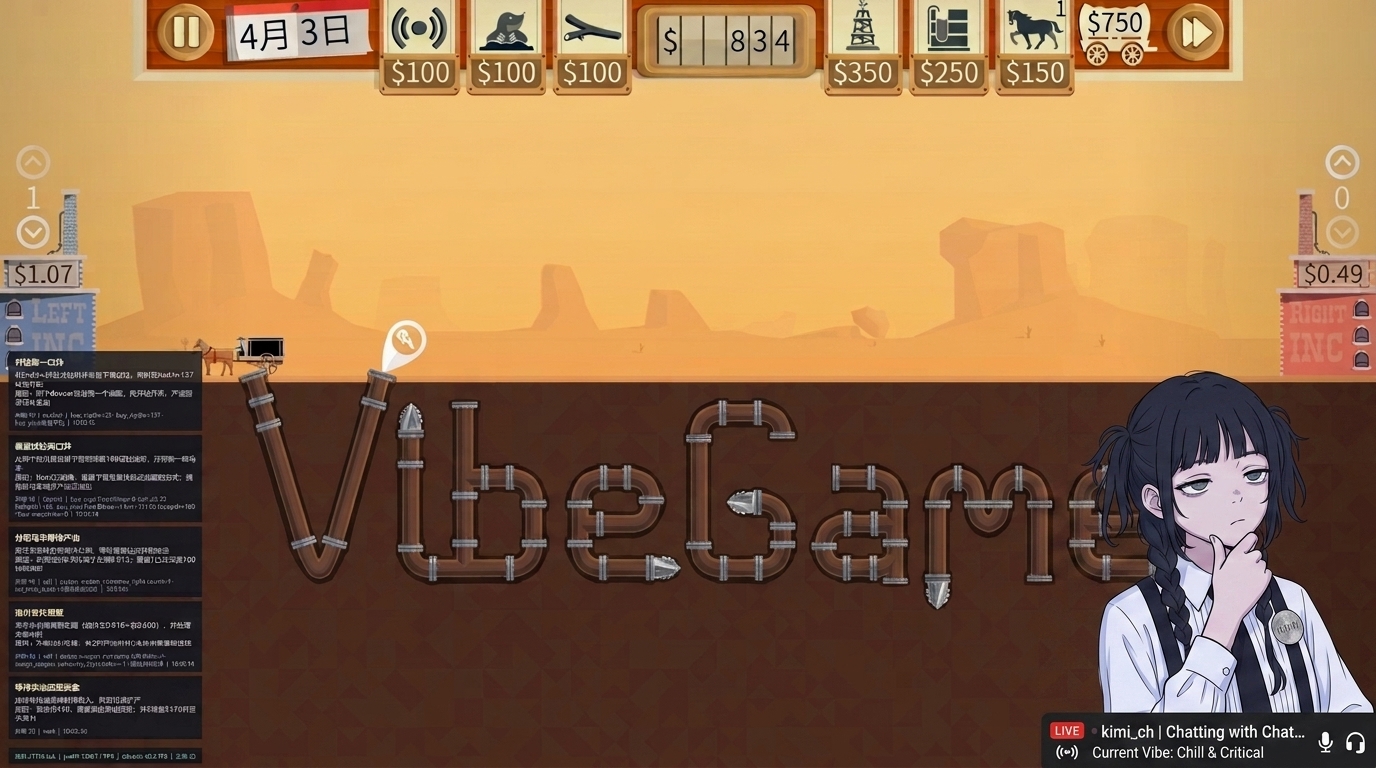
用 AI Agent 自动游玩《Turmoil》(石油大亨)并不断积累经验进化的实验项目.
repo 配套游戏视频, 欢迎食用: [https://www.bilibili.com/video/BV1JrKy6yECK](https://www.bilibili.com/video/BV1JrKy6yECK)
**注意, 项目还处于早期开发阶段, 有 Bug 请随意 issue!**
**得分曲线功能已经实现! 另外改进了类似微软 SkillOpt 的 MiniBatch 验证方案, 应该效率更高了!**
核心分两层:
1. **Turmoil Agent(TypeScript)**:调用大模型, 通过 Observer API 观察油田、下发操作, 并在多局之间积累可验证的策略记忆. 配置好.env, 然后 ```npm run autoplay -- --fresh```就可以开始跑了.
2. **Turmoil Observer(BepInEx 插件)**:这个是插件, 执行挂在游戏进程内, 读取状态、执行动作, 并通过本机 HTTP 暴露给外部程序. 直接把游戏复制到 game 文件夹 (我的是steam版本, 按说非steam版本也没问题.) 然后运行部署脚本 deploy.ps1 (shell 版本也有) 后, 打开游戏就行. 机器上得有C#环境编译插件.
架构是这样滴:
┌─────────────────────┐ HTTP 127.0.0.1:17890 ┌──────────────────────┐
│ Turmoil.exe │◄────────────────────────────────────►│ agents/turmoil │
│ └─ BepInEx │ GET /state · POST /actions │ (LLM Agent) │
│ └─ Observer │ GET /health · HUD / planQueue │ │
└─────────────────────┘ └──────────────────────┘
**(下面是AI生成的, 塞给AI看让它帮你部署)**
## 仓库结构
VibeGamer/
├── plugins/TurmoilObserver/ # C# BepInEx 插件源码
├── agents/turmoil/ # TypeScript Agent / 无限自对弈
├── env/ # 共享环境变量模板(.env.example)
├── game/Turmoil/ # 游戏安装目录 + BepInEx(本地部署目标)
├── refs/ # BepInEx 等上游备份
├── docs/ # 设计文档、ADR、反编译笔记
└── assets/ # 资源与素材
更细的 Agent 用法见 [`agents/turmoil/README.md`](agents/turmoil/README.md);记忆系统见 [`agents/turmoil/memory-manual.md`](agents/turmoil/memory-manual.md).
## Agent:Turmoil Agent
**位置**:`agents/turmoil/`
**运行时**:Node.js + TypeScript
**LLM**:OpenAI 兼容接口(默认 Moonshot / Kimi)
### 做什么
- 通过 `GameOps`(默认 `HttpGameOps`)读写 Observer.
- 单局循环:`get_state` → 模型决策 → `submit_actions`(可附带 `decision` 气泡).
- **无限自对弈(autoplay)**:探索 → 复盘出假设 → 同 seed 验证 →(可选)跨 seed 确认 → 把通过的策略注入后续对局.
- 两套记忆:
- **Hypothesis**:整局级策略假设(Playbook + 实验账本).
- **Tip**:局部技巧;独立做 A/B(及必要时 C)批量验证, 默认约 10% 风险预算.
### 快速开始
1. 启动带 Observer 的 Turmoil, 确认 `/health` 正常.
2. 配置环境变量:
cp env/.env.example env/.env
# 编辑 OPENAI_API_KEY;国内可改 OPENAI_BASE_URL=https://api.moonshot.cn/v1
3. 安装并运行 Agent:
cd agents/turmoil
npm install
# 单局(自定义目标)
npm start -- "观察油田, 在可负担时向已知油井钻探"
# 无限自对弈
npm run autoplay -- --fresh # 新建记忆 session
npm run autoplay -- --memory my-exp # 续跑已有 session
npm run autoplay -- --list # 列出 session
npm run autoplay -- --seed 0123456789 # 固定 10 位 seed 精研
停止:`Ctrl+C` 一次会尽量结束当前步;再按一次强制退出.
### Autoplay 调度(简化)
explore(随机或 --seed 固定)
→ review(每局最多提出若干 Hypothesis / Tip)
→ validate / tip_validate(同 seed 因果验证)
→ 通过则进入 playbook / tip 库, 注入后续对局
→ 失败则 Retry Reviewer / 重试预算 / backlog
记忆目录(每个进程绑定一个 session):
agents/turmoil/memory/sessions//
hypotheses.json
tips.json
tip-validation-manifests.json
games.jsonl
iterations.jsonl
单局运行日志:`agents/turmoil/logs/runs/<时间戳>/`.
### 常用环境变量
| 变量 | 含义 |
| ----------------------------------------------------- | ---------------------------------------------- |
| `OPENAI_API_KEY` / `OPENAI_BASE_URL` / `OPENAI_MODEL` | LLM |
| `GAME_BASE_URL` | Observer 地址(默认 `http://127.0.0.1:17890`) |
| `AGENT_MAX_STEPS` | 单局最大步数(完整一局建议调高, 如 200) |
| `AGENT_MAX_GAMES` | autoplay 局数上限;`0` = 无限 |
| `AGENT_AUTO_PAUSE` | 思考时暂停游戏时钟 |
| `AGENT_BOOT_TIMEOUT_MS` | 菜单进油田等待超时 |
| `GAME_DRY_RUN` | 只记录动作、不真正 POST |
完整列表见 [`env/.env.example`](env/.env.example) 与 [`agents/turmoil/README.md`](agents/turmoil/README.md).
## 推荐上手路径
1. **装游戏 + BepInEx**, 把仓库里的 Observer 部署进 `game/Turmoil/BepInEx/plugins/`.
2. **启动游戏**, 确认 `/health` 与 `/state` 可读.
3. **配置 `env/.env`**, 在 `agents/turmoil` 用 `npm start` 跑一局冒烟.
4. 确认动作与 HUD 正常后, 再用 `npm run autoplay -- --fresh` 开记忆实验.
5. 需要固定地图精研时加 `--seed <10位数字>`.
## 注意事项
- Observer **只监听本机** `127.0.0.1`, 不要暴露到公网.
- 重建/替换插件前务必**退出游戏**, 否则 DLL 无法覆盖.
- Agent 依赖插件能力版本;若 `/health` 缺少 `actions` / `planQueue` / `decisionHud`, 请重新部署当前仓库中的 Observer.
- 本项目面向研究与自动化实验, 请遵守游戏与平台的使用条款.
## 插件:Turmoil Observer
**版本**:`0.6.x`(`com.vibegamer.turmoil.observer`)
**位置**:`plugins/TurmoilObserver/`
**产物**:`VibeGamer.Turmoil.Observer.dll` → `game/Turmoil/BepInEx/plugins/`
### 做什么
- 从游戏内部(`Level` / 菜单 / Excerpt 等)读取结构化状态, 而不是截屏或模拟鼠标.
- 在 Unity 主线程执行动作批次(买钻机、铺管、菜单进图、暂停等).
- 提供本机 HTTP API(仅 loopback)与磁盘 JSON 镜像, 供 Agent 与调试使用.
- 可选:决策气泡 HUD、计划队列(`after` / `wait`)、时间控制、场景回放/录制相关接口.
### HTTP API(默认 `http://127.0.0.1:17890`)
| 方法 | 路径 | 说明 |
| --- | --- | --- |
| `GET` | `/health` | 插件是否就绪(含 `actions`、`decisionHud`、`planQueue` 等能力标记) |
| `GET` | `/state` | 强制刷新后返回**紧凑**状态;`?views=` 可拉细节(`full` / `hud` / `field` / `wells` / `pipes` 等) |
| `POST` | `/actions` | 动作批:`{ "actions": [{ "op": "...", ... }] }` |
| `POST` | `/agent/decision` | 同步决策气泡到游戏内 HUD |
| `POST` | `/agent/llm_stats` | 同步 LLM 统计到 HUD |
| `POST/GET` | `/scenario/*`、`/record/*` | 场景调度与玩家操作录制(高级) |
文件镜像(完整快照, 约每 0.5s):
`game/Turmoil/BepInEx/plugins/VibeGamer/state.json`
### 状态与动作(摘要)
**状态**大致包含:
- `screen`:当前界面(`OilField` / `MainMenu` / `SingleGameMenu` / `LevelExcerpt` / …)
- `values`:金钱、天数、油价、种子、油田拓扑摘要、`control`(暂停 / timeScale)、`opsSignals` 等
- `actions`:当前可尝试的操作候选
- `pending` / `planQueue`:进行中的钻探、升级与延迟计划
**常见动作 `op`**:
| 类别 | 示例 |
| --- | --- |
| 油田 | `buy_rig`、`buy_silo`、`buy_wagon`、`buy_pipe`、`upgrade_pipe`、`toggle_elbow`、`assign_wagon_company`、`take_loan`、… |
| 时间 | `pause`、`unpause`、`set_time_scale`、`clear_plan` |
| 菜单 | `open_single_player`、`set_seed`、`randomize_seed`、`start_single_game`、`continue`、`abandon_level`、`close_overlay` |
带 `after` / `wait` 的动作进入计划队列, 由插件在主线程推进, 直到条件满足再执行.
### 构建与部署
环境:.NET SDK、已安装到 `game/Turmoil/` 的 BepInEx **5.4.23.5**、Unity 2020.3 Mono 版游戏.
# 在仓库根目录或插件目录执行
cd plugins\TurmoilObserver
.\deploy.ps1 # Release 构建并复制到 game\Turmoil\BepInEx\plugins\
# .\deploy.ps1 -Debug
**必须先完全退出 Turmoil**, 否则 DLL 被占用无法覆盖. 部署后重启游戏, 确认 `BepInEx/LogOutput.log` 出现 Observer 启动日志, 并访问:
curl http://127.0.0.1:17890/health
设计细节见 [`docs/plans/2026-07-14-turmoil-observer-design.md`](docs/plans/2026-07-14-turmoil-observer-design.md).
标签:MITM代理, Python脚本, 多人体追踪, 自动化攻击