JFrancisSOC/Project-9-Splunk-Search-Processing-Language-SPL-Fundamentals

GitHub: JFrancisSOC/Project-9-Splunk-Search-Processing-Language-SPL-Fundamentals

一个 Splunk SPL 基础教学项目,通过在 SOC 实验环境中检索、过滤和汇总安全日志,帮助初学者掌握 SIEM 日志分析的核心搜索命令。

Stars: 0 | Forks: 0

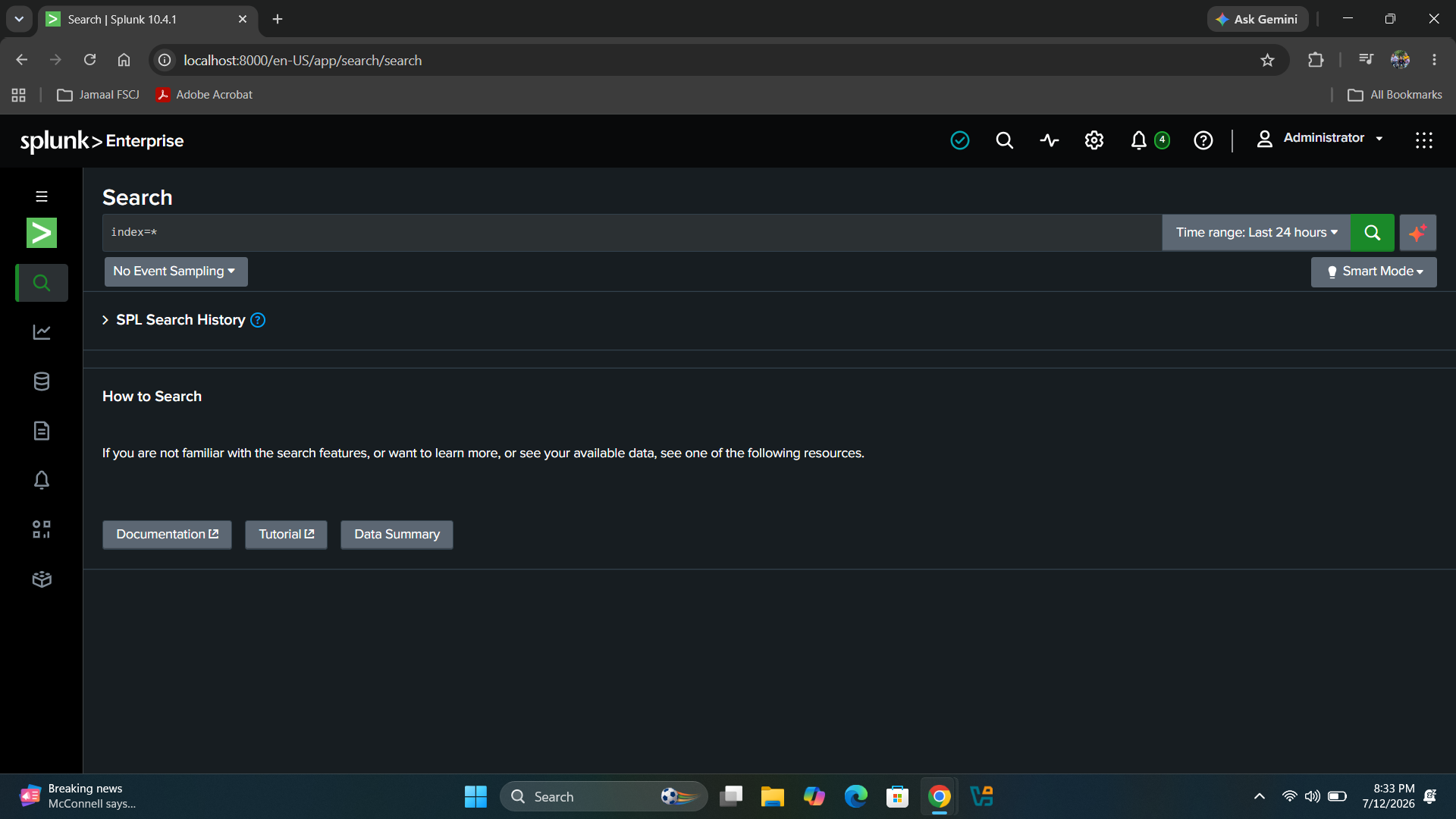
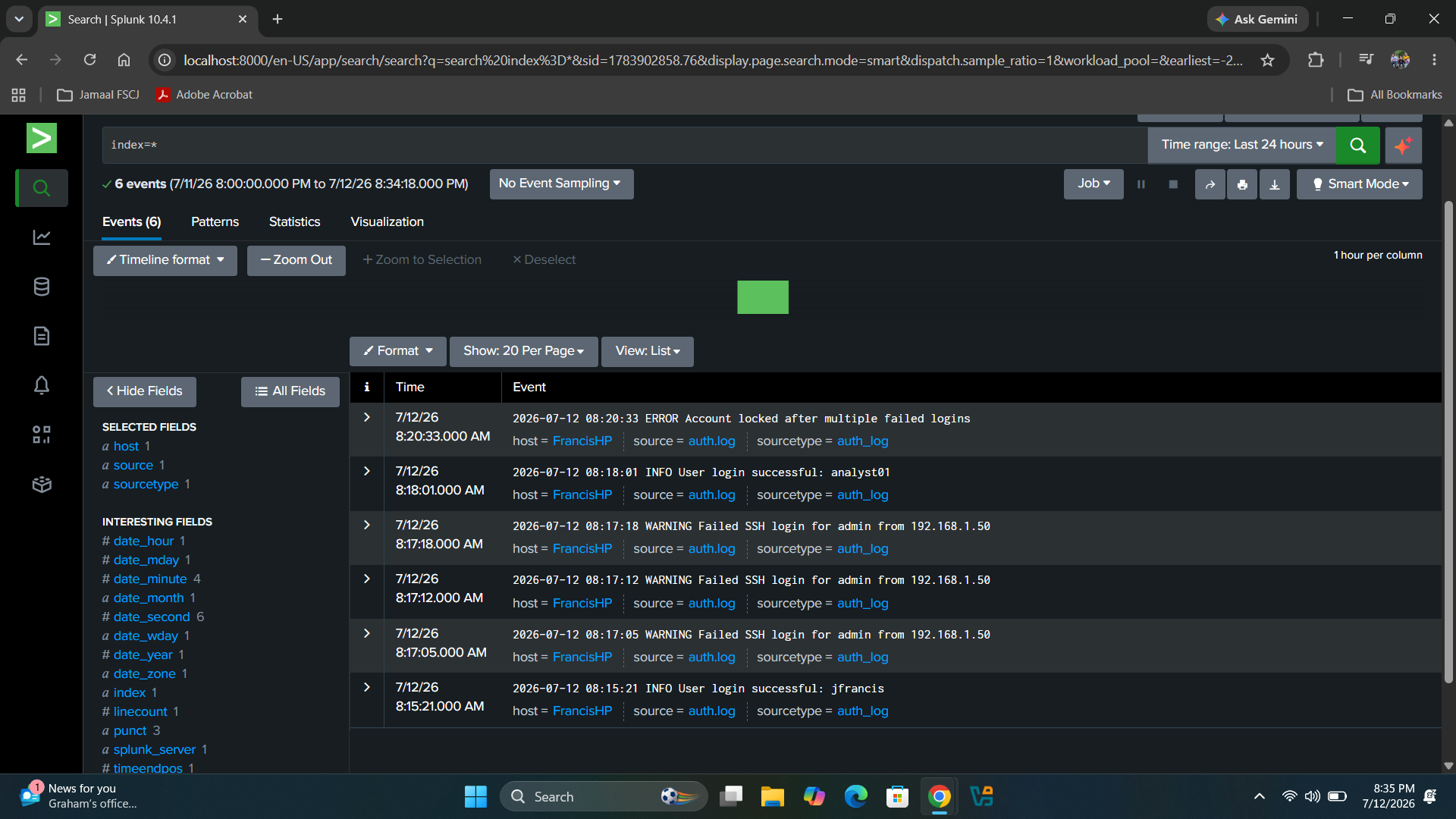
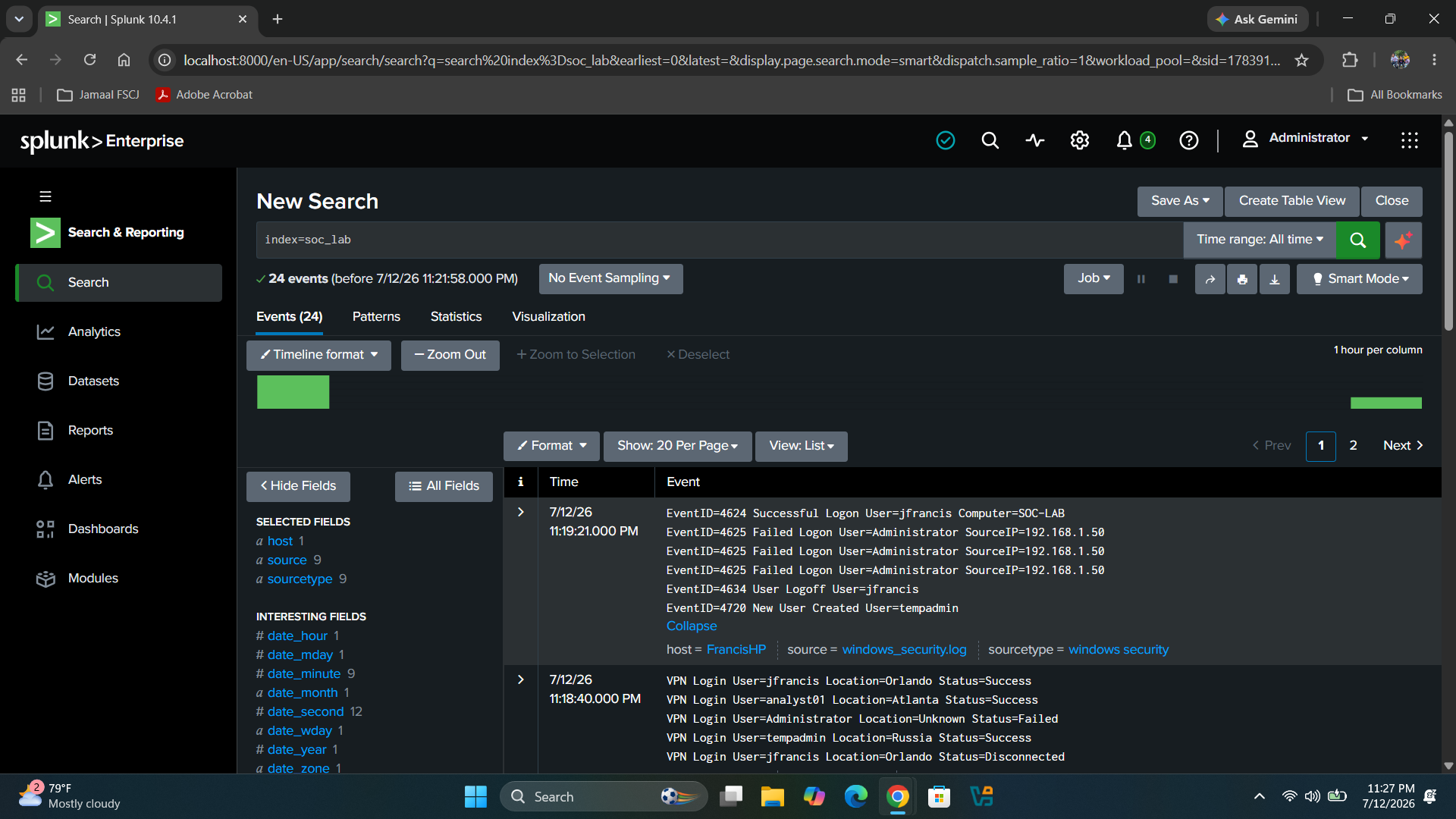
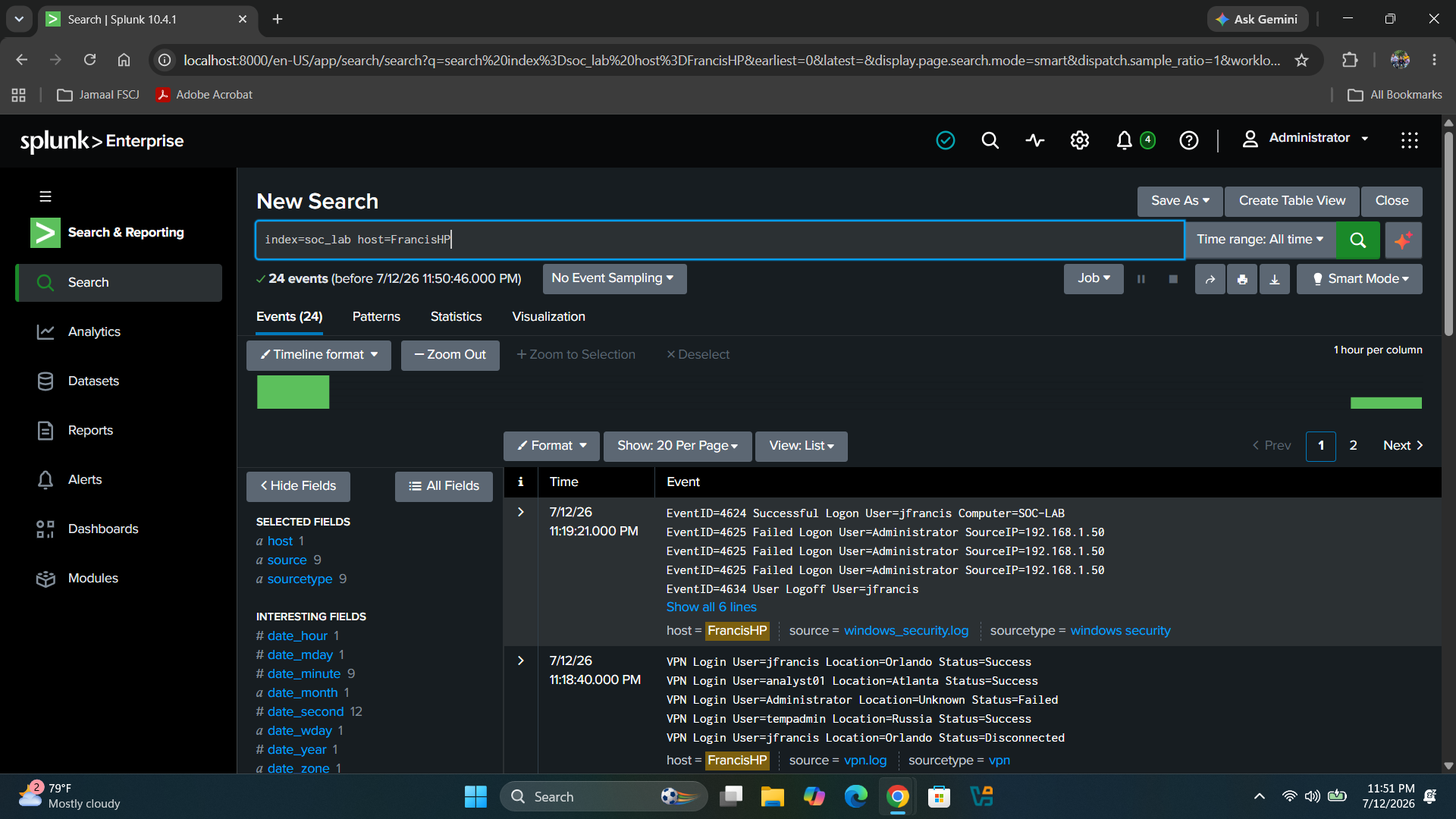
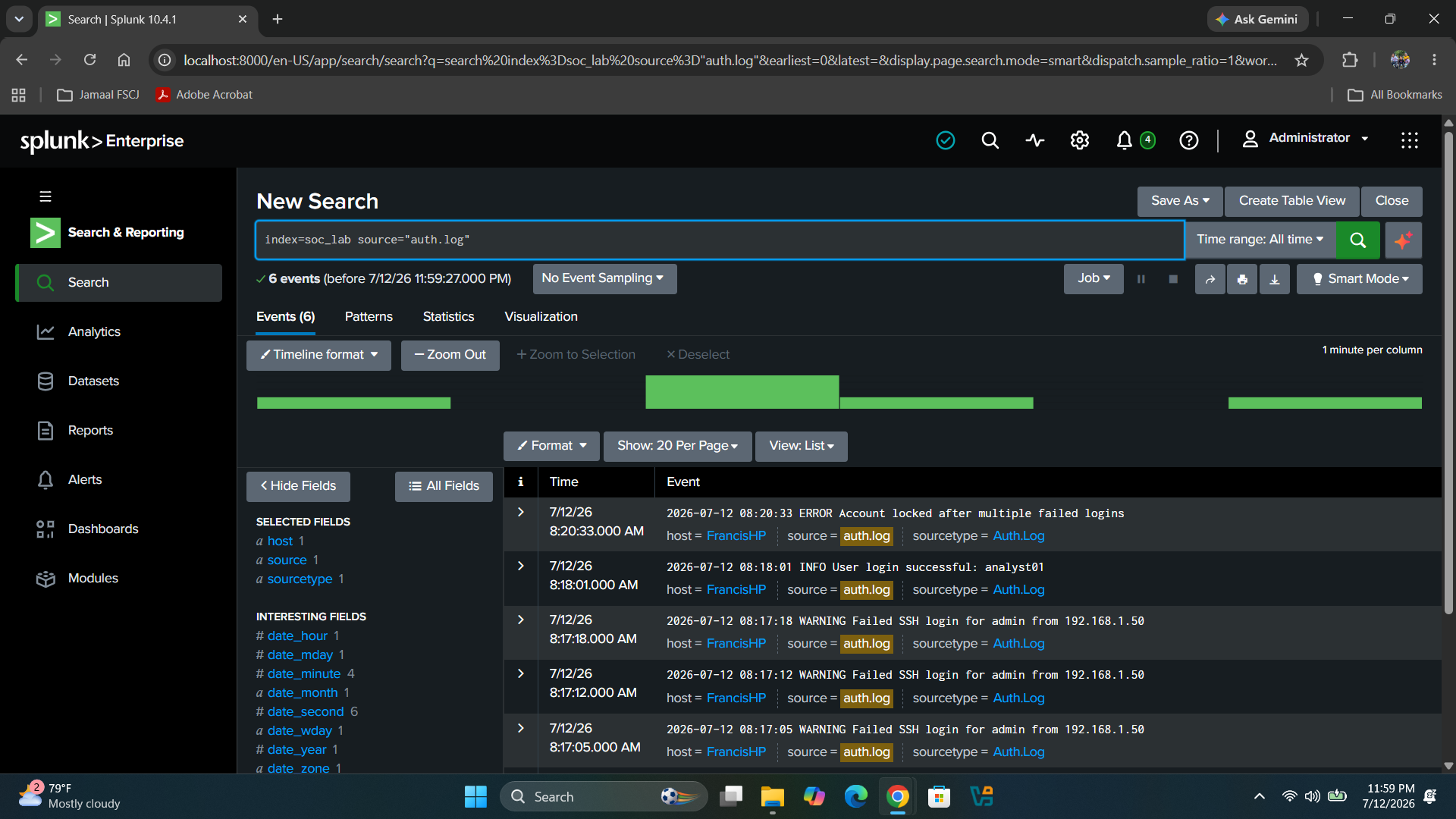
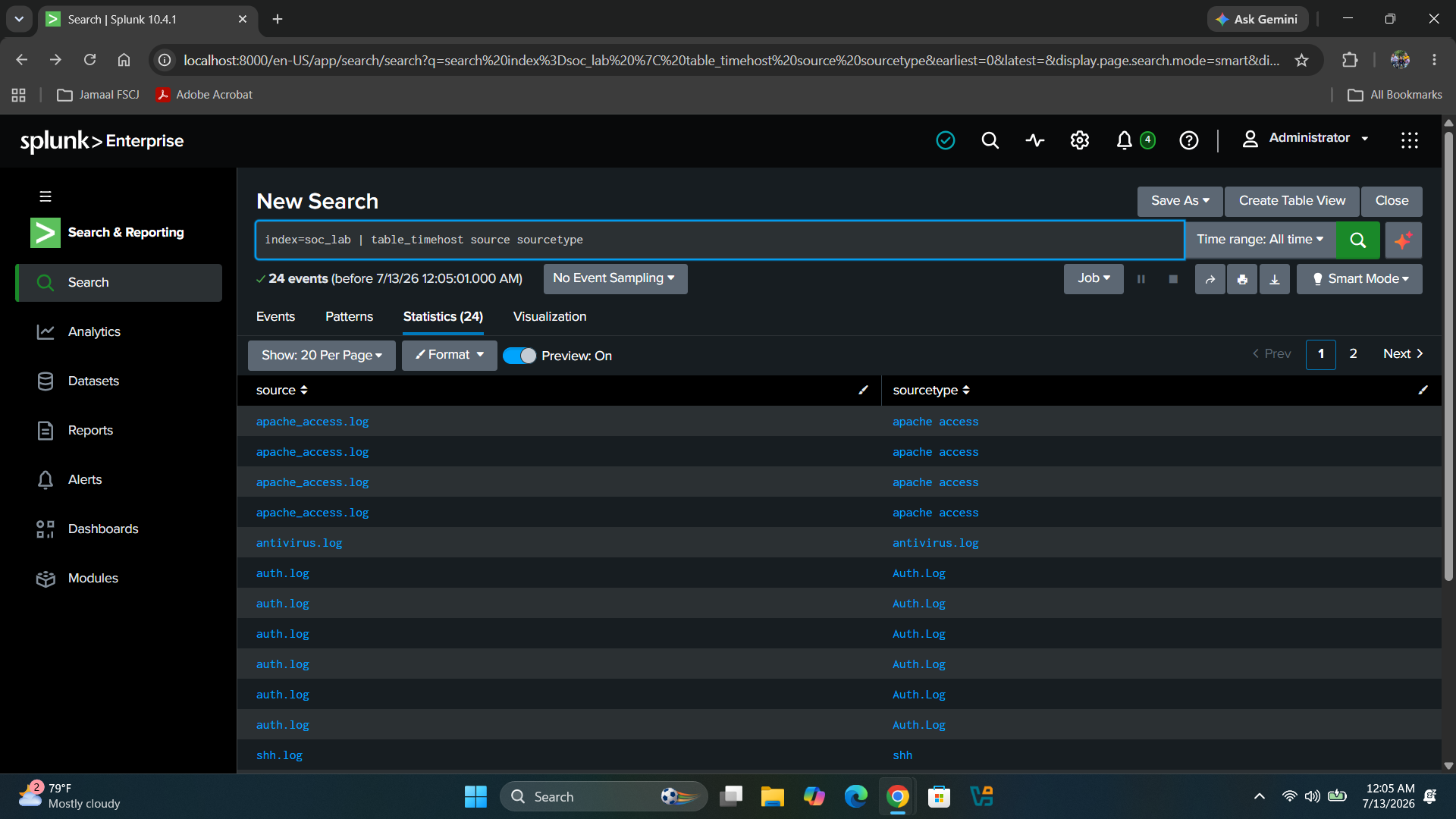
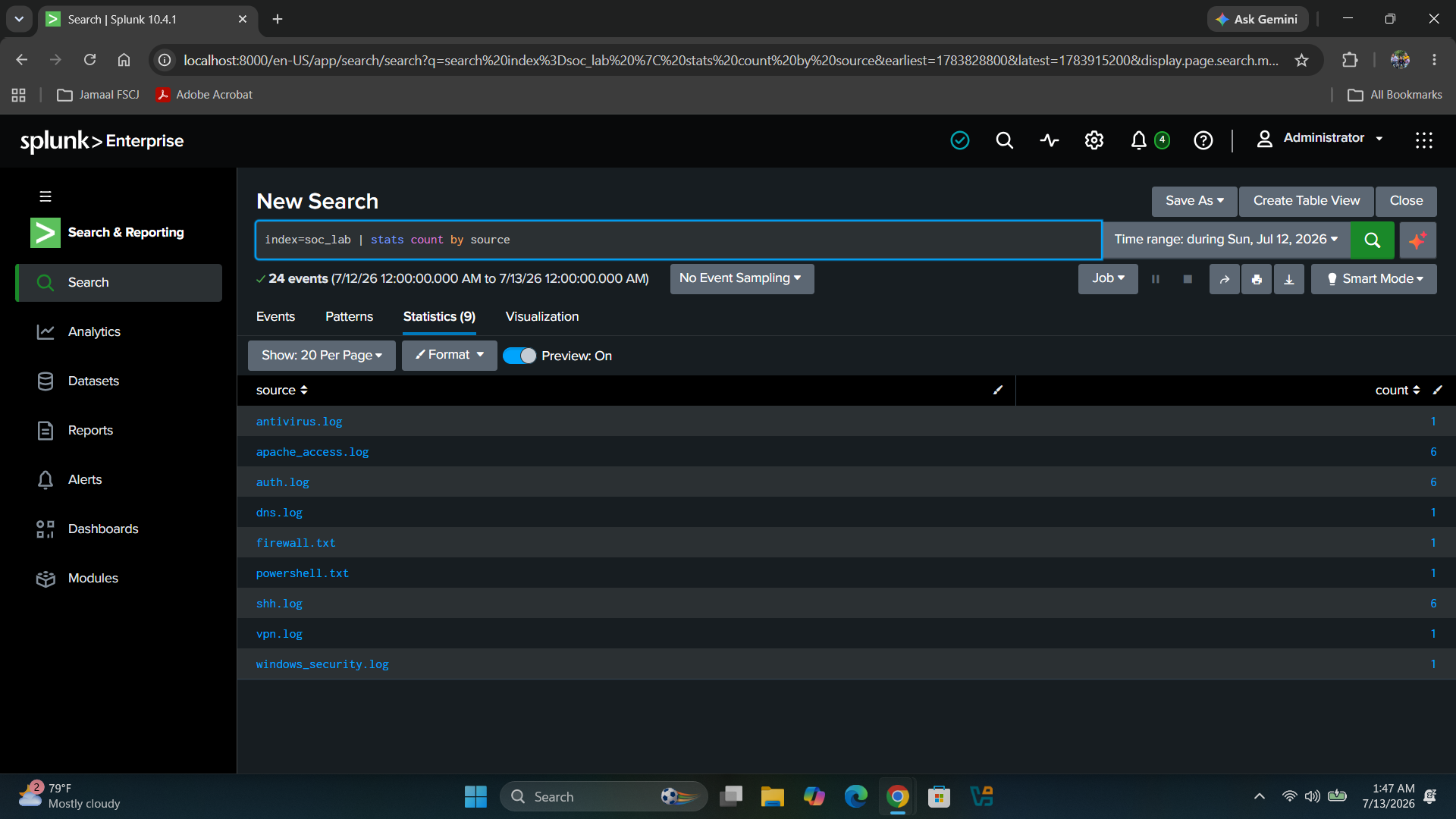
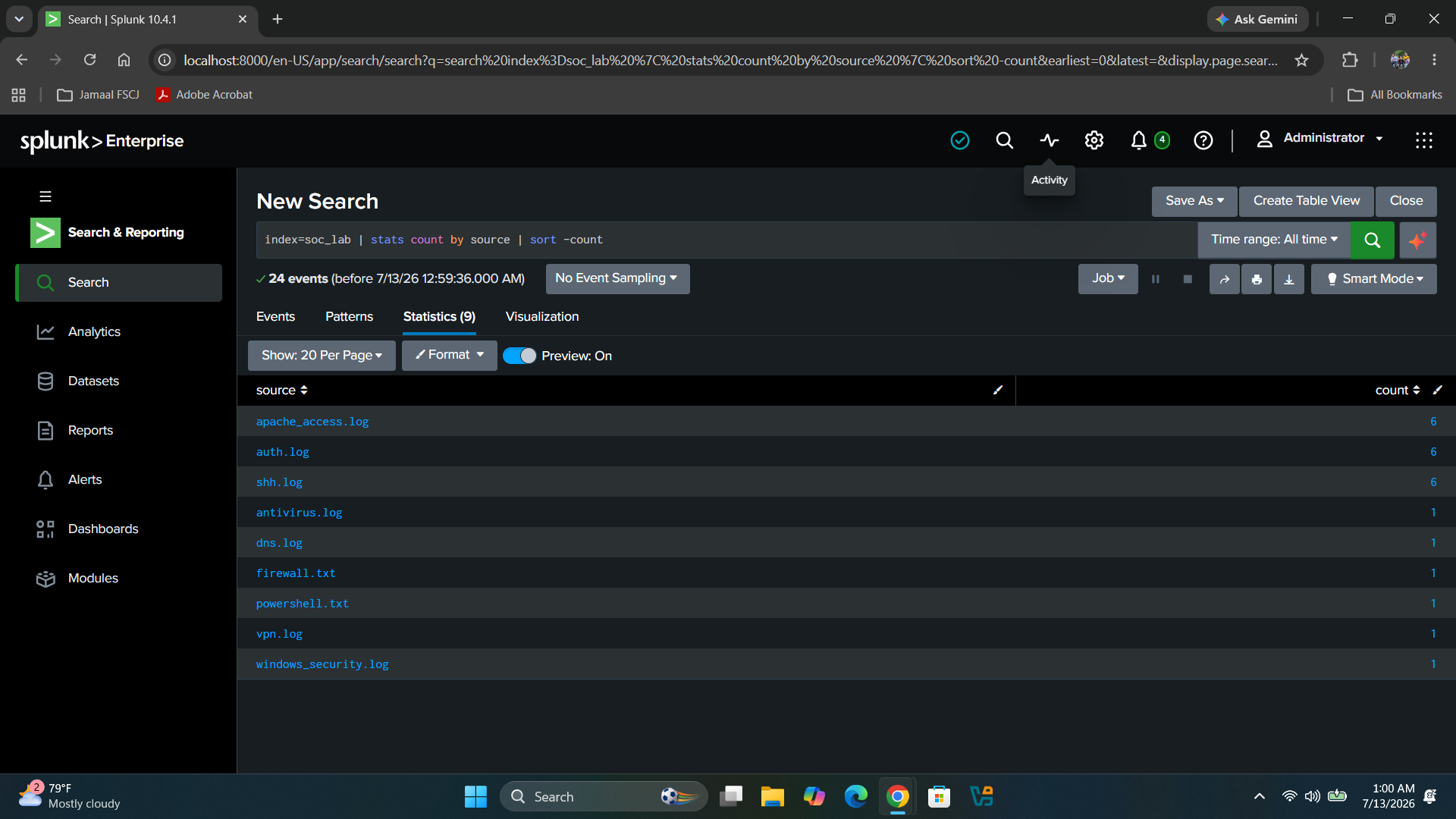
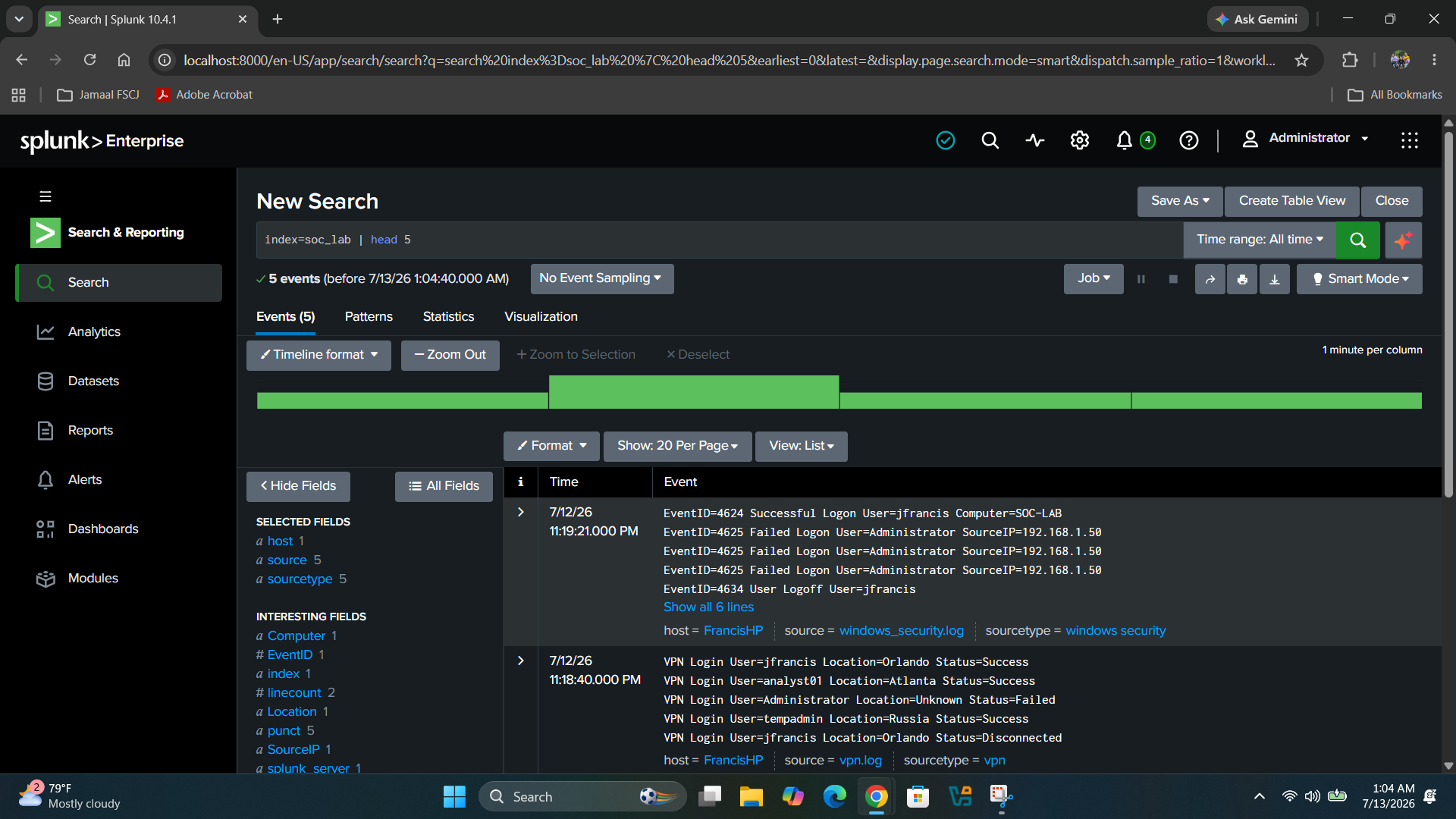
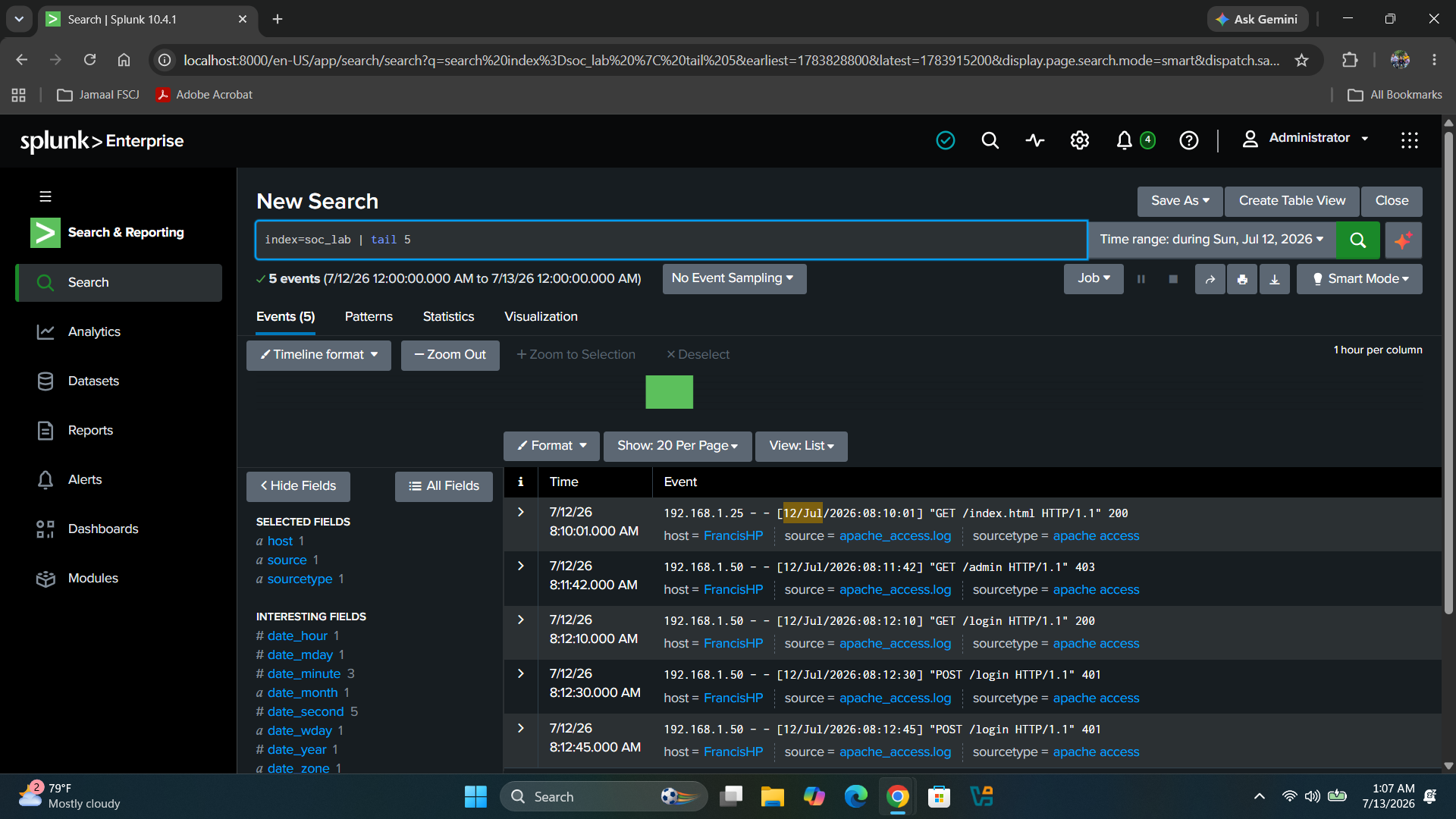
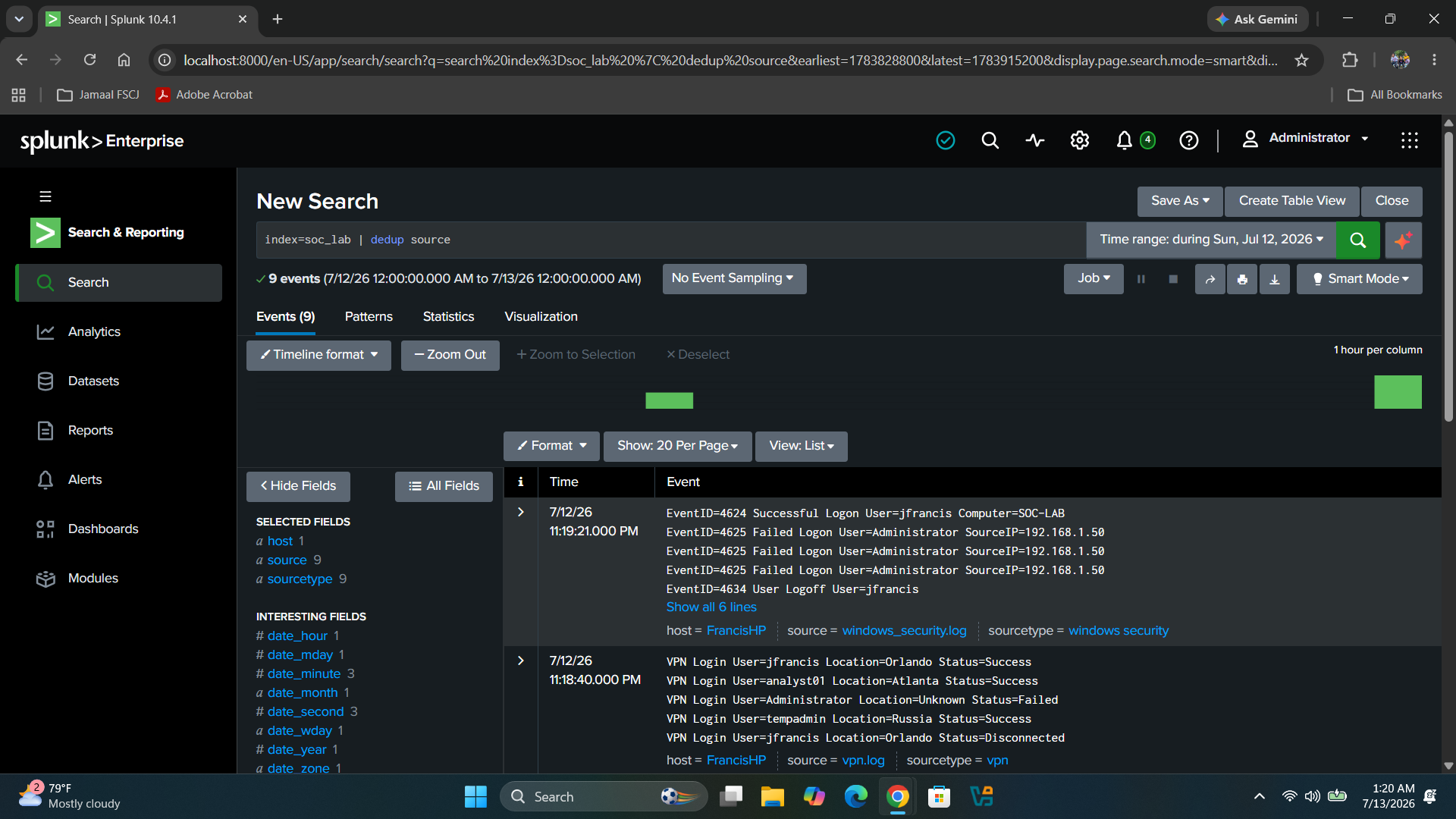
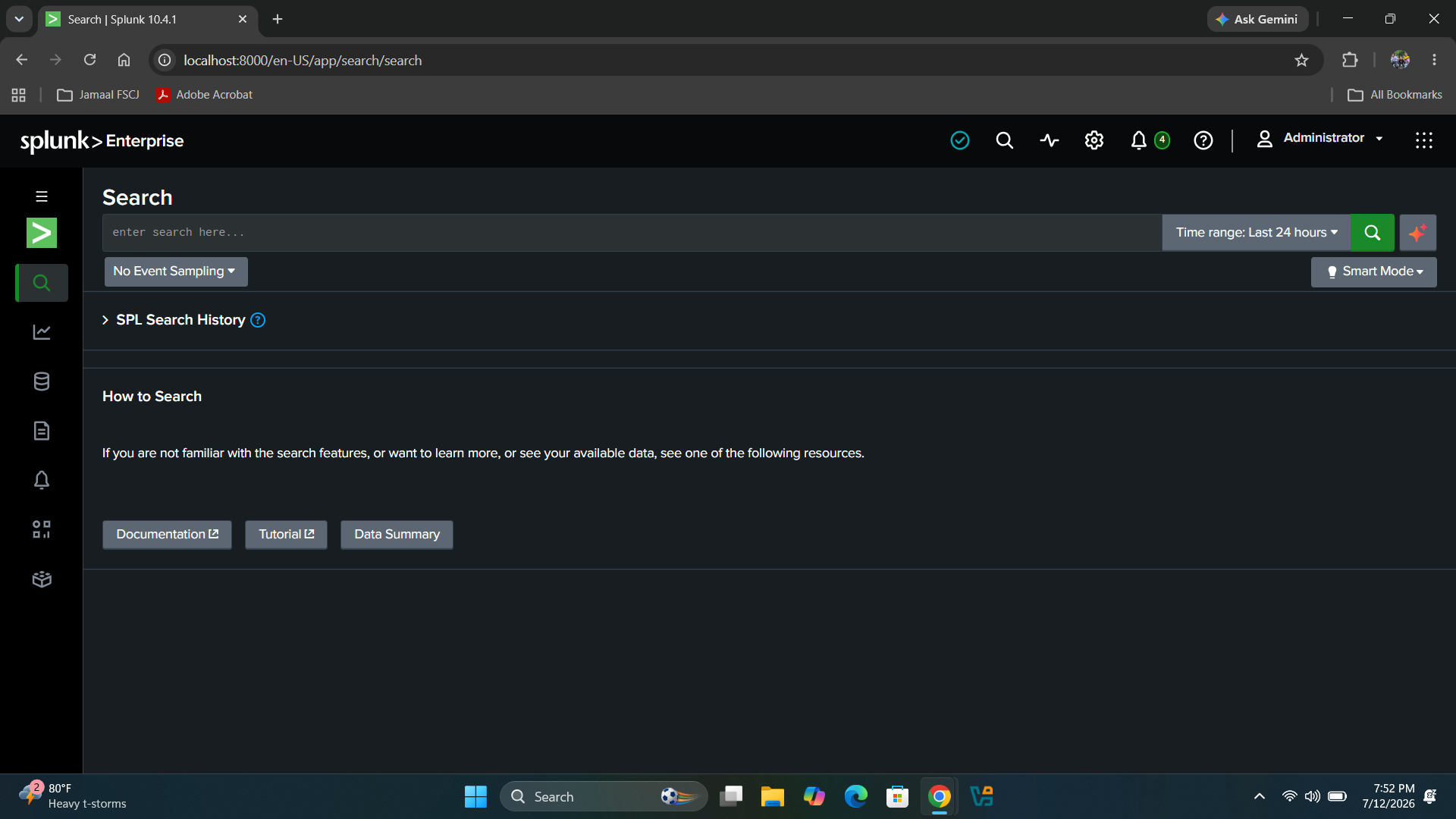
# 项目 9 – Splunk 搜索处理语言 (SPL) 基础 ## 概述 在本项目中,我通过对存储在 SOC Lab 索引中的安全日志执行搜索,学习了 Splunk 搜索处理语言 (SPL) 的基础知识。目标是了解如何使用 SOC 分析师最常用的 SPL 命令来检索、过滤、组织和汇总安全事件。 ## 目标 - 学习 Splunk 搜索处理语言 (SPL) 的基础知识。 - 搜索所有已索引的事件。 - 按索引、主机和来源进行搜索。 - 使用 SPL 命令组织搜索结果。 - 分析和汇总日志数据,以模拟真实的 SOC 调查。 ## 实验环境 - Windows 11 - Splunk Enterprise 10.4.1 - Splunk Web - SOC Lab 索引 (soc_lab) - 示例安全日志 ## 练习技能 - 搜索处理语言 (SPL) - 按索引搜索 - 按主机搜索 - 按来源搜索 - 数据组织 - 事件分析 - 安全日志调查 - SIEM 导航 ## 使用工具 - Splunk Enterprise - Windows 11 - GitHub ## 学到的 SPL 命令 | 命令 | 用途 | |----------|----------| | `index=soc_lab` | 在 SOC Lab 索引中搜索事件 | | `host=FrancisHP` | 按主机过滤事件 | | `source=auth.log` | 搜索特定的日志来源 | | `table` | 以表格形式显示选定字段 | | `stats count by source` | 按来源分组统计事件数量 | | `sort -count` | 将结果从高到低排序 | | `head` | 显示最前面的事件 | | `tail` | 显示最后面的事件 | | `dedup` | 移除重复值 | ## 实验活动 - 访问了 Search & Reporting 应用。 - 执行了第一次 SPL 搜索。 - 使用 SOC Lab 索引查询了事件。 - 按主机过滤了数据。 - 按来源过滤了数据。 - 使用 table 命令显示了选定字段。 - 使用 stats 命令统计了事件。 - 使用 sort 命令排序了结果。 - 使用 head 和 tail 显示了最前面和最后面的事件。 - 使用 dedup 移除了重复事件。 # 截图 ### 01 – Search and Reporting 应用 ![01 Search and Reporting App](https://raw.githubusercontent.com/JFrancisSOC/Project-9-Splunk-Search-Processing-Language-SPL-Fundamentals/main/01%20Search%20and%20Reporting%20App.png) ### 02 – 搜索所有事件 ![02 Search All Events](https://raw.githubusercontent.com/JFrancisSOC/Project-9-Splunk-Search-Processing-Language-SPL-Fundamentals/main/02%20Search%20All%20Events.png) ### 03 – 搜索结果 - 所有事件 ![03 Search Results - All Events](https://raw.githubusercontent.com/JFrancisSOC/Project-9-Splunk-Search-Processing-Language-SPL-Fundamentals/main/03%20Search%20Results%20-%20All%20Events.png) ### 04 – 按索引搜索 ![04 Search by Index](https://raw.githubusercontent.com/JFrancisSOC/Project-9-Splunk-Search-Processing-Language-SPL-Fundamentals/main/04%20Search%20by%20Index.png) ### 05 – 按主机搜索 ![05 Search by Host](https://raw.githubusercontent.com/JFrancisSOC/Project-9-Splunk-Search-Processing-Language-SPL-Fundamentals/main/05%20Search%20by%20Host.png) ### 06 – 按来源搜索 ![06 Search by Source](https://raw.githubusercontent.com/JFrancisSOC/Project-9-Splunk-Search-Processing-Language-SPL-Fundamentals/main/06%20Search%20by%20Source.png) ### 07 – table 命令 ![07 Table Command](https://raw.githubusercontent.com/JFrancisSOC/Project-9-Splunk-Search-Processing-Language-SPL-Fundamentals/main/07%20Table%20Command.png) ### 08 – stats 命令 ![08 Stats Command](https://raw.githubusercontent.com/JFrancisSOC/Project-9-Splunk-Search-Processing-Language-SPL-Fundamentals/main/08%20Stats%20Command.png) ### 09 – sort 命令 ![09 Sort Command](https://raw.githubusercontent.com/JFrancisSOC/Project-9-Splunk-Search-Processing-Language-SPL-Fundamentals/main/09%20Sort%20Command.png) ### 10 – head 命令 ![10 Head Command](https://raw.githubusercontent.com/JFrancisSOC/Project-9-Splunk-Search-Processing-Language-SPL-Fundamentals/main/10%20Head%20Command.png) ### 11 – tail 命令 ![11 Tail Command](https://raw.githubusercontent.com/JFrancisSOC/Project-9-Splunk-Search-Processing-Language-SPL-Fundamentals/main/11%20Tail%20Command.png) ### 12 – dedup 命令 ![12 Dedup Command](https://raw.githubusercontent.com/JFrancisSOC/Project-9-Splunk-Search-Processing-Language-SPL-Fundamentals/main/12%20Dedup%20Command.png) ## 经验总结 - 了解了 Splunk 如何搜索已索引的安全数据。 - 获得了使用搜索处理语言 (SPL) 的经验。 - 理解了索引、主机和来源之间的关系。 - 学会了如何使用 table 命令组织搜索结果。 - 使用了统计命令来汇总日志数据。 - 练习了排序和过滤安全事件。 - 学会了如何移除重复结果以简化调查。 ## SOC 分析师心得 搜索处理语言 (SPL) 是 SOC 分析师用于调查 Splunk 中安全事件的主要语言。了解如何搜索、过滤、组织和汇总日志数据,使分析师能够快速识别可疑活动、缩短调查时间并改善事件响应。这些基础的 SPL 命令是构建更高级的威胁狩猎和安全调查的基石。
标签:SPL, 安全事件监控, 安全运营, 安全运营中心, 扫描框架, 网络映射