aietheia/ChatHTML

GitHub: aietheia/ChatHTML

将 AI 模型的回复从纯 Markdown 转化为实时流式渲染的沙箱化交互 HTML 界面,支持可视化、互动和精美排版。

Stars: 455 | Forks: 21

ChatHTML

ChatHTML

优美的 AI 回复,超越纯 Markdown。
将 prompt 转化为实时的流式交互界面,能够进行解释、可视化与互动。
在此体验


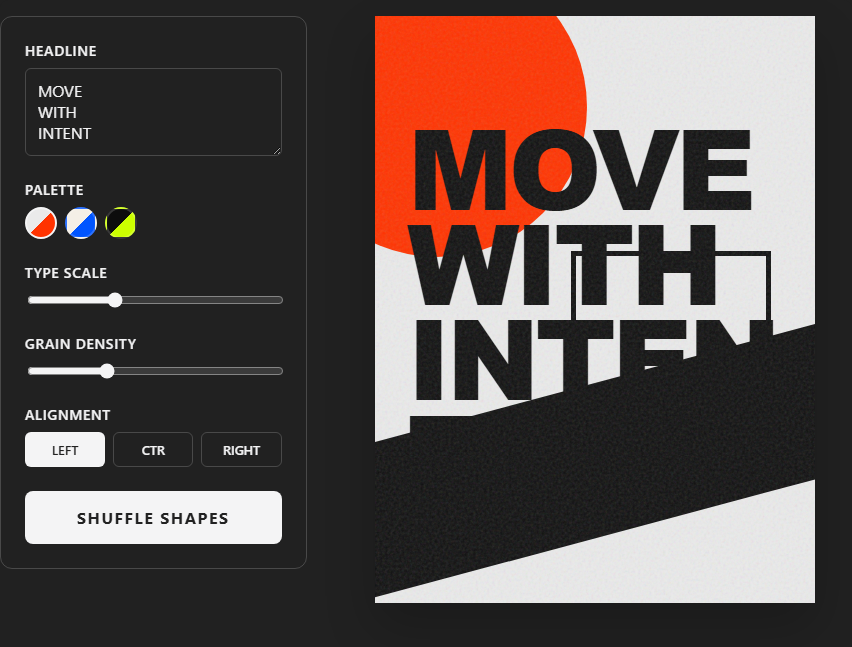
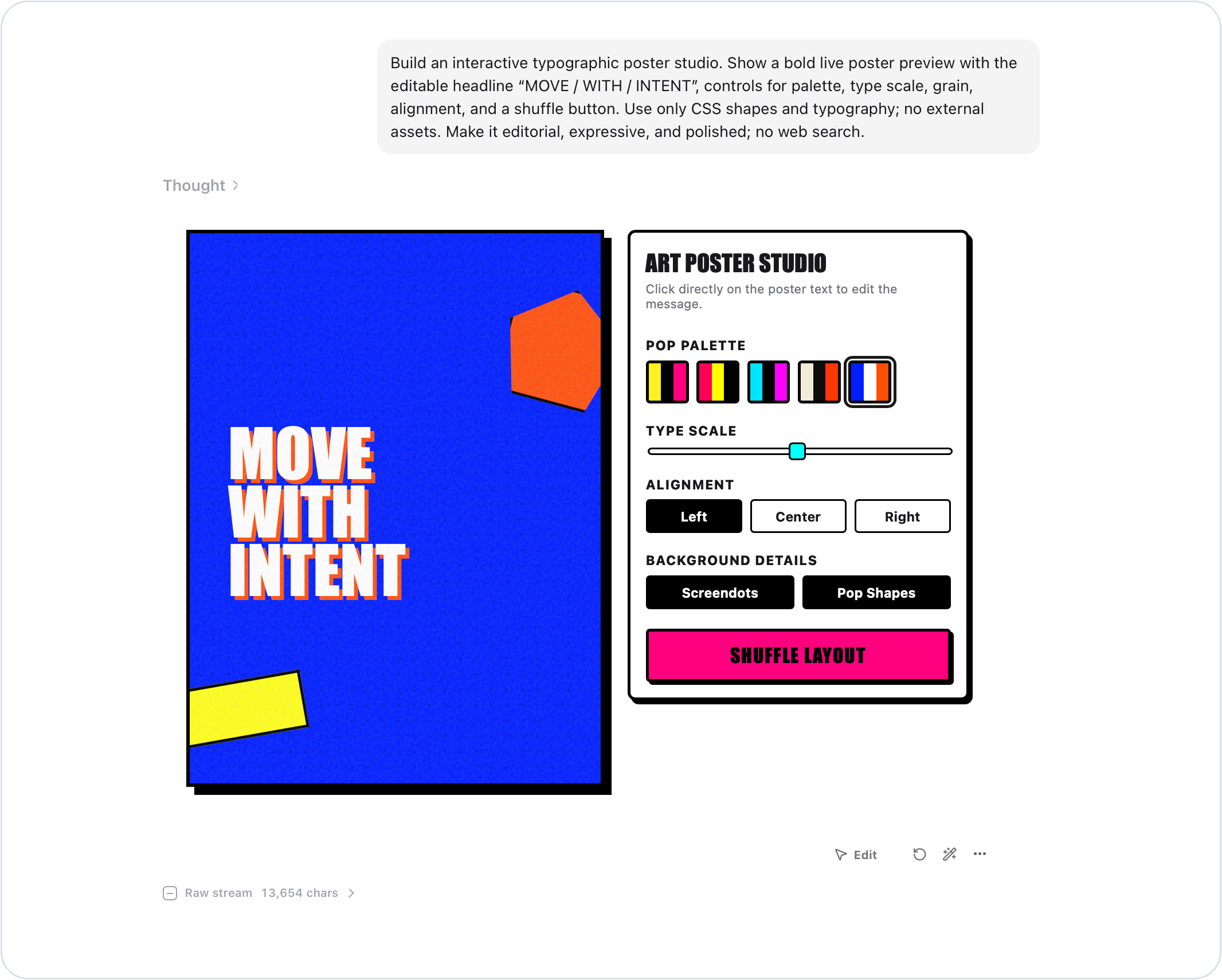
ChatHTML running an interactive poster studio

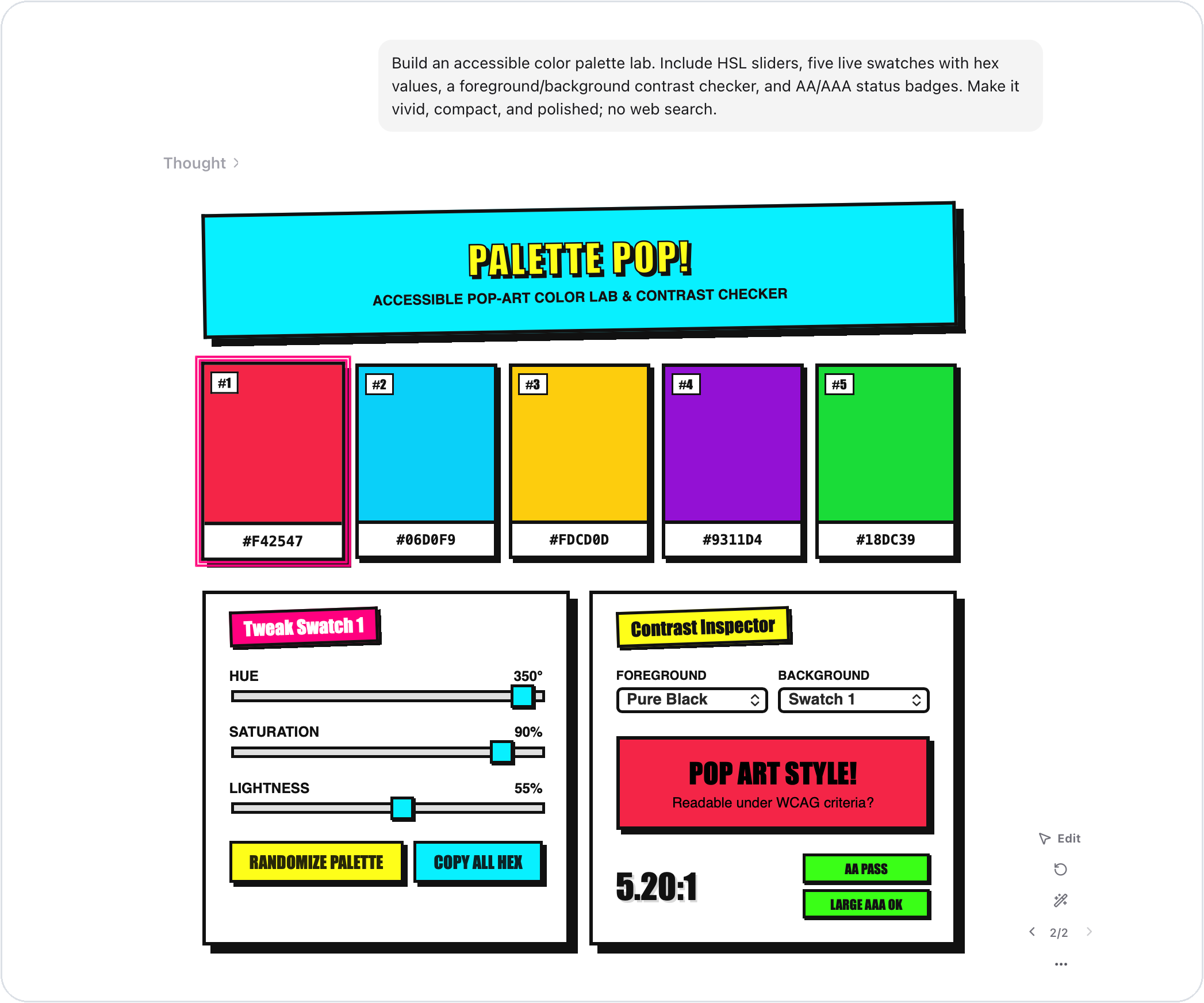
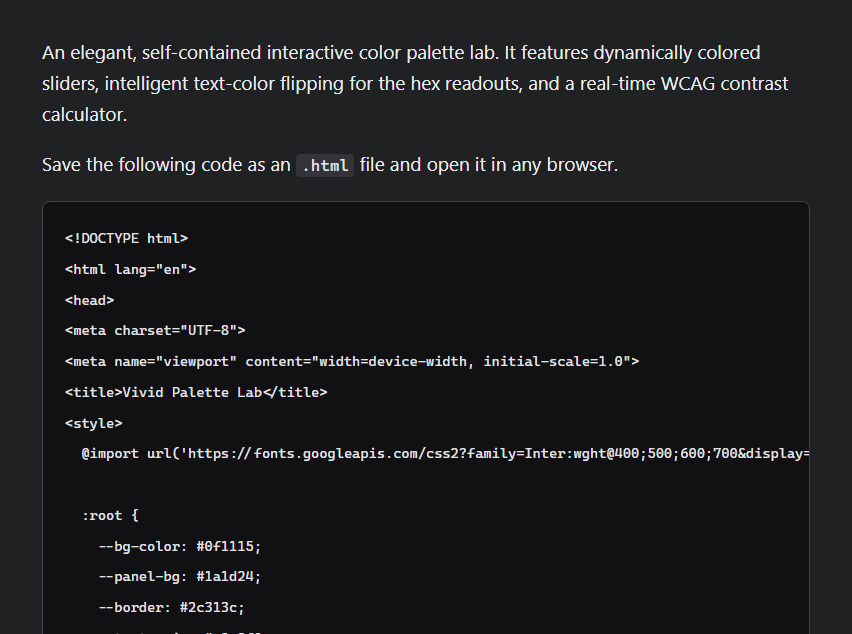
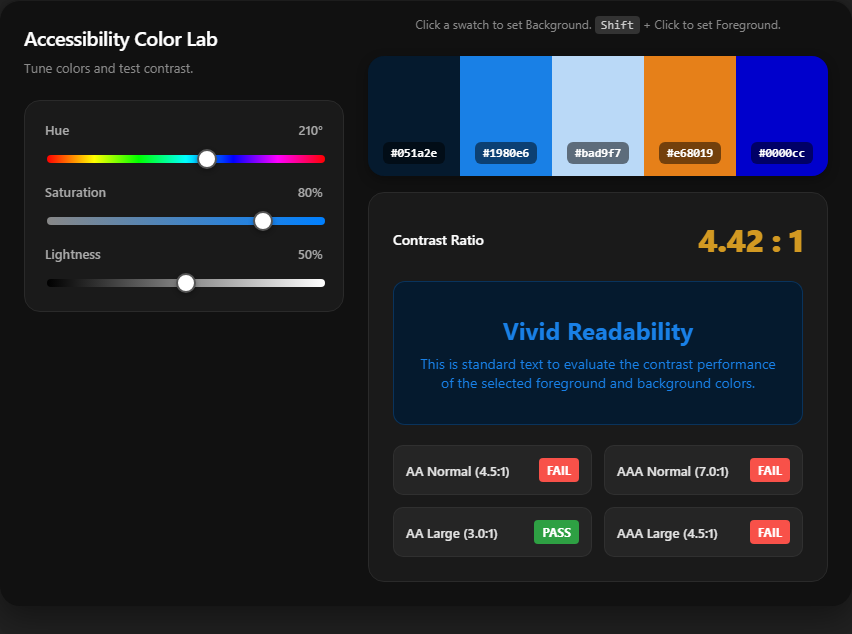
ChatHTML running an interactive color palette lab

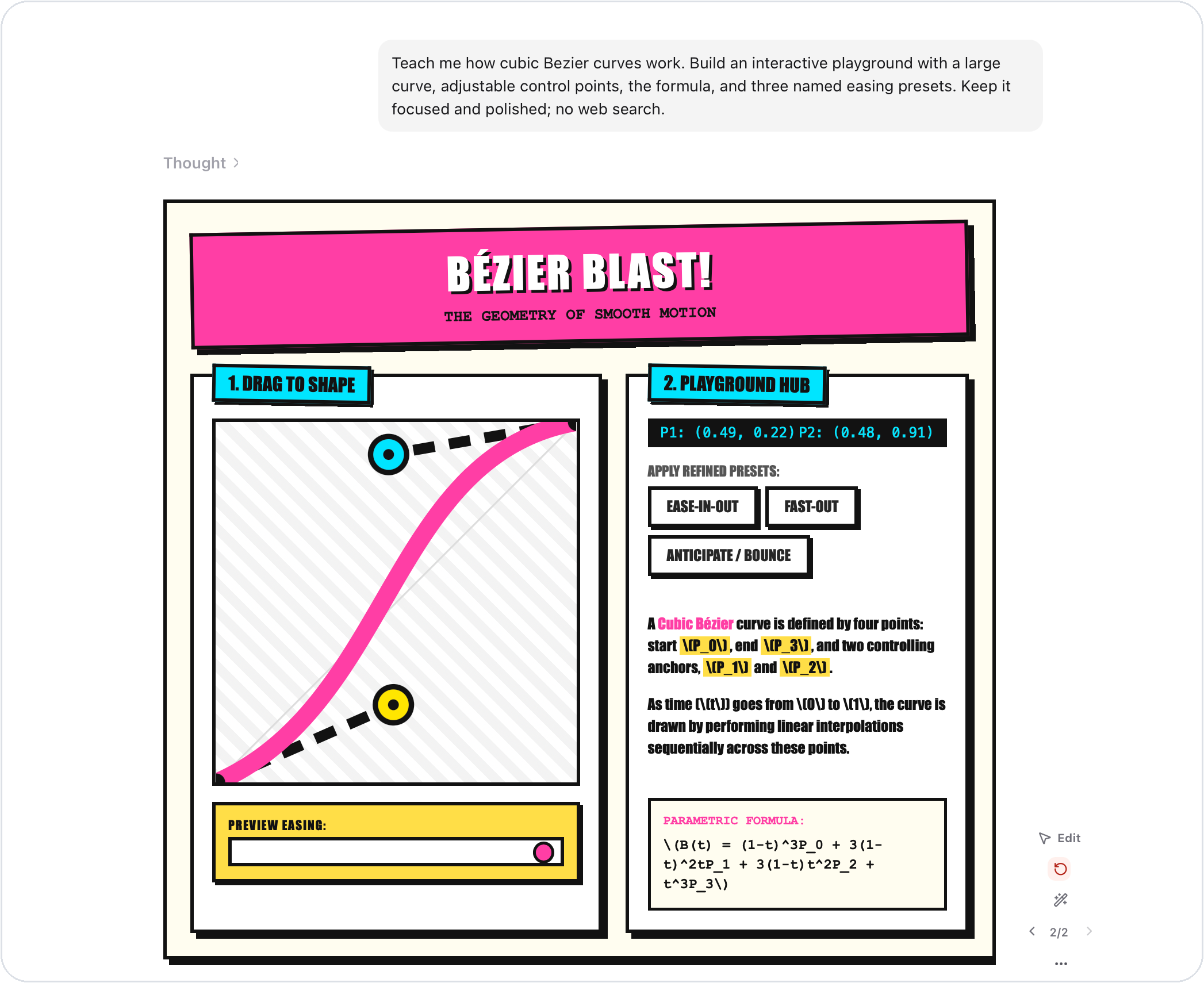
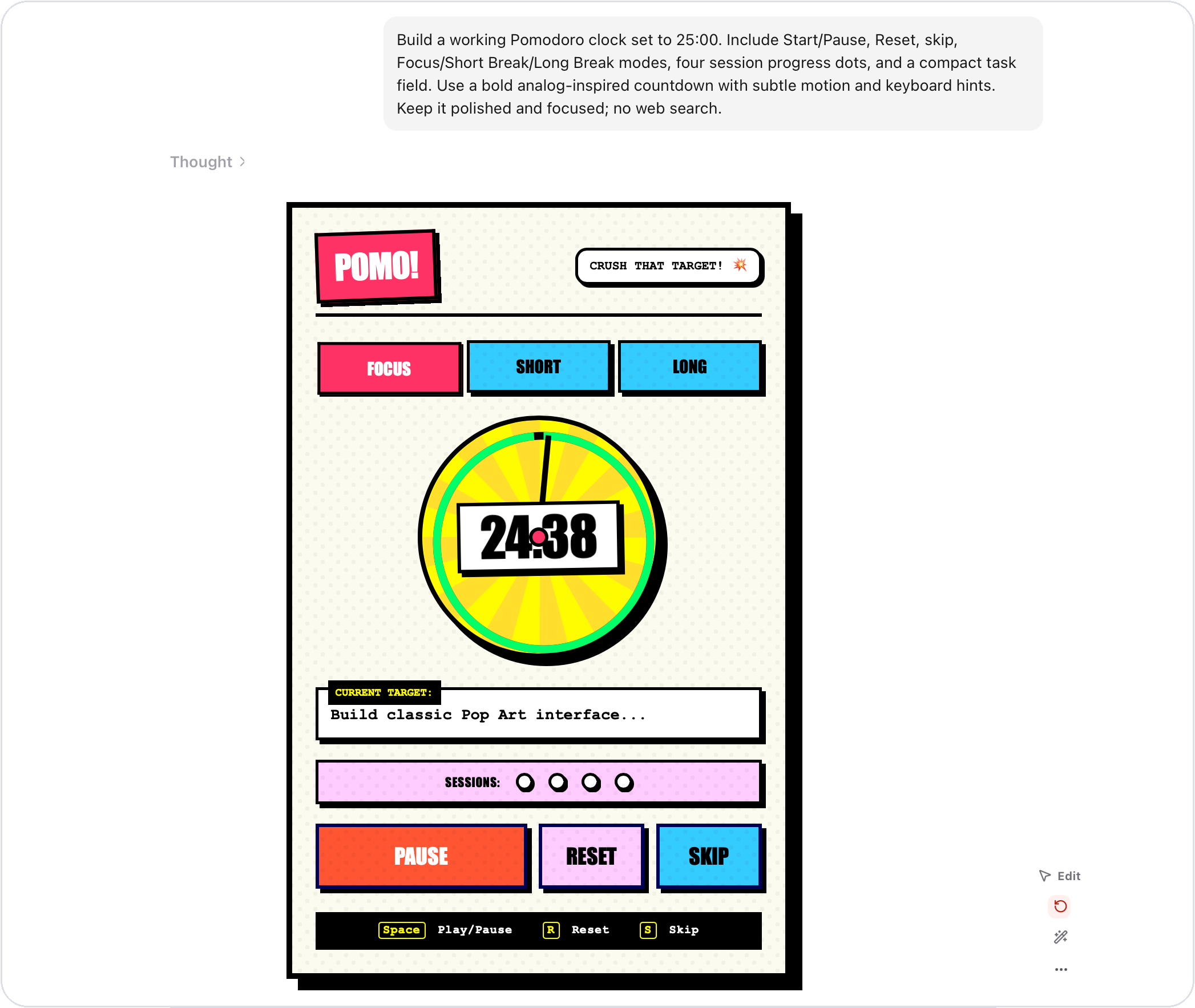
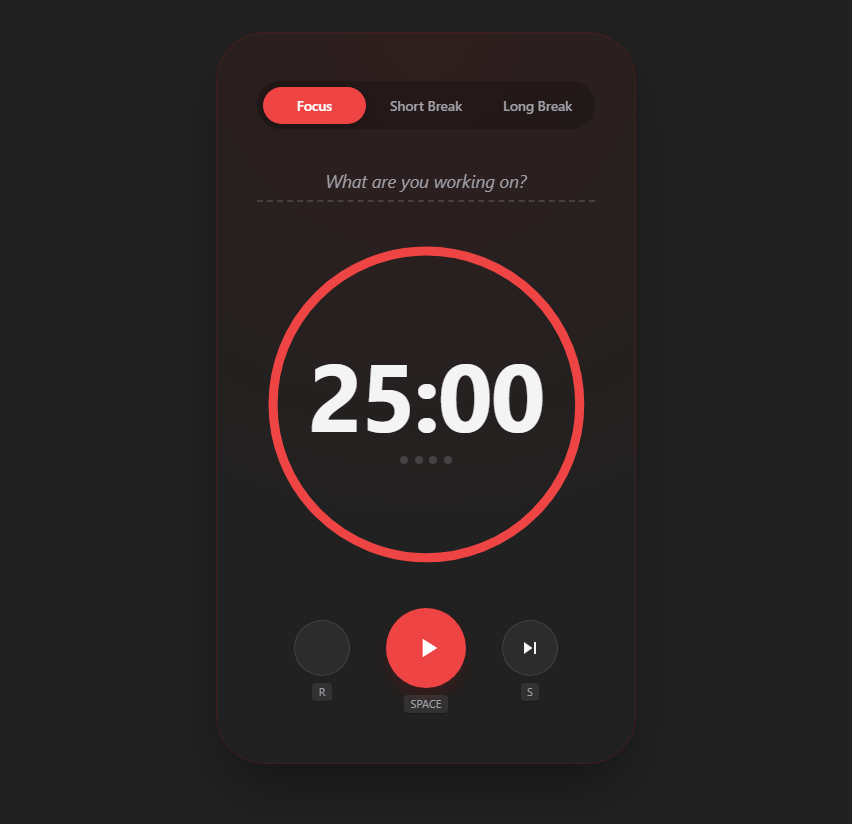
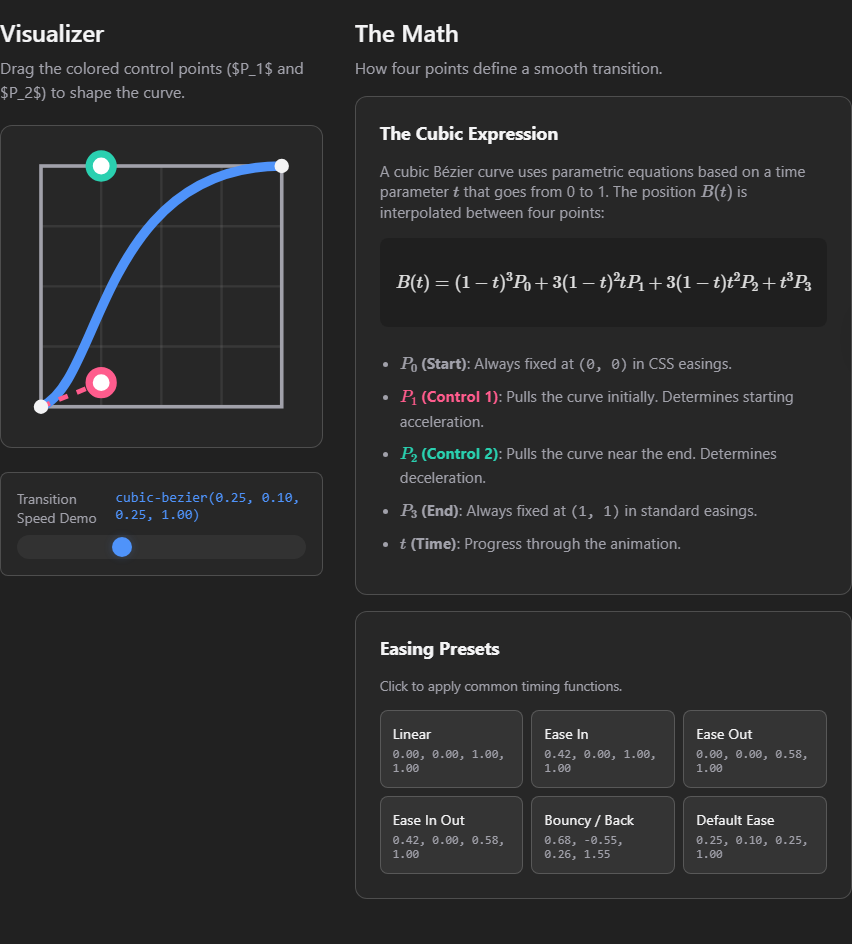
ChatHTML running an interactive Bezier curve playground   ChatHTML running an interactive Pomodoro timer

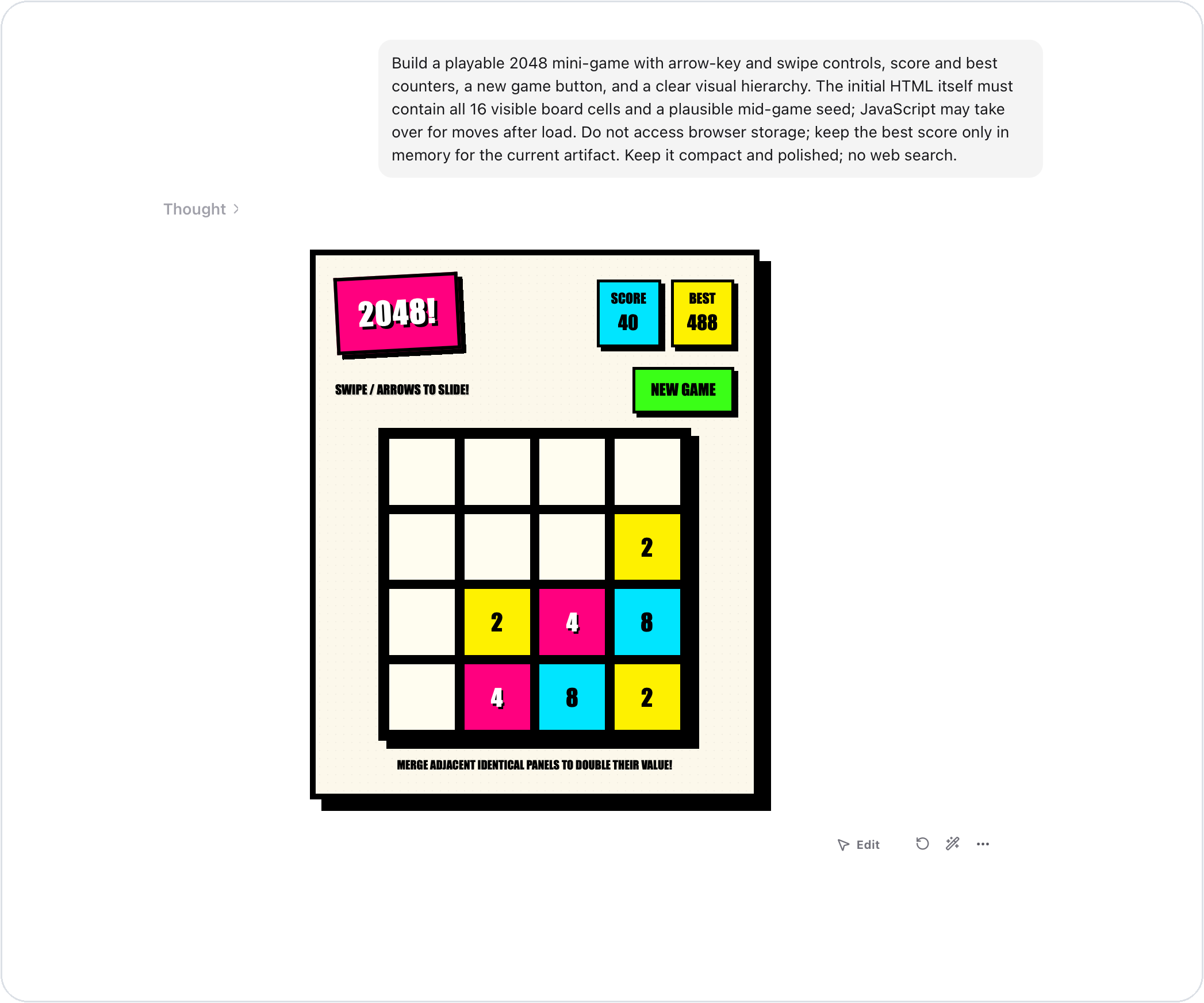
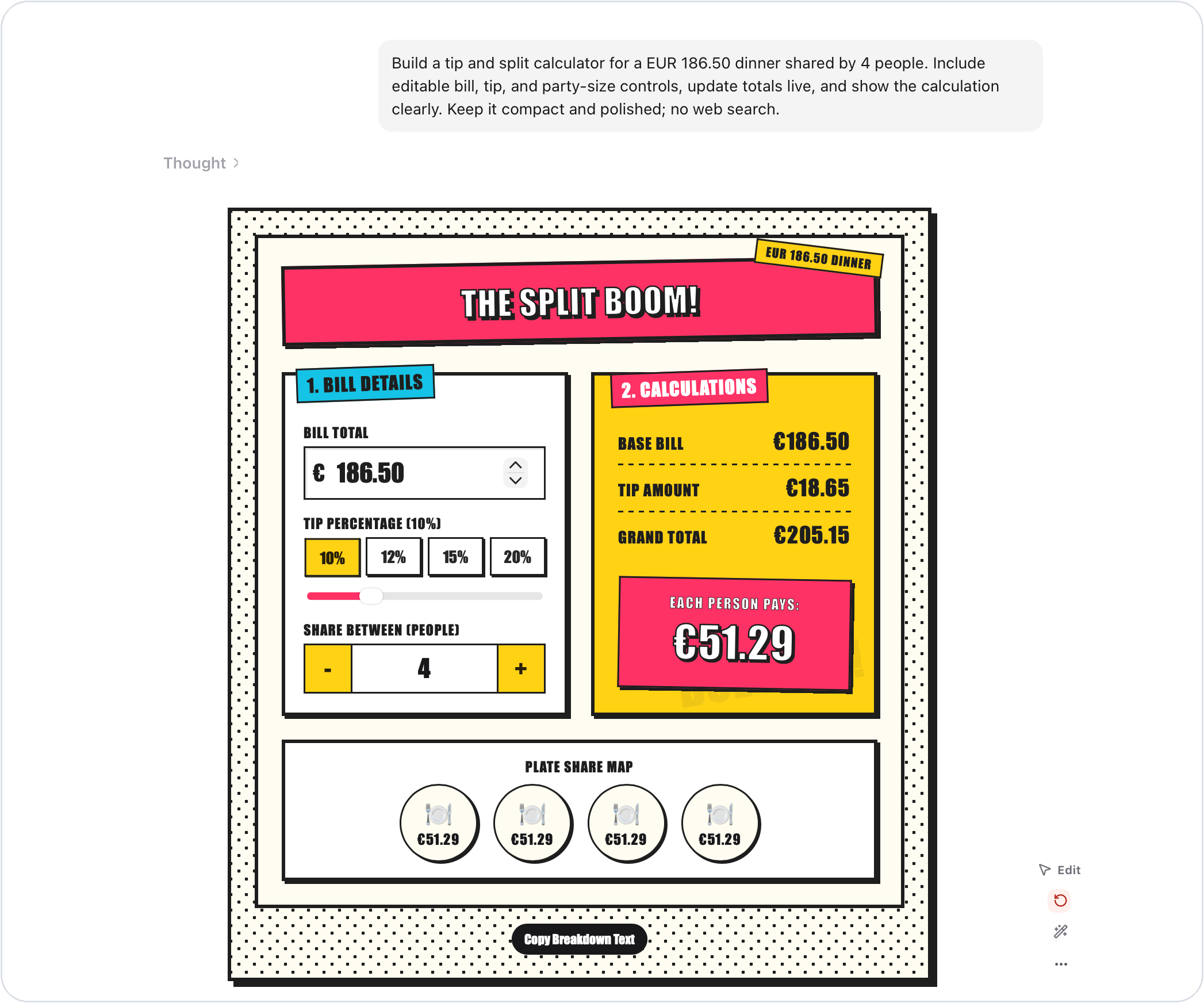
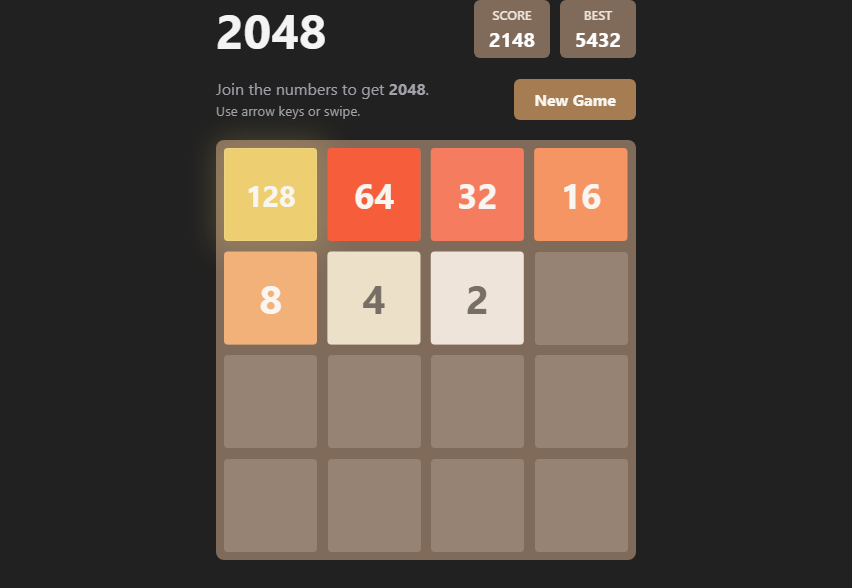
ChatHTML running a playable 2048 game   ChatHTML running an interactive tip and split calculator


## 什么是 ChatHTML? ChatHTML 将普通消息转化为实时流式的 HTML 响应。它会随着模型生成的进度逐步渲染出交互界面,因此回复可以是解释性的、视觉化的、交互式的,或者仅仅是排版极其精美的。 它专注于响应媒介本身,而非复刻 ChatGPT 风格的产品或应用构建工作流。聊天外壳的存在是为了让任何回答都能成为沙箱化的 UI artifact。 - **默认精美** — 采用响应式的 HTML、CSS、排版与动效,而非单纯的代码块。 - **交互性强** — 支持表单、控件、小型原生脚本,以及能延续对话的按钮。 - **私密且安全** — 服务端密钥仅保留在服务端;生成的 artifact 在受保护的沙箱中运行。 - **为迭代而生** — 支持对结果进行选择、编辑、重新生成、修复、复制或导出。
纯 Markdown 与 ChatHTML 对比
## 示例:纯 Markdown 与 ChatHTML 每一行都源自相同的请求;不同的是响应的媒介。左侧是将用户 prompt 直接发送给 OpenRouter 后,由同一配置模型返回的原始响应,渲染为没有任何产品外壳的纯 Markdown 文档。此过程未发送任何系统指令或响应格式指令。右侧是本仓库 `/api/chat` pipeline 的实际输出,由 ChatHTML runtime 渲染。提交的确切 prompt 存储在 [`scripts/readme-comparison-prompts.mjs`](scripts/readme-comparison-prompts.mjs) 中。 未使用任何 ChatGPT 截图或第三方产品 UI。外部图库照片来自 Wikimedia Commons,并在示例旁注明了出处。
Plain Markdown ChatHTML
Prompt 1 · Run a Pomodoro clock

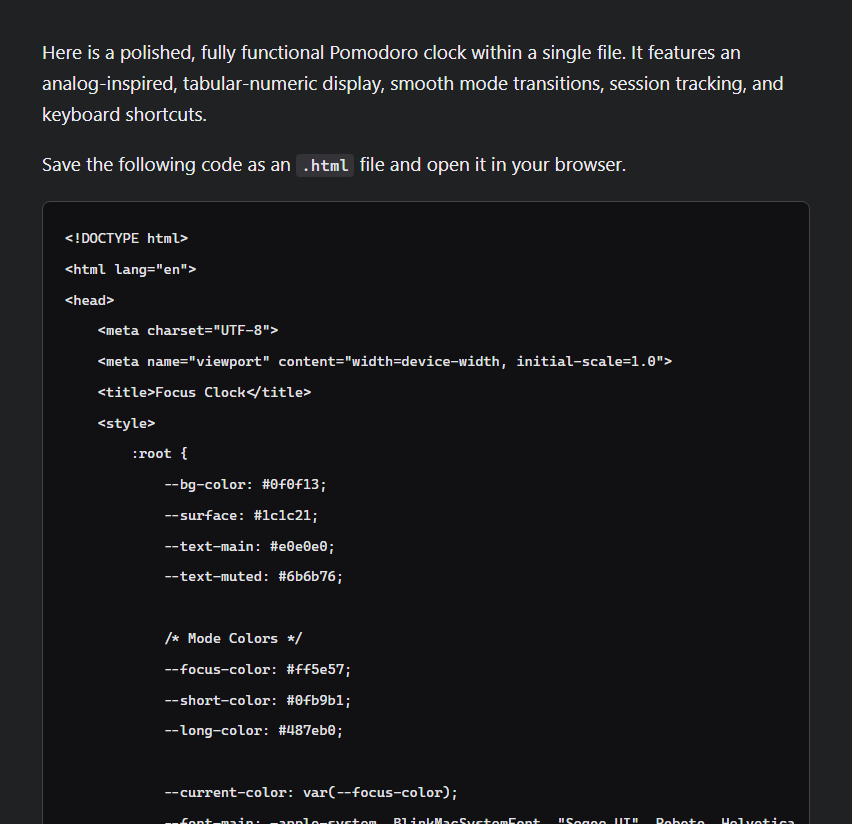
Build a working Pomodoro clock set to 25:00. Include Start/Pause, Reset, skip, Focus/Short Break/Long Break modes, four session progress dots, and a compact task field. Use a bold analog-inspired countdown with subtle motion and keyboard hints. Keep it polished and focused; no web search.
A Markdown-only response containing a complete Pomodoro clock implementation
Markdown source
A working Pomodoro clock rendered by ChatHTML
Live example · Generated source
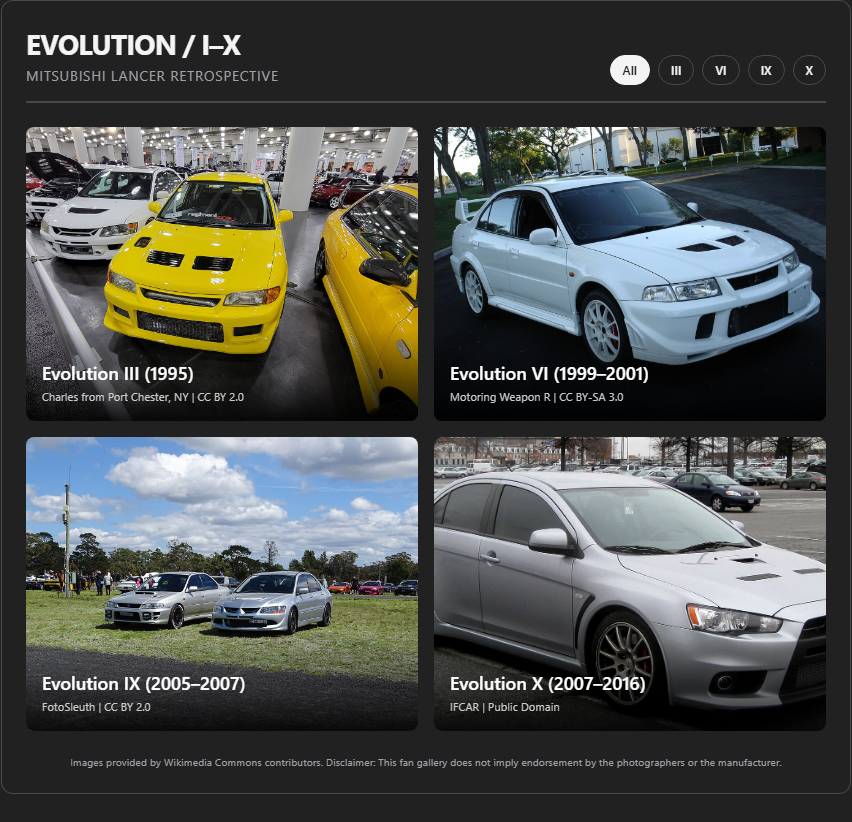
Prompt 2 · Curate an image gallery

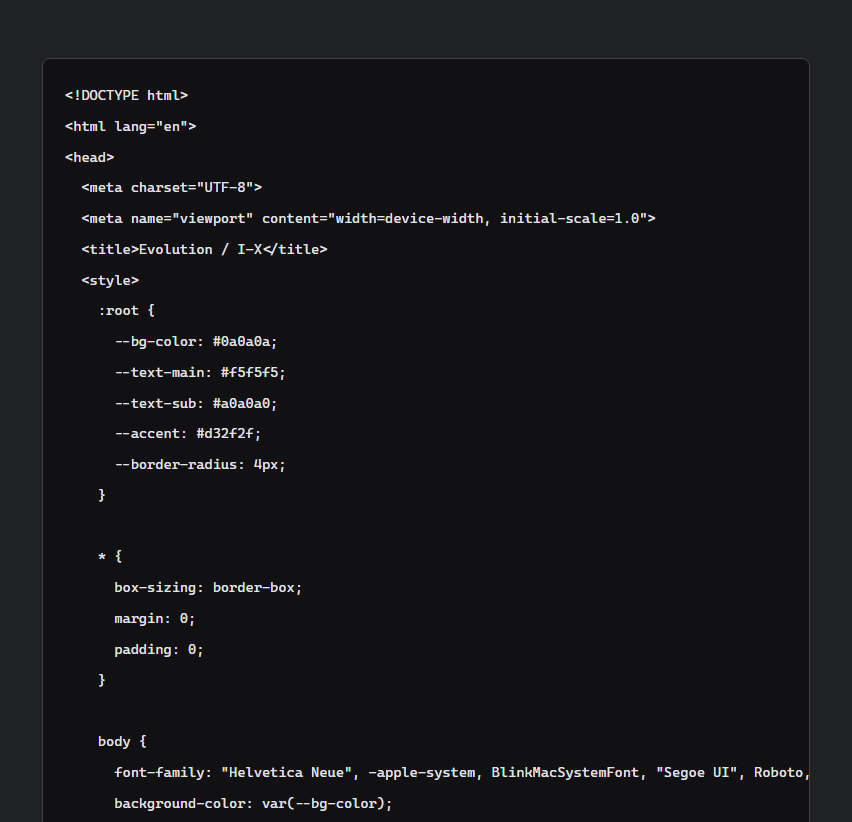
Create a compact editorial gallery titled “Evolution / I–X” celebrating the Mitsubishi Lancer Evolution. Keep the complete 2-by-2 gallery, filters, captions, and credits visible within a single viewport. Use the four provided Wikimedia Commons images and load every image eagerly. Show model generation, year, photographer, and license on each card, with filters for III, VI, IX, and X and a click-to-expand lightbox. Do not imply endorsement; no web search.
A Markdown-only response containing a complete Lancer Evolution gallery implementation
Markdown source
An image-rich Lancer Evolution gallery rendered by ChatHTML
Live example · Generated source
Photos: III · Charles · CC BY 2.0 · VI · Motoring Weapon R · CC BY-SA 3.0 · IX · FotoSleuth · CC BY 2.0 · X · IFCAR · Public domain
Prompt 3 · Make it playable

Build a playable 2048 mini-game with arrow-key and swipe controls, score and best counters, a new game button, and a clear visual hierarchy. The initial HTML itself must contain all 16 visible board cells and a plausible mid-game seed; JavaScript may take over for moves after load. Do not access browser storage; keep the best score only in memory for the current artifact. Keep it compact and polished; no web search.
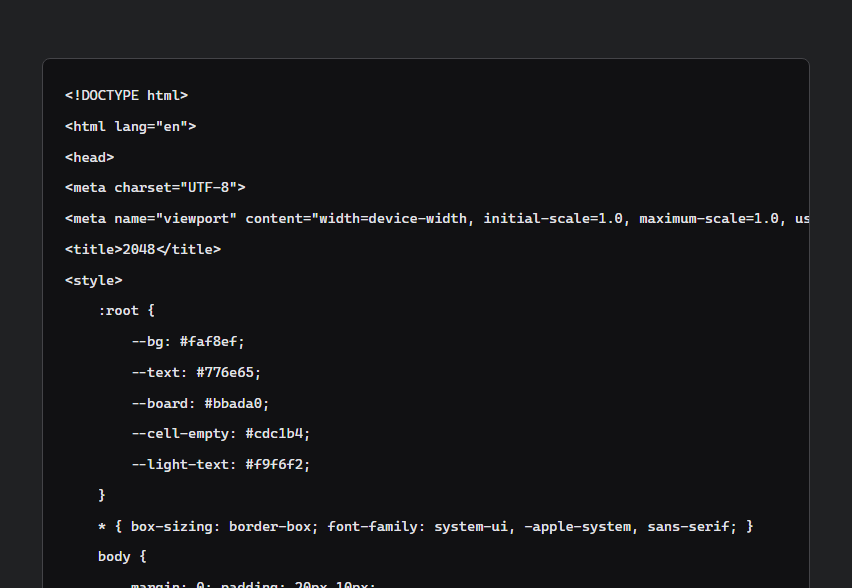
A Markdown-only response containing a complete 2048 implementation
Markdown source
A playable seeded 2048 game rendered by ChatHTML
Live example · Generated source
Prompt 4 · Direct a visual

Build an interactive typographic poster studio. Show a bold live poster preview with the editable headline “MOVE / WITH / INTENT”, controls for palette, type scale, grain, alignment, and a shuffle button. Use only CSS shapes and typography; no external assets. Make it editorial, expressive, and polished; no web search.
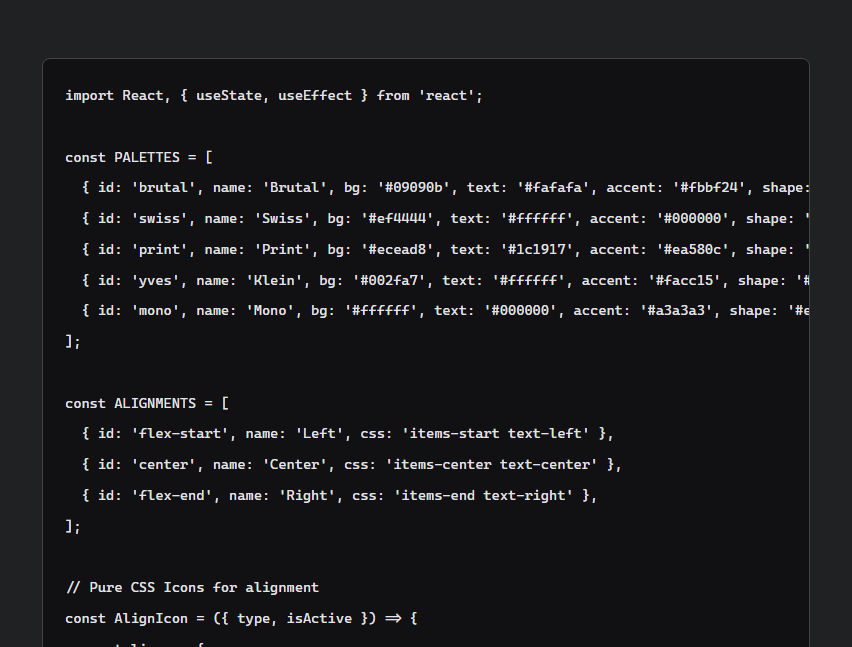
A Markdown-only response containing a complete poster studio implementation
Markdown source
An interactive typographic poster studio rendered by ChatHTML
Live example · Generated source
Prompt 5 · Explain it interactively

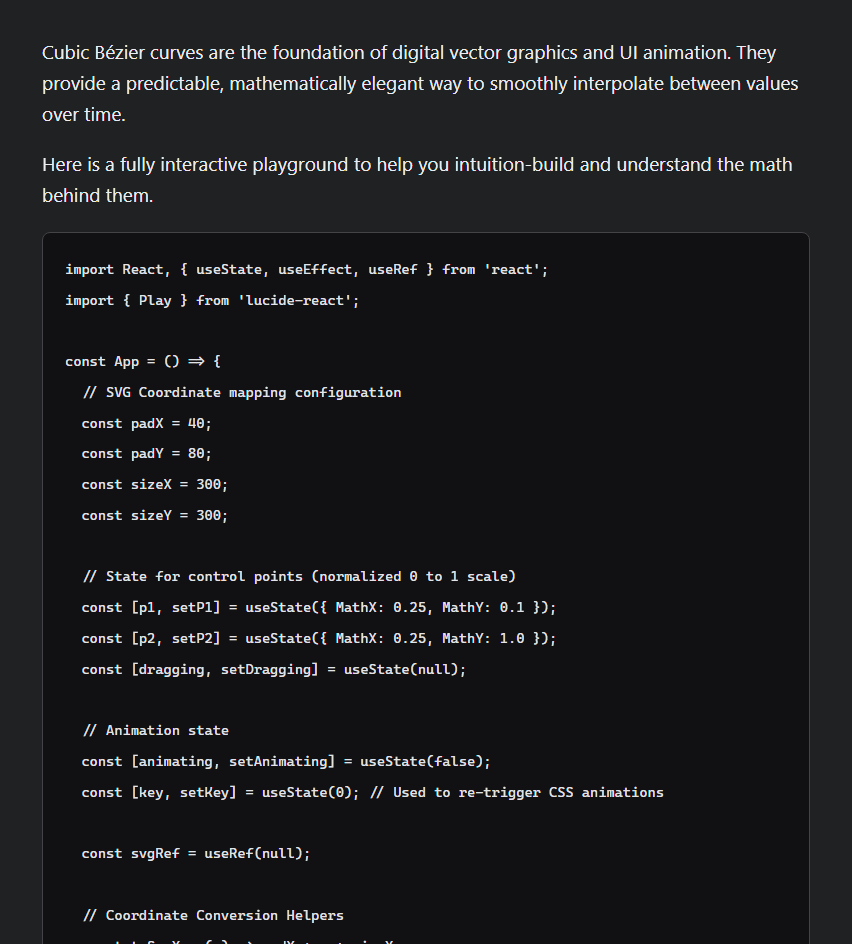
Teach me how cubic Bezier curves work. Build an interactive playground with a large curve, adjustable control points, the formula, and three named easing presets. Keep it focused and polished; no web search.
A Markdown-only explanation and implementation of cubic Bezier curves
Markdown source
An interactive cubic Bezier curve playground rendered by ChatHTML
Live example · Generated source
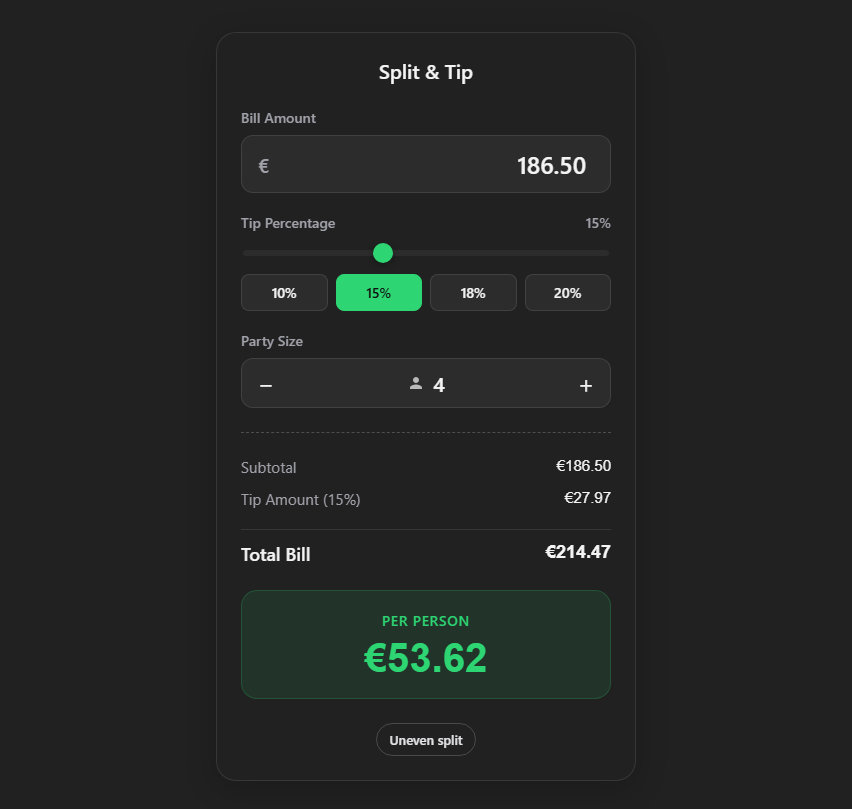
Prompt 6 · Build a working utility

Build a tip and split calculator for a EUR 186.50 dinner shared by 4 people. Include editable bill, tip, and party-size controls, update totals live, and show the calculation clearly. Keep it compact and polished; no web search.
A Markdown-only response containing a complete tip calculator implementation
Markdown source
An interactive tip and split calculator rendered by ChatHTML
Live example · Generated source
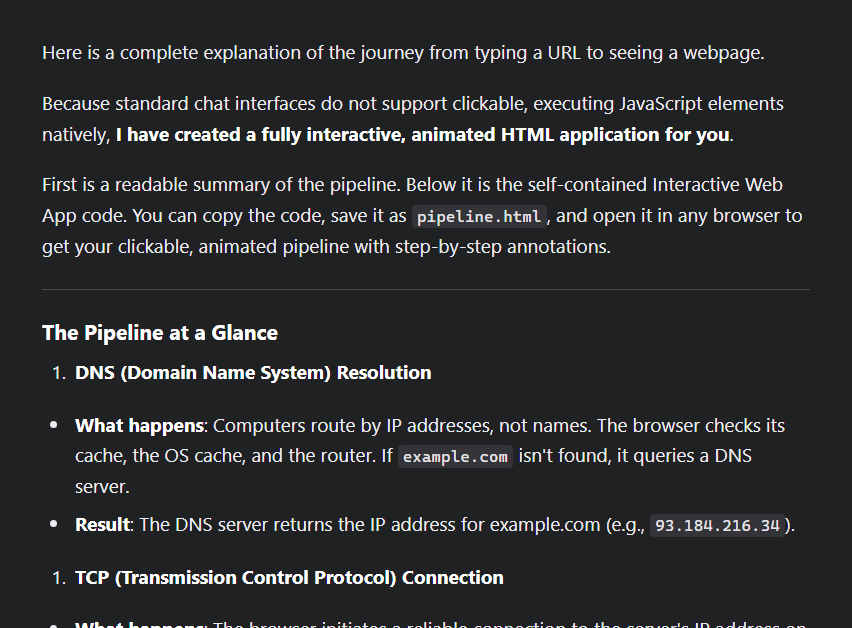
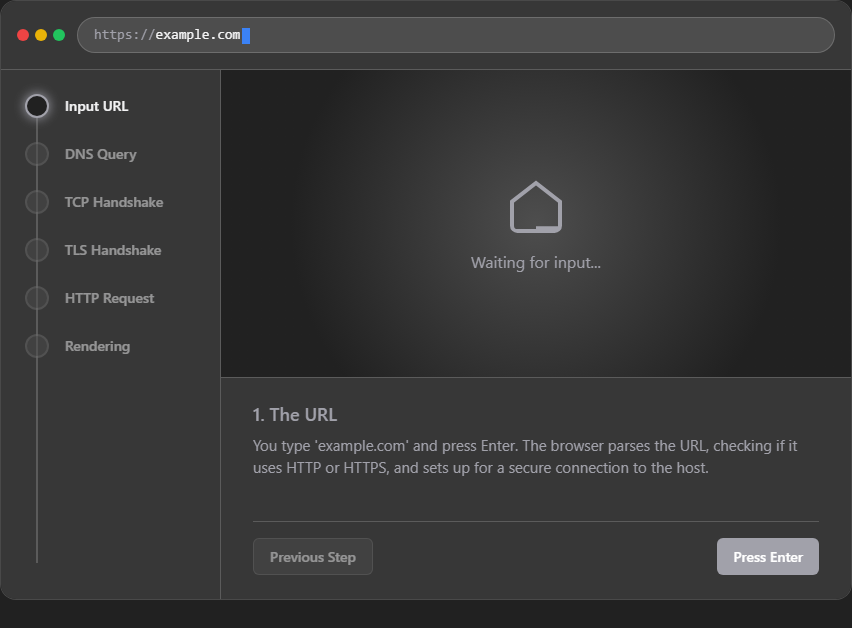
Prompt 7 · Step through a process

Explain what happens after I type https://example.com into a browser and press Enter. Make an annotated, animated-looking pipeline from DNS through TCP and TLS, HTTP, and rendering, with controls to step through each stage. No web search.
A Markdown-only response containing a complete browser pipeline implementation
Markdown source
An interactive browser request pipeline rendered by ChatHTML
Live example · Generated source
Prompt 8 · Explore live data

Build an accessible color palette lab. Include HSL sliders, five live swatches with hex values, a foreground/background contrast checker, and AA/AAA status badges. Make it vivid, compact, and polished; no web search.
A Markdown-only response containing a complete accessibility color lab implementation
Markdown source
An interactive accessibility color lab rendered by ChatHTML
Live example · Generated source
生成或刷新已存储的 OpenRouter 响应: ``` node scripts/generate-readme-markdown-examples.mjs ``` 生成器将每个已存储的 prompt 作为唯一输入直接提交,不提供系统指令或响应格式指导。它默认使用 `google/gemini-3.1-pro-preview`;可以通过设置 `CHATHTML_README_MARKDOWN_MODEL` 来覆盖它。此命令会调用 provider 并消耗 provider 额度。要重新生成一个或多个示例,请将它们的 slug 作为参数传入。 在不调用 provider 的情况下,将已存储的 Markdown 回答渲染为纯截图: ``` node scripts/render-readme-markdown-examples.mjs ``` 在开发服务器运行期间创建或刷新 ChatHTML 示例: ``` node scripts/generate-readme-example.mjs \ "example-slug" \ "Your prompt" \ "docs/images/example-slug.png" ``` ChatHTML 生成器使用常规的服务器 prompt、provider 请求、流式协议、持久化层和 iframe 渲染器。它会将原始响应写入 `docs/examples/.chathtml.html`。默认使用 `google/gemini-3.1-pro-preview`;可以通过设置 `CHATHTML_README_MODEL` 进行覆盖。该命令会调用 provider,因此会消耗 provider 额度。 将生成的示例发布为稳定的托管分享链接: ``` npx tsx scripts/share-readme-examples.ts example-slug ``` 发布器将每个保存的 ChatHTML 响应包装在应用使用的同一个沙箱文档中,然后在 `https://chat.aietheia.com` 上创建或更新其稳定链接。省略 slug 则表示发布所有 README 示例;设置 `CHATHTML_README_SHARE_ORIGIN` 可使用其他兼容的托管主机。
## 快速开始 需要 Node.js 22.13 或更高版本、npm 以及一个 [OpenRouter](https://openrouter.ai/) API key。 ### 1. 安装 ``` git clone https://github.com/aietheia/ChatHTML.git cd ChatHTML npm install ``` ### 2. 配置 将 `.env.example` 复制为 `.env`(在 macOS/Linux 上执行 `cp .env.example .env`,或在 Windows PowerShell 中执行 `Copy-Item .env.example .env`),然后至少设置以下内容: ``` OPENROUTER_API_KEY=your_openrouter_key_here OPENROUTER_MODEL=google/gemini-3.5-flash OPENROUTER_REASONING_EFFORT=low ``` 后端会加载根目录下的 `.env` 以及可选的覆盖配置 `apps/web/.env`。环境密钥仅保留在服务器端,绝不会发送到浏览器。 ### 3. 运行 ``` npm run dev ``` 打开 。Vite 客户端运行在 `5173` 端口;其 Express API 代理运行在 `http://127.0.0.1:8787`。 ## 部署说明与教程 以下内容涵盖了 ChatHTML 的工作原理、配置方法,以及在超出本地开发范围运行前需要检查的事项。若要寻找最快捷的生产环境部署路径,请从[配置](#configuration)开始,选择一种[持久化](#persistence)后端,查阅[安全模型](#security-model),然后使用已提交的[生产环境运维](ops/production/README.md)资源。 ### 工作原理 ``` flowchart LR A[User prompt] --> B[ChatHTML server] B --> C{Responses tool loop} C -->|retrieve, files, memory| C C --> D[NDJSON reasoning + content stream] D --> E[Protocol parser] E --> F[Partial HTML completion] F --> G[Sandboxed iframe] ``` 1. 客户端将对话、画布尺寸、主题、文件和 provider 设置发送到 `POST /api/chat`。 2. 后端在调用兼容 Responses 的模型 endpoint 之前,会添加 ChatHTML 的系统、画布、主题、可读性、记忆和文件上下文。 3. 模型的工具调用在同一响应循环中执行。推理和内容以序列化的 NDJSON 事件形式返回给浏览器。 4. 客户端提取协议标签,并将 `` 内容馈送至流式渲染器。对于每一帧预览,不完整的标签都会被安全地补全。 5. 一旦流式传输完成,脚本和 artifact 动作就会在全新的沙箱文档中被启用。 ### 功能特性 | 领域 | 包含内容 | | --- | --- | | 渲染 | HTML/CSS 渐进式渲染、推测性补全、明/暗主题上下文、响应式画布尺寸调整 | | 交互 | 原生 JavaScript、本地控件、对话动作、复制/下载/打开链接的能力请求 | | 编写 | 区域选择、针对性的 artifact 编辑、重新生成分支、基于截图的视觉修复 | | 检索 | Brave、Tavily、Serper、DuckDuckGo 兜底、直接 URL 抓取、可选的 Playwright 浏览 | | 视觉资源 | Openverse、面向 Wikimedia 的搜索、NASA、美国国会图书馆、大都会艺术博物馆、芝加哥艺术学院,以及可选的 Pexels、Unsplash 和 Rijksmuseum provider | | 文件 | 草稿图片上传、多模态图像读取、会话文件工具、能力 URL、保存原始 artifact 源码 | | 持久化 | SQLite 用于零配置本地使用;PostgreSQL 支持生产环境下的用户独立状态与并发访问 | | 导出 | 复制源码/文本、独立 HTML、PNG、SVG、诊断信息,以及可选的托管分享链接 | ### Provider 与密钥模式 | 模式 | 请求路径 | 密钥处理 | 最适用于 | | --- | --- | --- | --- | | 环境变量 | 浏览器 -> ChatHTML 服务器 -> provider | 密钥保留在服务器环境变量中 | 本地开发与自托管 | | 手动 | 浏览器直接请求 provider | 密钥保存在浏览器的 `sessionStorage` 中 | 未登录状态下使用支持 CORS 的 provider | | 托管 | 浏览器 -> 已认证的 ChatHTML Service 网关 | 不透明的服务会话保留在 HttpOnly cookie 中 | 托管型部署 | 手动模式绝不会通过 ChatHTML 服务器进行兜底。非敏感的 provider 设置保存在 local storage 中,而密钥会随着浏览器会话的结束而消失。除本地回环开发的 endpoint 外,纯 HTTP 的 provider URL 将被拒绝。 ### 配置 完整且带有注释的列表位于 [`.env.example`](.env.example) 中。最实用的设置如下: | 变量 | 默认值 | 用途 | | --- | --- | --- | | `OPENROUTER_API_KEY` | 无 | 服务端 OpenRouter 凭证 | | `OPENROUTER_MODEL` | `google/gemini-3.5-flash` | 默认生成模型 | | `OPENROUTER_REASONING_EFFORT` | `low` | `none`、`minimal`、`low`、`medium` 或 `high` | | `STREAMUI_RETRIEVAL` | `true` | 启用模型的原生检索工具 | | `STREAMUI_SEARCH_PROVIDER` | `auto` | 搜索 provider 选择 | | `STREAMUI_BROWSER_ENGINE` | `fetch` | 使用 `fetch` 或 Playwright 进行页面检索 | | `STREAMUI_SESSION_DB` | `./sessions/state.sqlite` | SQLite 状态文件 | | `CHATHTML_DATABASE_URL` | 无 | 生产环境下的 PostgreSQL 连接字符串 | | `CHATHTML_AUTH_REQUIRED` | 生产环境外为 false | 要求拥有托管账户 | 当设置 `STREAMUI_SEARCH_PROVIDER=auto` 时,会优先使用已配置的 API provider,并可将 DuckDuckGo 作为兜底。部分视觉和博物馆来源无需密钥即可使用;配置可选的 provider 密钥可扩大覆盖范围。 检索策略默认阻止访问私有网络目标。域名允许和阻止列表、超时时间、页面限制以及上下文预算均可在 `.env` 中配置。 ### 持久化 SQLite 是零配置的默认选项。它使用 WAL 模式和序列化写入队列,适用于本地开发和小型单实例安装。如果部署文件系统是临时的,请将数据库放置在持久化存储上: ``` STREAMUI_SESSION_DB=/data/chathtml/state.sqlite ``` 对于托管型或水平扩展的部署,请使用 PostgreSQL: ``` CHATHTML_DATABASE_URL=postgresql://chathtml_app:password@127.0.0.1:5432/chathtml CHATHTML_DATABASE_POOL_SIZE=10 CHATHTML_AUTH_REQUIRED=true ``` PostgreSQL 会为每个已认证的用户存储一条原子状态记录,通过行锁对同一用户的更新进行序列化,并允许不同用户并发读写。 要将传统的 SQLite 数据迁移到现有账户中,请备份源数据并运行: ``` STREAMUI_SESSION_DB=/data/chathtml/state.sqlite \ CHATHTML_DATABASE_URL=postgresql://... \ CHATHTML_MIGRATION_USER_ID=00000000-0000-4000-8000-000000000000 \ npm run migrate:sessions ``` 此迁移是事务性且幂等的。它会验证数据和哈希值,拒绝覆盖非空的目标数据,并轮换已存储的文件能力凭证。 ### 运行时协议 网络传输协议保留了传统的 `` 名称,以兼容现有的会话和渲染器代码: ``` Concise history title

All user-facing content lives in this artifact.

``` - `` 成为隐藏的历史记录标题。 - `` 对于可视化响应保持为空;它作为非 artifact 文本的兜底。 - `` 会被分块渲染,并且在 artifact 完成之前必须保持打开状态。 - 内置的 `streamui-*` 类和 CSS 变量提供了易于访问的正文、按钮、静音文本、动作以及感知主题的颜色。 - 脚本在流式传输期间会被忽略,只有在完整的 artifact 被装载到 iframe 中后才会运行。 如果响应中没有有效的 `` 块,它将作为普通的助手消息显示。 #### Artifact 动作 生成的控件可以请求宿主执行安全的动作,而无需直接调用敏感的浏览器 API: ``` ``` 宿主确认能力动作,并在 artifact 之外执行它们。 ### 安全模型 - 服务器管理的 provider 凭证永远不会被序列化到前端设置中。 - Artifact 使用 `sandbox="allow-scripts allow-same-origin allow-popups allow-popups-to-escape-sandbox"` 进行渲染。 - iframe 的 CSP 允许所需的 HTTPS 资源,同时禁用 objects、forms 和 base URL 修改。 - 浏览器存储、cookies、parent/top/opener 访问、权限 API、`document.write` 和剪贴板读取会被 runtime 拦截或上报。 - 会话文件使用稳定的 ID 和不可猜测的能力 URL。在用户发送消息之前,草稿文件对模型的文件工具是不可见的。 - 托管会话的所有权来源于已认证的服务器身份,绝非浏览器提供的客户端 ID。 该沙箱是针对生成的 artifact 的防御边界,并不意味着允许对 ChatHTML 宿主本身进行不受信任的修改。在公开暴露定制的 runtime 之前,请仔细审查策略和部署配置。 ### 分享 Artifact 独立的 HTML 托管由独立的 [`aietheia/oops`](https://github.com/aietheia/oops) 服务提供。生产环境的代理应将 `POST /api/html-shares` 和 `/artifacts/*` 路由到该服务。分享链接默认隐藏;只有在这些路由存在后才能启用它: ``` VITE_CHATHTML_ARTIFACT_SHARE_LINKS=true ``` 本地的 HTML、PNG 和 SVG 导出无需托管服务即可工作。 ### 开发 本仓库是一个 npm workspace: | 路径 | 用途 | | --- | --- | | [`apps/web`](apps/web) | 完整的 Vite/React 客户端和 Express 后端 | | [`apps/webdemo`](apps/webdemo) | 基于浏览器本地的精简版 Web Demo 界面 | | [`docs/cloud-api.md`](docs/cloud-api.md) | 托管的 HTTP 和原生认证契约 | | [`ops/production`](ops/production) | 备份、监控、systemd 和 Nginx 资源 | 常用命令: ``` npm run dev # full app on :5173, API on :8787 npm run dev:webdemo # reduced web demo on :5174 npm test # web client and server unit tests npm run test:webdemo # web demo unit tests npm run test:e2e # Playwright browser suite npm run build # type-check and production build ``` 重要的实现入口点: - [`apps/web/src/server/systemPrompt.ts`](apps/web/src/server/systemPrompt.ts) — 模型行为与输出 - [`apps/web/server/openrouterChatExecution.ts`](apps/web/server/openrouterChatExecution.ts) — Responses API 工具循环与流式生成 - [`apps/web/src/runtime/streamui/protocol.ts`](apps/web/src/runtime/streamui/protocol.ts) — 协议提取 - [`apps/web/src/runtime/streamui/streamingRenderer.ts`](apps/web/src/runtime/streamui/streamingRenderer.ts) — 渐进式渲染器生命周期 - [`apps/web/src/runtime/streamui/sandboxDocument.ts`](apps/web/src/runtime/streamui/sandboxDocument.ts) — iframe 文档、CSP 和沙箱 runtime - [`apps/web/server/retrieval.ts`](apps/web/server/retrieval.ts) — 搜索、 抓取、解析与检索上下文 - [`apps/web/server/sessionRepository.ts`](apps/web/server/sessionRepository.ts) — SQLite/PostgreSQL 持久化 ### 生产环境检查 生产环境浏览器审计会创建临时账户,并且完整审计会运行一次托管的生成任务。它们会修改生产数据,因此需要显式的标志: ``` node scripts/auth-relogin-repro.mjs --confirm-production-audit node scripts/production-alpha-audit.mjs --confirm-production-audit ``` 报告会写入被忽略的 `test-results/` 目录。这两个脚本在退出前都会删除其测试账户,如果审计不通过,则会返回非零状态。可以使用 `CHATHTML_AUDIT_APP_BASE` 和 `CHATHTML_AUDIT_SERVICE_BASE` 来指向非默认环境。 有关托管认证、账户和原生包装器集成,请参阅 [Cloud API 契约](docs/cloud-api.md)。有关运维资源和备份要求,请参阅[生产环境运维](ops/production/README.md)。 ## 许可证 ChatHTML 采用 [MIT 许可证](LICENSE)。
标签:AI前端, HTML渲染, MITM代理, Web开发工具, 交互式UI, 前端可视化, 多模态安全, 大模型交互, 数据可视化, 自动化攻击