# OPTISEC v4.0 SINGULARITY
### Enterprise Security Intelligence Platform
[](LICENSE)
[](https://python.org)
[](https://fastapi.tiangolo.com)
[](https://github.com/OptisecDev/optisec-recon-pro)
[](https://github.com/OptisecDev/optisec-recon-pro/releases)
[](#osint-engine-v50--world-class-intelligence)
[](#osint-engine-v50--world-class-intelligence)
[](tests/test_unified_osint.py)
[](https://github.com/OptisecDev/optisec-recon-pro/stargazers)
**A full-stack, AI-powered security intelligence platform built for bug bounty hunters,
red teamers, and enterprise SOC teams — featuring 13 integrated scanning modules,
Arabic/English NLP, post-quantum cryptography, and autonomous red team simulation.**
[Live Demo](https://optisec-recon-pro.onrender.com/demo) · [API Docs](https://optisec-recon-pro.onrender.com/docs) · [License Store](https://optisecdev.github.io/optisec-store) · [Report Bug](https://github.com/OptisecDev/optisec-recon-pro/issues) · [Request Feature](https://github.com/OptisecDev/optisec-recon-pro/issues)
## Table of Contents
- [Overview](#overview)
- [Features Matrix — 13 Modules](#features-matrix--13-modules)
- [OSINT Engine v5.0 — World-Class Intelligence](#osint-engine-v50--world-class-intelligence)
- [Architecture](#architecture)
- [Screenshots](#screenshots)
- [Tech Stack](#tech-stack)
- [Installation](#installation)
- [Quick Start (Local)](#quick-start-local)
- [Docker Compose](#docker-compose)
- [Deploy to Render](#deploy-to-render)
- [API Documentation](#api-documentation)
- [Licensing Tiers](#licensing-tiers)
- [Ethical Use Policy](#ethical-use-policy)
- [Security & Responsible Disclosure](#security--responsible-disclosure)
- [Roadmap](#roadmap)
- [Contributing](#contributing)
- [License & Contact](#license--contact)
## Overview
**OPTISEC v4.0 SINGULARITY** is a comprehensive bug bounty and penetration testing platform that consolidates the entire security research workflow into a single, unified web dashboard. From subdomain enumeration to autonomous AI-driven red team simulations, OPTISEC gives security professionals an enterprise-grade toolkit accessible from any browser.
### Why OPTISEC?
| Problem | OPTISEC Solution |
|---------|-----------------|
| Fragmented tooling (Nmap, Burp, nuclei, theHarvester…) | Single unified dashboard with 13 integrated modules |
| Manual report writing takes hours | One-click professional PDF reports |
| No Arabic-language security tooling | Native Arabic + English NLP command interface |
| Bug bounty context switching between H1/Bugcrowd/Intigriti | Unified bug bounty management with direct submission APIs |
| Quantum threats to modern encryption | Built-in Kyber-768 post-quantum key encapsulation |
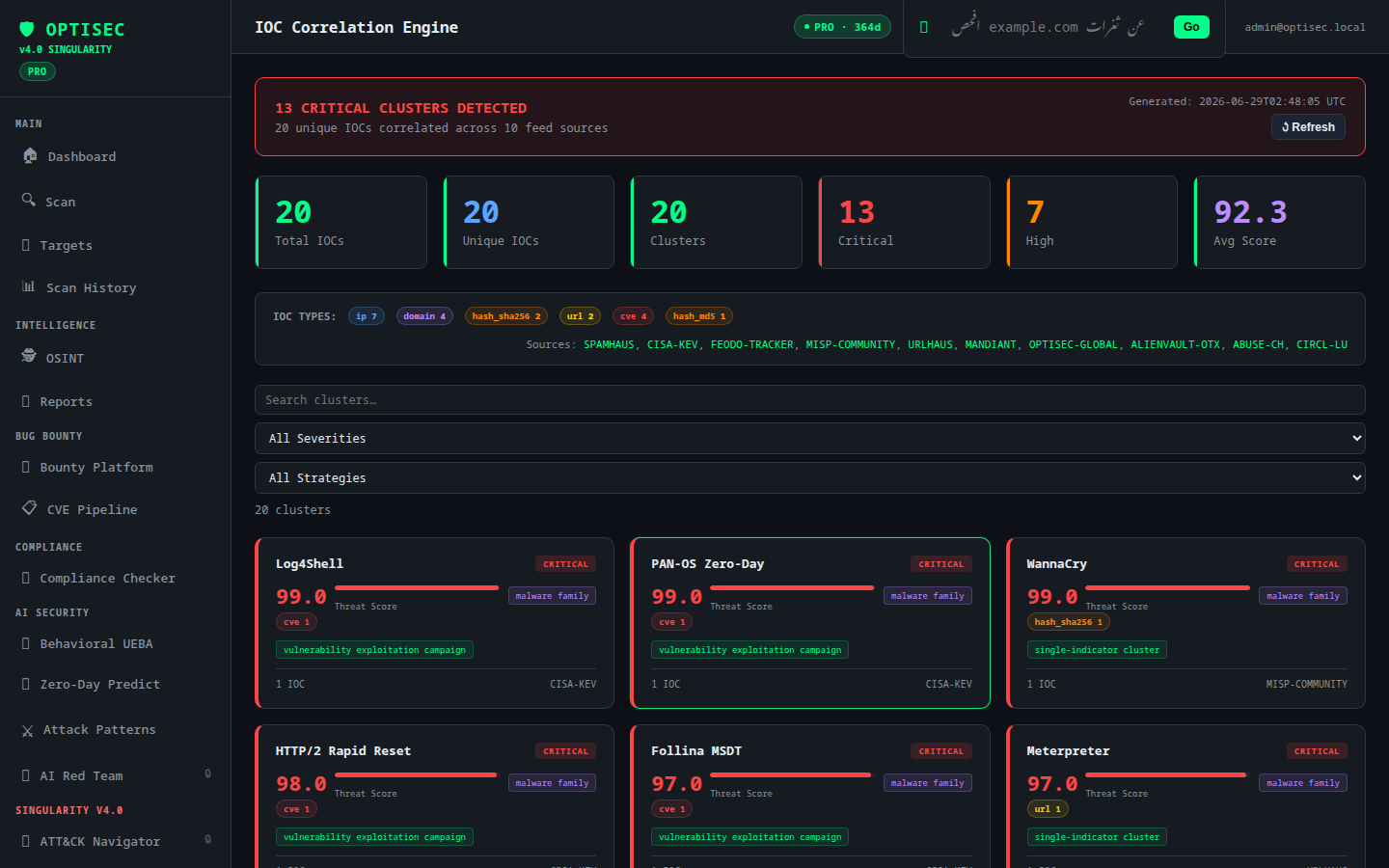
| SOC teams need correlation across threat feeds | IOC correlation engine with AlienVault OTX integration |
## Features Matrix — 13 Modules
### Core Scanning Engine
| Module | Capabilities | Tier |
|--------|-------------|------|
| **Reconnaissance** | Subdomain enumeration (wordlist + DNS brute), DNS lookup (A/MX/TXT/NS/CNAME), WHOIS, Nmap service detection, SSL/TLS analysis, Security headers grading, Port scanning | FREE+ |
| **Vulnerability Scanner** | XSS (reflected/stored), SQL Injection, SSRF (cloud metadata bypass), LFI (path traversal), Open Redirect | FREE+ |
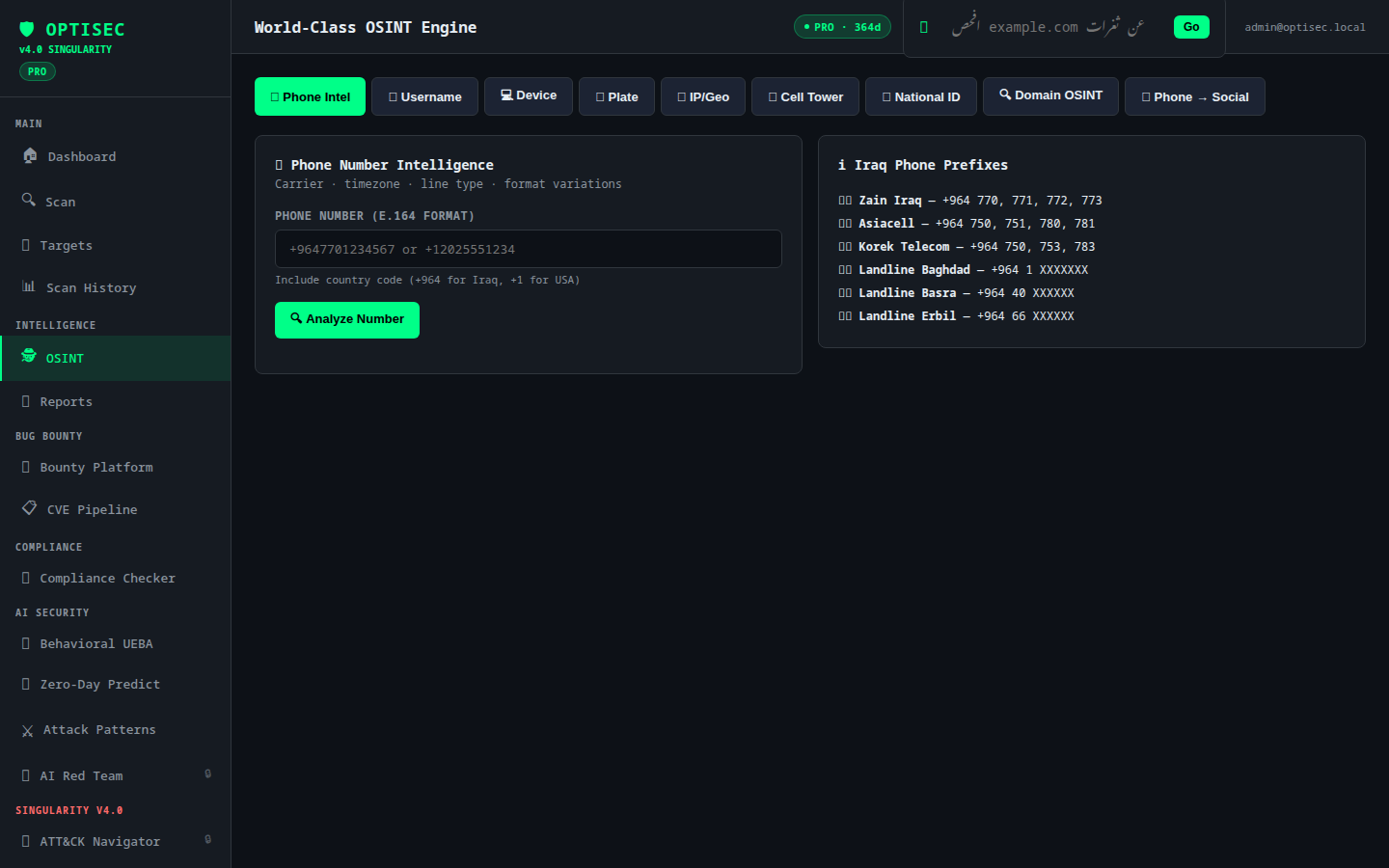
| **OSINT Engine v5.0** | Unified 8-source intelligence search (Amass, theHarvester, Maigret, Holehe, crt.sh, Wayback, DNS Full, WHOIS) with confidence scoring + correlation engine — see [deep dive](#osint-engine-v50--world-class-intelligence) — plus email discovery, social media footprint, phone intelligence, IP geolocation, username search (200+ platforms), device fingerprinting, national ID lookup (Iraq), vehicle plate recon, cell tower triangulation | FREE/PRO |
### AI & Intelligence
| Module | Capabilities | Tier |
|--------|-------------|------|
| **AI Security Analysis** | Groq LLaMA-3.3-70B powered threat analysis, CVE mapping, attack chain reconstruction, remediation prioritization | PRO+ |
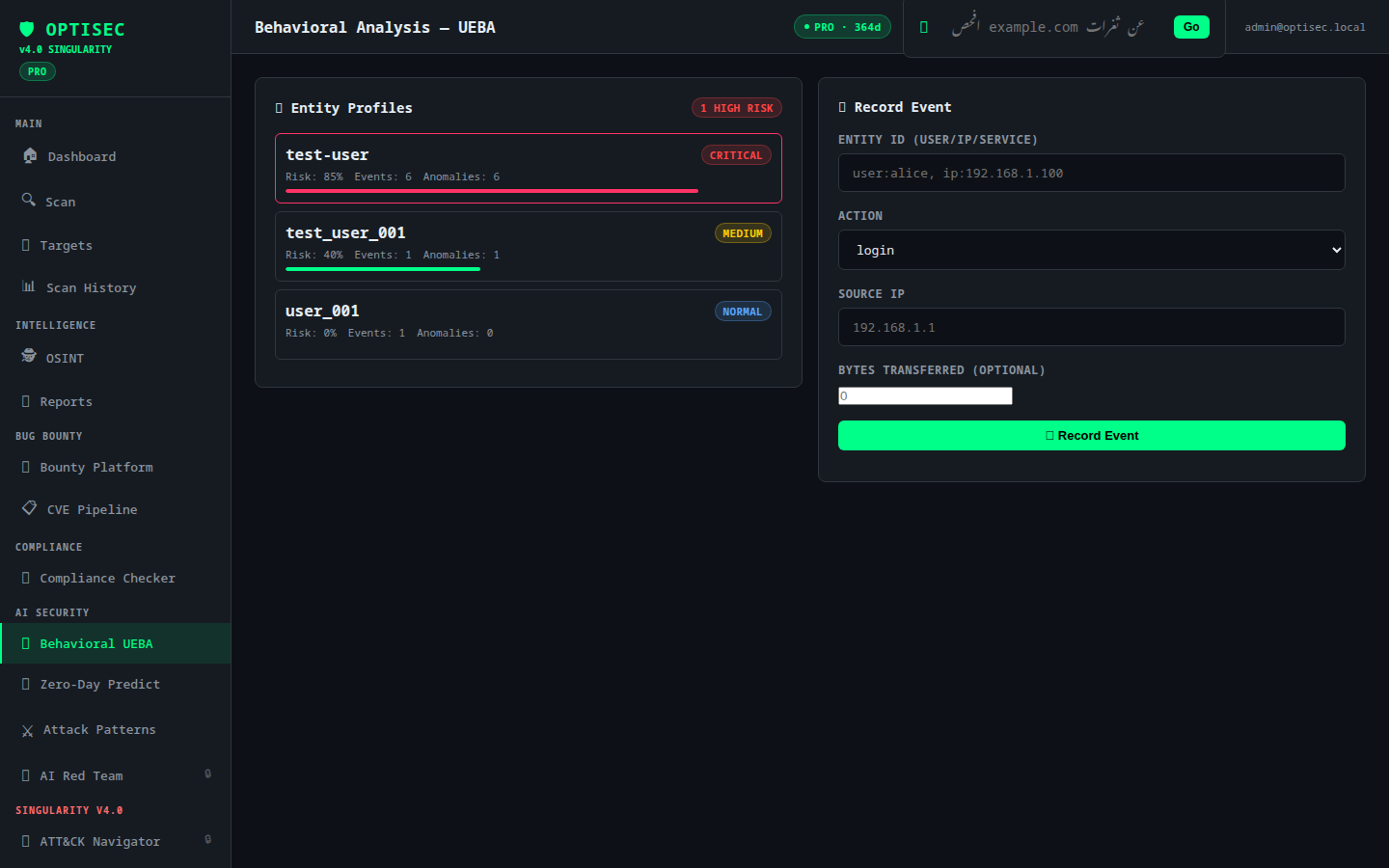
| **Behavioral UEBA** | User and Entity Behavior Analytics, anomaly detection, insider threat profiling | PRO+ |
| **Zero-Day Prediction** | ML-based vulnerability pattern matching, exploit probability scoring | PRO+ |
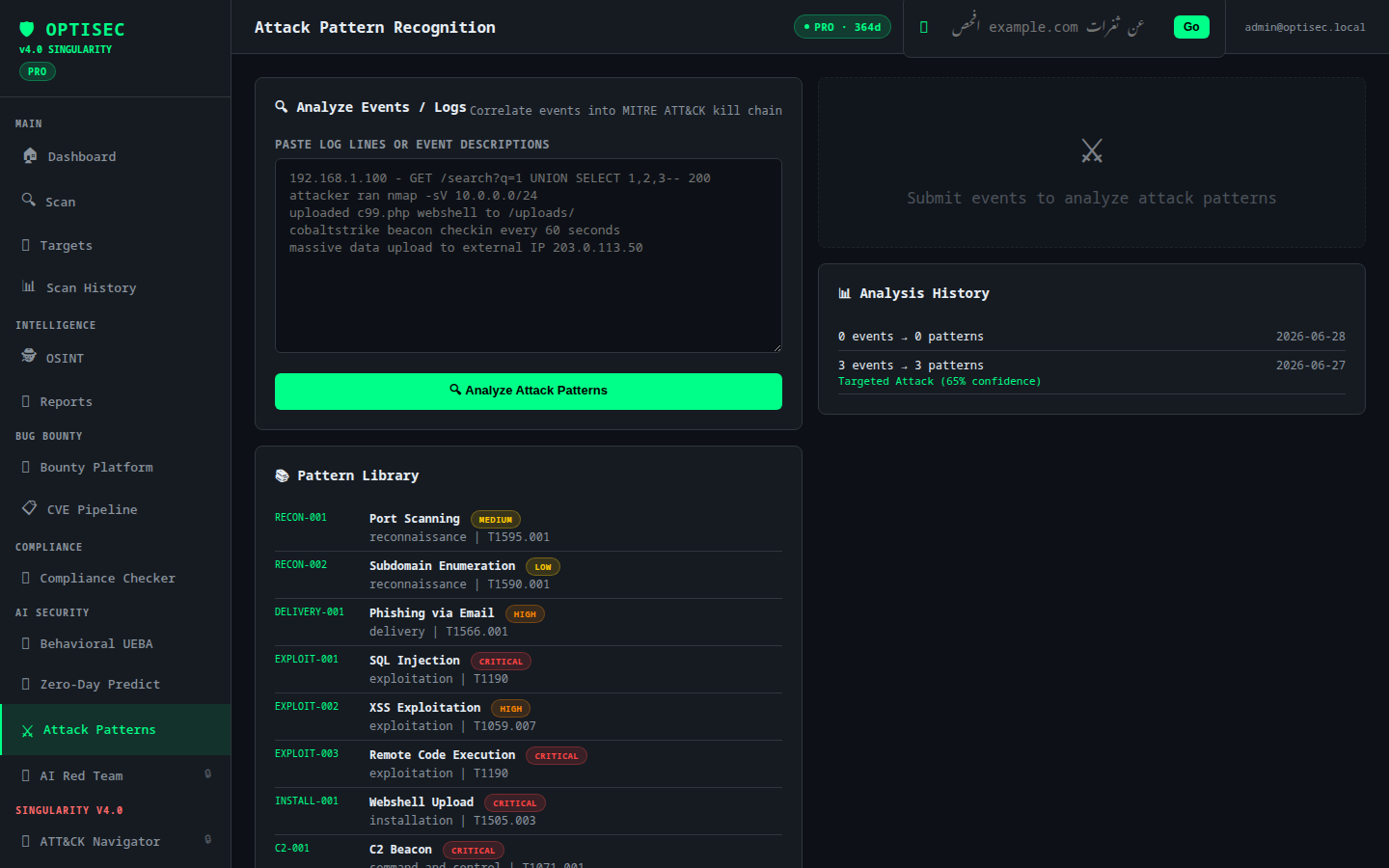
| **Attack Pattern Engine** | Known malicious pattern library, payload classification, kill chain analysis | PRO+ |
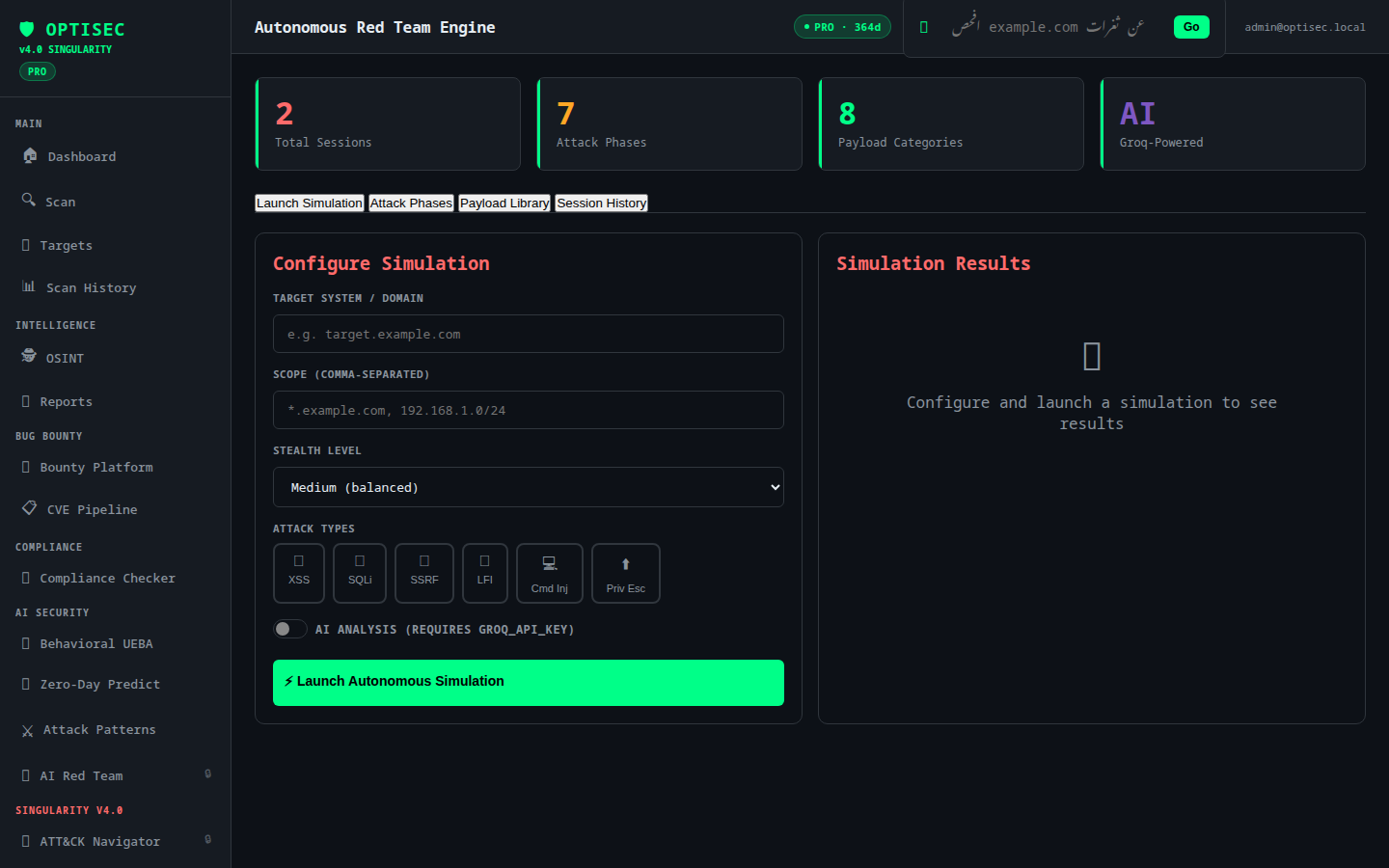
| **Autonomous Red Team** | AI-driven multi-phase attack simulation (SINGULARITY engine), stealth-tunable, automated reporting | ENTERPRISE |
### Platform & Integration
| Module | Capabilities | Tier |
|--------|-------------|------|
| **Bug Bounty Platform** | HackerOne program browser + report submission, Bugcrowd program discovery + submission, Intigriti integration, CVE pipeline (NVD/MITRE) | PRO+ |
| **Compliance Checker** | Automated audits against ISO 27001, NIST CSF, PCI-DSS, GDPR, HIPAA with gap analysis | PRO+ |
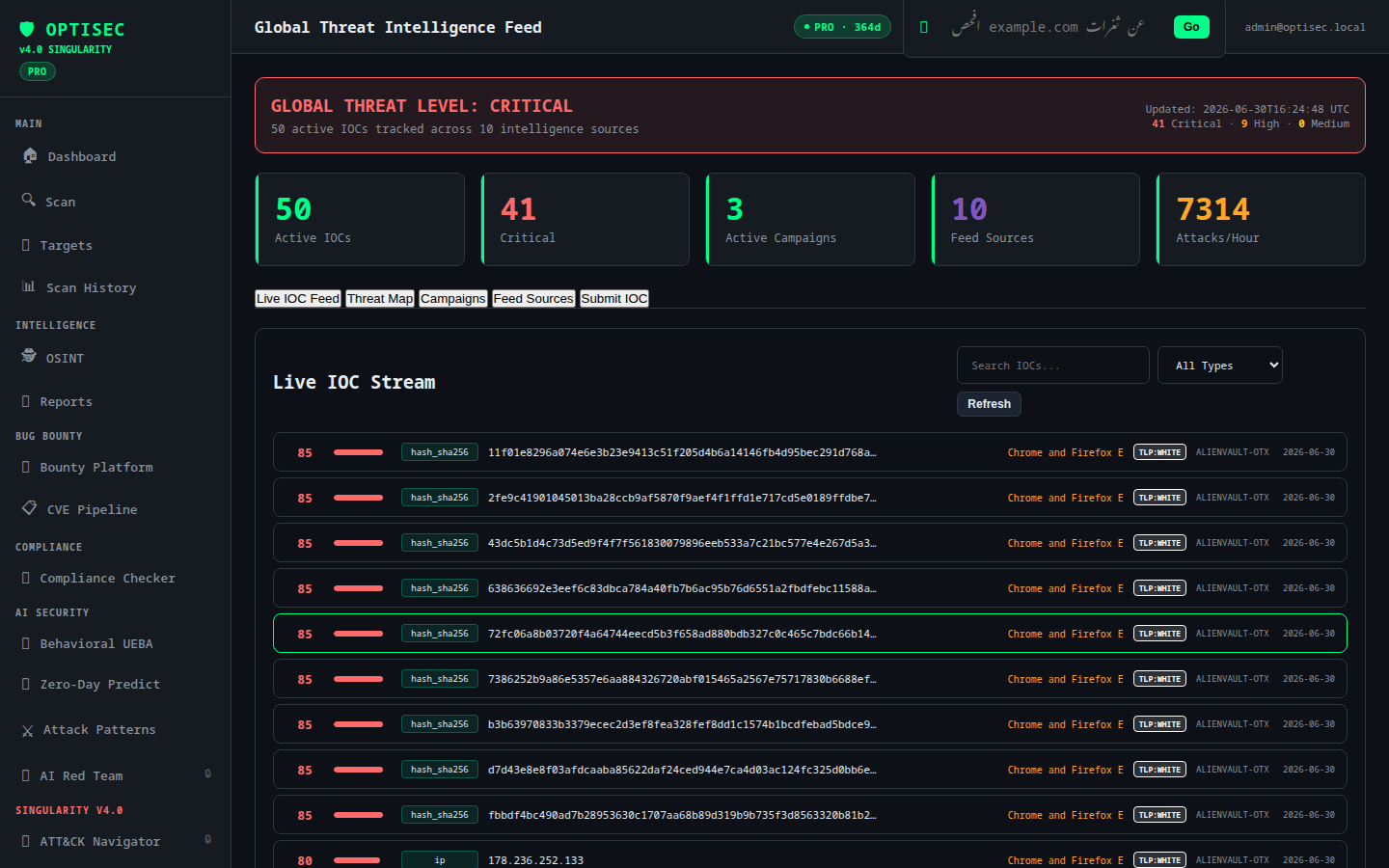
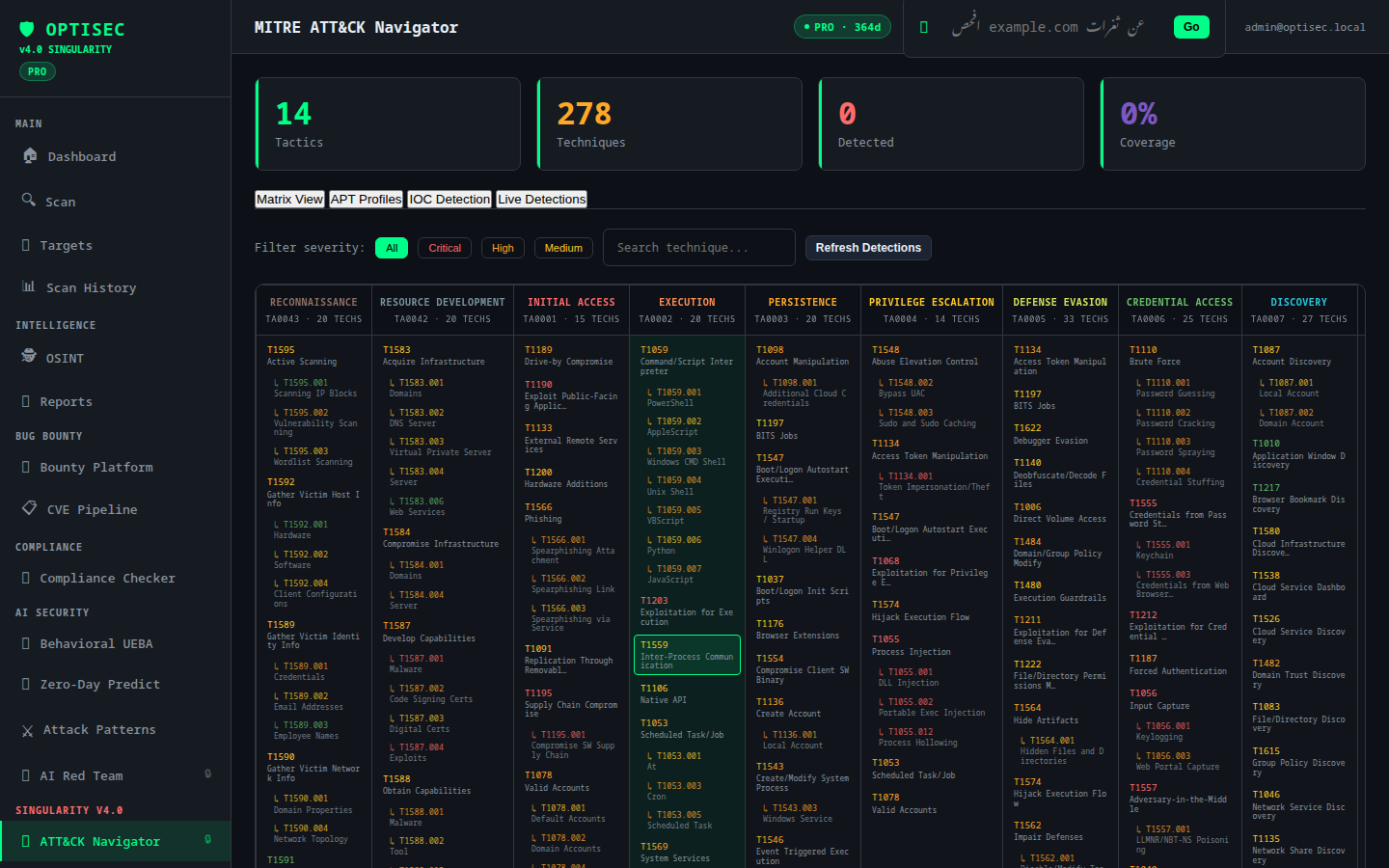
| **Threat Intelligence** | AlienVault OTX live feed, MITRE ATT&CK Navigator, Global threat campaigns, HIBP breach detection, Honeypot detection, IOC correlation clustering | ENTERPRISE |
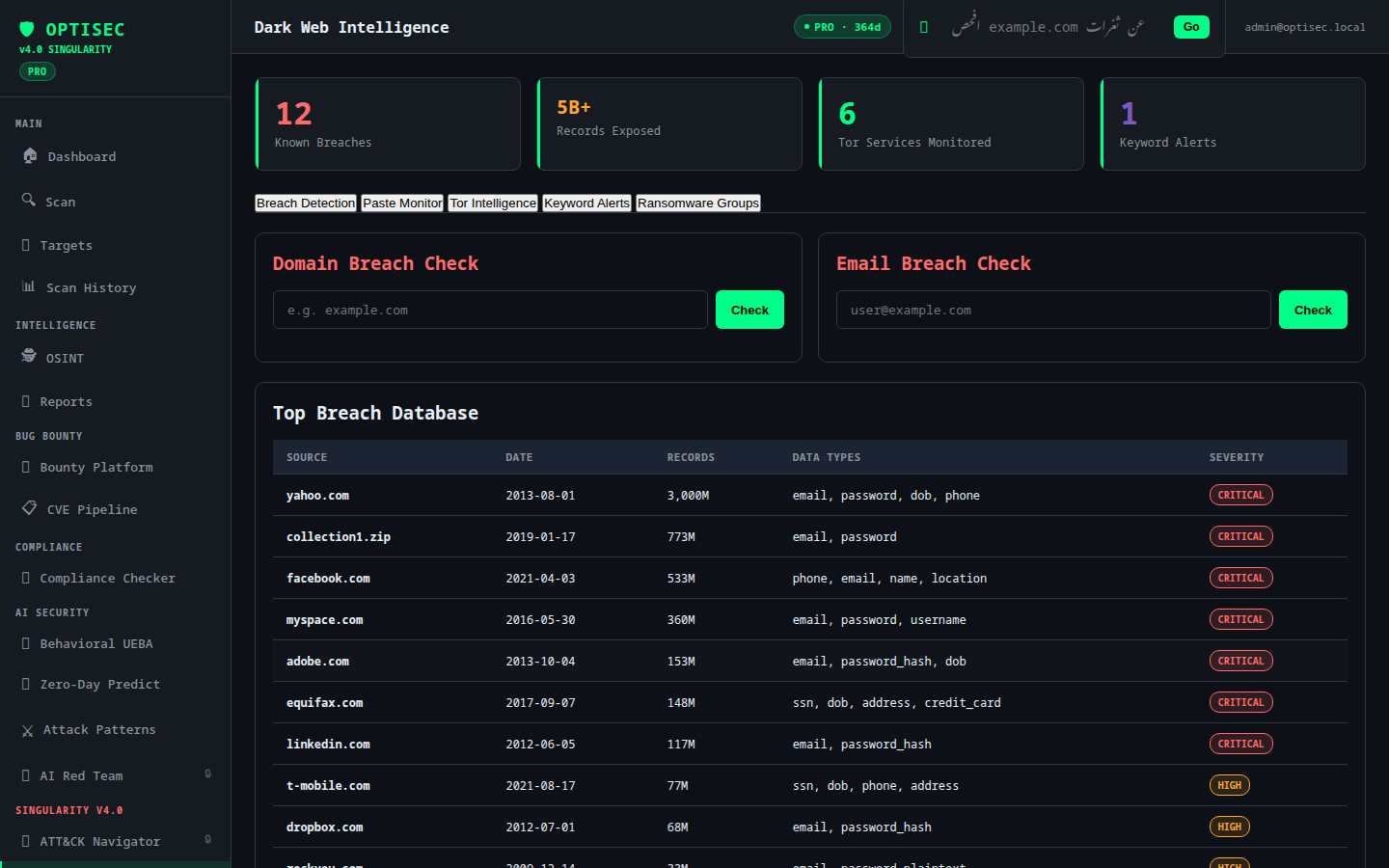
| **Dark Web Intelligence** | Leaked credential monitoring, threat actor mentions, IOC extraction from dark web sources | ENTERPRISE |
| **Federated Scanning** | Multi-node OPTISEC cluster coordination, distributed scan tasks, node health monitoring | ENTERPRISE |
### Infrastructure Security
| Module | Capabilities | Tier |
|--------|-------------|------|
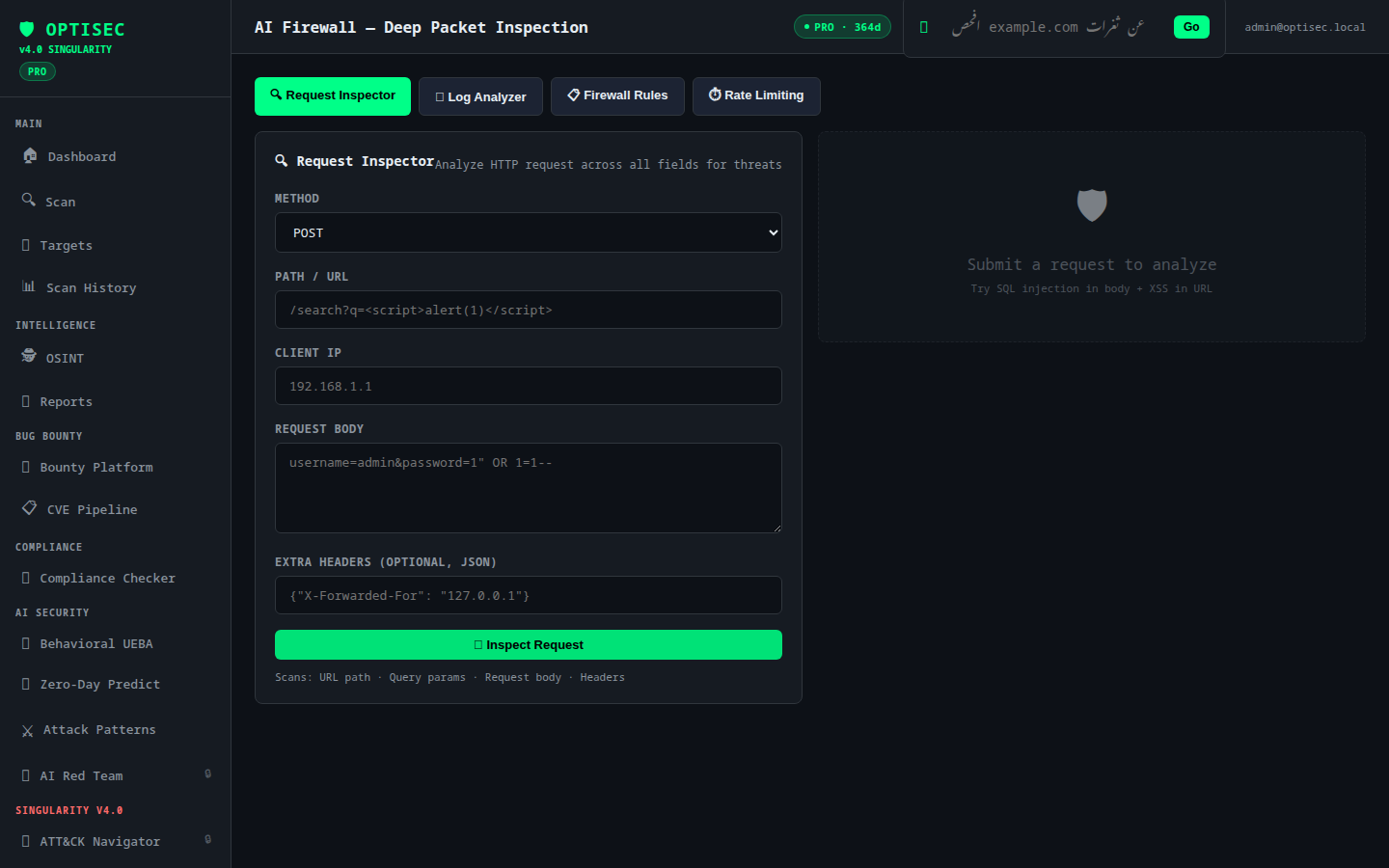
| **AI Firewall (WAF)** | Rule-based + ML traffic analysis, IP whitelist/blacklist, custom rule engine | PRO+ |
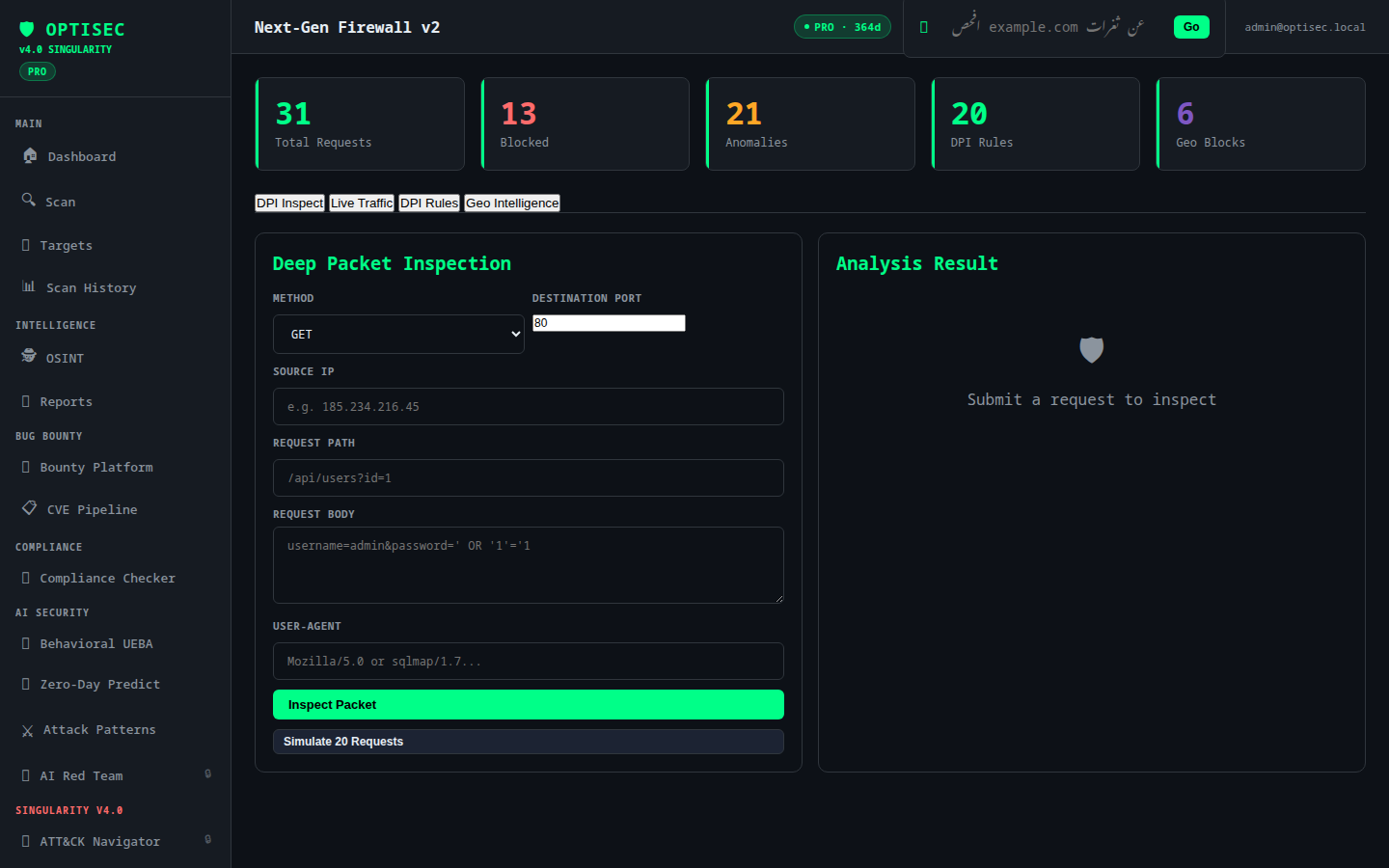
| **NGFW v2** | Next-gen firewall with ML-based Deep Packet Inspection, anomaly detection, L7 policy engine | PRO+ |
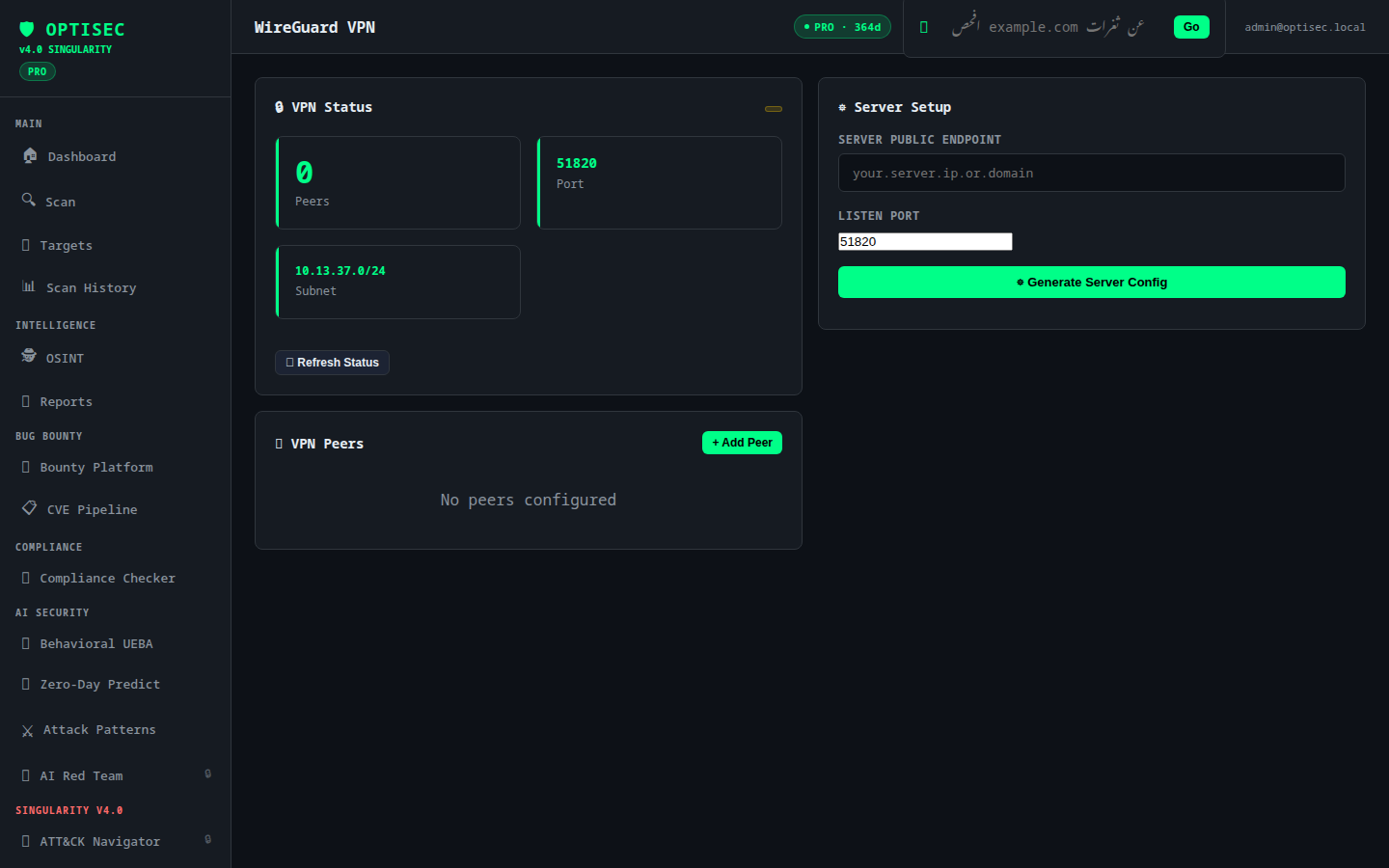
| **WireGuard VPN** | Peer management, key generation + QR codes, config export | PRO+ |
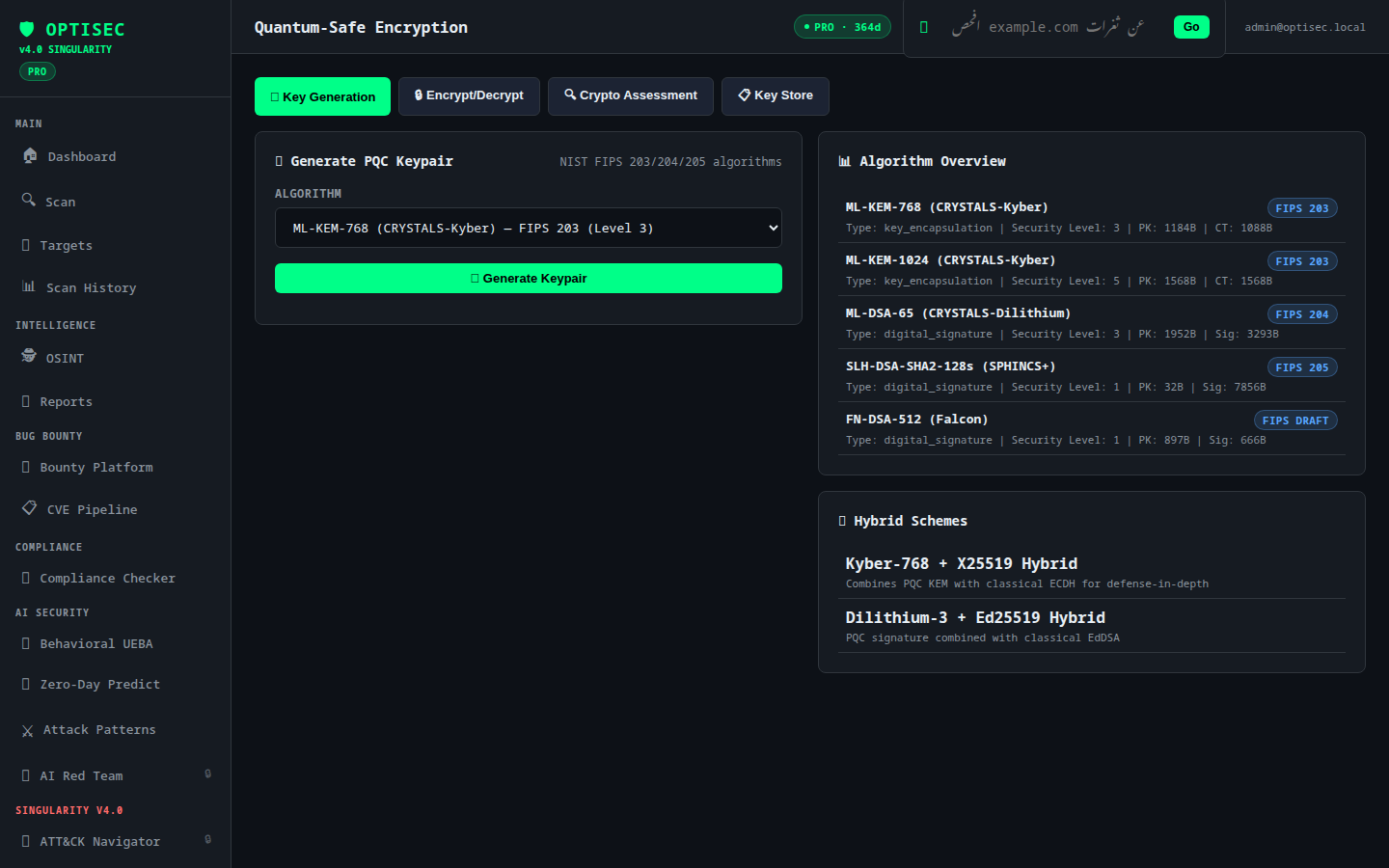
| **Quantum-Safe Crypto** | Kyber-768 post-quantum key encapsulation, hybrid AES-GCM schemes, key vault | PRO+ |
### Platform Features
- **Real-time WebSocket** — Live scan progress streaming (`ws://host/ws/scan/{scan_id}`)
- **Arabic/English NLP** — Natural language command interface (`افحص tesla.com عن ثغرات XSS`)
- **Role-Based Access** — Admin / Analyst / Viewer permission model
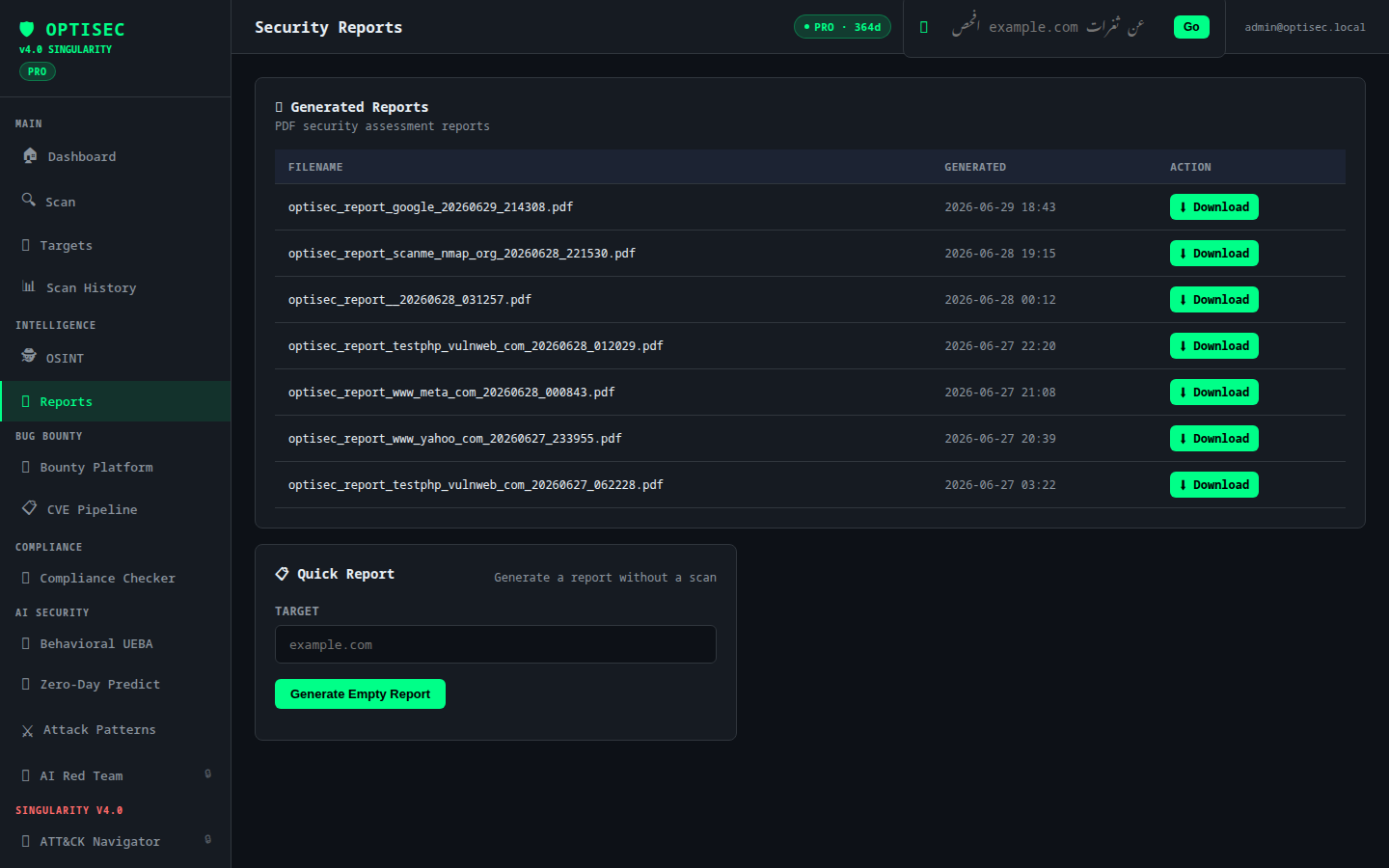
- **PDF Reports** — Professional executive-grade security reports with ReportLab
- **REST API** — Full OpenAPI 3.0 spec at `/docs` and `/redoc`
- **Demo Mode** — One-click `/demo` login with pre-populated findings and targets
## OSINT Engine v5.0 — World-Class Intelligence
The OSINT module (`/api/osint/unified-search`) was rebuilt from a handful of
single-purpose lookups into a parallel, multi-source intelligence engine
modeled on professional tools like Maltego and SpiderFoot: dispatch every
applicable source at once, merge what they find into one record per
real-world entity, and score each one for trust and risk before it ever
reaches a human.
### 8 Integrated Sources
Sources are dispatched automatically based on `target_type` (`domain`,
`email`, `username`, `ip`, or `auto`-detected), and every source runs under
its own independent timeout so one slow or failing source never blocks the
rest of the `asyncio.gather()` batch.
| Source | Target Type | What It Finds | Install |
|--------|:---:|----------------|---------|
| **Amass** | domain | Passive subdomain enumeration aggregating multiple intel APIs | `go install github.com/owasp-amass/amass/v4/...@master` / `apt install amass` |
| **theHarvester** | domain, email, ip | Emails and hosts via free OSINT engines (DuckDuckGo, crt.sh, DNSDumpster, HackerTarget, RapidDNS) | `pip install theHarvester` |
| **Maigret** | username | Username footprint across 500+ social platforms | `pip install maigret` |
| **Holehe** | email | Checks which online services an email is registered with | `pip install holehe` |
| **crt.sh** | domain | Subdomains extracted from public Certificate Transparency logs | none — public API |
| **Wayback Machine** | domain | Historical hostnames pulled from the Internet Archive CDX index | none — public API |
| **DNS Full** | domain | A / AAAA / MX / TXT / NS / SOA records plus explicit SPF / DMARC presence checks | none — `dnspython` |
| **WHOIS** | domain | Registrar, creation/expiry/update dates, name servers, registration status | none — `python-whois` |
Check what's actually runnable in your environment at any time with:
curl -H "Authorization: Bearer $TOKEN" https://your-instance/api/osint/sources-status
{
"sources": [
{ "source": "amass", "available": true, "requires_api_key": false, "last_used": "2026-06-30T21:14:02+00:00" },
{ "source": "theharvester", "available": true, "requires_api_key": false, "last_used": null },
{ "source": "maigret", "available": false, "requires_api_key": false, "last_used": null },
{ "source": "holehe", "available": true, "requires_api_key": false, "last_used": null },
{ "source": "crtsh", "available": true, "requires_api_key": false, "last_used": "2026-06-30T21:14:02+00:00" },
{ "source": "wayback", "available": true, "requires_api_key": false, "last_used": "2026-06-30T21:14:03+00:00" },
{ "source": "dns_full", "available": true, "requires_api_key": false, "last_used": "2026-06-30T21:14:01+00:00" },
{ "source": "whois", "available": true, "requires_api_key": false, "last_used": "2026-06-30T21:14:04+00:00" }
]
}
None of the 8 sources require an API key — the subprocess-based tools
(Amass, theHarvester, Maigret, Holehe) run as free/local binaries, and the
direct-API sources (crt.sh, Wayback, DNS, WHOIS) query public endpoints.
### Confidence Scoring Engine (0–100)
Every merged entity gets a trust score from `modules/osint/confidence_engine.py`,
calculated in three steps:
1. **Base score** — the reliability weight of the single most-trusted source
that reported the entity, calibrated by how the data was obtained:
| Source | Reliability | Rationale |
|--------|:---:|-----------|
| crt.sh | 90 | Cryptographically-anchored — a CA actually issued the cert |
| DNS Full | 90 | Protocol-level fact — the record actually resolves |
| WHOIS | 85 | Authoritative registry data |
| Amass | 80 | Aggregates multiple passive intel APIs itself |
| theHarvester | 70 | Scrapes search engines — occasional false positives |
| Holehe | 70 | Probes auth endpoints — occasional false positives |
| Wayback Machine | 65 | Confirms a URL was *crawled*, not that the host still resolves |
| Maigret | 60 | Username-matching across 500+ sites has the highest false-positive rate |
2. **Corroboration bonus** — `+15` for every *additional* independent source
that reports the same entity. A subdomain confirmed by both crt.sh and
live DNS resolution is far more credible than one seen via a single
passive source.
3. **Freshness adjustment** — `+5` if the finding's timestamp is under 90
days old, `-10` if it's over 2 years old, `0` otherwise.
The final score is clamped to `[0, 100]`.
### Correlation & Deduplication Engine
`modules/osint/correlation_engine.py` collapses findings reported by
multiple sources into one record per real-world entity, the same way
Maltego's graph view collapses duplicate nodes pulled in by different
transforms:
- Every finding is keyed by `(type, lowercased value)`.
- The first sighting of a key keeps its fields and starts a `sources` list
and an `occurrences` counter.
- Every later sighting of the same key appends its source name (if new),
increments `occurrences`, and backfills any field the merged record
doesn't already hold a non-empty value for — a richer source's detail
(e.g. crt.sh's certificate issuer) is never clobbered by a sparser source
reporting the same entity later.
- `build_entity_graph()` then adds a best-effort `related_to` link per
entity — an email links to the domain after its `@`; a subdomain links to
the apex domain it ends with, if that apex also appears in the result set.
### Bilingual Executive Summary
Every search returns a one-line verdict in **both Arabic and English**
(`summary.executive_summary.ar` / `.en`), picking out the single
highest-severity entity found (critical > high > medium > low > info) so a
non-technical reader can skim the headline without reading the full
`entities` list.
### Example Response
curl -X POST https://your-instance/api/osint/unified-search \
-H "Authorization: Bearer $TOKEN" \
-H "Content-Type: application/json" \
-d '{"target": "example.com", "target_type": "auto"}'
{
"target": "example.com",
"target_type": "domain",
"elapsed_seconds": 4.82,
"summary": {
"total_findings": 47,
"unique_entities": 39,
"severity_breakdown": { "critical": 0, "high": 1, "medium": 3, "low": 33, "info": 2 },
"executive_summary": {
"ar": "تم رصد 39 كيان لـ example.com، أبرزها نطاق فرعي بخطورة عالية (legacy.example.com).",
"en": "Detected 39 entities for example.com; most notably a high-severity subdomain (legacy.example.com)."
}
},
"entities": [
{
"type": "subdomain",
"value": "legacy.example.com",
"tls": false,
"sources": ["crtsh", "wayback"],
"occurrences": 2,
"confidence": 95,
"severity": "high",
"related_to": "example.com"
},
{
"type": "whois_record",
"value": "example.com",
"registrar": "RESERVED-Internet Assigned Numbers Authority",
"creation_date": "1995-08-14T04:00:00",
"expiration_date": "2027-08-13T04:00:00",
"name_servers": ["A.IANA-SERVERS.NET", "B.IANA-SERVERS.NET"],
"sources": ["whois"],
"occurrences": 1,
"confidence": 85,
"severity": "info",
"related_to": null
},
{
"type": "spf_status",
"record_type": "SPF",
"value": "missing",
"sources": ["dns_full"],
"occurrences": 1,
"confidence": 90,
"severity": "medium",
"related_to": null
}
],
"raw_sources": [
{ "source": "amass", "available": true, "results": [{ "type": "subdomain", "value": "legacy.example.com" }] },
{ "source": "crtsh", "available": true, "results": [{ "type": "subdomain", "value": "legacy.example.com", "issuer": "Let's Encrypt", "not_before": "2026-05-02T10:11:00" }] },
{ "source": "wayback", "available": true, "results": [{ "type": "subdomain", "value": "legacy.example.com", "source_url": "http://legacy.example.com/" }] },
{ "source": "dns_full", "available": true, "results": [{ "type": "spf_status", "record_type": "SPF", "value": "missing" }] },
{ "source": "whois", "available": true, "results": [{ "type": "whois_record", "domain_name": "EXAMPLE.COM", "registrar": "RESERVED-Internet Assigned Numbers Authority" }] },
{ "source": "theharvester", "available": true, "results": [] }
]
}
### 72 Passing Tests
The engine ships with full unit coverage in `tests/test_unified_osint.py` —
72 tests across target-type detection, the rate limiter, every source
parser, `crt.sh`/Wayback response parsing, `sources-status`, confidence
scoring, severity classification, deduplication/merging, and entity-graph
building:
pytest tests/test_unified_osint.py -v
# ........................................................................ [100%]
# 72 passed
## Architecture
┌─────────────────────────────────────────────────────────────────────┐
│ OPTISEC v4.0 SINGULARITY │
│ │
│ ┌─────────────┐ ┌──────────────────────────────────────────────┐ │
│ │ Browser │◄──│ FastAPI Web Application │ │
│ │ Dashboard │ │ (Jinja2 Templates + Static Assets) │ │
│ └──────┬──────┘ └────────────────────┬─────────────────────────┘ │
│ │ WebSocket │ HTTP/REST │
│ ┌──────▼──────┐ ┌────────────────────▼─────────────────────────┐ │
│ │ WS Manager │ │ API Routers (14) │ │
│ │ Real-time │ │ auth · scans · targets · findings · nlp │ │
│ │ Progress │ │ bug_bounty · compliance · osint · firewall │ │
│ └─────────────┘ │ vpn · quantum · federation · ai_security │ │
│ │ attack_navigator · darkweb · autonomous_rt │ │
│ │ ngfw · threat_feed · correlations · reports │ │
│ └────────────────────┬─────────────────────────┘ │
│ │ │
│ ┌──────────────────────────────────────▼─────────────────────────┐ │
│ │ Module Engine (13 Core) │ │
│ │ │ │
│ │ ┌──────────┐ ┌──────────┐ ┌──────────┐ ┌──────────────────┐ │ │
│ │ │ recon/ │ │ vuln/ │ │ osint/ │ │ ai / ai_advanced│ │ │
│ │ │ subdom │ │ xss │ │ phone │ │ groq_analyzer │ │ │
│ │ │ dns │ │ sqli │ │ username│ │ behavioral │ │ │
│ │ │ whois │ │ ssrf │ │ geo_ip │ │ zero_day │ │ │
│ │ │ nmap │ │ lfi │ │ nat_id │ │ attack_patterns │ │ │
│ │ │ ssl │ │ redirect│ │ device │ │ autonomous_rt │ │ │
│ │ │ headers │ └──────────┘ └──────────┘ └──────────────────┘ │ │
│ │ │ ports │ │ │
│ │ └──────────┘ ┌──────────┐ ┌──────────┐ ┌──────────────────┐ │ │
│ │ │bug_bounty│ │compliance│ │ threat_intel/ │ │ │
│ │ │hackerone │ │iso_27001 │ │ otx_feed │ │ │
│ │ │bugcrowd │ │nist_csf │ │ mitre_attack │ │ │
│ │ │intigriti │ │pci_dss │ │ ioc_correlations│ │ │
│ │ │cve_pipe │ │gdpr/hipaa│ │ global_feed │ │ │
│ │ └──────────┘ └──────────┘ └──────────────────┘ │ │
│ │ │ │
│ │ ┌──────────┐ ┌──────────┐ ┌──────────┐ ┌──────────────────┐ │ │
│ │ │ firewall │ │ vpn/ │ │ quantum/ │ │ federation/ │ │ │
│ │ │ ai_waf │ │wireguard │ │ kyber768 │ │ multi_node_scan │ │ │
│ │ │ ngfw_v2 │ │ peer_mgmt│ │ aes_gcm │ │ distributed_rt │ │ │
│ │ └──────────┘ └──────────┘ └──────────┘ └──────────────────┘ │ │
│ └─────────────────────────────────────────────────────────────────┘ │
│ │ │
│ ┌──────────────────────────────────────▼─────────────────────────┐ │
│ │ Data Layer │ │
│ │ SQLite (dev) / PostgreSQL (prod) · JSON data stores │ │
│ │ SQLAlchemy Async ORM · Alembic migrations │ │
│ └─────────────────────────────────────────────────────────────────┘ │
│ │
│ External Integrations: │
│ AlienVault OTX · HackerOne API · Bugcrowd API · Intigriti │
│ Groq LLaMA-3.3-70B · NVD/CVE · MITRE ATT&CK · HIBP │
└─────────────────────────────────────────────────────────────────────┘
graph TB
Browser["🌐 Browser / CLI"] --> FastAPI["FastAPI Application"]
FastAPI --> Auth["🔑 JWT Auth
3 Roles: Admin/Analyst/Viewer"]
FastAPI --> WS["⚡ WebSocket
Real-time Scan Progress"]
FastAPI --> Modules
subgraph Modules["Module Engine"]
Recon["🔍 Recon
subdomain·dns·nmap·ssl"]
Vuln["🎯 Vuln Scanner
xss·sqli·ssrf·lfi"]
OSINT["🕵️ OSINT
phone·username·geo·device"]
AI["🤖 AI Engine
Groq LLaMA-3.3-70B"]
BugBounty["💰 Bug Bounty
H1·Bugcrowd·Intigriti"]
Compliance["✅ Compliance
ISO27001·NIST·GDPR"]
ThreatIntel["🌍 Threat Intel
OTX·MITRE·IOC"]
RedTeam["⚔️ Autonomous RT
SINGULARITY Engine"]
Quantum["⚛️ Quantum Crypto
Kyber-768 PQC"]
end
Modules --> DB["🗄️ SQLite / PostgreSQL"]
Modules --> OTX["AlienVault OTX"]
Modules --> Groq["Groq API"]
Modules --> H1["HackerOne API"]
Modules --> BC["Bugcrowd API"]
## Screenshots
Dashboard & Overview
| Landing Page | Main Dashboard |
|:---:|:---:|
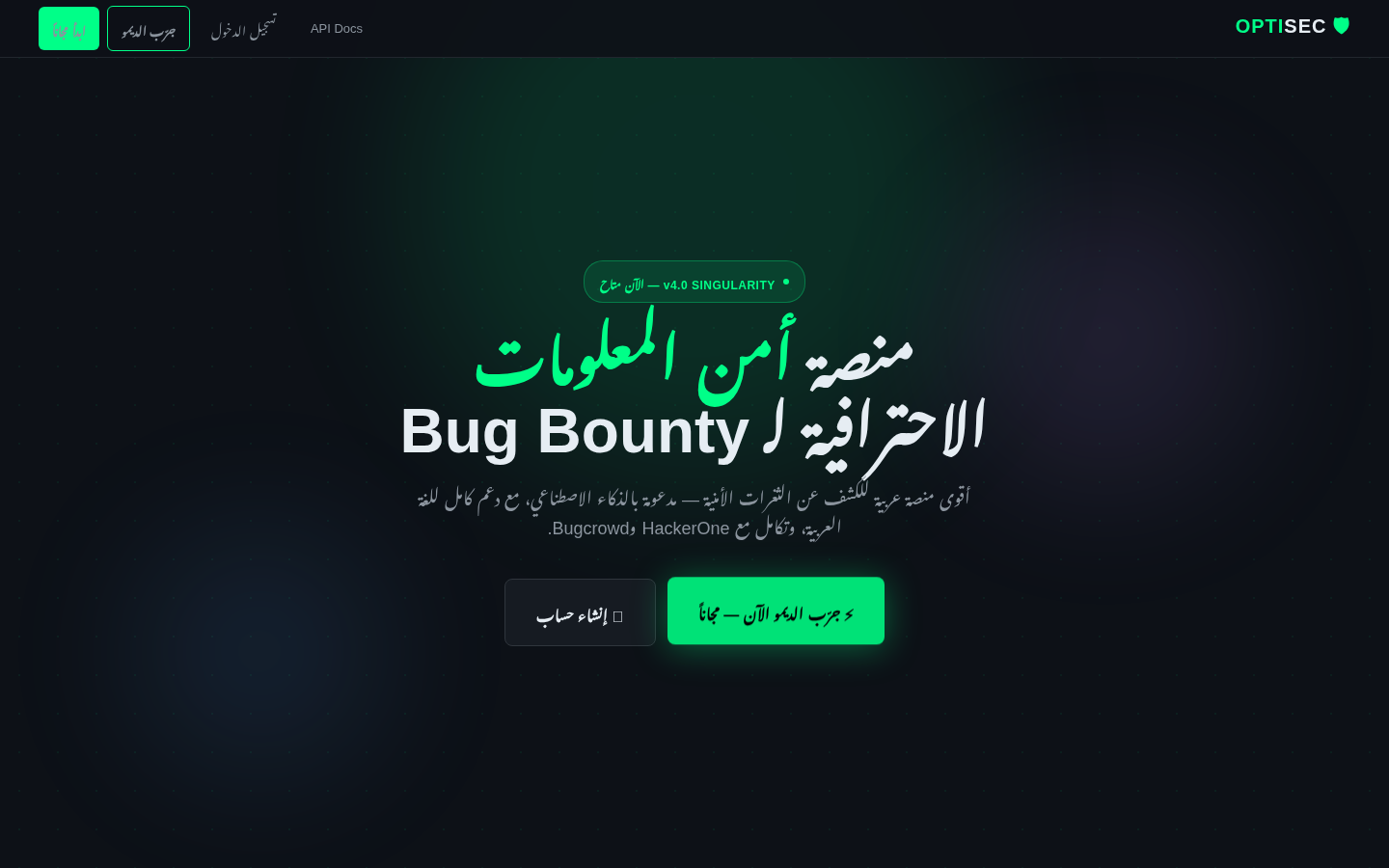
|  | 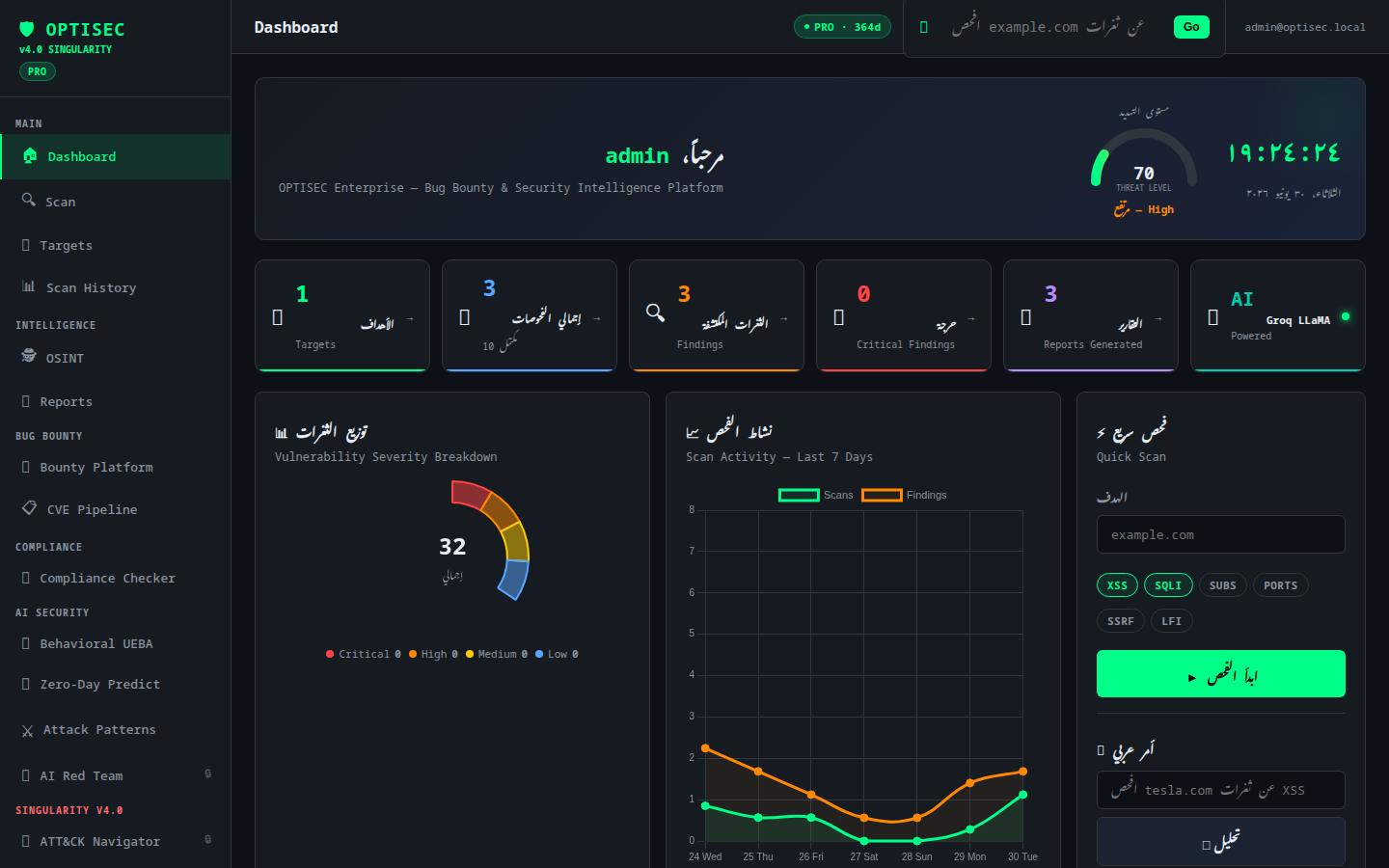 |
| Login | Admin Panel |
|:---:|:---:|
| 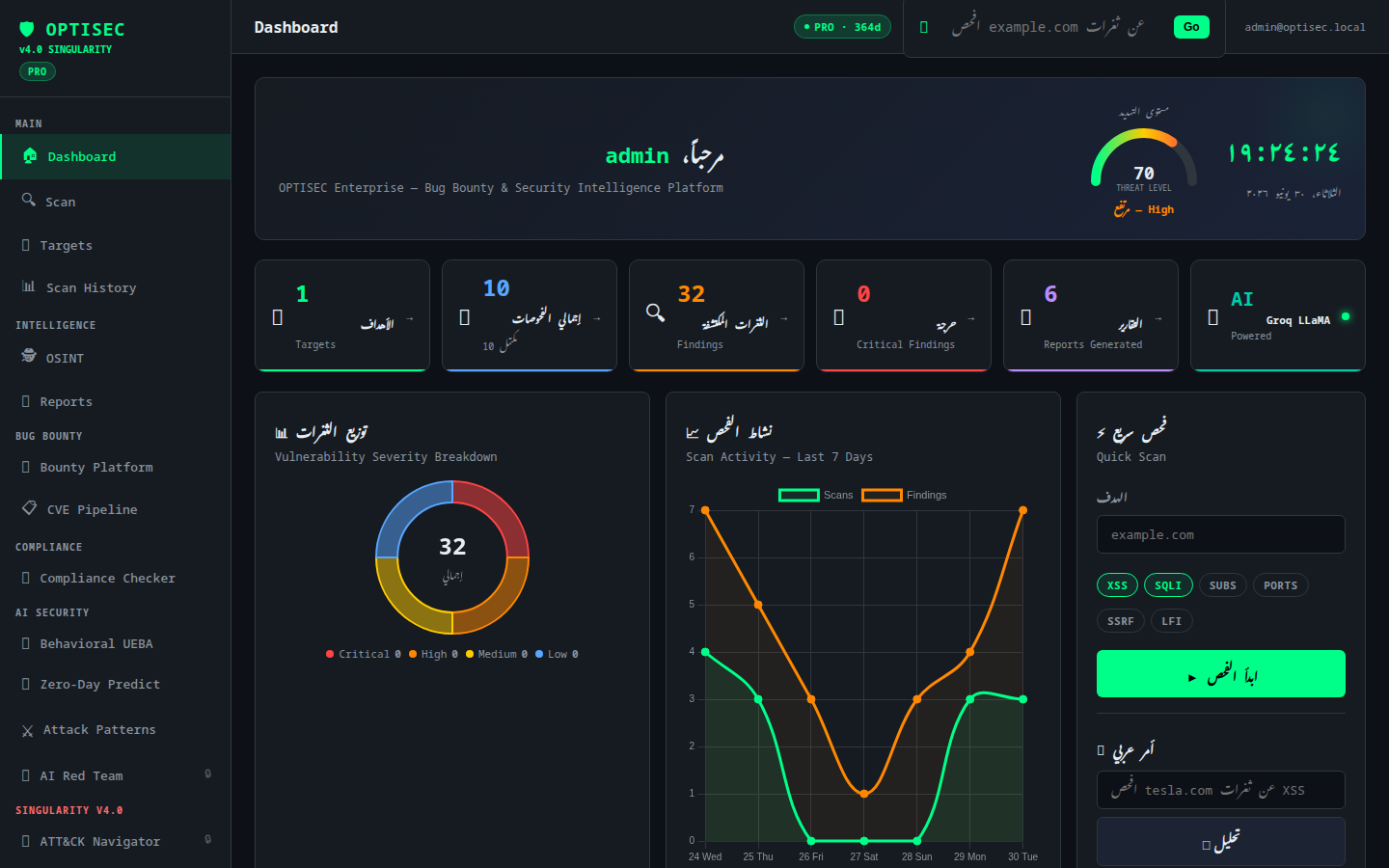 | 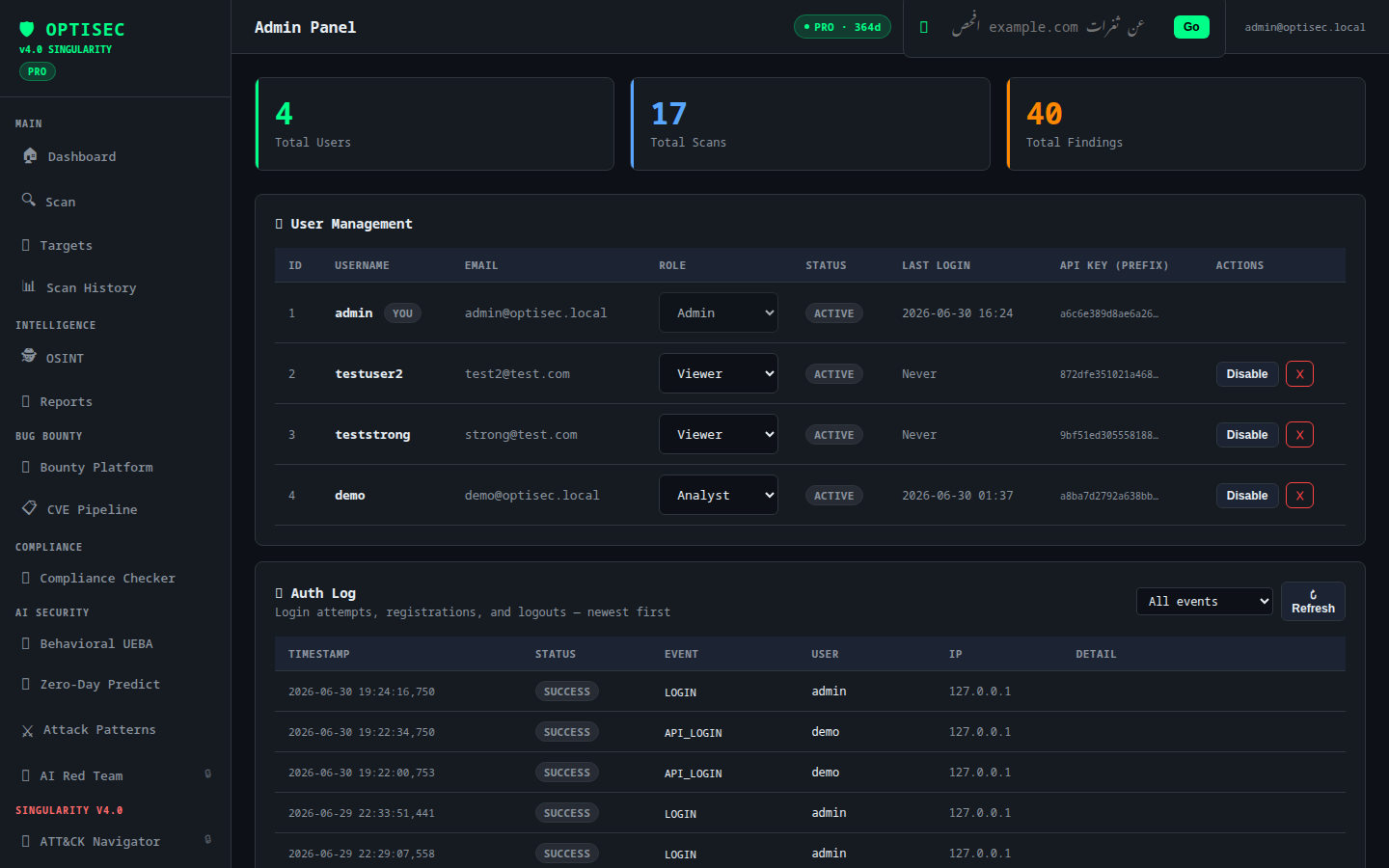 |
| Demo Dashboard | Demo Scans |
|:---:|:---:|
| 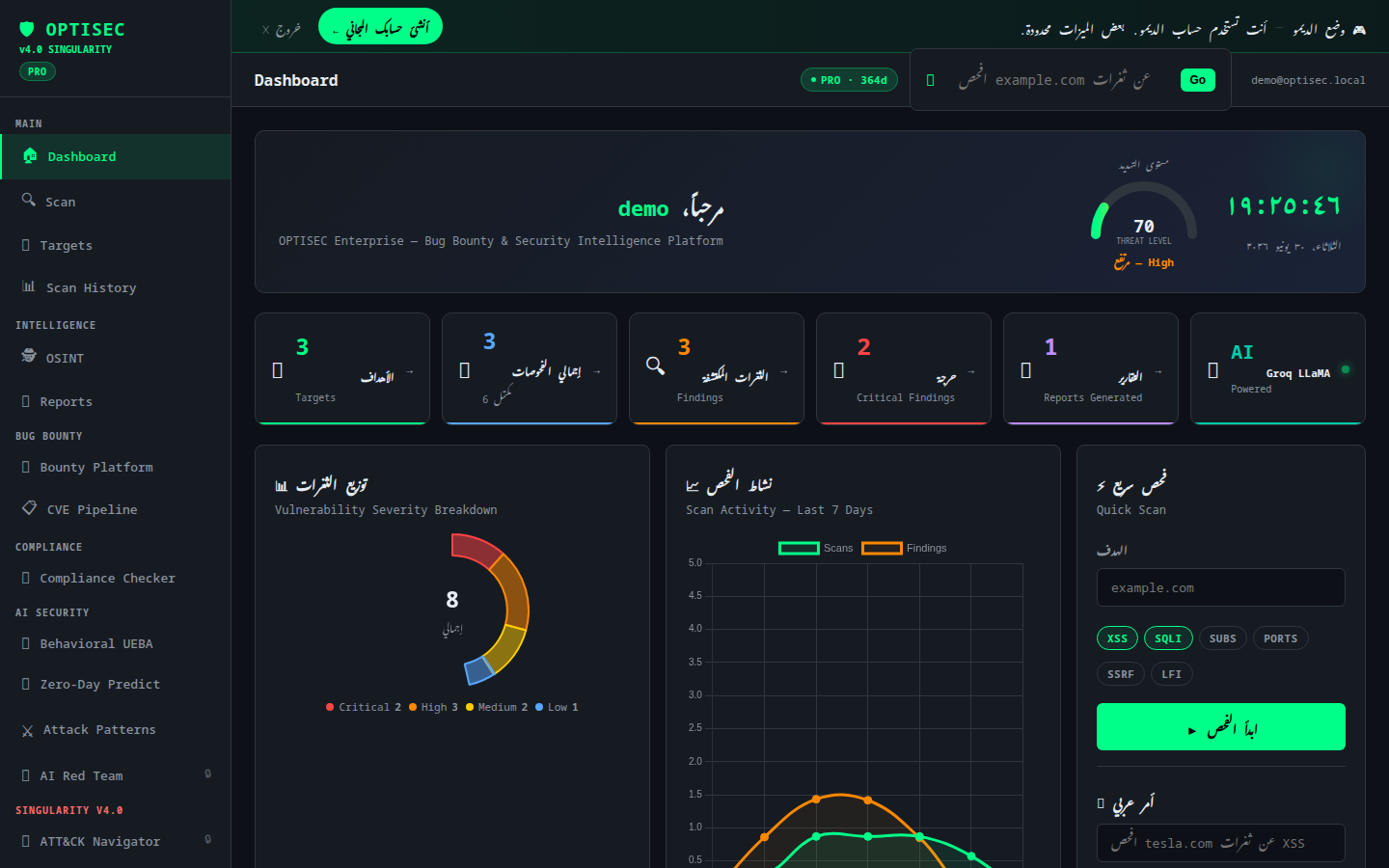 | 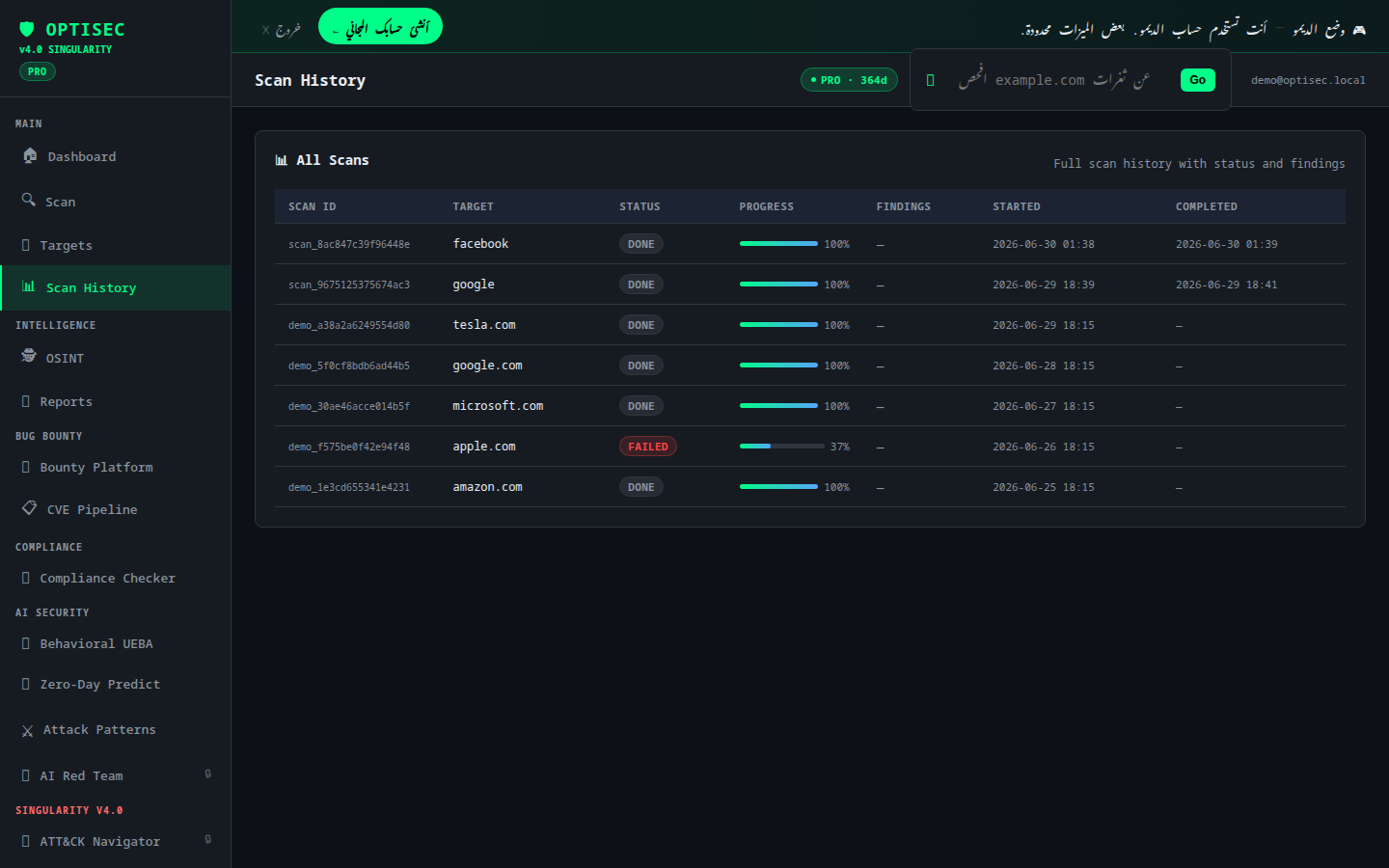 |
Scanning & Vulnerabilities
| Scan Interface | All Scans |
|:---:|:---:|
| 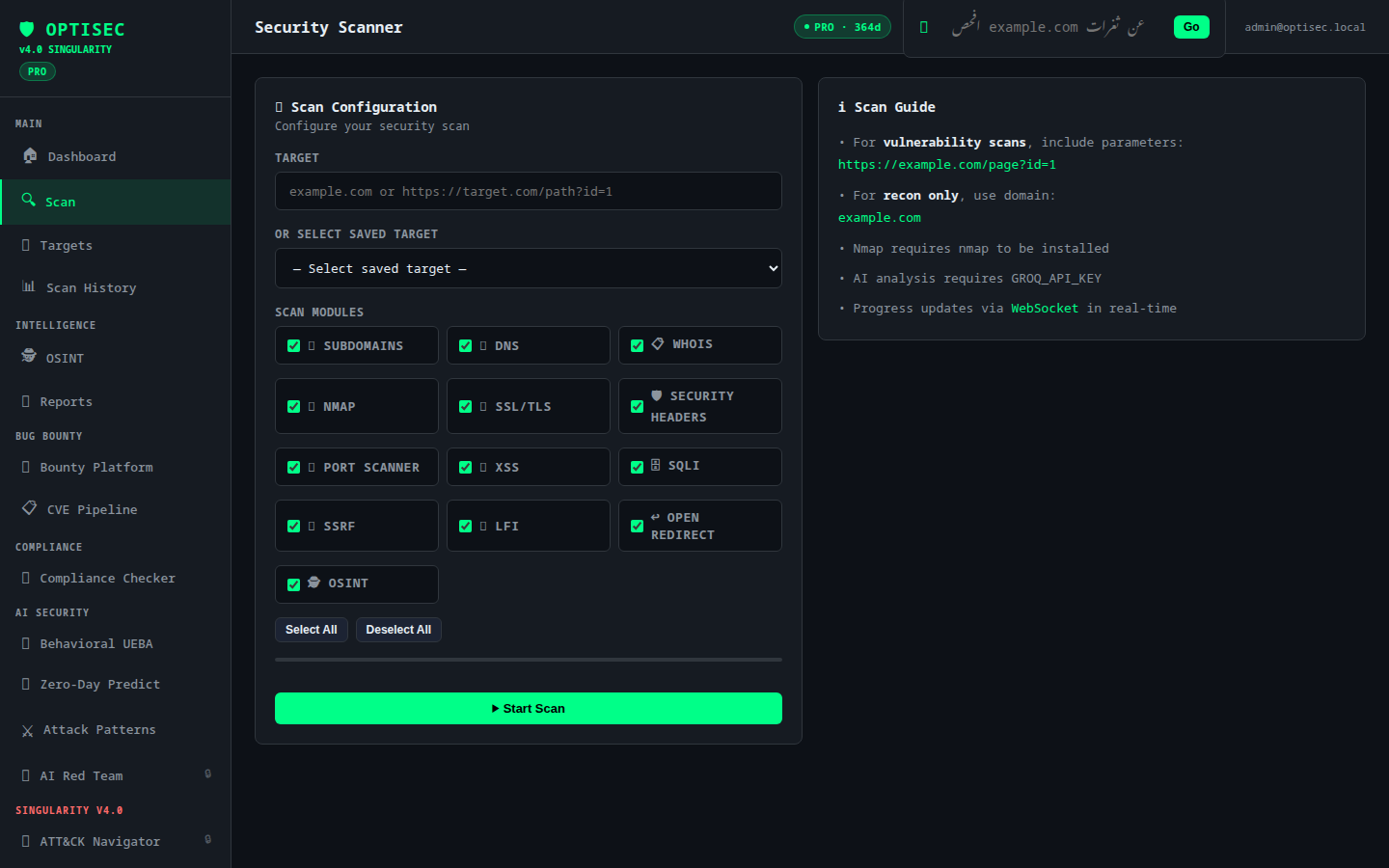 | 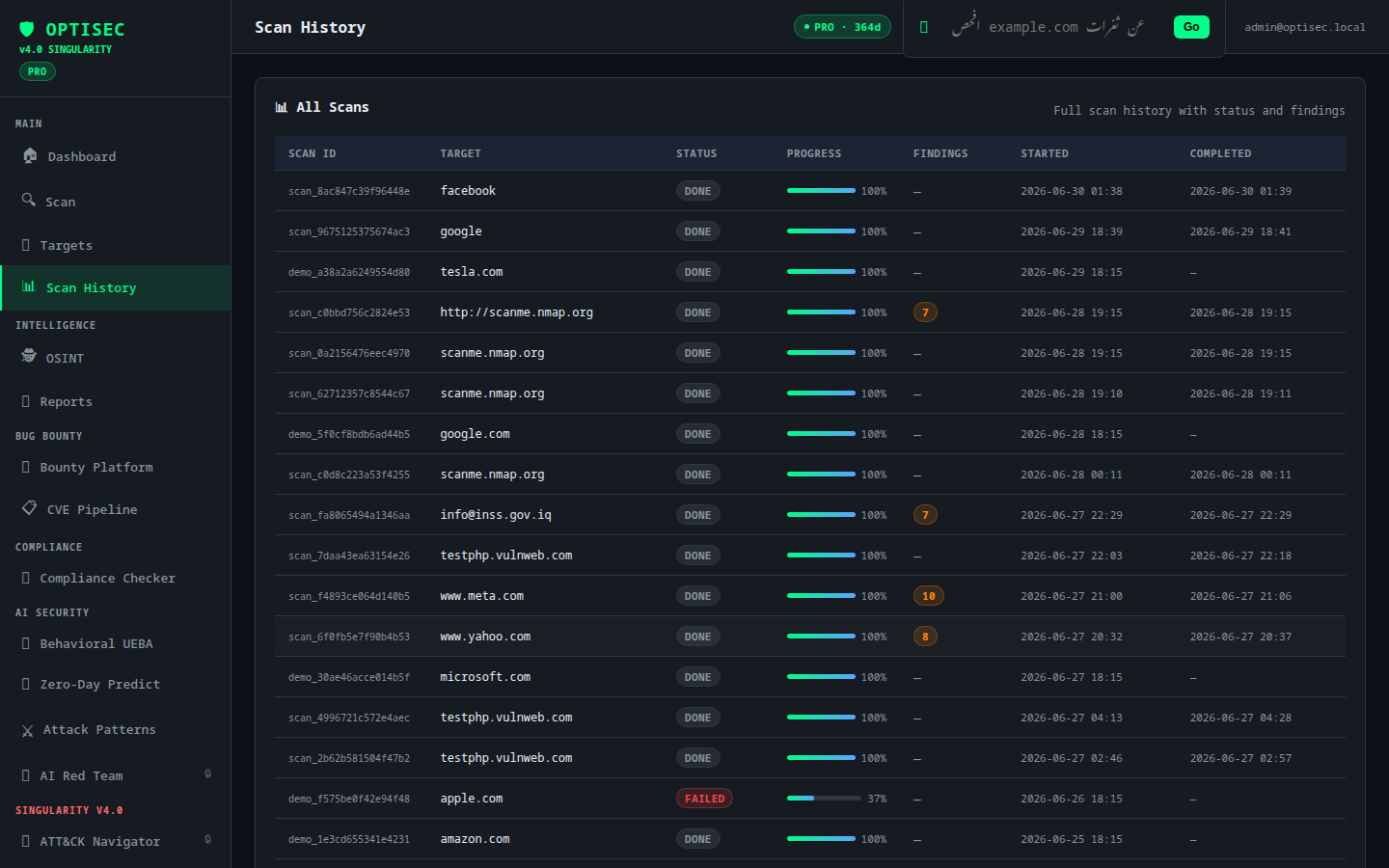 |
| Scan Detail | Reports |
|:---:|:---:|
|  |  |
| Targets Manager | |
|:---:|:---:|
|  | |
Intelligence & OSINT
| OSINT Engine | Dark Web Intel |
|:---:|:---:|
|  |  |
| IOC Correlations | Global Threat Feed |
|:---:|:---:|
|  |  |
| Attack Patterns | MITRE ATT&CK Navigator |
|:---:|:---:|
|  |  |
AI & Red Team
| Autonomous Red Team | AI Red Team |
|:---:|:---:|
|  |  |
| Behavioral UEBA | Zero-Day Prediction |
|:---:|:---:|
|  | 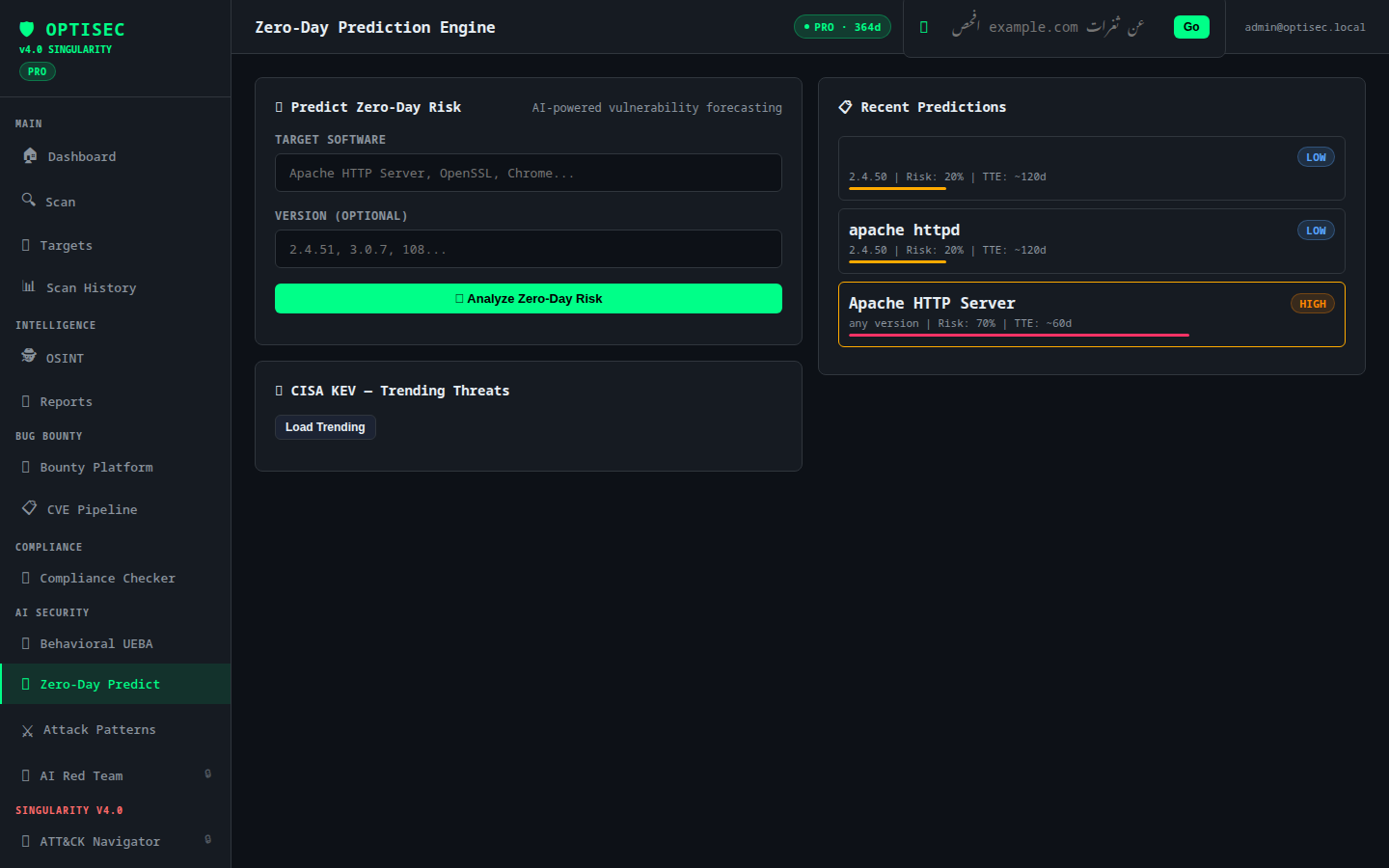 |
Platform & Integration
| Bug Bounty Platform | Compliance Checker |
|:---:|:---:|
| 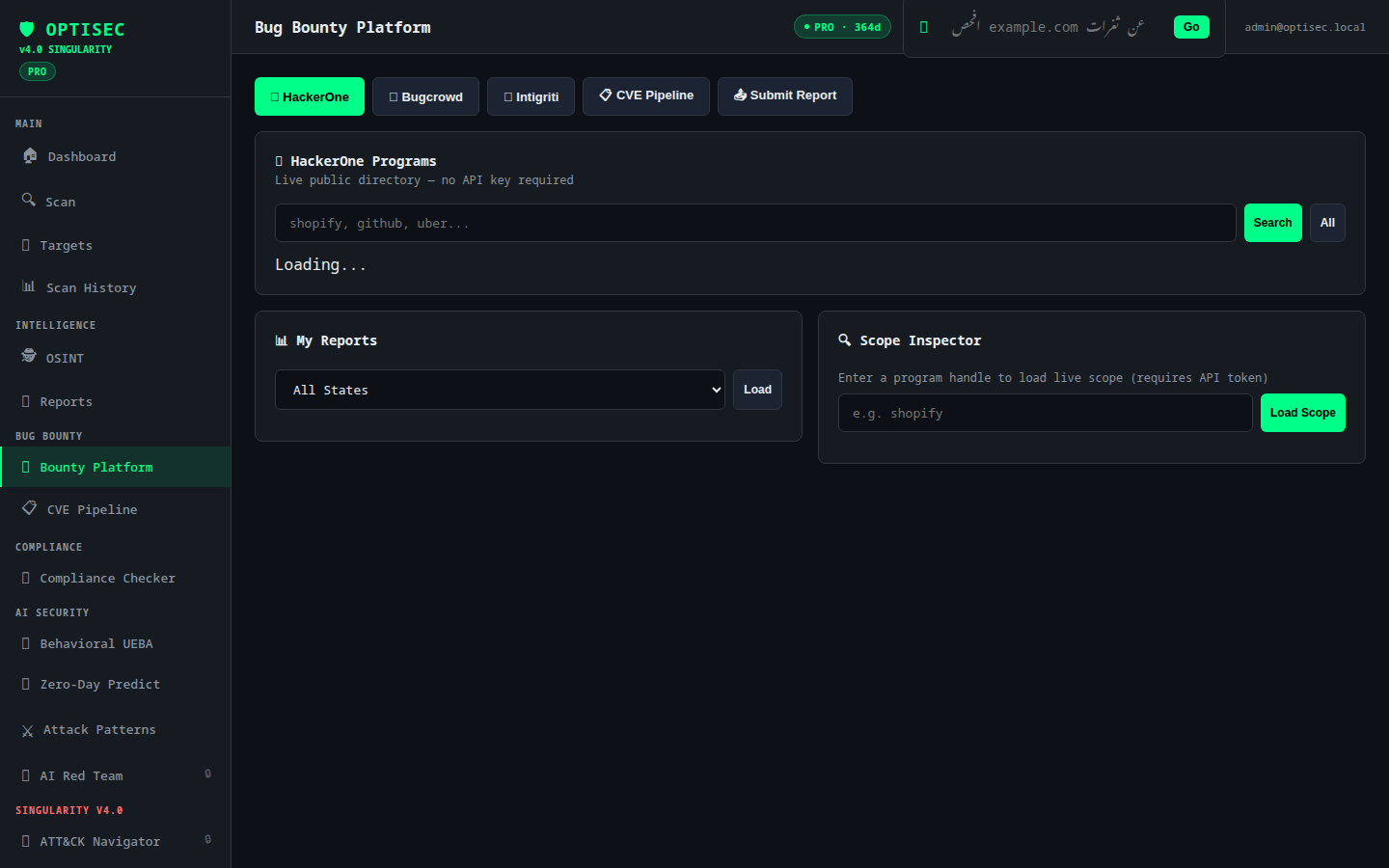 | 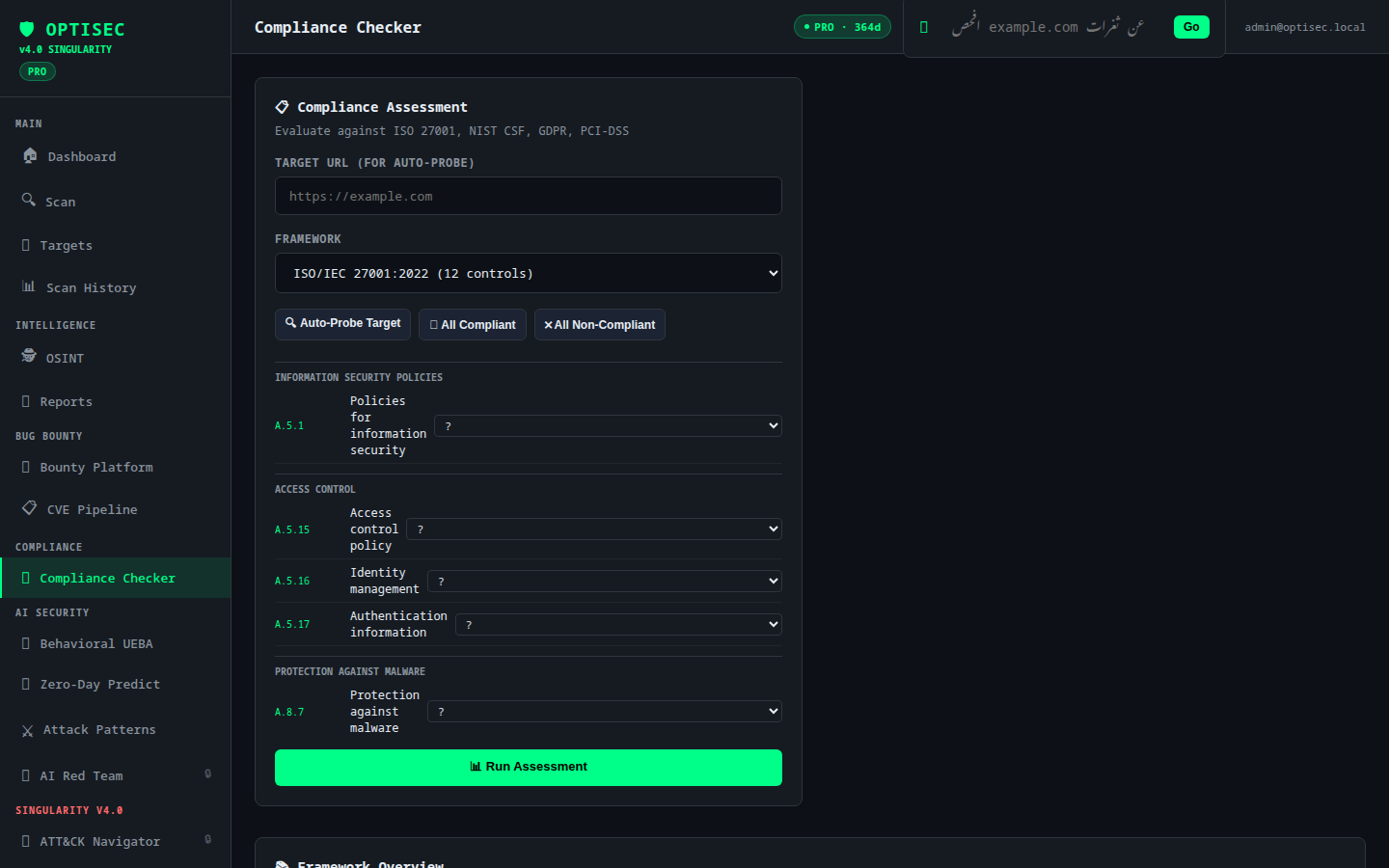 |
| Federated Scanning | WireGuard VPN |
|:---:|:---:|
| 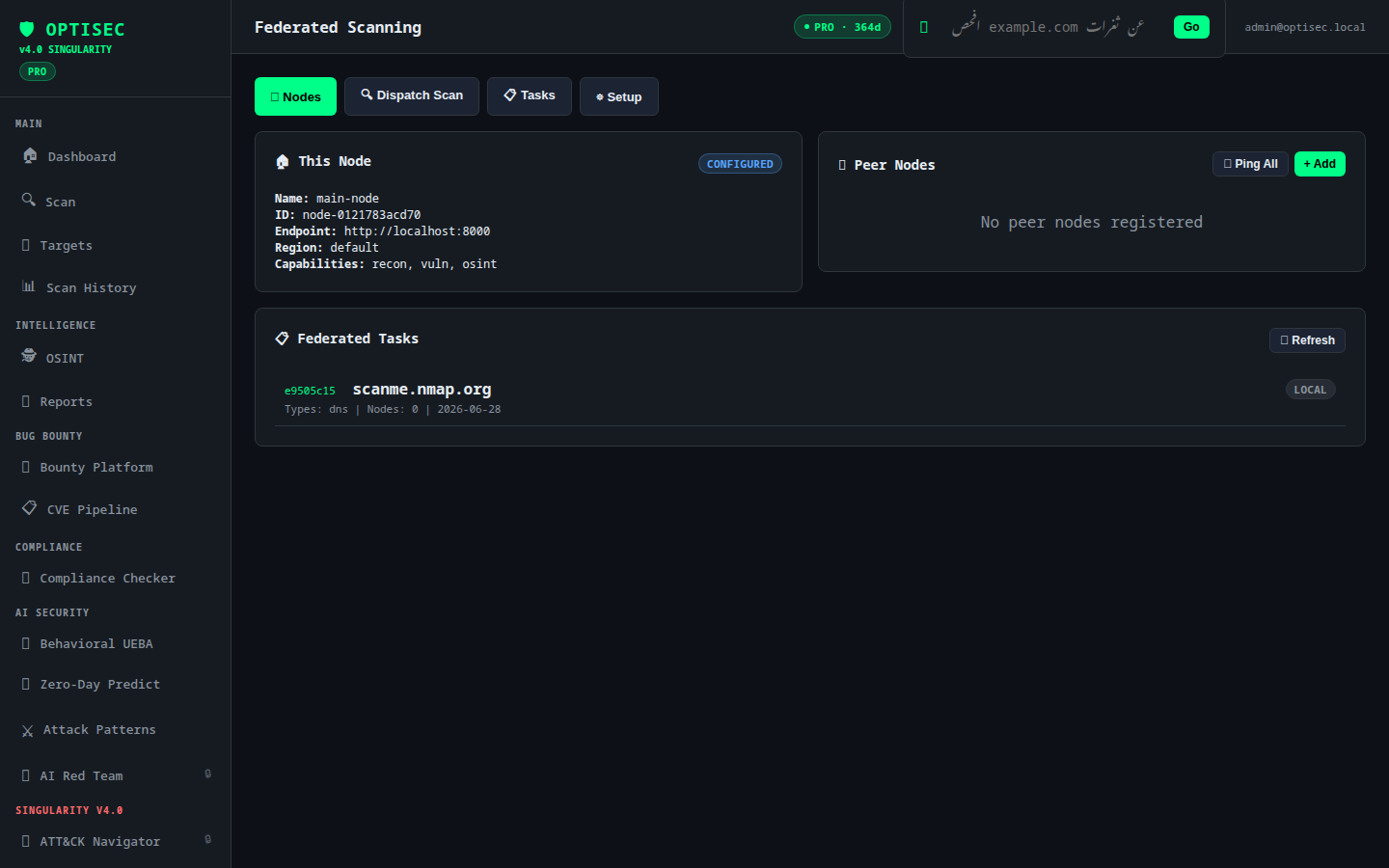 |  |
| NGFW v2 | Firewall Rules |
|:---:|:---:|
|  |  |
| Quantum Crypto (Kyber-768) | License Manager |
|:---:|:---:|
|  | 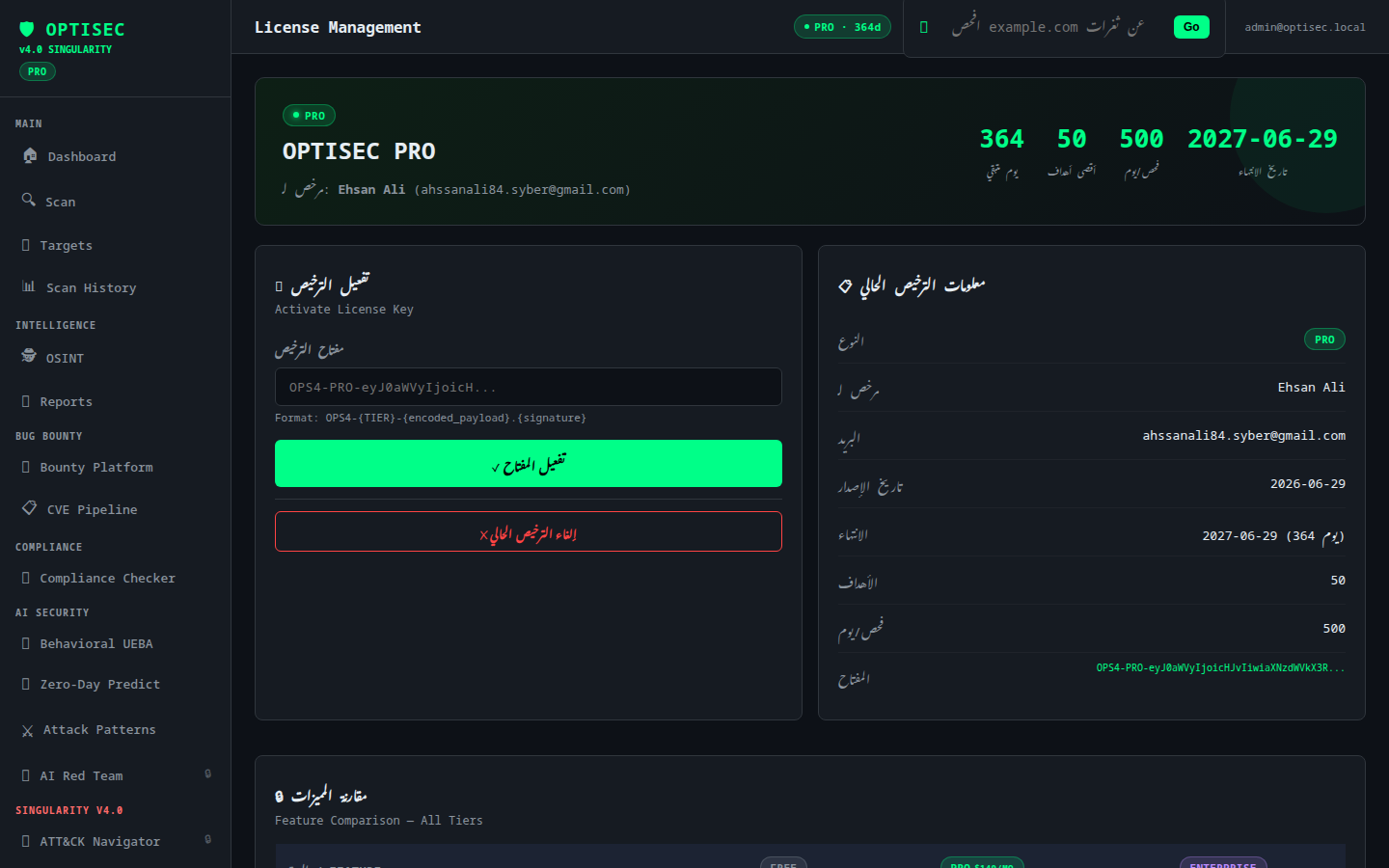 |
API Documentation
| Built-in API Docs (Dark Theme) | Swagger UI |
|:---:|:---:|
| 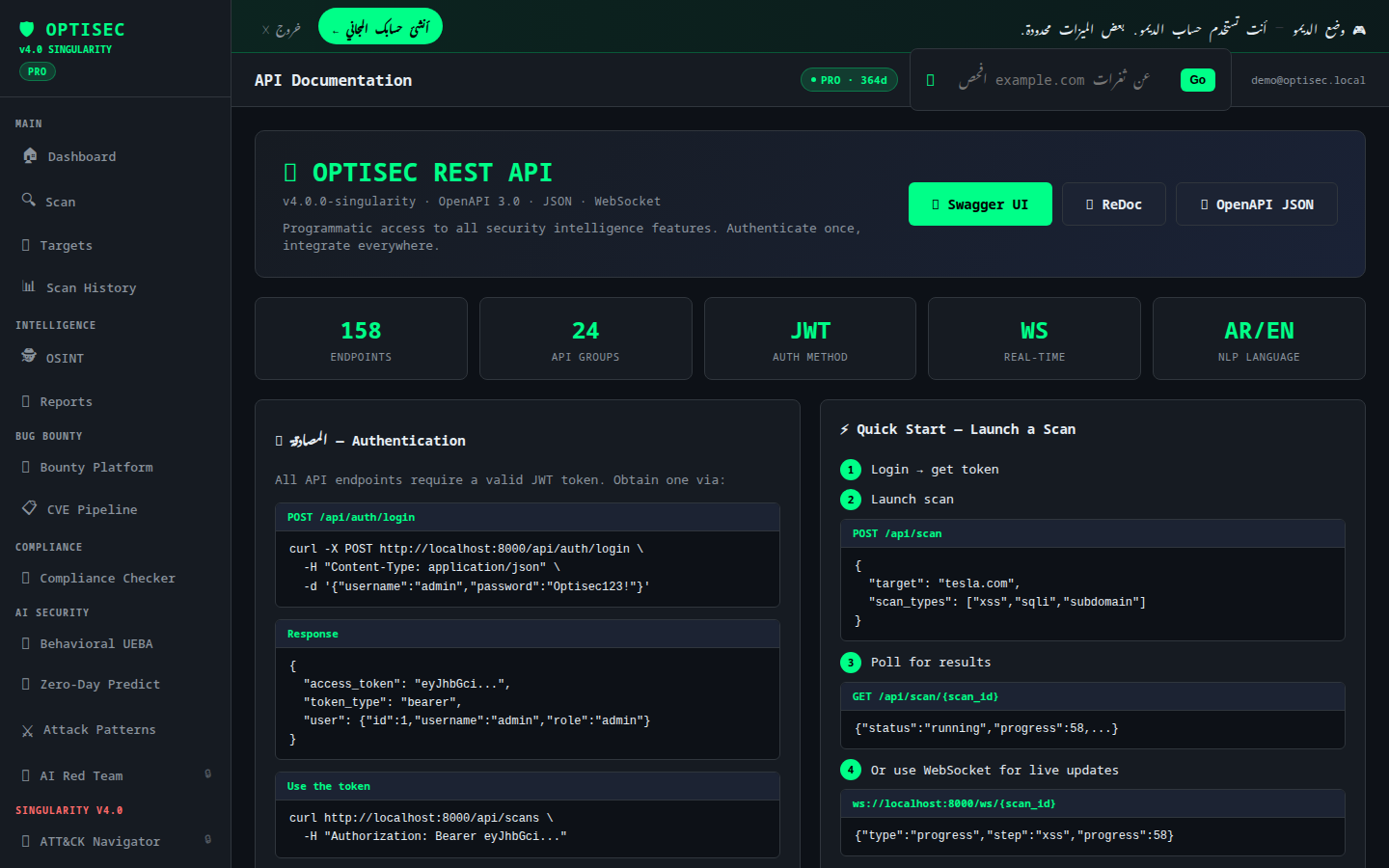 | 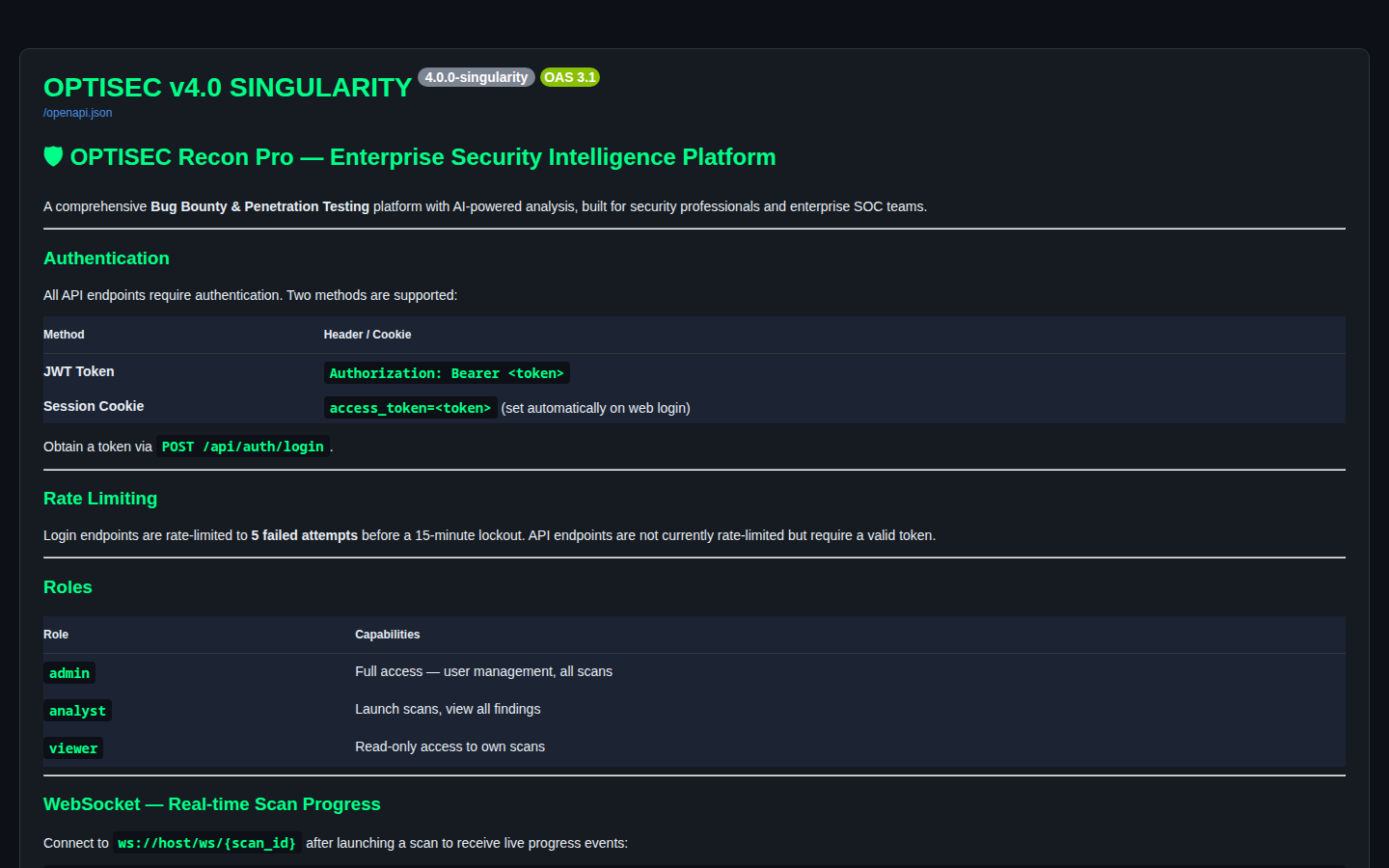 |
## Tech Stack
| Category | Technology | Version |
|----------|-----------|---------|
| **Language** | Python | 3.12 |
| **Web Framework** | FastAPI | ≥ 0.104 |
| **ASGI Server** | Uvicorn | ≥ 0.24 |
| **Templates** | Jinja2 | ≥ 3.1 |
| **ORM** | SQLAlchemy (async) | ≥ 2.0 |
| **Database (dev)** | SQLite via aiosqlite | — |
| **Database (prod)** | PostgreSQL via asyncpg | — |
| **Migrations** | Alembic | ≥ 1.13 |
| **Auth** | python-jose (JWT) + bcrypt | — |
| **AI Engine** | Groq LLaMA-3.3-70B | — |
| **HTTP Client** | httpx + aiohttp | — |
| **DNS/Recon** | dnspython + python-whois | — |
| **Port Scanning** | Nmap (system) | 7.x |
| **PDF Reports** | ReportLab | ≥ 4.0 |
| **OSINT** | phonenumbers + ua-parser | — |
| **Cryptography** | cryptography (AES-GCM) + Kyber-768 | ≥ 41.0 |
| **VPN** | WireGuard Tools + qrcode | — |
| **WebSocket** | websockets | ≥ 12.0 |
| **CLI** | Click + Rich | — |
| **Containerization** | Docker + Docker Compose | — |
| **Proxy** | Nginx | 1.25 |
## Installation
### Prerequisites
- Python 3.12+
- Nmap 7.x (`apt install nmap` / `brew install nmap`)
- Git
### Quick Start (Local)
# 1. Clone the repository
git clone https://github.com/OptisecDev/optisec-recon-pro.git
cd optisec-recon-pro
# 2. Create virtual environment
python -m venv venv
source venv/bin/activate # Windows: venv\Scripts\activate
# 3. Install dependencies
pip install -r requirements.txt
# 4. Configure environment
cp .env.example .env
# Edit .env — set JWT_SECRET and optionally GROQ_API_KEY
# 5. Launch the dashboard
python main.py web --port 8000
# — or use the bundled startup script, which also handles the venv/deps for you —
./start.sh web
# Dashboard: http://localhost:8000
# API Docs: http://localhost:8000/docs
# ReDoc: http://localhost:8000/redoc
# Demo: http://localhost:8000/demo (one-click demo account)
**First-run admin account** is created automatically. Credentials are printed to stdout:
[OPTISEC] Initial admin created → admin /
### Docker Compose
The recommended production setup with PostgreSQL + Nginx reverse proxy:
# 1. Clone and configure
git clone https://github.com/OptisecDev/optisec-recon-pro.git
cd optisec-recon-pro
cp .env.example .env
# 2. Set required secrets in .env
# JWT_SECRET=
# POSTGRES_PASSWORD=
# GROQ_API_KEY= # optional — enables AI features
# OTX_API_KEY= # optional — enables AlienVault feed
# HACKERONE_API_TOKEN= # optional — enables H1 integration
# 3. Start all services
docker compose up -d
# Services:
# optisec → http://localhost:8000
# nginx → http://localhost:80 (reverse proxy)
# postgres → localhost:5432
**Docker Compose services:**
| Service | Port | Description |
|---------|------|-------------|
| `optisec` | 8000 | Main application (2 Uvicorn workers) |
| `nginx` | 80 / 443 | Reverse proxy + SSL termination |
| `postgres` | 5432 | PostgreSQL 16 database |
### Deploy to Render
One-click deployment on [Render.com](https://render.com):
1. Fork this repository
2. Create a new **Web Service** on Render pointing to your fork
3. Set the following environment variables in Render dashboard:
| Variable | Required | Description |
|----------|----------|-------------|
| `JWT_SECRET` | ✅ | Random string ≥ 32 characters |
| `DATABASE_URL` | ✅ | Render PostgreSQL URL (`postgresql+asyncpg://...`) |
| `FIRST_ADMIN_PASSWORD` | ✅ | Initial admin password — set this yourself; if omitted, a random one is generated and written once to a local file (see [SECURITY.md](SECURITY.md)), never to logs |
| `DEMO_INITIAL_PASSWORD` | Optional | Initial demo account password; the "Try Demo" button bypasses this entirely |
| `GROQ_API_KEY` | Optional | Enables AI analysis features |
| `OTX_API_KEY` | Optional | AlienVault OTX threat feed |
| `HACKERONE_API_TOKEN` | Optional | HackerOne integration |
| `BUGCROWD_API_TOKEN` | Optional | Bugcrowd integration |
| `DARKWEB_SCAN_INTERVAL_HOURS` | Optional | Dark web monitoring re-scan interval, default `24` |
4. Render auto-detects the `Dockerfile` and deploys
**Start Command:** `sh -c "python -m uvicorn web.app:app --host 0.0.0.0 --port ${PORT:-8000} --workers 2"`
### CLI Usage
OPTISEC also ships a full command-line interface:
# Run a full scan
python main.py scan example.com --type full
# Specific scan types
python main.py scan example.com --type xss
python main.py scan example.com --type subdomain
python main.py scan example.com --type nmap --output results.json
# Manage targets
python main.py targets
python main.py add https://example.com --name "Example Corp"
# Generate PDF report
python main.py report example.com
## API Documentation
OPTISEC exposes **163 REST + WebSocket endpoints** across 14 routers, all fully typed with Pydantic v2 schemas and documented in the live OpenAPI 3.0 spec. Interactive API documentation is available at runtime:
| Interface | URL | Description |
|-----------|-----|-------------|
| **Swagger UI** | `/docs` | Dark-themed interactive API explorer |
| **ReDoc** | `/redoc` | Full reference documentation |
| **OpenAPI JSON** | `/openapi.json` | Raw OpenAPI 3.0 spec |
### Authentication
All API endpoints require a JWT bearer token:
# 1. Obtain token
curl -X POST https://your-instance/api/auth/login \
-H "Content-Type: application/json" \
-d '{"username": "admin", "password": "your-password"}'
# Response:
# { "access_token": "eyJ...", "token_type": "bearer", "user": {...} }
# 2. Use token in subsequent requests
export TOKEN="eyJ..."
curl -H "Authorization: Bearer $TOKEN" https://your-instance/api/scans
### Key Endpoints
#### Launch a Scan
curl -X POST https://your-instance/api/scan \
-H "Authorization: Bearer $TOKEN" \
-H "Content-Type: application/json" \
-d '{
"target": "example.com",
"scan_types": ["subdomain", "dns", "xss", "sqli"]
}'
# Response: { "scan_id": "scan_a3f9b2c1d4e5f6a7" }
#### Monitor Scan Progress (WebSocket)
const ws = new WebSocket("wss://your-instance/ws/scan/scan_a3f9b2c1d4e5f6a7");
ws.onmessage = (e) => {
const msg = JSON.parse(e.data);
// { "type": "progress", "step": "xss", "progress": 58, "status": "running" }
// { "type": "completed", "progress": 100, "status": "done", "results": {...} }
};
#### NLP Command (Arabic/English)
curl -X POST https://your-instance/api/nlp \
-H "Authorization: Bearer $TOKEN" \
-H "Content-Type: application/json" \
-d '{"text": "افحص tesla.com عن ثغرات XSS"}'
# Response: { "action": "scan_xss", "target": "tesla.com", "confidence": 0.95 }
#### AI Security Analysis
curl -X POST https://your-instance/api/ai/analyze \
-H "Authorization: Bearer $TOKEN" \
-H "Content-Type: application/json" \
-d '{
"target": "example.com",
"findings": [...],
"lang": "en"
}'
#### IOC Correlations
# Get correlation clusters
curl -H "Authorization: Bearer $TOKEN" \
"https://your-instance/api/correlations?refresh=true"
# Get specific cluster
curl -H "Authorization: Bearer $TOKEN" \
"https://your-instance/api/correlations/cluster_abc123"
### API Rate Limits
| Endpoint | Limit | Window |
|----------|-------|--------|
| `POST /api/auth/login` | 5 failed attempts | 15-minute lockout |
| All other API endpoints | No hard limit | Valid token required |
| WebSocket connections | 1 per scan_id | Persistent until scan completes |
### Role Capabilities
| Role | Capabilities |
|------|-------------|
| `admin` | Full platform access — user management, all scans, license control |
| `analyst` | Launch scans, view all findings, generate reports, use all modules |
| `viewer` | Read-only access to own scans and findings |
## Licensing Tiers
OPTISEC operates on a feature-gated licensing model. The license is validated locally via HMAC-signed keys — no internet call-home required.
| Feature | FREE | PRO | ENTERPRISE |
|---------|:----:|:---:|:----------:|
| **Targets** | 3 | 50 | Unlimited |
| **Scans / Day** | 10 | 500 | Unlimited |
| **Users** | 1 | 5 | Unlimited |
| XSS Scanner | ✅ | ✅ | ✅ |
| SQL Injection | ✅ | ✅ | ✅ |
| DNS / WHOIS | ✅ | ✅ | ✅ |
| PDF Reports | ✅ | ✅ | ✅ |
| SSRF / LFI / Redirect | ❌ | ✅ | ✅ |
| Nmap / SSL / Headers | ❌ | ✅ | ✅ |
| Subdomain Enumeration | ❌ | ✅ | ✅ |
| OSINT Basic | ✅ | ✅ | ✅ |
| OSINT Advanced | ❌ | ✅ | ✅ |
| AI Analysis (Groq) | ❌ | ✅ | ✅ |
| Arabic/English NLP | ❌ | ✅ | ✅ |
| Bug Bounty Platform | ❌ | ✅ | ✅ |
| Compliance Checker | ❌ | ✅ | ✅ |
| Behavioral UEBA | ❌ | ✅ | ✅ |
| Zero-Day Prediction | ❌ | ✅ | ✅ |
| Attack Patterns | ❌ | ✅ | ✅ |
| AI Firewall + NGFW | ❌ | ✅ | ✅ |
| WireGuard VPN | ❌ | ✅ | ✅ |
| Quantum Crypto (PQC) | ❌ | ✅ | ✅ |
| REST API Access | ❌ | ✅ | ✅ |
| Autonomous Red Team | ❌ | ❌ | ✅ |
| MITRE ATT&CK Navigator | ❌ | ❌ | ✅ |
| Dark Web Intelligence | ❌ | ❌ | ✅ |
| Global Threat Feed | ❌ | ❌ | ✅ |
| IOC Correlations | ❌ | ❌ | ✅ |
| Federated Scanning | ❌ | ❌ | ✅ |
| User Management | ❌ | ❌ | ✅ |
| Multi-node Deployment | ❌ | ❌ | ✅ |
### Activate a License
# Via web dashboard: Settings → License → Enter Key
# Via API (admin only):
curl -X POST https://your-instance/api/license/activate \
-H "Authorization: Bearer $ADMIN_TOKEN" \
-H "Content-Type: application/json" \
-d '{"key": "OPTISEC-PRO-XXXX-XXXX-XXXX"}'
## Ethical Use Policy
OPTISEC's OSINT, vulnerability scanning, and autonomous red team modules are
**dual-use security tools**. They are built for defenders and authorized
researchers, not for surveilling people. The standard below follows the
same authorization-first posture as the [OWASP Testing
Guide](https://owasp.org/www-project-web-security-testing-guide/) and the
**PTES** (Penetration Testing Execution Standard): no scan, lookup, or
correlation against a target is legitimate without documented authorization
over that target.
### ✅ Permitted Use
| Use Case | Requirement |
|----------|-------------|
| **Penetration testing** | Written authorization (engagement letter / rules of engagement) scoped to the exact assets being tested |
| **Bug bounty hunting** | Target is in-scope per the program's published policy (HackerOne / Bugcrowd / Intigriti scope rules) |
| **SOC / threat intel operations** | Investigating assets, infrastructure, or IOCs your organization owns or is contractually responsible for defending |
| **Security research & education** | Self-owned lab environments, CTF infrastructure, or domains/accounts you personally control |
### ⛔ Prohibited Use
| Use Case | Why It's Prohibited |
|----------|----------------------|
| **Profiling individuals without consent** | Running username/phone/email/national-ID/vehicle-plate OSINT modules against a private person who has not authorized the search is stalking-adjacent and may violate harassment and privacy statutes regardless of intent |
| **Unlawful private-data collection** | Aggregating PII beyond what a target has knowingly made public, or combining sources to deanonymize someone, violates data-protection law (GDPR, CCPA, and local equivalents) even when each individual data point is technically public |
| **Out-of-scope or unauthorized targets** | Scanning any domain, IP range, account, or person not explicitly covered by your authorization — including "adjacent" infrastructure discovered mid-engagement — without first getting written sign-off to expand scope |
| **Mass / indiscriminate targeting** | Bulk-running OSINT or vulnerability modules across targets with no individual authorization, including speculative "see what turns up" sweeps |
### Enforcement
- Authorization is the user's sole responsibility — OPTISEC does not, and
cannot, verify that a given target/scan is authorized.
- Misuse of OSINT or scanning modules against unauthorized targets may
violate computer-crime law (e.g. the U.S. CFAA, EU Cybercrime
Directive, or local equivalents) independent of any OPTISEC license
terms, and is the operator's personal legal liability.
- License access may be revoked for credible reports of unauthorized or
abusive use; see [Responsible Disclosure](#responsible-disclosure) below
to report misuse you become aware of.
## Security & Responsible Disclosure
### Security Architecture
OPTISEC is designed with security-first principles:
- **Authentication**: JWT tokens (30-minute expiry) with bcrypt password hashing (cost factor 12)
- **Rate Limiting**: IP-based failed login protection — 5 attempts triggers a 15-minute lockout
- **Session Security**: `HttpOnly` + `SameSite=Lax` cookies, sliding 30-minute window refresh
- **Role Isolation**: Database-level role enforcement; viewers cannot trigger scans
- **Non-root Container**: Docker image runs as `optisec` system user
- **Input Validation**: Pydantic v2 schema validation on all API inputs
- **Audit Logging**: Full auth event log (`logs/auth.log`) with IP, timestamp, outcome
- **Secrets Management**: All secrets via environment variables, never hardcoded
### Responsible Disclosure
OPTISEC is a legitimate security research tool. Usage must comply with applicable law and the following principles:
1. **Authorization First** — Only scan targets you own or have explicit written permission to test
2. **Bug Bounty Scope** — When using the bug bounty module, respect each program's defined scope
3. **No Unauthorized Access** — Do not use OPTISEC to access systems without authorization
4. **Data Privacy** — OSINT modules must be used in accordance with local privacy laws (GDPR, etc.)
#### Found a Vulnerability in OPTISEC itself?
We follow coordinated disclosure. Please report security issues **privately** before public disclosure:
- **Email**: [ahssanali84.syber@gmail.com](mailto:ahssanali84.syber@gmail.com)
- **Subject**: `[SECURITY] Brief description`
- **Response Time**: Within 48 hours
- **Disclosure Timeline**: 90-day coordinated disclosure window
We do not operate a formal bug bounty program for OPTISEC itself at this time, but we credit all responsibly reported vulnerabilities in the changelog.
## Roadmap
### v4.1 — Horizon *(Q3 2026)*
- [ ] Nuclei template integration — run community templates via OPTISEC UI
- [ ] Shodan / Censys passive recon module
- [ ] Scheduled recurring scans with email/webhook alerts
- [ ] CVSS v4.0 scoring engine
### v4.2 — Phantom *(Q4 2026)*
- [ ] Full SIEM integration (Elastic / Splunk / Wazuh)
- [ ] Playwright-based JavaScript-rendered XSS/DOM scanning
- [ ] Mobile app (React Native) for scan monitoring
- [ ] Multi-tenant organization support
### v5.0 — NEXUS *(2027)*
- [ ] Distributed agent network for global passive monitoring
- [ ] On-device local LLM support (Ollama / LM Studio)
- [ ] Real liboqs PQC library integration (CRYSTALS-Dilithium signatures)
- [ ] Full SOC workflow with ticket creation (Jira / ServiceNow)
## Contributing
We welcome contributions from the security community. Please read these guidelines before submitting a pull request.
### Development Setup
git clone https://github.com/OptisecDev/optisec-recon-pro.git
cd optisec-recon-pro
python -m venv venv
source venv/bin/activate
pip install -r requirements.txt
cp .env.example .env
python main.py web --reload # hot-reload for development
### Contribution Guidelines
1. **Fork** the repository and create a feature branch from `master`
2. **Test** your changes — ensure existing endpoints still respond correctly
3. **Document** new API endpoints with proper FastAPI docstrings and `tags`
4. **Security** — never commit credentials, API keys, or secrets
5. **Scope** — keep PRs focused; one feature or fix per PR
6. **Style** — follow existing code conventions
### Pull Request Checklist
- [ ] Branch created from latest `master`
- [ ] No hardcoded secrets or credentials
- [ ] New routes include proper `tags`, `summary`, and `responses` metadata
- [ ] `.env.example` updated if new environment variables are introduced
- [ ] `requirements.txt` updated if new packages are added
### Issue Reporting
When reporting bugs, include:
- OPTISEC version (`/api/license/status`)
- Python version and OS
- Steps to reproduce
- Expected vs. actual behavior
- Relevant logs from `logs/auth.log` or stdout
## License & Contact
Copyright (c) 2026 OptisecDev. All Rights Reserved.
This software is proprietary and confidential. Unauthorized copying,
modification, distribution, or use of this software, in whole or in
part, is strictly prohibited without prior written consent from OptisecDev.
The FREE tier may be used for personal and educational purposes.
Commercial use requires a PRO or ENTERPRISE license.
### Contact
| Channel | Address |
|---------|---------|
| **GitHub** | [@OptisecDev](https://github.com/OptisecDev) |
| **Email** | [ahssanali84.syber@gmail.com](mailto:ahssanali84.syber@gmail.com) |
| **Security Issues** | [ahssanali84.syber@gmail.com](mailto:ahssanali84.syber@gmail.com) with subject `[SECURITY]` |
**Built with dedication for the security community**
*OPTISEC v4.0 SINGULARITY — Redefining Security Intelligence*
[](https://github.com/OptisecDev)