andryhasayan-source/sp-stamper
GitHub: andryhasayan-source/sp-stamper
一款 Python 文件作者水印工具,通过可见注释和隐藏 Unicode 零宽字符为源代码植入作者标识,实现代码归属追踪。
Stars: 0 | Forks: 0
# SP Stamper · ShashevPro
### Python 文件作者水印工具


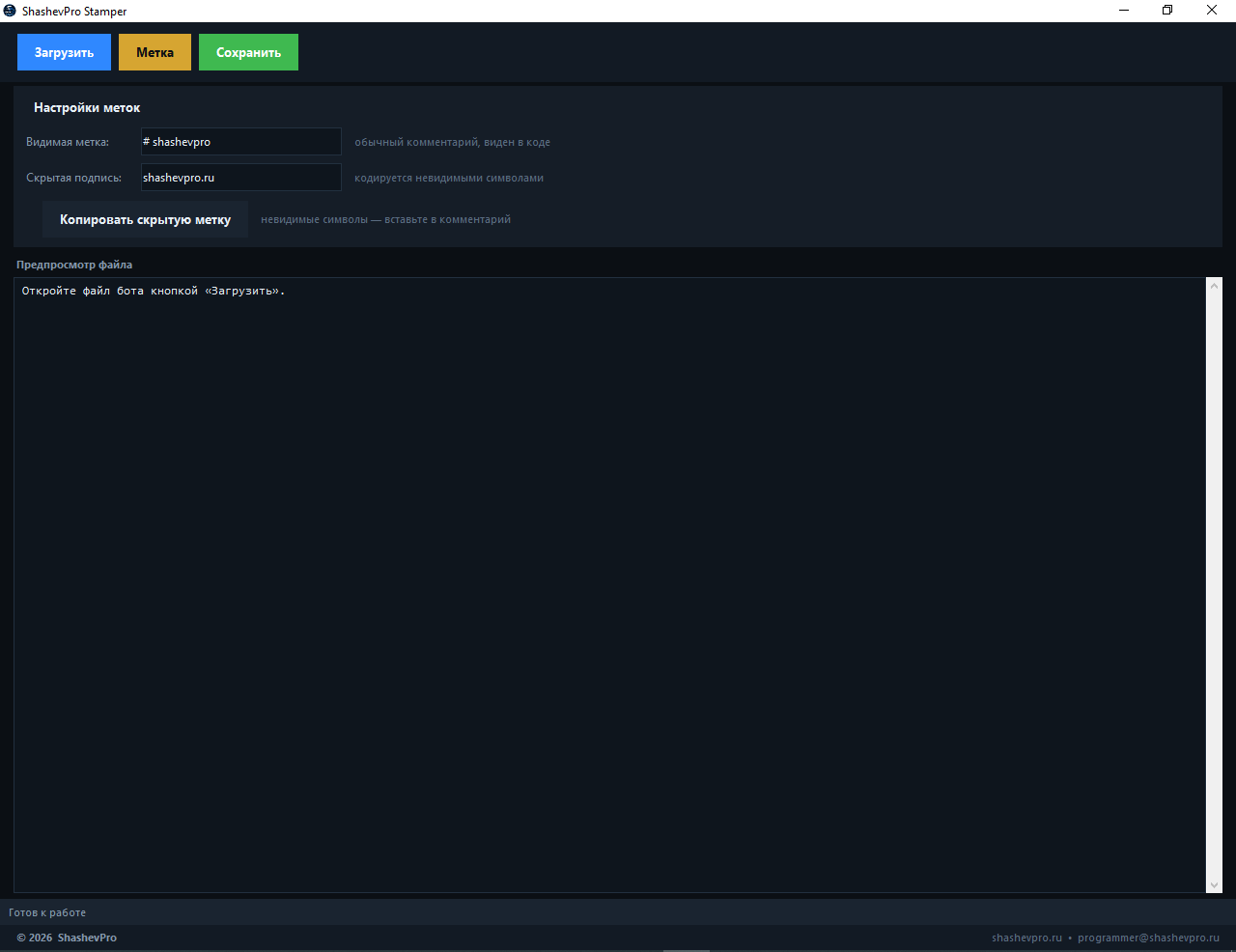
同时向 Python 文件中植入两种作者标记——可见标记与隐藏标记。可见标记是代码中的普通注释。隐藏标记则是利用不可见的 Unicode 字符编码的签名,在查看文件时无法被直接察觉。
## 🖥 截图
## ✨ 工作原理
**可见标记** —— 作为普通注释插入到文件开头:
```
# shashevpro
```
**隐藏标记** —— 将字符串(例如 `shashevpro.ru`)编码为不可见的 Unicode 字符(`\u200b`、`\u200c`、`\u200d`、`\u2060`)并插入到注释中。在查看文件时标记不可见,但可以被解码。
- 隐藏标记仅植入一次 —— 重复处理文件不会导致标记重复
- **“复制隐藏标记”** 按钮可将不可见字符复制到剪贴板 —— 你可以手动将它们粘贴到任何注释中
- 代码不会被破坏 —— 标记仅放置在注释中
## 🚀 运行
```
python sp_stamper.py
```
需要 Python 3.8+。无外部依赖 —— 仅使用标准库 (tkinter)。
## 📦 构建 EXE
```
pip install pyinstaller
build_stamper.bat
```
或手动执行:
```
pyinstaller --onefile --windowed --name "SP_Stamper" --icon "icon.ico" --add-data "icon.ico;." sp_stamper.py
```
现成的 `.exe` 文件可在 [Releases](../../releases) 中获取。
## 📁 文件
```
├── sp_stamper.py # Main application
├── build_stamper.bat # Build script
├── SP_Stamper.spec # PyInstaller spec
└── icon.ico # Application icon
```
## 🌐 作者
**Andrey Shashev · ShashevPro**
- 🌐 [shashevpro.ru](https://www.shashevpro.ru)
- 🛒 [kwork.ru/user/andreysha256](https://kwork.ru/user/andreysha256)
- 💬 [vk.com/andrey_shashev](https://vk.com/andrey_shashev)
- ✉️ programmer@shashevpro.ru
*MIT License · © ShashevPro*
标签:Python, SOC Prime, 开发工具, 数字水印, 无后门, 漏洞挖掘, 逆向工具, 隐写术