2M12/DeNuitkanizator
GitHub: 2M12/DeNuitkanizator
该工具用于分析和提取 Nuitka、PyInstaller 等打包器编译的 .exe 文件中的元数据、字符串、模块和 PE 结构信息,帮助逆向工程师快速获取二进制情报。
Stars: 16 | Forks: 2

🔬 DeNuitkanizator
用于分析通过 Nuitka(以及 PyInstaller 和其他打包工具)编译的 .exe 文件,以及其他非 Python 的 exe 文件的实用工具。可提取元数据、字符串、模块、PE 结构信息及其他有用信息。
       
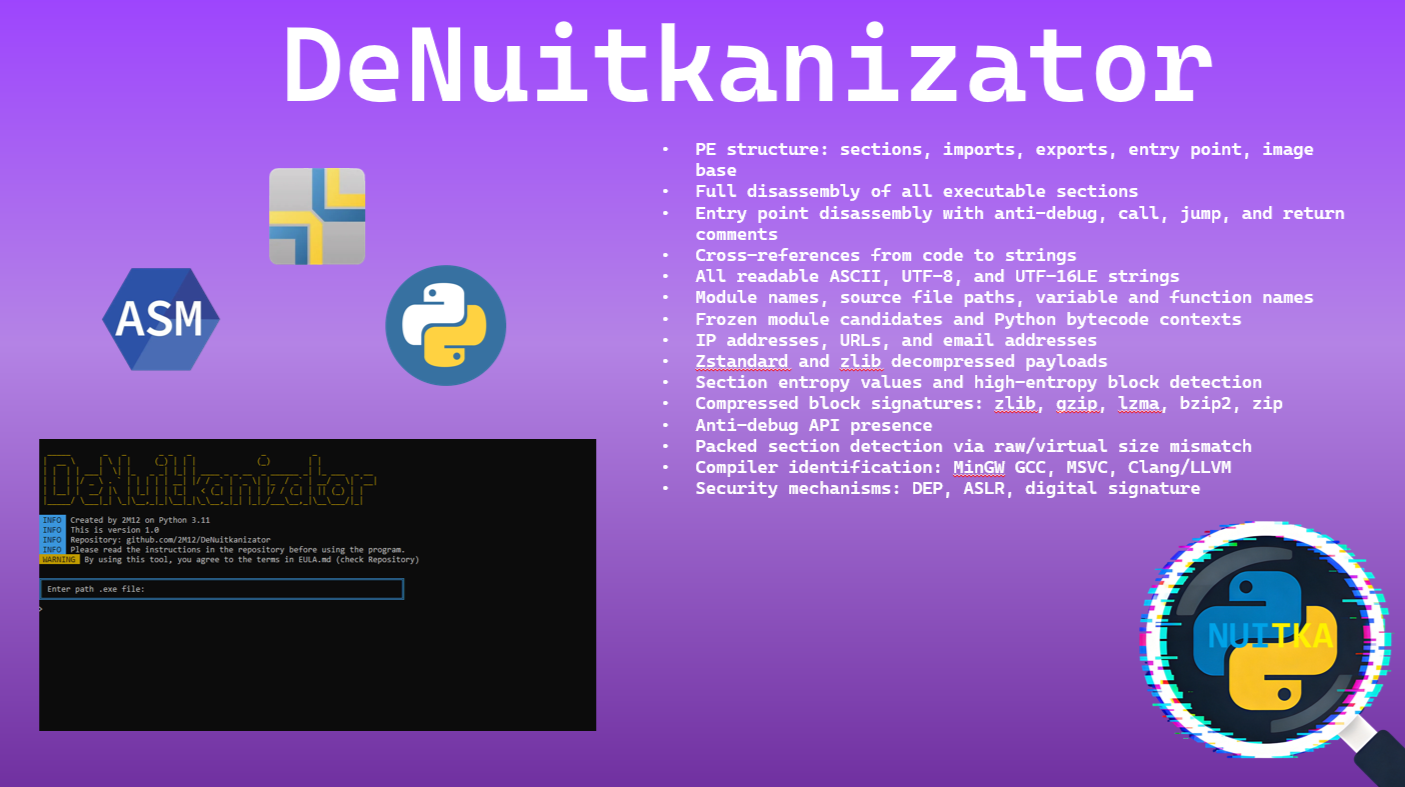
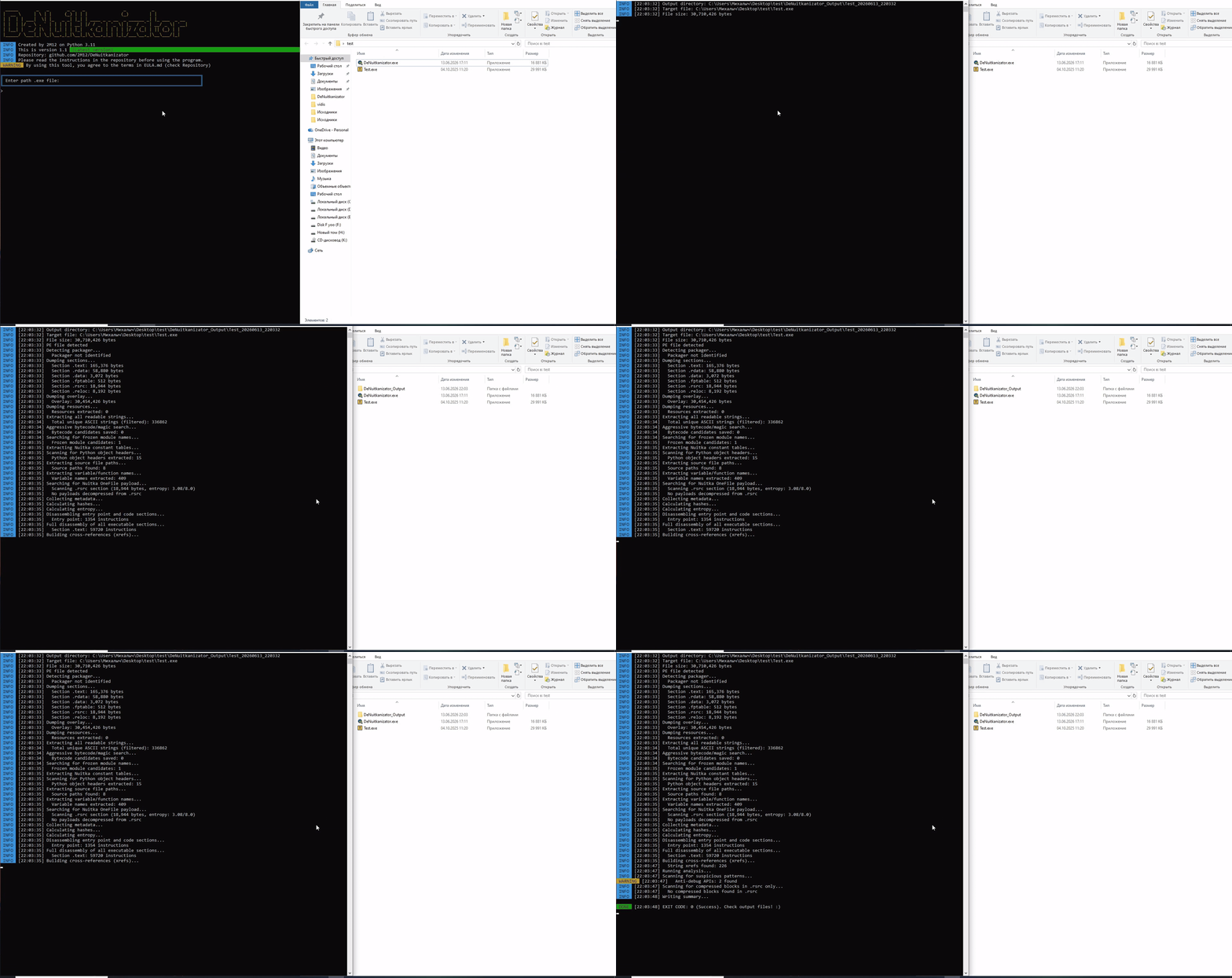
## ❓ 为什么需要它 **Nuitka** 将 Python 编译为机器码。你的 `.py` 文件变成了原生的 `.exe`,已经无法再通过标准方法查看其内部。PyInstaller 还可以被解包,但 Nuitka 不行。 **DeNuitkanizator** 解决了这个问题。它可以: - 显示文件是用什么打包的 - 提取所有能提取的内容:字符串、模块、路径、IP、URL - 完整反汇编机器码 - 查找代码与字符串之间的关联 - 检测可疑模式 **适用人群:** reverse 工程师、malware 分析师、Python 开发者、安全研究员. ## 🔍 功能 ### 🕵️ 检测 * 通过 8 个特征码和 `.rsrc` 的熵值判定是否由 **Nuitka** 编译。 * 区分 Nuitka、PyInstaller 和 cx_Freeze(如果使用其他打包器则显示 Unknown - 暂时)。 * 通过 magic 数识别 **Python** 版本(3.7–3.11)。 ### 📥 数据提取 * **字符串**:ASCII(4+/8+ 字符),UTF‑16LE,UTF‑8 * **模块**:导入的及冻结(`frozen`)的 Python 模块名称。 * **源码路径**:来自 `.rdata`/`.data` 的调试路径。 * **变量和函数名**:来自数据段的标识符。 * **网络数据**:IP 地址、URL、email 地址。 ### 🧩 PE 结构分析 * **段**:名称、大小、熵、访问权限、可执行标志 (EXEC)。 * **导入**:所有 DLL 和函数(包括 Python C API)。 * **导出**:导出的函数。 * **哈希**:文件的 MD5, SHA1, SHA256。 * **编译器**:识别 (MinGW GCC, MSVC, Clang/LLVM)。 * **保护机制**:DEP, ASLR。 ### 🗜️ 解包 * **Zstandard (zstd)**:Nuitka OneFile 的主要压缩算法。 * **Zlib**:搜索并解压备用的压缩数据块。 * 根据特征码搜索压缩块:zlib, gzip, lzma, bzip2, zip。 ### 💻 反汇编(需要安装 Capstone) * 所有可执行段的**完整反汇编** (`Disasm/full/`)。 * **入口点**:带有 `[CALL]`, `[JMP]`, `[RET]`, `[ANTI-DEBUG]` 注释。 * **架构自动识别**:根据 PE 头识别 x86 或 x64。 * **字符串交叉引用** (`string_xrefs.txt`):哪部分代码引用了哪些字符串。 ### ⚠️ 可疑元素搜索 * **Anti-debug API**:`IsDebuggerPresent`、`CheckRemoteDebuggerPresent` 等。 * **代码中的 Anti-debug 模式**:`rdtsc`、`int 3`、`mov eax, fs:[30h]`。 * **Packed sections**:raw/virtual 大小比例异常。 * **High entropy**:具有高熵值的段(可能被加密)。 ### 🔄 自动更新 * 启动时通过 GitHub API 检查新版本。 * 状态指示器:Latest / Update Available / Offline。 ## 🖼️ 截图
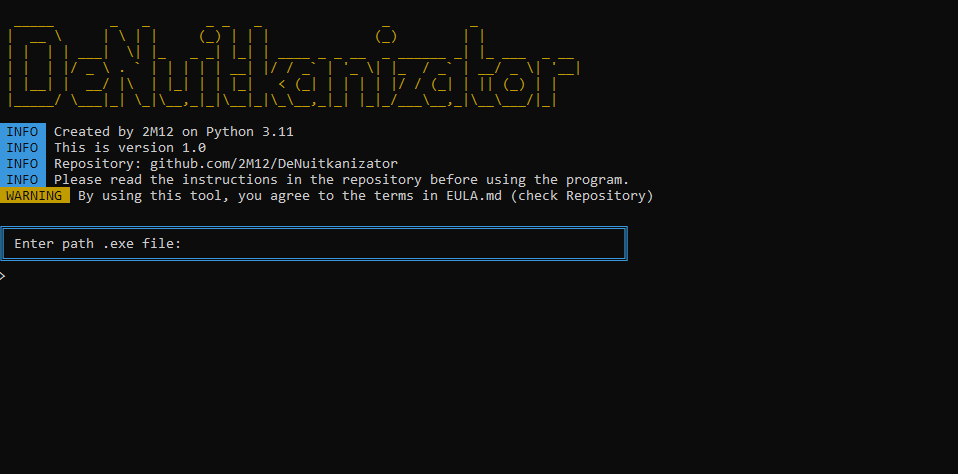
Главное меню — ввод пути к .exe
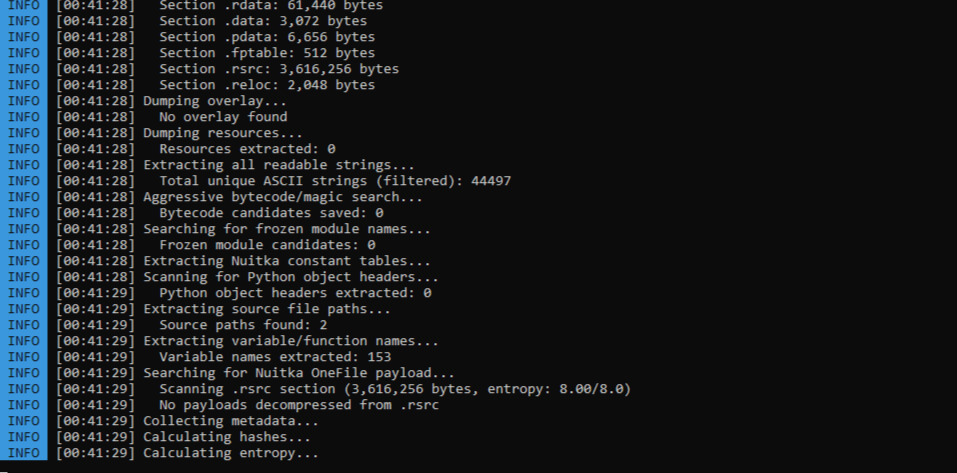
Процесс анализа в реальном времени
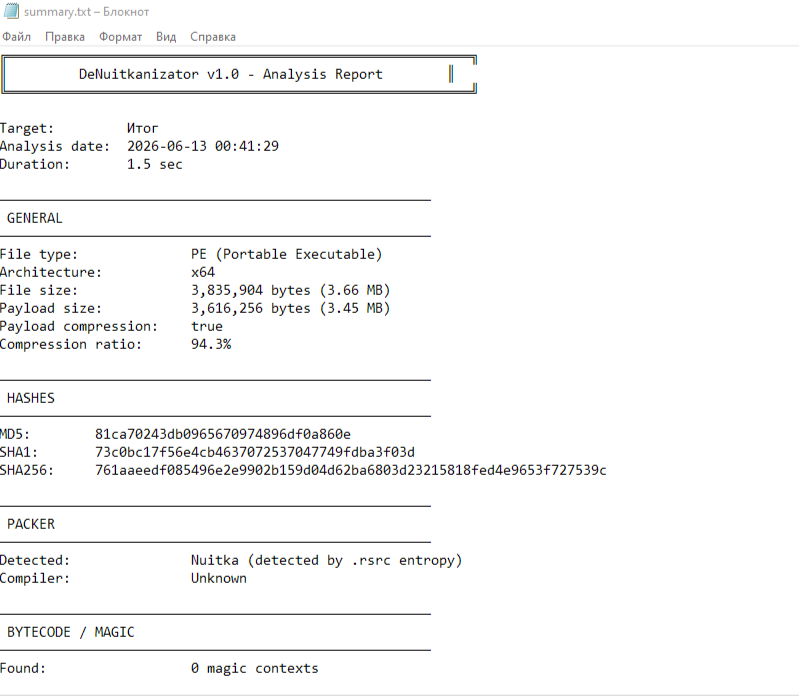
Итоговый отчёт summary.txt
标签:Nuitka, PE文件分析, PyInstaller, Python打包, 云安全监控, 漏洞挖掘, 逆向分析, 逆向工具, 静态分析