Taniiie/war-room-ai
GitHub: Taniiie/war-room-ai
基于 Llama-3 的多 Agent 并行 AI 危机响应系统,能在生产事故发生时快速诊断并自动触发 Slack、Jira 等集成动作。
Stars: 0 | Forks: 0
# WAR ROOM — AI Agent Swarm 危机响应
### 由 Llama-3 (Groq FREE API) + FastAPI + 高级 UI 提供支持
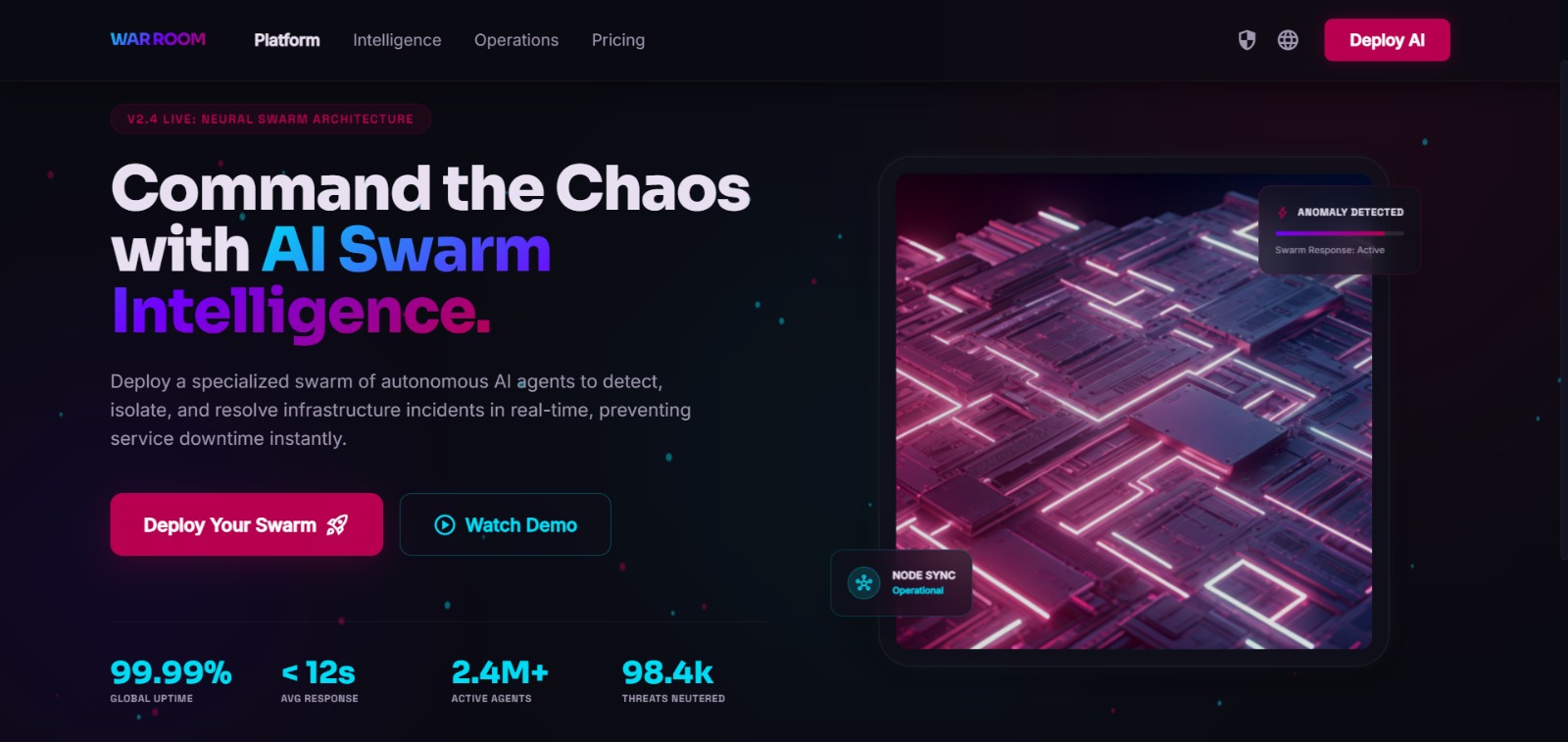
## 3 步开始
### 第 1 步 — 获取你的 FREE Groq API key
1. 访问 **https://console.groq.com**
2. 注册 / 登录
3. 点击 "API Keys" → "Create API Key"
4. 复制该 key(以 `gsk_...` 开头)
### 第 2 步 — 设置你的 API key
```
# 打开根目录 war-room-v2 文件夹中的 .env 文件:
# 将 GROQ_API_KEY 的值替换为你的真实密钥:
GROQ_API_KEY=gsk_xxxxxxxxxxxxxxxxxxxx
```
### 第 3 步 — 运行它
```
# Terminal 1 — Backend:
cd backend
pip install -r requirements.txt
uvicorn main:app --reload --port 8000
# Terminal 2 — Frontend:
# 直接在浏览器中打开 frontend/index.html!
# (无需 npm install)
```
**前端:** 在 Chrome/Firefox 中直接打开 `frontend/index.html`。搞定。
## 屏幕预览
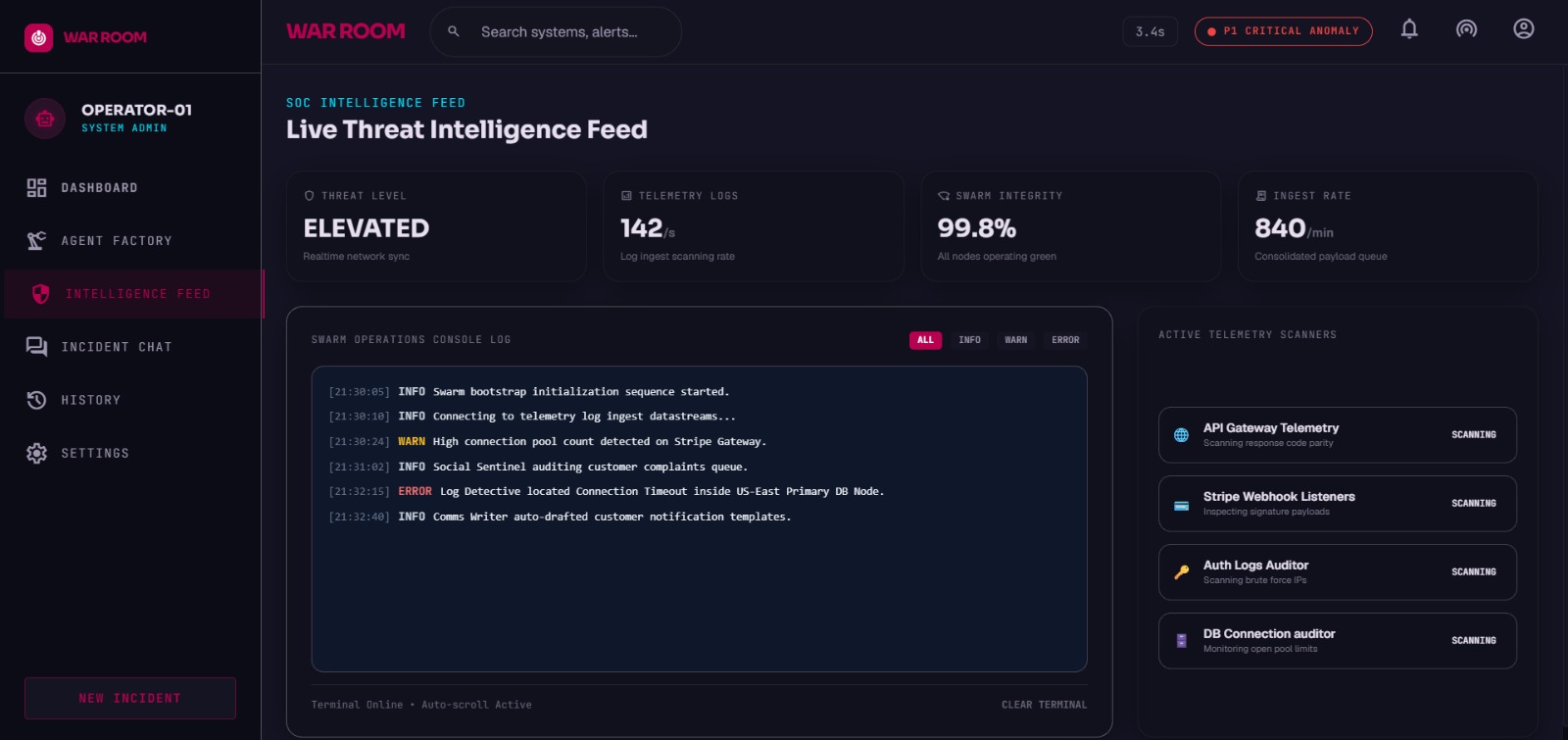
| 命令仪表板 | 事件 Swarm 视图 |
| :---: | :---: |
| 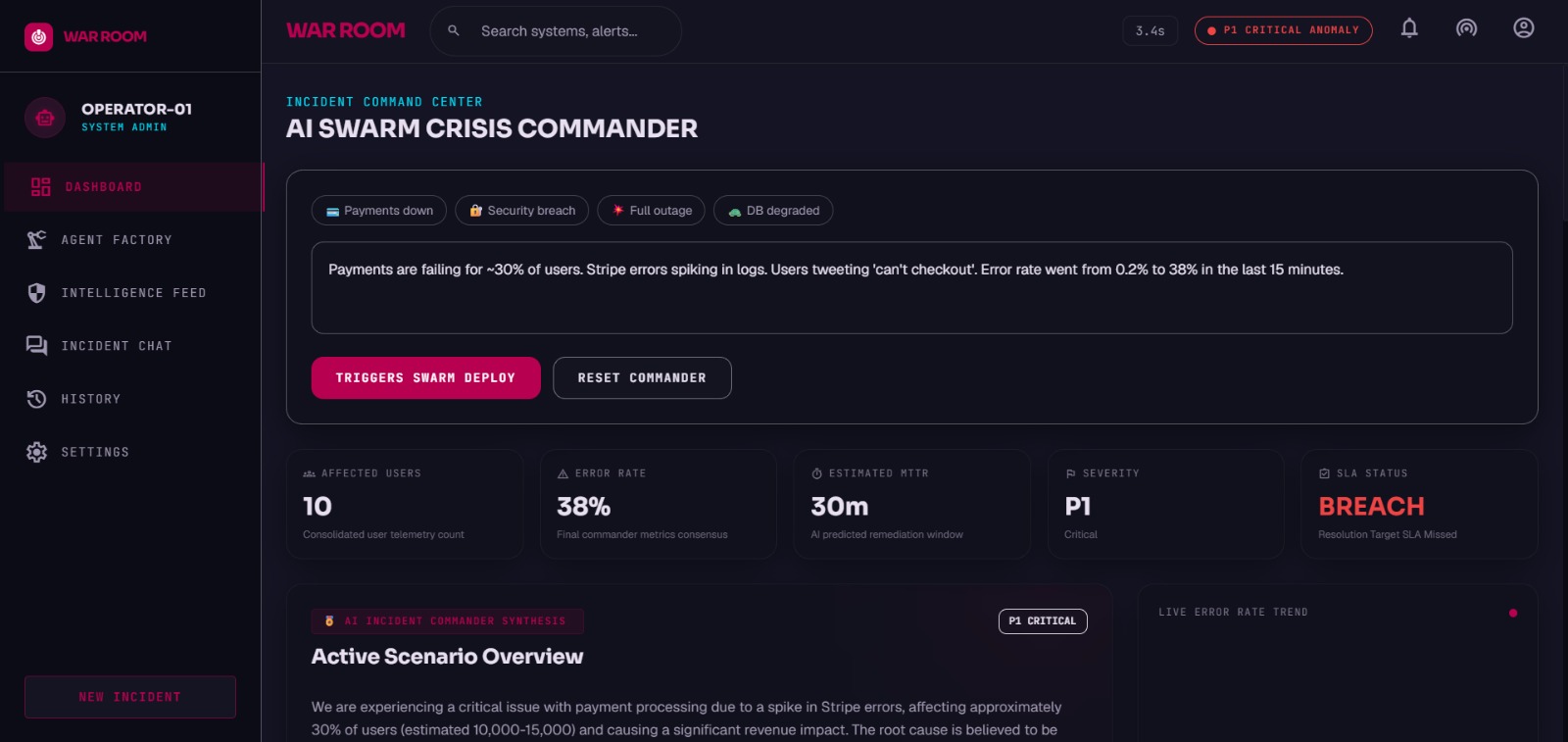 | 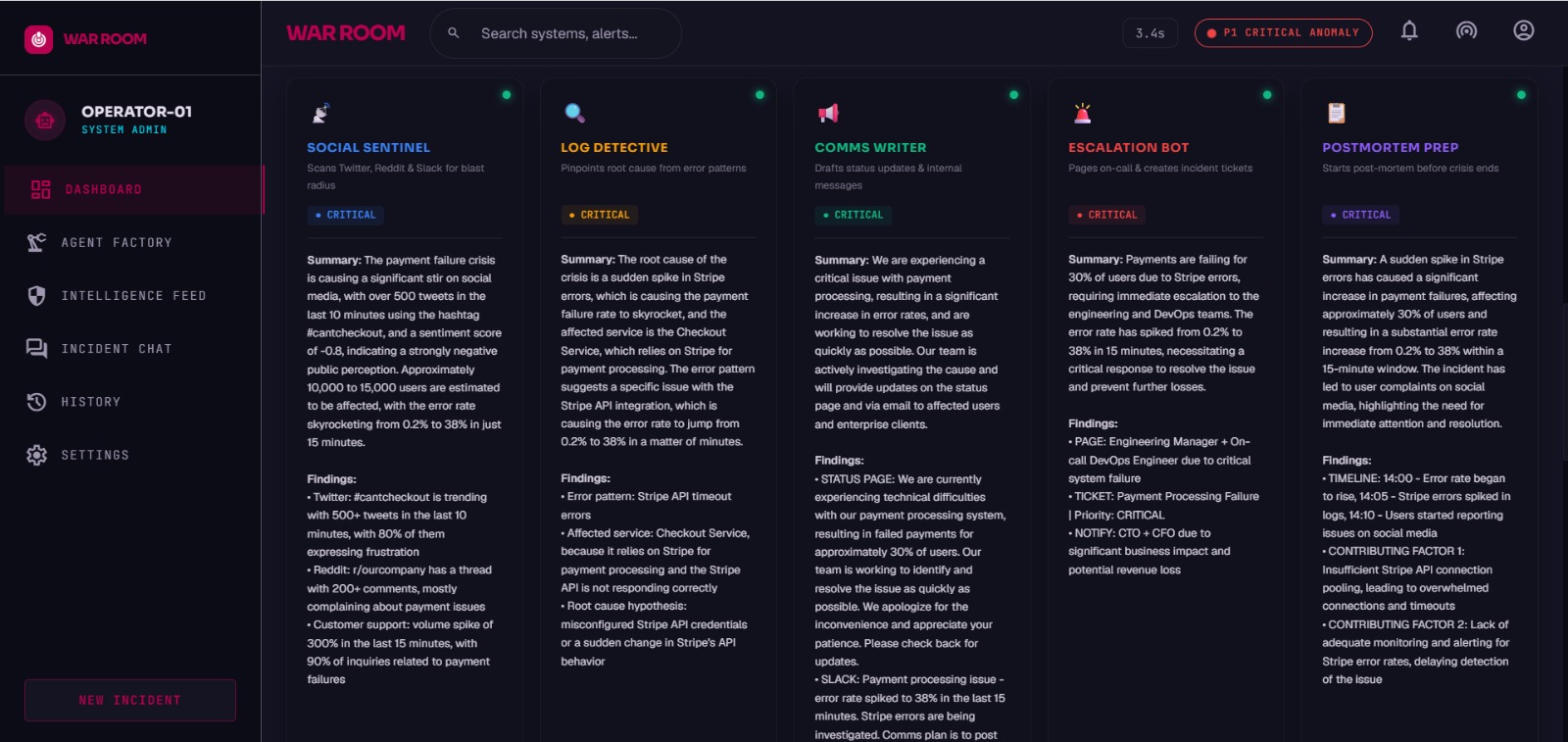 |
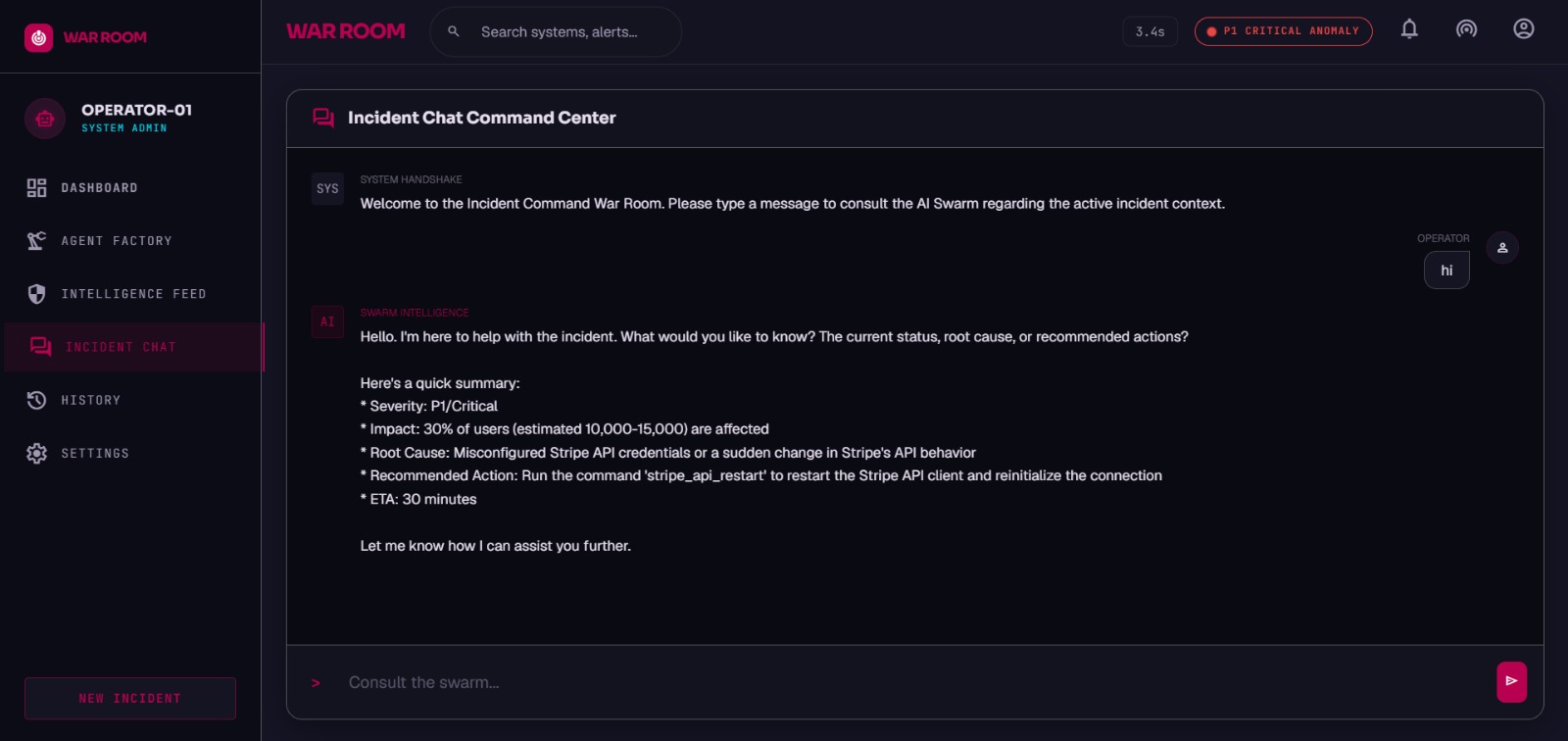
| 根本原因分析 | 通讯与 Runbook |
| :---: | :---: |
| 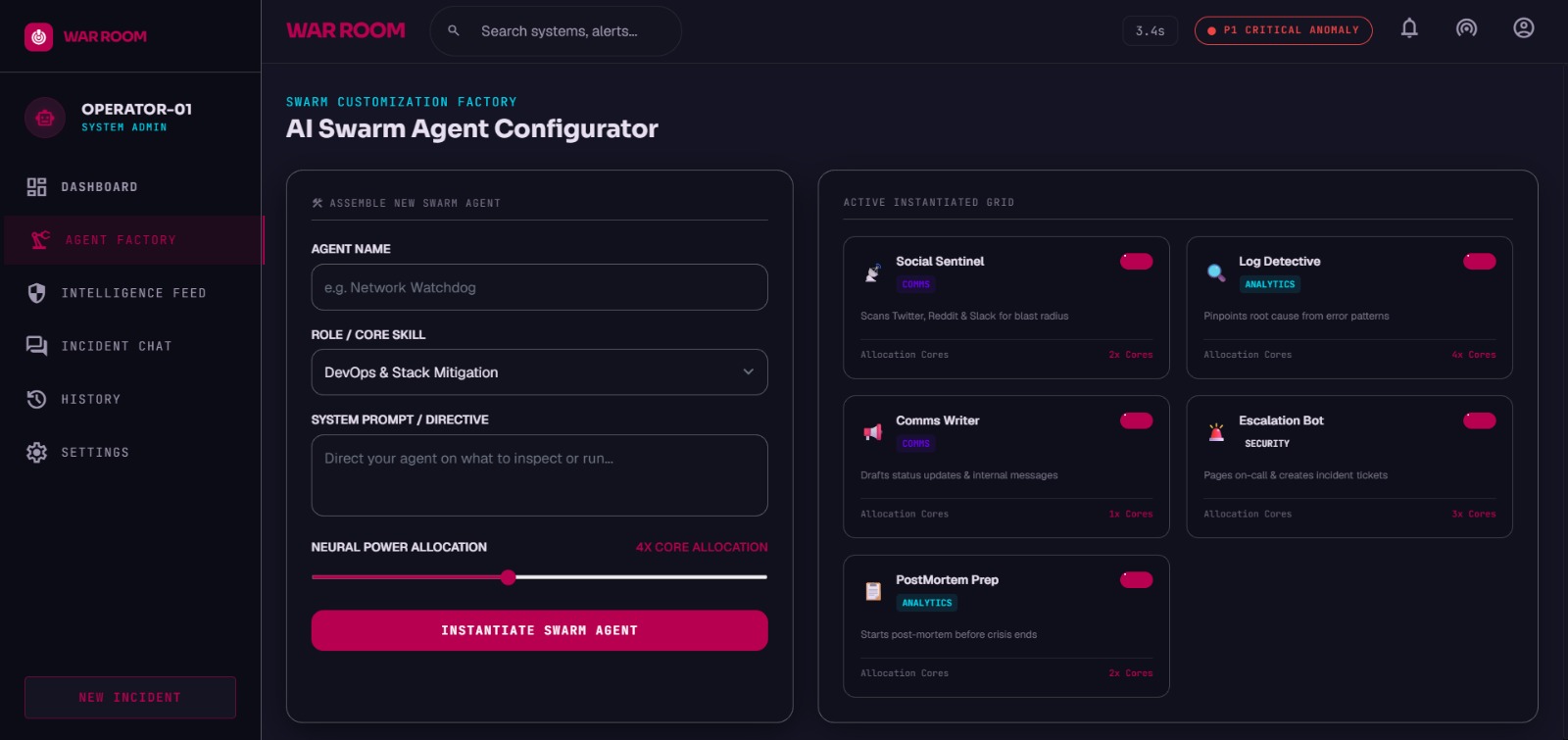 |  |
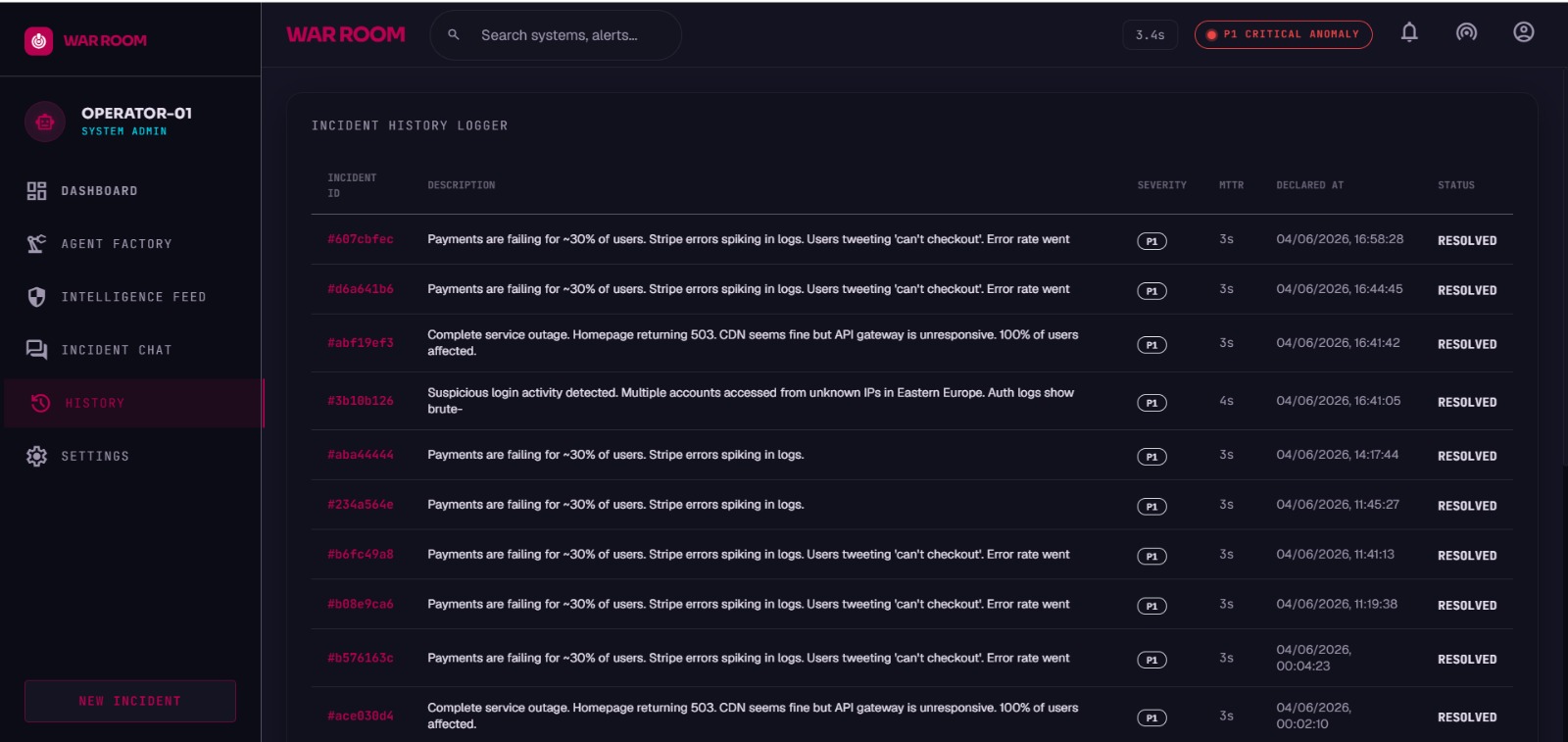
| 集成操作 | 历史日志 |
| :---: | :---: |
|  |  |
## 演示测试
1. 在浏览器中打开 `frontend/index.html`
2. 点击 **"Payments down"** 预设
3. 点击 **"TRIGGER WAR ROOM"**
4. 展示 5 个 agent 同时启动(卡片亮起)
5. 指出实时传入的数据流
6. 等待所有 agent 报告(约 15-30 秒)
7. 展示 Coordinator Synthesis 的结论
8. 点击 **"Send to Slack"** — 在 Slack 中展示真实消息
9. 点击 **"Create Jira Ticket"** — 展示创建的 ticket
10. 滚动到完整的 War Room 报告
**你对评委的台词:**
## 文件结构
```
war-room-v2/
├── .env ← Place your Groq key and integration URLs here
├── .gitignore ← Excludes environment files and local database logs
├── backend/
│ ├── main.py ← FastAPI server
│ ├── agents.py ← 5 Groq agents (parallel Llama-3 models)
│ ├── integrations.py ← Slack + Jira + PagerDuty integrations
│ └── requirements.txt
└── frontend/
├── index.html ← Landing page & preview UI
└── dashboard.html # Incident command center UI (open directly!)
```
## 可选集成
### Slack(在演示中最令人印象深刻)
1. 访问 https://api.slack.com/apps
2. Create App → Incoming Webhooks → Add to channel
3. 将 webhook URL 复制到 `.env`
### Jira
1. 访问 https://id.atlassian.com/manage-profile/security/api-tokens
2. 创建 token,将其与你的 Jira URL 一起添加到 `.env`
### PagerDuty
1. Services → Your Service → Integrations → Events API v2
2. 将集成 key 复制到 `.env`
标签:AV绕过, FastAPI, Sysdig, 后端开发, 库, 应急响应, 故障响应, 自动化运维, 运维, 逆向工具