Simon2812/logwatch-threat-detector
GitHub: Simon2812/logwatch-threat-detector
LogWatch 是一个 Python 编写的轻量级 SSH 认证日志安全分析工具,用于检测暴力破解、用户枚举等可疑行为并生成结构化报告。
Stars: 0 | Forks: 0
# LogWatch 威胁检测器
一个轻量级的网络安全日志分析 pipeline,用于检测 Linux 系统中可疑的 SSH 认证活动。
它会解析认证日志,识别诸如暴力破解尝试和无效用户枚举等攻击模式,生成结构化的安全发现,并通过 CLI 工具和使用 FastAPI 构建的 REST API 提供分析功能。
## 功能
- SSH 认证日志解析
- 暴力破解登录尝试检测
- 无效用户枚举检测
- 高价值账户目标攻击检测
- 多次失败后成功登录检测
- JSON 和 HTML 安全报告
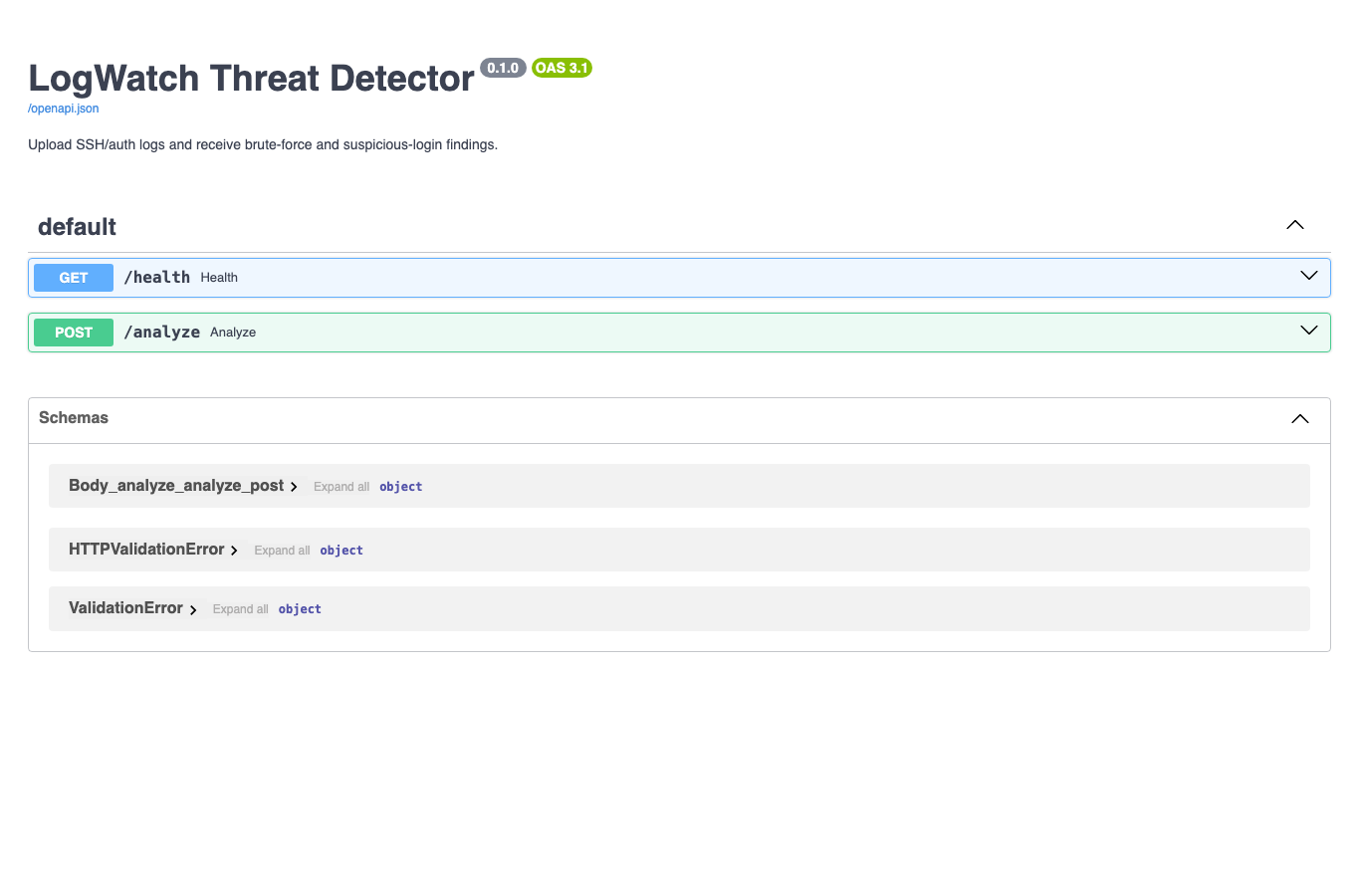
- 带有 Swagger/OpenAPI 文档的 FastAPI REST API
- 使用 `pytest` 进行自动化测试
- 带有严重性级别的结构化安全发现
## 检测能力
| 规则 ID | 检测内容 | 严重性 |
|---|---|---|
| `AUTH-001` | 短时间窗口内来自单一来源的多次登录失败 | 高 |
| `AUTH-002` | 无效用户枚举尝试 | 中 |
| `AUTH-003` | 多次失败后的成功登录 | 严重 |
| `AUTH-004` | 针对特权用户名(如 `root` 或 `admin`)的攻击 | 低 |
## 技术栈
- Python
- FastAPI
- Pytest
- JSON / HTML 报告
- 结构化日志解析
## 快速开始
### 创建虚拟环境
```
python -m venv .venv
```
### 激活环境
**Linux/macOS**
```
source .venv/bin/activate
```
**Windows PowerShell**
```
.\.venv\Scripts\Activate.ps1
```
### 安装依赖
```
pip install -e ".[dev]"
```
## 运行 CLI 分析
```
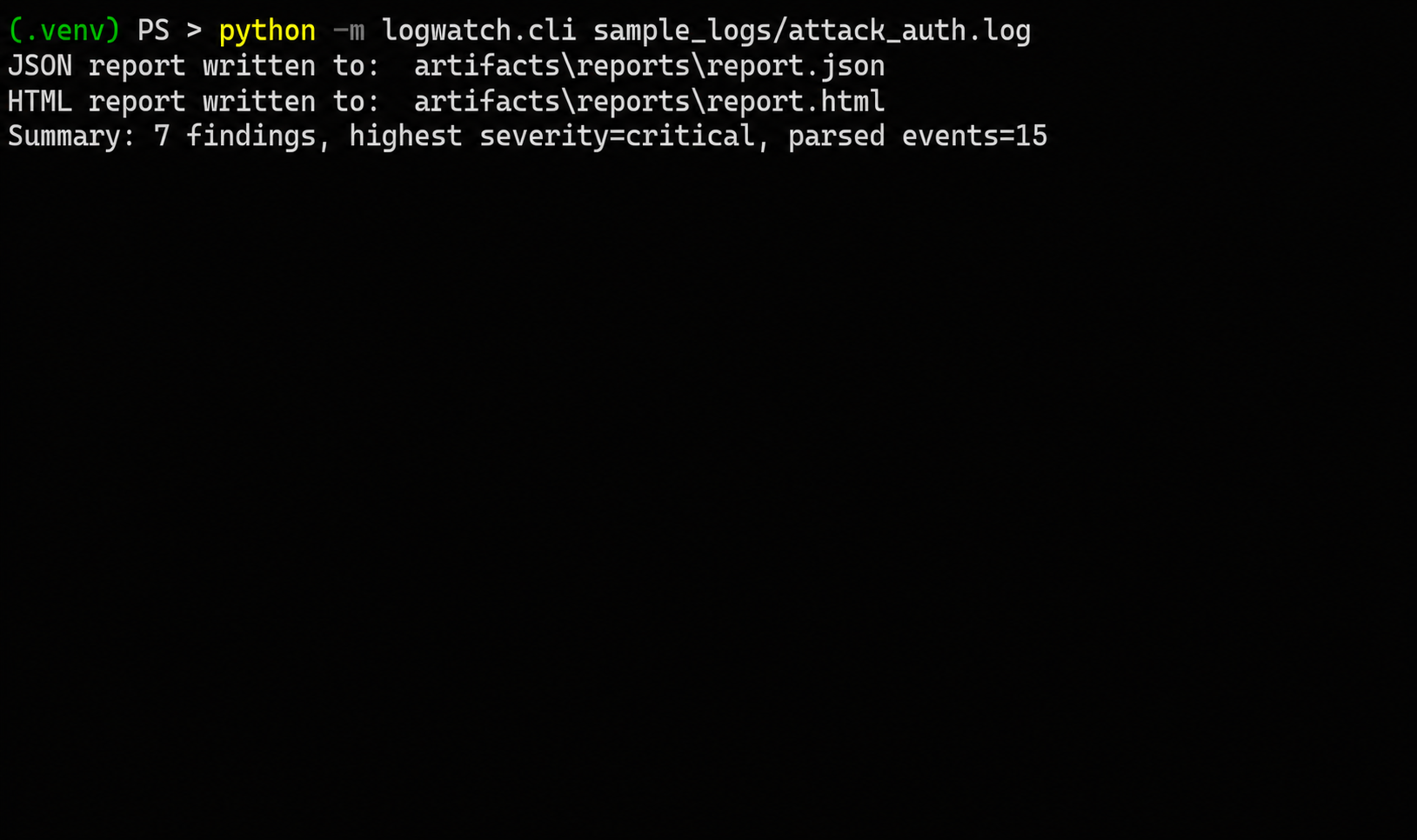
python -m logwatch.cli sample_logs/attack_auth.log
```
示例输出:
```
Summary: 7 findings, highest severity=critical, parsed events=15
```
生成的报告:
```
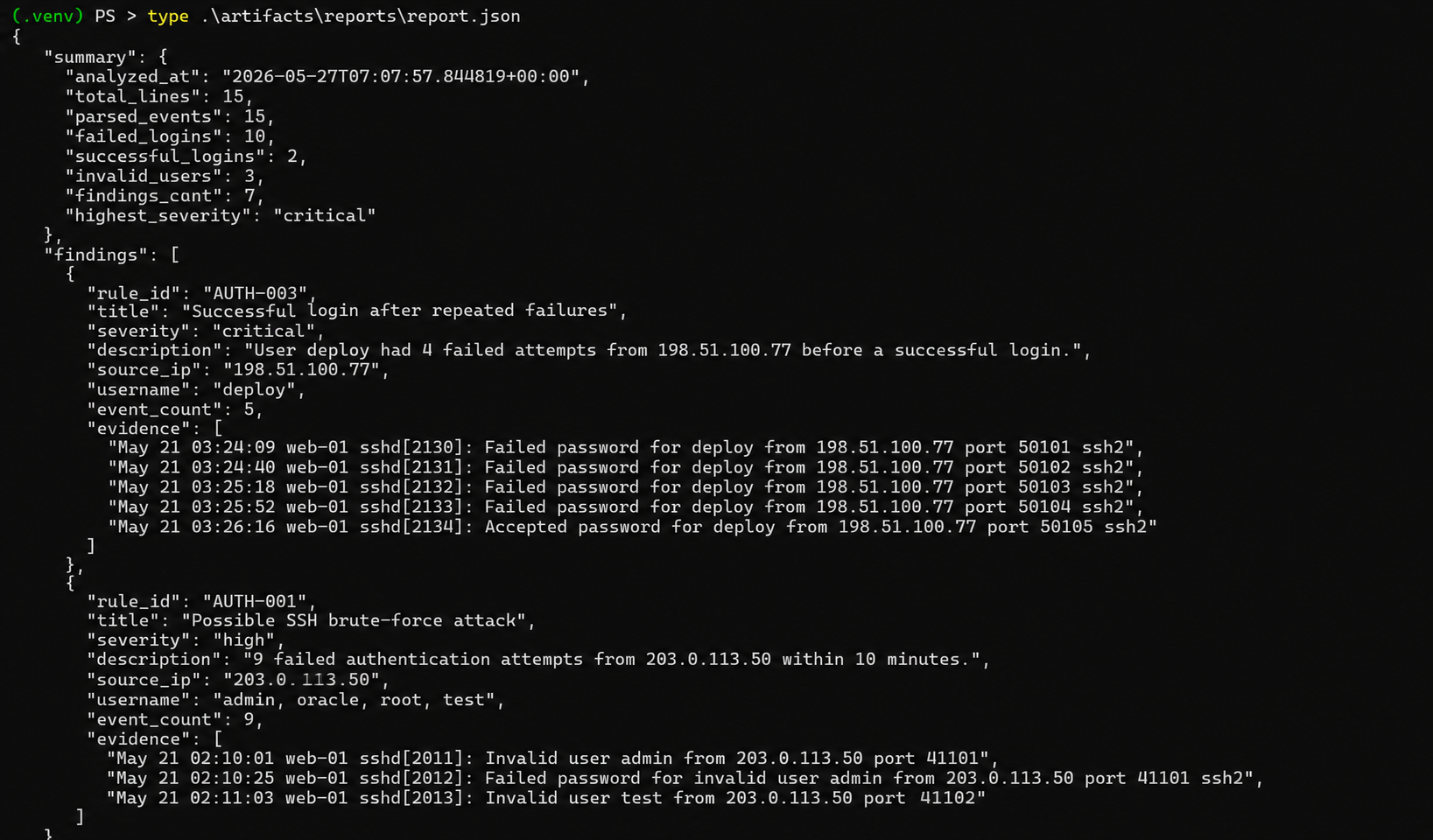
artifacts/reports/report.json
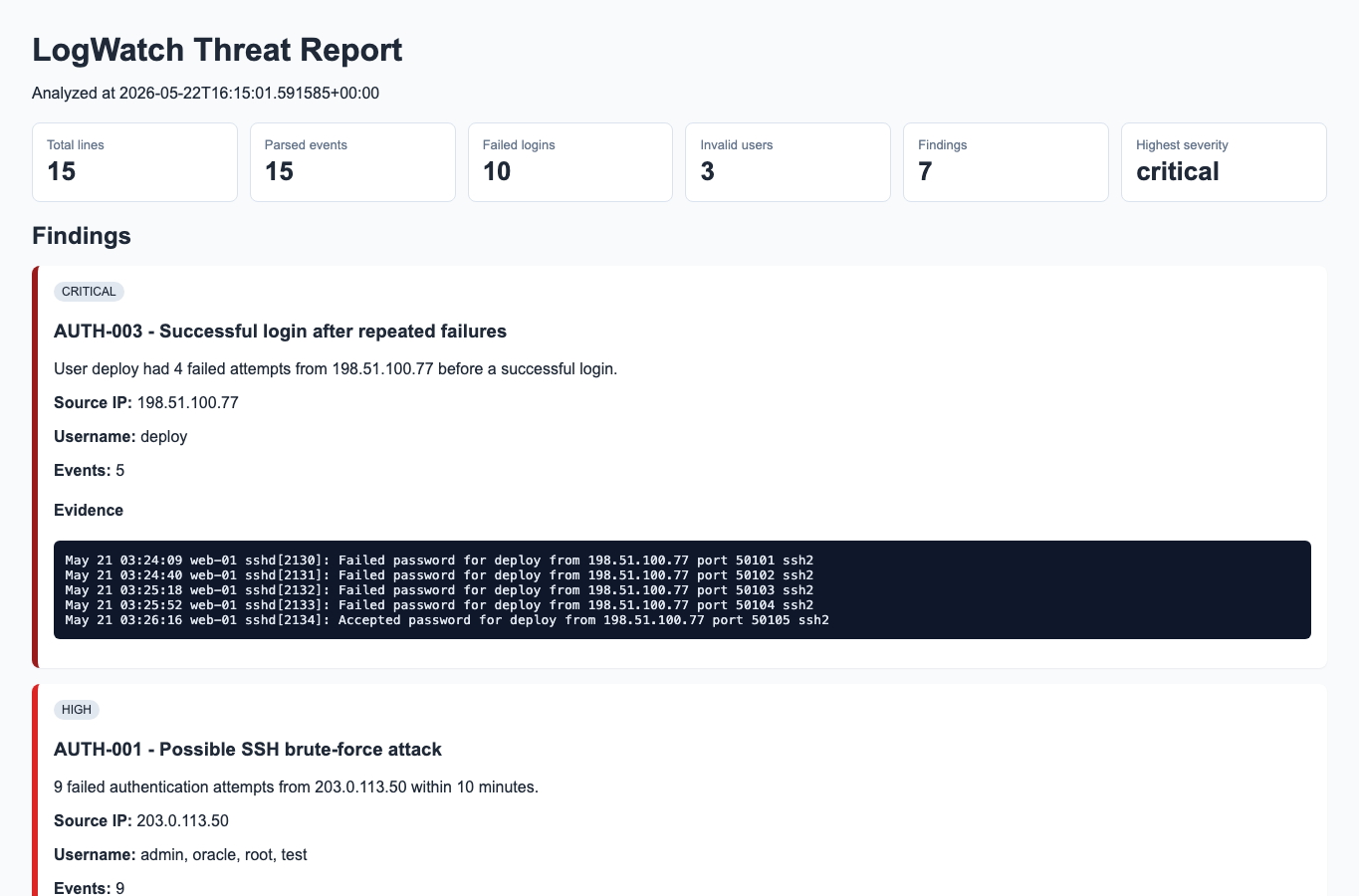
artifacts/reports/report.html
```
## 运行 API
启动 API 服务器:
```
uvicorn logwatch.api.main:app --reload
```
打开 Swagger UI:
```
http://localhost:8000/docs
```
### 可用 Endpoint
| 方法 | Endpoint | 用途 |
|---|---|---|
| `GET` | `/health` | 健康检查 |
| `POST` | `/analyze` | 上传并分析 SSH 认证日志 |
## 示例 API 请求
```
curl -F "file=@sample_logs/attack_auth.log;type=text/plain" \
http://localhost:8000/analyze
```
## 运行测试
```
pytest
```
## 截图
真实的项目执行和生成的产出物。
### CLI 分析
### JSON 报告
### HTML 报告
### FastAPI Swagger UI
## 仓库结构
```
src/logwatch/parsers/
SSH authentication log parsing
src/logwatch/detection/
detection rules and analysis engine
src/logwatch/reporting/
JSON and HTML report generation
src/logwatch/api/
FastAPI application
sample_logs/
clean and malicious SSH authentication logs
tests/
parser, detection, analyzer, and API tests
artifacts/
generated reports and outputs
```
## 示例工作流
```
python -m logwatch.cli sample_logs/attack_auth.log
uvicorn logwatch.api.main:app --reload
```
## 安全用例
- SOC 分析师培训
- SSH 暴力破解检测
- Linux 认证监控
- 检测工程实践
- 安全日志解析练习
- 基础的 SIEM 风格事件分析
## 未来改进
- GeoIP 扩充
- 威胁情报集成
- 实时流分析
- 检测规则配置
- 仪表盘可视化
- 告警关联引擎
- 支持额外的日志格式
标签:AV绕过, FastAPI, Homebrew安装, Python, SSH暴力破解, URL发现, 多模态安全, 安全检测, 无后门, 红队行动, 认证异常, 逆向工具