thinkingjimmy/codex-reset-watchdog
GitHub: thinkingjimmy/codex-reset-watchdog
一个 Codex 自动化技能,定时监控 Codex 负责人的公开社交媒体帖子并报告额度重置信号,帮助用户提前规划订阅用量。
Stars: 13 | Forks: 0
[中文说明](README.zh-CN.md)
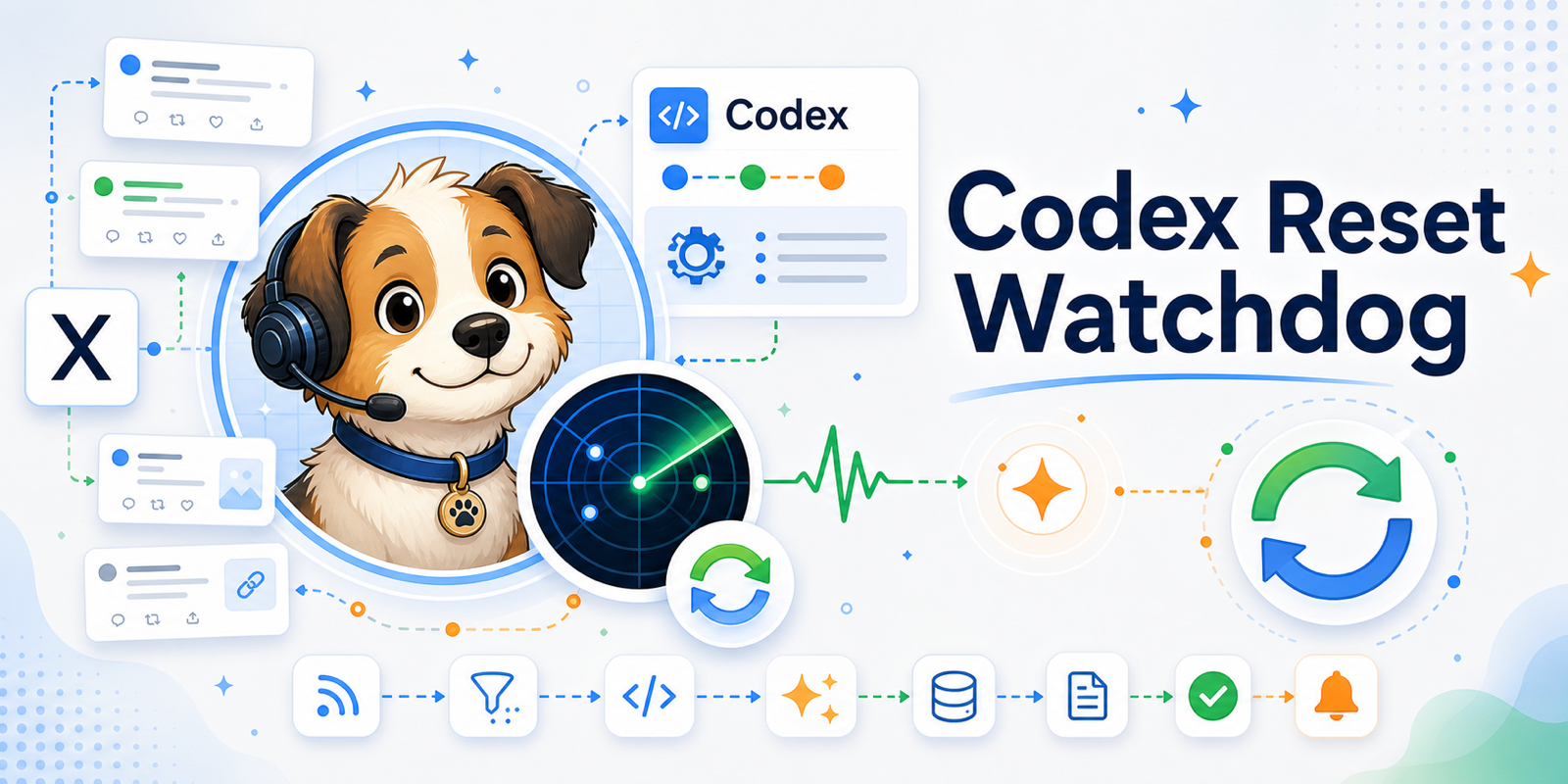
此技能会监控 Codex 负责人 [thsottiaux](https://x.com/thsottiaux) 的公开 X 帖子,检测可能的 Codex 重置信号,并通过 Codex Automation 输出结果。它可以帮助用户在重置发生前了解与重置相关的变化,从而更有计划地使用订阅中的剩余额度,包括在有用时切换到 fast 模式。
此技能不需要你注册任何 API,也不会产生额外费用,但运行 Codex Automation 仍然会消耗你的 Codex 额度。
## 如何使用?
### 步骤 1:首先创建一个 Codex Project
为此监控器创建一个专门的 Codex Project,例如 `Codex Reset Watchdog`。
### 步骤 2:在该 Project 中,复制 Prompt 以安装技能并创建 Automation
打开你刚刚创建的 Project,在该 Project 中开启一个新的聊天,然后粘贴下方的 Prompt。Codex 会自动安装此技能。
⚠️ 注意:请勿在普通 Chat 中运行下面的 Prompt。你必须在刚刚创建的 Project 中运行它。
```
Quietly install, initialize, and enable codex-reset-watchdog:
https://github.com/thinkingjimmy/codex-reset-watchdog
Only message me mid-run if you need my approval or hit a blocker that I must resolve.
Otherwise, do not output progress narration, tool parameter details, command attempts, retry details, raw JSON, or state file contents. Complete the tasks below yourself, then give only a concise setup summary.
Tasks:
1. Prefer Codex's skill installation workflow for this GitHub repo, using the skill name codex-reset-watchdog. If no installer is available, clone the repo.
2. Find the installed or cloned source directory and confirm it contains SKILL.md, scripts/check_once.mjs, references/automation-prompt.md, and .codex/config.toml.
3. Prepare the runtime files in the current workspace root: SKILL.md, README.md, README.zh-CN.md, env.example, .codex/, agents/, references/, scripts/, and images/. Preserve the existing .git directory, do not create a nested repo, and do not overwrite local env or .env.
4. In the current workspace root, confirm SKILL.md, scripts/check_once.mjs, references/automation-prompt.md, and .codex/config.toml exist.
5. In the current workspace root, run node scripts/self_test.mjs.
6. Run node scripts/check_once.mjs --prime-state --json to create the baseline state.
7. Run node scripts/check_once.mjs --dry-run --json to confirm the Dayclaw public source, JSON parsing, and state dedupe.
8. If node scripts/check_once.mjs fails because of sandbox/network permissions, request permission only for the narrow node scripts/check_once.mjs entrypoint and rerun; do not request full access. If DNS/HTTPS or state writes still fail, summarize them as operational issues, not as reset/no-reset conclusions.
9. Read the full contents of references/automation-prompt.md as the Automation prompt.
10. Use `automation_update` to create or update a cron/project Automation named Codex Reset Watchdog. If the Automation tool is not already available, search for `automation_update` first. Look for an existing Automation with the same name or id and update it instead of creating a duplicate. For create/update, use these fields exactly, and do not replace field names or values with UI labels: `mode=create` or `mode=update`, `kind=cron`, `name=Codex Reset Watchdog`, `rrule=FREQ=HOURLY;INTERVAL=1`, `status=ACTIVE`, `executionEnvironment=local`, `cwds=[current workspace root]`, `prompt=[full contents of references/automation-prompt.md]`, and `reasoningEffort=medium`. Do not pass `command`, `permissions`, `cwd`, `frequency`, `schedule`, `destination`, or thread/heartbeat fields. If the tool requires `model`, use the current Codex default model. If this field set is still rejected, summarize it as a setup blocker; do not repeatedly trial-create invalid Automations.
11. Final summary only: runtime directory, install source directory, self-test, prime/dry-run status, state.path, source health, Automation name/status/cadence/execution/cwd/prompt source, and Run Now expectation. Do not paste raw JSON.
```
### 步骤 3:测试 Automation
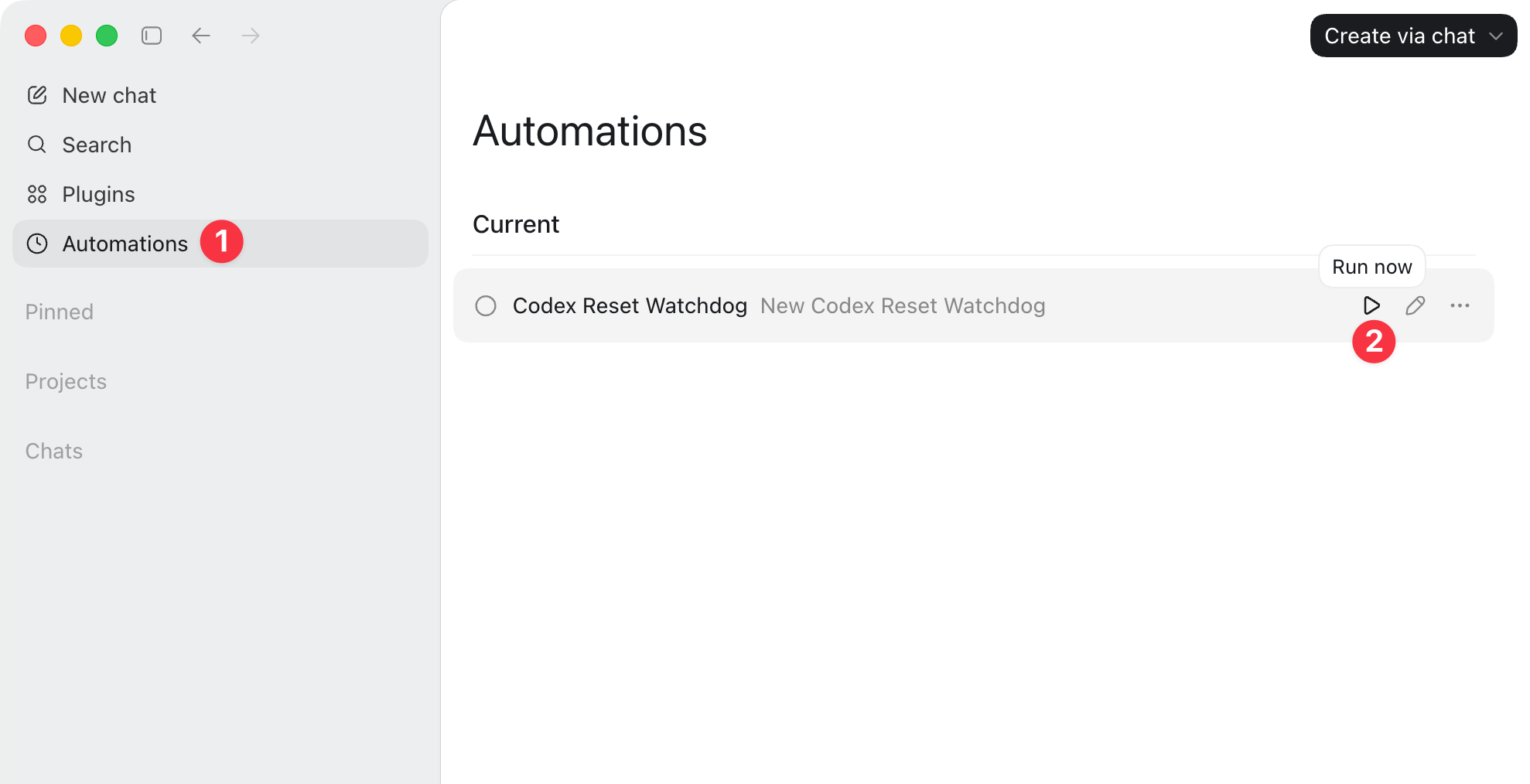
创建完成后,在 Automation(如图片中的 1 所示)详情页点击 **Run Now**(如图片中的 2 所示)。正如预期的那样,你应该能在 `Codex Reset Watchdog` Project 中看到最新的聊天输出。
当出现可能的重置信号时,结果可能如下所示(示例):
🚨 即将发生可采取行动的 Codex 重置:付费版 ChatGPT Codex 限制计划重置。重置时间:2026-06-03 上午 (Asia/Shanghai)。
| 时间 | 证据 | 重置时间 | 可操作性 | 链接 |
| --- | --- | --- | --- | --- |
| 2026-06-02 22:15 Asia/Shanghai | 表示限制将“在明早重置”。 | 2026-06-03 上午 | 🚨 未来 | https://x.com/example/status/3 |
## 想要监控更多来源?
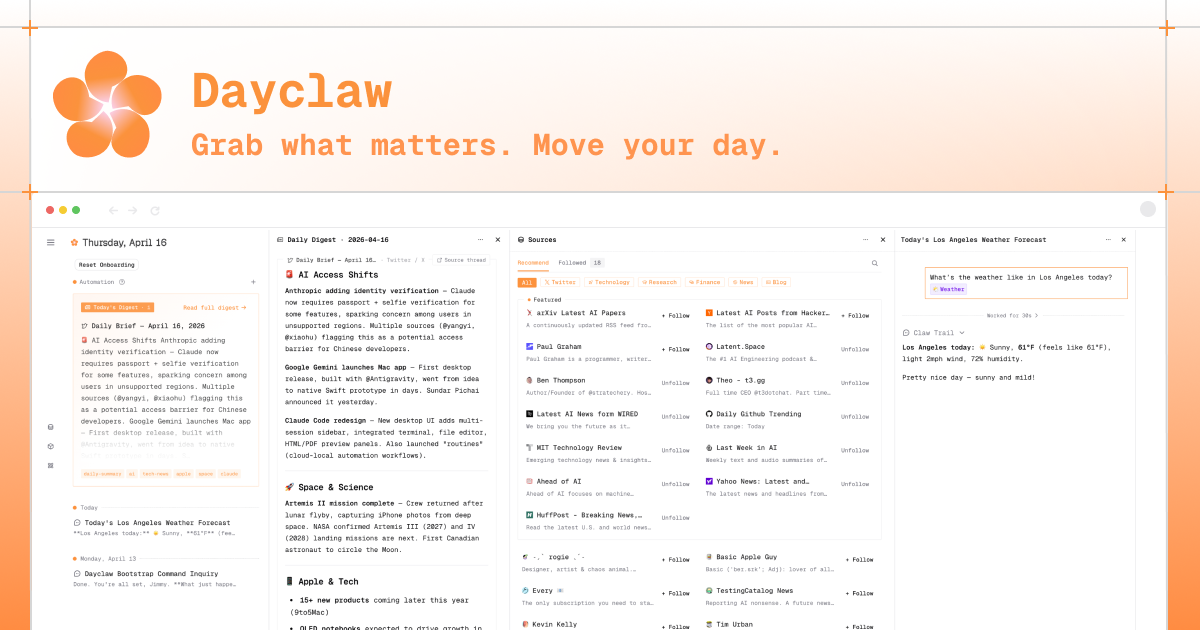
如果你想监控 `thsottiaux` 之外的账户,或者 Reddit、Hacker News 或 Product Hunt 等其他社交平台,你可以尝试 [Dayclaw](https://dayclaw.com/)。
## 常见问题
**问:为什么不使用普通聊天?**
答:因为 Codex Automation 沙盒限制可能会阻止在普通聊天中完成所需的安装、检查和状态写入操作。这就是此流程使用 Project 的原因。
**问:如何设置时区?**
答:在默认配置下,Codex 会监控 `@thsottiaux`,将状态写入 `var/state.json`,并使用 Automation runtime 环境显示时间。如果你希望结果使用其他时区,请创建一个 `env` 文件并覆盖默认的 `REPORT_TIMEZONE`:
1. 复制 [`env.example`](env.example)。
2. 将副本重命名为 `env`。
3. 仅更改你实际需要的字段。要强制设置报告时区,请将 `REPORT_TIMEZONE` 设置为 IANA 时区:
```
REPORT_TIMEZONE=America/Los_Angeles
```
常见示例:`Asia/Shanghai`、`America/Los_Angeles`、`America/New_York`、`Europe/London`、`Europe/Berlin`、`UTC`。
将 `REPORT_TIMEZONE` 留空以使用 Automation runtime/用户时区。这是推荐的默认设置。
## 技能布局
此仓库是一个单一的技能目录:`SKILL.md` 位于根目录,旁边还有可选的 `agents/`、`references/` 和 `scripts/`。要将此技能嵌入到另一个仓库中,请将此目录复制到 `.agents/skills/codex-reset-watchdog/`。
```
codex-reset-watchdog/
.codex/
config.toml # Minimal Codex permission profile
rules/
codex-reset-watchdog.rules # Command-level network fallback for older sandbox mode
SKILL.md # Skill metadata and operating instructions
README.md # English guide
README.zh-CN.md # Chinese guide
env.example # Visible configuration template
.gitignore # Ignores caches and local state
agents/
openai.yaml # Optional Codex skill display metadata
images/
banner.png # README banner image
previous-runs.png # Automation run screenshot
references/
automation-prompt.md # Prompt used when creating Codex Automation
deployment.md # Operations checklist
llm-judge-rubric.md # Rules for LLM review of review_items
scripts/
check_once.mjs # Zero-dependency Automation entrypoint
self_test.mjs # Local deterministic self-test
```
标签:Codex, Homebrew安装, MITM代理, Python安全, 效率工具, 数字取证, 社交媒体监控, 网络调试, 自动化, 自动化脚本, 自定义脚本