gmsmeghana/Azure-WAF-Attack-Detection

GitHub: gmsmeghana/Azure-WAF-Attack-Detection

Stars: 0 | Forks: 0

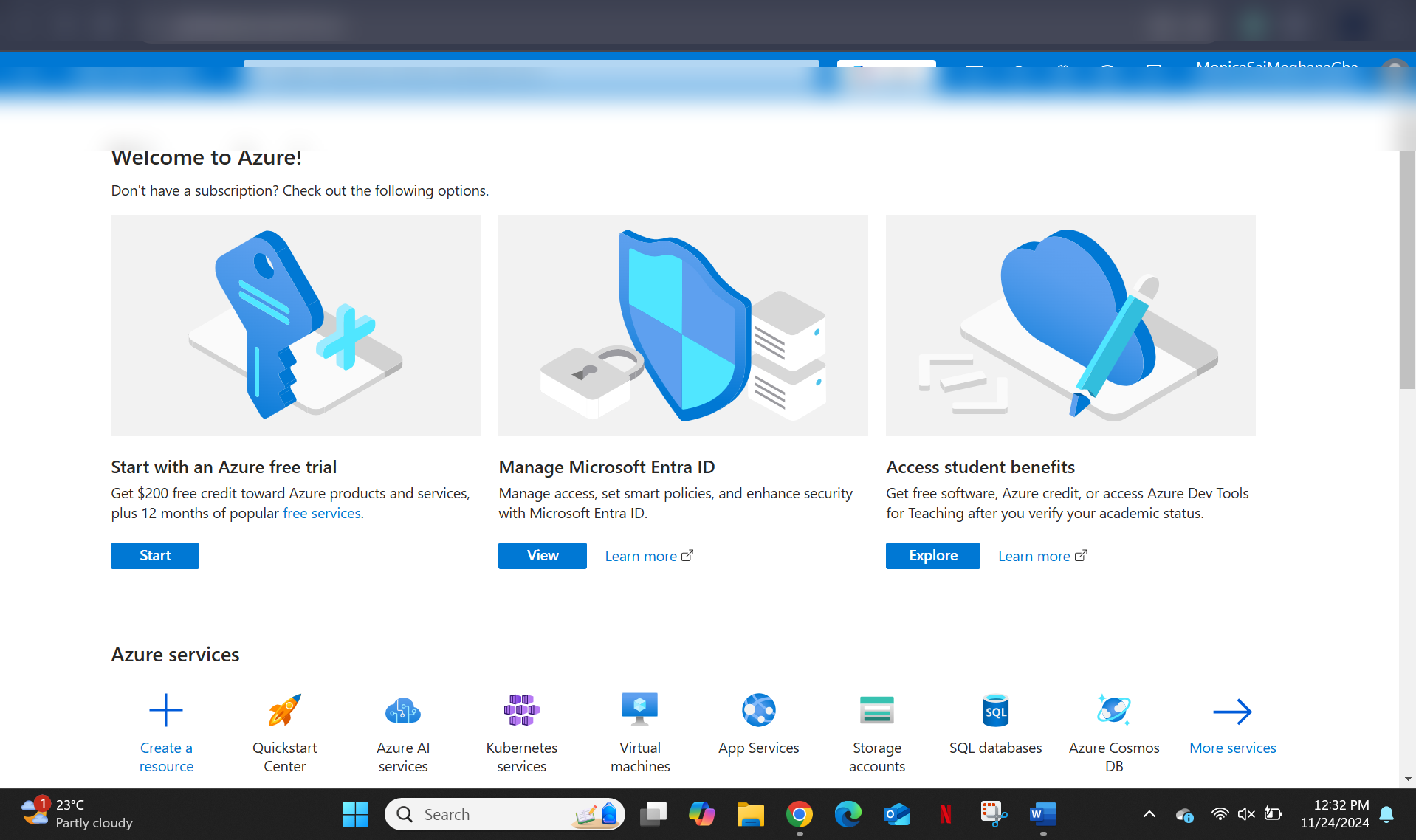
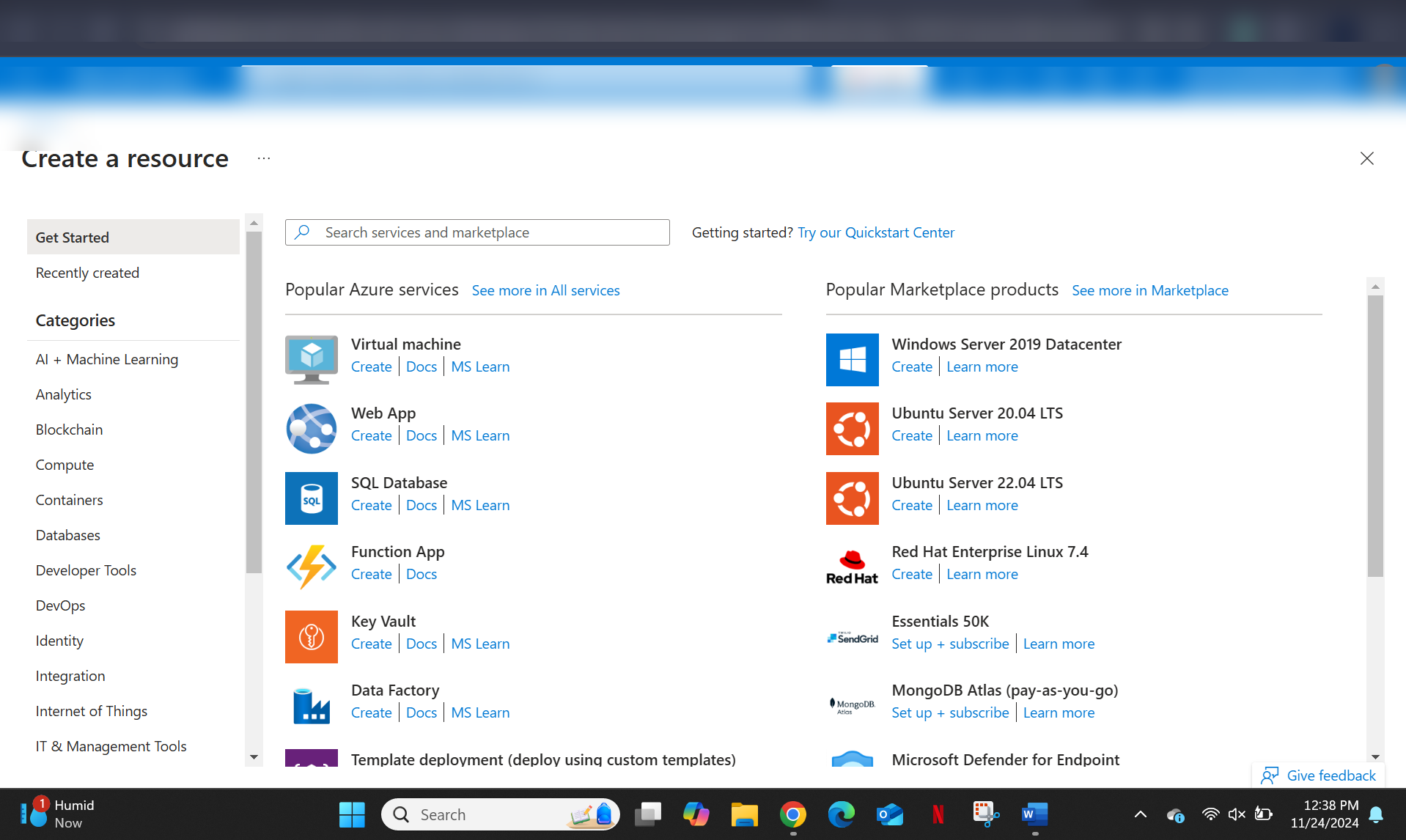
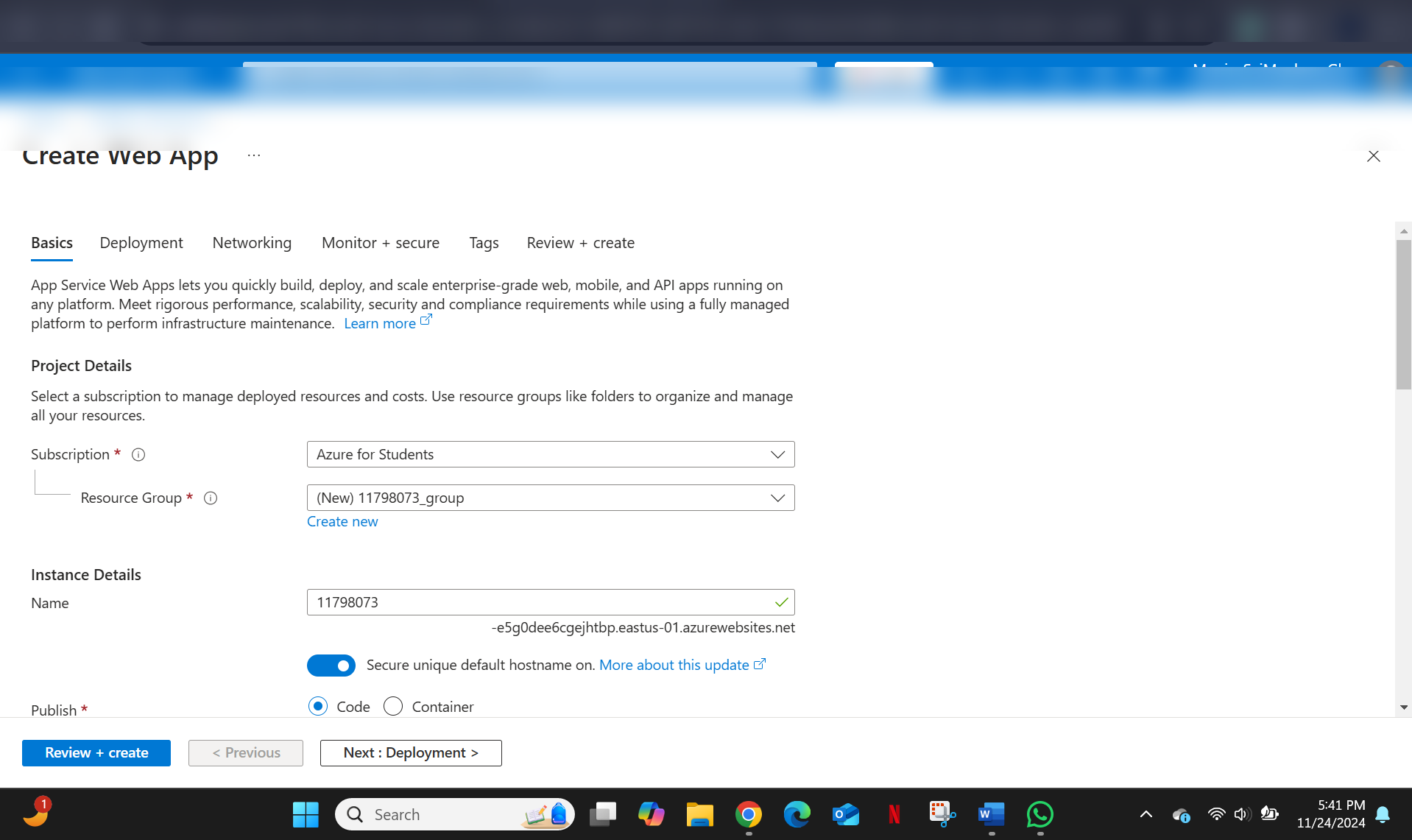
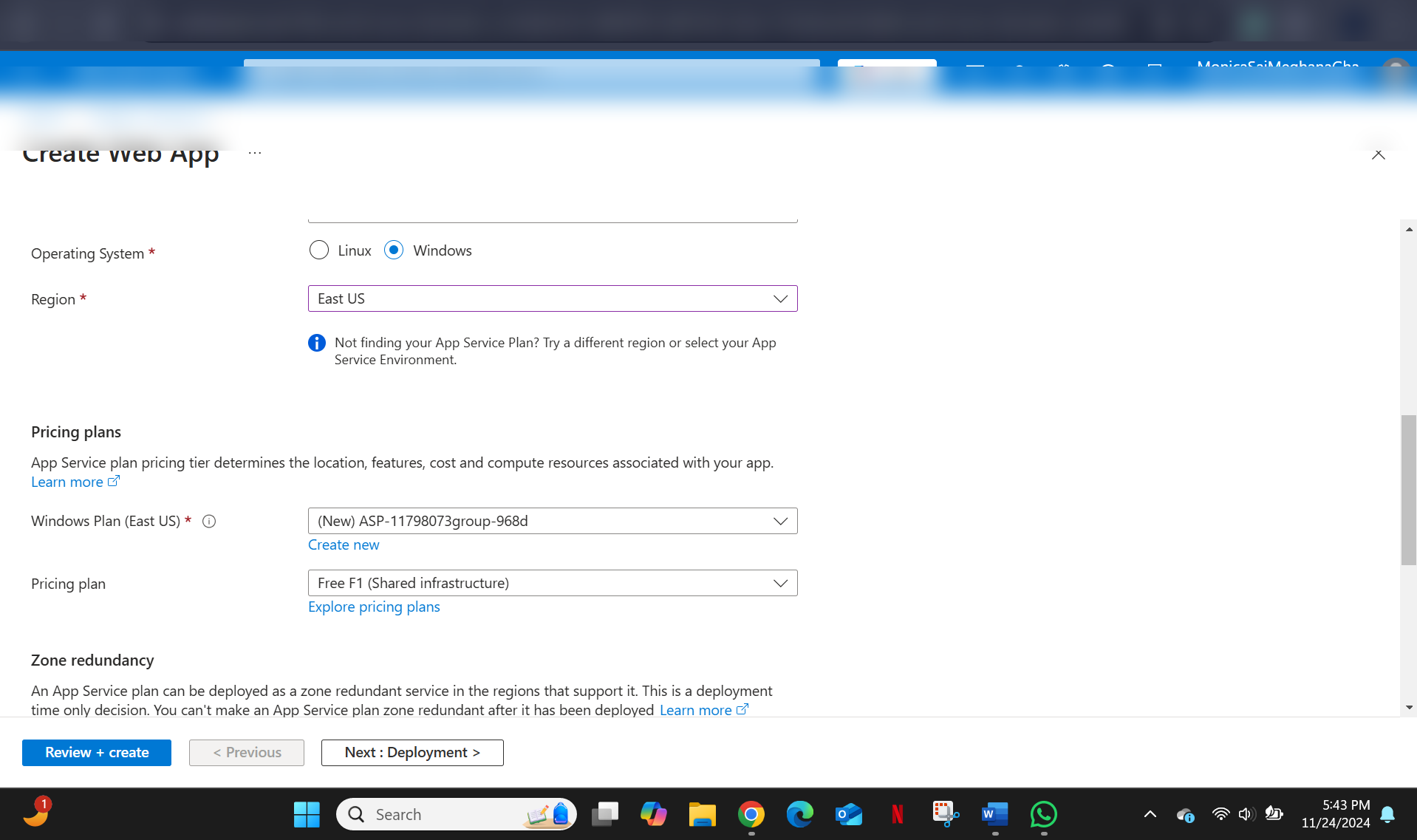
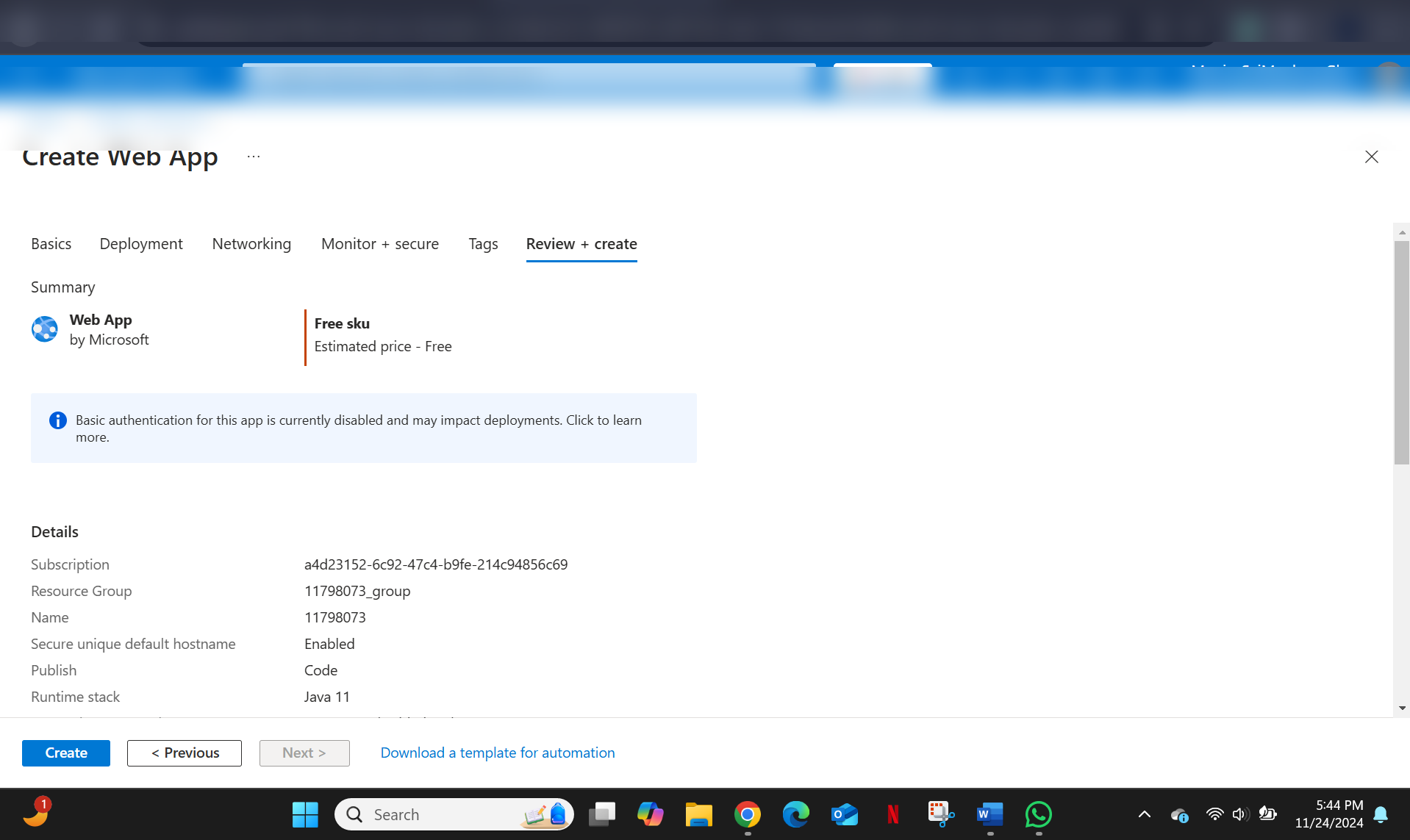
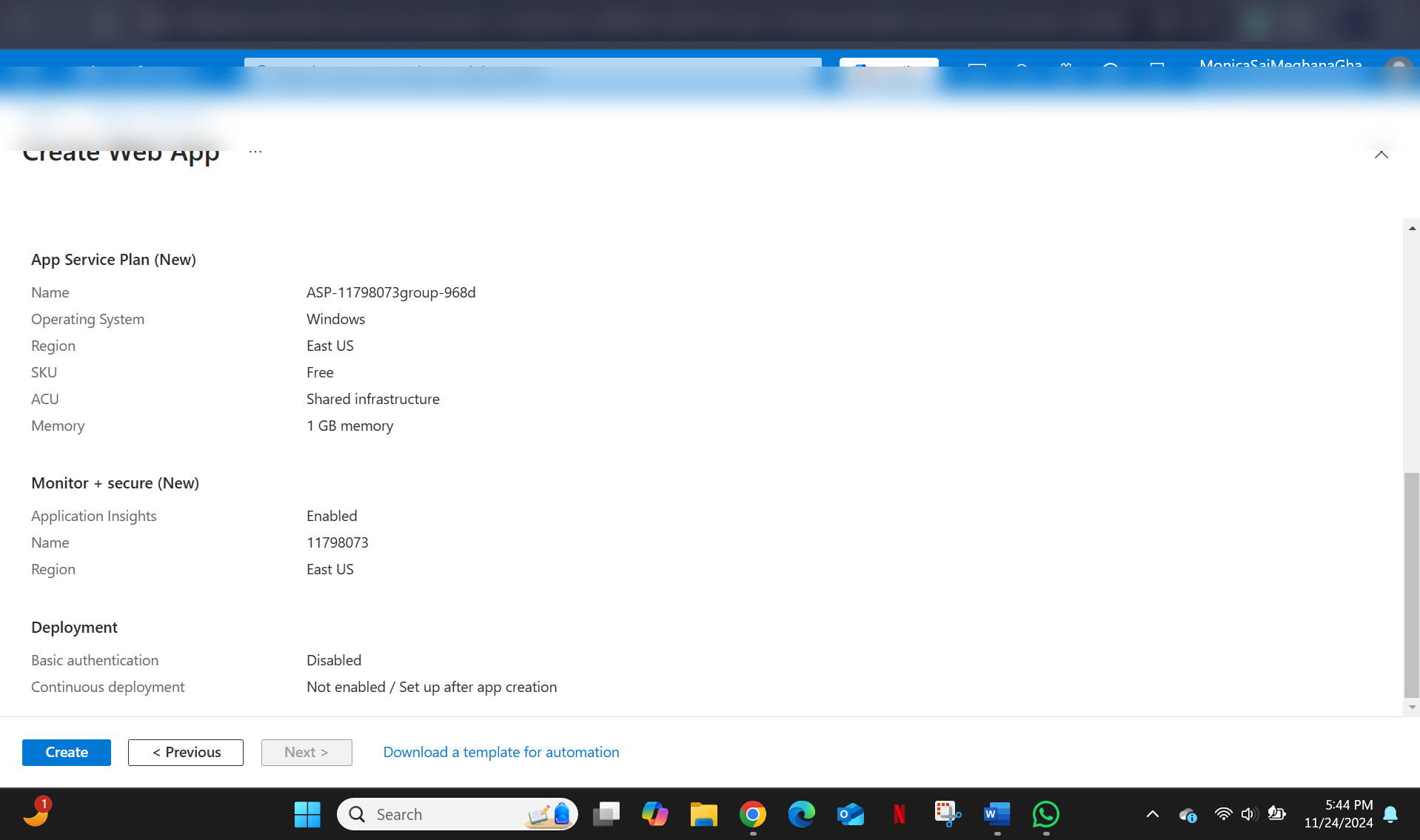
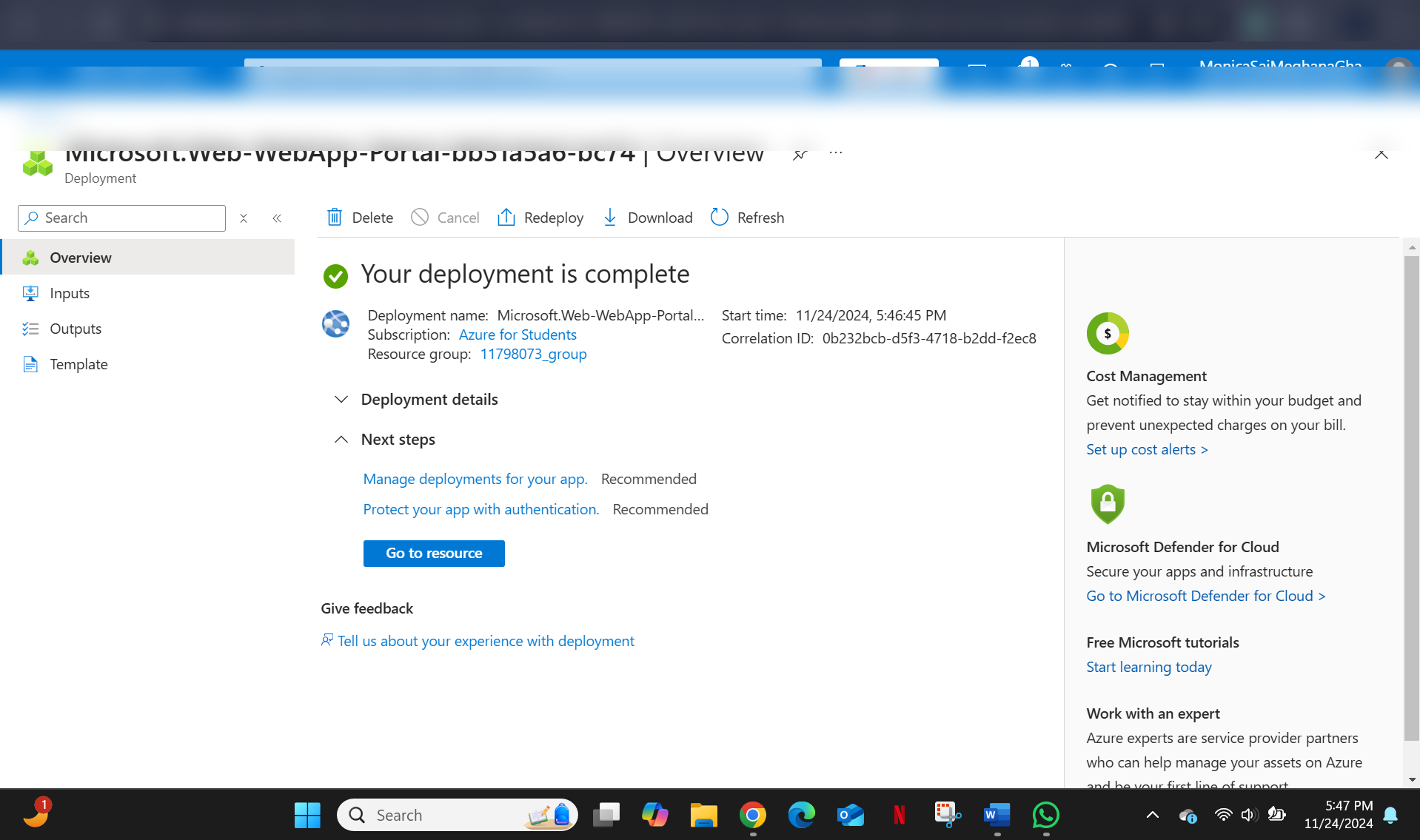
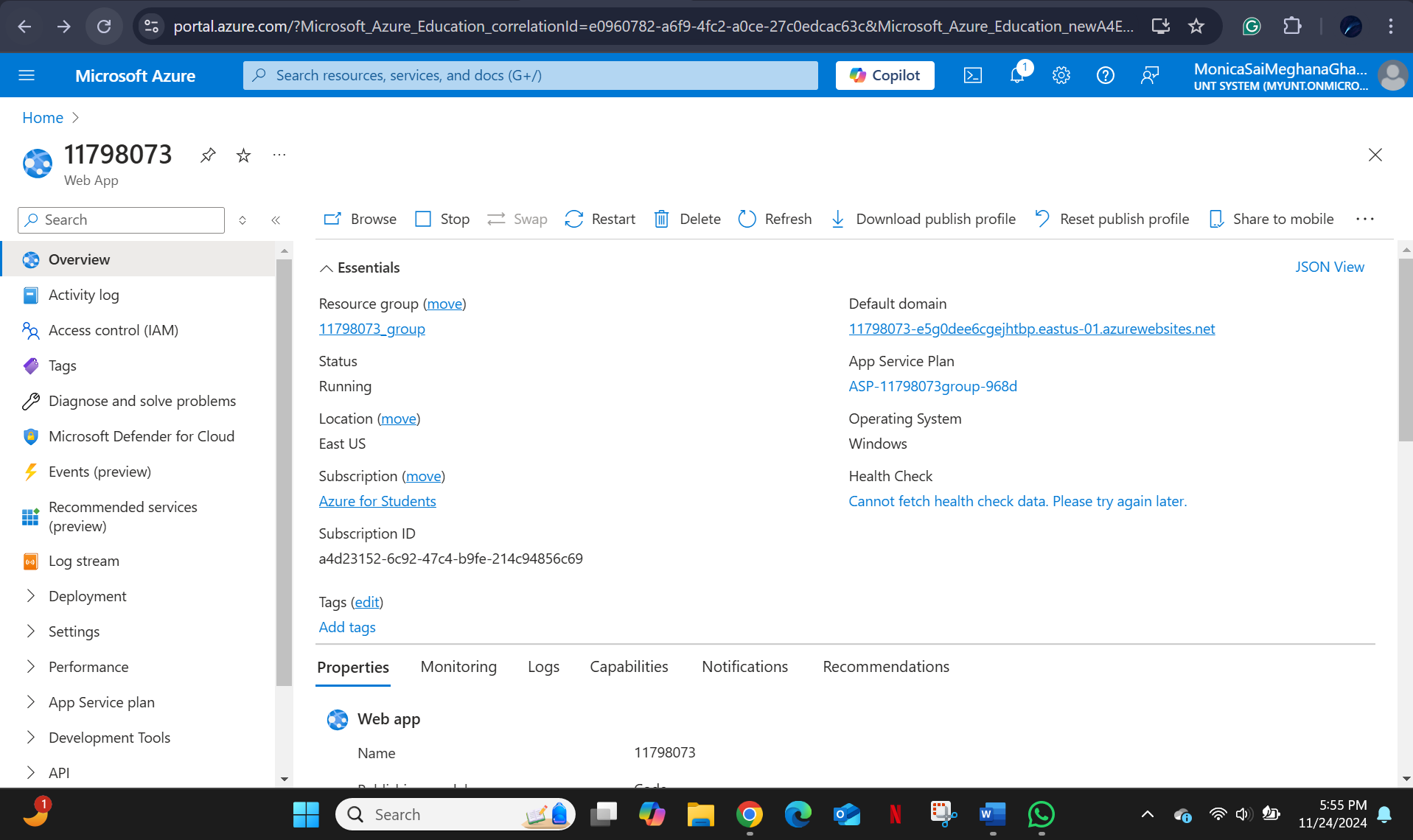
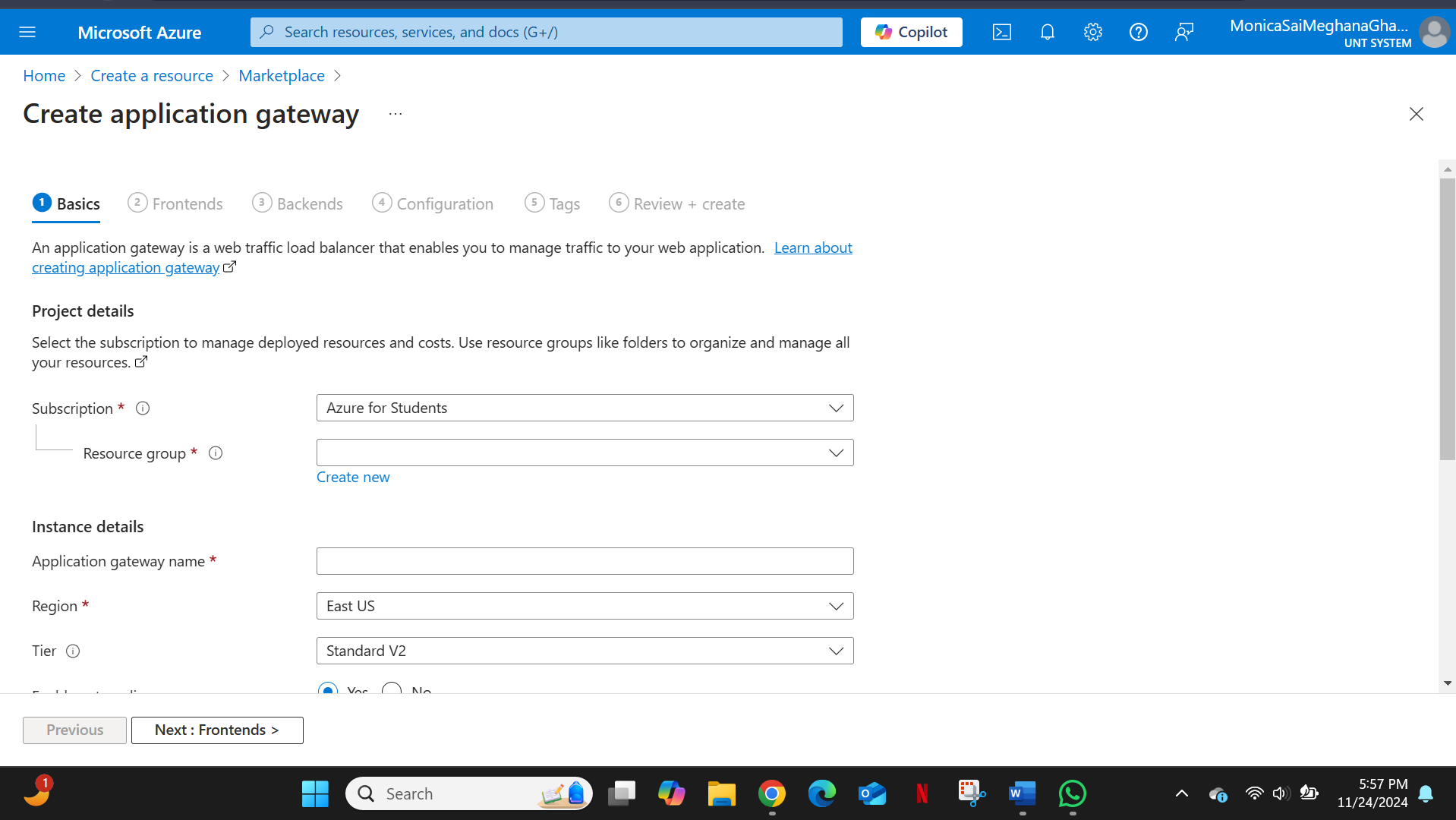
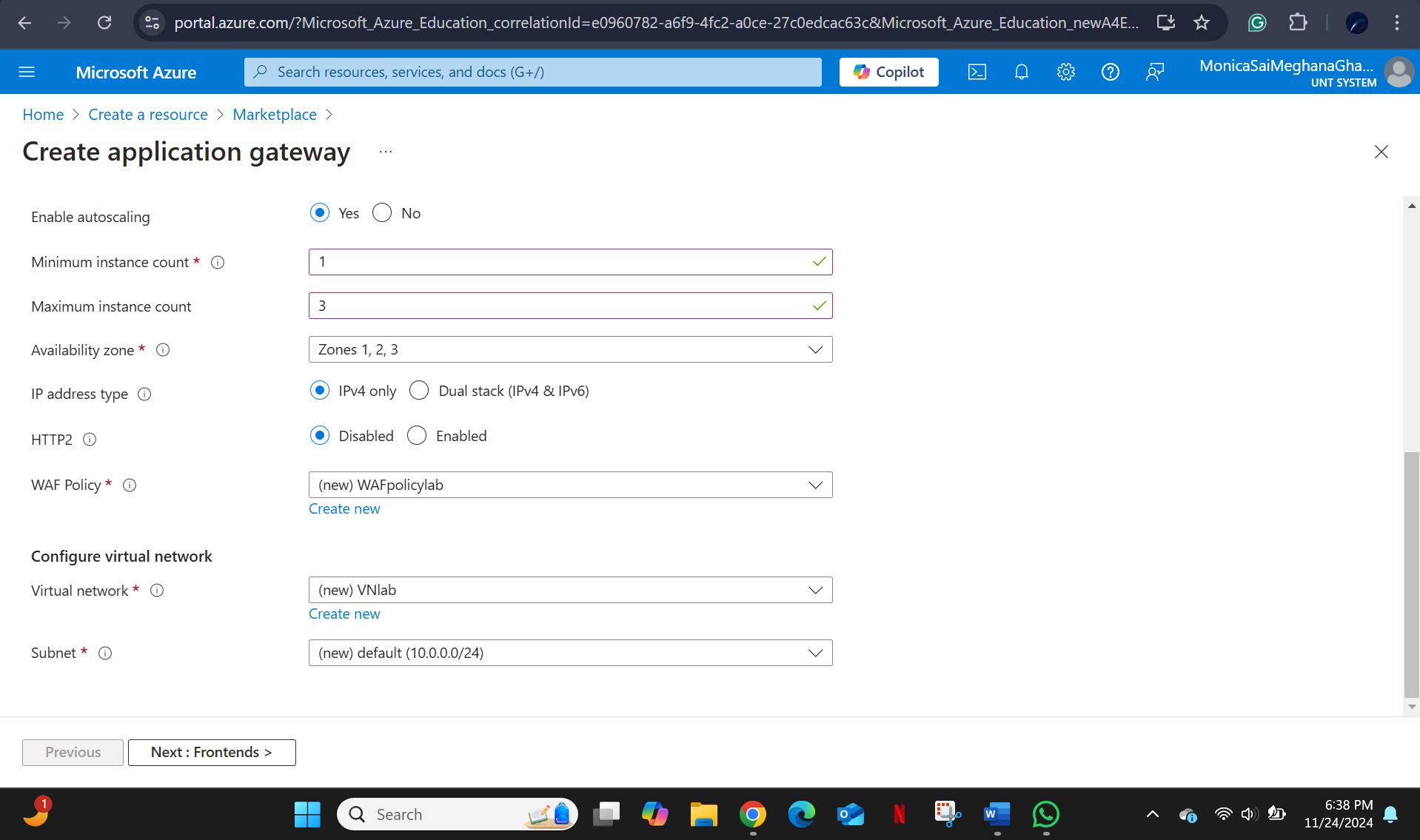
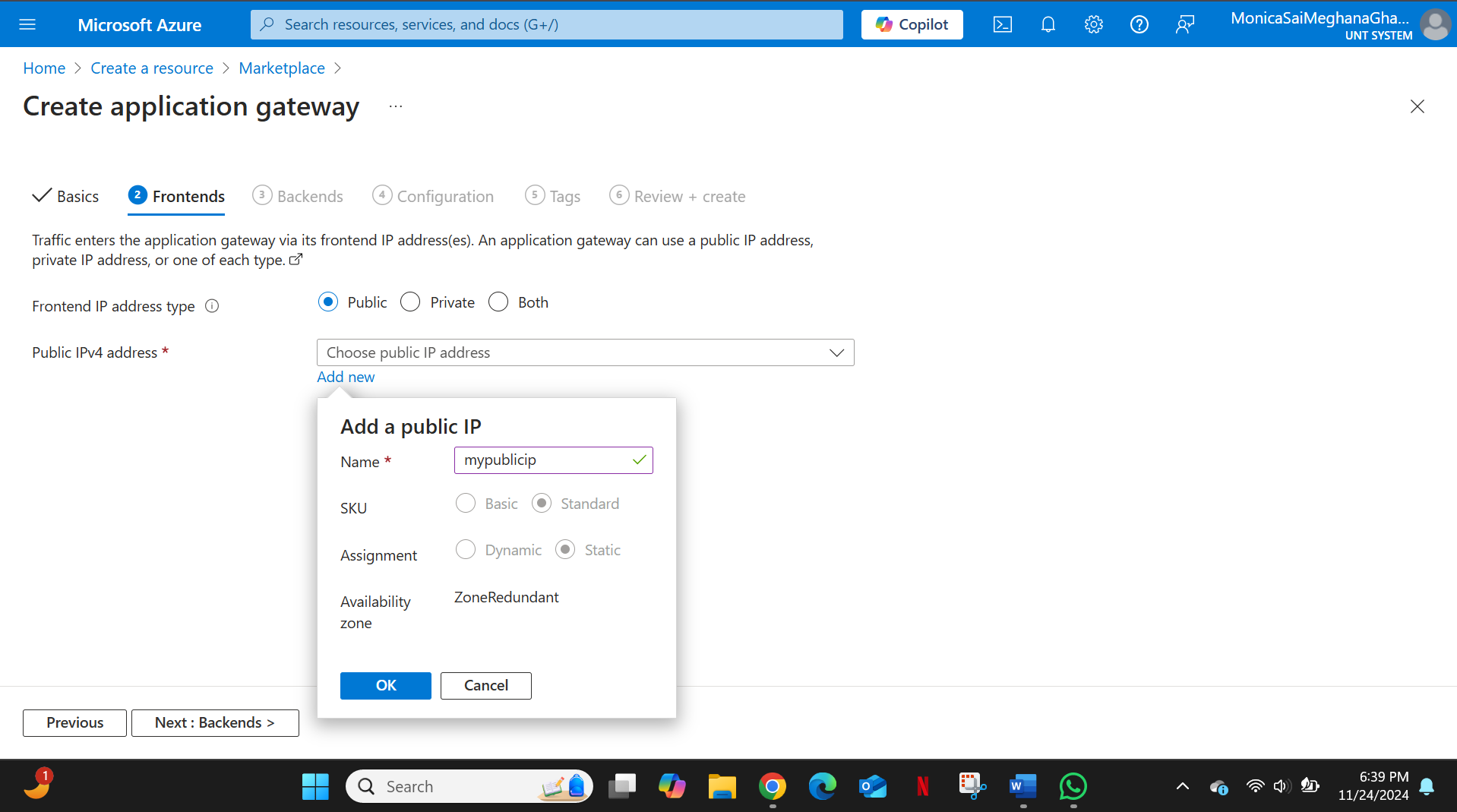
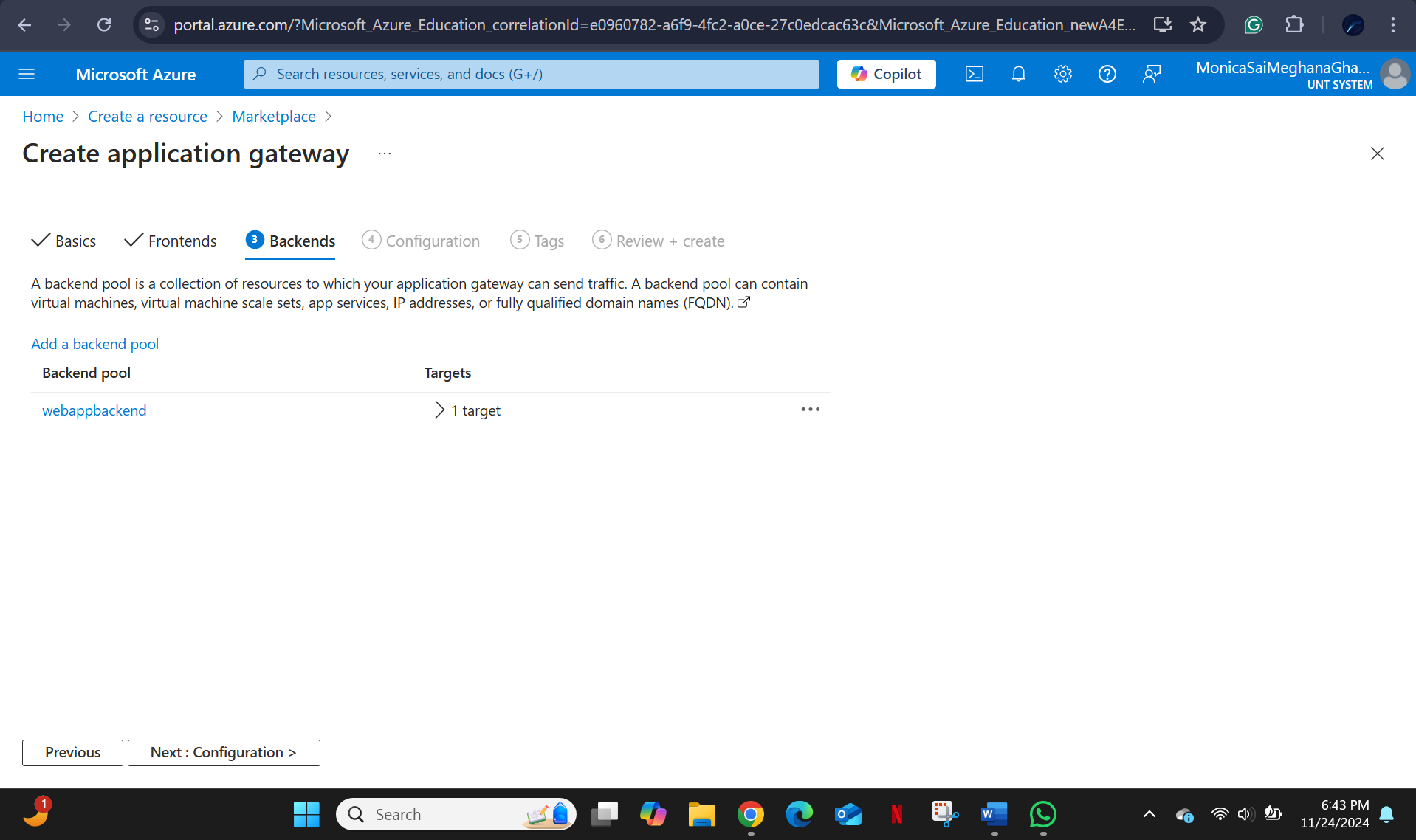
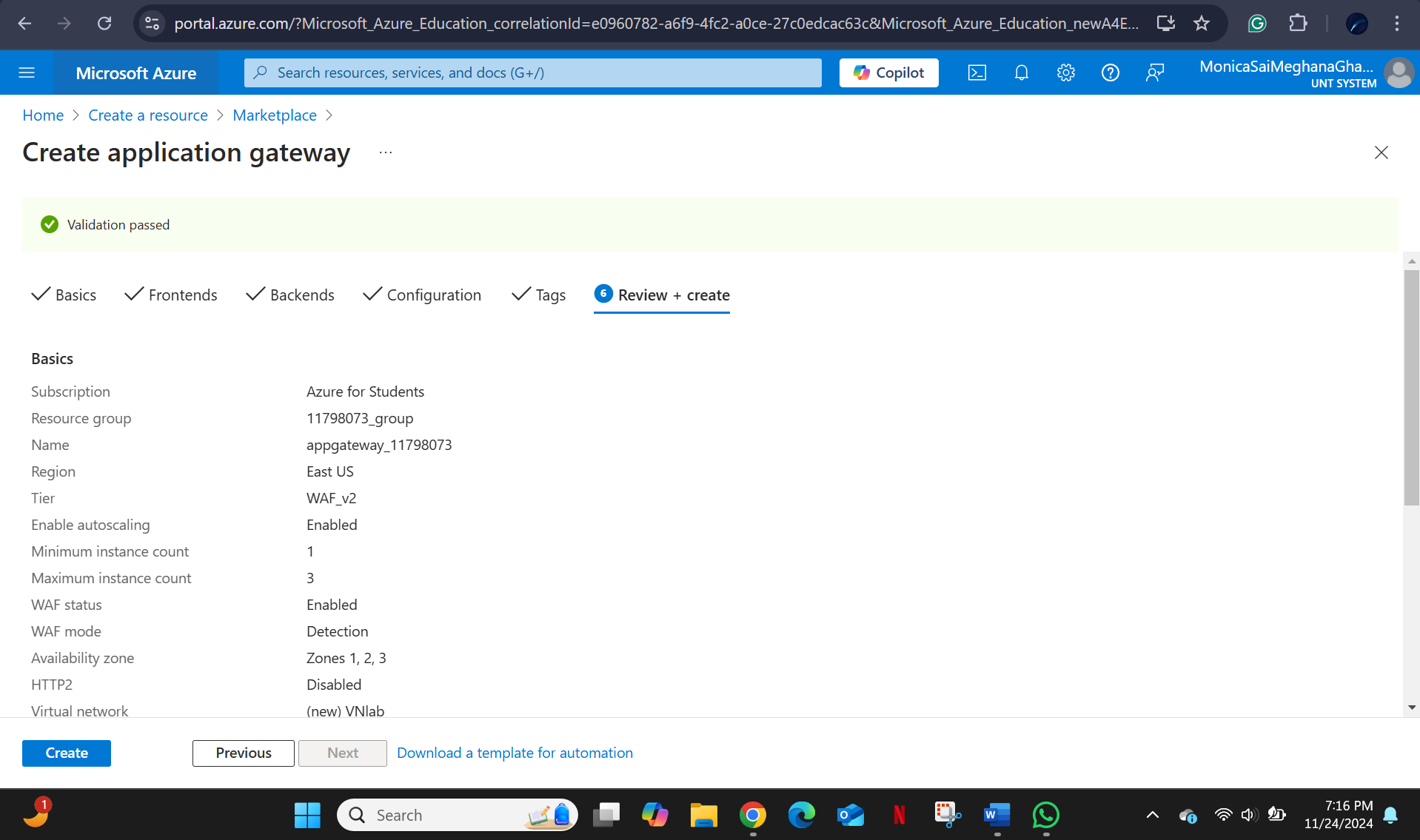
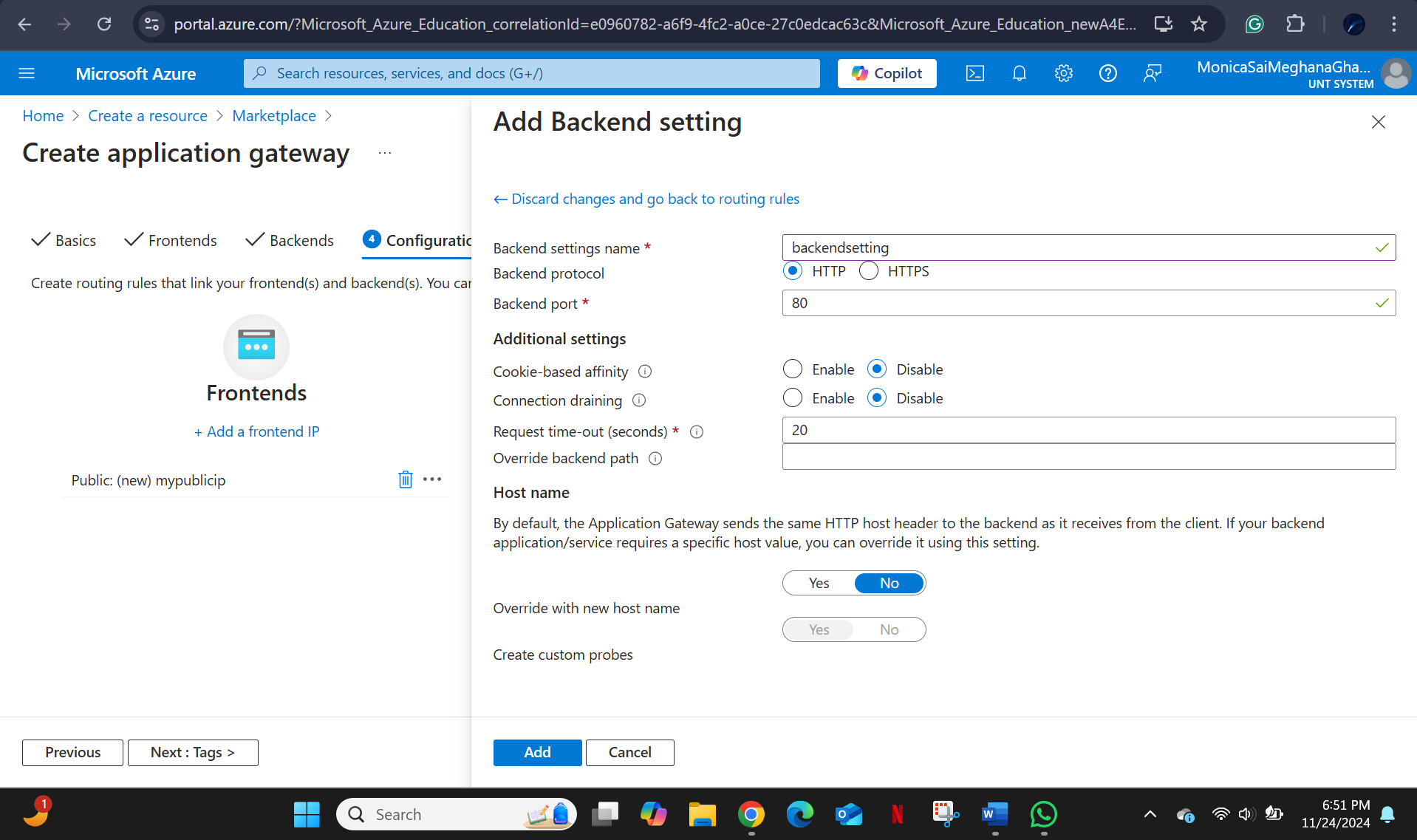
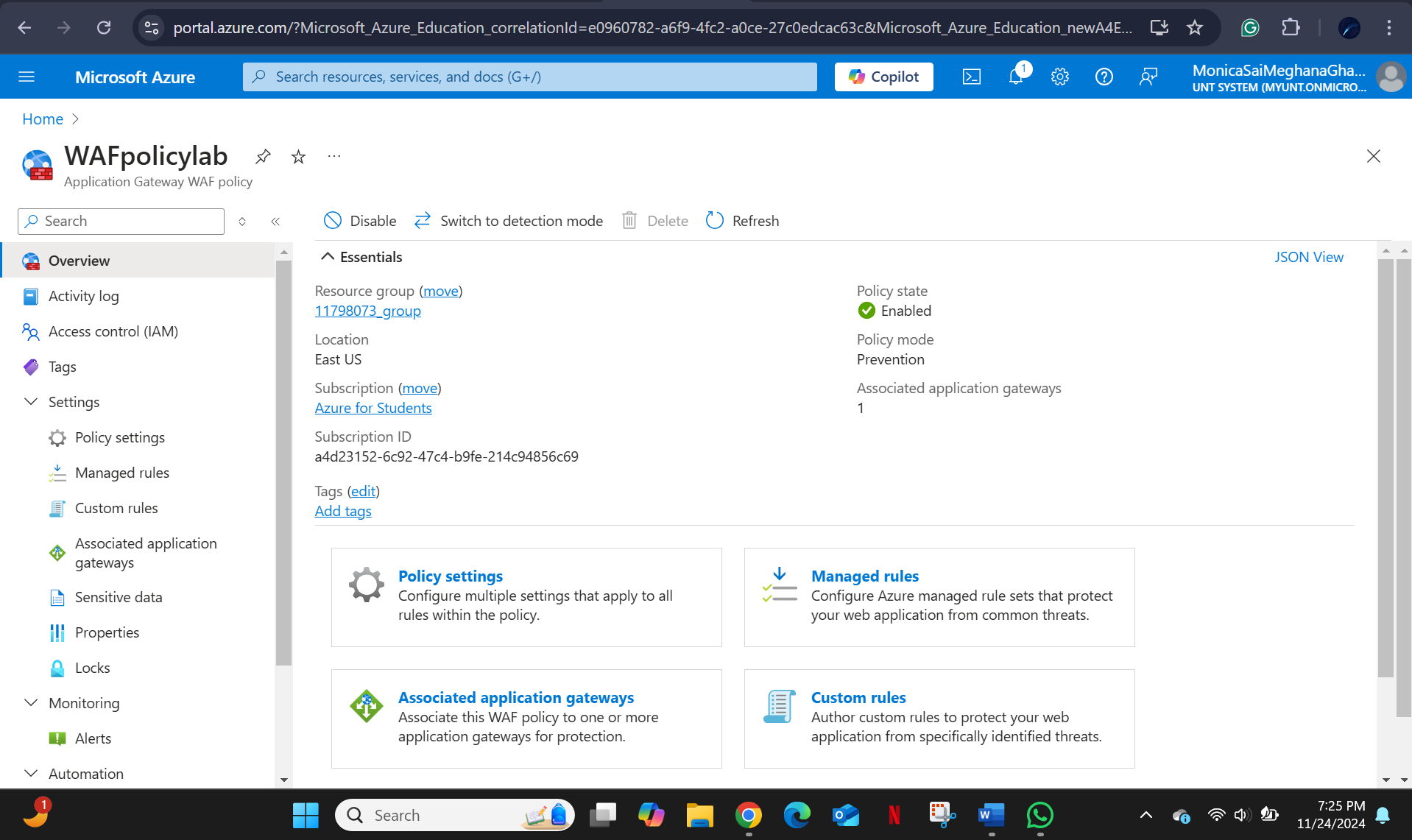
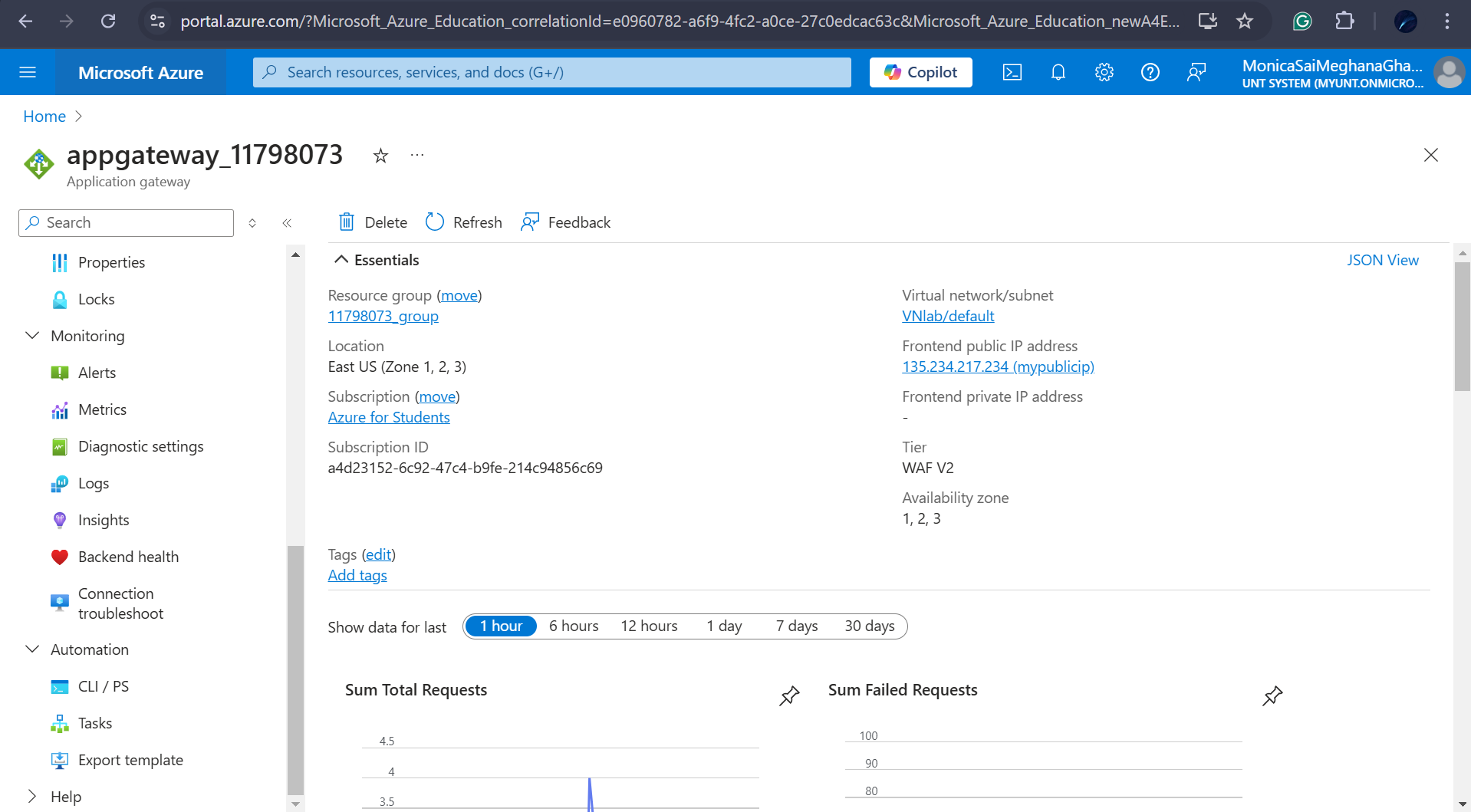
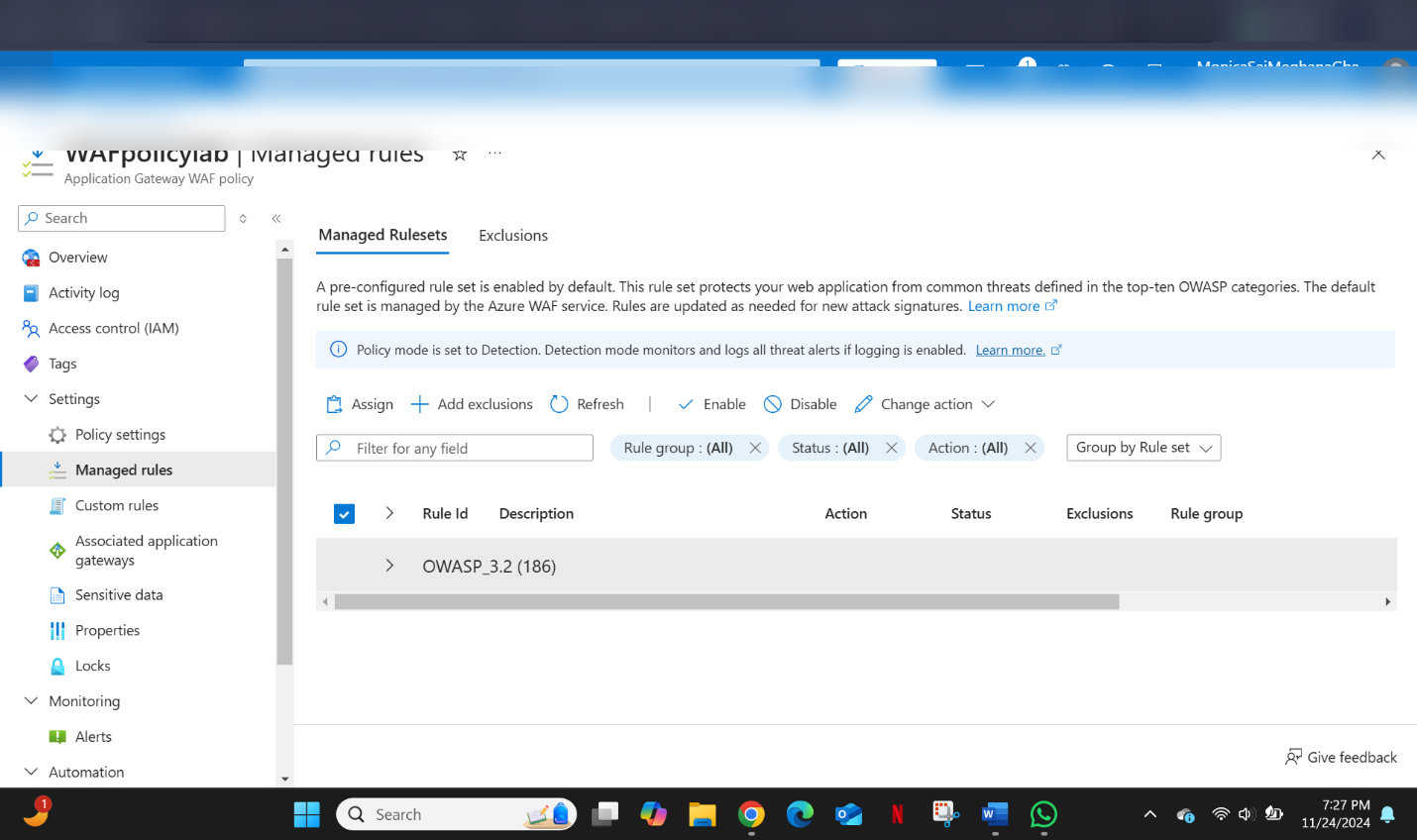
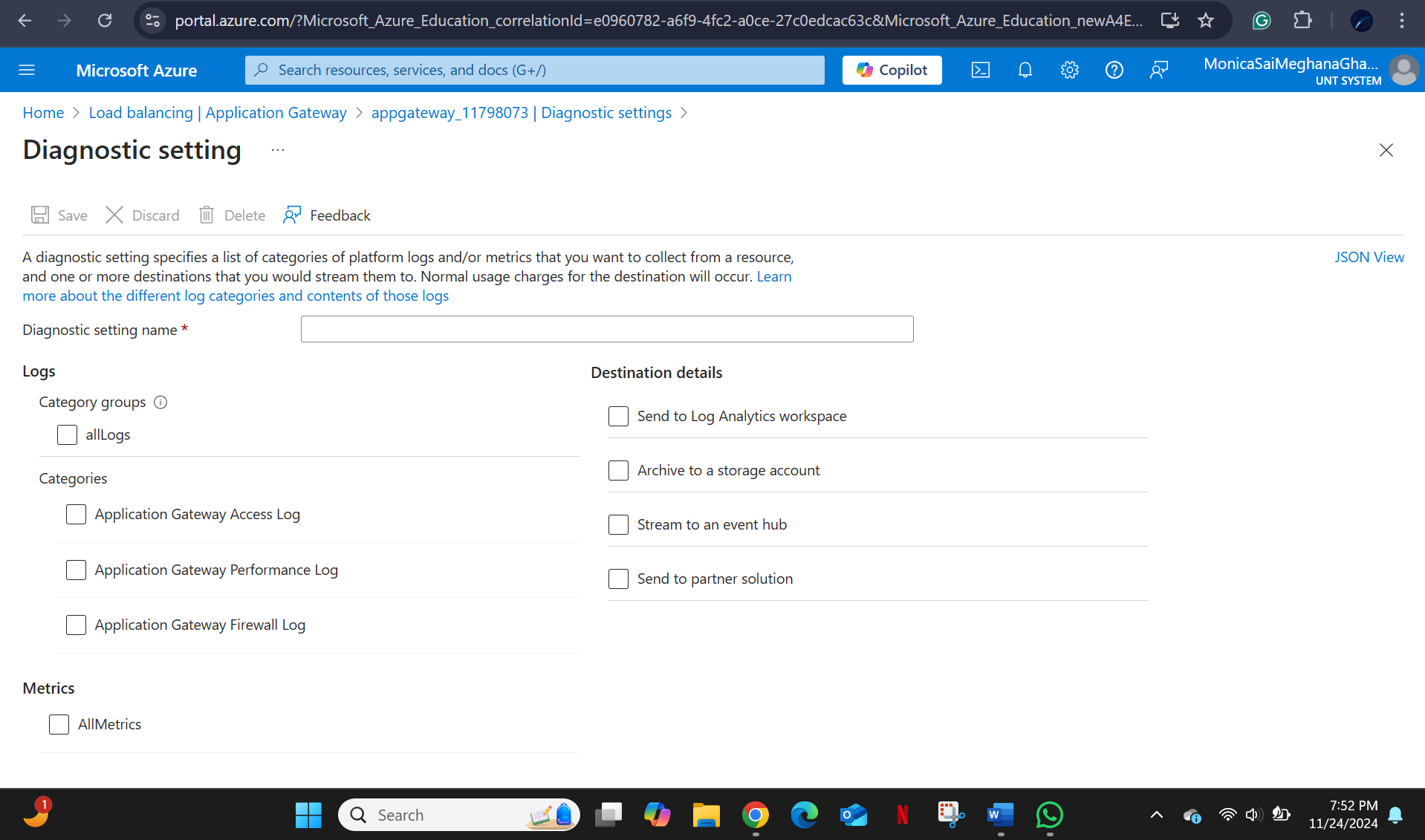
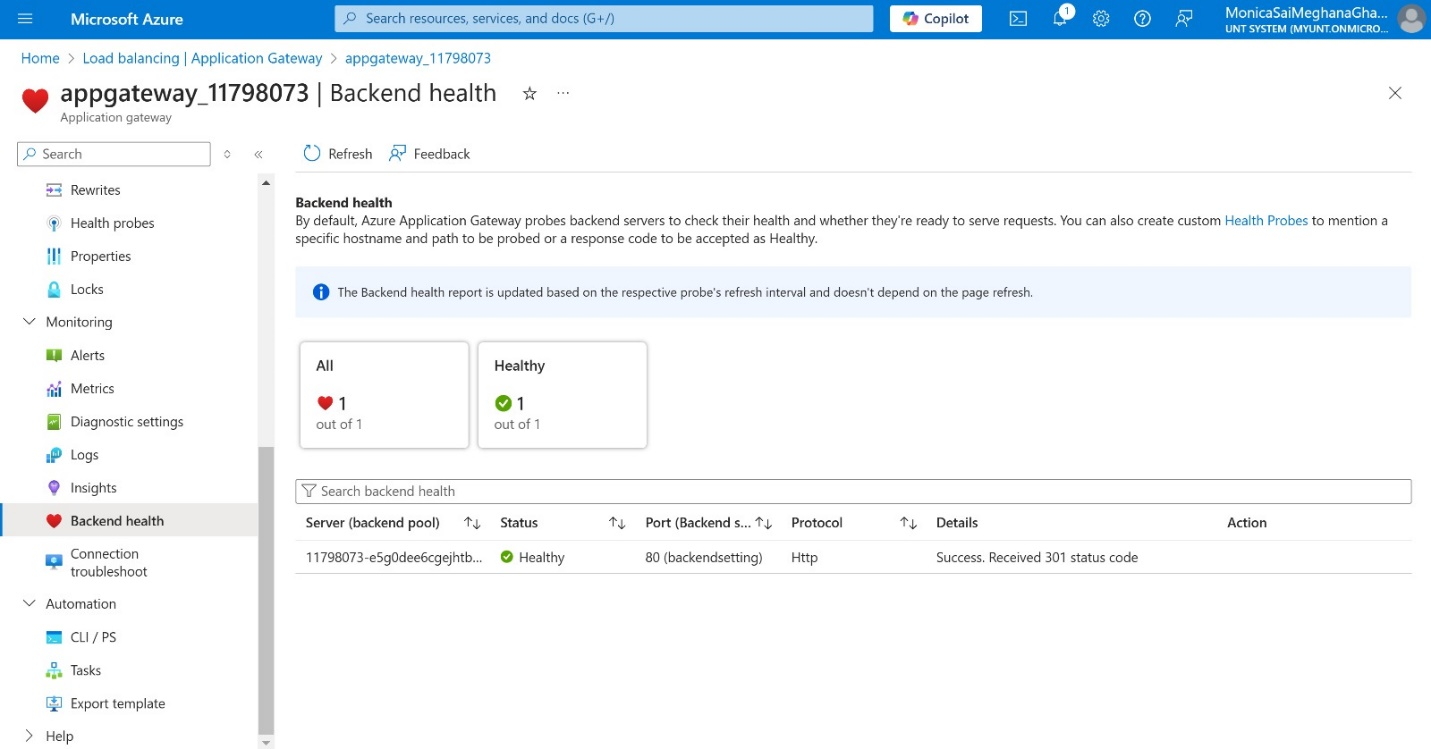
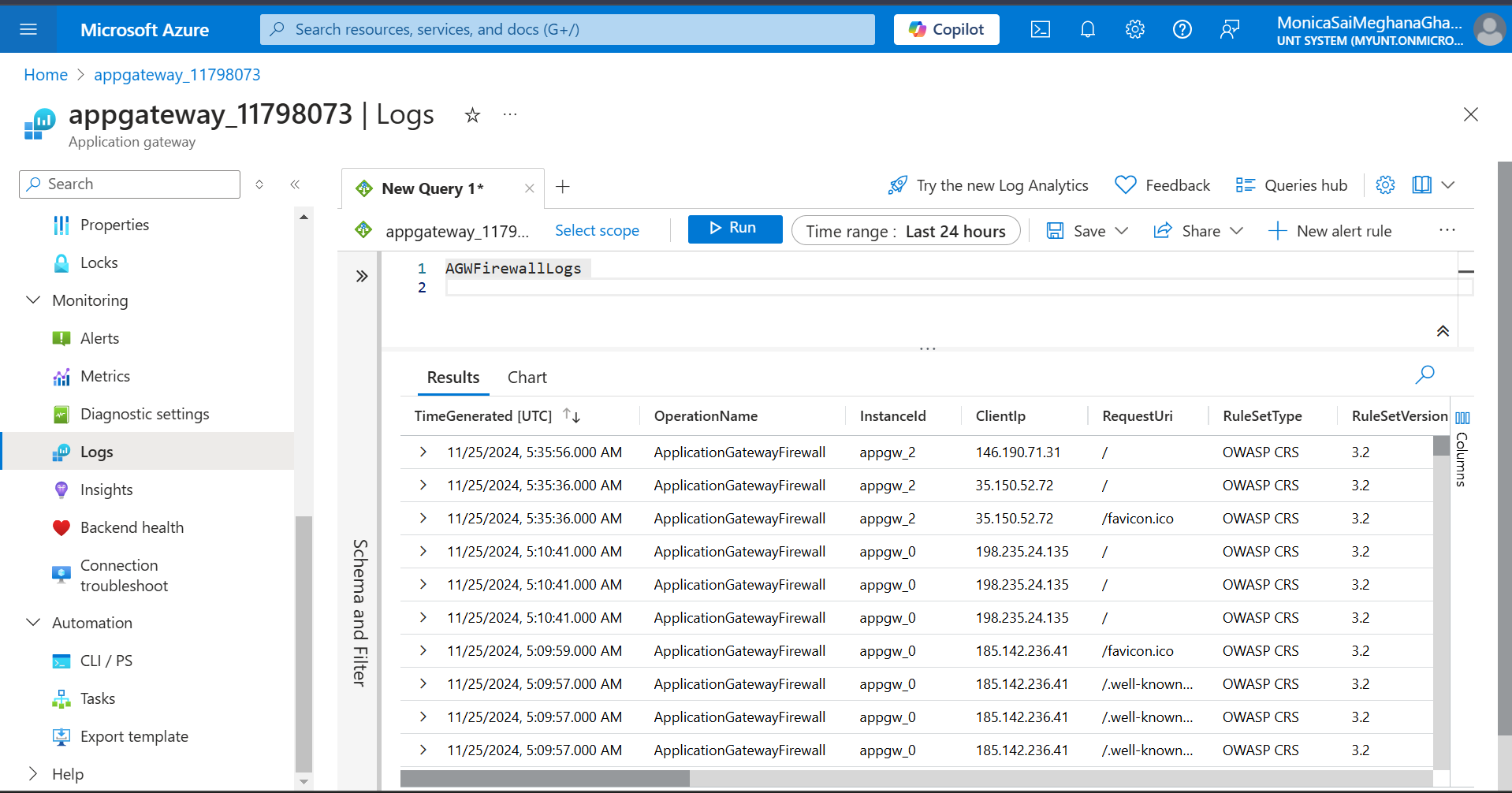
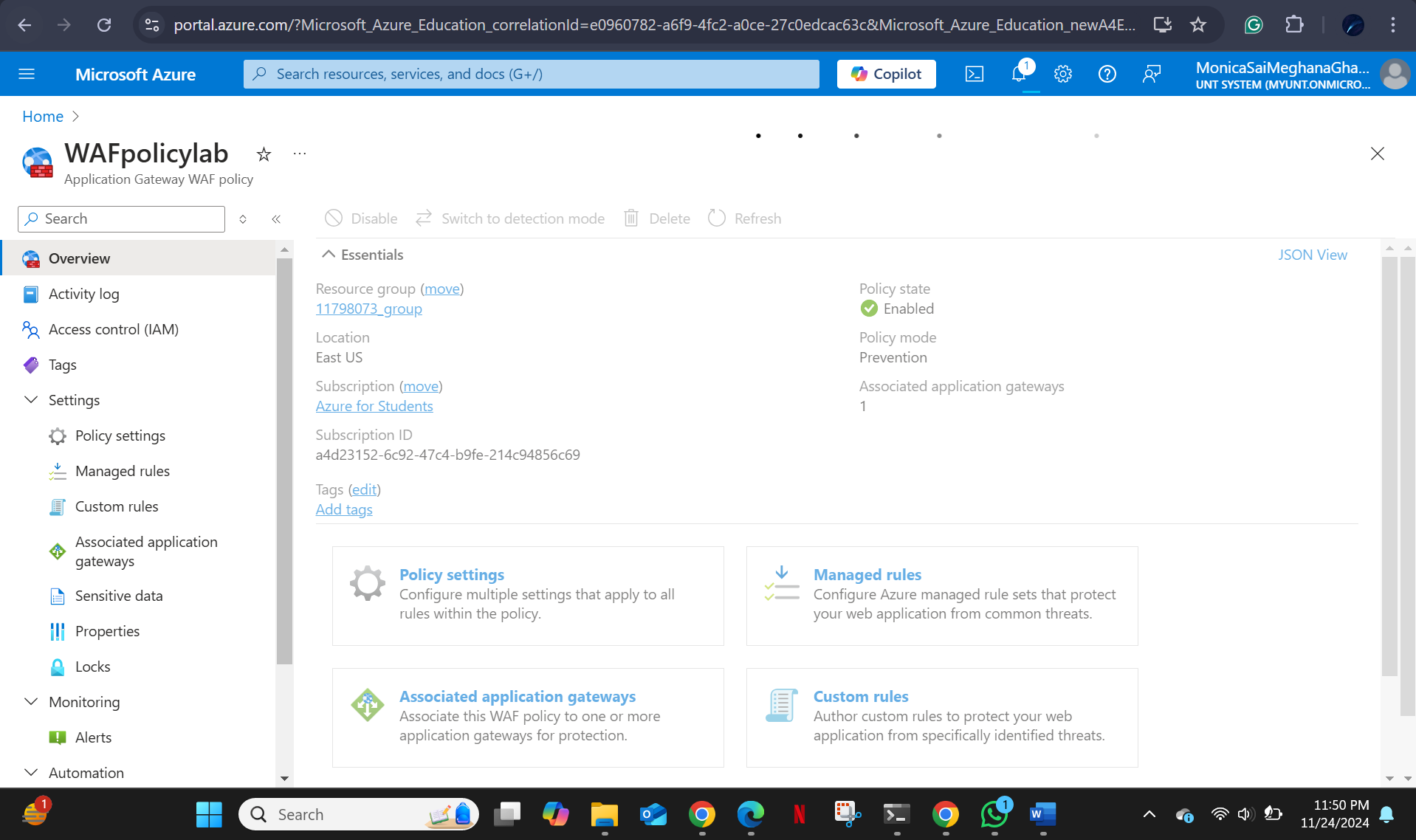
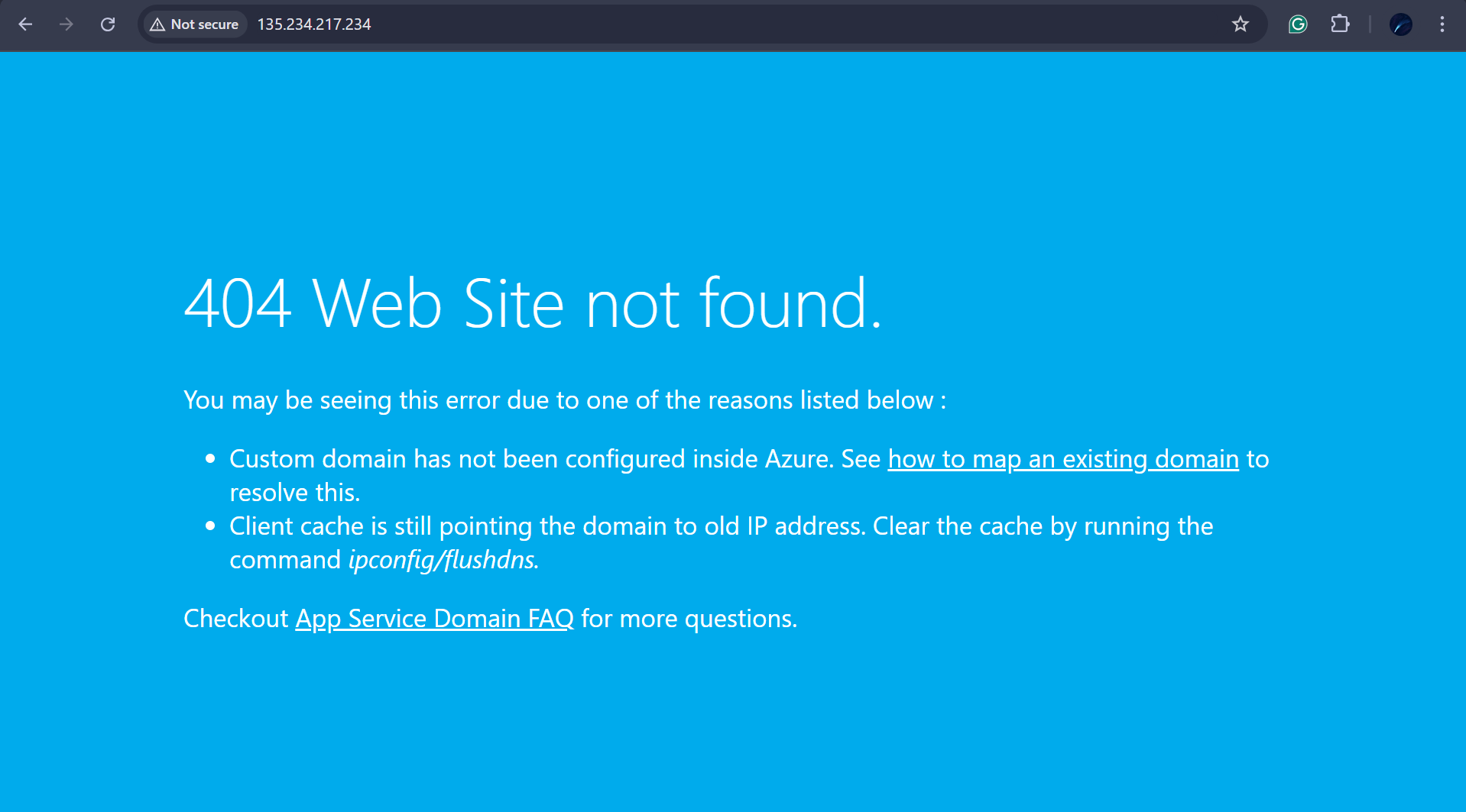
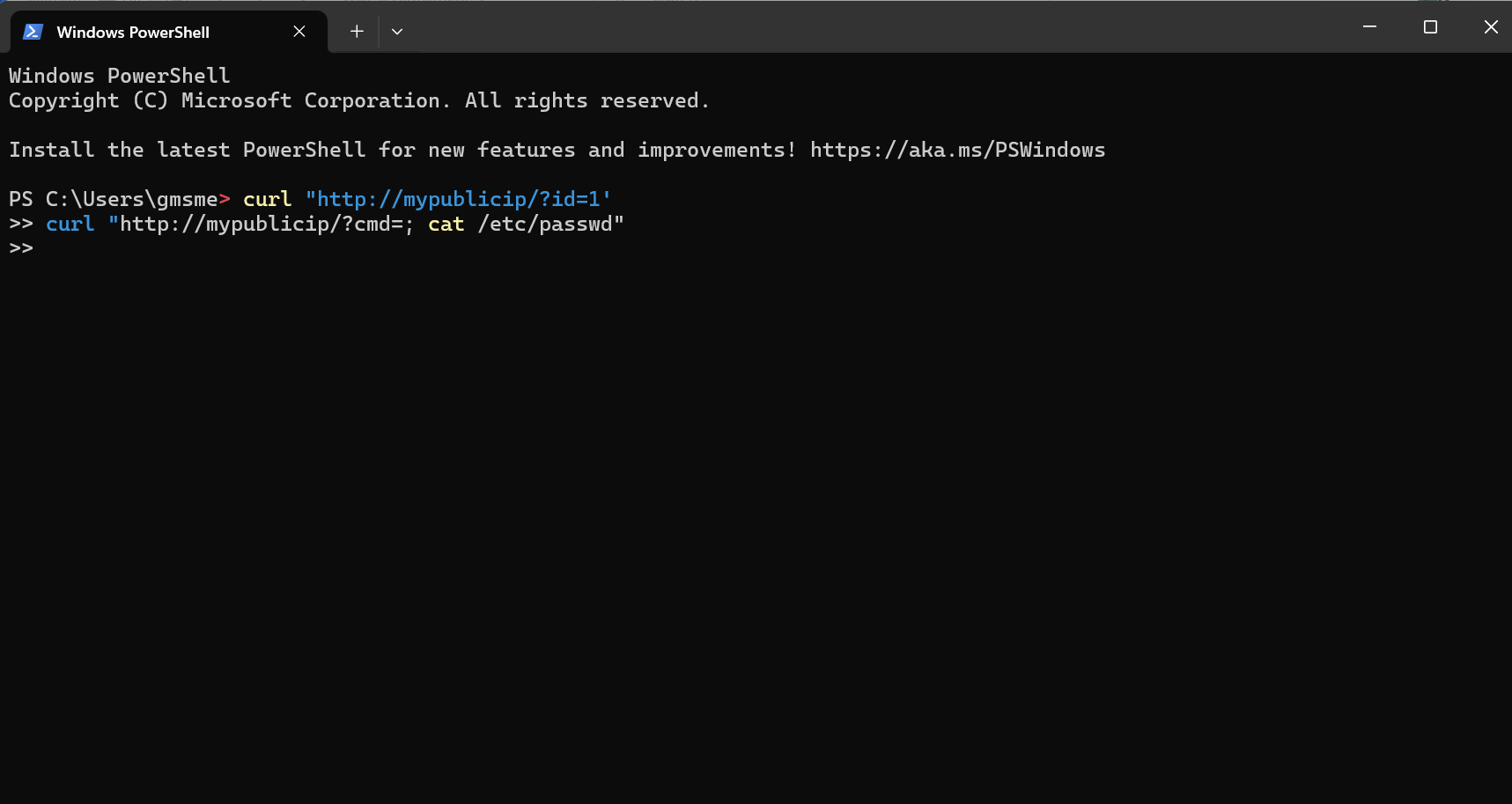
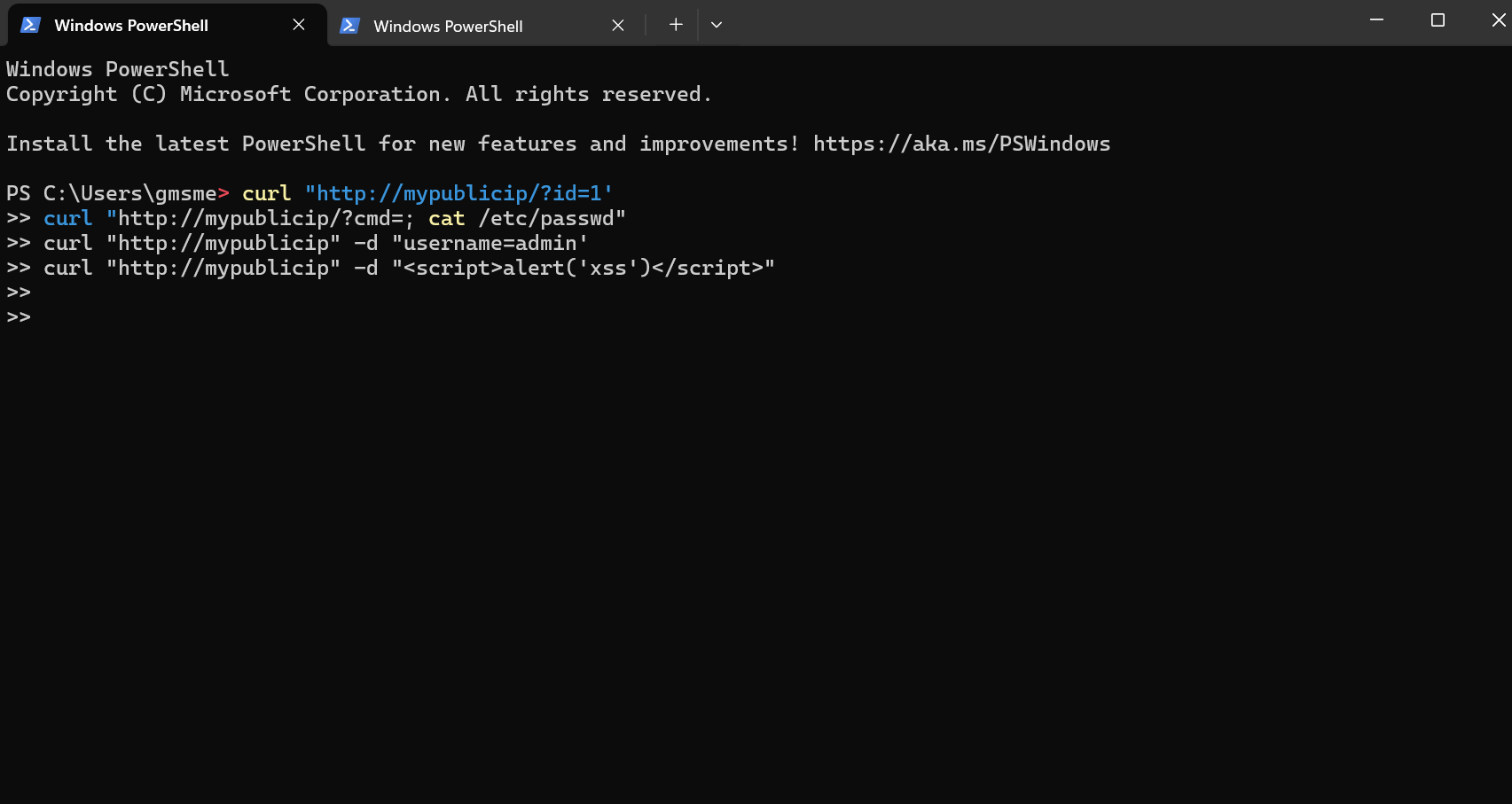
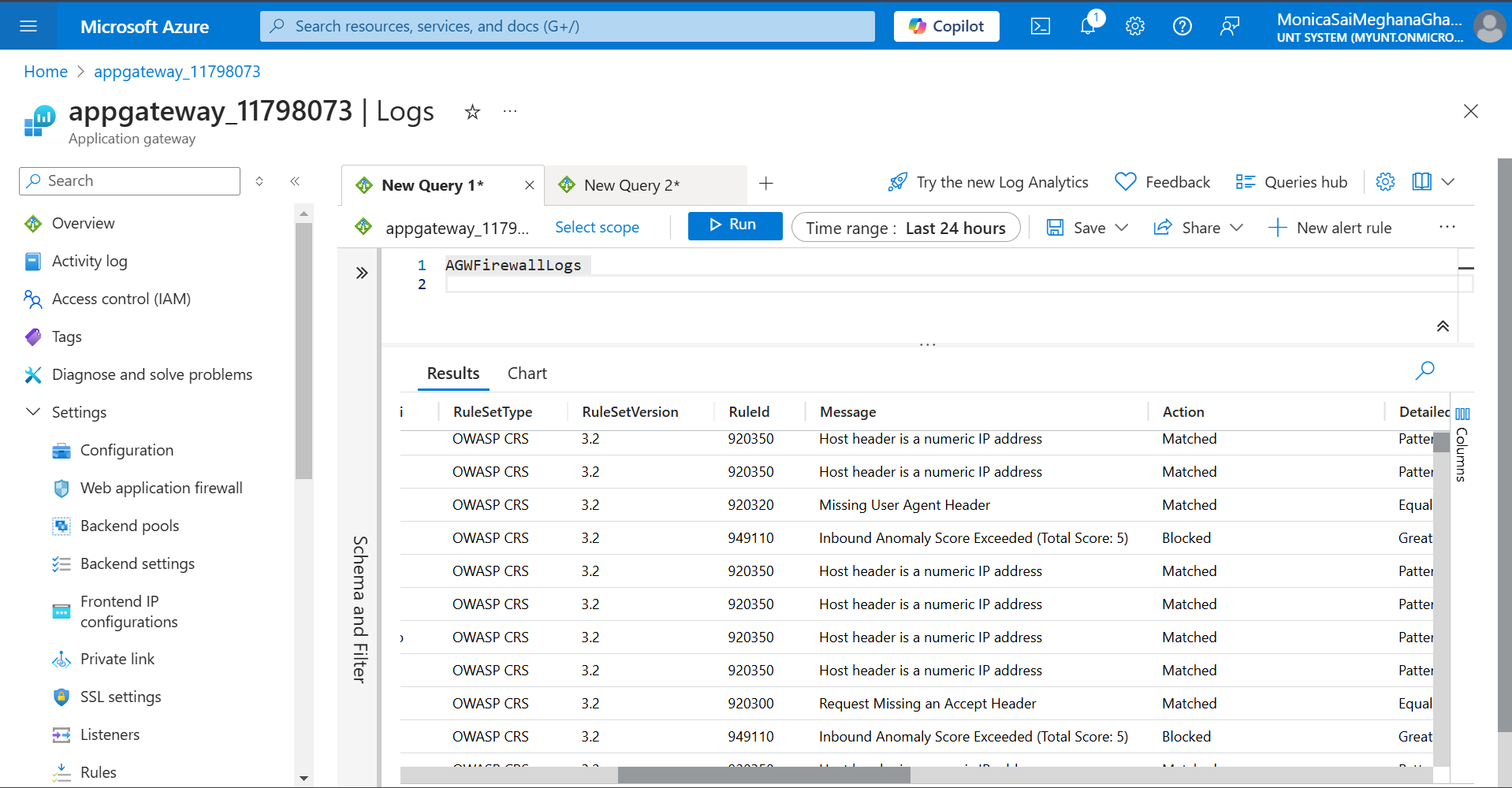
# Azure Web Application Firewall (WAF) — Hands-On Lab A practical walkthrough of deploying and testing **Azure Web Application Firewall (WAF)** using Azure Application Gateway. This lab covers setup, configuration, attack simulation, log analysis, and rule tuning recommendations. ## Tools & Environment | Tool / Service | Purpose | |----------------|---------| | Microsoft Azure | Cloud platform | | Azure App Service | Target web application | | Azure Application Gateway | WAF host | | Azure Log Analytics | Log querying and threat analysis | | curl | Attack simulation from command line | | OWASP Core Rule Set (CRS) | WAF detection rules | ## Step 1 — Deploy the Web Application Created an Azure Web Application and deployed it via Azure App Service. ![screenshot-01](https://static.pigsec.cn/wp-content/uploads/repos/2026/06/08a6d72014232205.png) ![screenshot-02](https://static.pigsec.cn/wp-content/uploads/repos/2026/06/850b8ed85b232221.png) ![screenshot-03](https://static.pigsec.cn/wp-content/uploads/repos/2026/06/7fcbc3e9cc232247.png) ![screenshot-04](https://static.pigsec.cn/wp-content/uploads/repos/2026/06/1d1a819cc9232256.png) ![screenshot-05](https://static.pigsec.cn/wp-content/uploads/repos/2026/06/539a00aa92232306.png) ![screenshot-06](https://static.pigsec.cn/wp-content/uploads/repos/2026/06/f441d13601232326.png) ![screenshot-07](https://static.pigsec.cn/wp-content/uploads/repos/2026/06/1234e327a2232348.png) ## Step 2 — Configure Application Gateway Set up the Application Gateway with the following components: - **Frontend IP** — public IP assigned to the gateway - **Backend Pool** — pointing to the deployed web app - **HTTP Settings** — protocol and port configuration - **Listener** — to receive incoming traffic ![screenshot-08](https://static.pigsec.cn/wp-content/uploads/repos/2026/06/bcfd6b087d232414.png) ![screenshot-09](https://static.pigsec.cn/wp-content/uploads/repos/2026/06/10f786d75d232431.png) ![screenshot-10](https://static.pigsec.cn/wp-content/uploads/repos/2026/06/a08899516c232437.png) ![screenshot-11](https://static.pigsec.cn/wp-content/uploads/repos/2026/06/096d8f9957232449.png) ![screenshot-12](https://static.pigsec.cn/wp-content/uploads/repos/2026/06/675dc5f762232501.png) ![screenshot-13](https://static.pigsec.cn/wp-content/uploads/repos/2026/06/781a56f46d232515.png) ![screenshot-14](https://static.pigsec.cn/wp-content/uploads/repos/2026/06/25702ac91f232529.png) ![screenshot-15](https://static.pigsec.cn/wp-content/uploads/repos/2026/06/64bef831db232547.png) ![screenshot-16](https://static.pigsec.cn/wp-content/uploads/repos/2026/06/3c4ff45d2d232547.png) The public IP address assigned after configuration: ![screenshot-17](https://static.pigsec.cn/wp-content/uploads/repos/2026/06/a969ea99da232548.png) ## Step 3 — Enable Diagnostic Settings Enabled diagnostic settings on the Application Gateway to route WAF logs to Log Analytics for querying and analysis. ![screenshot-18](https://static.pigsec.cn/wp-content/uploads/repos/2026/06/393b0a4a9b232549.png) ## Step 4 — Verify Backend Health Confirmed the backend pool is healthy and traffic can flow from the gateway to the web application. ![screenshot-19](https://static.pigsec.cn/wp-content/uploads/repos/2026/06/830c9b78d1232550.png) ## Step 5 — Query Logs Used Log Analytics to run queries against WAF logs and verify that events are being captured correctly. ![screenshot-20](https://static.pigsec.cn/wp-content/uploads/repos/2026/06/521ef37bc9232551.png) ## Step 6 — Disable WAF Policy (for baseline testing) Temporarily disabled the WAF policy to establish a baseline — confirming that requests pass through without the WAF active before re-enabling for attack testing. ![screenshot-21](https://static.pigsec.cn/wp-content/uploads/repos/2026/06/19df522225232551.png) ![screenshot-22](https://static.pigsec.cn/wp-content/uploads/repos/2026/06/67fde00092232552.png) ## Step 7 — Attack Simulation # SQL Injection curl "http:///?id=1'" # Command Injection / Directory Traversal curl "http:///?cmd=; cat /etc/passwd" # SQL Injection via POST body curl "http://" -d "username=admin'" # Cross-Site Scripting (XSS) curl "http://" -d "" ![screenshot-23](https://static.pigsec.cn/wp-content/uploads/repos/2026/06/78784e8626232553.png) ![screenshot-24](https://static.pigsec.cn/wp-content/uploads/repos/2026/06/afc981a790232554.png) ![screenshot-25](https://static.pigsec.cn/wp-content/uploads/repos/2026/06/26fd7a2e60232555.png) ## Results | Attack Type | OWASP CRS Rule | Action | Log Message | |-------------|---------------|--------|-------------| | SQL Injection | Rule 942100 | Blocked | SQL Injection detected using AND/OR operator within query parameter | | Cross-Site Scripting (XSS) | Rule 941130 | Blocked | Cross-site scripting vulnerability detected in query string | | Directory Traversal | Rule 930120 | Blocked | Directory traversal sequence found within URL path | | Normal Traffic | None | Passed | No suspicious activity detected | ## Observations **Threat Blocking** The WAF successfully identified and blocked SQL Injection, XSS, and Directory Traversal attacks. OWASP CRS rules fired correctly based on attack signatures. **False Positives** Some legitimate traffic triggered WAF rules — for example, parameter names containing keywords like `SELECT` were flagged by Rule 942100. This highlights the need for rule tuning in production environments. **Logging and Insights** WAF logs provided detailed information per blocked request including source IP, rule ID, and the malicious payload. Correlating log patterns with request behavior was key to understanding the threat landscape. ## WAF Tuning Recommendations **Reduce False Positives** For rules like 942100 (SQL Injection), adjust sensitivity using subrule exclusions or threshold tuning to avoid blocking legitimate traffic that contains SQL-like keywords. **Log Analytics Patterns** Build log queries to surface repetitive attack patterns — these can be used to further refine WAF rules over time. **Automate Threat Response** Integrate WAF logs with **Azure Sentinel** or a SIEM solution to enable automated alerting and response for high-severity threats. ## Key Takeaways - Azure WAF with OWASP CRS provides strong out-of-the-box protection against common web attacks - Logging and diagnostics are essential — without them, WAF events are invisible - Rule tuning is necessary in real deployments to balance security with availability - WAF is one layer of defense — it works best as part of a broader security architecture ## Disclaimer This lab was performed in a controlled Azure environment for educational purposes. All attack simulations were conducted against resources owned and managed by the tester.