brandonbellamy400-maker/microsoft-sentinel-threat-hunting
GitHub: brandonbellamy400-maker/microsoft-sentinel-threat-hunting
一个基于 Microsoft Sentinel 的 SIEM 动手实验室,通过 Entra ID 日志接入和 KQL 查询实现对身份认证暴力破解攻击的威胁狩猎与检测。
Stars: 1 | Forks: 0
# 🛡️ Microsoft Sentinel SIEM 与身份威胁狩猎实验室
## 🏢 业务场景:暴力破解入侵
**公司问题:** 全球企业物流提供商 *BrandonTech* 注意到针对标准企业账户的未经授权的登录尝试激增。IT 部门对这些撞库攻击模式完全处于盲区,因为身份数据仅存在于 Microsoft Entra ID 内部的原始身份转储中,完全脱离了安全监控框架。
**解决方案:** 作为一名安全工程师,我使用 **Microsoft Sentinel** 架构并部署了一个云原生的 **SIEM(安全信息和事件管理)** pipeline。通过建立从身份提供商 (IdP) 到中央 Log Analytics Workspace 的诊断数据流,我设计了自定义的 **Kusto Query Language (KQL)** 狩猎查询,以便在对手实现初始访问之前,自动隔离、聚合并呈现暴力破解攻击特征。
## 🛠️ 展示的技能与技术
* **SIEM 管理:** Microsoft Sentinel Workspace 部署
* **数据工程:** Log Ingestion Pipelines 与 Entra ID Connectors
* **威胁狩猎:** 使用 Kusto Query Language (KQL) 进行高级数据分析
* **事件响应:** 身份验证错误映射(`ResultType 50126`)
## 🚀 逐步实验室演示
### 阶段 1:环境与沙盒架构
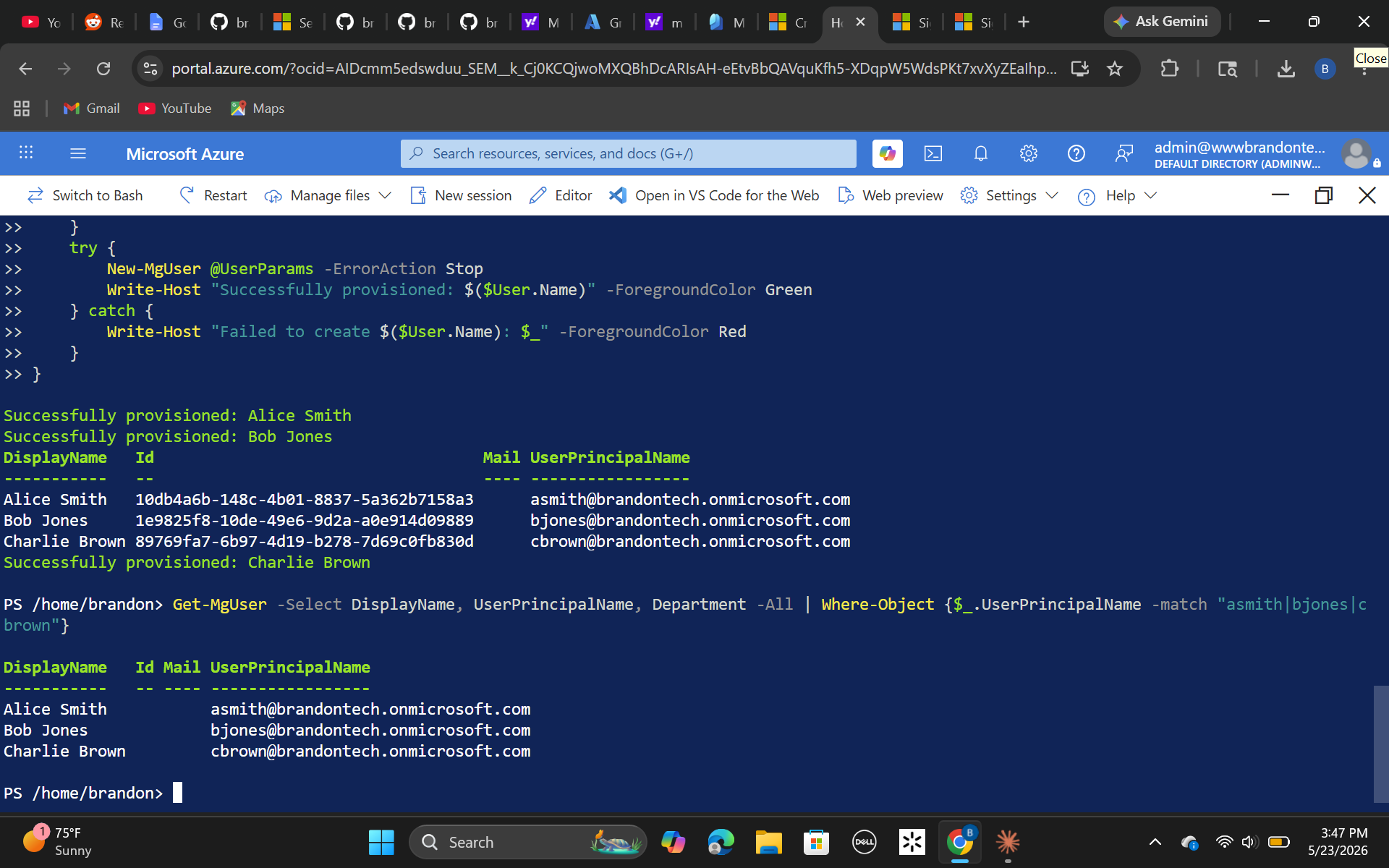
为了确保对生产资产产生零影响,我初始化了一个专用的 Azure 沙盒目录。我配置了企业用户身份——包括一个针对 `Alice Smith` (`asmith`) 的目标测试配置文件——以复制暴露在公共互联网 endpoint 上的标准企业目录框架。
 ### 阶段 2:部署 SIEM 日志 Pipeline
我建立了一个名为 `law-sentinel-core` 的集中式 Log Analytics Workspace,作为结构化数据保留库,并在该 workspace 引擎之上初始化了 Microsoft Sentinel。
### 阶段 2:部署 SIEM 日志 Pipeline
我建立了一个名为 `law-sentinel-core` 的集中式 Log Analytics Workspace,作为结构化数据保留库,并在该 workspace 引擎之上初始化了 Microsoft Sentinel。
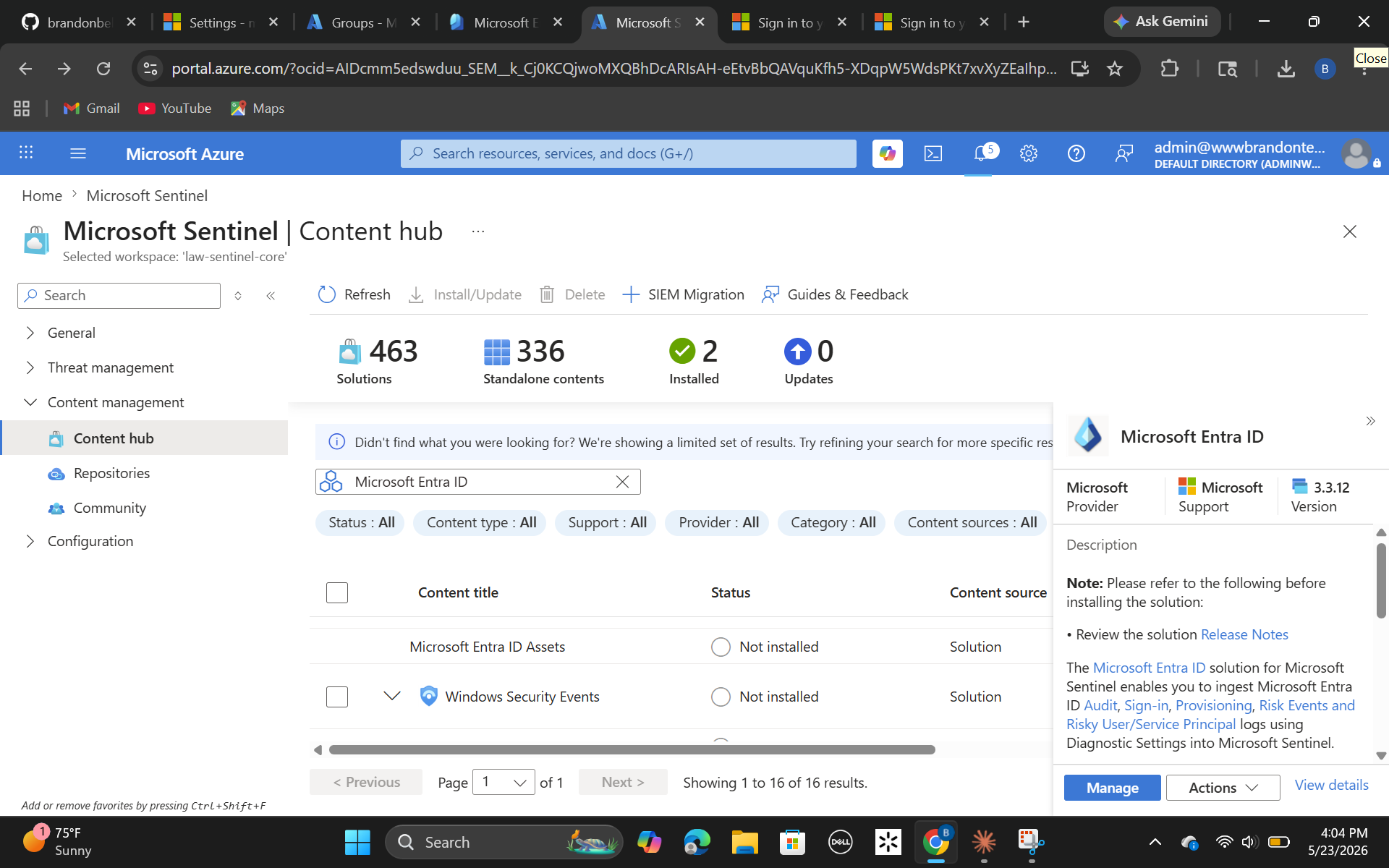
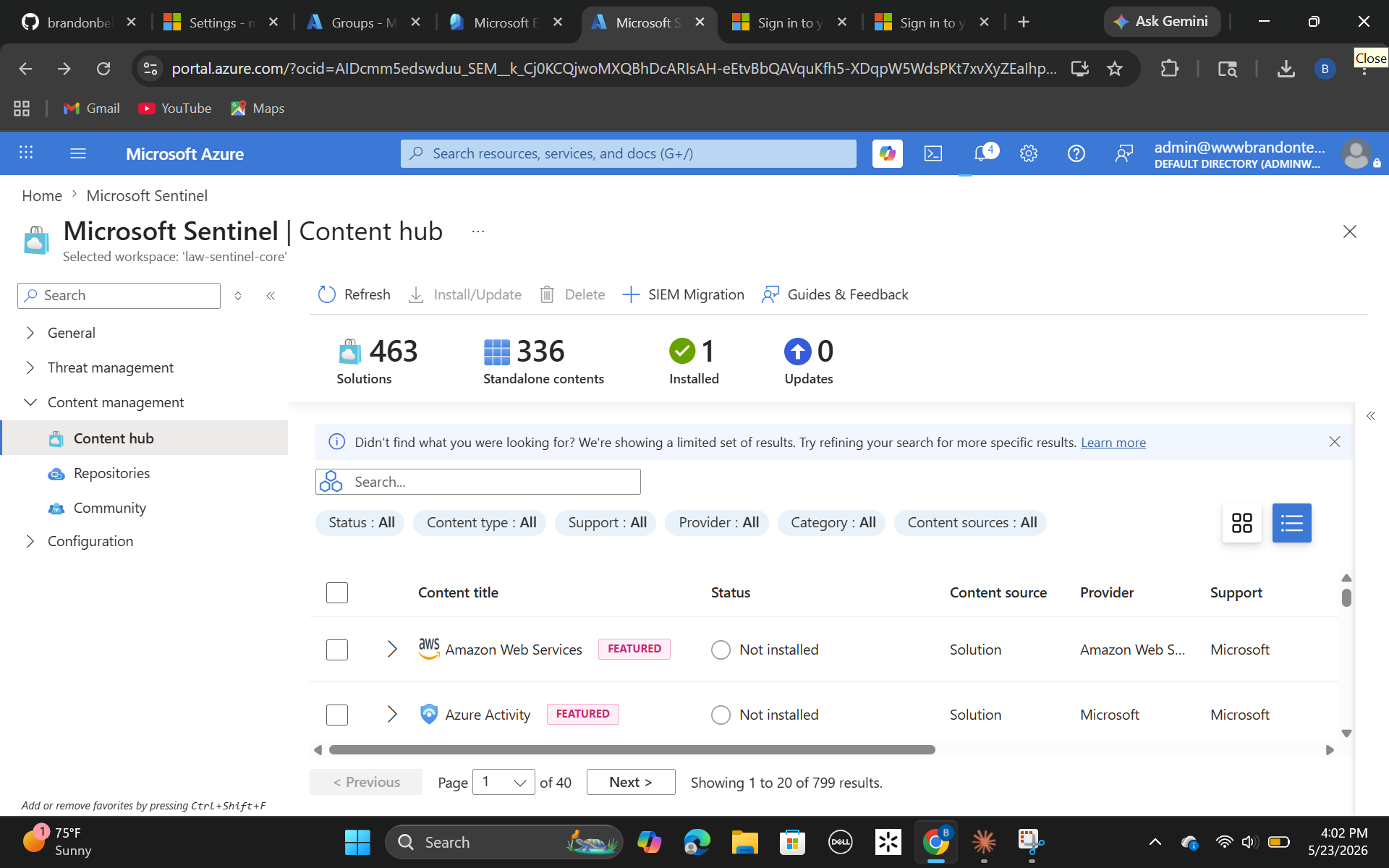 接下来,我打开了 Microsoft Sentinel 配置控制台,以映射来自我们主要租户目录资产的数据流。
 ### 阶段 3:对抗性威胁模拟
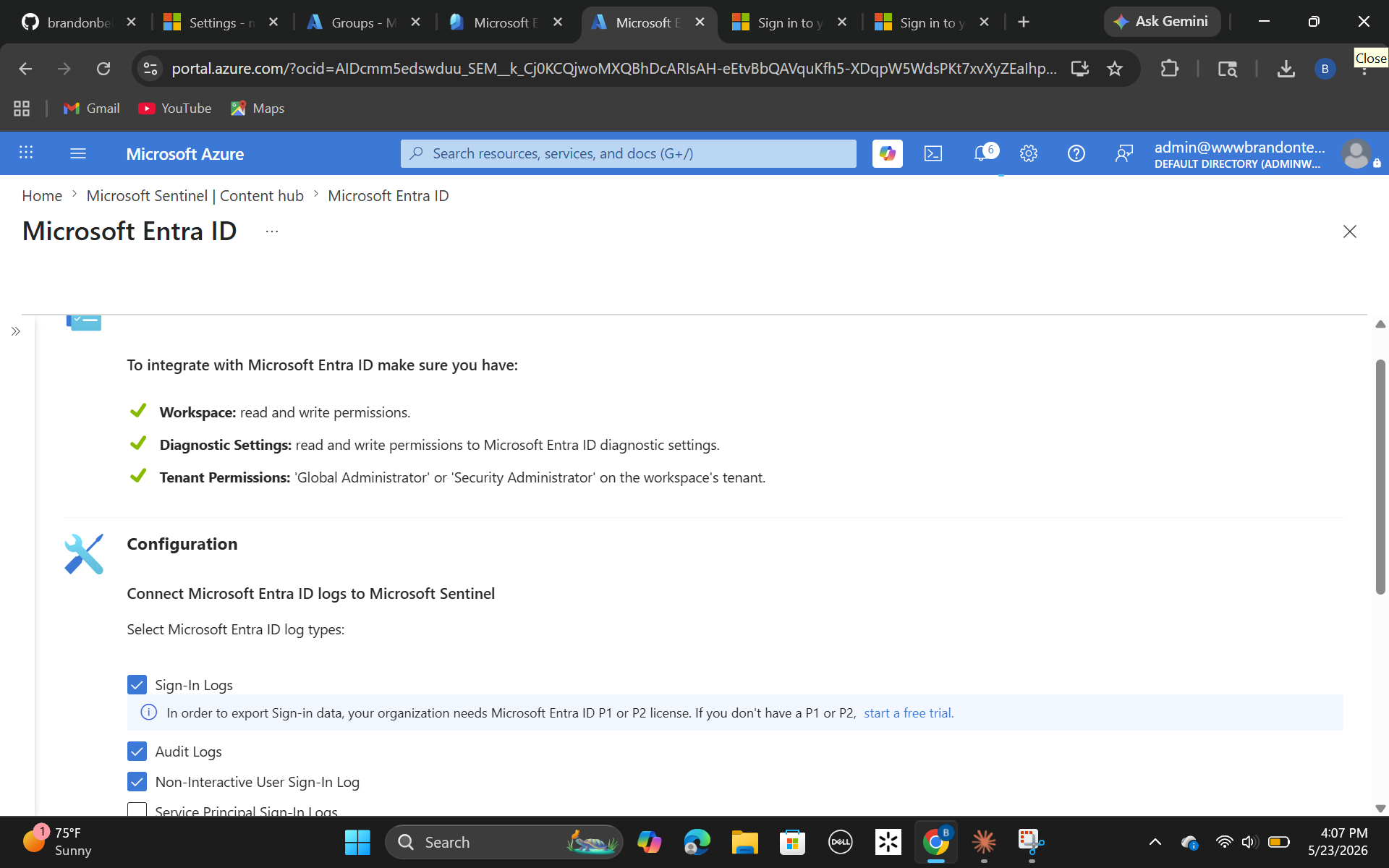
在一个隔离的浏览器会话中,我通过执行针对性的暴力破解/凭证收集攻击开展了外部对抗性模拟——故意针对目录基础结构触发连续的失败登录序列,以生成明确的审计追踪。
### 阶段 3:对抗性威胁模拟
在一个隔离的浏览器会话中,我通过执行针对性的暴力破解/凭证收集攻击开展了外部对抗性模拟——故意针对目录基础结构触发连续的失败登录序列,以生成明确的审计追踪。
 ### 阶段 4:KQL 网络狩猎与日志聚合
我转入 Sentinel Logs 控制台,以构建精确、高可见性的检测脚本。我设计了一个针对 **`50126` ResultType**(即密码输入错误的精确加密错误代码)的查询,以隔离恶意源 IP 地址并追踪针对用户的定位模式。
```
SigninLogs
| where UserPrincipalName contains "admin"
| summarize FailedAttempts = count() by UserPrincipalName, IPAddress
```
### 阶段 4:KQL 网络狩猎与日志聚合
我转入 Sentinel Logs 控制台,以构建精确、高可见性的检测脚本。我设计了一个针对 **`50126` ResultType**(即密码输入错误的精确加密错误代码)的查询,以隔离恶意源 IP 地址并追踪针对用户的定位模式。
```
SigninLogs
| where UserPrincipalName contains "admin"
| summarize FailedAttempts = count() by UserPrincipalName, IPAddress
```
### 阶段 2:部署 SIEM 日志 Pipeline
我建立了一个名为 `law-sentinel-core` 的集中式 Log Analytics Workspace,作为结构化数据保留库,并在该 workspace 引擎之上初始化了 Microsoft Sentinel。
接下来,我打开了 Microsoft Sentinel 配置控制台,以映射来自我们主要租户目录资产的数据流。
### 阶段 3:对抗性威胁模拟
在一个隔离的浏览器会话中,我通过执行针对性的暴力破解/凭证收集攻击开展了外部对抗性模拟——故意针对目录基础结构触发连续的失败登录序列,以生成明确的审计追踪。
### 阶段 4:KQL 网络狩猎与日志聚合
我转入 Sentinel Logs 控制台,以构建精确、高可见性的检测脚本。我设计了一个针对 **`50126` ResultType**(即密码输入错误的精确加密错误代码)的查询,以隔离恶意源 IP 地址并追踪针对用户的定位模式。
```
SigninLogs
| where UserPrincipalName contains "admin"
| summarize FailedAttempts = count() by UserPrincipalName, IPAddress
```
标签:Entra ID, KQL, Microsoft Sentinel, 身份安全