Nester420/Firmware-Hunter-Pro
GitHub: Nester420/Firmware-Hunter-Pro
一款离线固件静态分析工具,通过提取和扫描嵌入式设备固件文件系统来发现硬编码凭据、可疑字符串、组件版本及潜在攻击面。
Stars: 10 | Forks: 1
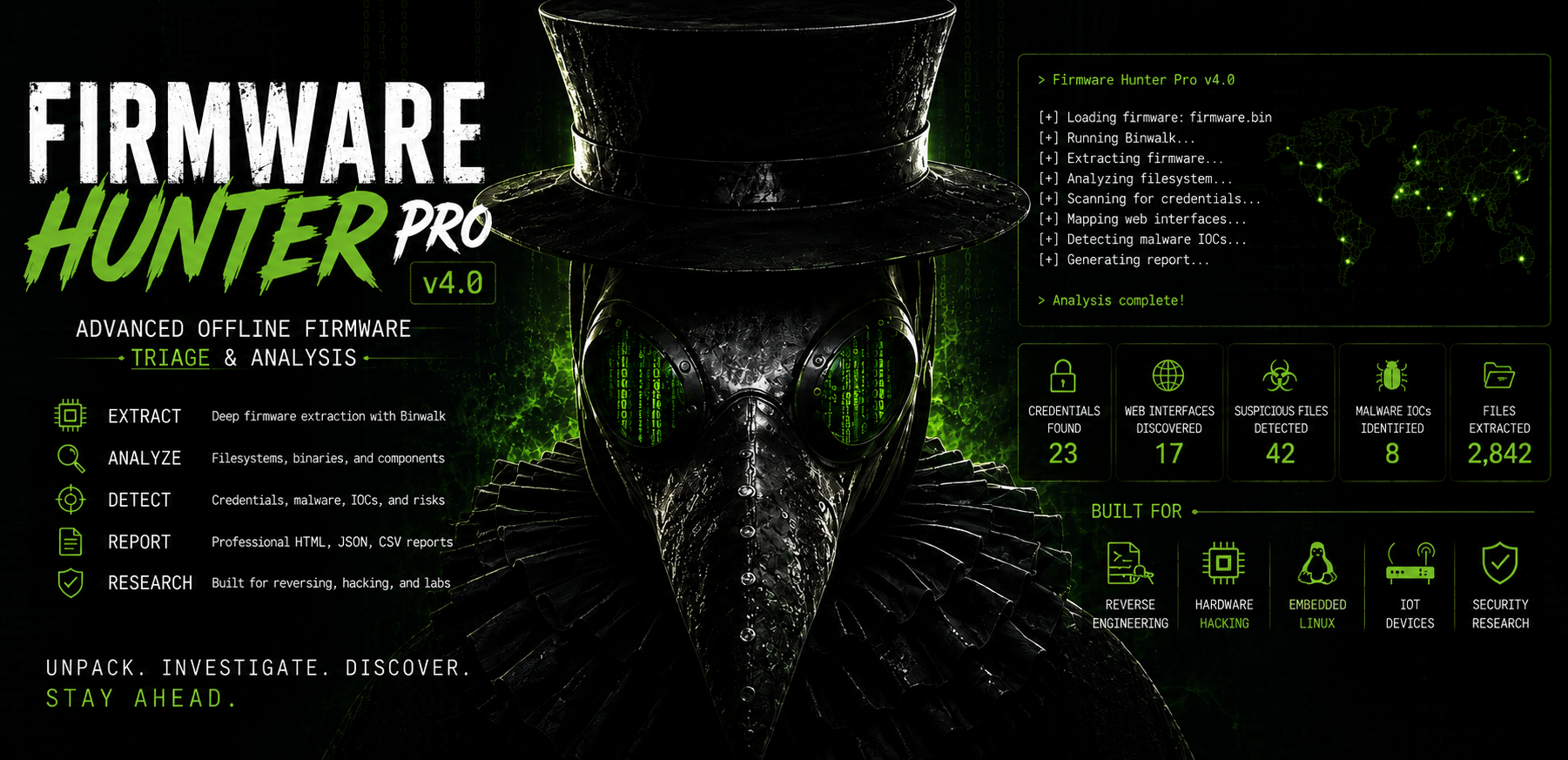 # Firmware Hunter Pro
Firmware Hunter Pro 是一款离线固件分析和筛查工具,专为以下嵌入式 Linux 设备设计:
* 路由器
* IP 摄像头
* DVRs
* 智能家居设备
* IoT 硬件
* 其他基于 Linux 的嵌入式系统
该工具会扫描提取出的固件文件系统或原始固件镜像,并生成报告以帮助识别:
* 硬编码凭据
* 敏感文件
* 嵌入式 Web 界面
* 引起关注的二进制文件
* 可疑字符串
* 潜在的恶意软件指标
* 组件版本
* 潜在攻击面
Firmware Hunter Pro 适用于:
* 固件研究
* 硬件黑客实验室
* 嵌入式 Linux 分析
* 教育用途
* 授权的安全测试
# 工具功能
Firmware Hunter Pro 执行离线文件系统分析。
它不会:
* 执行固件二进制文件
* 利用漏洞攻击设备
* 自动攻击系统
* 模拟固件
* 自动连接到外部系统
该工具通过读取文件并搜索模式、指标、配置数据和嵌入式组件来工作。
# 主要功能
## 自动提取固件
支持使用 Binwalk 进行自动提取。
示例:
```
python3 firmware_hunter_pro_v4.py firmware.bin --extract
```
该工具将:
1. 运行 Binwalk
2. 提取嵌入式文件系统
3. 尝试定位根文件系统
4. 扫描提取的内容
5. 生成报告
## 凭据发现
搜索:
* 硬编码密码
* Wi-Fi 密钥
* API 密钥
* JWT token
* MQTT 凭据
* 管理员用户名
* 存储在配置中的机密信息
## Web 界面映射
搜索:
* CGI 脚本
* 登录页面
* 管理员路由
* 固件更新页面
* API endpoint
* JavaScript 引用
有助于识别嵌入式的 Web 管理界面。
## 固件组件检测
尝试识别:
* BusyBox 版本
* Linux 内核版本
* OpenSSL 引用
* Dropbear 引用
* dnsmasq 引用
* 嵌入式 Web 服务器
该工具使用字符串和配置分析进行检测。
## IOC 和可疑字符串检测
搜索与以下内容相关的可疑字符串和已知指标 (IOC):
* Mirai
* Gafgyt/Bashlite
* Mozi
* XorDDoS
* 挖矿程序
* 反向 shell 行为
检测是基于启发式和字符串的。
该工具不会执行行为恶意软件分析。
## ELF 和架构分析
识别:
* ELF 二进制文件
* CPU 架构提示
* 字节序
* 二进制元数据
## 熵分析
标记可能包含以下内容的高熵文件:
* 打包数据
* 加密数据
* 压缩二进制大对象
* 二进制固件组件
## YARA 集成
可选的 YARA 扫描支持。
示例:
```
python3 firmware_hunter_pro_v4.py firmware.bin --extract --yara rules.yar
```
## 插件支持
支持简单的 Python 插件。
插件可用于:
* 特定厂商的解析
* 自定义 IOC 检查
* 附加扫描逻辑
# 输出
该工具生成:
| 文件 | 描述 |
| -------------------------- | ----------------- |
| firmware_report.html | HTML 报告 |
| firmware_report.txt | 主文本报告 |
| summary.txt | 快速摘要 |
| full_report.json | JSON 报告 |
| findings.csv | CSV 导出 |
| firmware_report.md | Markdown 报告 |
| 分类证据文件 | 独立的发现结果 |
示例:
* credential_findings.txt
* web_routes.txt
* components.txt
* malware_iocs.txt
* interesting_binaries.txt
# 安装说明
## 前置条件
* Python 3.9+
* 推荐 Linux
## 安装依赖
### 必需
```
sudo apt install python3 binwalk
```
### 推荐
```
sudo apt install squashfs-tools mtd-utils p7zip-full xz-utils
```
### 可选
```
sudo apt install yara
```
# 用法
## 扫描提取的固件
```
python3 firmware_hunter_pro_v4.py squashfs-root
```
## 扫描原始固件镜像
```
python3 firmware_hunter_pro_v4.py firmware.bin --extract
```
## 快速模式
跳过大于 10 MB 的文件。
```
python3 firmware_hunter_pro_v4.py firmware.bin --extract --quick
```
## 多线程
```
python3 firmware_hunter_pro_v4.py firmware.bin --extract -j 16
```
## 使用插件
```
python3 firmware_hunter_pro_v4.py firmware.bin --extract --plugins plugins/
```
# 示例工作流
## 1. 获取固件
示例:
```
flash_dump.bin
```
## 2. 运行 Firmware Hunter Pro
```
python3 firmware_hunter_pro_v4.py flash_dump.bin --extract
```
## 3. 查看报告
推荐的起始查看点:
1. summary.txt
2. credential_findings.txt
3. web_routes.txt
4. components.txt
5. firmware_report.html
# 关于检测的说明
Firmware Hunter Pro 主要使用:
* 字符串分析
* 正则表达式匹配
* 文件检查
* 元数据提取
* 启发式分析
该工具可能会产生:
* 误报
* 不完整的检测
* 通用匹配
所有发现都应进行人工审查。
该工具旨在作为筛查和研究的辅助工具,不能替代人工的固件分析。
# 安全提示
避免在敏感的生产系统上运行分析工具。
# 预期用途
Firmware Hunter Pro 适用于:
* 教育用途
* 固件研究
* 逆向工程
* 硬件安全测试
* 授权的安全分析
用户有责任遵守所有适用的法律和法规。
请勿对您不拥有或未获授权分析的设备或固件使用此工具。
# Firmware Hunter Pro
Firmware Hunter Pro 是一款离线固件分析和筛查工具,专为以下嵌入式 Linux 设备设计:
* 路由器
* IP 摄像头
* DVRs
* 智能家居设备
* IoT 硬件
* 其他基于 Linux 的嵌入式系统
该工具会扫描提取出的固件文件系统或原始固件镜像,并生成报告以帮助识别:
* 硬编码凭据
* 敏感文件
* 嵌入式 Web 界面
* 引起关注的二进制文件
* 可疑字符串
* 潜在的恶意软件指标
* 组件版本
* 潜在攻击面
Firmware Hunter Pro 适用于:
* 固件研究
* 硬件黑客实验室
* 嵌入式 Linux 分析
* 教育用途
* 授权的安全测试
# 工具功能
Firmware Hunter Pro 执行离线文件系统分析。
它不会:
* 执行固件二进制文件
* 利用漏洞攻击设备
* 自动攻击系统
* 模拟固件
* 自动连接到外部系统
该工具通过读取文件并搜索模式、指标、配置数据和嵌入式组件来工作。
# 主要功能
## 自动提取固件
支持使用 Binwalk 进行自动提取。
示例:
```
python3 firmware_hunter_pro_v4.py firmware.bin --extract
```
该工具将:
1. 运行 Binwalk
2. 提取嵌入式文件系统
3. 尝试定位根文件系统
4. 扫描提取的内容
5. 生成报告
## 凭据发现
搜索:
* 硬编码密码
* Wi-Fi 密钥
* API 密钥
* JWT token
* MQTT 凭据
* 管理员用户名
* 存储在配置中的机密信息
## Web 界面映射
搜索:
* CGI 脚本
* 登录页面
* 管理员路由
* 固件更新页面
* API endpoint
* JavaScript 引用
有助于识别嵌入式的 Web 管理界面。
## 固件组件检测
尝试识别:
* BusyBox 版本
* Linux 内核版本
* OpenSSL 引用
* Dropbear 引用
* dnsmasq 引用
* 嵌入式 Web 服务器
该工具使用字符串和配置分析进行检测。
## IOC 和可疑字符串检测
搜索与以下内容相关的可疑字符串和已知指标 (IOC):
* Mirai
* Gafgyt/Bashlite
* Mozi
* XorDDoS
* 挖矿程序
* 反向 shell 行为
检测是基于启发式和字符串的。
该工具不会执行行为恶意软件分析。
## ELF 和架构分析
识别:
* ELF 二进制文件
* CPU 架构提示
* 字节序
* 二进制元数据
## 熵分析
标记可能包含以下内容的高熵文件:
* 打包数据
* 加密数据
* 压缩二进制大对象
* 二进制固件组件
## YARA 集成
可选的 YARA 扫描支持。
示例:
```
python3 firmware_hunter_pro_v4.py firmware.bin --extract --yara rules.yar
```
## 插件支持
支持简单的 Python 插件。
插件可用于:
* 特定厂商的解析
* 自定义 IOC 检查
* 附加扫描逻辑
# 输出
该工具生成:
| 文件 | 描述 |
| -------------------------- | ----------------- |
| firmware_report.html | HTML 报告 |
| firmware_report.txt | 主文本报告 |
| summary.txt | 快速摘要 |
| full_report.json | JSON 报告 |
| findings.csv | CSV 导出 |
| firmware_report.md | Markdown 报告 |
| 分类证据文件 | 独立的发现结果 |
示例:
* credential_findings.txt
* web_routes.txt
* components.txt
* malware_iocs.txt
* interesting_binaries.txt
# 安装说明
## 前置条件
* Python 3.9+
* 推荐 Linux
## 安装依赖
### 必需
```
sudo apt install python3 binwalk
```
### 推荐
```
sudo apt install squashfs-tools mtd-utils p7zip-full xz-utils
```
### 可选
```
sudo apt install yara
```
# 用法
## 扫描提取的固件
```
python3 firmware_hunter_pro_v4.py squashfs-root
```
## 扫描原始固件镜像
```
python3 firmware_hunter_pro_v4.py firmware.bin --extract
```
## 快速模式
跳过大于 10 MB 的文件。
```
python3 firmware_hunter_pro_v4.py firmware.bin --extract --quick
```
## 多线程
```
python3 firmware_hunter_pro_v4.py firmware.bin --extract -j 16
```
## 使用插件
```
python3 firmware_hunter_pro_v4.py firmware.bin --extract --plugins plugins/
```
# 示例工作流
## 1. 获取固件
示例:
```
flash_dump.bin
```
## 2. 运行 Firmware Hunter Pro
```
python3 firmware_hunter_pro_v4.py flash_dump.bin --extract
```
## 3. 查看报告
推荐的起始查看点:
1. summary.txt
2. credential_findings.txt
3. web_routes.txt
4. components.txt
5. firmware_report.html
# 关于检测的说明
Firmware Hunter Pro 主要使用:
* 字符串分析
* 正则表达式匹配
* 文件检查
* 元数据提取
* 启发式分析
该工具可能会产生:
* 误报
* 不完整的检测
* 通用匹配
所有发现都应进行人工审查。
该工具旨在作为筛查和研究的辅助工具,不能替代人工的固件分析。
# 安全提示
避免在敏感的生产系统上运行分析工具。
# 预期用途
Firmware Hunter Pro 适用于:
* 教育用途
* 固件研究
* 逆向工程
* 硬件安全测试
* 授权的安全分析
用户有责任遵守所有适用的法律和法规。
请勿对您不拥有或未获授权分析的设备或固件使用此工具。标签:Binwalk, StruQ, 固件分析, 敏感信息发现, 物联网, 聊天机器人, 调试插件, 逆向分析, 逆向工具