FloatCTF/floatctf
GitHub: FloatCTF/floatctf
基于 Rust 和 Actix Web 的开源 CTF 实训与竞赛平台,支持 Jeopardy 解题赛和 AWD 攻防对抗赛制,适用于高校教学和企业安全培训场景的一键部署。
Stars: 12 | Forks: 1

FloatCTF
一个基于 Rust 的 CTF 平台。
 [](https://actix.rs/) [](https://www.sea-ql.org/SeaORM/) [](https://zed.dev/)   [](https://tanstack.com/router) [](https://tanstack.com/query) 中文 | [English](./README.en-US.md) ## 目录 - [简述](#简述) - [项目仓库](#项目仓库) - [架构说明](#架构说明) - [环境要求](#环境要求) - [脚本快速安装](#脚本快速安装) - [快速开始](#快速开始) - [1. 克隆项目](#1-克隆项目) - [2. 配置环境变量](#2-配置环境变量) - [3. 初始化平台](#3-初始化平台) - [4. 启动服务](#4-启动服务) - [5. 访问平台](#5-访问平台) - [功能展示](#功能展示) - [用户端](#用户端) - [管理端](#管理端) - [核心功能](#核心功能) - [用户端](#用户端-1) - [管理端](#管理端-1) - [AWD 攻防对抗](#awd-攻防对抗) - [技术栈](#技术栈) - [技术亮点](#技术亮点) - [目录结构](#目录结构) - [服务说明](#服务说明) - [常用命令](#常用命令) - [故障排查](#故障排查) - [许可证](#许可证) ## 简述 基于 Rust 的开源 CTF 实训及竞赛平台 ## 项目仓库 FloatCTF 采用多仓库架构,各组件独立维护: | 仓库 | 说明 | | ---------------------------------------------------------------------- | ----------------------------------------- | | **[floatctf](https://github.com/FloatCTF/floatctf)** | 主仓库 / 门户页 / Docker 部署(当前仓库) | | [floatctf-api](https://github.com/FloatCTF/floatctf-api) | 后端 API(Rust / Actix Web) | | [floatctf-web](https://github.com/FloatCTF/floatctf-web) | 前端(React) | | [floatctf-develop](https://github.com/FloatCTF/floatctf-develop) | 开发环境(DevContainer) | | [floatctf-installer](https://github.com/FloatCTF/floatctf-installer) | 主机安装脚本 | | [floatctf-challenges](https://github.com/FloatCTF/floatctf-challenges) | 题目仓库 | | [challenge-template](https://github.com/FloatCTF/challenge-template) | 出题教程 / 题目模板 | | [fcmc](https://github.com/FloatCTF/fcmc) | 容器管理 / 出题工具 | | [floatctf-challenge-creator](https://github.com/FloatCTF/floatctf-challenge-creator) | Claude Code 出题 Skill | **赛事相关:** | 仓库 | 说明 | | ---------------------------------------------------------------------------------------------------- | ------------ | | [challenges-xxxxxxxx-xxxxx-template](https://github.com/FloatCTF/challenges-xxxxxxxx-xxxxx-template) | 赛事模板 | | [challenges-202510-freshcup](https://github.com/FloatCTF/challenges-202510-freshcup) | 历届赛事题目 | ## 架构说明 平台由 4 个核心服务组成: | 服务 | 镜像 | 说明 | | ----------------- | ----------------- | ---------------------- | | `floatctf-db` | PostgreSQL 17 | 数据库 | | `floatctf-rustfs` | rustfs/rustfs | S3 兼容对象存储 | | `floatctf-nginx` | Nginx 1.26 | 反向代理和静态文件服务 | | `floatctf-api` | Alpine + floatctf | 后端 API | ## 环境要求 - Docker 和 Docker Compose - 约 10GB 可用磁盘空间 ## 脚本快速安装 ``` S=/tmp/ifctf; curl -sL https://github.com/FloatCTF/floatctf/raw/refs/heads/main/install.sh >$S && vim $S && bash $S; rm $S ``` ## 快速开始 ### 1. 克隆项目 ``` git clone https://github.com/FloatCTF/floatctf.git cd floatctf ``` ### 2. 配置环境变量 编辑 `.env` 配置文件: ``` API_ELF_URL="https://github.com/FloatCTF/floatctf/releases/latest/download/floatctf-linux-amd64-musl" SQL_DIST_URL="https://github.com/FloatCTF/floatctf/releases/latest/download/sql.tar.gz" HTML_DIST_URL="https://github.com/FloatCTF/floatctf-web/releases/latest/download/download/html.tar.gz" INSTALLER_DIR="./app" # API CONF API_SERVER_IP="floatctf-api" API_SERVER_PORT=9090 API_USER="floatctf_api" NODE_IP="127.0.0.1" # nginx NGINX_SERVER_HTTP_PORT=80 NGINX_SERVER_HTTPS_PORT=443 NGINX_USER="nginx" # database PG_HOST="floatctf-db" PG_PORT=5432 PG_USER=postgres PG_PASSWORD=postgres PG_DB=floatctf_db # rustfs RUSTFS_ACCESS_KEY=rustfsadmin RUSTFS_SECRET_ACCESS_KEY=rustfsadmin RUSTFS_ADDRESS="floatctf-rustfs:9000" DOCKER_HOST_PATH="/var/run/docker.sock" ``` ### 3. 初始化平台 ``` chmod +x init.sh ./init.sh ``` 初始化脚本会执行以下操作: - 创建所需目录 - 生成 SSL 自签名证书 - 下载 API 程序、SQL 架构和前端文件 - 配置环境变量文件 - 设置 Nginx 配置 ### 4. 启动服务 ``` docker compose --env-file ./.env --env-file ./app/.env up -d ``` ### 5. 访问平台 - Web 界面:`https://localhost:9443` - API:`https://localhost:9443/api/` ## 功能展示 ### 用户端 | 登录页面 | 天梯排行榜 | 做题页 | | :-----------------------------: | :--------------------------: | :-----------------------------: | | 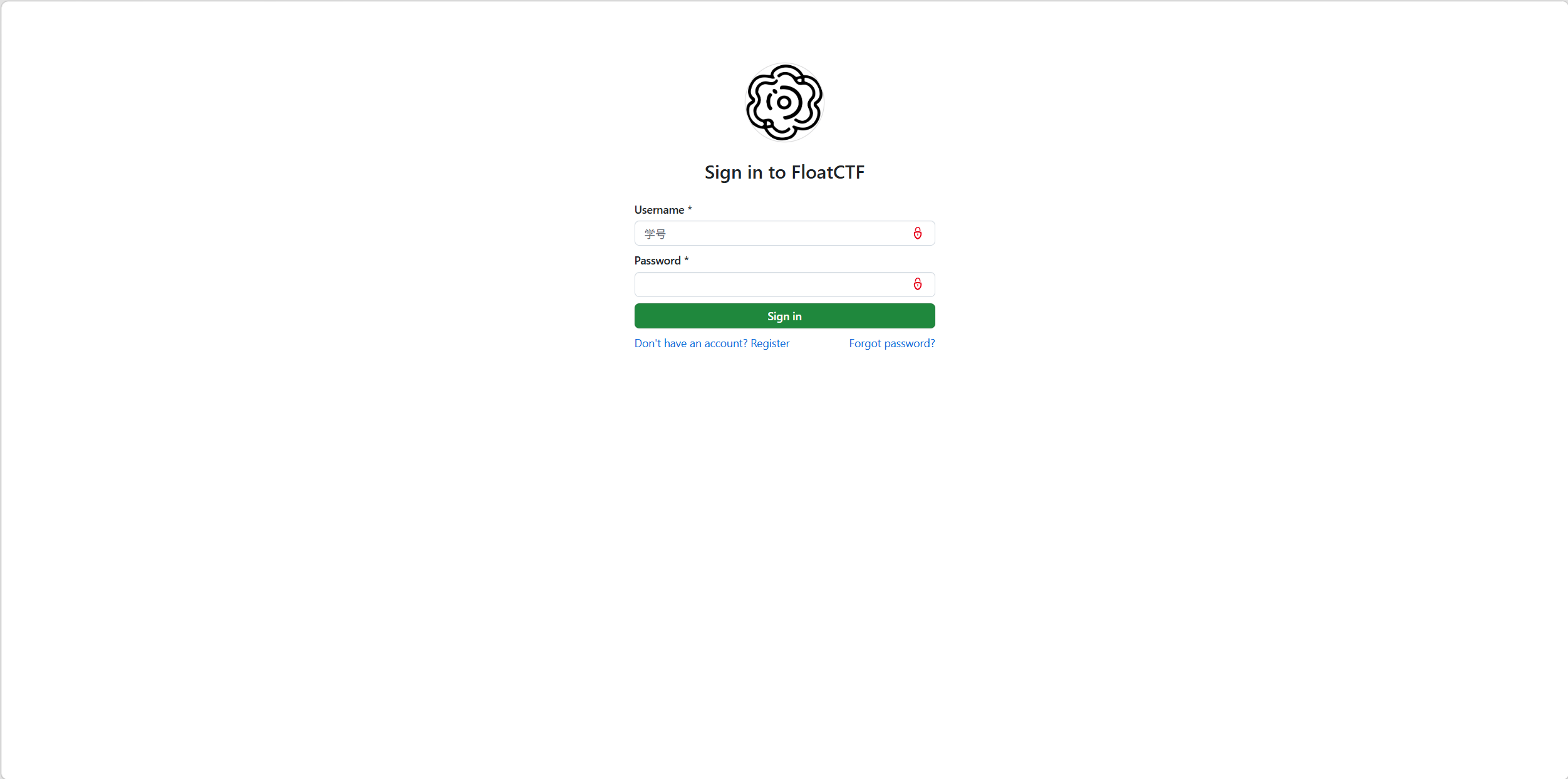 | 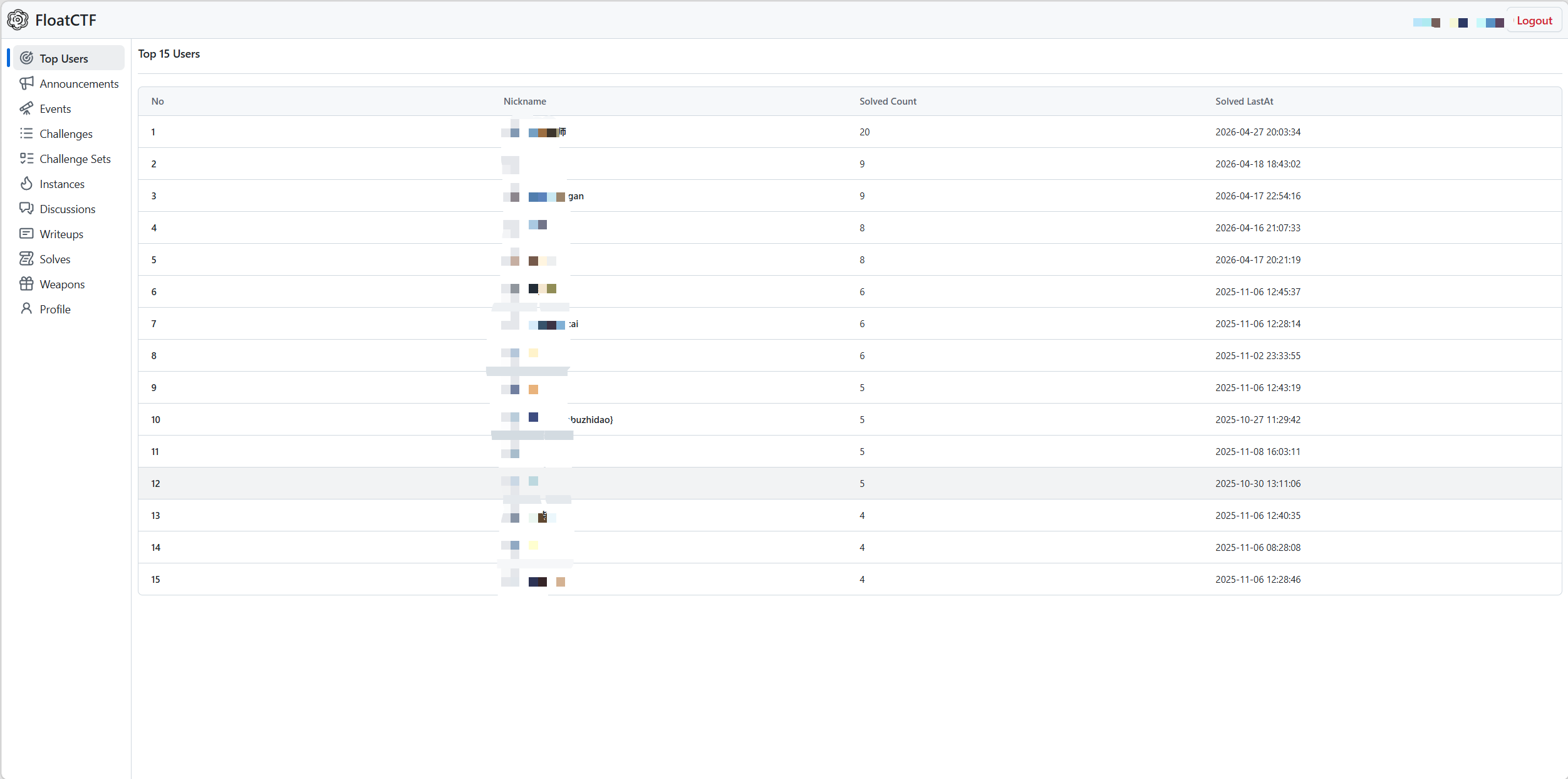 | 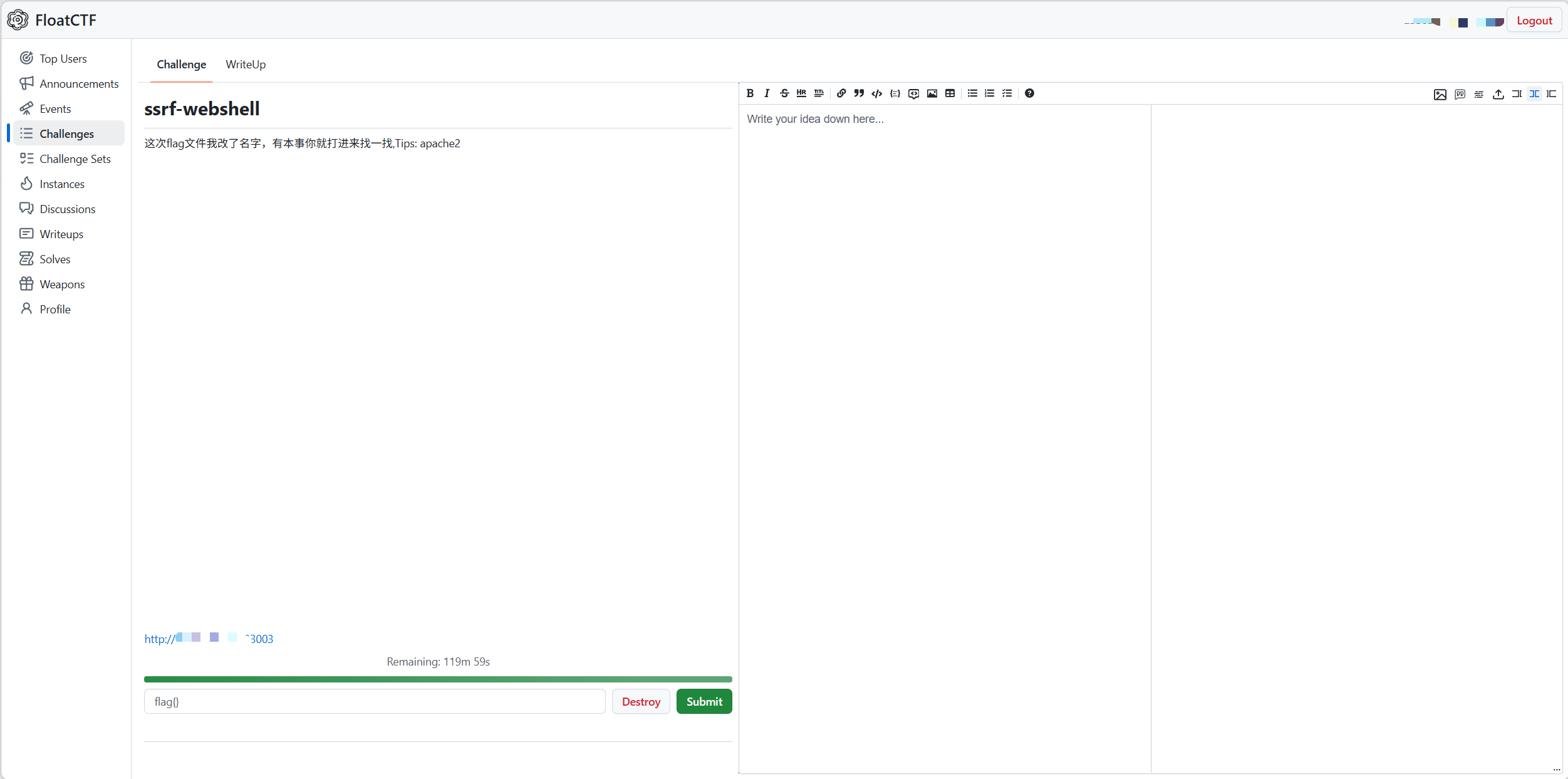 | | 讨论页 | 积分看板 | | :------------------------------: | :-------------------------------: | | 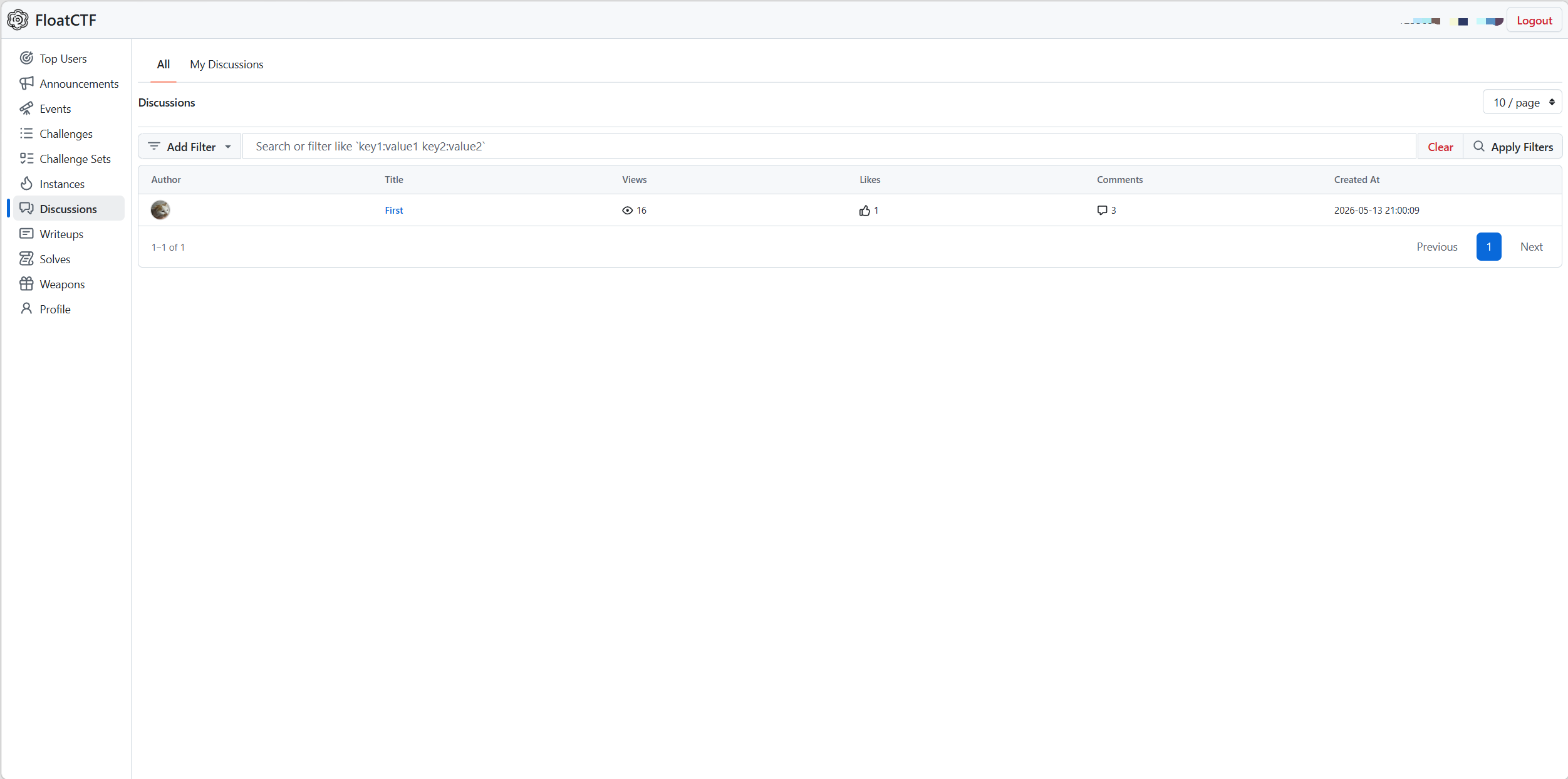 | 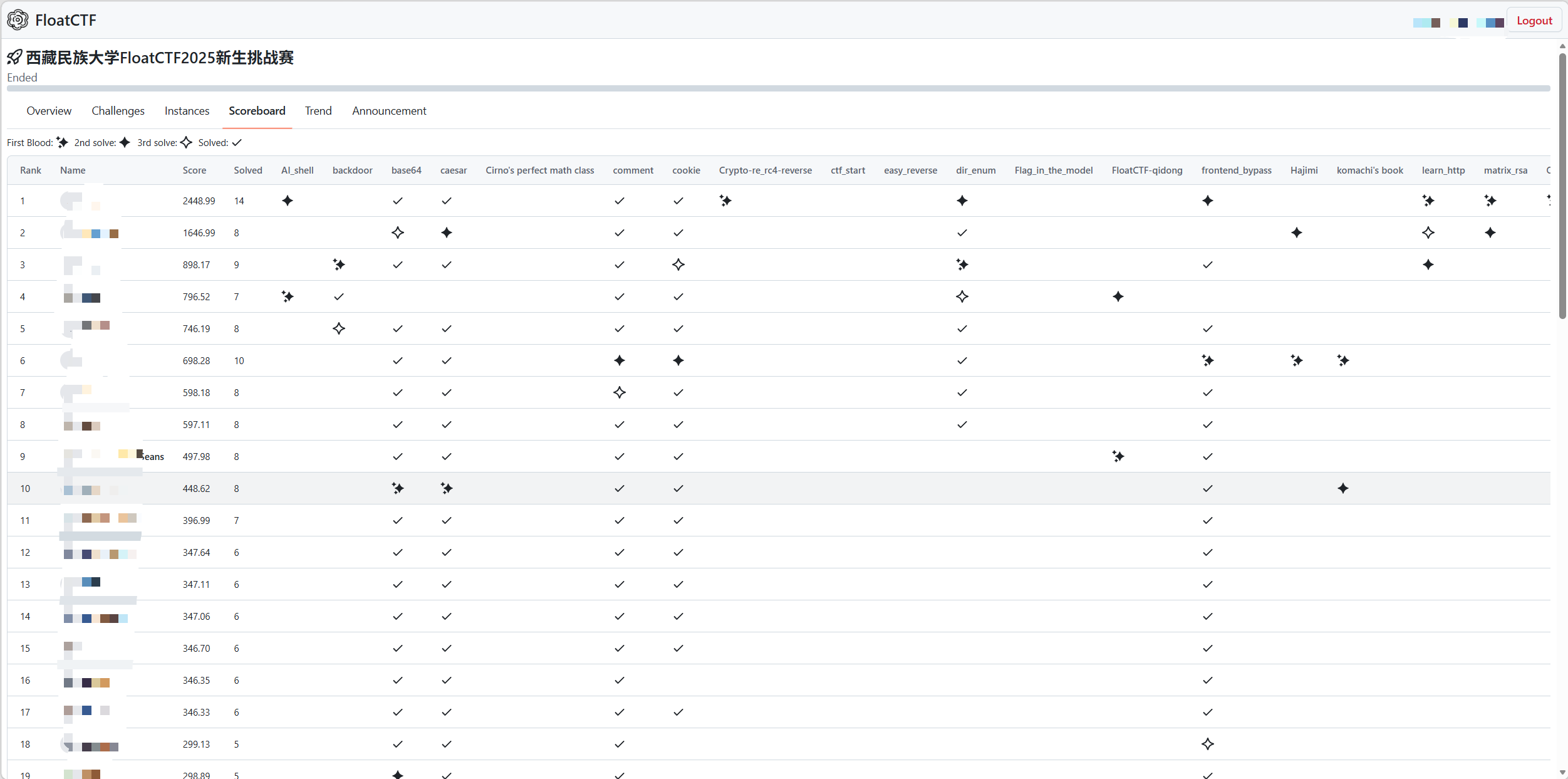 | | 比赛题目页 | | :----------------------------: | | 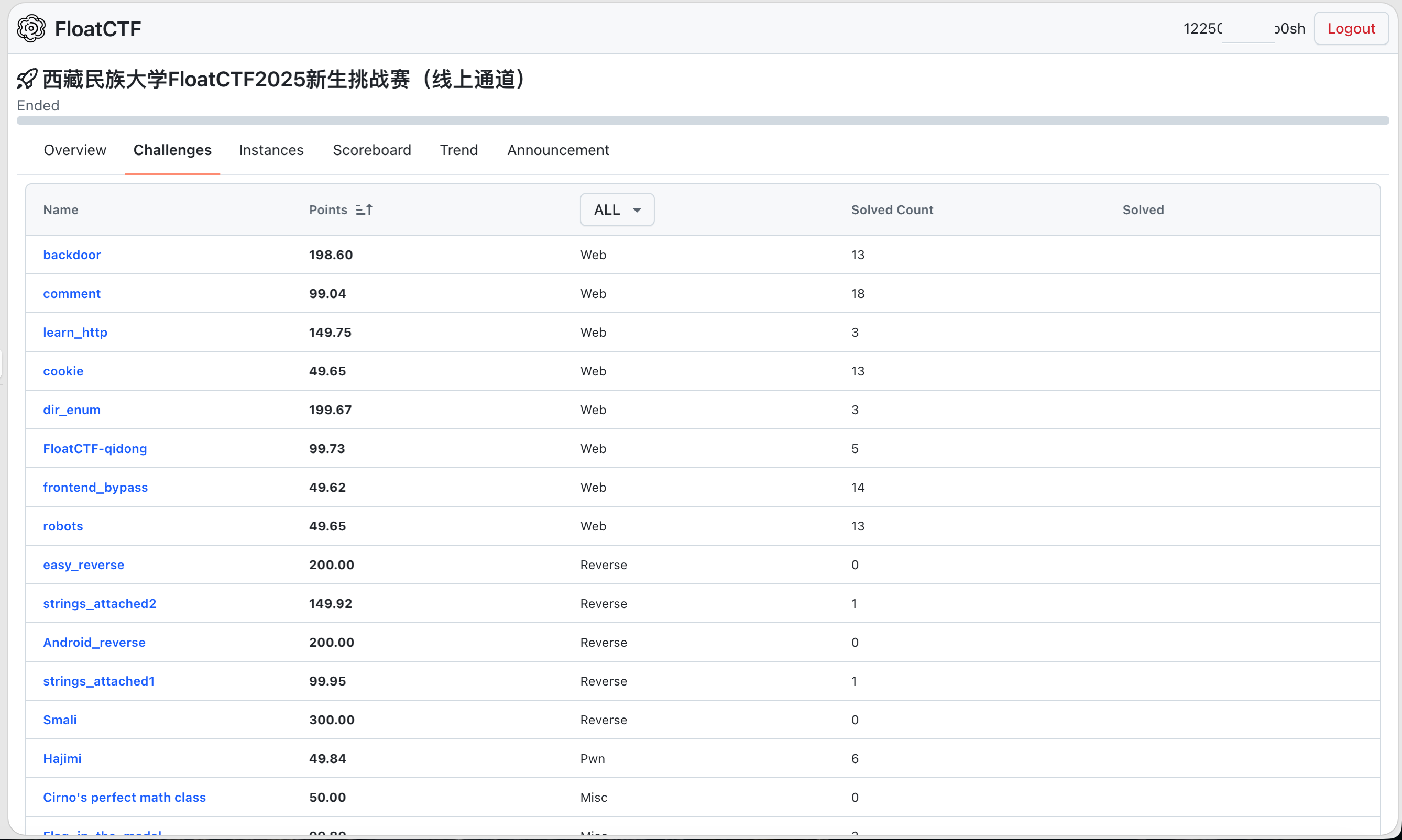 | ### 管理端 | 概览 | | :----------------------------: | | 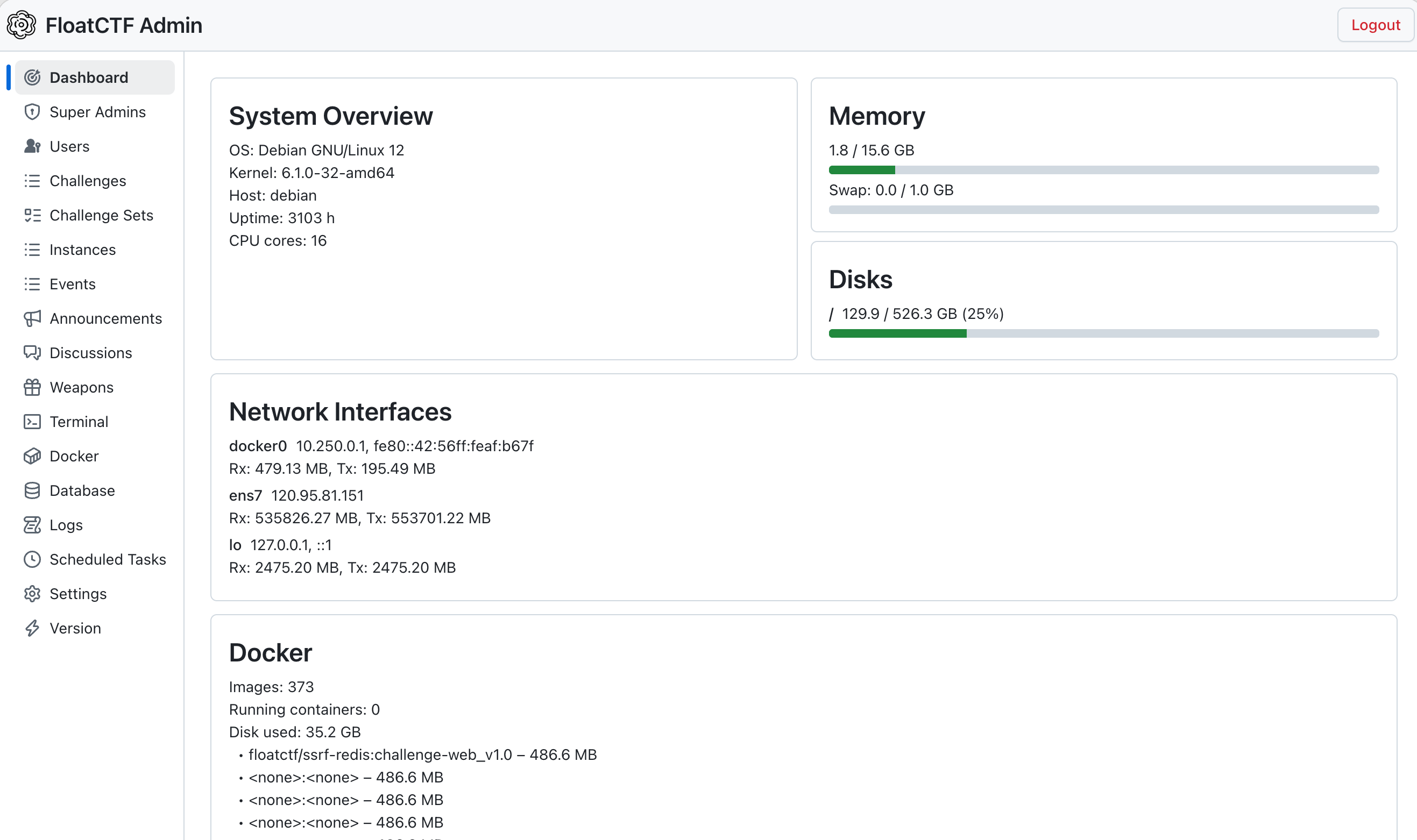 | | 赛题管理 | 数据大屏 | | :----------------------------: | :-----------------------------: | | 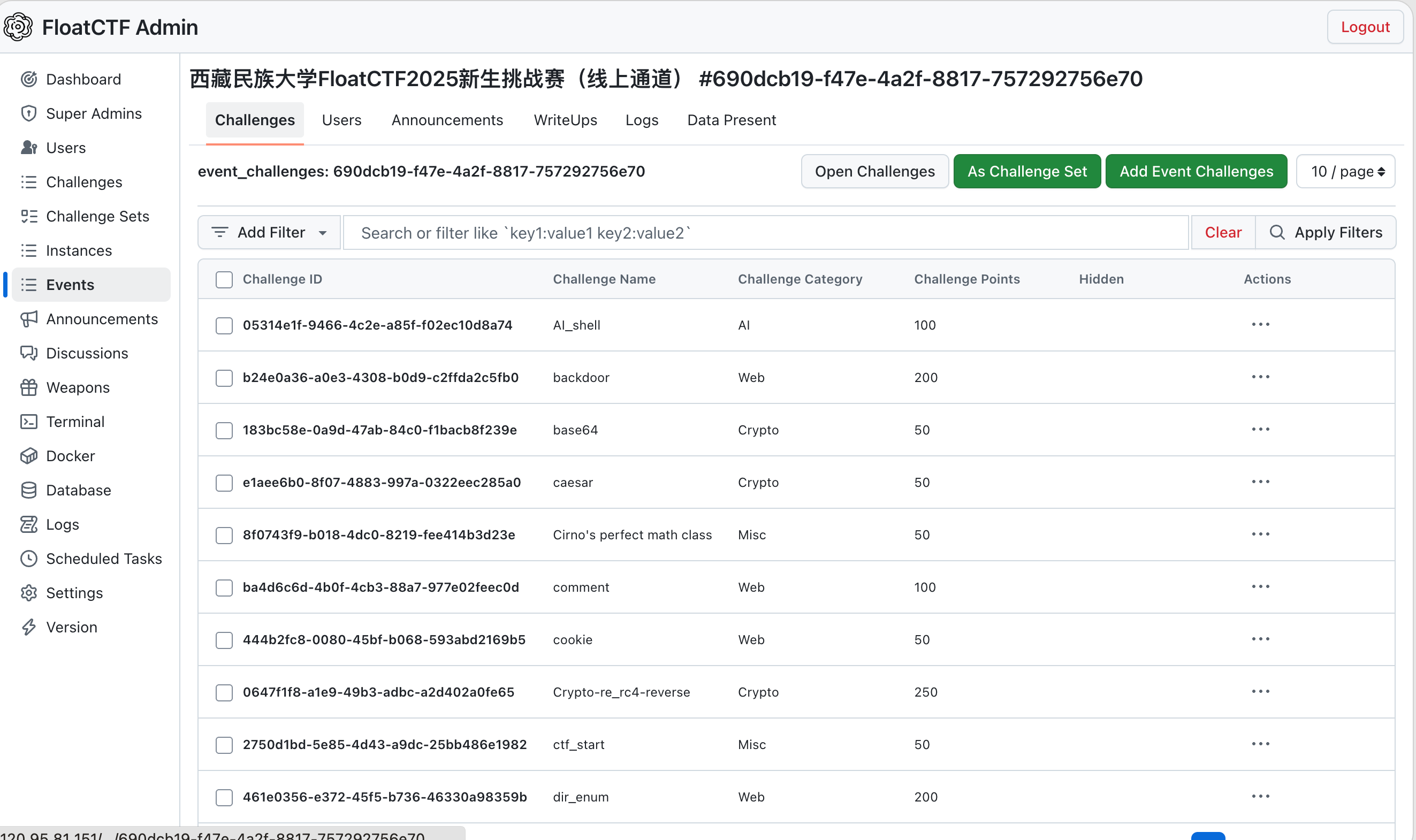 | 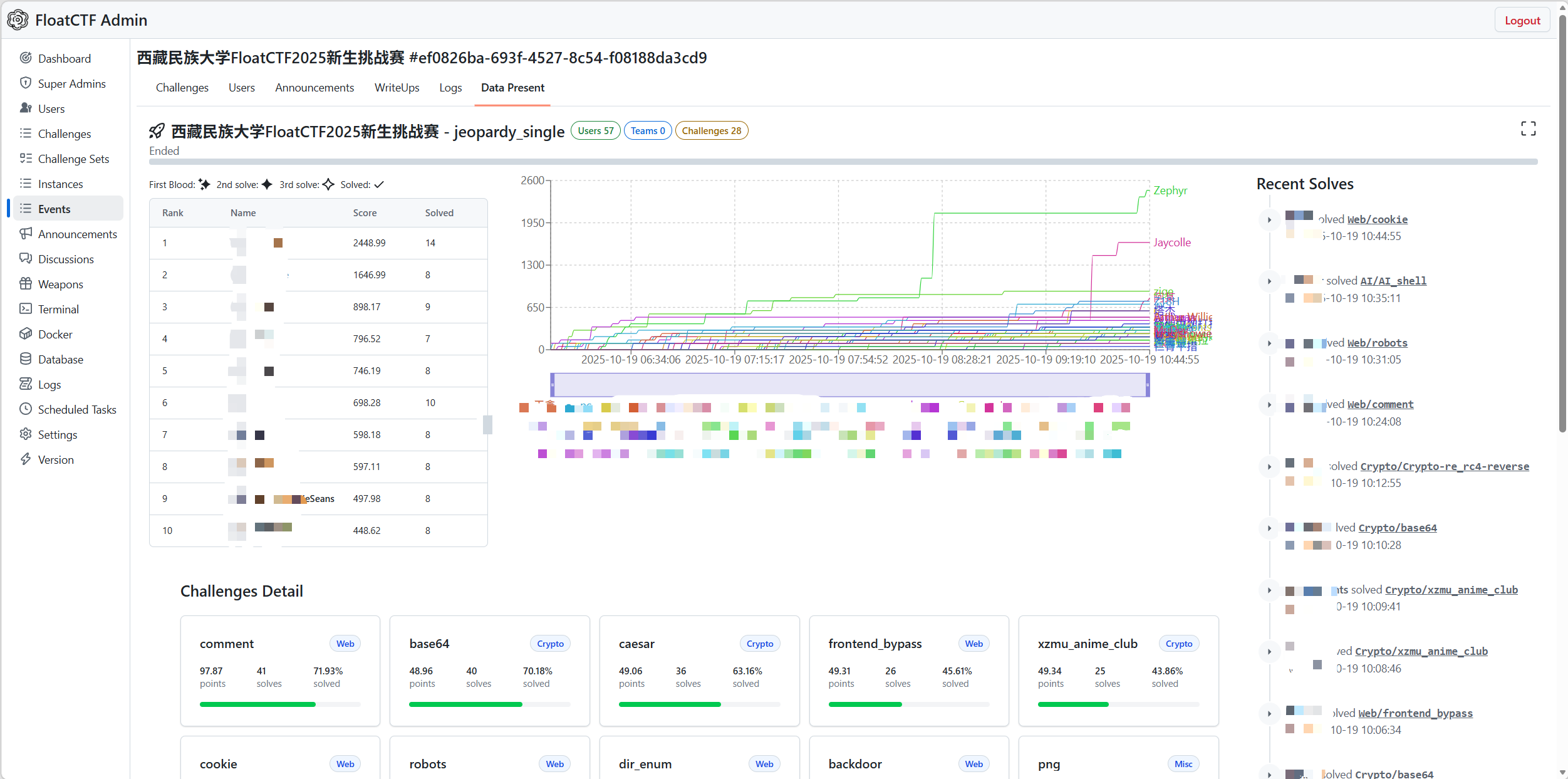 | ## 核心功能 ### 用户端 - **登录注册** — 学号注册、JWT 令牌鉴权、Argon2 密码加密、密码重置 - **首页 / 天梯排行榜** — 实时展示解题排名,长期积累激发自主学习动力 - **题单 / 做题** — 按 Web / Pwn / Crypto / Reverse / Misc 分类浏览,点击开启即自动创建独立 Docker 容器;支持教师发布"题单"组合专项训练 - **Discussion 讨论** — 在线论坛,支持同学间进行彼此学习交流 - **比赛 / 积分看板** — 支持 Jeopardy(解题赛)和 AWD(攻防对抗)两种赛制,提供实时积分看板、得分趋势图、一血标记、赛事公告 ### 管理端 - **赛事概览** — 可视化系统状态看板,实时展示服务器负载、内存/磁盘使用率、网络流量 - **赛事细节管理** — 题目增删改查、Docker 镜像配置、端口映射、附件上传、积分规则配置 - **日志** — 操作日志与审计记录查询 - **Docker** — 查看所有运行中的容器实例,支持强制销毁异常容器,释放服务器资源 - **Tasks** — 任务队列管理与调度 ## AWD 攻防对抗 AWD(Attack With Defense)是平台的核心特色功能。通过 Docker 自定义网桥与 WireGuard VPN 构建混合网络架构,为每个参赛队伍分配独立虚拟子网,实现环境隔离与流量可控。选手通过 WireGuard 客户端接入竞赛内网,攻击其他队伍靶机、防御己方靶机,还原真实内网攻防场景。 ## 技术栈 | 模块 | 技术选型 | 说明 | | -------- | -------------------------------------- | ------------------------------------ | | 后端语言 | Rust | 系统级高性能语言,编译期内存安全保障 | | Web 框架 | Actix Web | 异步高并发 Web 框架 | | ORM | SeaORM | 类型安全的异步 ORM | | 数据库 | PostgreSQL 17 | 关系型数据库 | | 对象存储 | RustFS | S3 兼容对象存储 | | 前端框架 | React + TanStack Query + Primer Design | 流畅交互体验 | | 容器技术 | Docker / Docker Compose | 题目环境隔离与部署 | | VPN | WireGuard | AWD 竞赛网络隔离 | | 身份认证 | JWT + Argon2 | 令牌鉴权 + 高强度密码哈希 | | 反向代理 | Nginx 1.26 | 静态文件服务与 API 代理 | ## 技术亮点 - **高性能** — Rust + Actix Web 异步架构,数百人同时提交 Flag 时 API 响应延迟可控制在 100ms 以内 - **安全可靠** — Rust 所有权机制从编译期杜绝内存安全隐患;JWT 权限校验、Argon2 密码加密、容器资源限制多层保障 - **环境隔离** — 每道题目独立 Docker 容器,秒级启动、自动超时回收;AWD 模式下 WireGuard 子网隔离 - **动态积分** — 基于平方根函数的积分衰减算法,分值随解题人数非线性下降,兼顾区分度与公平性 - **一键部署** — Docker Compose 编排全部服务,支持快速迁移与标准化部署 ## 目录结构 ``` floatctf/ ├── docker-compose.yml # 服务编排配置 ├── init.sh # 初始化脚本 ├── install.sh # 一键安装脚本 ├── .env # 环境变量配置 ├── README.md ├── LICENSE ├── .gitignore └── app/ ├── .env # 运行时环境变量 ├── bin/ # floatctf API 可执行文件 ├── html/ # 前端静态文件 ├── data/ # RustFS 数据卷 ├── keys/ # SSL 证书 ├── logs/ # 应用日志 │ ├── api/ │ ├── nginx/ │ └── rustfs/ ├── nginx/conf/ # Nginx 配置 ├── tmp/ # 临时文件 │ └── sql/ # 数据库架构 └── 1.py # S3 存储桶初始化脚本 ``` ## 服务说明 | 服务 | 镜像 | 端口 | 说明 | | ----------------- | ----------------- | ------------ | ------------------------------------------------------------------------------ | | `floatctf-db` | PostgreSQL 17 | 5432(内部) | 数据库,持久化卷 `pgdata` | | `floatctf-rustfs` | rustfs/rustfs | 9000(内部) | S3 兼容对象存储;`floatctf-public`(公共资源)、`floatctf-private`(Writeups) | | `floatctf-nginx` | Nginx 1.26 | 9980 / 9443 | 反向代理和静态文件服务 | | `floatctf-api` | Alpine + floatctf | — | 后端 API,连接 PostgreSQL 和 RustFS | ## 常用命令 ``` # 查看日志 docker compose --env-file ./.env --env-file ./app/.env logs -f # 查看指定服务日志 docker compose --env-file ./.env --env-file ./app/.env logs -f floatctf-api docker compose --env-file ./.env --env-file ./app/.env logs -f floatctf-nginx # 重启服务 docker compose --env-file ./.env --env-file ./app/.env restart # 停止服务 docker compose --env-file ./.env --env-file ./app/.env down # 重建并重启 docker compose --env-file ./.env --env-file ./app/.env up -d --force-recreate ``` ## 故障排查 | 问题 | 排查方向 | | ------------------ | ------------------------------------------------------------------------------------------- | | API 无法连接数据库 | 检查 `.env` 中 `DATABASE_URL` 配置;确认 PostgreSQL 运行中:`docker compose ps floatctf-db` | | RustFS 连接问题 | 检查 `RUSTFS_ADDRESS` 是否与容器主机名匹配;验证 `RUSTFS_ENDPOINT_URL` | | SSL 证书错误 | 默认为自签名证书;将 `app/keys/fullchain.pem` 和 `app/keys/privkey.pem` 替换为正式证书 | ## 许可证 本项目以 [GNU AGPLv3](LICENSE) 协议发布。Copyright (C) 2025-2026 fb0sh@outlook.com标签:Actix Web, AWD, AWD攻防, CTF平台, DNS解析, meg, OPA, React, Rust, SeaORM, Syscalls, Tailwind CSS, TanStack Query, TanStack Router, 信息安全, 可视化界面, 安全教育, 实训平台, 开源项目, 测试用例, 漏洞修复, 竞赛平台, 网络安全, 网络安全培训, 网络流量审计, 请求拦截, 隐私保护, 靶场