lsnnt/chotadhobi-cli
GitHub: lsnnt/chotadhobi-cli
逆向工程 VIT 校园洗衣服务 ChotaDhobi 后端 API 的命令行客户端,支持在终端中完成登录、下单、取衣和历史查询等操作。
Stars: 1 | Forks: 0
# ChotaDhobi CLI
一个用于通过 ChotaDhobi API 管理洗衣服务的命令行界面。
## 演示
[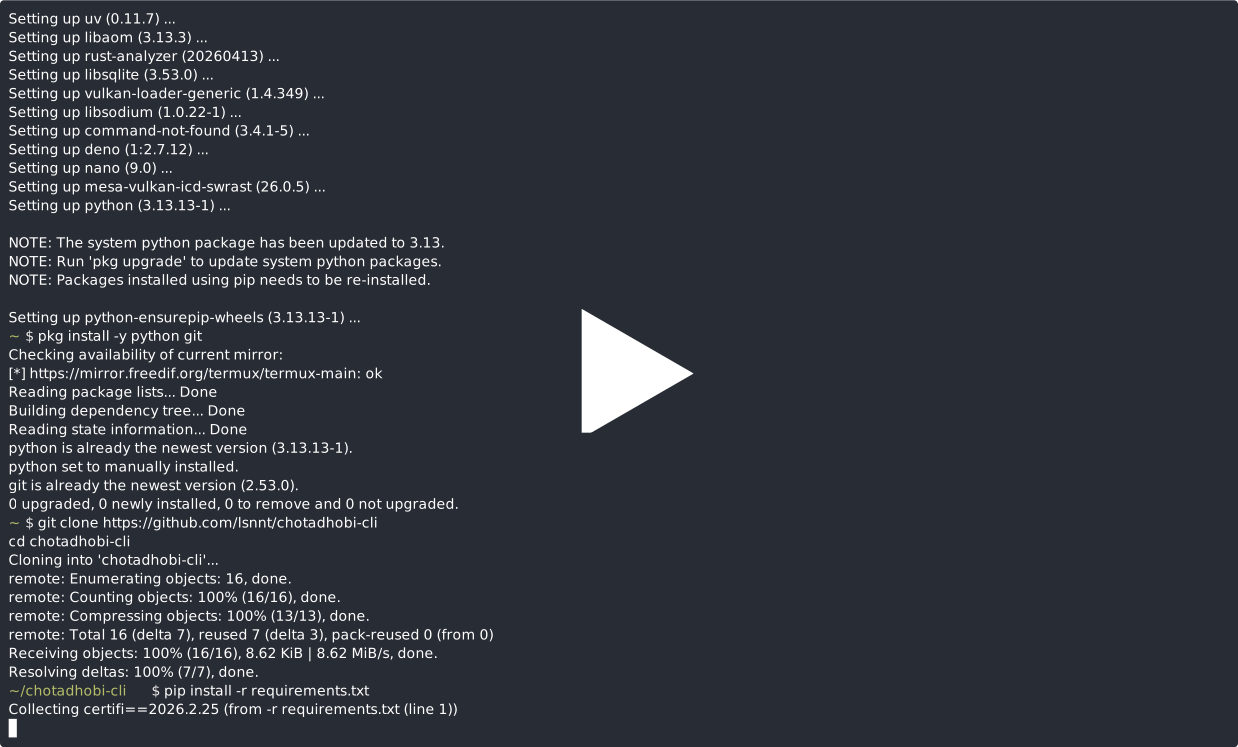](https://asciinema.org/a/GSDcyQLdhCUewST8)
## 安装说明
### 桌面端 (Linux / macOS / Windows)
1. 克隆仓库:
git clone https://github.com/lsnnt/chotadhobi-cli
cd chotadhobi-cli
2. 创建虚拟环境(可选但推荐):
python3 -m venv venv
source venv/bin/activate # macOS / Linux
# venv\Scripts\activate # Windows
3. 安装依赖:
pip install -r requirements.txt
### 移动端 (Android 上的 Termux)
对于全新安装的 Termux,请按顺序运行以下命令:
```
# 1. 更新 package lists 并升级现有的 packages
pkg update && pkg upgrade -y
# 2. 安装所需的 system packages
pkg install -y python git
# 3. Clone 该 repository
git clone https://github.com/lsnnt/chotadhobi-cli
cd chotadhobi-cli
# 4. 安装 Python dependencies
pip install -r requirements.txt
```
## 用法
```
python3 main.py
```
## 功能
- **登录** — 使用您的 VIT 邮箱和 OTP 进行身份验证
- **送洗衣物** — 请求洗衣并指定衣物数量
- **收取衣物** — 查看最近的洗衣记录并显示用于提取的 QR code
- **查看历史记录** — 浏览您完整的洗衣记录,并显示任何记录的 QR code
- **用户详情** — 显示您的账户信息
- **凭证存储** — 通过本地 `.env` 文件安全地存储并复用登录凭证
## 工作原理
1. 首次运行时,系统会提示您使用 VIT 邮箱登录。
2. OTP 将发送到您的邮箱中——输入该 OTP 以完成身份验证。
3. 您的凭证(token 和邮箱)将保存在本地的 `.env` 文件中。
4. 在后续运行中,您可以复用已保存的凭证或重新登录。
5. 使用菜单执行送洗或收取衣物等操作。
## 用于提取的 QR code
在送洗或收取衣物时,终端中会显示一个包含 `wash_id` 的 QR code。向洗衣工作人员出示此 QR code 进行核验。
## 安全
- `.env` 文件已被 git-ignored,绝不会提交到版本控制中。
- 您的 token 和邮箱仅在本地存储。
- 所有请求均通过 HTTPS 进行。
## 负责任的 AI 声明
`main.py` 是在 AI 辅助下基于[逆向工程 API 文档](REVERSE_ENGINEERED_API_DOCS.md)生成的。API 文档本身由作者独立研究并撰写。
## 致谢
Claude 用于编写 python scripts cli
由 [@lsnnt](https://github.com/lsnnt) 逆向工程
标签:Python, 云资产清单, 文档结构分析, 无后门, 校园生活, 洗衣服务, 逆向工具, 逆向工程