lapce/lapce
GitHub: lapce/lapce
用 Rust 编写的闪电般快速的现代化代码编辑器,支持 LSP、Vim 模式、远程开发和插件扩展。
Stars: 38665 | Forks: 1305

Lapce
闪电般快速且强大的代码编辑器



Lapce (IPA: /læps/) 使用纯 Rust 编写,UI 采用 [Floem](https://github.com/lapce/floem)。它采用了来自 [Xi-Editor](https://github.com/xi-editor/xi-editor) 的 [Rope Science](https://xi-editor.io/docs/rope_science_00.html) 技术进行设计,实现了闪电般的计算速度,并利用 [wgpu](https://github.com/gfx-rs/wgpu) 进行渲染。有关 Lapce 功能的更多信息可以在[主网站](https://lapce.dev)上找到,用户文档可以在 [GitBook](https://docs.lapce.dev/) 上找到。 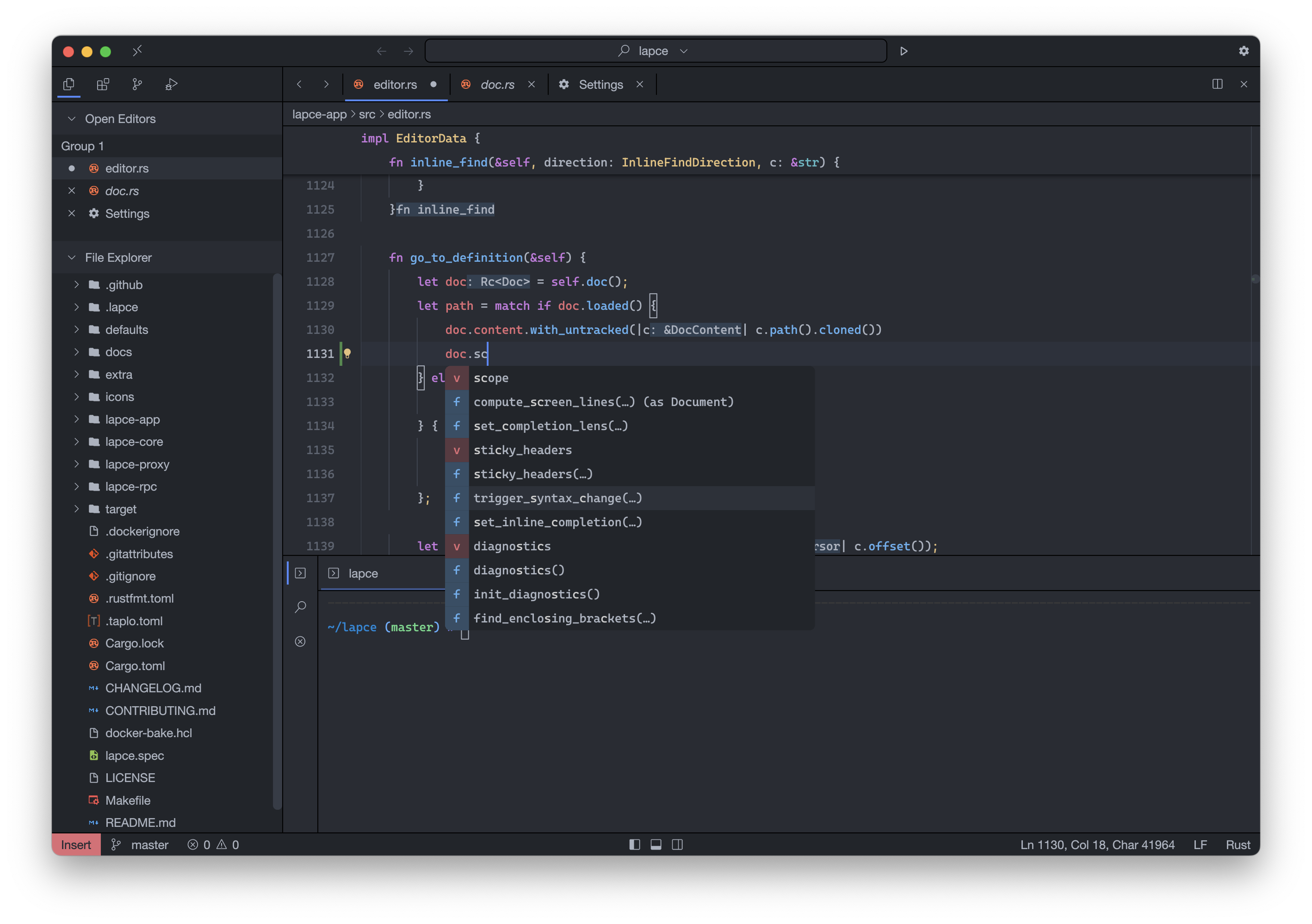 ## 功能特性 * 内置 LSP ([Language Server Protocol](https://microsoft.github.io/language-server-protocol/)) 支持,为您提供智能代码功能,例如:补全、诊断和代码操作 * 将模态编辑作为一等公民支持(类似 Vim,且可切换) * 受 [VSCode Remote Development](https://code.visualstudio.com/docs/remote/remote-overview) 启发的内置远程开发支持。享受“本地”体验的优势,并无缝获得远程系统的完整能力。我们还有 [Lapdev](https://lap.dev/) 可以帮助管理您的远程开发环境。 * 插件可以使用可编译为 [WASI](https://wasi.dev/) 格式的编程语言(C, Rust, [AssemblyScript](https://www.assemblyscript.org/))编写 * 内置终端,因此您可以在工作区中执行命令,而无需离开 Lapce。 ## 安装说明 您可以在[这里](https://github.com/lapce/lapce/releases)找到 Windows、Linux 和 macOS 的预构建版本,或者[通过包管理器安装](docs/installing-with-package-manager.md)。 如果您想从源代码编译,可以找到[指南](docs/building-from-source.md)。 ## 反馈与联系 Lapce 开发者和用户最聚集的地方是 [Discord server](https://discord.gg/n8tGJ6Rn6D)。 或者,加入 [Reddit](https://www.reddit.com/r/lapce/) 上的讨论,我们才刚刚开始。 还有一个 [Matrix Space](https://matrix.to/#/#lapce-editor:matrix.org),其中关联了来自 Discord server 的内容。 ## 许可证 Lapce 根据 Apache License Version 2 发布,这是一个开源许可证。您可以为此项目做出贡献,或在遵守其条件的情况下随意使用代码。您可以在此处找到许可证文本的副本:[`LICENSE`](LICENSE)。
标签:Floem, GPU渲染, HTTP 参数枚举, IDE, Lapce, LSP, Modal Editing, Rope Science, Rust, SOC Prime, Vim模式, wgpu, 代码编辑器, 代码补全, 信息收集, 可视化界面, 威胁情报, 开发工具, 开发者工具, 文本处理, 编辑器, 网络流量审计, 远程开发, 通知系统