ZerosAndOnesLLC/AiFw
GitHub: ZerosAndOnesLLC/AiFw
AiFw 是一款用 Rust 编写的 FreeBSD 高性能防火墙,基于 pf 构建并提供 Web UI、VPN、IDS/IPS 及实验性 AI 威胁检测等全面网络管理能力。
Stars: 5 | Forks: 0
# AiFw
基于 pf 构建、使用 Rust 编写的高性能 FreeBSD 防火墙。包含可选的 AI/ML 威胁检测功能。所有功能均免费且开源。
[](LICENSE)
[](https://www.freebsd.org/)
[](https://www.rust-lang.org/)
## 截图
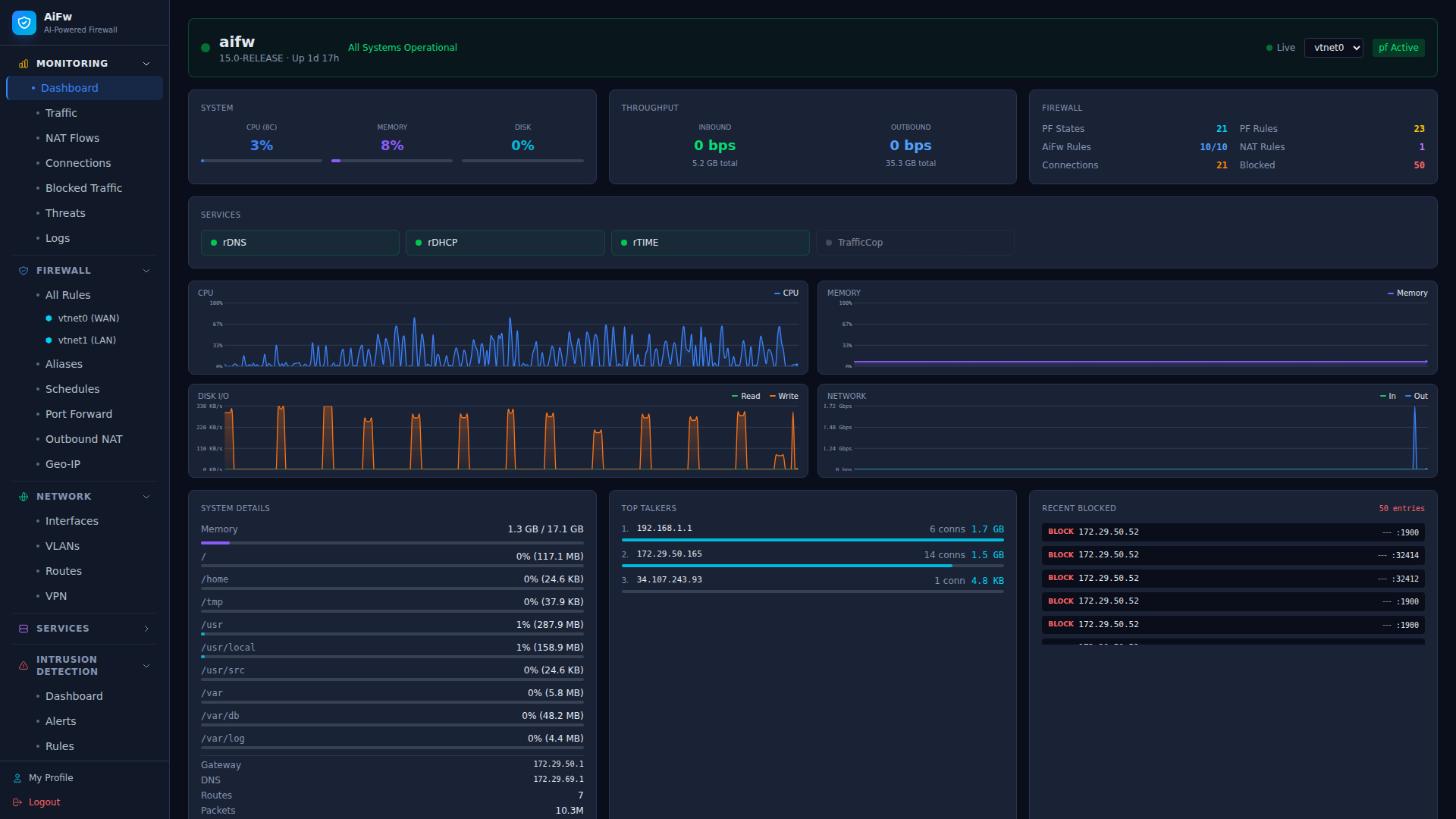 |
| 2 | 流量分析 |
|
| 2 | 流量分析 | 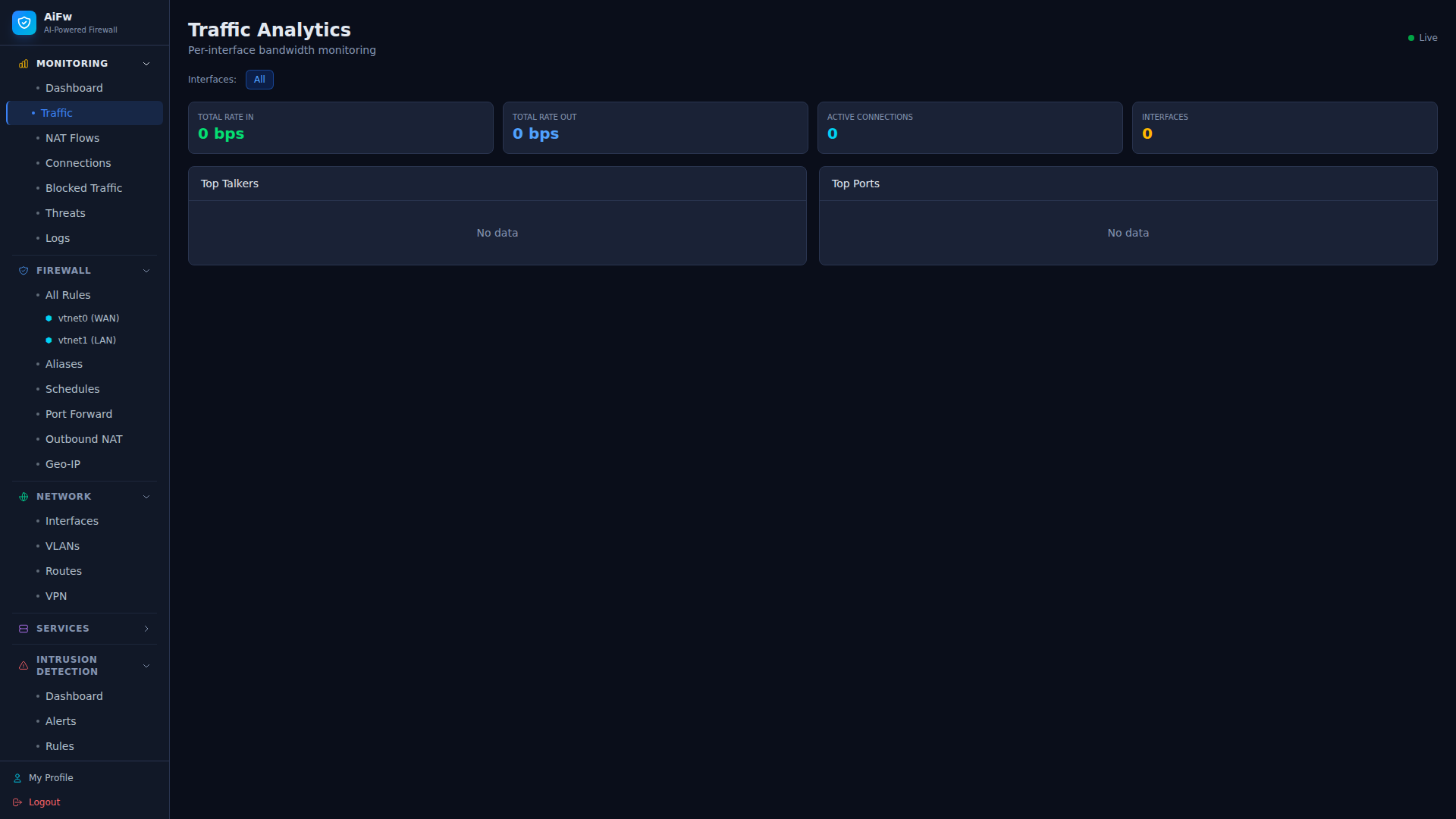 |
| 3 | 防火墙规则 |
|
| 3 | 防火墙规则 | 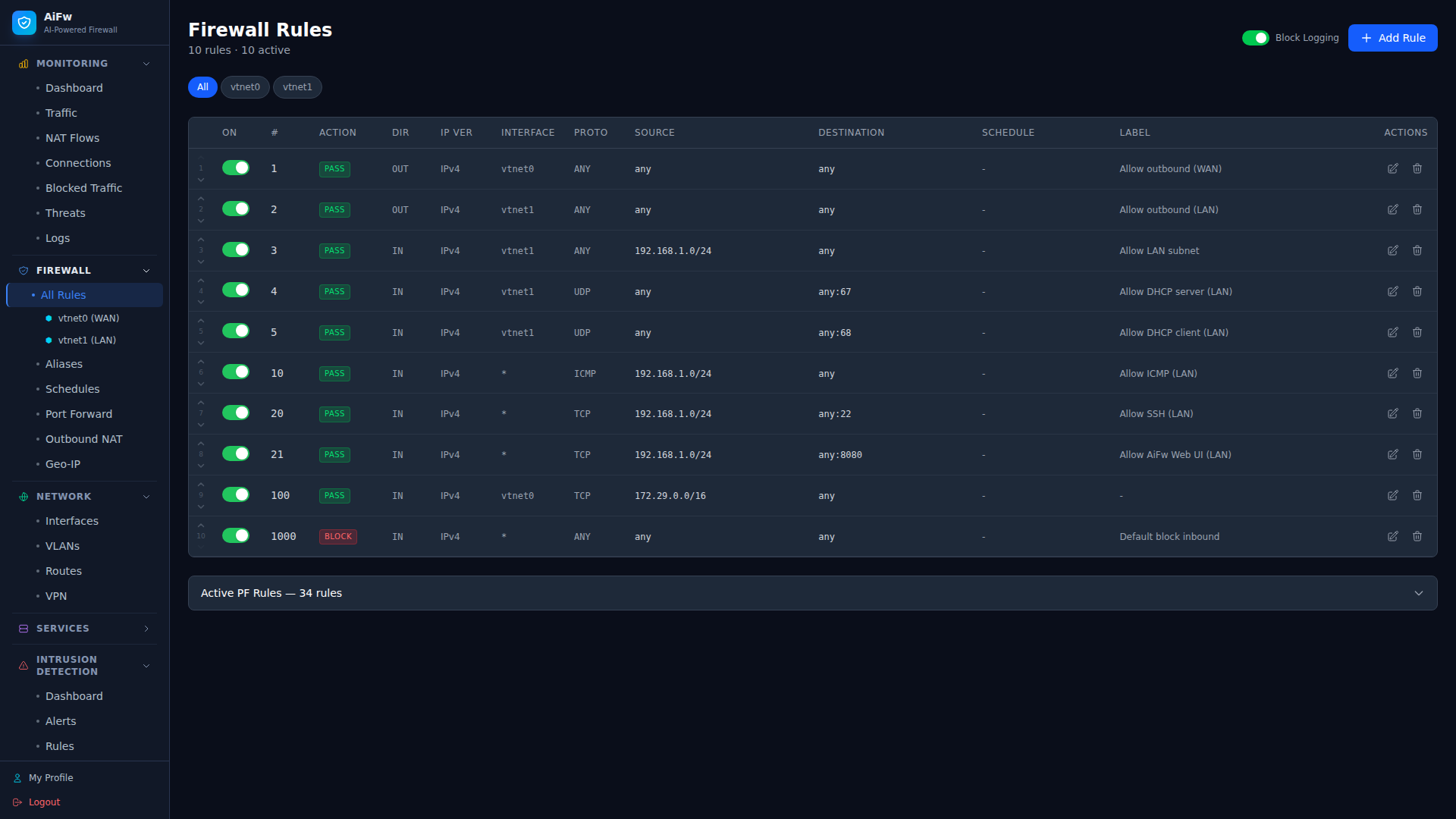 |
| 4 | NAT / 端口转发 |
|
| 4 | NAT / 端口转发 | 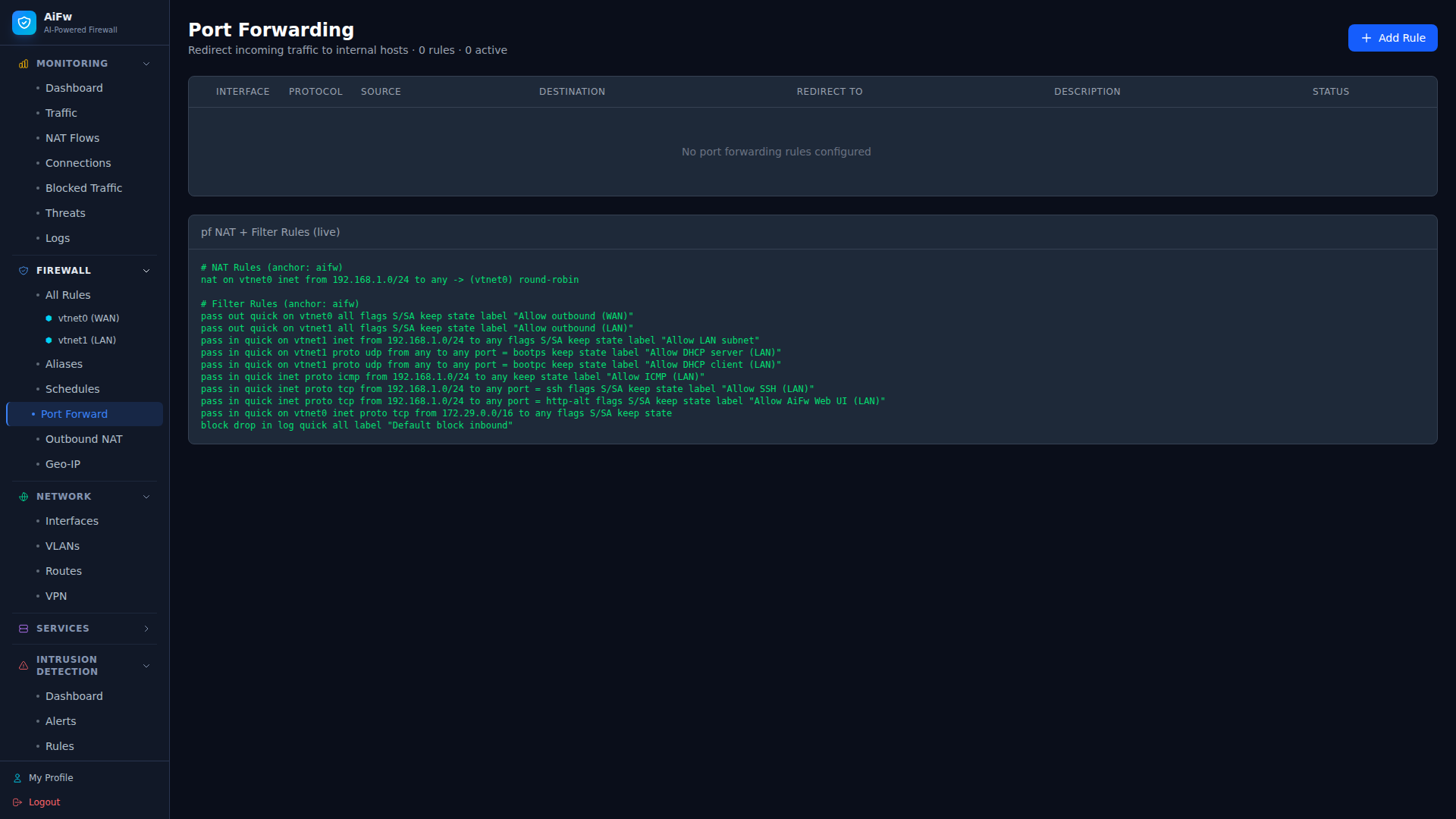 |
| 5 | 拦截流量 |
|
| 5 | 拦截流量 | 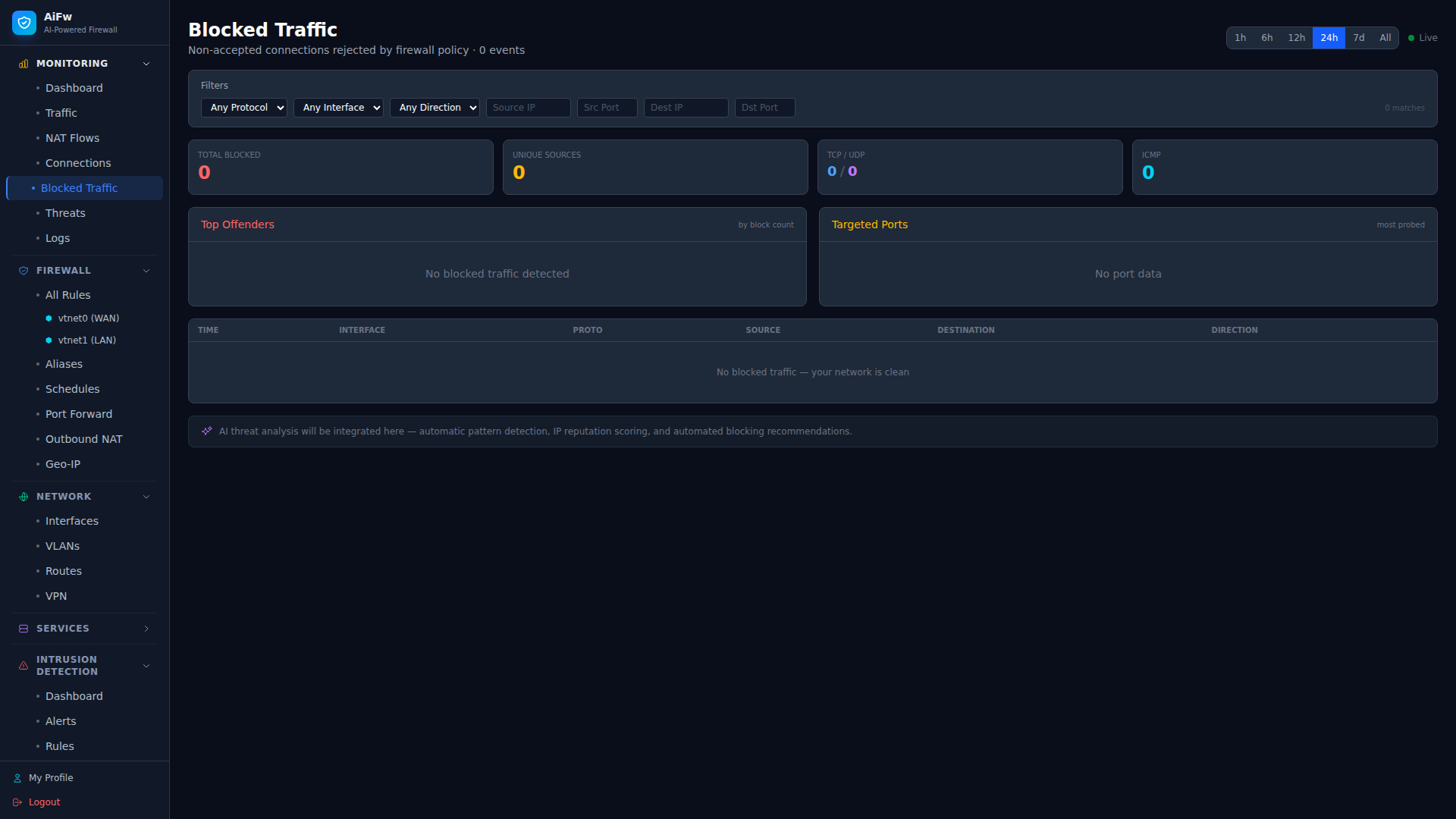 |
| 6 | 实时连接 |
|
| 6 | 实时连接 | 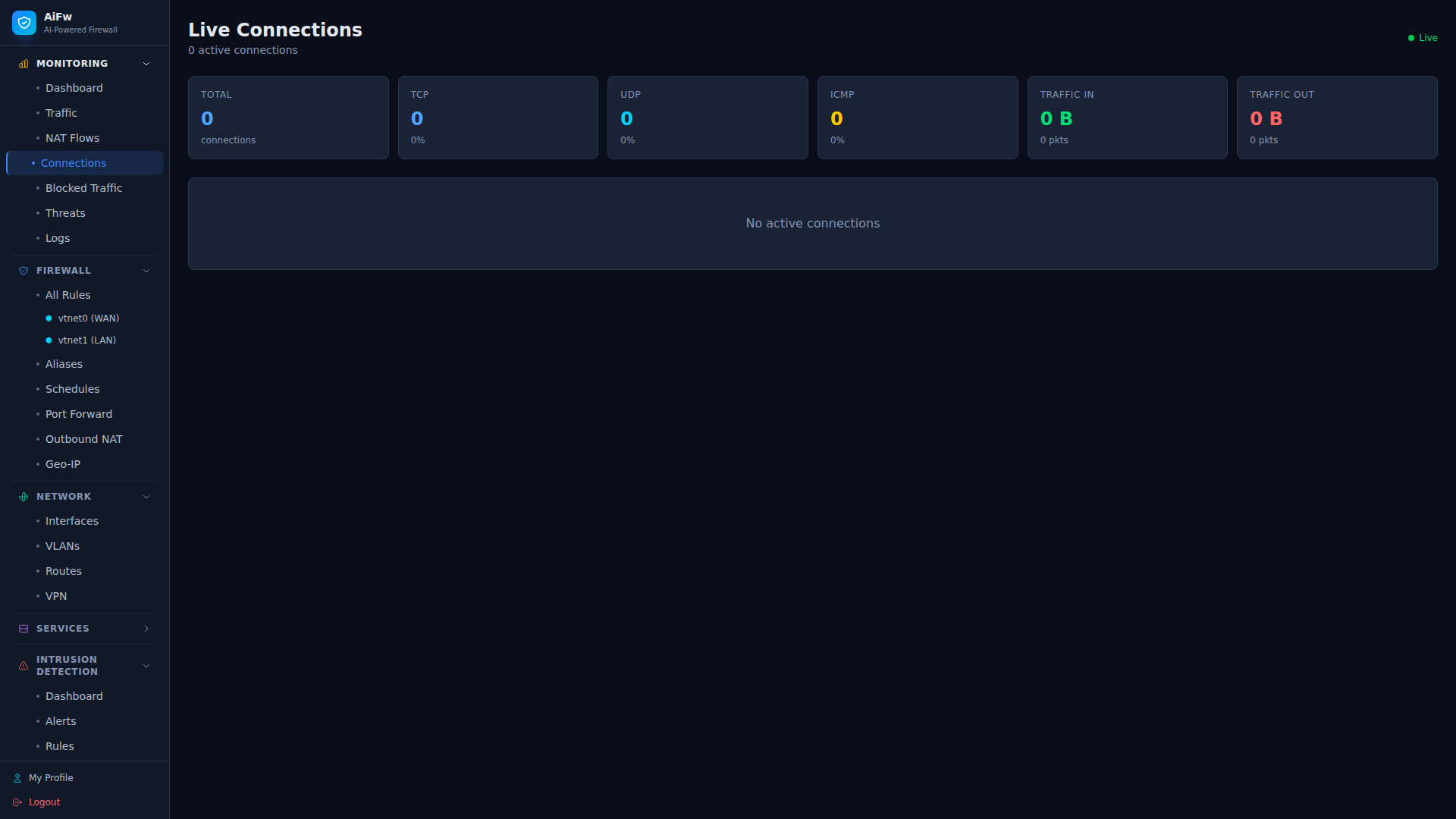 |
| 7 | IDS Dashboard |
|
| 7 | IDS Dashboard | 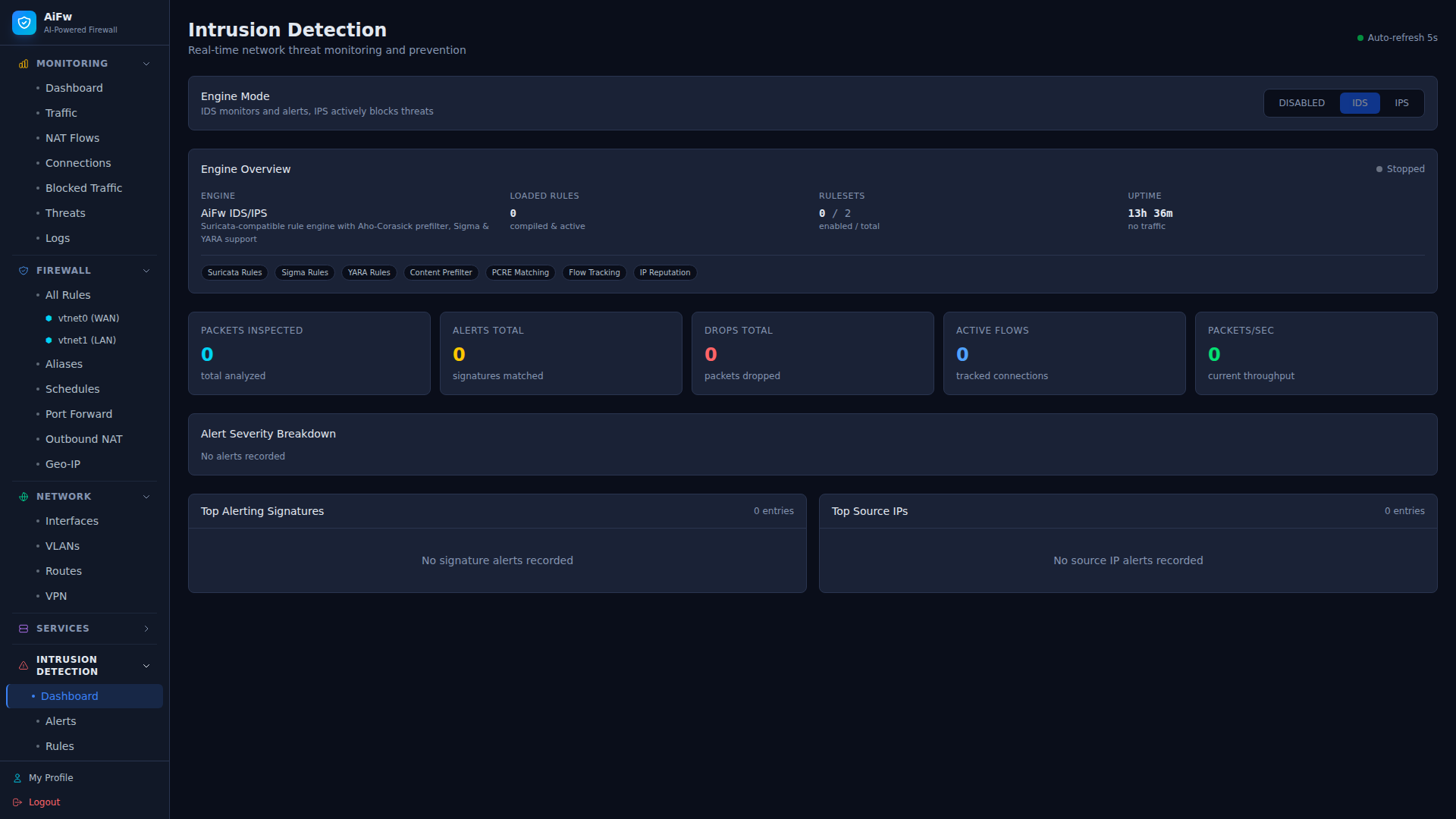 |
| 8 | IDS 规则集 |
|
| 8 | IDS 规则集 | 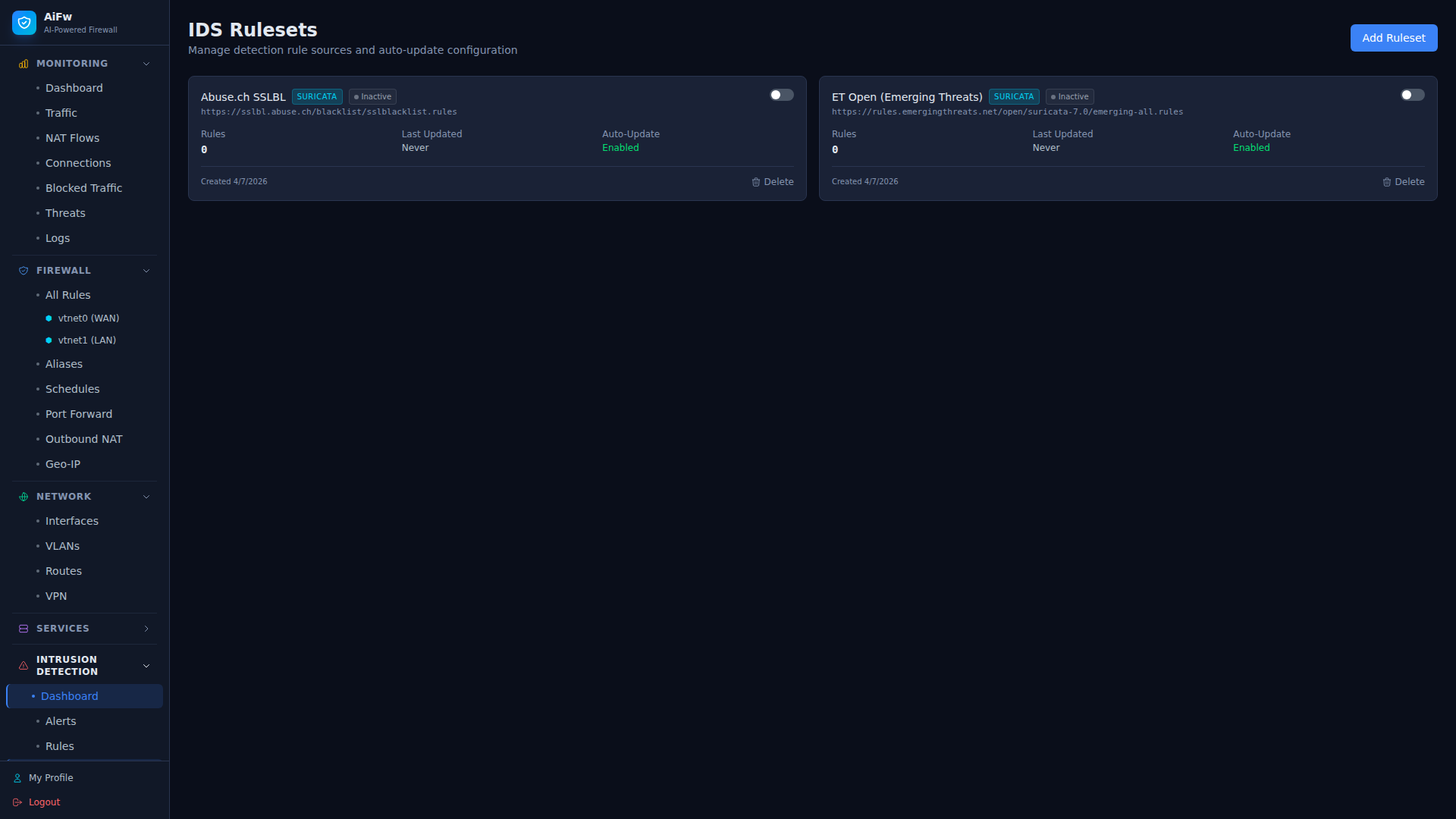 |
| 9 | DNS 解析器 |
|
| 9 | DNS 解析器 | 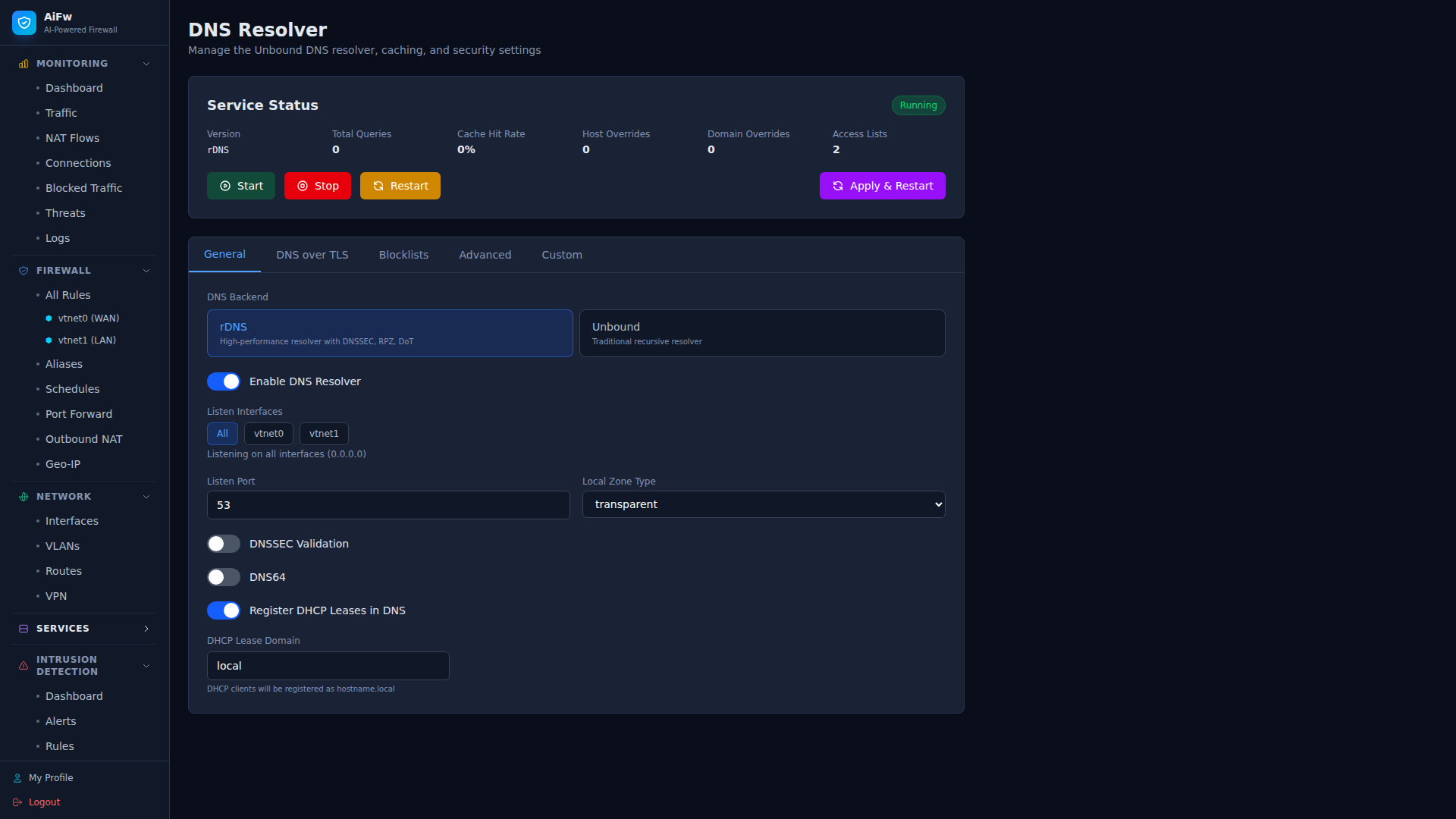 |
| 10 | DHCP 服务器 |
|
| 10 | DHCP 服务器 | 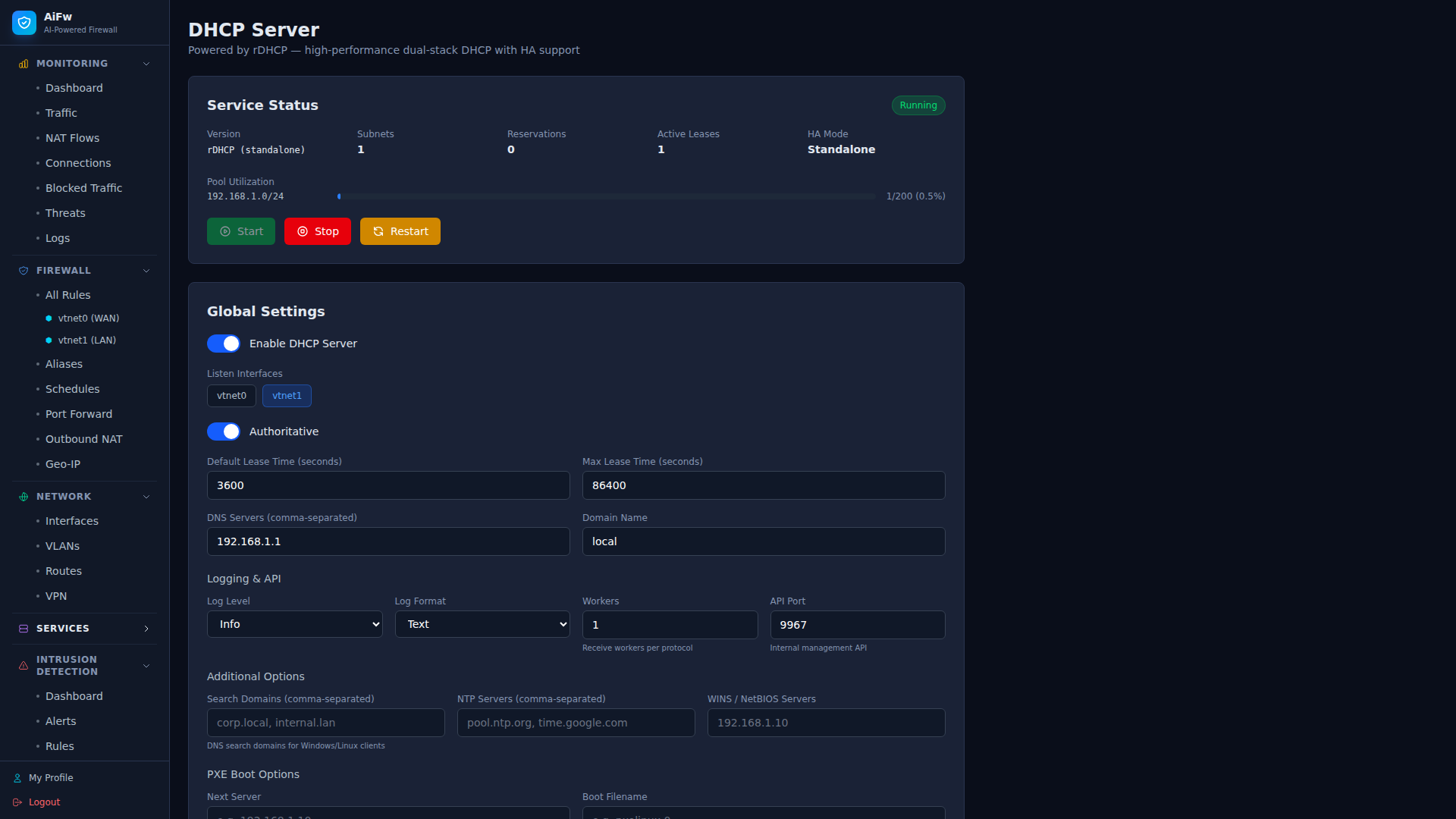 |
| 11 | DHCP 子网 |
|
| 11 | DHCP 子网 | 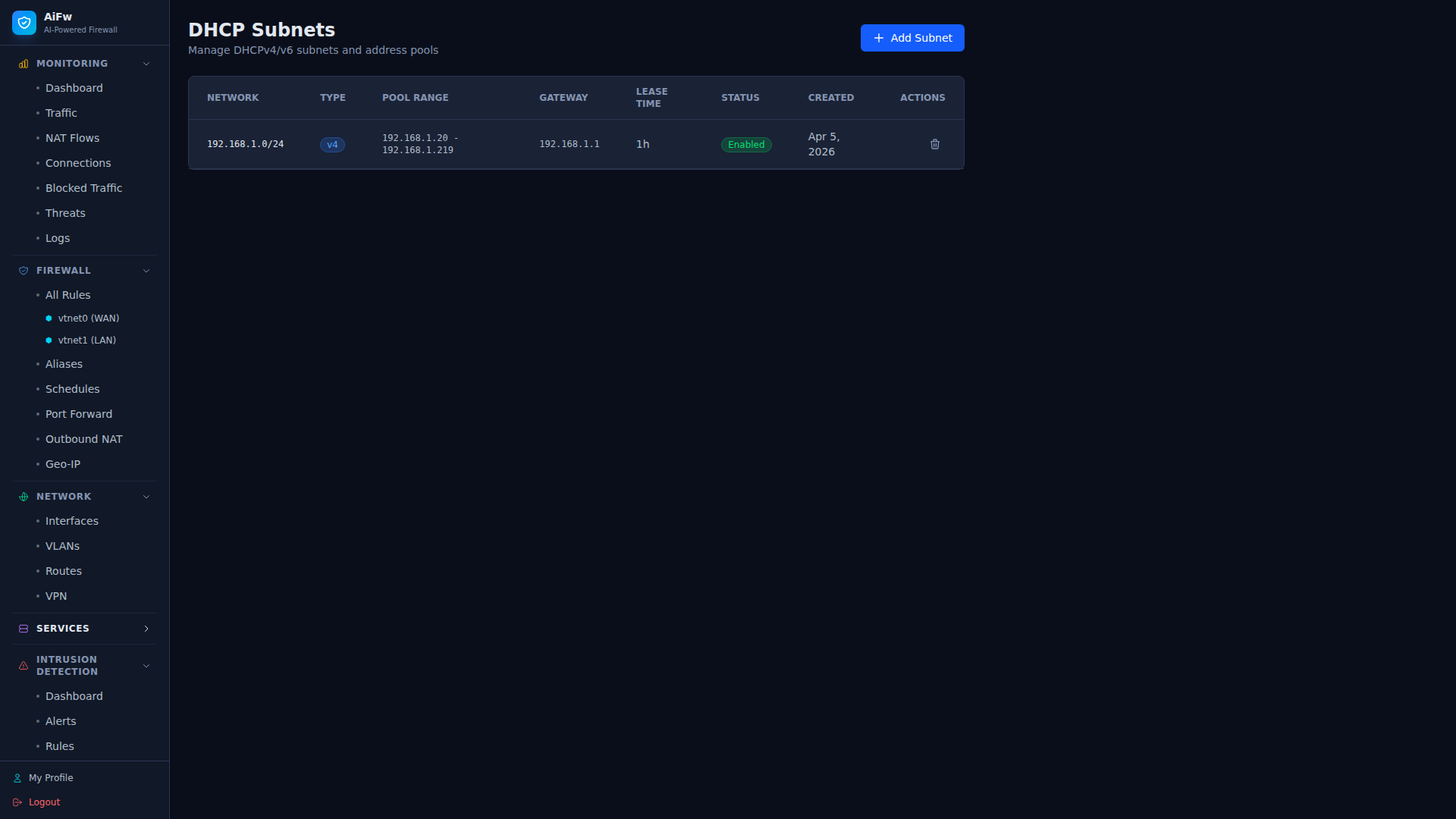 |
| 12 | 网络接口 |
|
| 12 | 网络接口 | 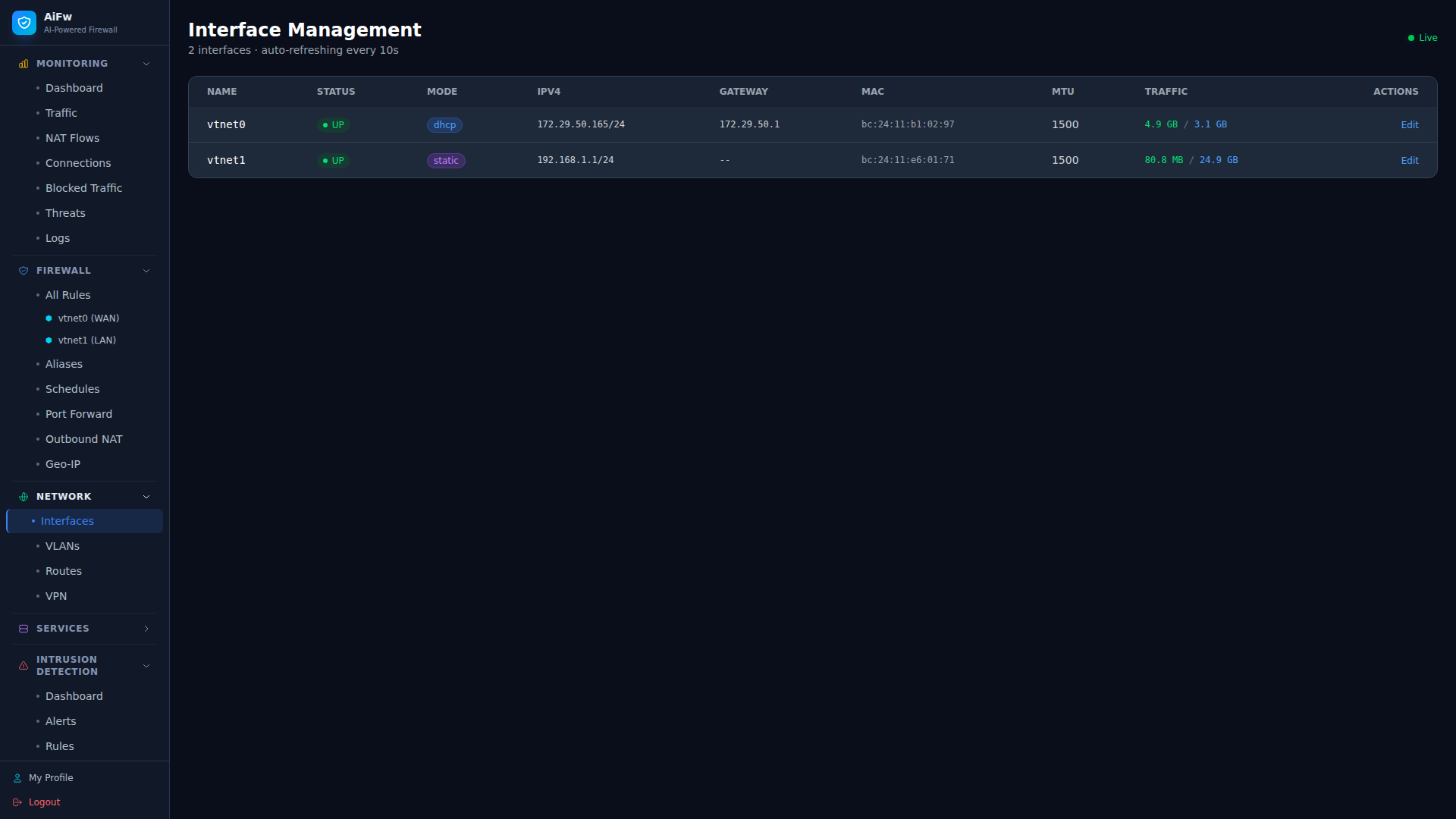 |
| 13 | VPN (WireGuard/IPsec) |
|
| 13 | VPN (WireGuard/IPsec) | 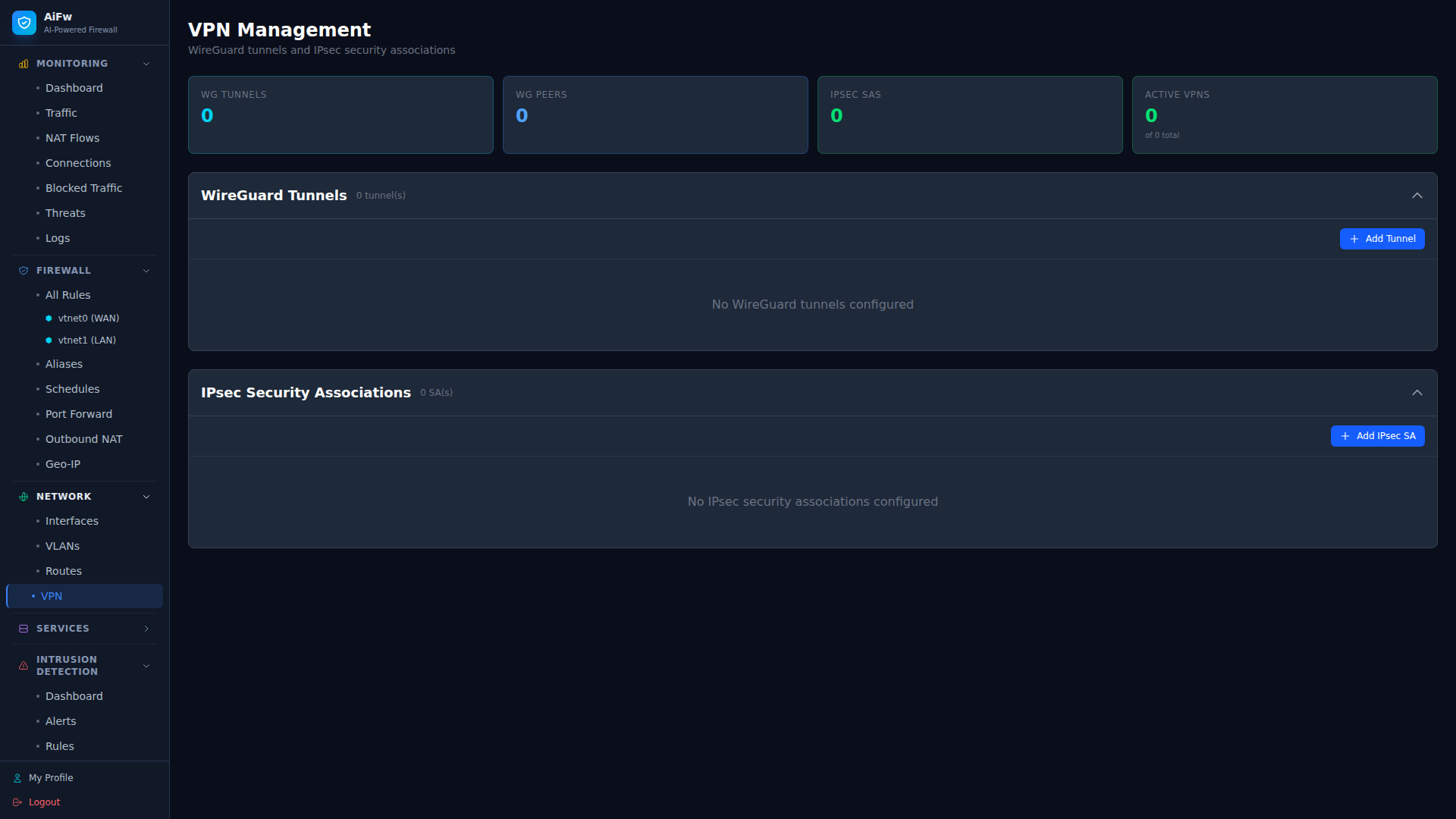 |
| 14 | Geo-IP 过滤 |
|
| 14 | Geo-IP 过滤 | 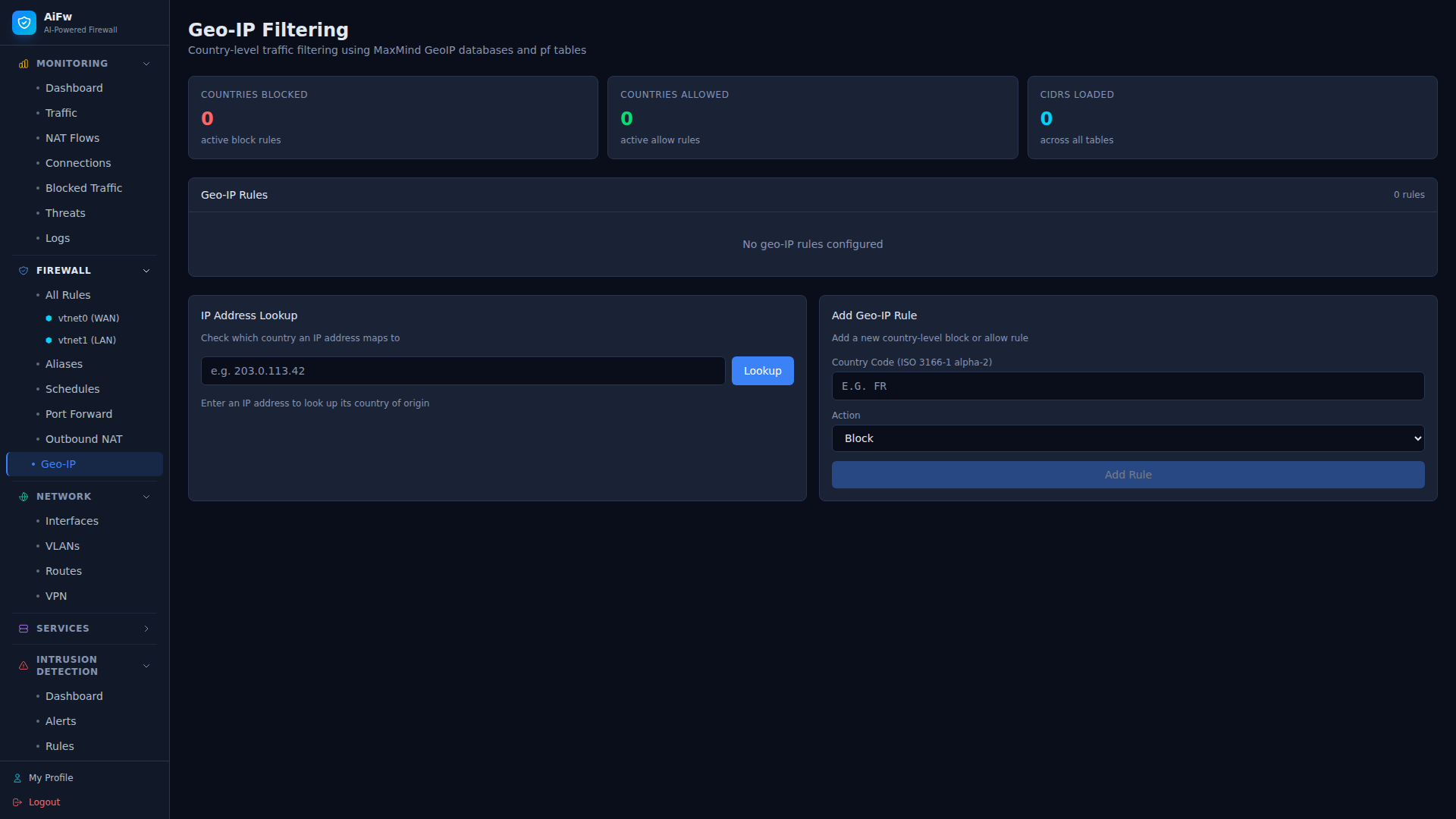 |
| 15 | 反向代理 |
|
| 15 | 反向代理 | 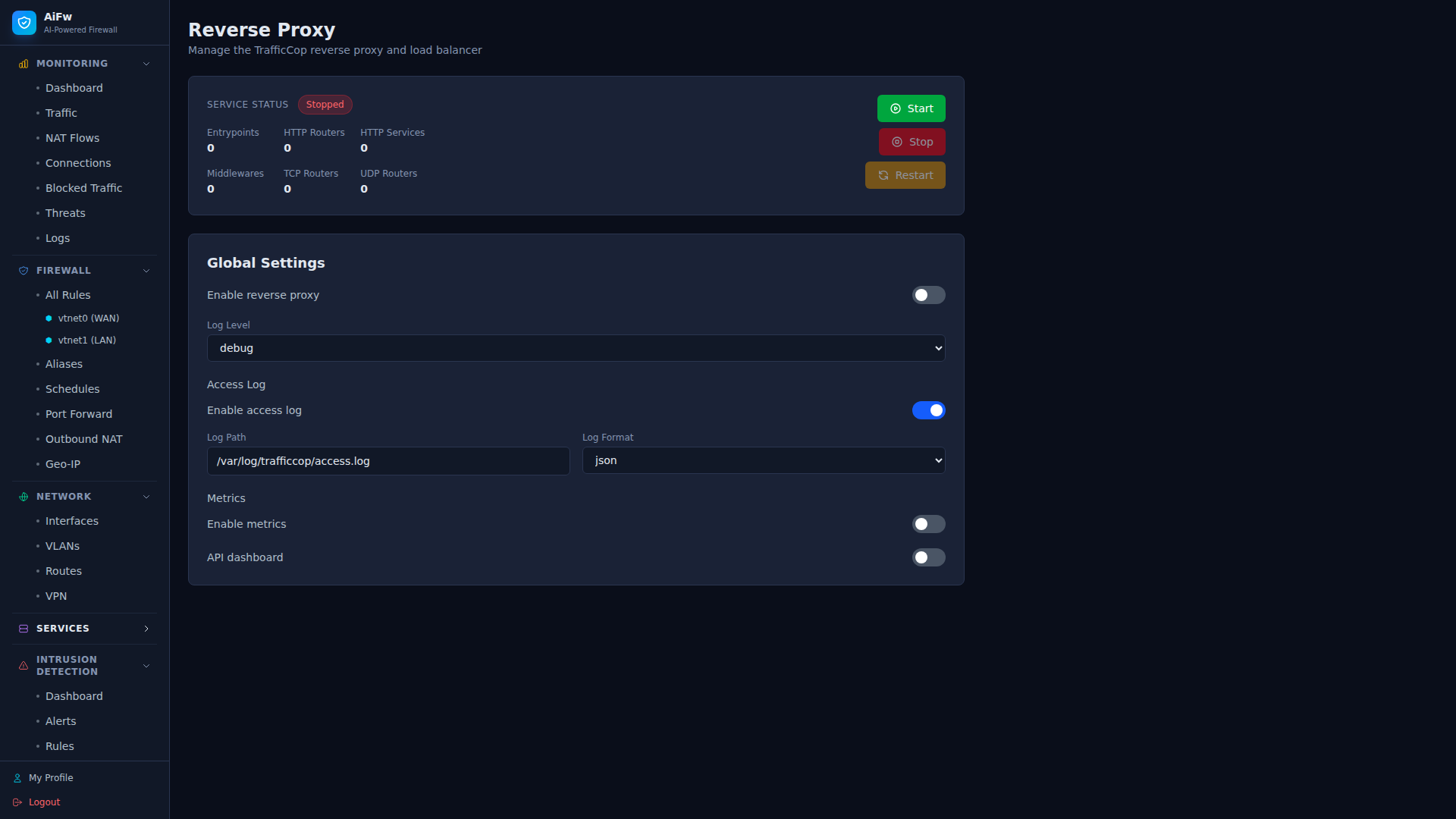 |
| 16 | 时间服务 (NTP) |
|
| 16 | 时间服务 (NTP) | 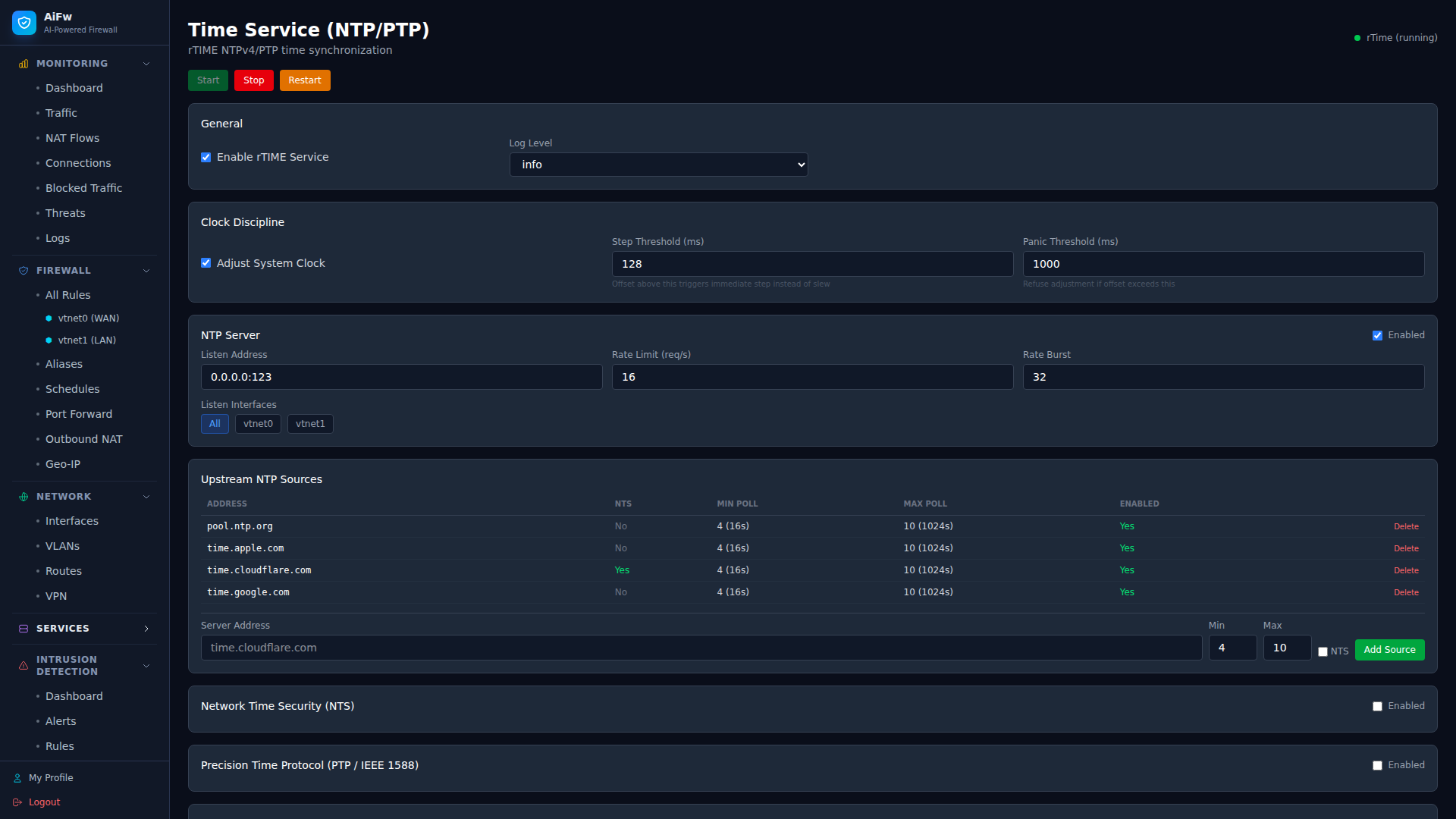 |
| 17 | 用户管理 |
|
| 17 | 用户管理 | 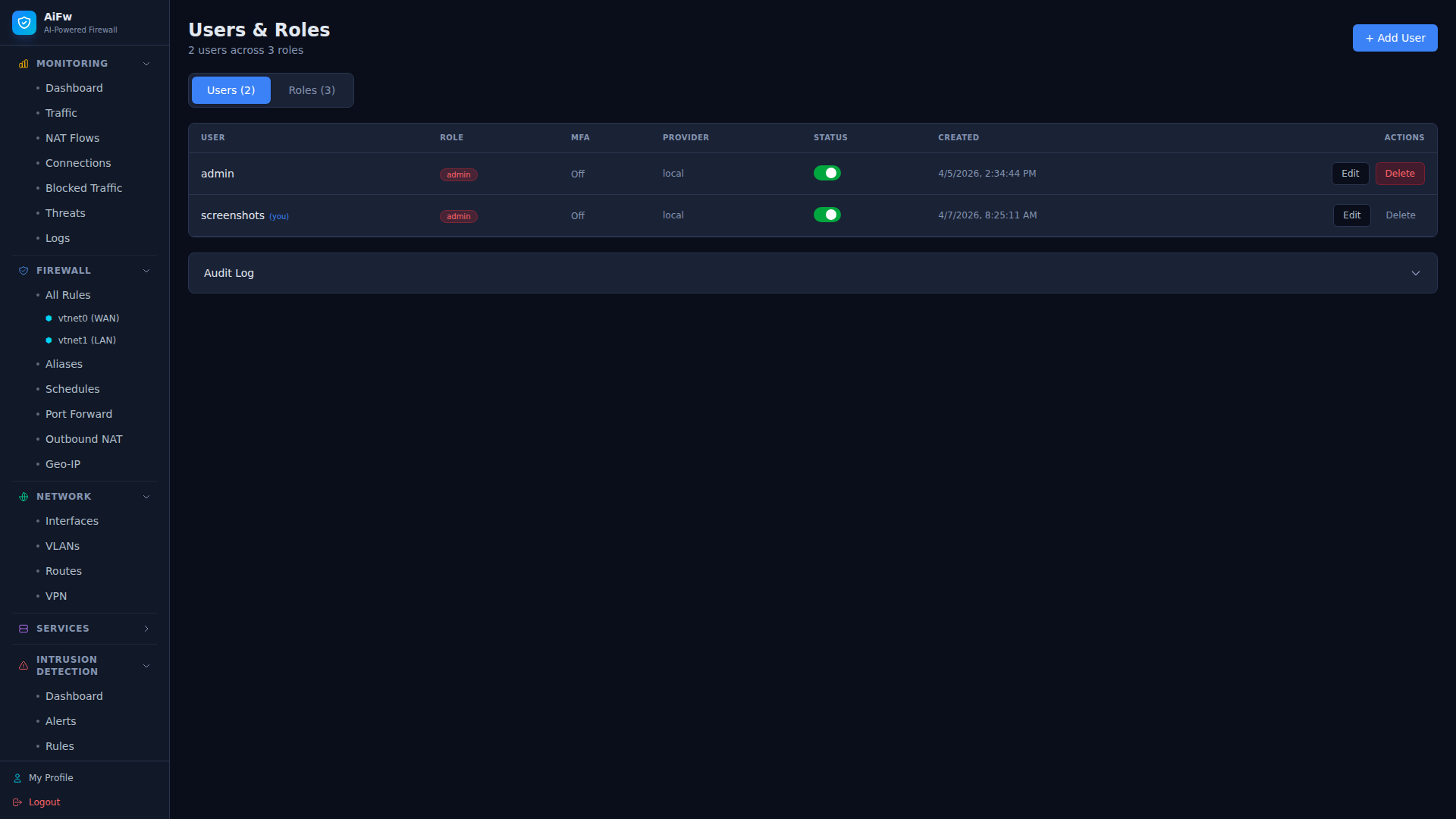 |
| 18 | 角色与权限 |
|
| 18 | 角色与权限 | 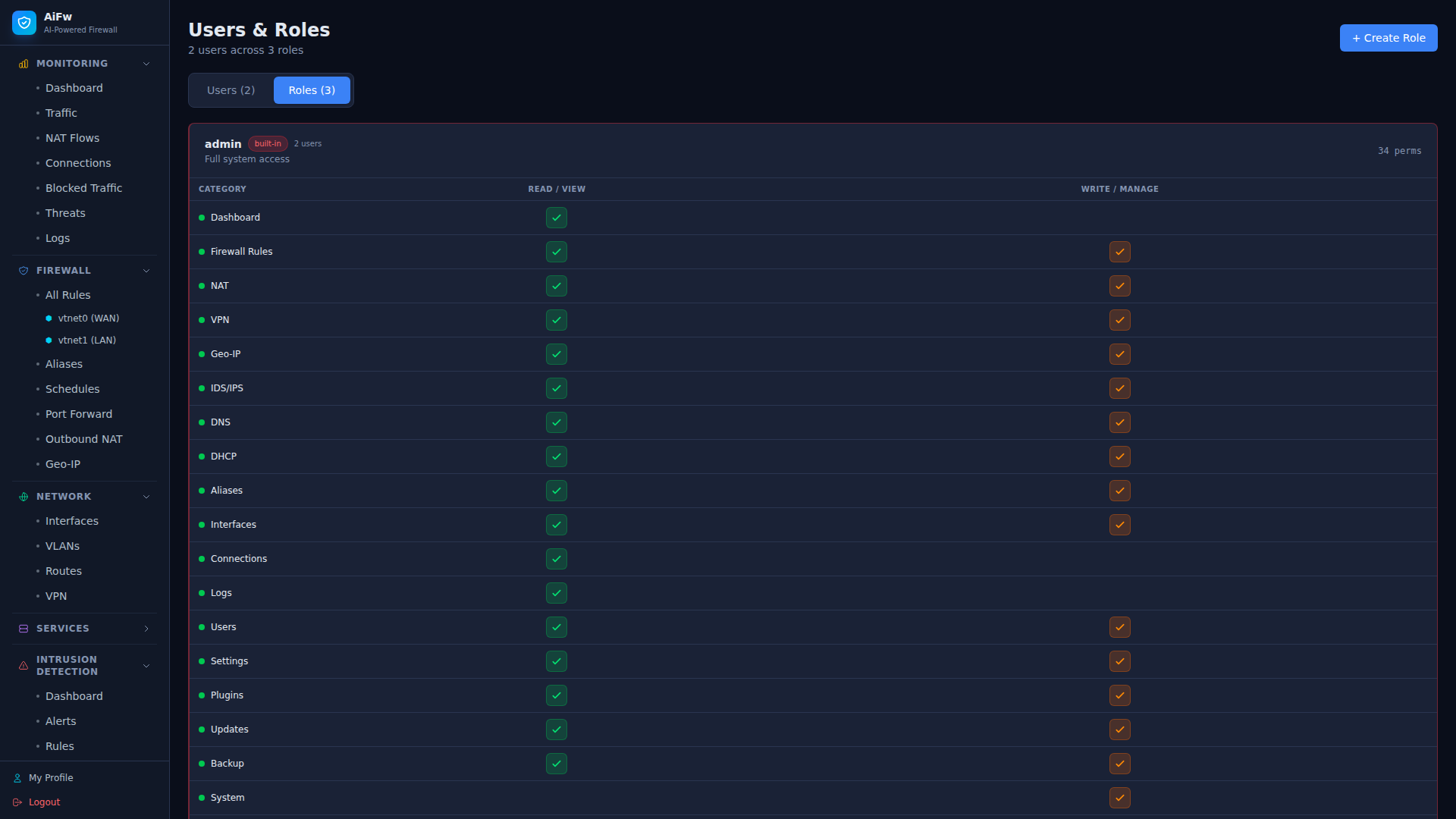 |
| 19 | 设置 |
|
| 19 | 设置 | 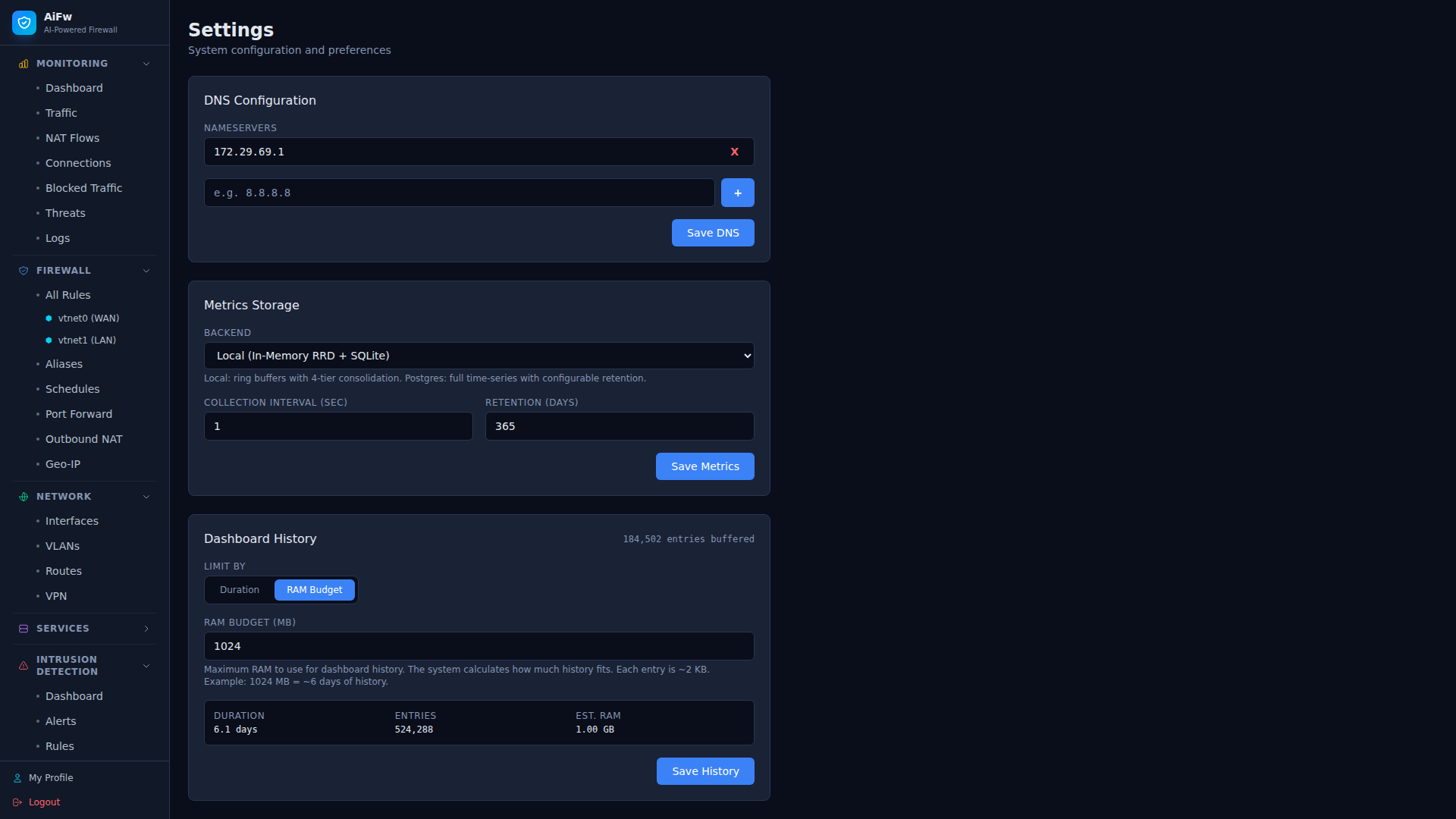 |
| 20 | 系统更新 |
|
| 20 | 系统更新 | 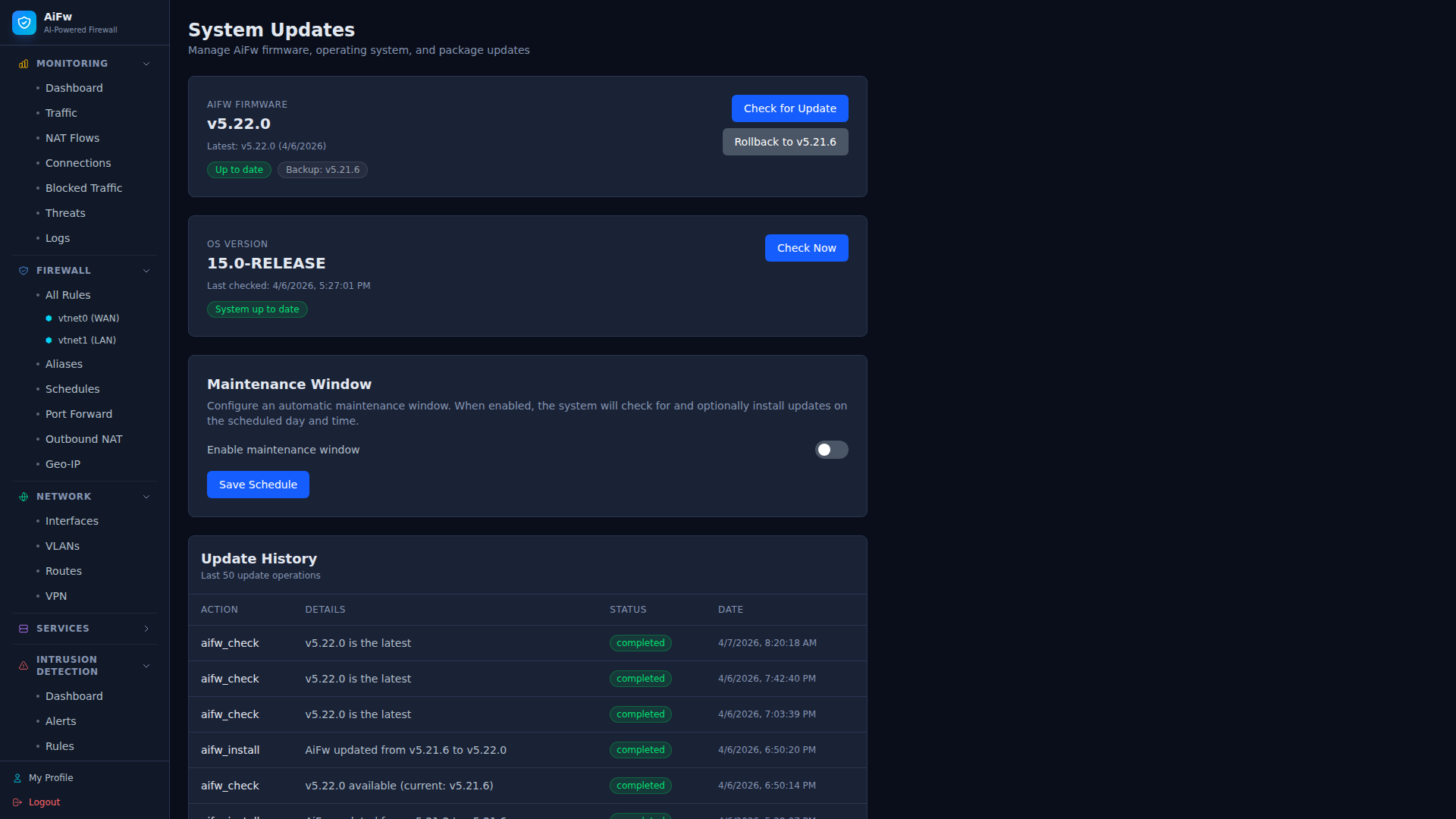 |
## 功能
- **状态包过滤**:基于 FreeBSD 的 pf 实现,支持 anchor 隔离
- **NAT** — SNAT、DNAT/RDR、masquerade、binat、NAT64/NAT46
- **连接追踪** — 实时状态表监控、Top talkers、协议细分
- **速率限制与流量整形** — CoDel/HFSC/PriQ 队列、基于 IP 的过载表、SYN flood 防护
- **AI/ML 威胁检测** *(可选,WIP)* — 实验性的端口扫描、DDoS、暴力破解、C2 beacon、DNS 隧道检测及自动响应(默认禁用,尚未达到生产就绪状态)
- **VPN 集成** — WireGuard 隧道及对等节点、IPsec SA 及 pf 规则生成
- **Geo-IP 过滤** — 基于国家的拦截/允许,支持 GeoLite2 CSV、CIDR 聚合
- **TLS 检查** — JA3/JA3S 指纹识别、SNI 过滤、证书验证、版本强制限制
- **插件系统** — 原生 Rust + WASM 沙箱化插件,支持 7 个 hook 点
- **高可用(主备模式)** — 两个 AiFw 节点共享 CARP 虚拟 IP 和 pfsync 状态。重启主节点时,TCP 会话能在备用节点上存活,无需操作员干预。通过 UI 在 15 分钟内即可完成设置。有关设置、运维和故障模式,请参阅 [docs/ha.md](docs/ha.md)。
- **指标引擎** — RRD 风格的环形缓冲区(1s/1m/1h/1d 层级),可选 PostgreSQL 后端
- **REST API** — 基于 Axum,支持 JWT 认证、API 密钥以及对所有资源的完整 CRUD
- **终端 UI** — 带有 5 个标签页的 ratatui 仪表板
- **Web UI** — 基于 NextJS,包含 11 个页面、实时图表和暗黑主题
## 架构
```
AiFw/
├── aifw-common/ # Shared types (rules, NAT, VPN, TLS, geo-IP, HA, metrics)
├── aifw-pf/ # pf backend trait + mock (Linux) / ioctl (FreeBSD)
├── aifw-core/ # Engines: rules, NAT, VPN, TLS, geo-IP, HA, shaping, audit
├── aifw-conntrack/ # Connection tracking, pflog parsing, stats
├── aifw-plugins/ # Plugin framework (native + WASM) + 3 example plugins
├── aifw-ai/ # ML threat detection (5 detectors) + auto-response [WIP]
├── aifw-metrics/ # RRD ring buffer metrics engine
├── aifw-api/ # Axum REST API server (JWT + API key auth)
├── aifw-tui/ # ratatui terminal UI
├── aifw-daemon/ # Main firewall daemon
├── aifw-cli/ # CLI tool
└── aifw-ui/ # NextJS web interface
```
### 设计原则
- **pf anchors** — AiFw 规则存在于专用的 pf anchors 中,绝不会触碰系统原生的 pf 配置
- **基于 Trait 的 pf 抽象** — `PfBackend` trait 包含 mock(用于 Linux 开发)和 ioctl(用于 FreeBSD)实现
- **全面异步** — 全面采用 Tokio runtime
- **SQLite 存储** — 规则、配置、审计日志通过 sqlx 持久化
- **不使用付费 crates** — 所有依赖均为免费且开源
## 快速开始
```
# 构建
cargo build --release
# 初始化数据库
aifw init --db /var/db/aifw/aifw.db
# 启动 daemon
aifw-daemon --db /var/db/aifw/aifw.db --interface em0
# 启动 API server
aifw-api --db /var/db/aifw/aifw.db --listen 0.0.0.0:8080
# 启动 TUI
aifw-tui --db /var/db/aifw/aifw.db
# 启动 web UI
cd aifw-ui && npm install && npm run dev
```
## CLI 用法
```
# 规则
aifw rules add --action pass --direction in --proto tcp --dst-port 443 --label "allow-https"
aifw rules add --action block --direction in --proto tcp --dst-port 22 --src 10.0.0.0/8
aifw rules list
aifw rules remove
|
## 功能
- **状态包过滤**:基于 FreeBSD 的 pf 实现,支持 anchor 隔离
- **NAT** — SNAT、DNAT/RDR、masquerade、binat、NAT64/NAT46
- **连接追踪** — 实时状态表监控、Top talkers、协议细分
- **速率限制与流量整形** — CoDel/HFSC/PriQ 队列、基于 IP 的过载表、SYN flood 防护
- **AI/ML 威胁检测** *(可选,WIP)* — 实验性的端口扫描、DDoS、暴力破解、C2 beacon、DNS 隧道检测及自动响应(默认禁用,尚未达到生产就绪状态)
- **VPN 集成** — WireGuard 隧道及对等节点、IPsec SA 及 pf 规则生成
- **Geo-IP 过滤** — 基于国家的拦截/允许,支持 GeoLite2 CSV、CIDR 聚合
- **TLS 检查** — JA3/JA3S 指纹识别、SNI 过滤、证书验证、版本强制限制
- **插件系统** — 原生 Rust + WASM 沙箱化插件,支持 7 个 hook 点
- **高可用(主备模式)** — 两个 AiFw 节点共享 CARP 虚拟 IP 和 pfsync 状态。重启主节点时,TCP 会话能在备用节点上存活,无需操作员干预。通过 UI 在 15 分钟内即可完成设置。有关设置、运维和故障模式,请参阅 [docs/ha.md](docs/ha.md)。
- **指标引擎** — RRD 风格的环形缓冲区(1s/1m/1h/1d 层级),可选 PostgreSQL 后端
- **REST API** — 基于 Axum,支持 JWT 认证、API 密钥以及对所有资源的完整 CRUD
- **终端 UI** — 带有 5 个标签页的 ratatui 仪表板
- **Web UI** — 基于 NextJS,包含 11 个页面、实时图表和暗黑主题
## 架构
```
AiFw/
├── aifw-common/ # Shared types (rules, NAT, VPN, TLS, geo-IP, HA, metrics)
├── aifw-pf/ # pf backend trait + mock (Linux) / ioctl (FreeBSD)
├── aifw-core/ # Engines: rules, NAT, VPN, TLS, geo-IP, HA, shaping, audit
├── aifw-conntrack/ # Connection tracking, pflog parsing, stats
├── aifw-plugins/ # Plugin framework (native + WASM) + 3 example plugins
├── aifw-ai/ # ML threat detection (5 detectors) + auto-response [WIP]
├── aifw-metrics/ # RRD ring buffer metrics engine
├── aifw-api/ # Axum REST API server (JWT + API key auth)
├── aifw-tui/ # ratatui terminal UI
├── aifw-daemon/ # Main firewall daemon
├── aifw-cli/ # CLI tool
└── aifw-ui/ # NextJS web interface
```
### 设计原则
- **pf anchors** — AiFw 规则存在于专用的 pf anchors 中,绝不会触碰系统原生的 pf 配置
- **基于 Trait 的 pf 抽象** — `PfBackend` trait 包含 mock(用于 Linux 开发)和 ioctl(用于 FreeBSD)实现
- **全面异步** — 全面采用 Tokio runtime
- **SQLite 存储** — 规则、配置、审计日志通过 sqlx 持久化
- **不使用付费 crates** — 所有依赖均为免费且开源
## 快速开始
```
# 构建
cargo build --release
# 初始化数据库
aifw init --db /var/db/aifw/aifw.db
# 启动 daemon
aifw-daemon --db /var/db/aifw/aifw.db --interface em0
# 启动 API server
aifw-api --db /var/db/aifw/aifw.db --listen 0.0.0.0:8080
# 启动 TUI
aifw-tui --db /var/db/aifw/aifw.db
# 启动 web UI
cd aifw-ui && npm install && npm run dev
```
## CLI 用法
```
# 规则
aifw rules add --action pass --direction in --proto tcp --dst-port 443 --label "allow-https"
aifw rules add --action block --direction in --proto tcp --dst-port 22 --src 10.0.0.0/8
aifw rules list
aifw rules remove
# NAT
aifw nat add --type snat --interface em0 --src 192.168.1.0/24 --redirect 203.0.113.1
aifw nat add --type dnat --interface em0 --proto tcp --dst-port 80 --redirect 192.168.1.10 --redirect-port 8080
aifw nat list
# Rate limiting
aifw ratelimit add --name ssh-protect --proto tcp --max-conn 5 --window 30 --table bruteforce --dst-port 22
aifw queue add --name voip --interface em0 --type priq --bandwidth 100Mb --class voip
# VPN
aifw vpn wg-add --name wg0 --interface wg0 --port 51820 --address 10.0.0.1/24
aifw vpn wg-peer-add --tunnel --name laptop --pubkey --endpoint 1.2.3.4:51820
aifw vpn ipsec-add --name office --src 203.0.113.1 --dst 198.51.100.1
# Geo-IP
aifw geoip add --country CN --action block
aifw geoip add --country US --action allow
aifw geoip lookup 1.2.3.4
# 状态与重载
aifw status
aifw reload
```
## REST API
所有 endpoint 均位于 `/api/v1/` 下,需使用 JWT Bearer 或 ApiKey 进行认证。
| Method | Endpoint | Description |
|--------|----------|-------------|
| POST | `/auth/login` | 获取 JWT token |
| POST | `/auth/users` | 创建用户 |
| POST | `/auth/api-keys` | 创建 API key |
| GET/POST | `/rules` | 列出 / 创建规则 |
| GET/DELETE | `/rules/{id}` | 获取 / 删除规则 |
| GET/POST | `/nat` | 列出 / 创建 NAT 规则 |
| DELETE | `/nat/{id}` | 删除 NAT 规则 |
| GET | `/status` | 防火墙状态 |
| GET | `/connections` | 实时连接表 |
| POST | `/reload` | 将所有规则重新加载到 pf 中 |
| GET | `/metrics` | 系统指标 |
| GET | `/logs` | 审计日志 |
## Web UI
基于 NextJS 的应用程序,包含 11 个页面:
- **Dashboard** — 关键指标、sparkline 图表、协议/威胁细分
- **流量** — 带宽、PPS、字节,带有时间范围选择器 (5m–30d)
- **规则 / NAT** — 带有内联表单的完整 CRUD
- **连接** — 自动刷新的实时状态表
- **威胁** — AI 检测时间线、严重性评分、自动响应历史 *(WIP — AI 模块为实验性质)*
- **Geo-IP** — 国家/地区规则、IP 查询
- **VPN** — WireGuard 隧道及对等节点、IPsec SA
- **集群** — CARP VIP、pfsync、节点健康状态、健康检查
- **日志** — 可过滤的审计日志,带有颜色标记的操作
- **设置** — 指标后端 (本地/PostgreSQL)、API、TLS 策略
## 开发
开发在 WSL/Linux 环境中进行。Mock pf 后端支持在没有 FreeBSD 的情况下进行完整编译和测试。
```
cargo build # Build all Rust crates
cargo test # Run all 216 tests
cargo check # Fast type check
cd aifw-ui
npm install # Install UI dependencies
npm run dev # Start dev server on :3000
```
工具链版本固定在 `rust-toolchain.toml` 中(稳定版,包含 `rustfmt` +
`clippy`),格式化配置位于 `rustfmt.toml` 中,因此每个贡献者和 CI 运行
都会使用相同的编译器和代码风格。克隆仓库后,请安装一次 git hooks:
```
sh scripts/install-hooks.sh # pre-commit runs fmt --check + clippy -D warnings
```
该 hook 对标了 CI 的快速检测门禁;如果需要跳过单次运行,请使用 `git commit --no-verify`。
## 目标环境
- **OS**: FreeBSD 15.x
- **内核**: 启用了 pf 的 GENERIC 内核
- **要求**: 可访问 `/dev/pf`(root 用户或专用组)
- **pf**: 在 `/etc/rc.conf` 中配置 `pf_enable="YES"`
## License
MIT — 所有功能均免费且开源。
全部 20 张截图
| # | 页面 | 截图 | |---|------|-----------| | 1 | Dashboard | |
| 2 | 流量分析 | |
| 3 | 防火墙规则 | |
| 4 | NAT / 端口转发 | |
| 5 | 拦截流量 | |
| 6 | 实时连接 | |
| 7 | IDS Dashboard | |
| 8 | IDS 规则集 | |
| 9 | DNS 解析器 | |
| 10 | DHCP 服务器 | |
| 11 | DHCP 子网 | |
| 12 | 网络接口 | |
| 13 | VPN (WireGuard/IPsec) | |
| 14 | Geo-IP 过滤 | |
| 15 | 反向代理 | |
| 16 | 时间服务 (NTP) | |
| 17 | 用户管理 | |
| 18 | 角色与权限 | |
| 19 | 设置 | |
| 20 | 系统更新 | |
标签:AMSI绕过, Docker 部署, FreeBSD, IDS/IPS, Rust, 人工智能, 可视化界面, 威胁检测, 测试用例, 用户模式Hook绕过, 网络流量审计, 网络测绘, 网络运维, 通知系统, 防火墙