shaom/infocard-skills
GitHub: shaom/infocard-skills
开源的 agent 技能包,能够将自然语言素材自动生成编辑风格的信息卡片,支持 HTML 和 PNG 输出。
Stars: 497 | Forks: 32
[中文](./README.zh-CN.md)
# infocard-skills
开源的 agent 技能,用于从自然语言输入生成编辑风格的信息卡片。
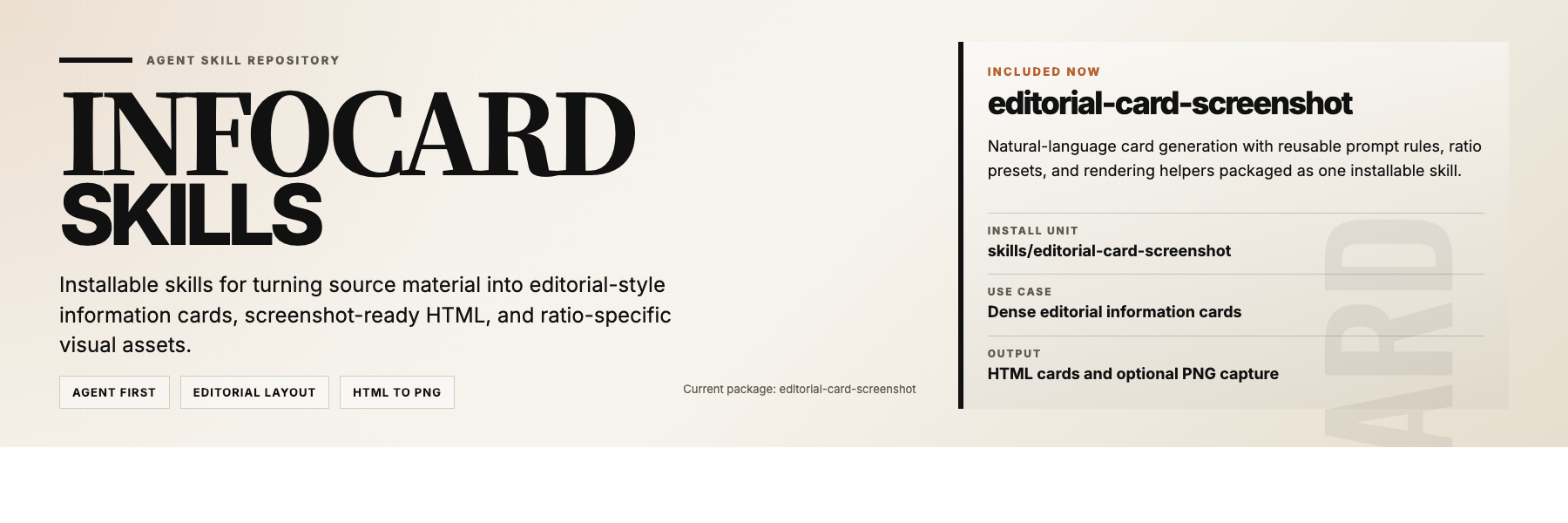
`infocard-skills` 是一个小型仓库,包含可安装的 agent 技能包。当前的包 `editorial-card-screenshot`,可将源素材转换为可直接截图的 HTML 卡片以及可选的 PNG 输出。
## 安装说明
安装完整的技能包,而不是单个文件:
- [`skills/editorial-card-screenshot`](./skills/editorial-card-screenshot)
将整个目录复制或安装到你的 agent 技能目录中。请保持以下文件在一起:
- `SKILL.md`
- `assets/`
- `references/`
- `scripts/`
- 在宿主环境支持的情况下,还包括 `agents/`
## 验证
安装完成后,使用以下提示词之一进行测试:
- `Use $editorial-card-screenshot to turn these notes into an editorial info card.`
- `Use $editorial-card-screenshot to make a 3:4 information card from this text.`
- `Use $editorial-card-screenshot and give me both the HTML and PNG.`
## 用法
典型请求:
- `Turn this article into an editorial information card.`
- `Make a portrait 3:4 info card from these notes.`
- `Summarize this content as a dense magazine-style card.`
- `Create the HTML only. I do not need the image.`
## 渲染要求
要进行 PNG 截图,当前的工具需要在本地的以下路径找到 Google Chrome:
```
/Applications/Google Chrome.app/Contents/MacOS/Google Chrome
```
## 仓库
```
skills/
editorial-card-screenshot/
docs/
examples/
```
## 文档
- [`docs/agent-usage.md`](./docs/agent-usage.md)
- [`docs/editorial-card-prompt.md`](./docs/editorial-card-prompt.md)
- [`docs/project-overview.md`](./docs/project-overview.md)
- [`docs/github-metadata.md`](./docs/github-metadata.md)
## 许可证
[MIT](./LICENSE)
标签:AI智能体, HTML, 信息卡片生成, 后端开发, 多模态安全, 数据可视化, 智能体插件