ButterscotchRunner/Butterscotch

GitHub: ButterscotchRunner/Butterscotch

Stars: 274 | Forks: 63

🥧 Butterscotch 🥧

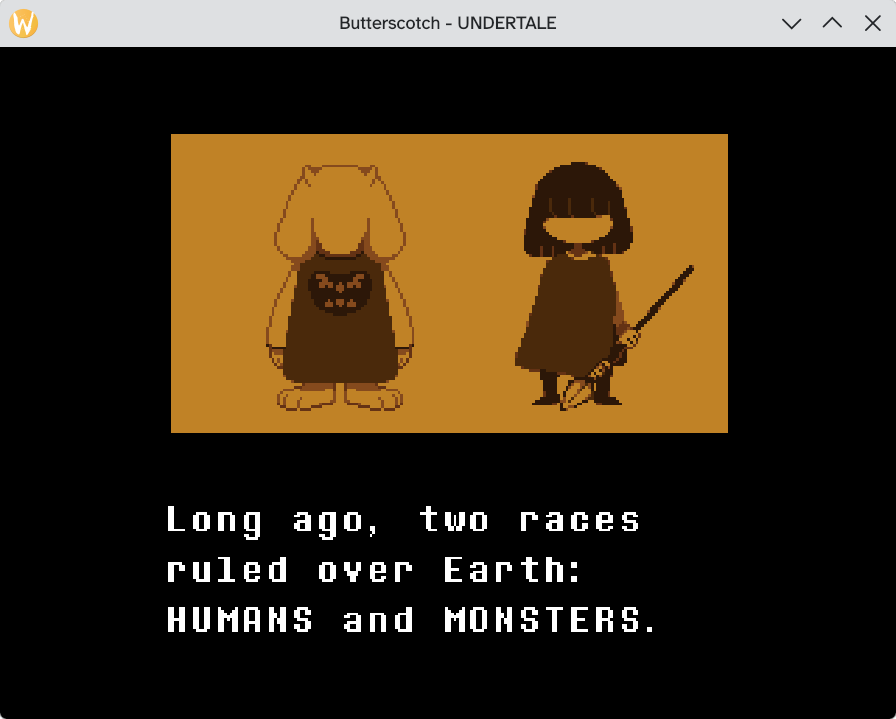
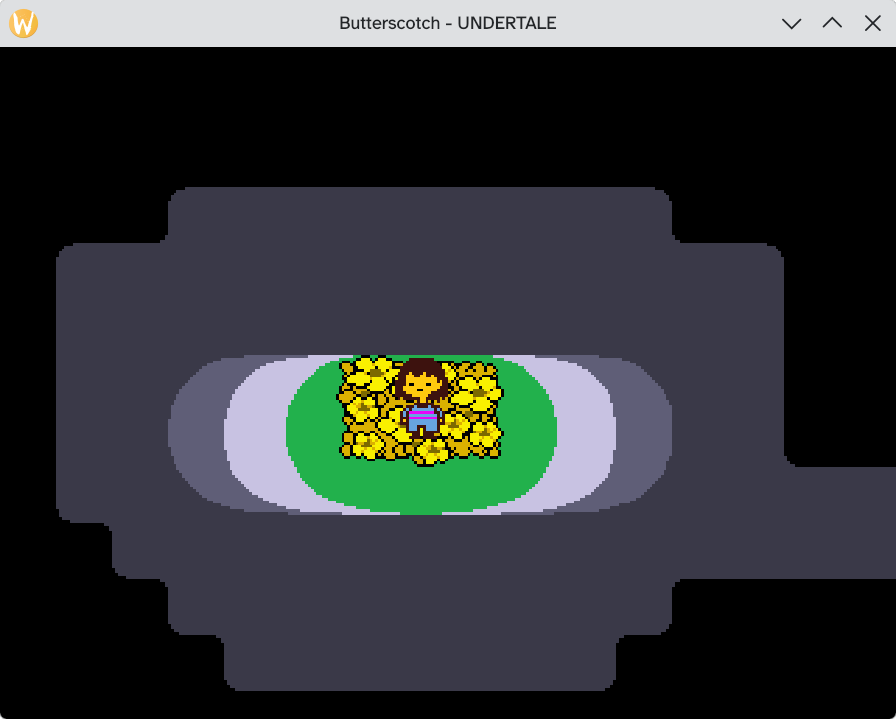
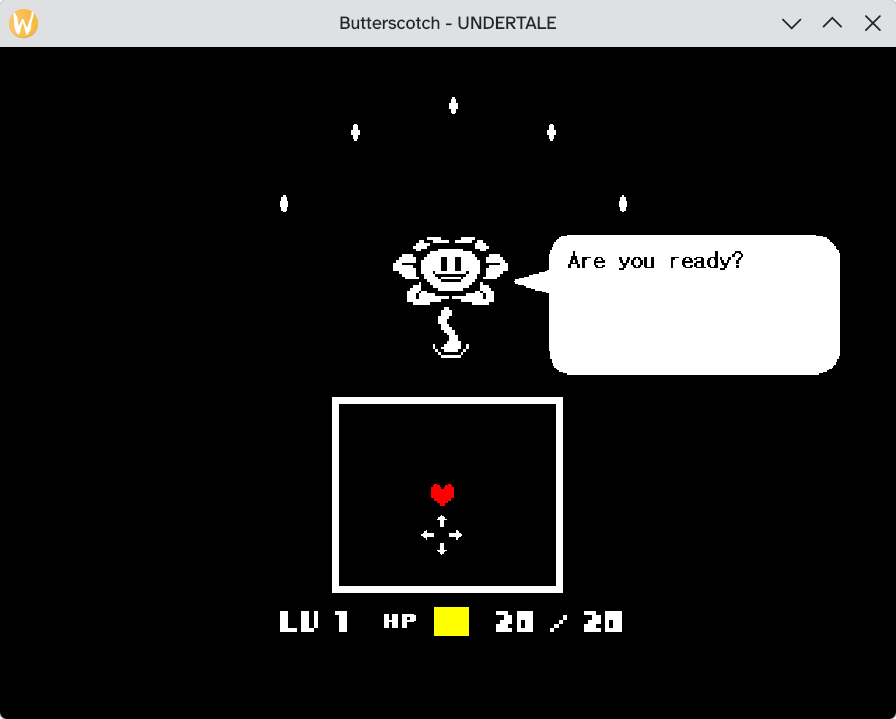
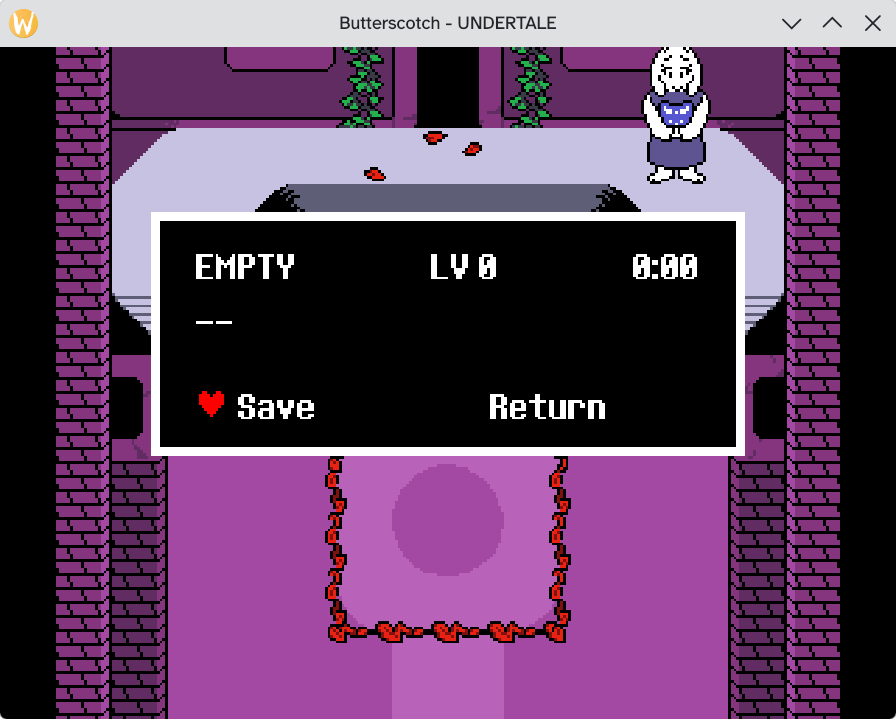
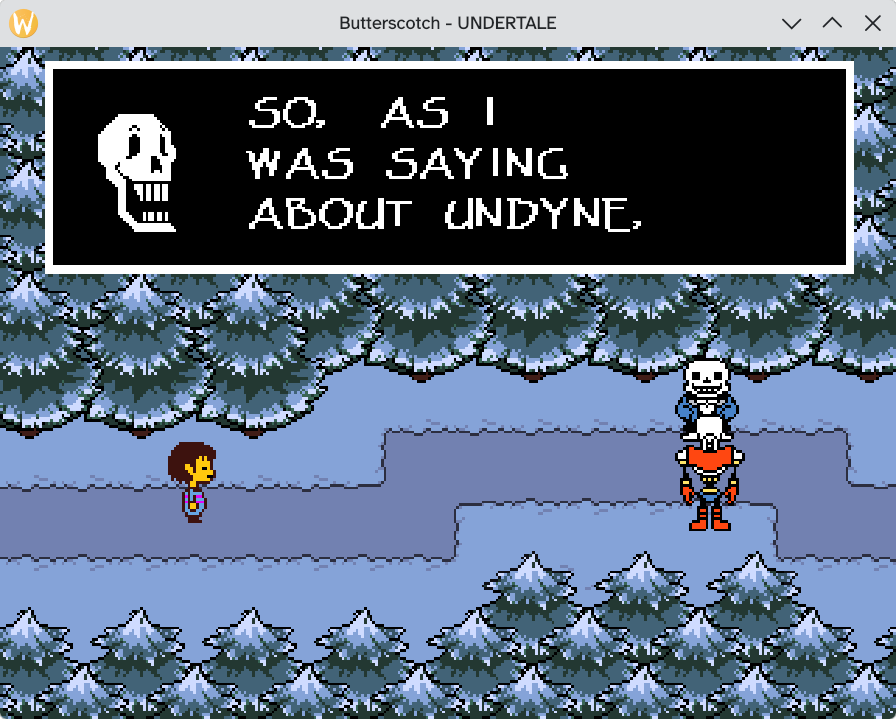
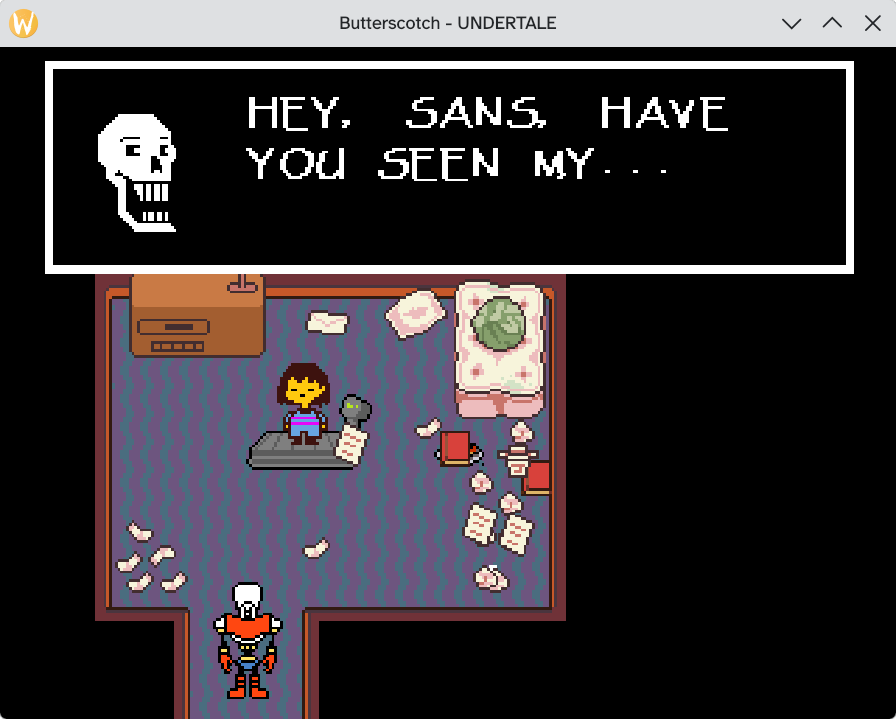
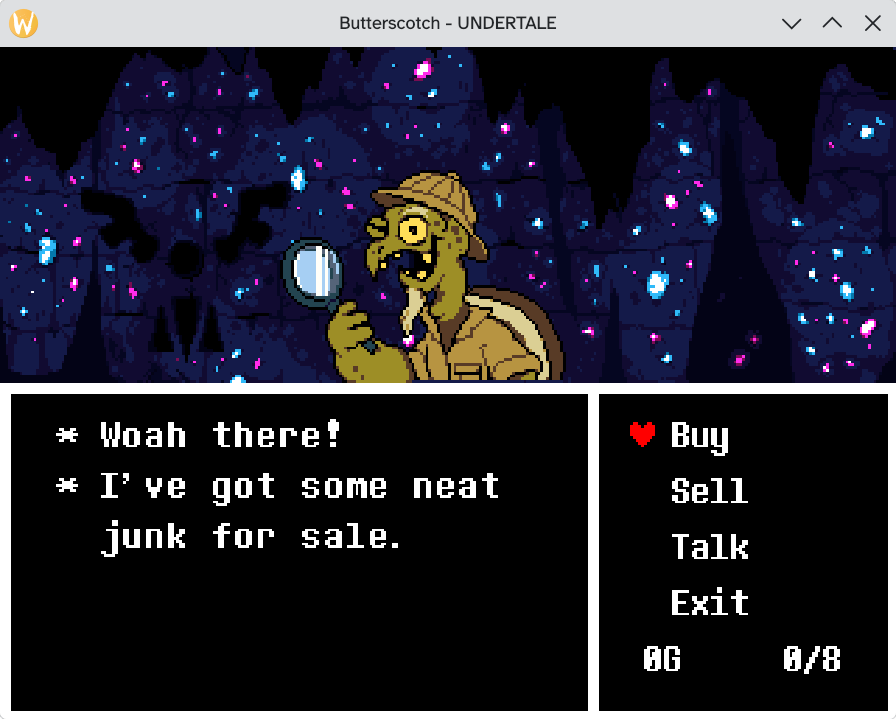
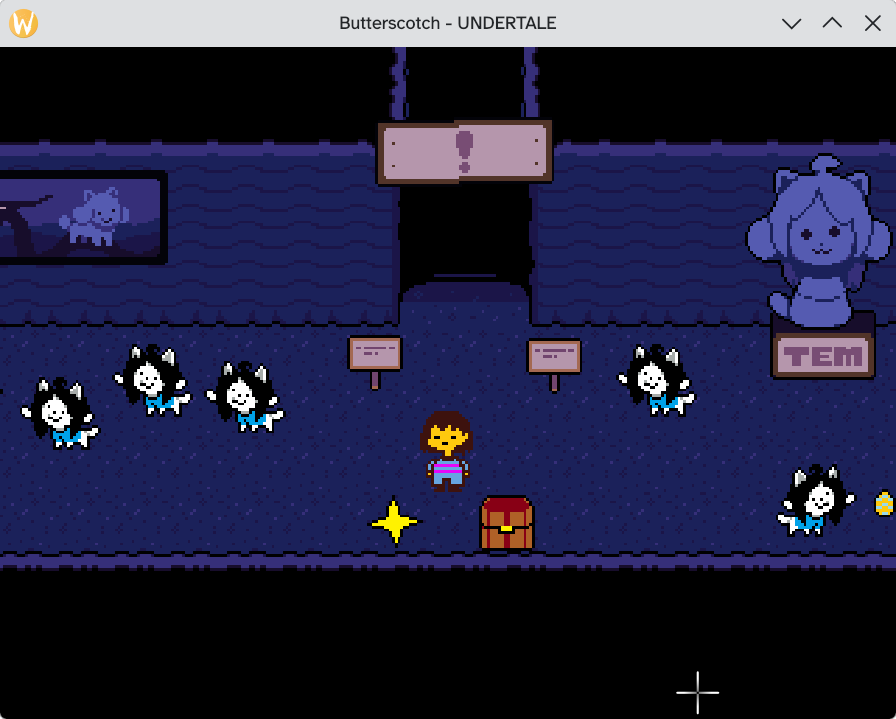
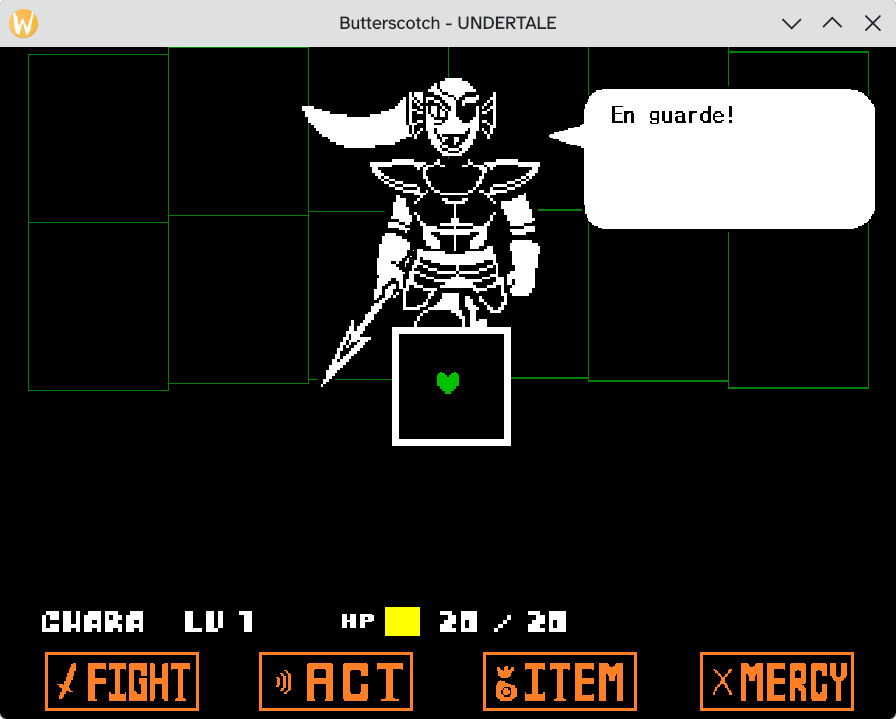
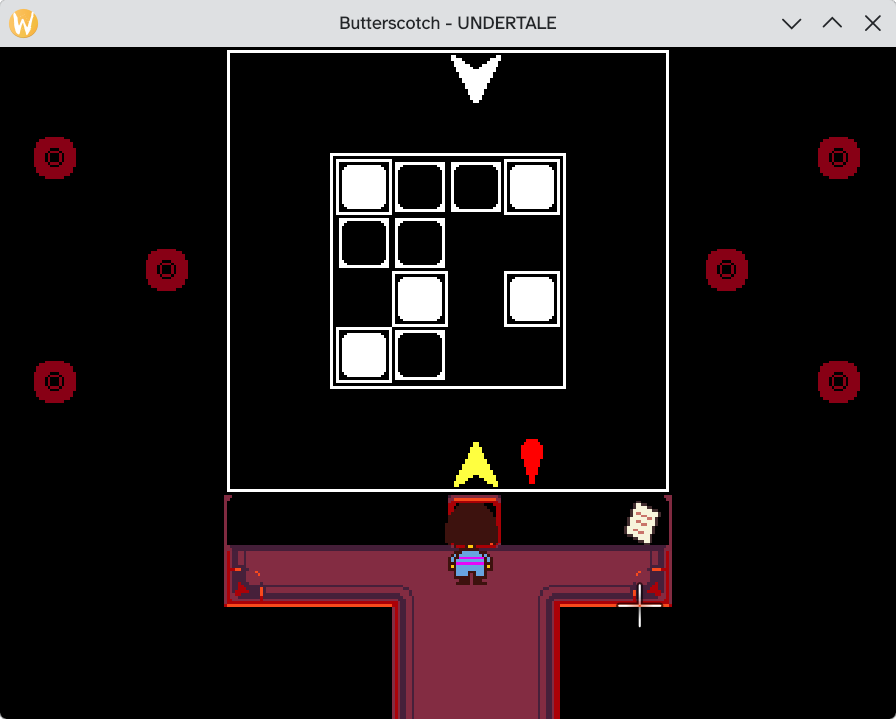
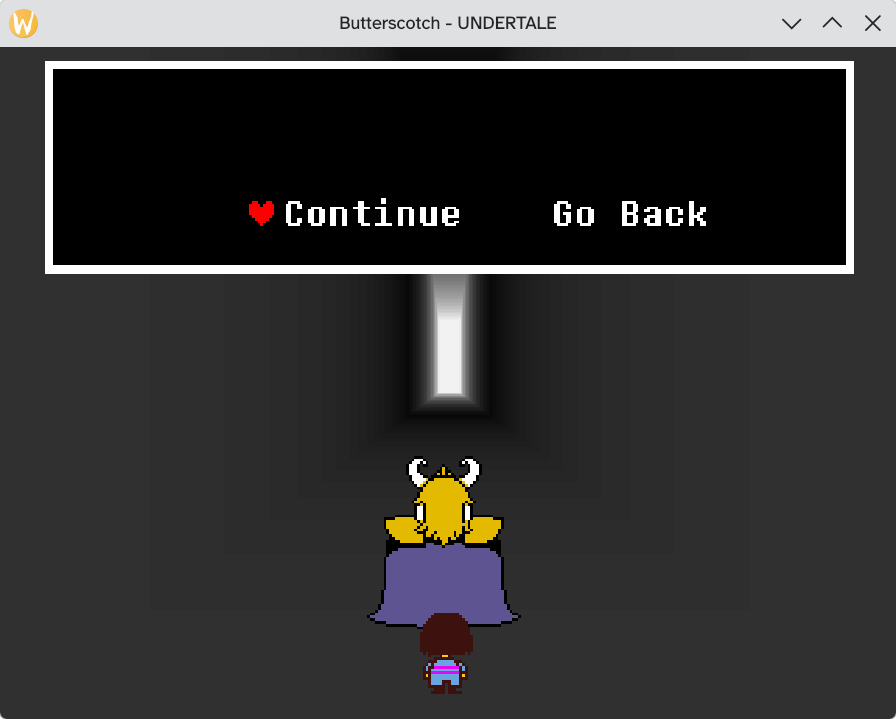
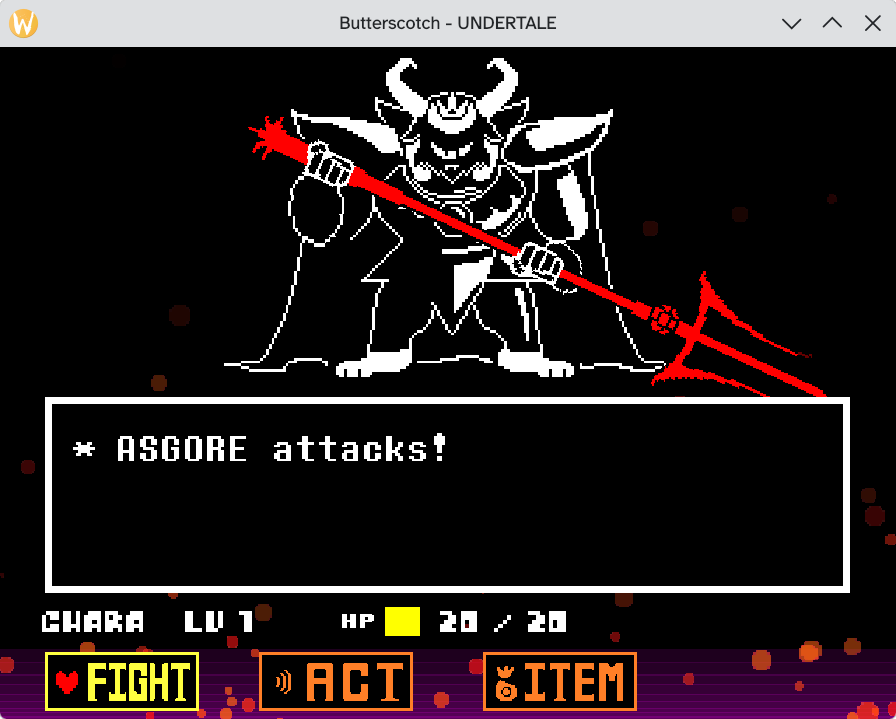
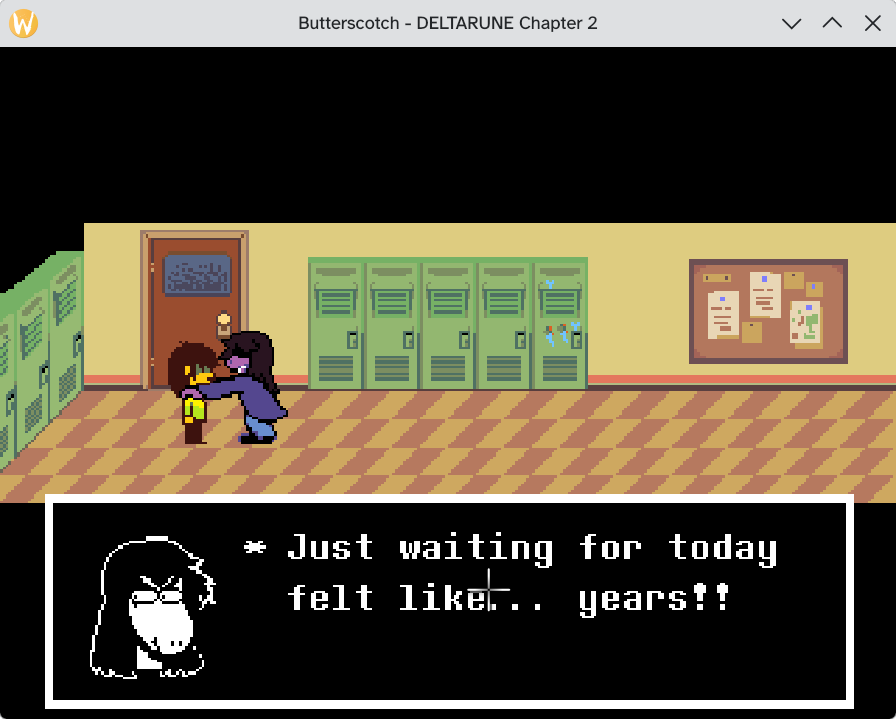
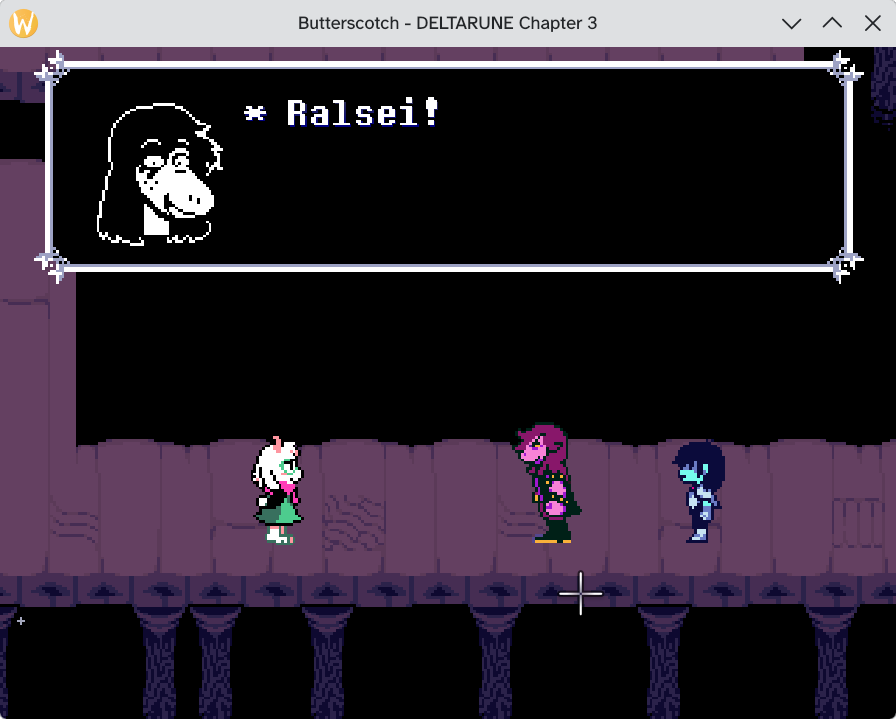
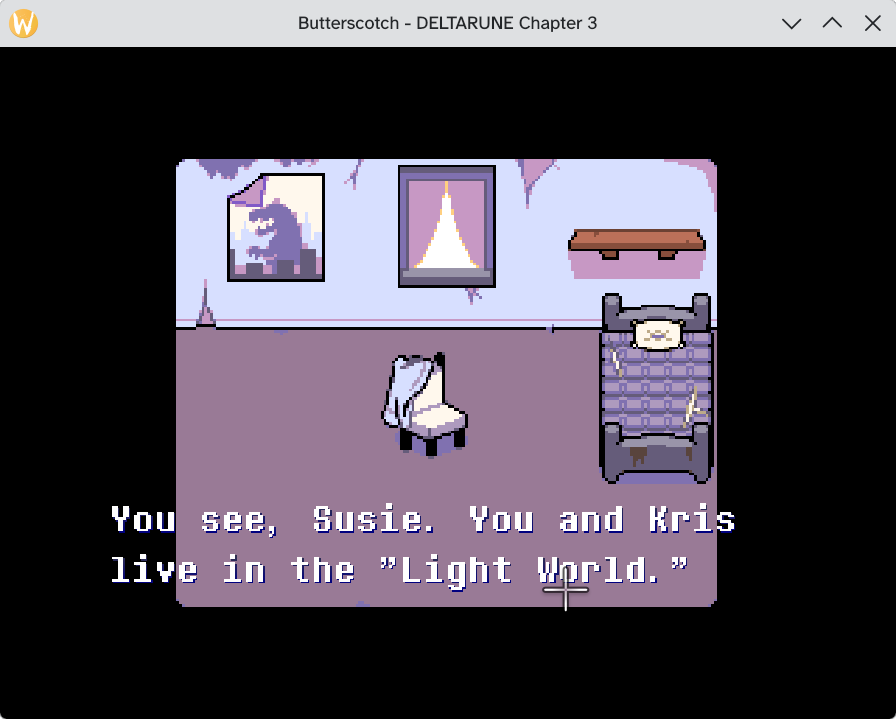
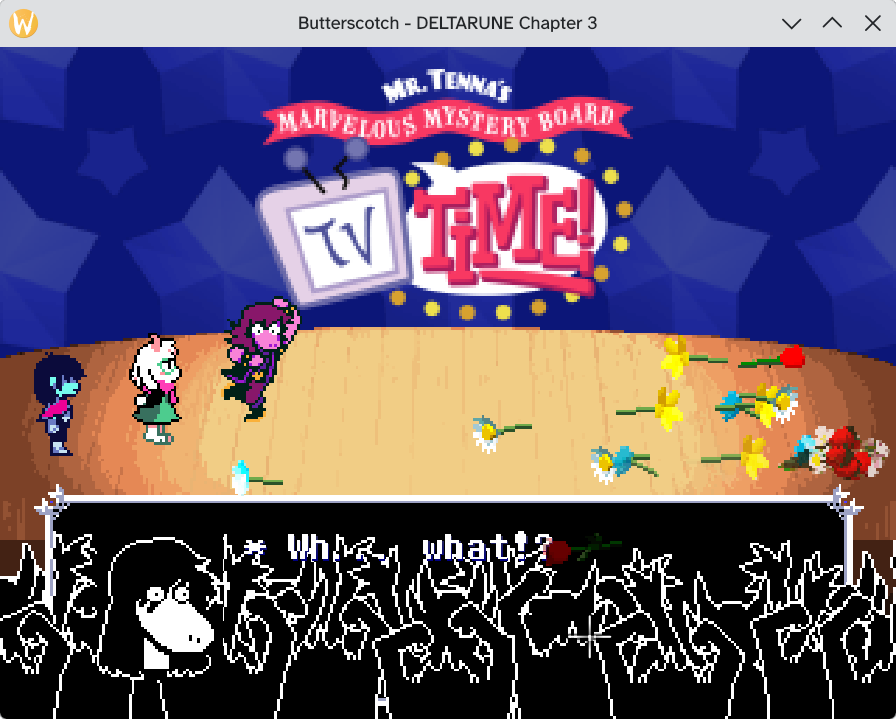
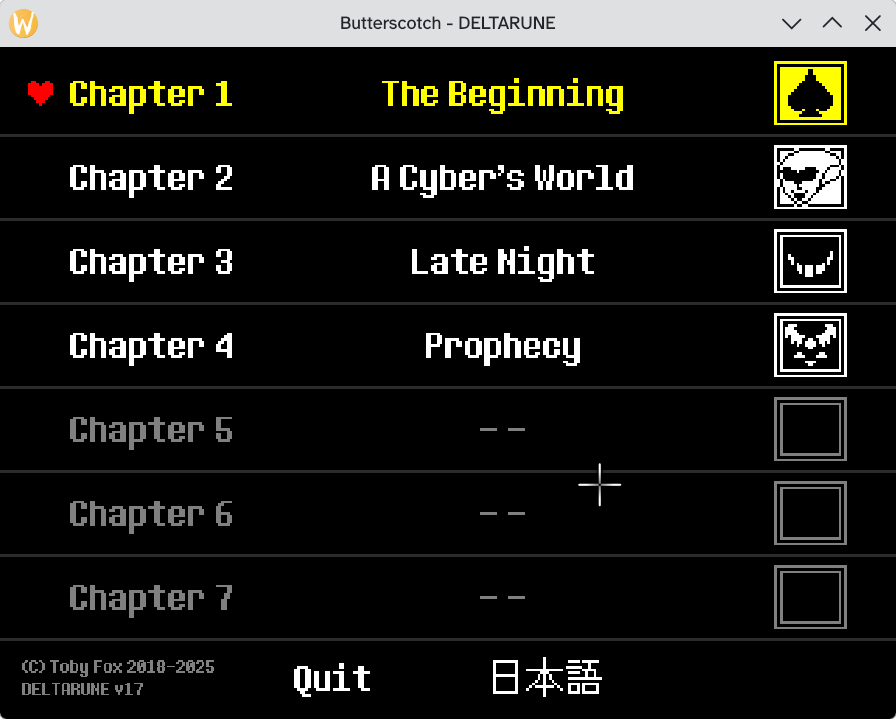
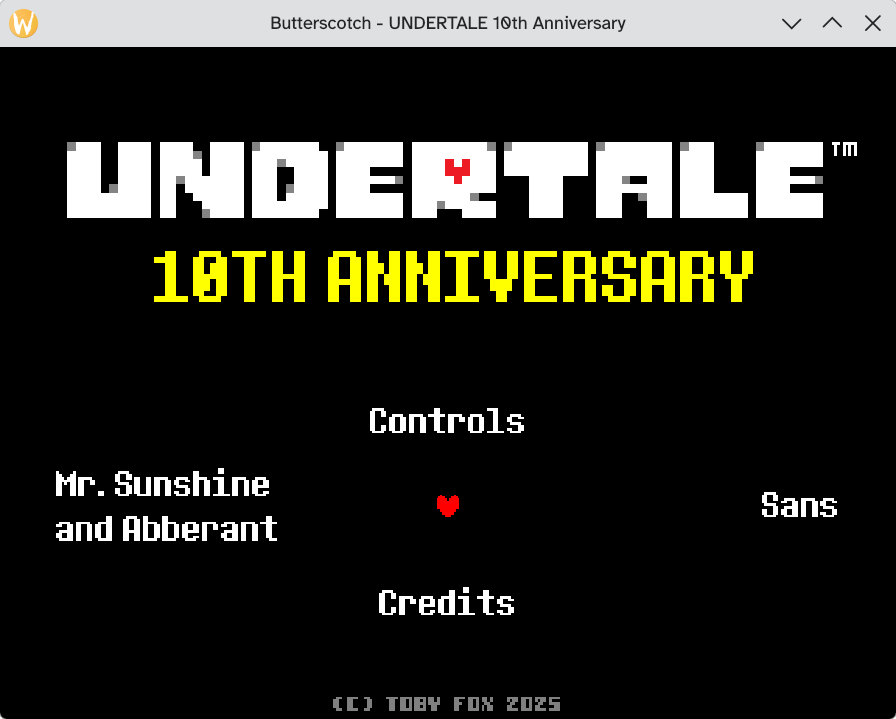
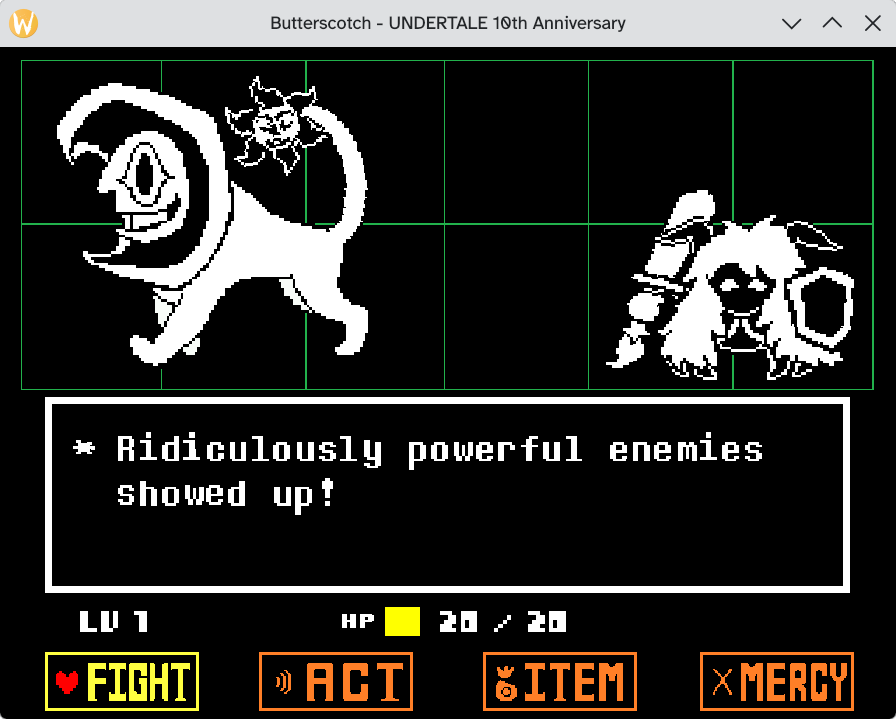
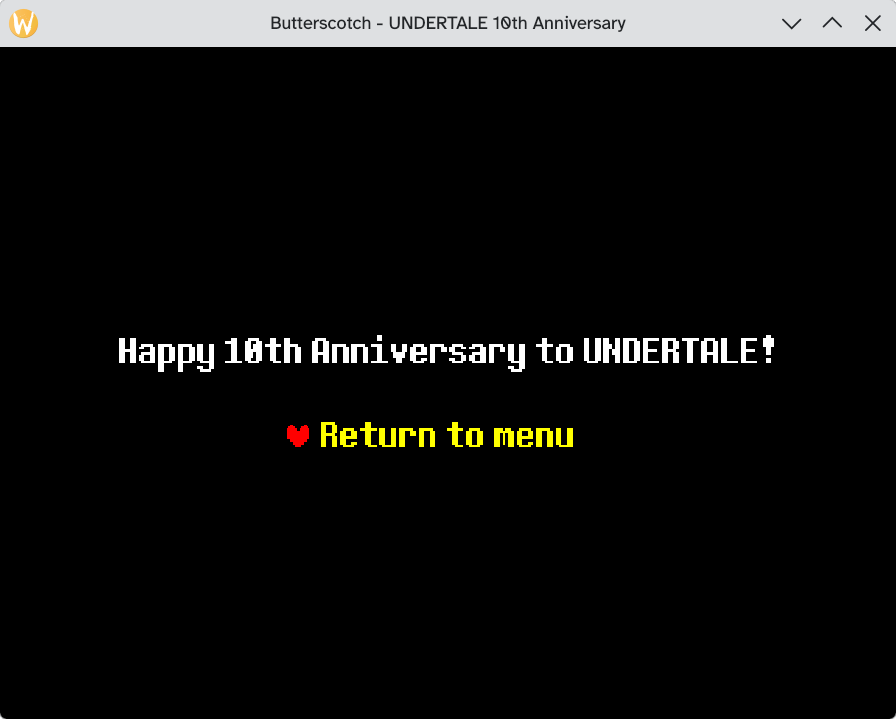
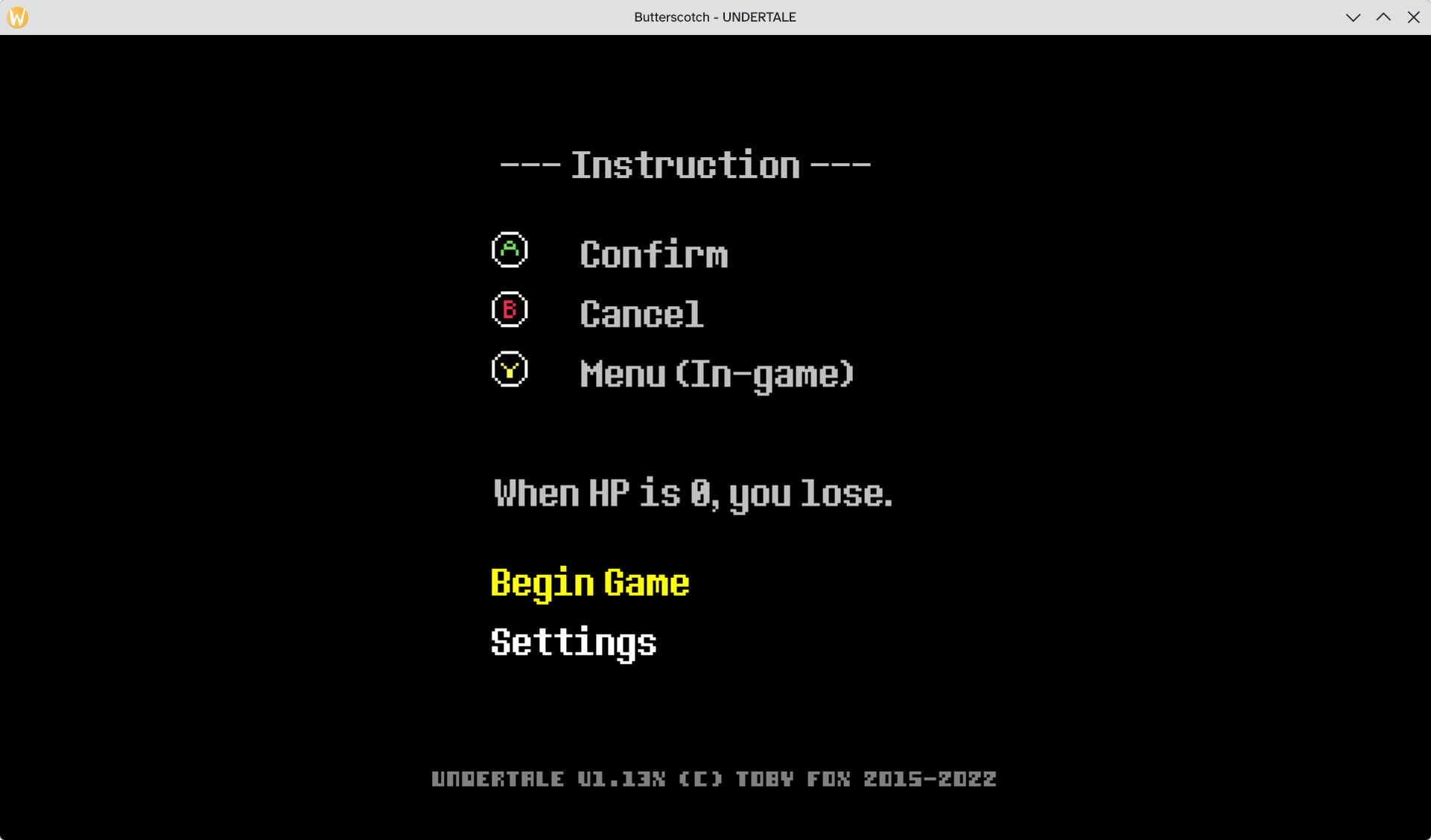
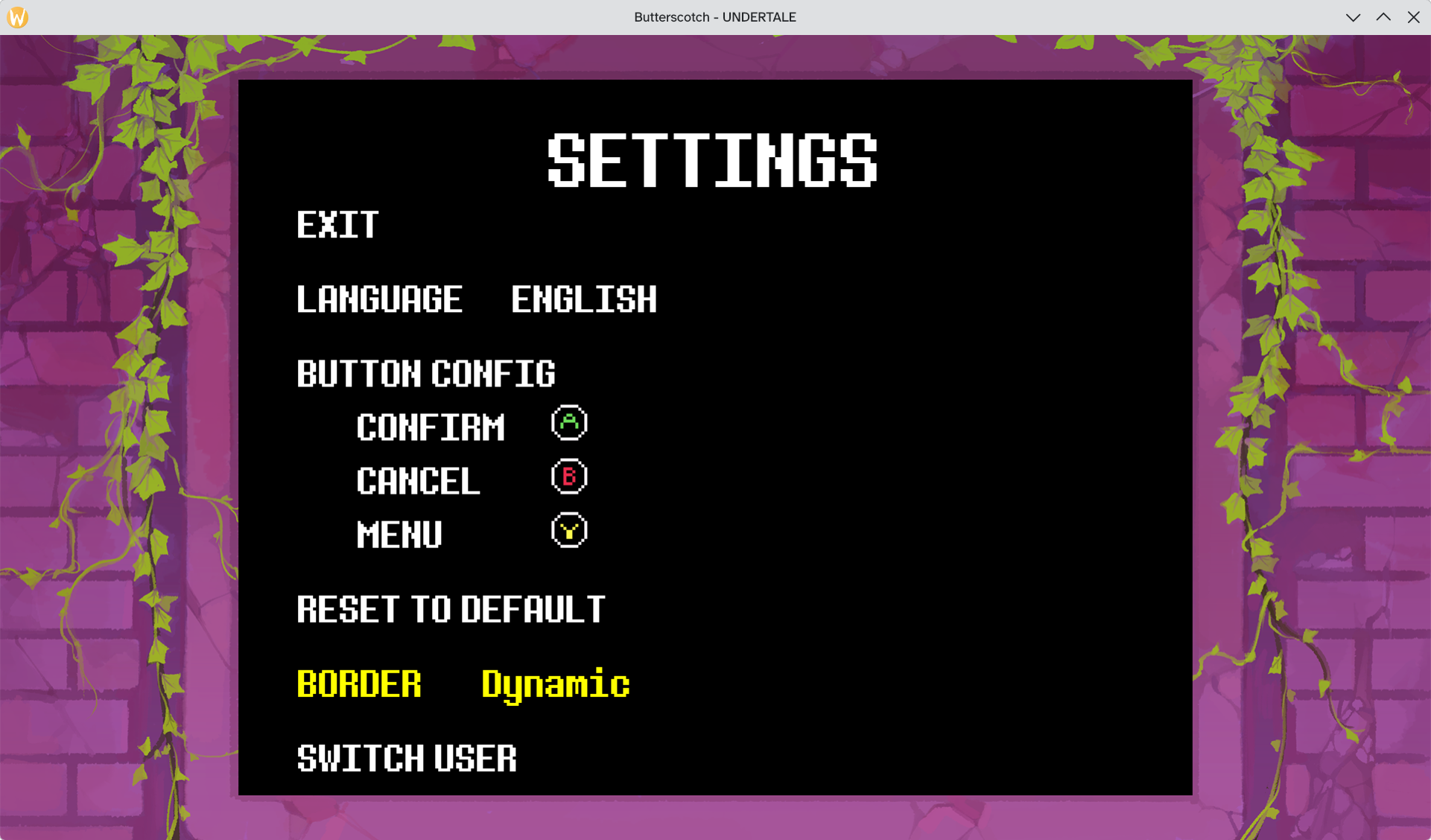
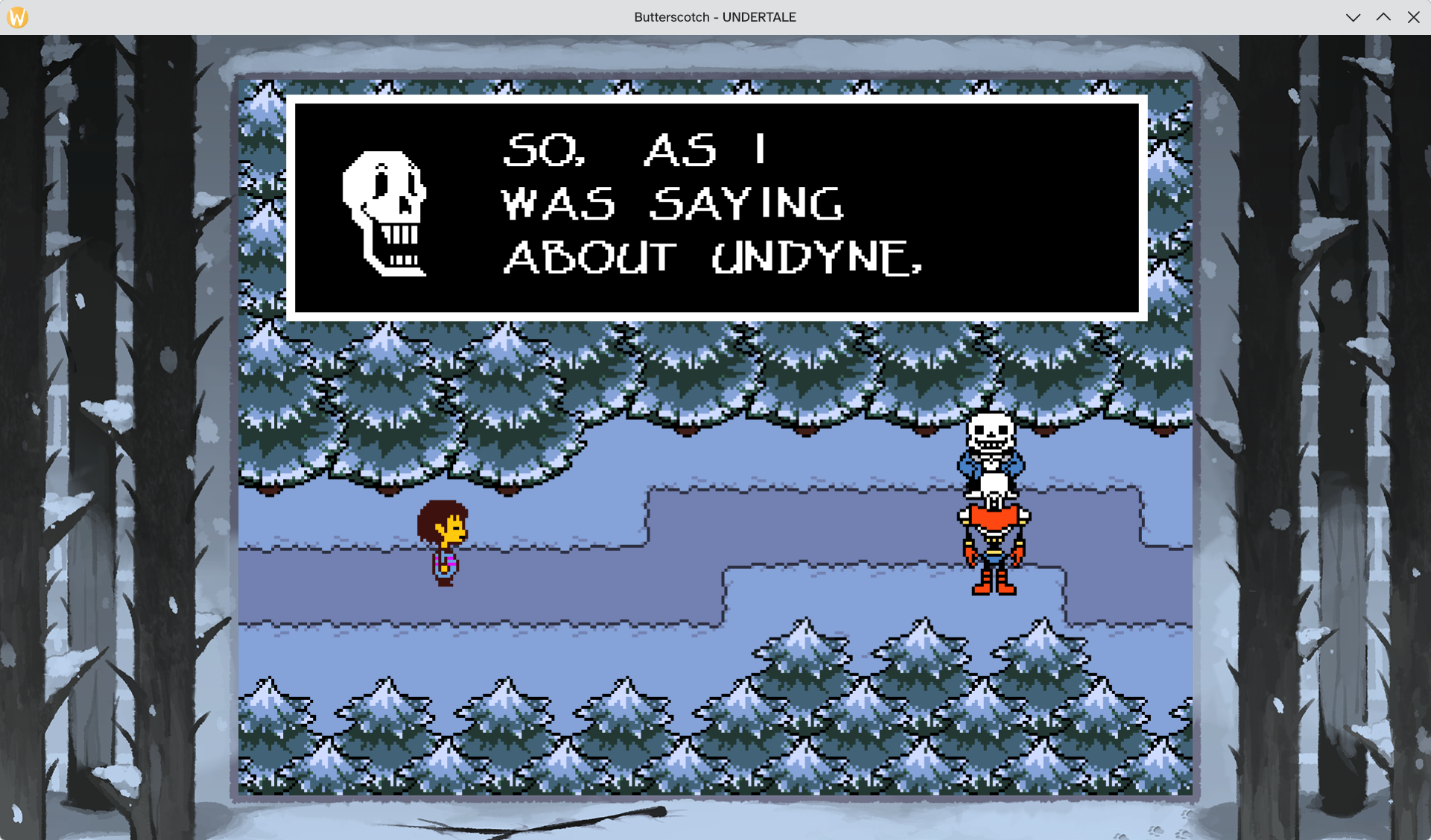
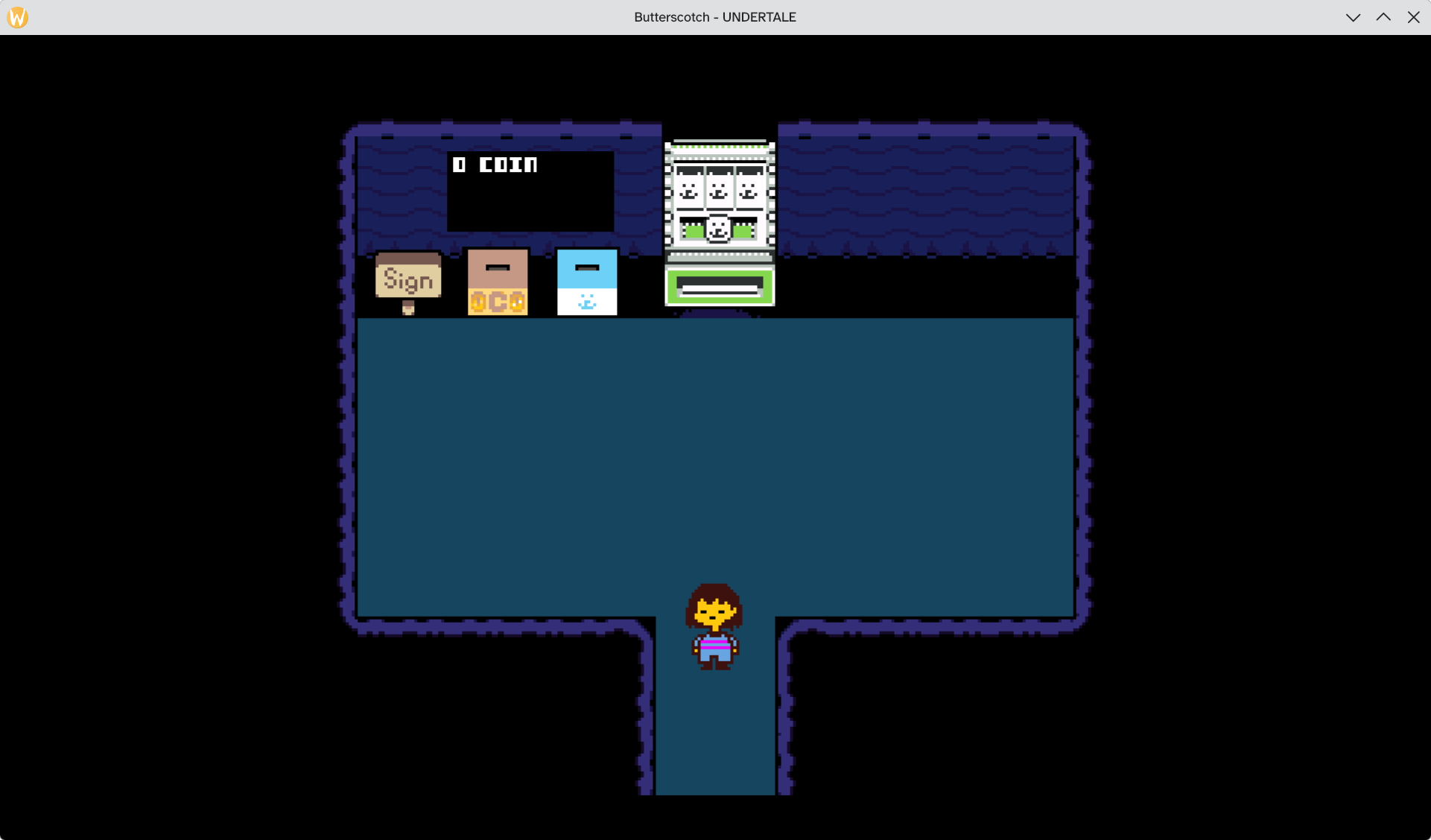
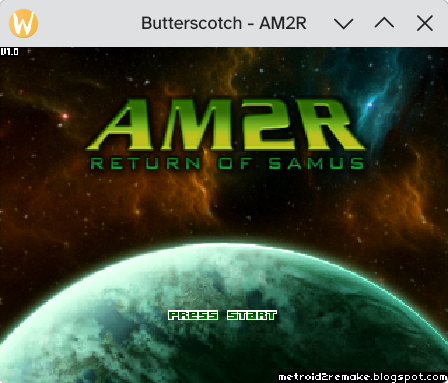
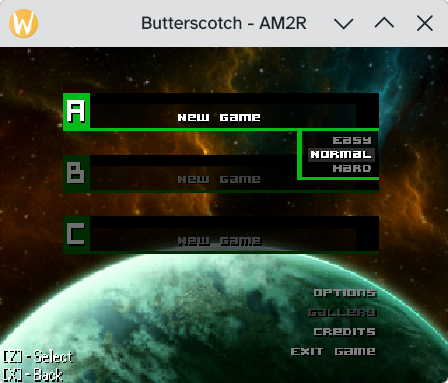
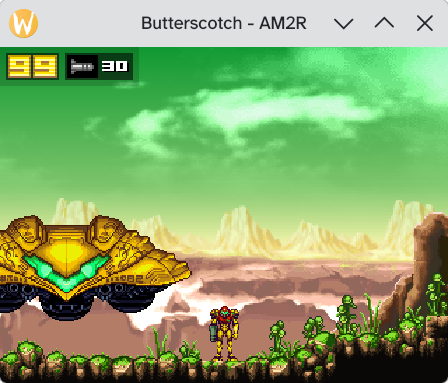
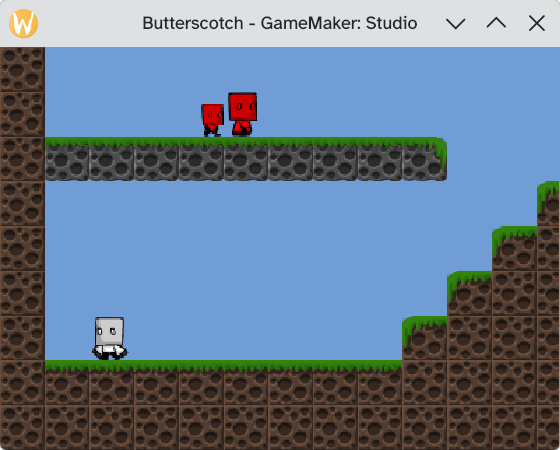
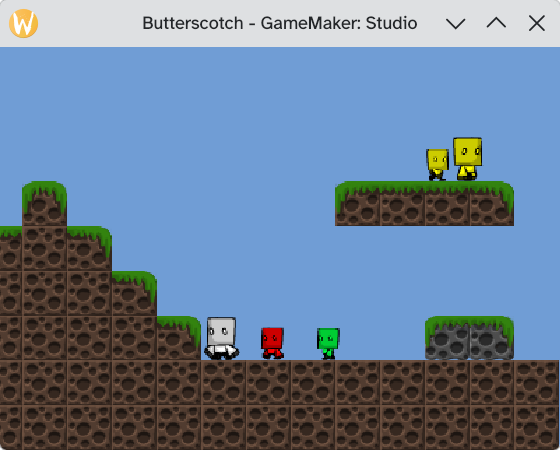
When you create a game in GameMaker: Studio and export it, GameMaker: Studio exports the game code as bytecode instead of native compiled code, and that bytecode is compatible with any other GameMaker: Studio runner (also known as YoYo runner), as long as they have matching GameMaker: Studio versions. This is similar to how Java applications work. This is how projects such as [Droidtale](https://mrpowergamerbr.com/projects/droidtale) (which was also made by yours truly) can exist. We exploit that GameMaker: Studio games compile to bytecode, which means they can be ran on *any* platform that has an official runner for it! Ever since I created Droidtale 10+ years ago, I had that lingering thought in my mind... If GameMaker games use bytecode, what prevents us from creating our *own* runner? And if we can write our *own* runner, what prevents us from porting GameMaker: Studio games to other platforms? And that's where Butterscotch comes in! Butterscotch is an open source re-implementation of GameMaker: Studio's runner. **Butterscotch Web (WASM):** https://butterscotch.mrpowergamerbr.com/web/ **Butterscotch PlayStation 2 ISO Generator:** https://butterscotch.mrpowergamerbr.com/ ## Game Compatibility While our target is Undertale v1.08, that doesn't mean that other games CAN'T run in Butterscotch! Because Butterscotch is a runner and not a Undertale port/remake, you CAN run other GameMaker: Studio games with it and, as long as the game is compiled with GameMaker: Studio 1.4.1804 and they only use GML variables and functions that Butterscotch supports, it should work fine. Butterscotch supports the following WAD versions: * WAD Version 8 (GameMaker: Studio 1.0.198+) * WAD Version 9 (GameMaker: Studio 1.0.527+) * WAD Version 10 (GameMaker: Studio 1.1.609+) * WAD Version 11 (GameMaker: Studio 1.1.754+) * WAD Version 12 (GameMaker: Studio 1.1.867+) * WAD Version 13 (GameMaker: Studio 1.1.917+) * WAD Version 14 (GameMaker: Studio 1.4.1464+) * WAD Version 15 (GameMaker: Studio 1.4.1675+) * WAD Version 16 (GameMaker: Studio 1.4.1767+) * WAD Version 17 (GameMaker: Studio 2.2+) Other modding tools, such as UndertaleModTool, calls it "bytecode version" instead of "WAD version". We decided to go with WAD version instead because there are GameMaker: Studio versions (WAD version 6 and 7) that DO NOT use bytecode altogether, so calling it "bytecode version" is not quite correct, and because that's what the YoYo Runner calls it under the hood. Versions before GameMaker: Studio 1.0.198 (that is, pre-WAD version 8) uses raw GML code interpreted on load, so these versions would require a GML compiler to be supported in Butterscotch. Of course, there are exceptions that break game compatibility altogether: * Games compiled with YYC, because they use native code instead of bytecode. * Games compiled with the new [GMRT](https://github.com/YoYoGames/GMRT-Beta/tree/main), because they use native code instead of bytecode. ## Supported Platforms * Linux (GLFW, OpenGL) * macOS (GLFW, OpenGL) * Windows (GLFW, OpenGL, MinGW) * Web (WASM, Emscripten, WebGL2) * PlayStation 2 (ps2sdk, gsKit) * PlayStation 3 (PSL1GHT, PS3GL) * Haiku (GLFW) * ...and maybe more in the future! ## Building Butterscotch mkdir build && cd build cmake -DPLATFORM=desktop -DDESKTOP_BACKEND=glfw3 -DCMAKE_BUILD_TYPE=Debug .. make If you are using CLion, set the platform in `Settings` > `Build, Execution, Deployment` > `CMake` and add `-DPLATFORM=glfw` Then run Butterscotch with `./butterscotch /path/to/data.win`! ## CLI parameters The GLFW target has a lot of nifty CLI parameters that you can use to trace and debug games running on it. * `--debug`: Enables debugging hotkeys * `--speed`: Speed multiplier * `--fast-forward-speed`: Speed multiplier when pressing TAB (toggle) * `--screenshot=file_%d.png`: Screenshots the runner, requires `--screenshot-at-frame`. * `--screenshot-at-frame=Frame`: Screenshots the runner at a specific frame. Can be used multiple times. * `--screenshot-surfaces=file_%d.%d.png`: Screenshots all surfaces (framebuffers), requires `--screenshot-surfaces-at-frame`. * `--screenshot-surfaces-at-frame=Frame`: Screenshots all surfaces (framebuffers) at a specific frame. Can be used multiple times. * `--headless`: Runs the runner in headless mode. When running in headless mode, the game will run at the max speed that your system can handle. * `--print-rooms`: Prints all the rooms in the `data.win` file and exits. * `--print-declared-functions`: Prints all the declared functions (scripts, object events, etc) in the `data.win` file and exists. * `--trace-variable-reads`: Traces variable reads * `--trace-variable-writes`: Traces variable writes * `--trace-function-calls`: Traces function calls * `--trace-alarms`: Traces alarms * `--trace-instance-lifecycles`: Traces instance creations and deletions * `--trace-events`: Traces events * `--trace-event-inherited`: Traces event inherited calls * `--trace-tiles`: Traces drawn tiles * `--trace-collisions`: Traces collisions between instances * `--trace-opcodes`: Traces opcodes * `--trace-stack`: Traces stack * `--trace-frames`: Logs when a frame starts and when a frame ends, including how much time it took to process each frame. * `--always-log-unknown-functions`: When enabled, Butterscotch will always log unknown functions instead of logging them once per script. * `--always-log-stubbed-functions`: When enabled, Butterscotch will always log stubbed functions instead of logging them once per script. * `--trace-bytecode-after-frame`: When set, controls when `--trace-opcodes` and `--trace-stack` will start logging. Useful when debugging interpreter-heavy scripts. * `--exit-at-frame=Frame`: Automatically exit the runner after X frames. * `--seed=Seed`: Sets a fixed seed for the runner, useful for reproduceable runs. * `--print-rooms`: Prints all rooms to the console, along with all objects present in the room. * `--print-declared-functions`: Prints all declared GML scripts by the game * `--disassemble`: Dissassembles a specific script * `--record-inputs`: Records user inputs * `--playback-inputs`: Playbacks user inputs * `--os-type`: Allows changing the built-in `os_type` value. The default is Windows. Example: When running Undertale Xbox, you would need to set it to `--os-type xboxone`. * `--profile-gml-scripts`: Logs which GML scripts are the heaviest in terms of time and executed instructions. * `--profile-opcodes`: Ranks which GML opcodes were executed the most. ## Debug Features When running Butterscotch with `--debug`, the following hotkeys are enabled: * `Page Up`: Moves forward one room * `Page Down`: Moves backwards one room * `P`: Pauses the game * `O`: While paused, advances the game loop by one frame * `F12`: Dumps the current runner state to the console * `F11`: Dumps the current runner state to the console (JSON format), or dumps it to a file if `--dump-frame-json-file` is set. * `F10`: Sets the `global.interact` flag to `0`. Useful in Undertale when you are moving through rooms and one of them starts a cutscene that doesn't let you move. ## Performance Performance is pretty good on any modern computer, but when running on low end targets (like the PS2) it is *very* slow when there's a lot of instances on screen, or when a instance does a for loop. ## Then why not have a transpiler? The issue with a transpiler is that, if you try transpiling the game in the "naive" way, that is, emitting VM calls like it was the original bytecode, you won't get any *improvement* from it, you would need to create a *good* transpiler that actually transpiles it into *good* code, and that's way harder. Having a transpiler also have other disadvantages: 1. You lose the ability of debugging the runner at a "high level" by tracing opcodes. 2. Compilation is SLOW, transpiling Undertale in a naive way to C and building it takes 90 seconds on a modern computer, and building it to other targets is so slow that I wasn't even able to test it. ## Screenshots ### Undertale (GLFW) [WAD Version 16] Image Image Image Image Image Image Image Image Image Image Image Image ### Undertale (PlayStation 2) [WAD Version 16] Here's a video :3 https://youtu.be/PuzBxe0VGtY Here's also another video, this time showing off the Asriel Dreemurr final battle https://youtu.be/vkQMqXr0MQE ### DELTARUNE (SURVEY_PROGRAM) (PlayStation 2) [WAD Version 16] Here's a video :3 https://youtu.be/TLJtV2WnrmQ ### DELTARUNE Chapter 2 (GLFW) [WAD Version 17] image ### DELTARUNE Chapter 2 (PlayStation 2) [WAD Version 17] Here's a video :3 https://youtu.be/uuN72Hv50d4 ### DELTARUNE Chapter 3 (GLFW) [WAD Version 17] image image image ### DELTARUNE Chapter 3 (PlayStation 2) [WAD Version 17] Here's a video :3 https://youtu.be/c9r79sQABYg ### DELTARUNE Chapter Selector (GLFW) [WAD Version 17] image ### Undertale 10th Anniversary (GLFW) [WAD Version 17] image image image ### NXTALE (Undertale for Xbox One) (GLFW) [WAD Version 17] image image image image ### AM2R (GLFW) [WAD Version 14] image image image ### GameMaker: Studio Platformer Demo (GLFW) [WAD Version 10] image image
标签:客户端加密