youkill081/steg-lang
GitHub: youkill081/steg-lang
一个将高级语言编译为 PNG 图像并在虚拟机中执行的隐写代码运行框架。
Stars: 8 | Forks: 0
# 隐写
[-d]
steg build
steg run_img
OPTIONS:
-d Enable debug mode for compiler (Display, reg allocation, IR and AST code)
```
### 运行程序
直接编译并执行源文件,不使用图像:
```
steg run mon_programme.steg
steg run mon_programme.stegasm
```
启动直接兼容 **.steg** 和 **.stegasm** 文件。
### 构建可执行图像
编译程序(Steg 或 StegASM)并将其注入 PNG 图像:
```
steg build mon_programme.steg input.png output.png
steg build mon_programme.stegam input.png output.png
```
### 运行图像
从图像中提取并执行程序:
```
steg run_img img.png
steg img.png # Short version
```
### 调试模式
标志 `-d` 激活编译管道的完整显示:
```
steg run mon_programme.steg -d
steg build mon_programme.steg input.png output.png -d
```
程序将显示以下信息
- 生成的 IR
- 寄存器分配
- 汇编代码
警告:显示此信息可能会在程序较大时消耗大量资源!
## Steg 语言
**Steg** 是项目的高级语言。它通过完整的编译管道编译为 StegASM:
```
Lexer -> Parseur -> AST -> semantics analysis -> IR -> StegASM Backend
```
源文件使用 `.steg` 扩展名。
## StegASM 低级语言
**StegASM** 是项目的低级语言。它表示 StegVM VM 中可用的指令集。
它深受“标准”汇编器启发,暴露了 StegVM 的寄存器和指令。
源文件使用 `.stegasm` 扩展名。
## StegLSP - 语言服务器
`StegLSP` 是一个 **.steg** 文件的 **LSP** 服务器。
借助这个 LSP 服务器,你可以在大多数现代 IDE 中获得以下功能:
- **语法高亮**
- **语义分析** -> 流程控制、类型、参数等
- **警告**:例如隐式转换
## 示例
### WolfenSteg - 隐写
wolfenSteg 是一个完全用 Steg 编写的射线投射 3D 引擎。
这是该项目的技术展示,证明了 VM 和编译链能够实时处理密集数学计算。
#### 性能和容量
- 实时射线追踪:引擎以 60 FPS 流畅运行。
- 原始性能:StegVM VM 达到每秒 2.5 亿条指令(IPS)的峰值性能。
游戏玩法:
- 启动时随机选择关卡
- 碰撞系统和移动控制
- 可以开门并穿过
- 基本战斗系统,用于击败敌人(可使用 **1** - **2** - **3** - **4** 键切换武器)
#### 播放
你可以直接启动 WolfenSteg.png 图像:
```
steg run_img ./examples/wolfensteg/wolfensteg.png
```
或者自己编译!:
```
steg run ./examples/wolfensteg/WolfenSteg.steg
```
### Tetris - 隐写ASM
Tetris 是 **StegASM** 的演示。
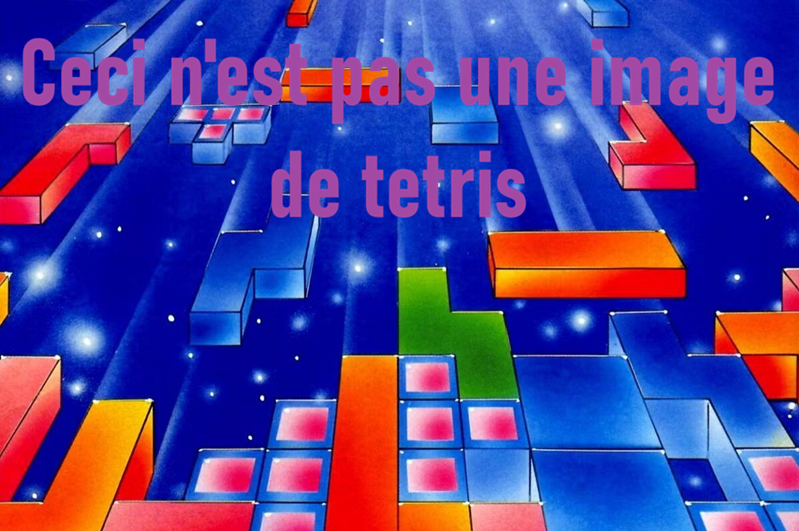
Tetris 的 **StegASM** 代码在这里可用:[./examples/tetris/tetris.stegasm](./examples/tetris/tetris.stegasm)
因此你可以直接启动图像:
```
steg run_img ./examples/tetris/tetris.png
```
或者自己编译:
```
steg run ./examples/tetris/tetris.stegasm
```
## 感谢
非常感谢 Ewan Clein 设计的 Steg Logo -> https://www.linkedin.com/in/ewan-clein-architecture/

**Hide code in images. Run them.**
[](https://isocpp.org/)
[](https://cmake.org/)
[]()
[]()
[](https://github.com/youkill081/steg-lang/blob/main/README.fr.md)
## 概述
**Steg** 不仅仅是一个隐写工具;它是一个完整的编译工具链,其目标代码不是二进制,而是一张 **PNG 图像**!
用 **Steg**(高级语言)编写代码,编译它,并将其静默注入图像的像素中。生成的图像在视觉上与原图几乎完全相同,但可以通过 StegVM 解释器执行!
```
Steg Code (.steg) <- Your code !
│
▼
┌─────────────────────────────────────────────────────┐
│ Steg Compiler │
│ Lexer → Parser → AST → Semantics → IR → Backend │
└─────────────────────────────────────────────────────┘
│
▼
StegASM Code (.stegasm) <- You can also write directly in StegASM !
│
▼
┌─────────────────────────────────────────────────────┐
│ StegASM Assembly │
└─────────────────────────────────────────────────────┘
│
▼
StegASM Bytecode
│
▼
┌─────────────────┐ ┌──────────────┐
│ Steganography │ <---- │ PNG Image │
│ (injection) │ │ (host) │
└─────────────────┘ └──────────────┘
│
▼
PNG Image (executable) ← hidden program here
│
▼
┌─────────────────┐
│ Steg VM │ <---- Interpreter
└─────────────────┘
```
## 演示
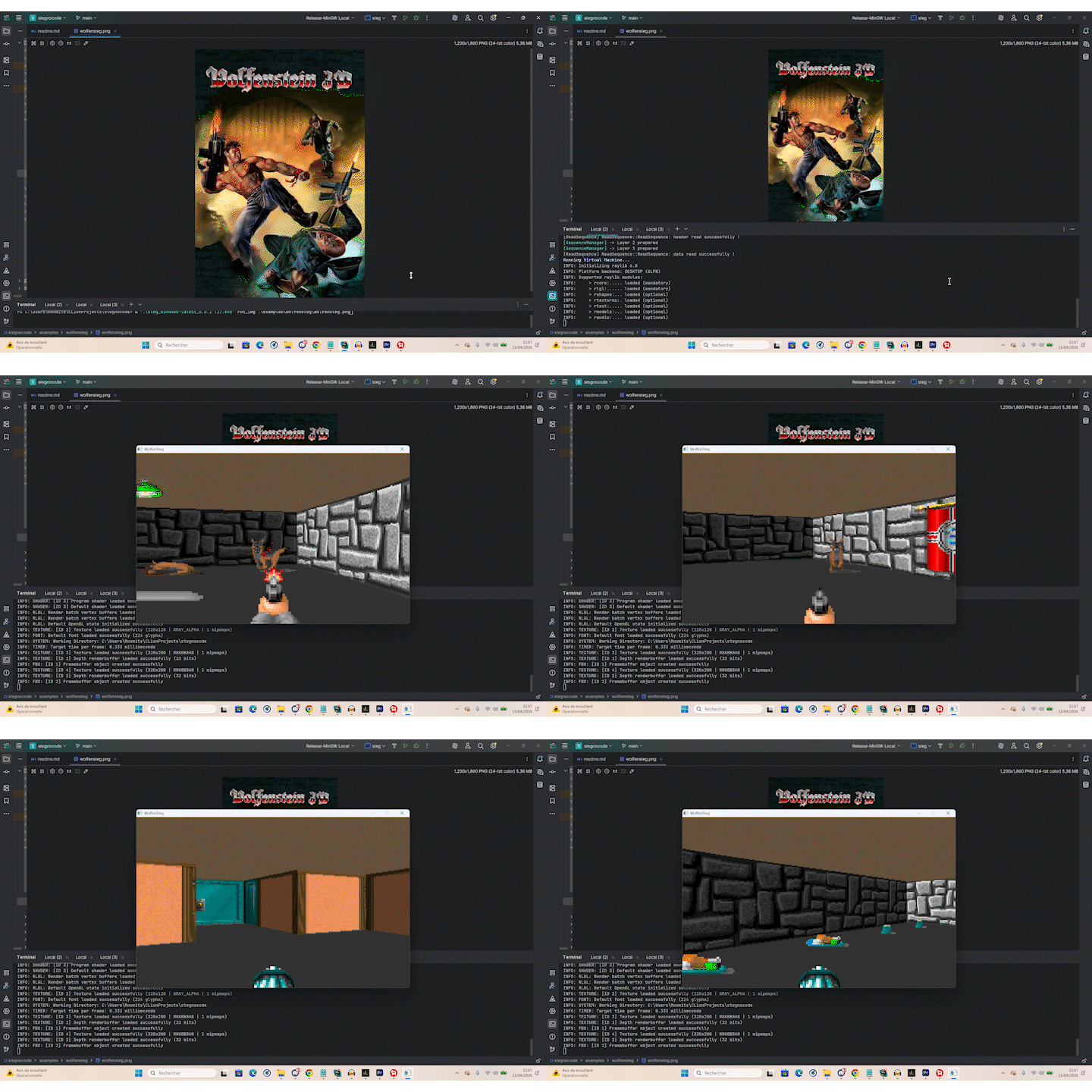
Load WolfenSteg from the image and play it.
标签:Bash脚本, C++23, CMake, C++ 编译器, DOM解析, IR, PNG 隐写, StegASM, StegVM, 中间表示, 代码混淆, 代码隐藏, 反调试, 可执行图像, 后端, 图像隐写, 数据展示, 数据隐藏, 生成式AI安全, 红队, 编译器, 自定义虚拟机, 自编译, 虚拟机, 词法分析, 语法分析, 隐写术, 隐蔽通道