IAZARA/cyberdetective-academy
GitHub: IAZARA/cyberdetective-academy
一个游戏化的网络安全培训实验室平台,通过互动案件帮助学员在实践中学习数字调查和取证分析技能。
Stars: 0 | Forks: 0
CyberDetective Academy
游戏化实验室,通过解决互动案件来学习数字调查、取证分析和网络安全。



CyberDetective Academy 将培训课程转变为一种实践体验。每位参与者都将调查证据、发现模式、应对挑战,并建立个人或团队的历史进度记录。
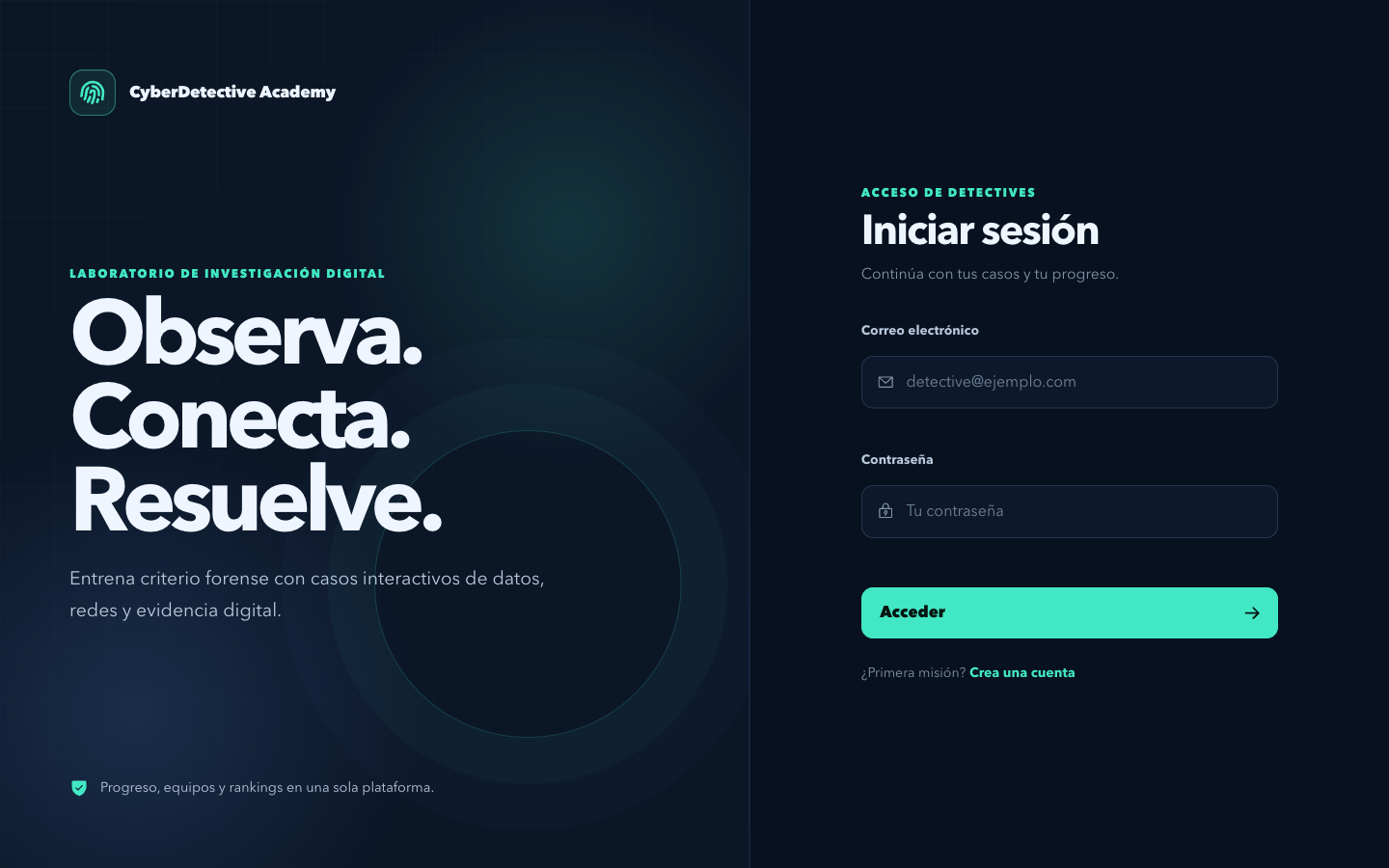
## 包含内容
| 体验 | 功能 |
| --- | --- |
| 互动案件 | 包含自动验证、提示、时间限制和多次尝试的挑战 |
| 进度 | 积分、等级、个人指标和已完成的练习 |
| 竞赛 | 个人和团队排行榜 |
| 活动 | 会议模式,包含回合制、乘数效应和可冻结的排名 |
| 管理 | 用户管理、游戏状态和主讲人指南 |
| 安全性 | JWT、rate limiting、Helmet、可配置的 CORS 和输入验证 |
## 技术栈
- **Frontend:** React 19、Vite、React Router、Axios、Framer Motion 和 Phosphor Icons。
- **Backend:** Node.js、Express、Socket.io、JWT、bcrypt、Helmet 和 PostgreSQL。
- **基础设施:** Docker Compose、Nginx 和针对 Railway 的配置。
## 使用 Docker 快速开始
你需要 Docker Desktop 或带有 Compose 的 Docker Engine。
```
git clone https://github.com/IAZARA/cyberdetective-academy.git
cd cyberdetective-academy
docker compose up --build
```
当服务准备就绪时:
| 服务 | URL |
| --- | --- |
| 应用程序 | `http://localhost:8080` |
| API | `http://localhost:3001` |
| Health check | `http://localhost:3001/health` |
## 本地开发
### 前置条件
- Node.js `20.19+` 或 `22.12+`。
- PostgreSQL 14 或更高版本。
- npm 10 或更高版本。
### 1. 数据库和 API
```
cd backend
npm ci
cp .env.example .env
```
至少在 `backend/.env` 中配置 PostgreSQL 连接和你自己的 `JWT_SECRET`。然后运行:
```
npm run setup:db
npm run dev
```
API 将在 `http://localhost:3001` 启动。
### 2. Web 应用程序
在另一个终端中:
```
cd frontend
npm ci
cp .env.example .env
npm run dev
```
应用程序将在 `http://localhost:5173` 启动,并默认使用 `http://localhost:3001/api` 作为 API。
详细指南请参阅 [INSTALL.md](INSTALL.md)。
## 环境变量
文件 [`backend/.env.example`](backend/.env.example) 和 [`frontend/.env.example`](frontend/.env.example) 记录了可用的配置项。
后端的关键环境变量:
```
DATABASE_URL=
DB_HOST=localhost
DB_PORT=5432
DB_USER=cyberdetective
DB_PASSWORD=
DB_NAME=cyberdetective_db
JWT_SECRET=usa-un-secreto-largo-y-aleatorio
CLIENT_URL=http://localhost:5173
CORS_ORIGINS=http://localhost:5173
RUN_DB_SETUP_ON_START=false
```
要创建或更新管理员,请定义 `ADMIN_USERNAME`、`ADMIN_PASSWORD`、`ADMIN_NAME` 和 `ADMIN_EMAIL`,然后运行:
```
cd backend
npm run create:admin
```
本仓库默认不包含真实的凭据和管理员用户。
## 质量检查命令
```
# 前端
cd frontend
npm run lint
npm run build
npm audit --audit-level=moderate
```
```
# 后端
cd backend
npm test
npm audit --audit-level=moderate
find src test -name '*.js' -print0 | xargs -0 -n1 node --check
```
GitHub Actions 会在每次 push 和 pull request 时自动运行这些检查。
## 目录结构
```
.
├── backend/ # API, modelos, rutas, migraciones y pruebas
├── frontend/ # Aplicación React y estilos de interfaz
├── docs/ # Guías técnicas y recursos visuales
├── docker-compose.yml # PostgreSQL, API y frontend local
├── deploy-railway.md # Despliegue en Railway
├── INSTALL.md # Instalación paso a paso
└── README.md
```
## 文档
- [本地安装](INSTALL.md)
- [Docker 环境](docs/docker.md)
- [Railway 部署](deploy-railway.md)
- [团队系统](docs/team-system-plan.md)
## 安全性
- 切勿上传 `.env` 文件、数据库转储、备份、日志、构建产物或 `node_modules`。
- 每个环境使用不同的密钥,并轮换任何已暴露的凭据。
- 在生产环境中,`JWT_SECRET` 必须至少包含 32 个字符,且 CORS 不允许使用通配符。
- 以私密方式向仓库维护者报告漏洞。
## 开源许可证
基于 MIT 许可证分发。详情请参阅 [LICENSE](LICENSE)。
标签:GNU通用公共许可证, MITM代理, Node.js, PostgreSQL, React, Syscalls, 安全教育, 数字取证, 测试用例, 漏洞修复, 版权保护, 网络安全培训, 网络靶场, 自动化脚本, 自定义脚本