usethisname1419/PoorMansBurpSuite
GitHub: usethisname1419/PoorMansBurpSuite
一款运行在 VPS 上的免费 Burp Suite 替代工具,集成了 HTTP 拦截代理、可视化仪表盘和带外回调监听器。
Stars: 1 | Forks: 0
## poormansburp
我正在开发一个 burpsuite 的替代工具。
这将是一个长期的开发项目。它运行在 VPS 上并提供多种功能(proxy + dashboard + callback + mitmdump 集成)。如果你想为这个项目提供帮助,请通过 telegram 联系我:@usethisusername
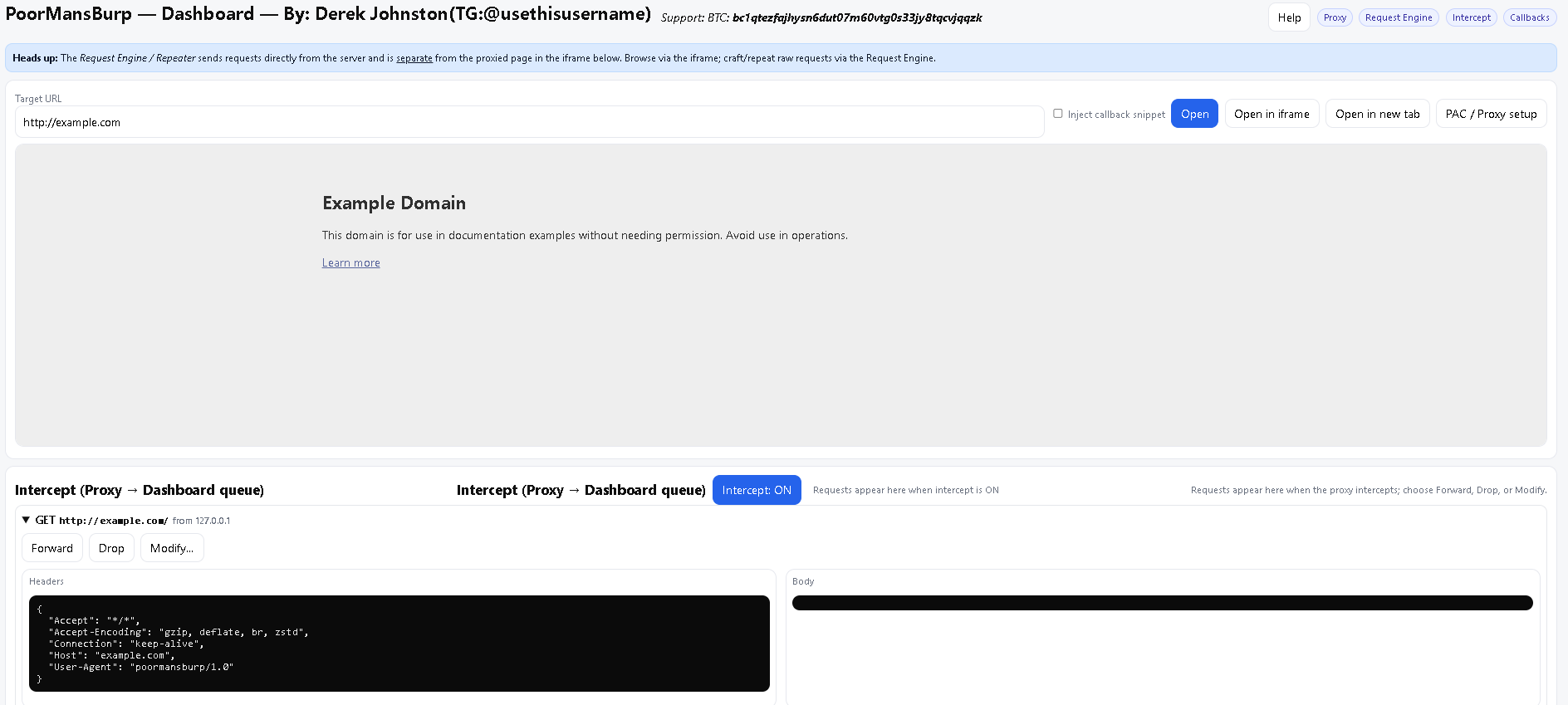
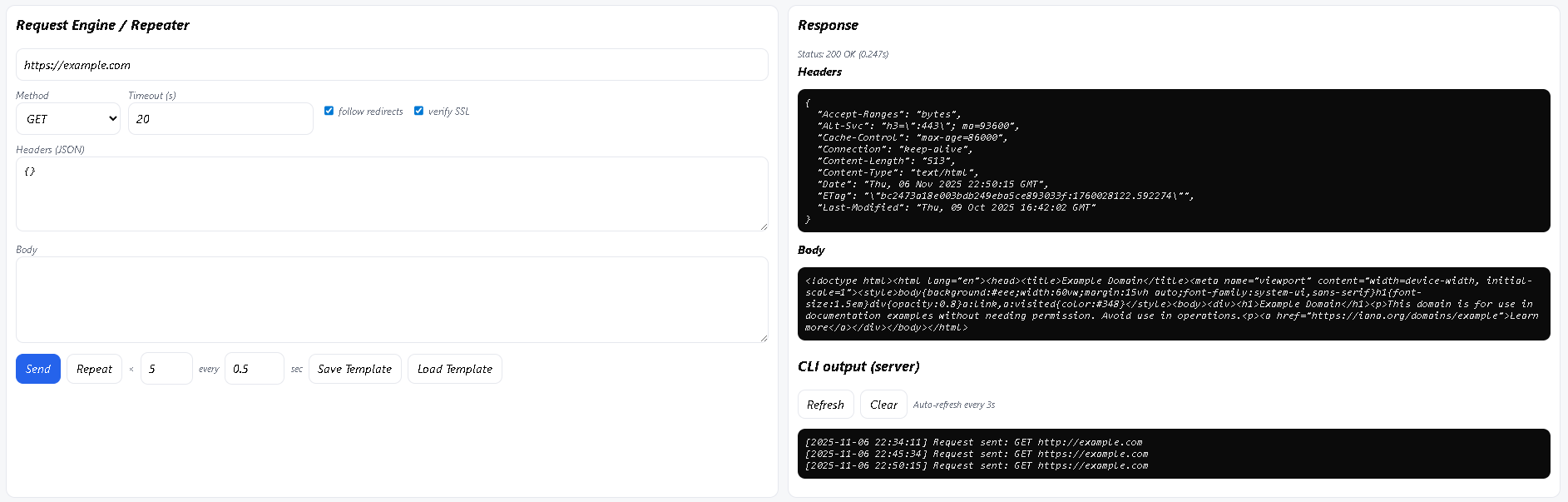

## 项目简介
poormansburp 是一个服务端优先、后端优先的渗透测试(pentest)工具包,它集成了以下功能:
一个拦截插件(mitmdump)
一个服务端 dashboard(基于 iframe 的浏览 + injection)
一个集成的 callback 监听器,用于盲打(blind)/带外(OOB)确认
它旨在运行在远程 VPS 上,这样你就可以让它保持运行状态,并从任何地方访问 UI。长远来看,它会支持更多的 payload 模块、headless-browser 渲染、sqlite 存储以及更美观的报告。
## 使用说明
在 VPS 上通过一个启动器运行所有组件:
```
python3 -m cli.main --proxy --dashboard --callback \
--dashboard-port 5002 --callback-port 5005 --mitm-port 8080
```
在浏览器中打开 dashboard:
http://:5002/
使用 dashboard 来浏览代理站点、开启/关闭 injection,以及查看 callback。
开发笔记 / 速查信息
dashboard 会注入 callback,这些 callback 会请求 dashboard 的 endpoint(对于客户端来说,不会产生 127.0.0.1 loopback 的混淆问题)。
mitmdump 作为 subprocess 运行,以发挥 mitmproxy 的全部功能——除非你特意要代理远程流量,否则请将其保持在本地运行。
使用 callback(collab)
`http://yourvpsip:port/callback`
日志文件存放在 logs/ 目录下(requests.log、injected.json、callbacks.json)。
## 推荐的部署方式
小型 Ubuntu VPS(22.04 或类似版本)
在前面部署 nginx 来终止 TLS 并保护访问(尽可能将 callback 保持在内部)
将启动器置于 systemd 下运行以确保可靠性
防火墙:仅允许 SSH 以及你暴露的端口(dashboard/nginx)。除非你有意为之,否则不要将 mitmdump 公开暴露到公网。
## 测试技巧
快速测试 endpoint:使用 webhook.site 进行一次性的公开测试
如果你想接收发往 127.0.0.1:5005 的公开 callback,可以使用 ngrok 临时暴露本地 callback
对于盲打 DNS/HTTP 测试,请使用 Interactsh 或 Burp Collaborator
## 重要提示
仅对你拥有或获得授权的目标使用此工具。未经授权的测试是违法的。
该项目正在开发中,请不要去测试陌生的网站,因为可能存在安全风险!!
## 常见问题排查
缺少依赖项 → `pip install -r requirements.txt`(建议使用 venv)
端口被占用 → `sudo ss -lntp | grep :5005`,然后 kill 掉冲突的进程
iframe injection 未触发 → 混合内容问题(目标是 HTTPS,但 callback 是 HTTP)——请在 HTTPS 下运行 dashboard,或者测试 HTTP 页面
如果你没有 VPS,可以使用诸如 serveo、ngrok、zrok 之类的隧道工具 - 切勿为了使用此工具而在本地设备上开放并转发端口!
## Issues
拦截器目前还存在不少 bug,有时能正常工作
安全 Issues
## 支持
如果你希望看到它成长为一个完全免费且成熟的 burp 替代品,请捐赠 BTC `bc1qtezfajhysn6dut07m60vtg0s33jy8tqcvjqqzk`
标签:Web安全, 中间人代理, 带外通信(OOB), 蓝队分析, 逆向工具