milos-agathon/forge3d
GitHub: milos-agathon/forge3d
一个基于 Rust 和 WebGPU 的 Python 优先三维地形与场景渲染引擎,支持交互式查看、离屏渲染和专业制图输出。
Stars: 557 | Forks: 59
基于 Rust + WebGPU 的 Python 优先地形与场景渲染。
交互式查看器、离屏渲染、叠加层、点云、notebook 以及生产级输出。




## 安装
```
pip install forge3d
```
可选附加项:
```
pip install "forge3d[jupyter]" # notebook widget support
pip install "forge3d[datasets]" # on-demand sample datasets
pip install "forge3d[all]" # everything
```
## 快速开始
```
import forge3d as f3d
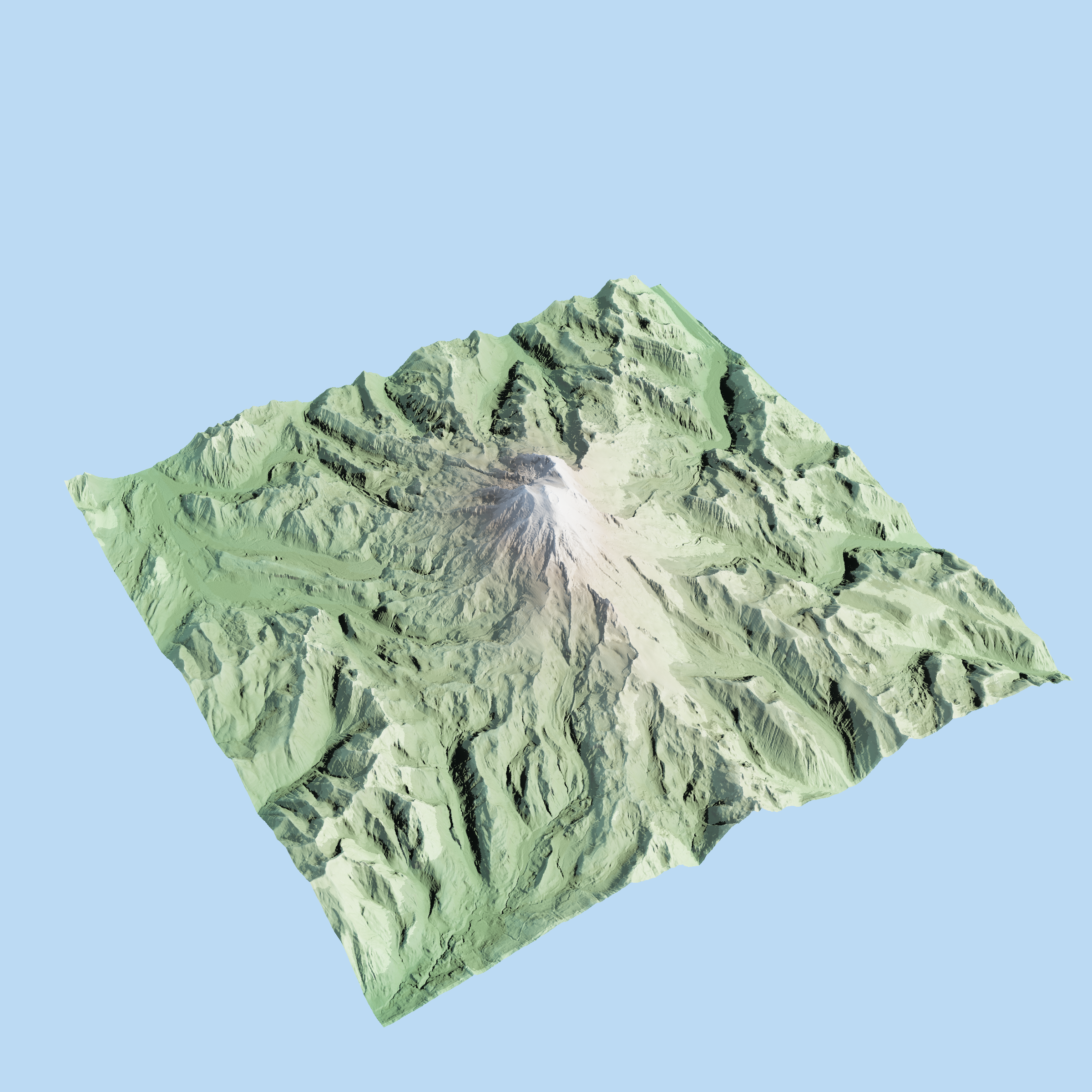
dem_path = f3d.fetch_dem("rainier")
with f3d.open_viewer_async(terrain_path=dem_path, width=1440, height=900) as viewer:
viewer.set_z_scale(0.1)
viewer.set_orbit_camera(phi_deg=28, theta_deg=49, radius=5400, fov_deg=42)
viewer.set_sun(azimuth_deg=302, elevation_deg=24)
viewer.snapshot("rainier.png", width=1920, height=1080)
```
## forge3d 涵盖的内容
开源工作流:
- 通过 `open_viewer_async()` 和 `ViewerHandle` 进行交互式地形查看
- 从 GeoTIFF 或 `numpy` DEM 输入生成地形快照
- 栅格叠加层、矢量叠加层、标签以及相机自动化
- 加载 LAZ/COPC/EPT 点云
- COG 访问、CRS 辅助工具、数据集、预设和 notebook 小部件
- 使用 `Scene`、`Session`、`TerrainRenderer` 和 `TerrainRenderParams` 进行原生/离屏渲染
- 几何体、网格、矢量、SDF、路径追踪、光照和地形散射辅助工具
专业工作流:
- 用于制图合成的 `MapPlate`、`Legend`、`ScaleBar` 和 `NorthArrow`
- SVG/PDF 矢量导出
- 针对 GeoJSON、CityJSON 和 3D Tiles 工作流的建筑导入流水线
- Mapbox 样式导入与场景包
## 文档导航
- [快速入门](https://milos-agathon.github.io/forge3d/start/quickstart.html):安装、首次查看器会话、首个叠加层、首个 notebook 小部件
- [功能图谱](https://milos-agathon.github.io/forge3d/guides/feature_map.html):仓库范围内支持的工作流概览
- [示例目录](https://milos-agathon.github.io/forge3d/examples/index.html):`examples/` 中的所有脚本和 notebook
- [教程](https://milos-agathon.github.io/forge3d/tutorials/index.html):GIS 和 Python 指导学习路线
- [画廊](https://milos-agathon.github.io/forge3d/gallery/index.html):完成的方案与视觉效果
- [API 参考](https://milos-agathon.github.io/forge3d/api/api_reference.html):完整的公共 Python 接口
## 示例
本仓库在 [`examples/`](examples/) 中提供了一系列广泛的可运行示例,包括:
- 交互式地形场景和栅格叠加层
- Mapbox 样式、标签和拾取演示
- 点云和建筑查看器
- 相机动画和地形相机装置
- COG 流式传输和离屏地形渲染
- 纯 Python 合成示例与 notebook
当脚本提供 CLI 选项时,可以使用 `python examples/
.py --help` 运行任何脚本。
## 许可证
开源核心在 Apache-2.0 OR MIT 许可下发布。专业版受限功能需要使用 `forge3d.set_license_key(...)` 设置商业许可证密钥。标签:3D渲染, Mutation, Python, Rust, WebGPU, 信息收集, 可视化, 可视化界面, 无后门, 无头渲染, 网络流量审计, 逆向工具, 通知系统