znakar/SharkTooth
GitHub: znakar/SharkTooth
一款支持 Docker 容器化部署并集成 Prometheus 与 Grafana 监控的多线程 TCP/UDP 端口扫描工具。
Stars: 4 | Forks: 0
# SharkTooth
[](https://www.python.org)
[](https://github.com/znakar/Port_Scanner/blob/master/LICENSE? "license MIT")
[](https://github.com/znakar/Port_Scanner/stargazers "stars")
[](https://github.com/znakar/Port_Scanner/issues "issues")
[](https://gitlab.com/ci_cd2970651/python_port_scanner)


## SharkTooth 是一个支持 TCP 和 UDP 的端口扫描器。适用于基础的网络审计和培训。
### 该项目完全使用 docker 和 docker compose 进行容器化,以便快速部署监控系统。
该项目展示了:
* 创建网络连接
* 检查端口可用性
* TCP 和 UDP 扫描
* 多线程
* 进度条
* 命令的帮助信息
* 监控
## 工作演示
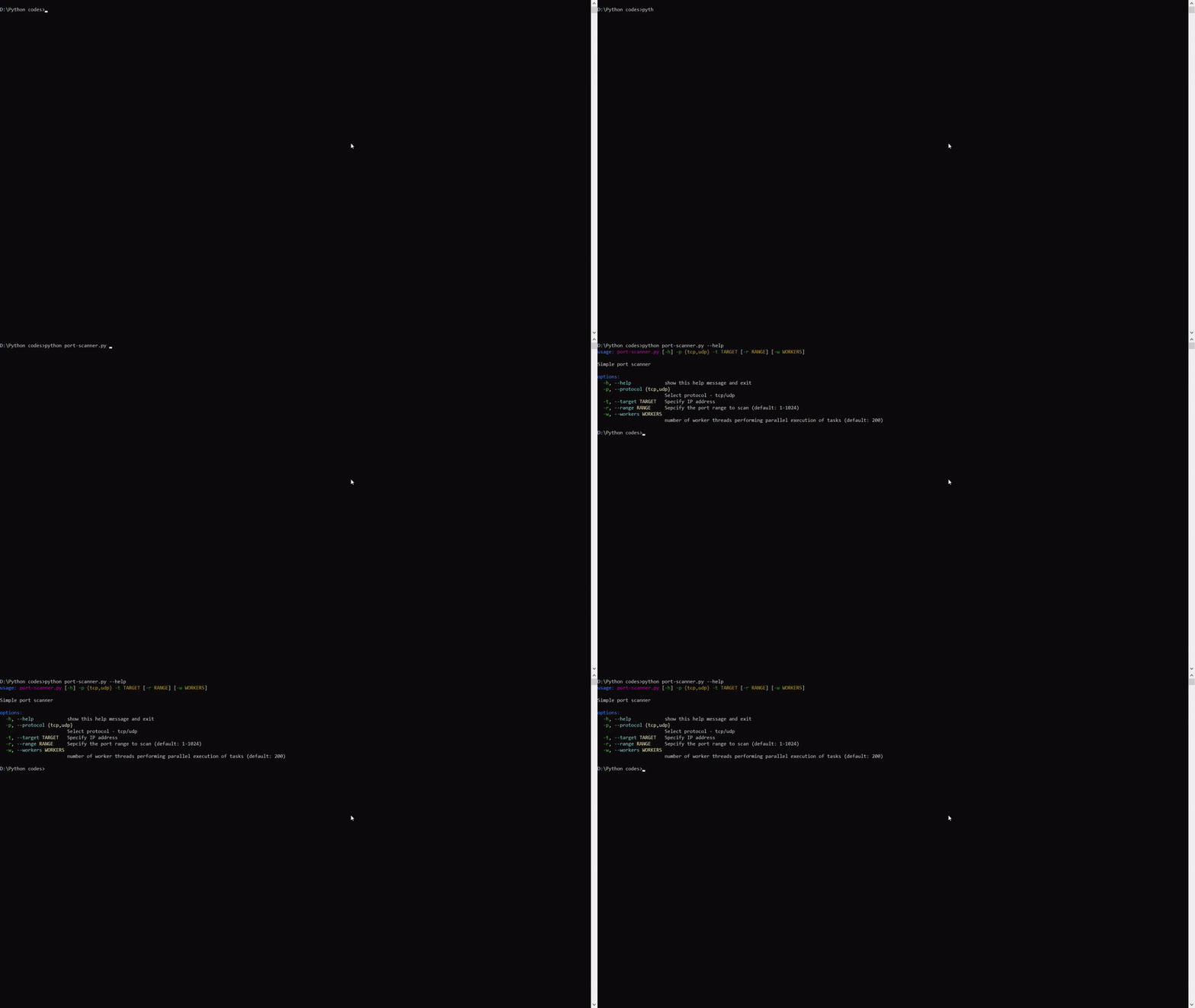
**基础帮助输出**
**通过 IP 地址扫描**

**通过域名扫描**

## 📈 监控
#### ✨ Grafana

#### ⚙️ Prometheus

## 🚀 安装和启动
### 依赖要求
- [Python 3.13.1](https://www.python.org/downloads/)
- [tqdm](https://github.com/tqdm/tqdm)
- [prometheus_client](https://github.com/prometheus/client_python)
###  Windows 10/11
1. 下载 ZIP,Code → [下载 Zip](https://github.com/znakar/Python-Port-Scanner)
2. 将压缩包解压到方便的位置
3. 打开命令提示符 (Win + r → cmd)
4. 进入项目文件夹 (cd "path\to\project")
5. 运行 python port-scanner.py --help
###
Windows 10/11
1. 下载 ZIP,Code → [下载 Zip](https://github.com/znakar/Python-Port-Scanner)
2. 将压缩包解压到方便的位置
3. 打开命令提示符 (Win + r → cmd)
4. 进入项目文件夹 (cd "path\to\project")
5. 运行 python port-scanner.py --help
###  Ubuntu: 最新版本
1. apt update
2. apt install python3 python3-pip git
3. git clone https://github.com/znakar/Python-Port-Scanner
4. apt install python3-tqdm
5. cd Python-Port-Scanner/
6. python3 port-scanner.py --help
##
Ubuntu: 最新版本
1. apt update
2. apt install python3 python3-pip git
3. git clone https://github.com/znakar/Python-Port-Scanner
4. apt install python3-tqdm
5. cd Python-Port-Scanner/
6. python3 port-scanner.py --help
##  发现 bug?
如果您发现了问题或希望为该项目提交改进建议,请使用上面的 issues 标签提交一个 issue。如果您希望提交包含修复的 PR,请引用您创建的 issue。
#### 最后更新:2026年1月23日
发现 bug?
如果您发现了问题或希望为该项目提交改进建议,请使用上面的 issues 标签提交一个 issue。如果您希望提交包含修复的 PR,请引用您创建的 issue。
#### 最后更新:2026年1月23日
Windows 10/11
1. 下载 ZIP,Code → [下载 Zip](https://github.com/znakar/Python-Port-Scanner)
2. 将压缩包解压到方便的位置
3. 打开命令提示符 (Win + r → cmd)
4. 进入项目文件夹 (cd "path\to\project")
5. 运行 python port-scanner.py --help
### Ubuntu: 最新版本
1. apt update
2. apt install python3 python3-pip git
3. git clone https://github.com/znakar/Python-Port-Scanner
4. apt install python3-tqdm
5. cd Python-Port-Scanner/
6. python3 port-scanner.py --help
## 发现 bug?
如果您发现了问题或希望为该项目提交改进建议,请使用上面的 issues 标签提交一个 issue。如果您希望提交包含修复的 PR,请引用您创建的 issue。
#### 最后更新:2026年1月23日标签:Docker, Grafana, Python, WSL, 域名侦查, 安全防御评估, 插件系统, 数据统计, 无后门, 版权保护, 端口扫描, 网络审计, 网络工具, 自定义请求头, 请求拦截, 逆向工具