langflow-ai/openrag
GitHub: langflow-ai/openrag
一站式RAG平台,整合Langflow、OpenSearch和Docling,提供智能文档摄取、语义搜索和AI驱动的对话式问答能力。
Stars: 4165 | Forks: 419

# OpenRAG
智能 Agent 驱动的文档搜索
[](https://github.com/langflow-ai/langflow)
[](https://github.com/opensearch-project/OpenSearch)
[](https://github.com/docling-project/docling)
[](https://www.youtube.com/@OpenRAG/)
[](https://github.com/langflow-ai/openrag/stargazers)
[](https://github.com/langflow-ai/openrag/network/members)
[](https://docs.openr.ag) [](https://deepwiki.com/langflow-ai/openrag)
OpenRAG 是一个综合性的检索增强生成(RAG)平台,支持智能文档搜索和 AI 驱动的对话。
用户可以通过由大语言模型和语义搜索功能支持的聊天界面上传、处理和查询文档。该系统利用 Langflow 进行文档摄取、检索工作流和智能引导,提供无缝的 RAG 体验。
查看[文档](https://docs.openr.ag/)或通过[快速入门](https://docs.openr.ag/quickstart)开始使用。
基于 [FastAPI](https://fastapi.tiangolo.com/) 和 [Next.js](https://github.com/vercel/next.js) 构建。
由 [OpenSearch](https://github.com/opensearch-project/OpenSearch)、[Langflow](https://github.com/langflow-ai/langflow) 和 [Docling](https://github.com/docling-project/docling) 提供支持。
## ✨ 核心功能
- **预打包且即刻运行** - 所有关键工具均已配置完毕,只需安装并运行
- **Agent RAG 工作流** - 具备重排序和多 Agent 协调的高级编排
- **文档摄取** - 通过智能解析处理杂乱的现实世界数据
- **拖拽式工作流构建器** - 由 Langflow 驱动的可视化界面,助力快速迭代
- **模块化企业附加组件** - 按需扩展功能
- **任意规模的企业级搜索** - 由 OpenSearch 驱动,提供生产级性能
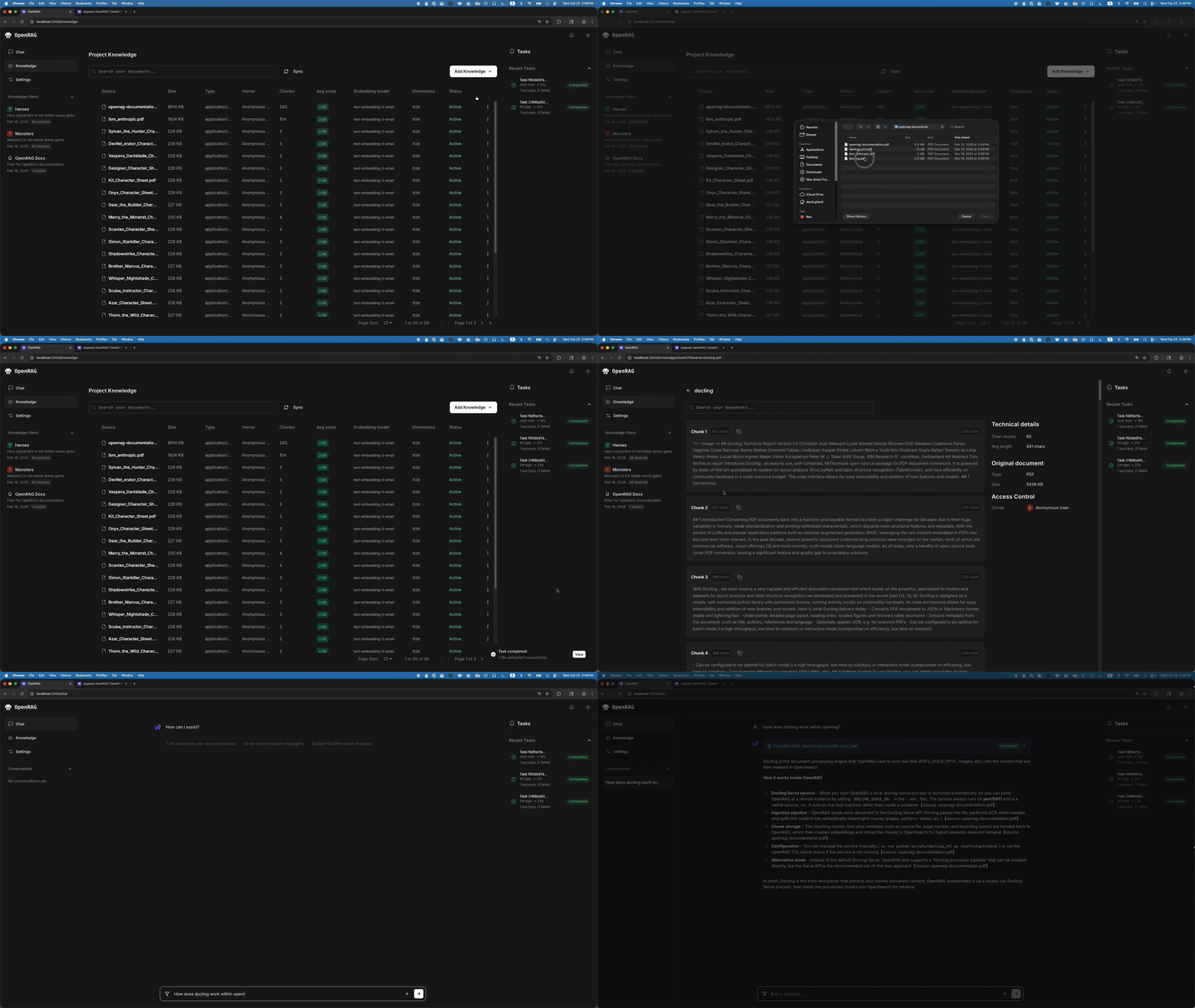
## 🔄 OpenRAG 工作原理
OpenRAG 遵循精简的工作流程,将您的文档转化为智能、可搜索的知识:
## 🚀 安装 OpenRAG
要开始使用 OpenRAG,请参阅 OpenRAG 文档中的安装指南:
* [快速入门](https://docs.openr.ag/quickstart)
* [安装 OpenRAG Python 包](https://docs.openr.ag/install-options)
* [使用 Docker 或 Podman 部署自管服务](https://docs.openr.ag/docker)
## ✨ 快速开始工作流
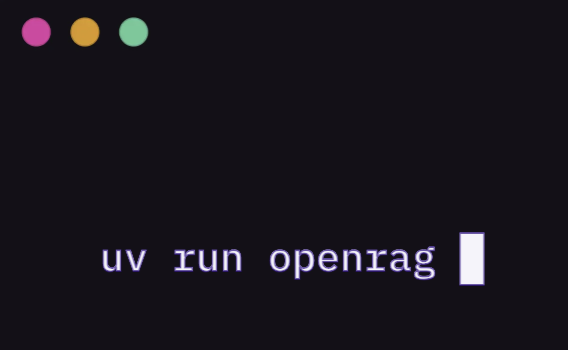
**1. 启动 OpenRAG**
↓
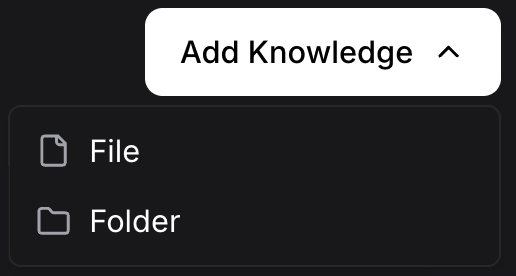
**2. 添加知识库**
↓
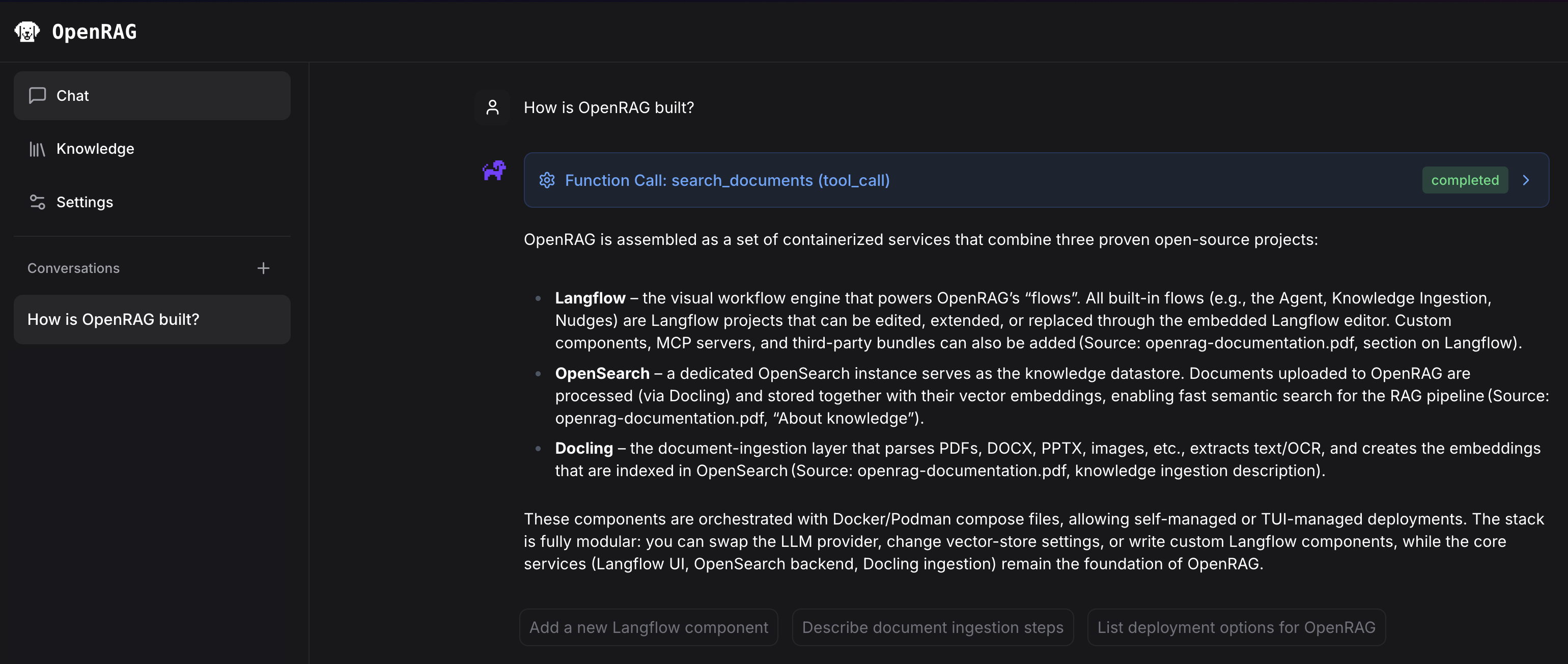
**3. 开始聊天**
## 📦 SDK
使用我们的官方 SDK 将 OpenRAG 集成到您的应用程序中:
### Python SDK
```
pip install openrag-sdk
```
**快速示例:**
```
import asyncio
from openrag_sdk import OpenRAGClient
async def main():
async with OpenRAGClient() as client:
response = await client.chat.create(message="What is RAG?")
print(response.response)
if __name__ == "__main__":
asyncio.run(main())
```
📖 [完整 Python SDK 文档](https://pypi.org/project/openrag-sdk/)
### TypeScript/JavaScript SDK
```
npm install openrag-sdk
```
**快速示例:**
```
import { OpenRAGClient } from "openrag-sdk";
const client = new OpenRAGClient();
const response = await client.chat.create({ message: "What is RAG?" });
console.log(response.response);
```
📖 [完整 TypeScript/JavaScript SDK 文档](https://www.npmjs.com/package/openrag-sdk)
## 🔌 模型上下文协议 (MCP)
将 Cursor 和 Claude Desktop 等 AI 助手连接到您的 OpenRAG 知识库:
```
pip install openrag-mcp
```
**快速示例 (Cursor/Claude Desktop 配置):**
```
{
"mcpServers": {
"openrag": {
"command": "uvx",
"args": ["openrag-mcp"],
"env": {
"OPENRAG_URL": "http://localhost:3000",
"OPENRAG_API_KEY": "your_api_key_here"
}
}
}
}
```
MCP 服务器提供用于 RAG 增强聊天、语义搜索和设置管理的工具。
📖 [完整 MCP 文档](https://pypi.org/project/openrag-mcp/)
## 🛠️ 开发
对于想要[为 OpenRAG 做贡献](https://docs.openr.ag/support/contribute)或搭建开发环境的开发者,请参阅 [CONTRIBUTING.md](CONTRIBUTING.md)。
## 🛟 故障排除
如需 OpenRAG 相关帮助,请参阅 [OpenRAG 故障排除](https://docs.openr.ag/support/troubleshoot)并访问[讨论页面](https://github.com/langflow-ai/openrag/discussions)。
如需报告错误或提交功能请求,请访问[问题页面](https://github.com/langflow-ai/openrag/issues)。
标签:AV绕过, DLL 劫持, DNS解析, Docling, FastAPI, Langflow, Python, RAG, 企业搜索, 分布式搜索, 向量数据库, 大语言模型, 对话系统, 开源项目, 文档搜索, 文档解析, 无后门, 智能问答, 检索增强生成, 知识库管理, 语义检索, 请求拦截, 逆向工具