galilai-group/stable-worldmodel
GitHub: galilai-group/stable-worldmodel
一个统一的世界模型研究平台,为数据收集、模型训练和模型预测控制评估提供可复现的标准化流水线。
Stars: 2058 | Forks: 247
stable-worldmodel
一个用于可复现世界模型研究与评估的平台。





安装 · 快速开始 · 环境 · 求解器与基线 · 文档 · 论文 · 引用
`stable-worldmodel` 为世界模型研究的三个阶段——**数据收集**、**训练**和**使用模型预测控制进行评估**——提供了一个单一、统一的接口,并支持大量标准化环境。它内置了常见基线和规划求解器的参考实现,使研究代码能够专注于真正重要的贡献:模型和目标。 ## 安装 从 PyPI 安装: ``` pip install stable-worldmodel # base only pip install 'stable-worldmodel[all]' # + training, environments, and data formats ``` LeRobot 数据集支持作为单独的可选依赖项提供(需要 Python 3.12+):`pip install 'stable-worldmodel[lerobot]'`。 从源码安装(开发模式): ``` git clone https://github.com/galilai-group/stable-worldmodel cd stable-worldmodel uv venv --python=3.10 && source .venv/bin/activate uv sync --extra all --group dev ``` 数据集和检查点存储在 `$STABLEWM_HOME` 下(默认为 `~/.stable_worldmodel/`)。可覆盖该变量以指向您偏好的存储位置。 ## 快速开始 ``` import stable_worldmodel as swm from stable_worldmodel.policy import WorldModelPolicy, PlanConfig from stable_worldmodel.solver import CEMSolver # 1. 收集 dataset world = swm.World("swm/PushT-v1", num_envs=8) world.set_policy(your_expert_policy) world.collect("data/pusht_demo.lance", episodes=100, seed=0) # 2. 加载它并训练你的 world model(格式会被自动检测) dataset = swm.data.load_dataset("data/pusht_demo.lance", num_steps=16) world_model = ... # your model # 3. 使用 model-predictive control 进行评估 solver = CEMSolver(model=world_model, num_samples=300) policy = WorldModelPolicy(solver=solver, config=PlanConfig(horizon=10)) world.set_policy(policy) results = world.evaluate(episodes=50) print(f"Success Rate: {results['success_rate']:.1f}%") ``` [`scripts/train/`](scripts/train) 中提供了参考实现:[`lewm.py`](scripts/train/lewm.py) 实现了 [LeWM](https://le-wm.github.io/),[`prejepa.py`](scripts/train/prejepa.py) 复现了 [DINO-WM](https://arxiv.org/abs/2411.04983)。要直接从 HuggingFace 对象存储中进行训练而无需下载本地数据集,请参阅 [](https://colab.research.google.com/github/galilai-group/stable-worldmodel/blob/main/scripts/notebooks/train_from_hf_buckets.ipynb) 笔记本。
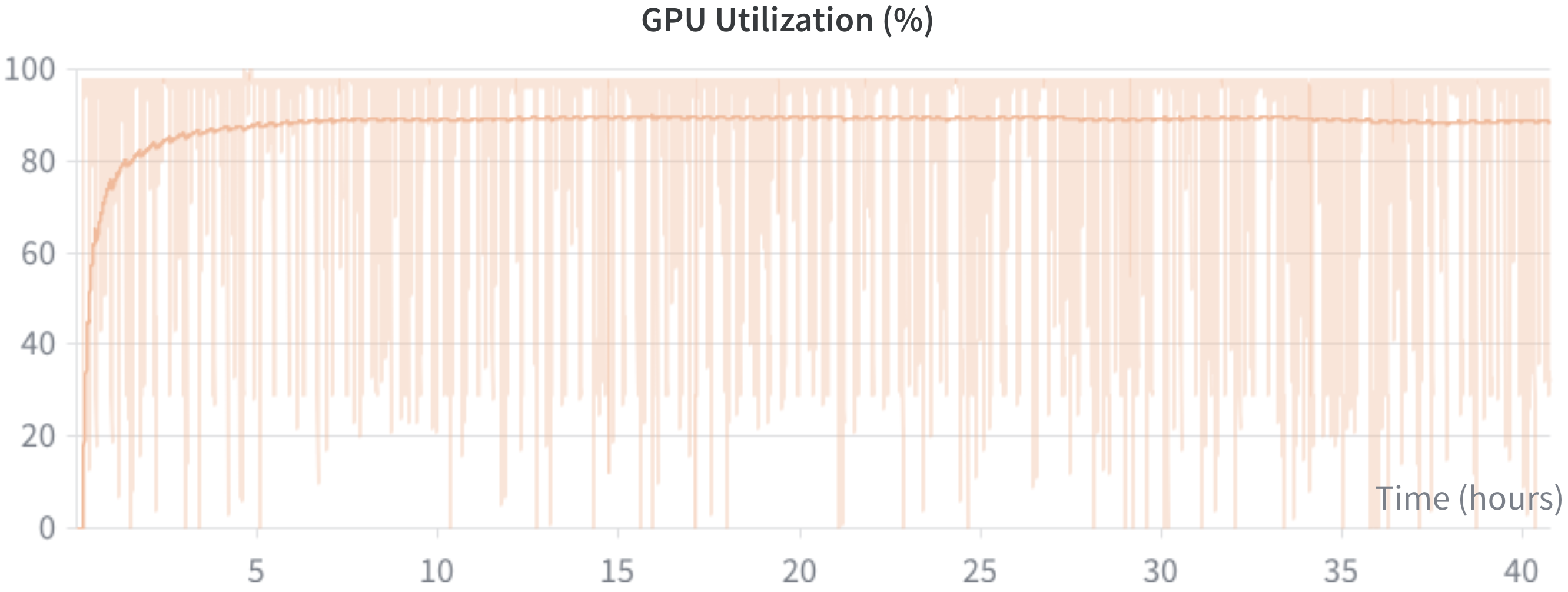
GPU utilization for LeWM trained with Push-T LanceDB dataset on a H200 GPU.
吞吐量与存储基准测试
以下数据由 [`scripts/benchmark/compare_h5_lance.py`](scripts/benchmark/compare_h5_lance.py) 生成,并可通过该脚本复现。基准测试使用了 [LeWorldModel](https://le-wm.github.io/) 论文中的 [PushT 数据集](https://huggingface.co/datasets/galilai-group/lewm-pusht)。 ## 吞吐量 | 格式 | 来源 | 缓存 | samples/s | ms/step | |---------|----------|----------|-----------|----------| | HDF5 | local | no-cache | 1416.1 | 45.2 | | HDF5 | local | cached | 1474.0 | 43.4 | | LanceDB | local | no-cache | 4814.8 | 13.3 | | LanceDB | local | cached | 4431.3 | 14.4 | | Video | local | - | 1330.6 | 48.1 | | LanceDB | s3 | no-cache | 3183.7 | 20.1 | | LanceDB | s3 | cached | 3253.2 | 19.7 | | HDF5 | s3 | no-cache | 9.1 | 7032.5 | | HDF5 | s3 | cached | 756.5 | 84.6 | ## 每种格式的存储大小 (本地) | 格式 | 本地大小 | |---------|------------| | HDF5 | 43.12 GB | | LanceDB | 13.31 GB | | Video | 496.29 MB |  |
  |
  |
  |
  |
  |
 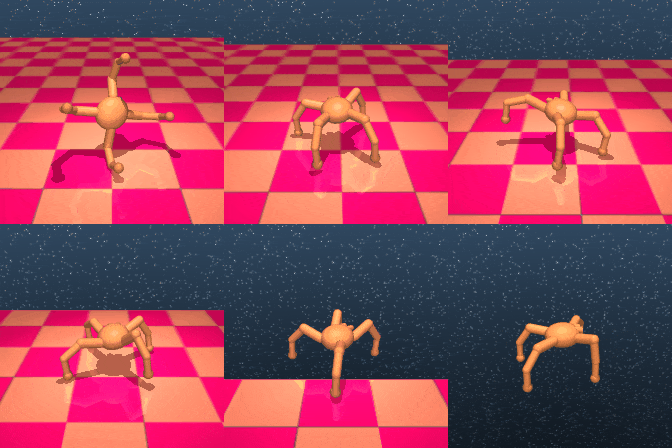 |
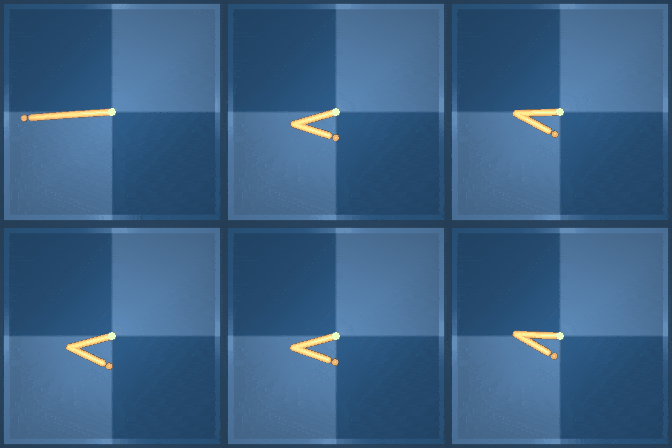 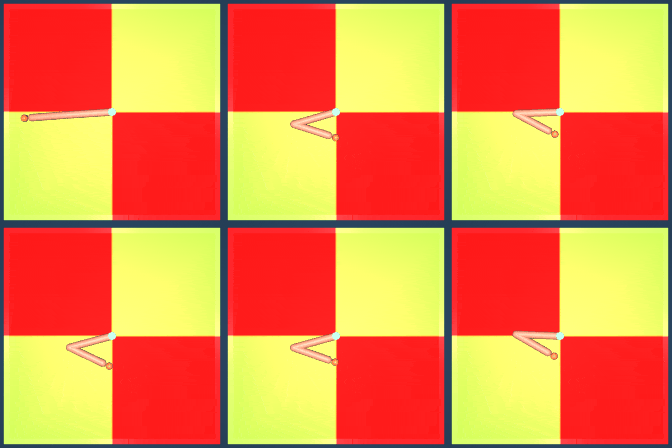 |
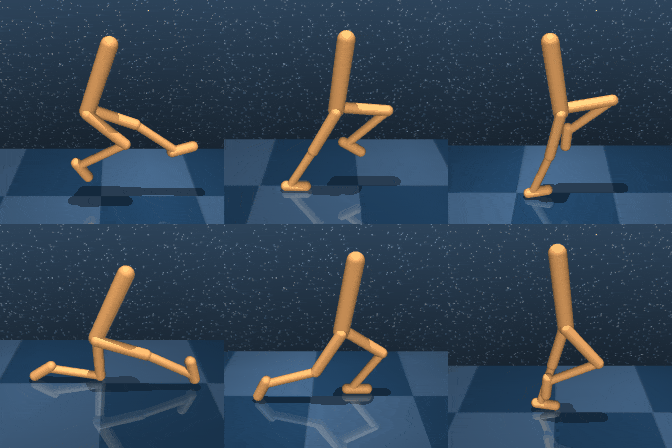  |
  |
  |
  |
  |
  |
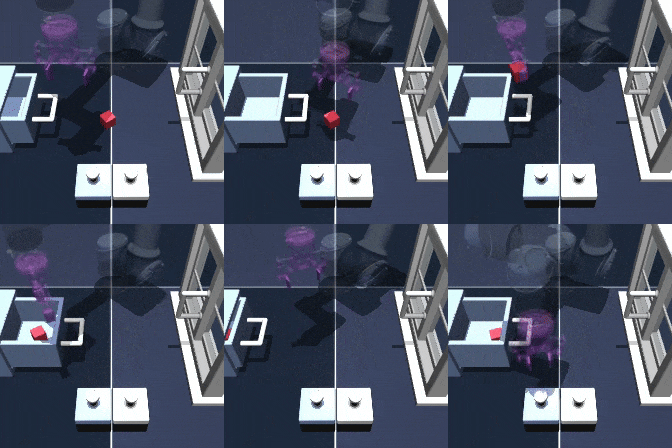 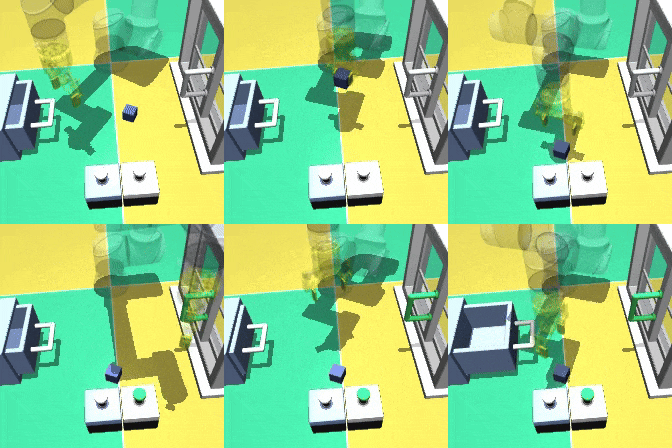 |
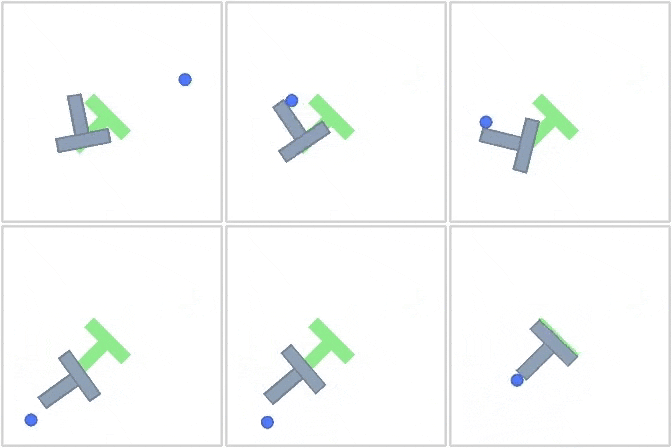  |
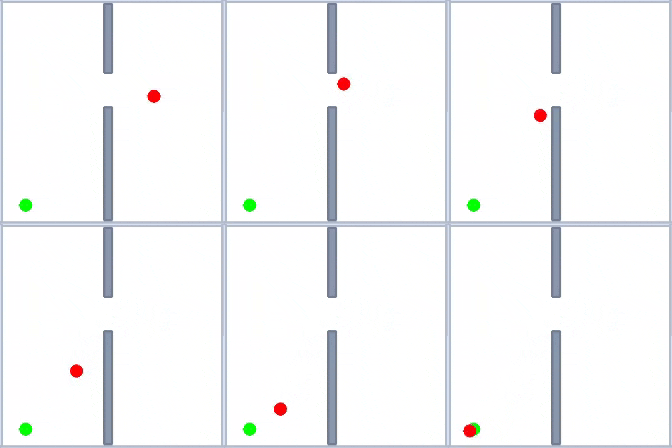 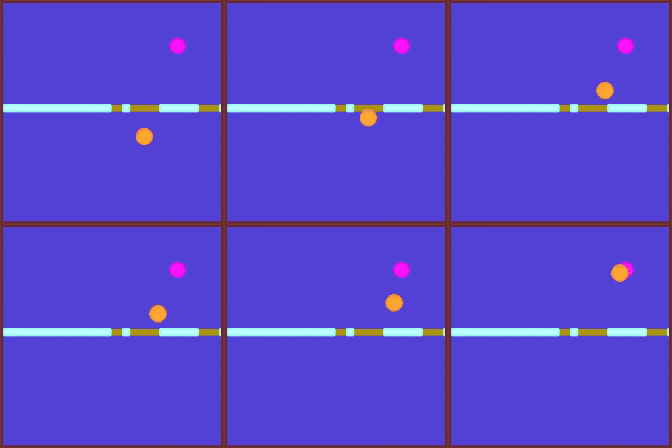 |
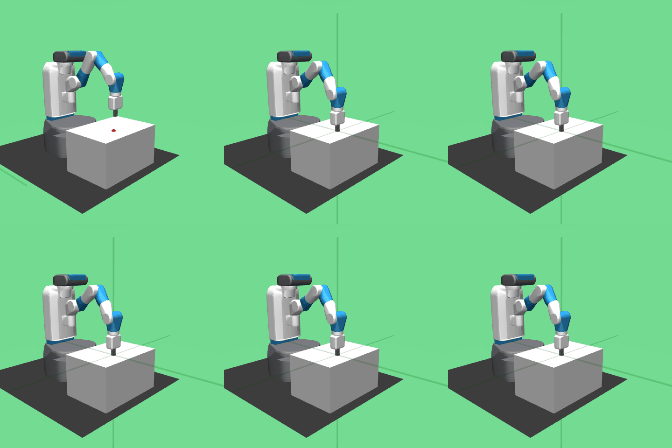 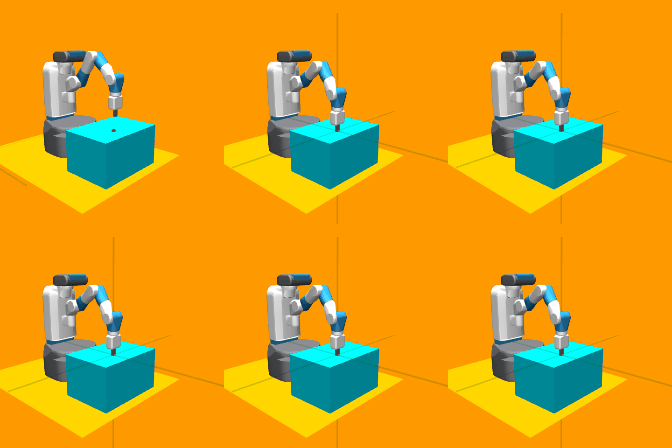 |
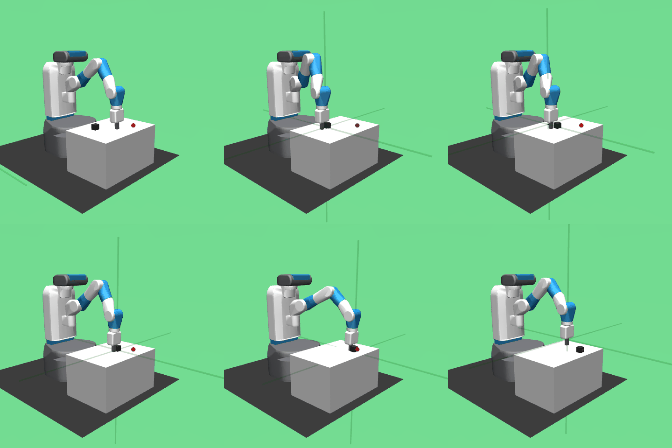 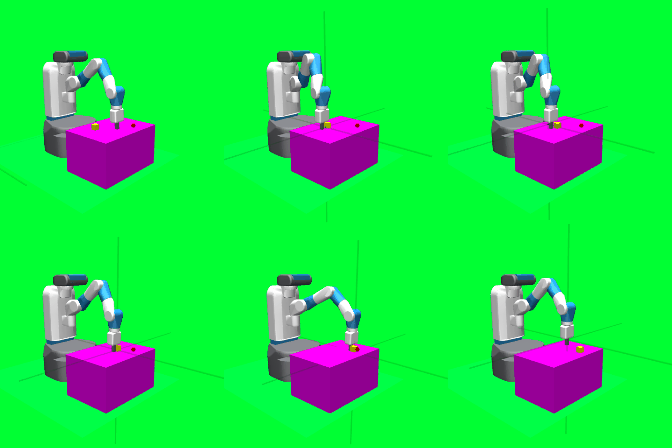 |
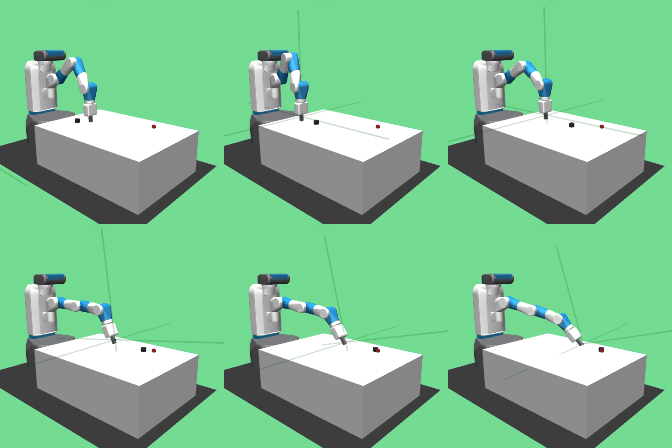 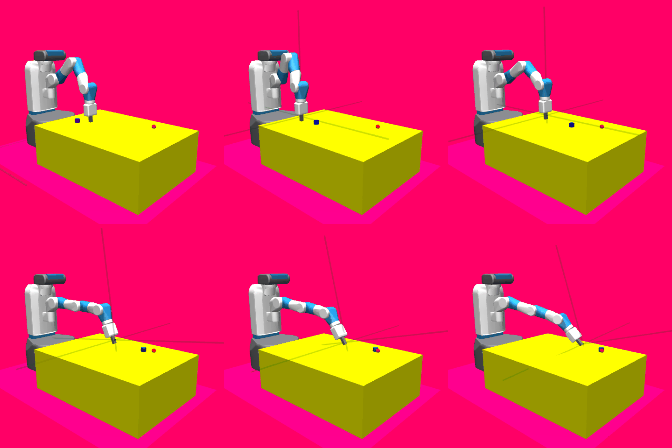 |
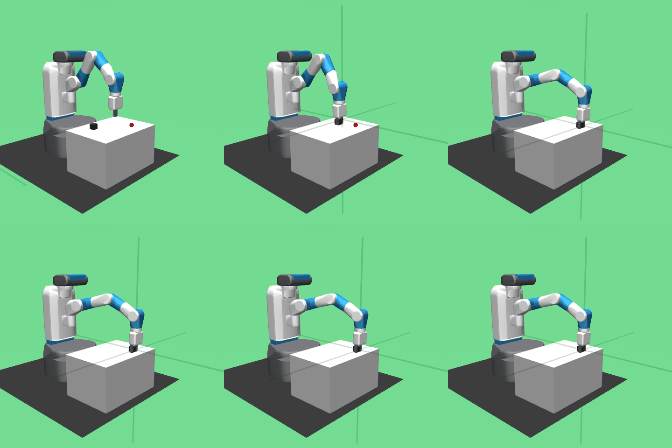 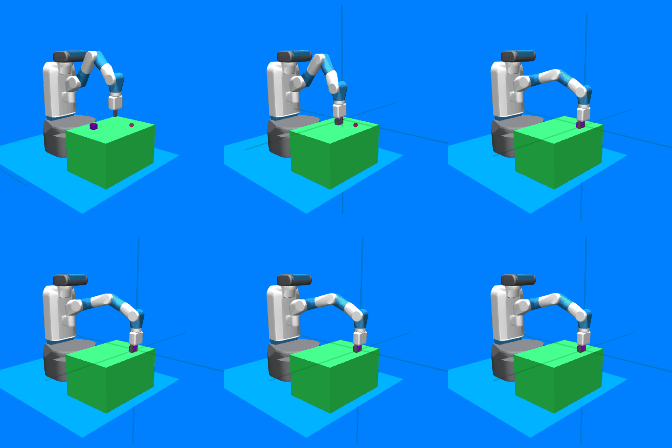 |
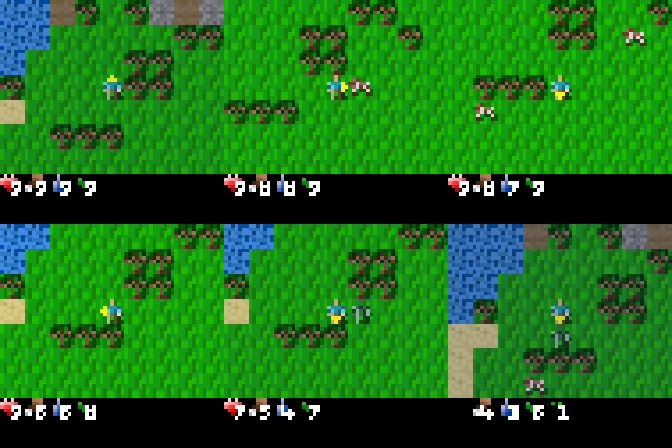 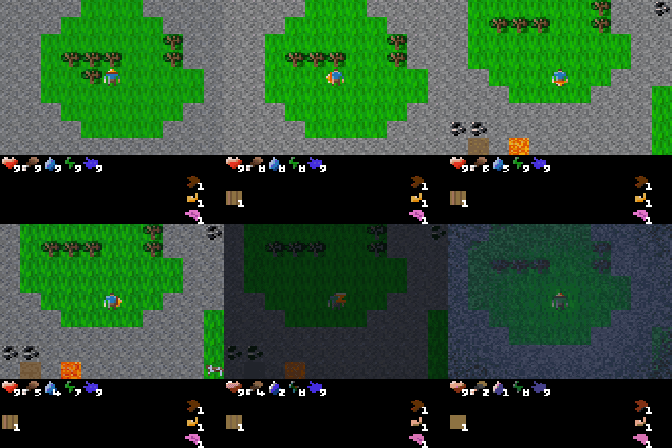 |
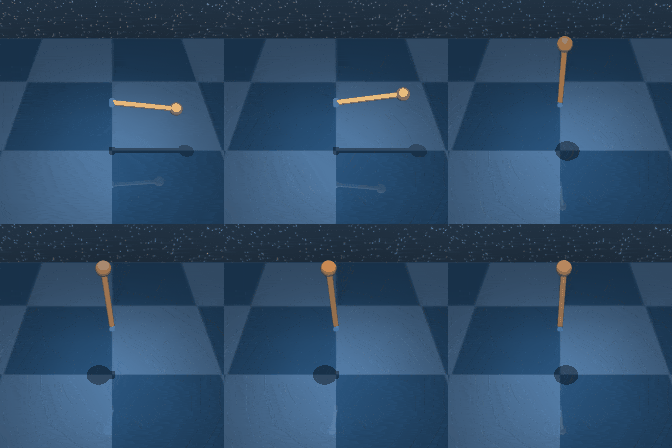
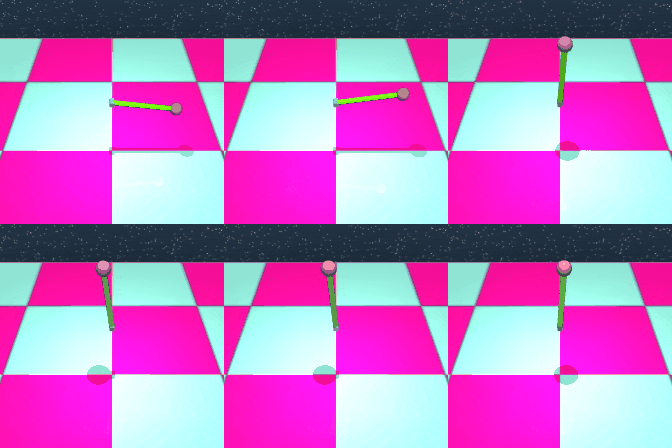
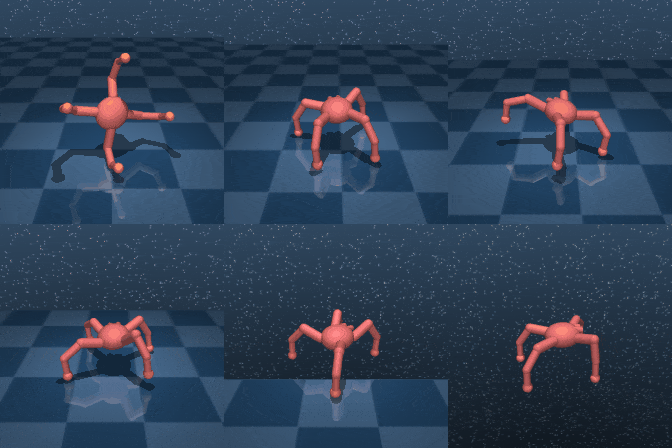
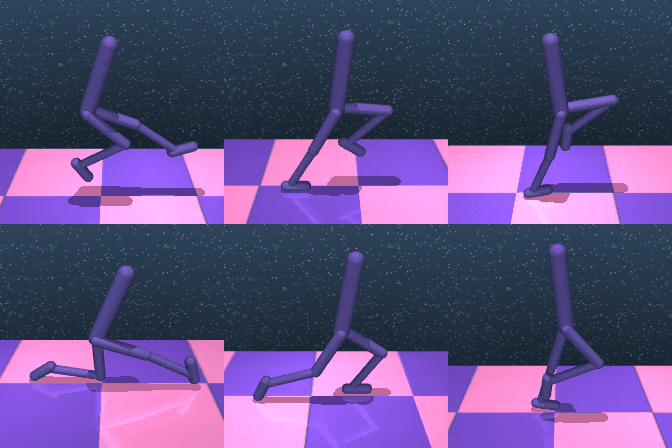
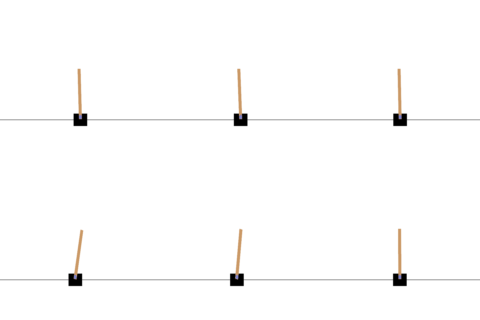
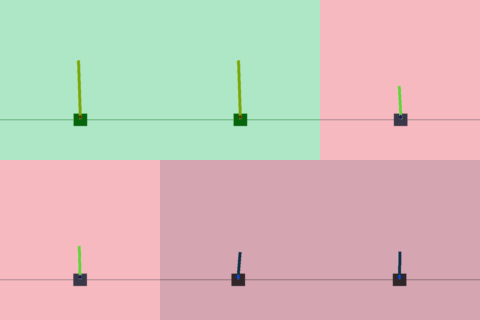
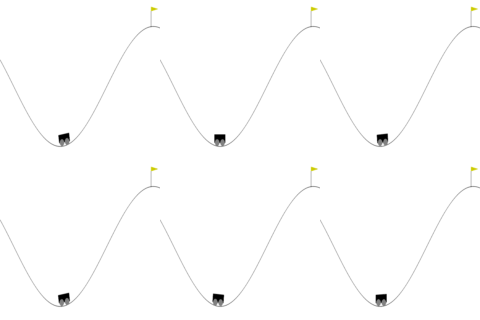
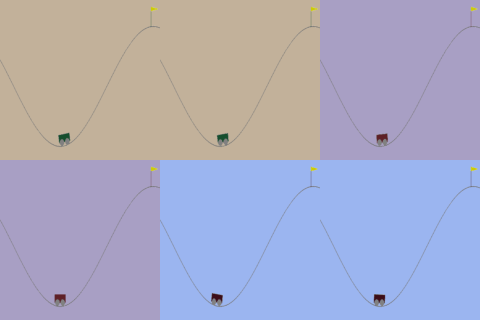
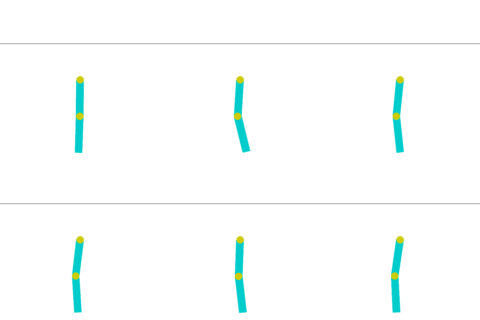
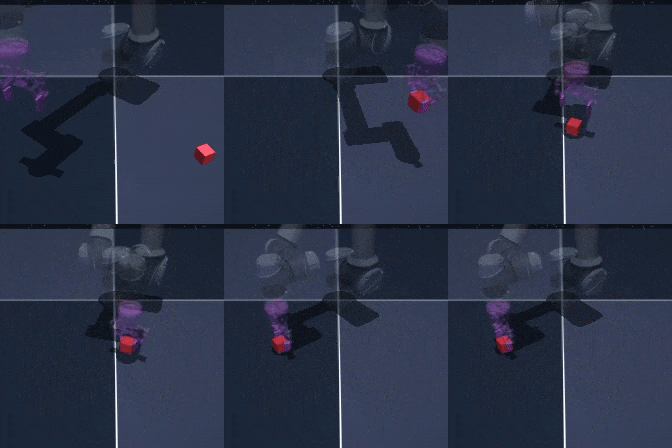
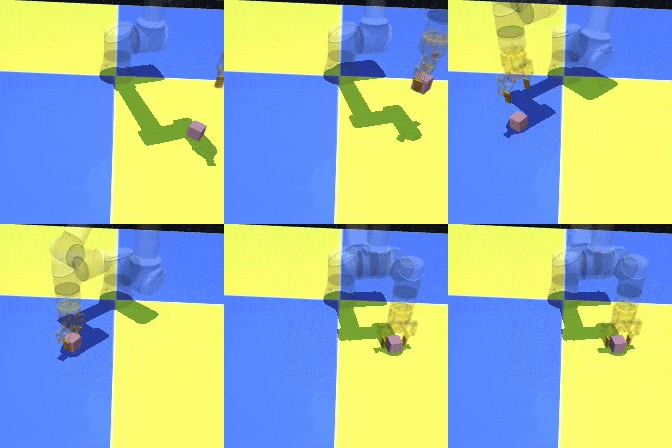
完整环境列表
| [环境 ID](https://github.com/galilai-group/stable-worldmodel/tree/main/stable_worldmodel/envs) | # 变化因子 |
|------------------------------|---------|
| swm/PushT-v1 | 16 |
| swm/TwoRoom-v1 | 17 |
| swm/OGBCube-v0 | 11 |
| swm/OGBScene-v0 | 12 |
| swm/HumanoidDMControl-v0 | 7 |
| swm/CheetahDMControl-v0 | 7 |
| swm/HopperDMControl-v0 | 7 |
| swm/ReacherDMControl-v0 | 8 |
| swm/WalkerDMControl-v0 | 8 |
| swm/AcrobotDMControl-v0 | 8 |
| swm/PendulumDMControl-v0 | 6 |
| swm/CartpoleDMControl-v0 | 6 |
| swm/BallInCupDMControl-v0 | 9 |
| swm/FingerDMControl-v0 | 10 |
| swm/ManipulatorDMControl-v0 | 8 |
| swm/QuadrupedDMControl-v0 | 7 |
| swm/CartPoleControl-v1 | 10 |
| swm/MountainCarControl-v0 | 5 |
| swm/MountainCarContinuousControl-v0 | 4 |
| swm/AcrobotControl-v1 | 11 |
| swm/PendulumControl-v1 | 9 |
| swm/FetchReach-v3 | 8 |
| swm/FetchPush-v3 | 11 |
| swm/FetchSlide-v3 | 11 |
| swm/FetchPickAndPlace-v3 | 11 |
| swm/CraftaxClassicPixels-v1 | — |
| swm/CraftaxClassicSymbolic-v1| — |
| swm/CraftaxPixels-v1 | — |
| swm/CraftaxSymbolic-v1 | — |
| [ALE/* (100+ Atari 游戏)](https://ale.farama.org/) | — |
| [求解器](https://github.com/galilai-group/stable-worldmodel/tree/main/stable_worldmodel/solver) | 类型 |
|---------------------------------------|-----------------|
| Cross-Entropy Method (CEM) | Sampling |
| Improved CEM (iCEM) | Sampling |
| Model Predictive Path Integral (MPPI) | Sampling |
| Predictive Sampling | Sampling |
| Gradient Descent (SGD, Adam) | Gradient |
| Projected Gradient Descent (PGD) | Gradient |
| Augmented Lagrangian | Constrained Opt |
| [基线](https://github.com/galilai-group/stable-worldmodel/tree/main/scripts/train) | 类型 |
|----------|-------------------|
| DINO-WM | JEPA |
| PLDM | JEPA |
| LeWM | JEPA |
| GCBC | Behaviour Cloning |
| GCIVL | RL |
| GCIQL | RL |
## 命令行界面
安装完成后,可以使用 `swm` 命令来检查/转换数据集、环境和检查点,无需编写代码:
```
swm datasets # list cached datasets
swm inspect pusht_expert_train # inspect a specific dataset
swm envs # list all registered environments
swm fovs PushT-v1 # show factors of variation for an environment
swm checkpoints # list available model checkpoints
swm convert pusht_expert_train --dest-format video # convert a dataset to another format
```
## 文档
完整文档位于 [galilai-group.github.io/stable-worldmodel](https://galilai-group.github.io/stable-worldmodel/),包含 API 参考、教程和指南。
## 基于 `stable-worldmodel` 构建
- **[C-JEPA](https://hazel-heejeong-nam.github.io/cjepa/)**
- **[LeWM](https://le-wm.github.io/)**
## 引用
```
@misc{maes_lld2026swm,
title = {stable-worldmodel: A Platform for Reproducible World Modeling Research and Evaluation},
author = {Lucas Maes and Quentin Le Lidec and Luiz Facury and Nassim Massaudi and
Ayush Chaurasia and Francesco Capuano and Richard Gao and Taj Gillin and
Dan Haramati and Damien Scieur and Yann LeCun and Randall Balestriero},
year = {2026},
eprint = {2605.21800},
archivePrefix = {arXiv},
primaryClass = {cs.LG},
url = {https://arxiv.org/abs/2605.21800},
}
```
## 问题
欢迎提交 [issue](https://github.com/galilai-group/stable-worldmodel/issues) — 我们很乐意提供帮助。标签:Apex, PyTorch, 世界模型, 人工智能, 凭据扫描, 开源框架, 持续集成, 机器学习, 模型评估, 用户模式Hook绕过, 逆向工具