通过Web分享你的终端
作者:Sec-Labs | 发布时间:
项目地址
https://github.com/tsl0922/ttyd
ttyd - 通过网络共享您的终端
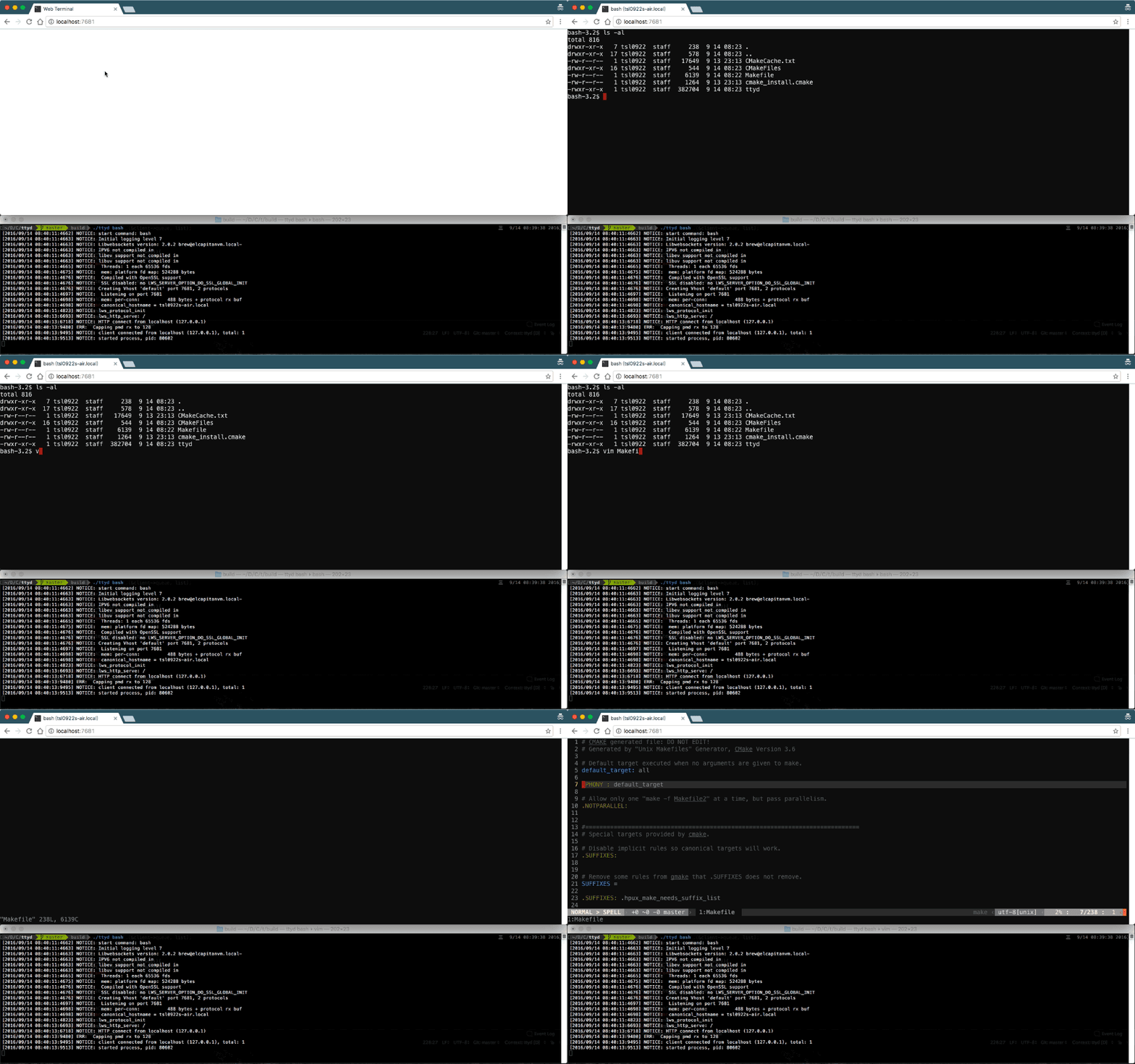
ttyd 是一个简单的命令行工具,用于通过网络共享终端。
特征
- 建立在 libuv 和 WebGL2 之上 以提高速度
- 支持CJK 和 IME 的全功能终端
- ZMODEM ( lrzsz ) / trzsz 文件传输支持
- Sixel 图像输出支持 ( img2sixel / lsix )
- 基于 OpenSSL / Mbed TLS的 SSL 支持
- 使用选项运行任何自定义命令
- 基本身份验证支持和许多其他自定义选项
- 跨平台:macOS、Linux、FreeBSD/OpenBSD、 OpenWrt 、Windows
❤ 特别感谢 JetBrains 赞助该项目的开源许可。
安装
在 macOS 上安装
在 Linux 上安装
- 二进制版本(推荐):从 发布 页面下载
- 安装快照:
sudo snap install ttyd --classic - 从源代码构建(debian/ubuntu):
sudo apt-get install build-essential cmake git libjson-c-dev libwebsockets-dev git clone https://github.com/tsl0922/ttyd.git cd ttyd && mkdir build && cd build cmake .. make && sudo make install如果包已过时 ,您可能还需要 从源代码编译/安装 libwebsockets 。libwebsockets-dev - 在 OpenWrt 上安装:
opkg install ttyd - 在 Gentoo 上安装:克隆 存储库 并按照 此处 的说明进行操作。
在 Windows 上安装
- 二进制版本(推荐):从 发布 页面下载
- 使用 Scoop 安装:
scoop install ttyd - 在 Windows 上编译
用法
命令行选项
ttyd is a tool for sharing terminal over the web

USAGE:
    ttyd [options] <command> [<arguments...>]

VERSION:
    1.7.2

OPTIONS:
    -p, --port              Port to listen (default: 7681, use `0` for random port)
    -i, --interface         Network interface to bind (eg: eth0), or UNIX domain socket path (eg: /var/run/ttyd.sock)
    -c, --credential        Credential for Basic Authentication (format: username:password)
    -u, --uid               User id to run with
    -g, --gid               Group id to run with
    -s, --signal            Signal to send to the command when exit it (default: 1, SIGHUP)
    -a, --url-arg           Allow client to send command line arguments in URL (eg: http://localhost:7681?arg=foo&arg=bar)
    -R, --readonly          Do not allow clients to write to the TTY
    -t, --client-option     Send option to client (format: key=value), repeat to add more options
    -T, --terminal-type     Terminal type to report, default: xterm-256color
    -O, --check-origin      Do not allow websocket connection from different origin
    -m, --max-clients       Maximum clients to support (default: 0, no limit)
    -o, --once              Accept only one client and exit on disconnection
    -B, --browser           Open terminal with the default system browser
    -I, --index             Custom index.html path
    -b, --base-path         Expected base path for requests coming from a reverse proxy (eg: /mounted/here, max length: 128)
    -P, --ping-interval     Websocket ping interval(sec) (default: 300)
    -6, --ipv6              Enable IPv6 support
    -S, --ssl               Enable SSL
    -C, --ssl-cert          SSL certificate file path
    -K, --ssl-key           SSL key file path
    -A, --ssl-ca            SSL CA file path for client certificate verification
    -d, --debug             Set log level (default: 7)
    -v, --version           Print the version and exit
    -h, --help              Print this text and exit

Visit https://github.com/tsl0922/ttyd to get more information and report bugs.
阅读 wiki 上的示例用法。
浏览器支持
现代浏览器,请参阅 浏览器支持 。
备择方案
标签:工具分享, web终端